Botany Pots Mod Tutorial & Spotlight
Botany Pots Mod Tutorial: Automate Your Minecraft Crop Farms
The Botany Pots mod is a simple yet powerful Minecraft mod that lets you grow crops, saplings, and even minerals inside decorative pots — no farmland or water required. Whether you are playing a survival world or building a mod pack, Botany Pots offers an easy way to automate your farm in a compact space. This guide walks you through crafting your first pot, choosing the right soil, understanding grow speeds, and expanding with must-have add-ons.
What Is the Botany Pots Mod?
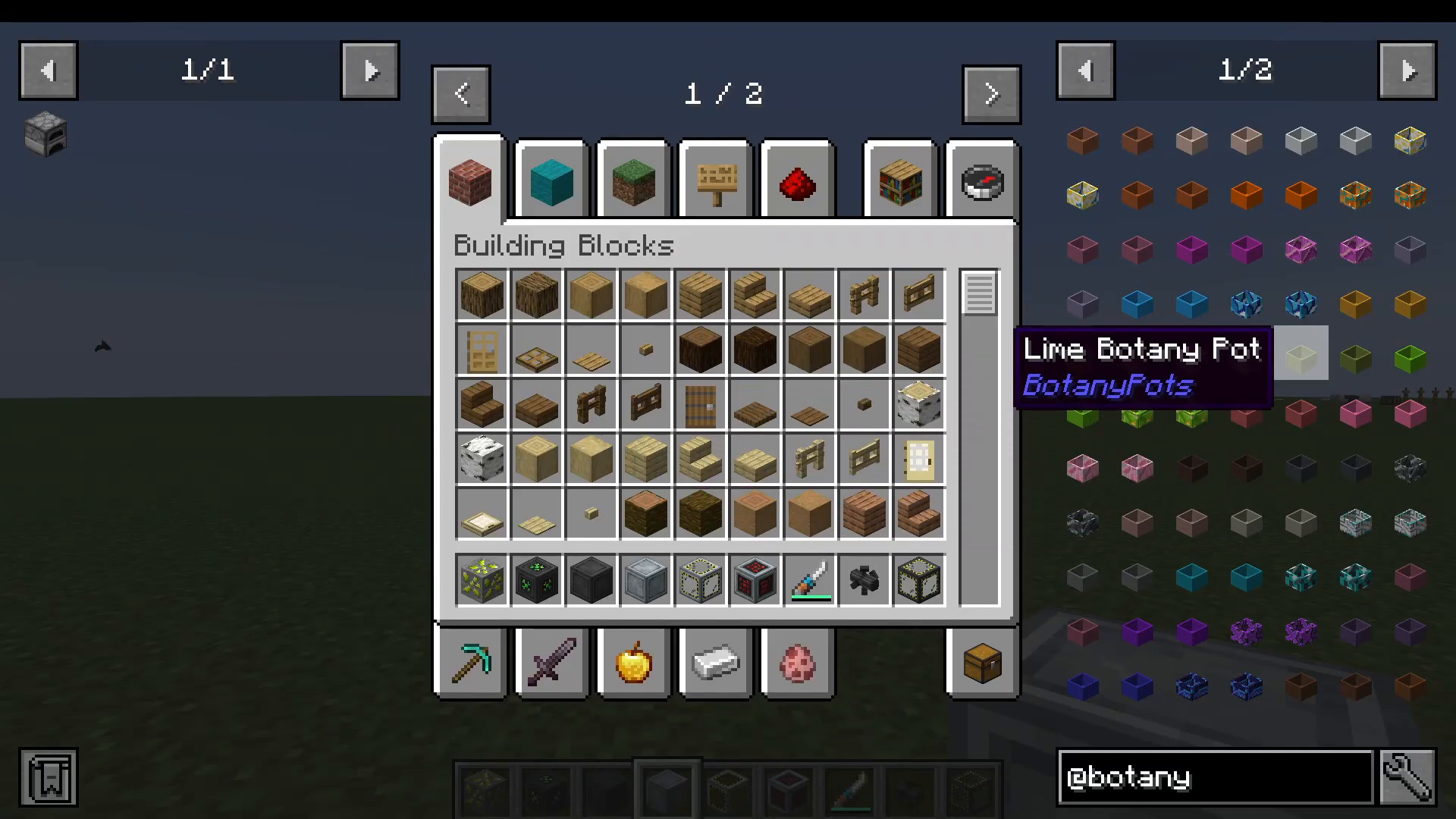
Botany Pots adds a new block — the Botany Pot — that functions as a self-contained growing station. The mod includes a wide variety of pot styles crafted from different terracotta types, so you can match them to your build’s colour scheme while keeping your farm fully functional.
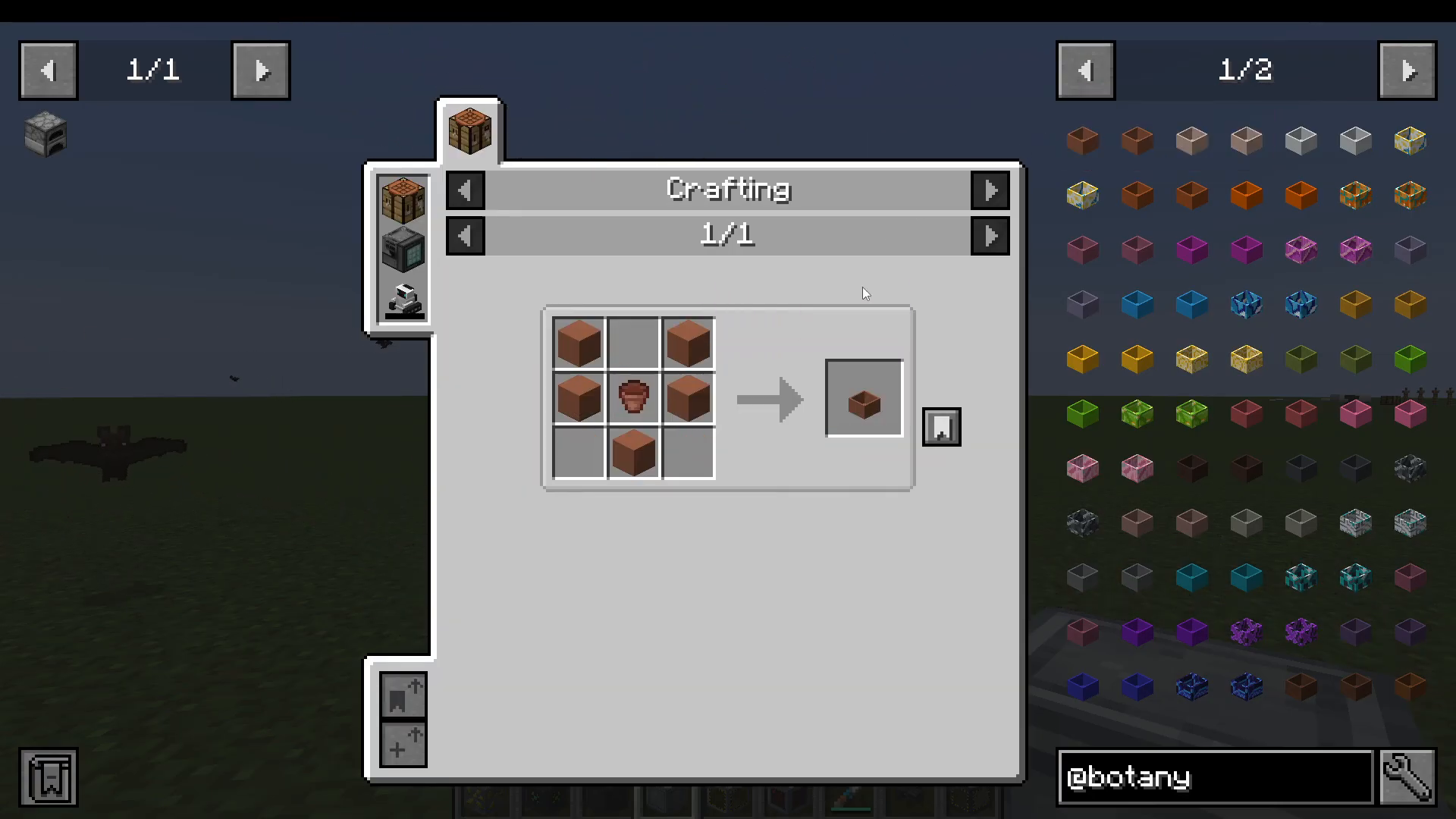
Crafting Your Botany Pot
The basic Botany Pot is crafted using a flower pot and terracotta. From there, you have two upgrade paths:
Hopper Botany Pot — a built-in hopper version that automatically outputs harvested items downward into a container below.
Botany Pot with a Hopper — a standard pot placed on top of a separately placed hopper, achieving the same output effect.
Setting Up Your First Automated Farm
Placing the Pot and Chest
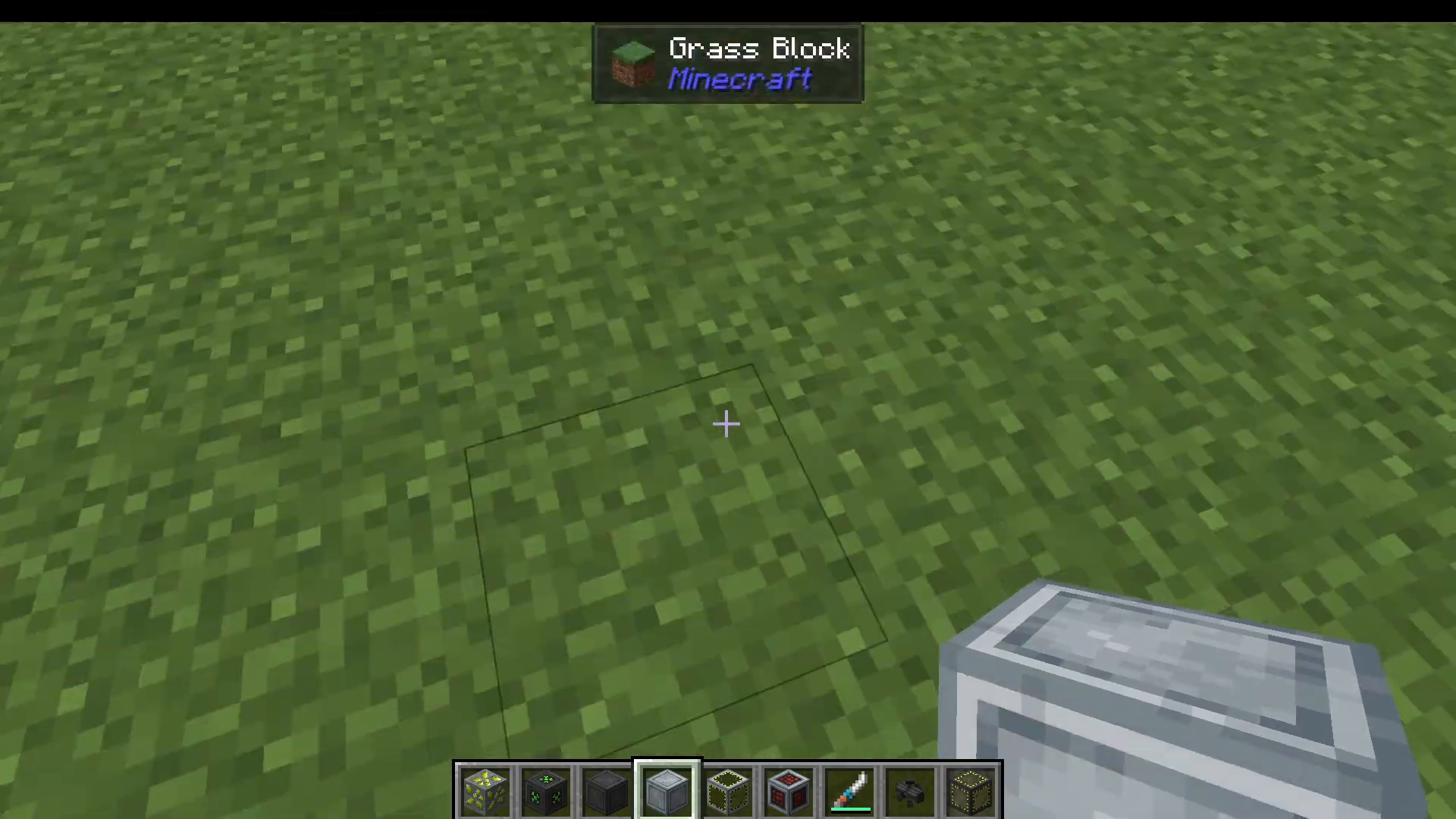
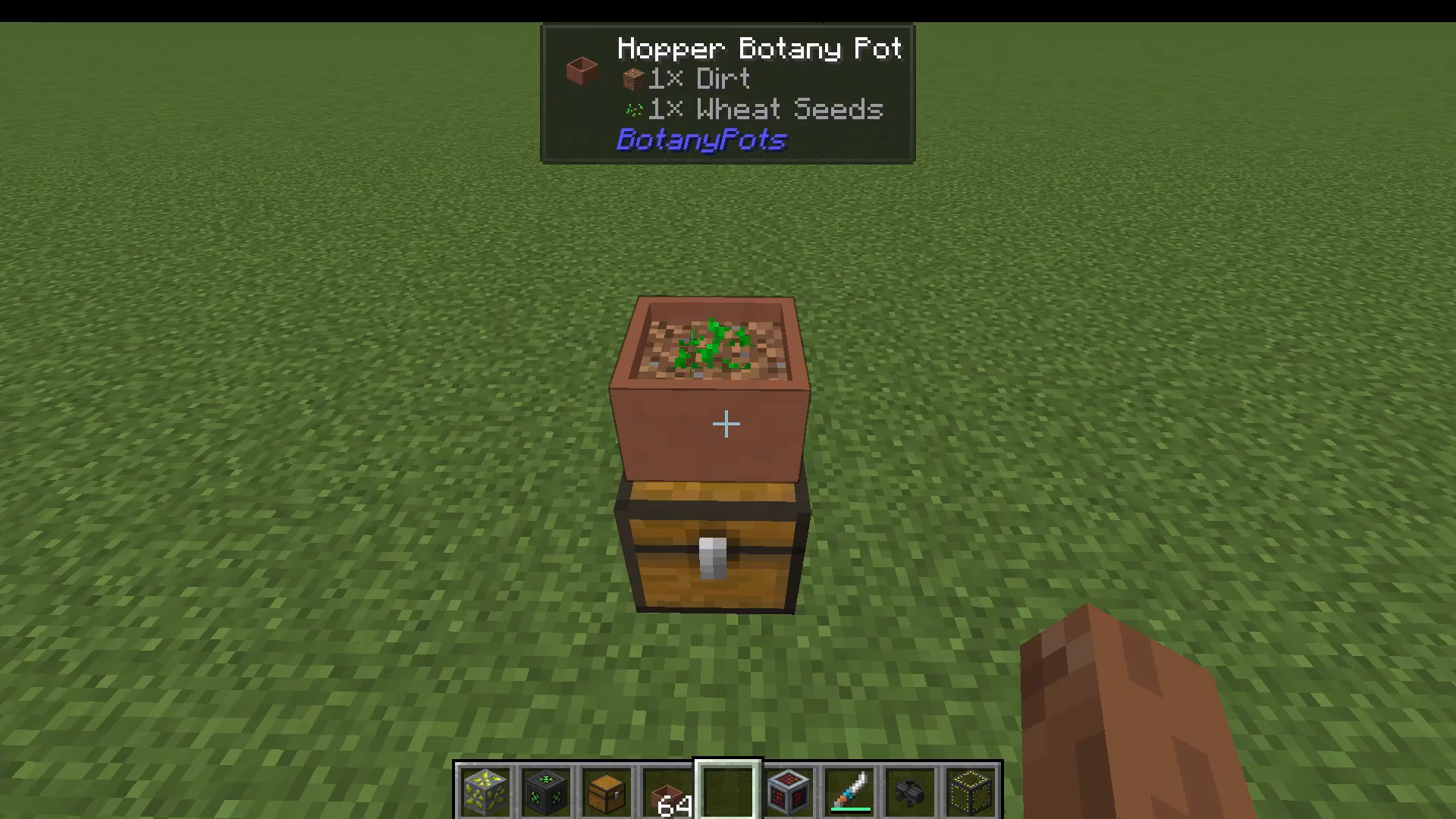
For an automated setup, place a chest on the ground and then put a Hopper Botany Pot directly on top of it. The hopper built into the pot will automatically push harvested crops down into the chest below, giving you a hands-free farm.
Adding Soil to the Pot
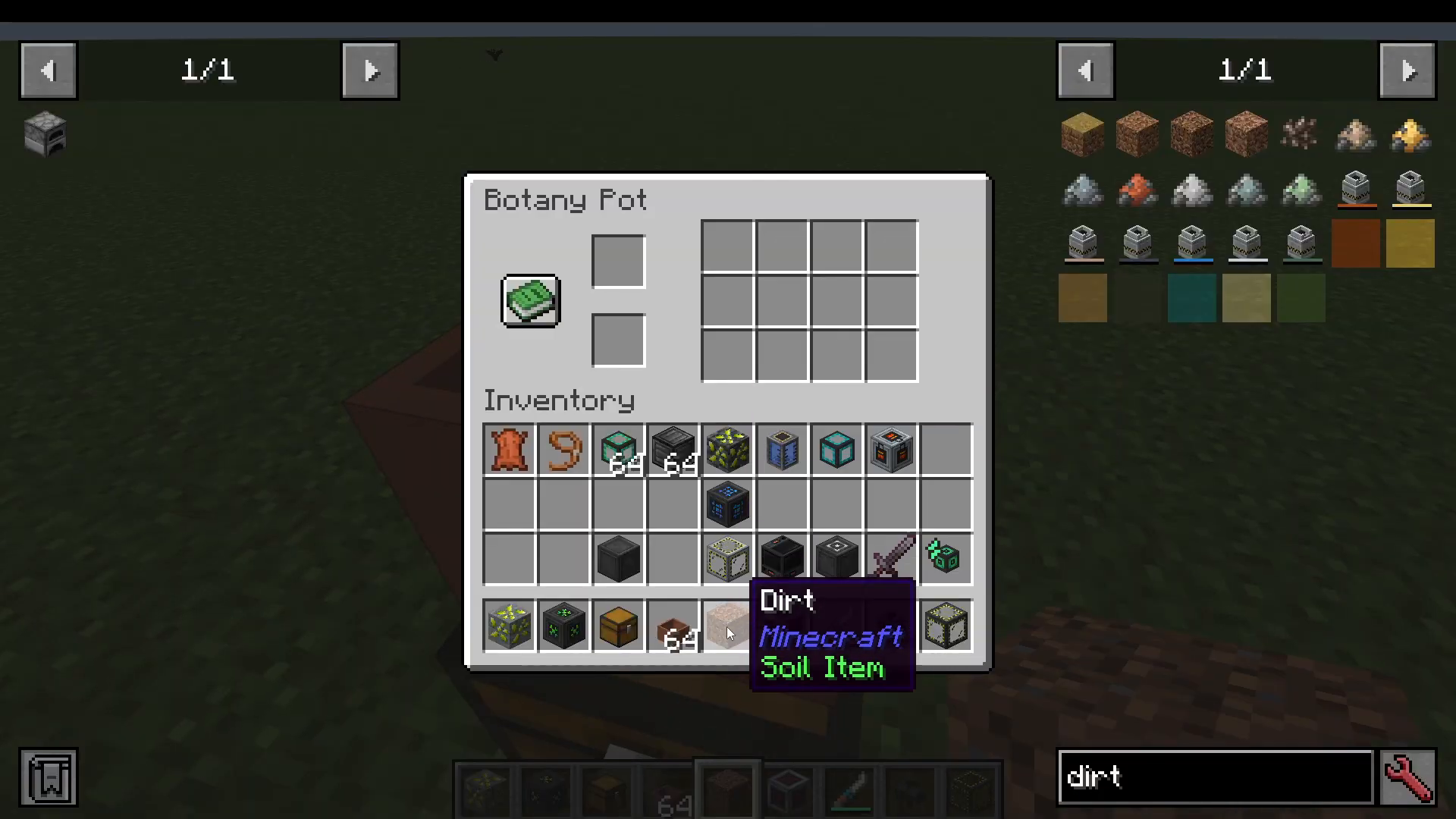
To begin growing, you first need to add a soil block to the pot. Right-click the Botany Pot to open its interface and place your chosen soil inside. Note that you cannot shift-right-click to add items — you must open the pot’s GUI and place the soil manually.
Planting a Seed
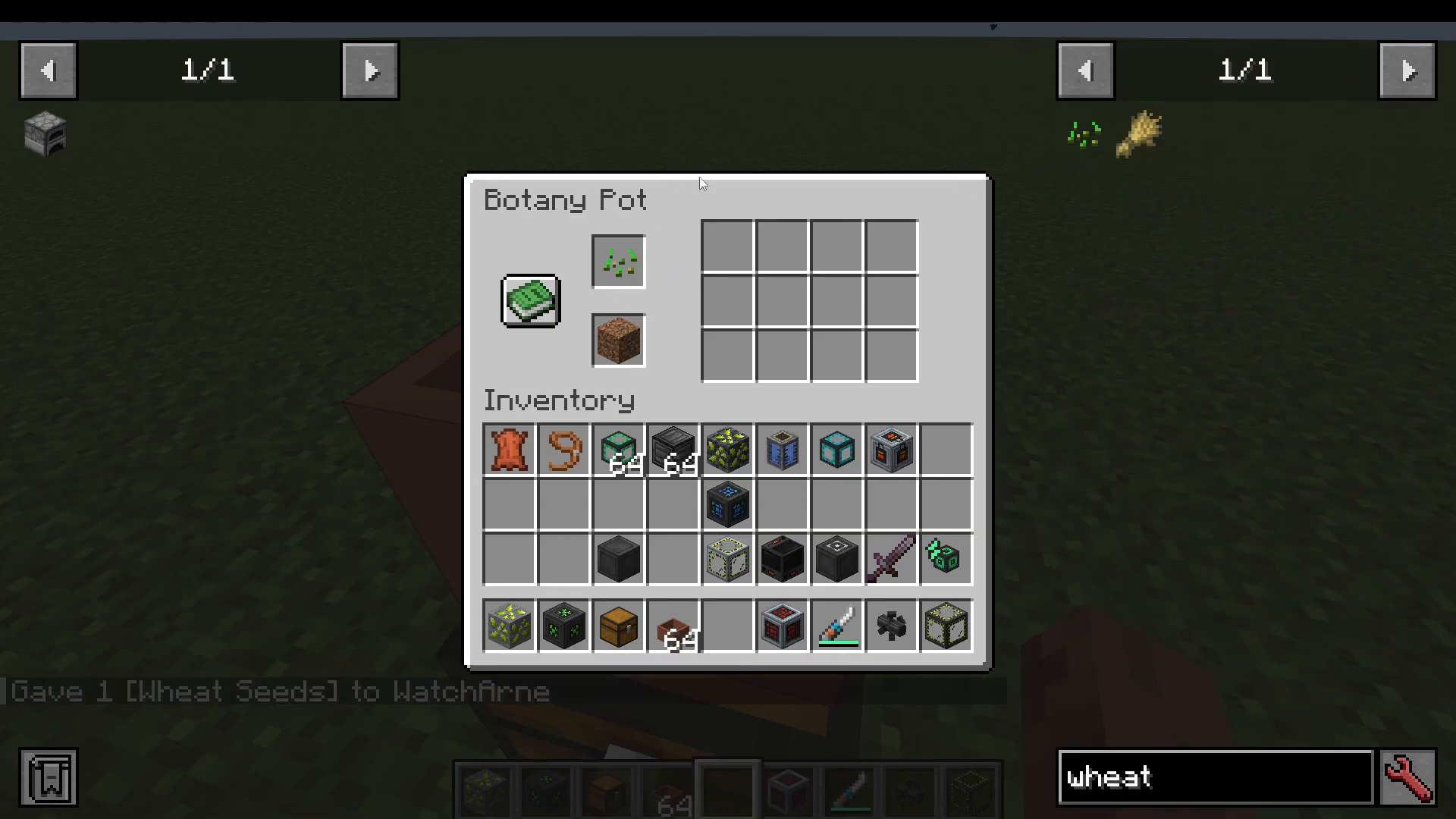
Once soil is loaded, right-click the pot again to plant your seed. For example, placing wheat seeds will start the growing process immediately. The crop will slowly grow inside the pot and, once fully mature, the harvest will be automatically transferred into the chest below — no water source needed nearby.
Understanding Soil Types and Grow Speeds
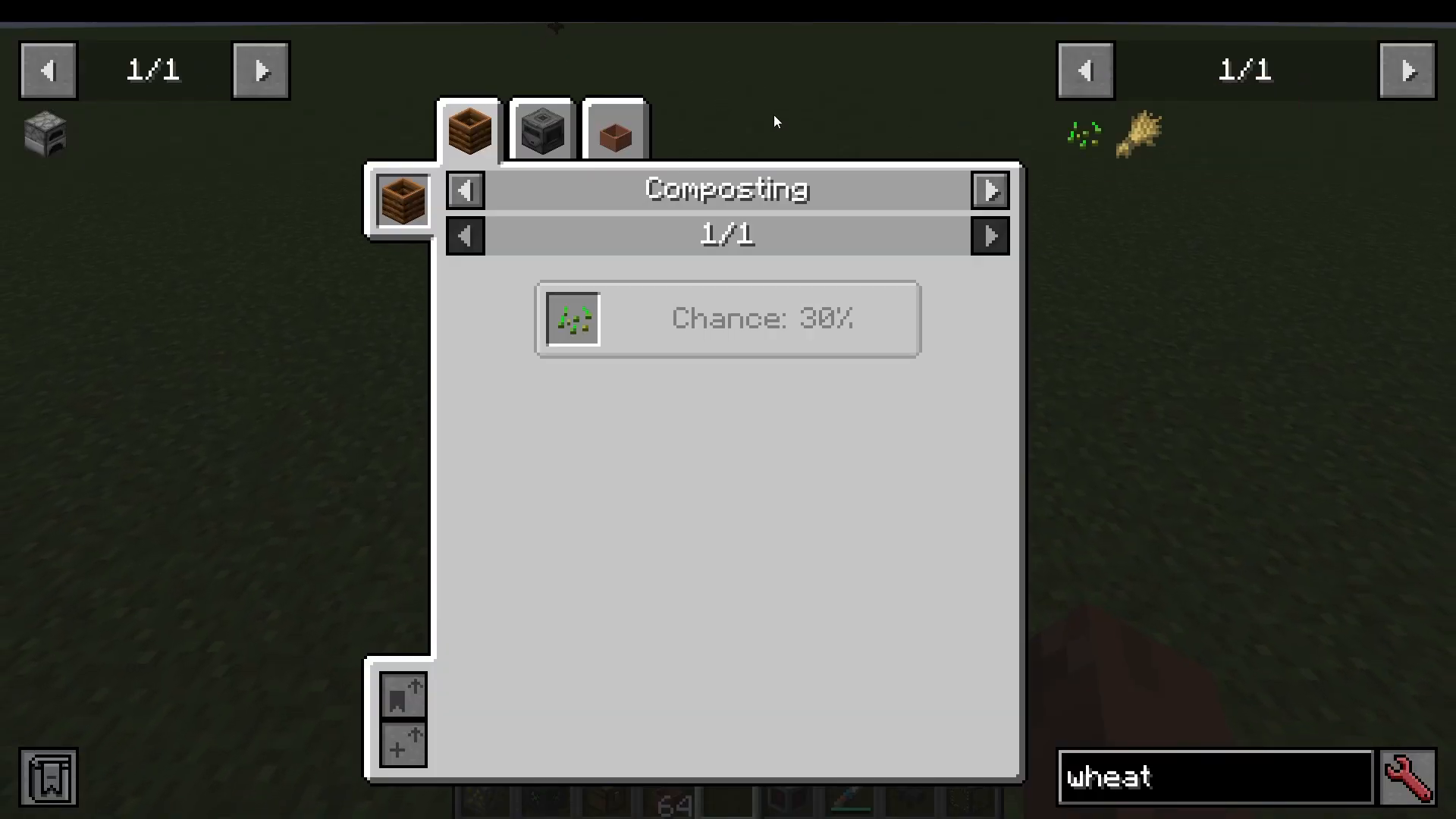
One of the most useful features of Botany Pots is that different soil types affect how fast your crops grow. You can check these speeds in-game by pressing U in JEI on any seed and navigating to the Crops tab. Here is a breakdown of the growth speed multipliers for wheat seeds using different soils:
Dirt Path: 0.5× speed
Coarse Dirt: 0.95× speed
Grass: 1× speed
Rooted Dirt: 0.95× speed
Pods: 1× speed
Farmland: 1.05× speed
Mycelium: 1× speed
Dirt: 1× speed
Keep in mind that if you are playing a mod pack, the pack author may have customised these values significantly. For instance, a mod pack might set diamond soil to 5× speed, making rare soils a key progression goal.
Watching Your Farm Produce
Even within the first couple of minutes of setting up your Hopper Botany Pot with wheat seeds, you will begin to see harvested wheat collecting in the chest below. The farm runs passively in the background, producing crops while you focus on other tasks.
Expanding With Botany Pots Add-Ons
The Botany Pots ecosystem extends well beyond the base mod. You can find compatible add-ons on CurseForge by searching for “botany.” Here are the most notable ones:

Botany Trees — Adds support for saplings and tree farming directly inside Botany Pots.
Botany Pots Tiers — Introduces tiered pots that offer even faster grow speeds.
CraftTweaker Add-On — Lets you create custom recipes for soils and fertilizers.
Paxel Compatibility Mod — Adds compatibility for Paxel-based tools and systems.
Plantings — Allows you to grow your own minerals inside Botany Pots, opening up ore automation possibilities.
Summary
The Botany Pots mod is an excellent addition to any Minecraft build or mod pack, offering a clean and compact way to automate crop farming without the need for water, large field layouts, or complex redstone. Start with a basic pot, upgrade to the Hopper Botany Pot for automatic harvesting, optimise your soil choice using JEI’s crop speed data, and then explore the rich library of add-ons to grow trees, minerals, and more. It is one of those mods that quietly becomes essential once you start using it.
“`