Wizards (RPG Series) – Complete Tutorial
Wizards (RPG Series) – Complete Tutorial
The Wizards mod is a straightforward RPG mod that allows you to become a wizard and harness the power of magic. Whether you’re playing as a standalone mod or as part of a larger mod pack, this guide will walk you through the essentials of getting started, crafting your first gear, learning spells, and mastering the three schools of wizardry: Arcane, Fire, and Frost.
Getting Started with Wizard Gear
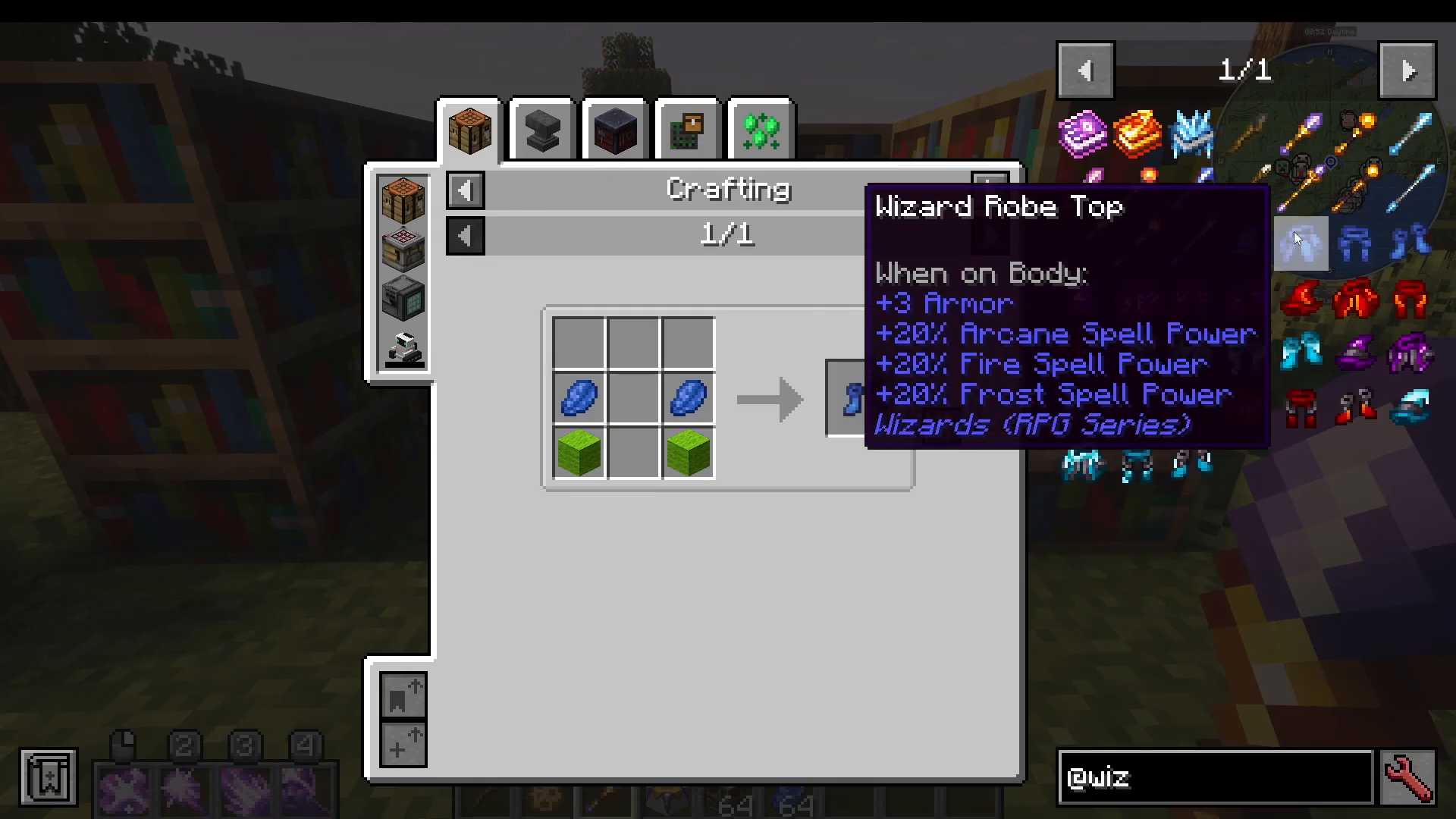
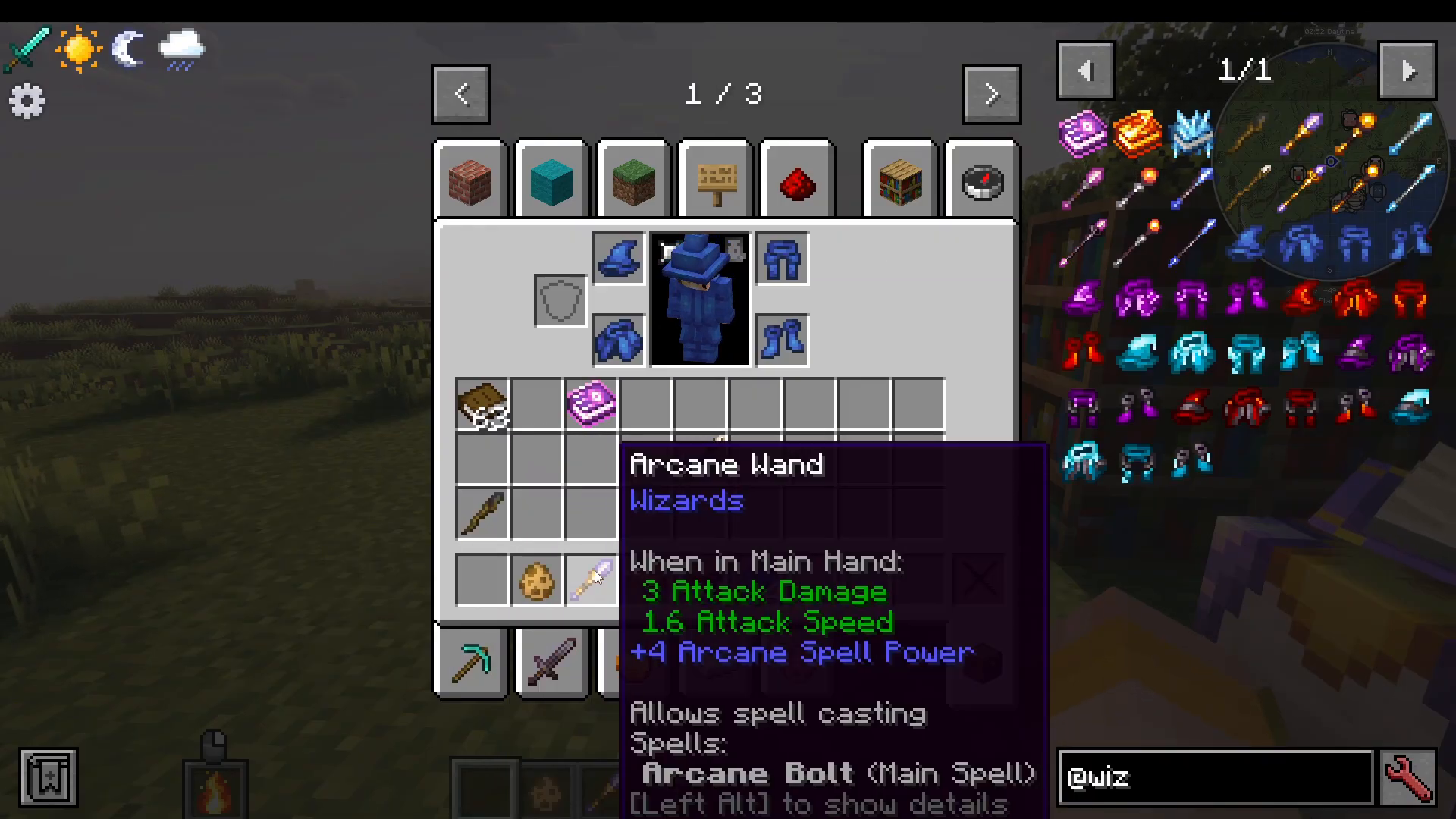
To begin your journey as a wizard, you’ll need to craft some basic wizard gear. The simplest starting set is wizard boots, made from lapis and wool. This armor provides a small amount of protection and grants you 20% spell power across Arcane, Fire, and Frost spells, meaning you’ll deal more damage with all three schools of magic regardless of your specialization.
Crafting Your First Wand
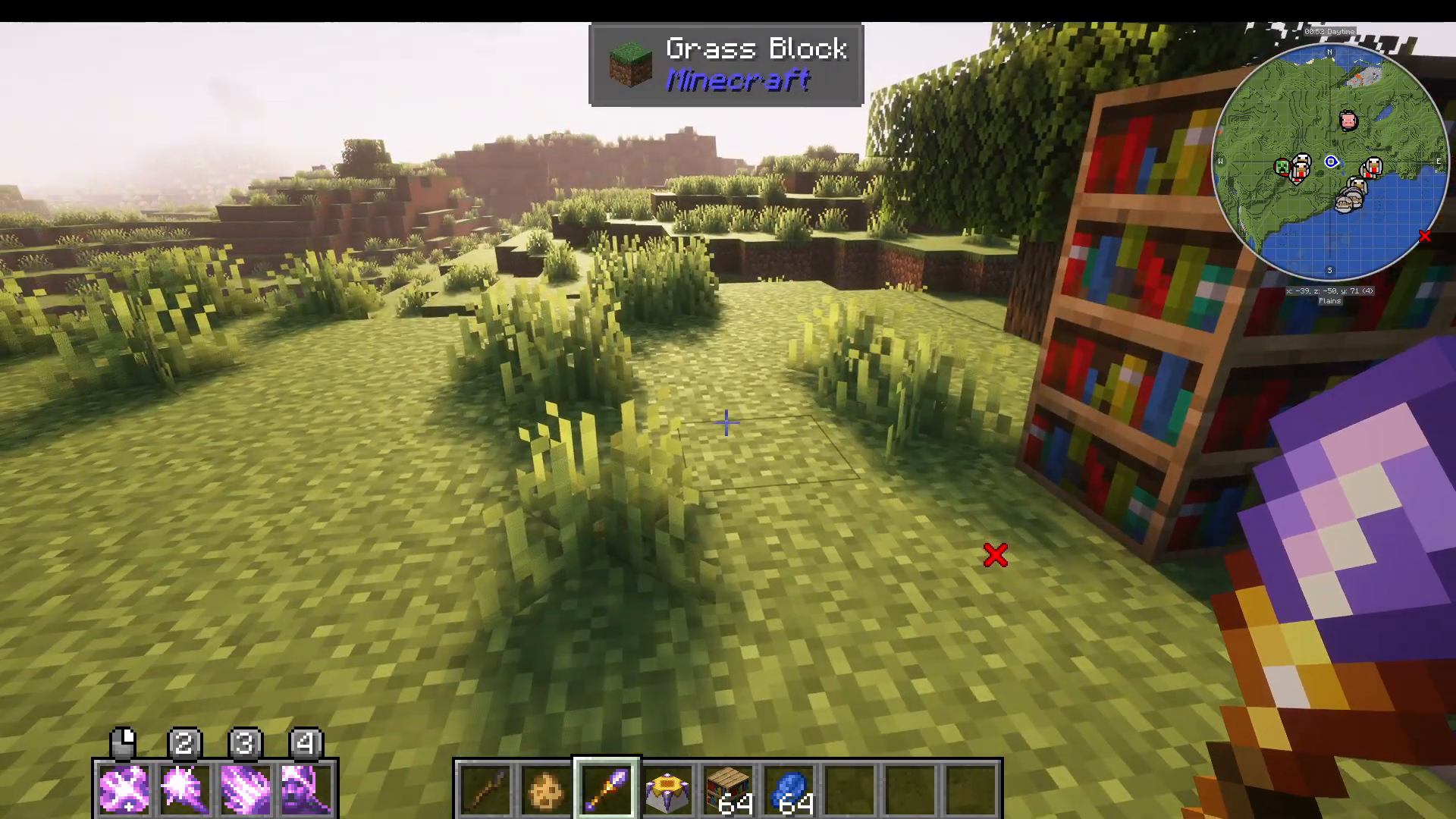
Your first wand is easy to craft using coal and a stick. Once you have it in your hand, simply right-click to see your available spells displayed on the left side of your screen. You’ll start with a Fire spell that allows you to hold down right-click to burn mobs. This basic wand provides 20% spell power across all three schools of magic.
Specializing in Arcane, Fire, or Frost
As you progress, you can craft specialized wands to focus on a specific school of magic:
The Three Schools of Wizardry
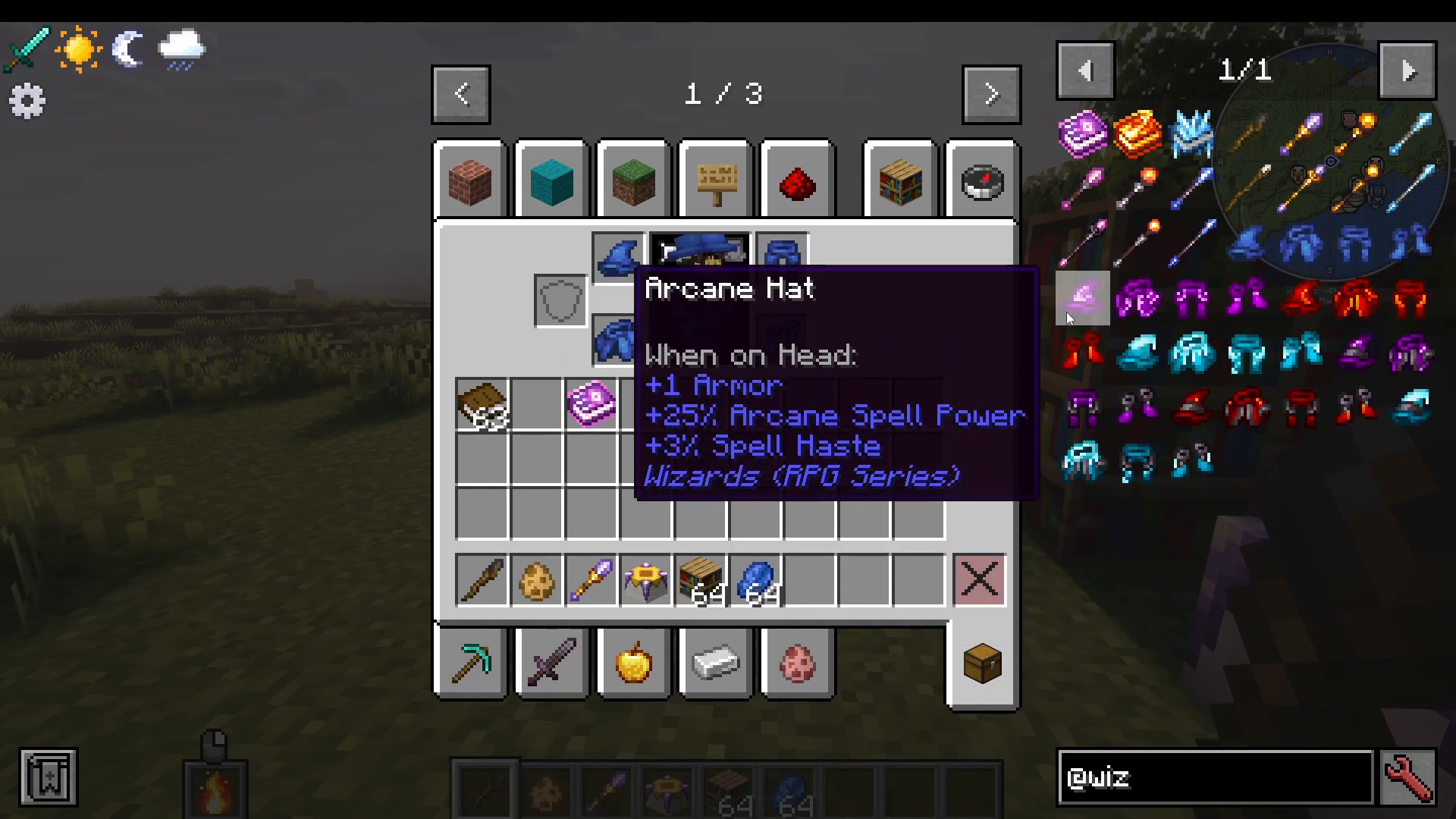
Arcane Wand: Grants 25% Arcane spell power and spell haste, but only to Arcane spells
Fire Wand: Specialized for Fire magic
Frost Wand: Specialized for Frost magic
Upgrading to Netherite Versions
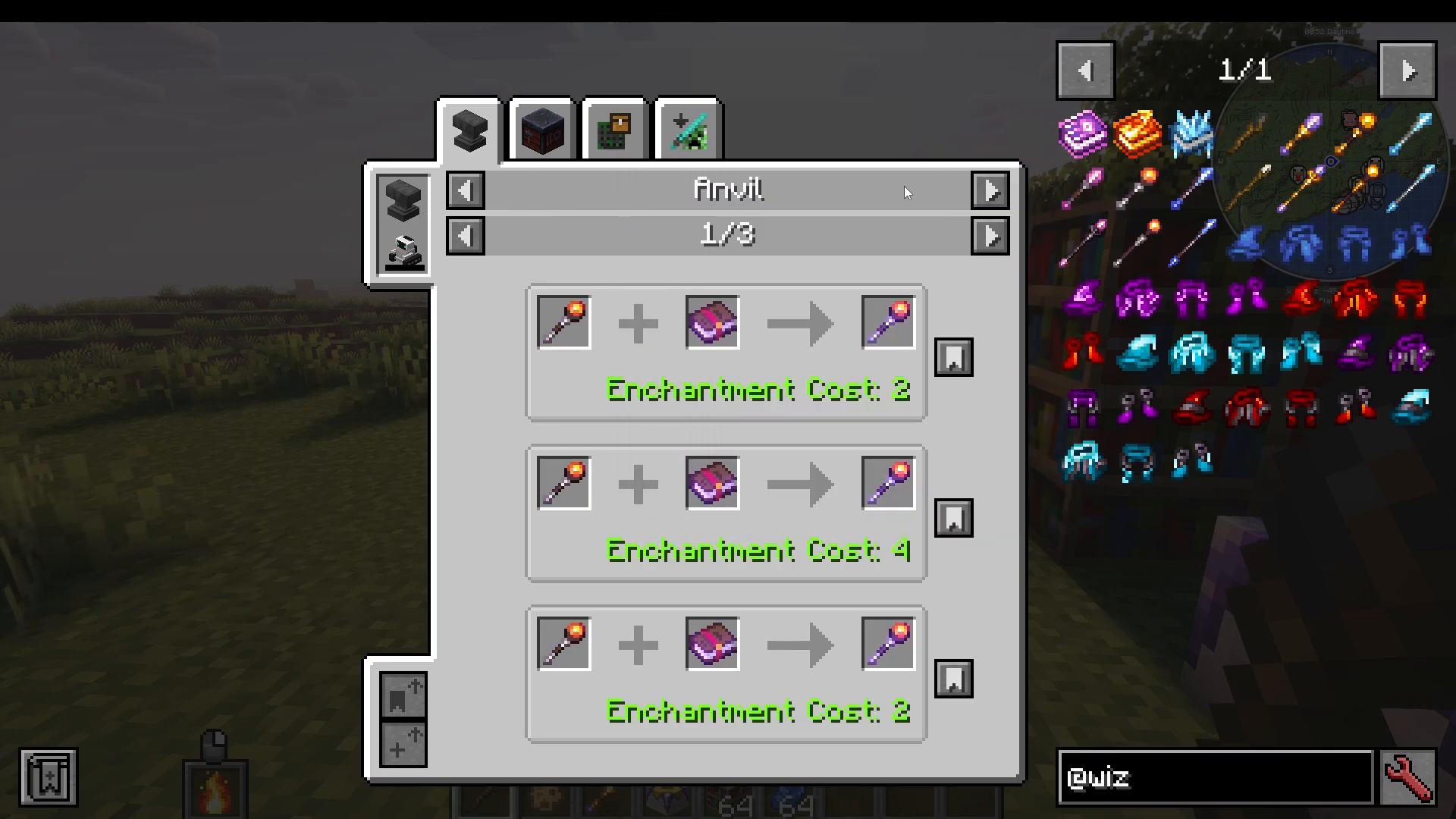
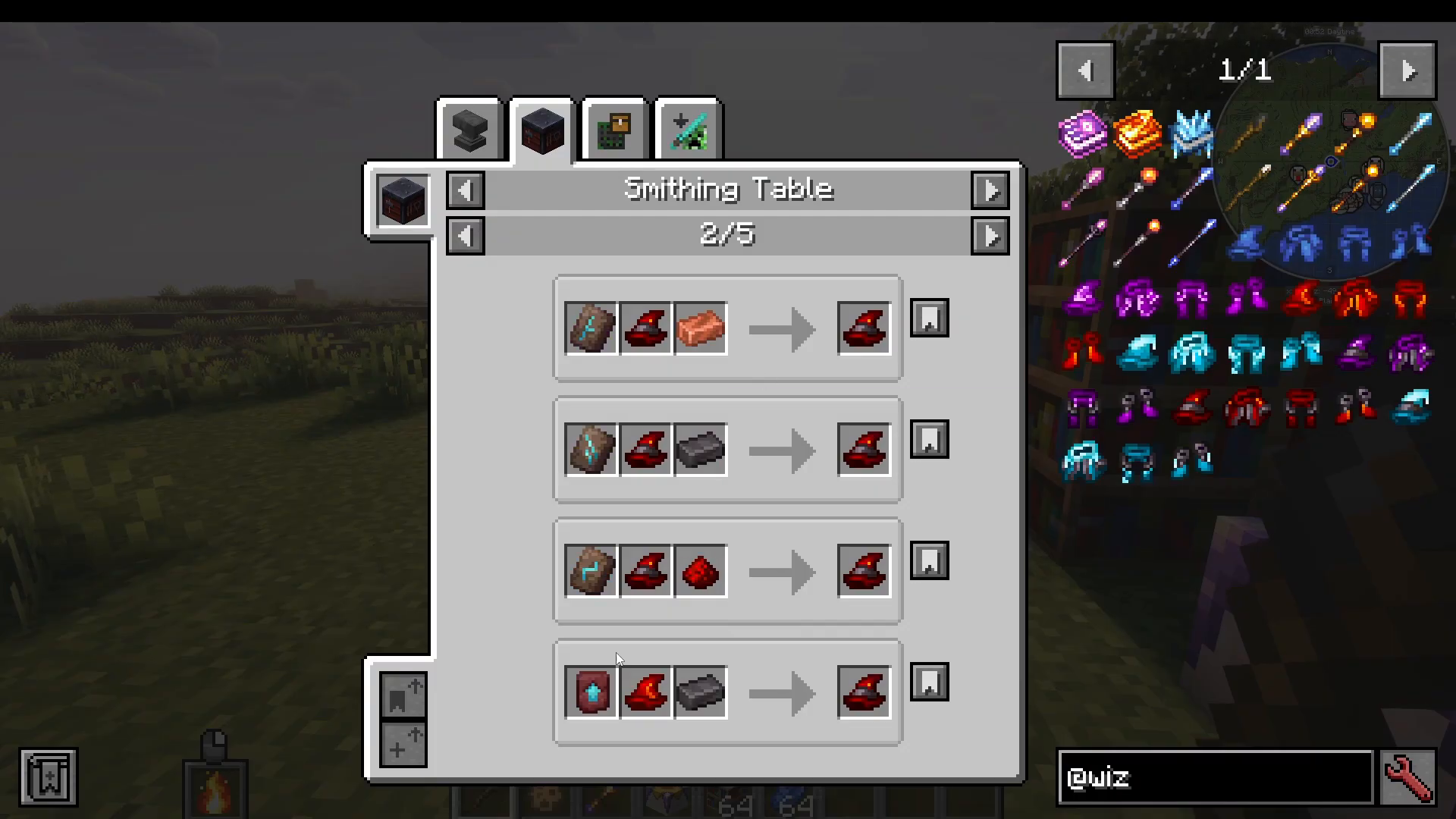
In the base version of the mod, Netherite versions of wands and gear can only be found in Bastion Treasures. However, you can upgrade your existing Fire, Arcane, or Frost gear by combining it with a Netherite ingot. Netherite versions provide increased spell power and crit chances, allowing you to deal significantly more damage than standard versions.
Upgrading Your Gear
You can also craft specialized armor pieces like a Fire Hat (made from wool, blaze powder, and a Netherite ingot) and upgrade them to Netherite versions for more powerful bonuses. Each school of magic—Arcane, Fire, and Frost—has corresponding armor pieces that enhance your abilities.
Using Staffs for Advanced Magic
Beyond wands, you can craft staffs such as the Netherite Arcane Staff and Netherite Fire Staff. These are upgraded versions of wands that provide more powerful spell effects. For example, a Netherite Fire Staff allows you to hold down right-click to throw a fire bolt at your target.
The Spell Binding Table and Tomes
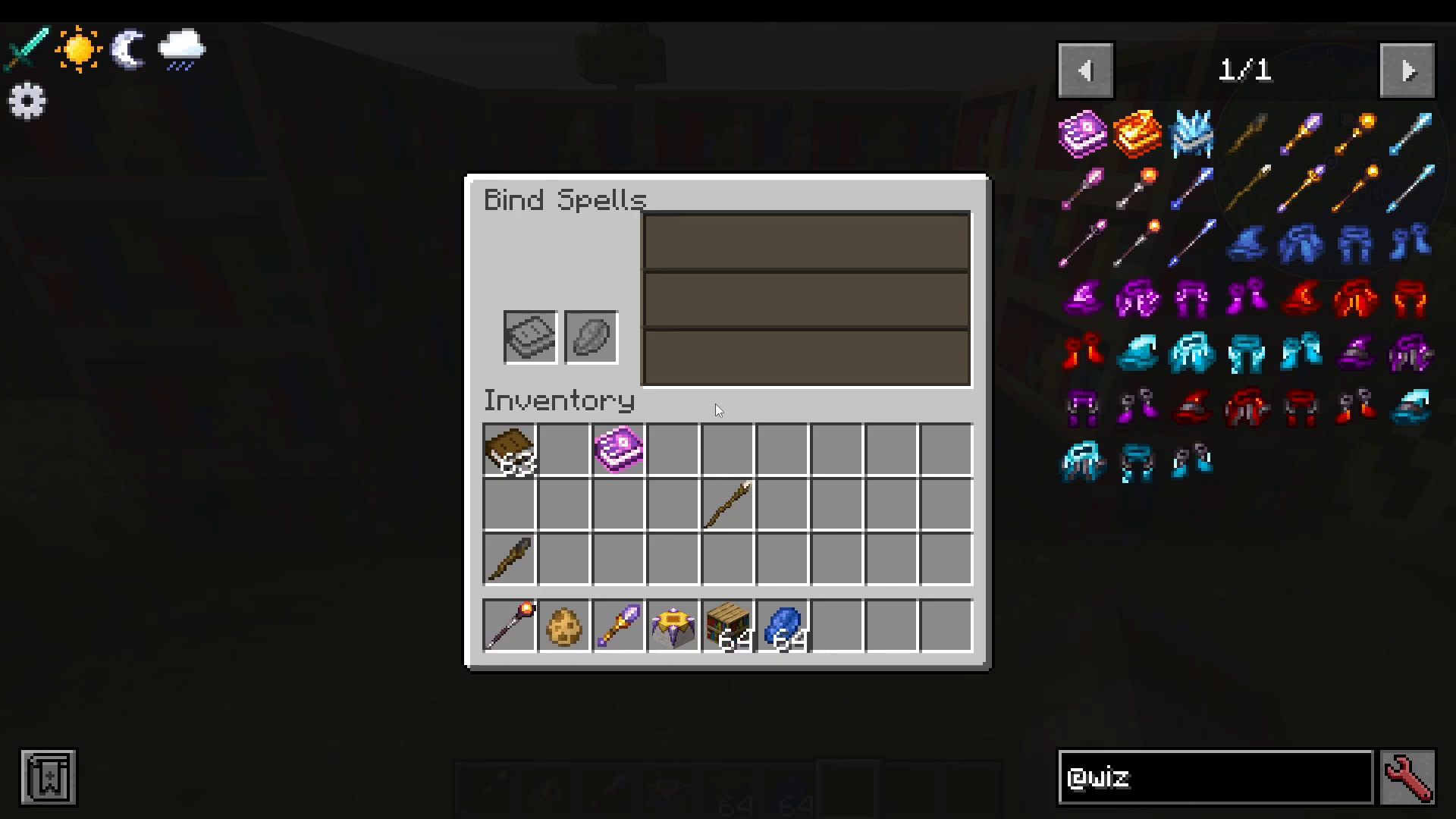
To unlock a wider variety of spells beyond your default options, you’ll need to use the Spell Binding Table. This feature comes from the Spell Engine mod, which installs automatically alongside the Wizards mod when using CurseForge.
Setting Up the Spell Binding Table
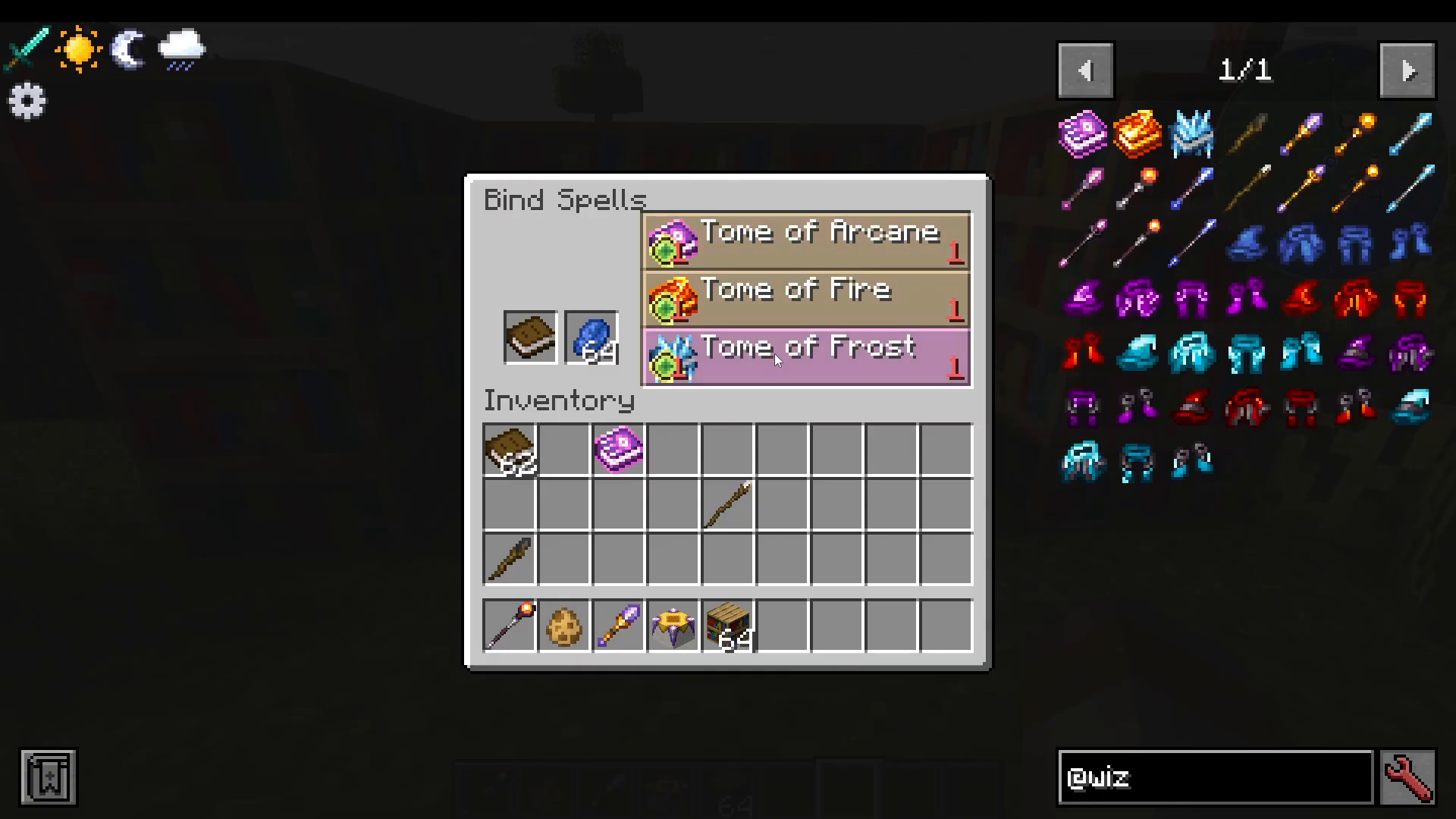
Surround a Spell Binding Table with bookcases and place lapis lazuli and a book inside. You’ll be prompted to choose between a Tome of Arcane, Tome of Fire, or Tome of Frost. Select your preferred tome—this will cost experience points.
Learning Spells from Your Tome
Once you have your tome, the Spell Binding Table will display a list of spells you can learn. Each spell costs experience to learn. For example, with a Tome of Frost, you can learn Frost Bolt, among other frost-based spells. As you learn spells, they’ll be added to your tome.
Equipping Your Spellbook
To use your learned spells, open your accessories screen (right-click while holding your tome) and equip your tome. Your tome will now be active, and you can use its spells with your equipped staff or wand. You can learn multiple spells in a single tome—learning all available spells adds them all to your casting options.
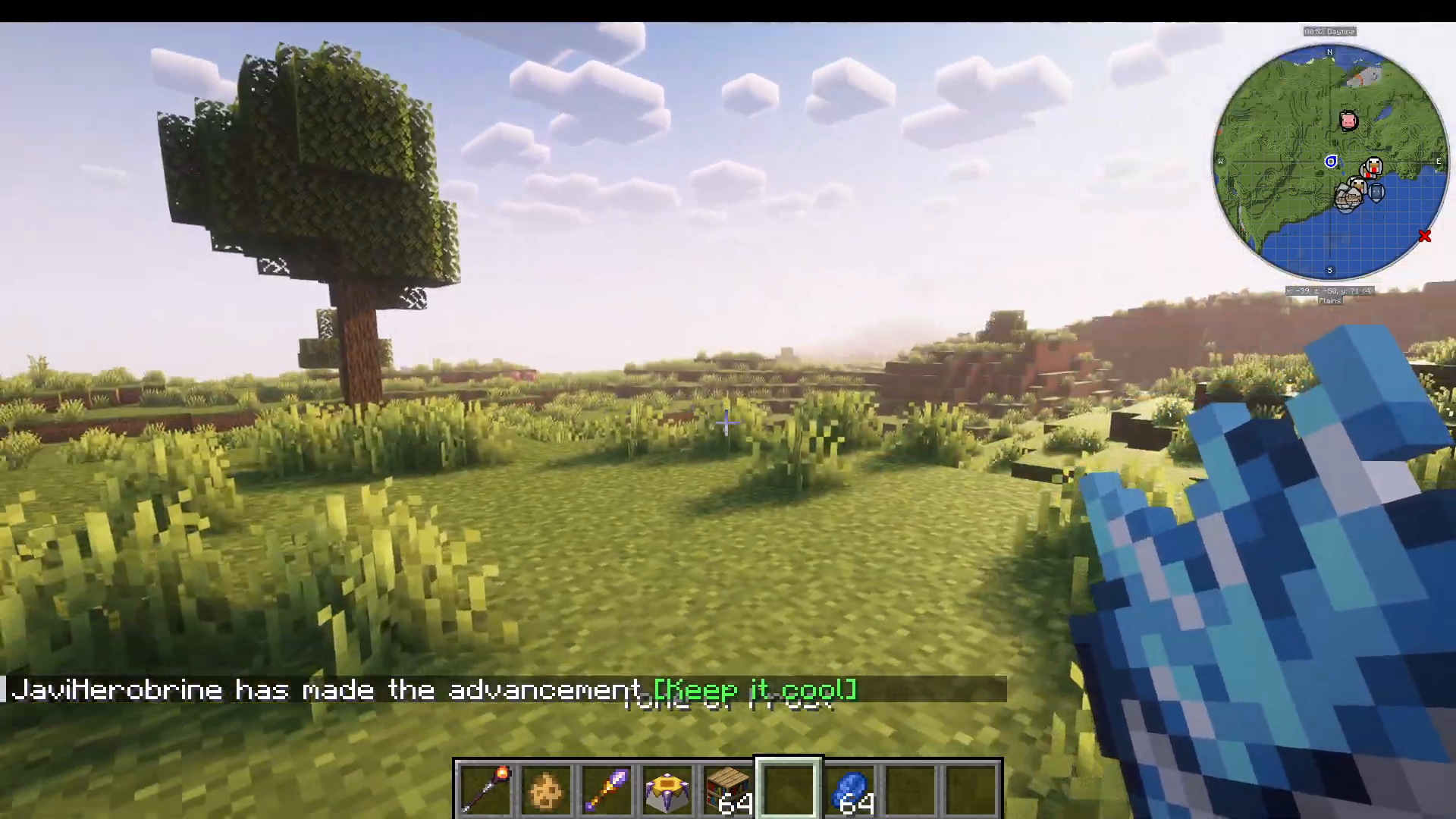
Casting Spells with Keybinds
Once you have a tome equipped, you can cast different spells using your keyboard:
Right-click: Cast your first spell (e.g., Frost Bolt)
Number 2: Cast your second spell
Number 3: Cast your third spell
Number 4: Cast your fourth spell (e.g., Blizzard)
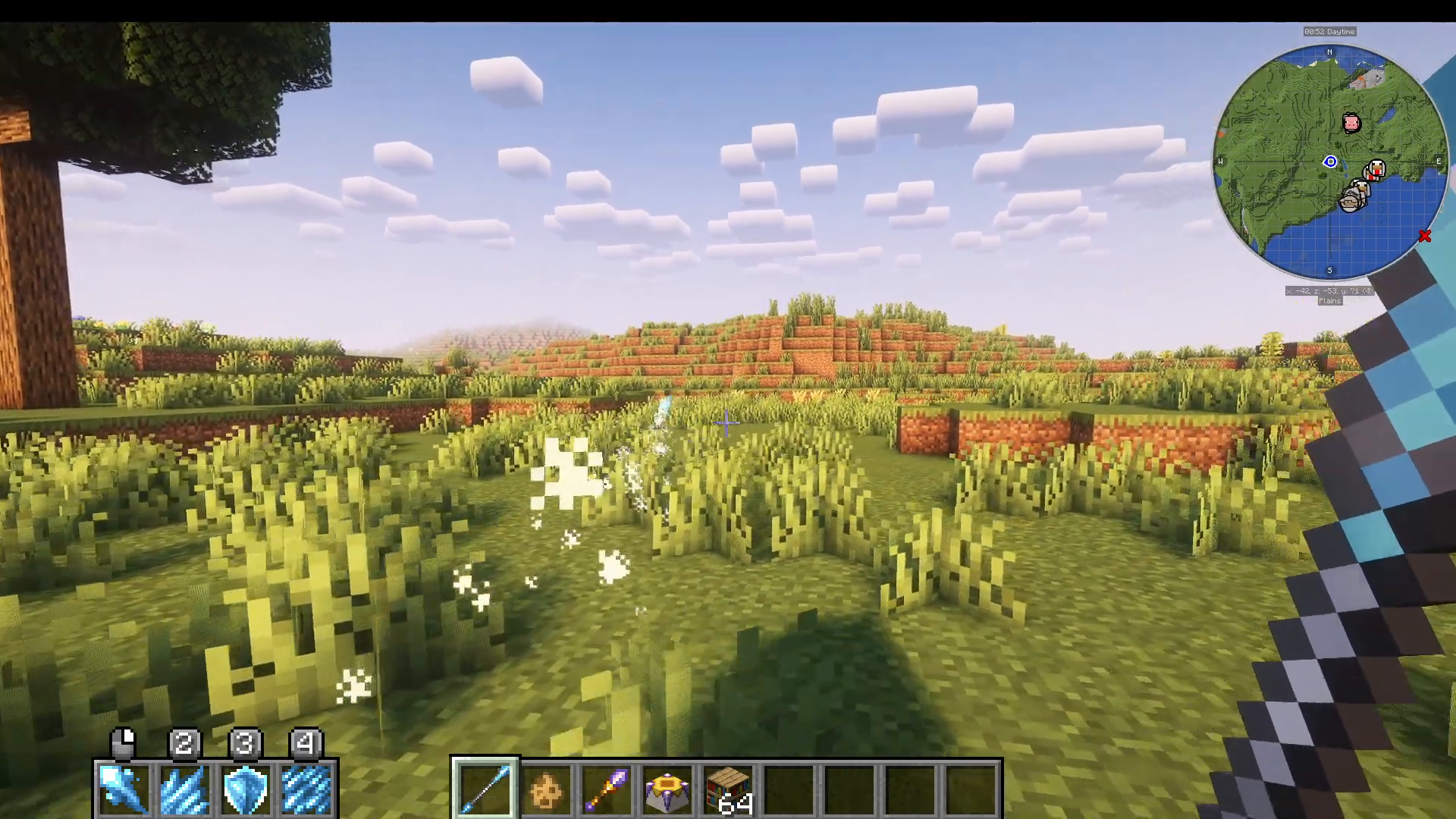
Switching Between Tomes
You can equip different tomes in your accessories page to instantly switch between schools of magic. For example, if you equip your Tome of Arcane instead of your Tome of Frost, all your keybinds will now cast Arcane spells instead. This allows you to adapt your playstyle on the fly.
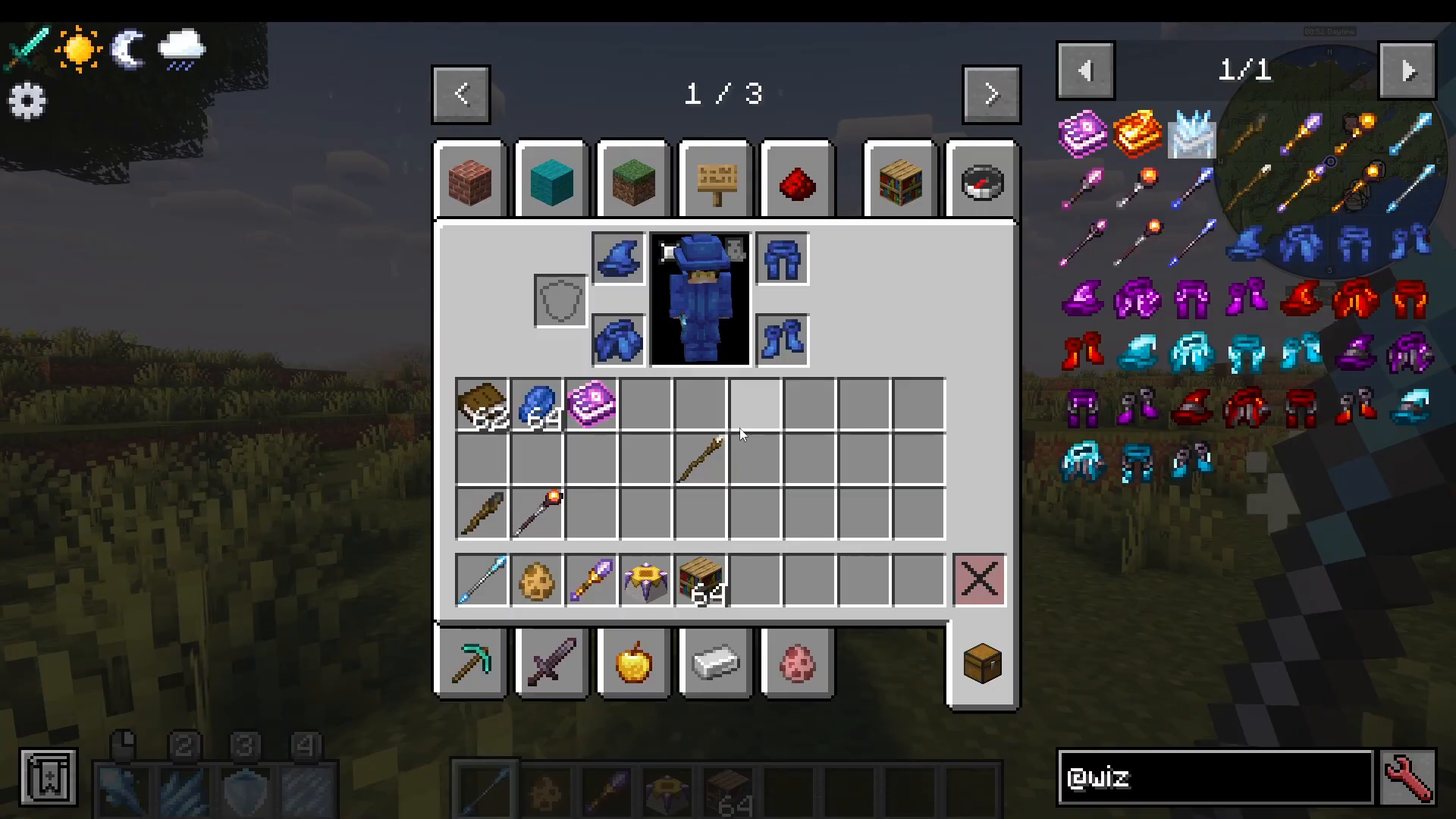
Learning What Each Spell Does
If you’re unsure about what a specific spell does, simply hover over it in your tome and press F+Alt. This will display a tooltip explaining the spell’s effects and damage type.
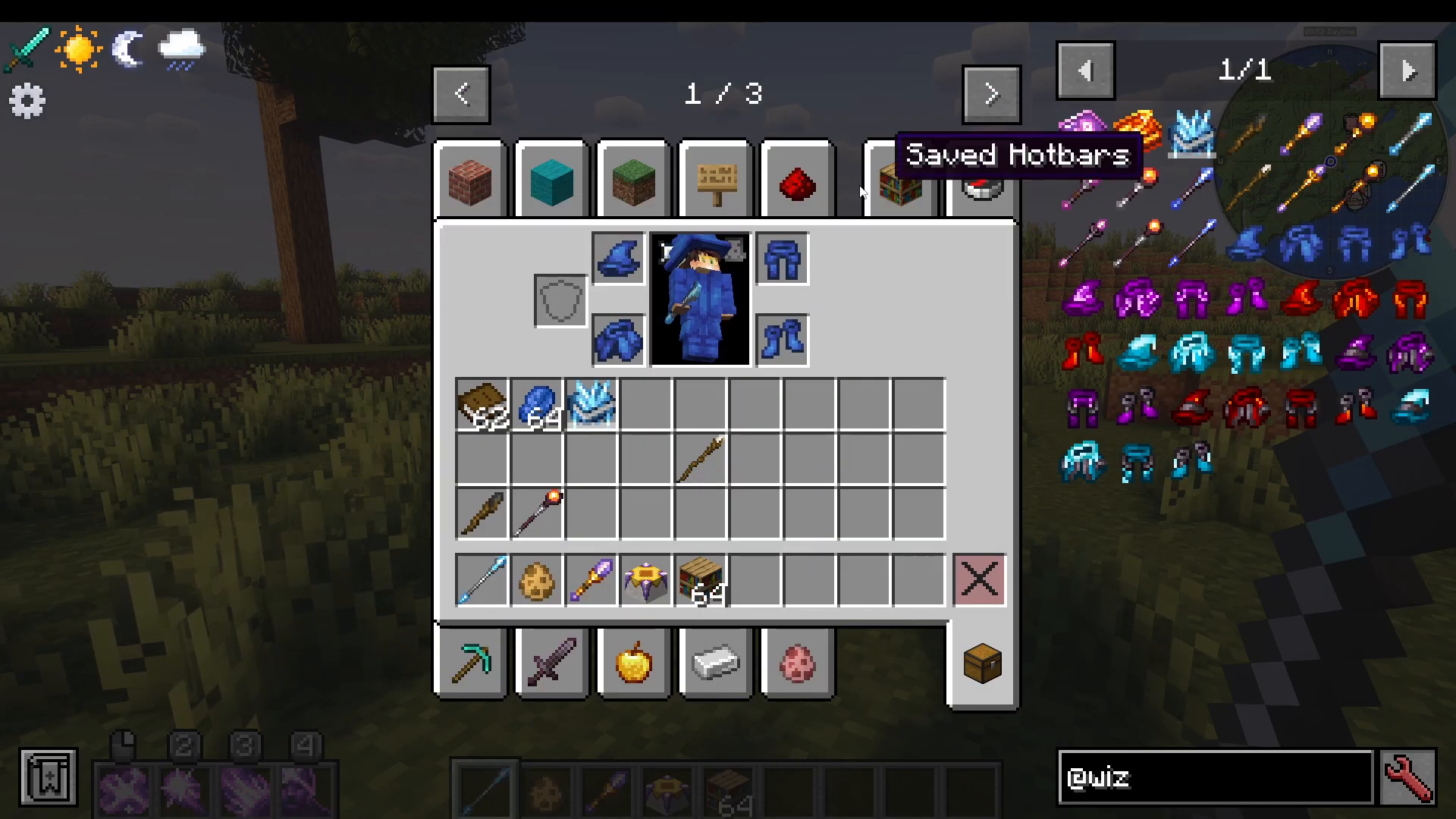
Summary: Your Wizard’s Arsenal
The Wizards mod combines several key elements:
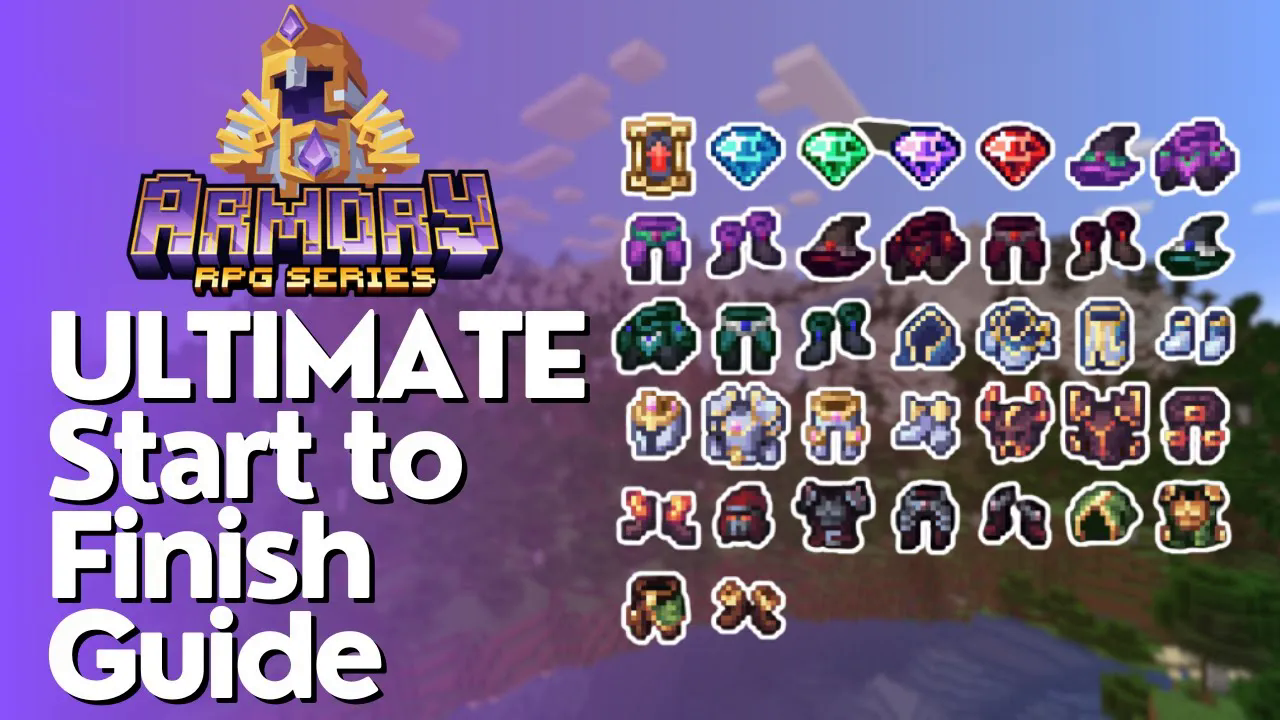
Wizard gear (boots, hats, etc.) that enhance your spell power
Wands and staffs tailored to Arcane, Fire, or Frost magic
Tomes that let you learn and cast a wide variety of spells
Specialization options that let you choose your magical school
Netherite upgrades for more powerful gear and spells
With these tools at your disposal, you’re ready to become a powerful wizard and explore the magical possibilities the Wizards mod offers.
Support Our Guides
— Want to Support? —
If you would like to help us continue making these guides – please consider joining our patreon here – https://www.patreon.com/c/JaviHeals
Alternatively – we host a group of MC Servers you can join here – https://discord.gg/zD7Gjt6MHF