
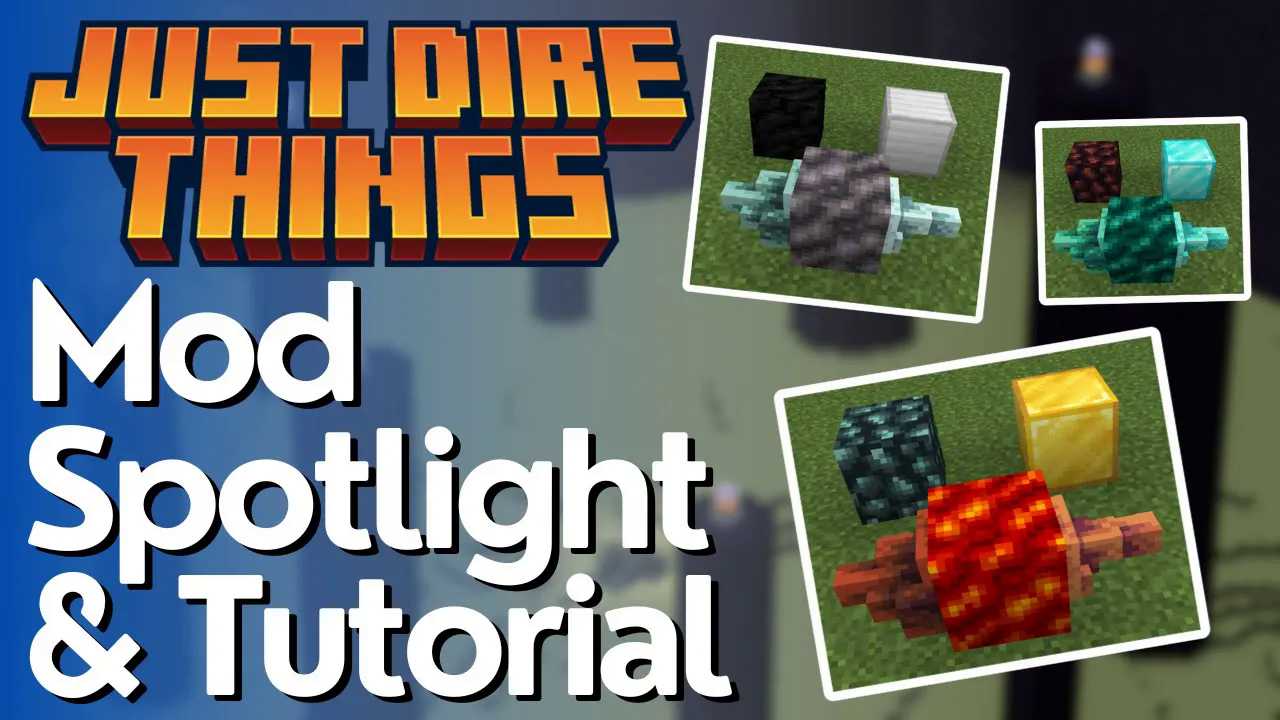
Just Dire Things Mod Tutorial
Just Dire Things Mod: Complete Beginner’s Guide
The Just Dire Things mod adds a deep progression system to Minecraft built around resource transmutation, automation machines, tiered tools and armor, and some genuinely mind-bending utility items. Whether you’ve just installed the mod or you’re trying to wrap your head around its systems, this guide walks you through everything — from your very first batch of goo all the way to eclipse alloy gear and paradox machines.
Understanding the Goo System
The first thing you need to do when starting Just Dire Things is make goo. Goo is the core transmutation mechanic of the mod — you place it next to resource blocks and it slowly converts them into new, mod-specific materials.
The Four Tiers of Goo
There are four types of goo, each tied to a different progression stage of the game:
Primo Gel Goo — crafted with vanilla ingredients
Blaze Bloom Goo — upgraded using Nether ingredients
Void Shima Goo — upgraded using End ingredients
Shadow Pulse Goo — upgraded using Sculk ingredients
Higher-tier goos can produce everything the lower tiers can, so if you already have access to the required ingredients, skip straight to the highest tier you can craft. You won’t need to keep remaking lower-tier goos.
How to Activate and Use Goo
Place your goo block down in the world. You’ll notice that it displays glowing item icons — these are the items it currently accepts as food. To activate the goo, right-click it with one of the glowing items. Once fed, the goo will begin to expand outward onto adjacent resource blocks.
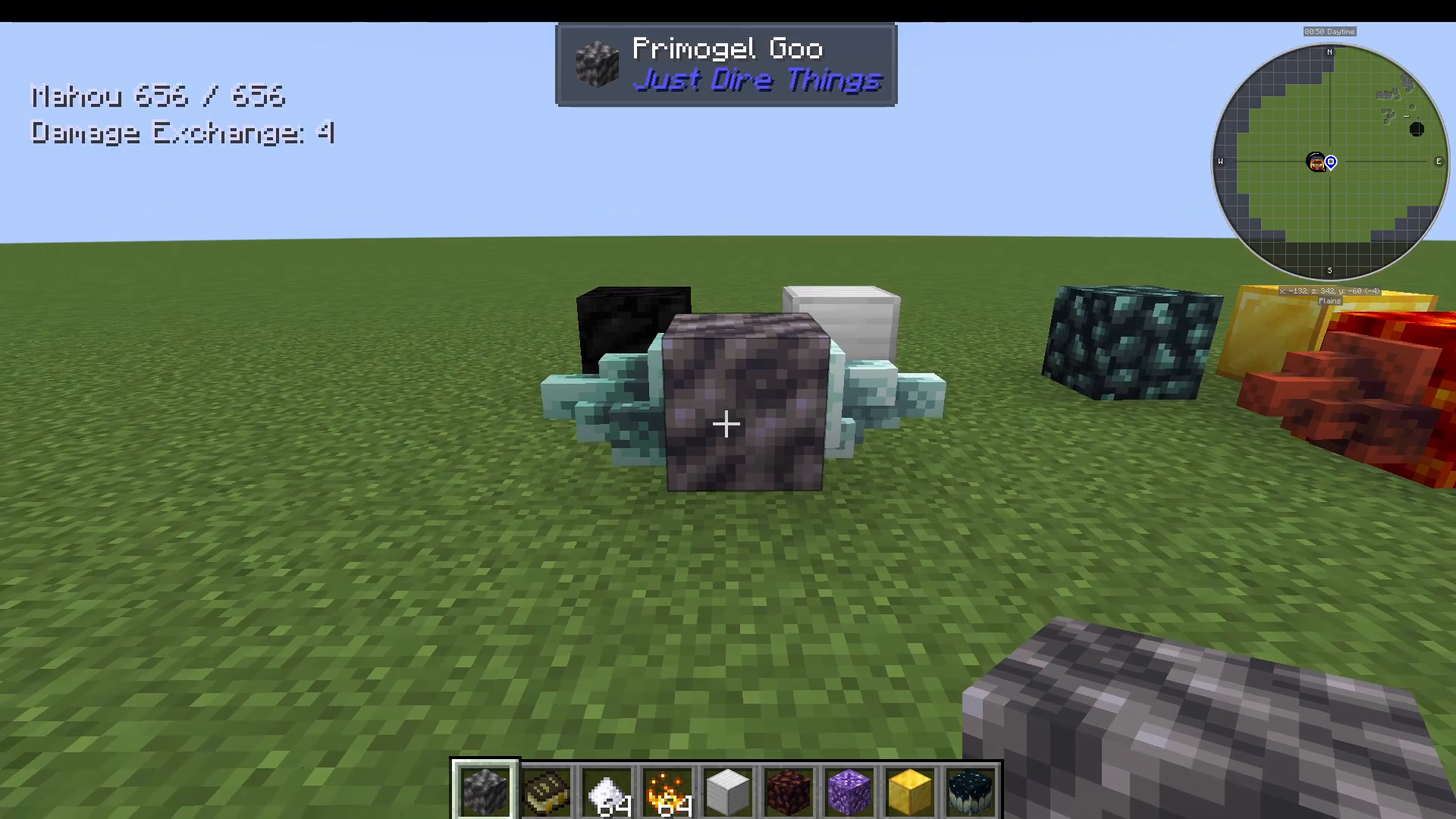
For the Primo Gel Goo, place a block of iron and a block of coal next to it, then feed it sugar. Over several seconds, the goo will spread across the texture of those blocks and begin converting them. The block of coal will become a new resource block, and the block of iron will be converted into a new ore form. Eventually they become:
Raw Primal Coal (from the coal block)
Raw Ferricore Ore (from the iron block)
Both of these blocks are compatible with Fortune, so mine them with a Fortune-enchanted pickaxe to maximize your yield of Ferricore and Primal Coal.
Blaze Bloom Goo Transmutations
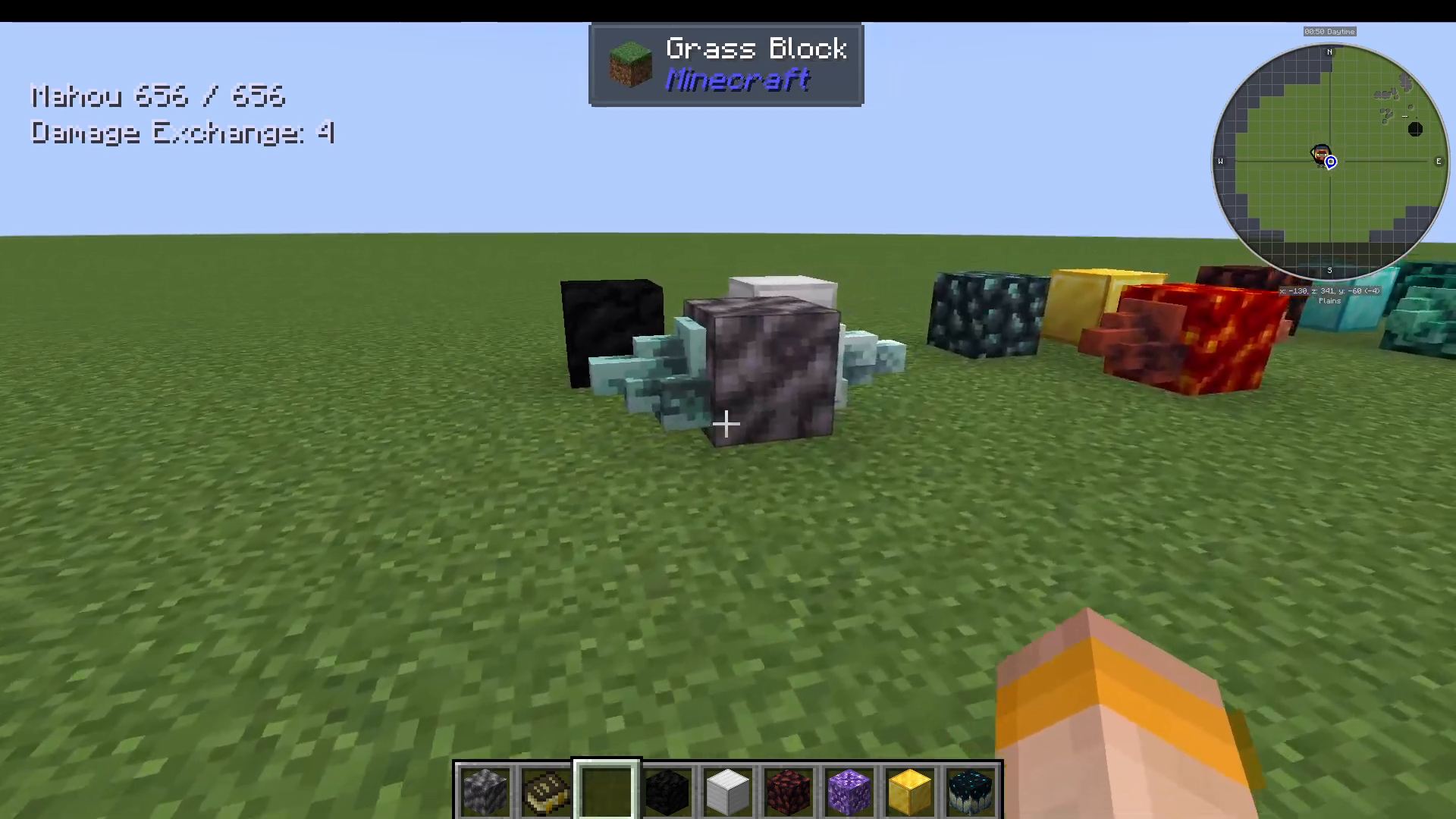
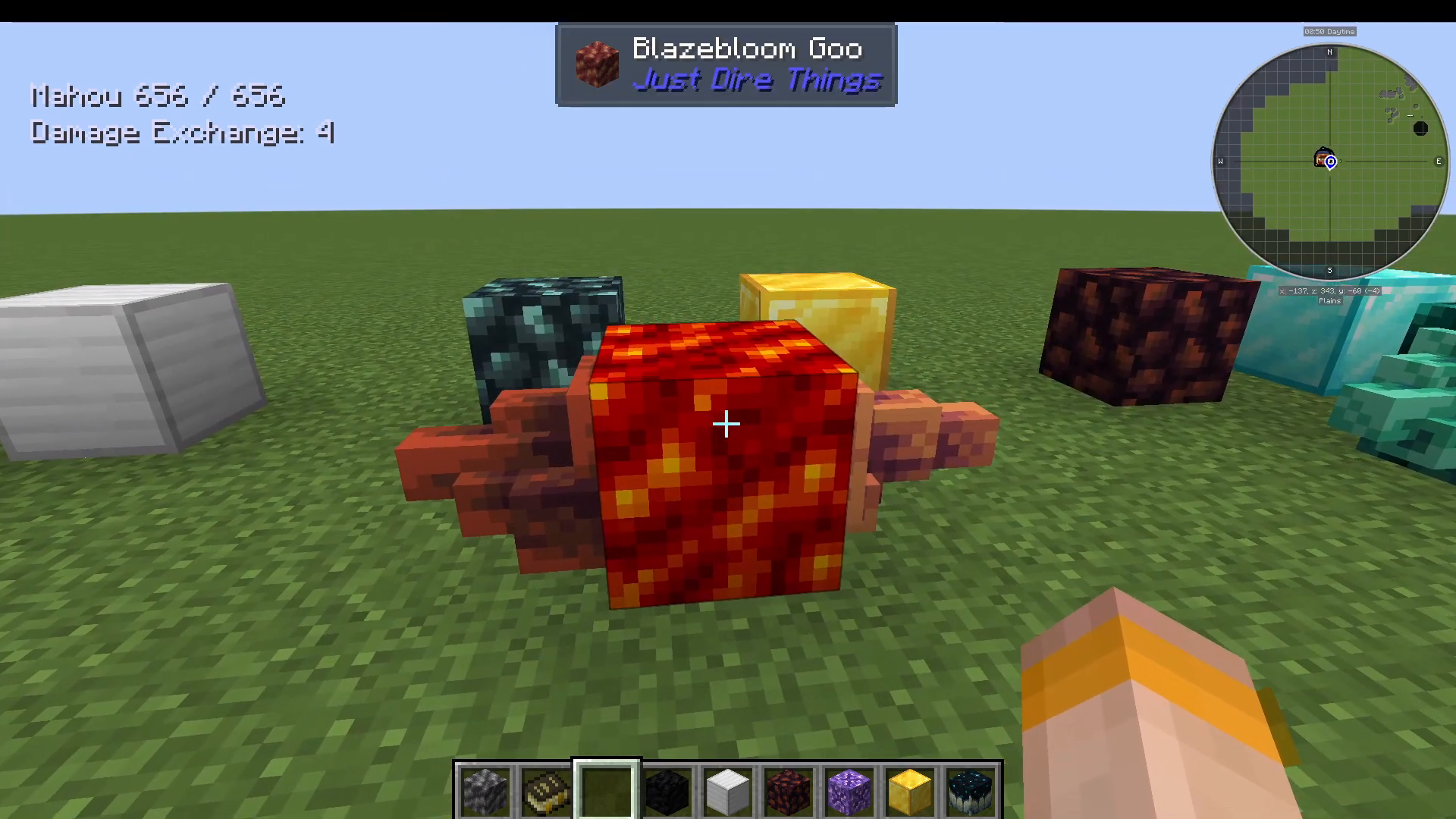
Once you have Primal Coal, craft it into a Primal Coal Block and place it next to your Blaze Bloom Goo. It will transmute into Raw Blaze Ember Ore. You can also place a block of gold next to Blaze Bloom Goo to get Raw Blaze Gold Ore.
Void Shima Goo Transmutations
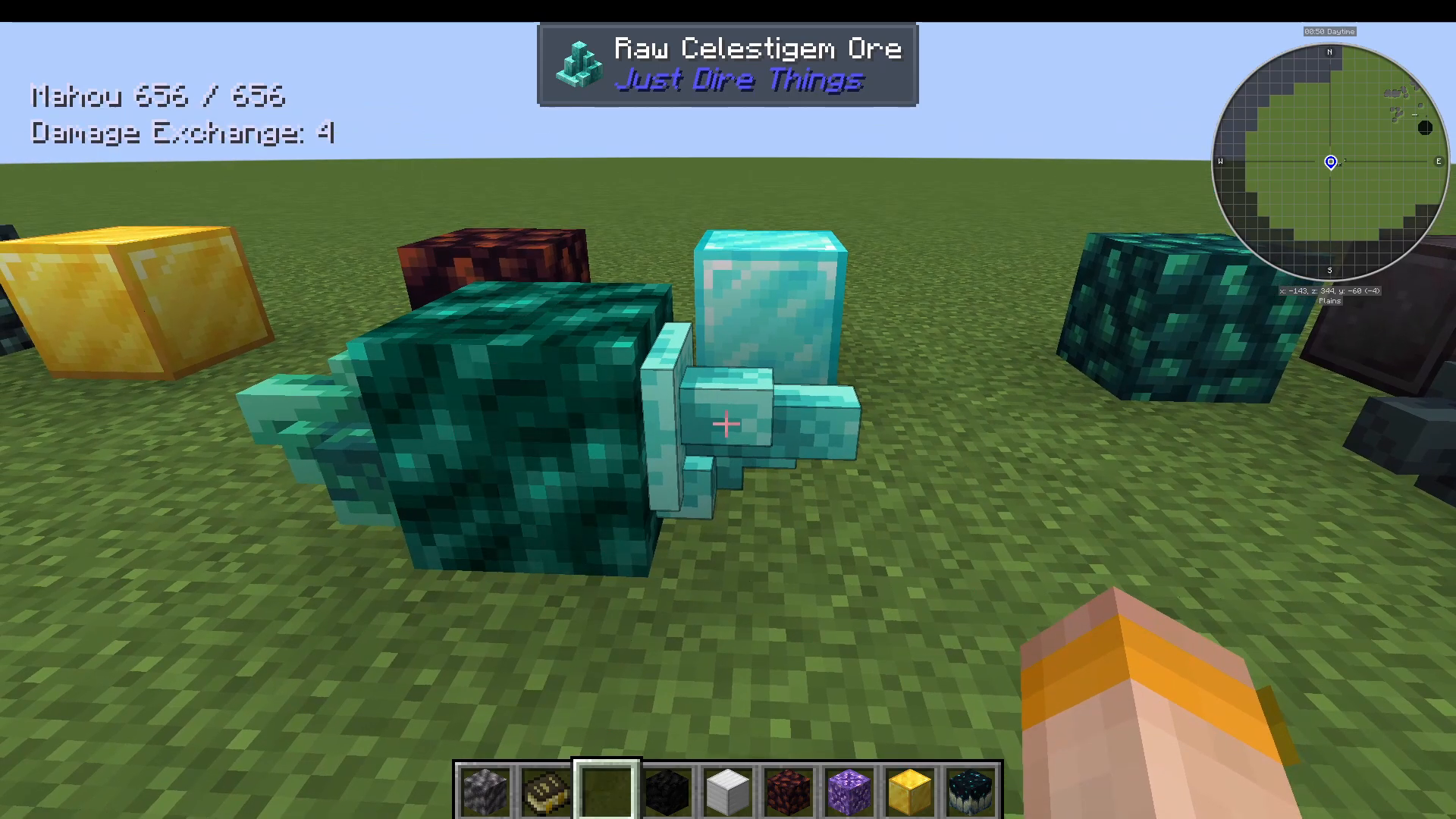
Take your Raw Blaze Ember and compress it into a Blaze Ember Block, then place it next to Void Shima Goo to produce Raw Void Flame Coal Ore. You can also transmute:
Diamond Block → Raw Cellist Gem Ore
Void Flame Coal Block → Raw Eclipse Ember Ore
Netherite Block → Raw Eclipse Alloy Ore
Budding Amethyst → Budding Time Crystal Block
Polymorphic Fluid and Liquid Progression
In addition to solid resources, Just Dire Things includes a liquid progression system based on Polymorphic Fluid.
Crafting Polymorphic Catalyst and Fluid
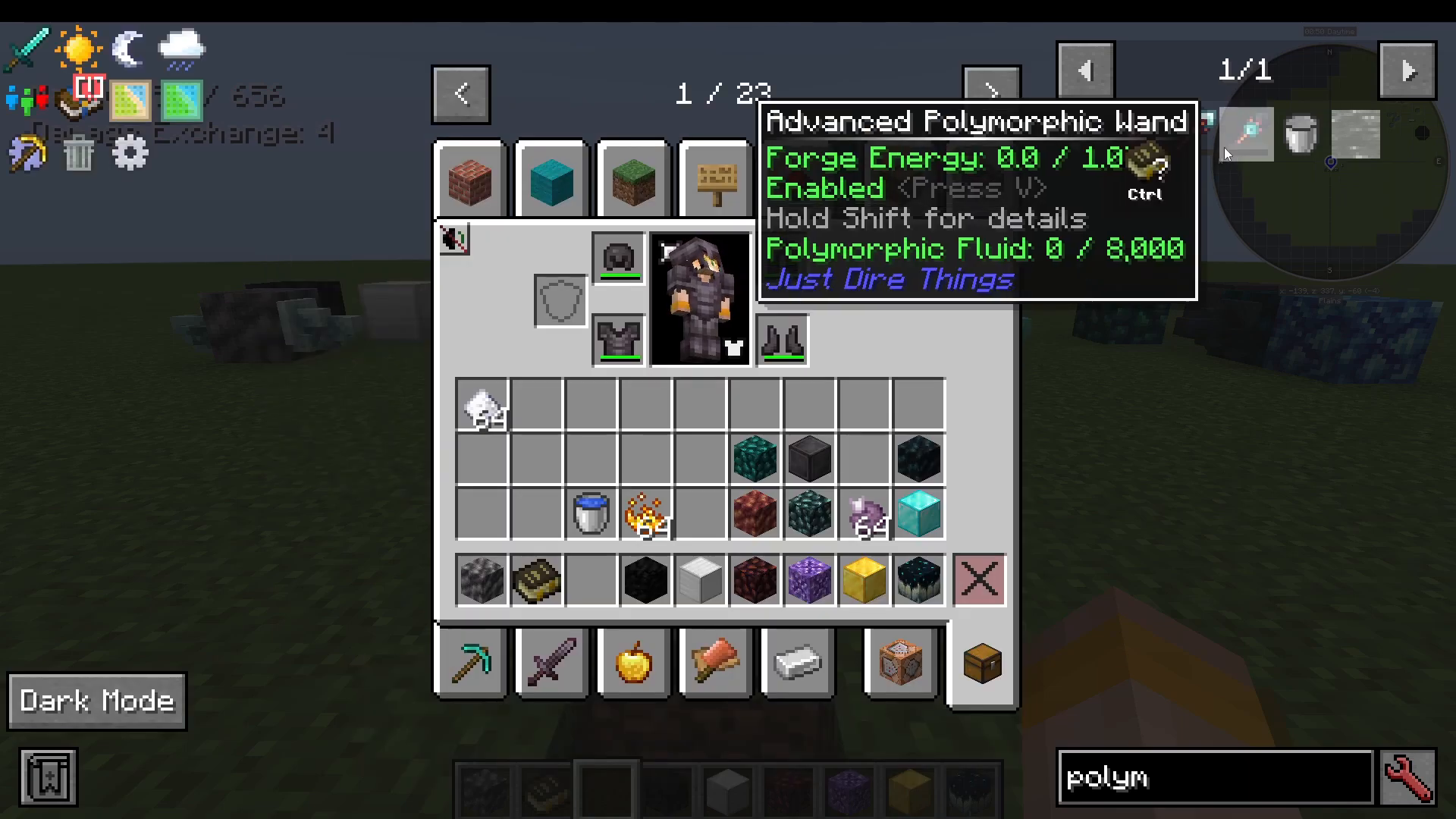
Start by smelting Raw Blaze Gold (produced by your Blaze Bloom Goo) into a Blaze Gold Ingot. Combine that ingot with Netherwort to craft a Polymorphic Catalyst. Next, place down a body of water and drop the catalyst into it — this converts the water into Polymorphic Fluid.
Upgrading Polymorphic Fluid
From Polymorphic Fluid, you can progress through a chain of more powerful liquids by dropping additional ingredients into the fluid or placing it next to the appropriate goo:
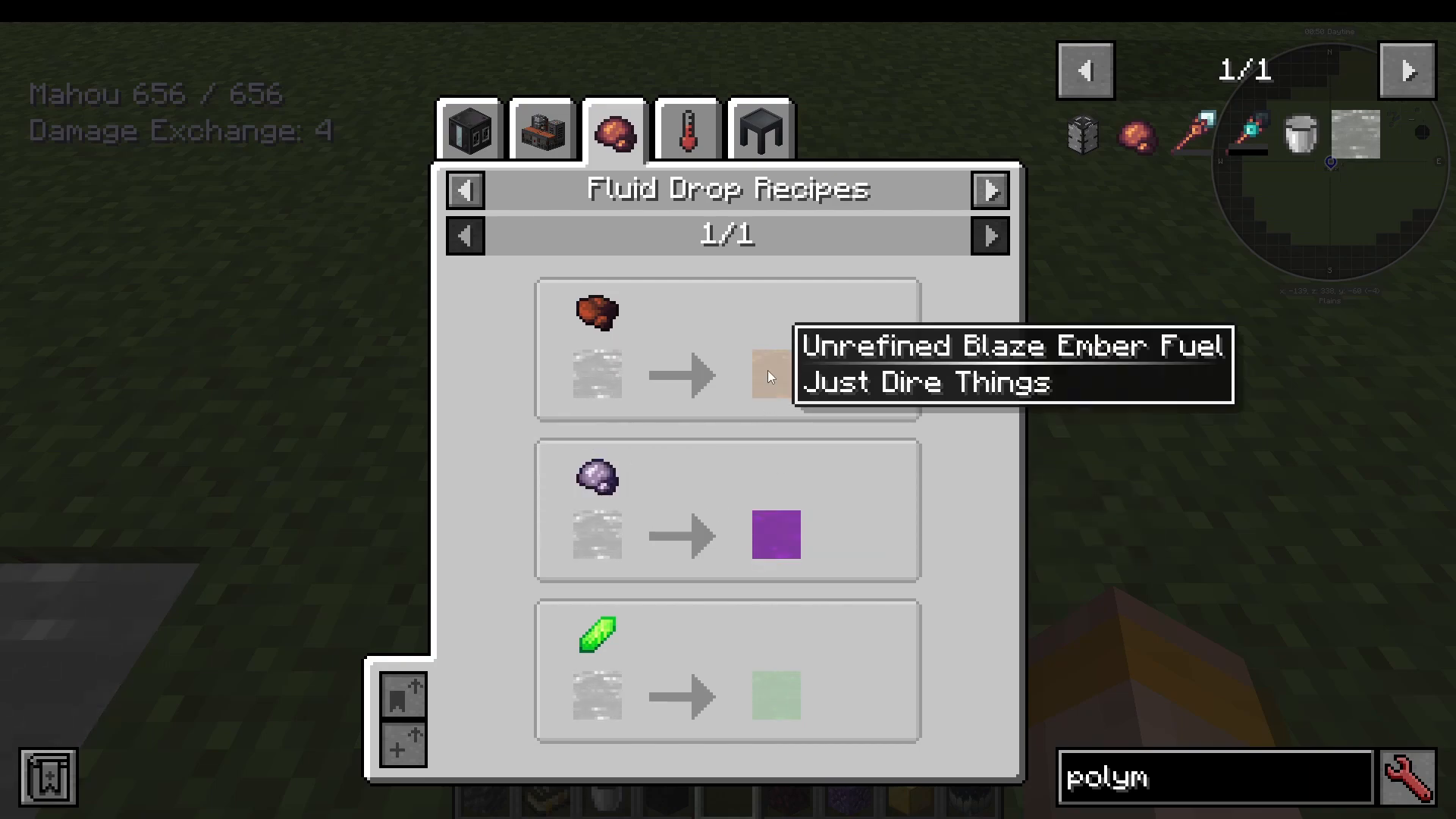
Drop Time Crystals and a Portal Fluid Catalyst into Polymorphic Fluid → Unstable Fluid
Drop Blaze Ember into the fluid → Unrefined Blaze Ember Fuel
Place Unrefined Blaze Ember Fuel next to a Blaze Bloom Goo → Blaze Ember Fuel
Place Void Flame Fuel next to Void Shima Goo → Void Flame Fuel (refined)
Simple Machines
Just Dire Things adds a suite of automation machines. Most of them are crafted using Ferricore Ingots, which you get by mining the Raw Ferricore Ore produced by your Primo Gel Goo.
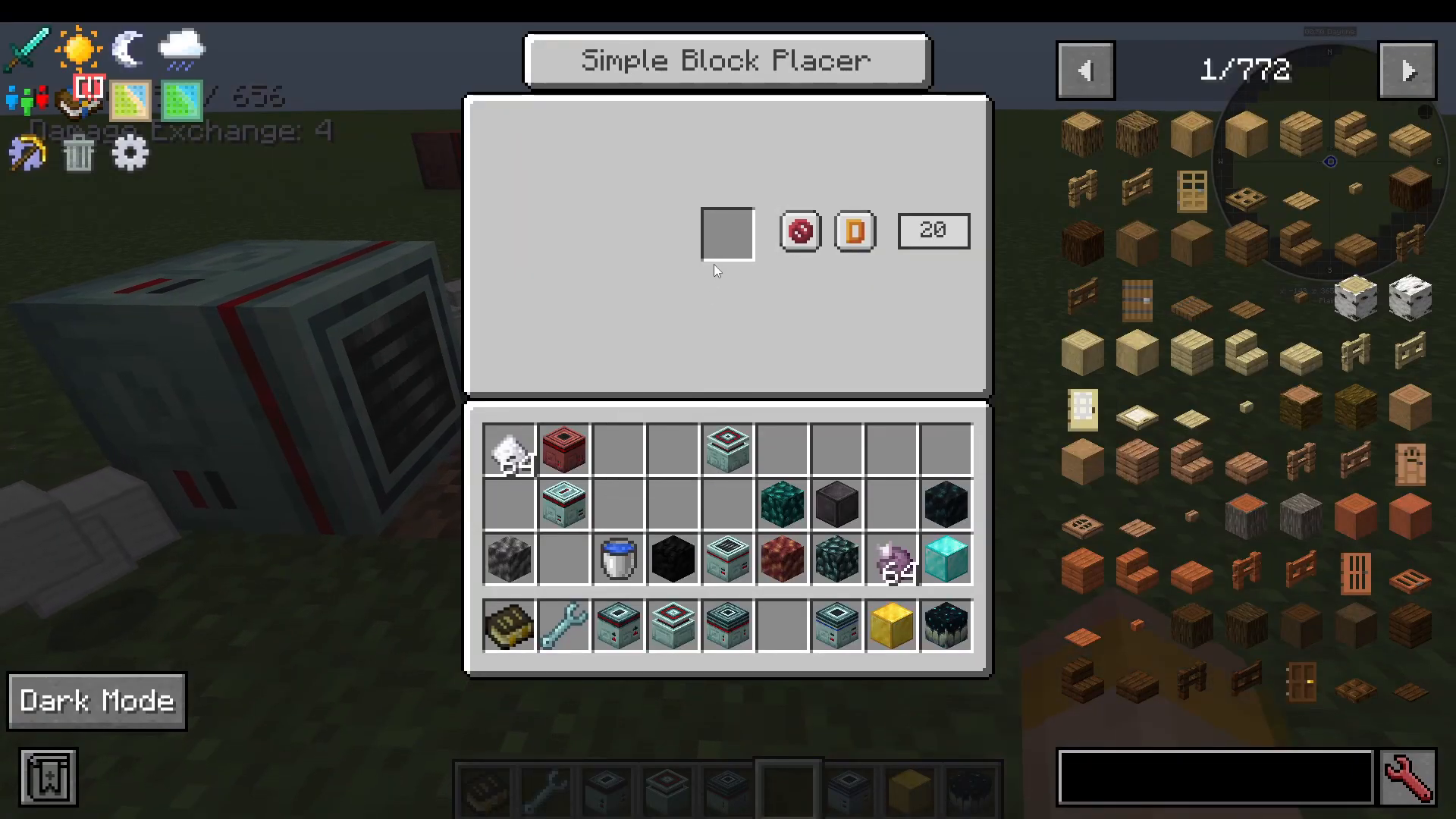
Simple Block Placer
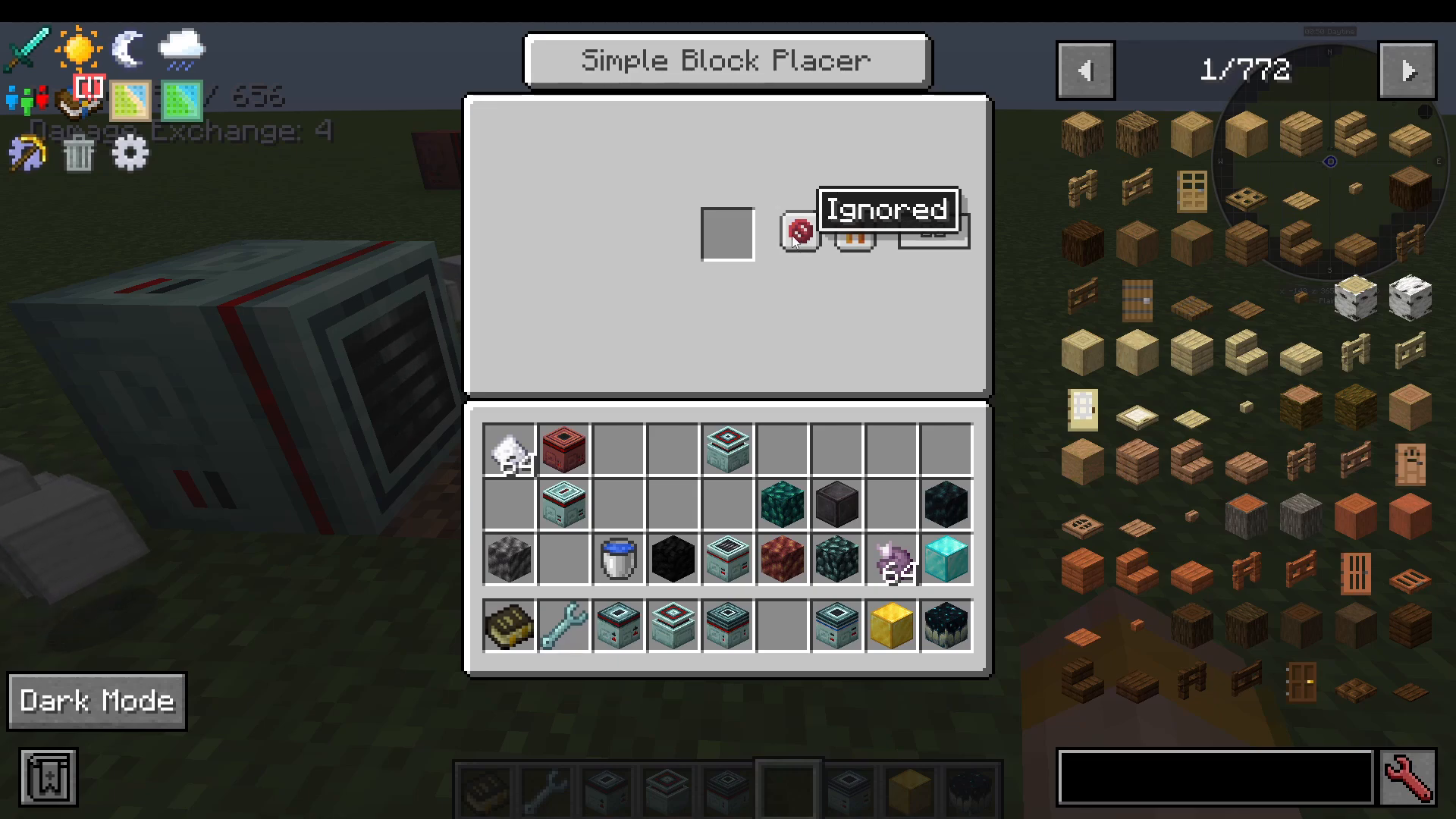
Right-click the Simple Block Placer to open its interface. You can load items into it for placement, choose which direction it faces, set the placement speed, and toggle whether it requires a Redstone signal to operate.
Simple Block Breaker
The opposite of the block placer — it breaks the block in front of it and drops the item on the ground. You can enable sneak-click imitation in its settings. It requires a tool (such as an iron pickaxe) placed inside it, and the tool will lose durability as it breaks blocks.
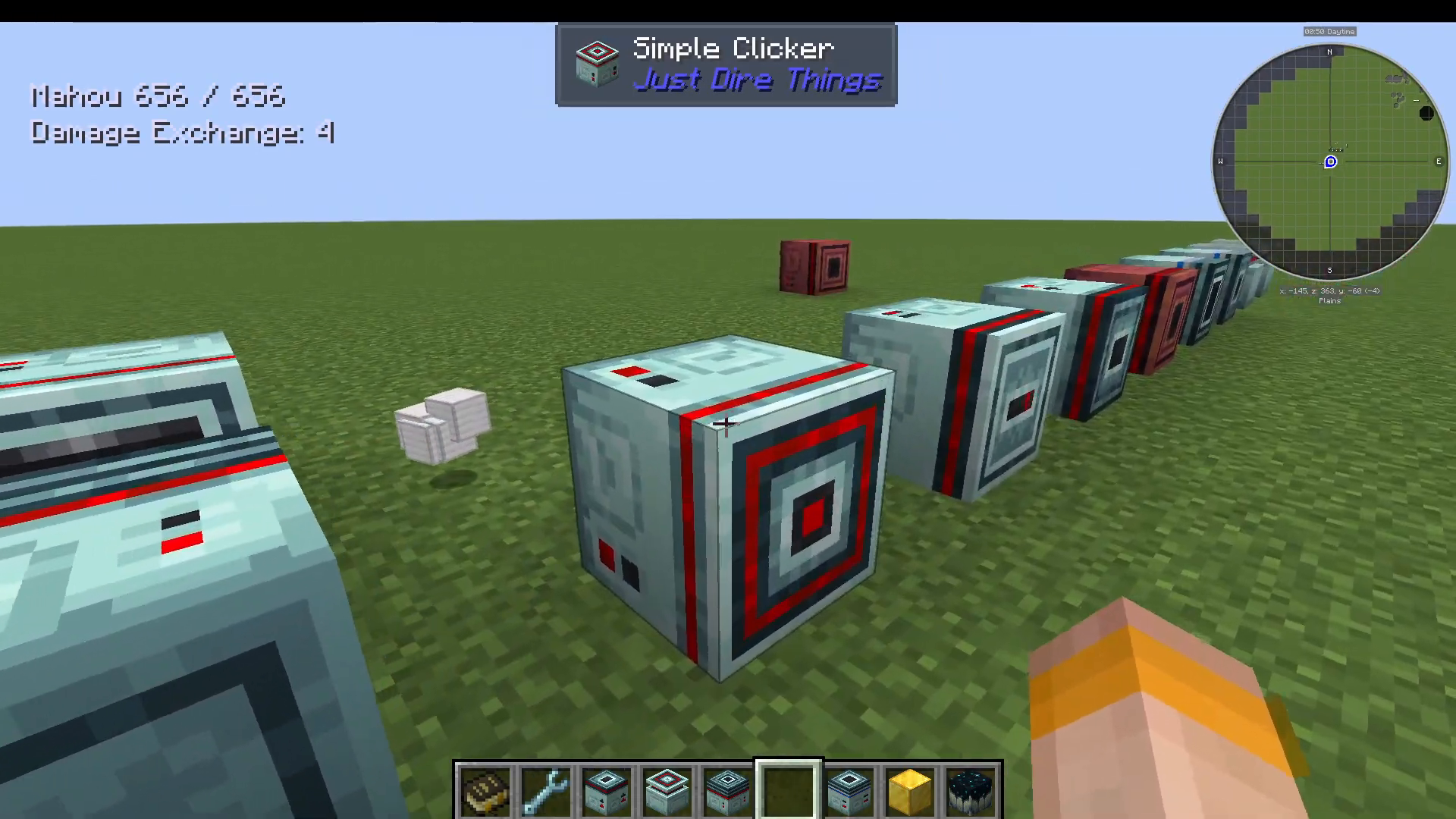
Simple Clicker
A flexible machine that simulates mouse clicks. Configure it to target:
Air, hostile mobs, passive mobs, adults, children, or players
Left-click, right-click, or a held click (with configurable hold duration)
Sneak-click imitation
A tool slot for whatever is being clicked (e.g., a sword for mobs)
Whether to show a fake player animation or ignore Redstone signals
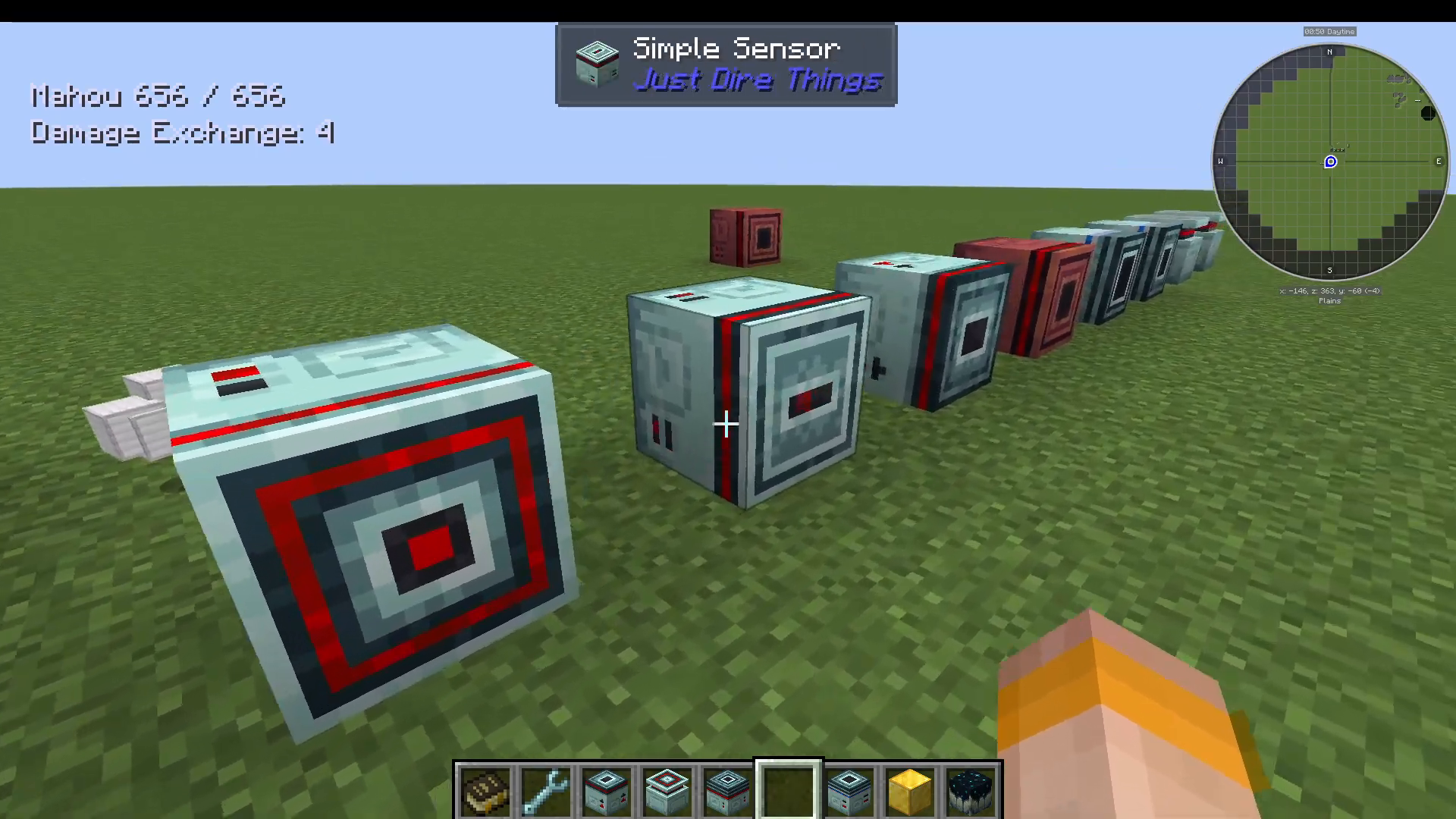
Simple Sensor
Emits a Redstone signal based on what is in front of it. Use an allow or deny filter (placed inside its interface) to control what triggers the signal. You can also configure it to target blocks specifically.
Simple Dropper
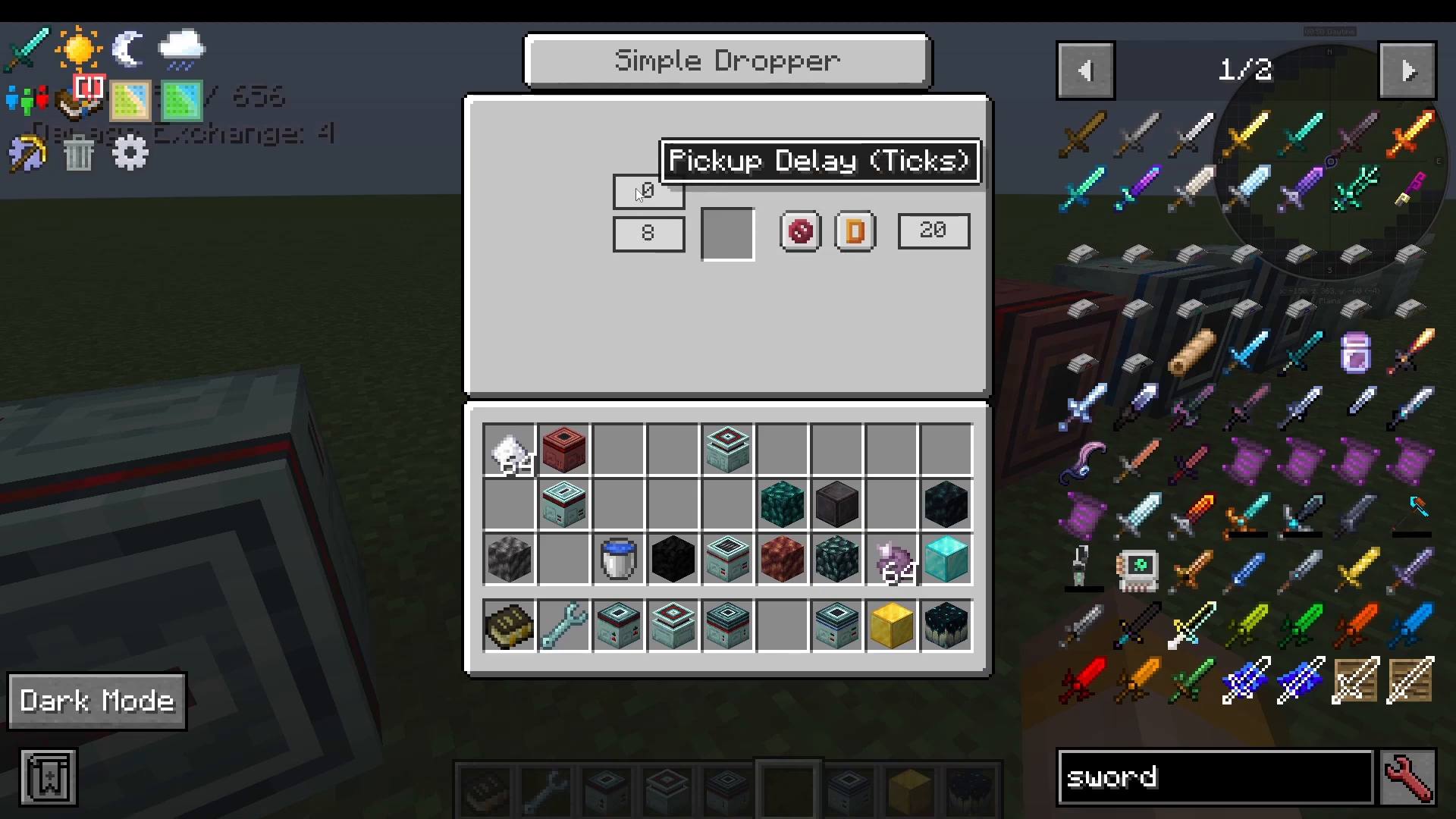
Drops items in front of it. You can configure how many items it drops per activation and set a pickup delay so items don’t get immediately re-collected.
Simple Swapper
To use the Simple Swapper you need a Ferricore Wrench. Right-click the wrench on one Swapper to bind it (it will say “Bound to Overworld”), then right-click another Swapper to link them. When a player stands in front of a bound Swapper, they are teleported to the location of its paired Swapper — with a configurable delay of 20 ticks. This is especially useful for moving the Budding Time Crystal Block between dimensions (see the Time Crystal section below).
Simple Fluid Placer and Simple Fluid Collector
The Simple Fluid Placer places fluid in front of it — pump any fluid in from another mod and it will deposit it into the world. The Simple Fluid Collector works as a pump, sucking up fluid that is in front of it.
Simple Coal Generator and Fuel Generator
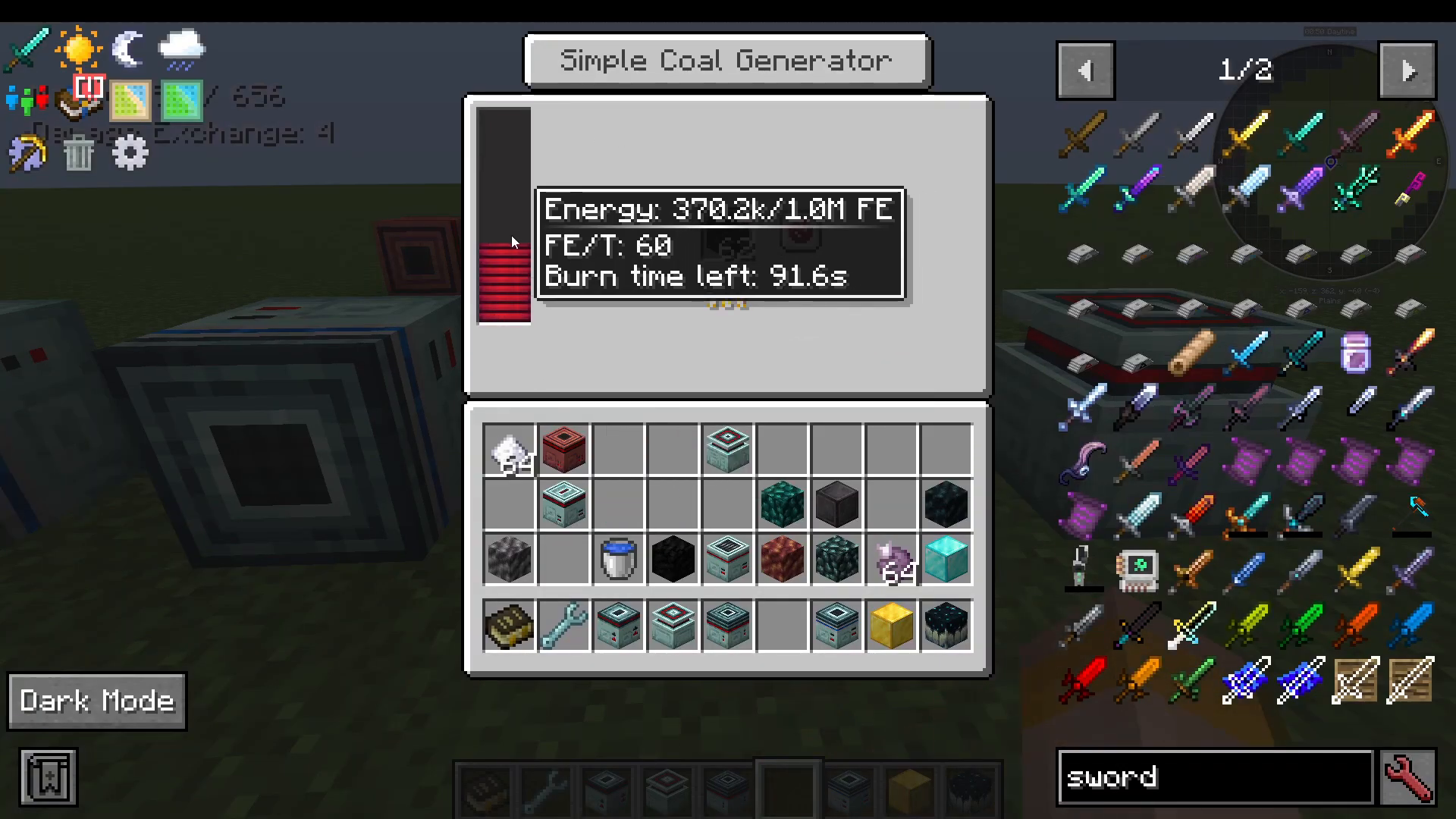
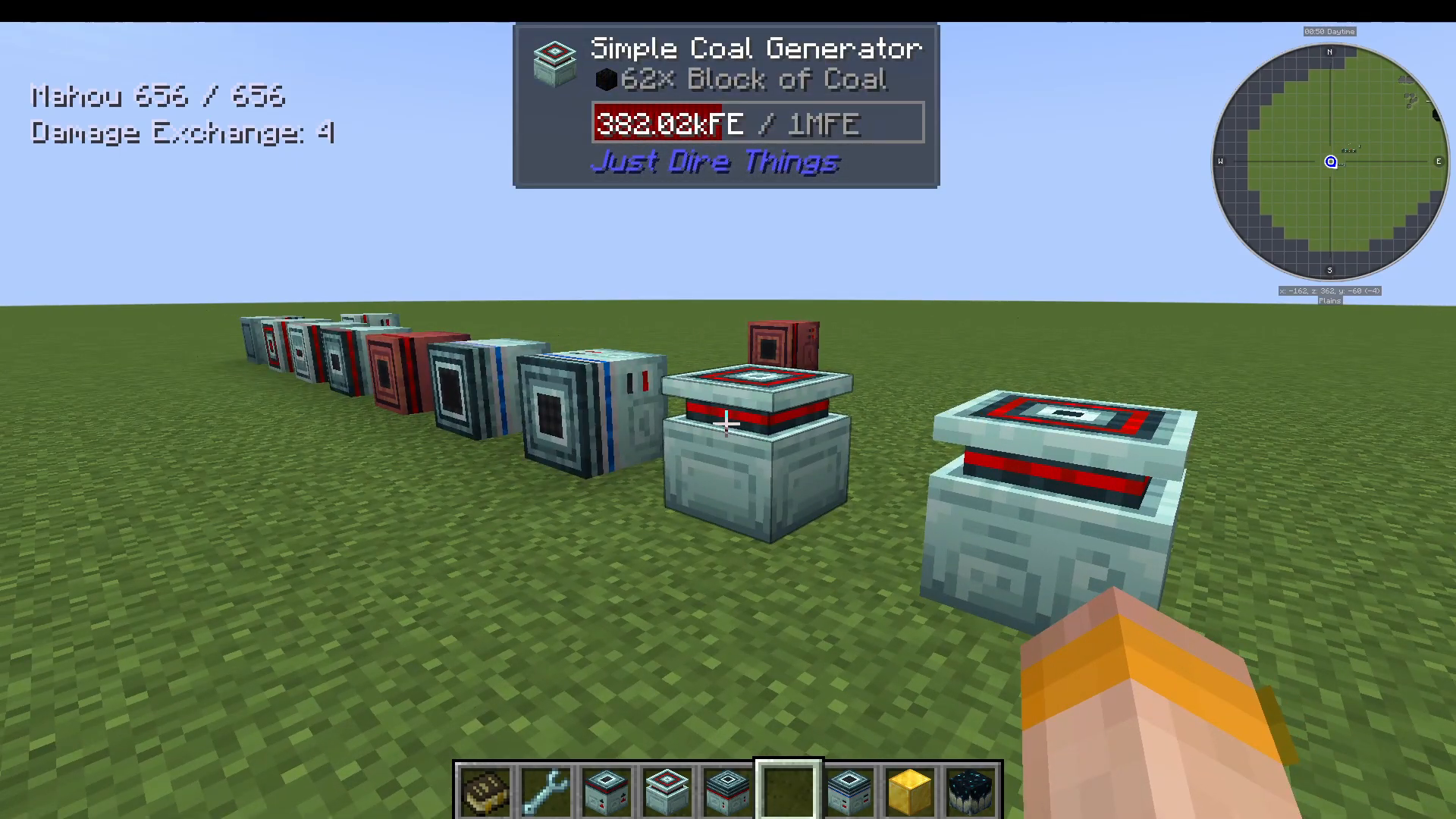
The Simple Coal Generator burns coal to produce Forge Energy (FE). The Fuel Generator accepts liquid fuels — for example, you can pump lava directly into it to generate energy.
Advanced Machines
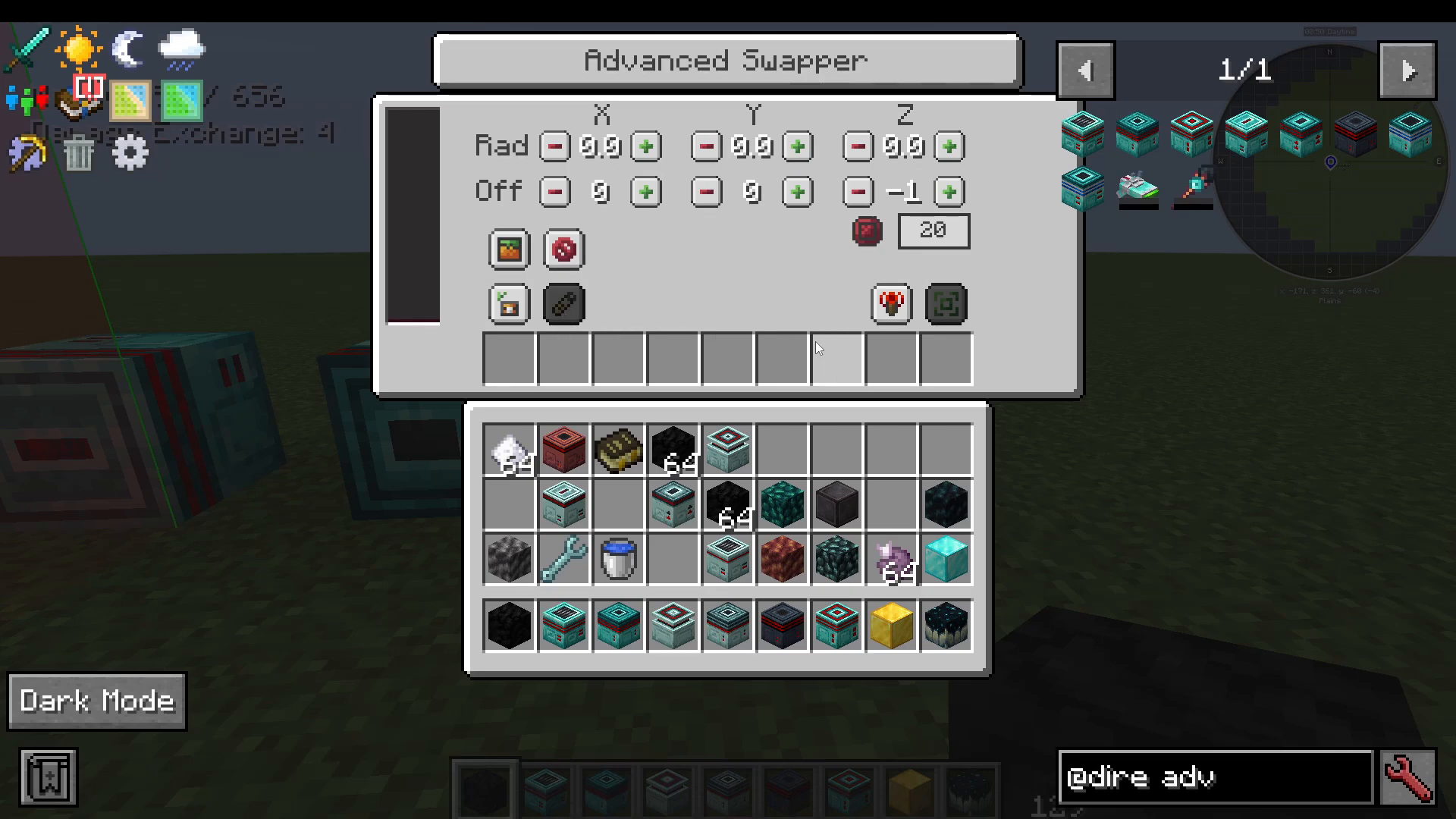
Just Dire Things also includes advanced versions of most of the simple machines — the Advanced Block Breaker, Advanced Clicker, Advanced Sensor, Advanced Dropper, and more. These all require Forge Energy (FE) to operate.
Area Filtering and Offsets
The key upgrade in all advanced machines is the addition of a large filter list and an area/offset system. For example, in the Advanced Block Breaker you can filter specifically for blocks of coal, then use the offset controls to define the exact area — on any axis — where you want it to operate. A render area overlay shows you the active zone in-game.
Allow Lists, Deny Lists, and NBT Comparison
Advanced machines support whitelist (allow) and blacklist (deny) filters. You can also enable NBT comparison — this means the machine can distinguish between items that share a type but have different tags. For example, placing iron ore in the filter with NBT enabled would match only iron ore with that exact tag, rather than all ores registered under the Forge ore dictionary.
Other Notable Blocks and Items
Item Collector
Place the Item Collector near dropped items and configure its render area to define its pickup radius. It will collect items within that area and deposit them into an adjacent inventory, such as a chest placed below it.
Player Accesser
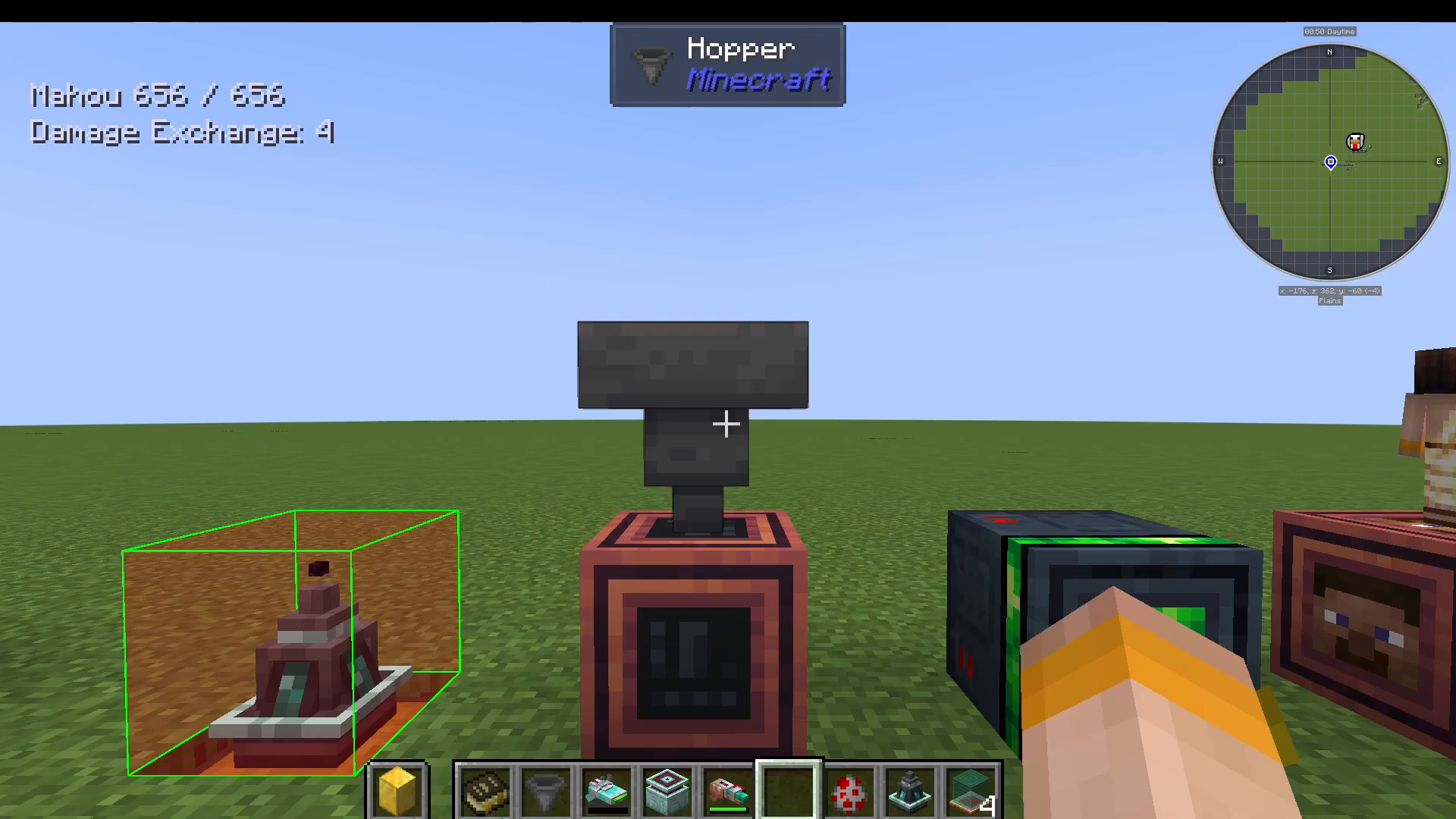
This block can interact directly with a player’s inventory slots. It has directional slots (up, down, left, right, etc.) that you configure for different inventory types: main inventory, armor slots, or off-hand slot. For example, connect a hopper to the top of the Player Accesser and configure the top slot for the off-hand — any item entering the hopper will be placed directly into the player’s off-hand.
Paradox Machine
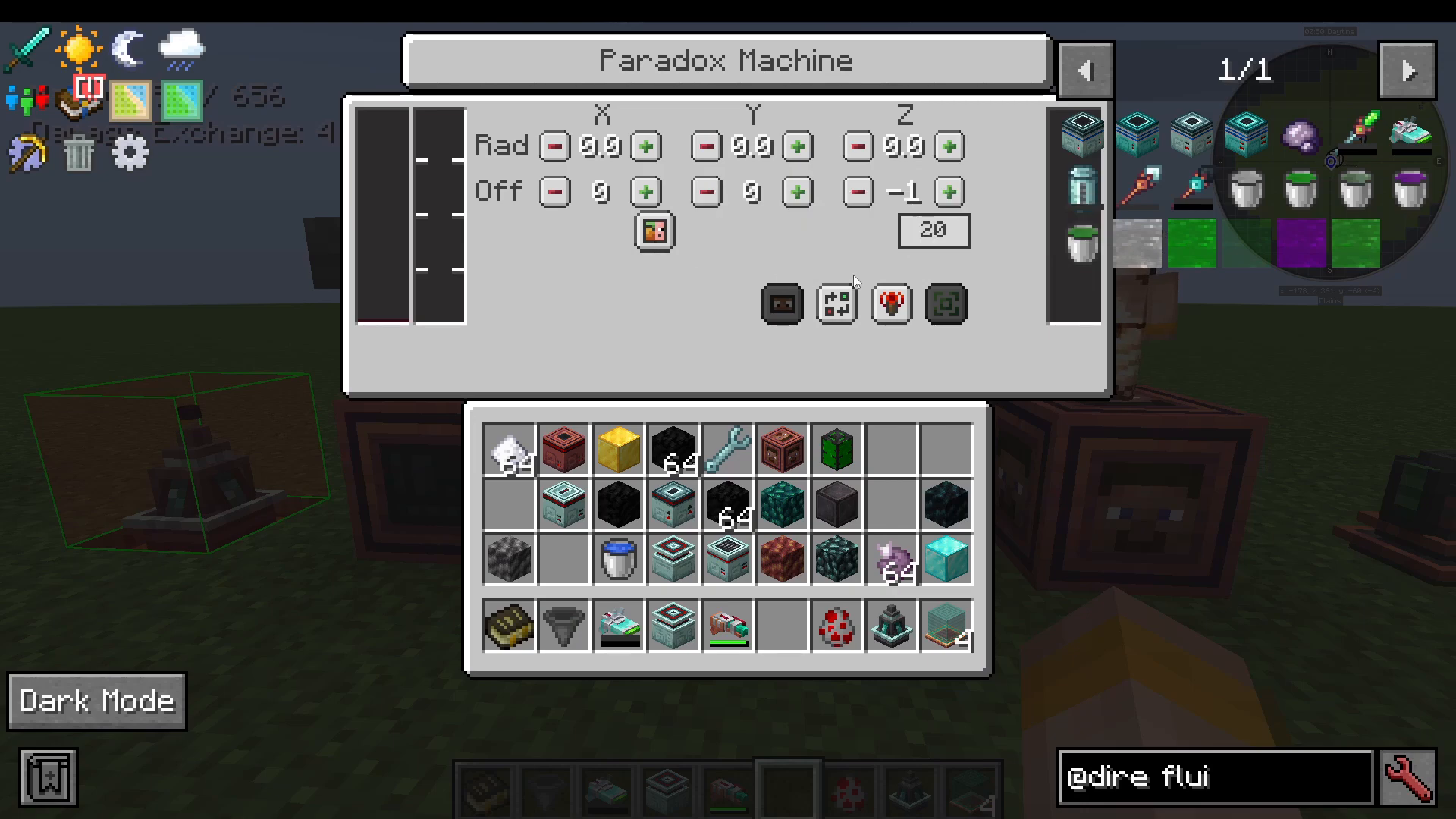
The Paradox Machine requires Time Fluid and Forge Energy to operate. Set your desired radius, then press Snapshot Area to record the current state of everything inside it — blocks and entities included. If anything changes inside that area, press Revert Blocks and Entities and it will restore everything exactly as it was in the snapshot.
Be careful: overusing the Paradox Machine will trigger a Paradox event. To resolve a Paradox, feed the machine a Time Crystal.
How to Make a Time Crystal (Budding Time Crystal Block)
Time Crystals come from a Budding Time Crystal Block, which is created by transmuting a Budding Amethyst with Shadow Pulse Goo. However, activating it requires you to carry the block through all three dimensions:
Place the Budding Time Crystal Block in the Overworld and wait for it to change color.
Move it to the Nether and wait for it to change color again.
Move it to the End — once it changes color here, it will begin producing Time Crystals.
Important: The Budding Time Crystal Block cannot be broken, and Silk Touch will not work on it. Use Simple Swappers — bind one in the Overworld and one in the Nether — to safely transport the block between dimensions without destroying it. Repeat the process for the End.
Inventory Holder
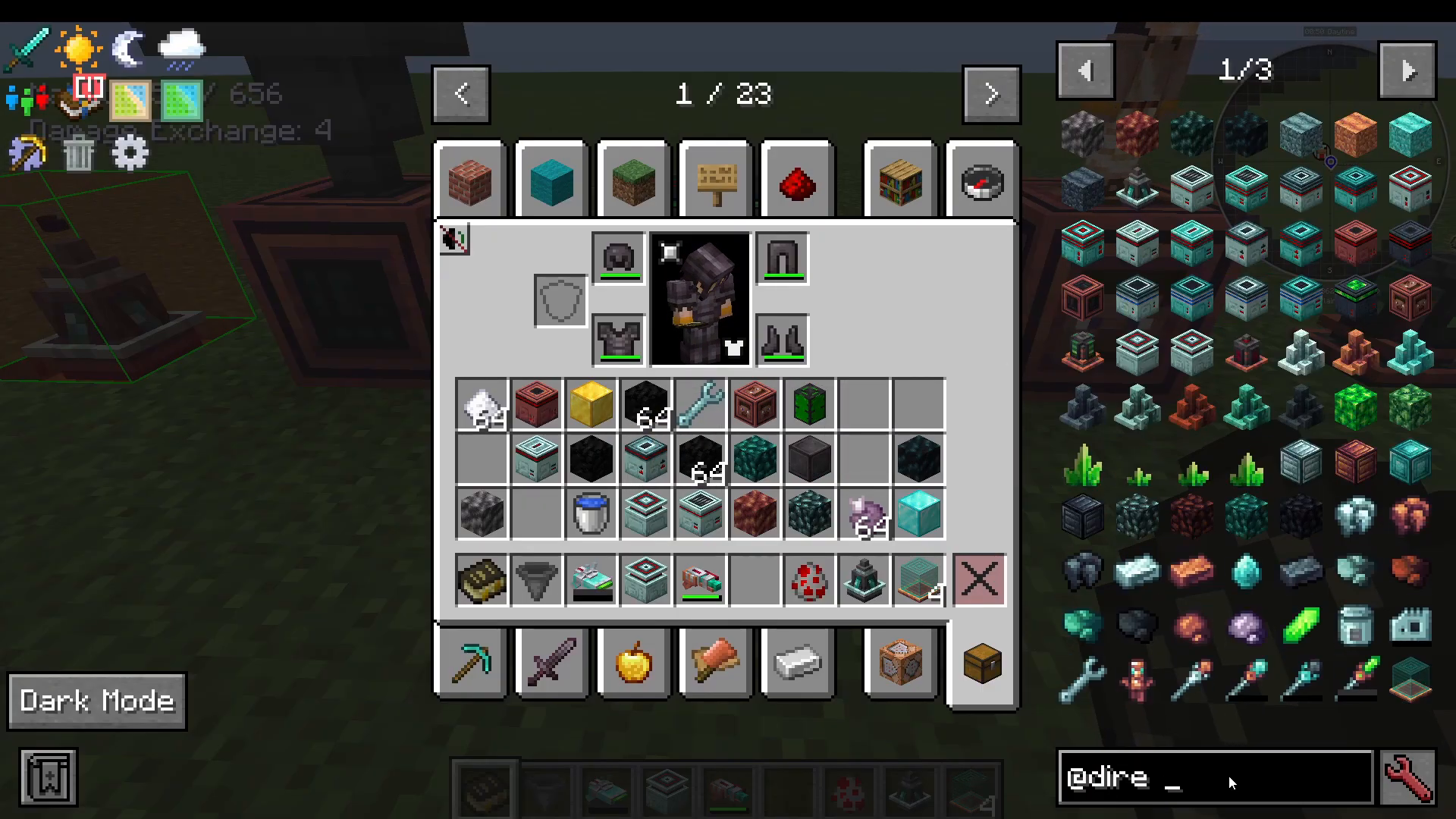
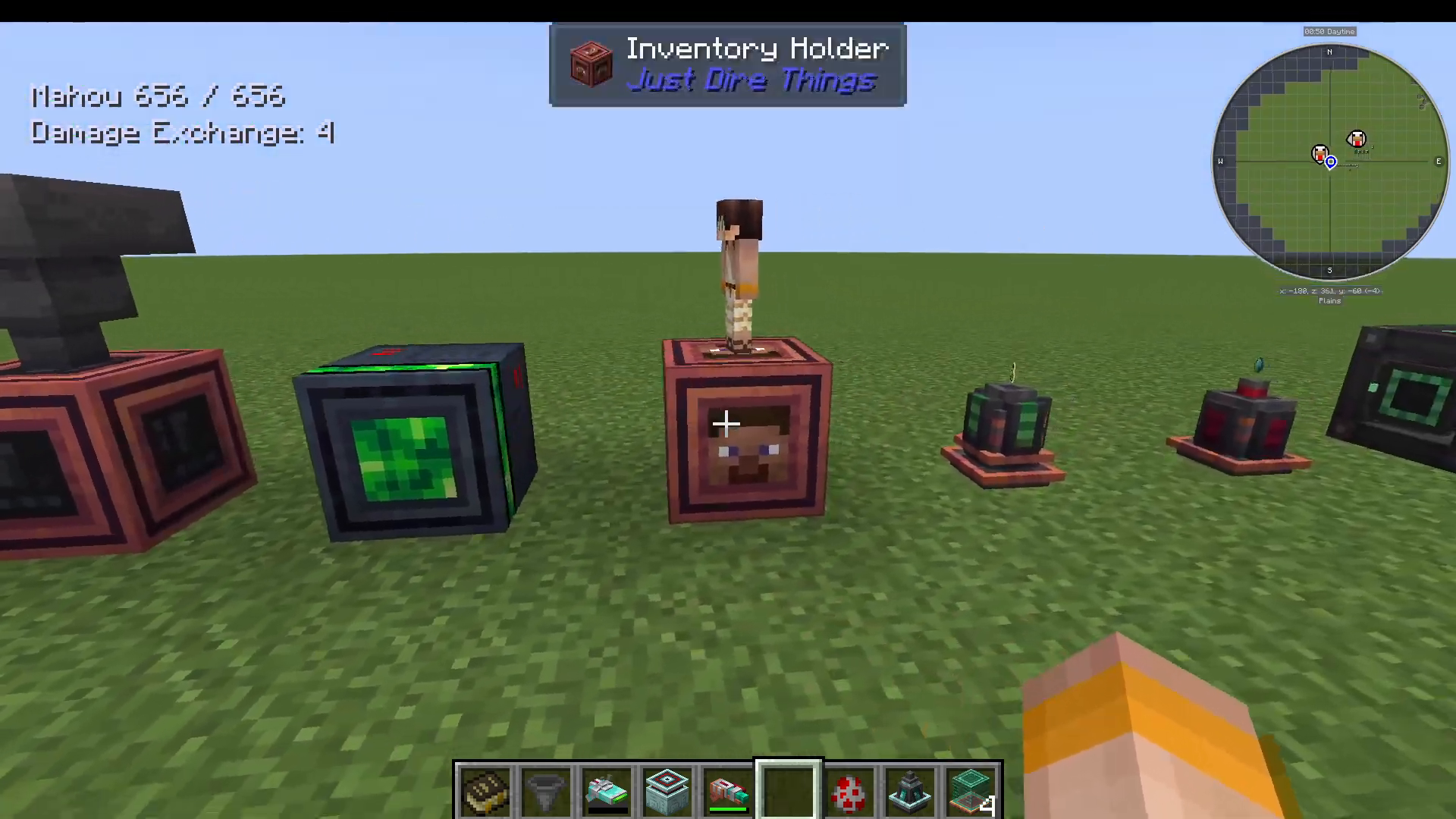
The Inventory Holder gives you a second complete set of items. You can swap your entire inventory with the one stored inside it, push all items into it, or pull them all out. Filter options let you swap only specific items, and you can toggle stack size comparison for more precise control.
Experience Holder
Stores experience points. You can deposit XP into it and configure whether only the owner can use it or whether it is open to all players.
Energy Transmitter
Wirelessly transmits Forge Energy to machines within a configurable radius around it.
Portal Gun
Crafted with Blaze Gold Ingots. Right-click to place an orange portal, left-click to place a blue portal. Entering the orange portal teleports you to the blue one and vice versa. The basic Portal Gun requires only energy; the Advanced Portal Gun requires both energy and Portal Fluid.
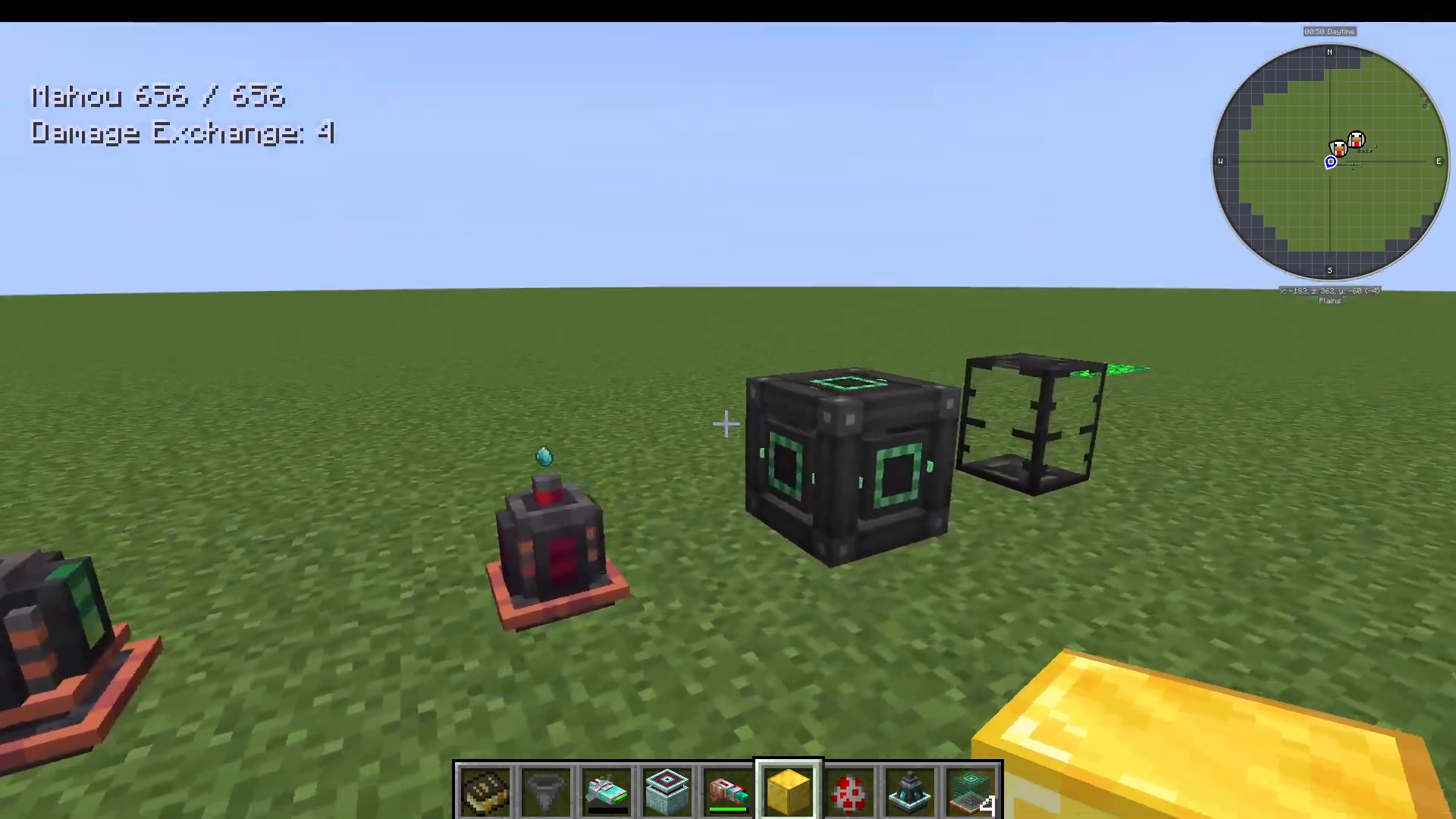
Creature Catcher
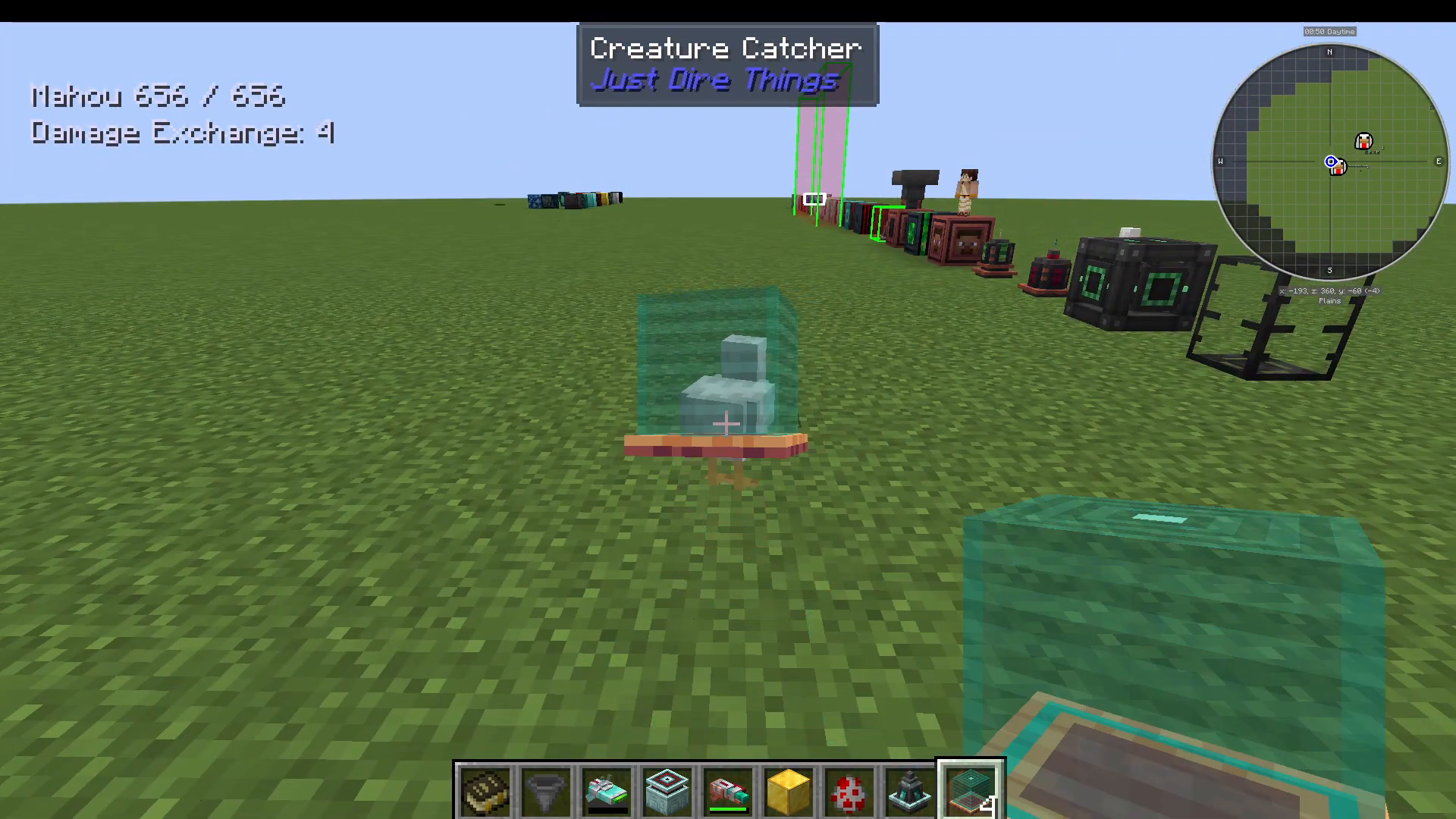
Right-click any mob with the Creature Catcher to capture it inside the item — similar to a Pokéball mechanic. Right-click again anywhere to release the mob. Great for relocating passive animals or preserving rare mob spawns.
Machine Settings Copier
Right-click a configured machine with the Machine Settings Copier to store its settings, then right-click another machine of the same type to paste them. Ideal when you’re setting up multiple identical machines.
Pocket Generator
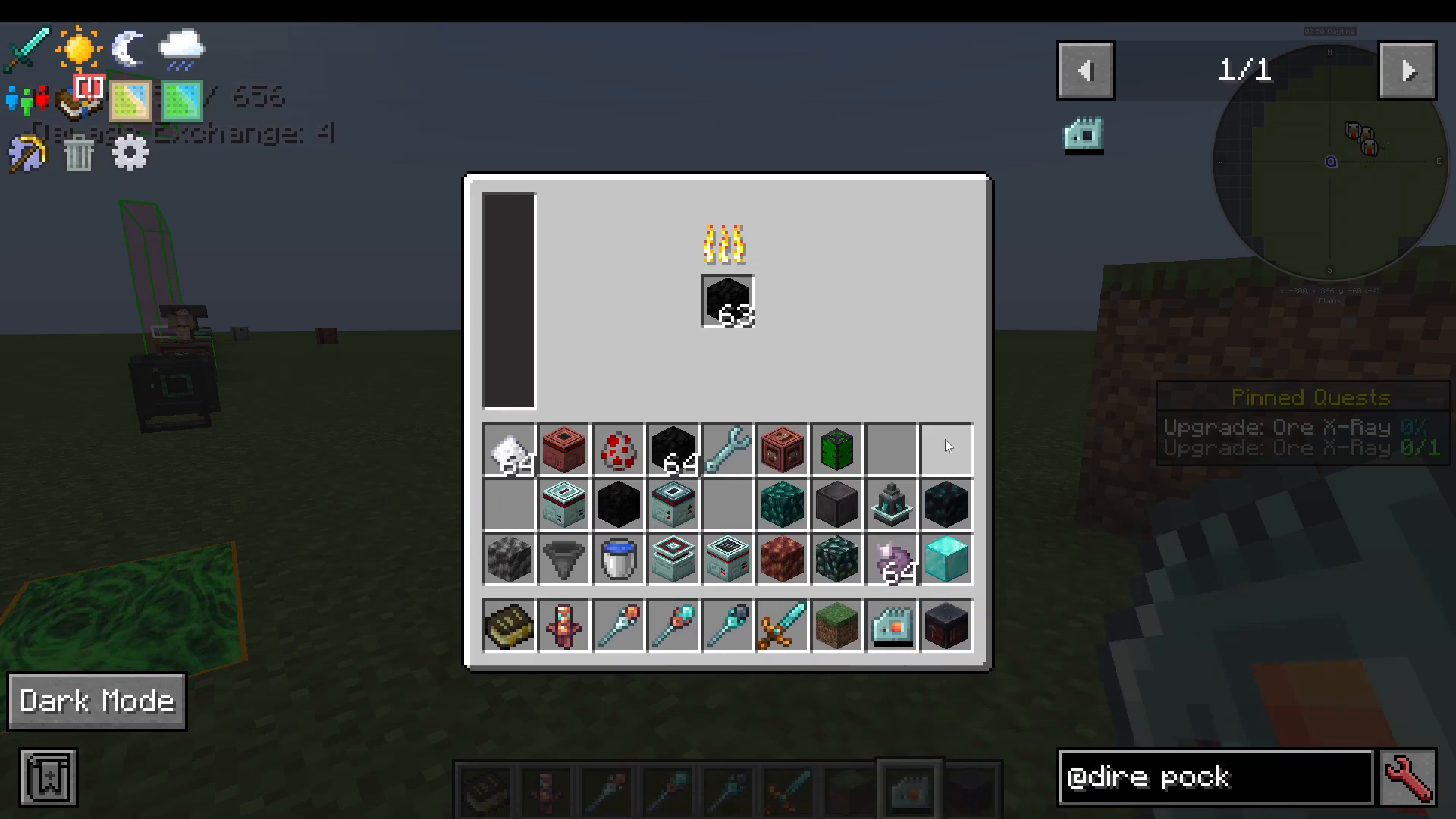
A portable energy generator that sits in your inventory. Right-click to open it and insert coal (or other solid fuel). It generates Forge Energy passively and automatically charges any energy-using items in your inventory — for example, a Celest Gem Sword will charge while you’re carrying the Pocket Generator.
Tiered Tools and Armor
Just Dire Things adds four tiers of tools and armor, each with its own set of available upgrades. The tiers, in order from weakest to strongest, are:
Ferricore — base tier, crafted from Ferricore Ingots
Blaze Gold — crafted using a blank smithing template upgraded with Blaze Gold
Celest Gem — next tier up
Eclipse Alloy — the highest tier
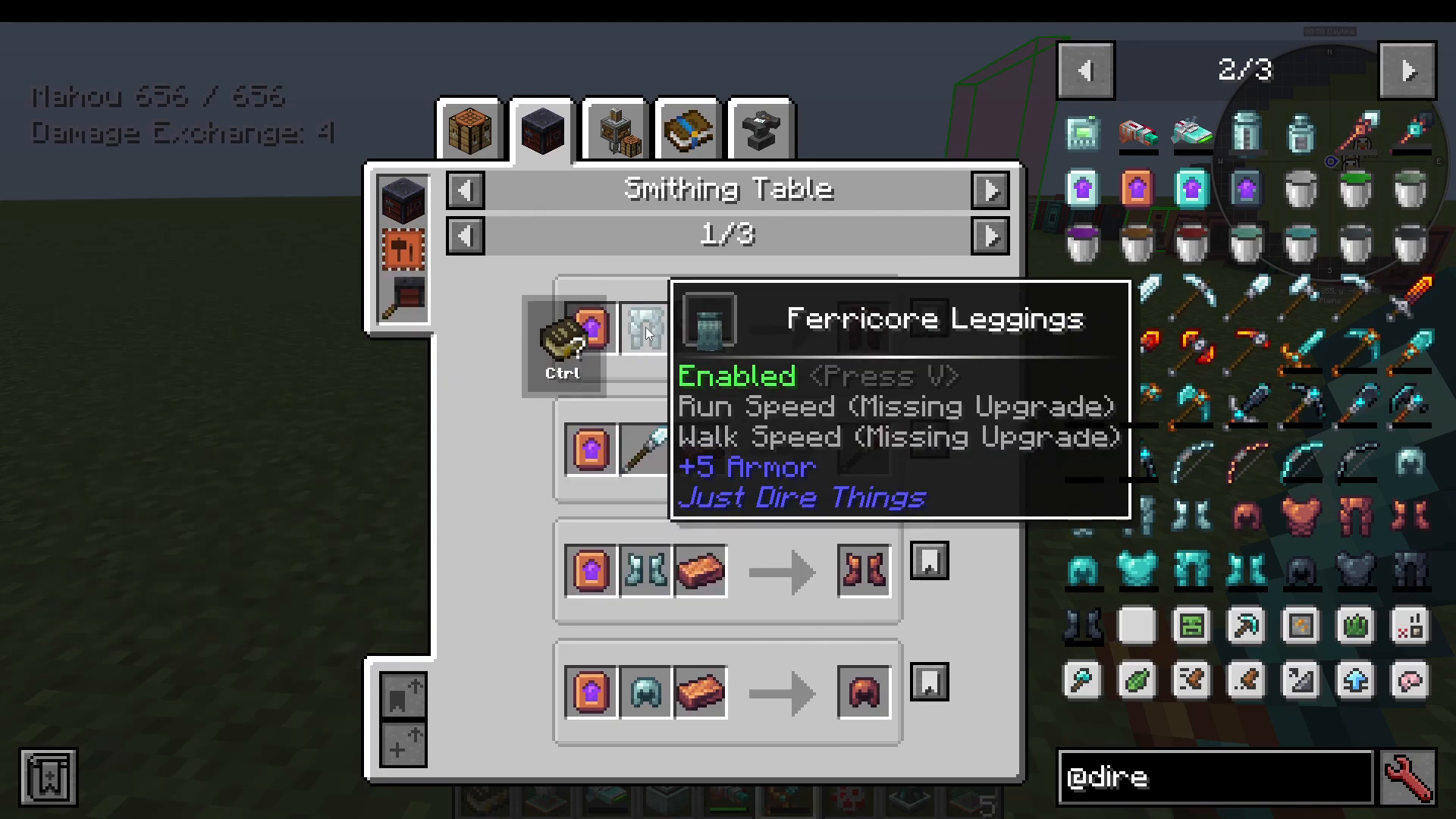
To see what upgrade slots are available for a piece of gear, hold Shift while hovering over it.
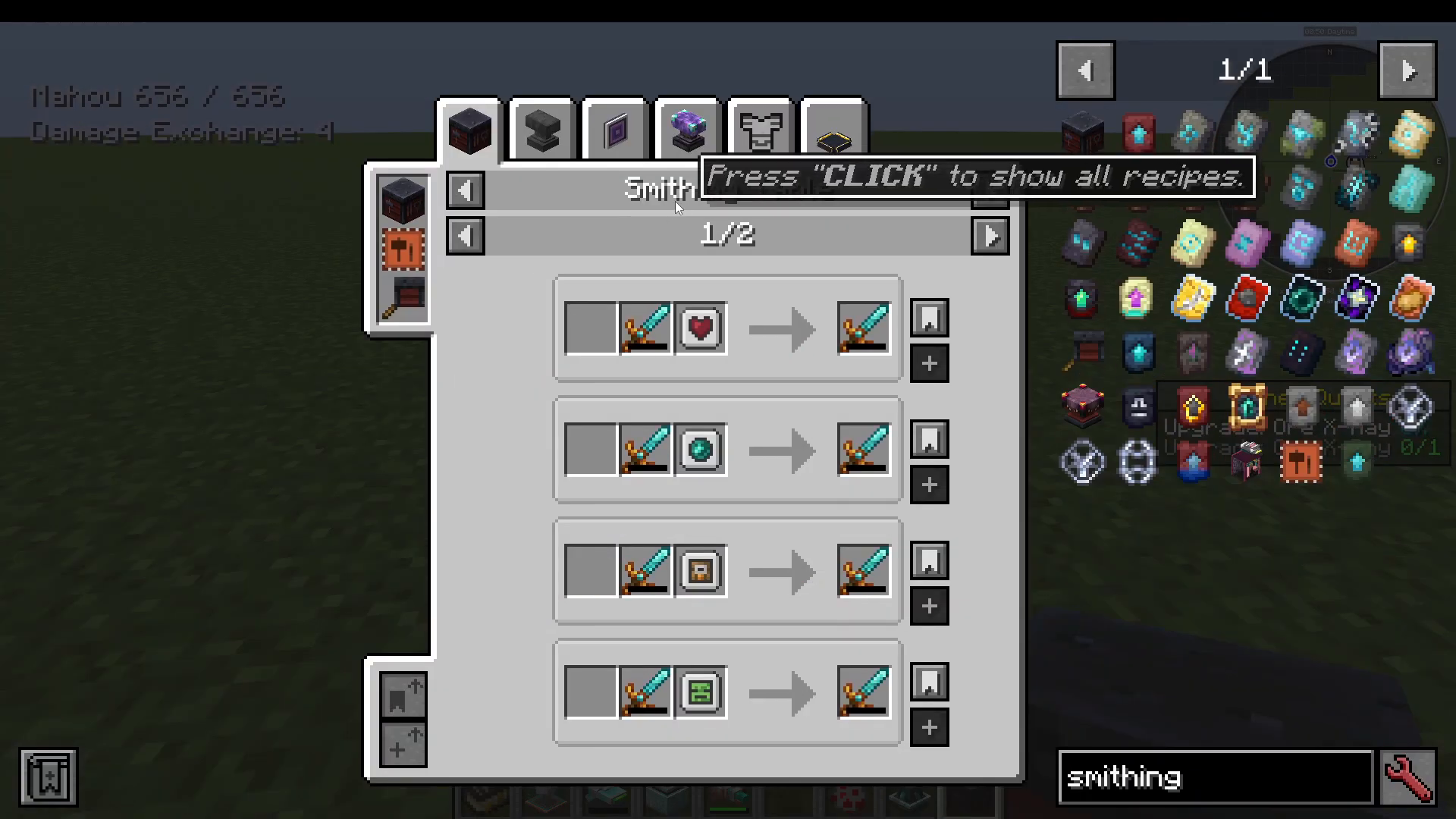
Applying Upgrades via the Smithing Table
All gear upgrades are applied through the Smithing Table. Place the upgrade module alongside your gear piece in the Smithing Table to install it. Once installed, Shift + Right-click the gear to open its settings menu, where you can configure each installed module individually — for example, choosing whether a module activates on left-click, right-click, or automatically when equipped.
Tool Upgrades
The following upgrades can be installed on Just Dire Things tools:
Smoker (Passive) — automatically smokes items dropped by kills
Instant Break (Active) — instantly mines targeted blocks when activated
Scanner (Active) — highlights nearby ores with green particles when activated (note: may be disabled in some modpacks due to XRay concerns)
Mob XRay (Active) — highlights nearby mobs
Quarter Eyes (Active) — provides minor healing when activated; requires the player to have recently taken damage
Drops Teleport (Active) — teleports item drops to a bound inventory; bind it by Shift + right-clicking the tool inside the target inventory. Also works with auto-harvested drops. Right-clicking farmland rebinds it if the inventory has changed.
Smelter — automatically smelts mined blocks
Minor Mob Scanner — a lighter version of the mob scanner
Leaf Breaker — breaks leaf blocks efficiently
Lawnmower — cuts grass automatically
Tree Feller — chops entire trees with a single axe swing
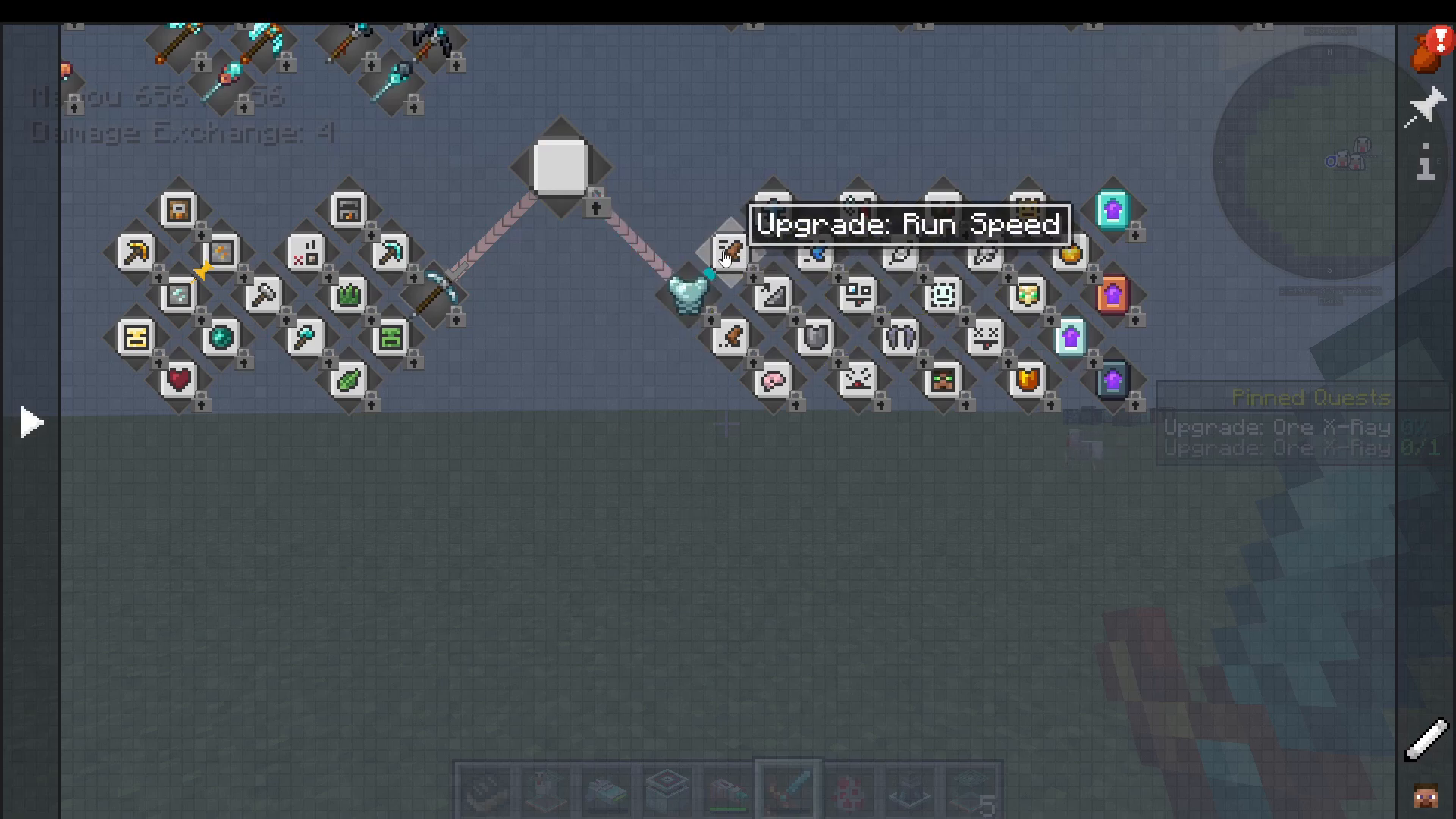
Armor Upgrades
Armor pieces support a separate set of upgrade modules:
Run Speed — increases sprinting speed
Jump Boost — increases jump height
Swim Speed — increases swimming speed
Step Assist — allows stepping up one-block ledges without jumping
Walk Speed — increases walking speed
Lava Repair — repairs armor when exposed to lava (Blaze Gold tier and above)
Mind Fog — reduces the detection range of hostile mobs
Invulnerability — brief invulnerability window
Ground Stomp (Active, Cooldown) — repels nearby mobs when activated
Extinguish (Active, Cooldown) — extinguishes the player when on fire
Earthquake — reduces fall damage
Decoy (Active, Cooldown) — spawns a decoy that pulls aggro away from the player
Phase (Active) — allows walking through blocks; use the blacklist to prevent phasing through specific blocks or against specific mobs
Special Wands and Utility Items
Totem of Defracall
A one-time-use alternative to the standard Totem of Undying. Instead of preventing death where you stand, the Totem of Defracall teleports you back to the exact location where you died — making it far more useful for recovering lost items.
Blaze Jet Wand
Gives you a burst of upward momentum — right-click to launch yourself into the air. Great for quick vertical movement or avoiding danger.
Void Shift Wand
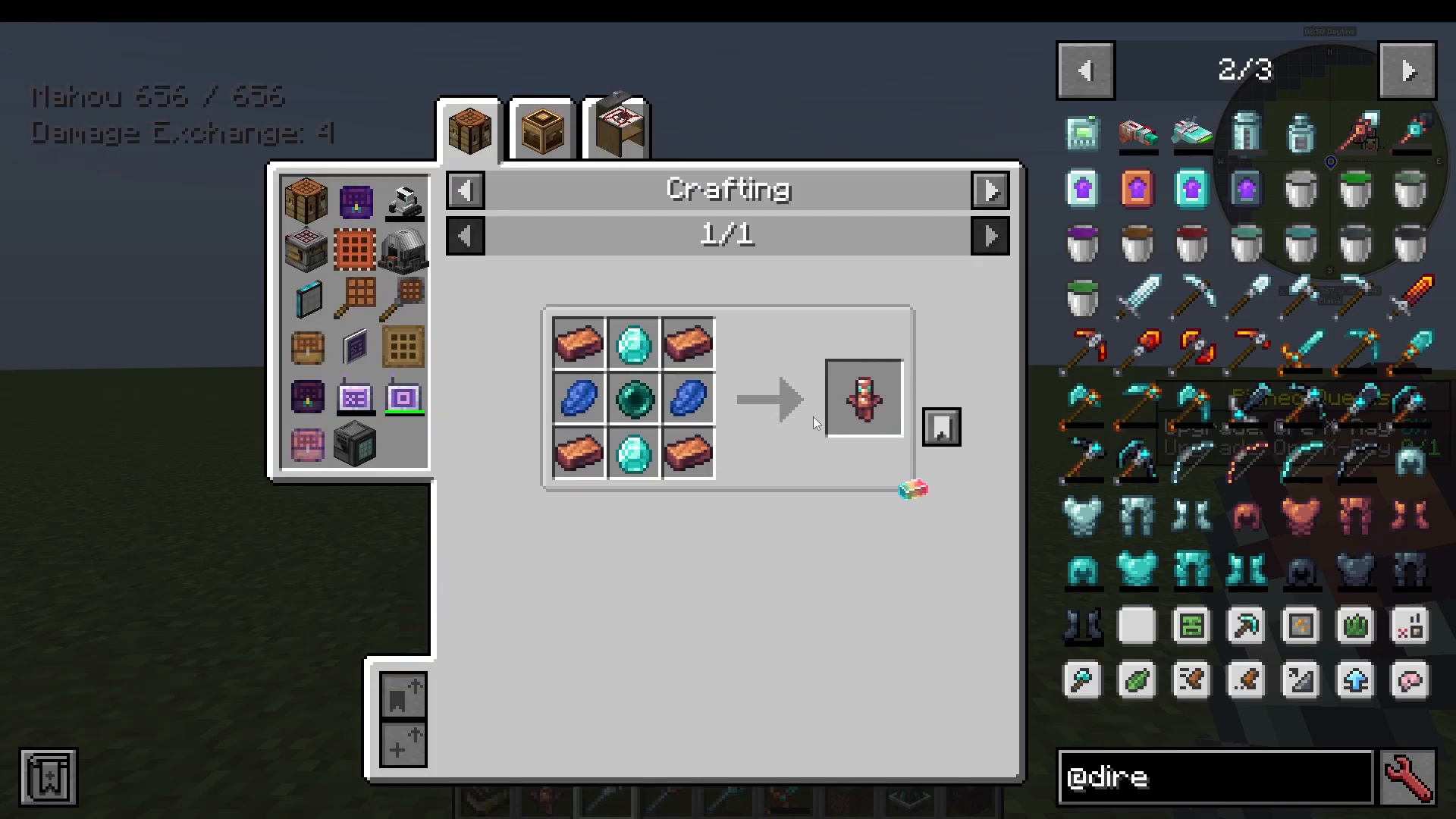
An upgraded movement wand. Right-click to teleport forward to a target location instantly. A ghost image of your player appears at the destination before the teleport completes.
Eclipse Gate Wand
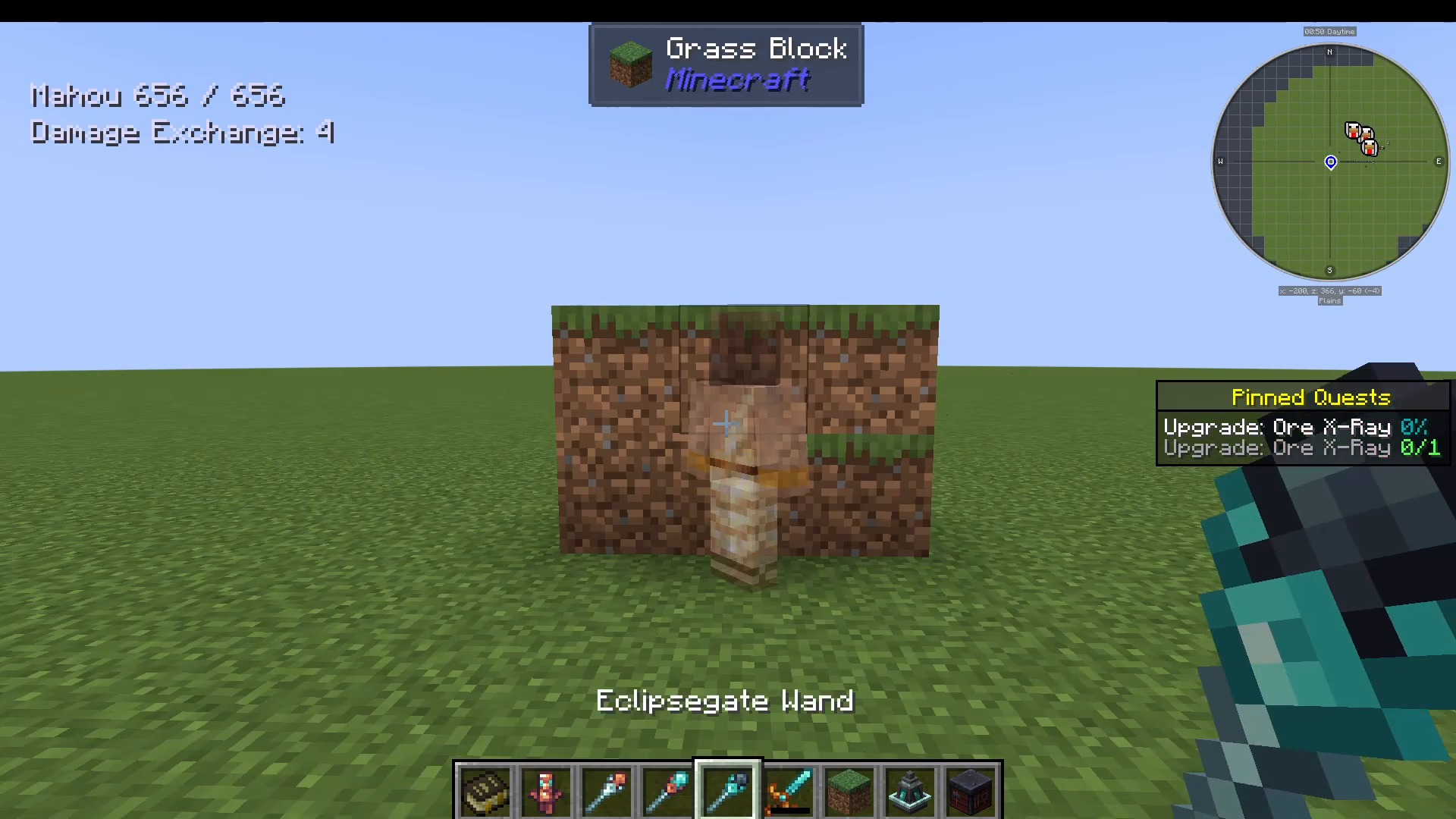
The most powerful movement wand. Right-click to teleport to a targeted location and left-click on blocks to make them temporarily disappear, allowing you to walk through them. The blocks reappear after a short time.
Summary
The Just Dire Things mod is a comprehensive progression overhaul with something for every playstyle. Start with Primo Gel Goo using vanilla ingredients, work up through the four goo tiers to unlock increasingly powerful resources, and use those resources to build automation machines ranging from simple block placers to area-filtering advanced machines. Invest in tiered Ferricore → Blaze Gold → Celest Gem → Eclipse Alloy gear and customize every piece with the mod’s deep upgrade system. Don’t overlook the utility items — the Paradox Machine, Creature Catcher, Portal Gun, and the movement wands are all genuinely powerful tools that will transform how you play.
If you need a server to run Just Dire Things with friends, consider G-Portal — they support modded Minecraft servers and let you swap between games instantly via GameCloud. Use code Havier for 10% off your first month.
“`