
Inventory Generators Mod Tutorial
Inventory Generators Mod Tutorial – All 13 Generators Explained
The Inventory Generators mod is a clever Minecraft mod that lets you generate RF energy directly from your inventory. Instead of building large power setups, you carry your generator with you and fuel it on the go. In this tutorial, we’ll walk through how the mod works, what upgrades are available, and break down all 13 generators the mod adds.
Getting Started: The Inventory Survivalist Generator
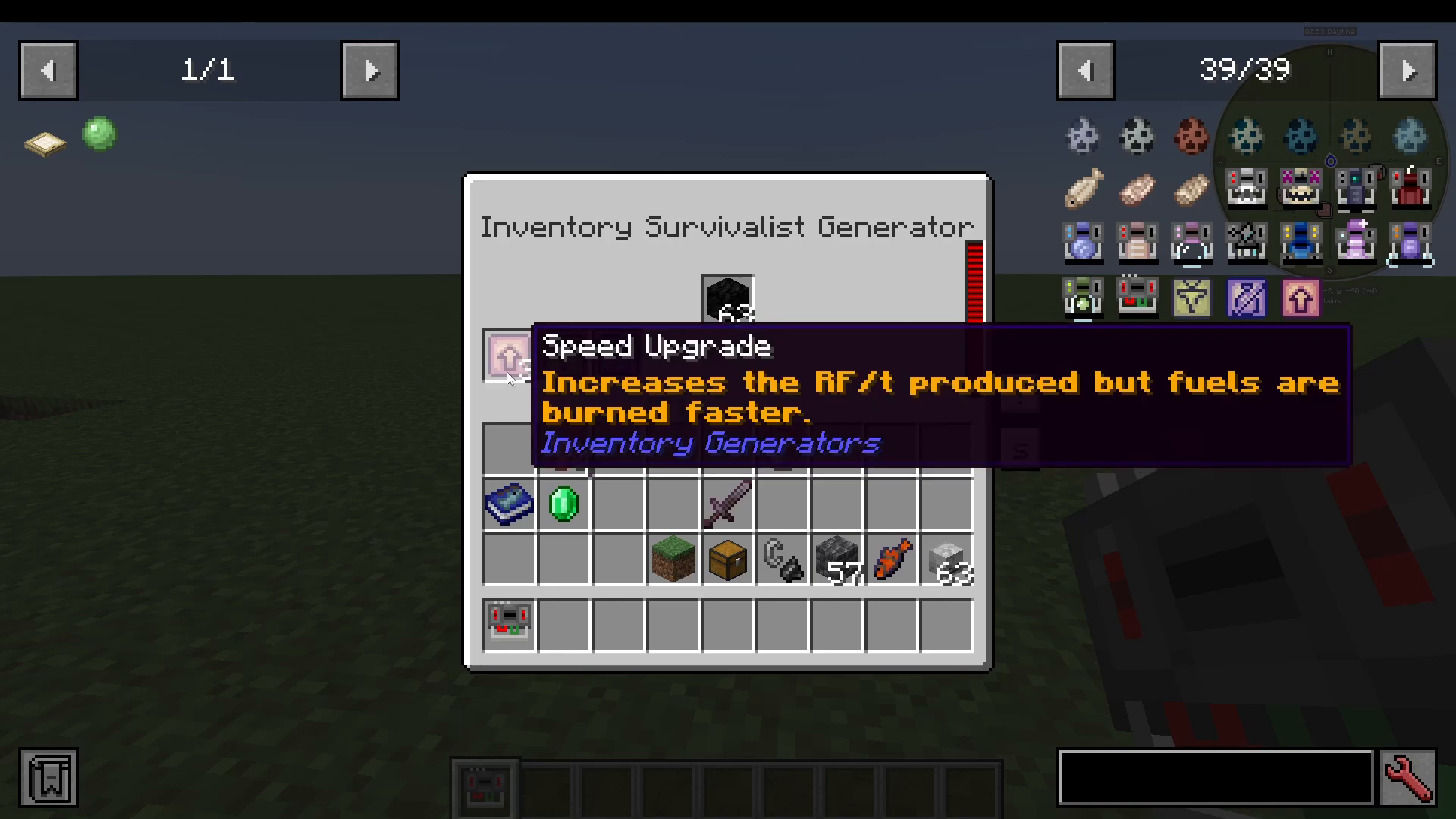
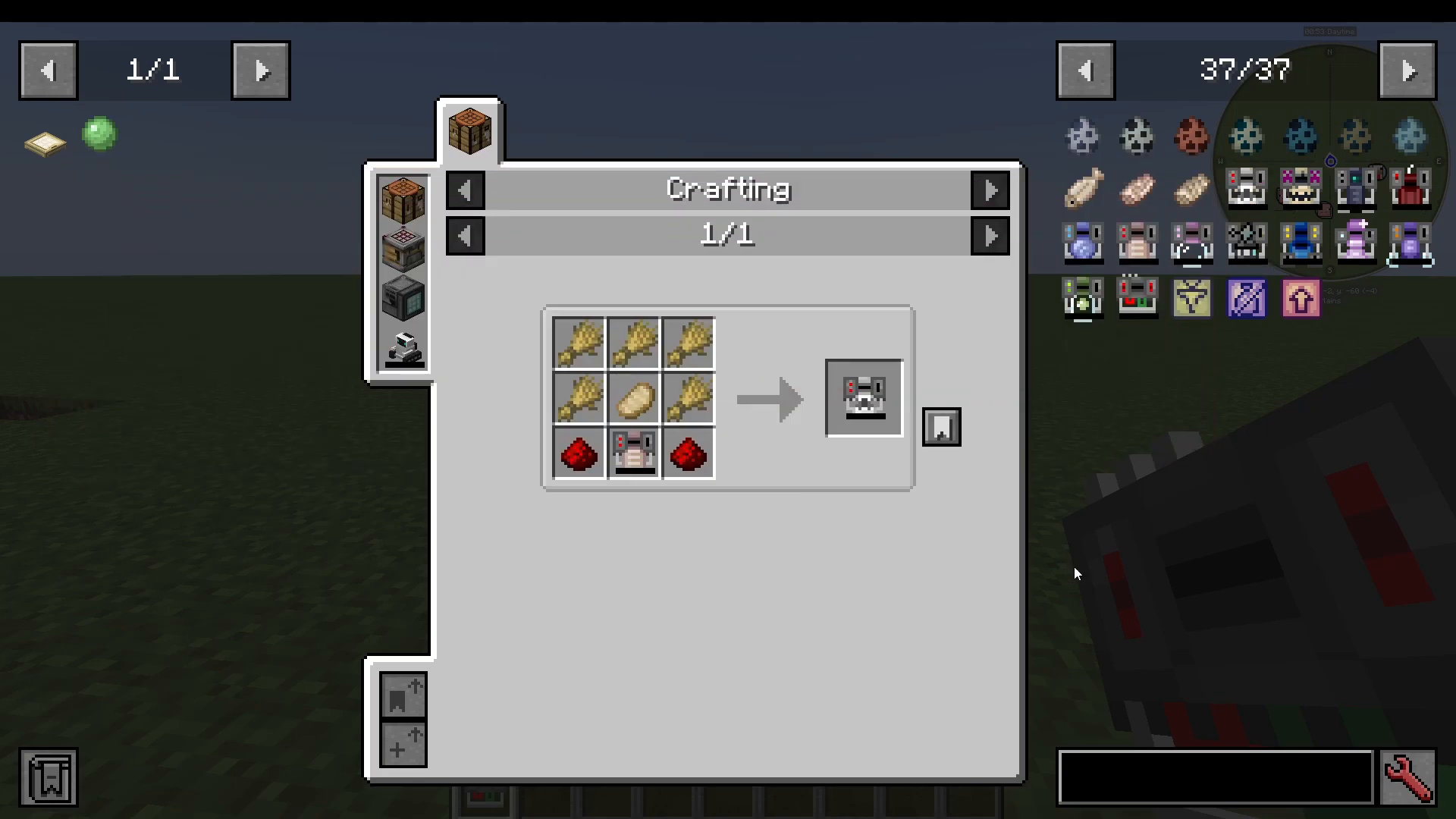
The first generator you’ll want to craft is the Inventory Survivalist Generator. It produces 5 RF per tick and is crafted as shown in the recipe below. It runs on burnable items — coal is a great starting fuel.
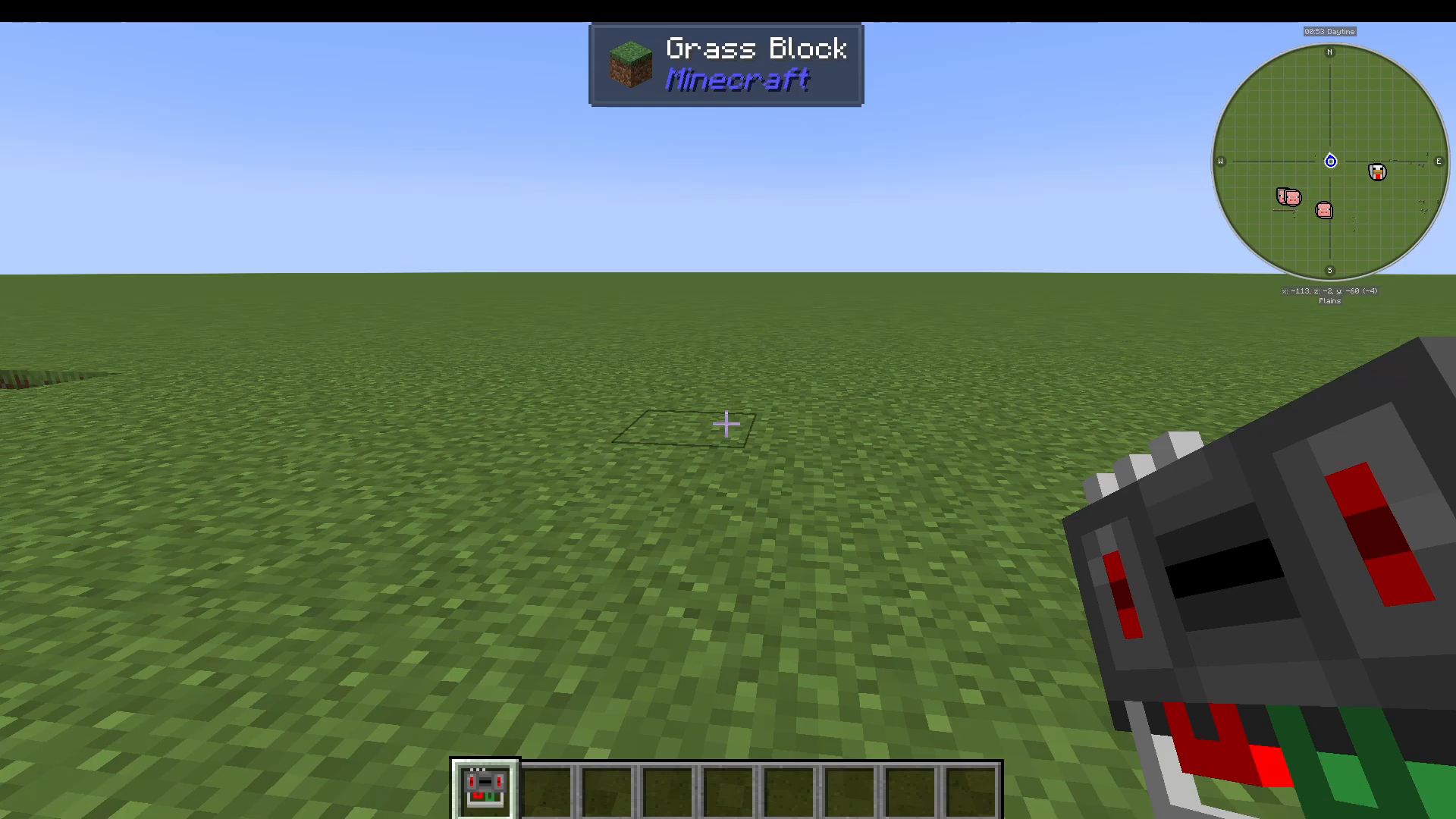
To use it, simply right-click the generator to open its interface. You’ll see three upgrade slots in the bottom left and a dedicated fuel slot where you place your burnable item. Drop coal into the fuel slot and the generator will begin filling with energy immediately.
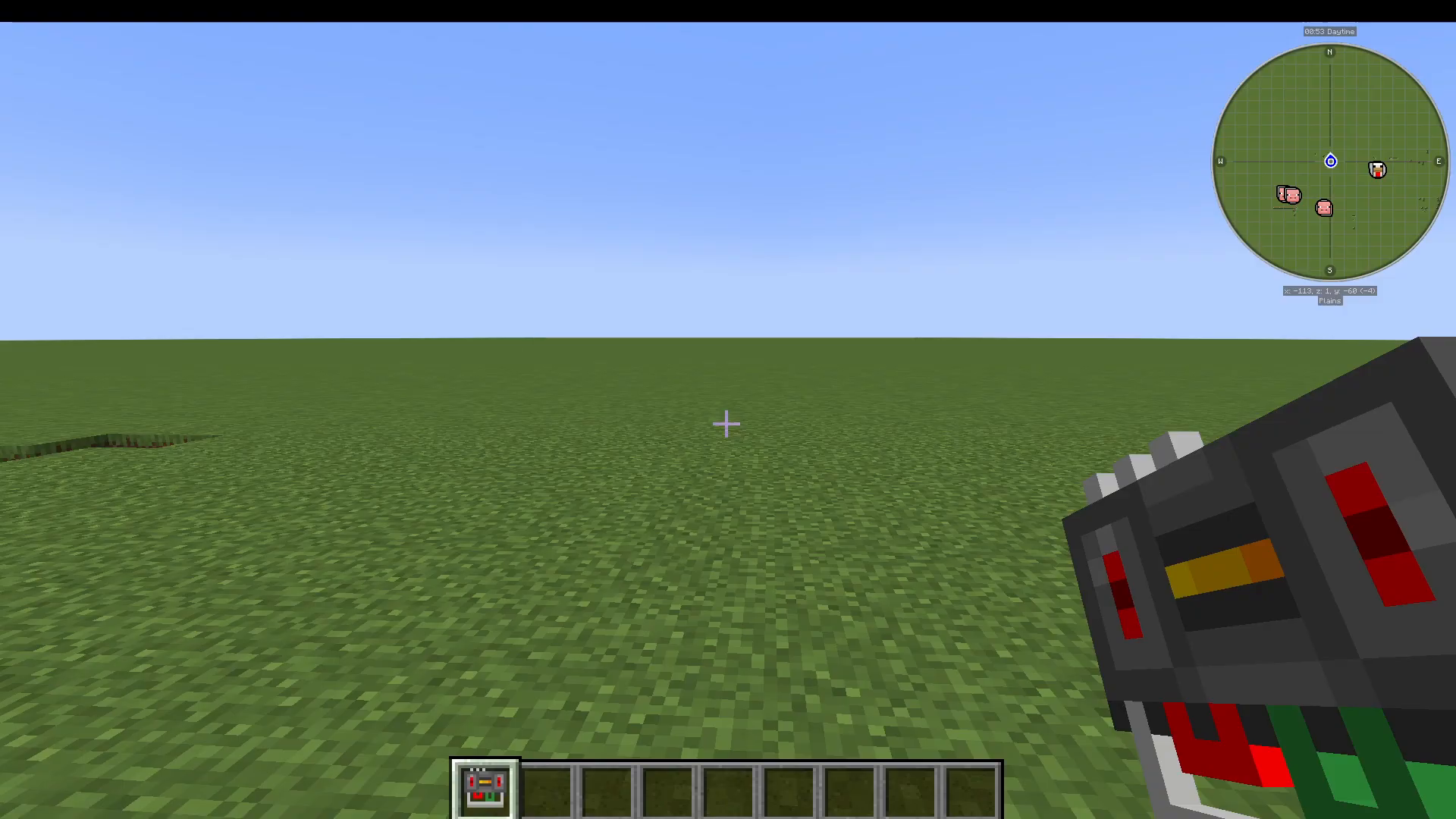
Keep an eye on your action bar — you’ll notice a small orange rectangle inside the generator’s icon. To toggle the generator on or off, simply shift right-click it. The indicator will change to show whether energy generation is active or paused.
Upgrade Slots: Boosting Your Generator
Each Inventory Generator supports up to three upgrades at a time. Here’s what each upgrade does:
Speed Upgrade
Increases the amount of RF produced, but burns through fuel at a faster rate. You can slot up to three Speed Upgrades at once for maximum output.
Auto Pull Upgrade
When a valid fuel item is picked up, it will automatically move into the generator’s fuel slot instead of going into your regular inventory. For example, if you pick up blocks of coal, they’ll feed straight into the generator without any manual input.
No Effect Upgrade
Some generators apply special effects to the player while active. Installing this upgrade removes any effects that the generator would normally apply.
All 13 Inventory Generators
The Inventory Generators mod adds a total of 13 unique generators, each fueled by a different type of item. Here’s the full list:
1. Inventory Survivalist Generator
Runs on burnable items such as coal. This is your entry-level generator and the base for several crafting upgrades.
2. Inventory Furnace Generator
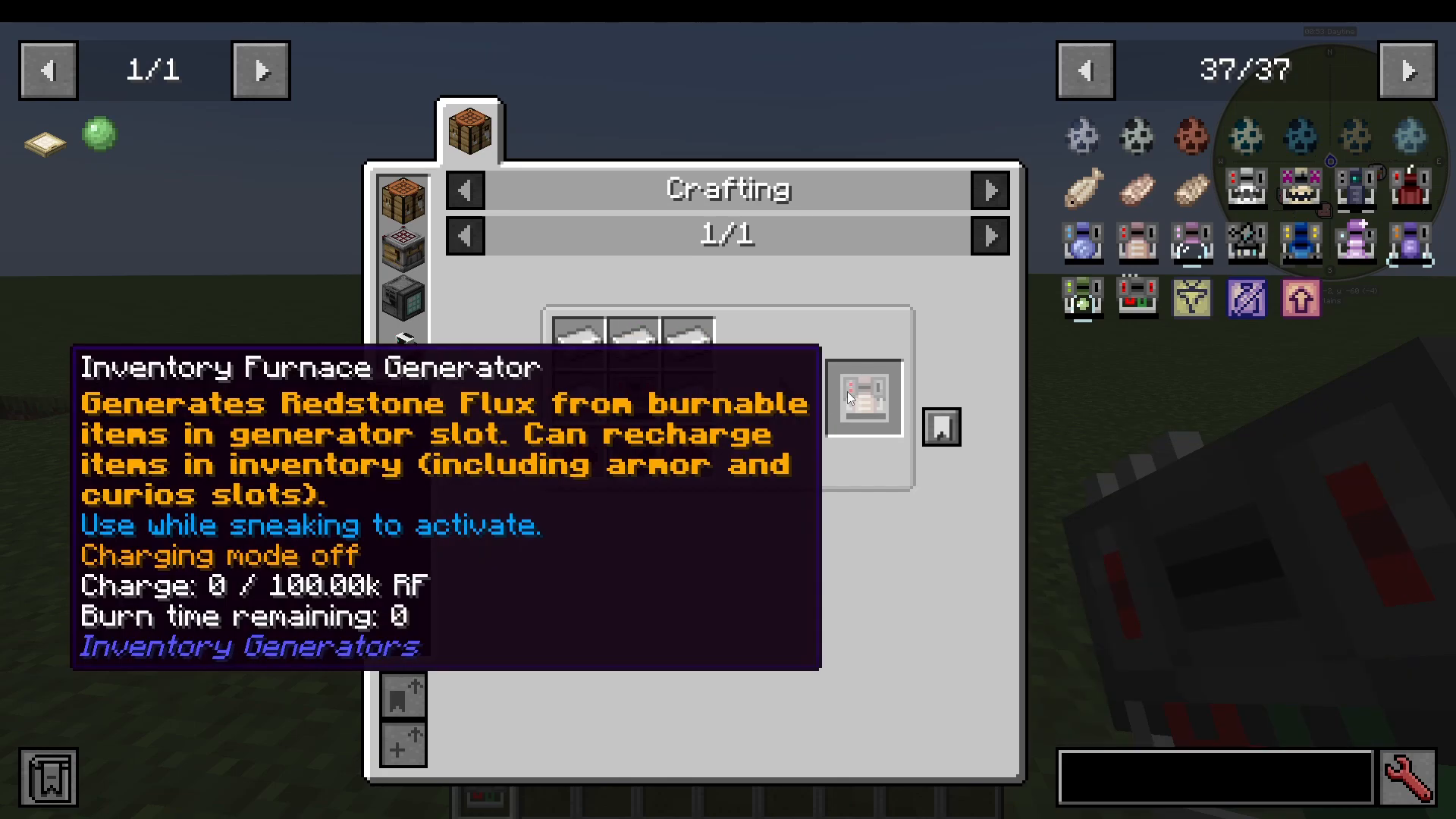
Also powered by burnable fuels, this generator is crafted by upgrading the Survivalist Generator using a furnace and slime. It is a significantly more powerful version of the Survivalist Generator. As a bonus, all inventory generators — including this one — can recharge items in your inventory, armor slots, and Curio slots.
3. Slime Generator
Uses slime items placed in the generator slot as its fuel source.
4. Inventory Potion Generator
Consumes potions from your inventory to generate energy.
5. Pink Generator
Fueled by any pink-colored items.
6. Overclocked Generator
Burns burnable items just like the Survivalist and Furnace generators, but operates at an extremely fast rate — ideal for high-energy demands.
7. Nether Star Generator
Powered by Nether Stars. The crafting recipe requires Wither Skeleton Skulls and a Nether Star.
8. Halitosis Generator
Uses Dragon’s Breath items as its fuel.
9. Frosty Generator
Runs on cold-themed items — think ice, snow, and similar materials.
10. Explosive Generator
Fueled by Gunpowder.
11. End Generator
Powered by Ender Pearls and Eyes of Ender.
12. Death Generator
Uses undead mob drops such as Rotten Flesh and Spider Eyes as fuel.
13. Culinary Generator
Generates energy by consuming food items.
Summary
The Inventory Generators mod is a fantastic option for players who want portable, on-the-go RF energy generation without complex infrastructure. With 13 generators covering everything from basic burnable fuels to Nether Stars and Dragon’s Breath, there’s an option for every playstyle and progression stage. Don’t forget to make use of the Speed, Auto Pull, and No Effect upgrades to get the most out of whichever generator you choose.
“`