







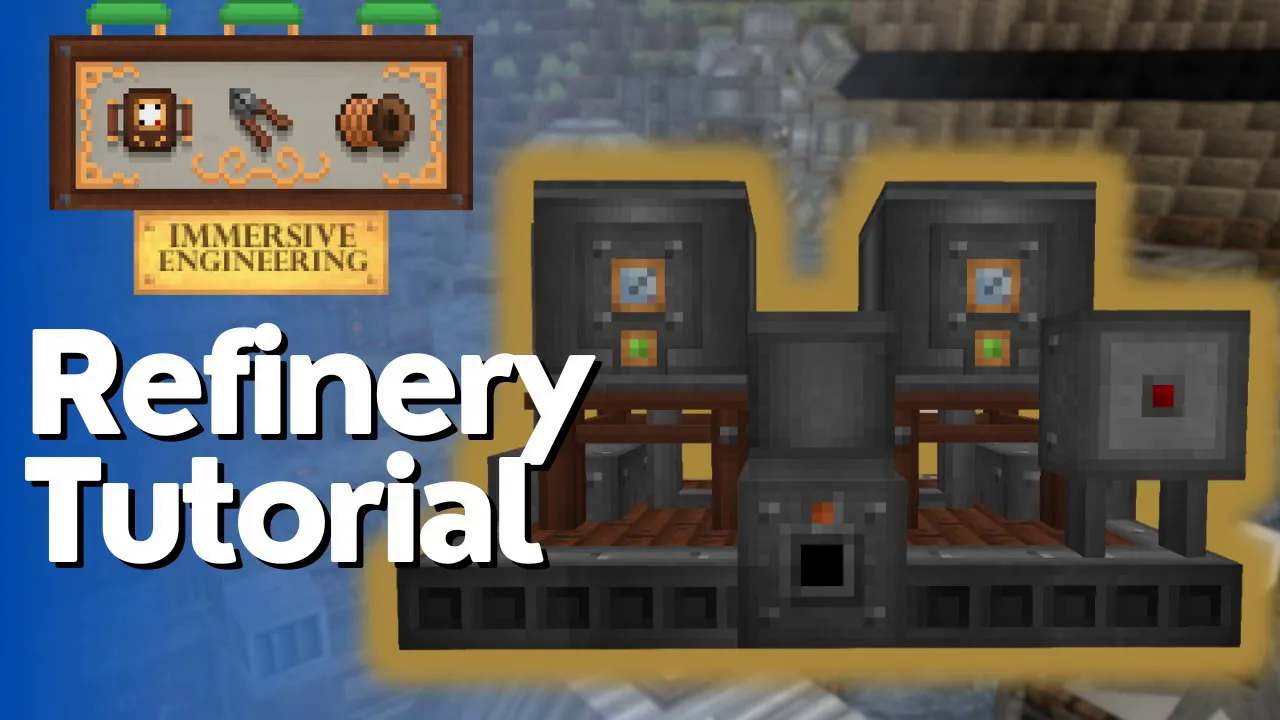
Refinery Full Tutorial – Immersive Engineering
Refinery Full Tutorial – Immersive Engineering
The refinery is one of the most useful multiblock structures in Immersive Engineering. This guide will walk you through how to build and operate your own refinery, from construction to fluid processing and output management.
Building the Refinery
Structure Layout
To construct a refinery, you’ll need to follow a specific block arrangement. Start by placing two steel scaffolding blocks at the front of your build, and two more steel scaffolding blocks on the opposite side.
In the middle section, add two heavy engineering blocks. Between these heavy engineering blocks, insert fluid pipes that will run horizontally across the structure.
At the back of the refinery, place two light engineering blocks instead of heavy ones. Continue the fluid pipes all the way through to the back end of the structure.
Complete the exterior by constructing a two-by-two frame using iron sheet metal around the central components.
Finalizing the Build
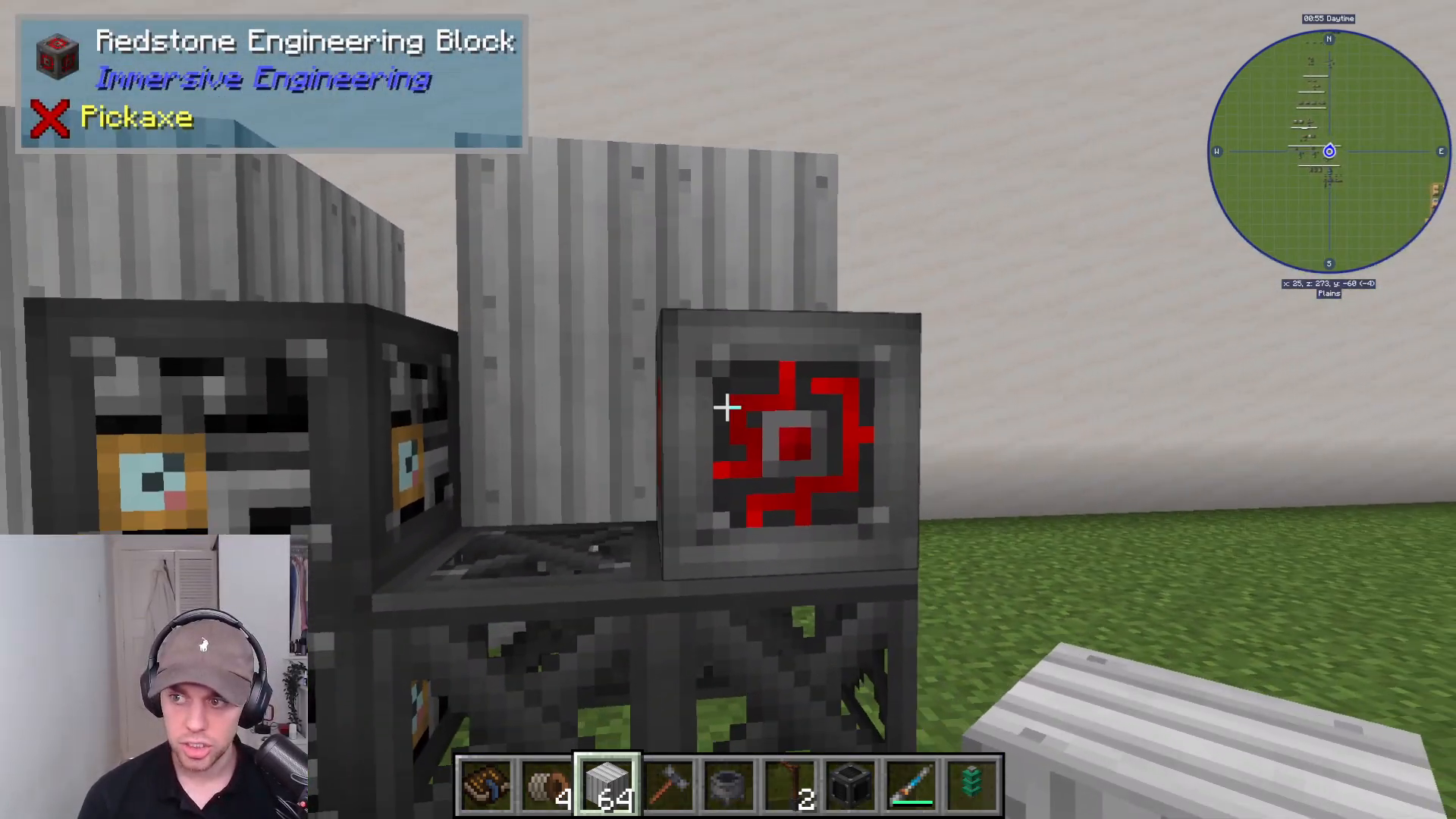
Once your structure is complete, place a redstone engineering block on top of the middle section. Right-click on this redstone engineering block to finalize and activate your refinery.
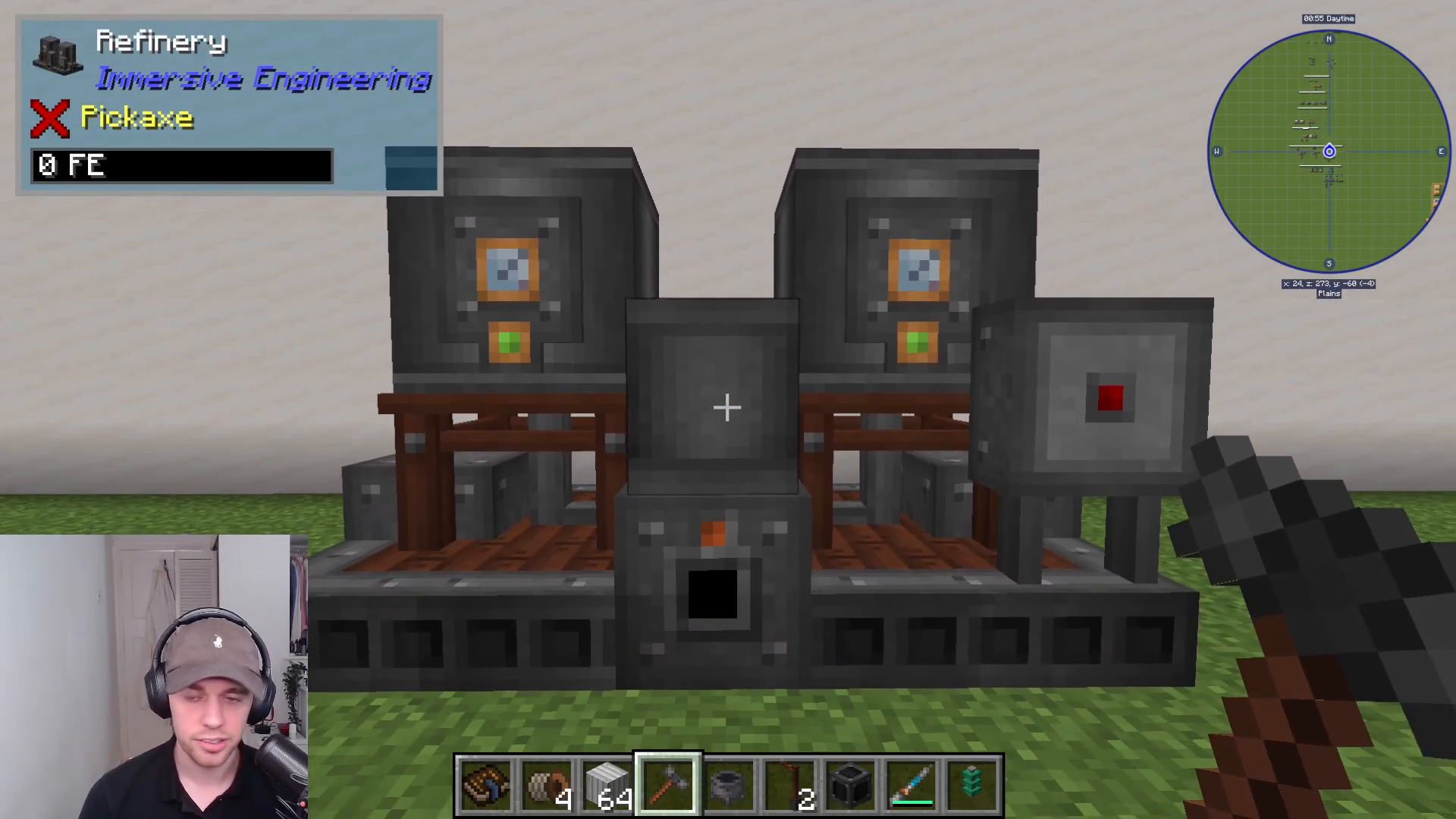
For reference, the Immersive Engineering manual also contains construction diagrams for the refinery if you need to review the build process.
Operating the Refinery
Powering the Machine
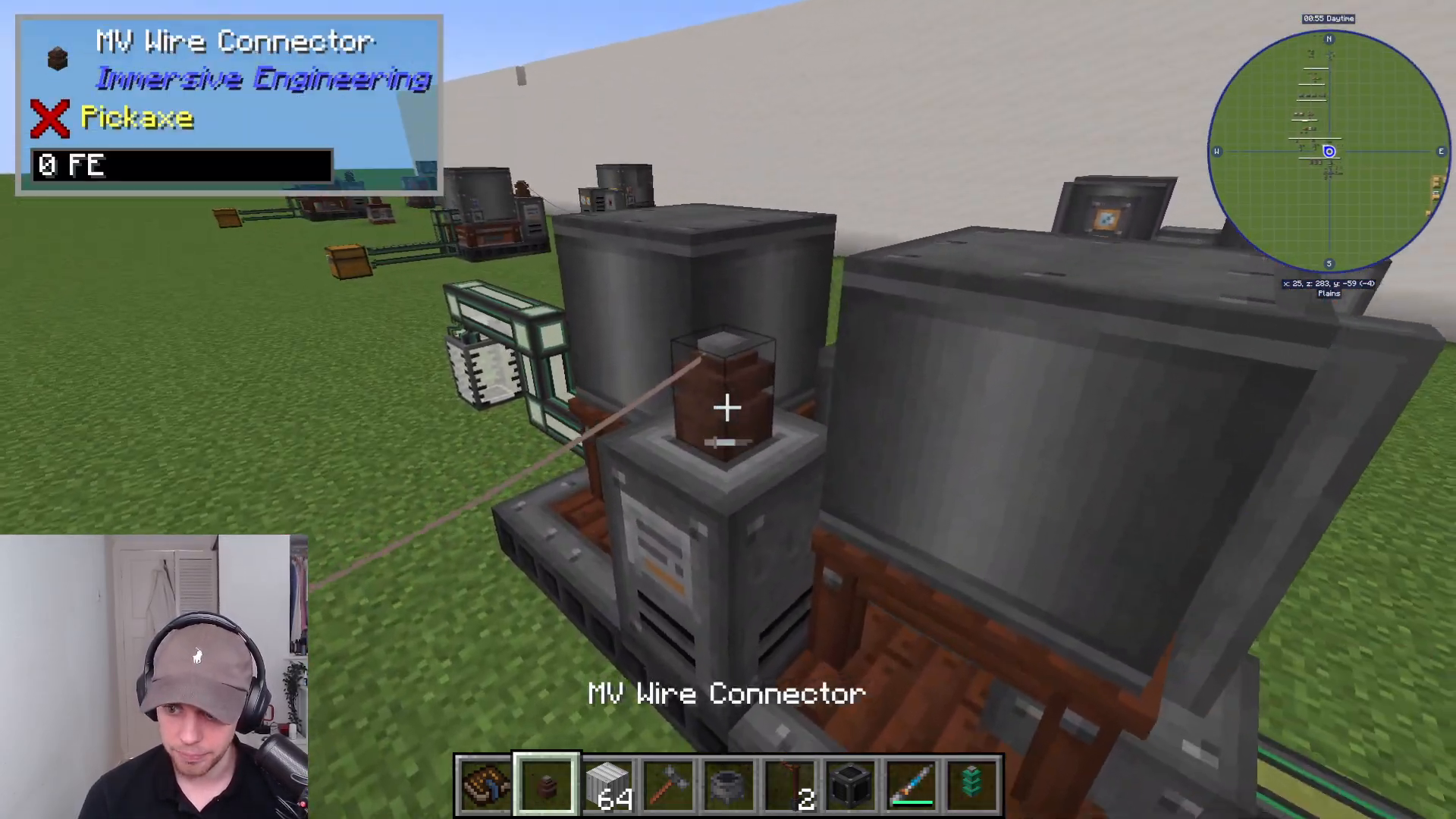
Power is applied to the refinery at the back, specifically at the orange dot marked on the structure. You can input power using Immersive Engineering’s own power system, or integrate cables from any other mod’s power source.
Inputting Fluids
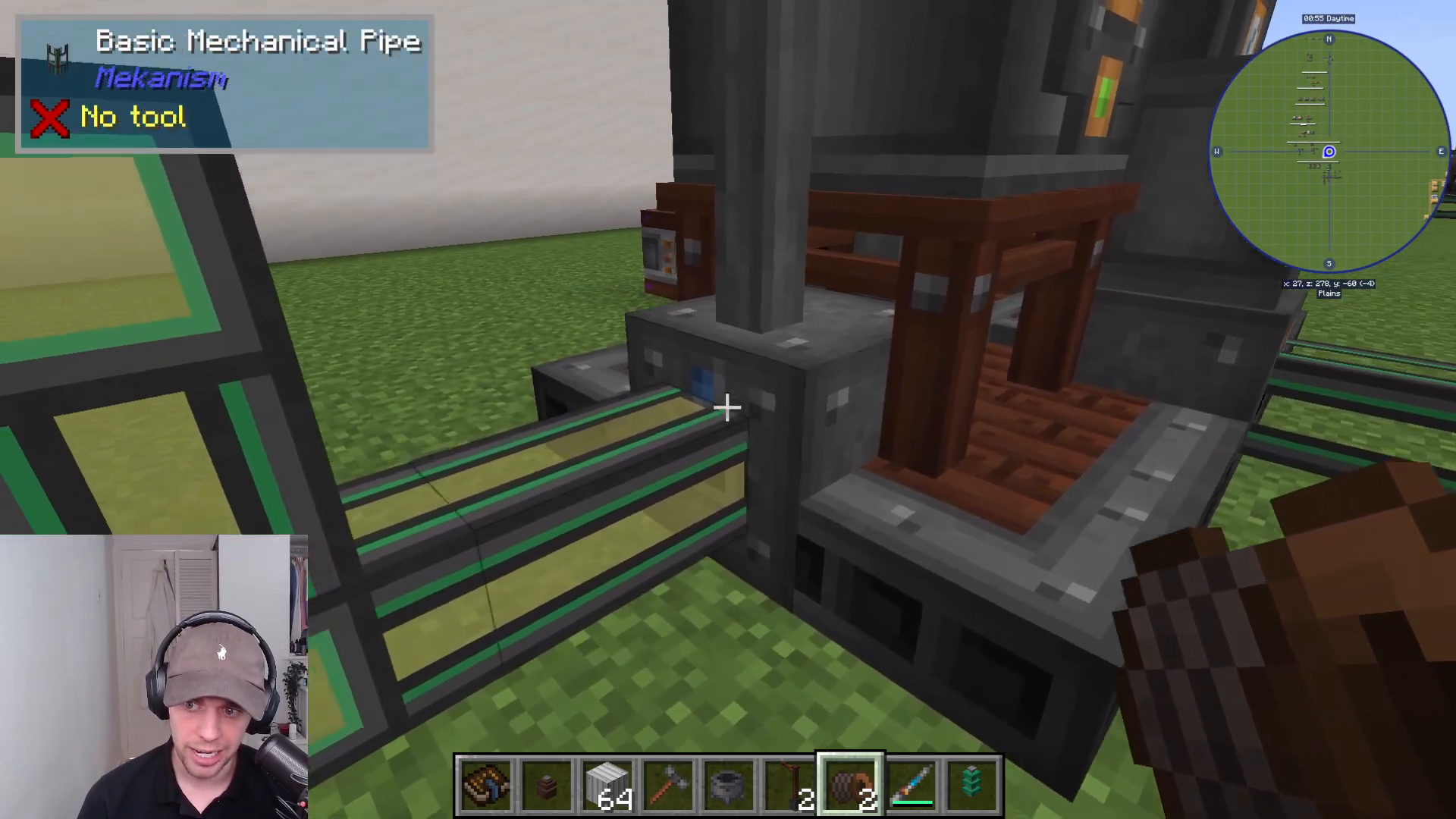
The refinery requires two different fluids for most recipes. The blue dots on the structure indicate where you pump in your fluids. You can input fluids from either side—the system is flexible about which fluid goes into which input.
For example, you can pump plant oil into the left input and ethanol into the right input, or vice versa. The refinery will process whichever combination you provide.
Adding Catalysts
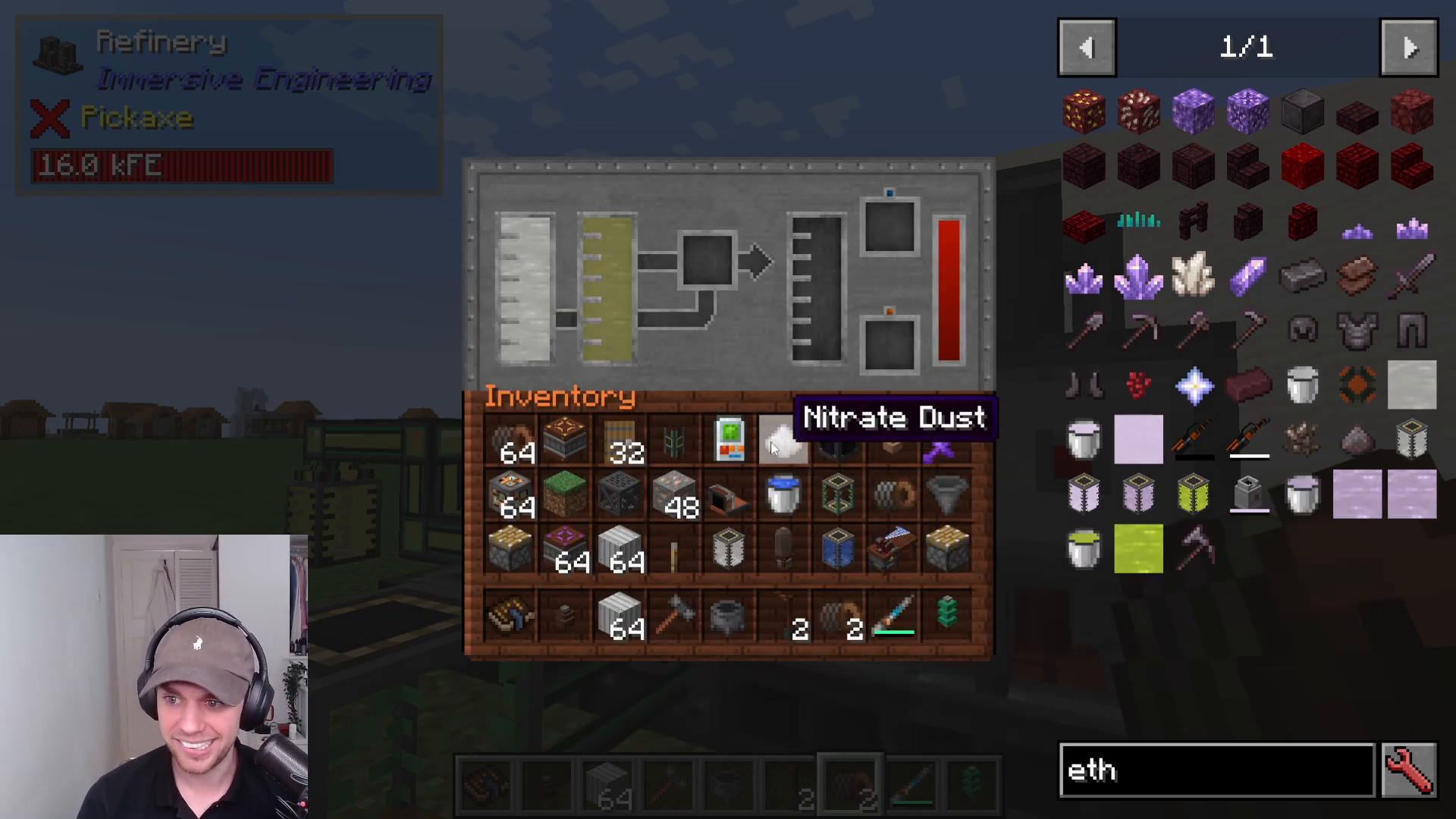
Some refinery recipes require a catalyst to function. Catalysts are consumed during the process and trigger the chemical transformation.
For biodiesel production, you’ll need nitrate dust as a catalyst. When combined with ethanol and plant oil, the refinery will produce biodiesel as output. Other recipes may use different catalysts—for instance, adding ethanol with a silver plate will create acetate.
Managing Output
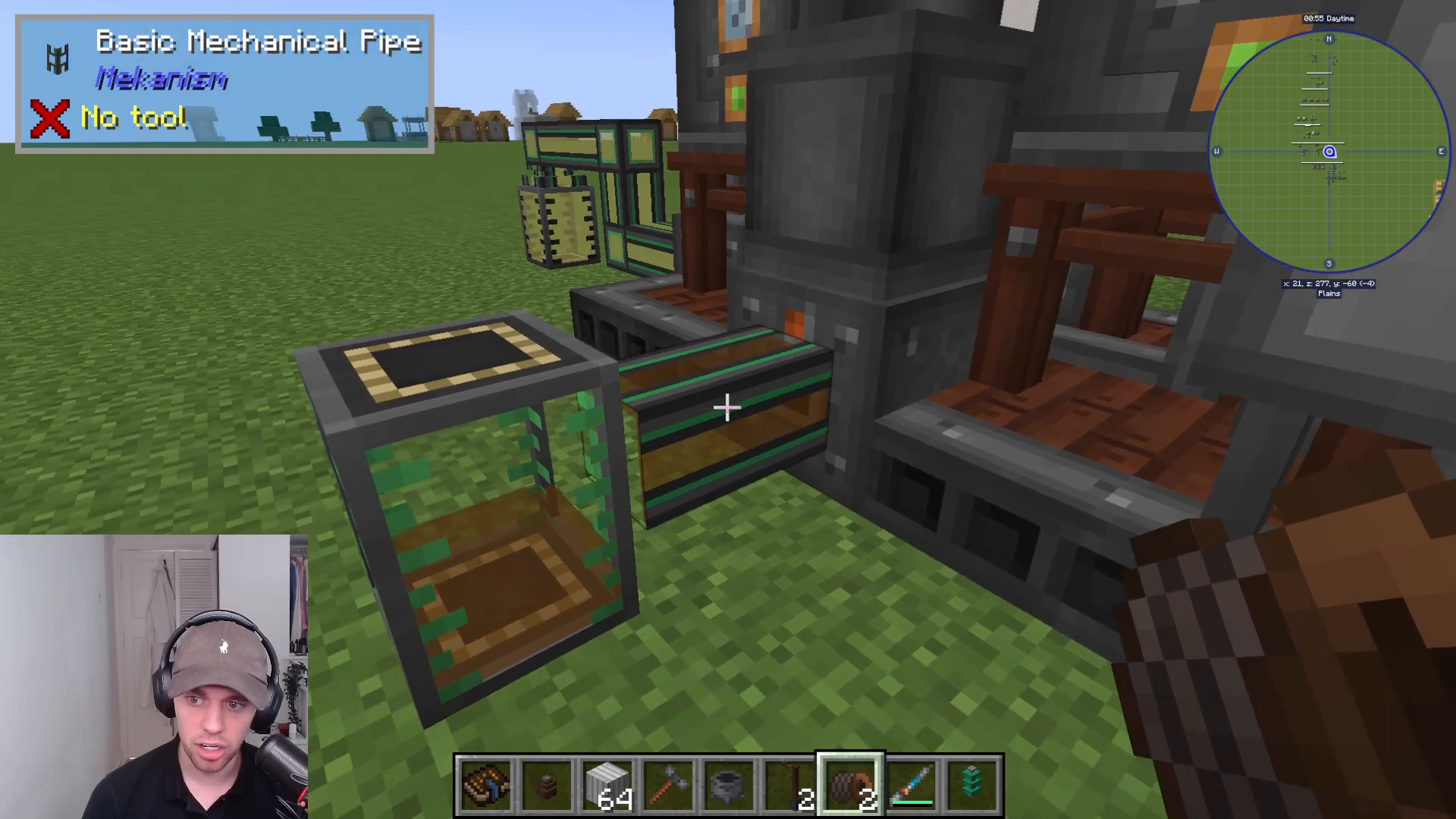
The finished product exits from the front hole of the refinery. You can connect fluid tanks or pipes to collect the output fluid as it’s produced.
Control and Shutdown
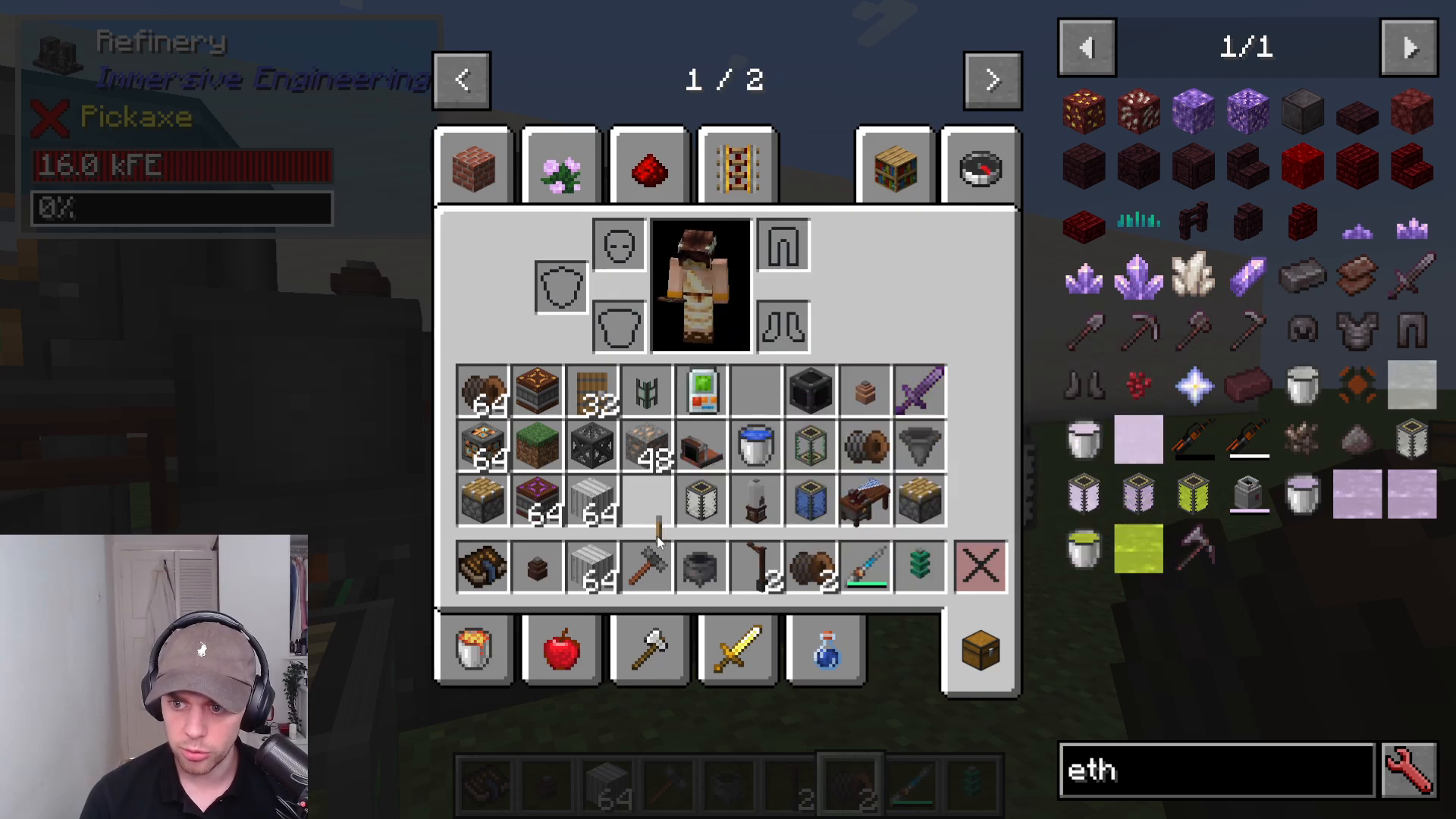
To control the refinery’s operation, place a lever or redstone control mechanism on the red section of the machine. This allows you to toggle the refinery on and off as needed, giving you full control over production.
Summary
You now have a fully operational refinery in Immersive Engineering! Remember to supply power at the back, input two different fluids into the blue dots, add any required catalysts, and collect your output from the front. The refinery opens up a range of fluid processing possibilities and is a great addition to any Immersive Engineering setup.
For more Immersive Engineering tutorials, check out the full playlist which covers all multiblocks and additional crafting guides.
— Want to Support? —
If you would like to help us continue making these guides – please consider joining our patreon here – https://www.patreon.com/c/JaviHeals
Alternatively – we host a group of MC Servers you can join here – https://discord.gg/zD7Gjt6MHF



