







How To Use Energy Conduits In EnderIO
How To Use Energy Conduits In EnderIO
Energy conduits are the backbone of power distribution in the EnderIO mod. In this guide, we’ll walk you through everything you need to know about transporting energy efficiently, from basic conduit types to advanced configuration options. Whether you’re setting up your first power system or optimizing an existing one, this tutorial will help you master EnderIO’s energy infrastructure.
Understanding Energy Conduits and Capacitor Banks
Before you can transport energy, you need to understand the two core components of EnderIO’s power system: capacitor banks and energy conduits.
Capacitor banks are used to store energy. In this tutorial, we’ll be working with vibrant capacitor banks and a creative capacitor bank to demonstrate the system.
Energy conduits are how you actually transfer power around your world. They come in three basic varieties within the EnderIO mod itself.
The Three Basic Energy Conduit Types
EnderIO provides three fundamental energy conduit options, each with different power transfer rates:
Energy Conduit: Transfers 640 RF/tick, made with conductive iron
Enhanced Energy Conduit: Transfers 5,000 RF/tick, made with energetic alloy
Ender Energy Conduit: Transfers 20,000 RF/tick, made with vibrant alloy
Expanding Your Options with Add-On Mods
The EnderIO Energy Add-On mod extends these options significantly, adding conduits with both lower and higher power outputs. For example:
Crude Energy Conduit: Lower-tier option requiring only crude steel (made from clay, gravel, and cobblestone)
Aluminum and Gold variants: Mid-tier options for scaling up
Stellar Energy Conduit: Ultra-high-tier option with 2 billion RF/tick capacity, requiring stellar ingots
Installing and Placing Energy Conduits
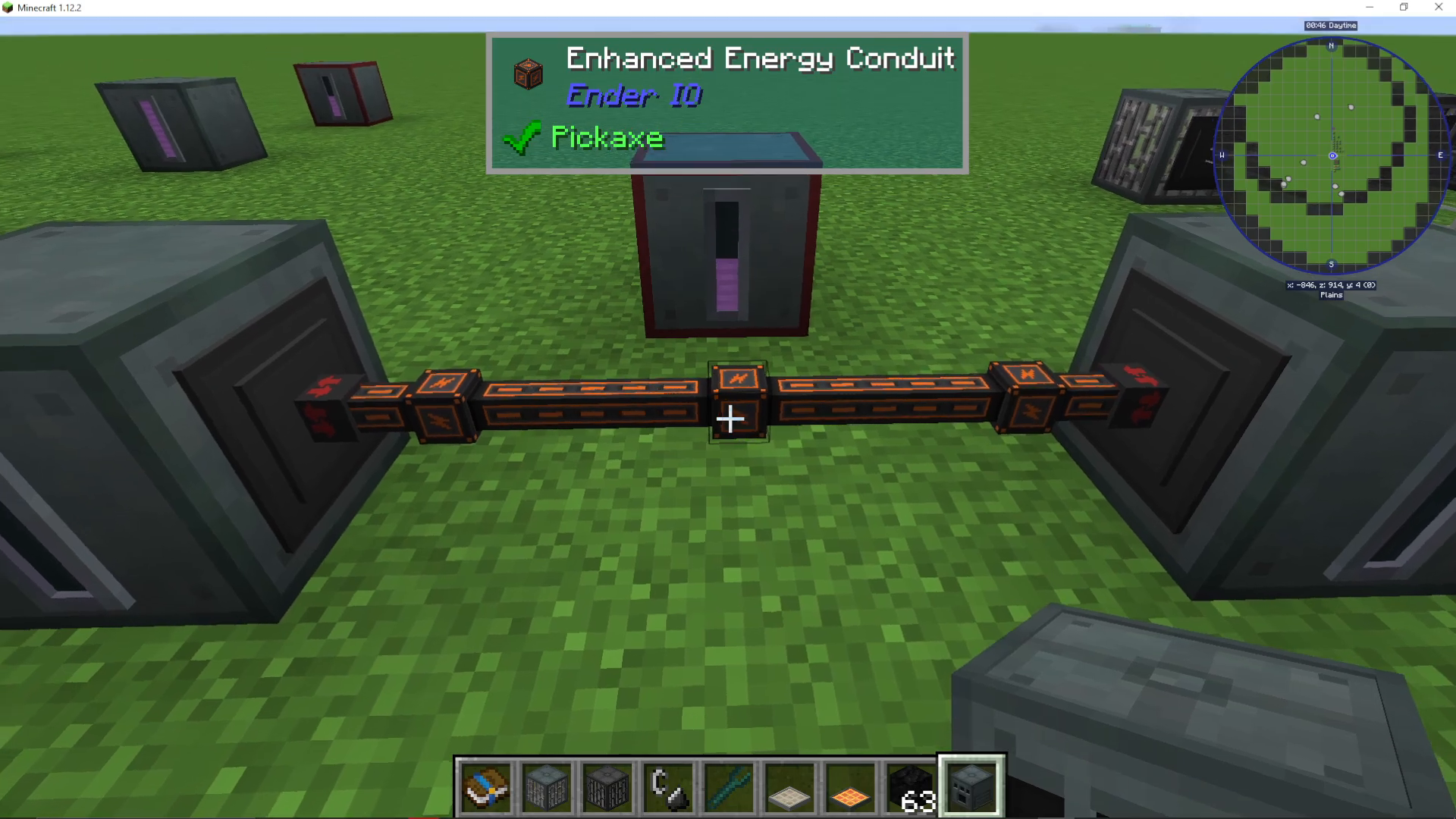
For this tutorial, we’ll use enhanced energy conduits. Simply place them in a line to begin distributing power throughout your base.
The EnderIO Advantage: Multi-Conduit Bundling
One of the most praised features of EnderIO is its ability to bundle multiple types of conduits into a single block space. With most mods, you’d need to create separate “spaghetti pipes” for each type of transport—energy, fluids, and items all require their own dedicated pipes.
EnderIO completely eliminates this problem. You can have:
Fluid conduits running through energy conduits
Item conduits alongside both fluid and energy conduits
All three conduit types occupying a single block
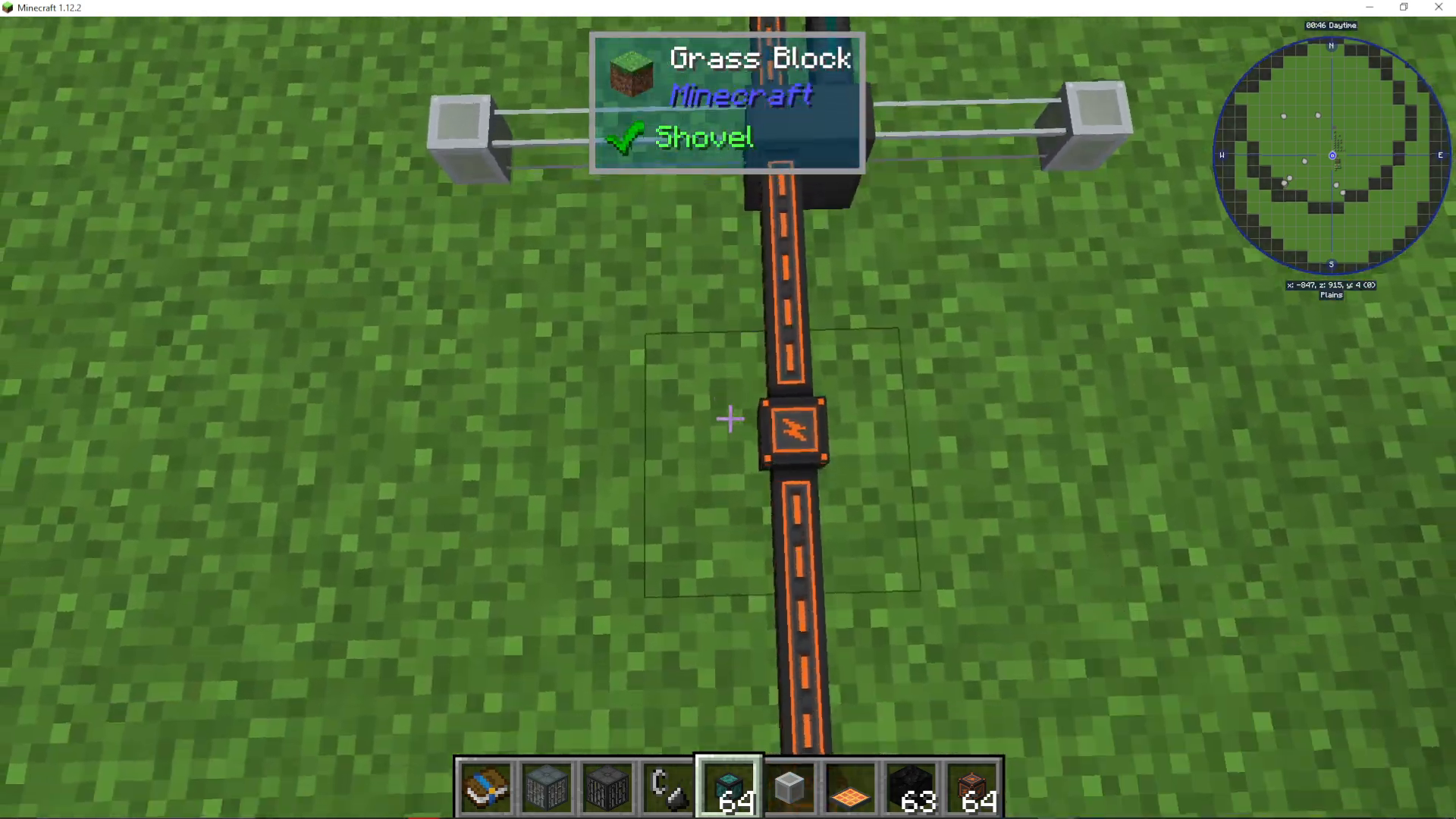
This is a unique feature that sets EnderIO apart from virtually every other mod in Minecraft. This bundling capability makes EnderIO an excellent choice for players who want clean, efficient base designs.
Connecting Conduits to Machines
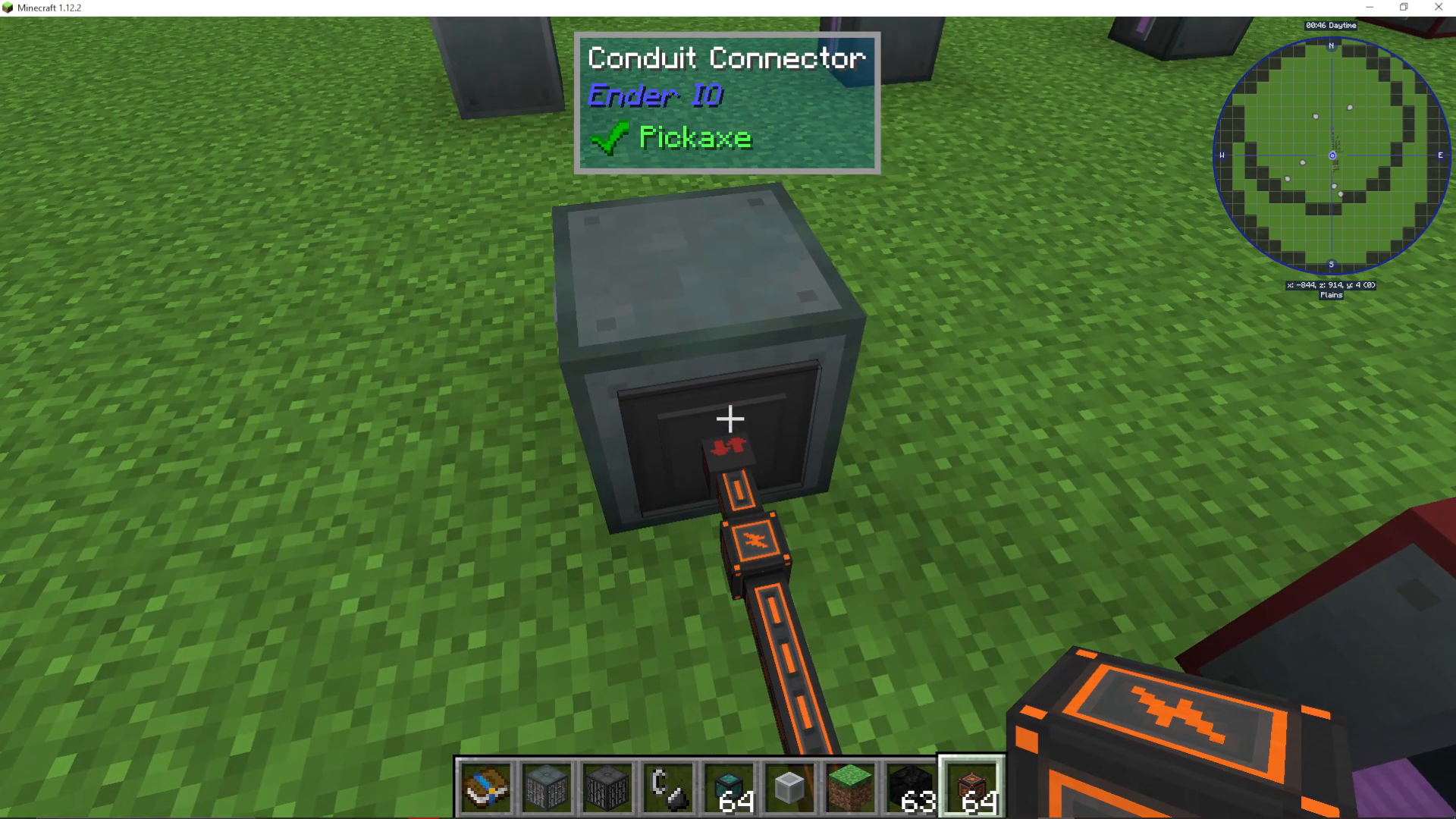
When you attach an energy conduit to a machine, you’ll notice it displays a conduit connector face with input and output designations.
To configure the conduit connection:
Right-click on the conduit connector face (not the machine itself, but specifically on the face of the wire or conduit)
You’ll see a menu displaying “insert” and “extract” options
Configuring Insert and Extract Modes
You have multiple ways to control how energy flows through your conduits:
Using the Wrench Method
The EnderIO Wrench (very simple to craft) allows you to modify conduit behavior by right-clicking on the connector:
Insert and Extract: Energy flows in both directions
Insert Only: Energy can only enter through this connection
Extract Only: Energy can only exit through this connection
Disable: Completely disable the connection
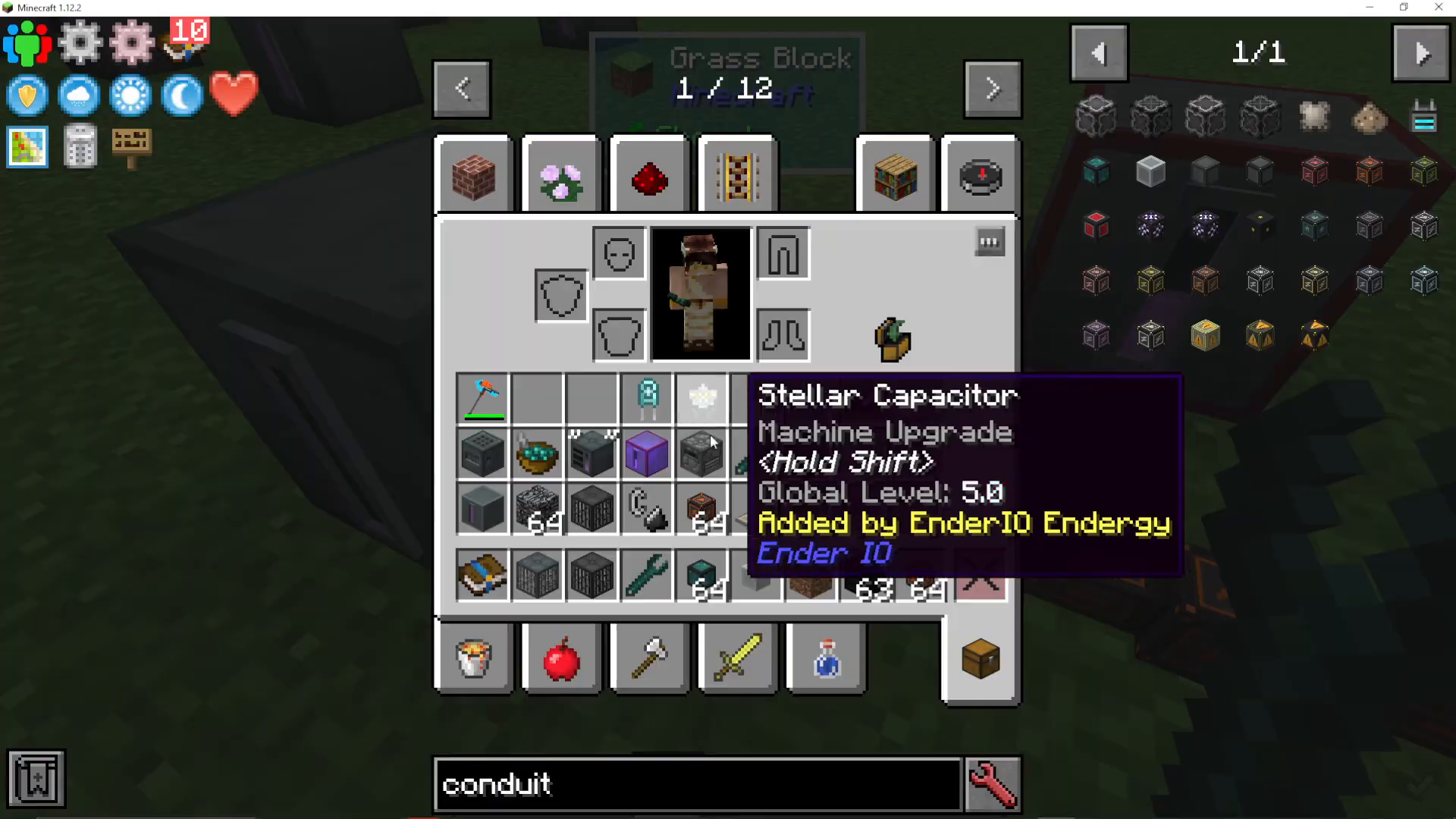
Manual Configuration Menu
Right-clicking on the connector face directly opens a menu where you can manually select insert and extract settings for that specific connection.
Redstone Control
You can also control conduit behavior using redstone signals for automated power management.
Practical Example: Setting Up Power Distribution
Let’s walk through a practical example of distributing power from a creative capacitor bank to multiple storage units:
Step 1: Configure the Source — Place your creative capacitor bank and set its conduit connection to “extract only”. This ensures power flows out to your network.
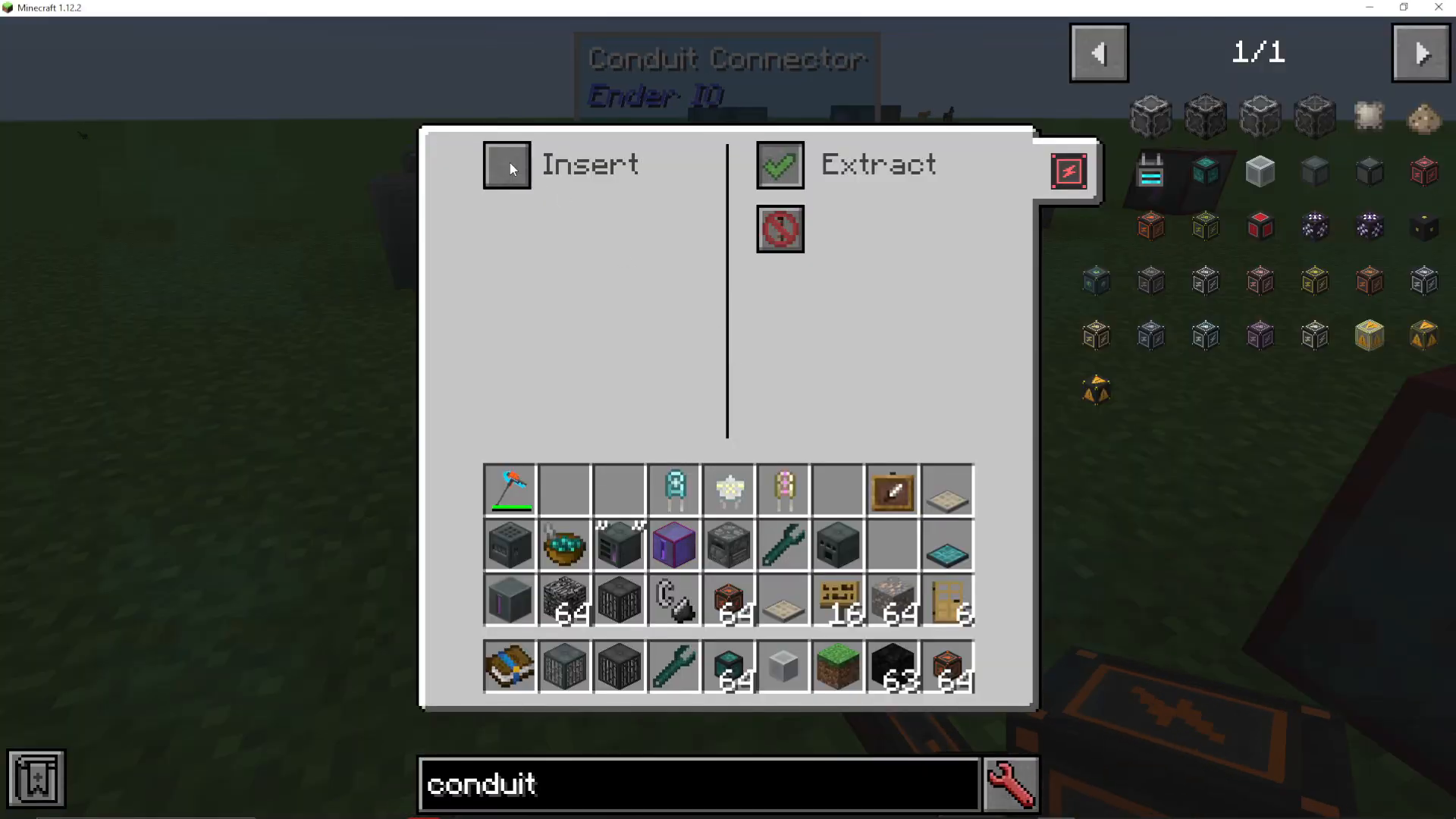
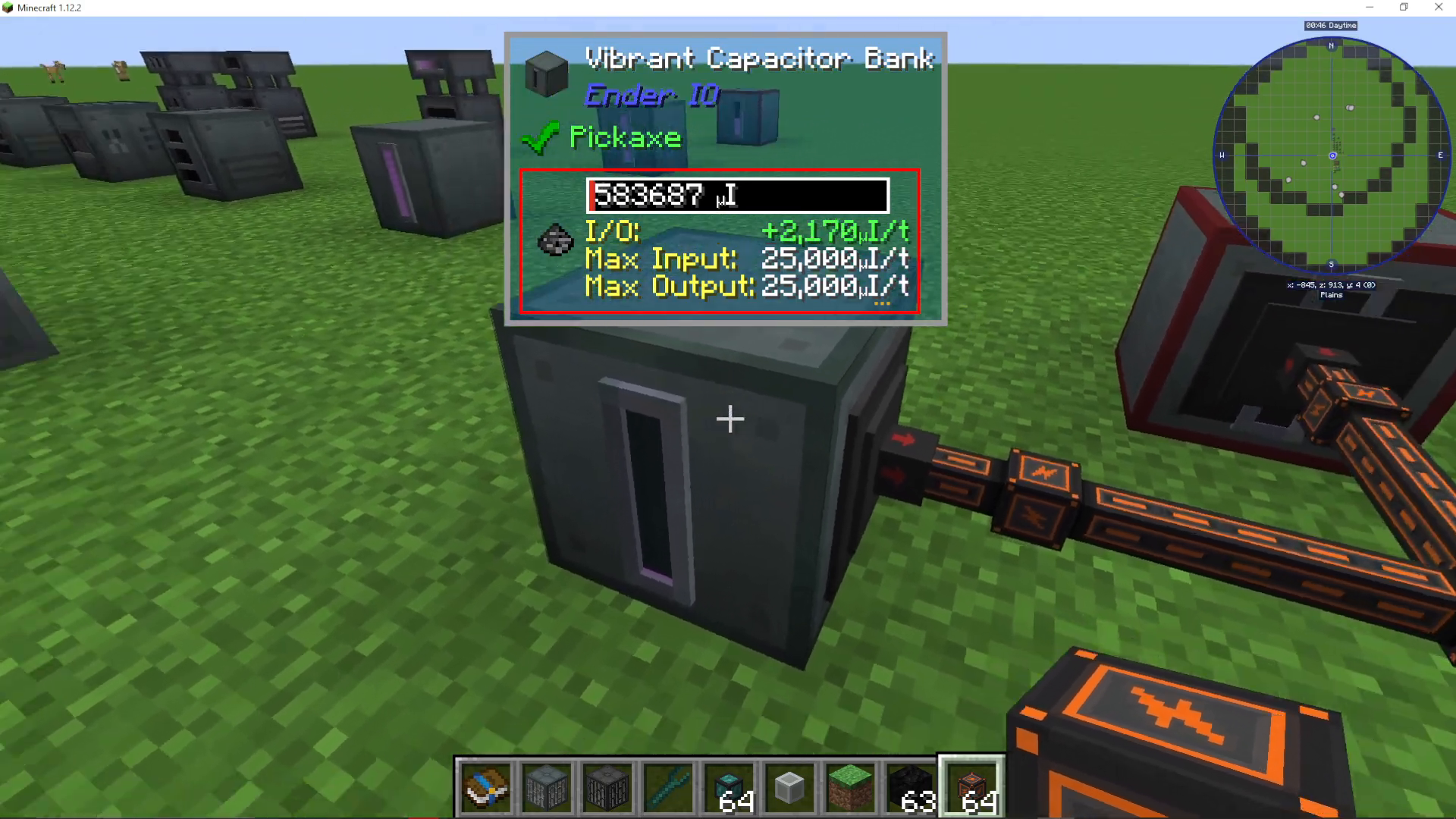
Step 2: Configure the First Destination — Connect your first vibrant capacitor bank and set its conduit connection to “insert only”. Power will now flow into this bank.
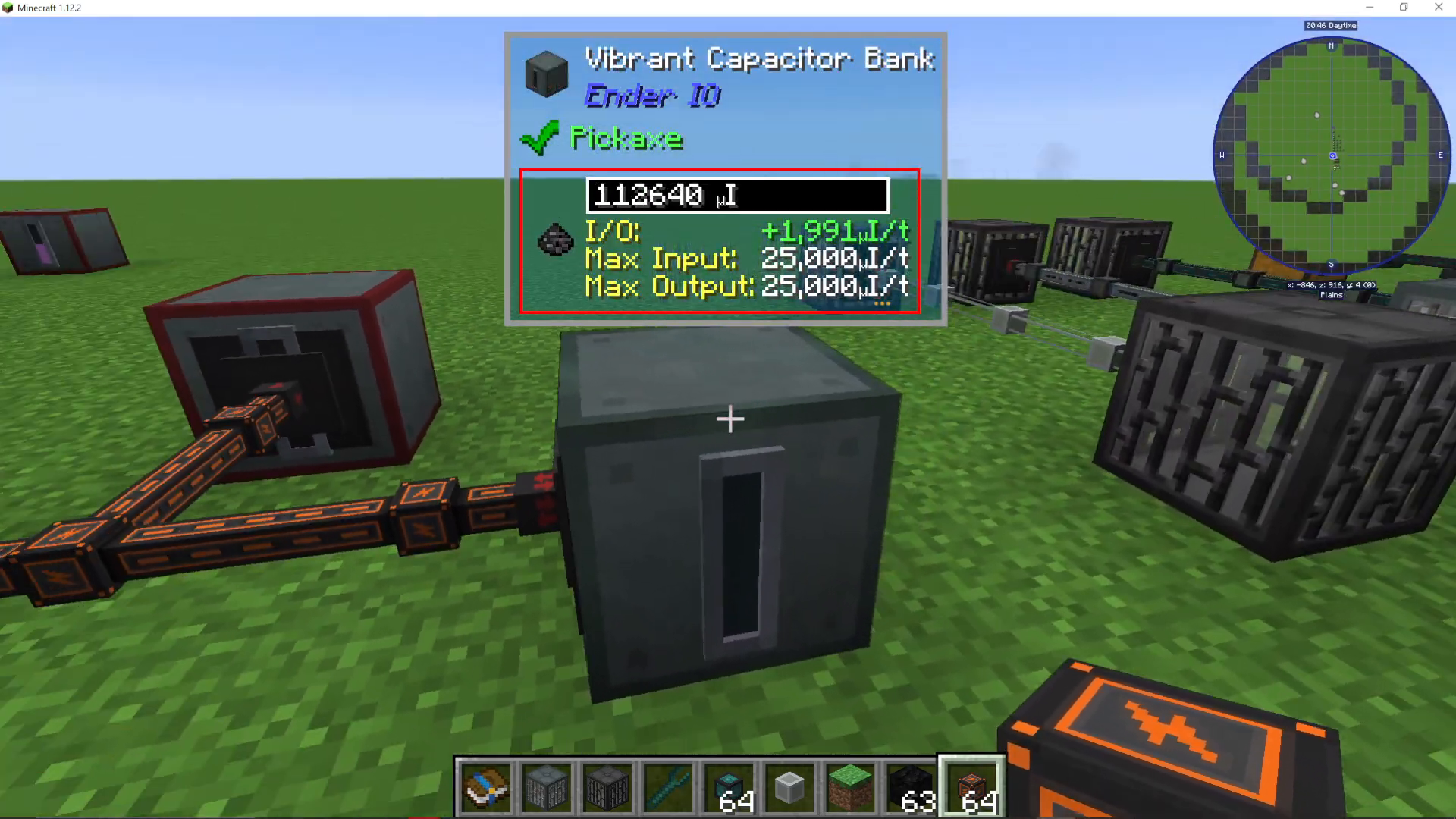
Step 3: Add a Second Destination — Connect a second vibrant capacitor bank and also set it to “insert only”. Both banks will now receive power from the creative bank.
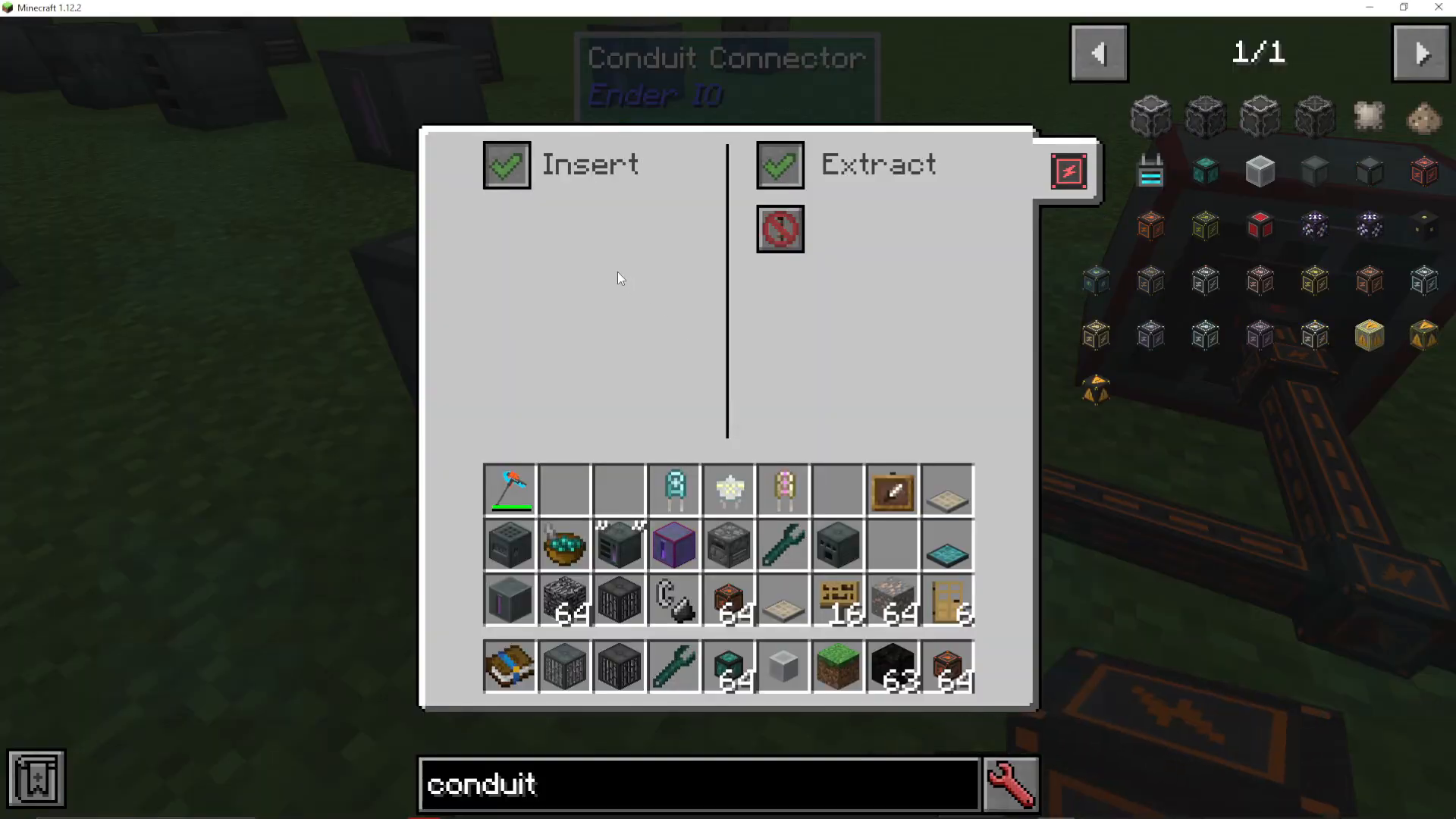
Step 4: Reverse the Flow — You can reconfigure connections as needed. If you set a bank to “extract only,” it will send power to other connected devices instead of receiving it.
Understanding Power Throughput Limitations
Remember that enhanced energy conduits can only transfer a maximum of 5,000 RF/tick per connection. If you have multiple power sources feeding into one location, you may experience bottlenecks. Plan your layout accordingly and consider upgrading to higher-tier conduits (such as Ender Energy Conduits) if you need greater throughput.
Advanced Configuration: Mixed Conduit Types
When you attach multiple conduit types to a single machine that accepts both items and energy, the interface becomes tabbed. You’ll see separate tabs for each conduit type (item conduit interface and energy conduit interface), allowing you to configure each independently.
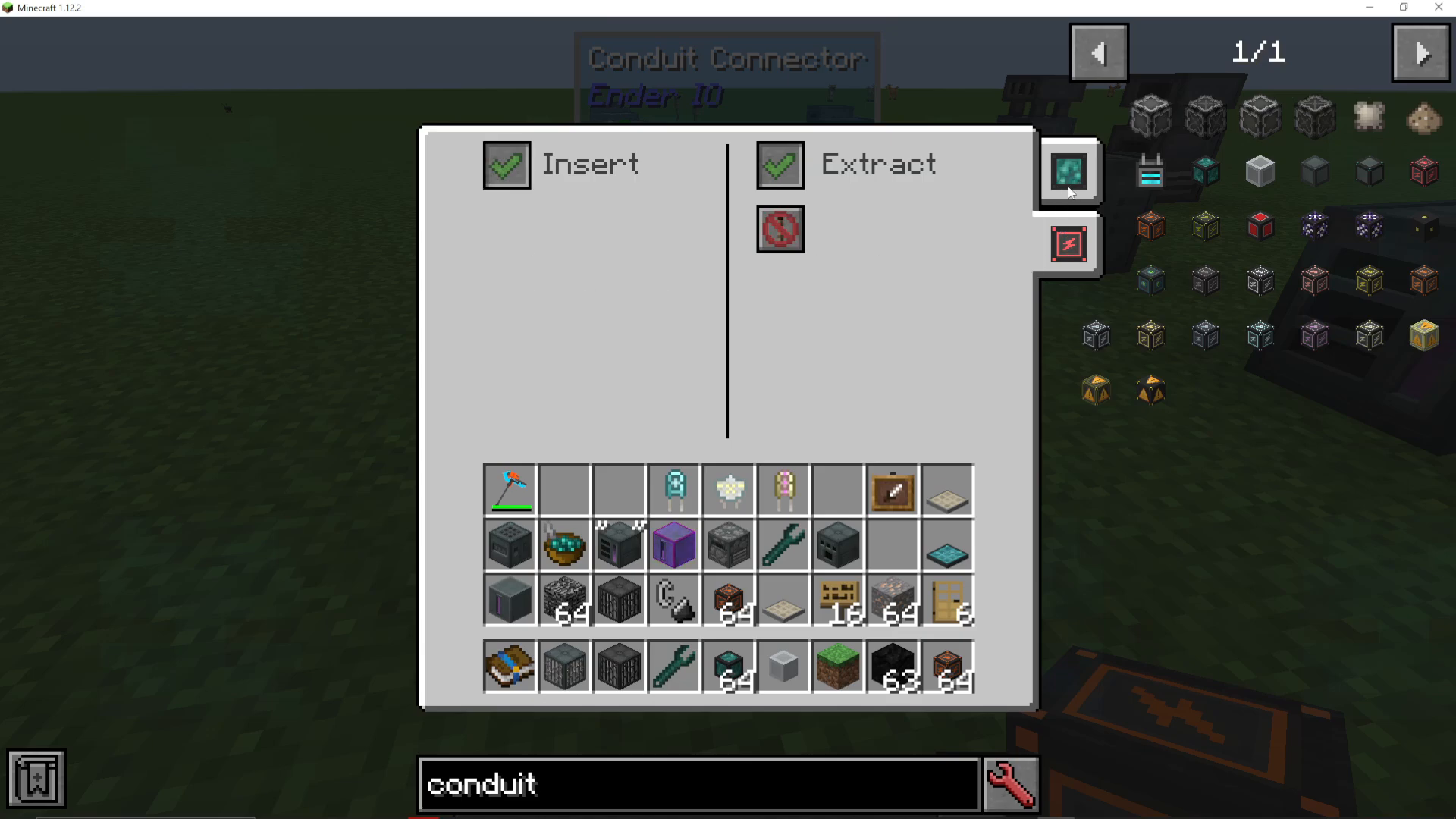
Note: This tabbed interface only appears on machines that can accept multiple types of input. Capacitor banks, for example, only accept energy, so they won’t display item conduit tabs.
Summary
Energy conduits in EnderIO provide a flexible and efficient way to distribute power throughout your world. Key takeaways include:
Choose the appropriate conduit tier based on your power requirements (Energy, Enhanced, or Ender conduits)
Use EnderIO’s unique bundling system to combine energy, fluid, and item conduits in single blocks
Configure insert/extract modes using right-click menus, the EnderIO Wrench, or redstone control
Plan your layouts with throughput limits in mind to avoid bottlenecks
Use tabbed interfaces when combining multiple conduit types on a single machine
With these fundamentals in place, you’ll be able to create efficient, clean power networks that rival any other mod in Minecraft. For more EnderIO tutorials covering the complete mod, check out our full playlist and explore our other mod guides on the channel.
— Want to Support? —
If you would like to help us continue making these guides – please consider joining our patreon here – https://www.patreon.com/c/JaviHeals
Alternatively – we host a group of MC Servers you can join here – https://discord.gg/zD7Gjt6MHF



