







How To Use Cables in IC2
How To Use Cables in IC2
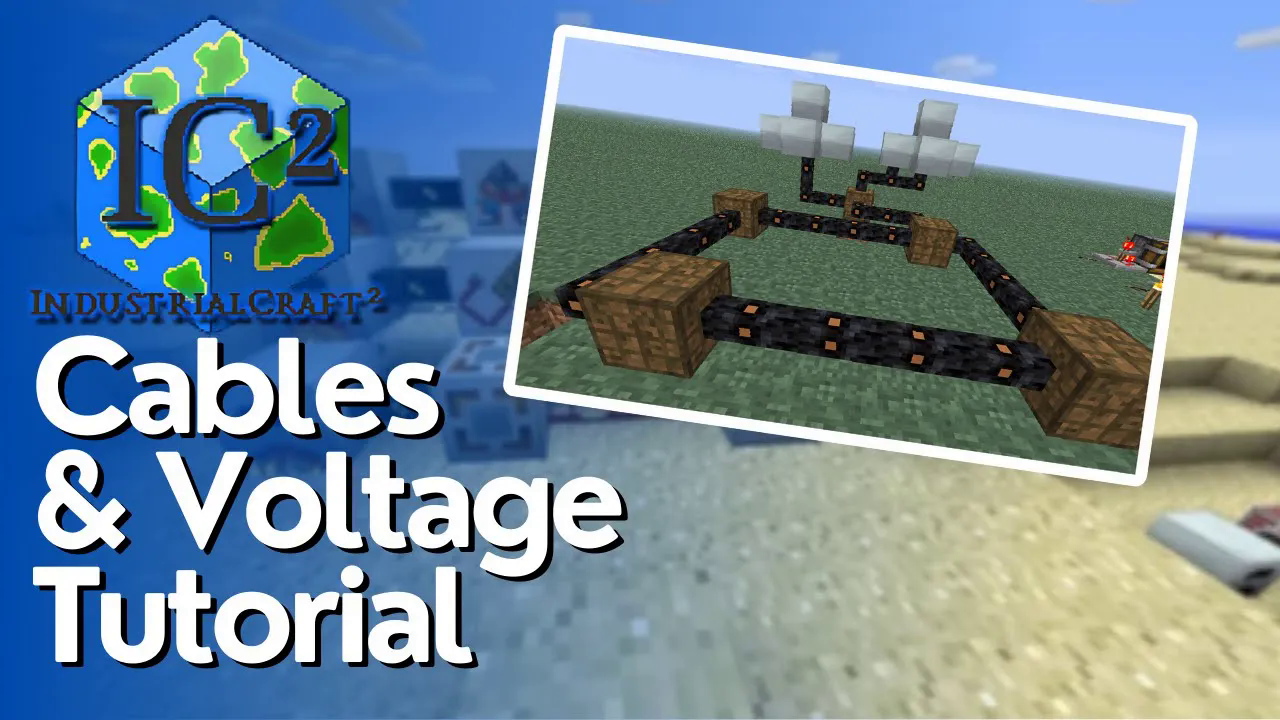
Industrial Craft 2 (IC2) is a popular Minecraft mod that introduces complex power transmission systems. Understanding how to properly use cables is essential for building efficient power networks. This guide will walk you through all the different cable types, their voltage capacities, energy loss rates, and how to connect them to your machines.
Understanding Voltage in IC2
IC2 operates on a voltage-based power system. The mod features five distinct voltage levels, each with its own cable type. The key principle to remember is this: higher voltage cables can safely transmit lower voltages, but lower voltage cables cannot handle higher voltages. Attempting to run high voltage power through a low voltage cable will cause it to burn up and disintegrate. Additionally, touching uninsulated cables carrying power will damage you.
Tin Cable (Low Voltage)
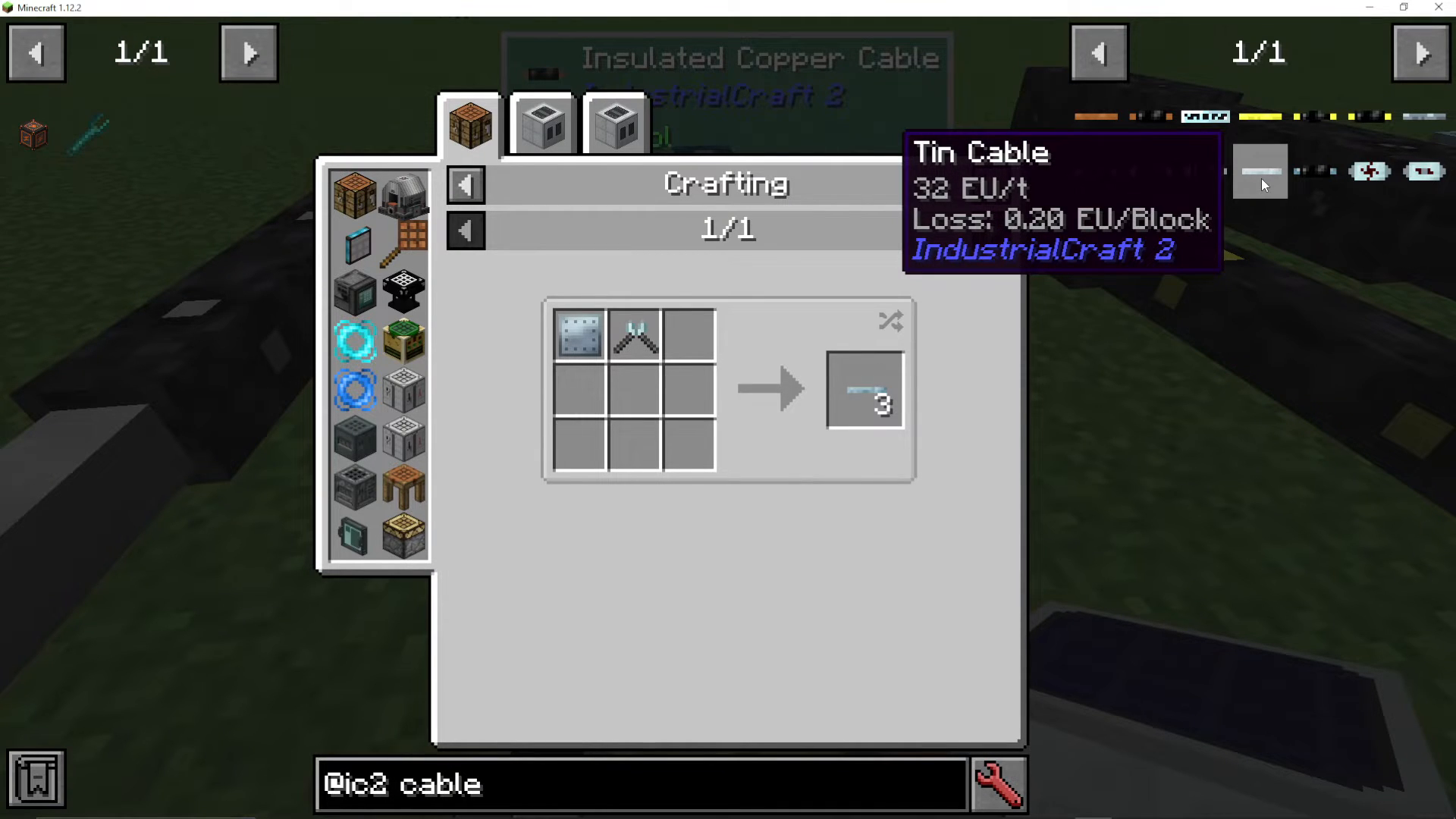
Tin cable is the first and lowest voltage cable type in IC2. It can transmit up to 32 EU (Energy Units) per tick. This makes it suitable for early-game power transmission from basic generators.
Tin cables experience an energy loss of 0.2 EU per block of distance. This means that after 10 blocks of tin cable, you will lose a total of 2 EU from end to end.
To craft tin cables, you have two options. First, you can use a pair of cutters on a tin plate. Tin plates themselves are created using a hammer or a metal form. Alternatively, you can place a tin ingot into a metal form extruder to create cables—this method yields three cables per ingot. You can also cut tin plates using cutters to get free tin cables.
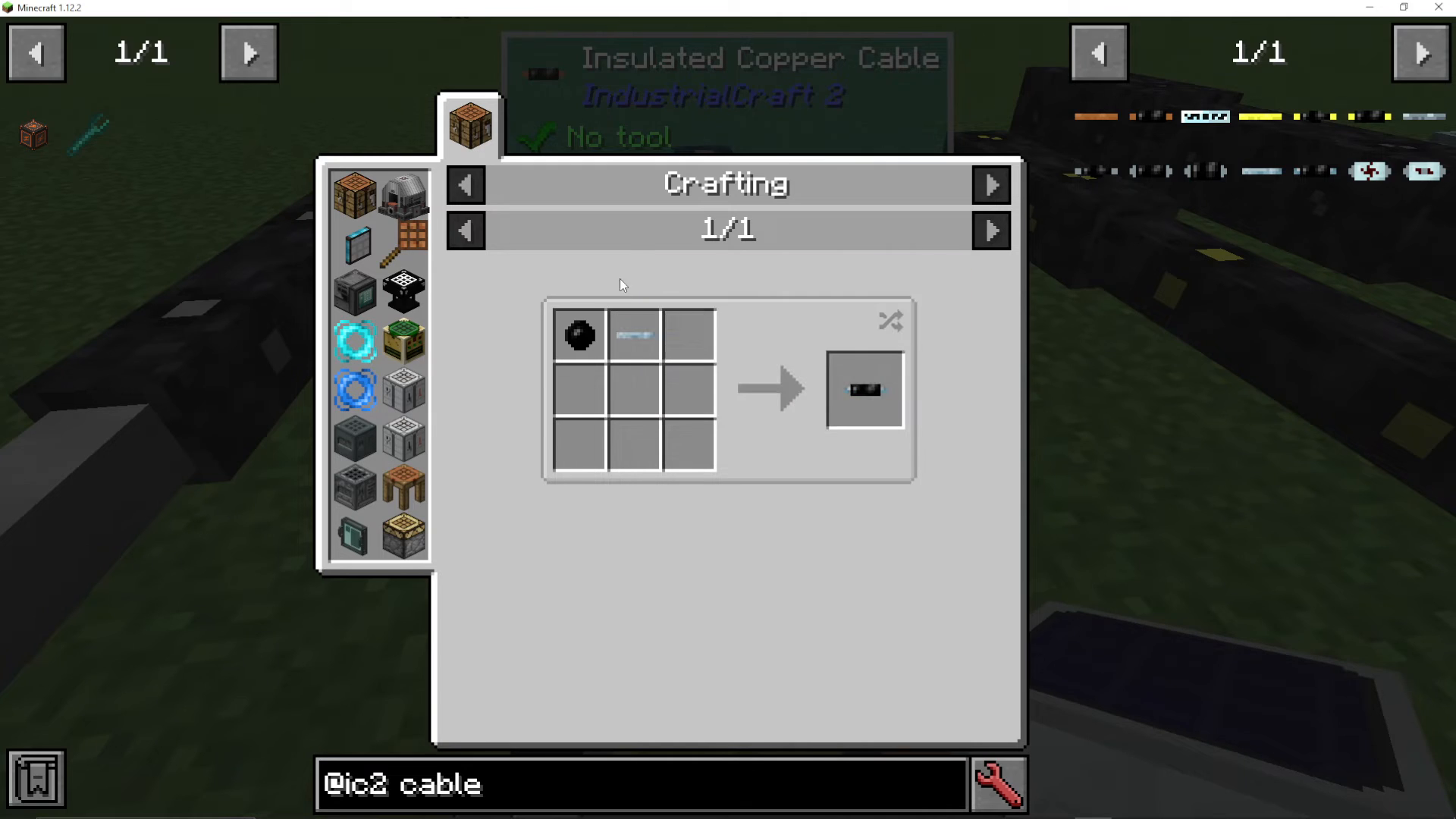
Uninsulated tin cables will shock you when touched. To avoid taking damage, you can craft insulated tin cables by combining your tin cable with rubber. Insulated cables are safe to touch while still maintaining the same voltage and transmission capacity.
Copper Cable (Medium Voltage)
Copper cable represents the next step up in power transmission. It can handle 128 EU per tick, making it four times more powerful than tin cable. The energy loss rate remains the same at 0.2 EU per block.
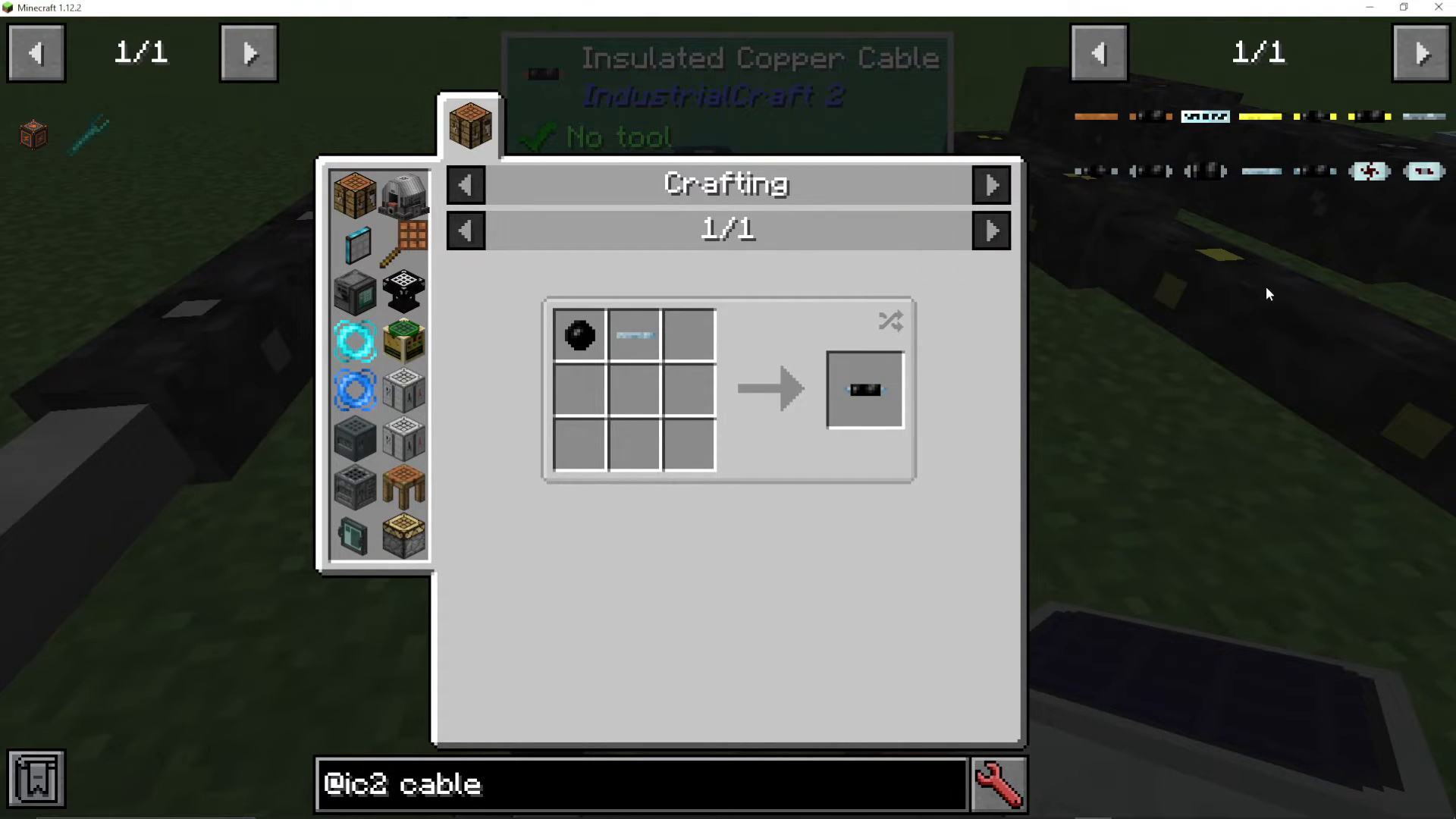
Like tin cable, copper cable comes in both uninsulated and insulated variants. The insulated version protects you from electrical damage while maintaining full transmission capacity.
Gold Cable (High Voltage)
Gold cable operates at high voltage levels and can transmit 512 EU per tick. The energy loss increases to 0.4 EU per block, which is double that of copper or tin cables.
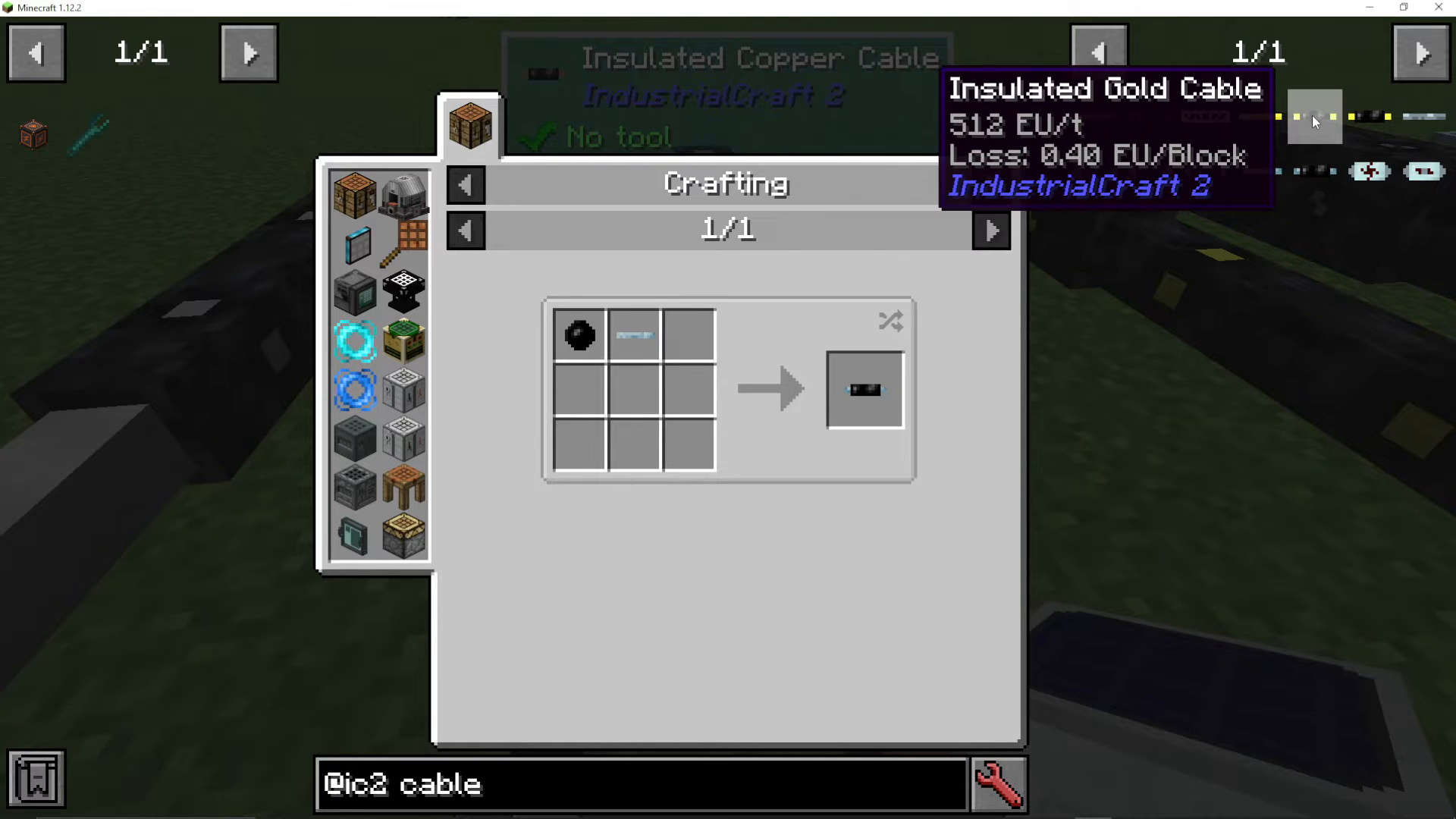
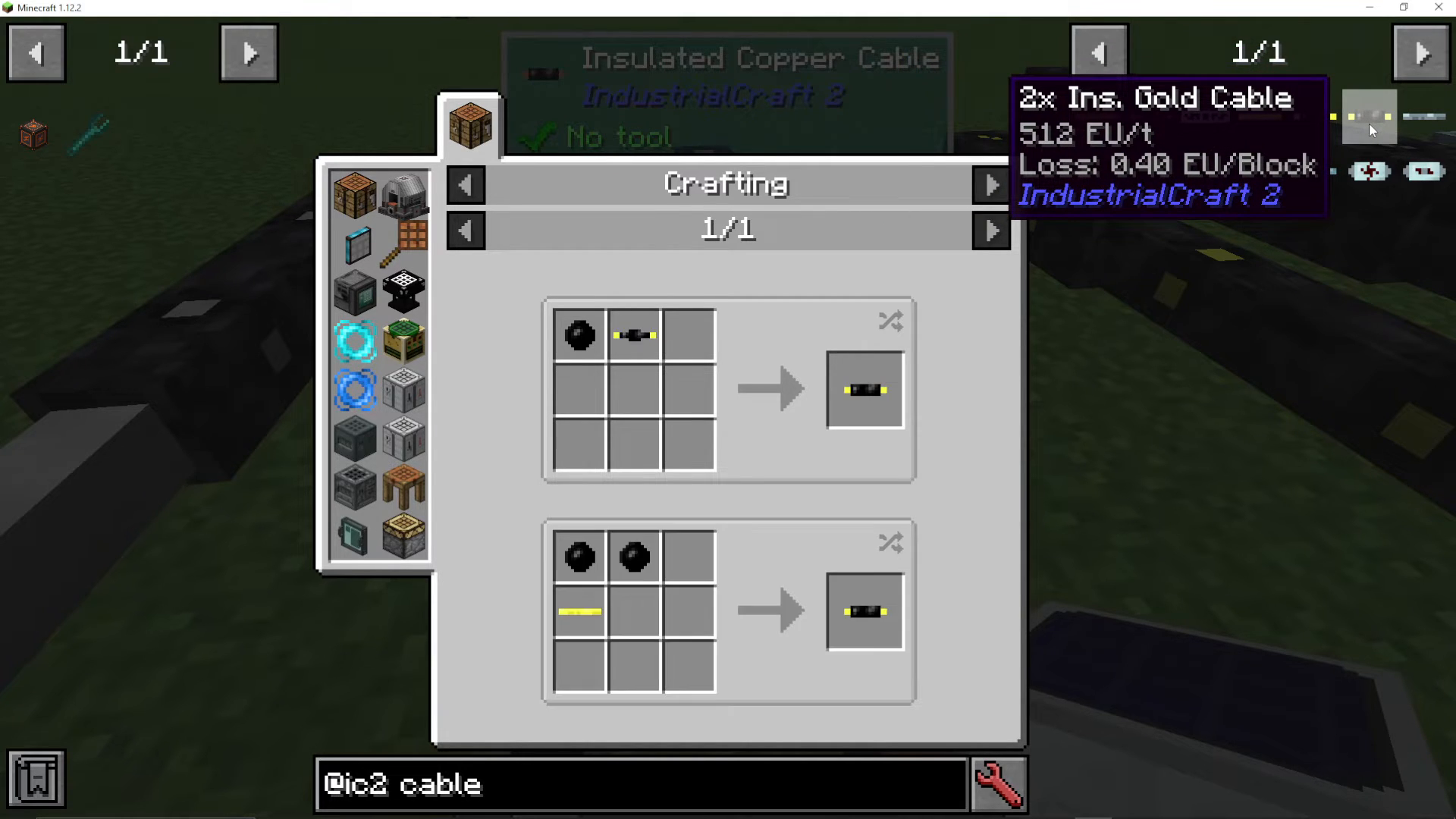
Gold cable offers three insulation options: uninsulated, once insulated, and twice insulated. Once insulated gold cable (created by wrapping rubber around the cable) reduces electrical damage but does not eliminate it. Twice insulated gold cable (made by adding two rubber layers or one rubber layer to an already insulated gold cable) provides complete protection from electrical damage.
Iron Cable (Extreme Voltage)
Iron cable represents the highest standard cable tier in IC2. It transmits 2048 EU per tick—an enormous amount of power. However, the energy loss is significant at 0.8 EU per block.
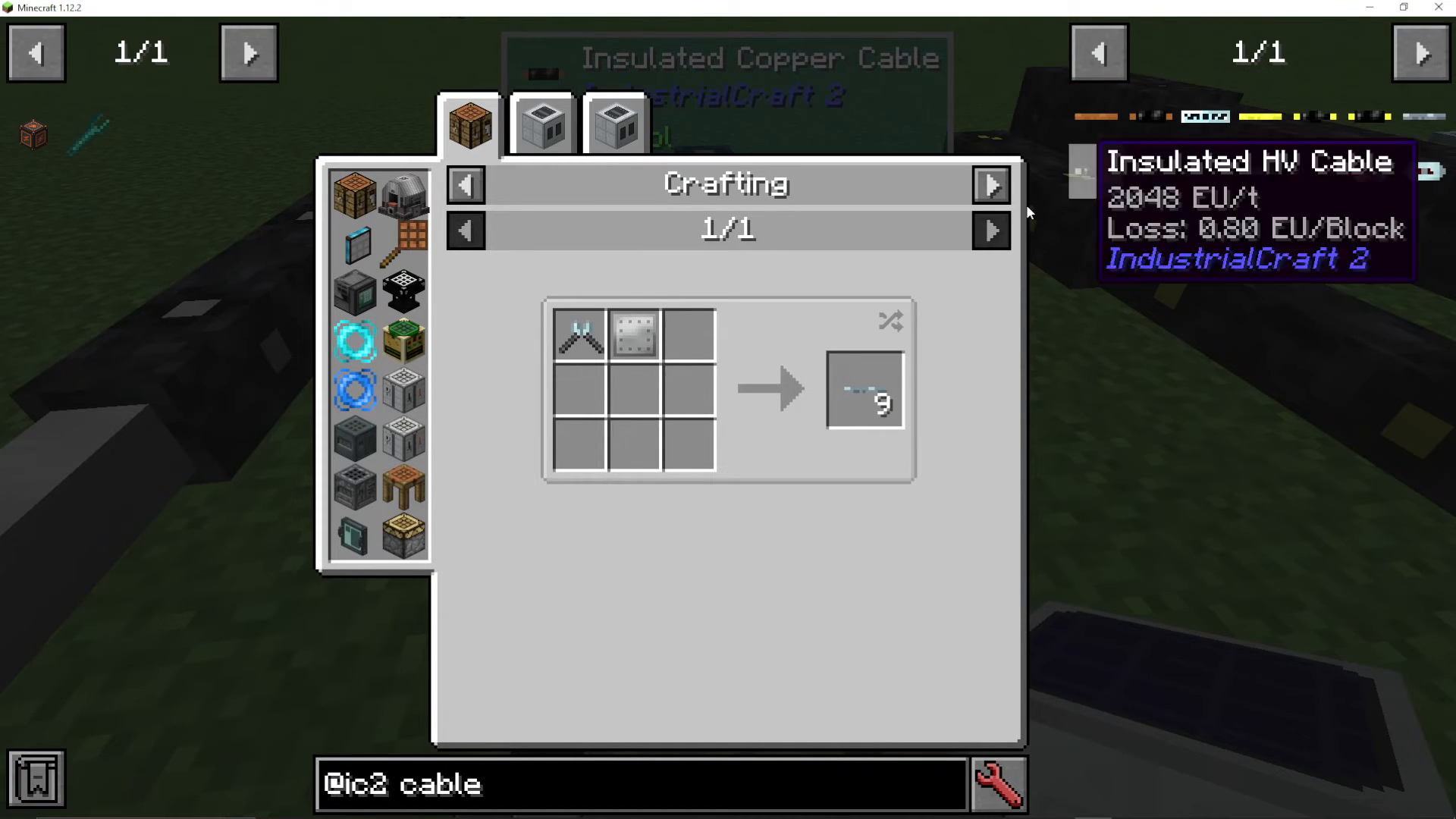
Iron cable supports three levels of insulation: once insulated, twice insulated, and three times insulated. With three layers of insulation, you achieve complete protection from electrical damage.
Glass Fiber Cable (Extreme Voltage)
Glass fiber cable is the pinnacle of IC2 power transmission technology. It can transmit up to 8,192 EU per tick—the highest capacity of any cable in the mod. What makes glass fiber truly exceptional is its nearly lossless transmission: it only loses 0.025 EU per block, which is negligible compared to other cable types.
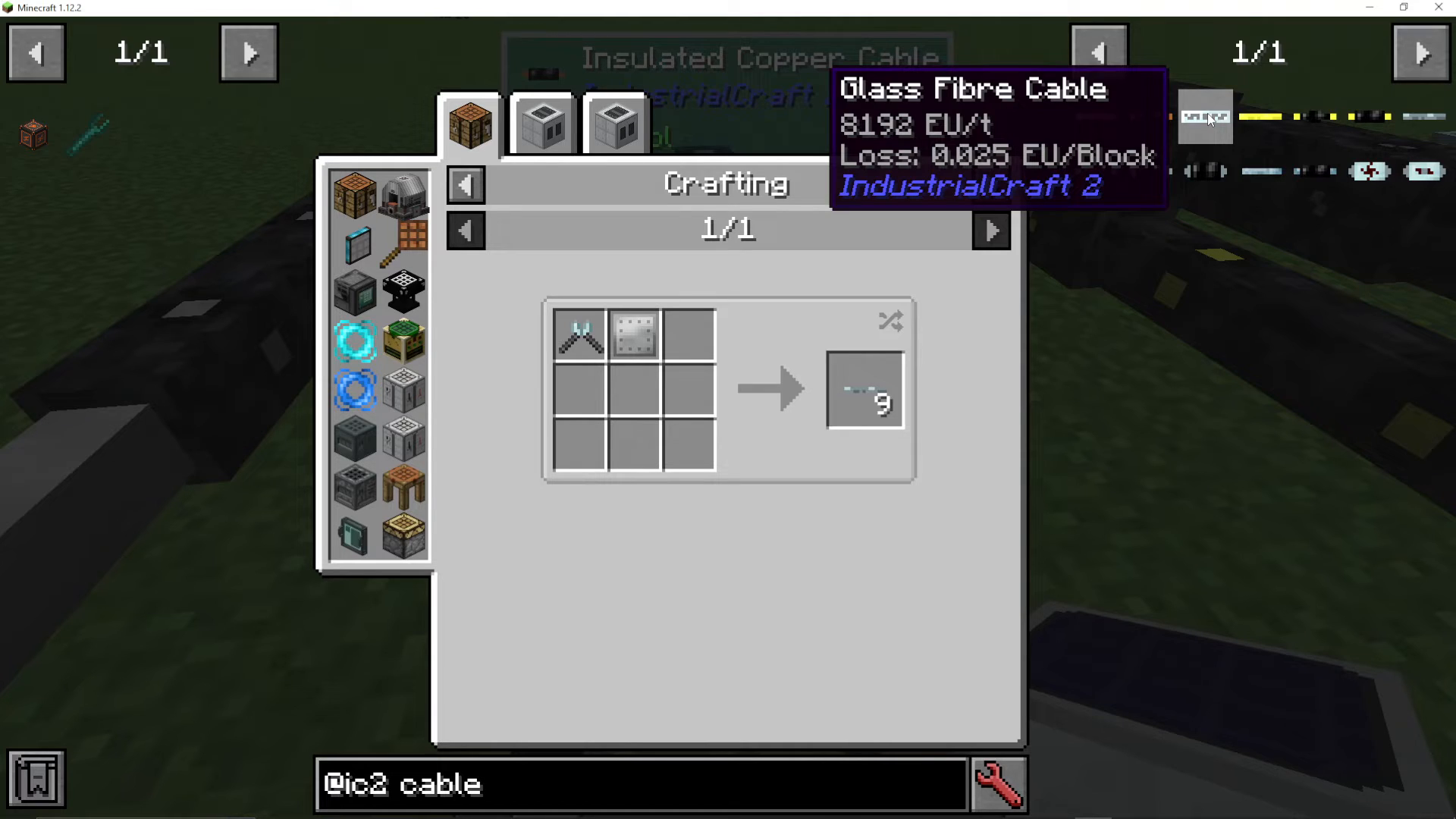
Glass fiber cable is safe to touch and will not damage you. It represents the best choice for long-distance power transmission where minimal energy loss is critical.
Cable Comparison Summary
Here’s a quick reference for all cable types in order of progression:
Tin Cable: 32 EU/tick, 0.2 EU/block loss
Copper Cable: 128 EU/tick, 0.2 EU/block loss
Gold Cable: 512 EU/tick, 0.4 EU/block loss
Iron Cable: 2048 EU/tick, 0.8 EU/block loss
Glass Fiber Cable: 8192 EU/tick, 0.025 EU/block loss
Connecting Cables to Machines
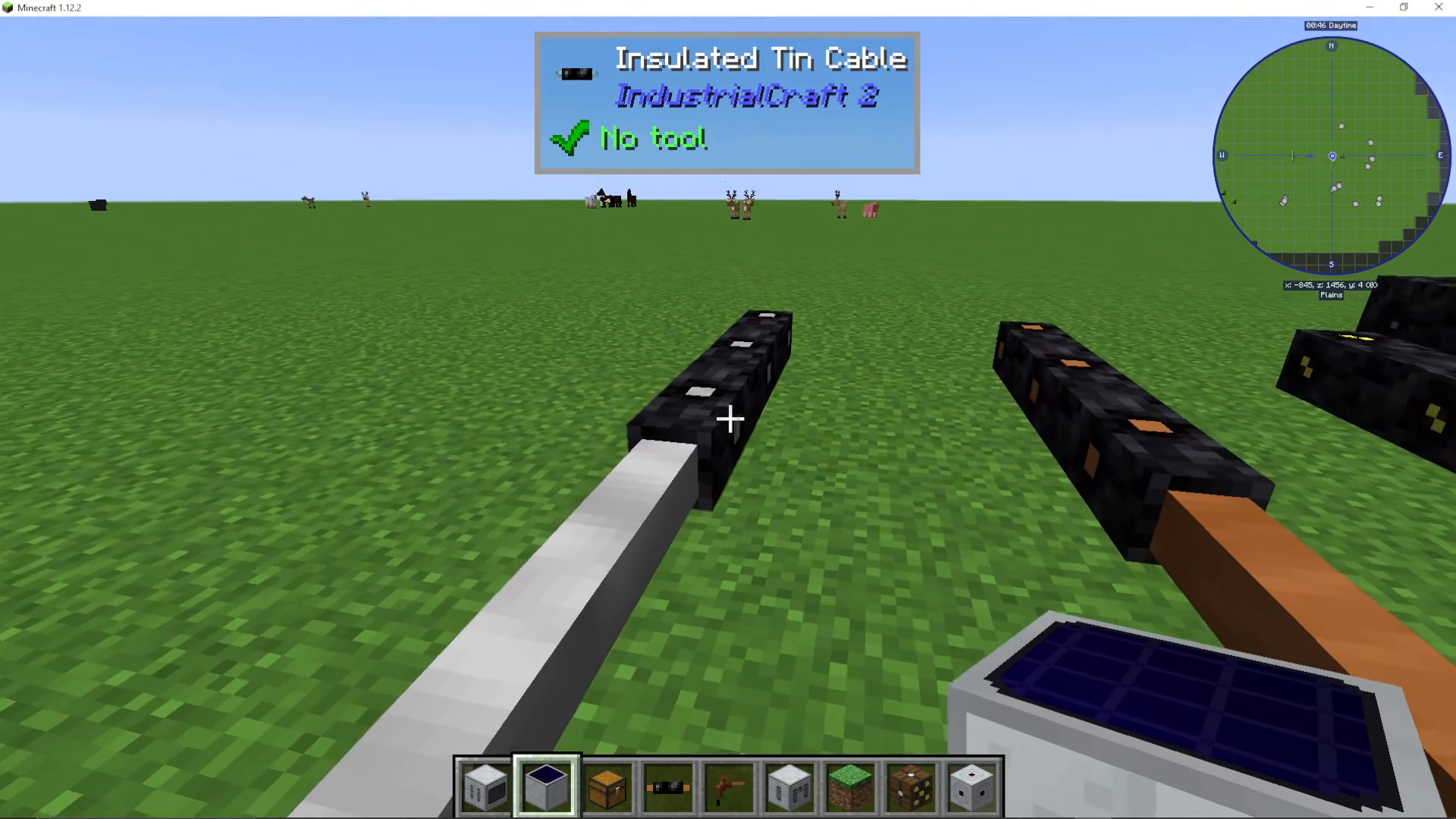
Connecting cables to machines is straightforward. Simply right-click on a machine with the cable in your hand to attach it. The cable will automatically connect to that side of the machine.
Using Battery Boxes for Power Storage
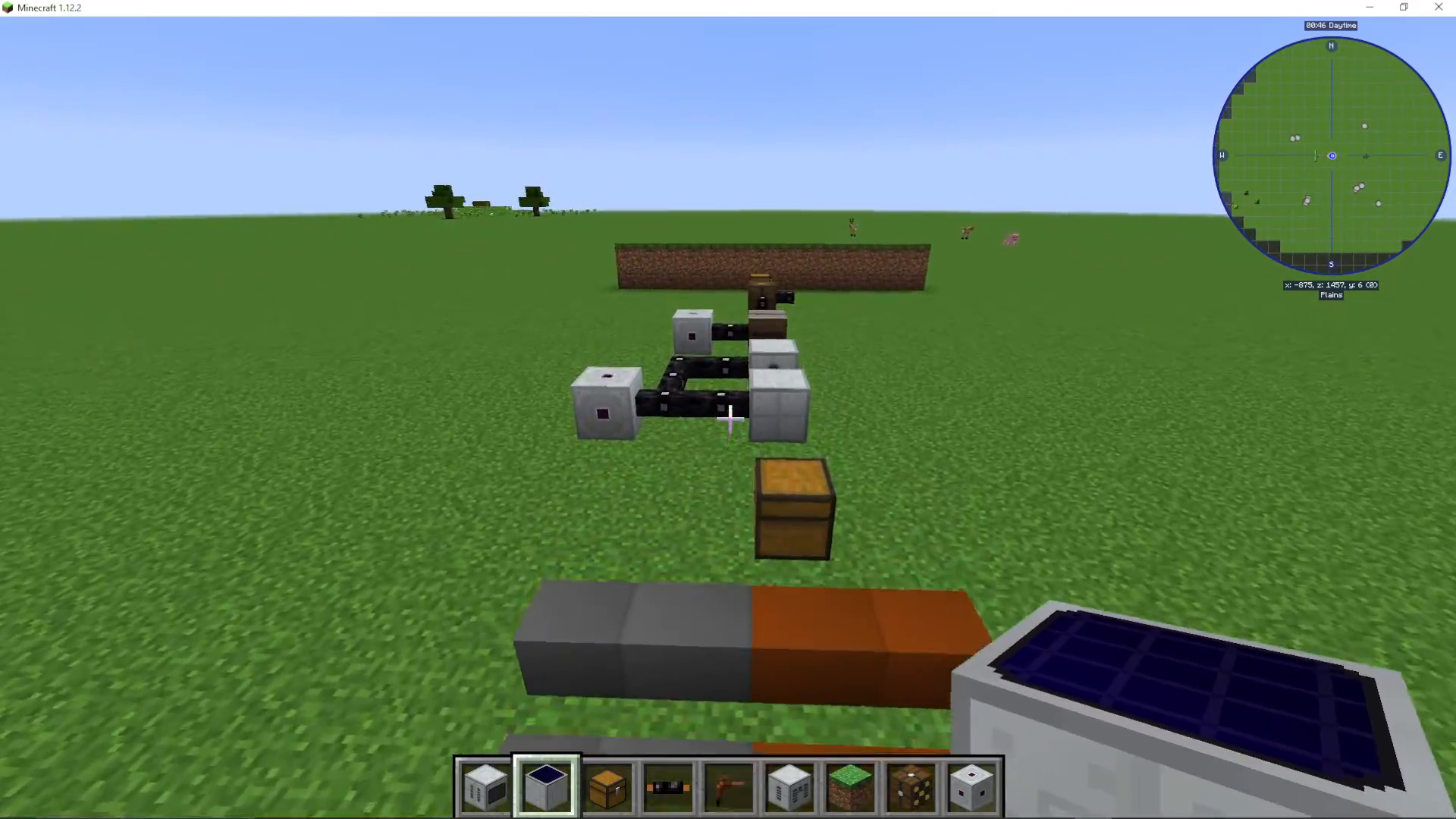
Battery boxes (also called back boxes) are useful devices for storing power in your IC2 network. You can input power on any side of a battery box, and it will automatically accept and store the energy. To output power, connect your cable to the white dot indicator on the battery box.
Understanding Transformers
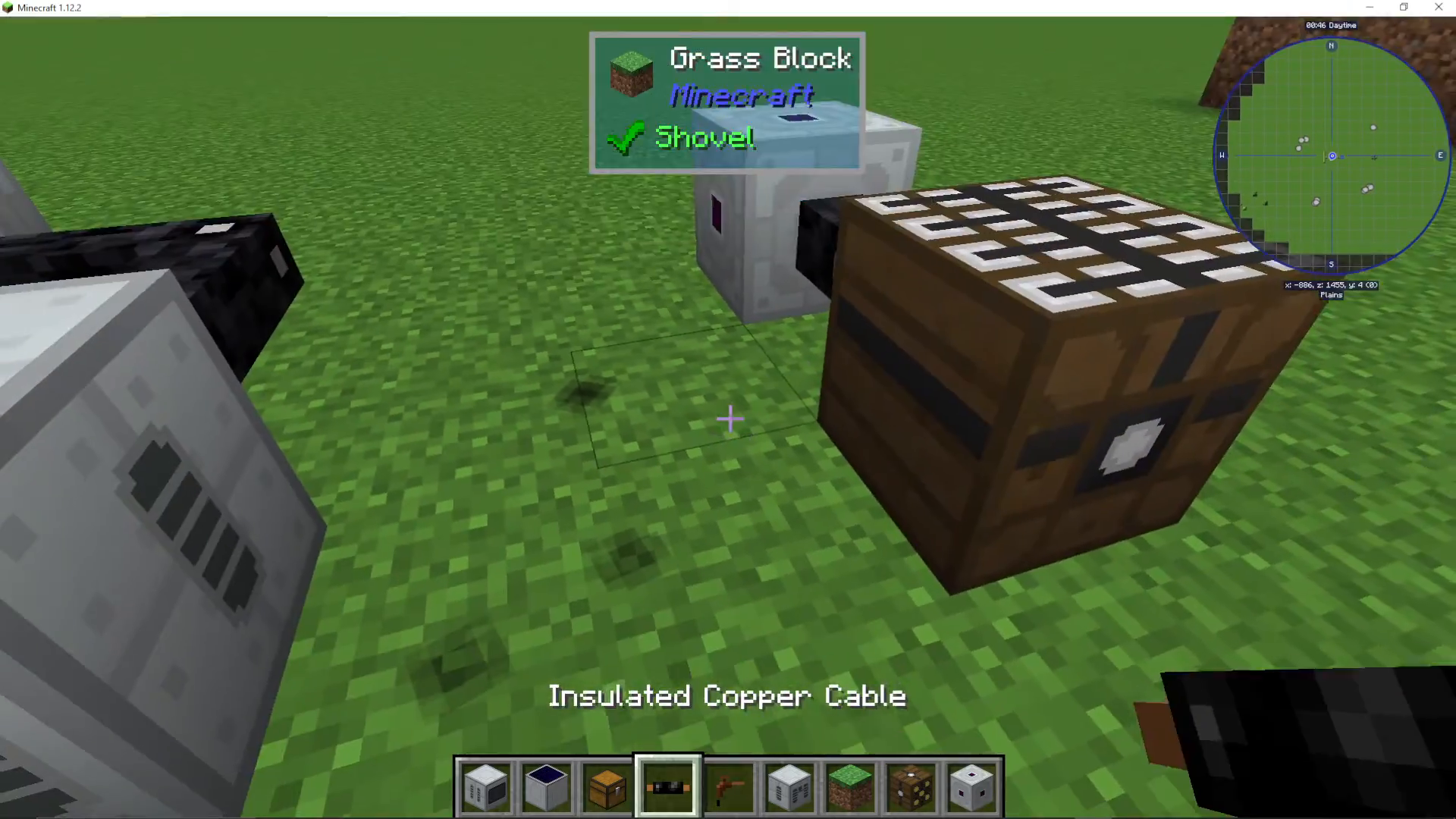
Transformers are critical components for converting between different voltage levels. They allow you to safely step down high voltage power to lower voltages, or step up low voltage to higher voltages.
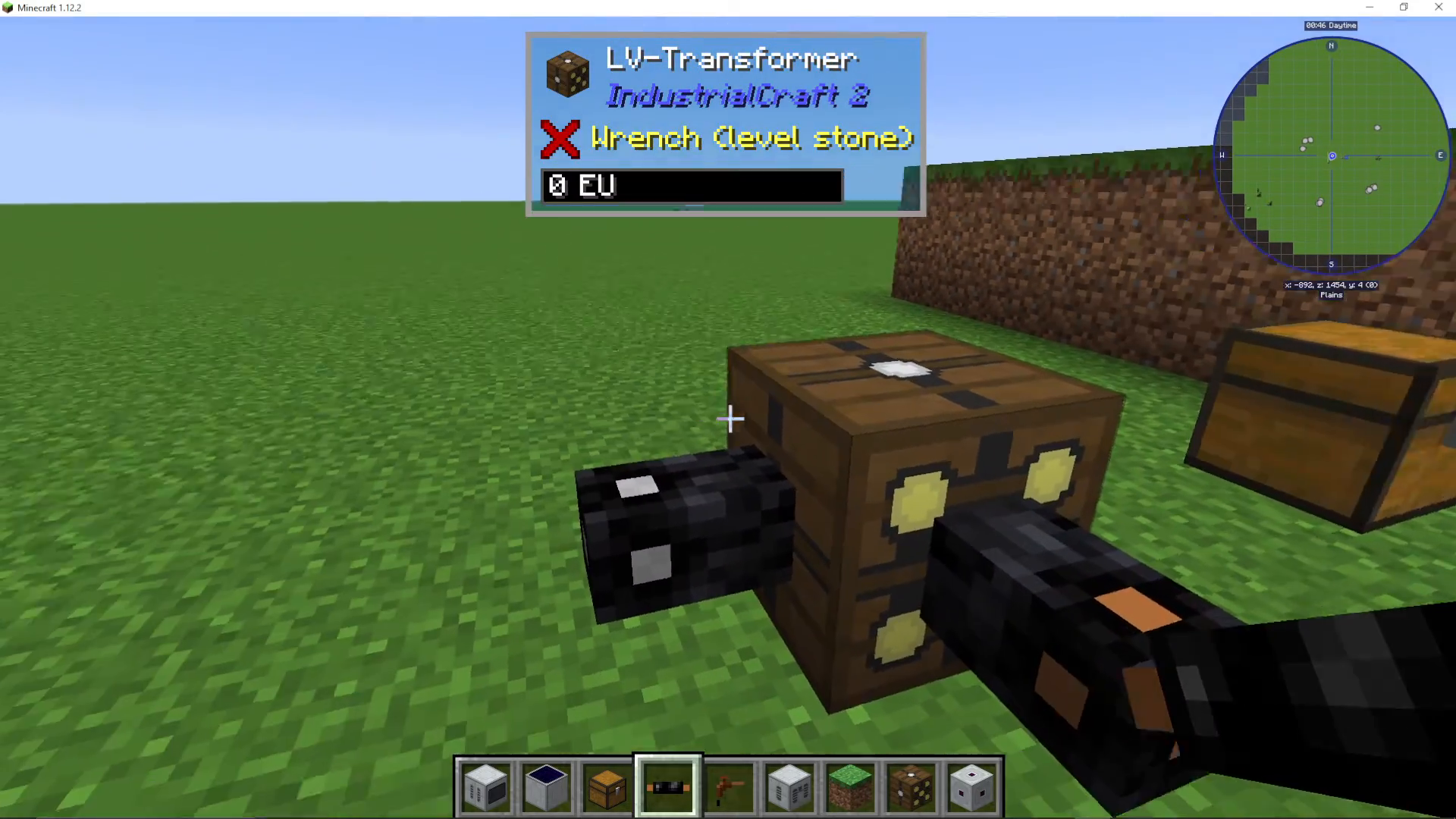
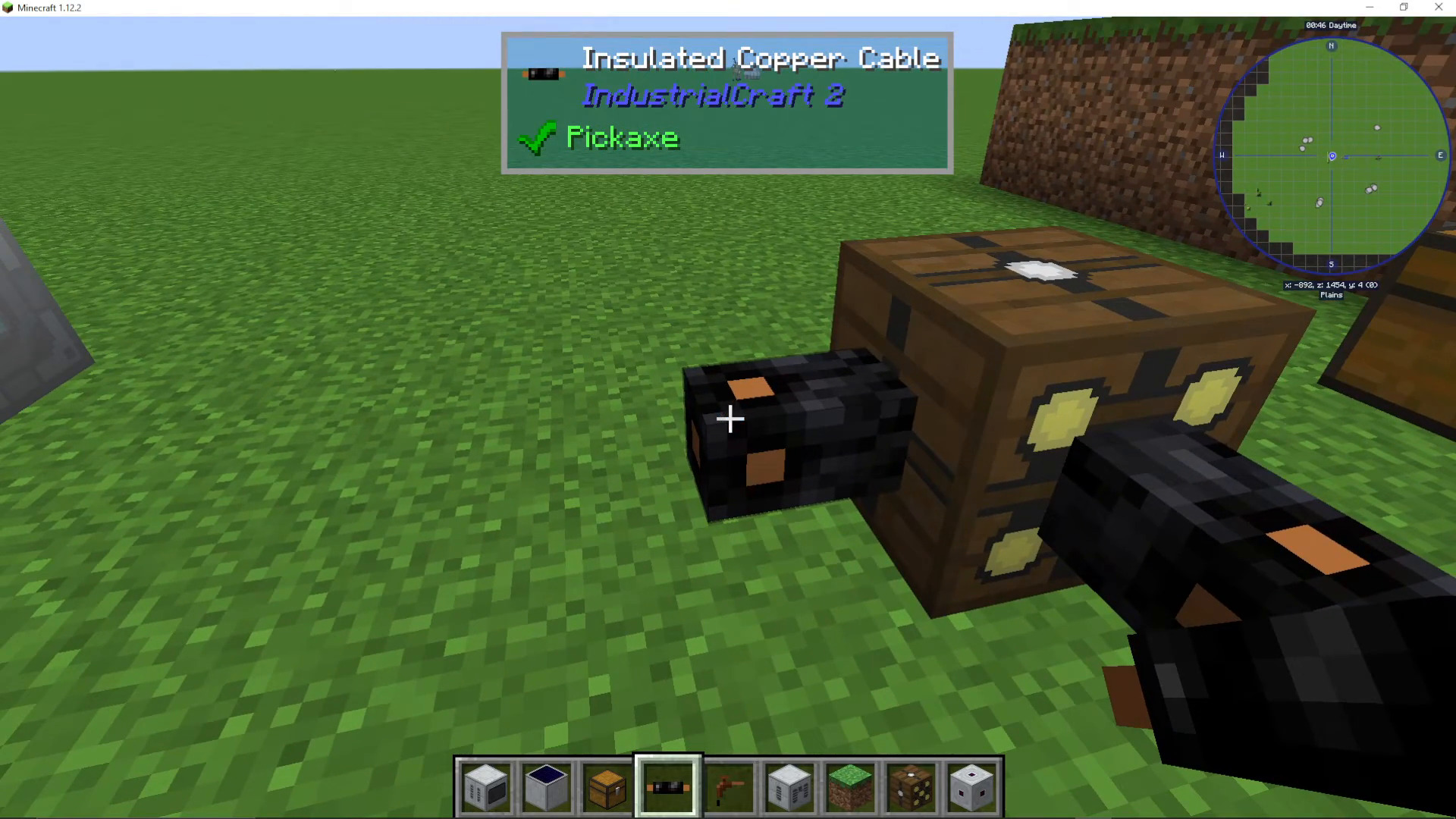
For example, a low voltage transformer accepts low voltage power (such as from tin cable at 32 EU/tick) on one side and outputs medium voltage (128 EU/tick) on the other side (marked by the yellow side). Remember that higher voltage cables can be safely used on lower voltage sides—copper cable can be placed on the low voltage side without issues because copper cable can handle higher voltages. However, placing a lower voltage cable on a higher voltage output will cause the cable to burn up immediately.
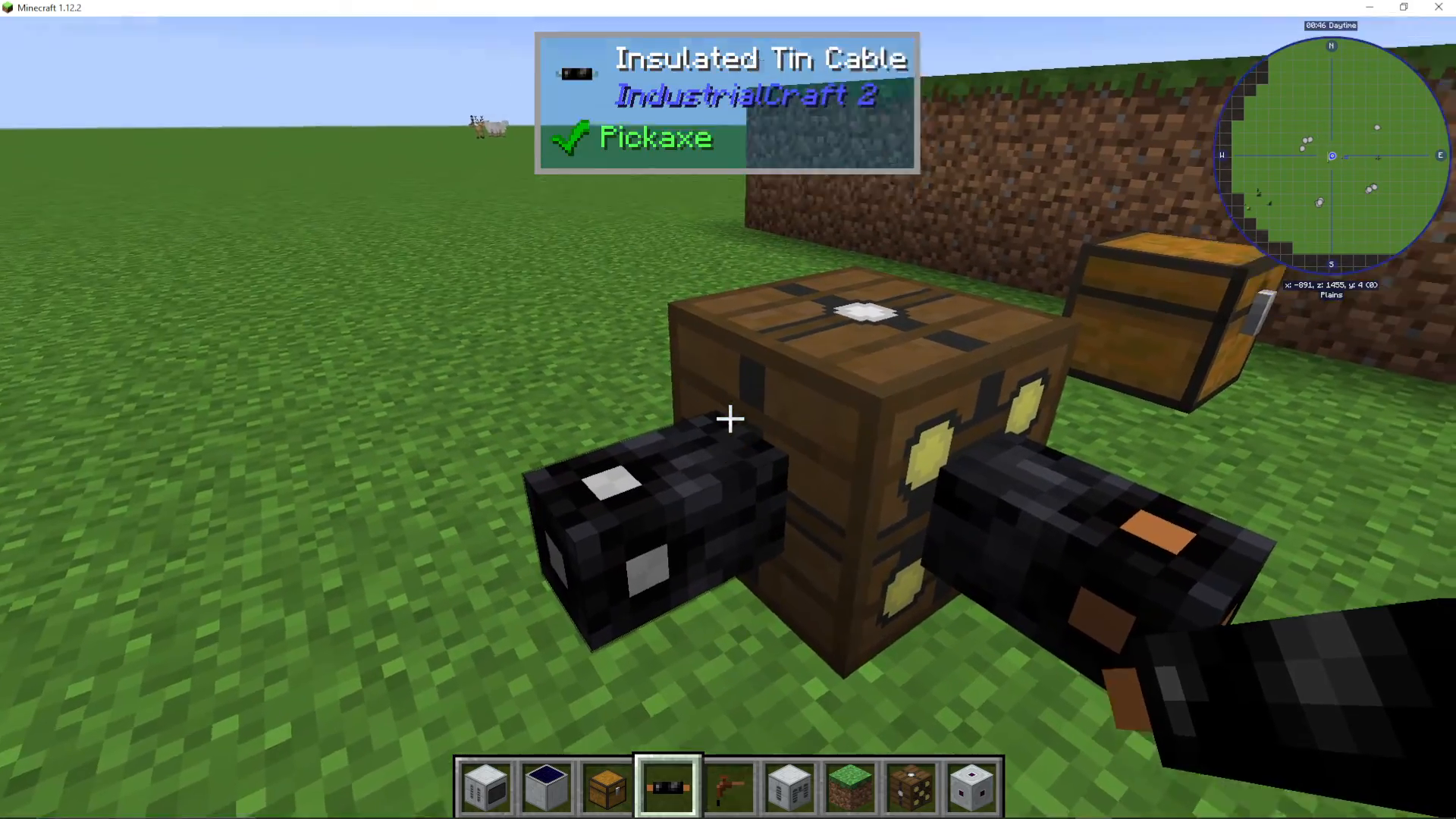
The critical rule: never connect a low voltage cable (such as tin) to a medium or high voltage output, as the cable will disintegrate from the excessive voltage.
Conclusion
Mastering IC2 cables is fundamental to building powerful and efficient power networks. Start with tin and copper cables for early-game power distribution, upgrade to gold and iron cables as you progress, and eventually transition to glass fiber cable for long-distance, lossless power transmission. Always match your cable voltage to your power needs, and use transformers to safely convert between voltage levels. With this knowledge, you’ll be able to design and build any power system IC2 has to offer.
— Want to Support? —
If you would like to help us continue making these guides – please consider joining our patreon here – https://www.patreon.com/c/JaviHeals
Alternatively – we host a group of MC Servers you can join here – https://discord.gg/zD7Gjt6MHF



