







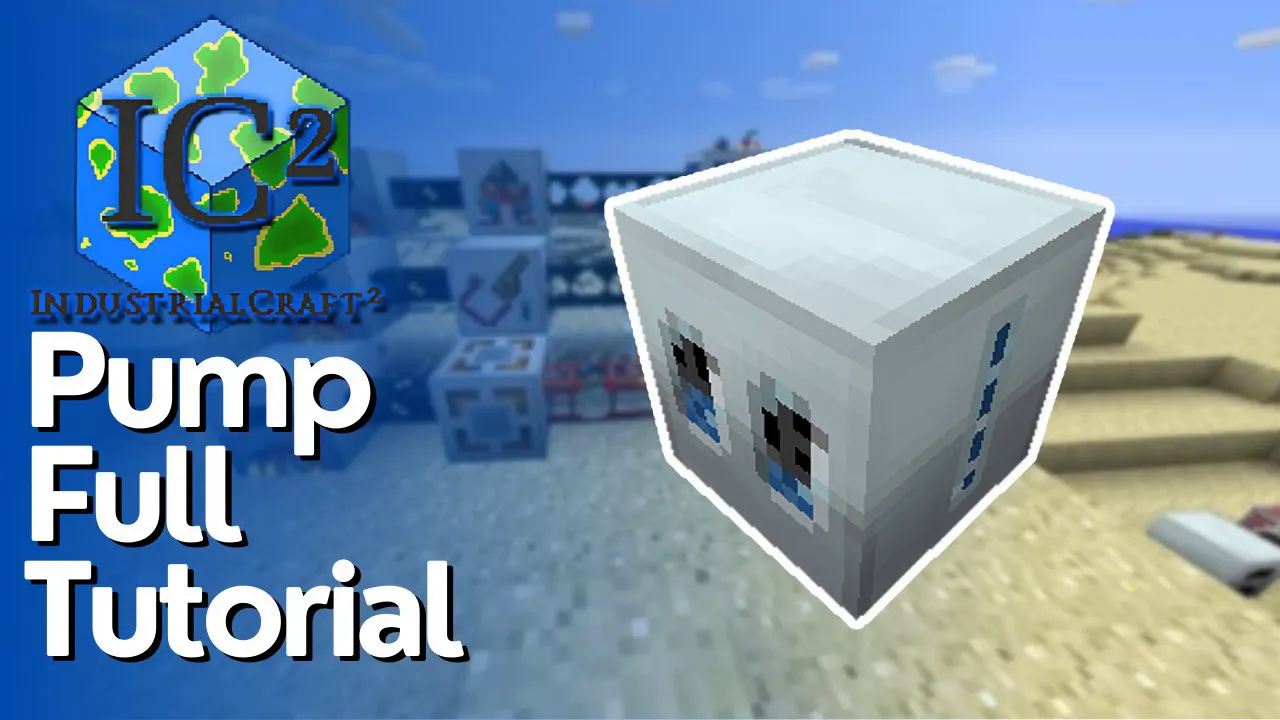
How To Pump Fluids in IC2
How to Pump Fluids in Industrial Craft 2 (IC2)
In this comprehensive guide, you’ll learn how to effectively use the pump in Industrial Craft 2 (IC2), including how to set up fluid pipes and utilize different pump attachments. By the end of this tutorial, you’ll have a solid understanding of fluid pumping mechanics in IC2.
Introduction to the IC2 Pump
The Industrial Craft 2 pump is a low voltage machine, which means you can power it using tin cable—the lowest tier of cable available in IC2. This makes it one of the most accessible machines for beginners working with the mod.
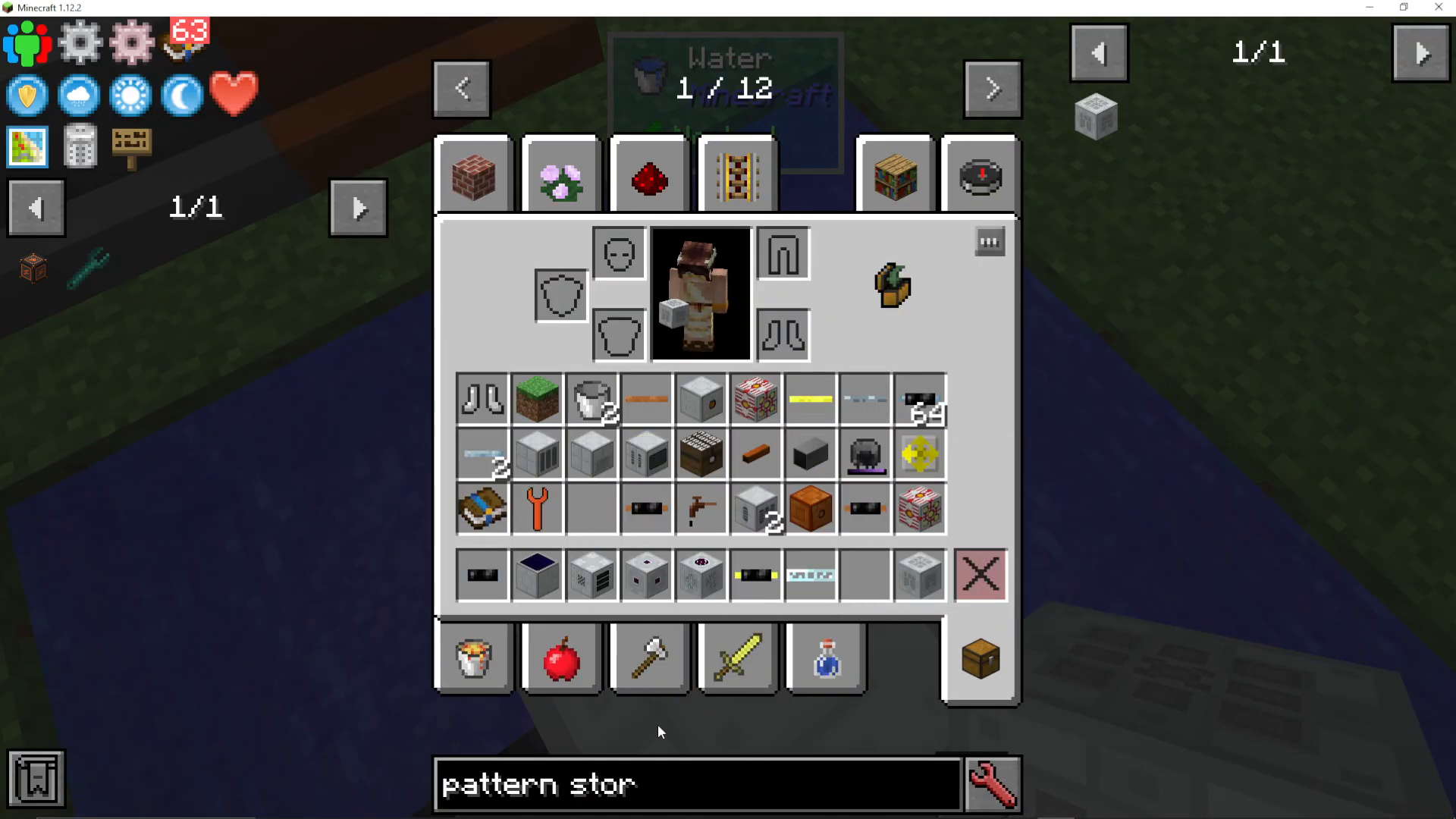
When working with the pump, you’ll want to equip the Wrench (New), as it’s significantly better than the standard IC2 wrench. While IC2 is known for being an older-fashioned mod with some quirky mechanics, using the correct tools makes a substantial difference in your workflow.
Setting Up Water Extraction
Creating Your Water Source
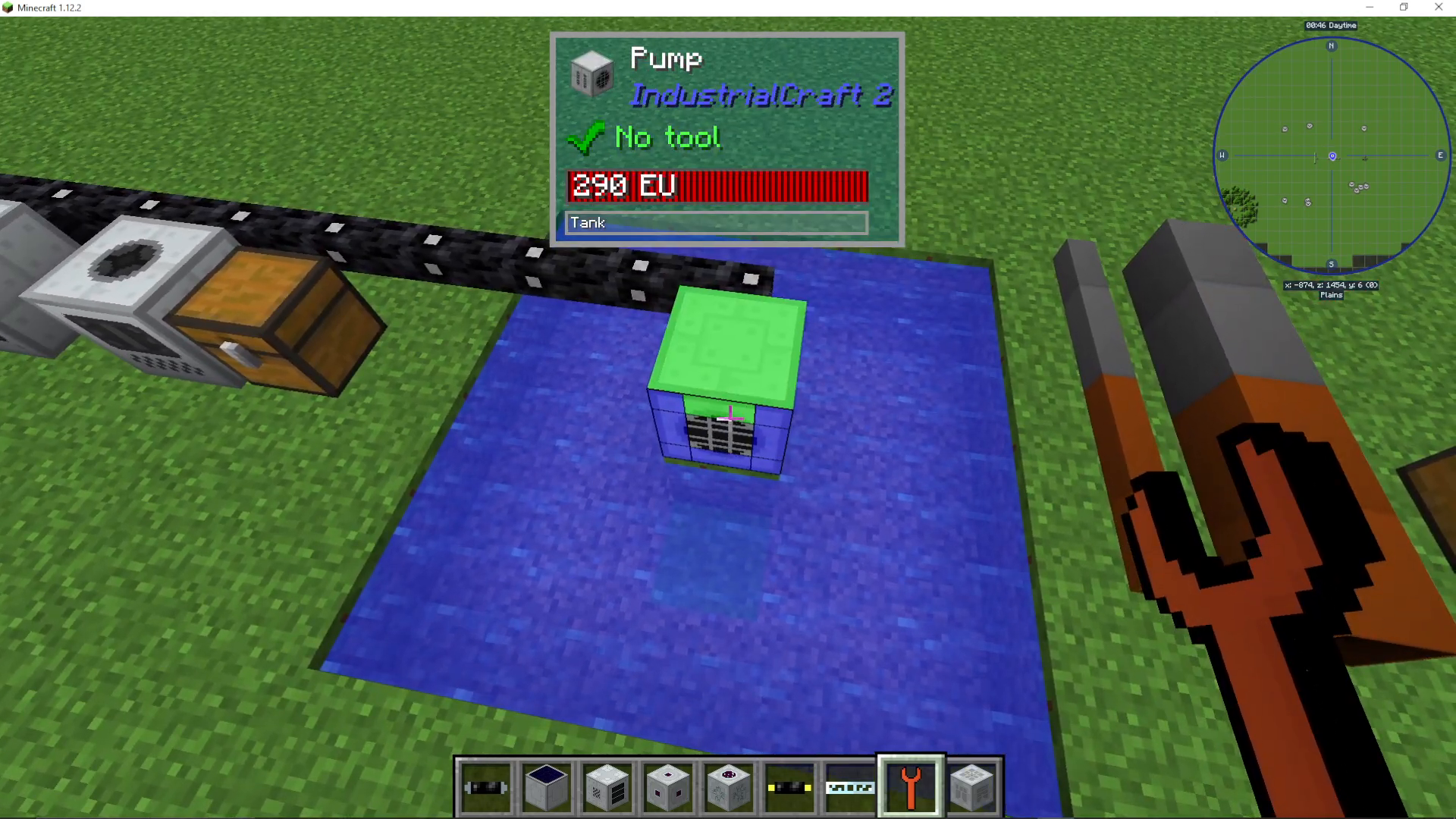
To pump water indefinitely, you’ll need a 5 by 5 area of water. This size ensures a renewable water source that won’t deplete as you extract from it.
Basic Pump Operation
When you first place the pump, it will be empty. To activate it, you need to position the grate (visible on the pump) to face the water source. You can do this by right-clicking with your Wrench (New). Once properly oriented, you’ll see the pump actively drawing water upward.

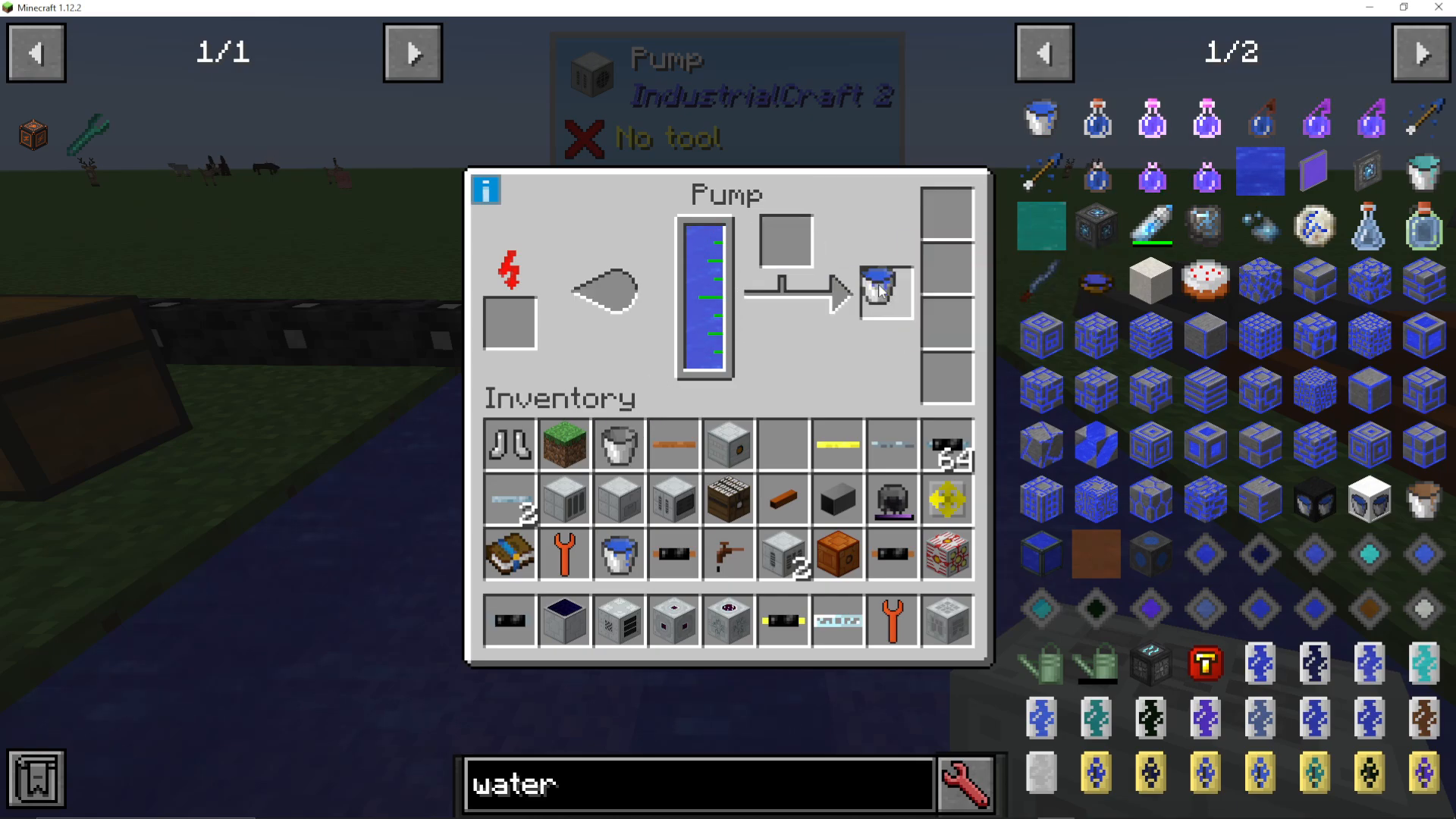
The simplest way to collect water from the pump is to place a bucket in the designated slot. The pump will automatically fill the bucket with water extracted from the source.
Understanding Fluid Pipes
For more advanced fluid transfer, IC2 offers different types of pipes with varying capacity levels:
Tiny Bronze Pipe — transfers less water
Large Bronze Pipe — transfers more than tiny bronze
Tiny Steel Pipe — higher capacity than bronze
Large Steel Pipe — highest capacity option
The pipe tier you choose directly impacts how quickly fluids transfer through your system.
Connecting Pipes with the Wrench
Use your Wrench (New) to connect and disconnect pipes from the pump. When you right-click a pipe connection point with the wrench, you’ll see different quadrants displayed. Click the desired quadrant to connect or disconnect pipes in that direction. This gives you precise control over fluid flow direction.
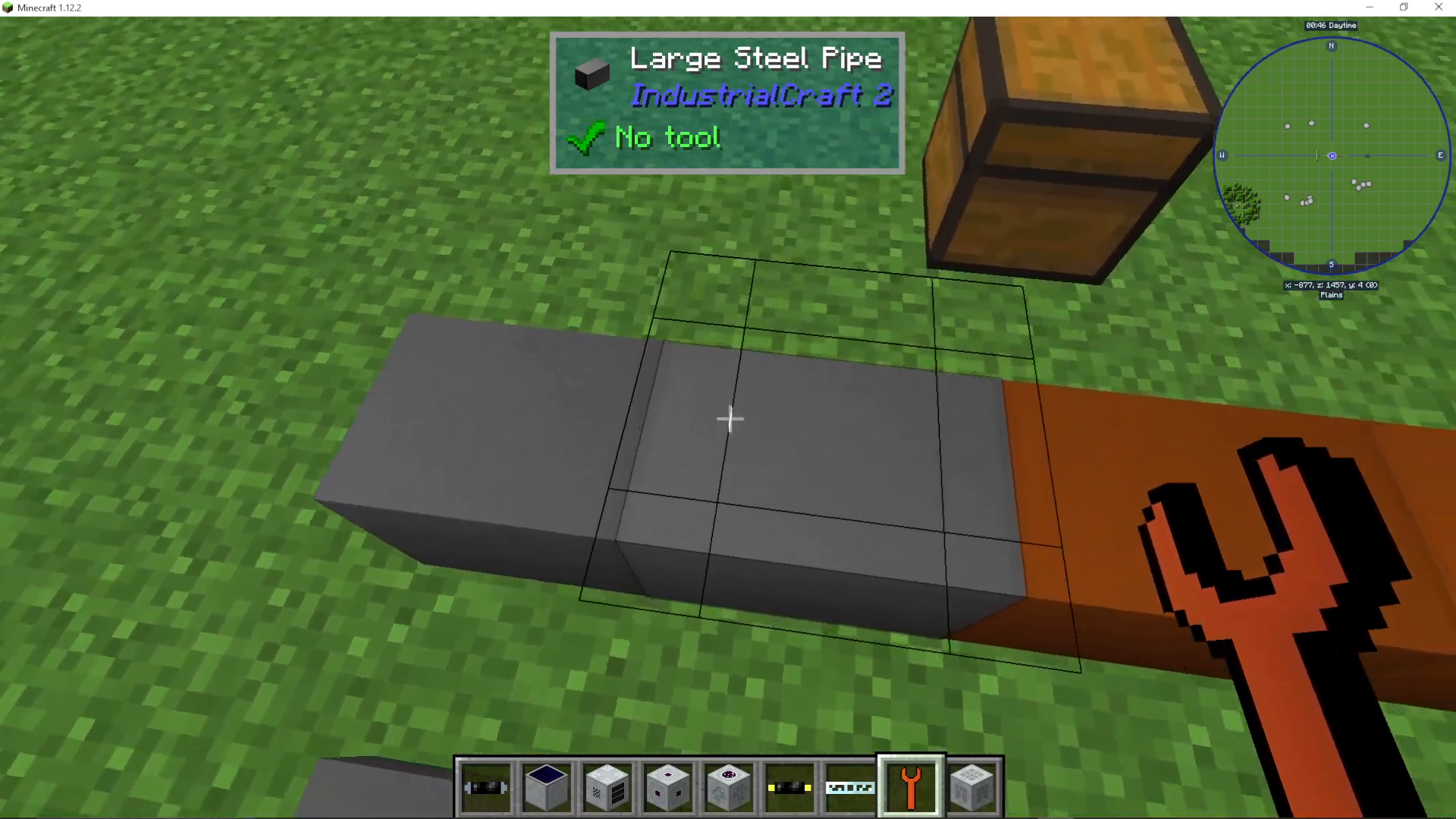
You can also change the face of the pump (which direction it outputs) by simply right-clicking directly on the pump itself without targeting a pipe connection.
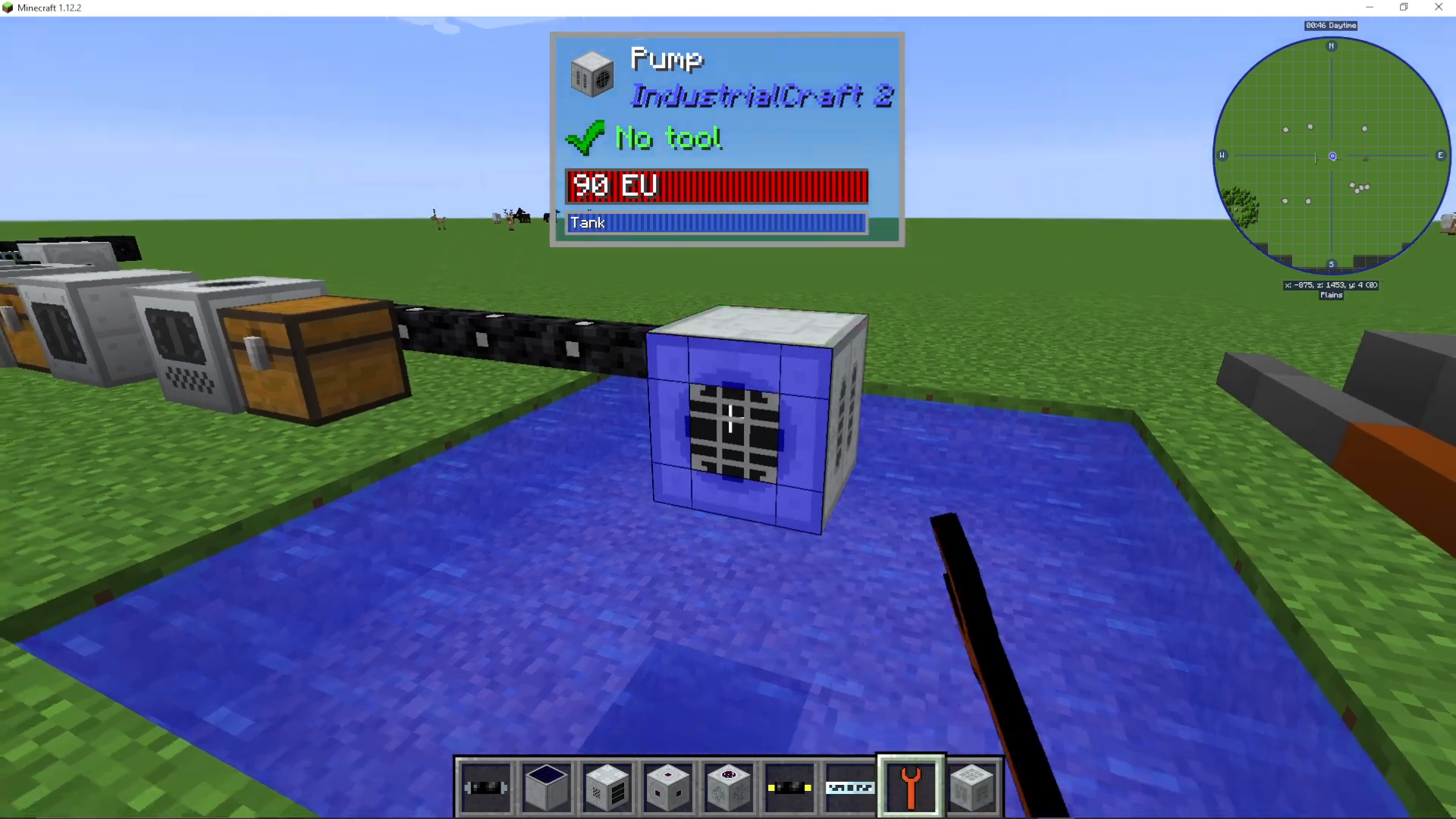
Pump Upgrades
All Industrial Craft 2 machines, including pumps, support various upgrades. To view compatible upgrades for any machine, click the small information button (i) displayed on the machine’s GUI.
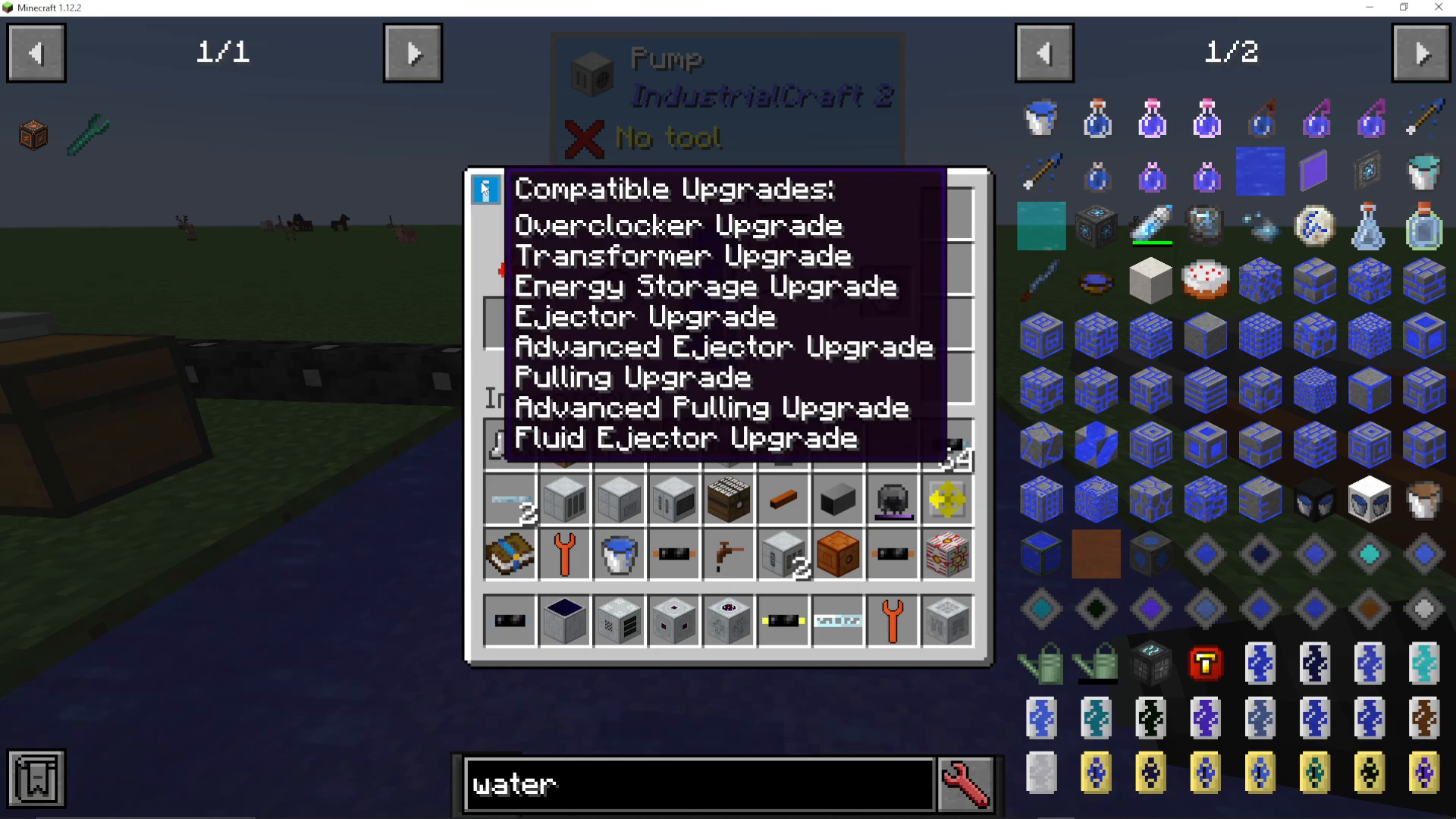
Available Upgrade Types
Overclocker Upgrade — increases the pump’s operating speed
Transformer Upgrade — allows the pump to accept higher voltage tiers (such as medium tier cables)
Energy Storage Upgrade — expands the internal energy buffer, allowing longer operation between power inputs
Fluid Ejector Upgrade — enables automatic fluid output through connected pipes
Setting Up Automatic Fluid Export
To automatically pump fluids through pipes without manual intervention, use the Fluid Ejector upgrade:
Take the Fluid Ejector upgrade and hold it in your hotbar
Shift + right-click on the side of the pump where you want fluids to output
Open the pump’s GUI and place the Fluid Ejector upgrade in the upgrades section
Connect your fluid pipes to the designated output side
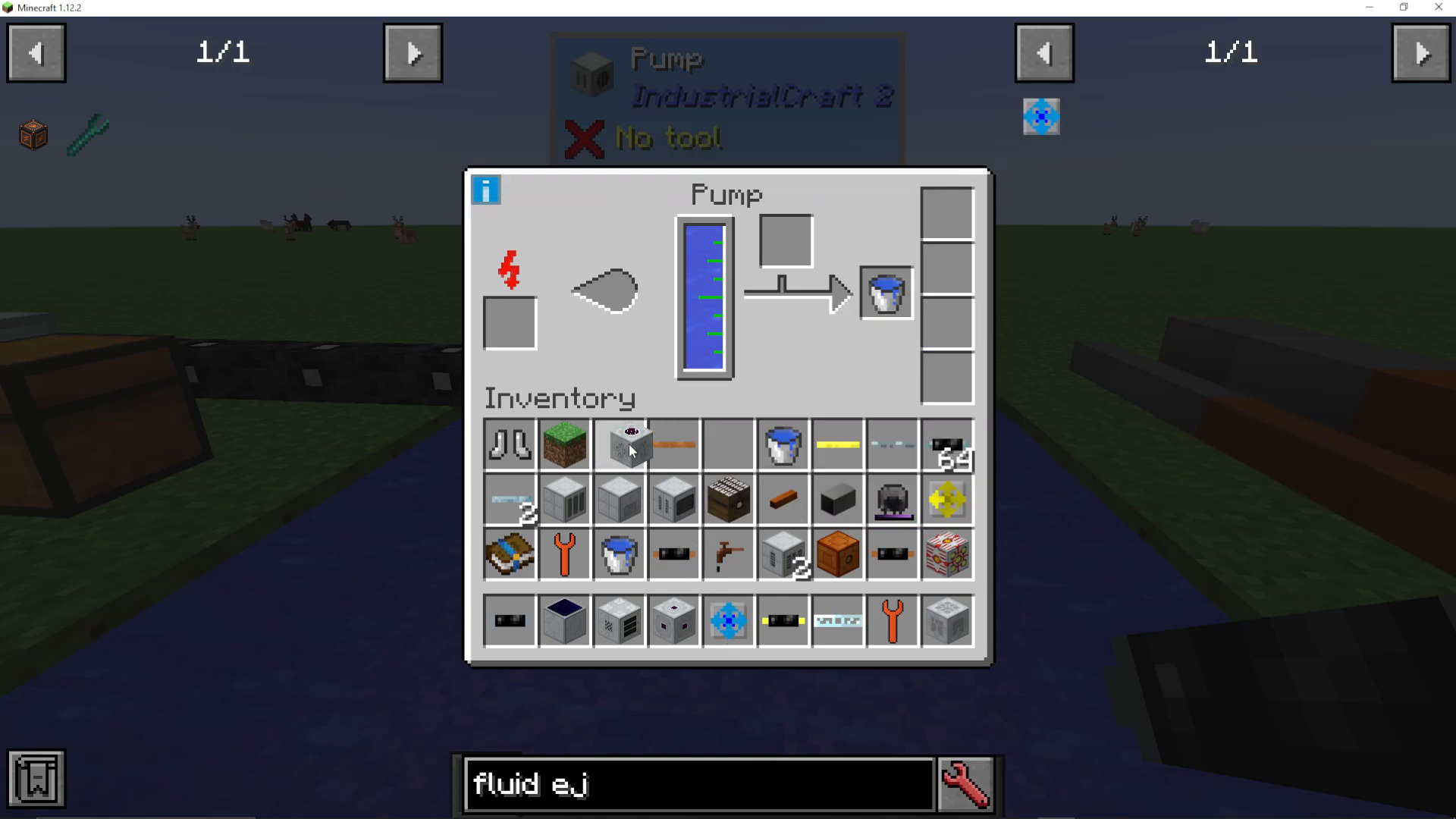
Once configured, the Fluid Ejector will automatically push water through your connected pipes. Use your Wrench (New) to connect pipes to storage tanks or other machines that accept fluids.
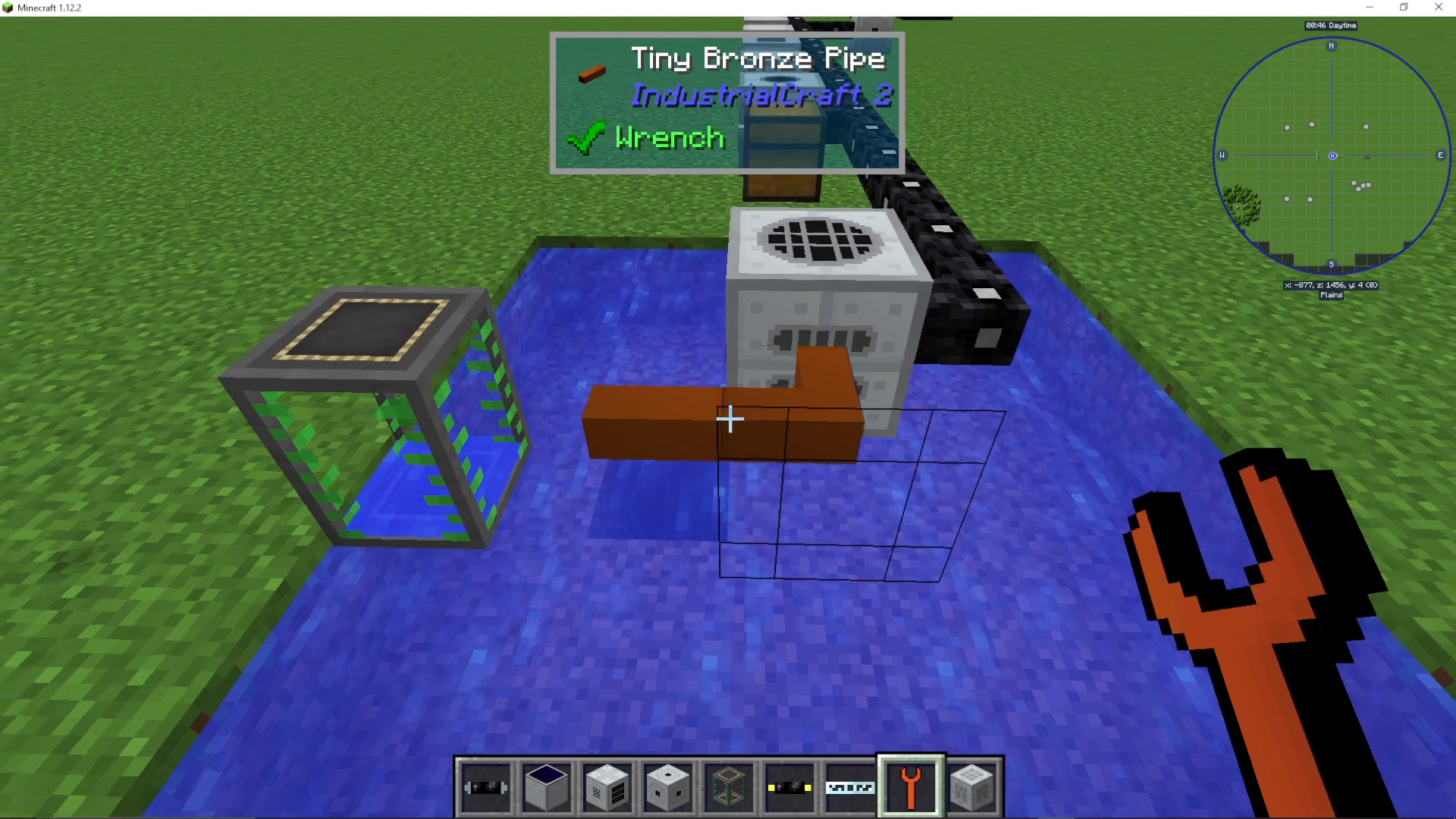
Filling a Fluid Tank
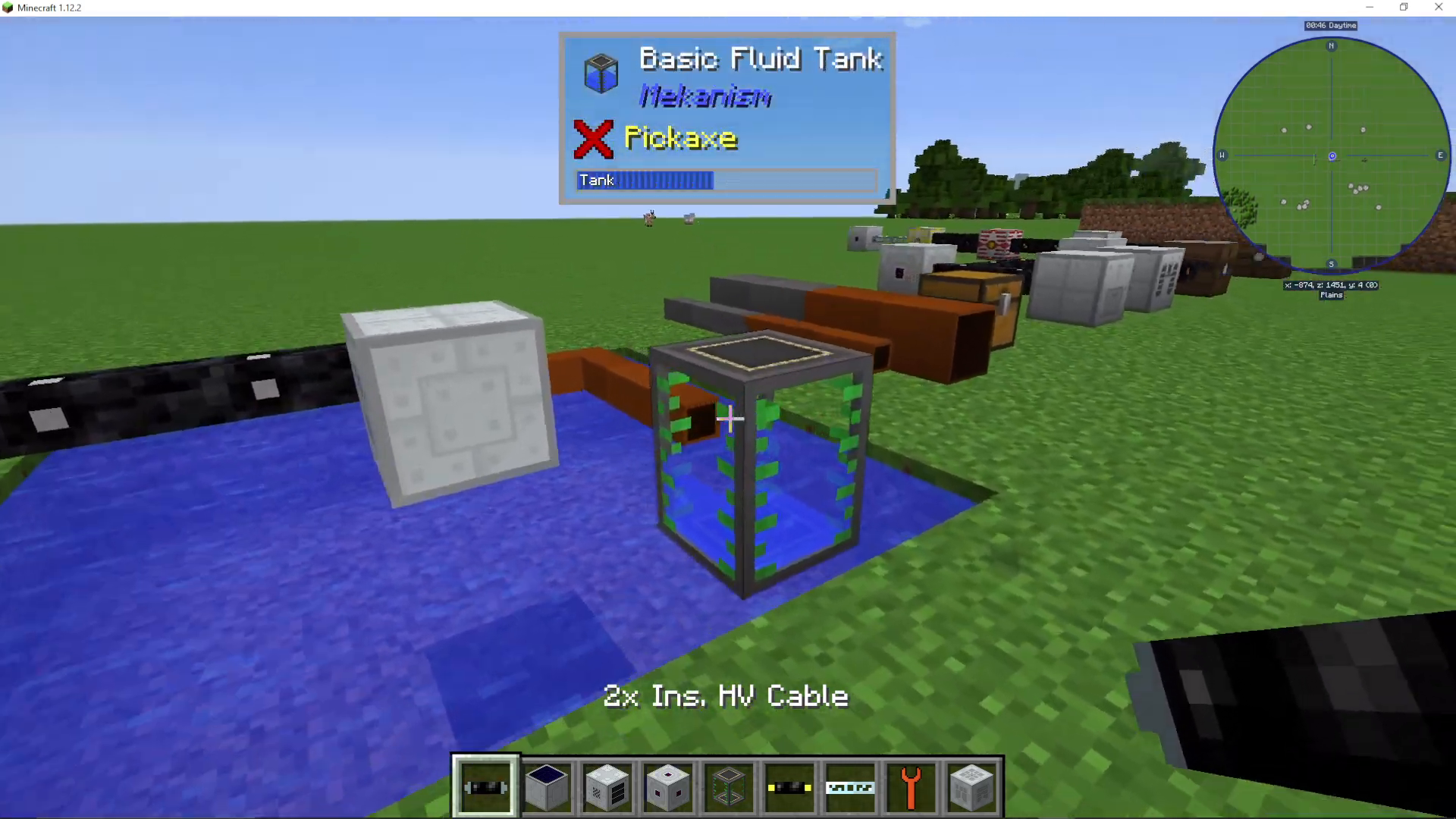
When you connect a fluid pipe from the pump’s ejector output to a basic fluid tank, the tank will begin filling automatically. The speed of filling depends on your pipe tier—tiny bronze pipes transfer water more slowly than larger or steel-based pipes.
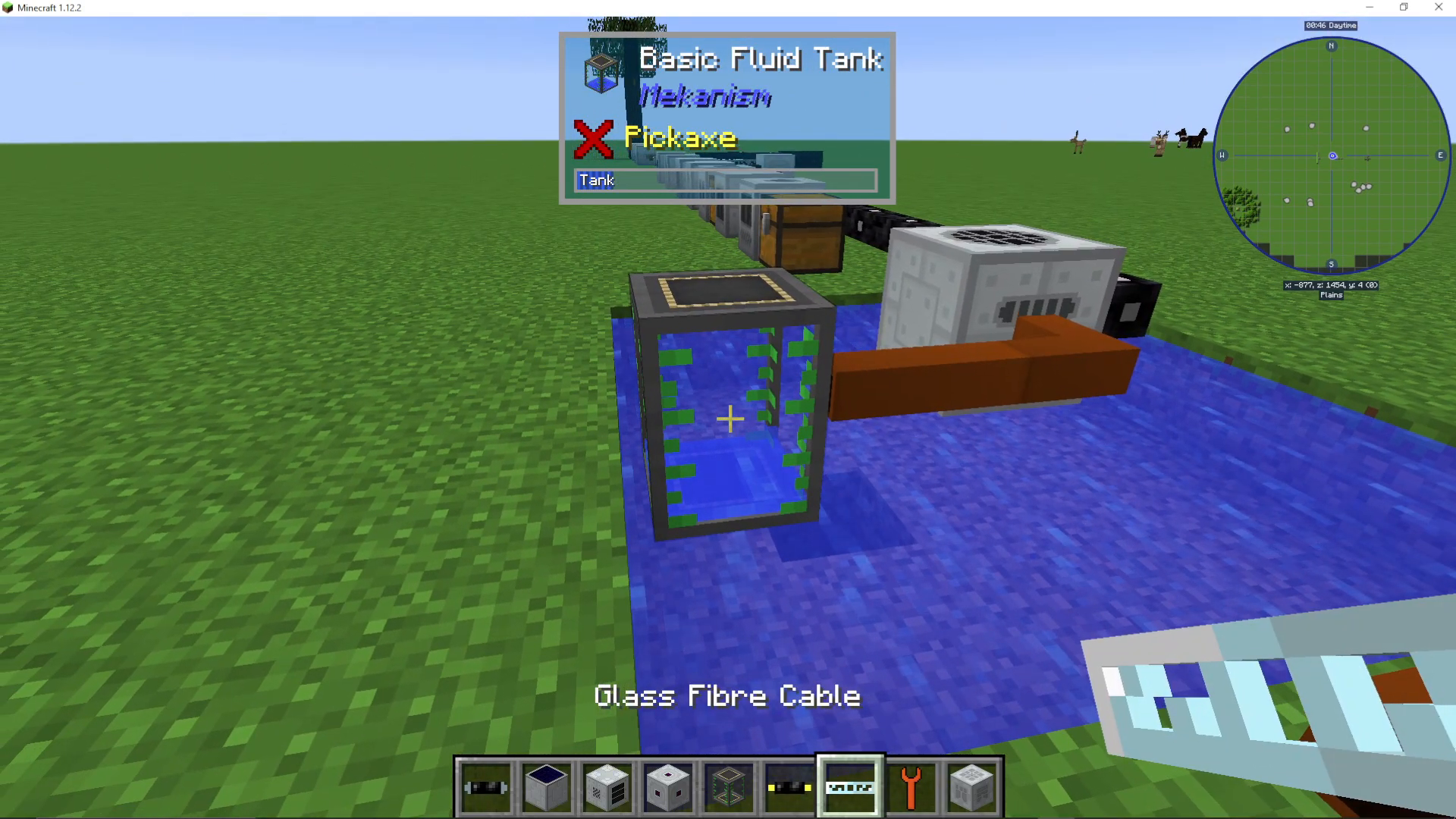
Make sure your pump is oriented correctly (facing downward if needed) so it can extract water from the source and push it into the output side connected to your pipes.
Summary
You now have a complete understanding of how to pump fluids in Industrial Craft 2. Whether you’re using simple bucket collection or setting up an automated pipe network with upgrades, the IC2 pump is an essential tool for fluid management. Remember to use the Wrench (New) for all connections, choose appropriate pipe tiers for your needs, and leverage upgrades like the Fluid Ejector to automate your operations.
Learn More
For additional guides covering other mods and features in Minecraft, check out our complete playlist and don’t forget to subscribe to stay updated with new tutorials. Our channel is dedicated to providing comprehensive guides for every major Minecraft mod.
If you need further assistance with IC2 or other mods, we offer community support through our Discord server where you can get help in our dedicated Minecraft channels.
Want to Support?
If you would like to help us continue making these guides – please consider joining our patreon here – https://www.patreon.com/c/JaviHeals
Alternatively – we host a group of MC Servers you can join here – https://discord.gg/zD7Gjt6MHF



