







How To Oritech Atomic Forge – Minecraft 1.21.1
How to Use the Oritech Atomic Forge – Minecraft 1.21.1
The Atomic Forge from the Oritech mod is a powerful machine that engraves items to enhance your crafting capabilities in Minecraft 1.21.1. This guide will walk you through building the Atomic Forge, powering it with Enderic lasers, and using it effectively to double your resources and create advanced Oritech materials. Whether you’re a beginner or an experienced modder, this tutorial covers everything you need to know to master this essential machine.
Introduction to the Atomic Forge
The Atomic Forge is a specialized machine from the Oritech mod that engraves items. This process allows you to enhance and transform materials, making it one of the most valuable tools in your modding arsenal. If you’re unfamiliar with other Oritech components, comprehensive guides are available covering the entire mod from beginner basics to advanced techniques.
Crafting the Atomic Forge
Required Materials
To build the Atomic Forge, you’ll need the following components:
Plastic Sheets — crafted in a Centrifuge
Direct Compound — made in the Fragment machine (alternatively, you can pulverize or use fragmenting techniques)
Flux Gates — and other supporting materials as needed
If you’re unsure how to craft any of these intermediate components, detailed guides are available covering the complete Oritech mod progression.
Assembly Instructions
To assemble the Atomic Forge:
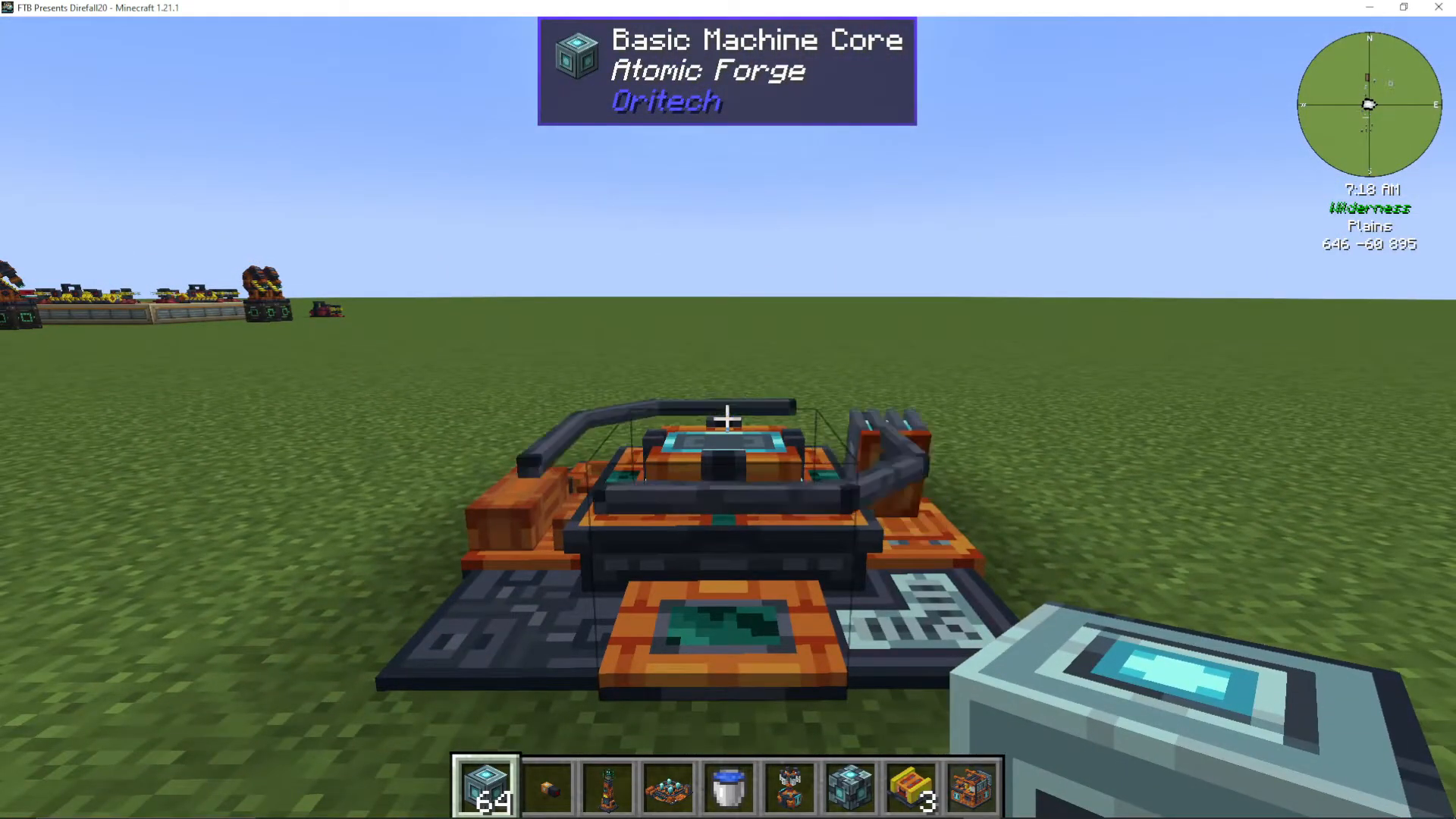
Place the Atomic Forge item in your world
Surround it with any type of machine casing
Continue clicking on the center item repeatedly — the machine will gradually build itself
Once complete, the Atomic Forge structure will be fully assembled and ready to use
Powering the Atomic Forge with Enderic Lasers
The Atomic Forge requires power delivered through Enderic lasers. This is a unique power system specific to this machine. If you haven’t used Enderic lasers before, follow these steps:
Craft a Target Designator
Hold Shift and Right-click the Atomic Forge with the Target Designator — this marks the forge as a target
Hold Shift and Right-click your Enderic lasers with the same designator — this links the lasers to the forge and saves their positions
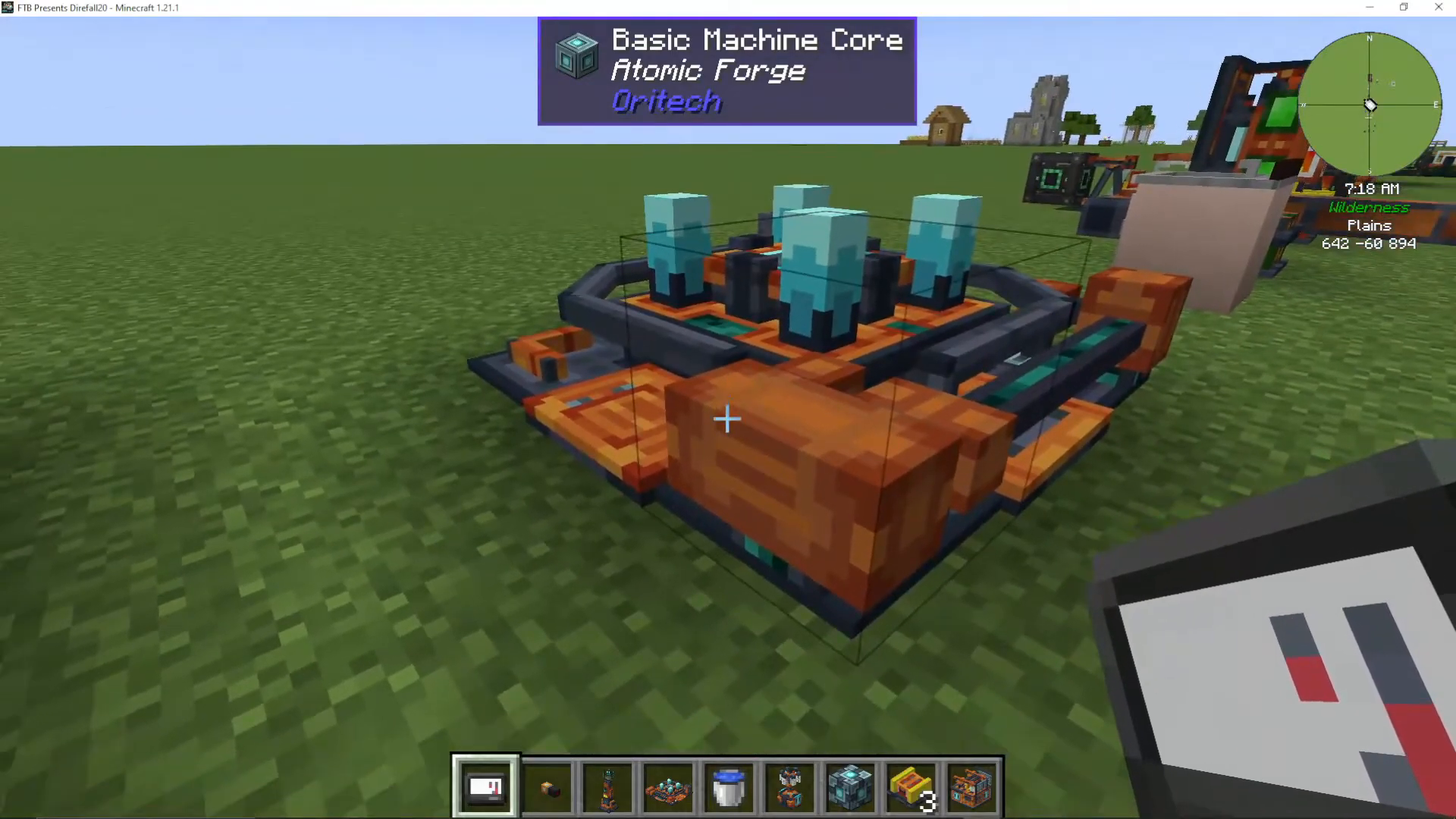
Once linked, your lasers will transmit power directly to the machine. The Atomic Forge can support multiple lasers simultaneously for increased power delivery.
How the Atomic Forge Works
Engraving Process
The Atomic Forge’s primary function is engraving, which enhances or transforms items through a special process. By examining the use cases within the machine, you can see various applications for this technology.
Common Use Cases
Doubling Iron Resources
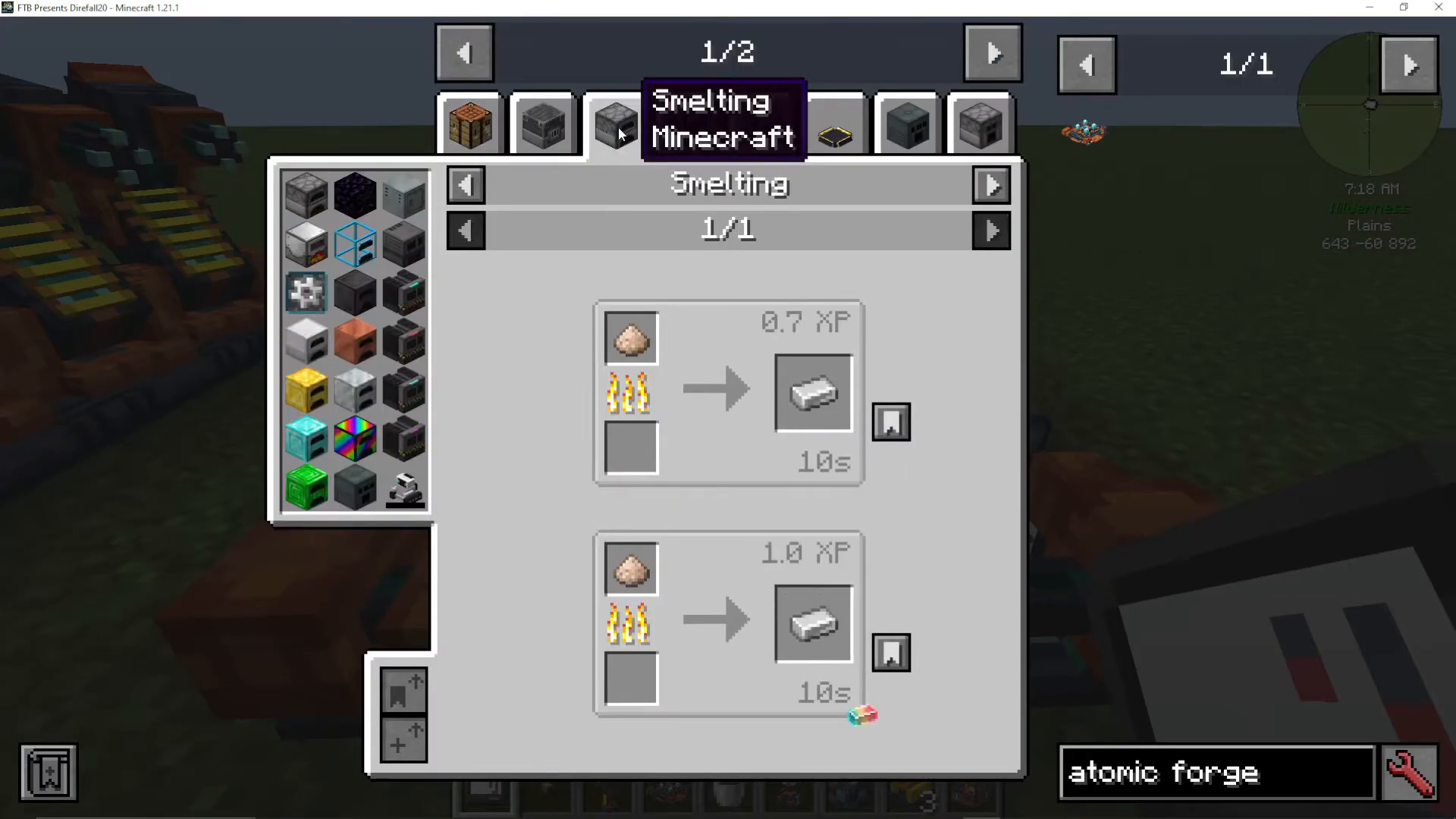
One basic example is engraving iron gems with fluxite. This process converts the iron gems into two iron dust, which can each be turned into ingots. This effectively doubles your iron output, though it consumes one to two fluxite per side of the machine during the process.
Advanced Oritech Materials
The Atomic Forge is particularly valuable for crafting advanced Oritech materials, such as:
Silicon Wafer — requires wafer and carbon fiber strands
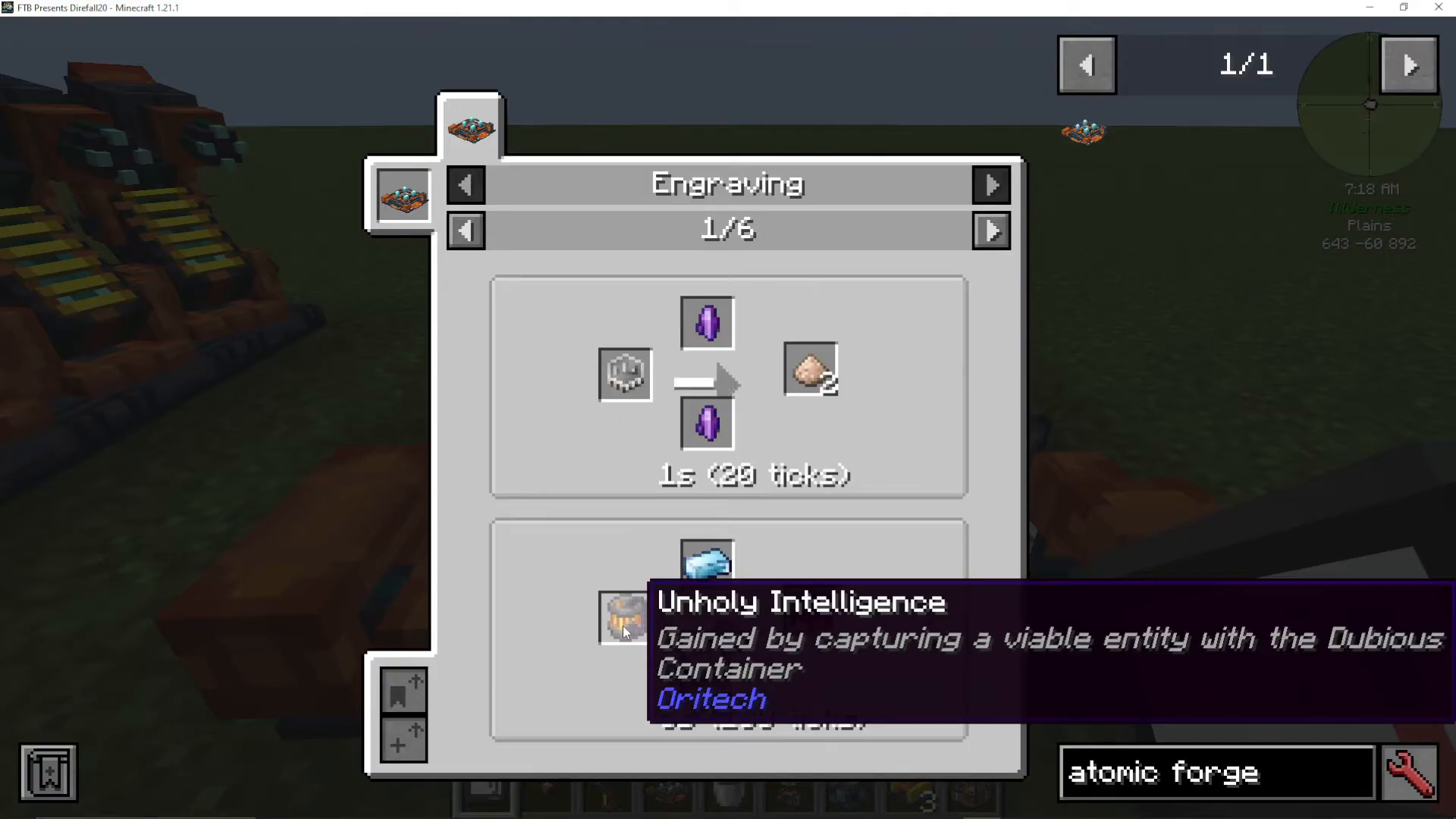
Unholy Intelligence — a unique material obtained by capturing viable entities
Obtaining Unholy Intelligence
To create Unholy Intelligence, you’ll need to capture a viable entity using a Dubious Container. Simply right-click on any of these mobs to capture them:
Vex
Allay
Phantom
This material is used frequently in advanced Oritech crafting, making the Atomic Forge essential for late-game progression.
Power Consumption and Laser Configuration
The Atomic Forge consumes a significant amount of power during operation, requiring 1,024 RF/tick to function. Power delivery is dependent on the number of Enderic lasers you connect to the machine.
Optimal Laser Setup
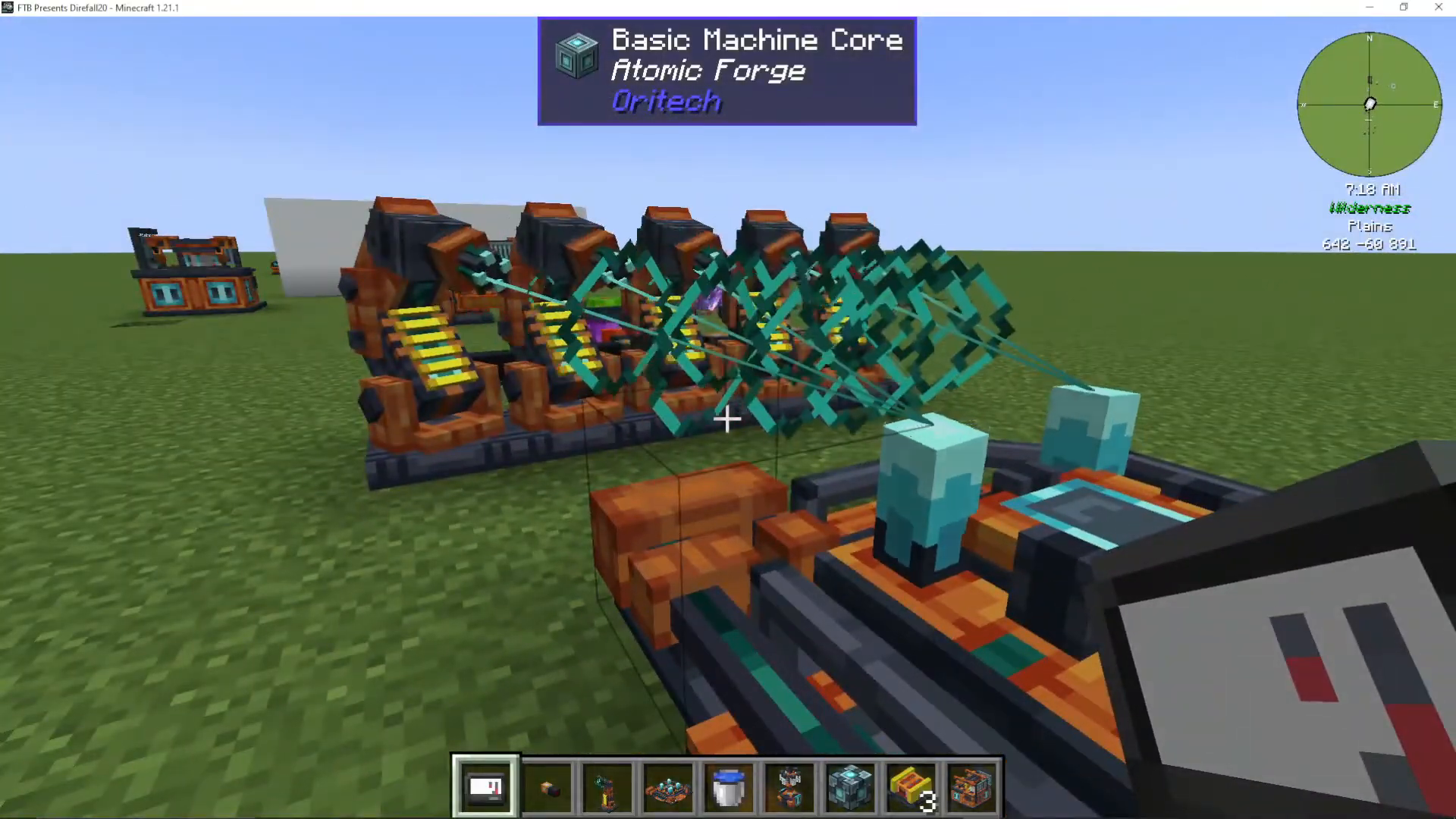
The machine can support multiple lasers per connection point. Based on testing, approximately three to twelve lasers can power the Atomic Forge, though the exact maximum may vary. When multiple lasers are active, you’ll visibly see them striking the items being engraved.
Exporting Items from the Atomic Forge
To automatically export finished items from your Atomic Forge, you can attach an item pipe to any side of the machine. Follow these steps:
Place an Item Pipe against any side of the Atomic Forge
Click on the item pipe to open its interface
Attach a Chest or storage container to receive the exported items
Items will automatically transfer into the connected storage as they’re completed
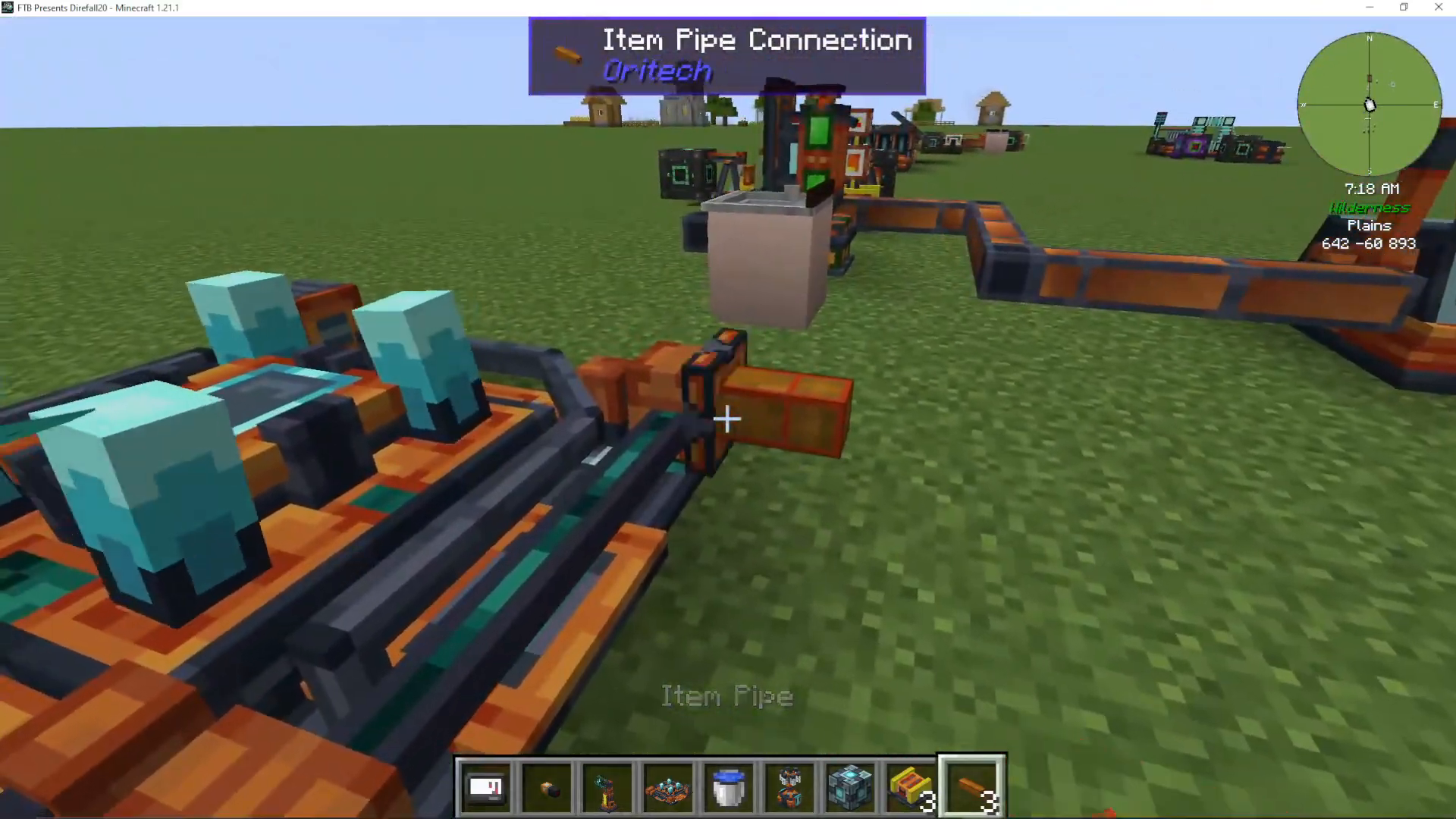
This setup allows for continuous, hands-off production once the machine is properly configured.
Summary
The Atomic Forge is a cornerstone machine in the Oritech mod, enabling resource doubling and advanced material crafting. By assembling it with the required components, powering it with Enderic lasers, and connecting export pipes, you can establish an efficient engraving operation. Whether you’re doubling iron resources or creating unholy intelligence for advanced recipes, the Atomic Forge is an indispensable tool for mid-to-late game Oritech progression.
Want to Support?
If you would like to help us continue making these guides – please consider joining our patreon here – https://www.patreon.com/c/JaviHeals
Alternatively – we host a group of MC Servers you can join here – https://discord.gg/zD7Gjt6MHF



