







How To Make An Auto Smelter In Thermal Expansion
How To Make An Auto Smelter In Thermal Expansion
In this guide, we’ll walk you through creating an automatic smelting setup in Thermal Expansion that doubles your ore output. This early-game friendly system uses just a few key components to automate your ore processing workflow efficiently.
What You’ll Need
To build this auto smelter, gather the following Thermal Expansion components:
Pulverizer
Redstone Furnace
Stirling Dynamo (for early-game power generation)
Crescent Hammer
FluxDuct (optional, for flexible power distribution)
Two chests (one for input, one for output)
Setting Up Your Machines
Placing the Core Components
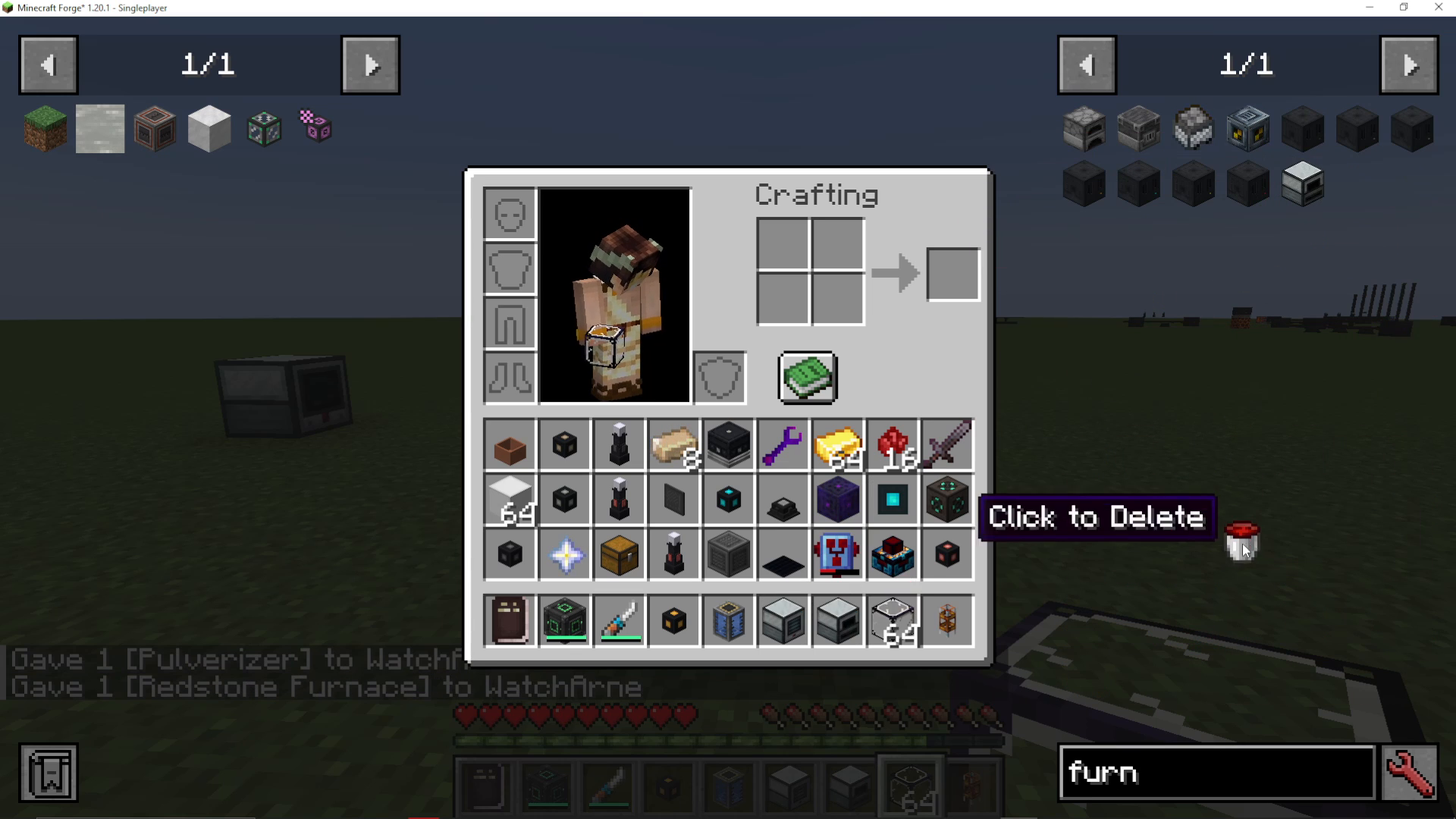
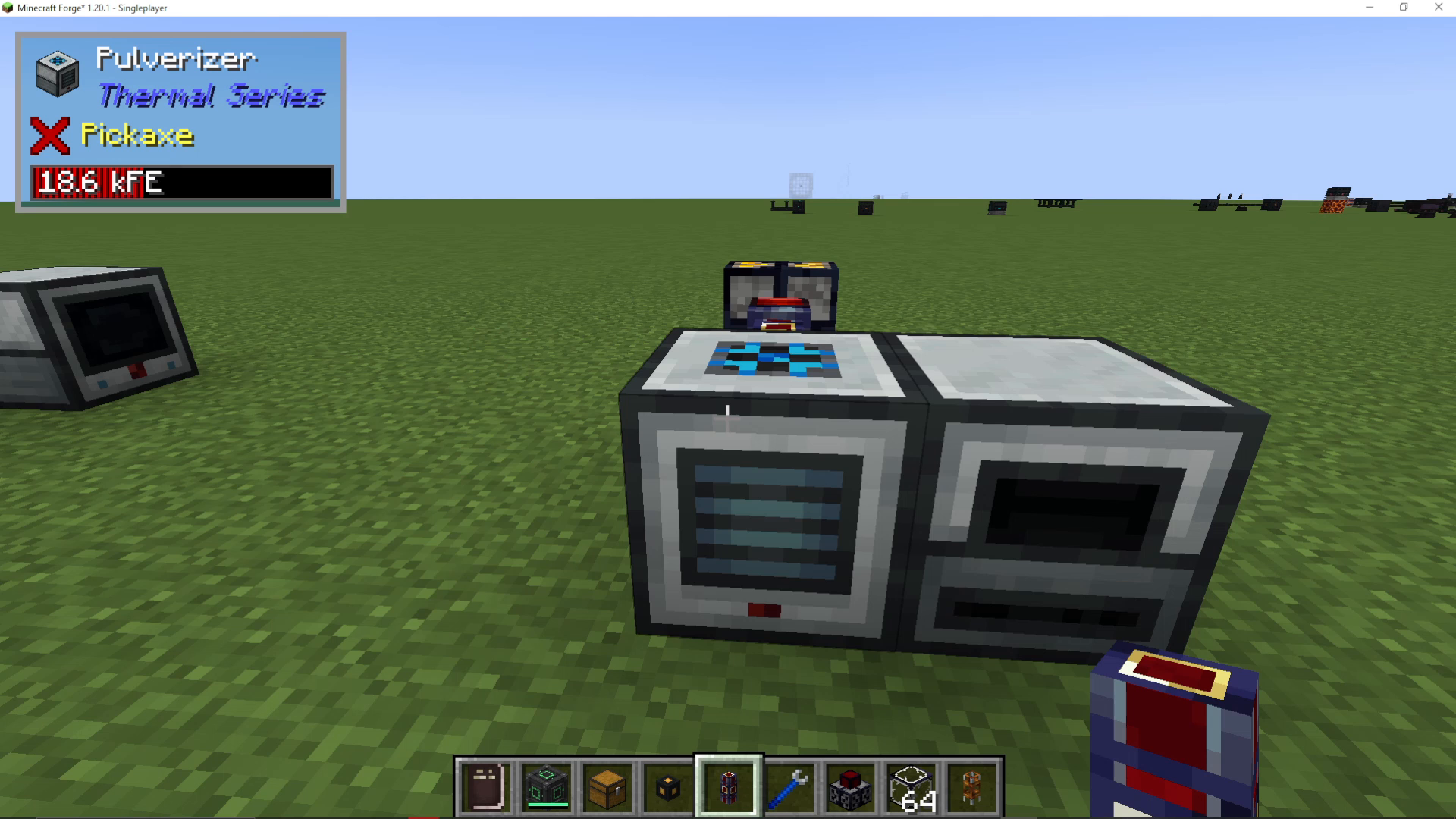
Start by placing your Pulverizer on the left and your Redstone Furnace on the right. These two machines will work in tandem to pulverize your ore and then smelt the resulting dust.
Installing Power Generation
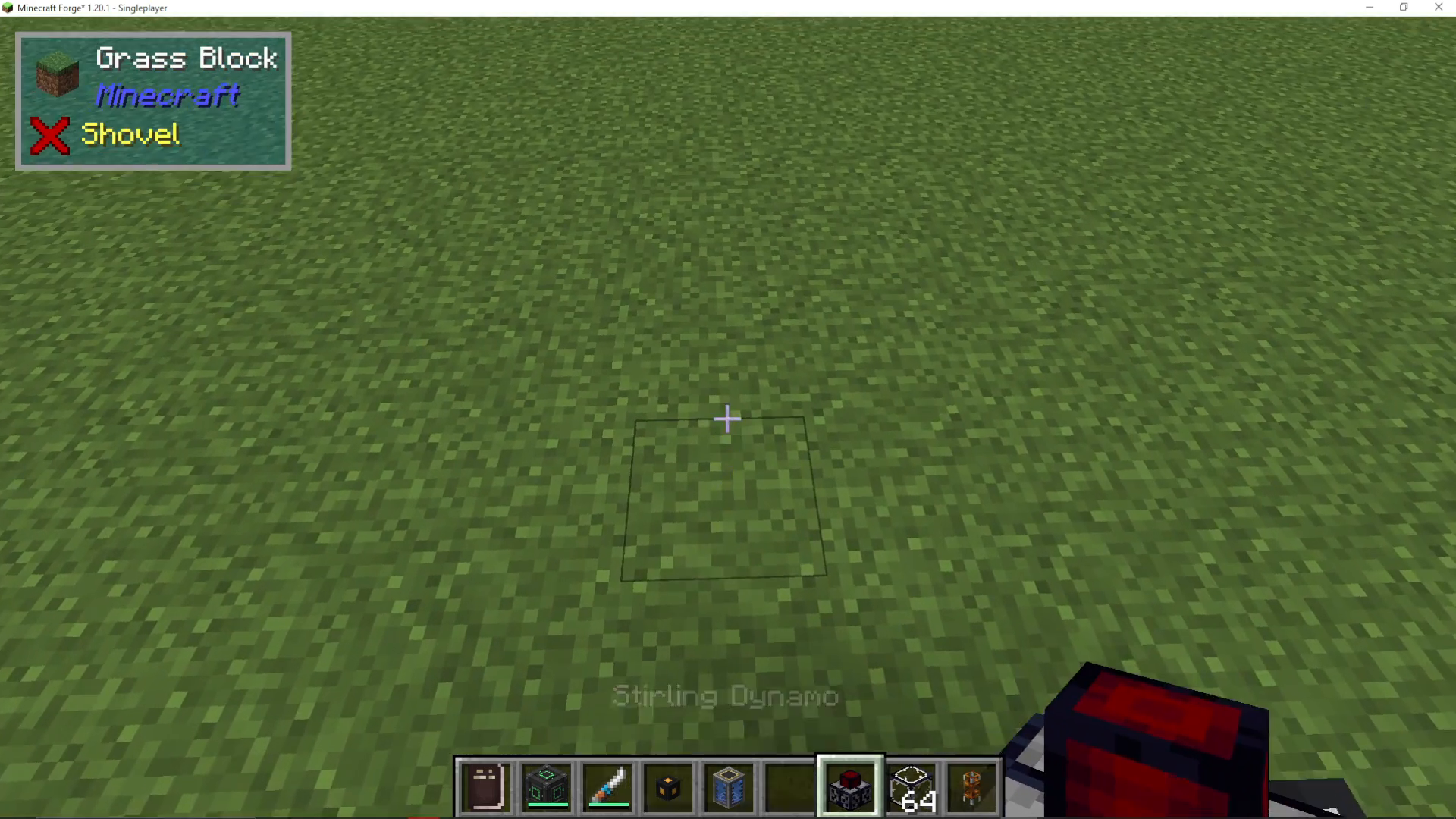
Next, set up your Stirling Dynamo to power both machines. Using a Stirling Dynamo is ideal for early-game setups. You’ll use Blocks of Coal as fuel to generate power for your system.
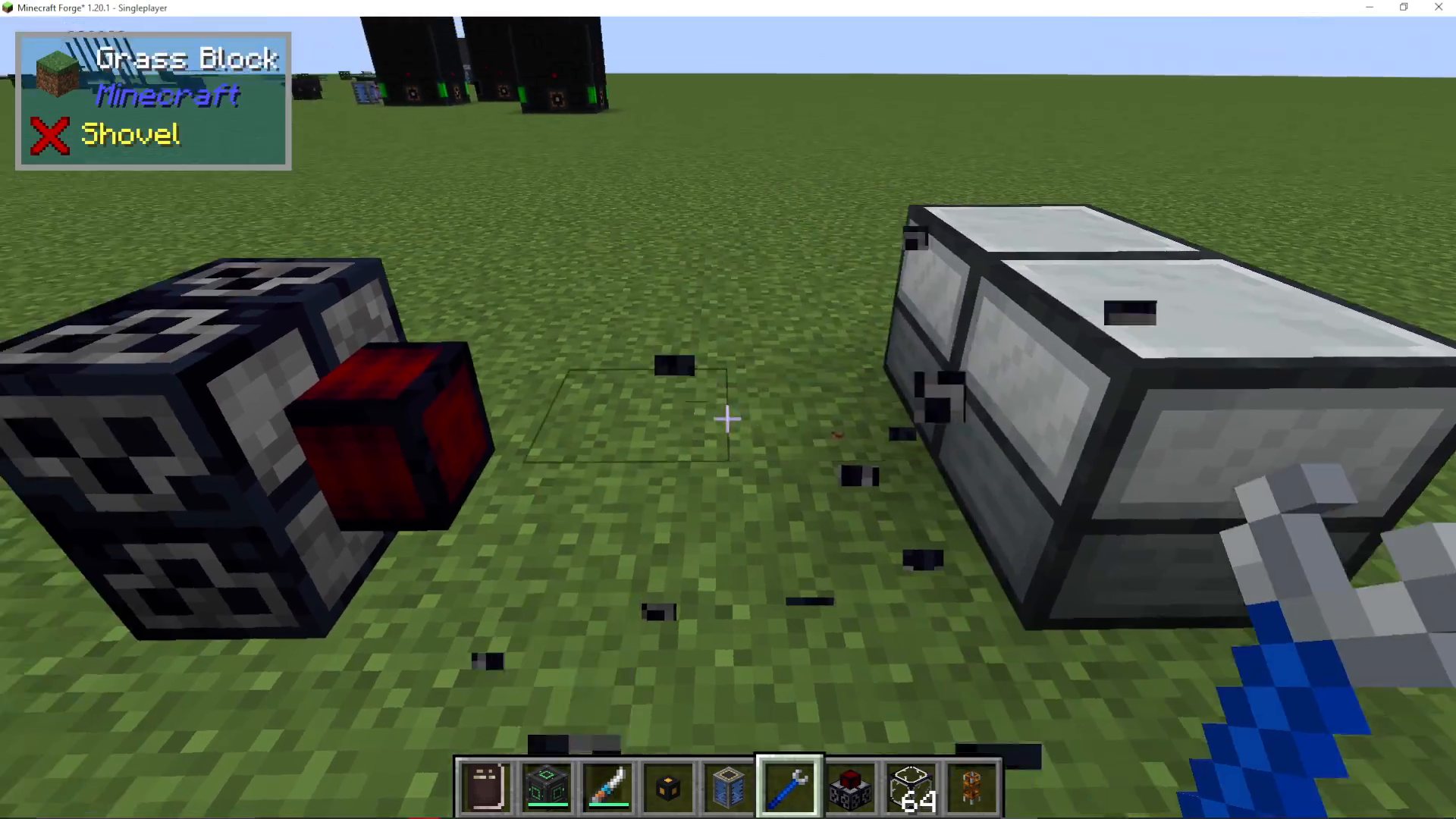
Take your Crescent Hammer and right-click your Dynamo to adjust its facing direction so that it’s oriented toward your machines. You can place the Dynamo directly against one machine, but this will only power that single device.
Creating a Power Network with FluxDucts
For a more flexible setup that powers both machines efficiently, use FluxDucts to create a power network. Connect your Stirling Dynamo to a FluxDuct line, then hook this line into both your Pulverizer and Redstone Furnace. This way, power distributes evenly across all your machines.
Configuring Machine I/O
Pulverizer Configuration
Open the Configuration menu on your Pulverizer. Set the top face to Input (blue) and the right face to Output (orange). This means raw ore will enter from the top and pulverized ore will exit to the right, flowing directly into your Redstone Furnace.
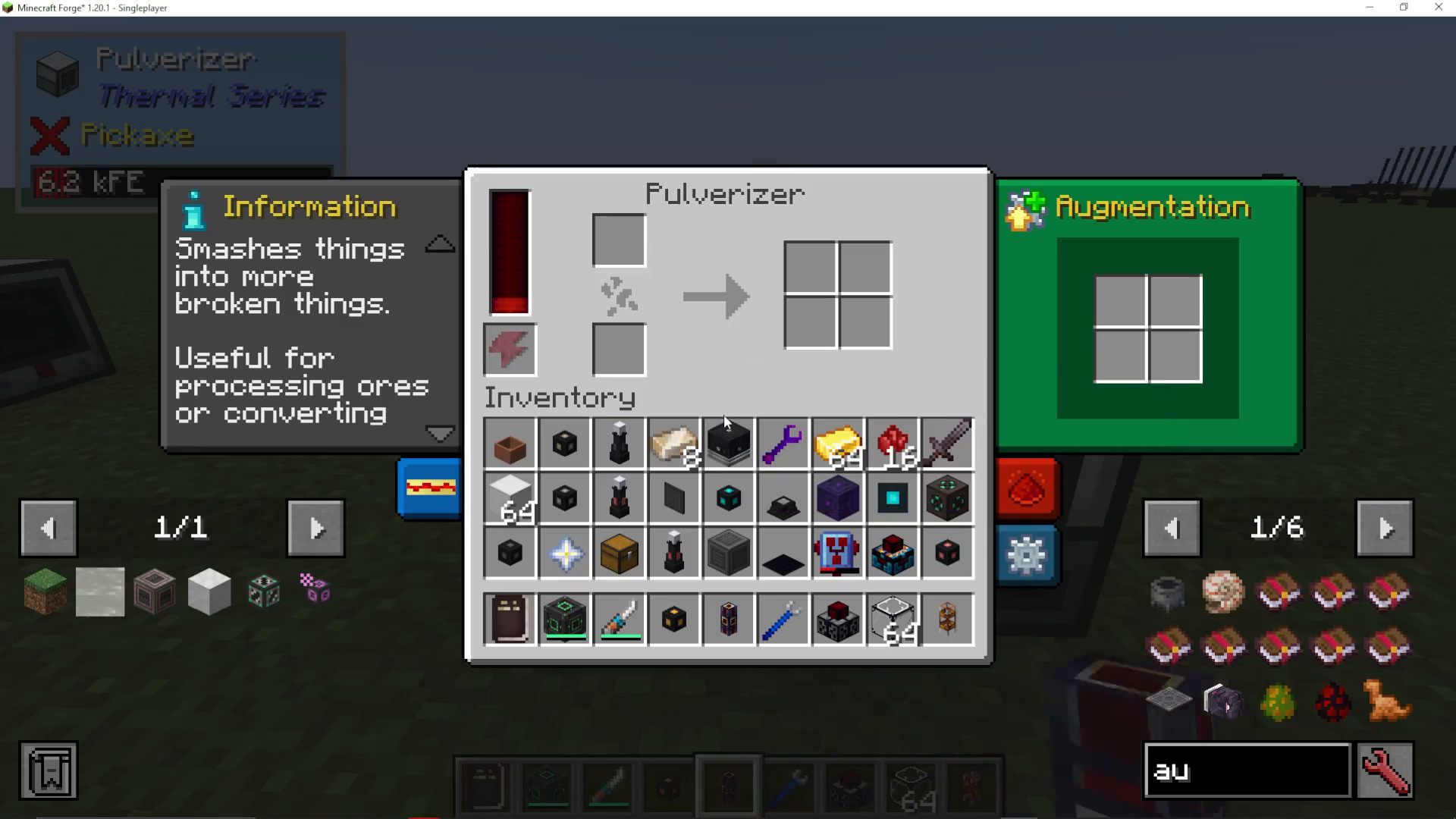
Don’t forget to enable Auto Input and Auto Output on the Pulverizer. This allows the machine to automatically extract items from connected inventories and push processed items out without requiring external pipes or hoppers.
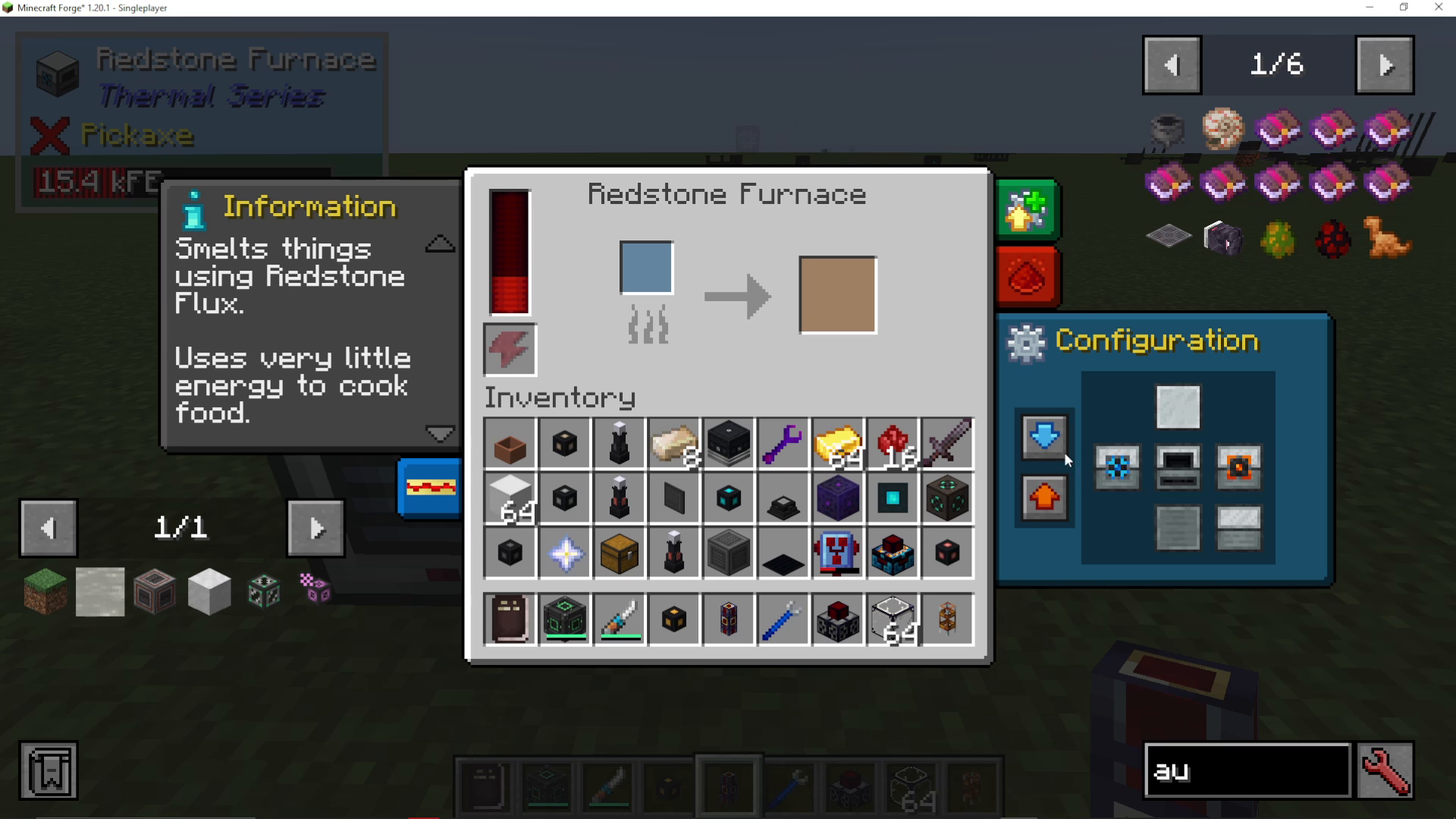
Redstone Furnace Configuration
Configure your Redstone Furnace similarly. Set Input on the left (or appropriate side) and Output on the right. Enable Auto Input and Auto Output on this machine as well so it can receive dust from the Pulverizer and automatically output smelted ingots.
Adding Storage Chests
Place one chest on the input side of your Pulverizer to hold raw ore, and another chest on the output side of your Redstone Furnace to collect finished ingots. With Auto Input enabled on the Pulverizer, ore from your input chest will automatically be pulled into the machine for processing.
How the System Works
Once everything is configured and powered:
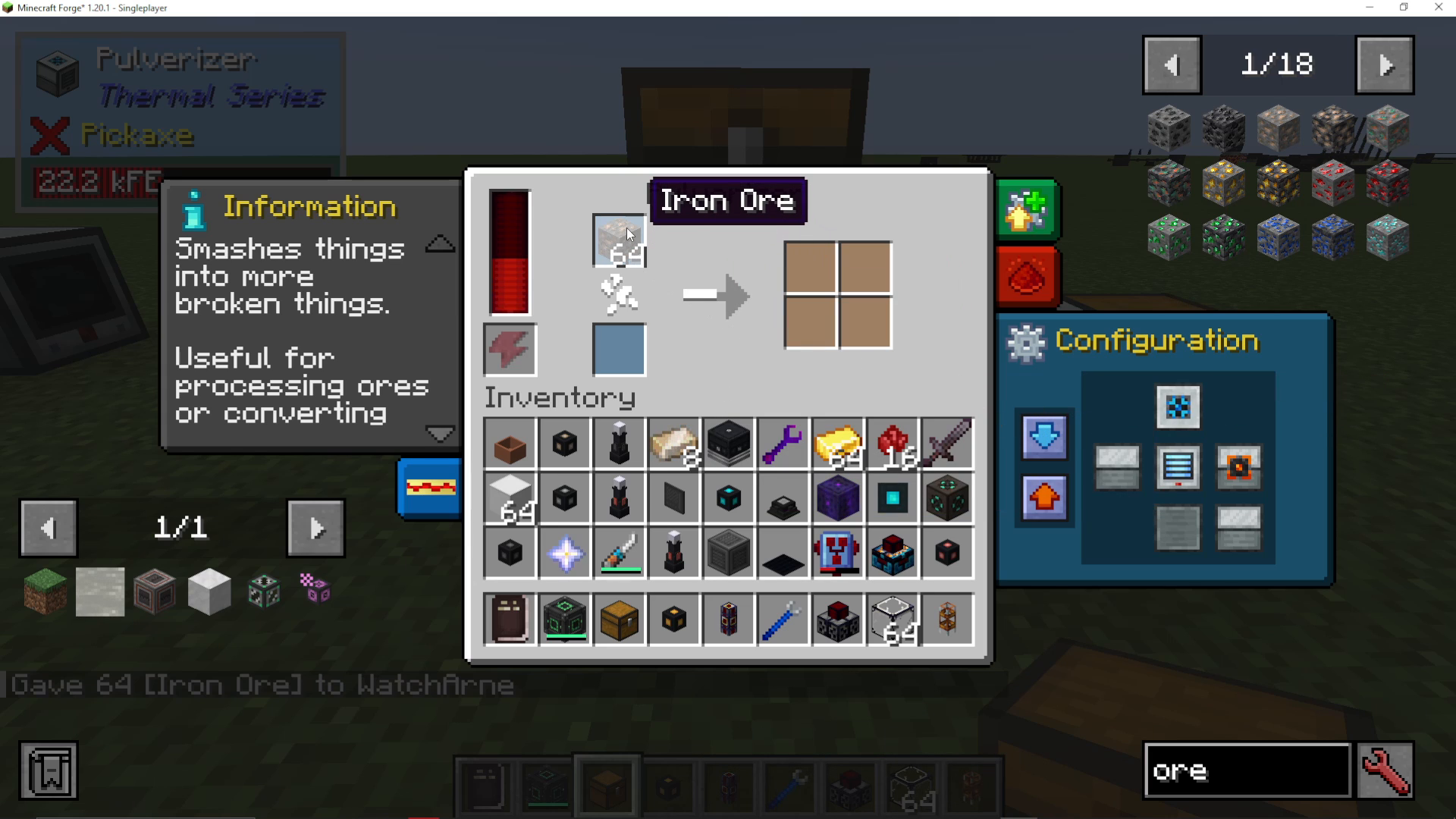
Place Iron Ore (or any ore) into your input chest
The Pulverizer automatically pulls the ore and pulverizes it into two Iron Dust per ore (doubling your output)
The pulverized dust is automatically pushed into the Redstone Furnace
The Redstone Furnace smelts the dust into Iron Ingots
Finished ingots are automatically output into your output chest
Summary
You’ve successfully created a fully automated ore processing system in Thermal Expansion! This setup not only automates the tedious process of smelting ore but also doubles your ore yields by converting ore to dust before smelting. This system works for any ore type and provides a significant advantage early in your Thermal Expansion progression.
Want to Support?
If you would like to help us continue making these guides – please consider joining our patreon here – https://www.patreon.com/c/JaviHeals
Alternatively – we host a group of MC Servers you can join here – https://discord.gg/zD7Gjt6MHF



