







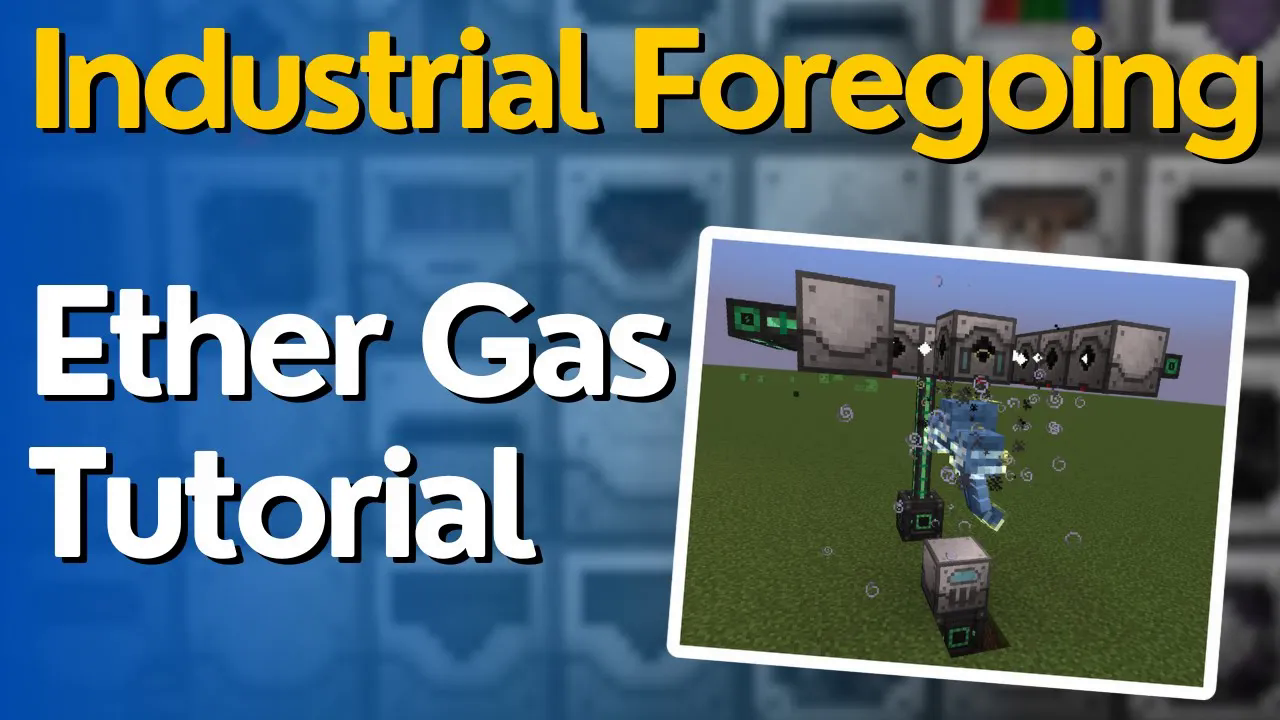
How to Get Ether Gas in Industrial Foregoing – 1.21.1
How to Get Ether Gas in Industrial Foregoing – 1.21.1
In this guide, we’ll walk you through the complete process of obtaining Ether Gas (EFA Gas) using the Industrial Foregoing mod in Minecraft version 1.21.1. This is an advanced tutorial that requires a solid understanding of Industrial Foregoing mechanics and plenty of power generation. Let’s get started!
Requirements and Setup
To create Ether Gas, you’ll need the following components:
A Stasis Chamber
Significant power generation (Ether Gas requires a Wither, and if you run out of power, the Wither will escape)
Soul Sand (4 blocks)
Skeleton Skulls (for creating the Wither)
A Fluid Laser Base
A Purple Laser Lens
Laser Drills (minimum 9, but more can speed up the process)
Building the Wither Prison
Step 1: Set Up the Stasis Chamber
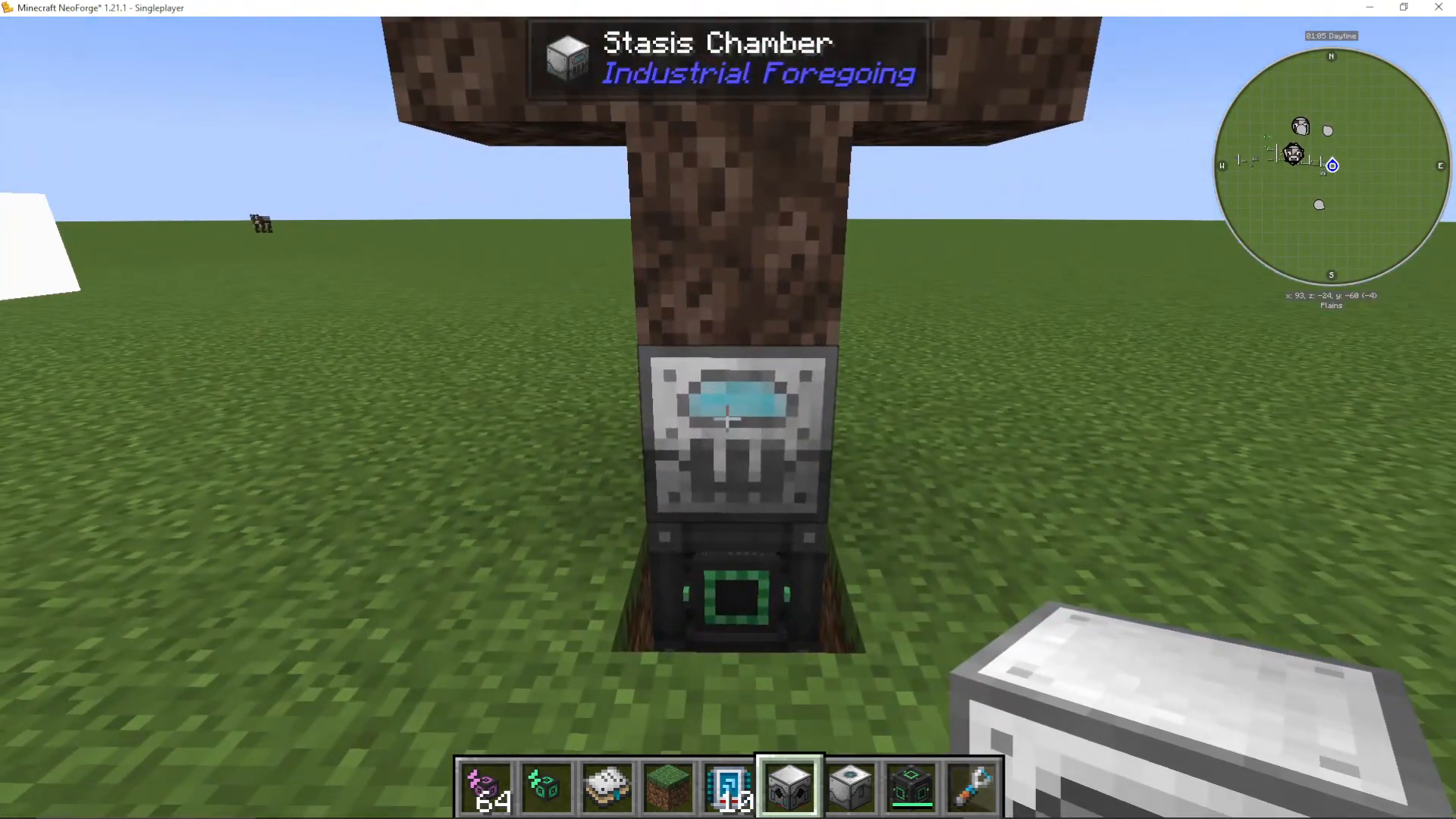
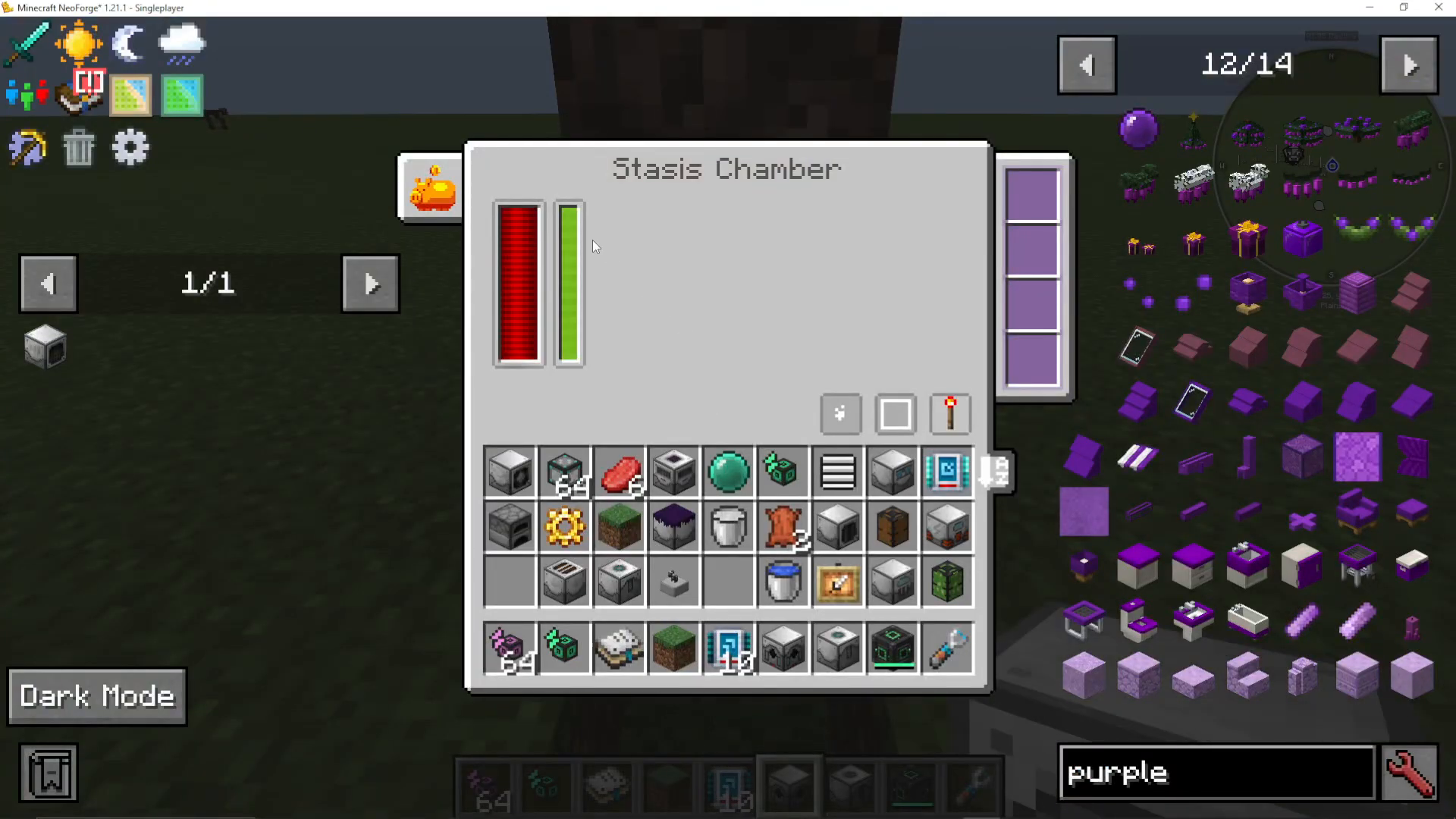
Begin by placing your Stasis Chamber and connecting it to a power source. The Stasis Chamber will keep the Wither contained once it spawns, preventing it from escaping if power runs low.
Step 2: Create the Wither
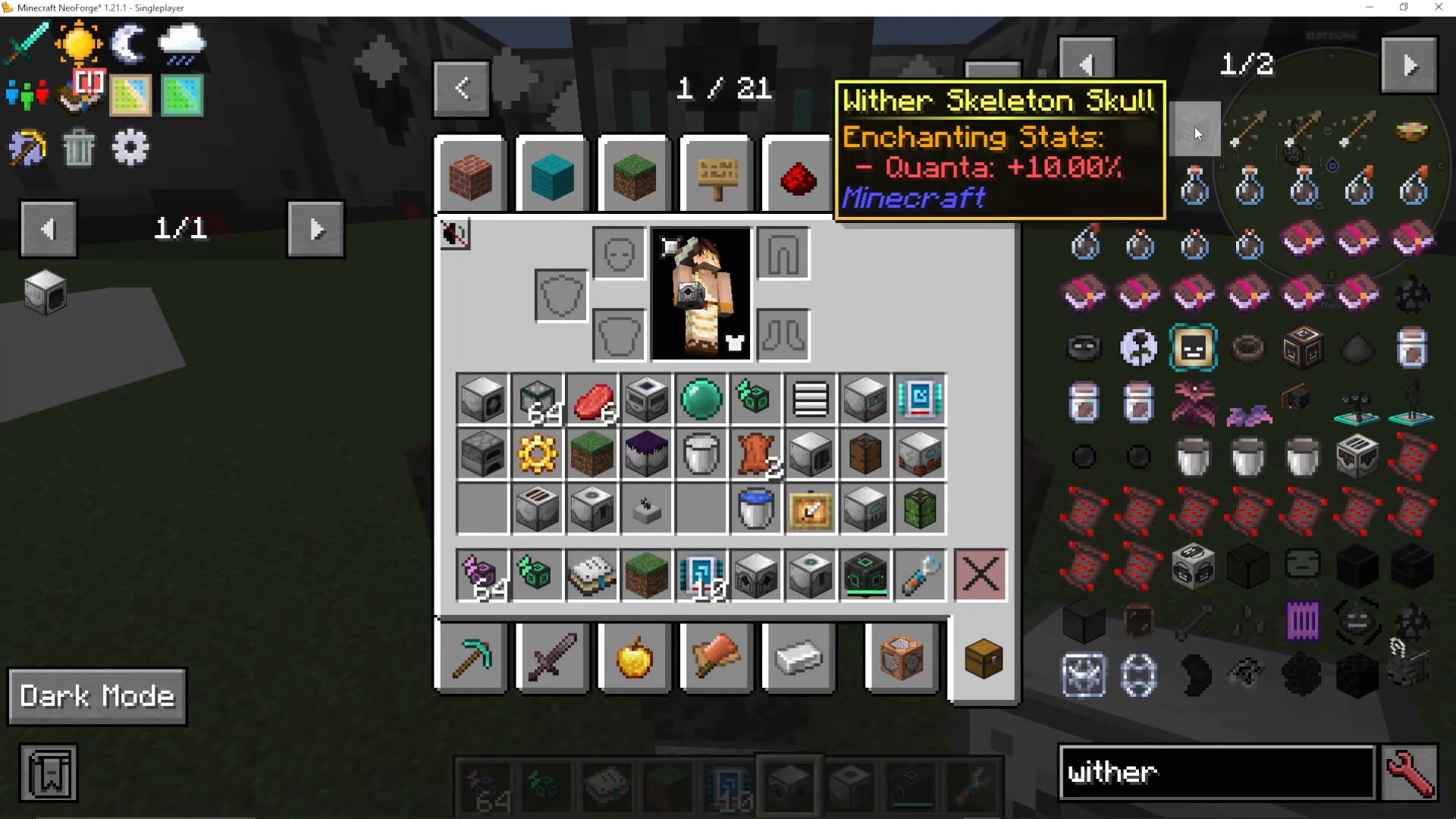
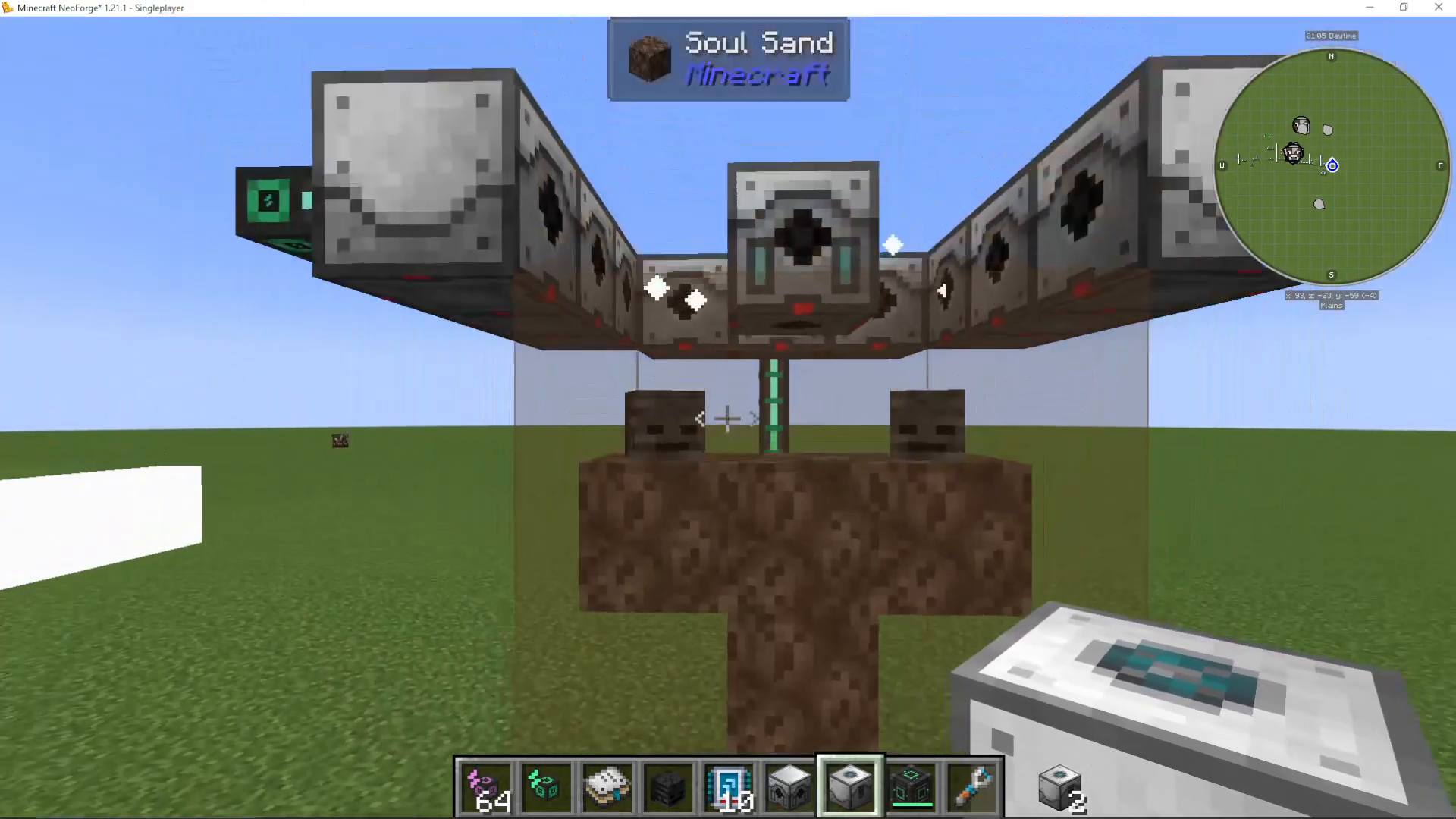
On top of the Stasis Chamber, arrange four Soul Sand blocks in a T-shape pattern (three on the bottom row, one in the middle of the top row). Leave one gap where you’ll place the skeleton skulls. This is the standard Wither spawning configuration.
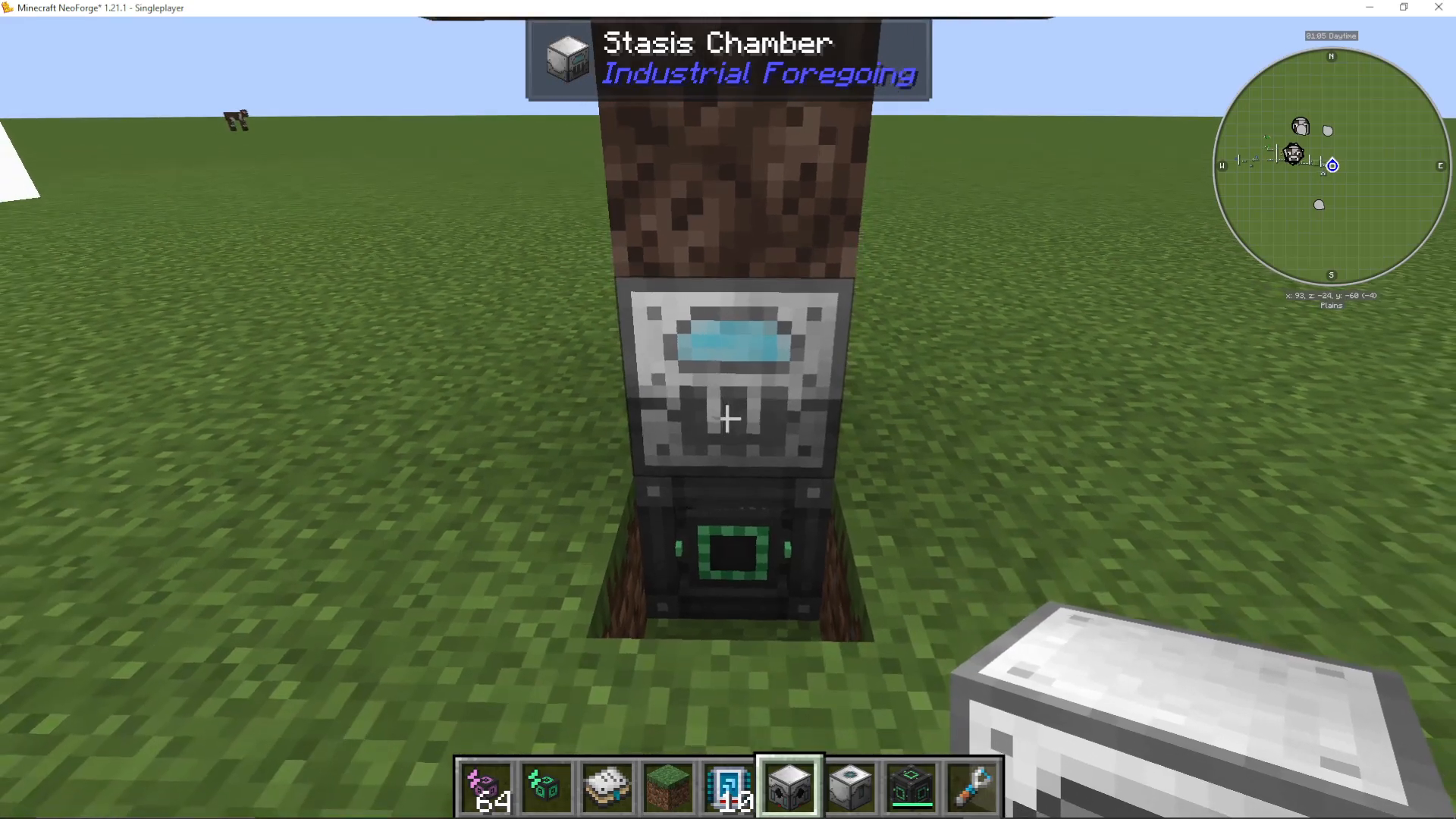
Place the Skeleton Heads on top to complete the Wither structure. Once all skulls are in place, the Wither will spawn and be immediately trapped by the Stasis Chamber.
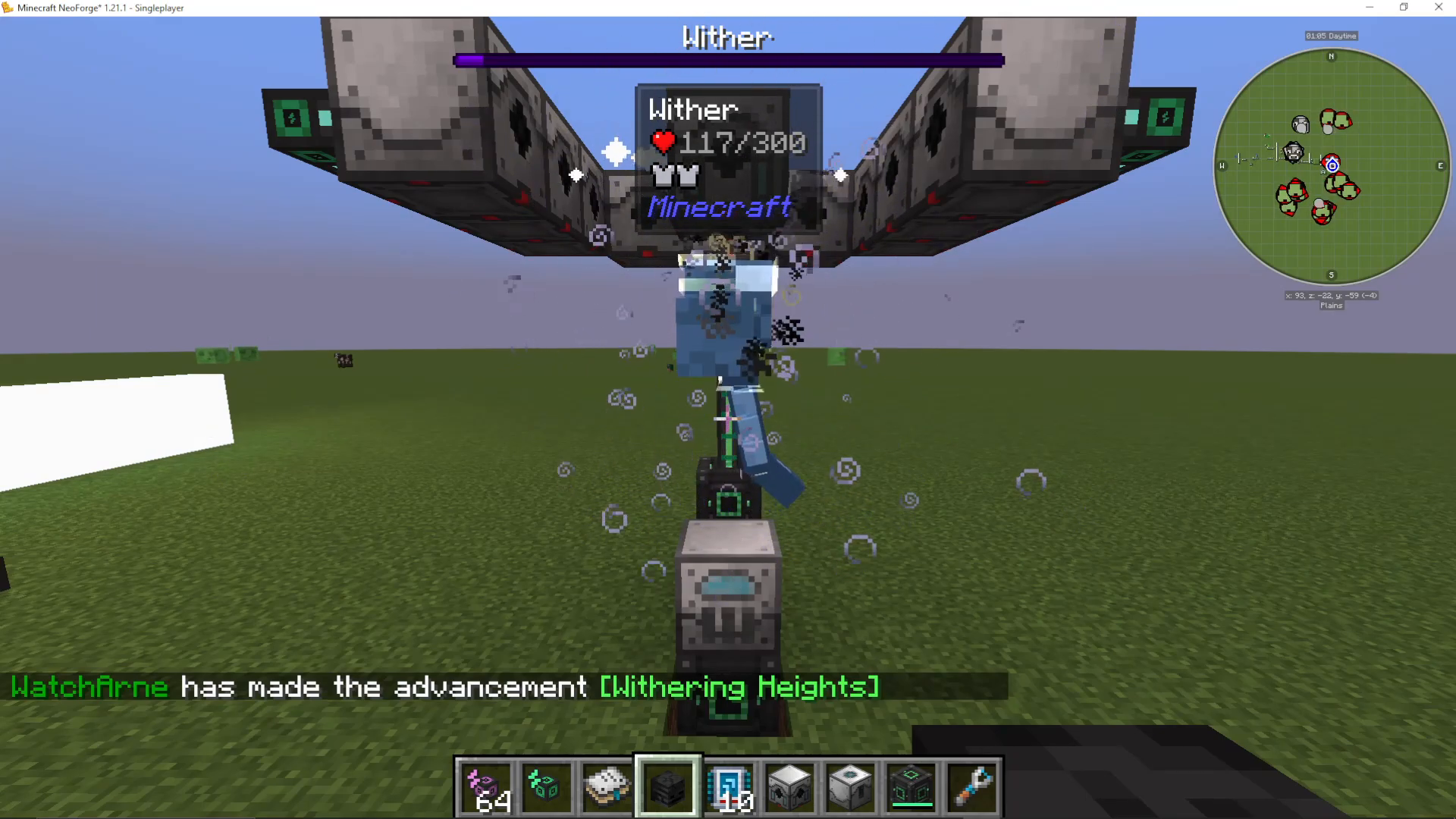
Installing the Fluid Laser Base
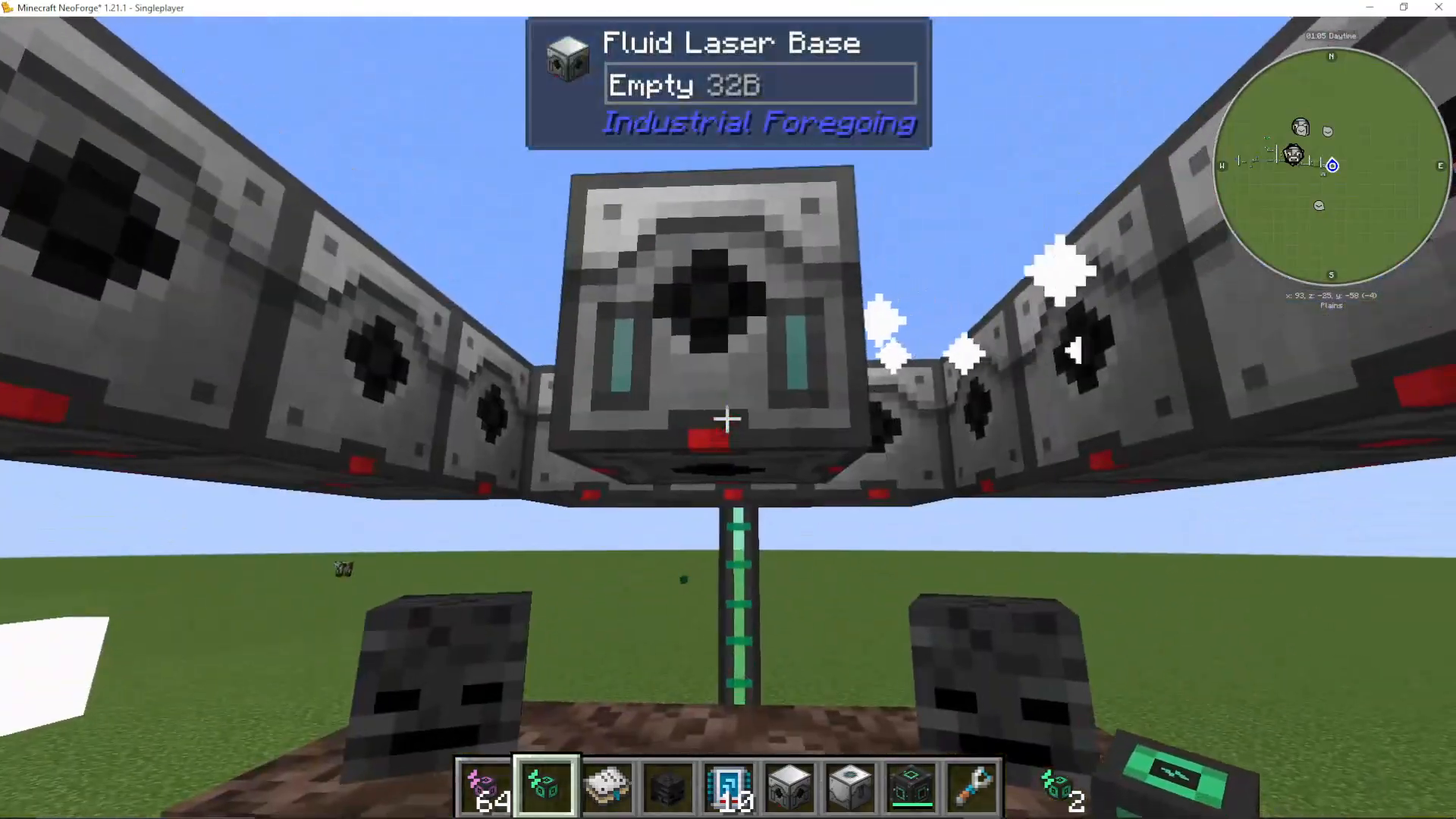
Above the Stasis Chamber (leaving a gap for the Wither’s head), place your Fluid Laser Base. This component will extract the gas from the Wither.
Configuring the Laser Base
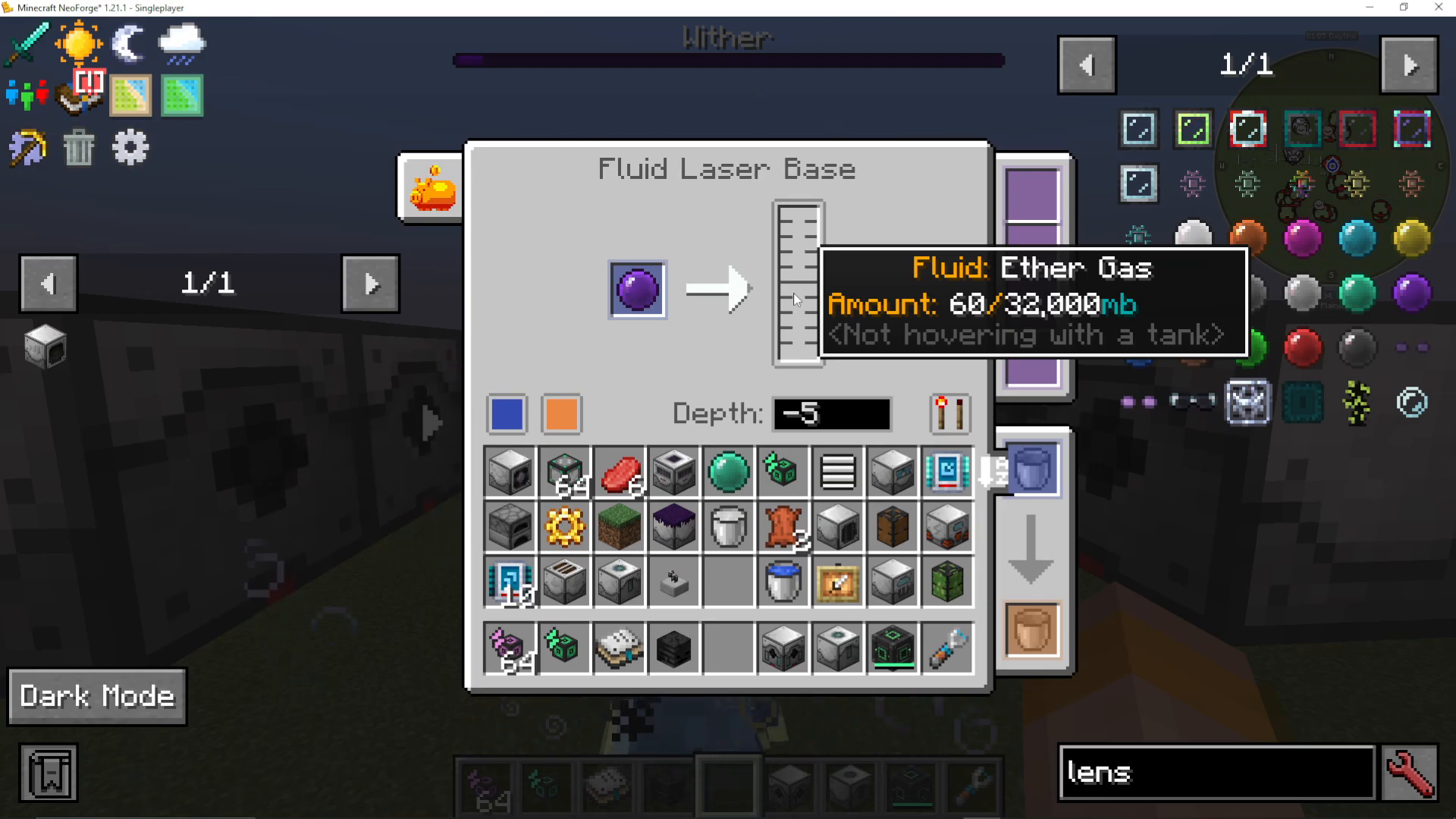
Enter the Fluid Laser Base interface and set the power output to approximately -5 (the exact number isn’t critical). Insert a Purple Laser Lens into the base.
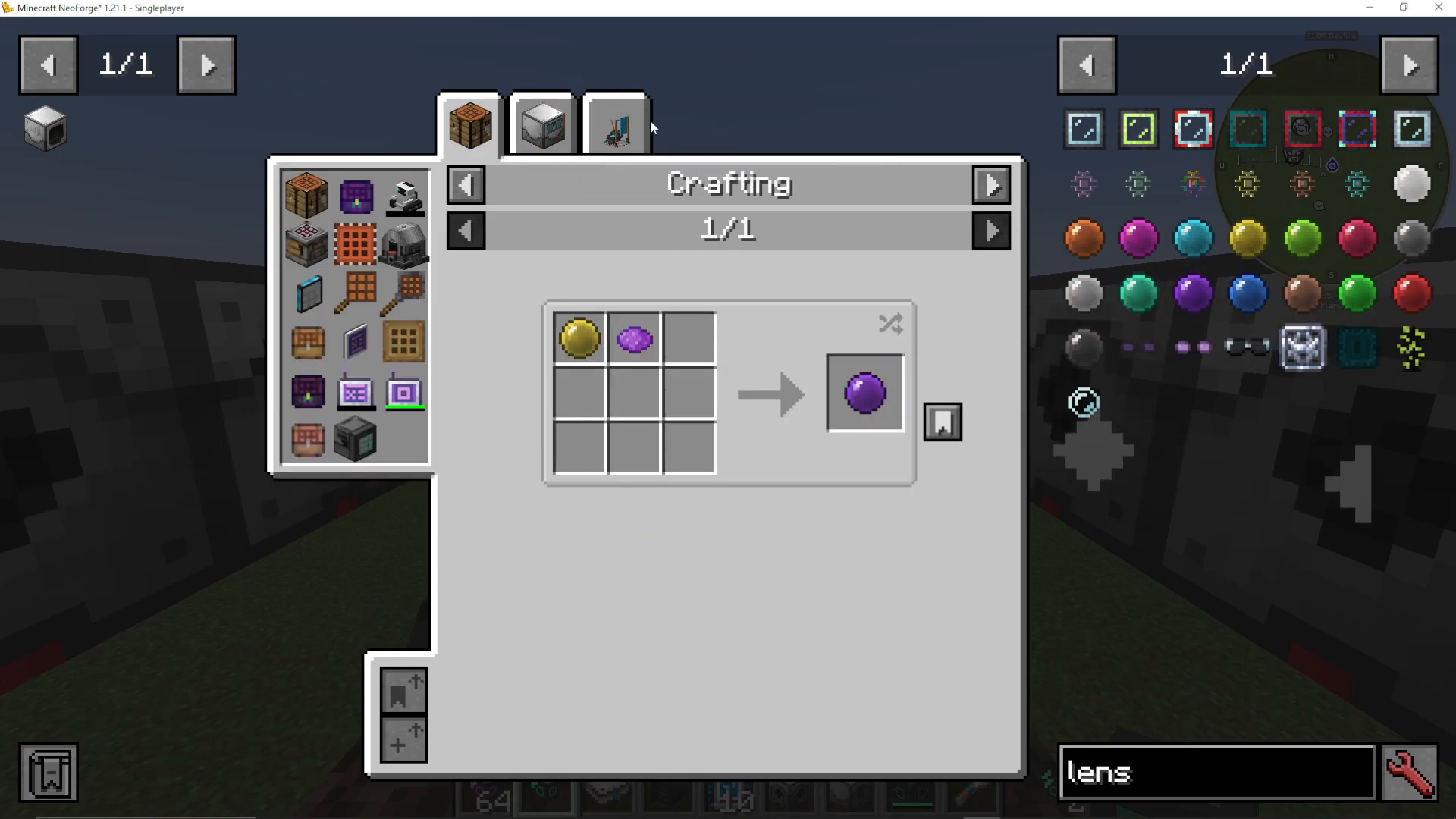
Crafting the Purple Laser Lens
To create a Purple Laser Lens, you’ll need to use the Dissolution Chamber with the following materials:
1/4 bucket of Latex
Purple Dye
4 Stained Glass Panes
If you’re at the point of crafting Ether Gas, you should already have access to Latex. If not, refer to the full Industrial Foregoing tutorial available on the channel.
Place the completed Purple Laser Lens into your Fluid Laser Base.
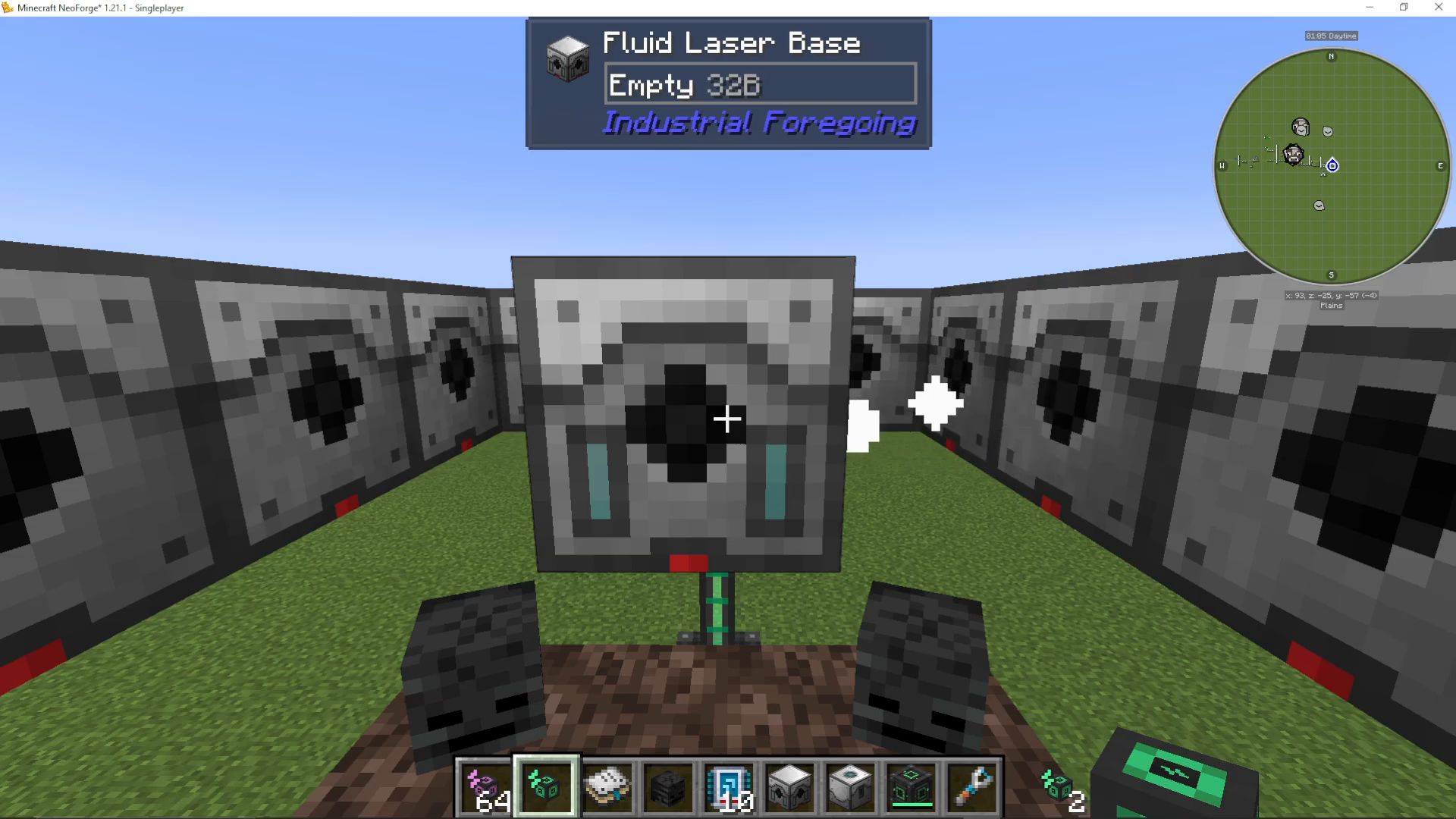
Setting Up the Laser Drills
Basic Configuration
Arrange nine Laser Drills around the Fluid Laser Base in a 3×3 pattern, leaving a gap in the center where the laser base sits. Connect all Laser Drills to your power supply.
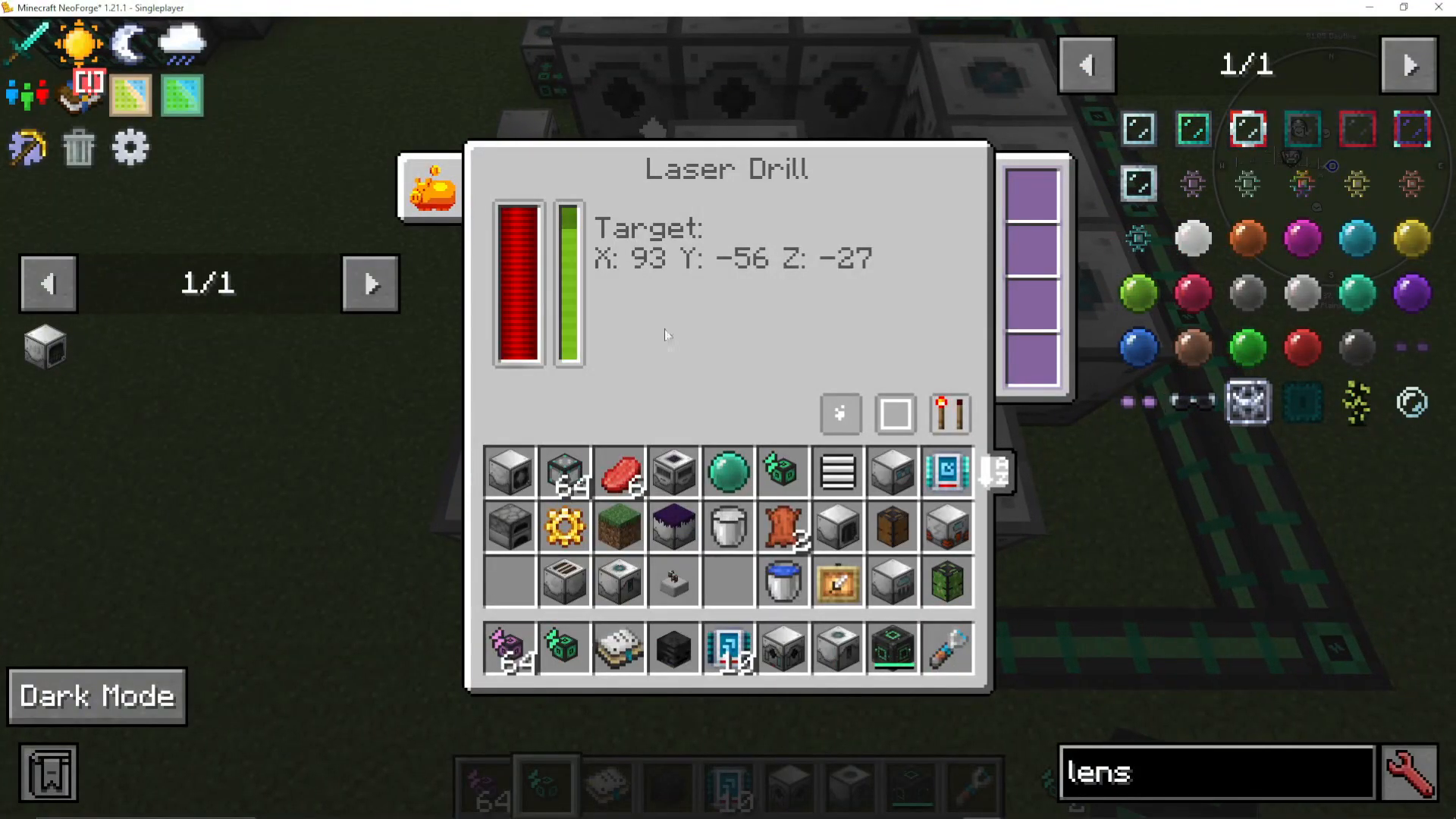
Proper Placement Tips
Laser Drills can be tricky to place correctly. Stand at the exact Y-level where you want to place each drill, then place it in front of you. The black hole opening indicates which direction the drill faces. Ensure all black holes face inward toward the Fluid Laser Base.
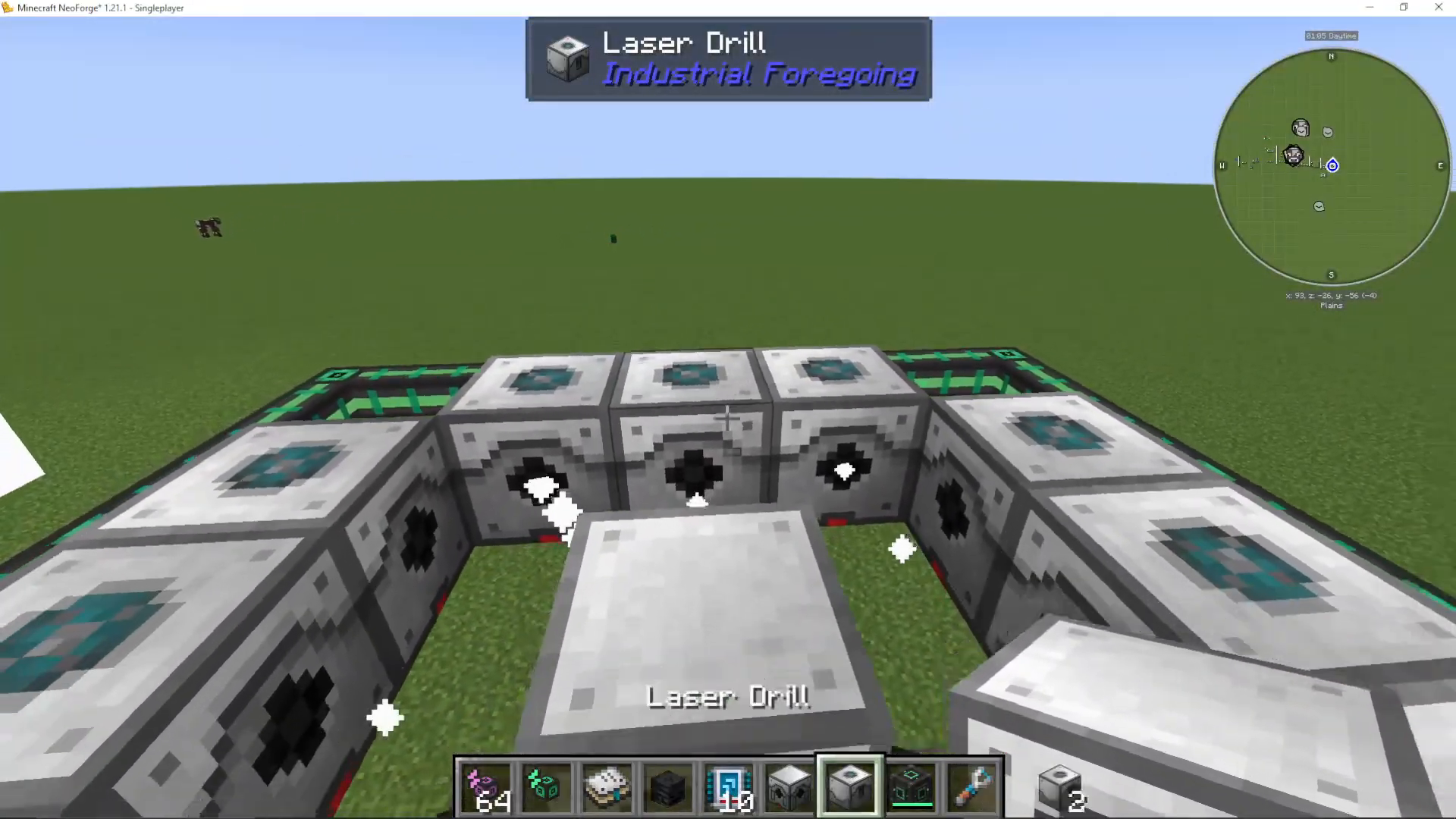
Activating the Stasis Chamber
Open the Stasis Chamber interface and ensure the green power bar is not stagnant. You can set it to “Redstone Mode: Ignored” to keep it running continuously. The bar should pulse, indicating the chamber is actively working.
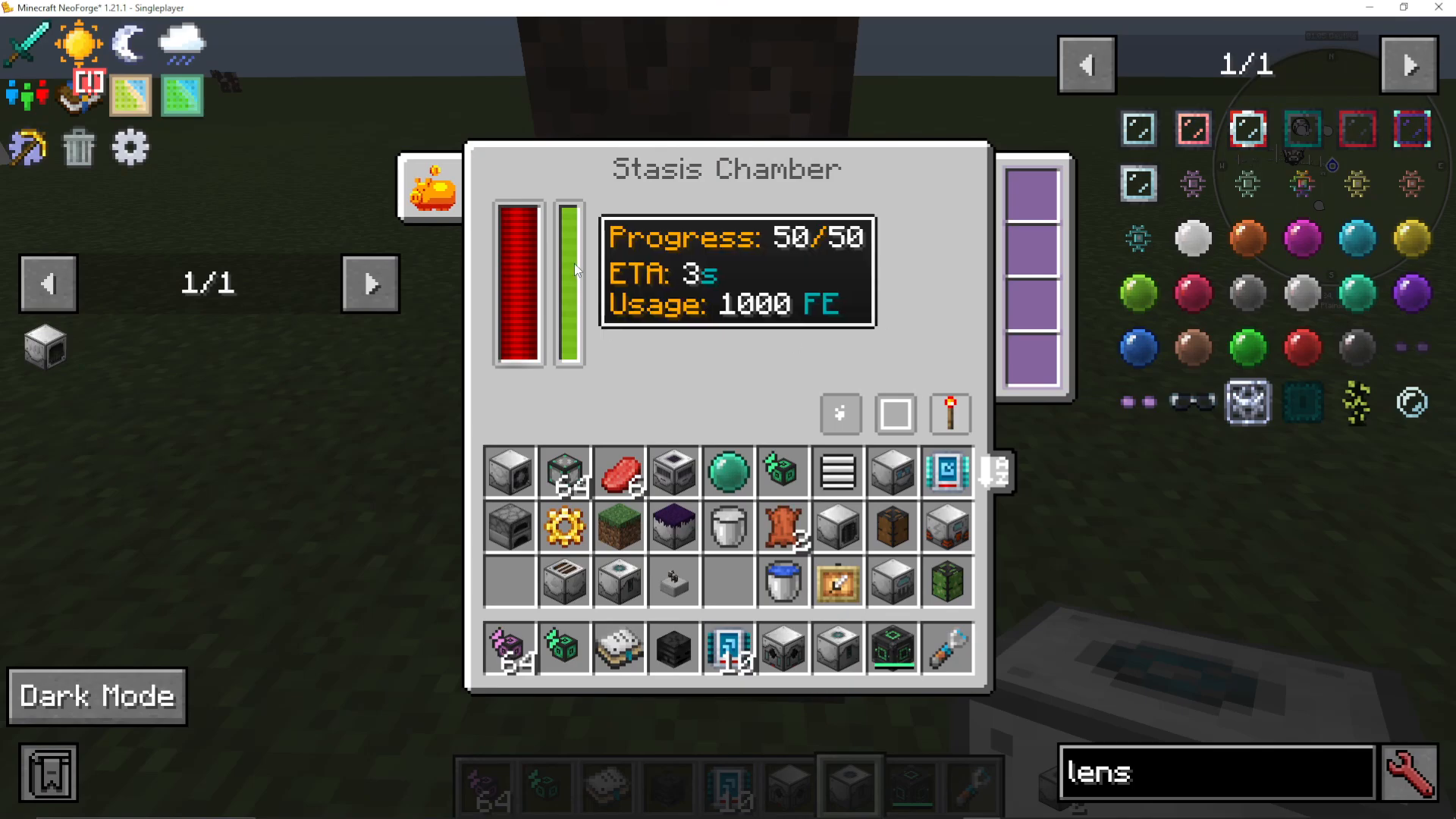
If you want to verify the working area, click “Show Working Area” to see the exact region the Stasis Chamber affects.
Extracting Ether Gas
Once everything is set up, the Fluid Laser Base will begin drilling the Wither and extracting Ether Gas. You’ll see the gas accumulate in the base—the tutorial shows 60 millibuckets being collected shortly after setup.
Speeding Up Production
Adding More Laser Drills
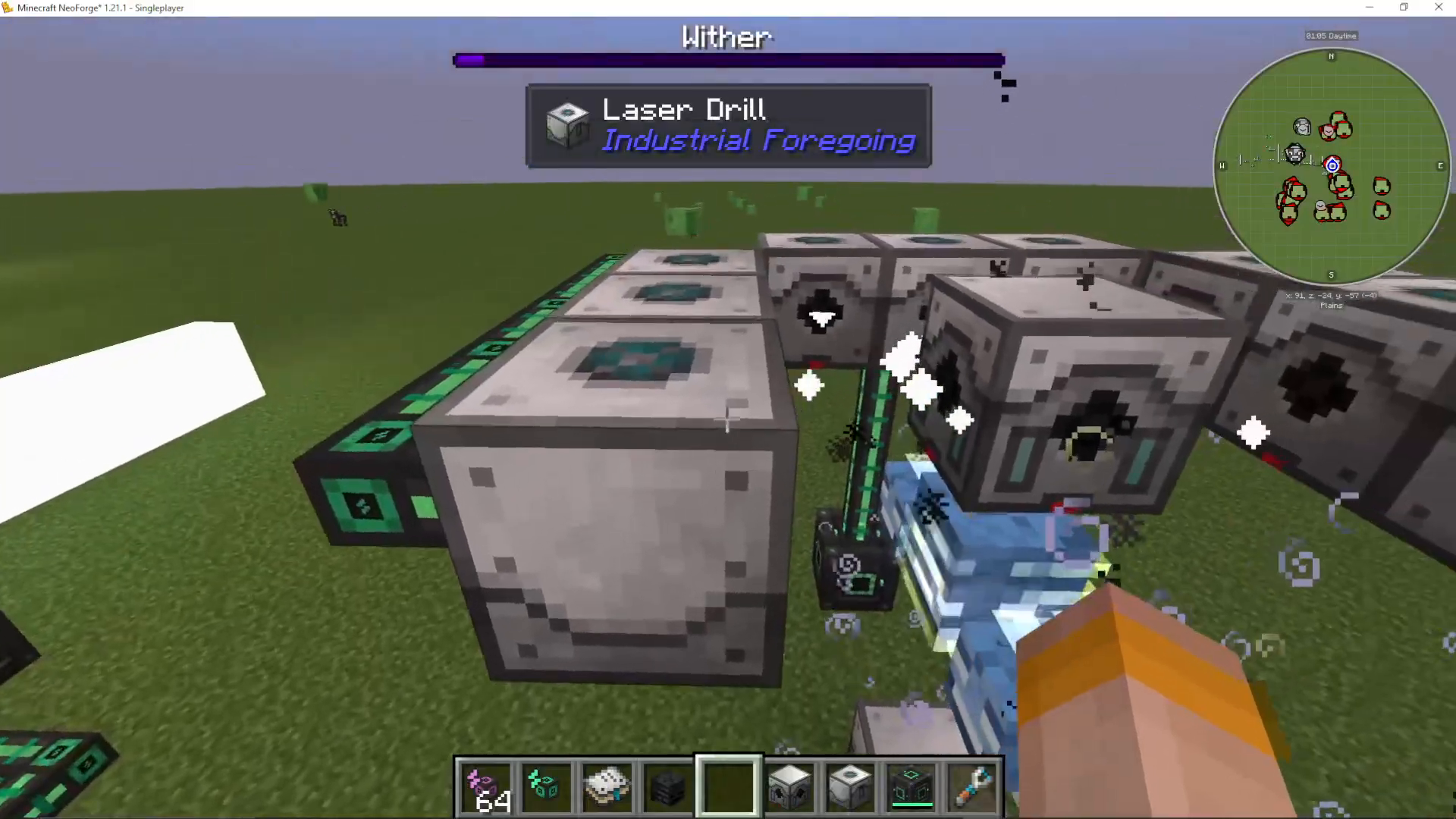
To increase your Ether Gas production rate, add more Laser Drills around the setup. Each Laser Drill has a working area that extends one block above and below its central position.
Multi-Layer Configuration
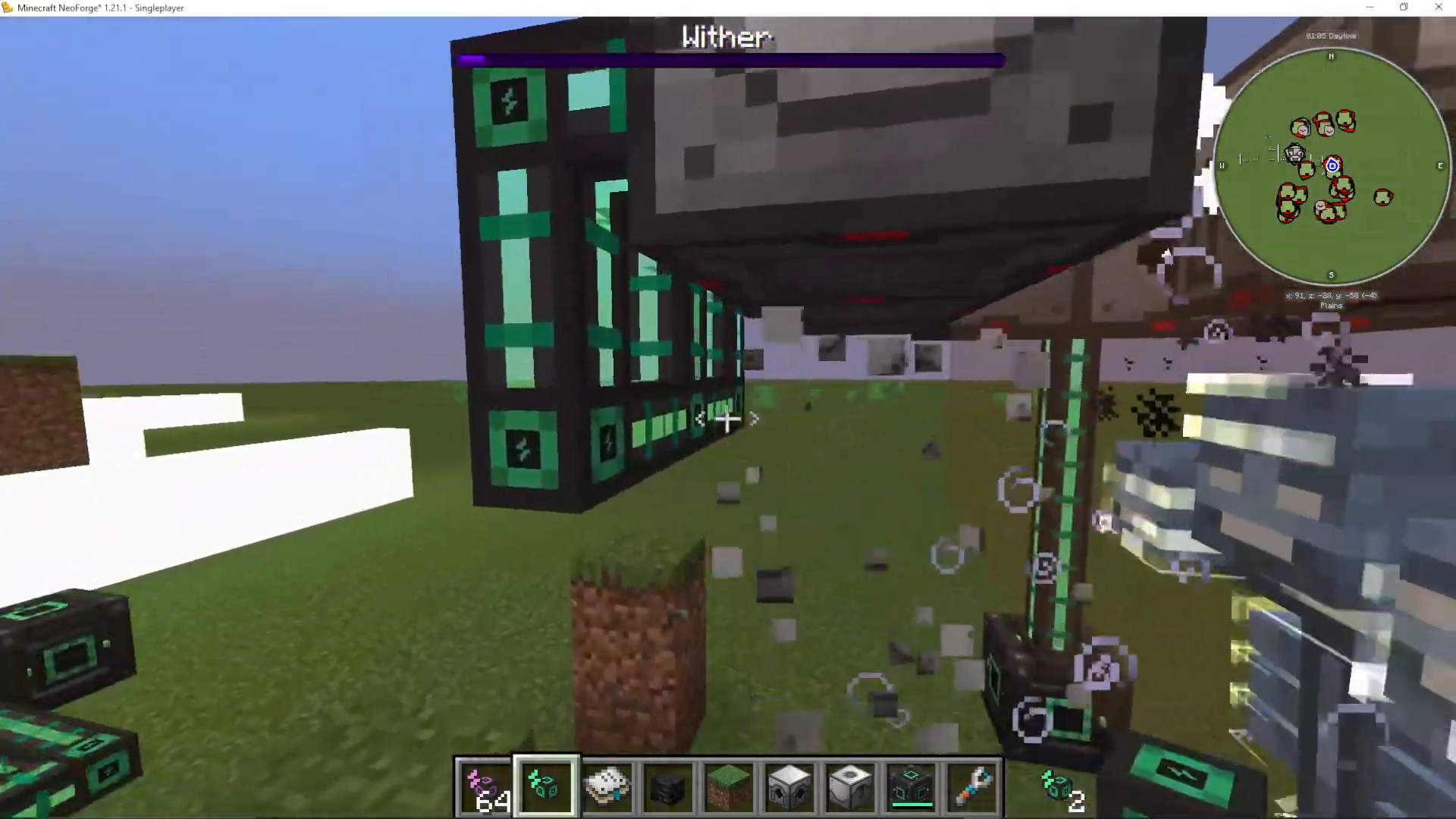
You can add additional layers of Laser Drills both above and below the initial 3×3 formation. Place three drills on each level (front, left, right sides), ensuring they all face inward toward the Fluid Laser Base. You cannot place drills at the corners as they would fall outside the working range.
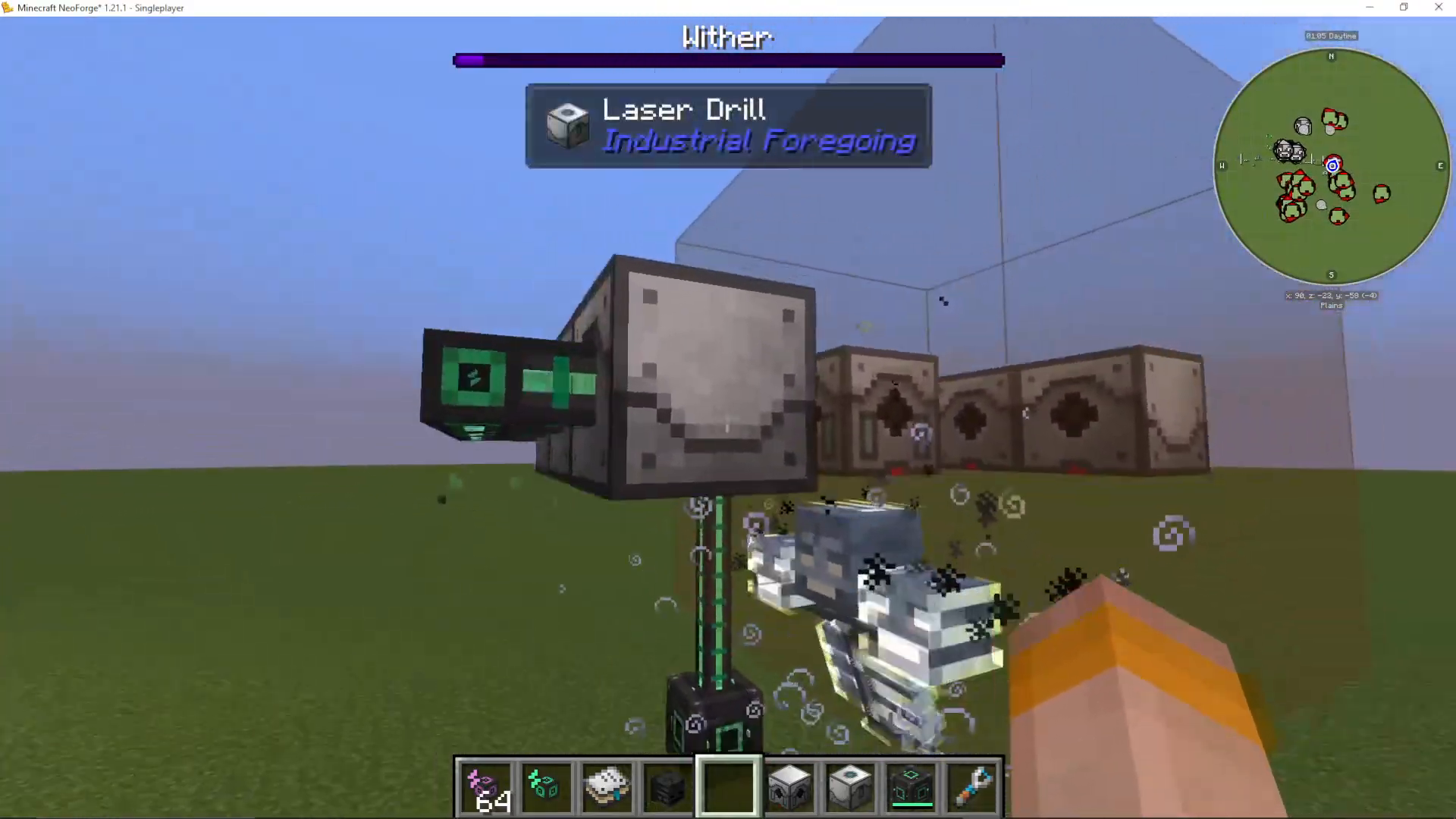
By strategically adding drills on multiple levels, you can significantly increase extraction speed without exceeding the working area limits.
Conclusion
You now have a fully functional Ether Gas extraction setup in Industrial Foregoing! This advanced machine is used in many Industrial Foregoing recipes, so maximizing production through multiple laser drill layers is worthwhile. Remember to maintain consistent power generation, as power loss will allow the Wither to escape. For more Industrial Foregoing content, check out the complete start-to-end guide and beginner guide available on the channel.
Want to Support?
If you would like to help us continue making these guides – please consider joining our patreon here – https://www.patreon.com/c/JaviHeals
Alternatively – we host a group of MC Servers you can join here – https://discord.gg/zD7Gjt6MHF



