







Electrodynamics Quarry Tutorial
Electrodynamics Quarry Tutorial
The Quarry from Electrodynamics is one of the most powerful and useful items in this mod. While it might look complex at first glance, setting up and operating a Quarry is actually quite straightforward once you understand the basic components and steps. This guide will walk you through everything you need to know to get your Quarry up and running efficiently.
Understanding Seismic Markers and the Quarry Area
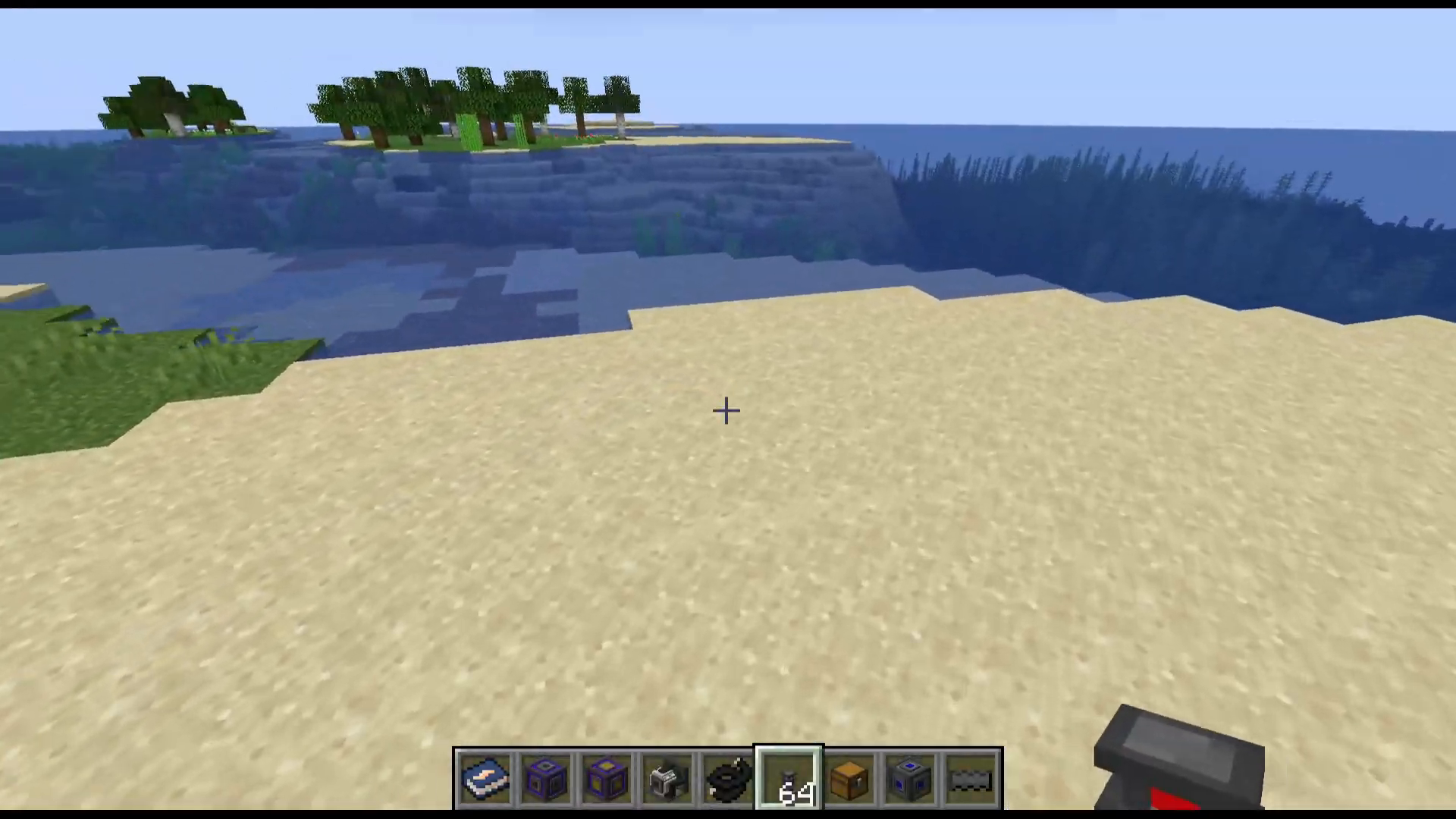
The first step in setting up your Quarry is placing seismic markers. These markers define the mining area where your Quarry will operate. You’ll need to place at least four markers to establish a rectangular region.
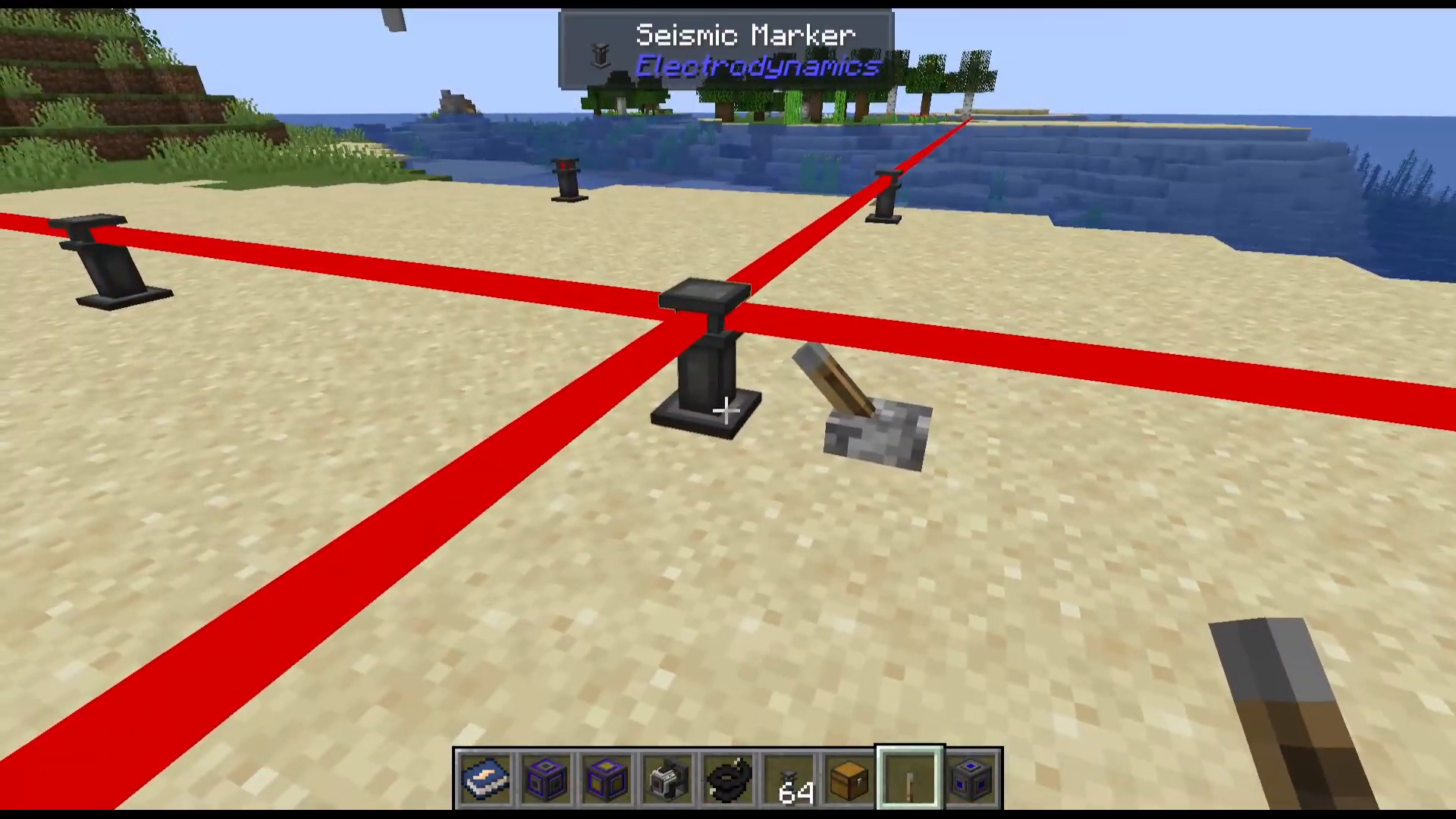
Place your seismic markers down in the four corners of your desired mining area. The markers will show you exactly where your Quarry is going to work.
It’s important to understand the size limitations of your Quarry. The minimum mining area is 3 by 3 blocks, while the maximum size is 66 by 66 blocks. If you’re unsure about the area you’ve created or if it’s too large to see, you can place a lever or redstone signal on a marker to visualize which direction that particular marker is working in. This helps you confirm your setup is correct before proceeding.
Setting Up the Seismic Relay
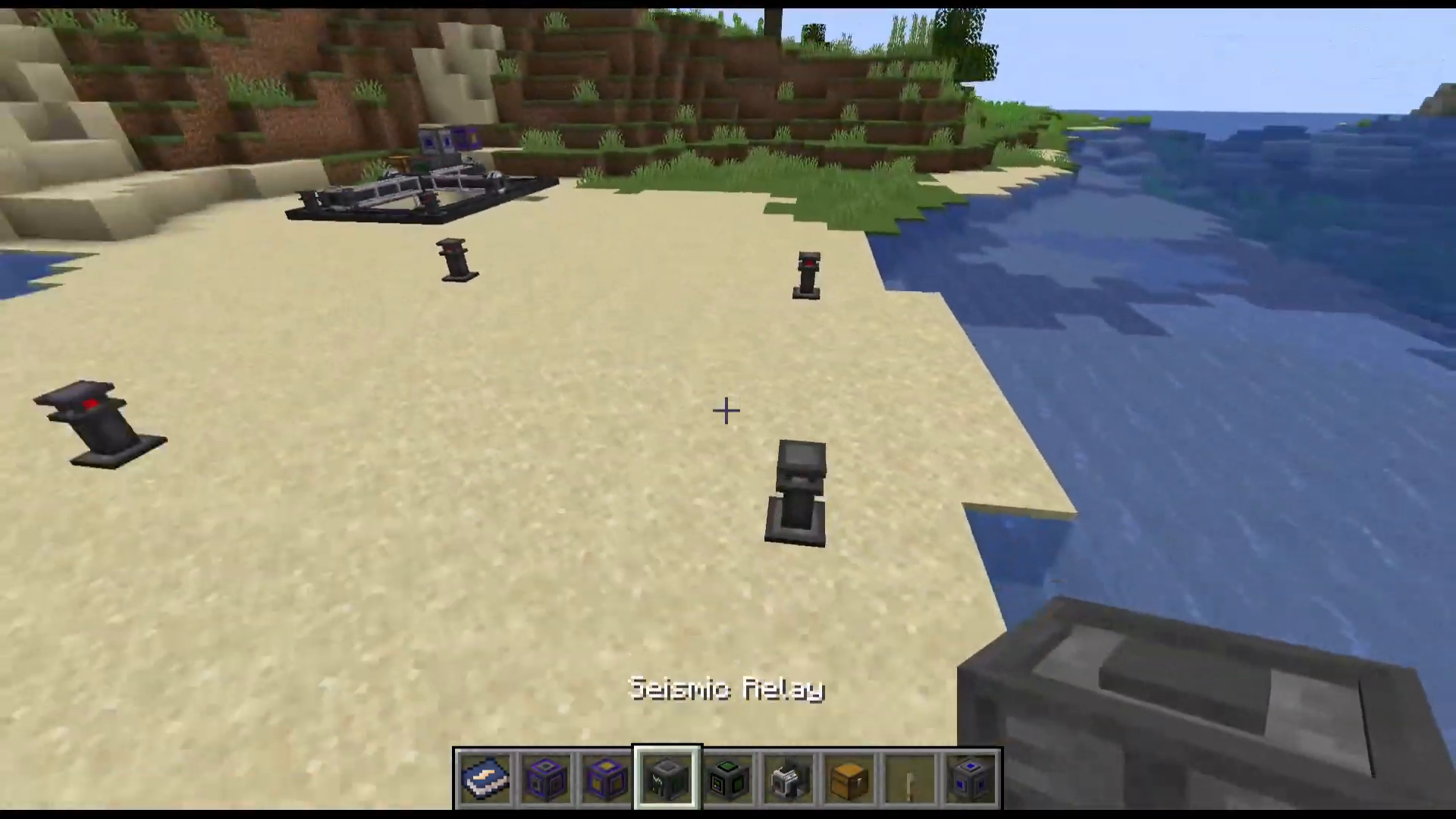
Once you’ve placed your four seismic markers, the next step is to place a seismic relay. The seismic relay should be positioned at one corner of your marked area—specifically, on the outside edge of one of your markers.
When you place the seismic relay correctly, all four seismic markers will disappear and be automatically stored in the relay’s inventory. The relay will then display the coordinates of where your Quarry will operate.
Positioning the Quarry and Motor Complex
The Quarry must be placed directly adjacent to the seismic relay—either to the left or right side. Look for the green connection points on the seismic relay; the Quarry should align with these green bits to ensure proper linkage.
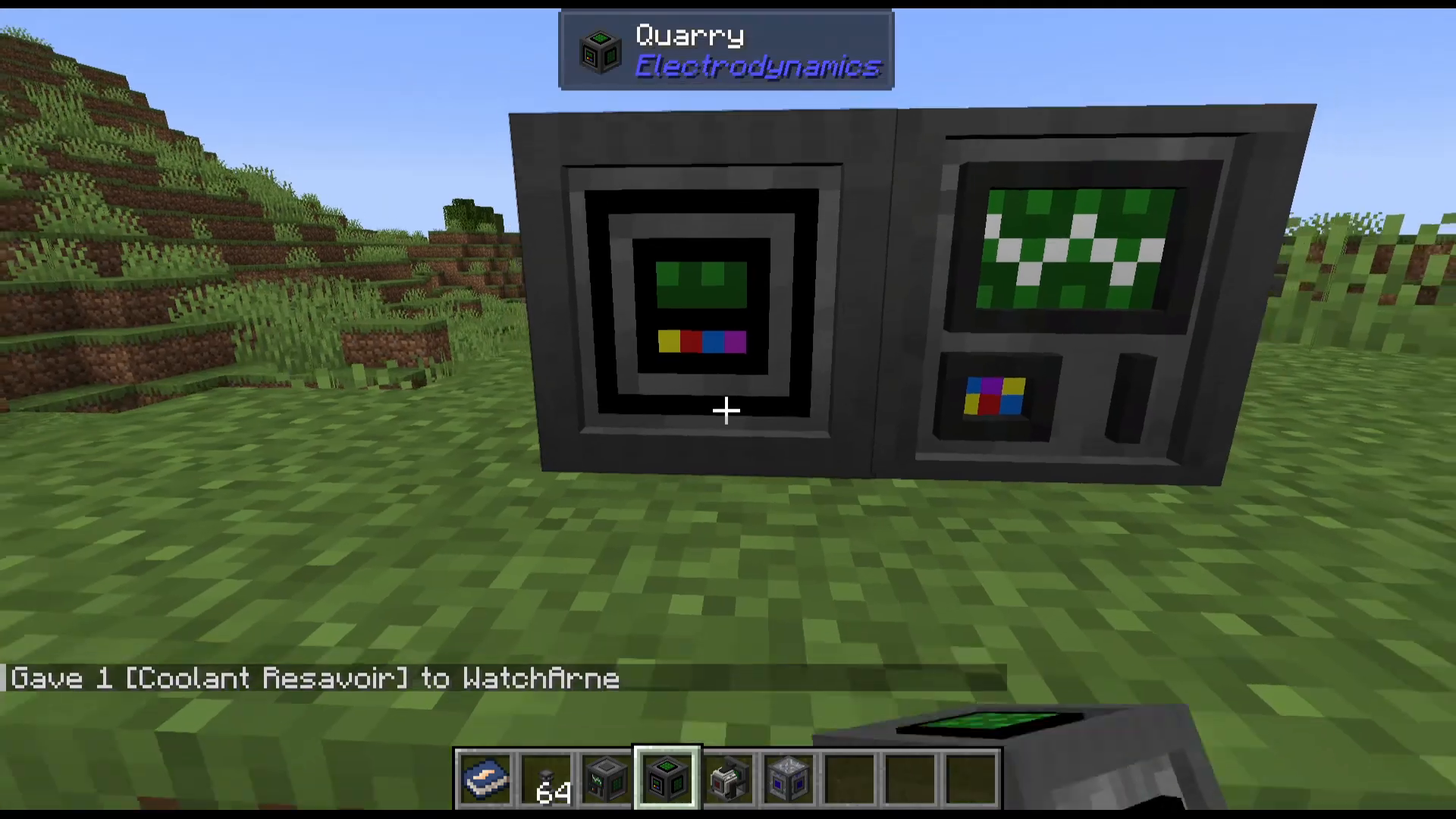
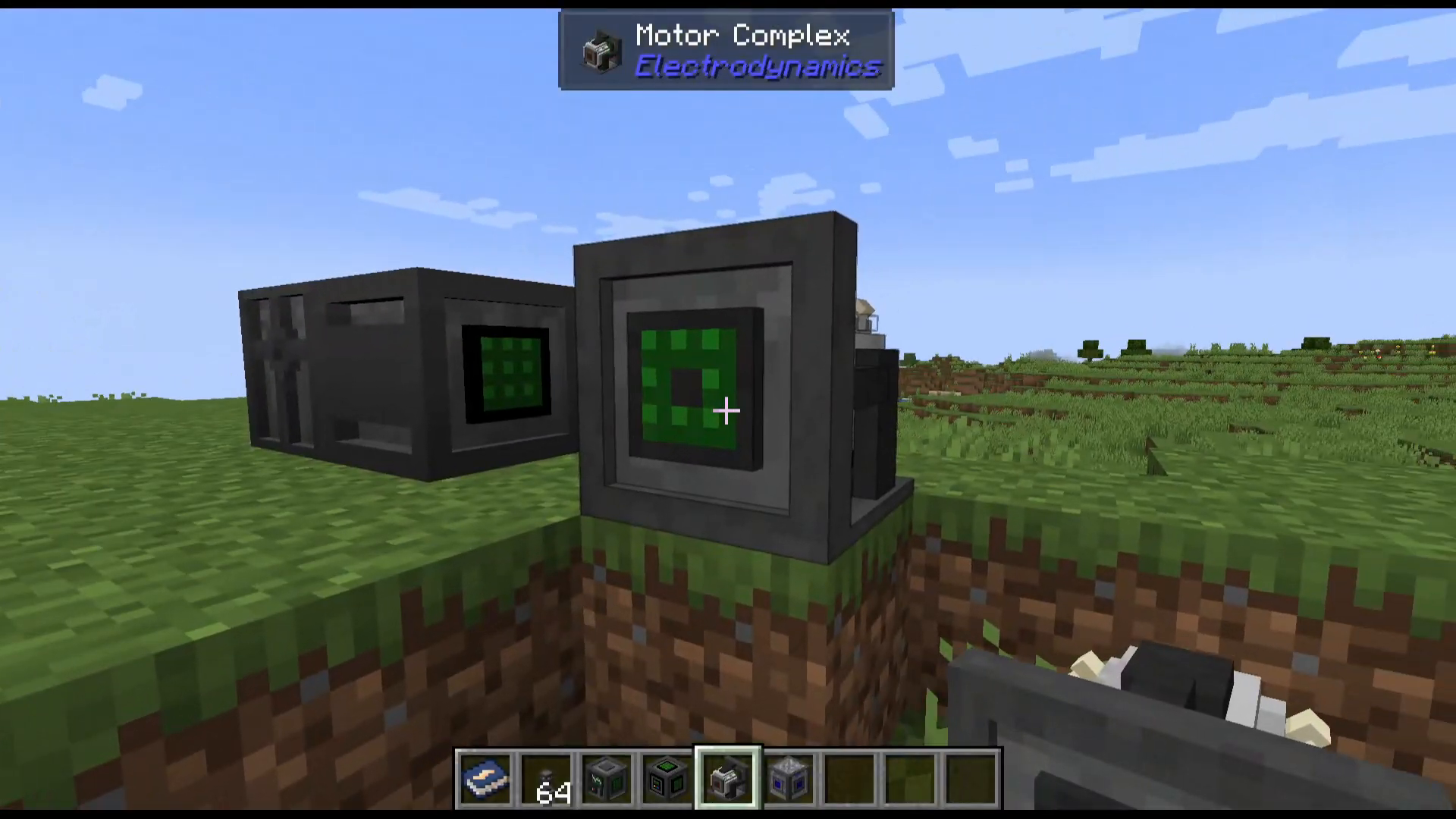
Next to the Quarry, you’ll place the motor complex. Make sure the green connection point on the motor complex aligns with the green connection point on the Quarry. This creates the proper power and control link between the two components.
Providing Power to Your Quarry
Both the Quarry and the motor complex operate at 240 voltage. You’ll need to supply power to both components to get them functioning.
Connect a power source to the motor complex (the power input is located on the side of the motor). Once power is supplied at 240 voltage, you’ll see the Quarry begin to build and visualize the area where it will mine.
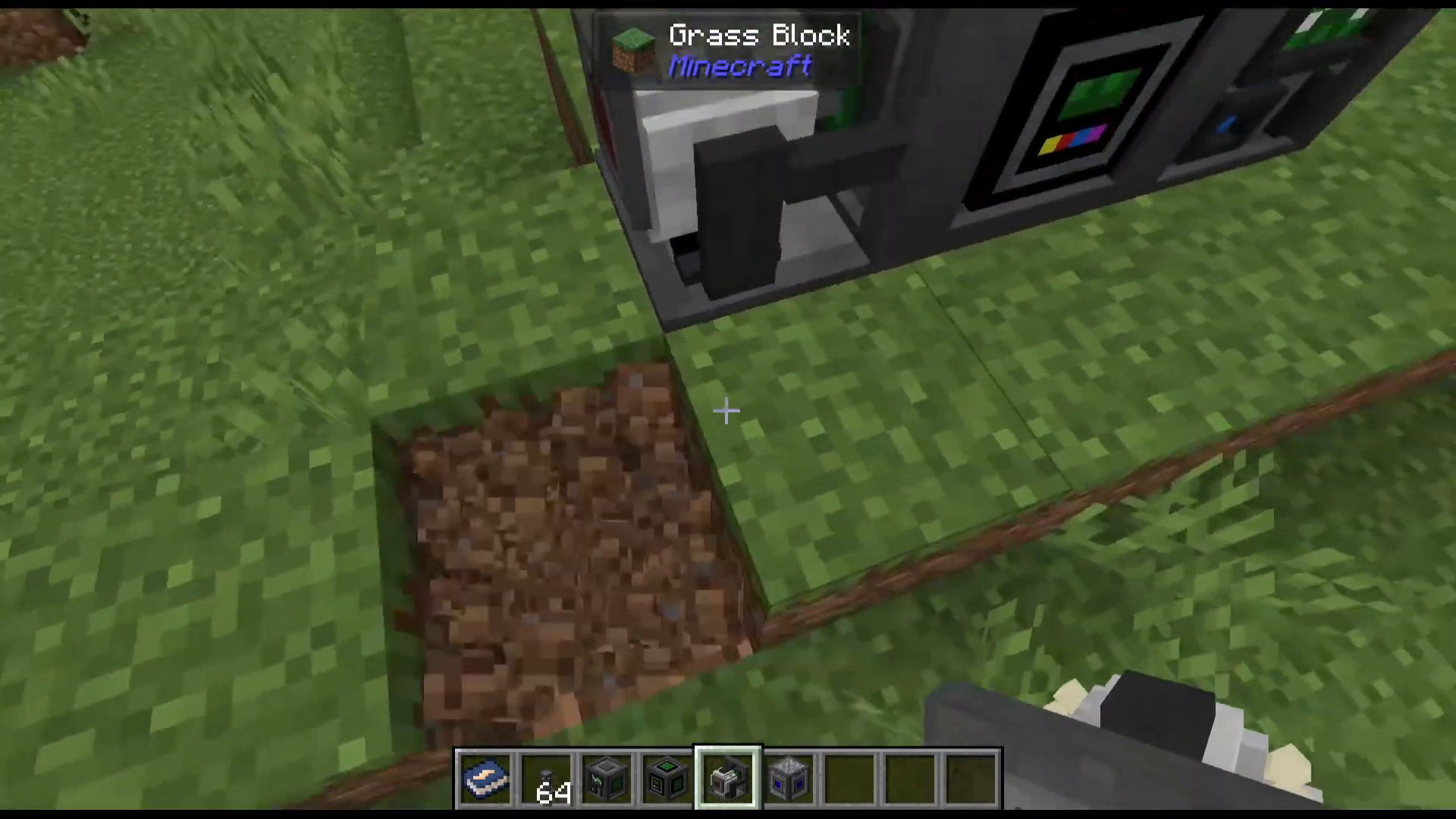
Adding a Coolant Reservoir
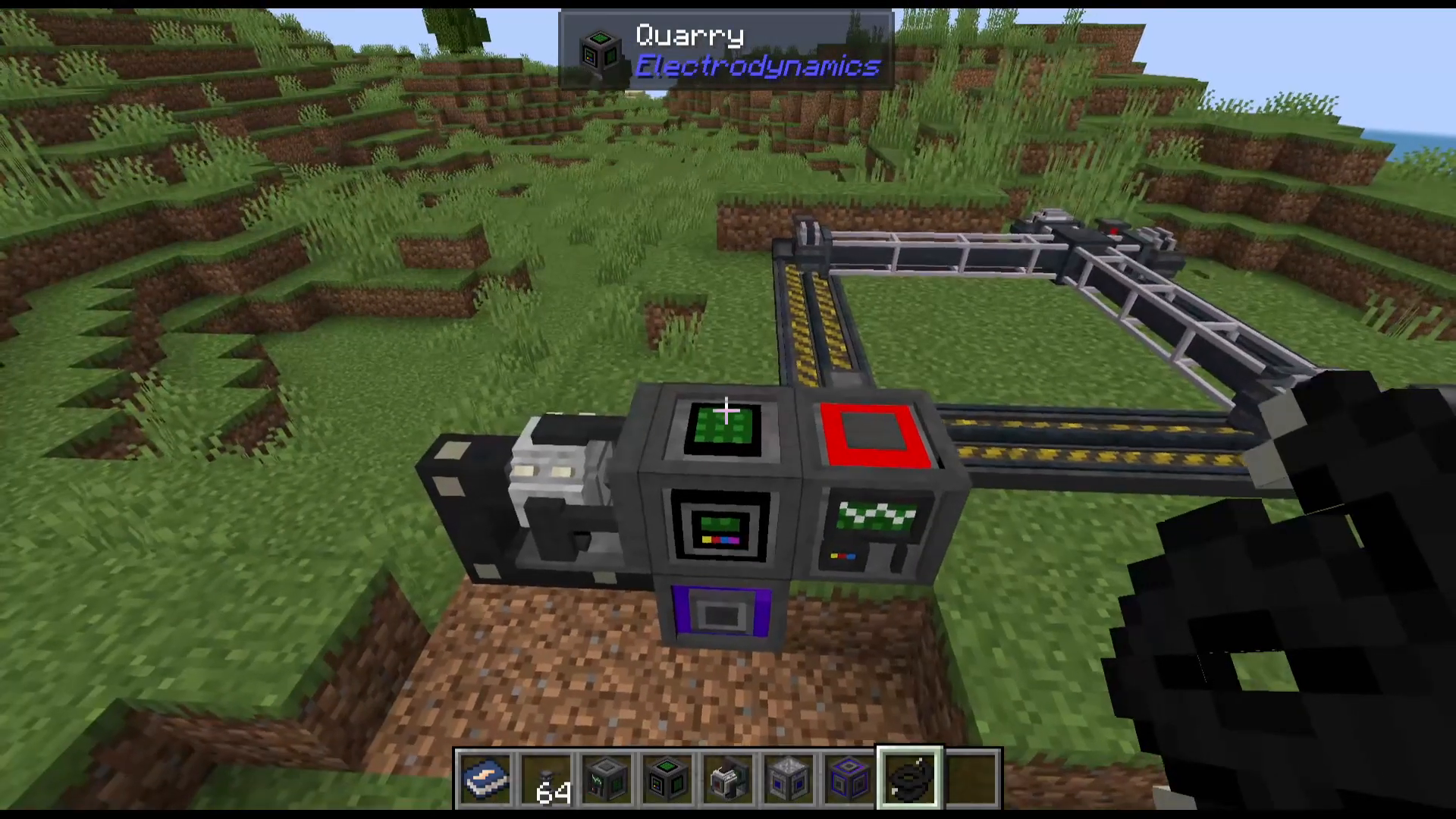
A constant supply of water is essential for your Quarry to operate. This water supply comes from a coolant reservoir, which should be placed on top of the Quarry.
You can pipe water into the coolant reservoir from any water source in your world. If you want to test your setup quickly, you can use a creative fluid pipe filled with water. In a survival world, set up proper water pipes from a water source to keep the coolant reservoir filled.
Installing a Drill Head
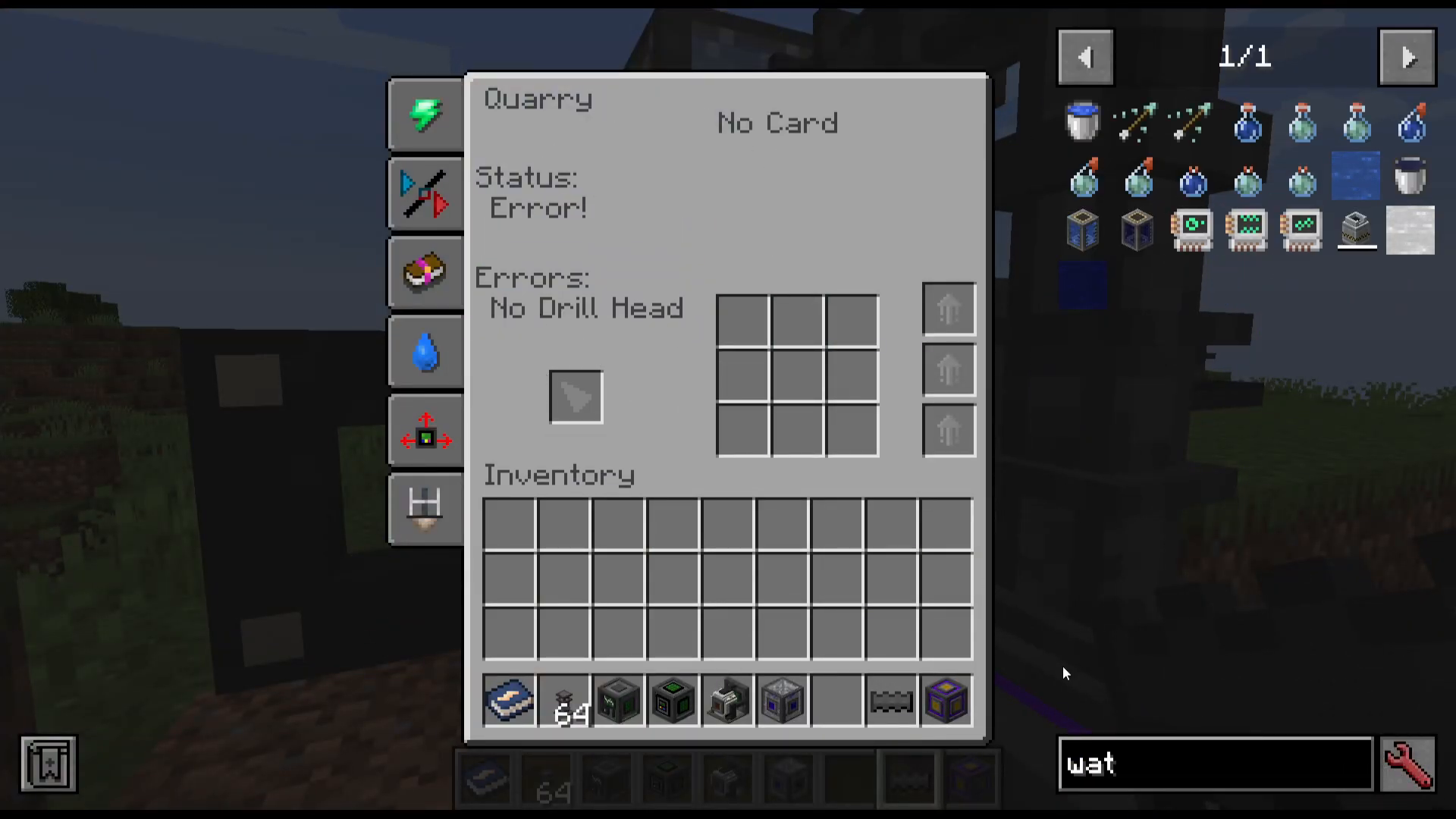
The Quarry requires a drill head to actually mine blocks. There are several types of drill heads available, each with different durability levels:
Steel: 200 durability
Stainless Steel: 400 durability
Titanium: 1000 durability
Carbide: Infinite durability
Carbide drill heads are particularly valuable because they never wear out. You can find the recipe for each drill head type in the in-game guide by looking up “Quarry” in your mod documentation.
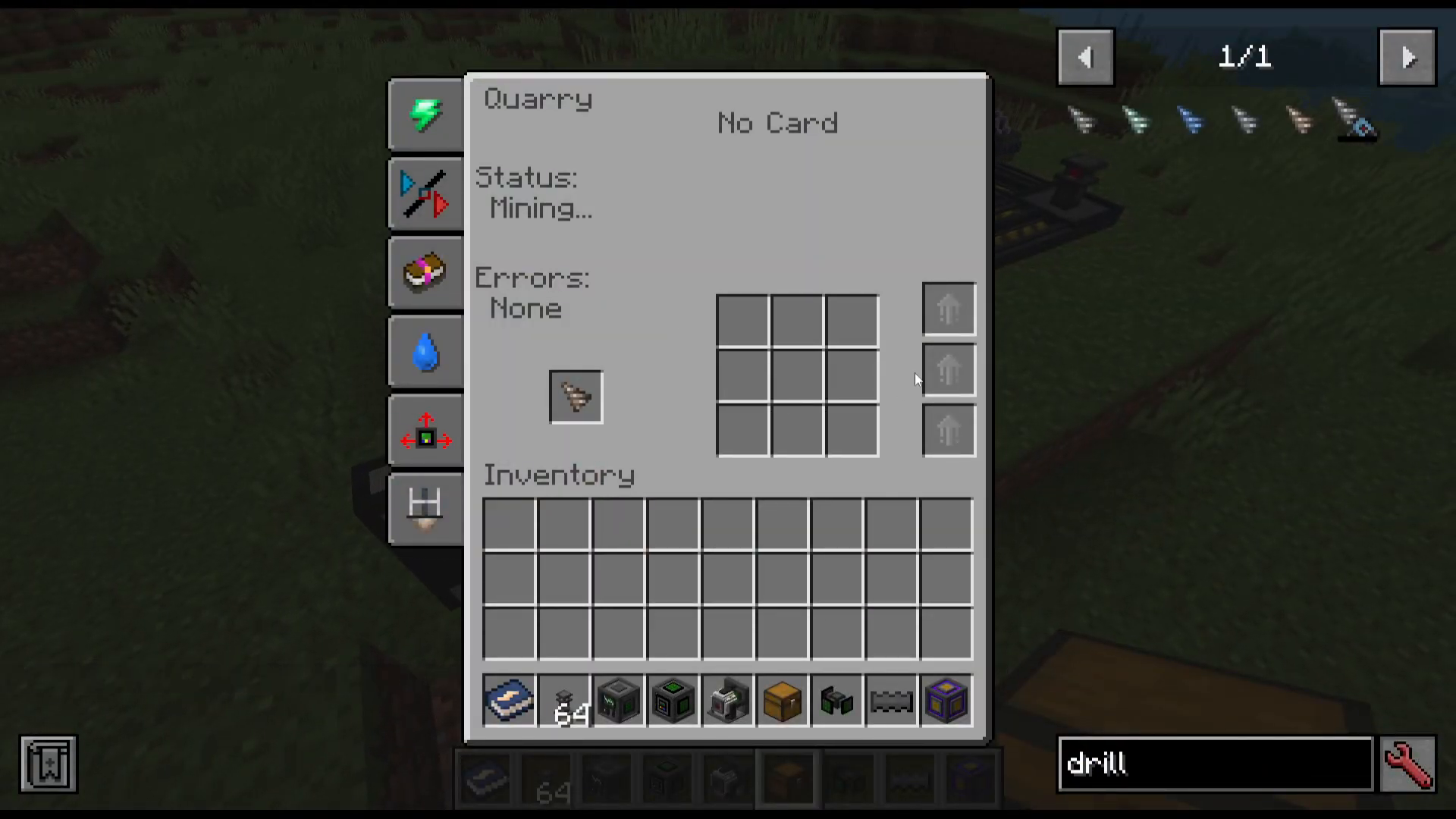
Place your chosen drill head into the Quarry’s inventory slot. Once all components are in place and powered, your Quarry will begin mining.
Extracting Mined Materials
To automatically collect the ore and materials your Quarry mines, you’ll need to attach a logistical manager to the front of the Quarry. While it may not appear visually connected, the logistical manager will link up properly.
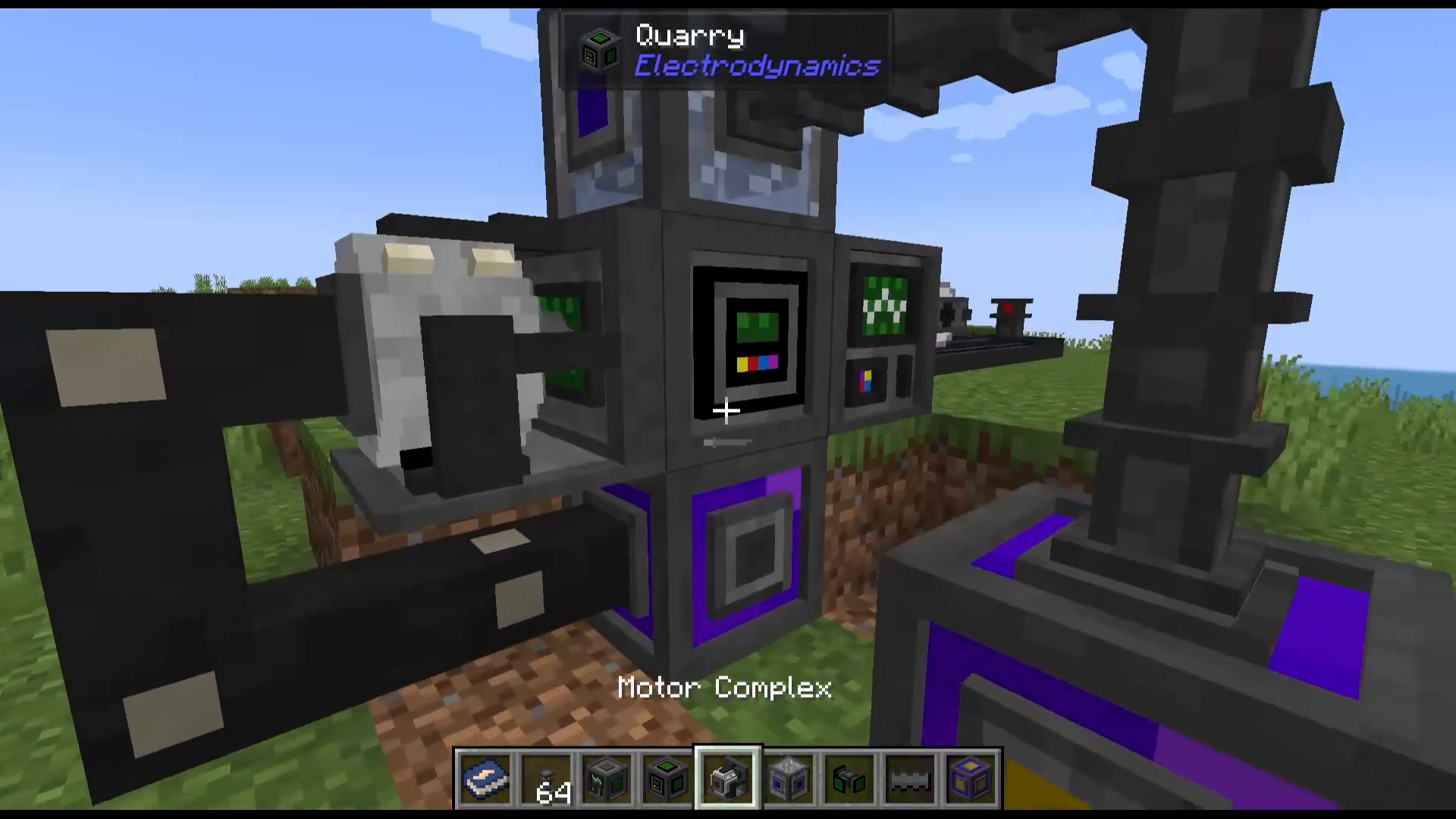
Connect a chest or other storage container to one of the sides of the logistical manager. All mined materials will automatically be deposited into this storage.
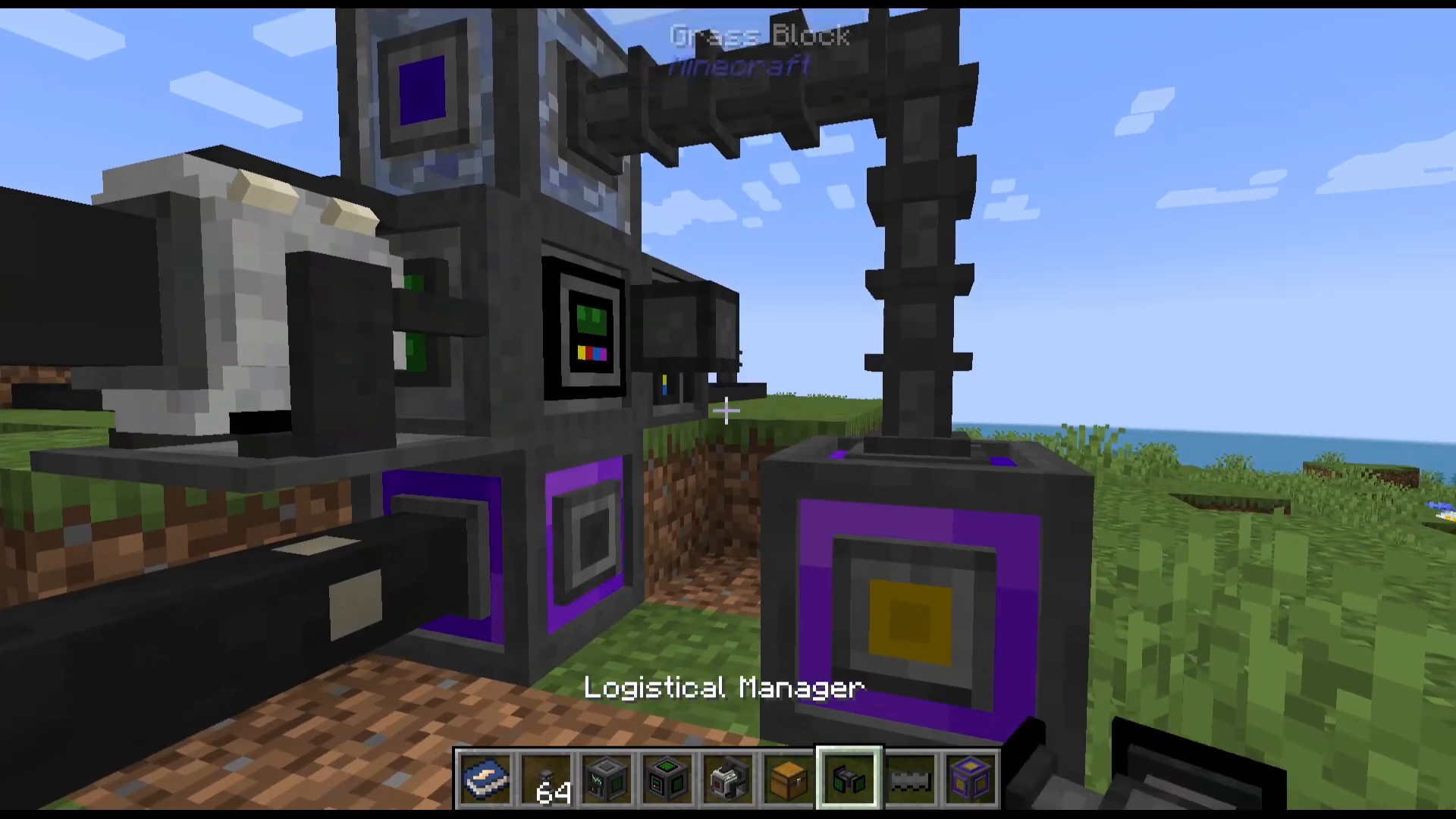
You can also place additional drill heads into the chest connected to the logistical manager. When the drill head currently in your Quarry runs out of durability, it will automatically be replaced with a new one from the chest.
Optimizing Your Quarry with Upgrades
When you open the Quarry’s interface, you can view several important details and add upgrades:
Main Inventory: Where you can add speed upgrades and other enhancements
Status Display: Shows whether the Quarry is mining and its current state
Mining Altitude: Displays the current mining depth
Component Checklist: Indicates whether all required components are present (motor complex, coolant supply, drill head, power)
Upgrade Cards: Display active upgrades like Fortune and Silk Touch
You can enhance your Quarry’s performance by adding speed upgrades to the main inventory. These upgrades will increase how quickly the Quarry mines through blocks.
Conclusion
The Electrodynamics Quarry is a powerful mining automation tool that greatly simplifies resource gathering in your modpack. While the setup involves several components—seismic markers, a relay, the Quarry itself, a motor complex, a coolant reservoir, and a drill head—the process is logical and straightforward. Once operational, your Quarry will continuously mine a defined area and deposit materials into your storage system, making it an invaluable part of any advanced Minecraft tech setup.
— Want to Support? —
If you would like to help us continue making these guides – please consider joining our patreon here – https://www.patreon.com/c/JaviHeals
Alternatively – we host a group of MC Servers you can join here – https://discord.gg/zD7Gjt6MHF



