



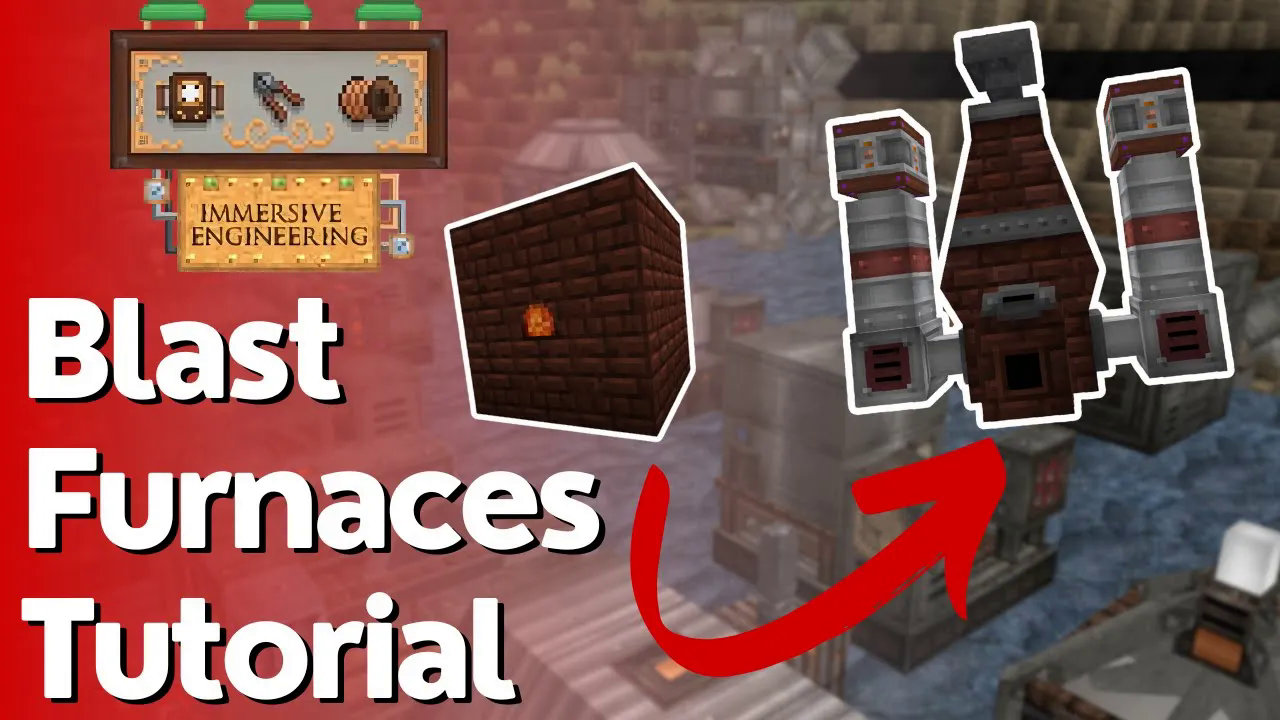
Crude & Improved Blast Furnace Tutorial – Immersive Engineering
Crude & Improved Blast Furnace Tutorial – Immersive Engineering
Looking to make steel in Immersive Engineering? The blast furnace is your answer. This comprehensive guide walks you through creating steel using both the crude blast furnace and the more efficient improved blast furnace, complete with automation tips using conveyors and pre-heaters.
Getting Started: Cold Coke Basics
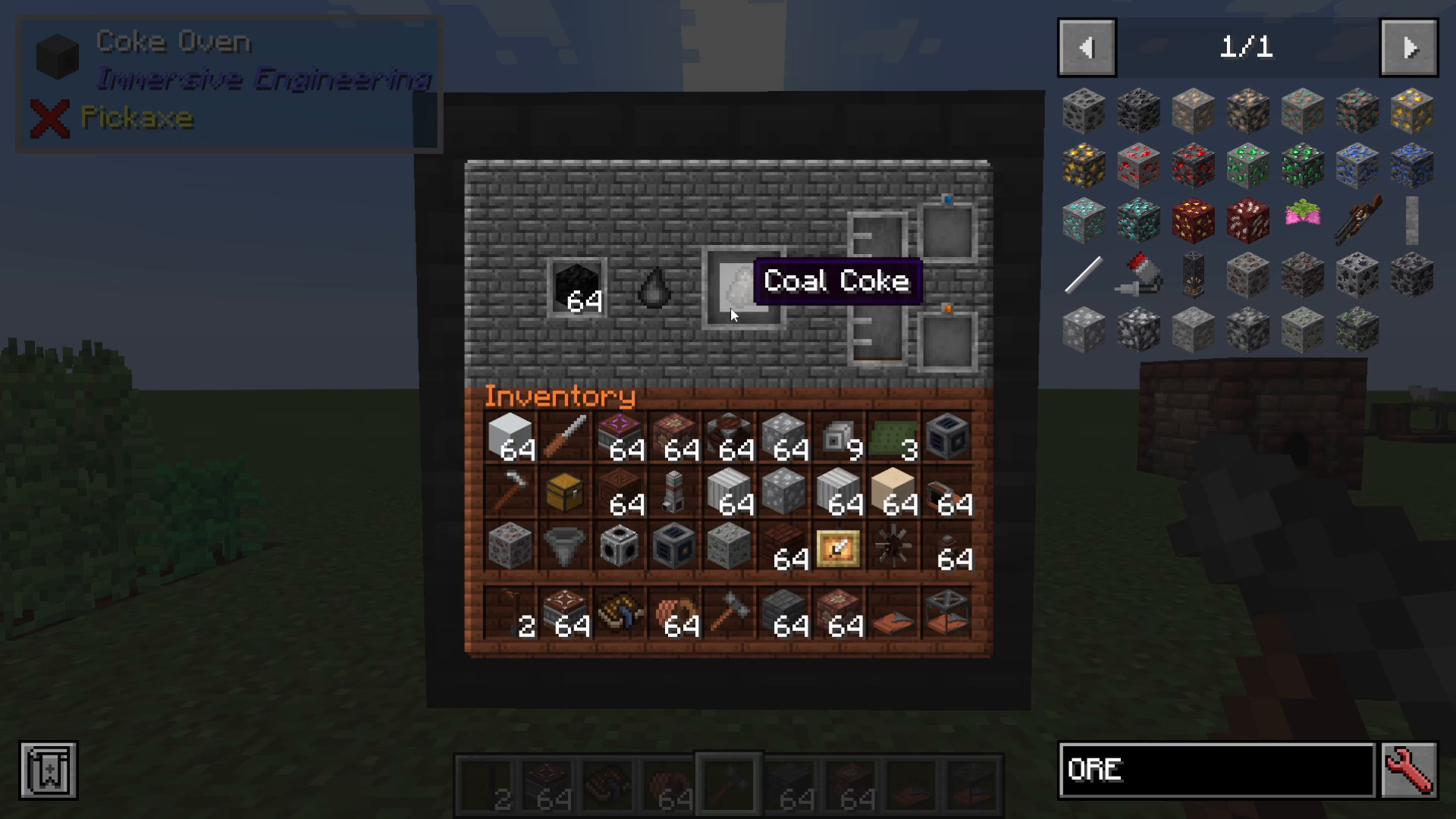
Before you can build any blast furnace, you need to understand the fuel that powers it: cold coke. Cold coke is created in a coke oven, which is constructed as a 3x3x3 structure using coke bricks. Simply place coal inside the coke oven, and it will transform into cold coke—your essential fuel source for blast furnace operations.
Building Your First Blast Furnace: The Crude Version
Crafting Blast Bricks
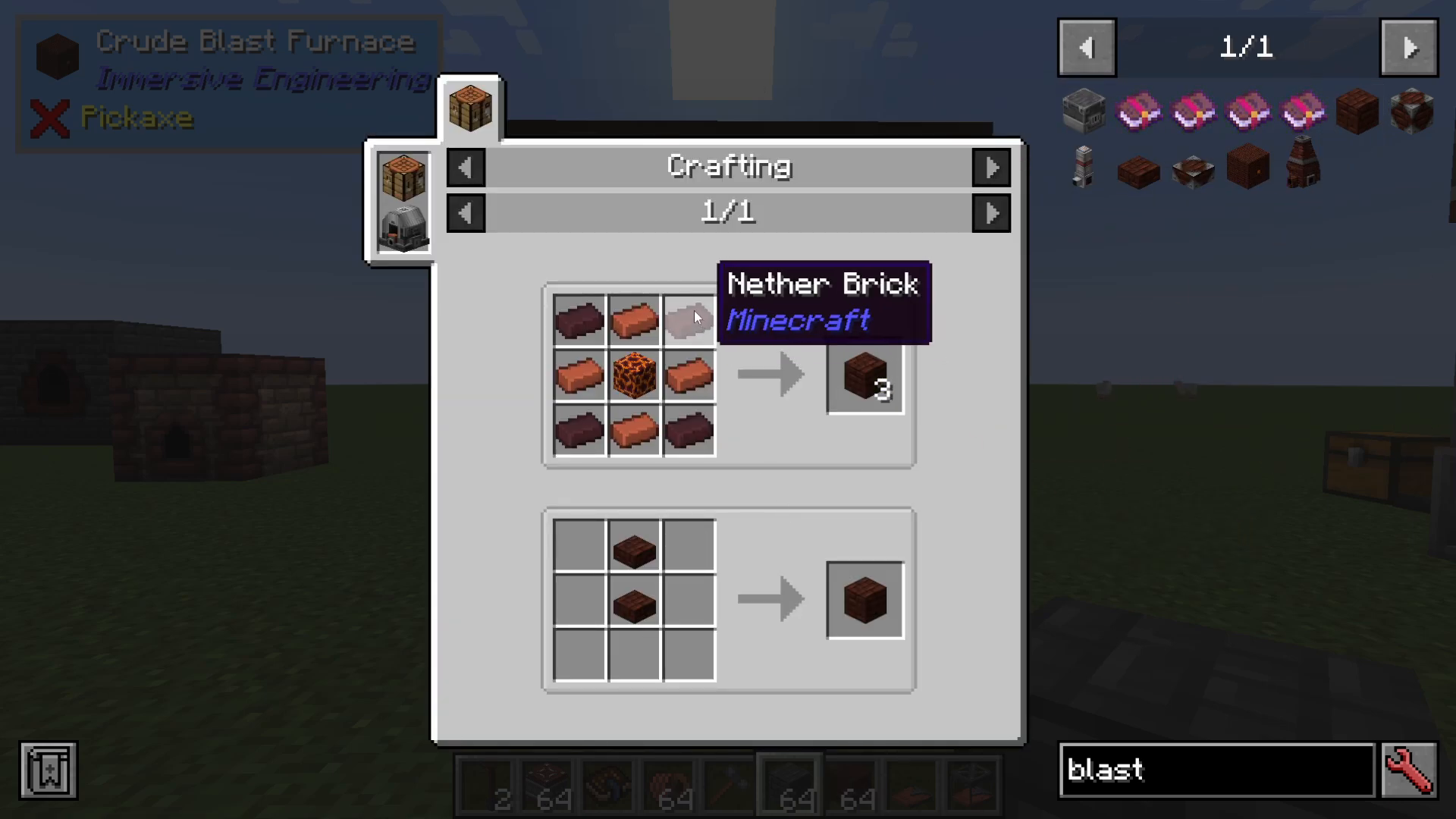
To construct a crude blast furnace, you’ll need blast bricks. These are crafted using nether bricks, magma blocks, and regular bricks arranged in a 3x3x3 pattern: three blocks on the bottom, three in the middle, and three on top.
Assembling the Crude Blast Furnace
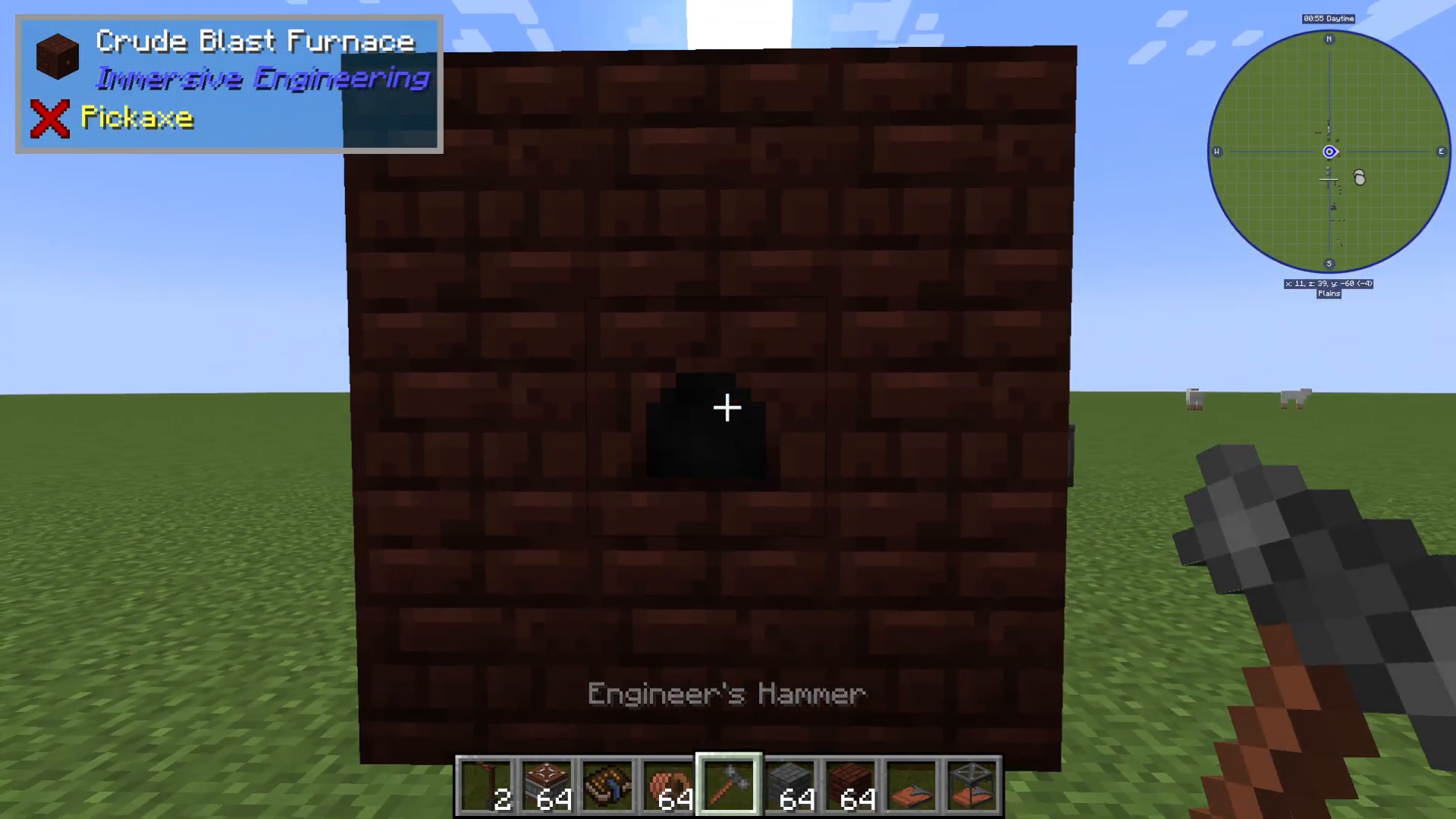
Once you’ve created your blast bricks, right-click the center block with your engineer’s hammer. The structure will transform into a crude blast furnace, ready for operation.
Operating the Crude Blast Furnace
The crude blast furnace operates entirely manually—it cannot accept automated inputs or outputs. You’ll power it manually with cold coke and manually place iron ingots at the top. As the furnace processes your materials, you can track progress using mods like the One Pro (visible in the top-left corner of your screen). The furnace will convert iron ingots into steel while producing slag as a byproduct.
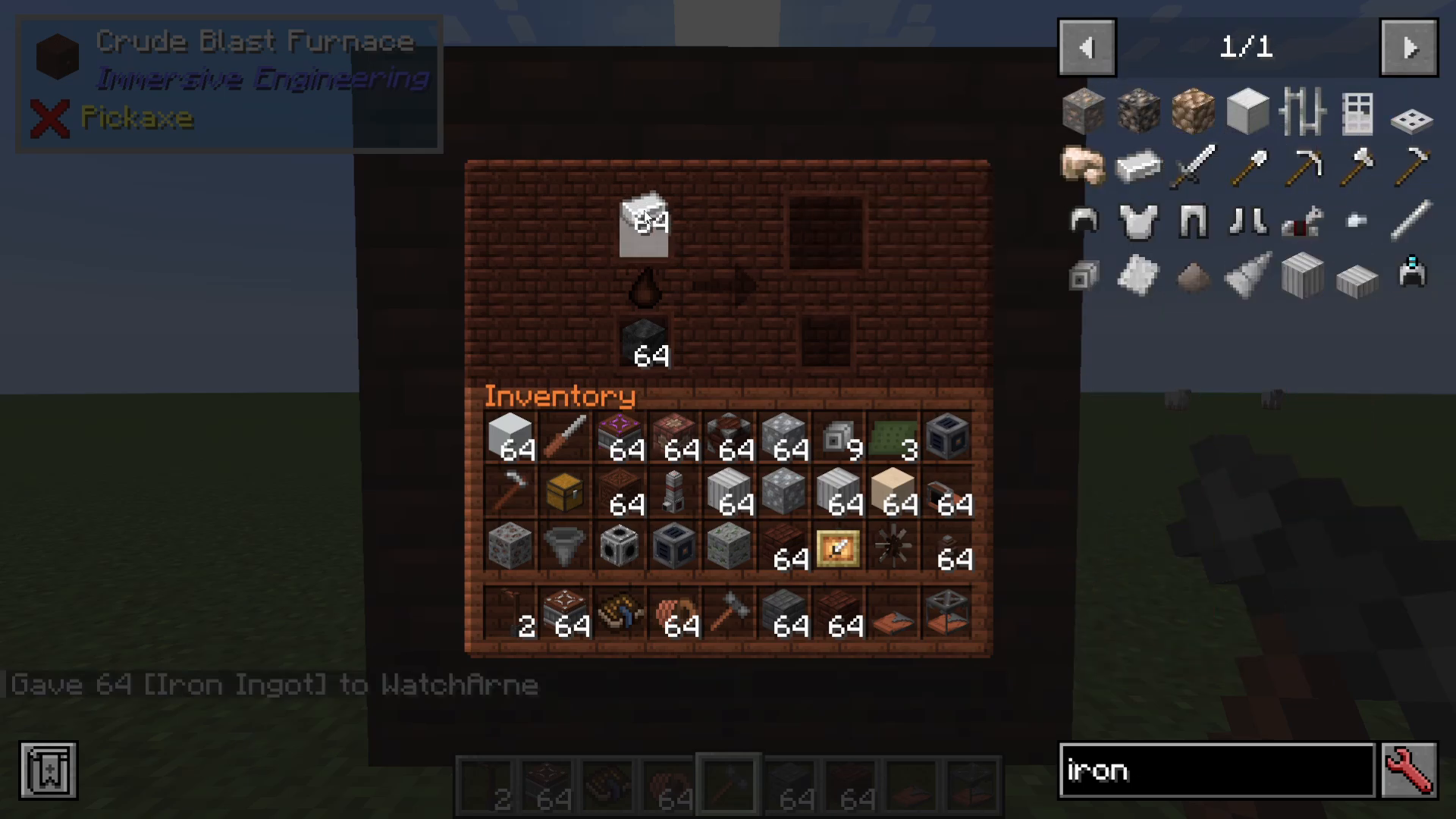
Understanding Blast Furnace Recipes
Click the arrow on the interface to view available recipes and their processing times. You have two main options:
Block of Iron: Takes 540 seconds to produce one block of steel, plus nine slag
Iron Ingot: Takes 60 seconds to produce one steel ingot, plus one slag
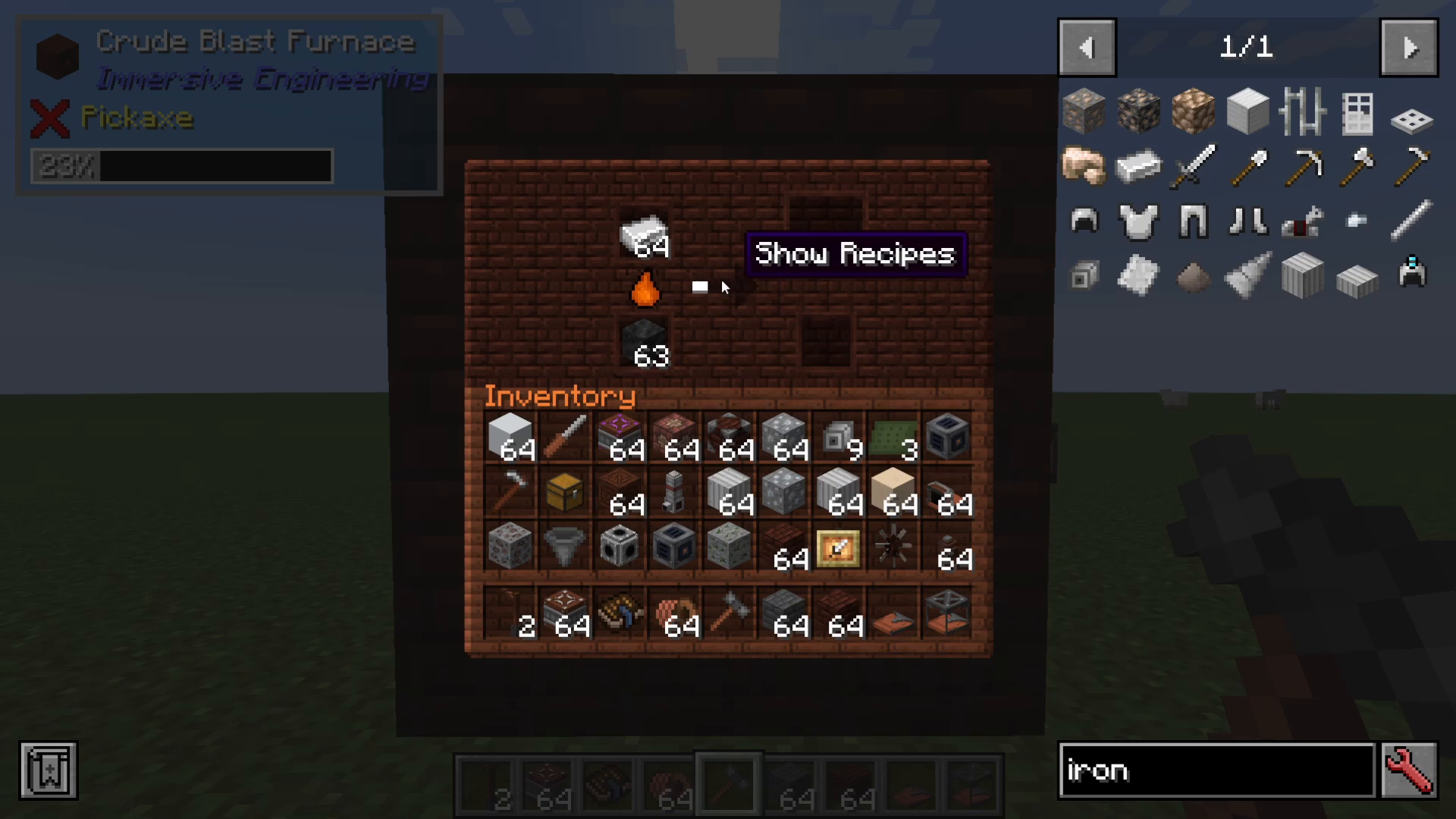
Using Your Slag Byproduct
Don’t discard the slag you produce! It has valuable uses. You can combine slag with nitrate dust, or smelt it into slag glass. This slag glass can then be used with aluminum (smelted from bauxite) to create high-voltage wire relays—components you’ll need later in your progression.
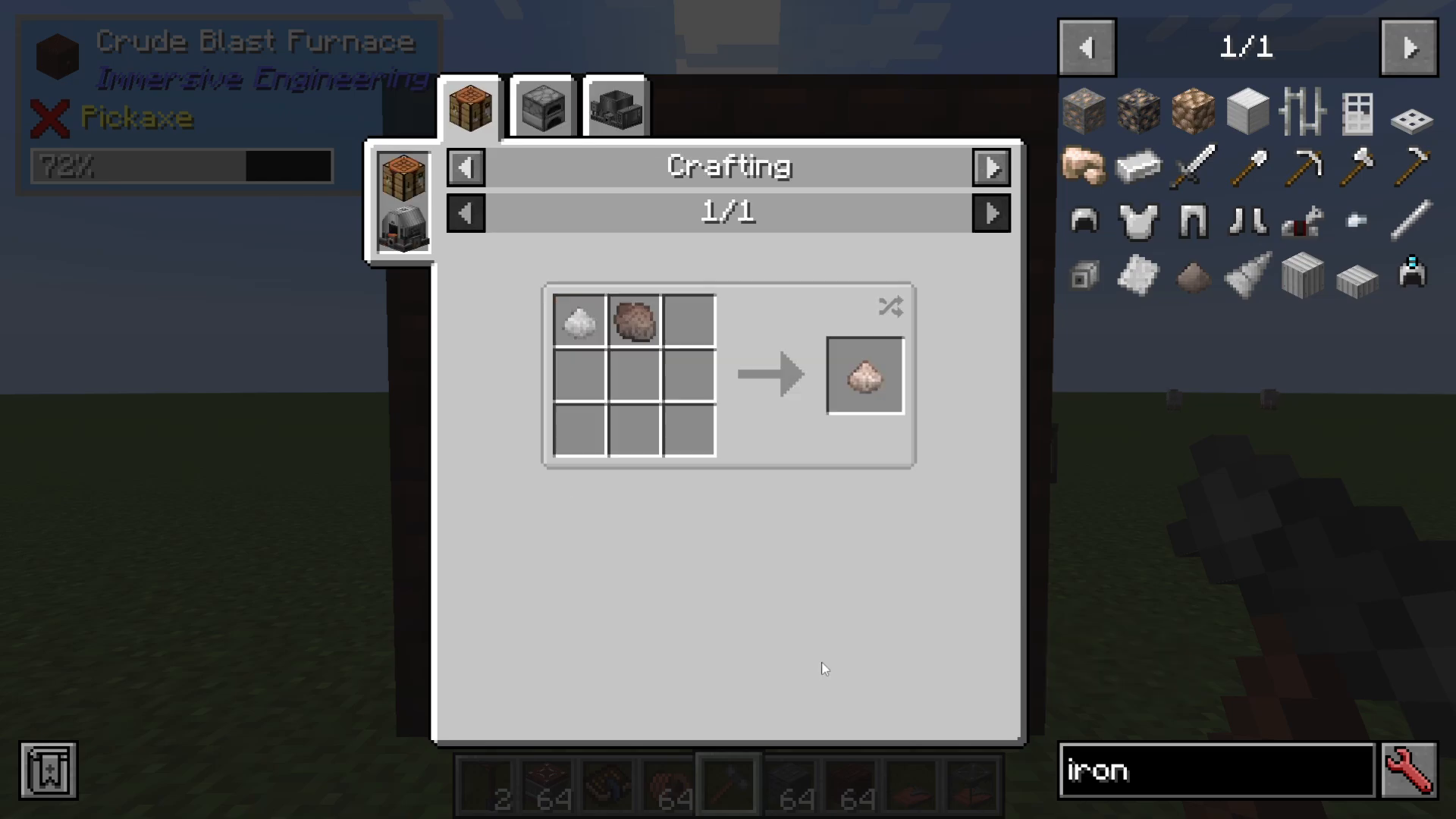
Upgrading to the Improved Blast Furnace
Why Upgrade?
The crude blast furnace is slow and entirely manual. The improved blast furnace dramatically speeds up steel production and supports automation. While upgrading requires steel plates (a resource you’ve just started producing), the efficiency gains make it a worthwhile investment.
Crafting Reinforced Blast Bricks
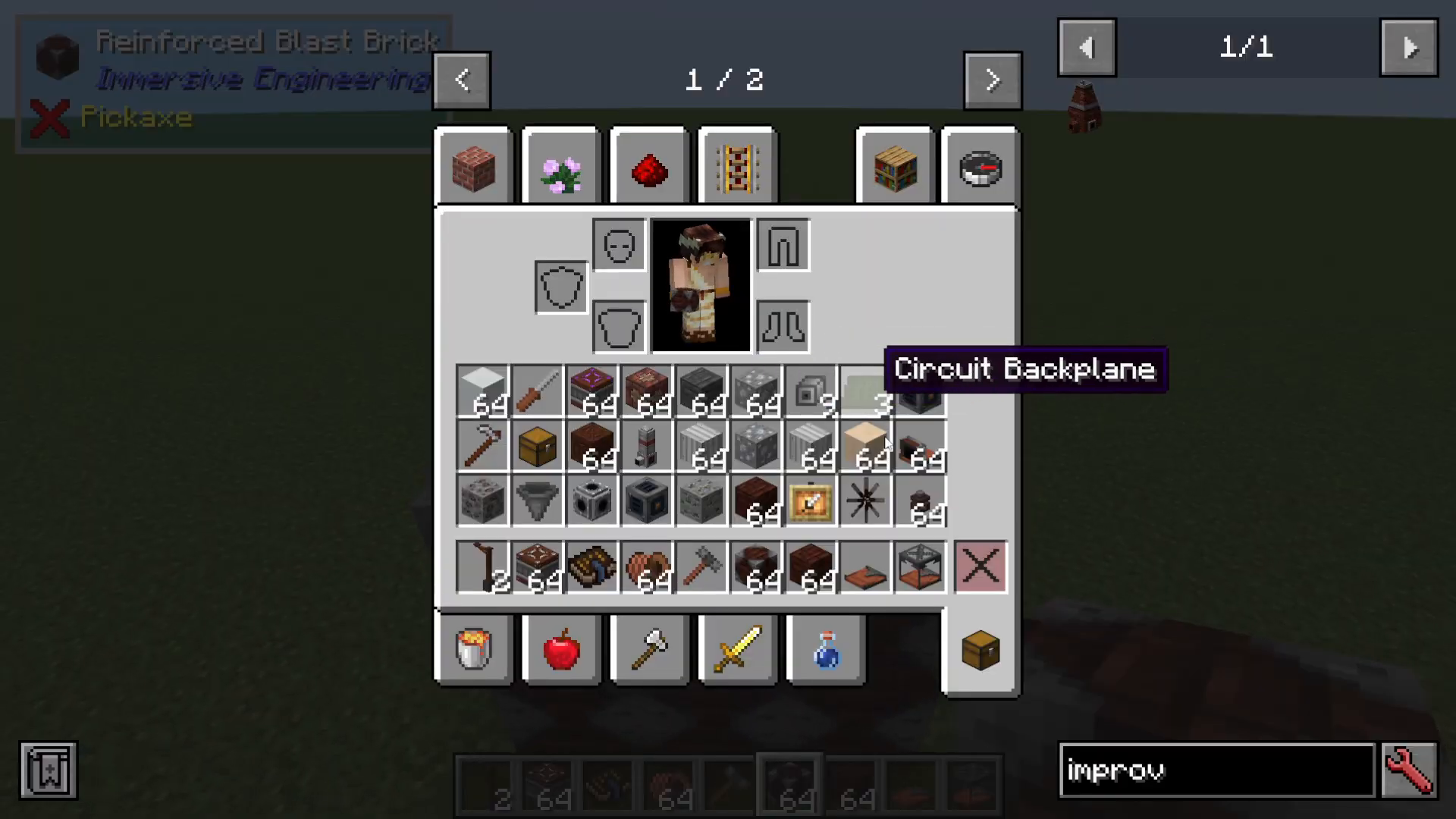
The improved blast furnace requires reinforced blast bricks instead of standard blast bricks. Simply take a blast brick and add a steel plate to upgrade it. Steel plates are crafted by using your engineer’s hammer on a steel ingot.
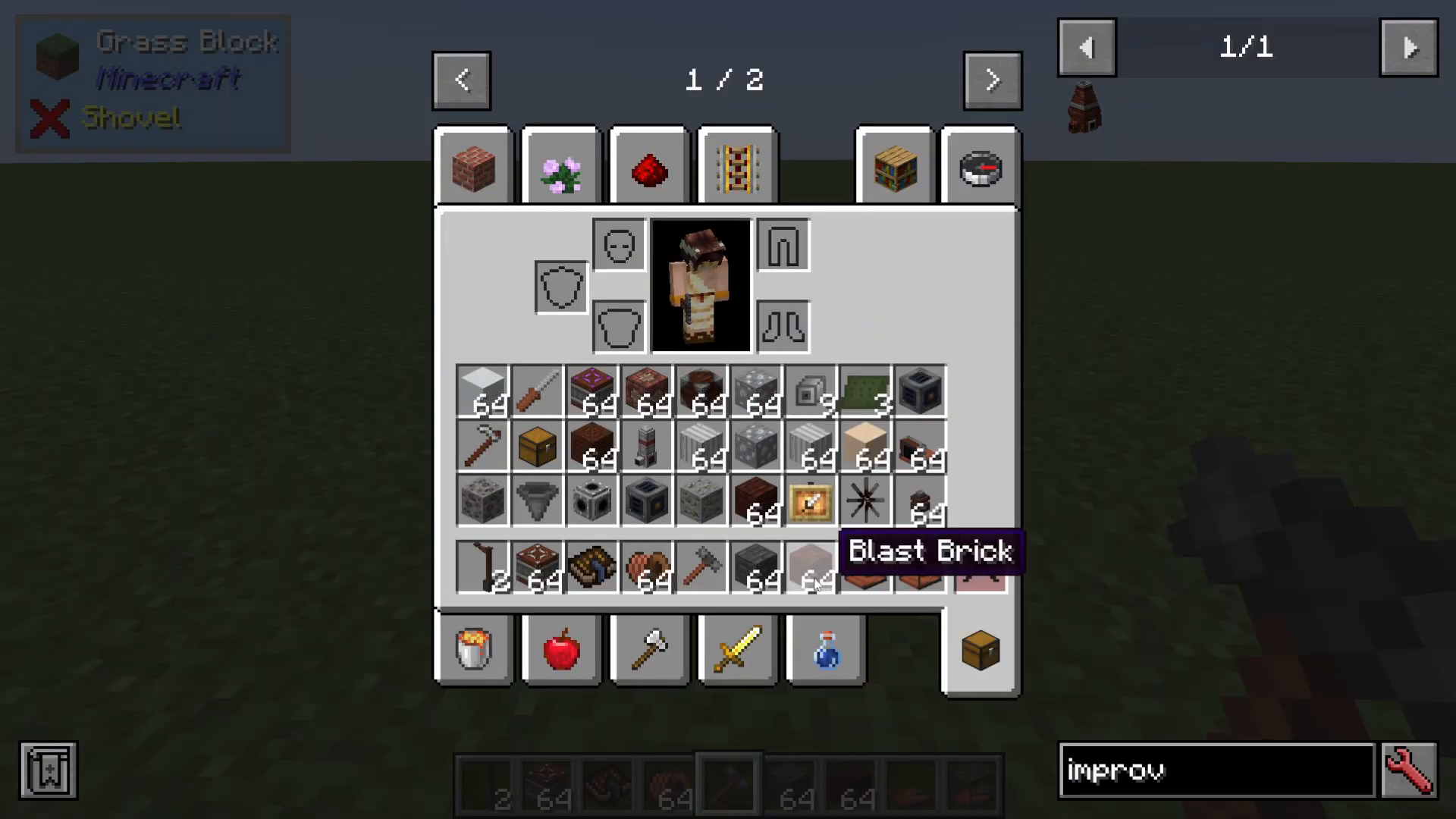
Building the Improved Blast Furnace
Construct the improved blast furnace using the same 3x3x3 configuration as the crude version, but with reinforced blast bricks. You can dismantle your crude furnace and reuse the blocks once you have enough steel. Place a hopper on top of the center block, then right-click with your engineer’s hammer to finalize the structure.
Adding Blast Furnace Pre-Heaters
What Pre-Heaters Do
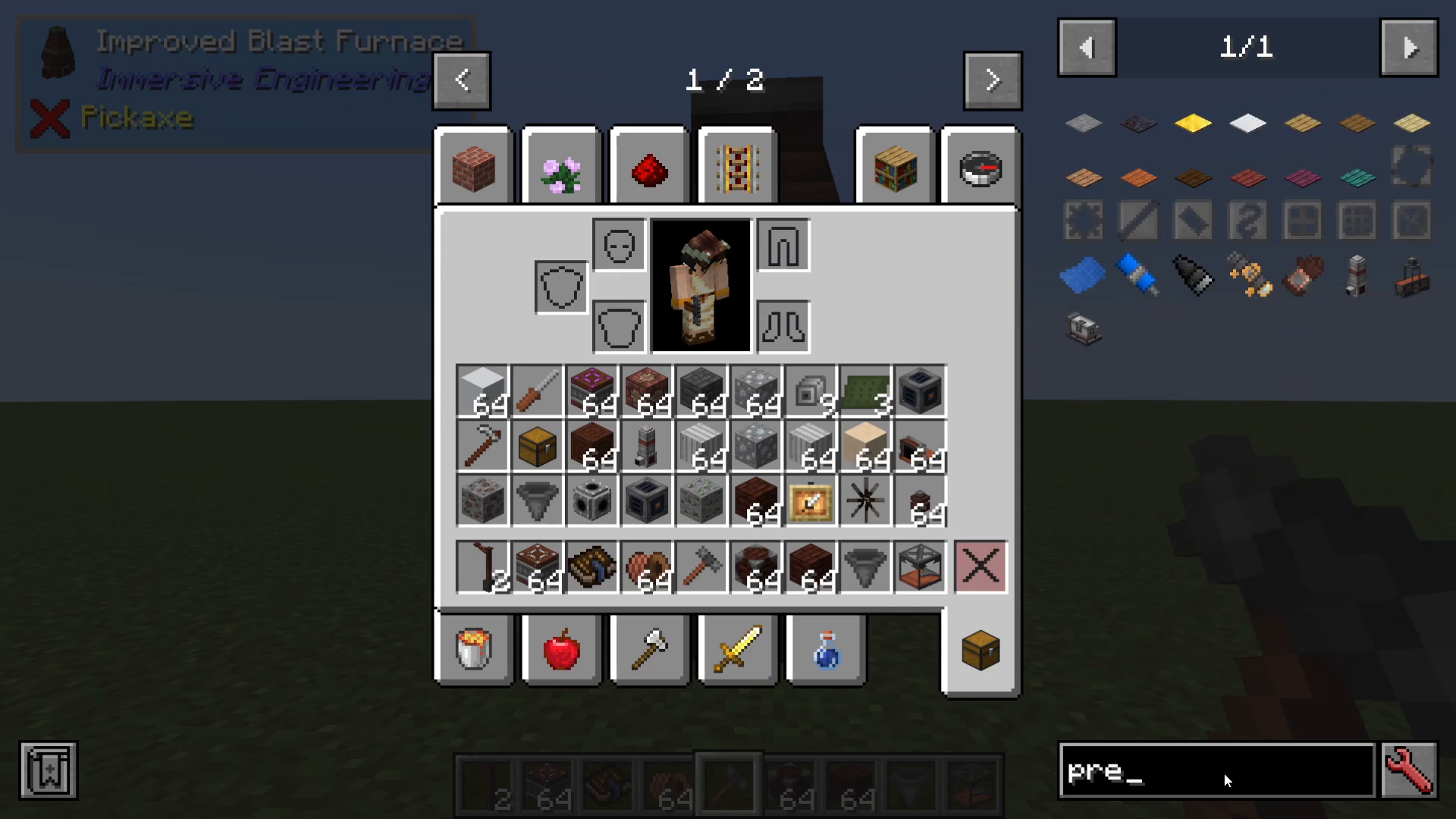
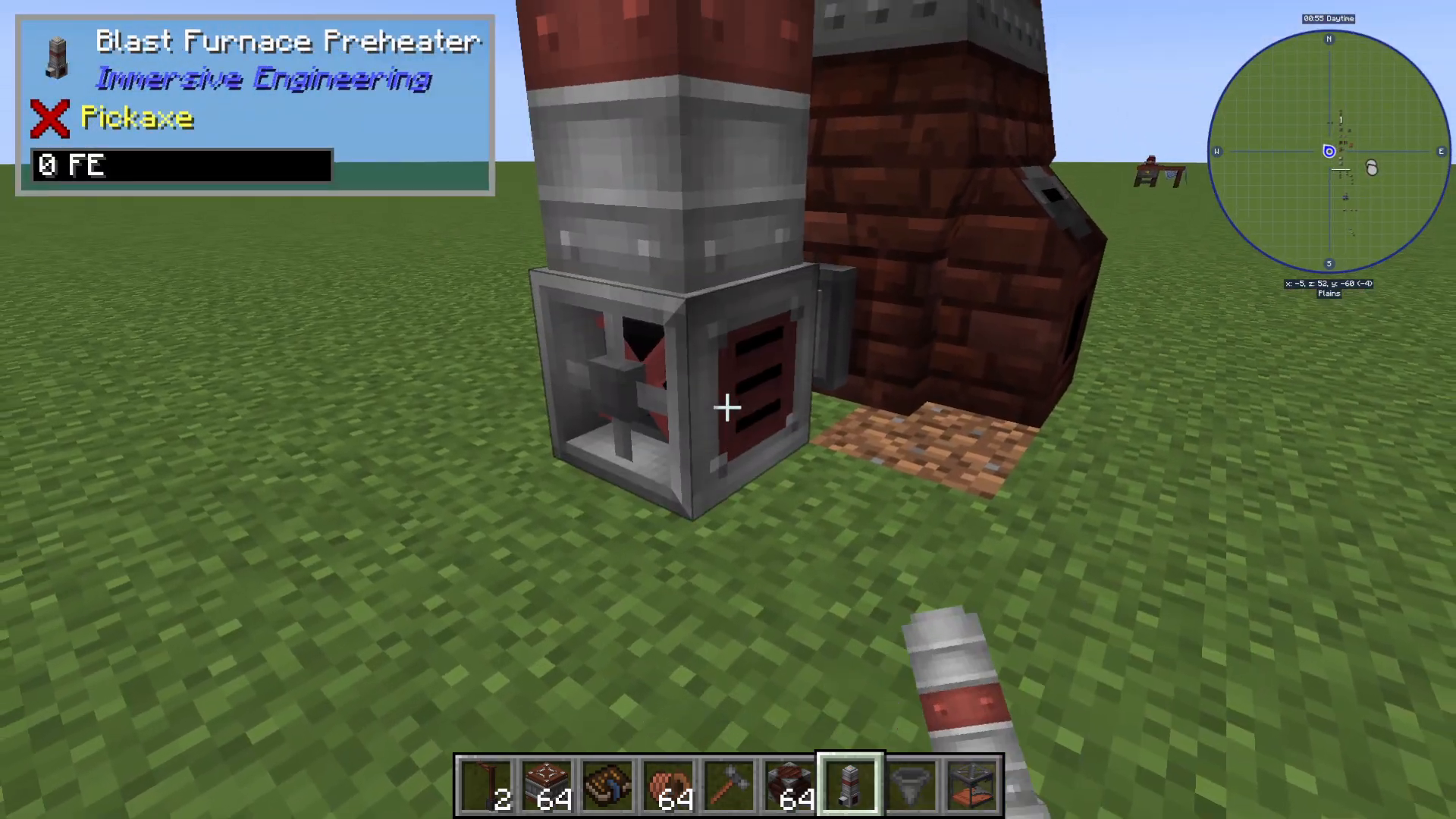
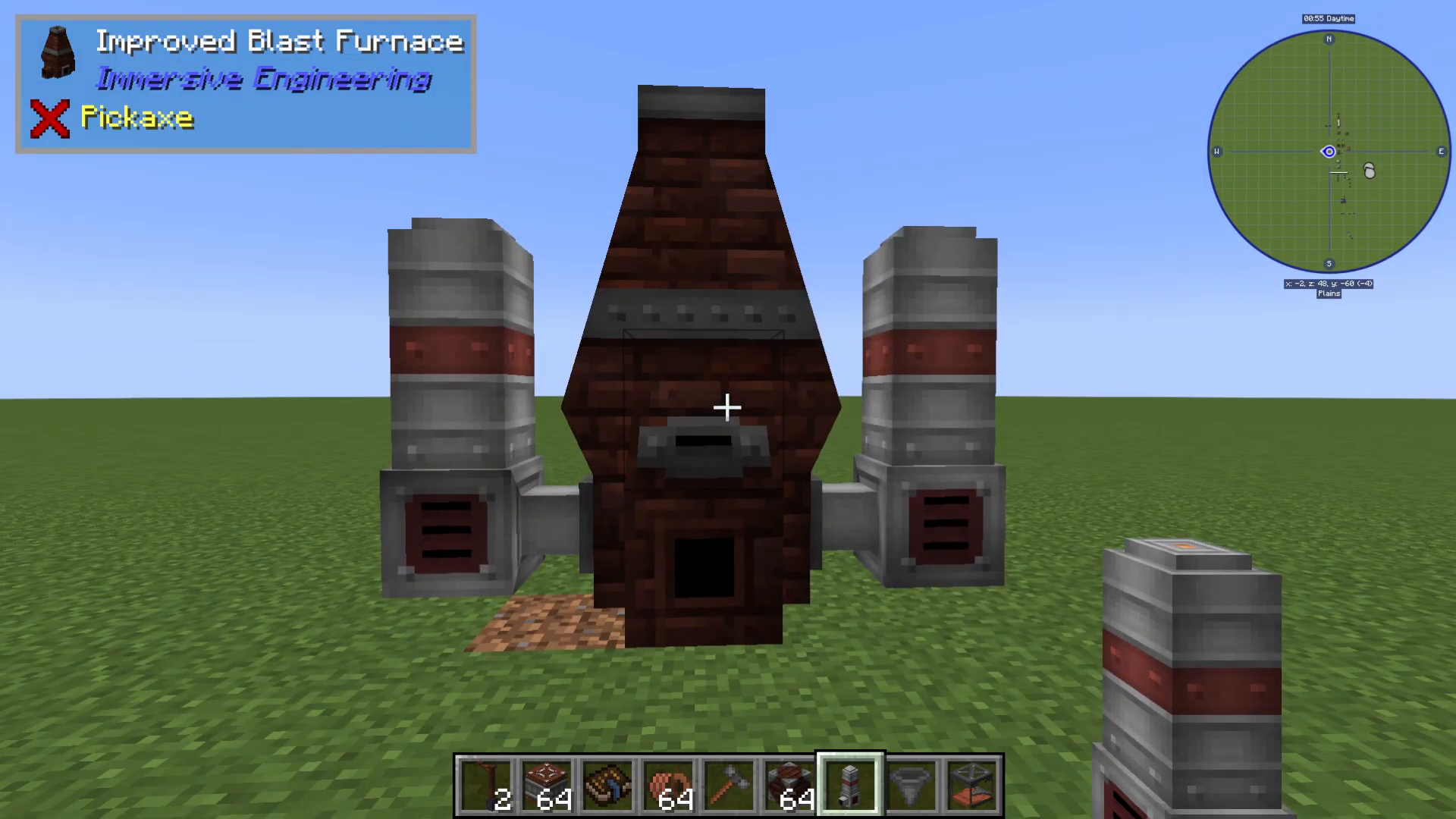
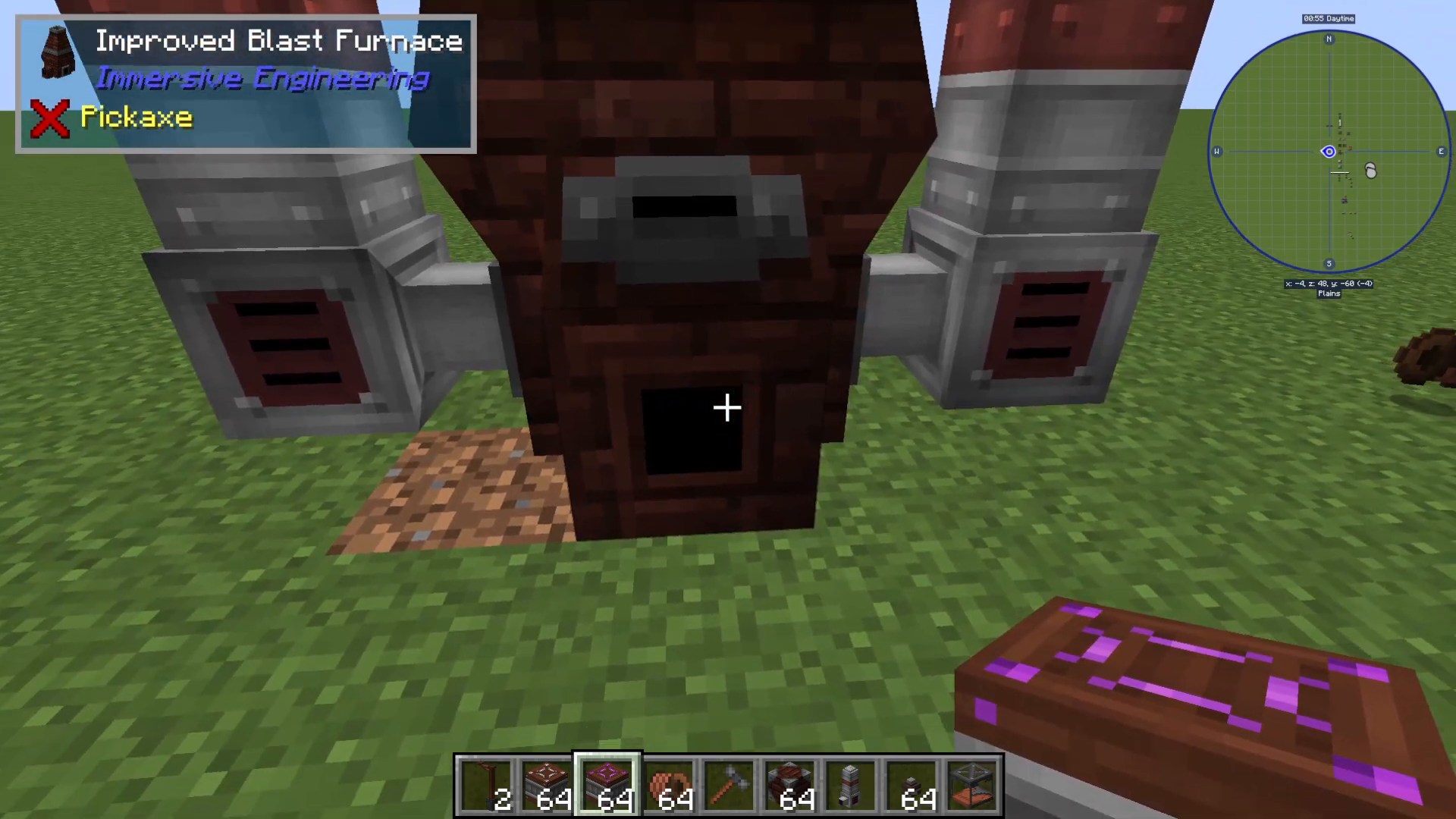
Pre-heaters attach to either side of your improved blast furnace and significantly boost efficiency by heating the furnace. This increases processing speed without requiring the furnace itself to be powered. You can attach up to two pre-heaters (one on each side).
Building Pre-Heaters
Each pre-heater requires:
Iron sheet metal (made from iron plates)
An external heater
A fluid pipe
Shift-click to install each pre-heater on the left and right sides of the furnace.
Powering the Pre-Heaters
While the improved blast furnace itself doesn’t require power, the pre-heaters do. You can power them using Immersive Engineering’s own electrical system or any other mod’s pipes or wires. To use Immersive Engineering’s system:
Place an LV wire connector on top of each pre-heater
Right-click with LV wire coil to connect them to your energy source
Automating Your Improved Blast Furnace
Setting Up Item Output
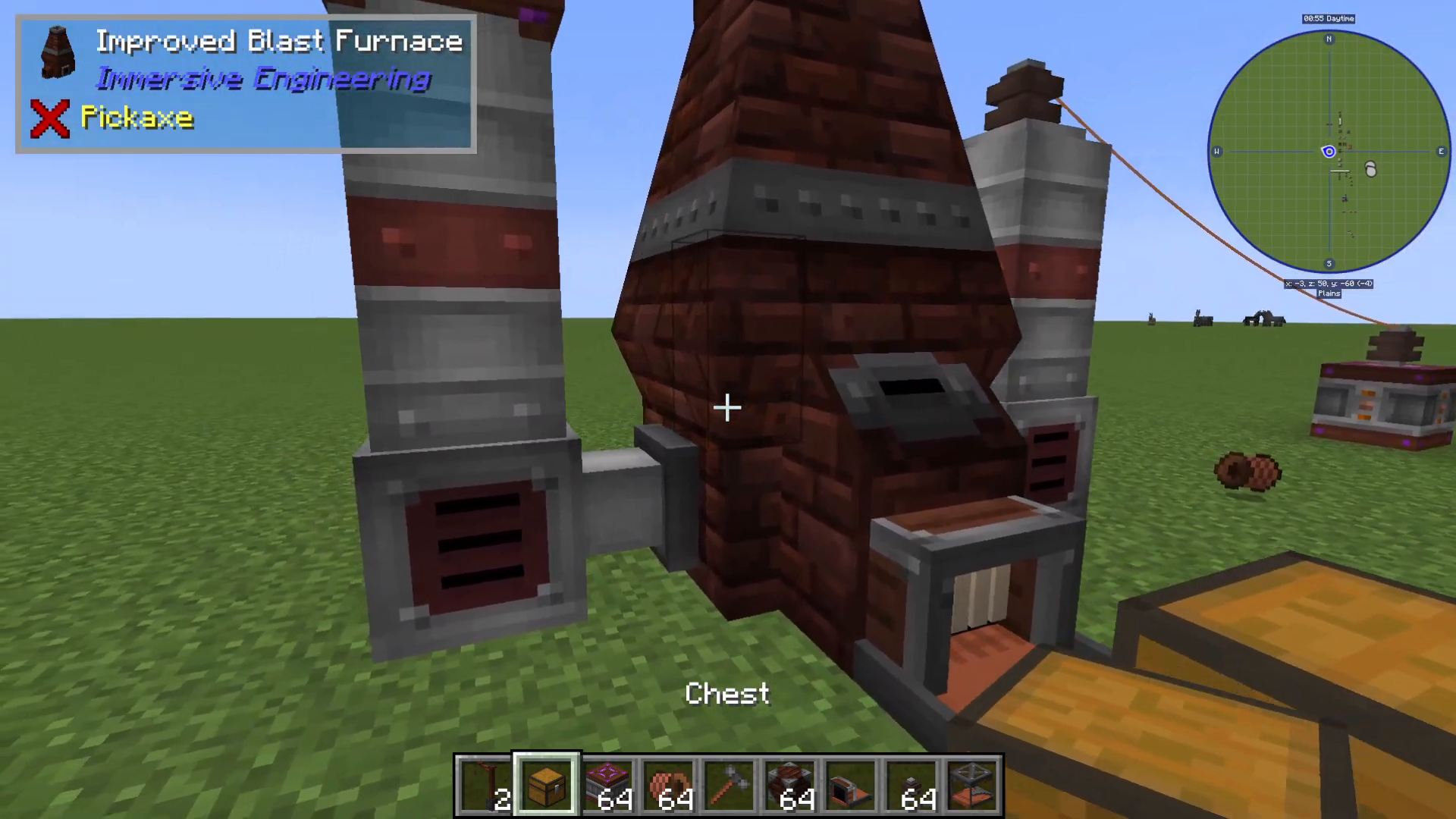
The front of the improved blast furnace outputs steel and slag. To automate collection, place a chest in front and attach an extracting conveyor belt facing outward. This conveyor will automatically pull finished steel from the furnace into your chest.
Handling Slag Output
Slag exits from the back of the furnace. Set up another extracting conveyor belt at the rear, pointing outward toward another storage container.
Automating Item Input
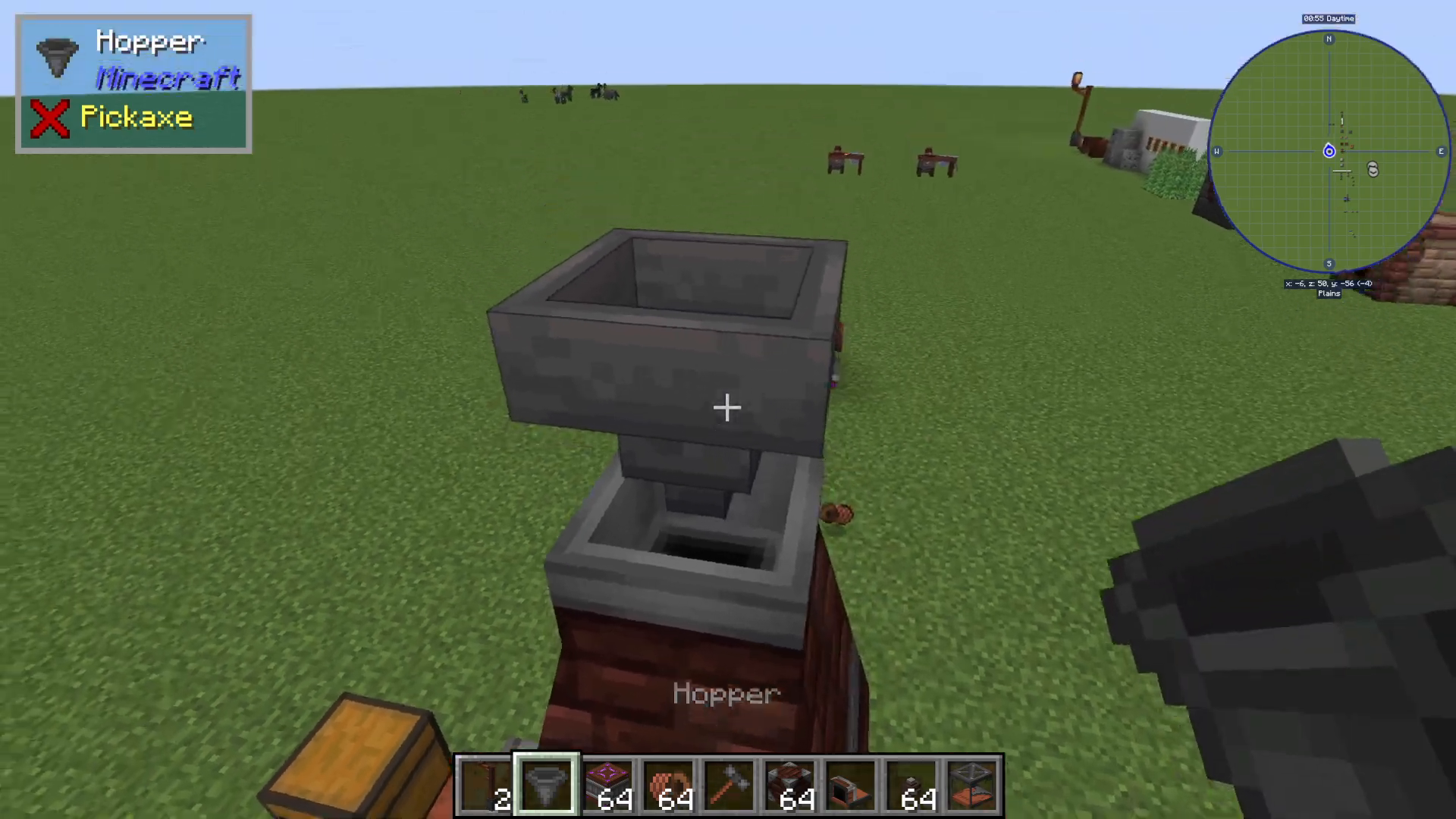
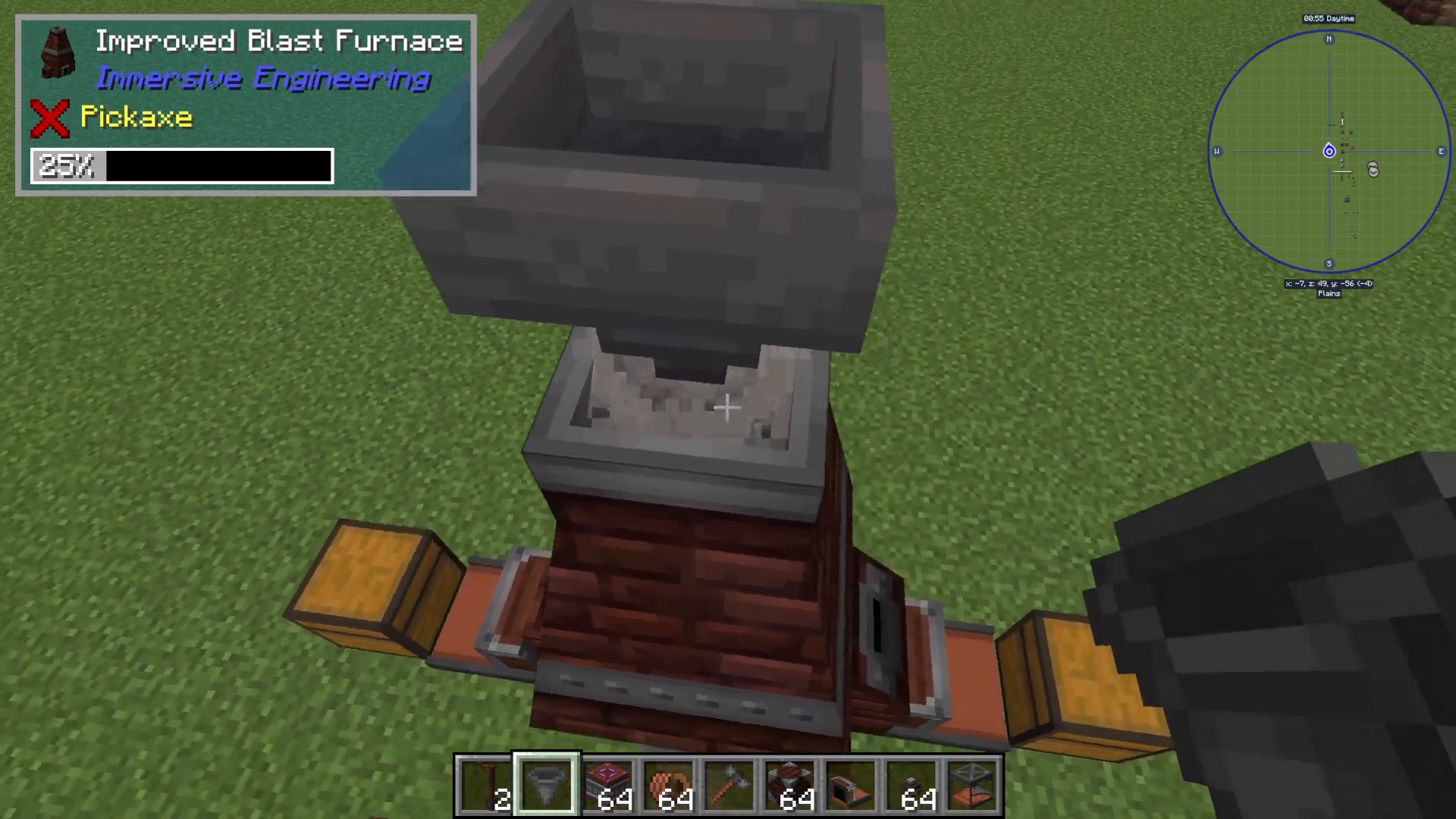
The easiest way to automate input is to place a hopper on top of the furnace. Add both your cold coke blocks and iron ingots to this hopper. The furnace will automatically direct materials to the correct internal slots, processing cold coke first before moving to iron ingots once the fuel is consumed.
Watching It All Work
Once everything is connected, your automated system will run smoothly. You’ll see smoke particles emerging from the furnace and the internal fans visibly spinning—a satisfying visual representation of progress. Steel ingots will automatically travel down the front conveyor belt into your storage, while slag exits the back. The improved blast furnace with pre-heaters processes materials significantly faster than the manual crude version.
Conclusion
You now have a fully automated steel production system using Immersive Engineering’s improved blast furnace! By starting with the crude blast furnace and upgrading to the improved version with pre-heaters, you’ve created an efficient pipeline for steel production that will sustain your progression through the mod. Remember to collect and repurpose your slag—it’s a valuable resource for crafting high-voltage wire relays down the line.
— Want to Support? —
If you would like to help us continue making these guides – please consider joining our patreon here – https://www.patreon.com/c/JaviHeals
Alternatively – we host a group of MC Servers you can join here – https://discord.gg/zD7Gjt6MHF