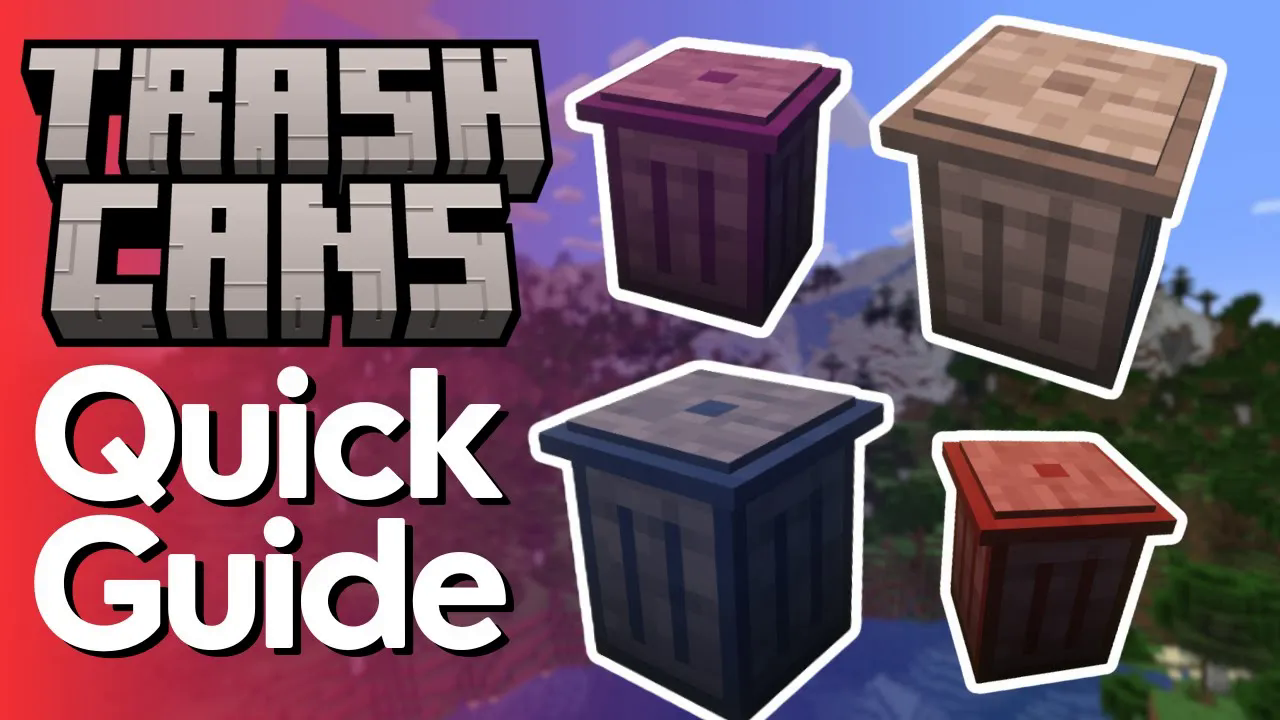
Trash Cans Complete Tutorial
Trash Cans Mod Tutorial: Void Items, Fluids & Energy in Minecraft
The Trash Cans mod is one of the simplest yet most useful mods you can add to any modded Minecraft playthrough. Whether you’re running a farm that produces too much output, need to dump unwanted items, or want to dispose of excess fluids and energy, this mod has you covered. In this guide, we’ll walk through every trash can type — item, fluid, and energy — including how to use filters and the powerful Ultimate Trash Can.
The Item Trash Can
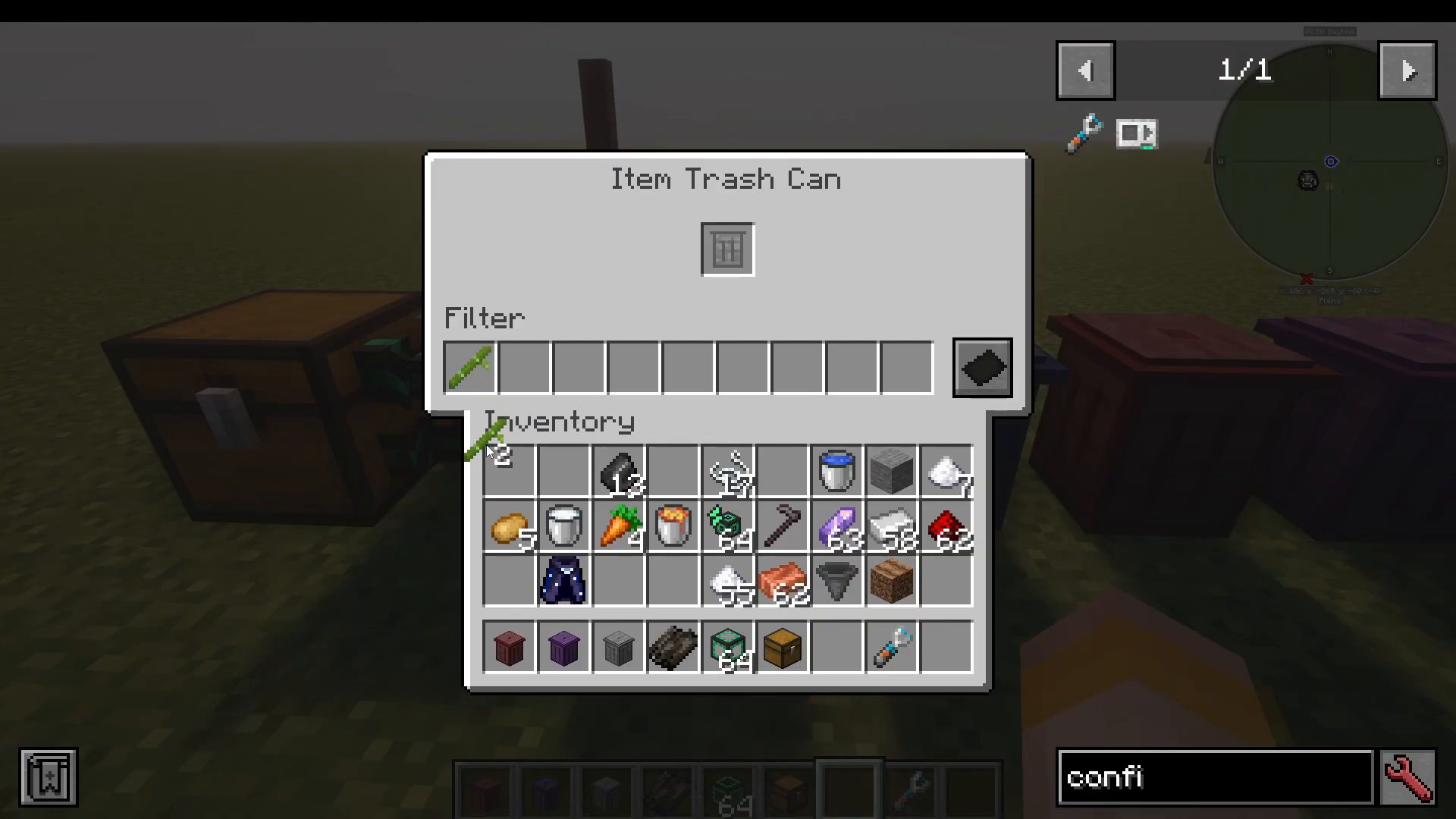
The Item Trash Can is the first and most straightforward block in the mod. It is very easy to craft and serves one core purpose: permanently voiding items you no longer need. Simply right-click the block to open its interface. You’ll see an item slot at the top where you can place any item stack — drop in a stack of white wool, for example, and it is instantly and permanently deleted.
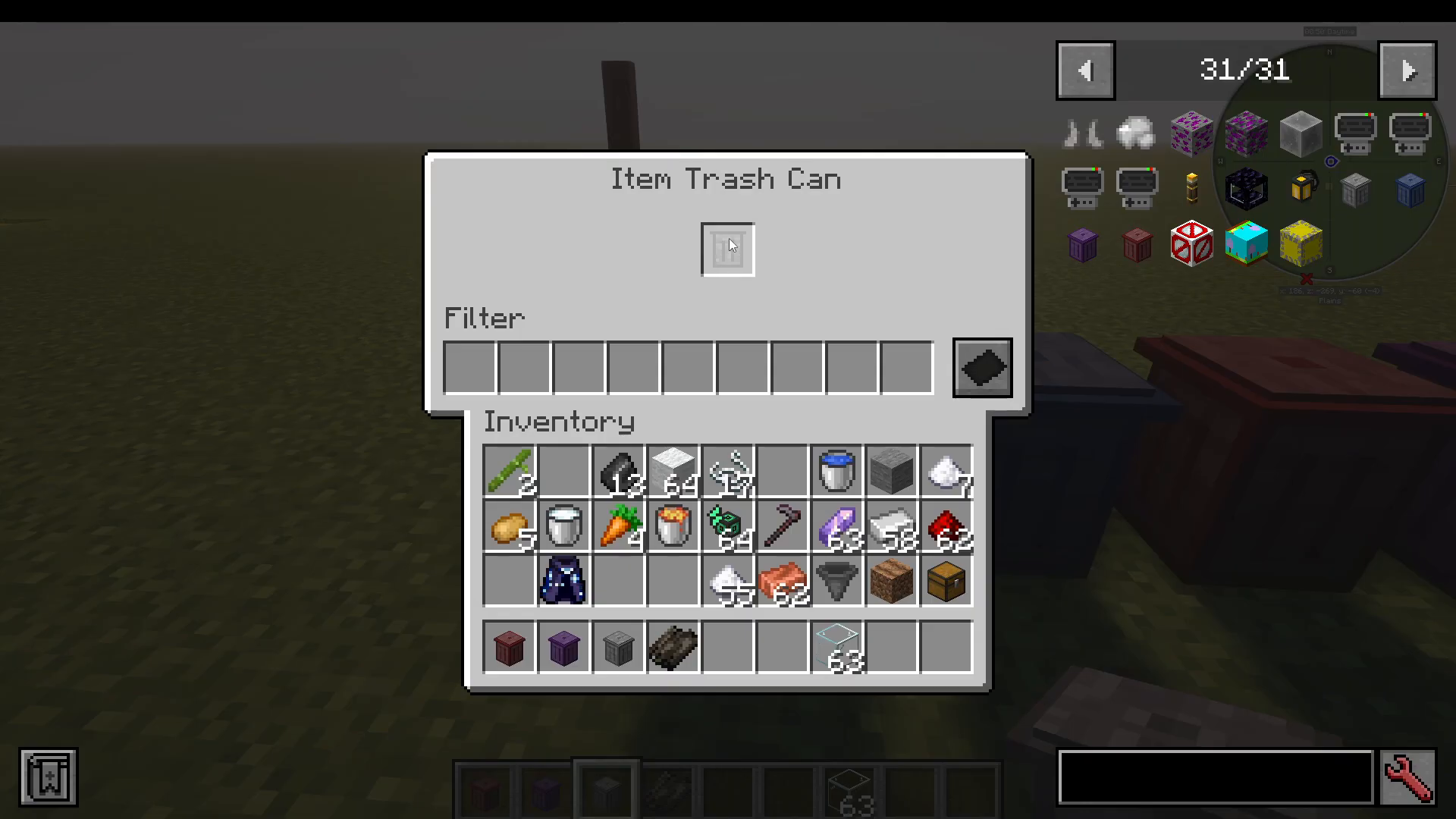
This makes the Item Trash Can especially valuable for automated farms on servers, where unwanted byproducts can pile up quickly. The real power, however, comes from its compatibility with other mods.
Piping Items Directly Into the Trash Can
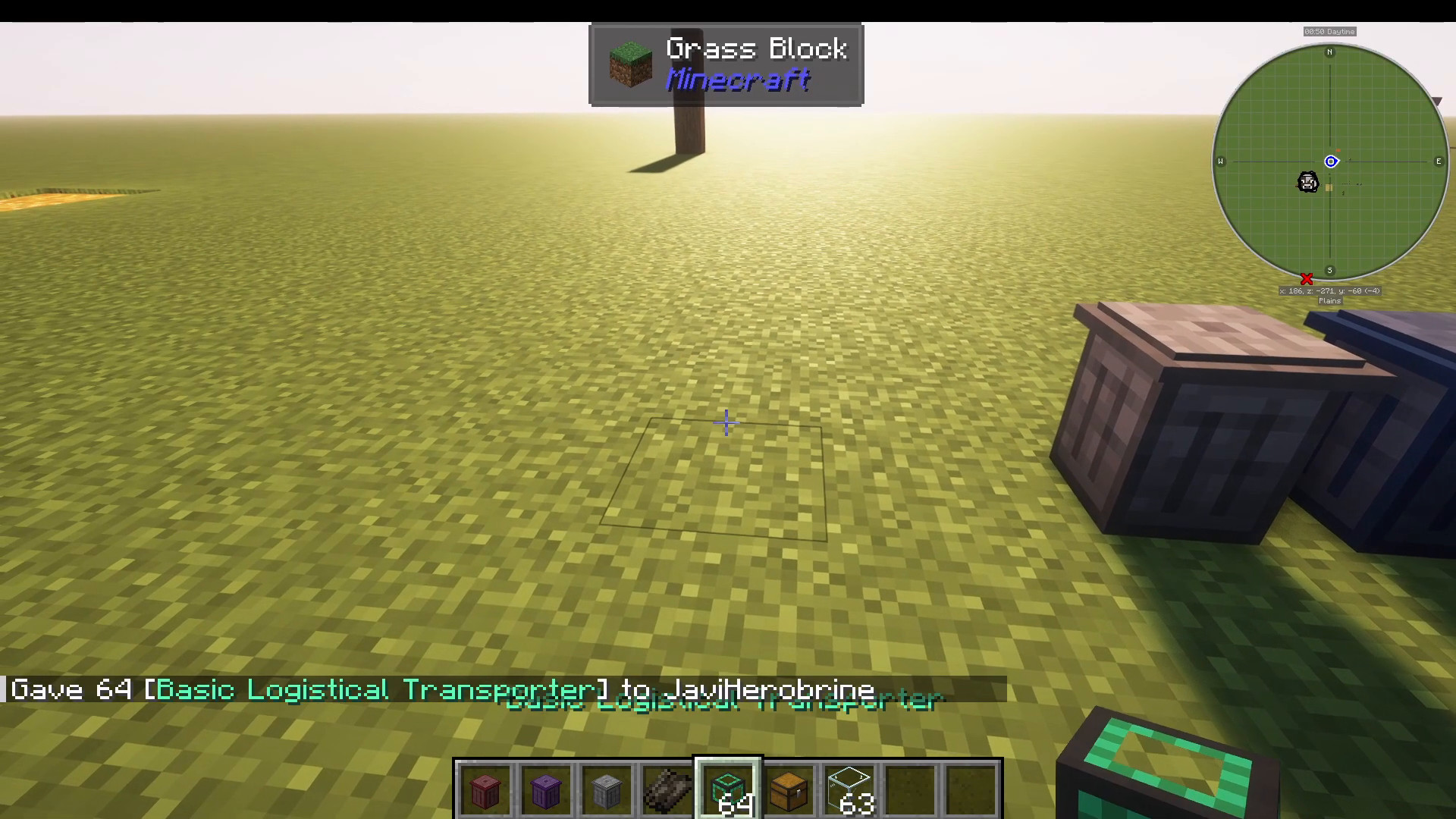
The Item Trash Can will accept input from virtually any mod’s transport system. For example, you can attach a Logistical Transfer Pipe from Mekanism to a chest and pipe items straight into the trash can. Items placed into the connected chest — such as glass — will automatically flow into the trash can and be voided. This compatibility is what makes the mod so versatile in complex modpack setups.
Using Filters on the Item Trash Can
The Item Trash Can also supports a filter system with up to nine filter slots, giving you precise control over what gets voided. Filters can be set to either blacklist or whitelist mode:
Blacklist: All items are voided except the ones listed in the filter. For example, adding bamboo to a blacklist will allow glass to be voided but bamboo will be left alone.
Whitelist: Only the items listed in the filter will be voided. Adding bamboo to a whitelist means only bamboo gets deleted, and everything else passes through untouched.
The Fluid Trash Can
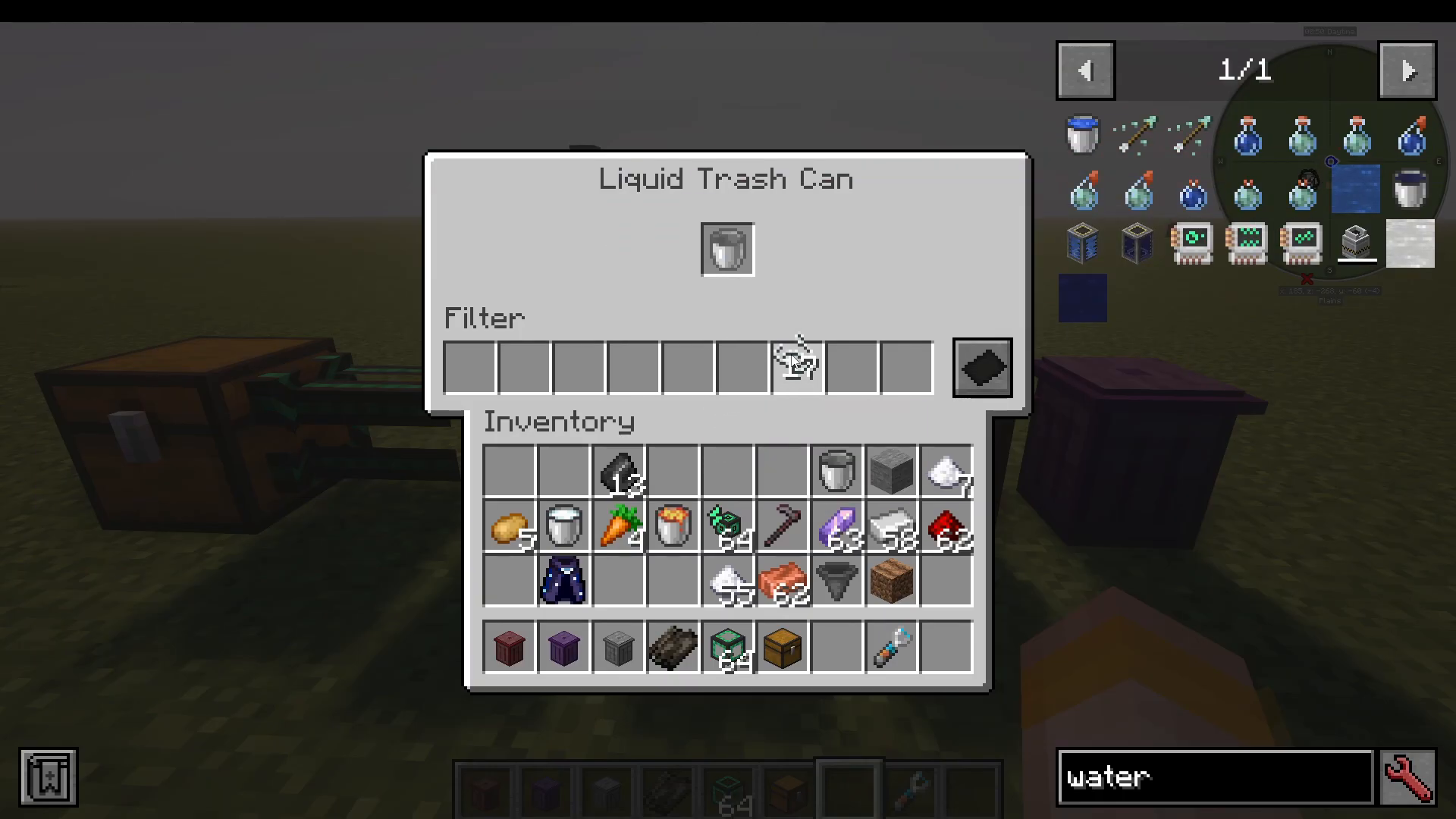
The Fluid Trash Can works on the same principle as the item version but is designed specifically for liquids. To use it manually, simply place a bucket of water into the interface — the bucket will be returned to you empty, and the water will be permanently voided. This is an excellent way to drain fluid tanks quickly without needing a dedicated output system.
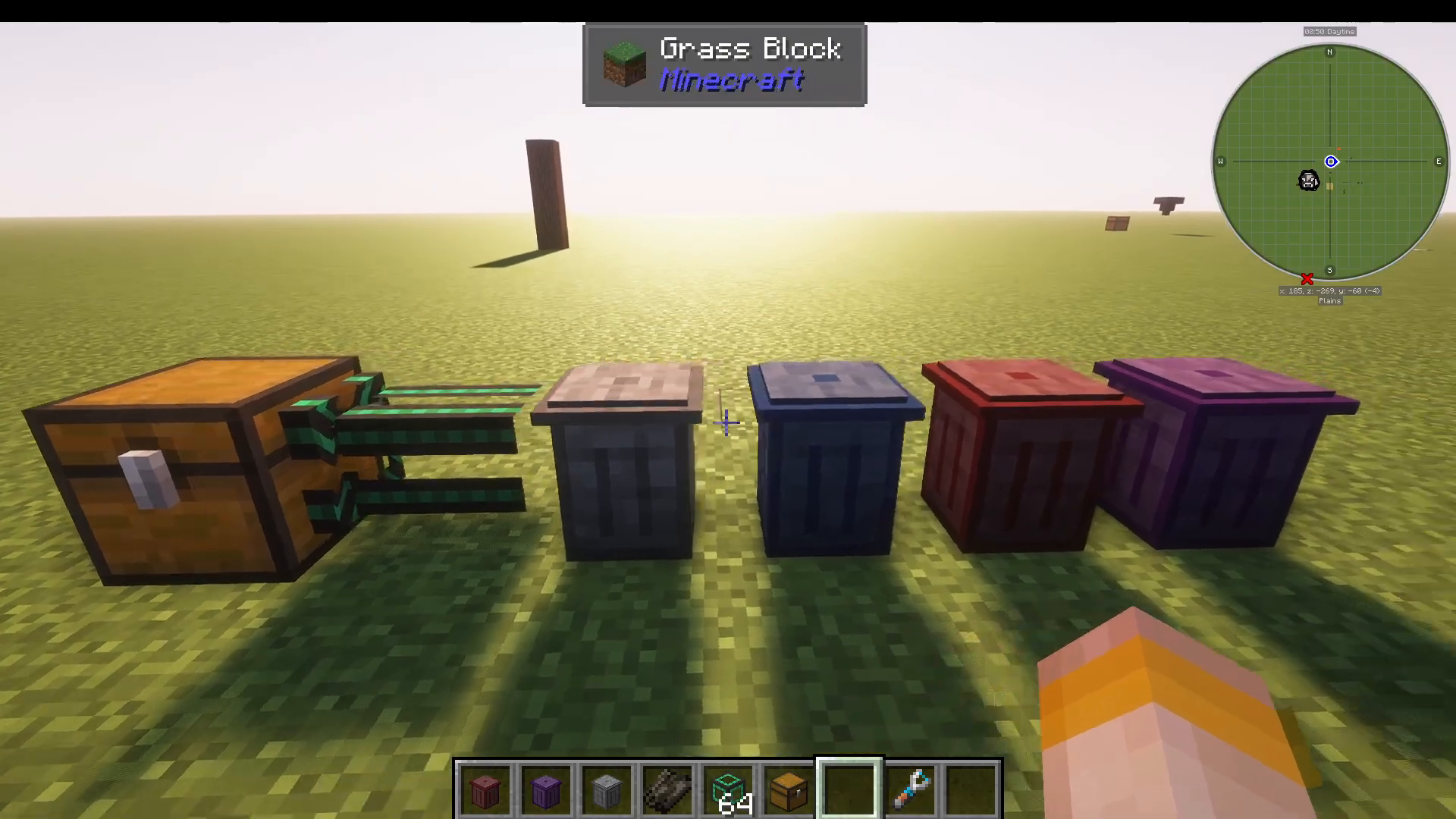
Like the Item Trash Can, the Fluid Trash Can can also accept input from any fluid-pumping system, making it easy to automate fluid disposal. It also supports the same blacklist and whitelist filter options.
Using Just Enough Items (JEI) With the Fluid Trash Can
If you have Just Enough Items (JEI) installed, you can use it to add fluids to the filter directly from the JEI interface. Click on the fluid entry (such as water) in JEI to add it to the filter slot. Note that you cannot drag fluids directly into the filter, but you can drag in fluid containers such as buckets, creative pipes, or tanks — the mod will correctly recognise the fluid inside them. Alternatively, if you already have the bucket in your inventory, you can click it straight into the filter slot to set up your whitelist or blacklist.
The Energy Trash Can
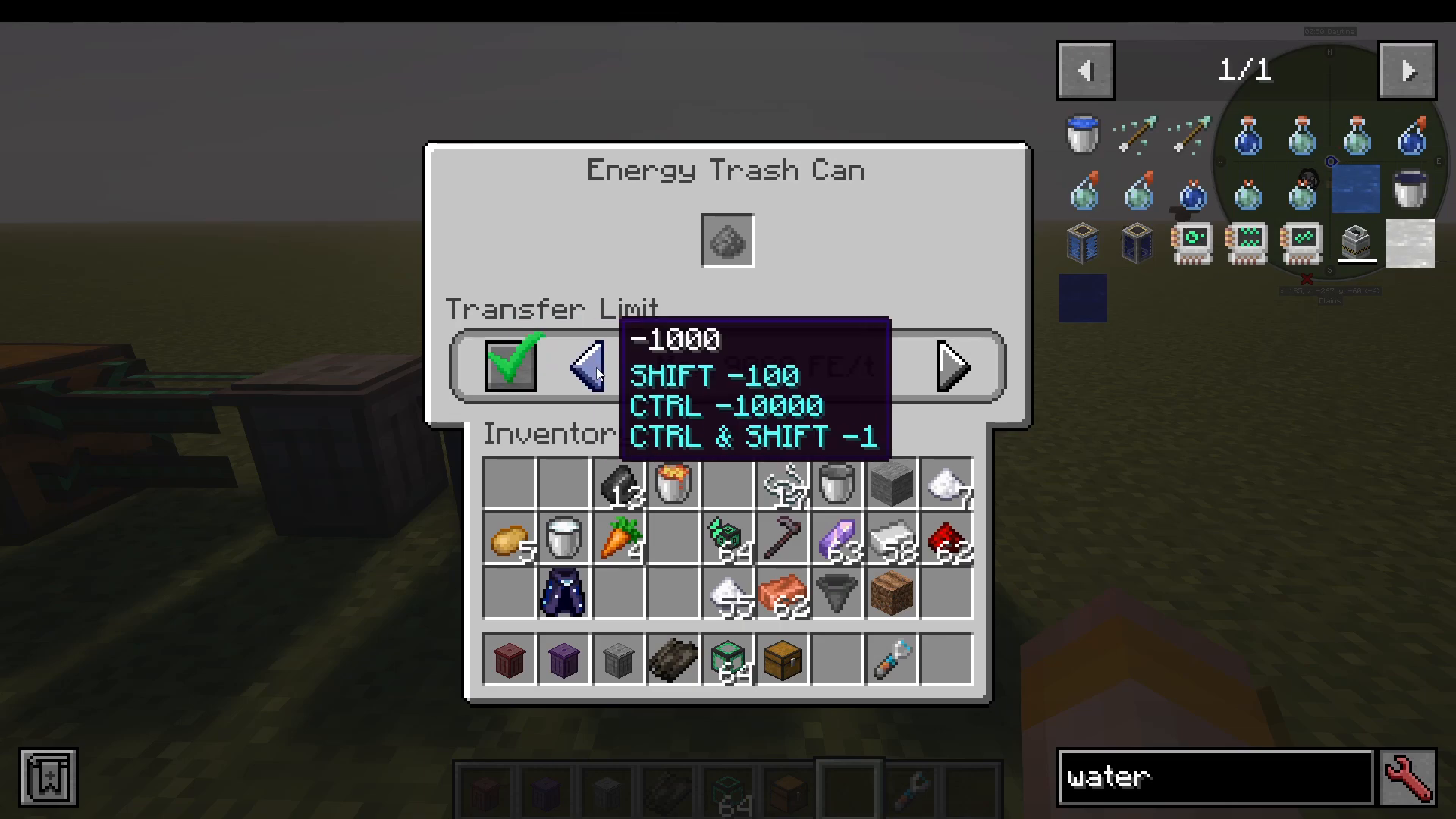
The Energy Trash Can allows you to void excess Forge Energy (FE), which can be useful when testing power systems or when a generator is producing more energy than your base can store. You can connect any energy cable to the trash can and it will passively drain energy into the void.
The Energy Trash Can also lets you set a limit on how much energy is voided at a time. Use the following controls to adjust the limit:
Shift-click: Adjust the value in increments of one.
Control-click: Adjust the value in increments of 100.
This gives you fine-tuned control, for example if you only want to void a specific amount of energy while testing machinery or balancing your power network.
The Ultimate Trash Can
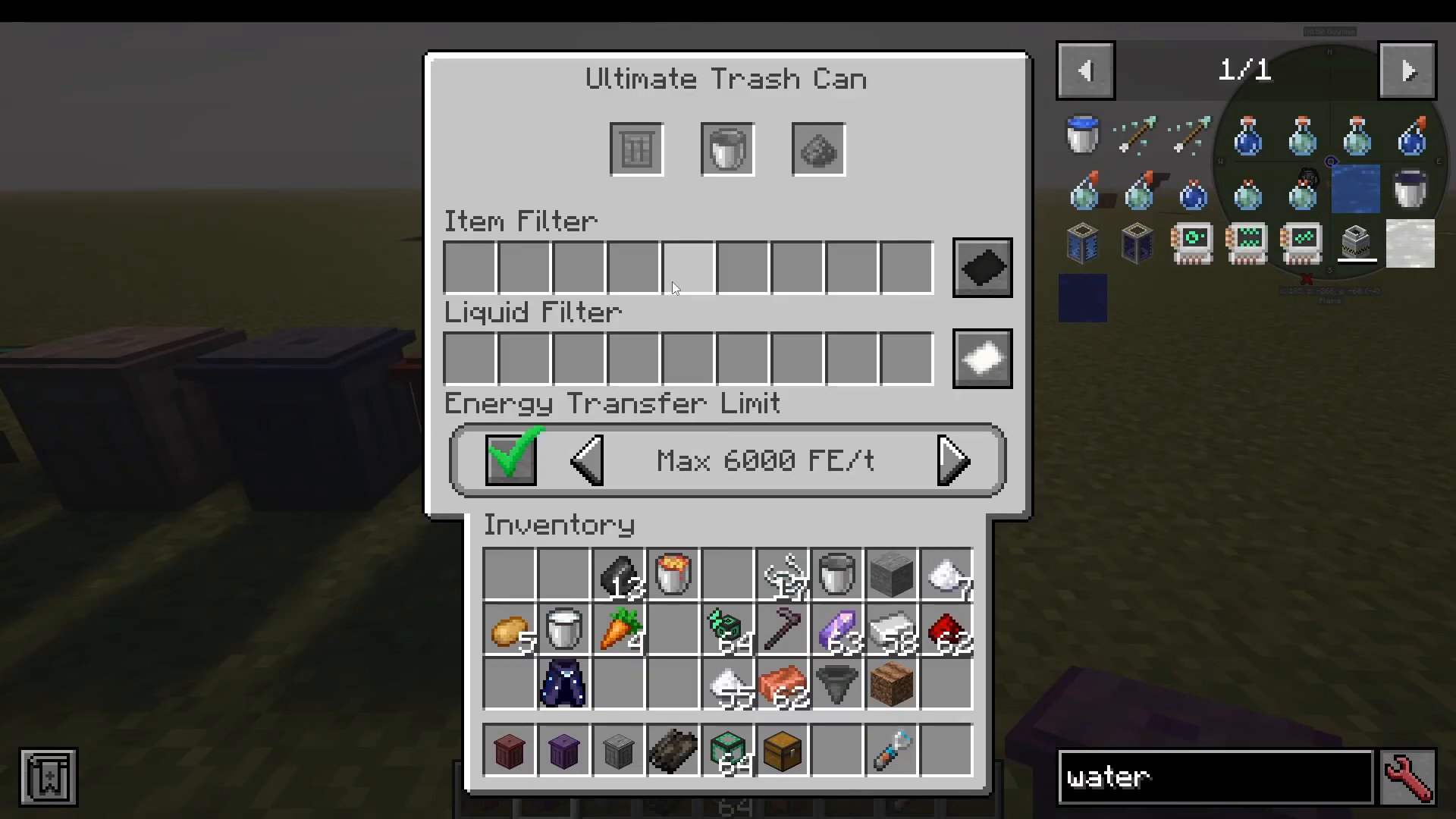
The Ultimate Trash Can is crafted by combining all three trash can types together into a single, all-in-one block. It can void items, fluids, and energy simultaneously, and it includes separate filter tabs for each type — item filters, liquid filters, and energy filters — all accessible from one interface. If you want to keep your build clean and compact, the Ultimate Trash Can is the go-to solution.
Summary
The Trash Cans mod is a compact, highly compatible, and beginner-friendly utility mod that solves one of the most common problems in modded Minecraft: getting rid of unwanted items, fluids, and energy efficiently. Here’s a quick recap of what each block does:
Item Trash Can: Voids items manually or via any item pipe, with blacklist/whitelist filter support.
Fluid Trash Can: Voids liquids manually or via pumps, with JEI integration and filter support.
Energy Trash Can: Voids Forge Energy with an adjustable rate limit.
Ultimate Trash Can: Combines all three into one block with full filter support for each category.
Whether you’re automating a massive farm, tidying up a power network, or just keeping your inventory clean, the Trash Cans mod is an essential addition to any modded Minecraft world.
“`