Sophisticated Backpacks Mod Tutorial
Sophisticated Backpacks Mod: Complete Tutorial Guide
The Sophisticated Backpacks mod is one of the most feature-rich storage mods available for Minecraft. Whether you want a simple portable inventory or a fully automated item-management system, this mod has you covered. In this guide, you’ll learn everything — from crafting each backpack tier to installing the most powerful upgrades available.
Backpack Tiers: From Basic to Netherite
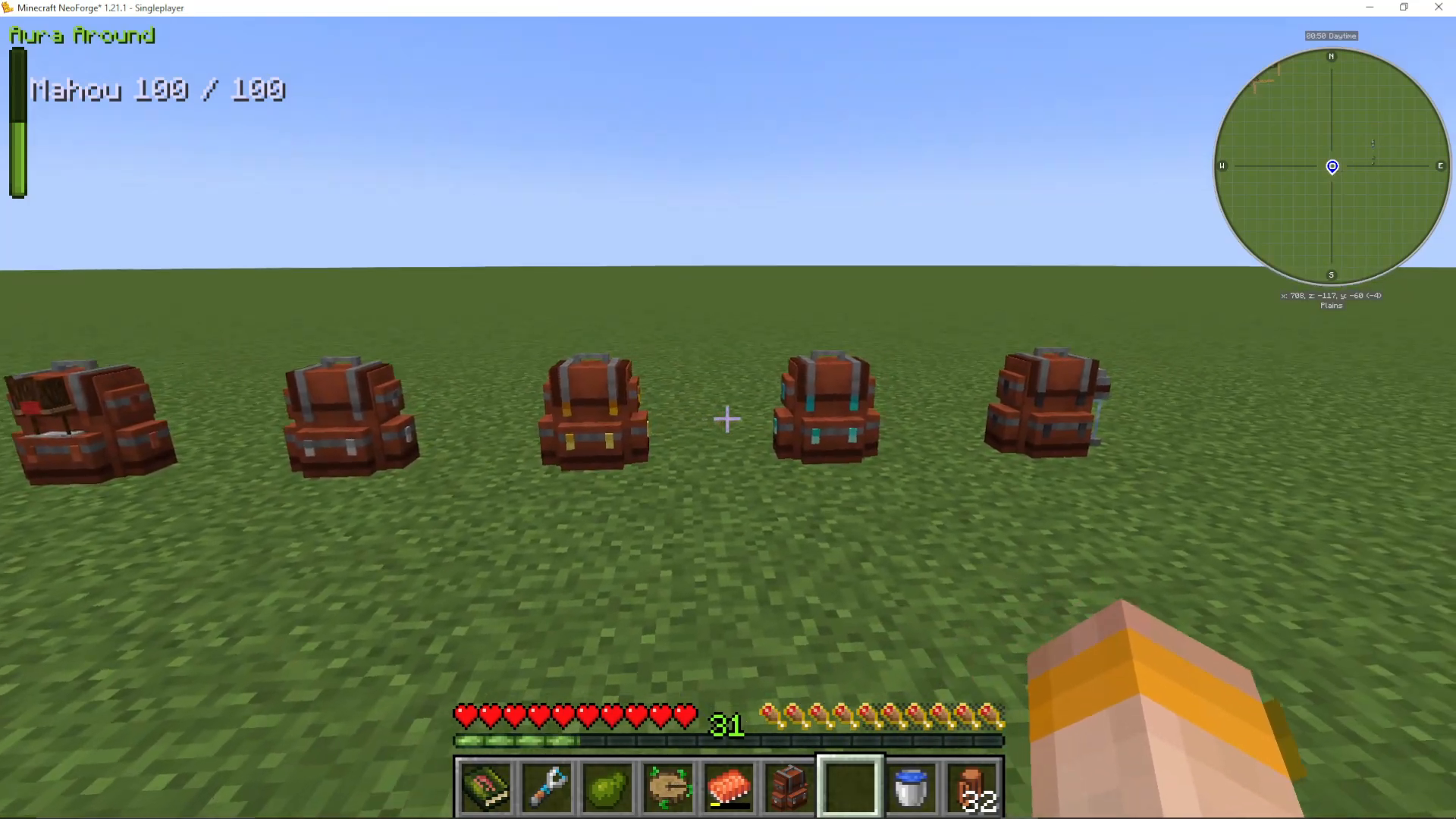
The mod offers six backpack tiers, each providing progressively more storage space and upgrade slots. The available tiers are:
Backpack (Basic) — 3 rows of storage, 1 upgrade slot
Iron Backpack — 6 rows of storage
Copper Backpack — an alternative variant at a similar tier
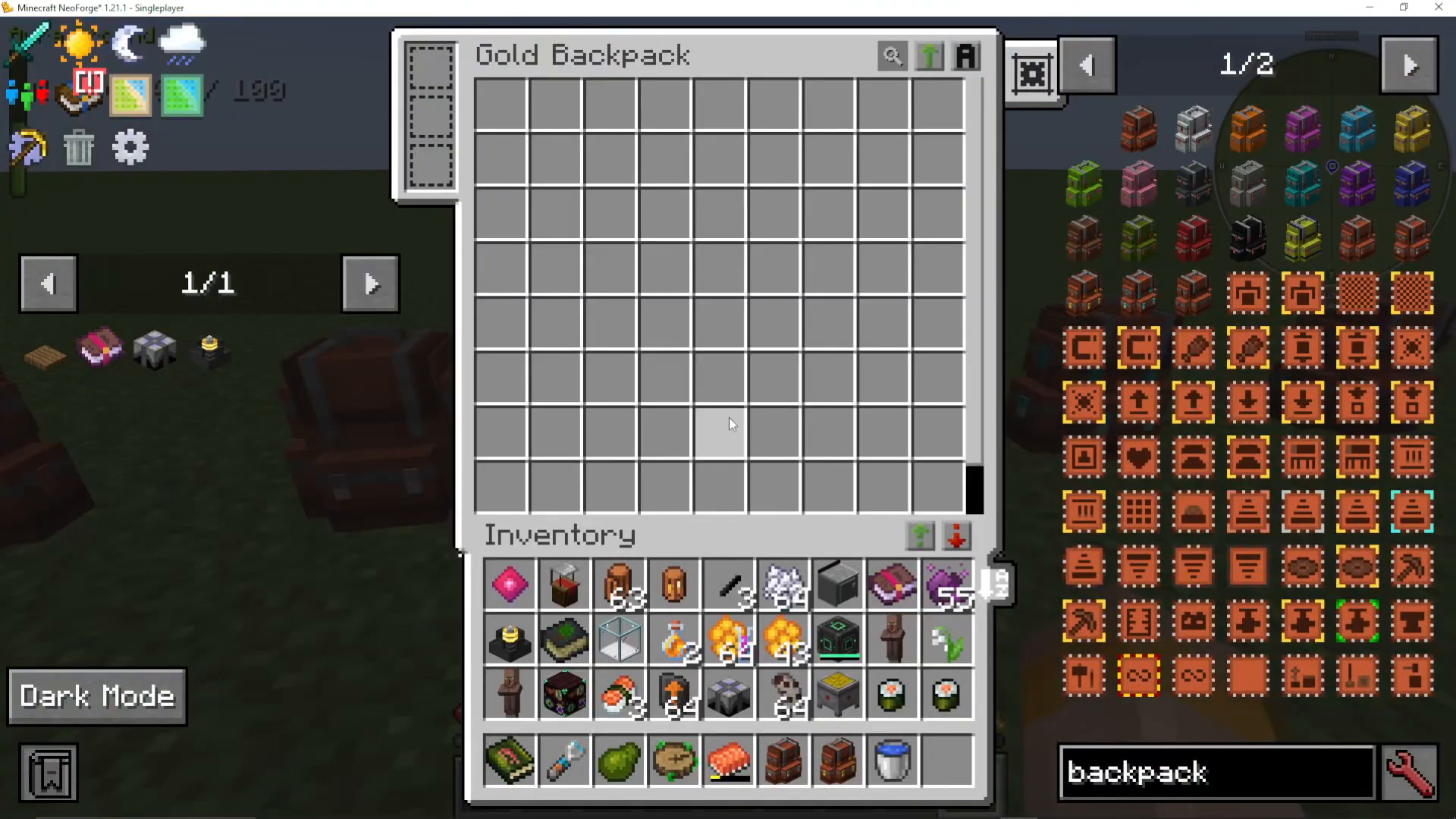
Gold Backpack — significantly more storage with a scroll bar
Diamond Backpack — even larger, with many upgrade slots
Netherite Backpack — the largest tier with the most upgrade slots available
How to Craft and Upgrade Each Tier
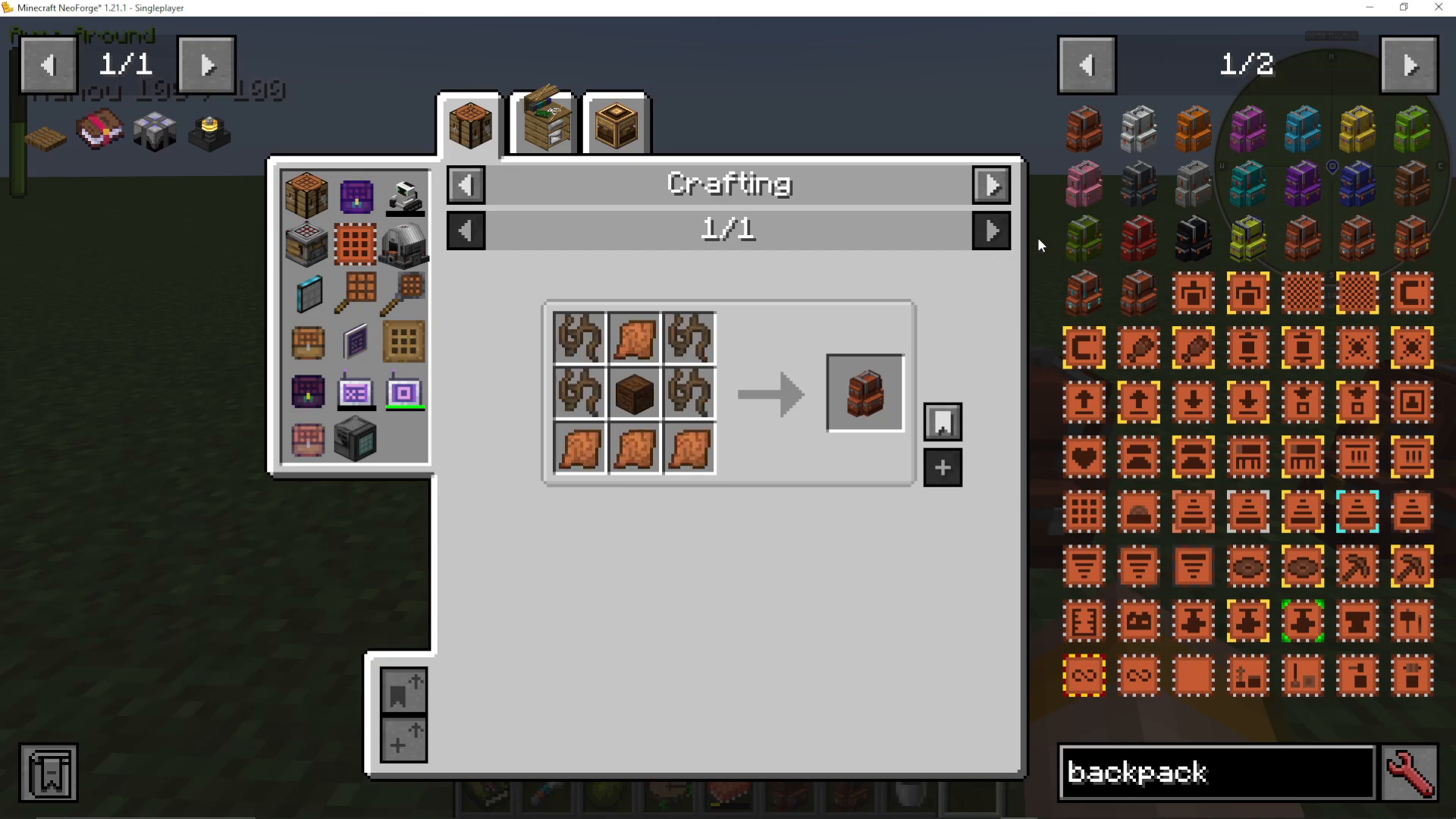
To craft the basic backpack, you need string and leather arranged in the standard recipe. To upgrade to the next tier, place your existing backpack in the crafting grid and surround it with the appropriate material:
Basic → Iron: surround with iron ingots
Iron → Gold: surround with gold ingots
Gold → Diamond: surround with diamonds
Diamond → Netherite: use a smithing template for equipment and a netherite ingot in the smithing table
Dyeing Your Backpack
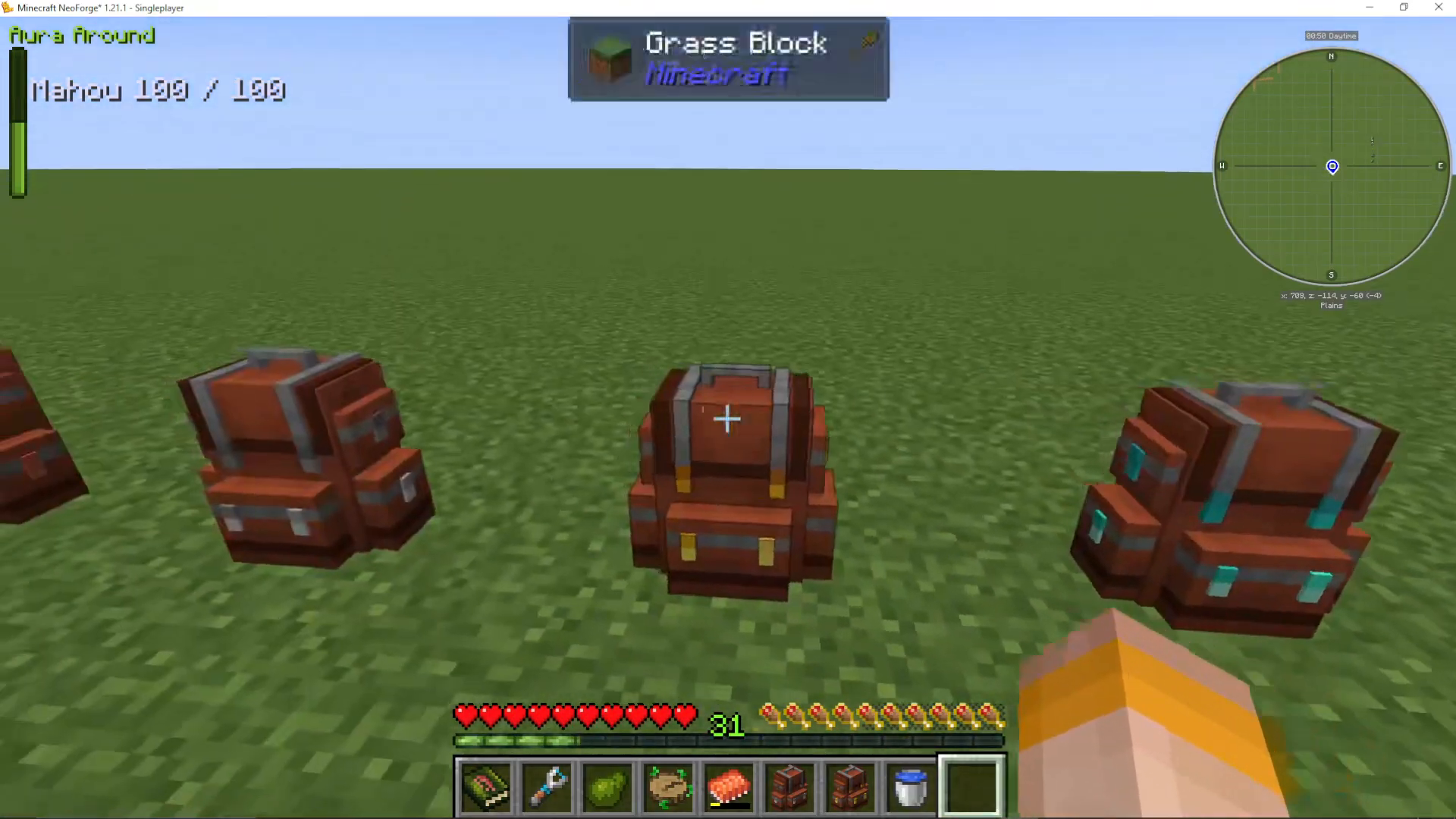
You can change the color of any backpack by combining it with a dye of your choice in a crafting grid. This is purely cosmetic but makes it easy to tell your backpacks apart at a glance.
Understanding the Backpack Interface
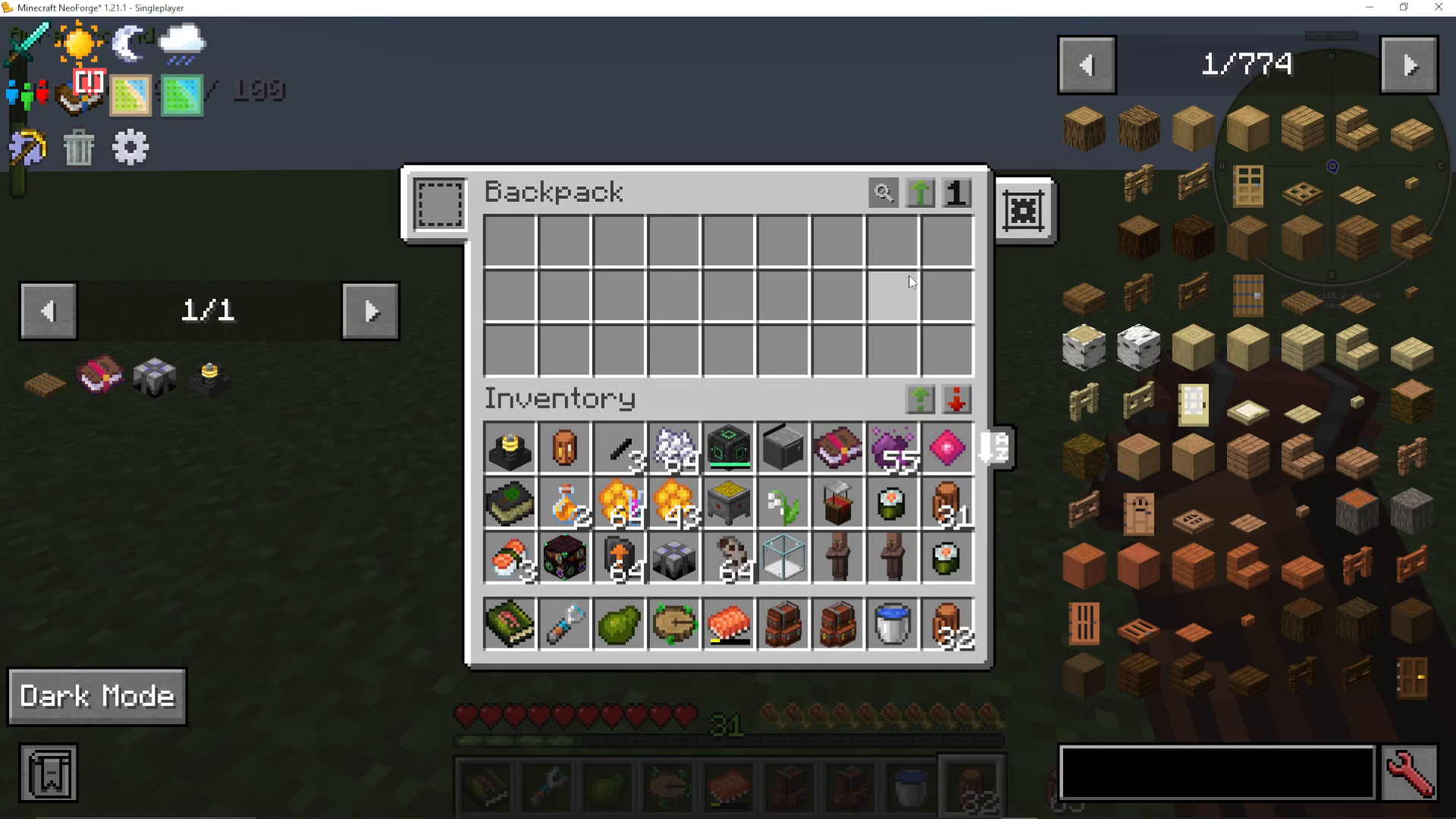
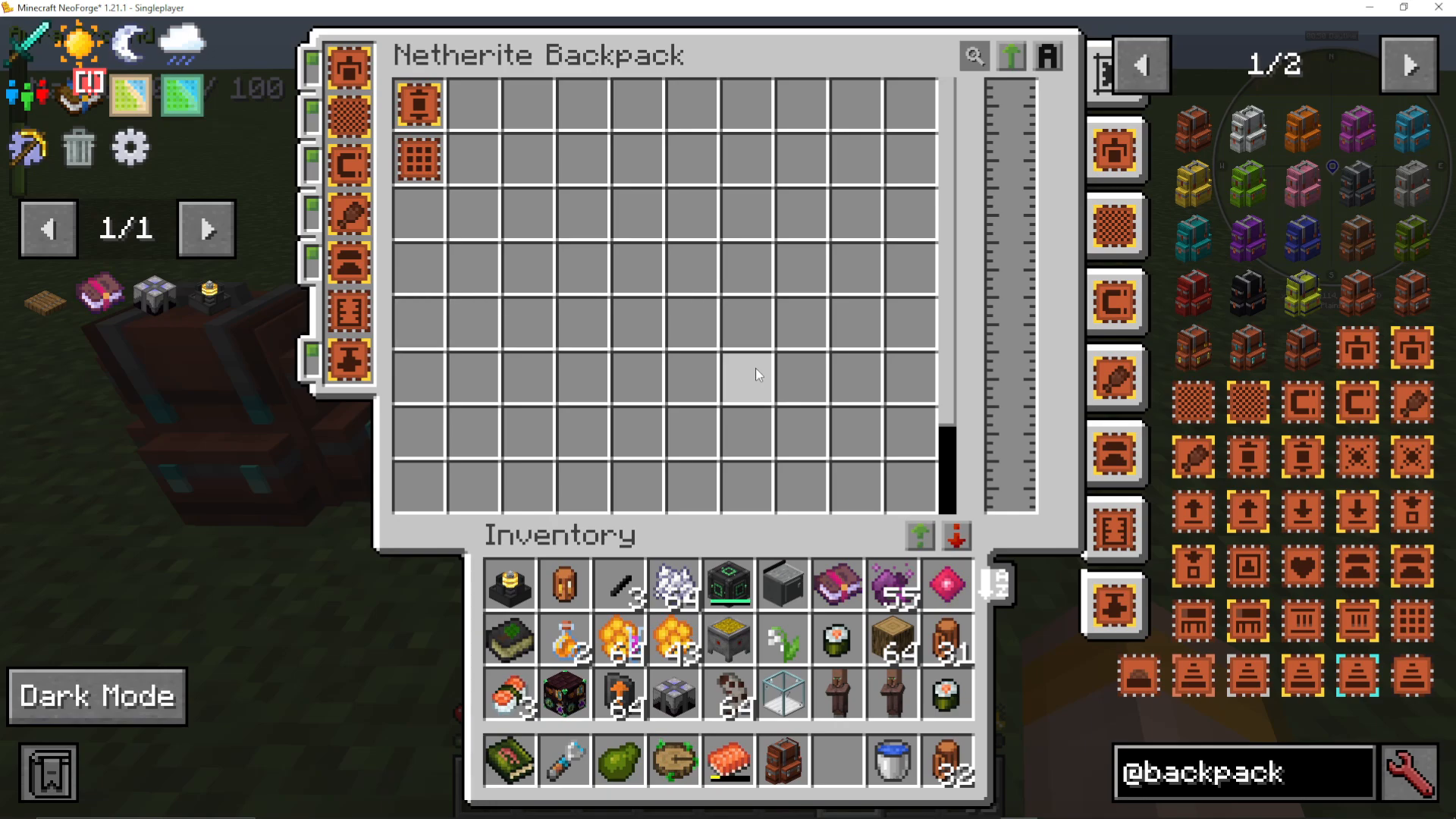
Opening any backpack reveals a consistent UI layout. Upgrade slots appear on the left side, your item storage fills the center, and backpack settings appear on the right side. The interface also includes a search bar at the top so you can quickly locate items stored inside.
Sorting and Transferring Items
The backpack UI gives you several powerful sorting and transfer options:
Sort inventory — organizes items automatically
Sort by mod or sort by tags — alternative sorting methods
Shift-click to transfer everything — moves all items between your inventory and the backpack at once
Transfer matching items — only moves items into the backpack that are already present inside it, leaving everything else untouched
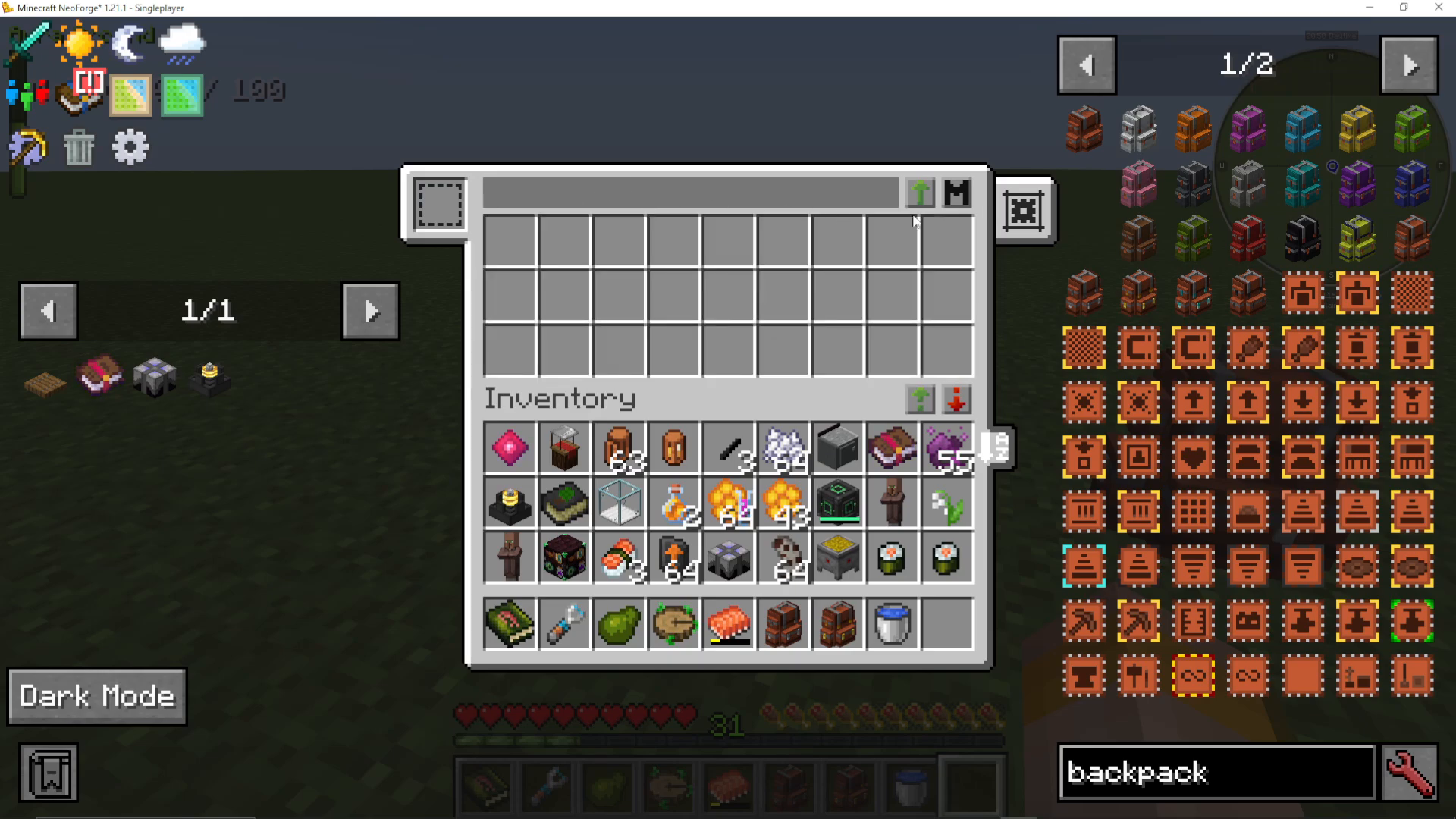
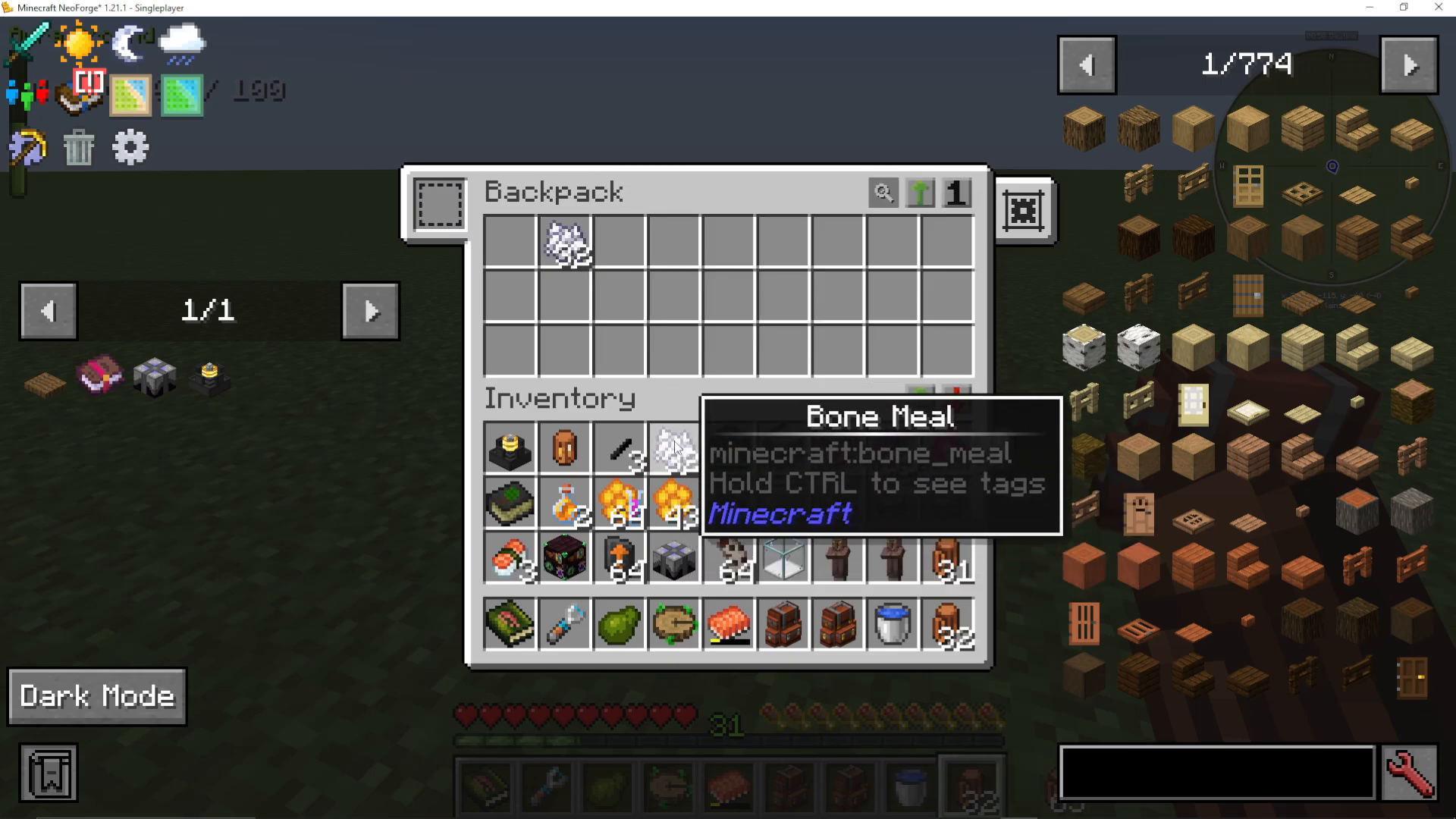
The transfer matching feature works in both directions. For example, if you have Bonemeal in your backpack and more Bonemeal in your inventory, clicking Transfer Matching to Storage will move only the Bonemeal across, leaving all other items where they are. Note that compatibility with items from certain third-party mods may occasionally be limited — this is typically the other mod’s issue rather than a Sophisticated Backpacks bug.
Backpack Settings Explained
The settings panel on the right-hand side of the backpack UI gives you fine-grained control over how each backpack behaves. Settings can be applied to all backpacks and storages globally, or scoped to only the current backpack.
Key Settings Options
Shift-click to inventory first — when shift-clicking an item, the mod will first try to place it in your inventory or storage, and only then into an open tab
Remember last open tab — on closing the GUI, the backpack remembers which upgrade tab (e.g., crafting table) was open last, and reopens it automatically next time
Keep search phrase — retains whatever you typed in the search bar between openings; can be disabled if preferred
Allow other players to open your backpack — toggle whether other players can access your backpack, including while you are wearing it
No-Sort Slots
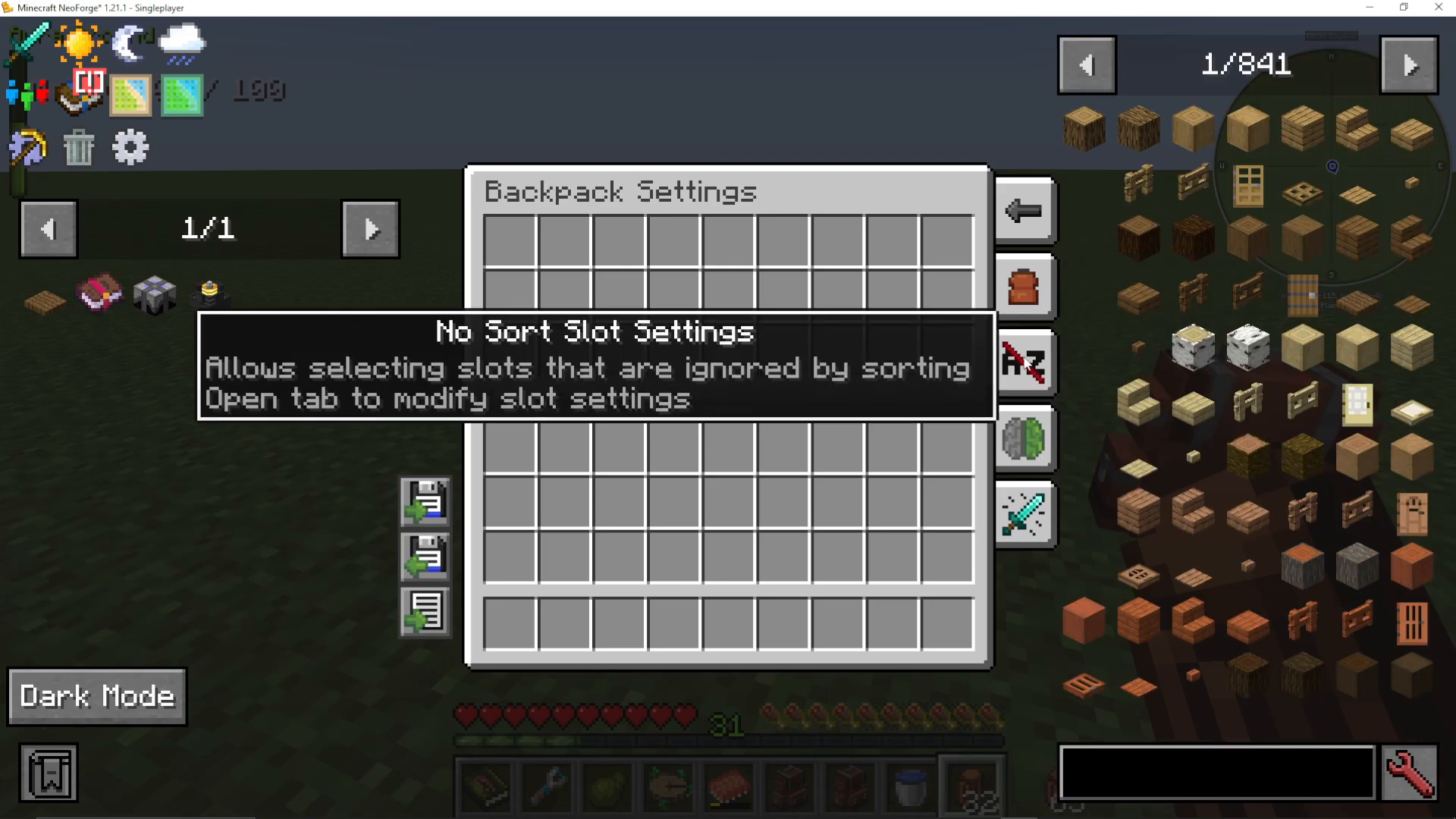
The No Sort Slots setting lets you designate specific inventory slots that will be ignored by the sorting function. You can select all slots at once, assign them a color, or click individual slots to include or exclude them. Right-click a slot to deselect it.
Item Display Settings
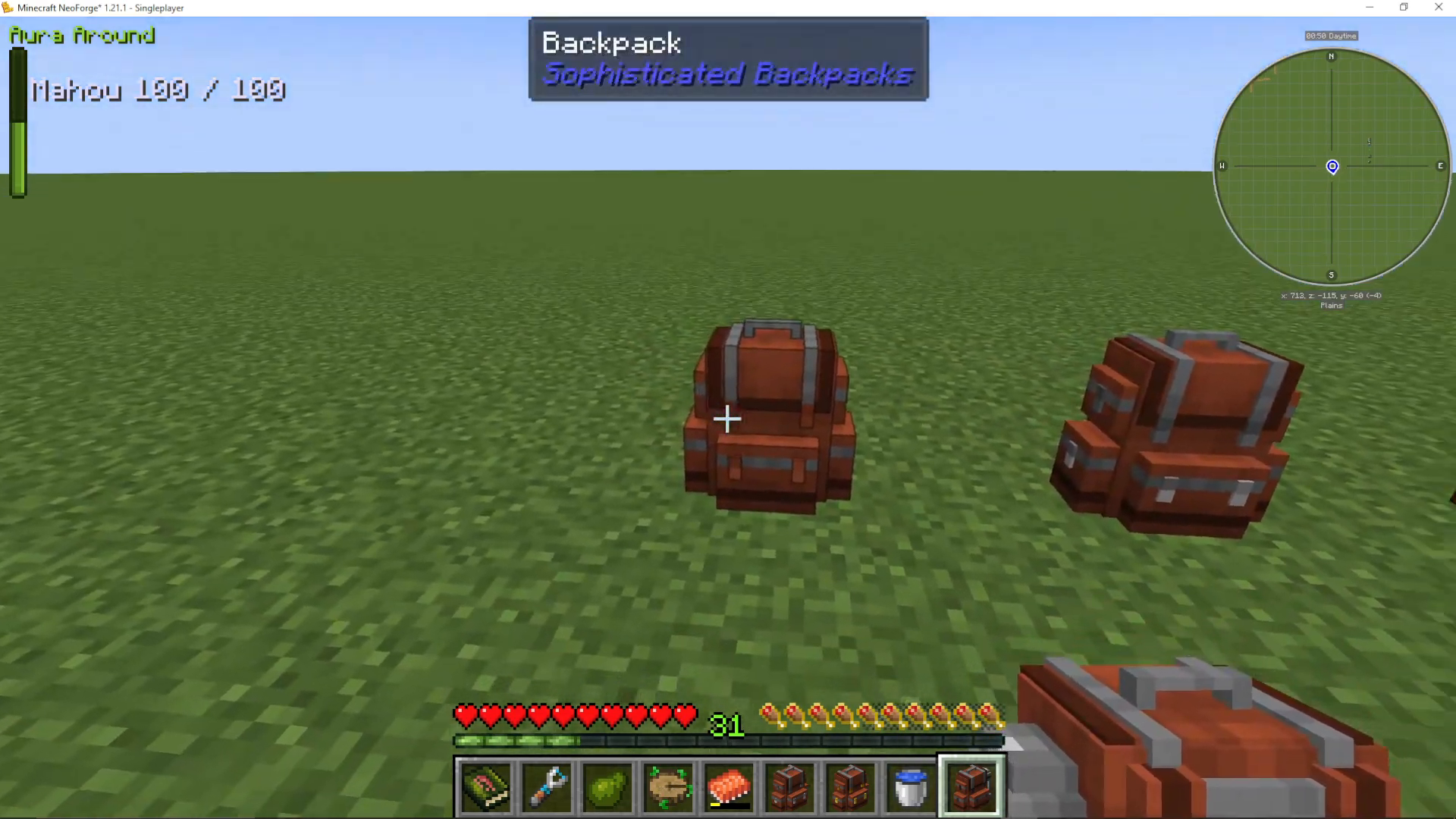
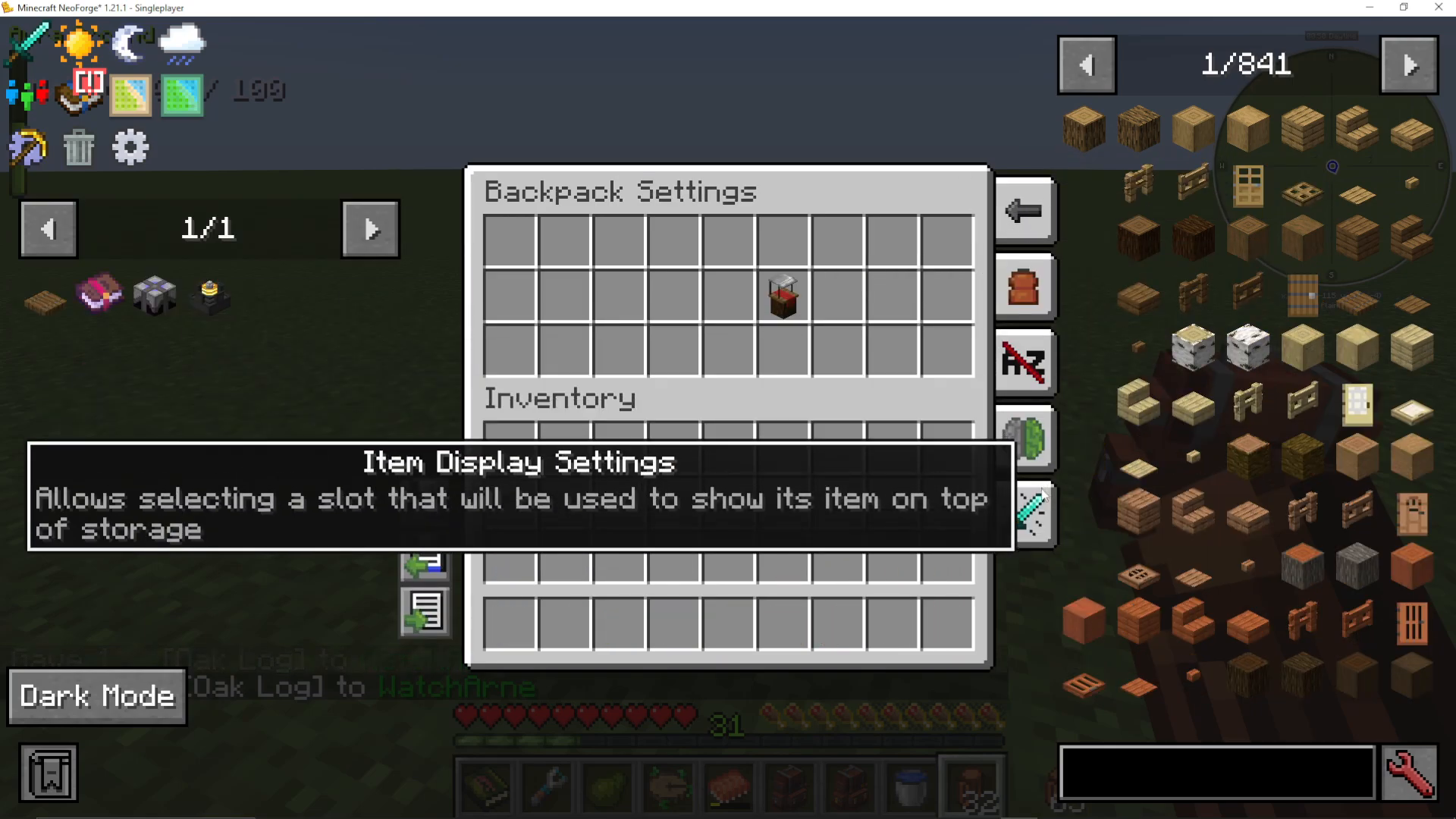
This setting lets you choose one item to physically display on the outside of the backpack in the world. You can even rotate the displayed item upside down. This is a cosmetic feature that lets you visually identify what a backpack is used for at a glance when it is placed in the world.
Placing and Opening Backpacks in the World
You can right-click your backpack to open it even while looking at a block. To place it down as a block, shift + right-click. Once placed, the backpack can be connected to item pipes (such as those from Mekanism) to automatically move items in and out of it.
Backpack Upgrades: Full Breakdown
Upgrades are the most powerful feature of the Sophisticated Backpacks mod. To install an upgrade, you first craft a blank upgrade base (a simple recipe), then combine it with the appropriate materials for the upgrade you want. Slot the finished upgrade into one of the upgrade slots on the left side of the backpack UI. Most upgrades also have an advanced variant offering additional filter and configuration options. You can disable any upgrade at any time using its toggle slider without removing it.
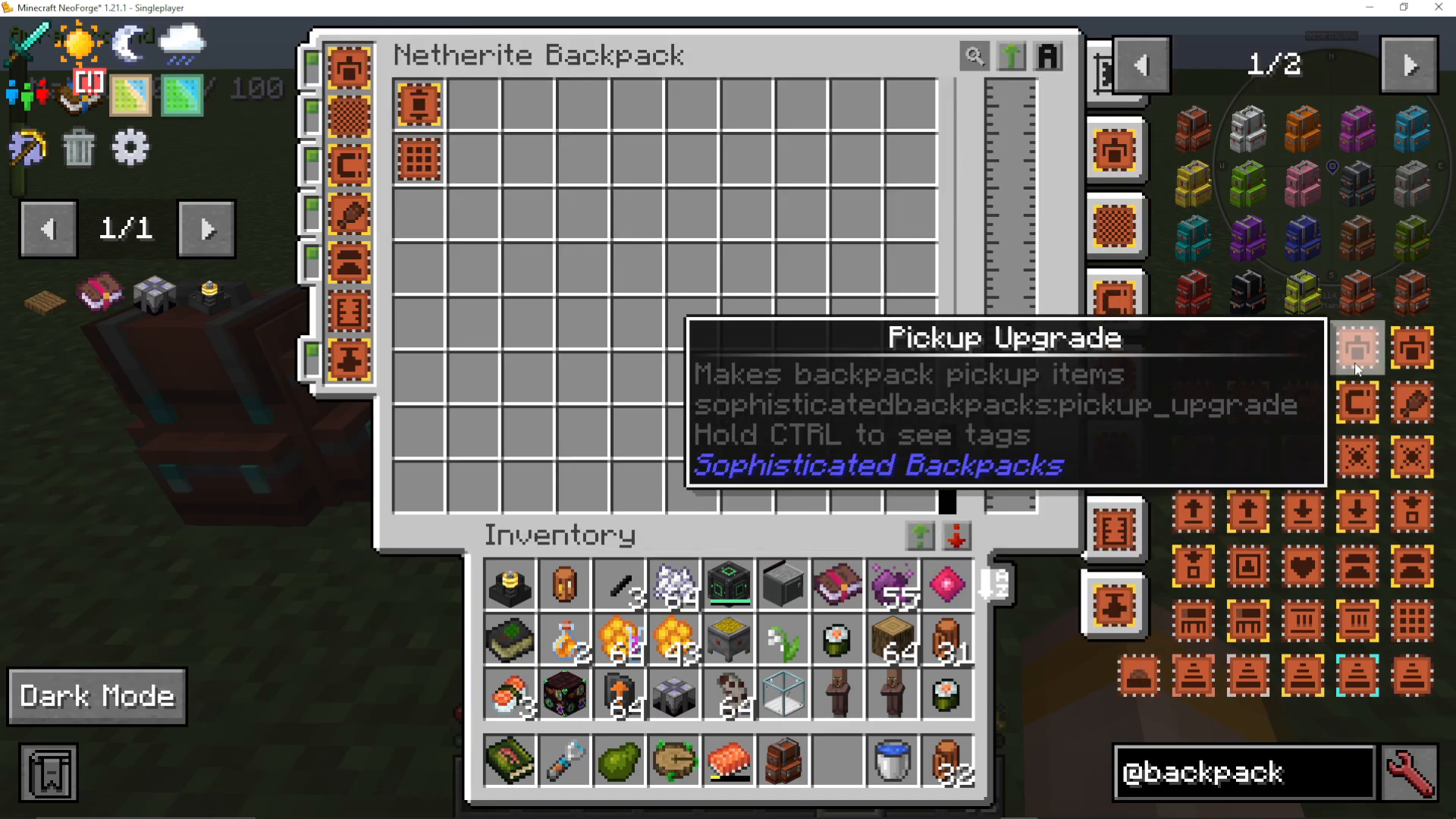
Pickup and Magnet Upgrades
The Pickup Upgrade causes the backpack to automatically collect nearby dropped items. The Advanced Pickup Upgrade adds full filter controls, letting you whitelist or blacklist specific items, match by mod or tag, and control whether NBT data or durability is considered during matching.
The Magnet Upgrade works similarly and can be toggled on or off. Its advanced version lets you choose whether the magnet collects items, experience, or both, with the same filter options as the pickup upgrade.
Feeding Upgrade
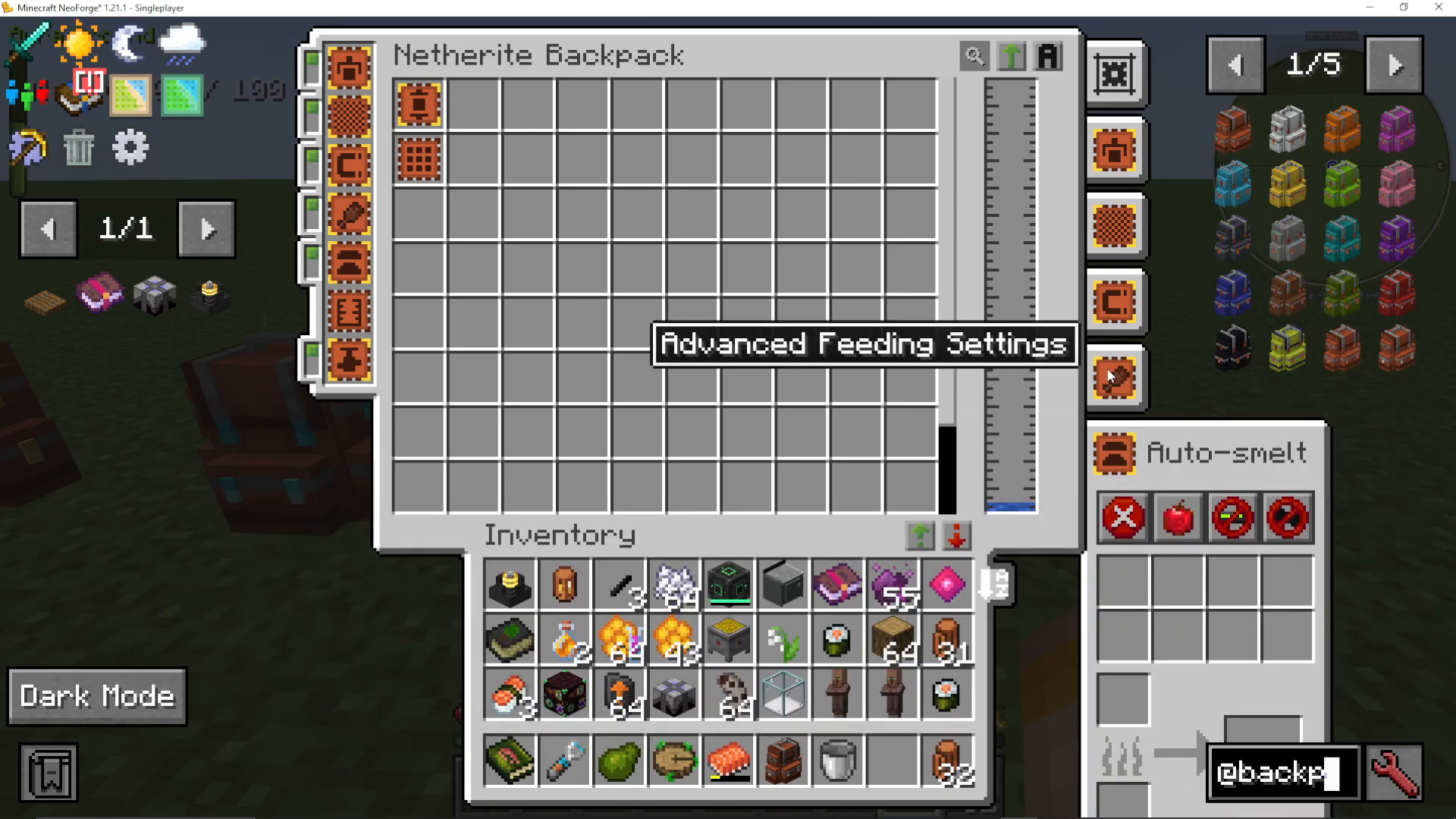
The Advanced Feeding Upgrade automatically feeds the player from food stored in the backpack. You can configure exactly when it activates:
Feed as soon as the player is slightly hungry
Feed only when hungry enough to waste no more than half the food’s hunger points
Feed only when the player can consume the full value of the food
Feed immediately when the player loses health, regardless of hunger level
You can also filter which foods the upgrade is allowed to use — useful for saving buff-granting foods for boss fights.
Compacting Upgrade
The Advanced Compacting Upgrade automatically compresses items into their compressed or block variants where those exist — for example, turning 9 iron ingots into an iron block.
Voiding Upgrade
The Voiding Upgrade deletes specified items automatically. Use its filter to choose exactly which items get voided so you are never carrying unwanted drops.
Restock and Deposit Upgrades
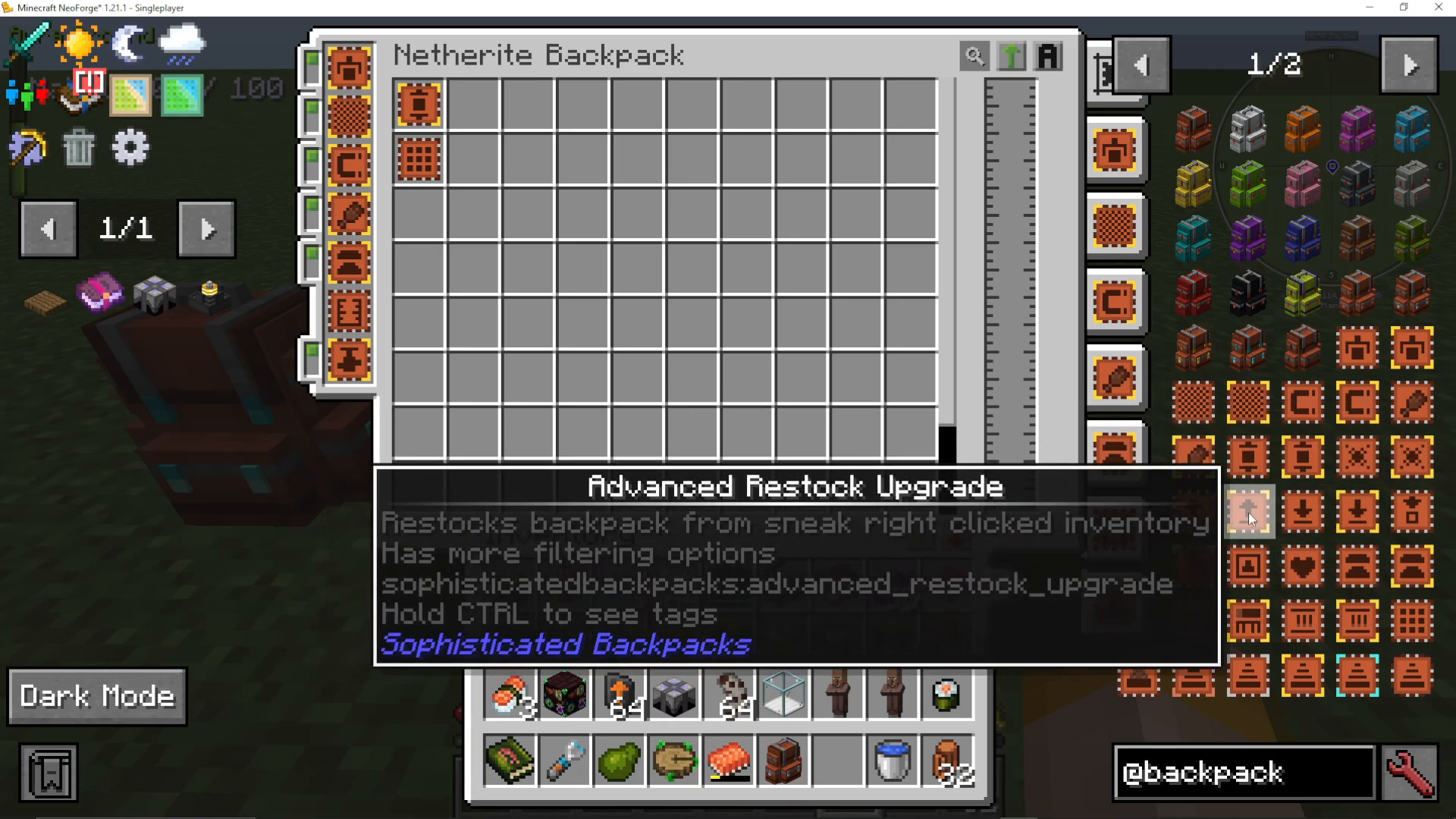
The Advanced Restock Upgrade restocks filtered items into your backpack from any inventory you shift + right-click. For example, sneak-right-click a chest full of cobblestone and the upgrade will pull cobblestone into your backpack automatically.
The Advanced Deposit Upgrade works in the opposite direction — it deposits matching items from the backpack into any inventory you shift + right-click, making it easy to offload loot into storage chests.
Refill Upgrade
The Refill Upgrade automatically keeps a selected item stacked in your player inventory, pulling from the backpack as needed. It supports precise target slot selection and allows middle-click to pick blocks directly from the backpack.
Inception Upgrade
The Inception Upgrade allows you to store backpacks inside other backpacks. This opens up massive nested storage possibilities for advanced players.
Everlasting Upgrade
The Everlasting Upgrade makes the backpack completely indestructible — it cannot take damage, despawn, or fall into the void. This is a must-have upgrade for protecting your most important backpack.
Auto Smelting, Smoking, and Blasting Upgrades
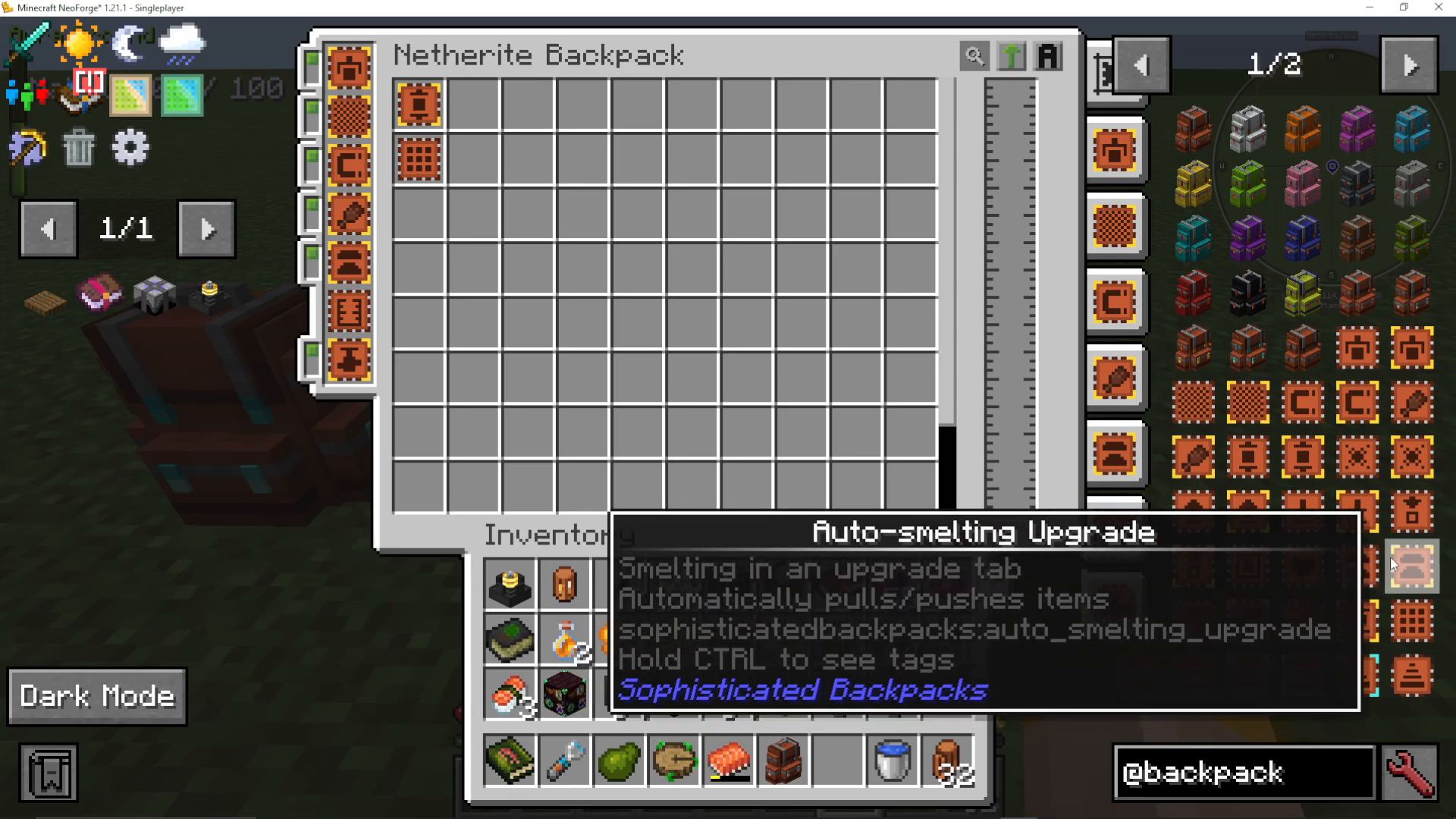
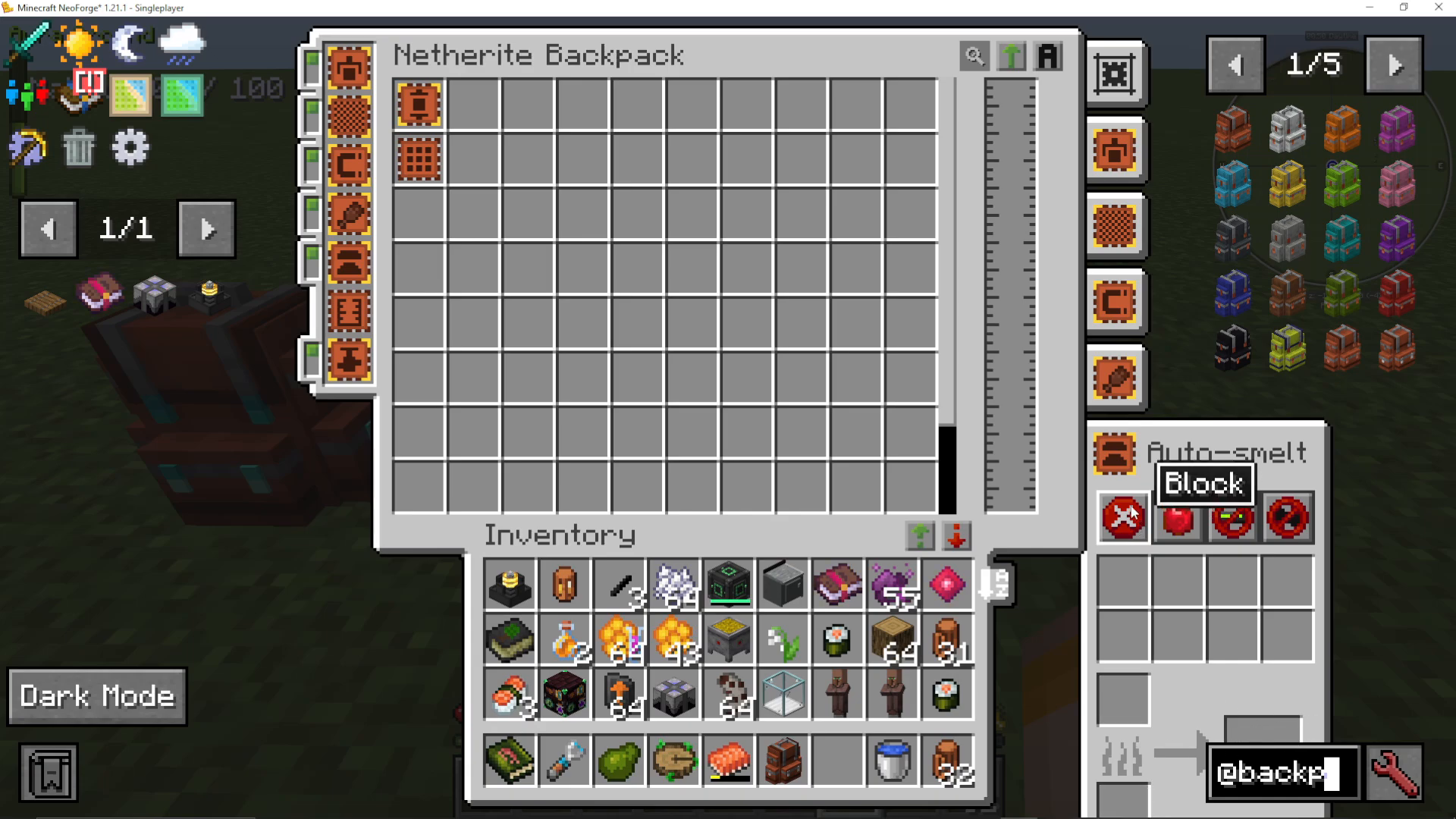
The Advanced Auto Smelting Upgrade adds a built-in furnace tab to your backpack. Items go into a dedicated input slot, a fuel slot powers the smelting, and smelted outputs appear in the output slot — all from within the backpack interface. The Smoking Upgrade and Blasting Upgrade work identically but use their respective furnace types for smoking food or blast-furnace smelting.
Tank and Battery Upgrades
The Tank Upgrade adds a fluid tank directly to your backpack, visible as a physical tank on the backpack model in-world. Fill it by clicking a water bucket (or other fluid container) into the tank slot. Fluid pipes from mods like Mekanism can also pipe fluids directly in and out.
The Battery Upgrade works the same way but stores Redstone Flux (RF) / Forge Energy instead of fluids.
Pump Upgrade
The Pump Upgrade pumps fluids between the backpack’s tank upgrade and adjacent blocks automatically. The advanced and expert pump variants offer additional configuration. This is especially powerful when you want to fill or drain tanks hands-free.
Crafting, Stonecutter, Anvil, and Smithing Upgrades
These upgrades each add a dedicated tab inside the backpack UI for their respective workstation:
Crafting Upgrade — adds a full crafting table tab
Stonecutter Upgrade — adds a stonecutter tab
Anvil Upgrade — adds an anvil tab
Smithing Upgrade — adds a smithing table tab
Stack and Stack Downgrade Upgrades
The Stack Upgrade multiplies the number of item stacks that can fit per slot. There are four levels, ranging from 1.5x up to 16x — the highest tier requires blocks of netherite. The Stack Downgrade does the opposite, dividing the number of stacks per slot by 8, which is useful when you are filtering a slot and want to strictly cap how much of a particular item is stored there.
Tool Swap Upgrade
The Advanced Tool Swap Upgrade automatically swaps the item in your hand for the most effective tool for whatever block or entity you left-click. It supports filter options and can handle wrench-type tools for use with item frames and similar interactions.
Jukebox Upgrade
The Jukebox Upgrade lets you carry a fully functional jukebox inside your backpack so you can listen to music discs on the go.
Infinity Upgrades
There are two infinity upgrade variants:
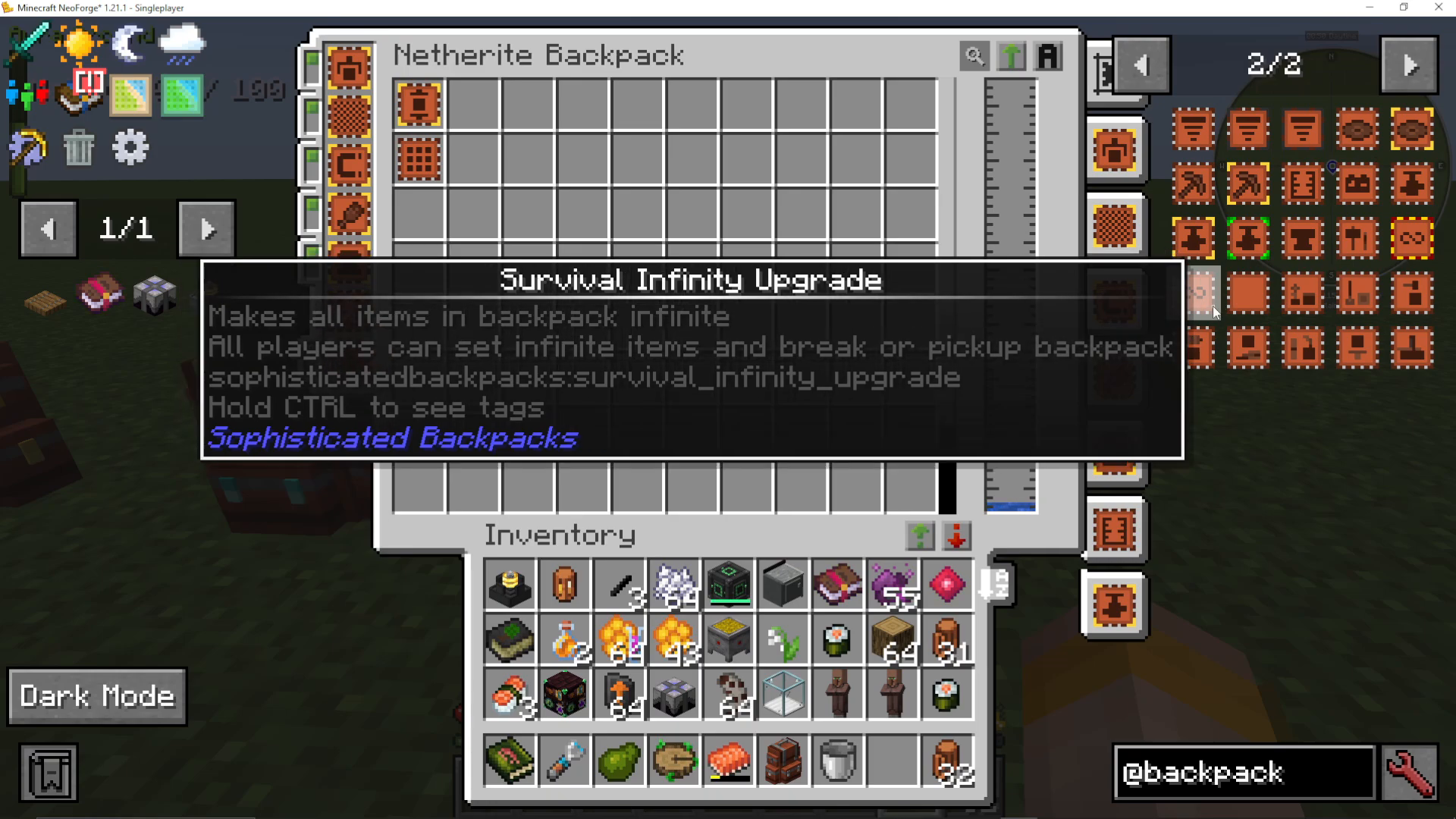
Infinity Upgrade (Admin) — admin-only; makes all backpack items infinite, and only admins can set infinite items or pick up the backpack
Survival Infinity Upgrade — a craftable version that makes all items in the backpack infinite for regular survival play (recipe availability depends on your modpack)
Mod-Added Upgrades (Chipped, Botany, and Others)
Depending on which mods are installed alongside Sophisticated Backpacks, additional upgrade tabs may appear, such as a Chipped workbench, Botany workbench, Glass Blowout table, and Loom table. These are added by compatibility patches between Sophisticated Backpacks and other mods in your modpack.
Summary
The Sophisticated Backpacks mod transforms your portable inventory into a fully customizable storage and automation hub. Start with a basic backpack crafted from string and leather, upgrade it through iron, copper, gold, diamond, and all the way to netherite, then fill those upgrade slots with pickups, auto-smelters, tanks, batteries, crafting tables, and more. With the right combination of upgrades and settings, a single netherite backpack can replace an entire room of chests and automation equipment — all worn on your back.
“`