




Rustic Engineer Mod Tutorial
Rustic Engineer Mod Tutorial: The Ultimate Guide to All 4 Vehicles
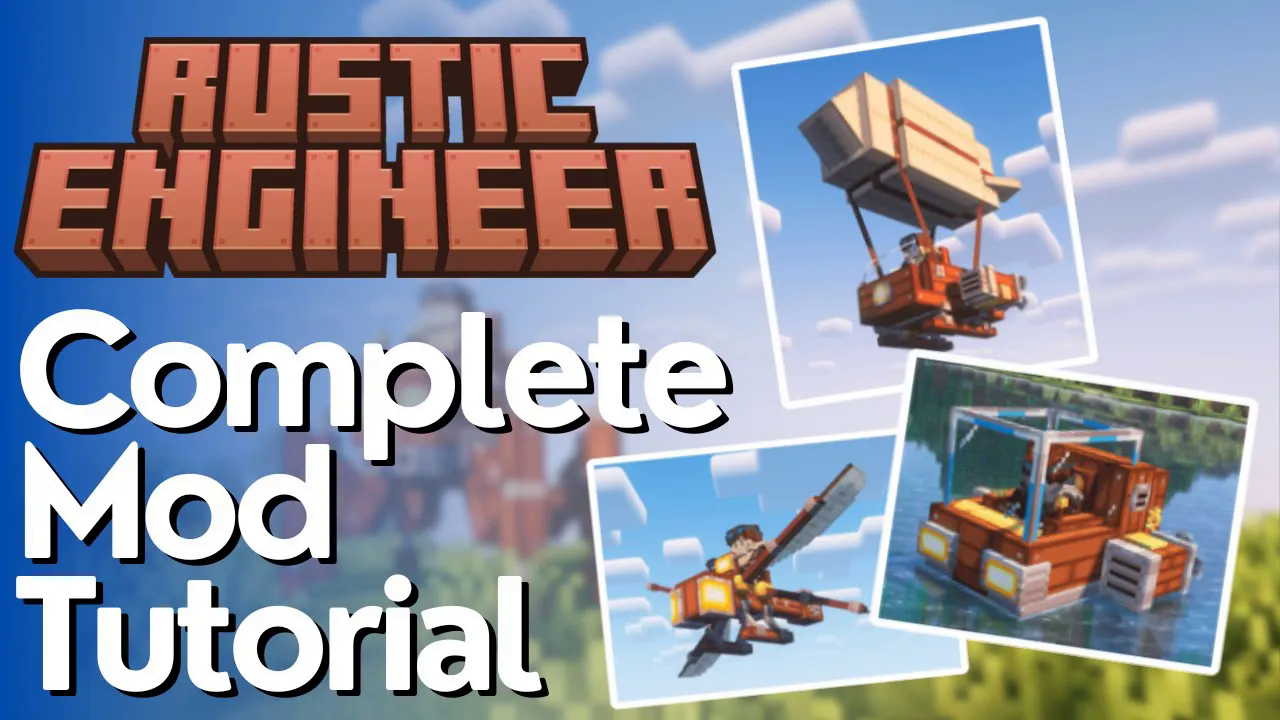
The Rustic Engineer mod is one of the most impressive transportation mods available for Minecraft. Despite adding only a small number of items, every single one of them is packed with functionality. With a steampunk-meets-rustic aesthetic — think wooden frames and iron plates — this mod lets you craft four unique vehicles: a Spider Mech, a Dragonfly, a Tiny Airship, and a Submarine. This guide will walk you through crafting the core components and using each vehicle from scratch.
Getting Started: Core Crafting Materials
Before you can build any vehicle, you need to understand the mod’s foundational crafting system. The Rustic Engineer mod leans into a rustic, steam-powered theme, so most of its components are made from basic materials like wood and iron — but processed in a specific way.
Crafting the Rustic Hammer
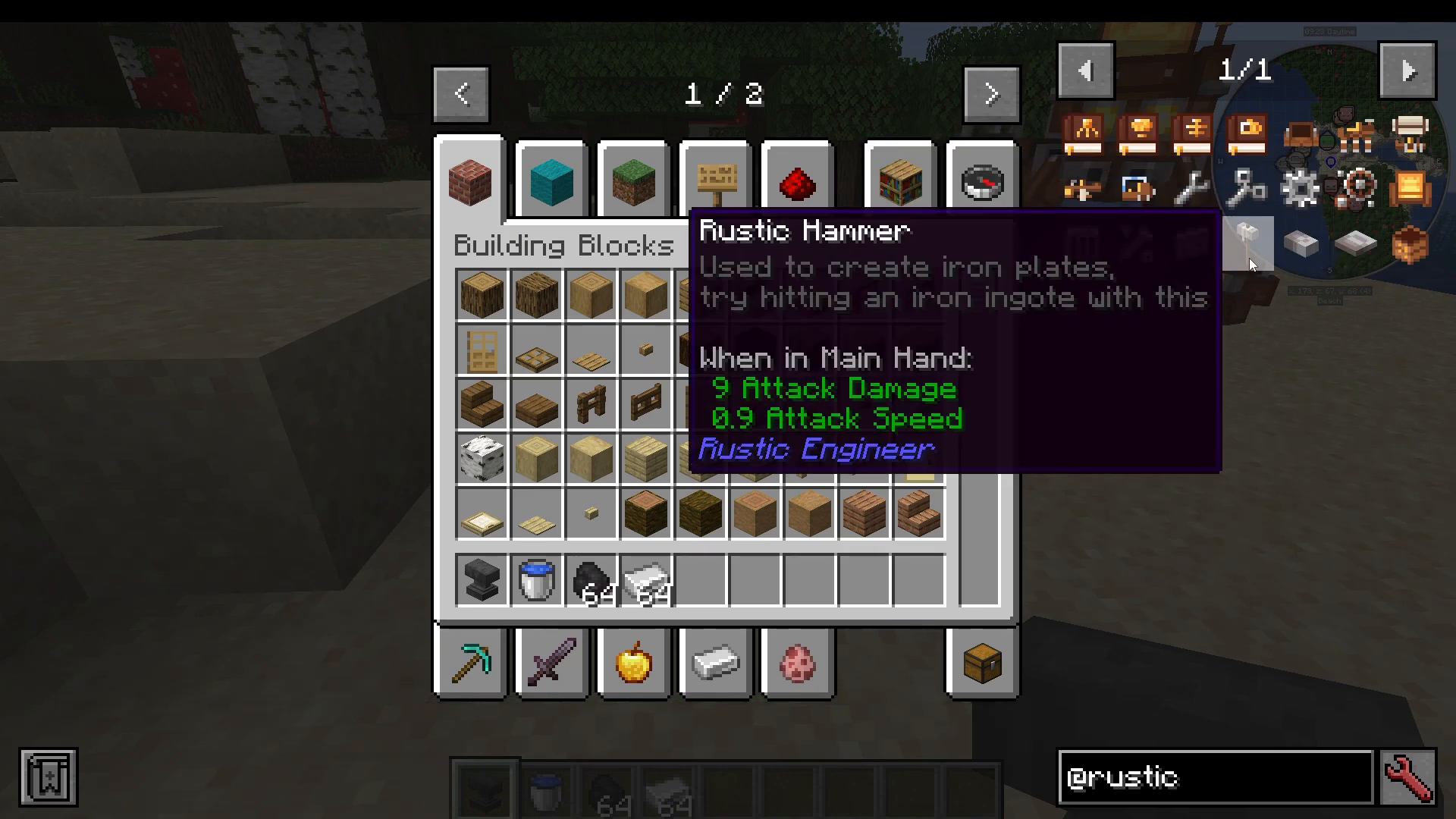
The first tool you need is the Rustic Hammer. It follows a simple crafting recipe using standard materials available early in the game. Craft it in your crafting table to get started.
Making Iron Plates on the Anvil
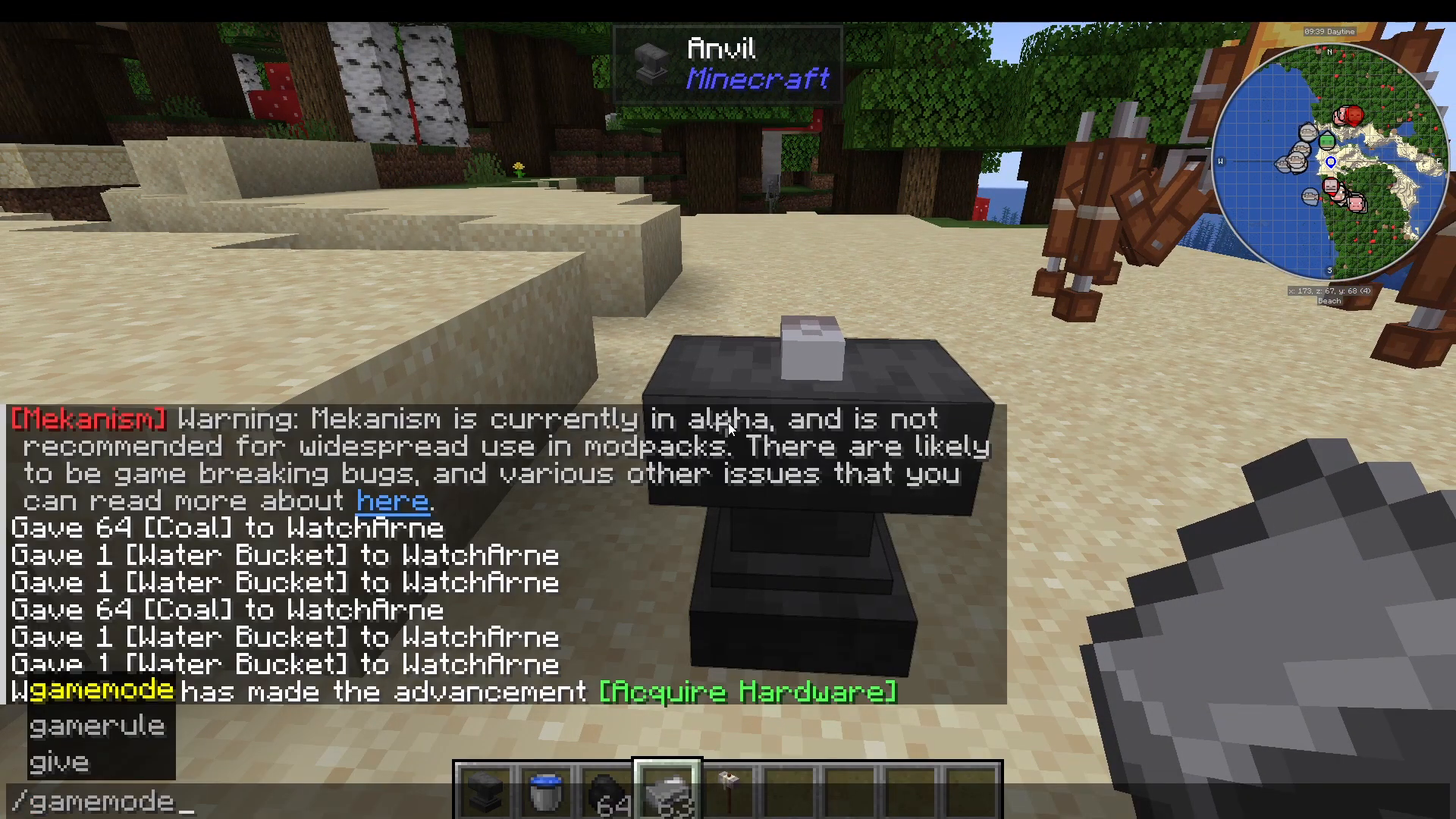
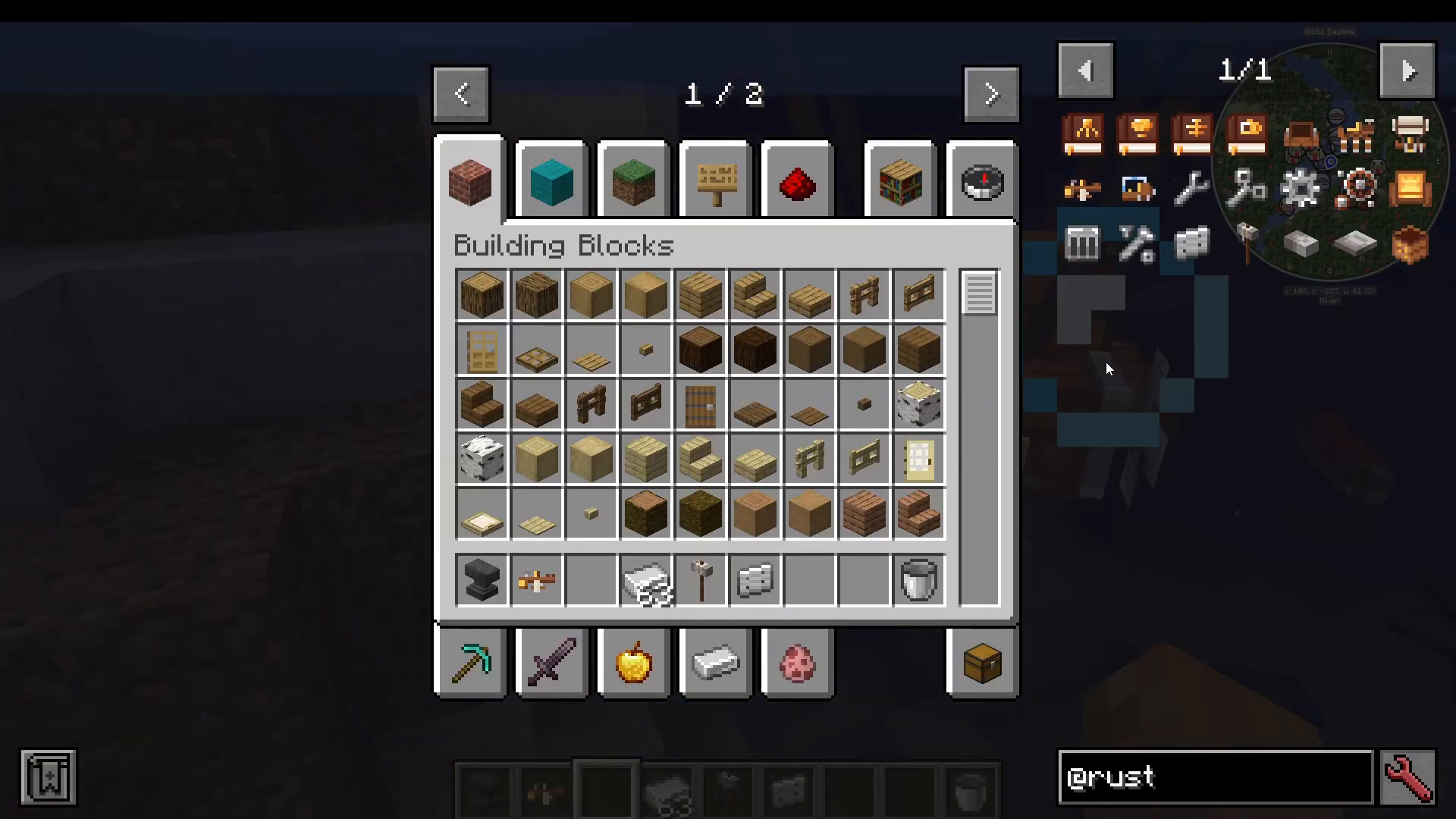
Iron Plates are a key ingredient in almost every vehicle. To make them, place an iron ingot onto an Anvil by right-clicking the ingot onto it. Then left-click the ingot on the anvil with your Rustic Hammer to flatten it into an Iron Plate. Right-click the result to collect it as it pops off the anvil.
Important: Do not do this in Creative Mode — the anvil interaction will destroy the ingot without producing a plate. Always use Survival Mode for this process.
The Four Vehicles Overview
The Rustic Engineer mod adds four craftable vehicles, each with its own unique movement style and purpose. The four vehicles are:
Spider Mech
Tiny Airship
Dragonfly
Submarine
Finding Construction Manuals
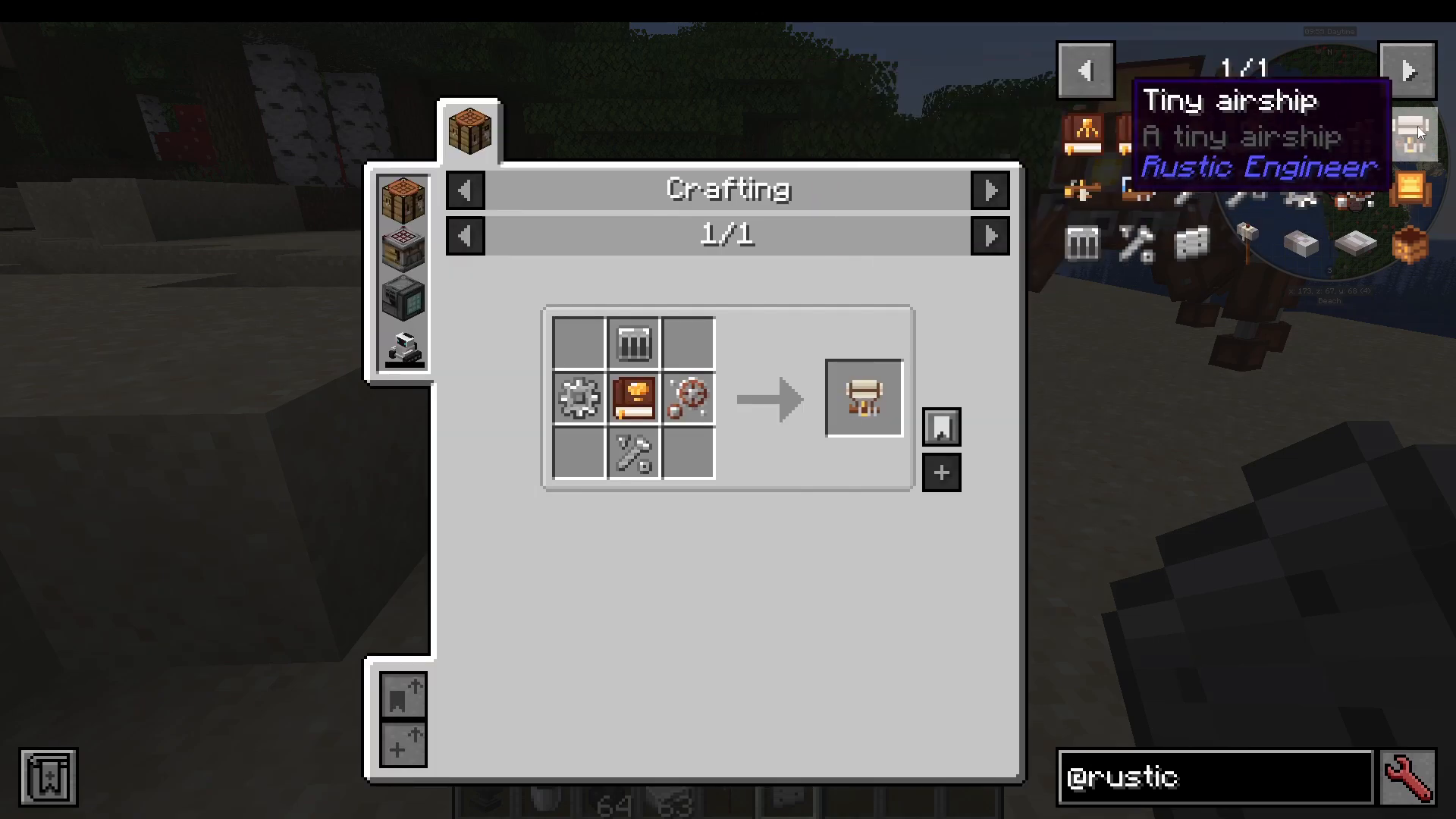
Every vehicle requires a Construction Manual as a crafting ingredient, and these cannot be crafted — they must be found in loot chests throughout the world. Check dungeon chests, pyramid chests, and stronghold chests. Essentially, any naturally generated chest in the open world has a chance of containing one. The remaining ingredients — such as movable parts, iron pieces, iron plates, iron ingots, and wooden boxes — are all straightforward to craft using basic resources.
Vehicle #1: The Spider Mech
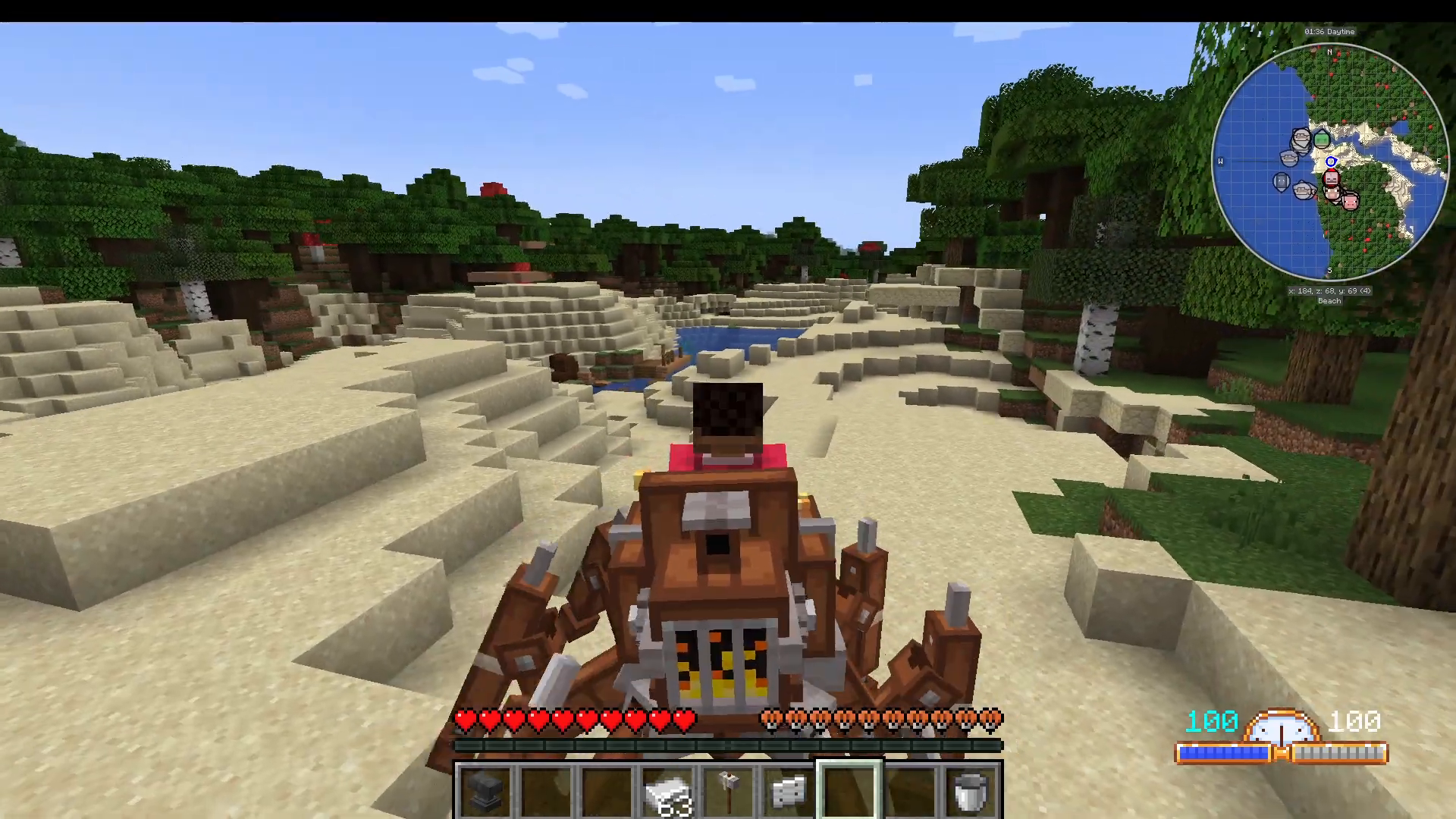
To deploy the Spider Mech, simply right-click it in the world to place it. Once placed, Shift + Right-Click to open its UI. You will need to fuel it with two resources: place Coal in the fuel slot and Water in the top slot. This fills the coal and water tanks respectively, powering the vehicle with steam — fitting perfectly with the mod’s rustic steam-powered theme.
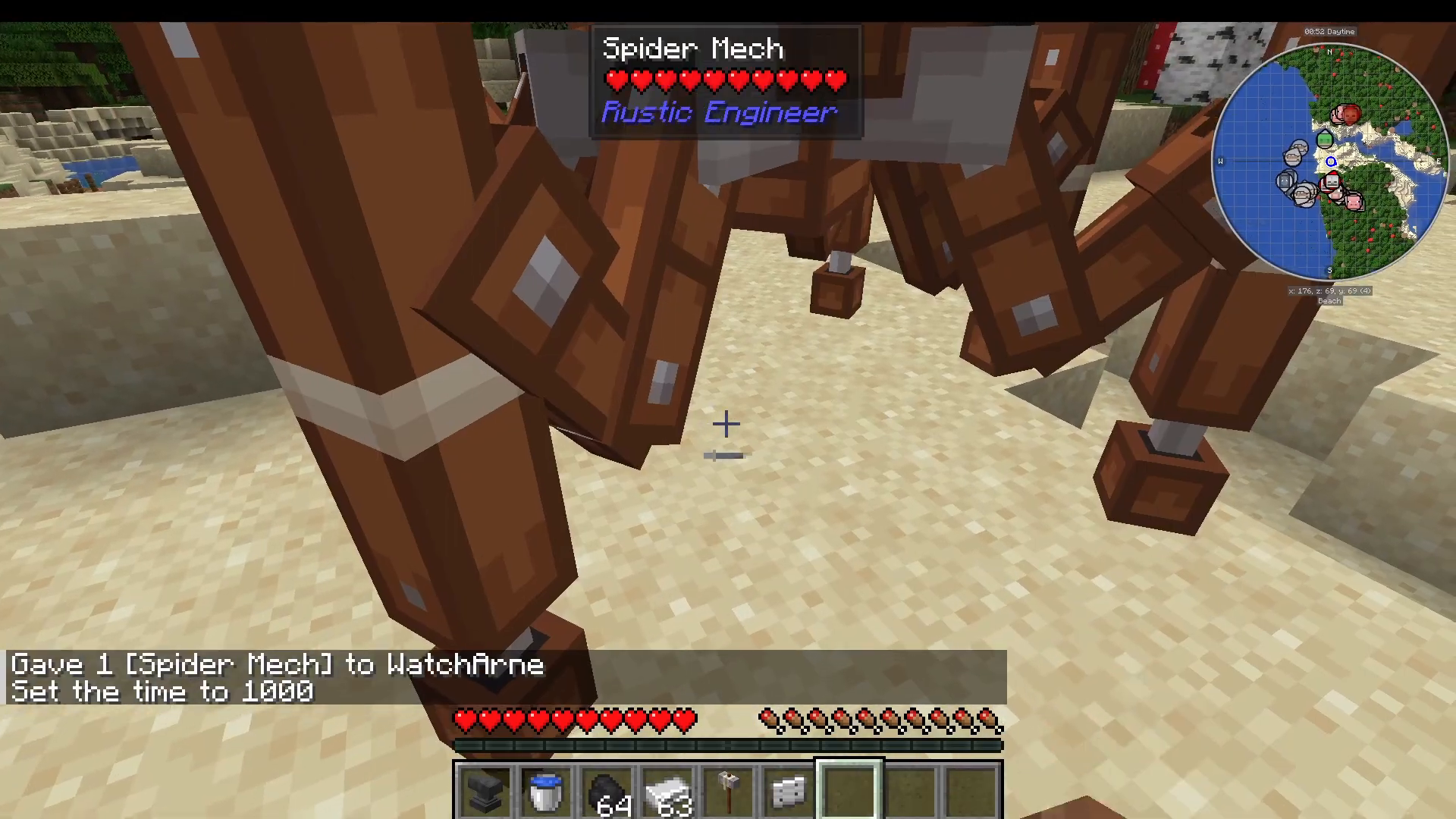
Once powered, right-click the Spider Mech to climb inside. The Spider Mech is an incredible way to traverse terrain. Its standout feature is the ability to shoot webs in the direction you are aiming. Press F (Foxtrot) to fire webs, allowing you to swing and maneuver across the environment with ease.
Vehicle #2: The Dragonfly
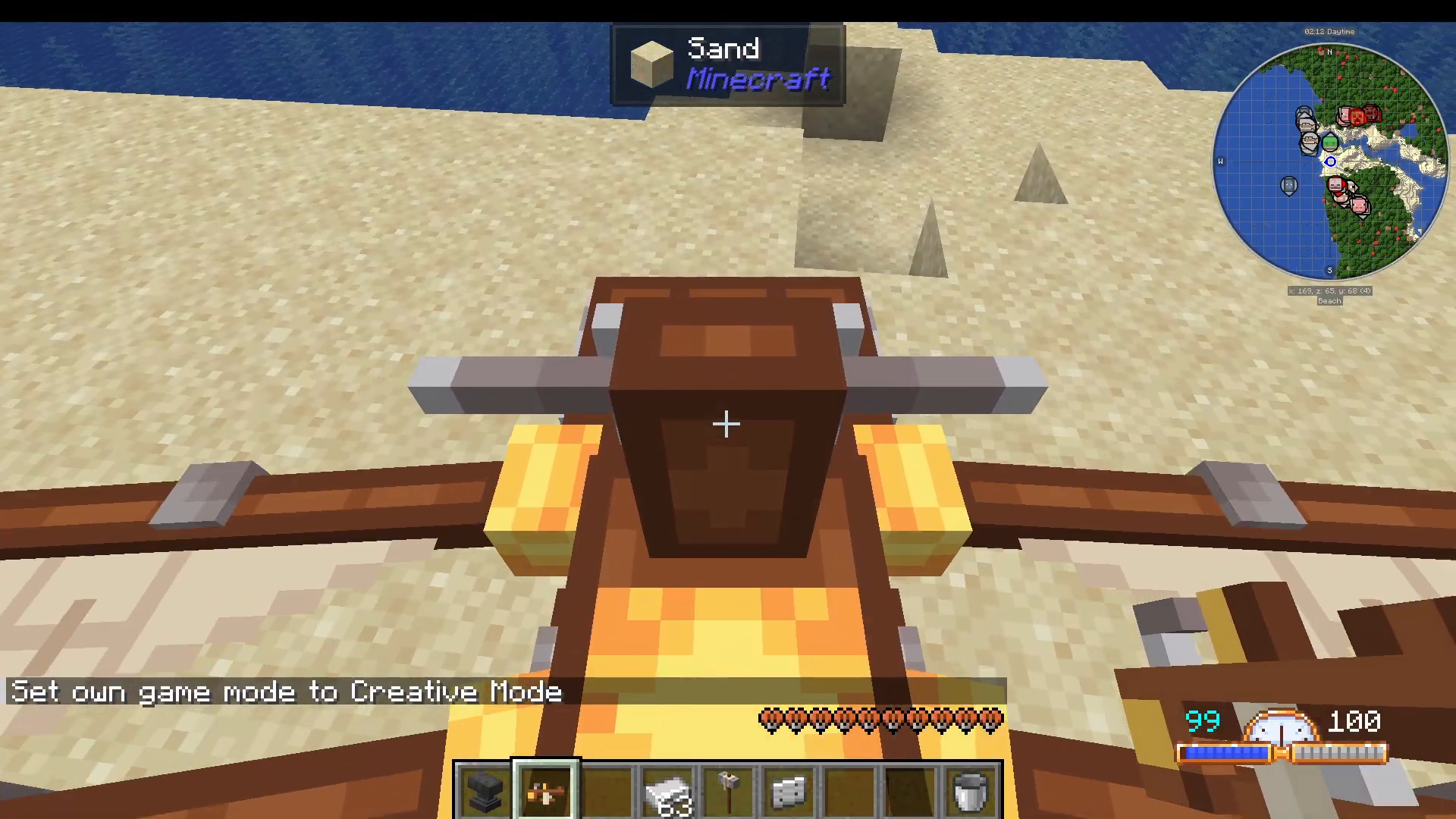
The Dragonfly is an aerial vehicle that visually resembles an actual dragonfly in Minecraft’s art style. Like all vehicles in this mod, Shift + Right-Click opens its UI, which follows the same layout as the Spider Mech. The Dragonfly also features built-in chest storage, making it useful for exploration runs.
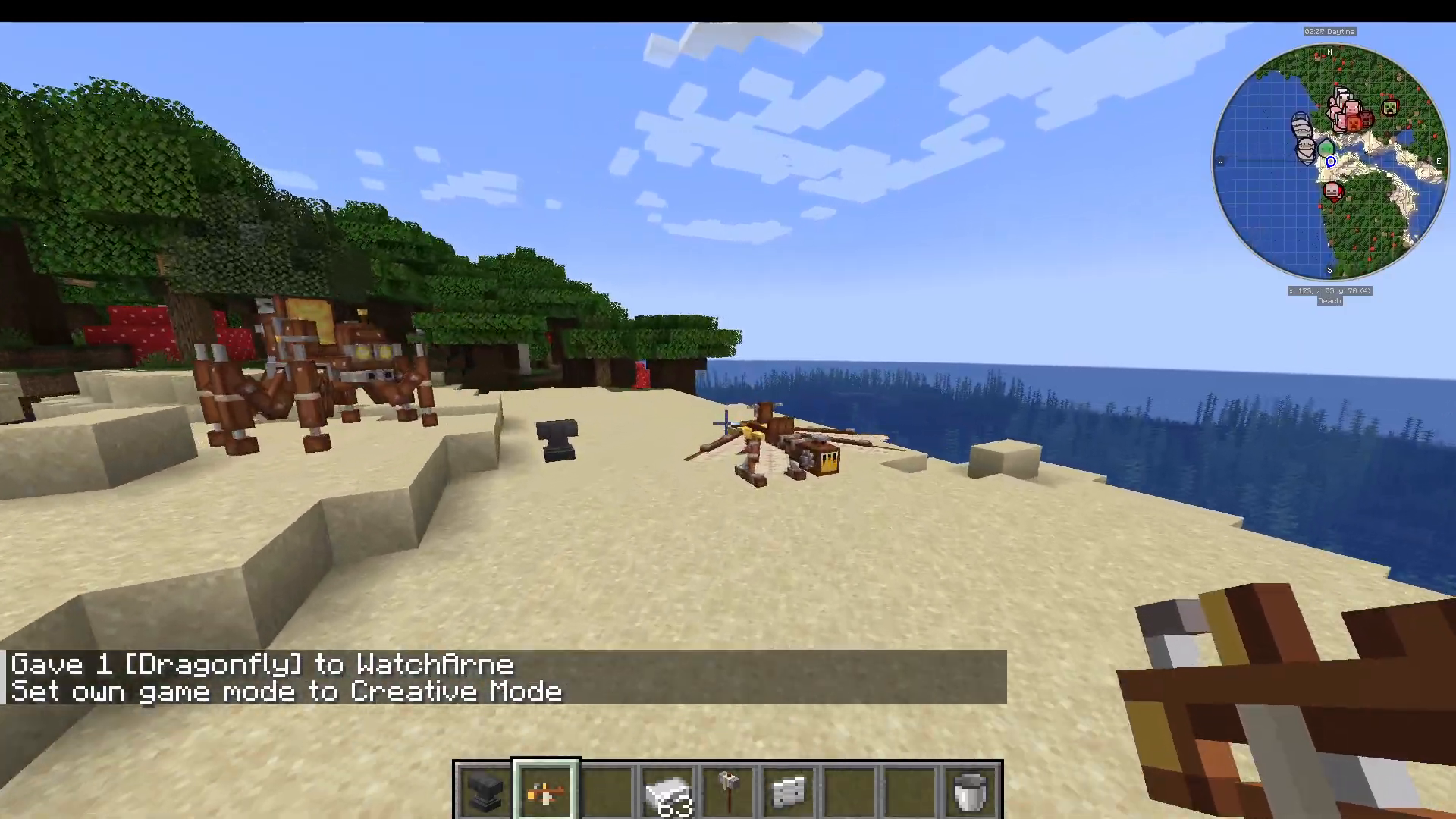
Flying the Dragonfly is intuitive: the vehicle moves in the direction you are aiming. Aim up to fly up, aim down to descend, and aim forward to move forward. It responds directly to your cursor direction, giving you smooth and precise aerial control. If you exit the vehicle mid-air by pressing Shift, it will slowly and safely drift down to the ground on its own.
Vehicle #3: The Tiny Airship
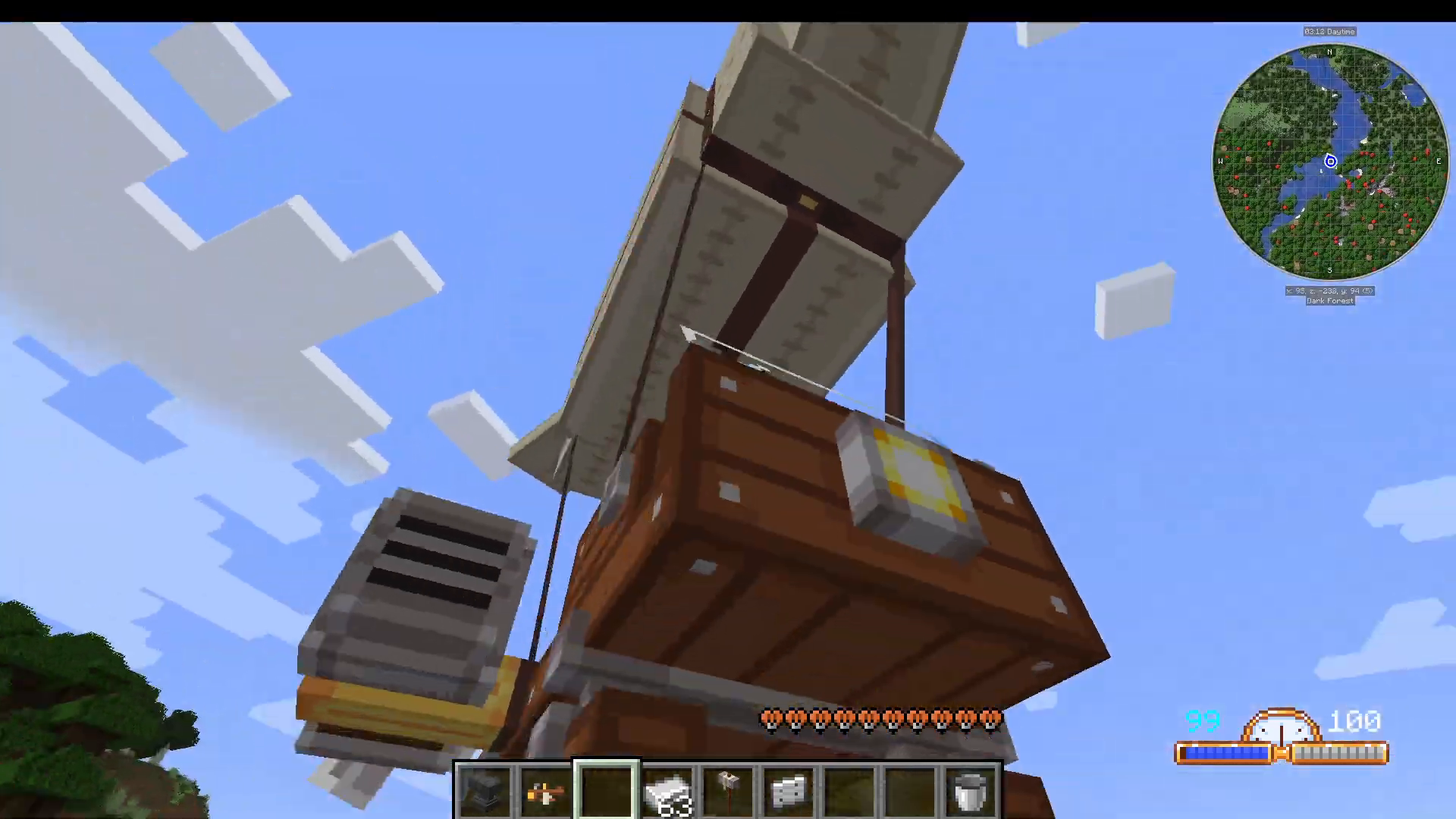
The Tiny Airship shares the same UI and fuel system as the Dragonfly, but its controls work differently. Rather than steering by looking in a direction, the Tiny Airship responds to your movement keys. Press Space to ascend, and use your forward/backward movement keys to control horizontal travel. Where you look does not directly change the vehicle’s direction — the keys themselves are what matter here.
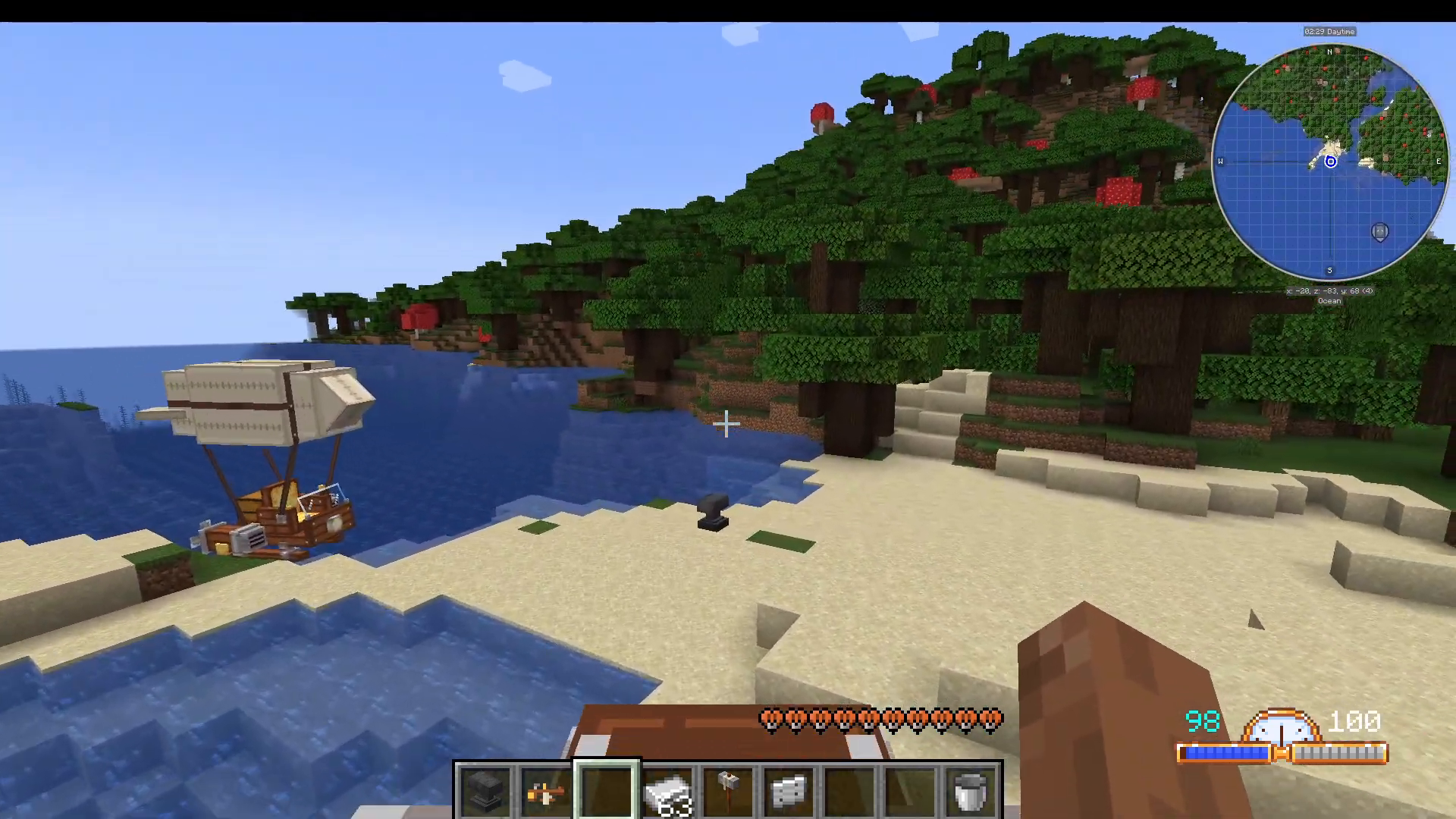
This key-based control scheme makes the Tiny Airship feel more like a traditional vehicle. Depending on your preference, you may find the Airship or the Dragonfly more comfortable for getting around. Just like the Dragonfly, pressing Shift to exit will cause it to float slowly and safely to the ground.
Vehicle #4: The Submarine
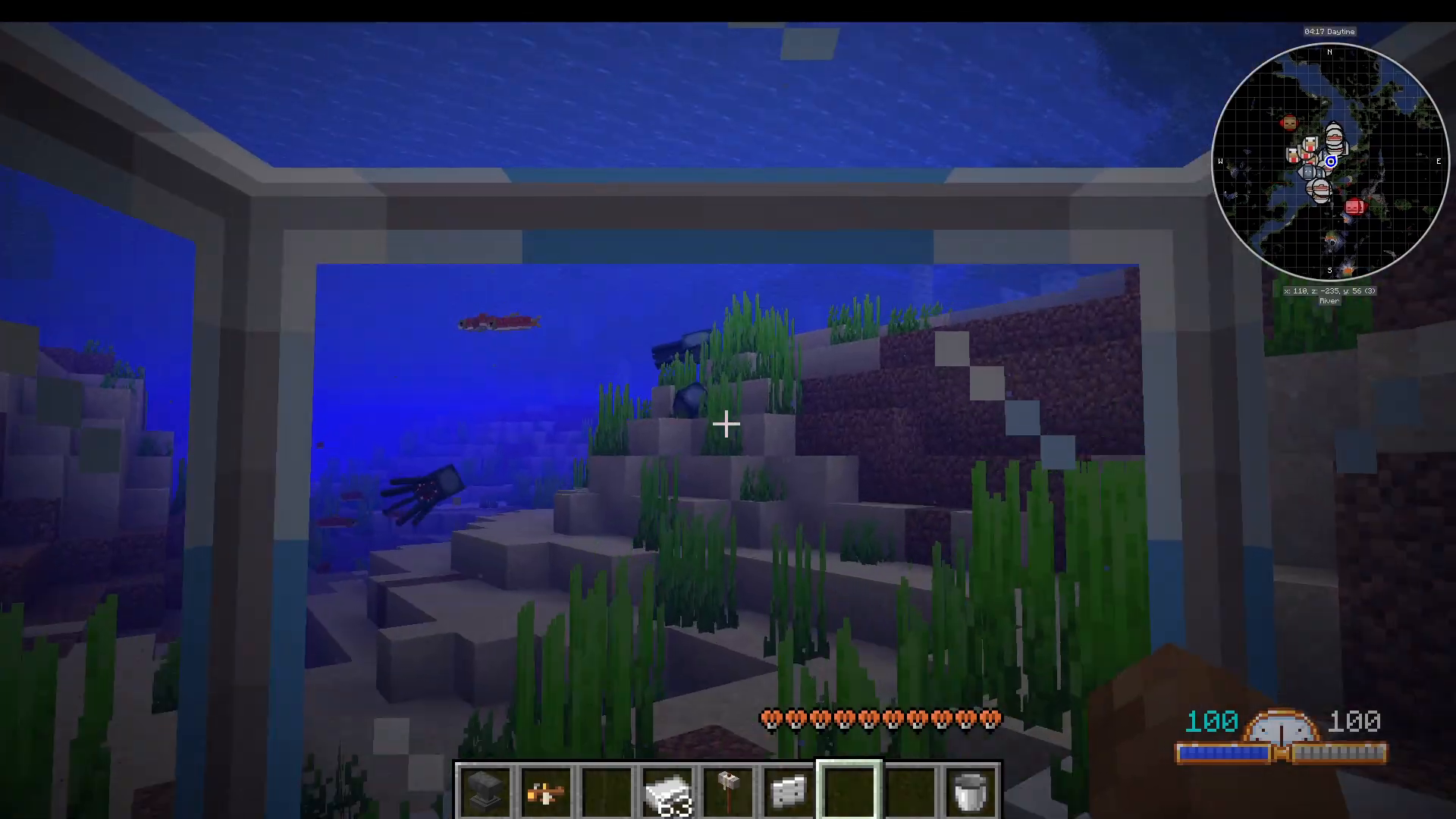
The Submarine is the mod’s underwater vehicle. Place it near a body of water, then Shift + Right-Click to open its UI and fuel it with Coal just as you would the other vehicles. Once powered, right-click to enter and begin exploring underwater.
If your Submarine (or any vehicle) does not seem to respond after fueling, this is a known minor bug. The fix is simple: break the vehicle and replace it, and it will work correctly. The Submarine is a remarkably fun vehicle — it functions almost like a little fishing boat as well, making river and ocean exploration genuinely enjoyable.
Summary: Rustic Engineer Mod at a Glance
The Rustic Engineer mod may not add a huge number of items, but the quality and creativity behind each one is exceptional. Here is a quick recap of everything covered:
Craft a Rustic Hammer and use it with an Anvil to produce Iron Plates (do not use Creative Mode).
Search dungeon, pyramid, and stronghold chests for Construction Manuals — one is required per vehicle.
All four vehicles are fueled with Coal and Water via a Shift + Right-Click UI.
The Spider Mech traverses terrain and shoots webs with the F key.
The Dragonfly flies by following your cursor direction and has built-in chest storage.
The Tiny Airship flies using your movement keys rather than cursor direction.
The Submarine explores underwater; break and replace it if it bugs out.
Whether you want to swing through forests in a Spider Mech, soar above the clouds in a Tiny Airship, or dive beneath the ocean in a Submarine, the Rustic Engineer mod delivers some of the most unique and charming transportation options in all of Minecraft modding.
“`