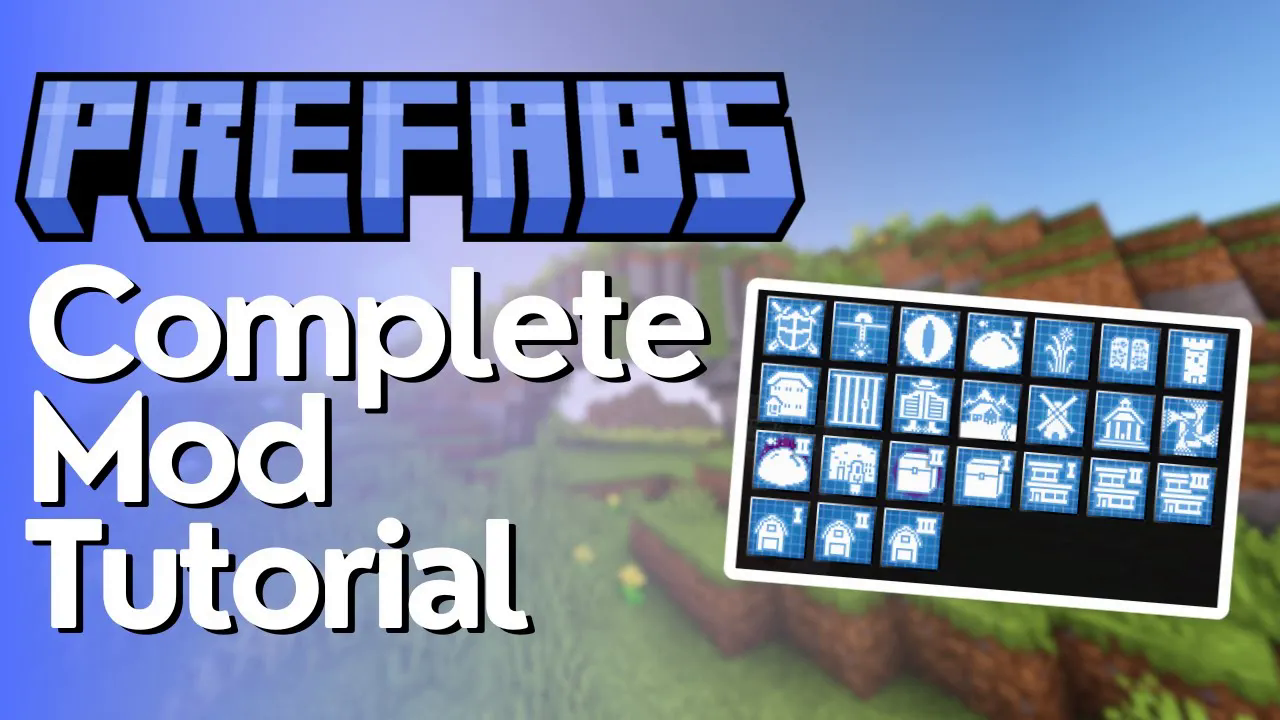
Prefabs Mod Tutorial
Prefabs Mod for Minecraft: Complete Beginner’s Guide
If you love the idea of jumping straight into modded Minecraft without spending hours building a base from scratch, the Prefabs mod is exactly what you need. This mod lets you instantly construct fully furnished houses, working farms, defense bunkers, aquabases, and much more — all from simple crafting recipes. In this guide, we’ll walk you through everything the Prefabs mod has to offer, from basic blueprints to advanced structures.
What Is the Prefabs Mod?
The Prefabs mod adds a collection of blueprints to Minecraft that let you place fully built, decorated, and even pre-stocked structures into your world with just a right-click. Structures range from cozy starter homes to massive advanced houses, automated farms, welcome centers, jails, saloons, and even an End Gateway to reach the End dimension. Everything is both functional and aesthetically designed, making it ideal for players who want a great-looking base without the building grind.
Crafting Ingredients: What You Need to Get Started
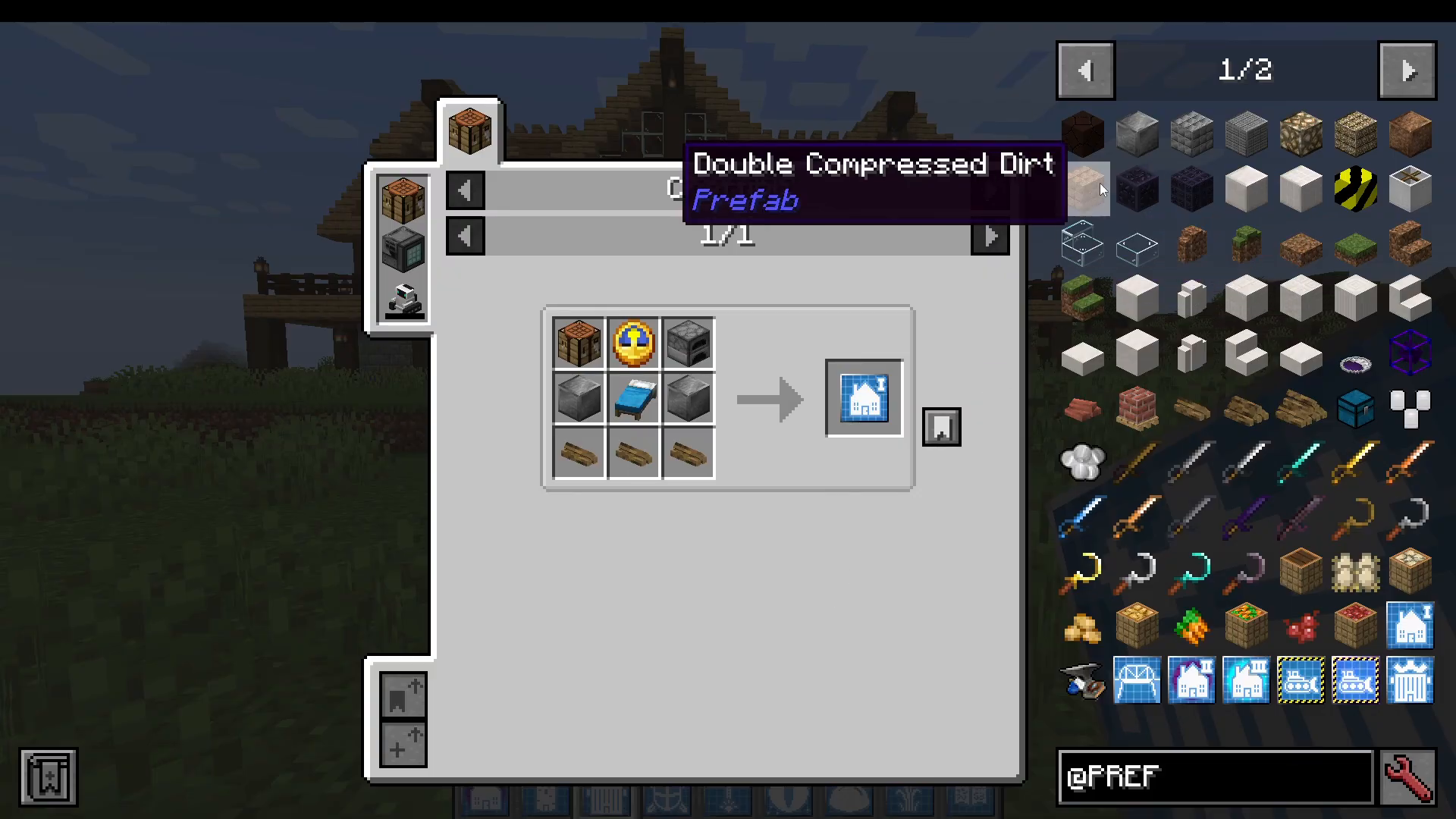
The Prefabs mod introduces a handful of new crafting materials that serve as the building blocks for all blueprints. The two most fundamental ingredients are:
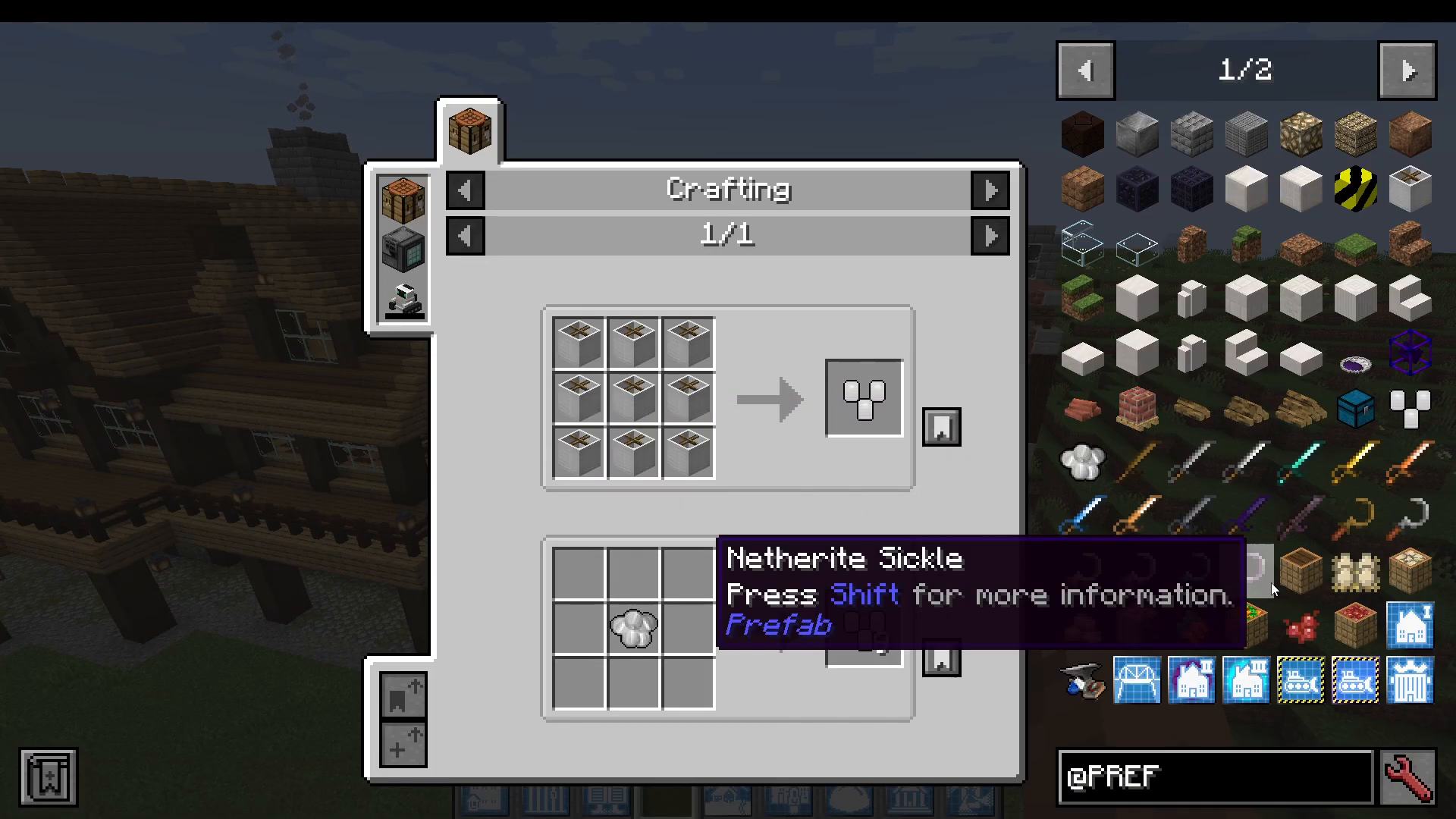
Bundle of Timber — Crafted from 9 Oak Logs arranged in a crafting table.
Compressed Stone — Crafted from 9 Stone arranged in a crafting table.
These simple ingredients are combined in various recipes to produce the blueprints you need. For higher-tier structures, you will also need an Upgrade item, which is itself crafted from straightforward materials. The mod is intentionally accessible — nothing in the core recipe list requires rare or hard-to-find resources at the basic level, though some advanced structures (like the End Gateway) do require materials such as Prismarine and Double Compressed Obsidian.
The Three Tiers of Prefab Houses
Houses are the most iconic feature of the Prefabs mod and come in three tiers, each offering more space, features, and furnishings than the last.
House One: The Basic House
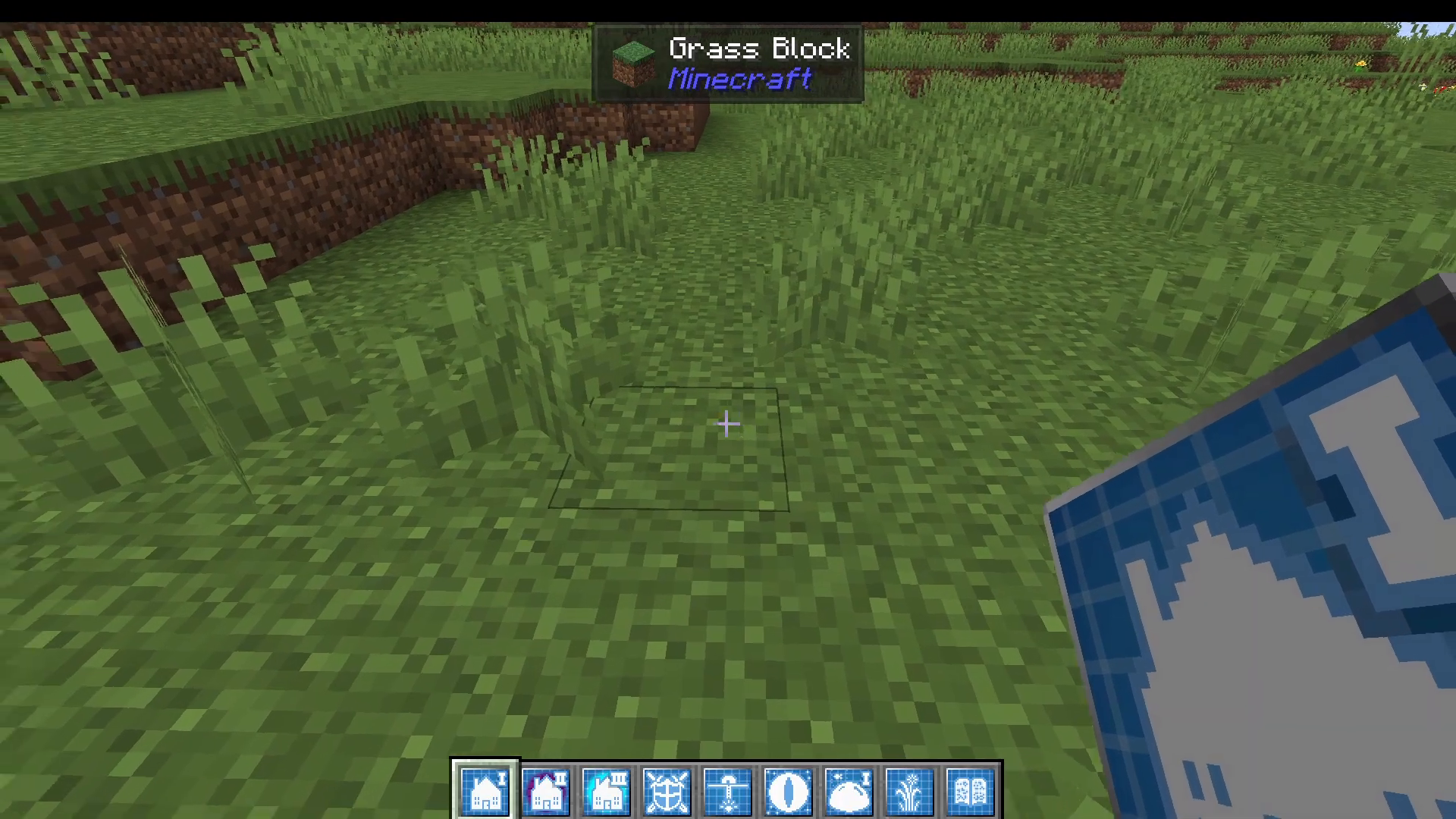
To place your first house, craft the House 1 Prefab blueprint and right-click it in your hand. A configuration menu opens, giving you a wide range of style options to choose from, including:
Basic House
Ranch Style
Loft
Hobbit
Snowy House
Desert Style 2
Sub Aquatic House
Modern Style House
Camping
Ebbs
Bar Style
The menu also shows a preview image of each style on the right-hand side. You can customise your bed colour (for example, orange) and your glass colour (for example, blue). You can also toggle whether the house spawns with chest contents pre-filled — including the option to include a mine shaft’s loot inside the chest. Once you’re happy with your settings, use the preview feature to see exactly where the structure will be placed, then right-click the highlighted block and press Build.
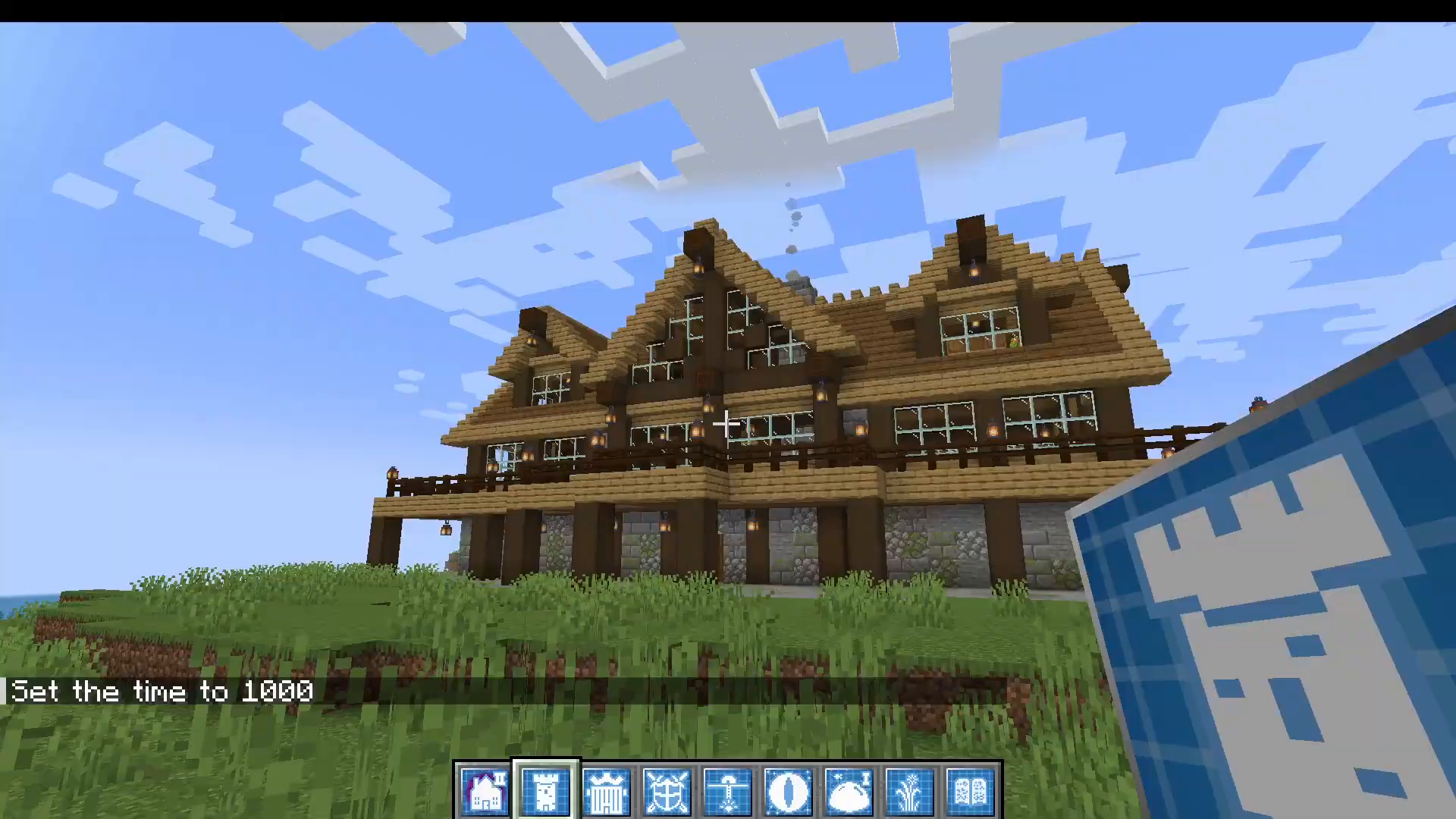
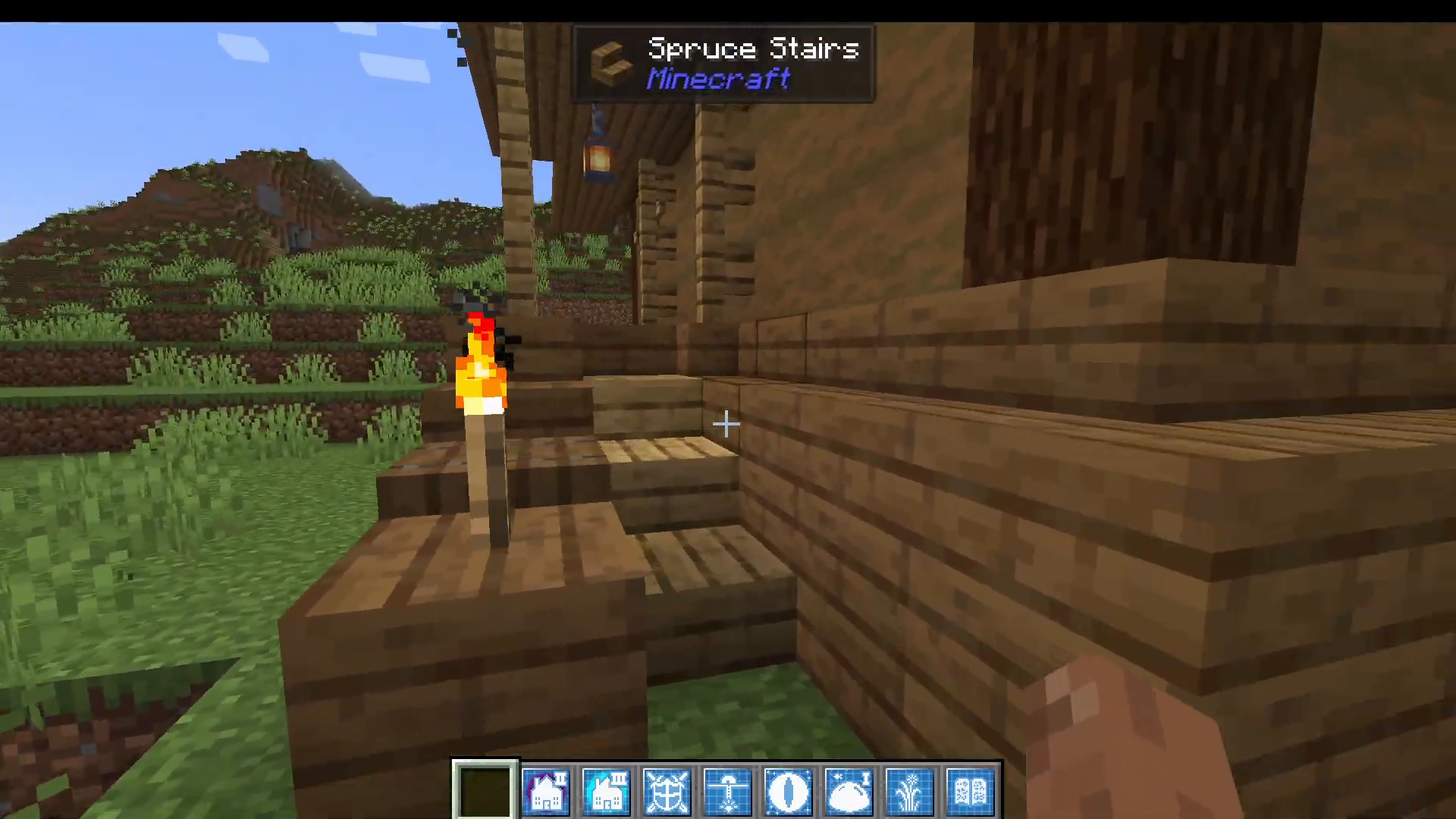
Inside a basic house you’ll find everything you need to survive and thrive from day one: a loom, a crafting table, a bed, a furnace styled as a clay oven, a chimney, a loft area with lanterns, and a pre-filled chest. Note that if you are building a modpack, the chest contents are configurable in the mod’s config file.
House Two: The Improved House
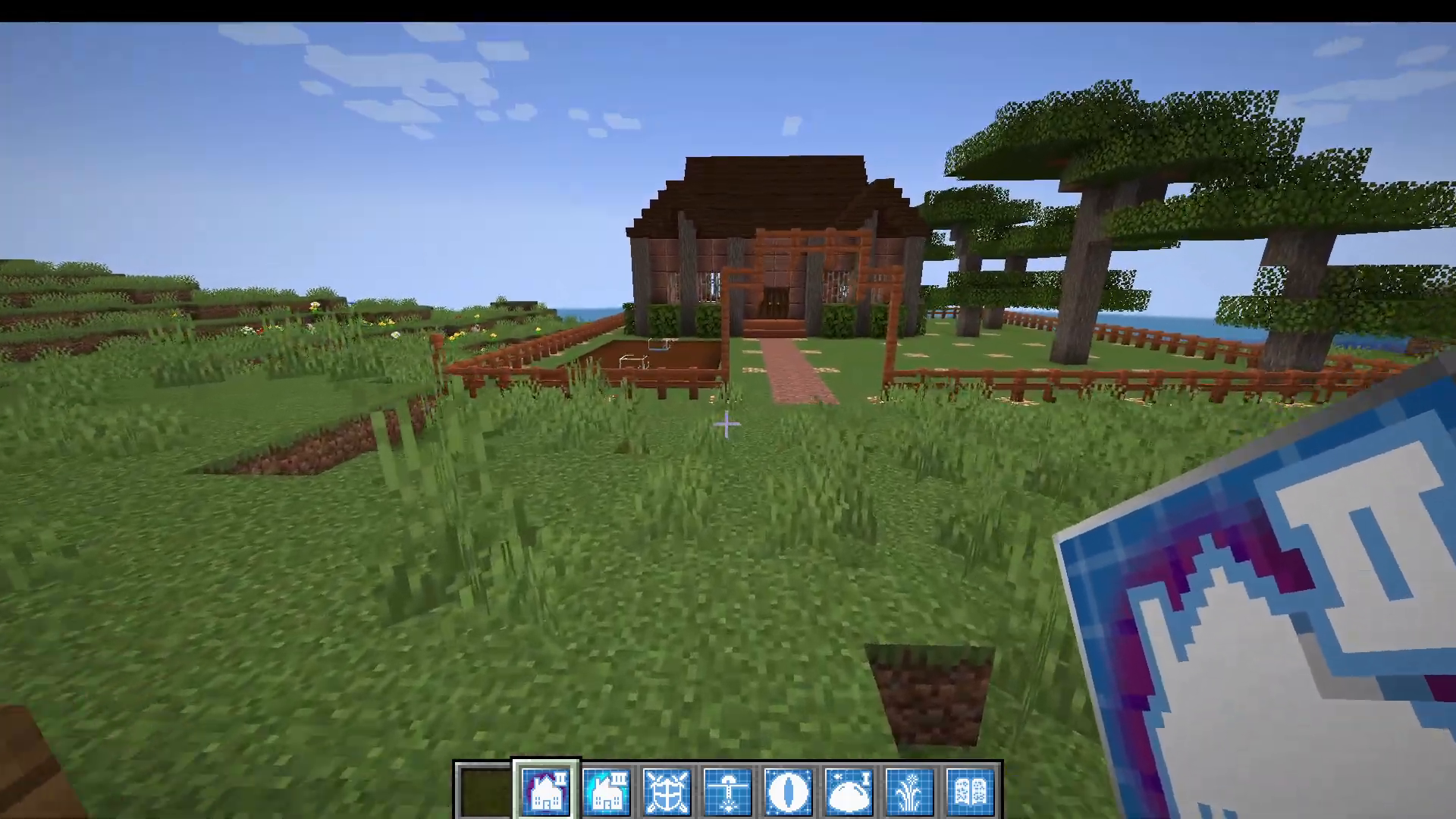
The House 2 (Improved House) blueprint is crafted by combining three House 1 Prefab blueprints together. This tier unlocks significantly more living space and features, including:
A dedicated crop farming area outside
Interior furnishings including a bed, crafting table, cauldron, and furnace
A large basement (varies by house style chosen)
A mine shaft pre-built going deep underground
Additional furnaces and crafting tables in the basement
An upstairs living area
House Three: The Advanced House
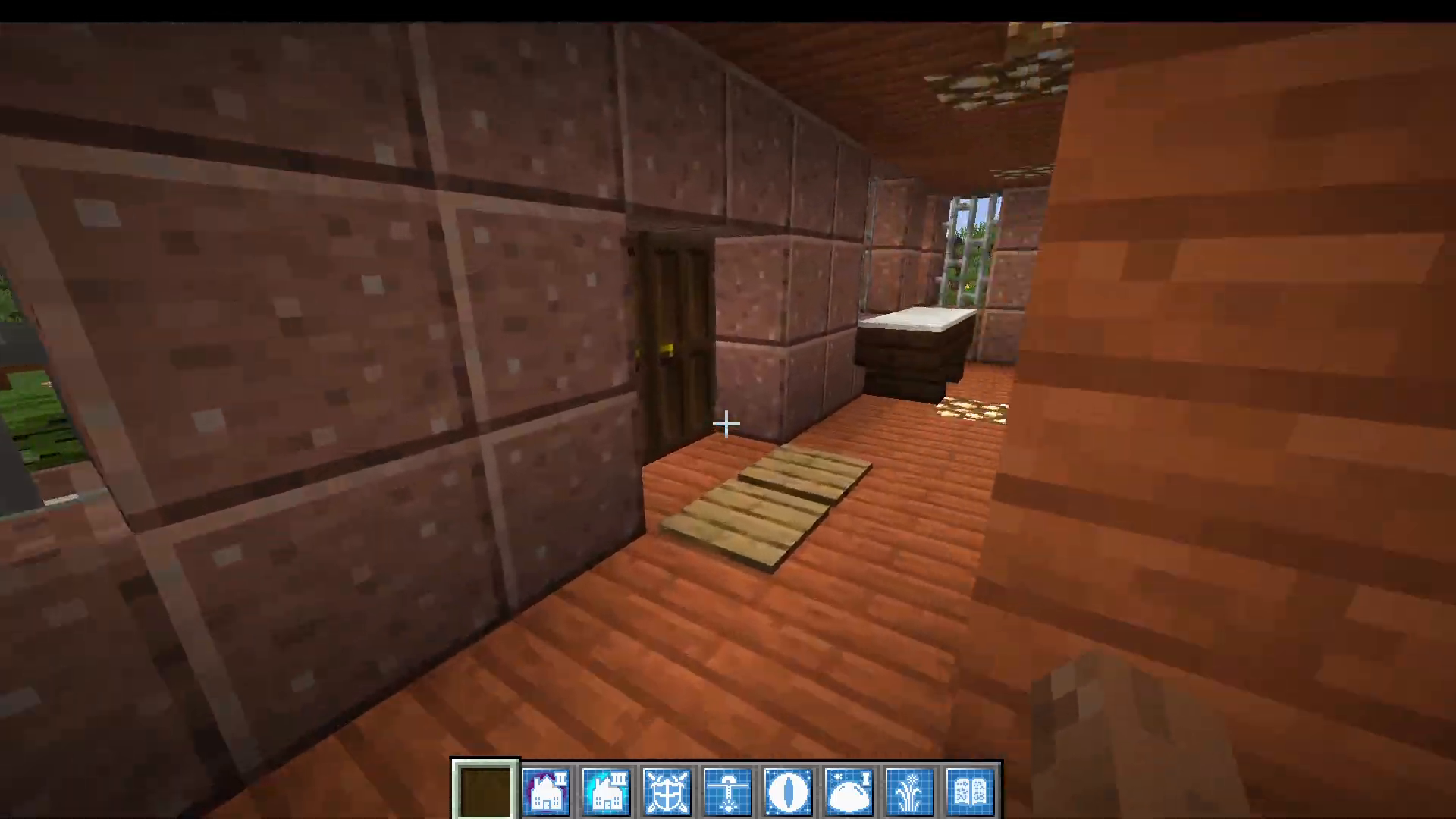
The Advanced House blueprint requires an Upgrade item in addition to the previous materials. This is the most fully featured residential structure in the mod and includes:
Barrels and item frames for storage sorting
A pre-built mine shaft
Multiple furnaces and crafting stations
Exterior crops and a back garden
An enchanting table and brewing stand
Three full stories, including a loft area with beds
Other Structures You Can Build
Houses are just the beginning. The Prefabs mod includes a huge variety of other structures for survival, multiplayer servers, and specialised gameplay needs.
Combat and Exploration Structures
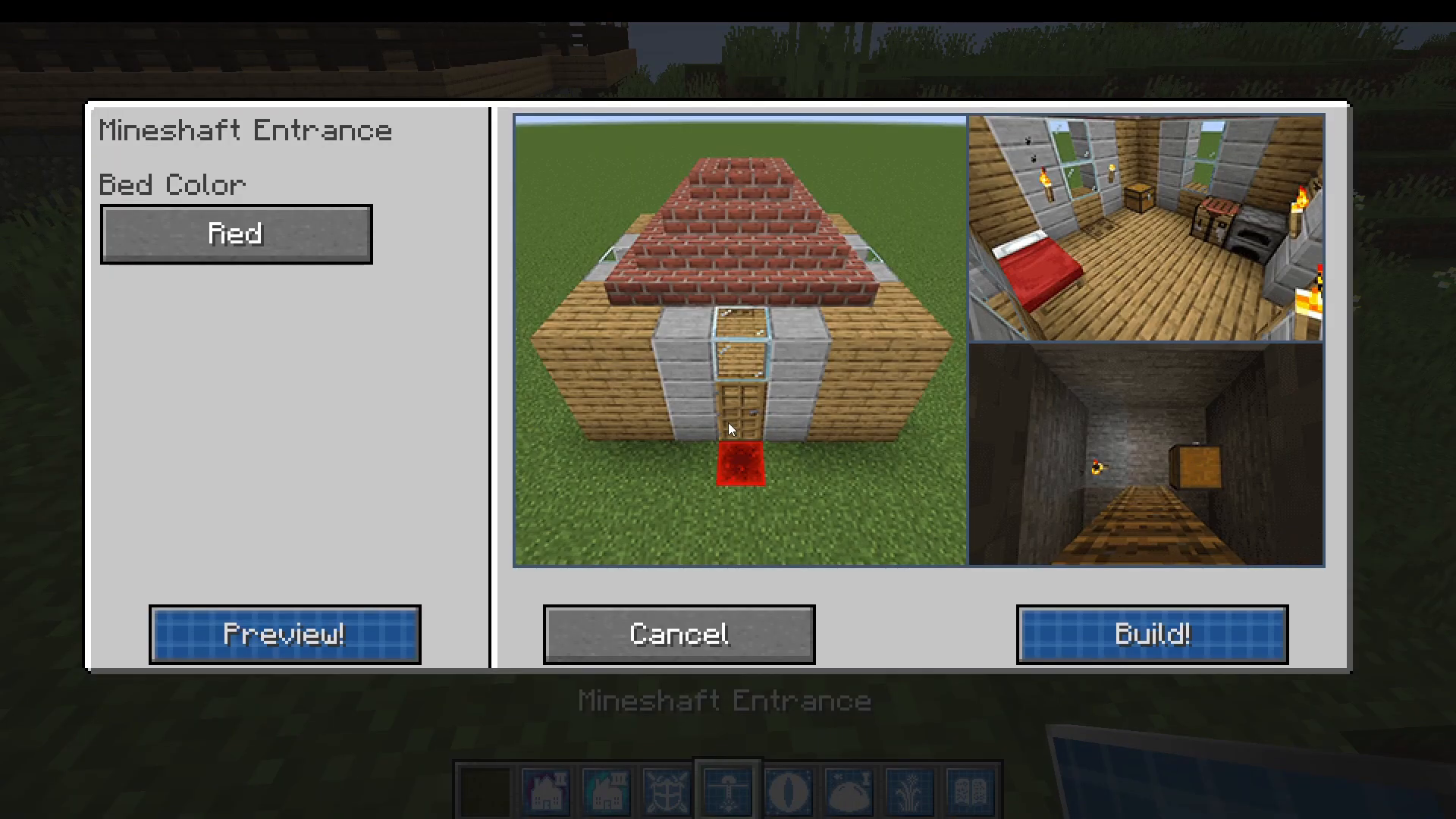
Defense Bunker — A fortified structure with a mine shaft entrance.
End Gateway — Provides a pre-built portal to reach the End dimension.
Ancient Skull — A decorative and atmospheric structure.
Corrupted House — Available in two style options.
Magic Temple — Pre-furnished with enchanting equipment.
Aqua Base
The Aqua Base is an underwater structure, perfect for players who want to establish a base beneath the ocean’s surface.
Multiplayer and Server Structures
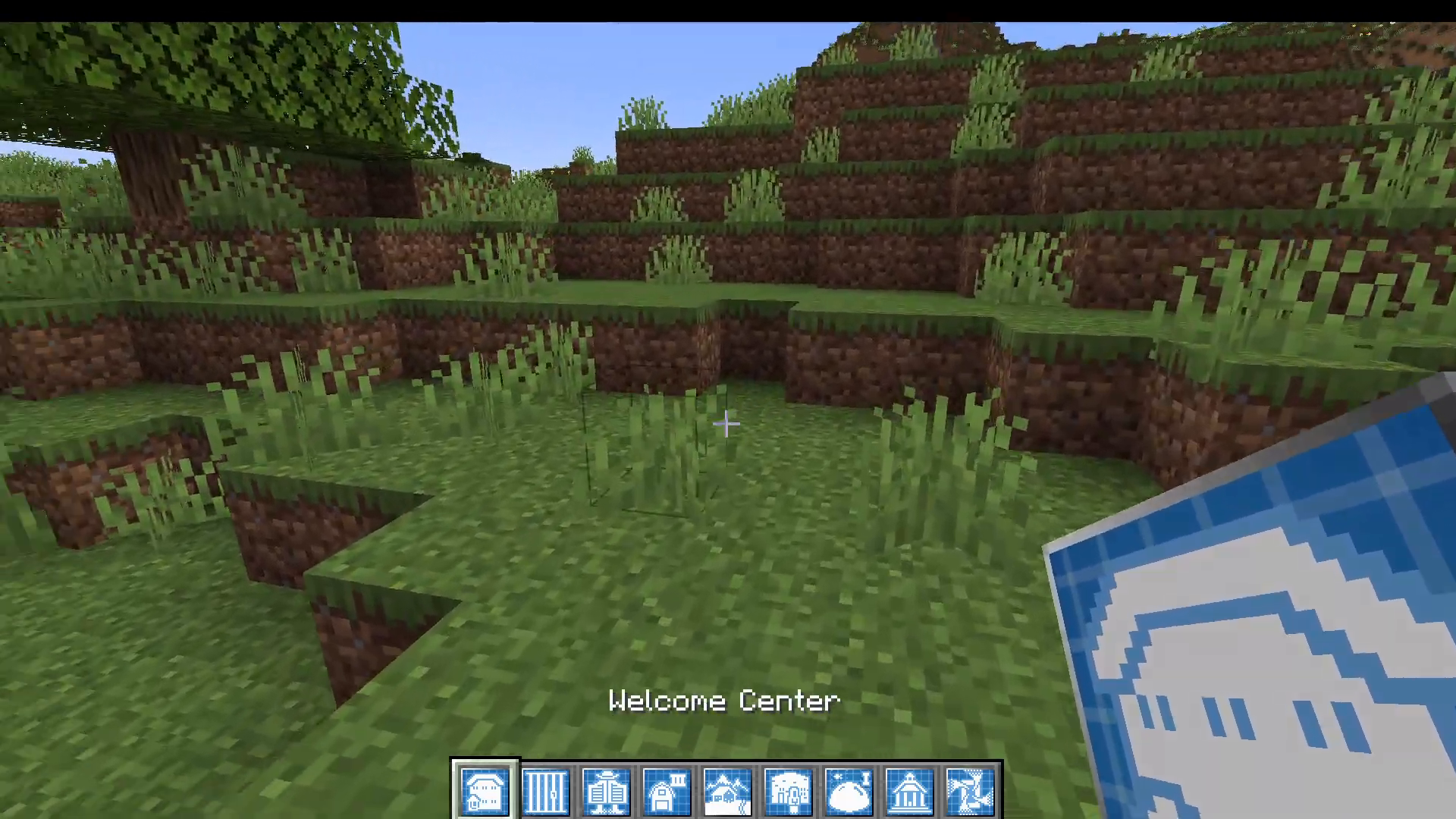
Welcome Center — Loaded with beds, ideal as a server spawn point.
Jail — A functional jail building for server roleplay or modpacks.
Saloon — A western-themed communal building.
Town Hall — A large civic building useful for community servers.
Village Houses — Several simple residential variants.
Ski Lodge — A decorative, cozy building.
Navigate — A navigation-themed structure.
Farm Structures
The Prefabs mod shines when it comes to farming. Two tiers of farm blueprints are available, and both include automated options that handle resource collection for you.
Improved Farm
The Improved Farm blueprint offers a solid selection of farm types:
Automated crop farm
Fish pond
Bee farm
Sugar cane farm
Mushroom farm
Barn
Greenhouse
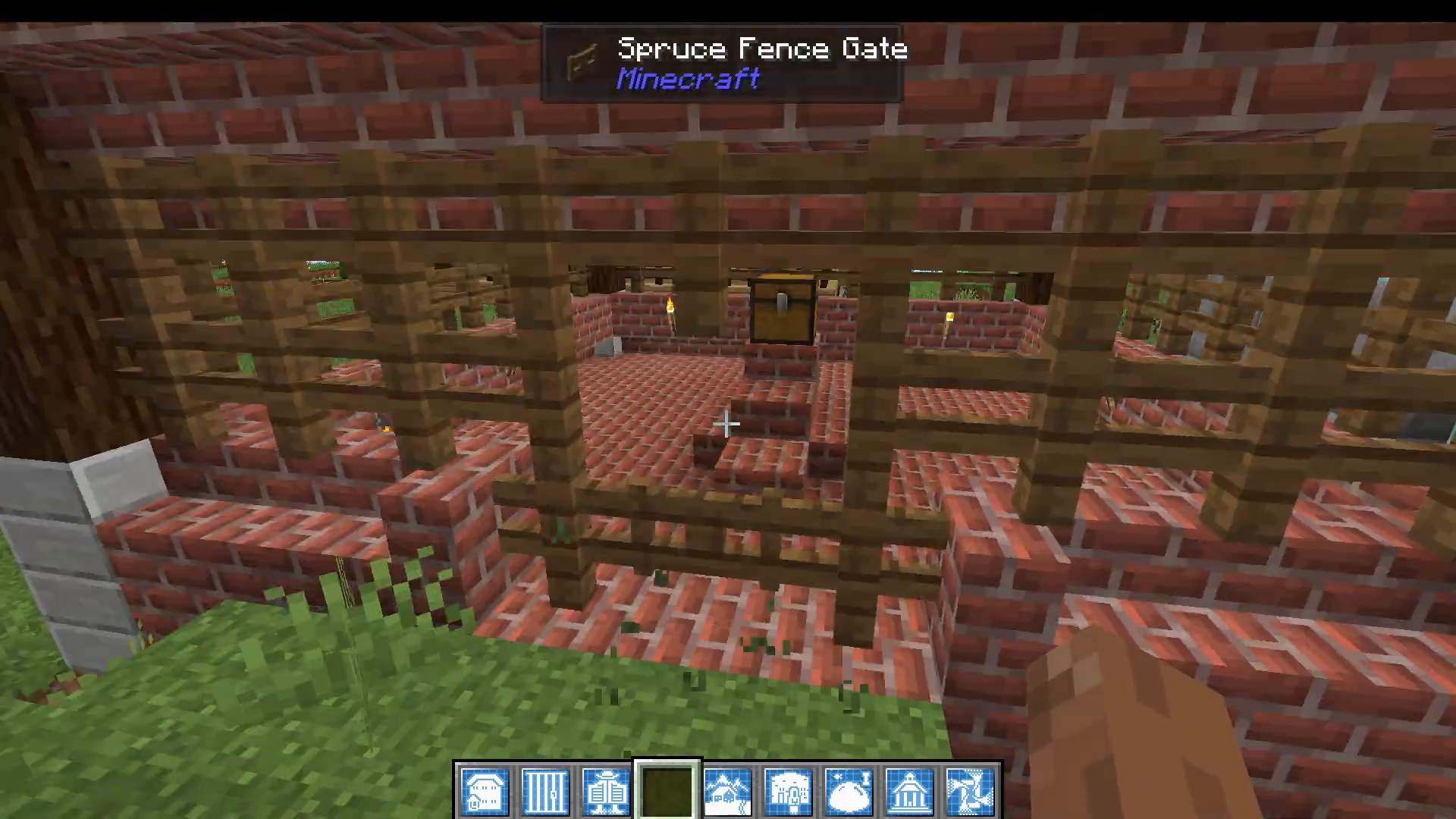
Chicken Coop — Features water flowing over the chickens and a hopper system that automatically funnels eggs into a chest below.
Advanced Farm
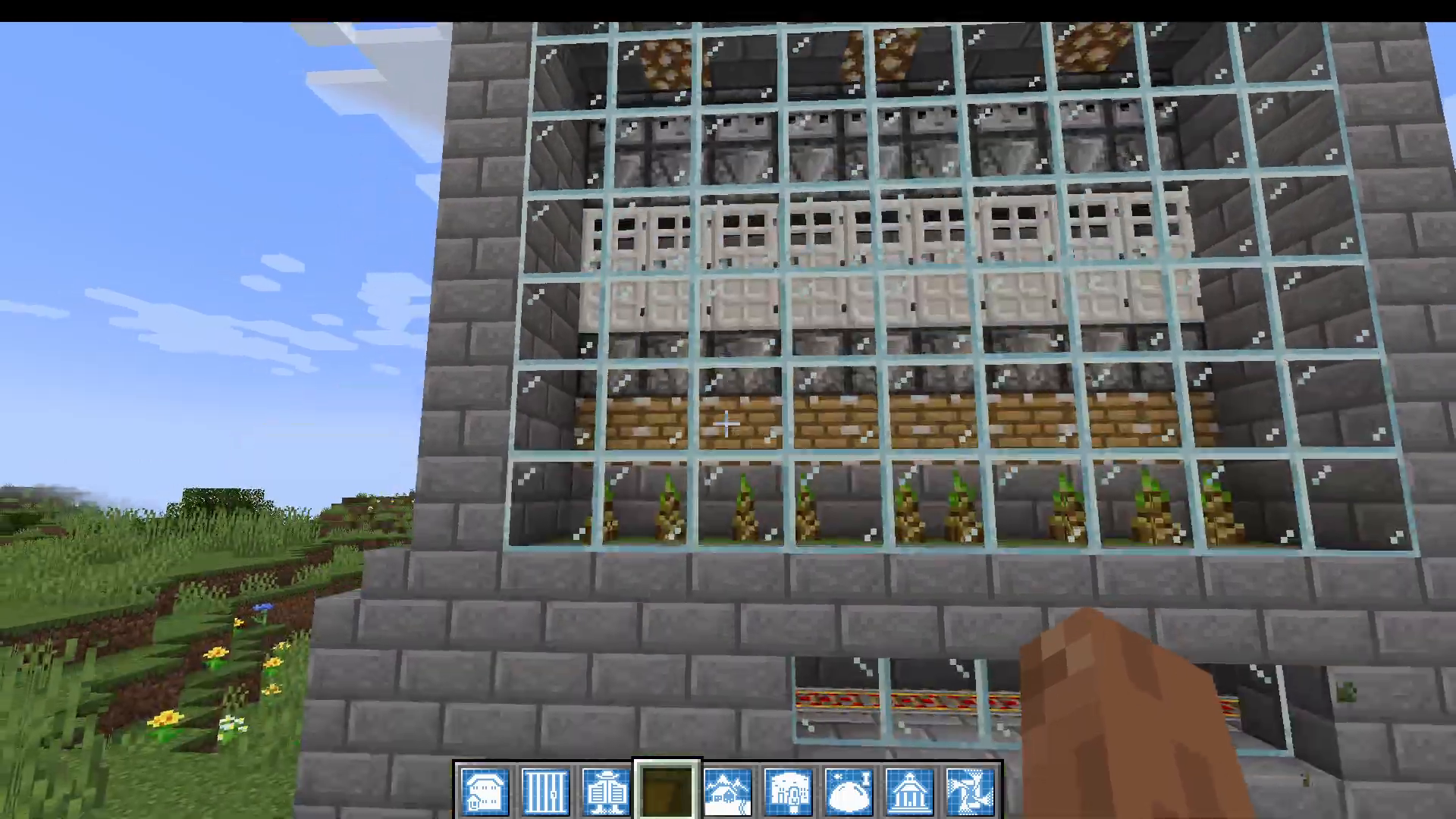
The Advanced Farm takes automation even further. It includes a fully automated crop farm that uses detectors (likely observer blocks) to break crops when they are ready, with the harvested items falling into a minecart collection system below. The Advanced Farm blueprint lets you choose from:
Bamboo farm
Melon farm
Barn
Float of animals (animal pen)
Greenhouse
Horse stable
Monster Mash / Mob farm
Produce farm
Tree farm
Bonus Items Added by the Prefabs Mod
Beyond structures, the Prefabs mod also adds several useful standalone items and blocks to your game:
Sickles — Tools for quickly cutting grass.
Small Swords — Compact, handy combat weapons.
Osmium — Added automatically if Mekanism is installed, ensuring cross-mod compatibility.
Boundary Blocks — Initially invisible blocks that become visible only when they receive a Redstone signal, useful for hidden structures or contraptions.
Grass Stairs — Decorative grass-covered stair blocks.
Glass Stairs — Glass stair blocks not available in vanilla Minecraft.
Summary: Is the Prefabs Mod Worth It?
The Prefabs mod for Minecraft is an excellent choice for any player who wants to focus on exploration, combat, and modded progression rather than spending time on construction. With three tiers of houses, a wide range of farm types including fully automated systems, multiplayer-ready community buildings, and a handful of handy new items, this mod adds tremendous value to both solo and server playthroughs. Recipes stay accessible without feeling trivially cheap — the more impressive structures require proportionally rarer materials — and the level of detail and functionality packed into each prefab is genuinely impressive. If you’re building a modpack or just starting out in modded Minecraft, the Prefabs mod deserves a place in your instance.
“`