Mob Grinding Utils Complete Tutorial – MC 1.21.1
Mob Grinding Utilities 1.21.1 – Complete Tutorial Guide
Mob Grinding Utilities is one of the most powerful mob-farming mods available for Minecraft 1.21.1. Whether you want to automate mob kills, collect XP as a liquid, or spawn mobs on demand, this mod has a tool for every job. This complete guide walks you through every block, upgrade, and mechanic the mod offers — from the basics all the way to chicken-based XP farming tricks.
Utility Blocks for Mob Control
Ender Inhibitor
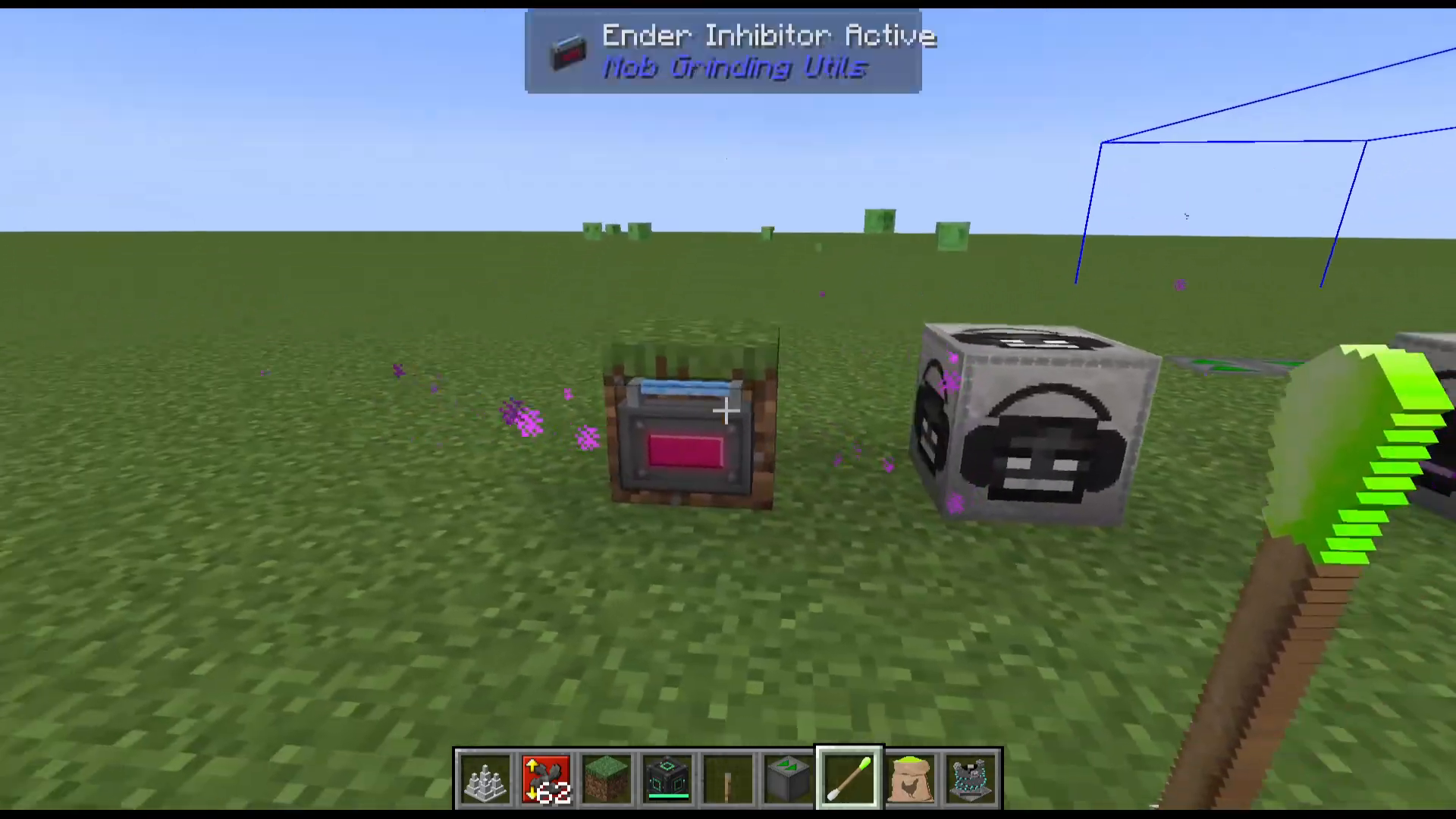
The Ender Inhibitor prevents Endermen from teleporting away within an 8-block radius. Simply right-click it to toggle it on or off. Place it near your Enderman farm to keep mobs locked in place and stop them from escaping your kill zone.
Wither Boss Deaf Muffler
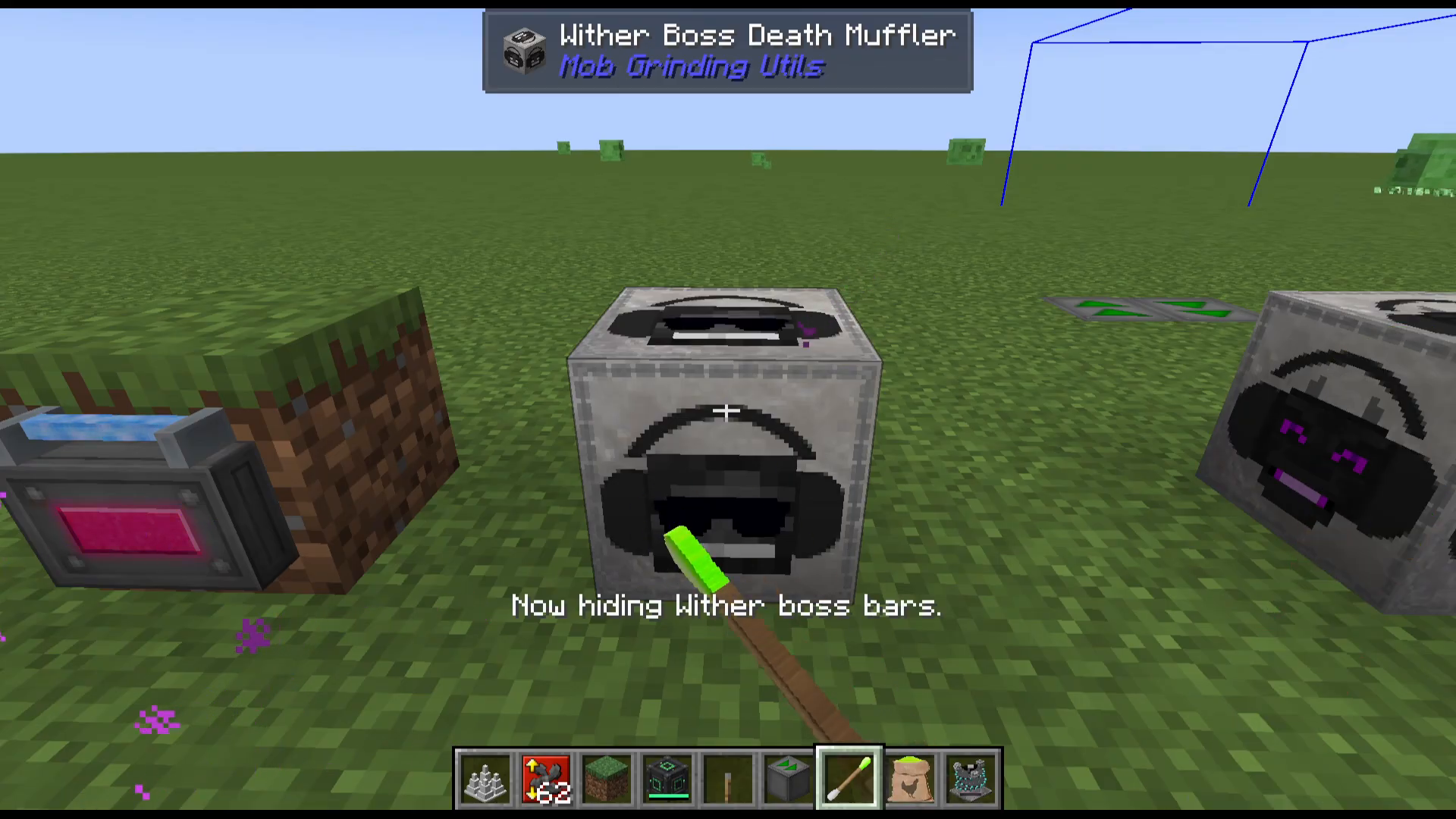
The Wither Boss Deaf Muffler eliminates the deafening sound effect produced by Withers — an essential block if you are farming Withers for Nether Stars. Right-clicking the muffler places a pair of sunglasses on it, which also activates the secondary feature: hiding the Wither’s boss health bar from your HUD. This same functionality applies to the Ender Dragon, removing both the boss bar and its death noise.
Moving Mobs: Entity Conveyors and the Mob Fan
Entity Conveyors
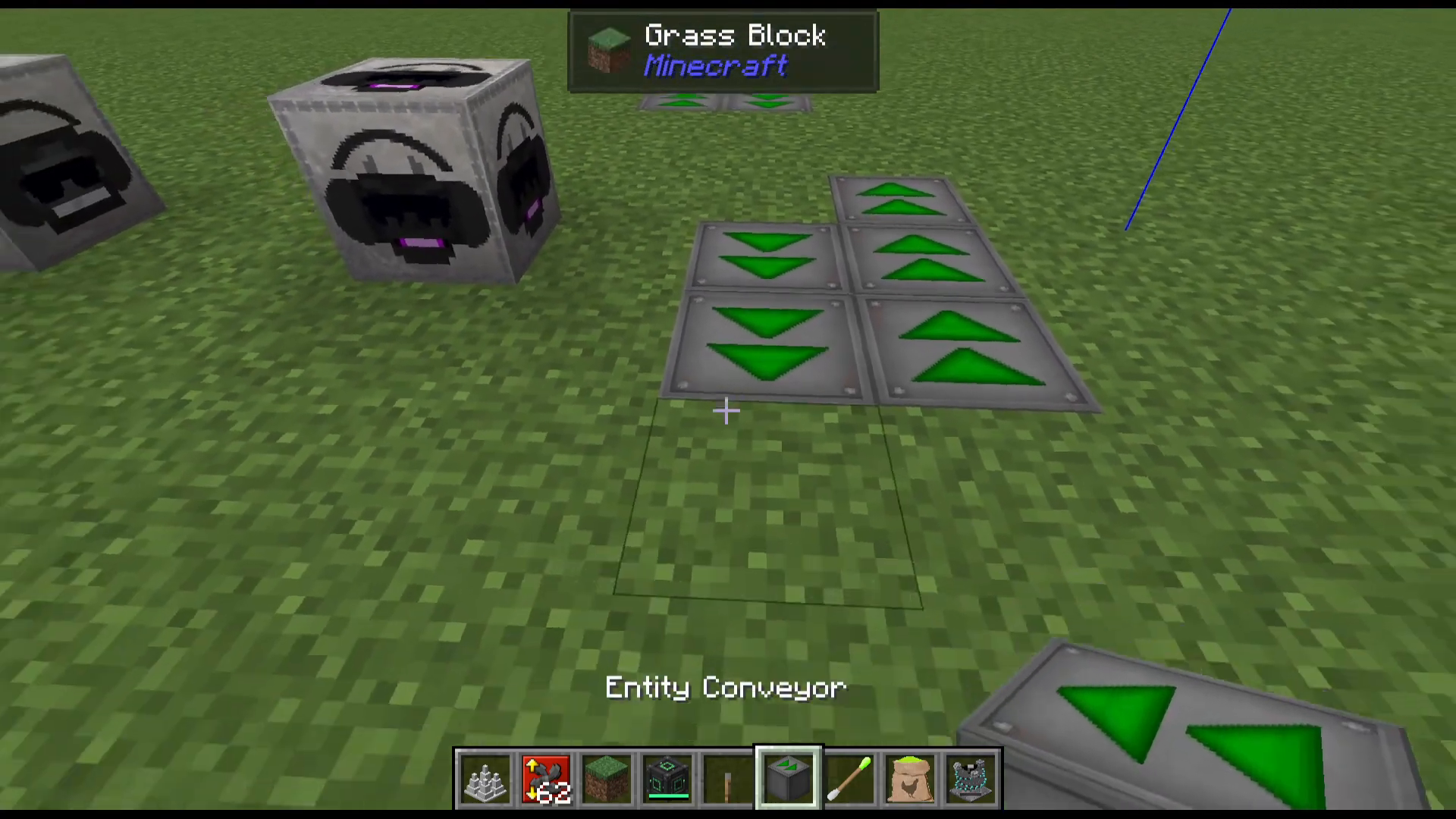
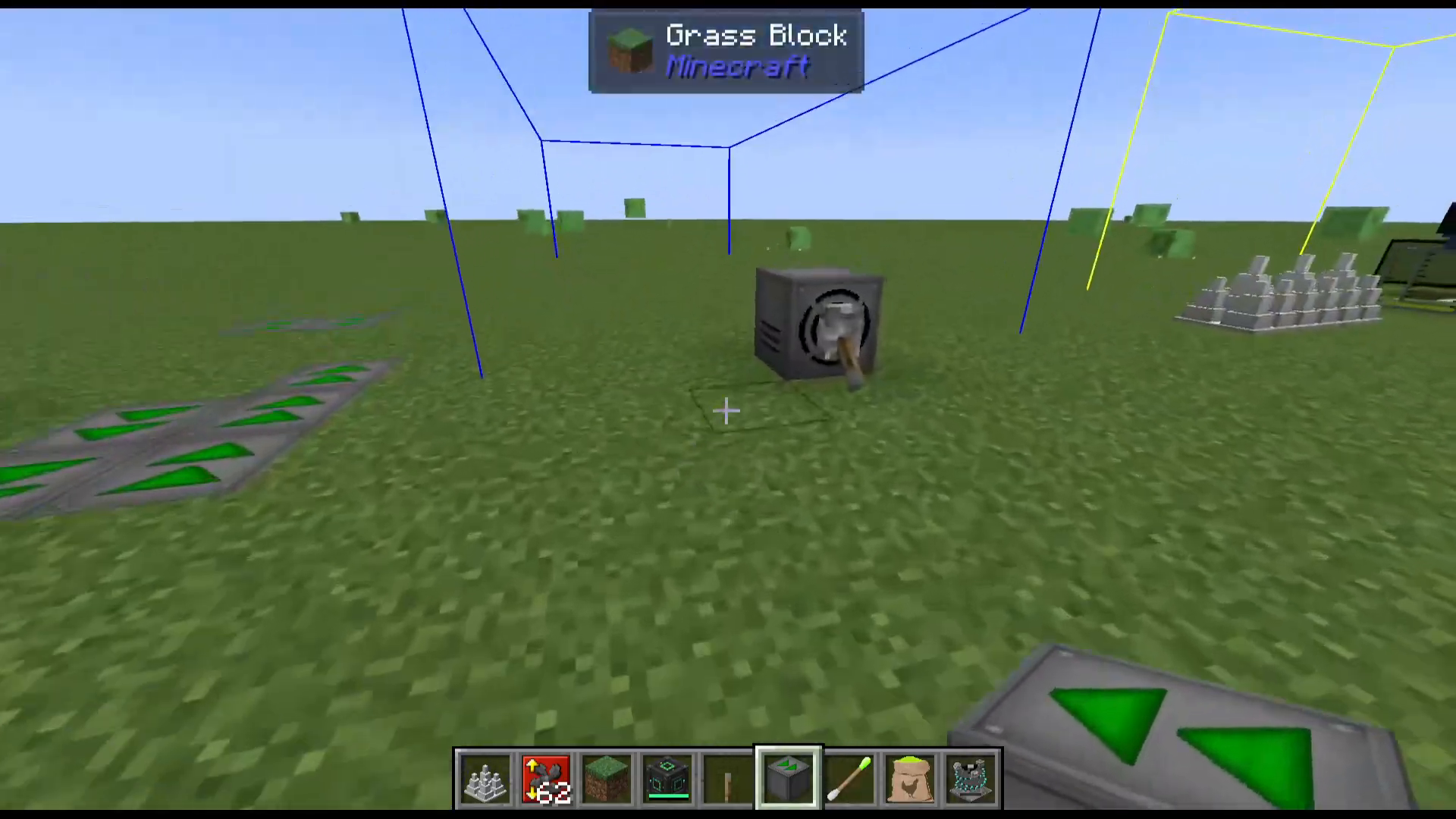
Entity Conveyors push mobs (and players) in a set direction. They are placed facing the opposite direction from where you are looking, so the conveyor pushes entities toward you. Use them to funnel mobs through a corridor and into a kill zone. Be aware that conveyors will also push players, so plan your farm layout accordingly.
Mob Fan
The Mob Fan blows mobs (and players) in a chosen direction and is toggled on and off with a lever. You can tell at a glance whether it is active because the fan blades are visually spinning when it is on.
Right-clicking the Mob Fan opens its upgrade interface. You can install up to:
3 Whip upgrades — increases the power of the push.
3 Height upgrades — increases the vertical range.
10 Distance upgrades — increases how far mobs are blown.
The working area can be shown or hidden directly from within the interface. The intended design is to pair the Mob Fan and Entity Conveyors together to push mobs onto Iron Spikes at the end of the path, killing them automatically.
Killing Mobs Automatically
Iron Spikes
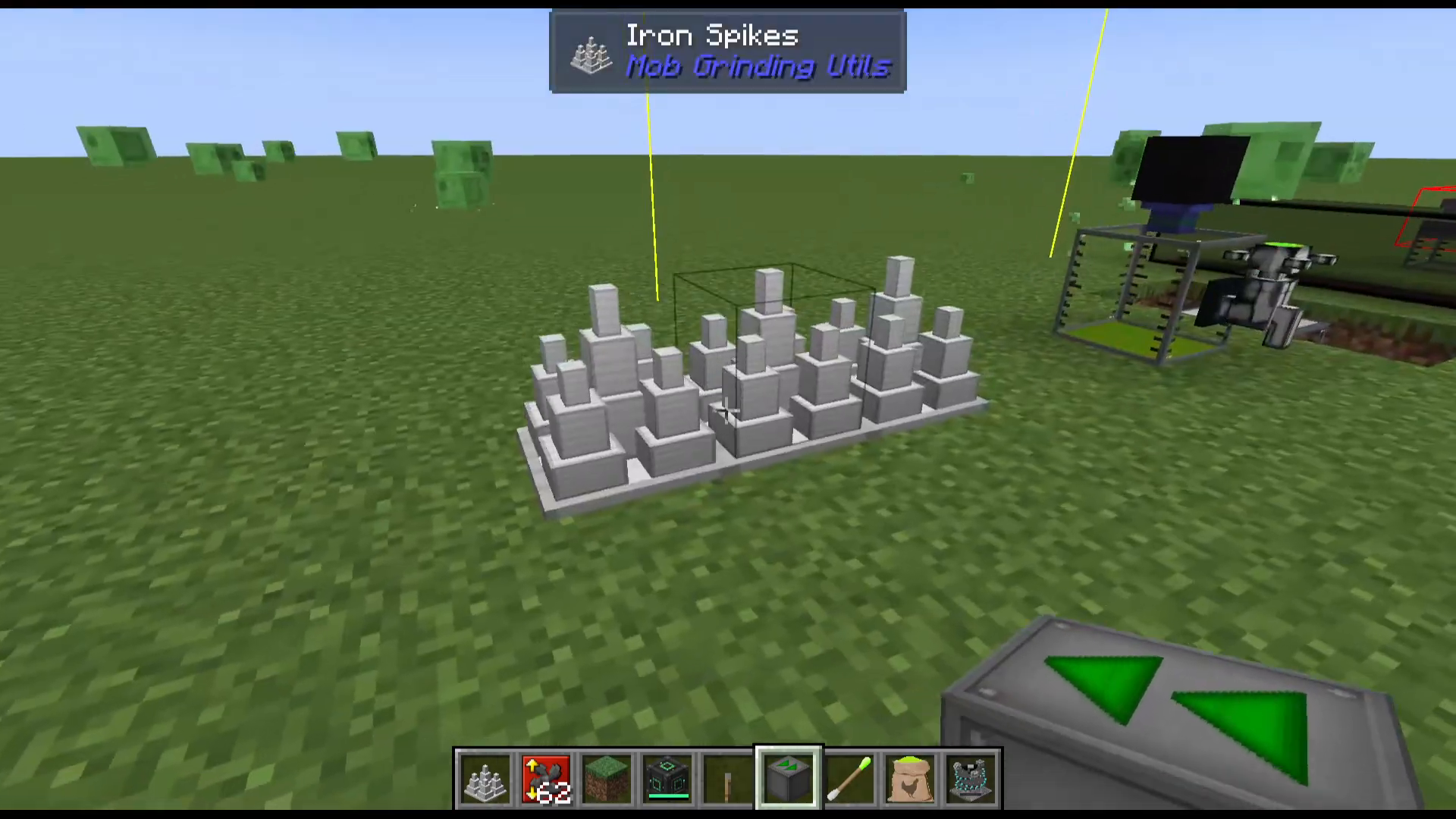
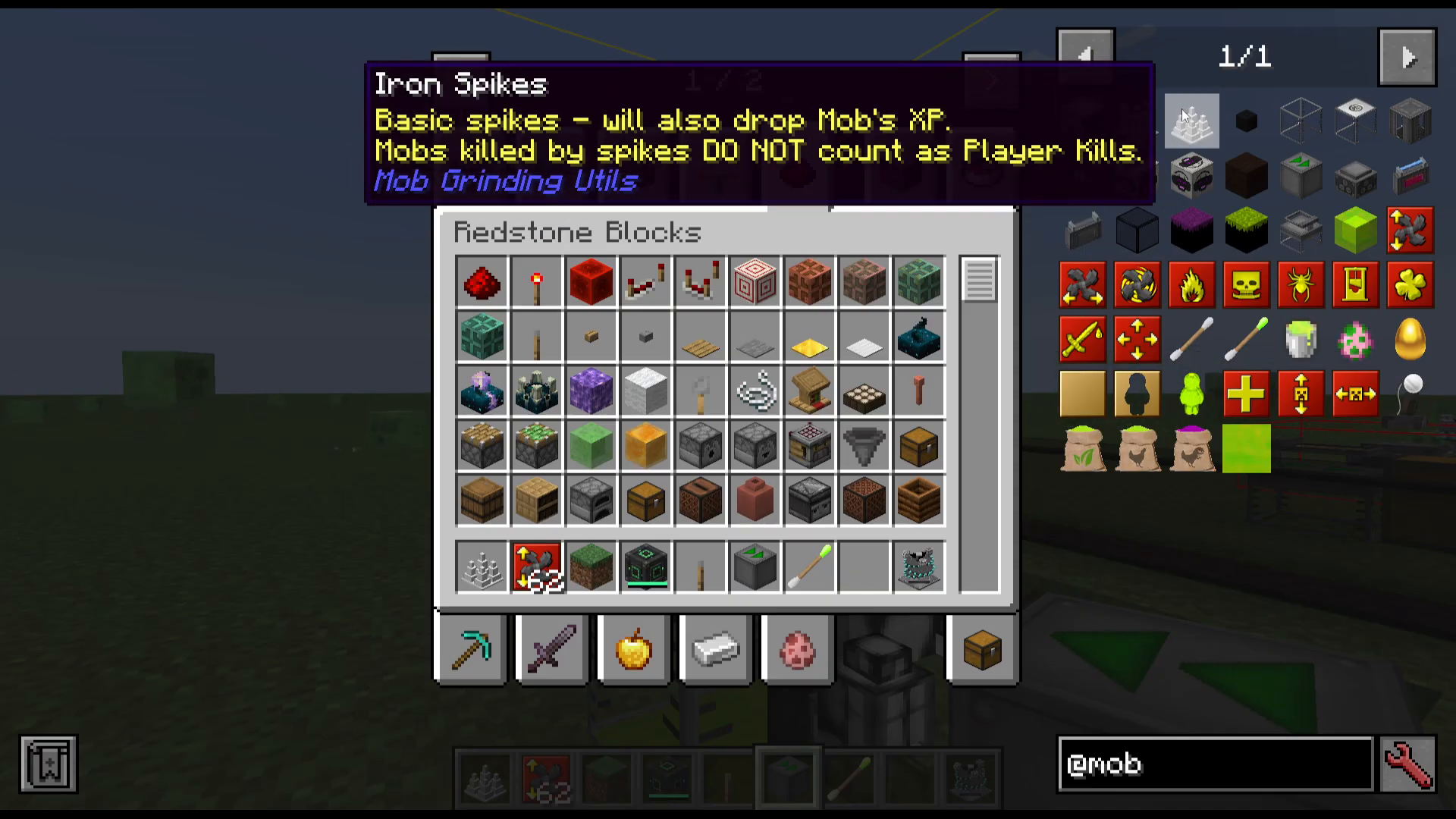
Iron Spikes kill any mob that lands on or walks over them. They drop both items and XP orbs, making them a solid entry-level kill method for your mob farm. One important limitation to note: kills from Iron Spikes do not count as player kills. This means mobs will not drop player-kill-only loot such as rare equipment or certain spawn-specific drops.
Mob Masher
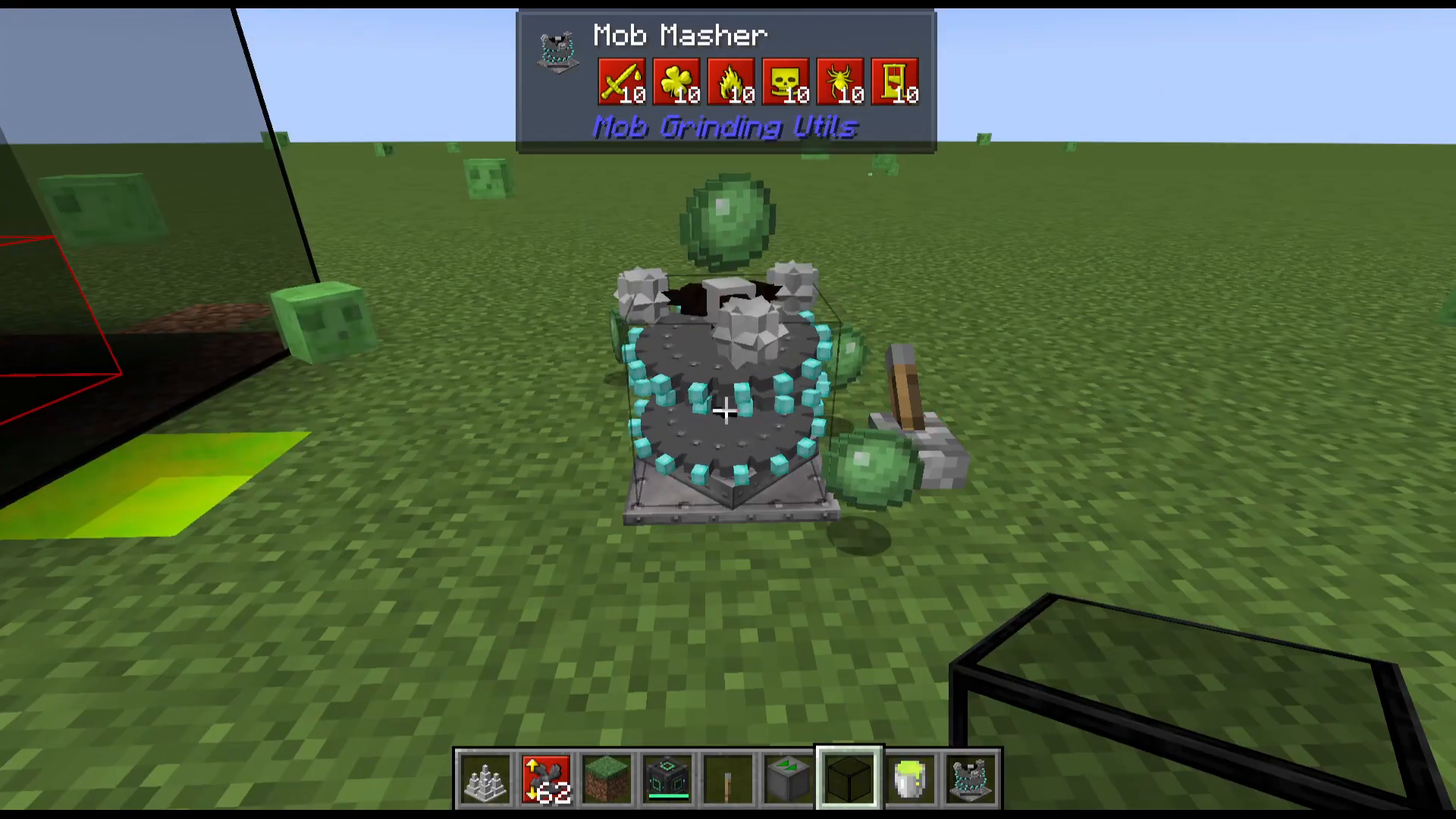
The Mob Masher is an advanced alternative to Iron Spikes. Its key advantage is that kills do count as player kills, unlocking all player-kill-exclusive drops. Opening the Mob Masher’s interface reveals a full suite of enchantment upgrades, each stackable up to 10 times:
Sharpness
Looting
Fire Aspect
Smite
Bane of Arthropods
Beheading
Like Iron Spikes, it can be toggled on and off with a lever.
Collecting Drops and XP: The Absorption Hopper
The Absorption Hopper is the primary collection block in Mob Grinding Utilities. It vacuums up nearby item drops and XP orbs within a 7×7 area. Right-clicking the hopper opens its interface, where you can configure:
Item output direction — for example, set it to push items upward into a connected chest.
Fluid (XP) output direction — push liquid XP downward into a Singularity Tank.
Offset — shift the collection area on any axis to better cover your kill zone.
The Absorption Hopper also has its own internal storage for both items and XP. The working area can be toggled visible or hidden from within the interface. You can also slot in Absorption Radius Upgrades — up to a maximum of 6 upgrades — to significantly extend the collection range beyond the default 7×7 footprint.
Storing and Using Liquid XP: The Singularity Tank
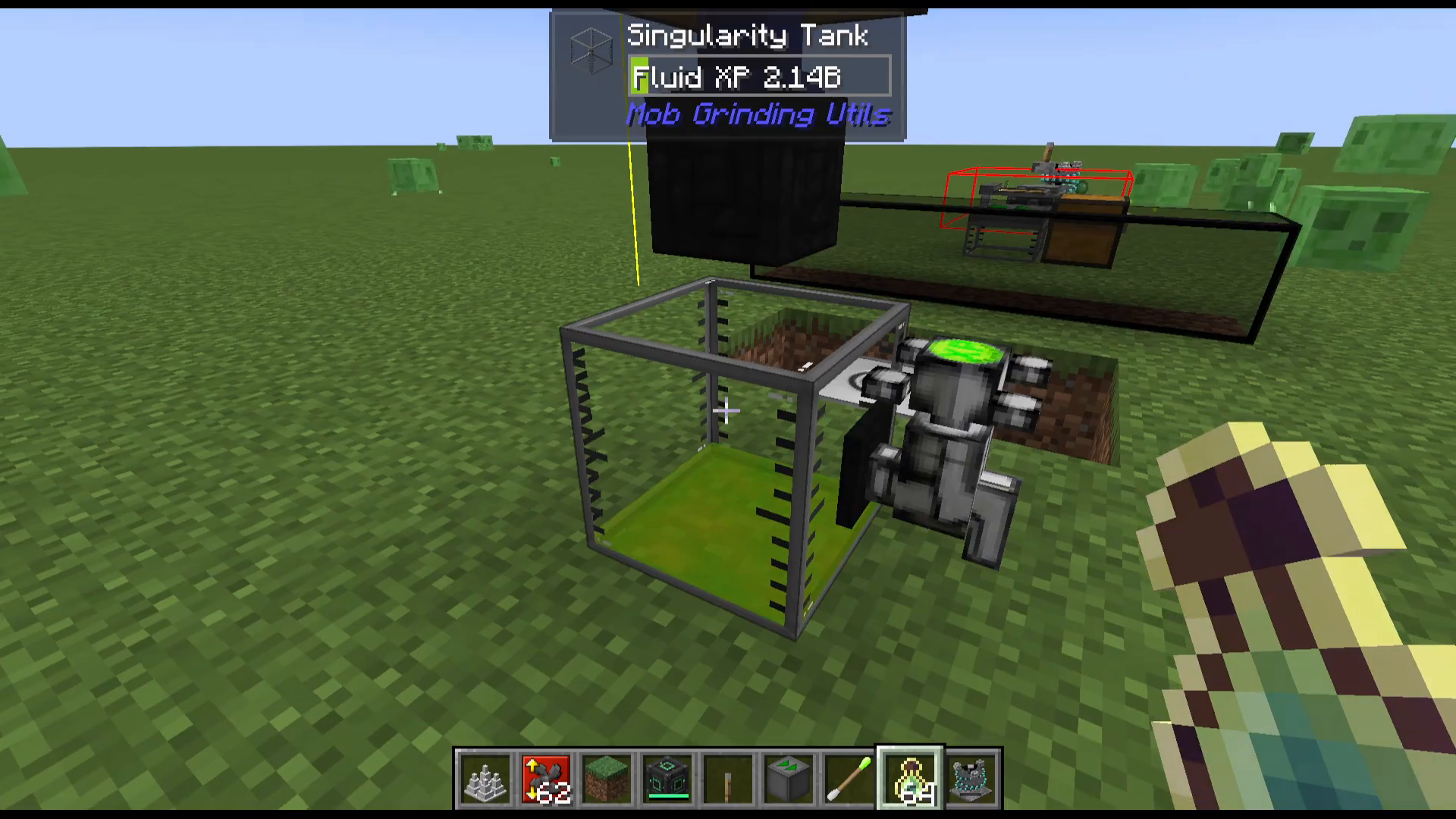
The Singularity Tank is a standard fluid tank that stores up to 32 buckets of liquid XP. You can fill it manually with buckets or pipe liquid XP into it from an Absorption Hopper.
XP Tap
Attach an XP Tap to the Singularity Tank and right-click it to release the stored XP as orbs that a nearby player can walk through and absorb naturally.
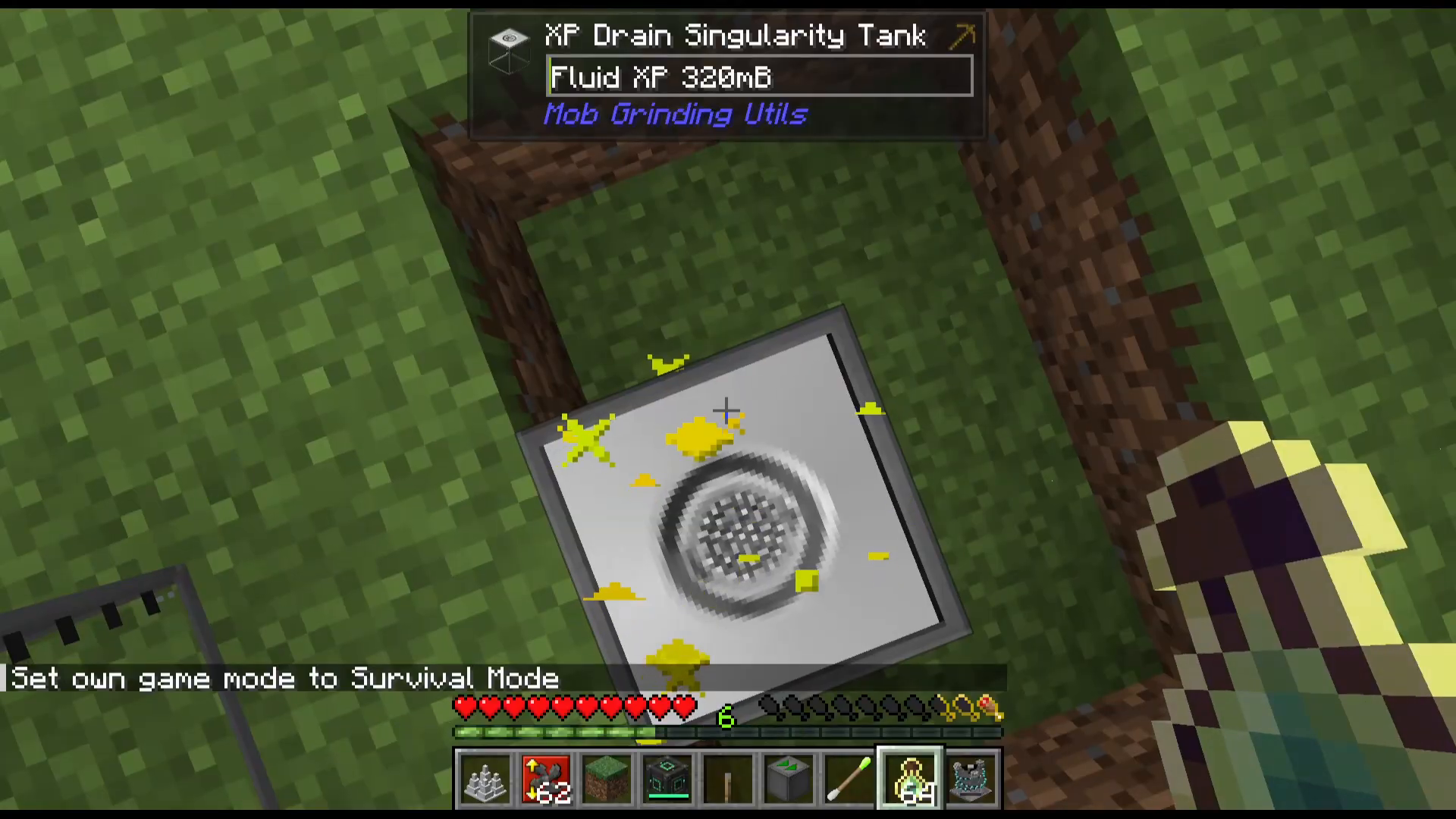
XP Drain Singularity Tank
The XP Drain Singularity Tank works in reverse — stand on top of it in Survival mode and it will drain your player’s XP, converting it into liquid XP stored in the tank. This is useful for transferring your own banked XP into your storage system.
Tinted Glass
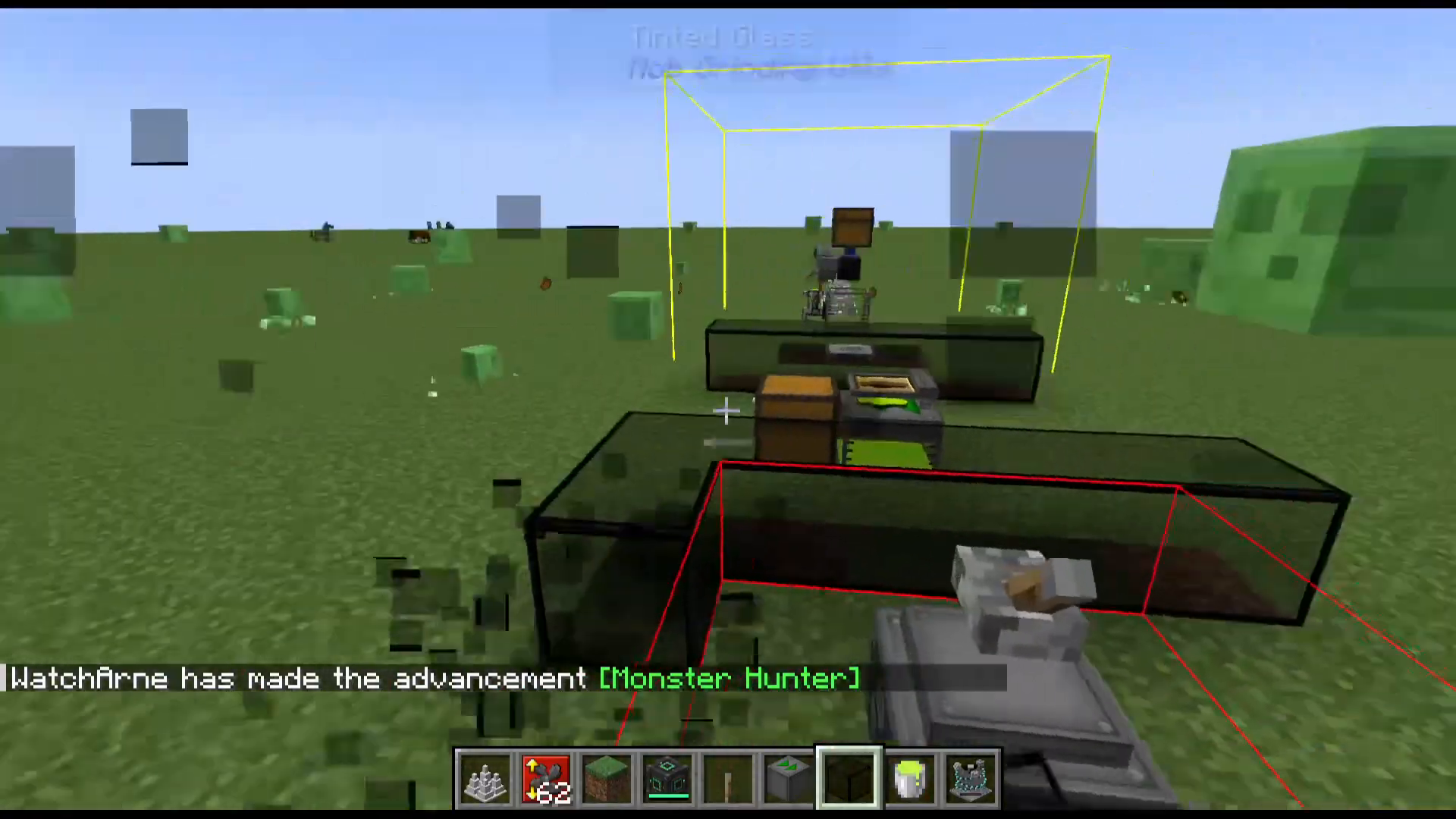
Tinted Glass blocks all light from passing through while still remaining visually transparent to the player. This makes it ideal for enclosing mob farms where you need darkness for mob spawning but still want to see inside.
Converting Liquid XP Into Usable Items: The XP Solidifier
The XP Solidifier converts liquid XP into solid, portable forms. To use it:
Fill it with liquid XP — pipe it in from a Singularity Tank or fill it manually using buckets of liquid XP.
Craft an XP Mold (crafted from an XP Block, gold nuggets, and an XP Mold template).
Place the XP Mold and a Jelly Baby into the crafting grid within the solidifier.
The machine produces XP Jelly Babies, which you can eat to gain XP on demand.
Use the directional output arrows in the interface to automatically push finished Jelly Babies into an adjacent chest. There is also a Solidified XP block — a bouncy decorative/utility block made from solidified XP that mobs and players bounce off of.
Spawning Mobs on Demand: The Entity Spawner
The Entity Spawner lets you spawn specific mobs automatically without relying on natural spawn conditions — almost. Here is how to set it up:
Place XP Jelly Babies in the middle slot of the Entity Spawner.
Place the Spawn Egg of the mob you want to spawn (e.g., a Zombie Spawn Egg) in the top slot. A spawn egg is required.
Toggle the machine on using a lever.
The area must be dark enough for the target mob to spawn. Using Tinted Glass to enclose the spawning chamber resolves this.
The Entity Spawner supports two additional upgrade types:
Entity Spawner Height Upgrade
Entity Spawner Width Upgrade
These expand the spawning area of the machine. Pair the Entity Spawner above Iron Spikes or a Mob Masher for a fully automated kill chamber.
Chicken-Based Farming: GM and Nutritious Chicken Feed
Mob Grinding Utilities adds a quirky but powerful chicken-based mechanic through three types of special feed. Each feed causes a chicken to dramatically explode, producing a unique item.
Mob Swab
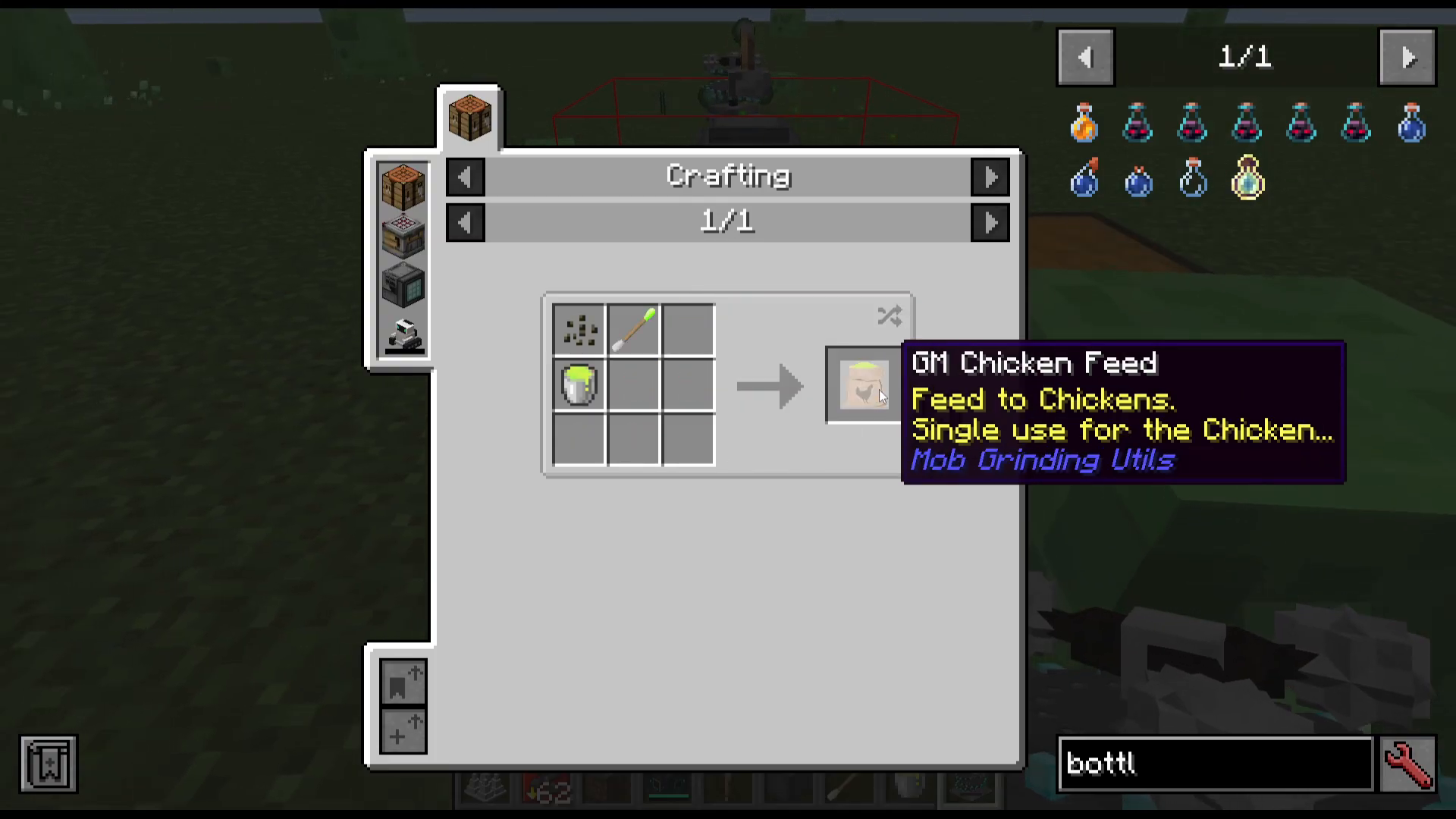
Before crafting GM Chicken Feed, you need a Mob Swab. Craft it and then right-click any mob to use it — you will see a “Mob Swab Used” confirmation message. The swabbed mob data is then used as a crafting ingredient.
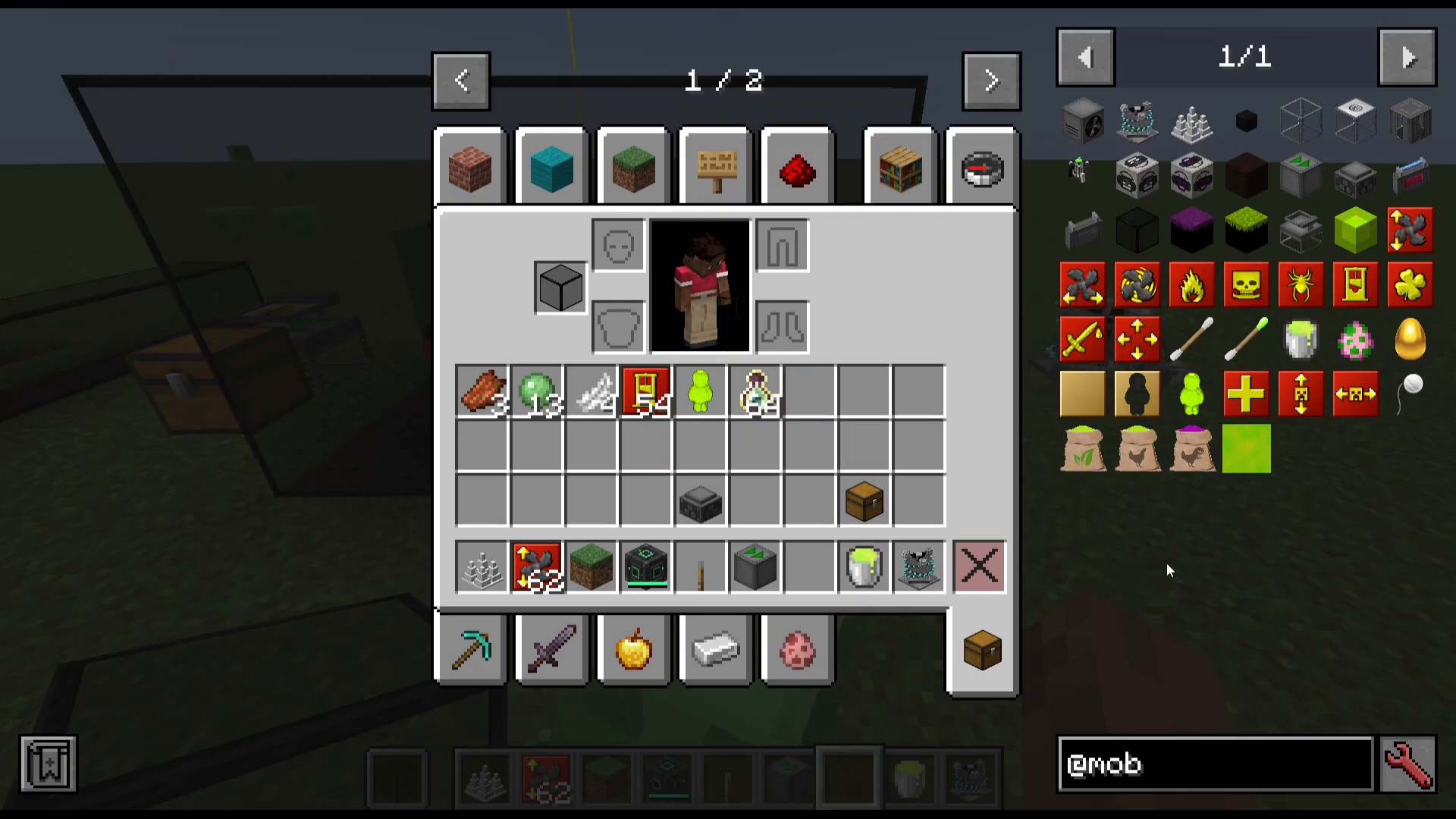
GM Chicken Feed (Standard)
Crafted using a Mob Swab, a Fluid XP Bucket, and Seeds. Feed it to a chicken and it will grow larger and larger before exploding into feathers. Entertaining, but not the end goal.
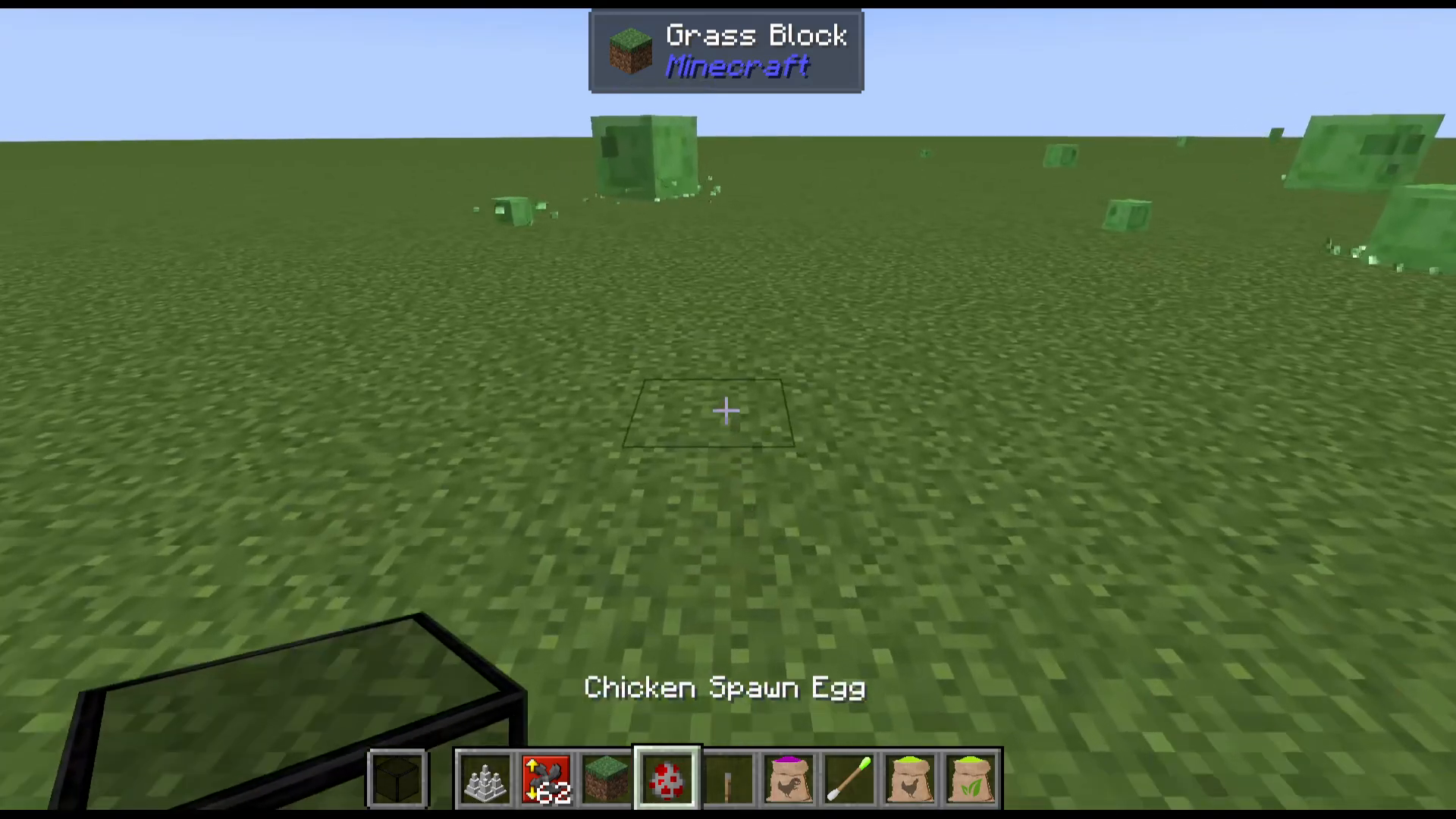
GM Chicken Feed (Cast / Spider’s Eye Variant)
This variant, crafted with a Spider’s Eye among other ingredients, causes the chicken to explode and drop a Rotten Egg. Throw the Rotten Egg to create a 5×5 area of Dreadful Dirt.
Dreadful Dirt spawns hostile mobs. Important caveats:
It ignites and burns away if exposed to daylight (open sky).
Hostile mob spawning is suppressed at a light level of 5 or above.
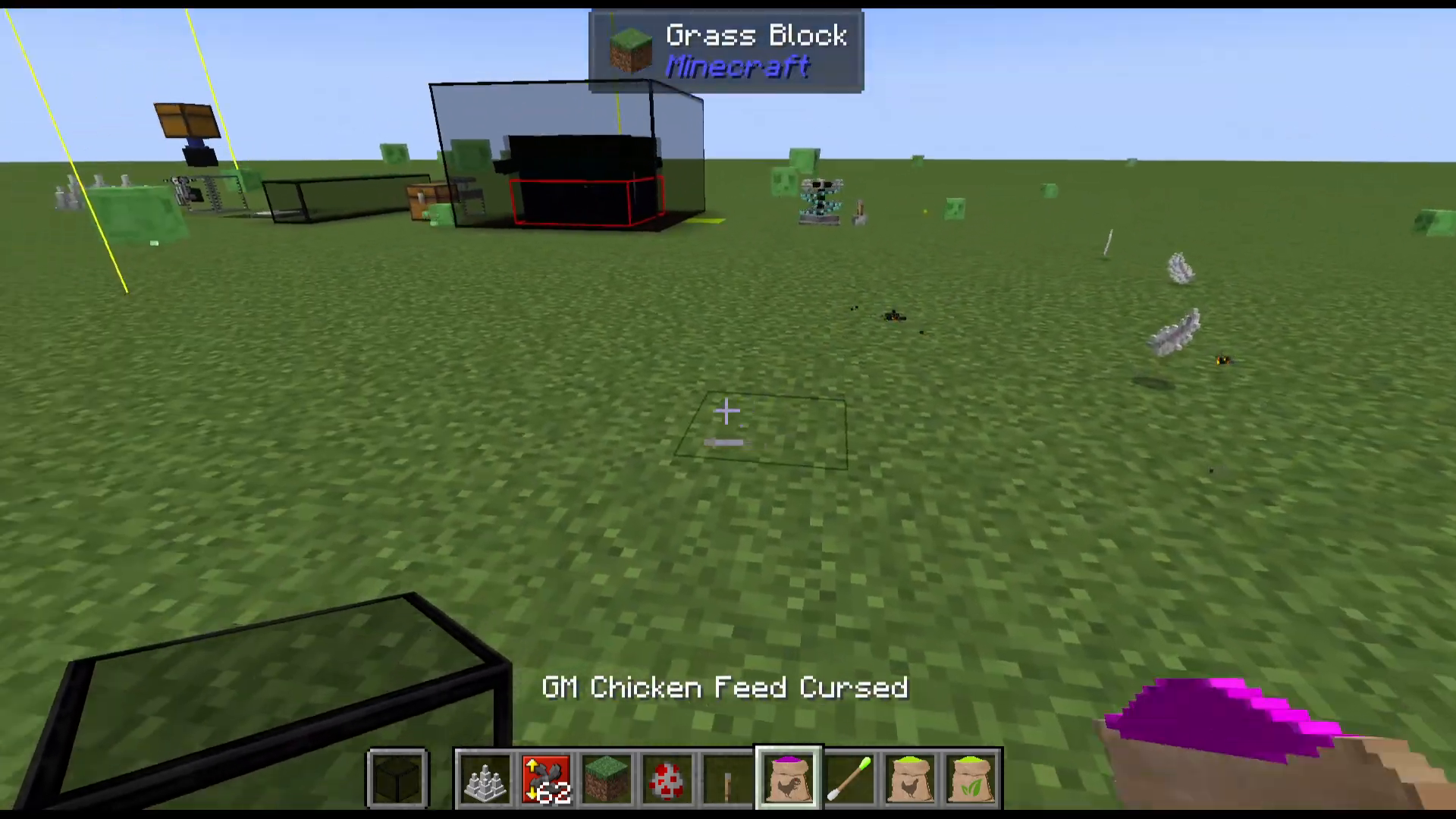
Nutritious Chicken Feed
Feed Nutritious Chicken Feed to a chicken and it explodes into a Golden Egg. Throw the Golden Egg to create a patch of Delightful Dirt, which passively spawns passive mobs such as cows, chickens, and sheep. This makes Delightful Dirt an excellent foundation for a passive-mob farm, allowing you to farm resources like leather, wool, and beef all in one automated location.
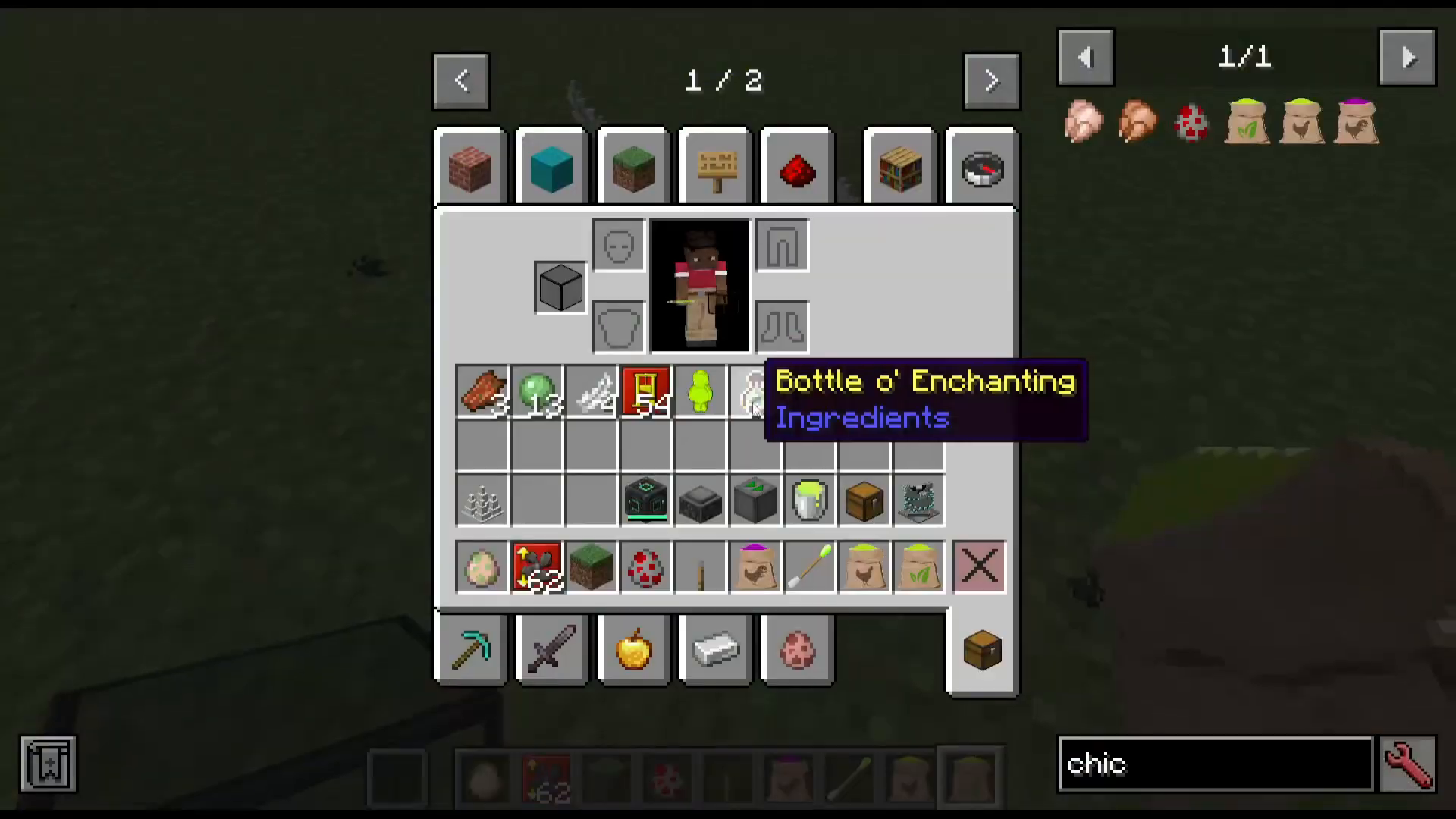
Upgrade Summary
Here is a quick reference for all upgrades in Mob Grinding Utilities and which machine they belong to:
Upgrade
Machine
Maximum
Distance Upgrade
Mob Fan
10
Height Upgrade
Mob Fan
3
Whip Upgrade
Mob Fan
3
Absorption Radius Upgrade
Absorption Hopper
6
XP Speed Upgrade
Absorption Hopper
Not specified
Sharpness / Looting / Fire Aspect / Smite / Bane of Arthropods / Beheading
Mob Masher
10 each
Entity Spawner Height Upgrade
Entity Spawner
Not specified
Entity Spawner Width Upgrade
Entity Spawner
Not specified
Conclusion
Mob Grinding Utilities for Minecraft 1.21.1 gives you everything you need to build efficient, fully automated mob farms — from funneling and killing mobs to collecting items and XP as a liquid you can store, solidify, and consume at will. For basic farms, combine Entity Conveyors, a Mob Fan, Iron Spikes, and an Absorption Hopper with a Singularity Tank beneath it. For advanced farms, upgrade your kill block to a Mob Masher for player-kill drops, and use the Entity Spawner with Tinted Glass for a controlled, always-dark spawning chamber. And if you need a passive or hostile mob biome at your base, the Nutritious and GM Chicken Feeds make Delightful and Dreadful Dirt incredibly simple to obtain.
“`