Theurgy Heat, Mercury & Logistics Guide
Theurgy (Fiarg) Heat, Mercury & Logistics Guide for Minecraft
The Theurgy mod (also referred to as “Fiarg” in-game) is a fascinating Minecraft mod built around alchemy-based machines. Some of these machines require heat to operate, and moving items between them efficiently requires a solid understanding of the mod’s logistics system. In this guide, we’ll walk you through setting up heat with the Pyromantic Brazier, producing Mercury Shards using the Mercury Distiller, and fully automating your setup using Mercurial Copper Wire, Item Extractors, Inserters, and Filters — all beginner-friendly, step by step.
Understanding Heat in the Theurgy Mod
Several machines in the Theurgy mod require a heat source to function. Two of the most important heat-dependent machines are the Mercury Distiller and the Liquefaction Cauldron. You cannot use standard Minecraft heat sources like campfires or furnaces — you must use machines from within the Theurgy mod itself.
Setting Up the Pyromantic Brazier
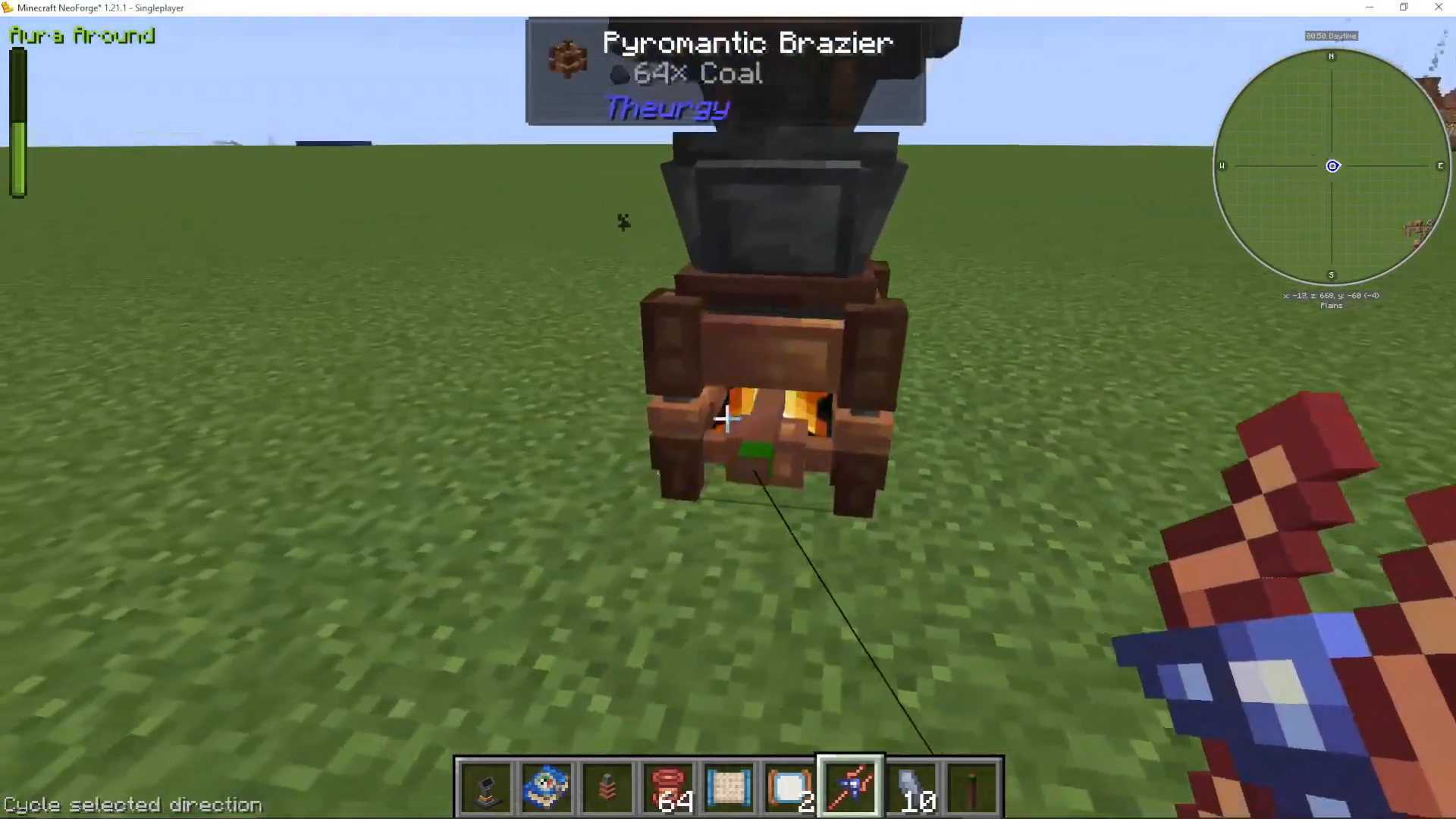
The Pyromantic Brazier is the primary heat source in the mod. Place it down near the machine you want to heat, then right-click coal (or another furnace fuel) directly into the brazier. It will automatically consume fuel as needed to generate heat — no manual management required once loaded up.
Making Mercury Shards with the Mercury Distiller
Mercury Shards are one of the first and most essential resources you will need in the Theurgy mod. They are used to craft key logistics components including Mercurial Copper Wire, Mercurial Item Extractors, and Mercurial Item Filters. Without Mercury Shards, you cannot build out your item transport network.
Placing and Using the Mercury Distiller
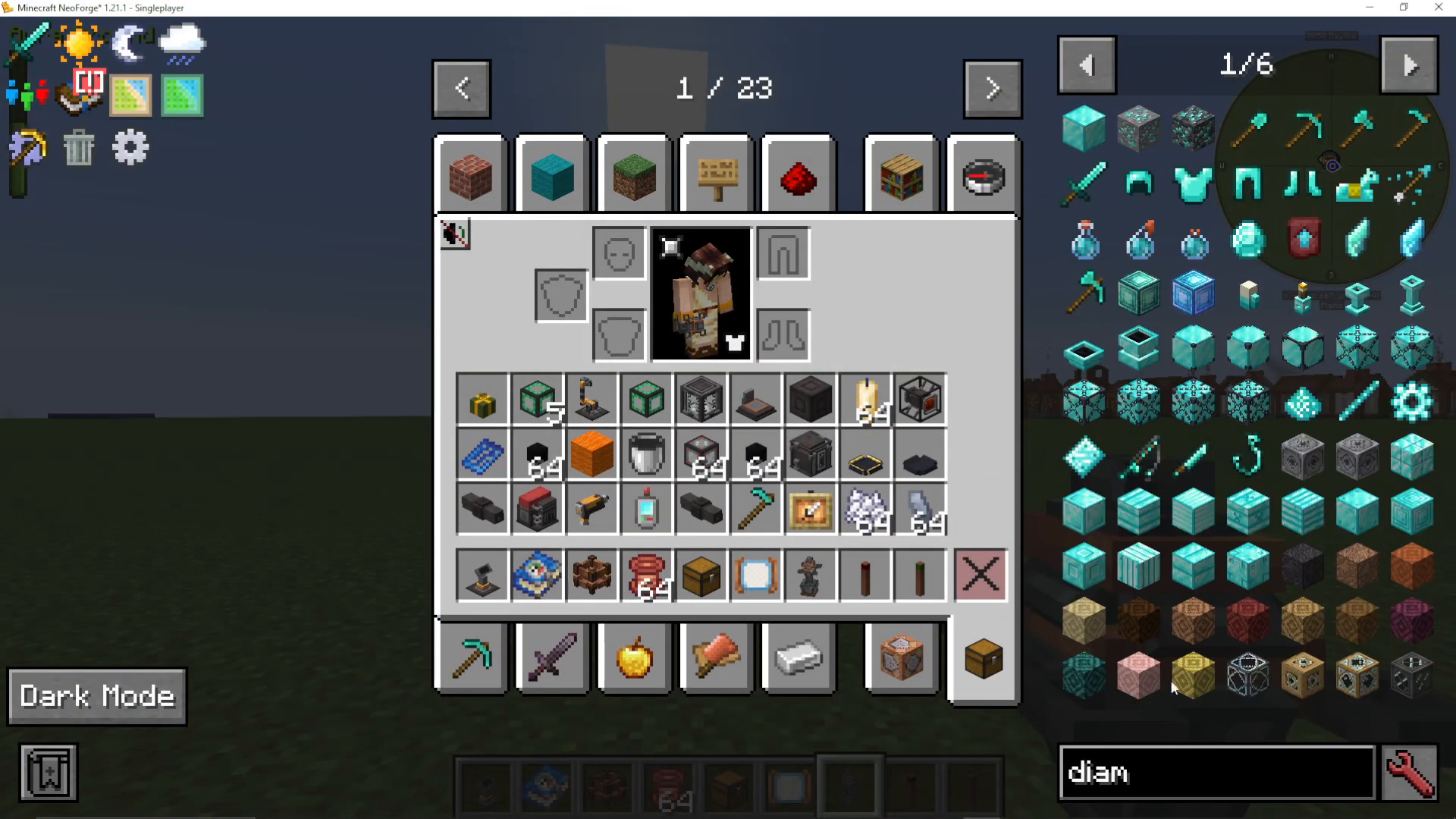
Place the Mercury Distiller on top of your Pyromantic Brazier so it receives heat. The Mercury Distiller accepts almost any item and converts it into Mercury Shards — but the rarity of the item directly affects the yield:
Stone: 10 stone = 1 Mercury Shard
Diamond: 1 diamond = 10 Mercury Shards (approximately 10x more efficient)
Nether Star: Approximately 64x more powerful than stone
To use it, right-click your chosen item (such as diamonds) into the Mercury Distiller and wait for it to process. Once complete, right-click to retrieve your Mercury Shards from the machine.
Automating Your Setup with Theurgy Logistics
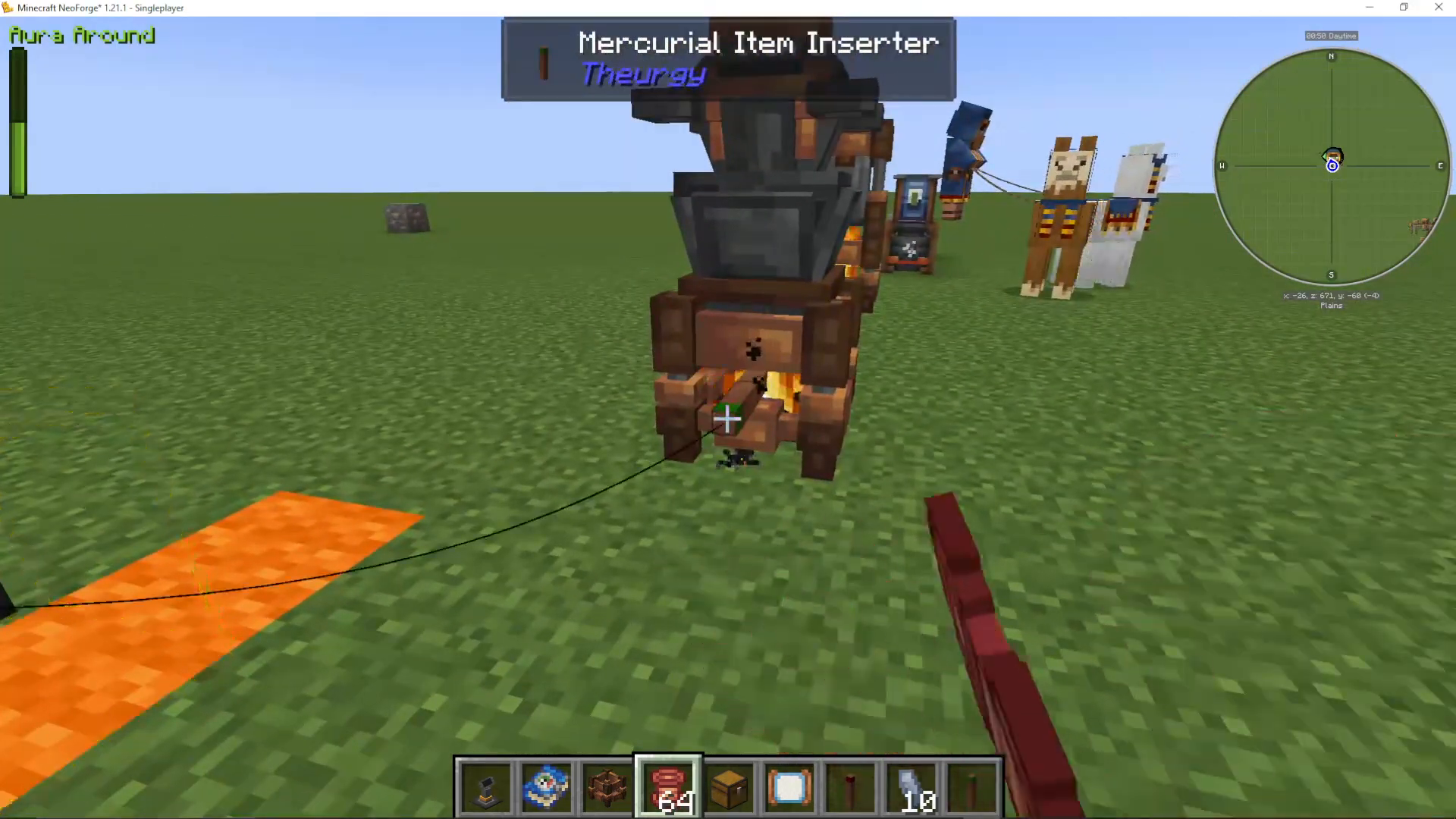
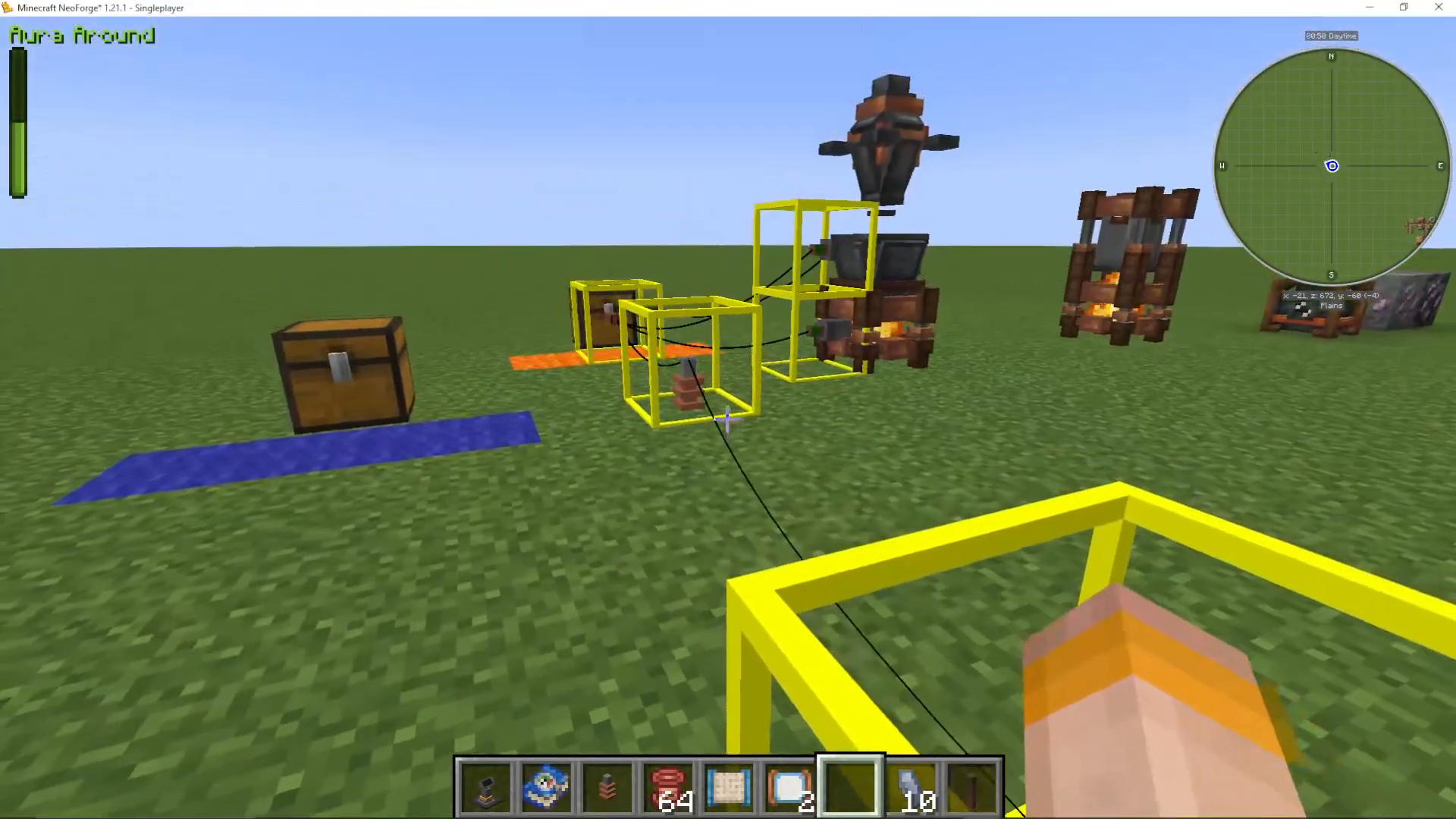
Now that you have Mercury Shards, you can craft the components needed to automate item movement throughout your Theurgy setup. The logistics system uses Mercurial Copper Wire to connect Mercurial Item Extractors (which pull items out) and Mercurial Item Inserters (which push items in). A helpful convention: use blue for import and orange for export to keep track of item flow direction.
Connecting Extractors, Inserters, and Wire
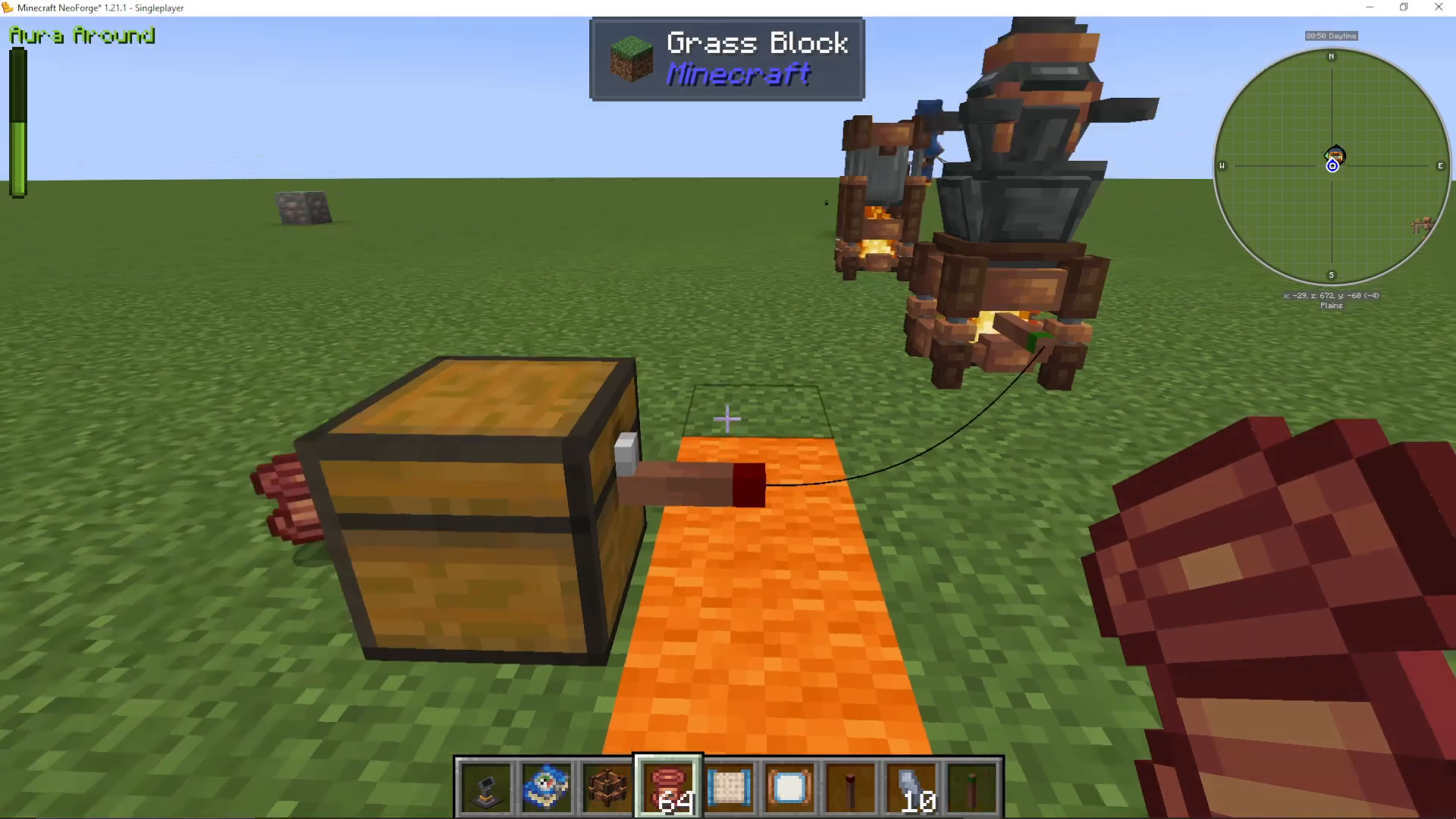
To automate coal delivery to your Pyromantic Brazier, place a Mercurial Item Extractor on the chest containing your fuel, and a Mercurial Item Inserter on the Pyromantic Brazier. Then right-click your Mercurial Copper Wire onto the Extractor, and right-click it again onto the Inserter to link them together. Items will now flow automatically between the two.
Using the Mercurial List Filter
To control exactly which items travel through your network, you can use a Mercurial List Filter. Right-click it in open air to open its interface. From here you can:
Add specific items to the filter list
Toggle between Allow List (Whitelist) and Deny List (Blacklist)
Choose whether to Respect Data (e.g., enchantments, durability) or Ignore Data
Reset the filter to clear all entries
Save your filter settings by ticking the save option
Once configured, right-click the filter onto the relevant Extractor or Inserter to apply it.
Using the Mercurial Attribute Filter
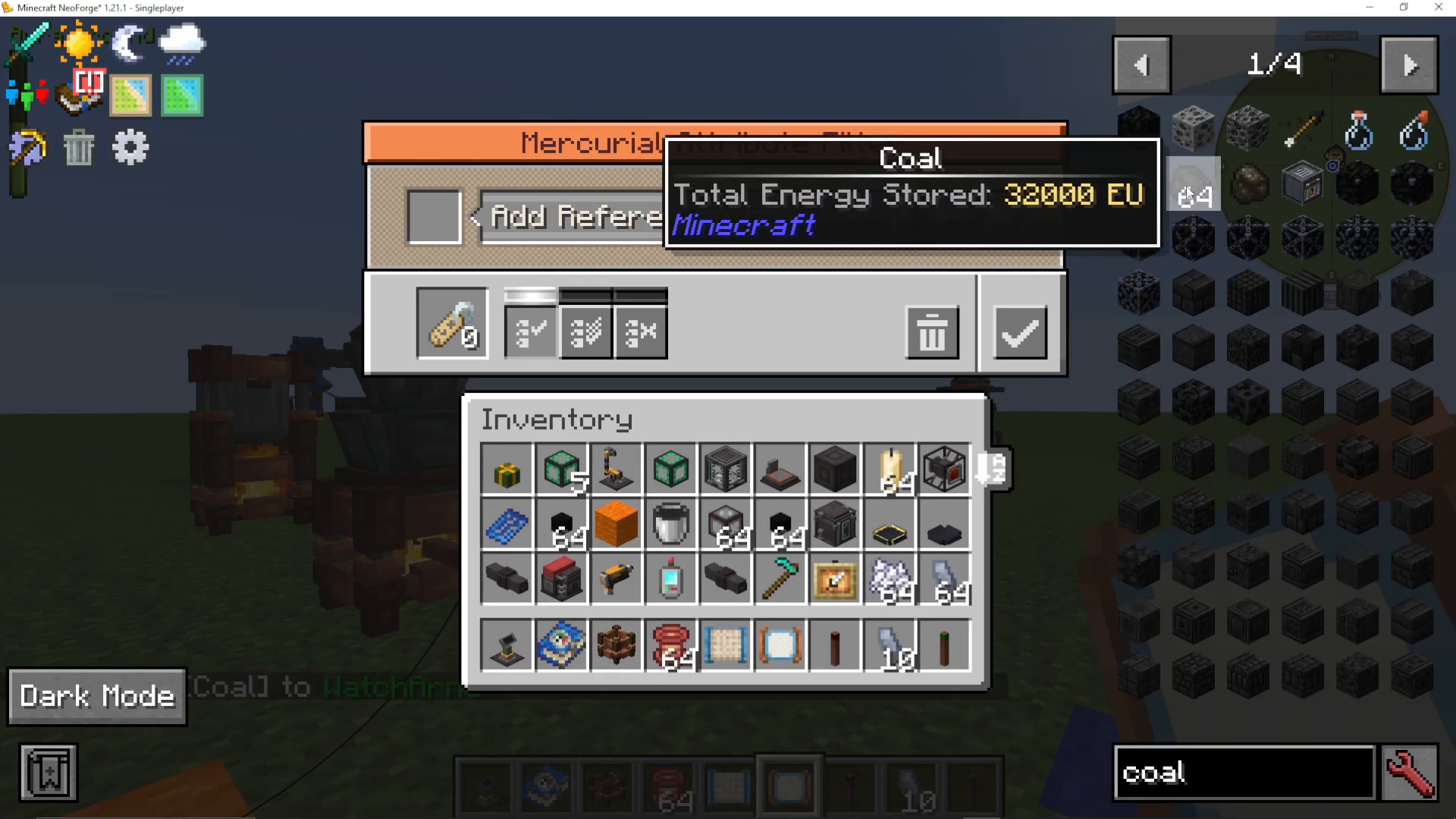
The Mercurial Attribute Filter is one of the most powerful filters available in modded Minecraft. Instead of listing specific items, it filters based on item properties or tags. To use it, place a reference item into the filter (such as coal), and the filter will display a list of attributes associated with that item — for example:
Is Furnace Fuel
Can be Smelted
Can be Smelted at a Blast Furnace
Tagged with specific Minecraft or mod tags
Select the attribute you want — in this case, Is Furnace Fuel — and the filter will allow any item matching that attribute to pass through. This means coal, wood planks, and other burnable materials will all be accepted, while items like stone stairs will be blocked. You can also add multiple attributes and set the logic to:
Allow if they have ANY of the selected attributes
Allow if they have ALL of the selected attributes
Deny if they don’t have any of the selected attributes
Once you’ve selected your attributes, save the filter settings and right-click it onto your Mercurial Item Extractor or Inserter.
Building a Fully Automated Mercury Distiller
With your filters and logistics components ready, you can build a completely automated Mercury Distiller setup. Here is the full layout:
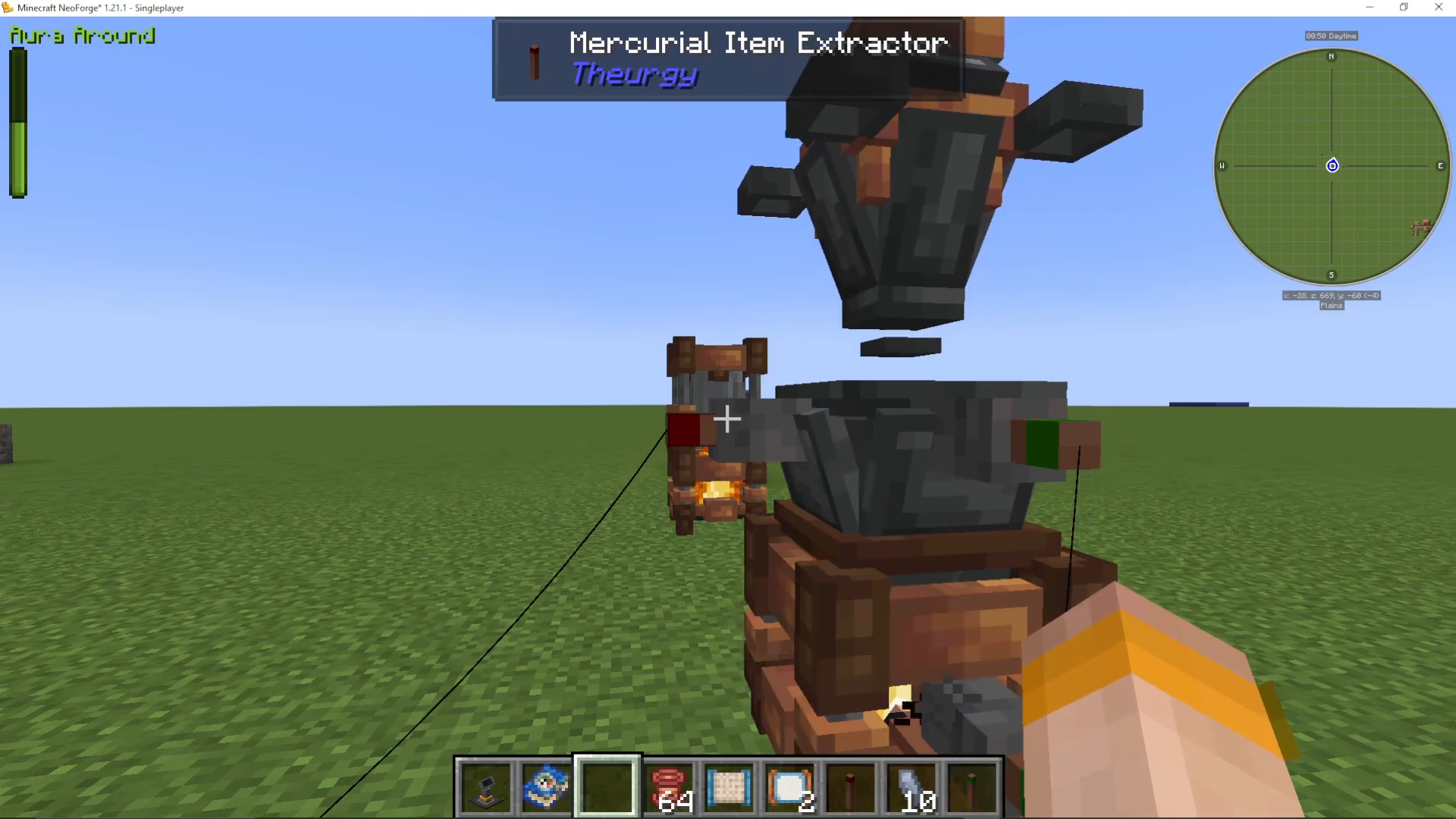
Place a Mercurial Item Extractor on your supply chest and a Mercurial Item Inserter on the Pyromantic Brazier. Apply a Mercurial Attribute Filter set to Is Furnace Fuel — this ensures only valid fuels are inserted.
Place another Mercurial Item Extractor on the same chest and a Mercurial Item Inserter on the Mercury Distiller. Apply a Mercurial List Filter set to allow Diamonds only into the distiller.
Place a Mercurial Item Extractor on the Mercury Distiller’s output and an Inserter on your output chest. Apply a Mercurial List Filter set to only extract Mercury Shards.
A useful technique is to leave the Extractor on the chest without a filter (allowing anything to be extracted), and instead apply your filters on the Inserters — so the right items are directed to the right machines, and nothing unintended slips through.
Once everything is connected with Mercurial Copper Wire, coal will feed into the brazier, diamonds will feed into the Mercury Distiller, and Mercury Shards will automatically output into your chest.
Additional Logistics Tools
Mercury Connection Nodes
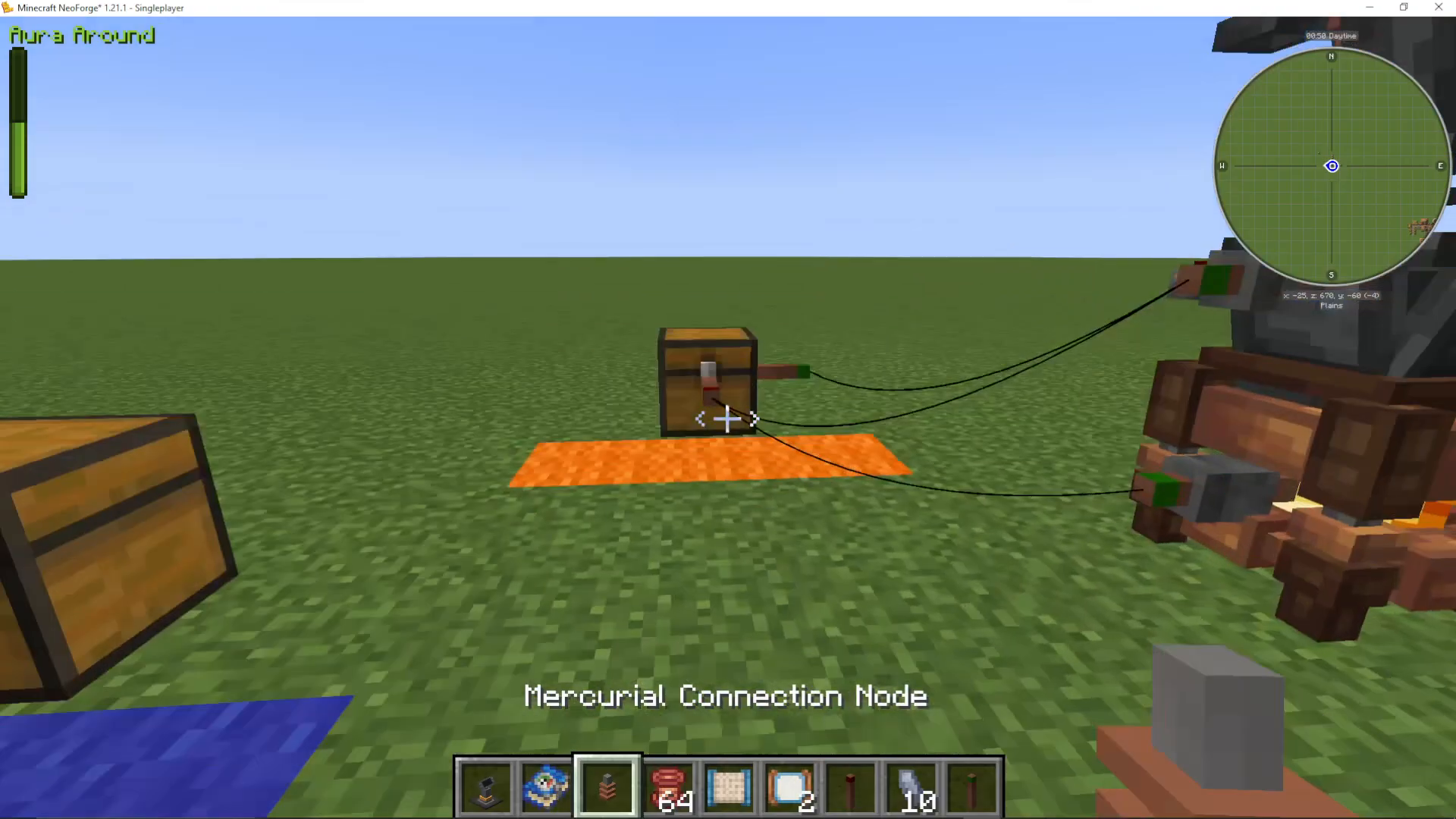
If you need to transport items over a long distance, you can use Mercury Connection Nodes. These act like relay points — wire one node to another in a chain to extend your logistics network across large areas.
The Mercurial Allot Wand (Wrench)
The Mercurial Allot Wand functions as a wrench for the mod. You can use it to change which side of a machine items enter or exit from, giving you precise control over the direction of item flow. While useful in complex builds, most simple setups won’t require it.
Inspecting Connections
If you ever need to check what a connector is linked to, simply Shift + Right-Click on the connector. This will display what it is currently connected to, making it easy to debug or review your logistics network.
Summary
The Theurgy mod’s heat and logistics system is straightforward once you understand its core components. Use the Pyromantic Brazier to provide heat, the Mercury Distiller to produce Mercury Shards, and combine Mercurial Copper Wire, Extractors, Inserters, and Filters to fully automate your item flow. The Attribute Filter in particular is an exceptionally powerful tool that makes routing items by property — rather than by specific item type — incredibly flexible. With these tools, you have everything you need to build an efficient, automated alchemy setup in Theurgy.
Want to Support?
If you would like to help us continue making these guides – please consider joining our patreon here – https://www.patreon.com/c/JaviHeals
Alternatively – we host a group of MC Servers you can join here – https://discord.gg/zD7Gjt6MHF