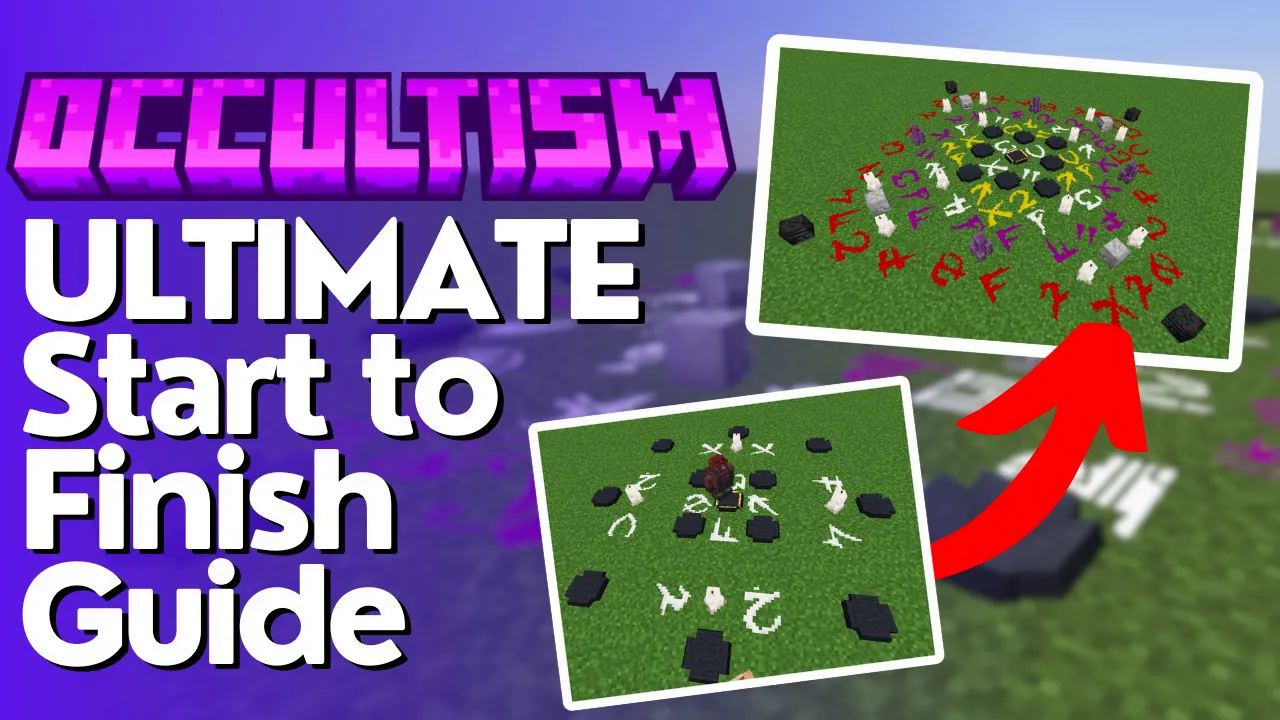
The Ultimate Guide to Occultism
The Ultimate Guide to the Occultism Mod in Minecraft
Welcome to the ultimate step-by-step guide to the Occultism mod for Minecraft. This mod is all about summoning demons to do your bidding — from crushing ores and transporting items, to automated mining from another dimension entirely. Whether you’re brand new to the mod or just need a clear reference, this guide covers everything from your very first demon fruit all the way to dimensional mining shafts. Let’s get into it.
1. Getting Started: Demon’s Dream & Seeing Beyond the Veil
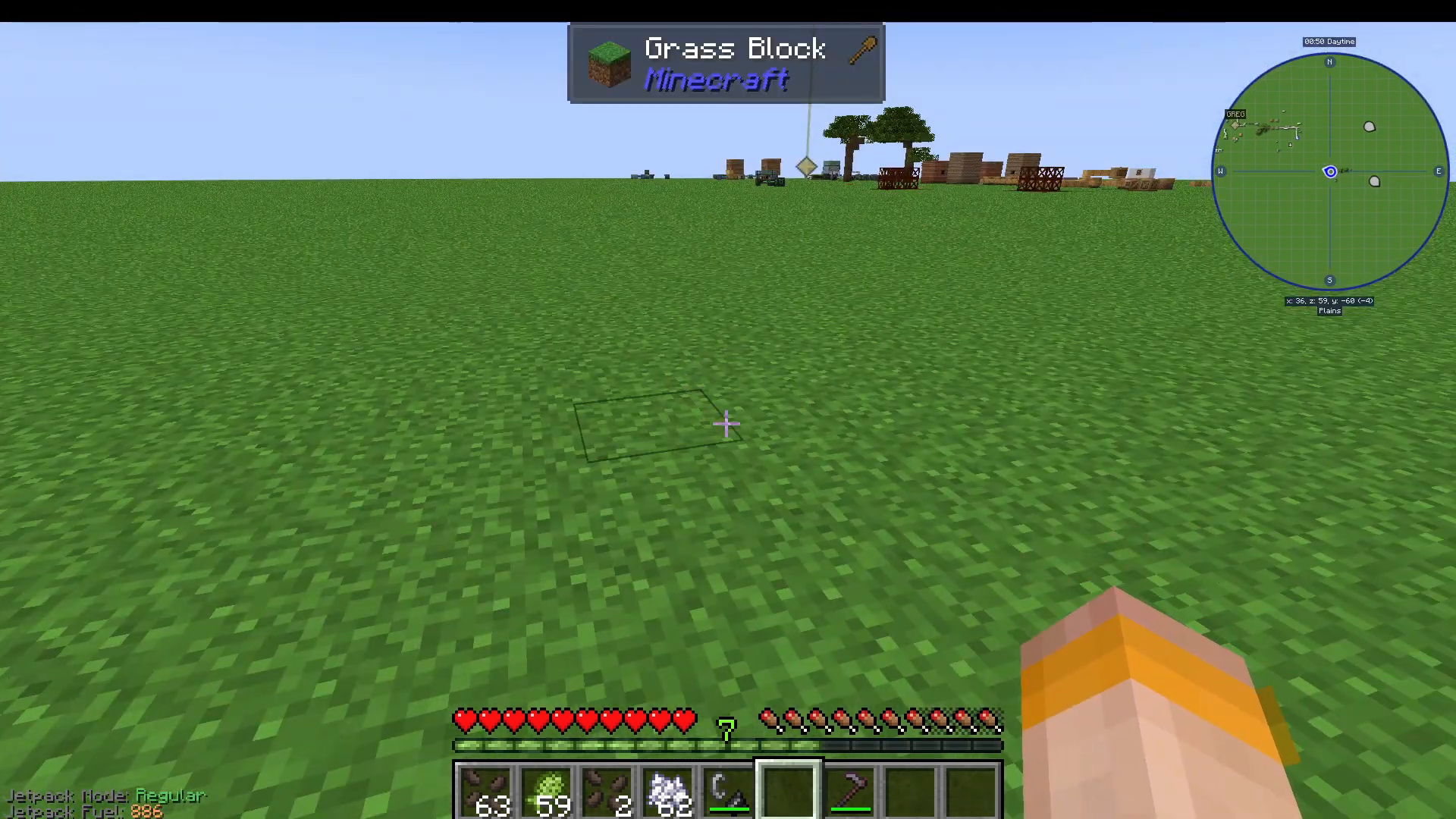
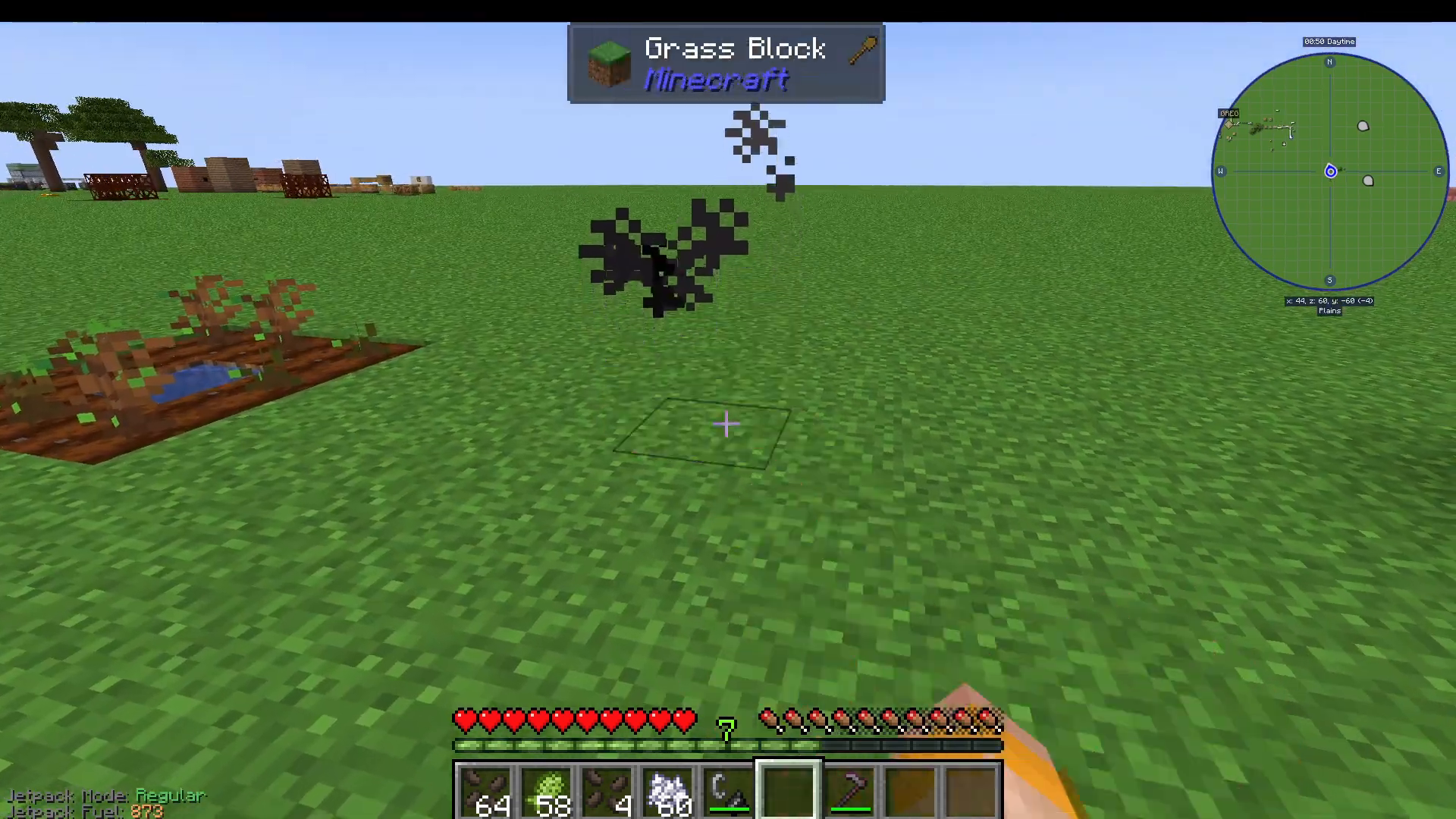
The first thing you need to do is gather Demon’s Dream Seeds. Head out and start breaking grass — just like most seeds in Minecraft, Demon’s Dream Seeds have a chance to drop this way. Once you have some, plant them and optionally use bone meal to speed up growth. They will produce Demon’s Dream Fruit.
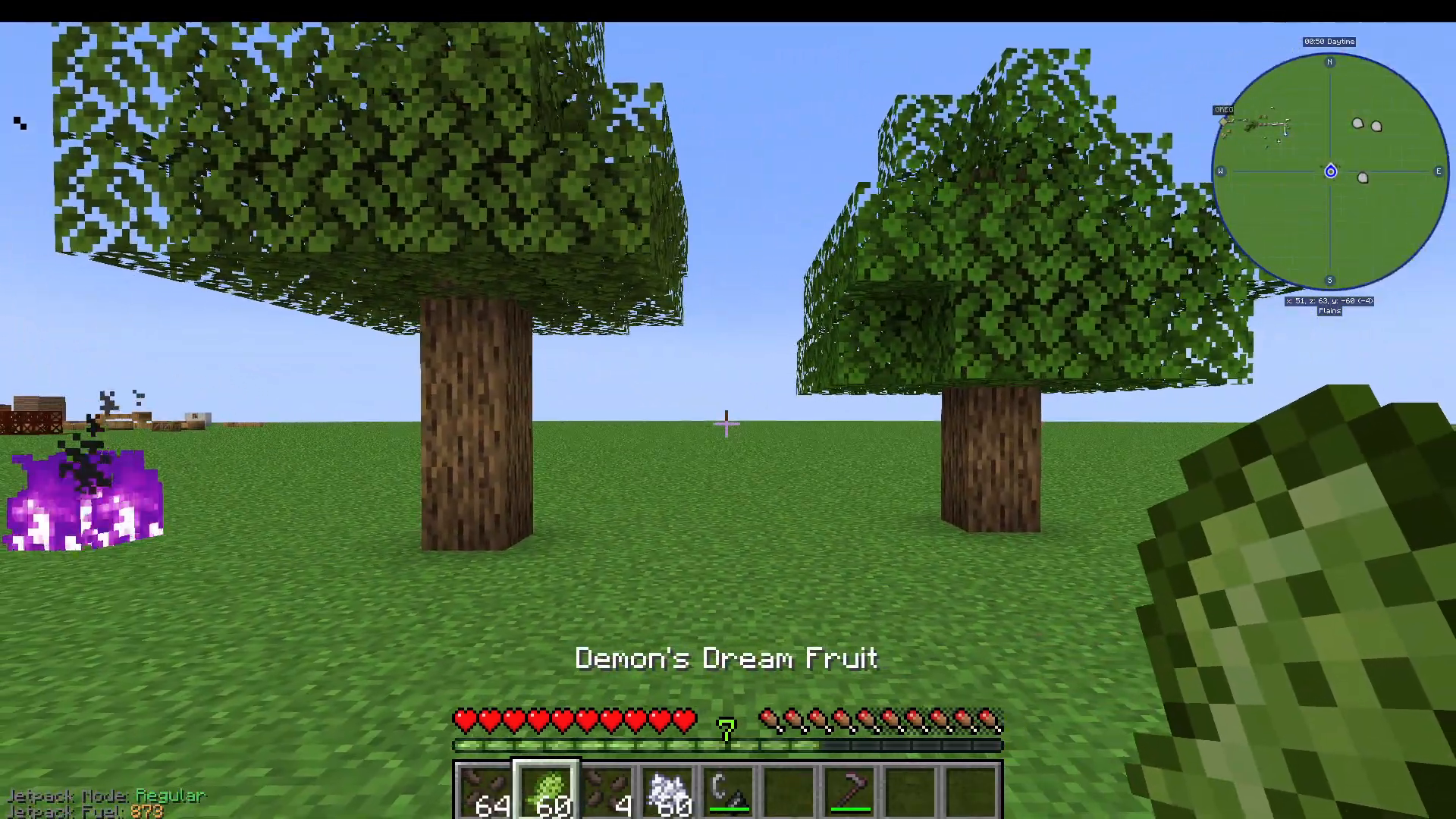
Eating the Demon’s Dream Fruit grants you the “Third Eye” effect, allowing you to see beyond the veil temporarily. This is important because some objects in the world — like certain oak trees — look identical to vanilla Minecraft trees but are actually Occultism variants. With the Third Eye active, the Occultism oak log will look visually distinct from a regular oak log, making it easy to tell them apart.
Spirit Fire: Transforming Items
To transform items into their Occultism equivalents, you need to create Spirit Fire. Simply throw down a Demon’s Dream Fruit on the ground and set it alight. The resulting flame is Spirit Fire. You can throw items into it to transform them — for example, tossing in a vanilla Oak Sapling will produce an Occultism Oak Sapling after a few seconds.
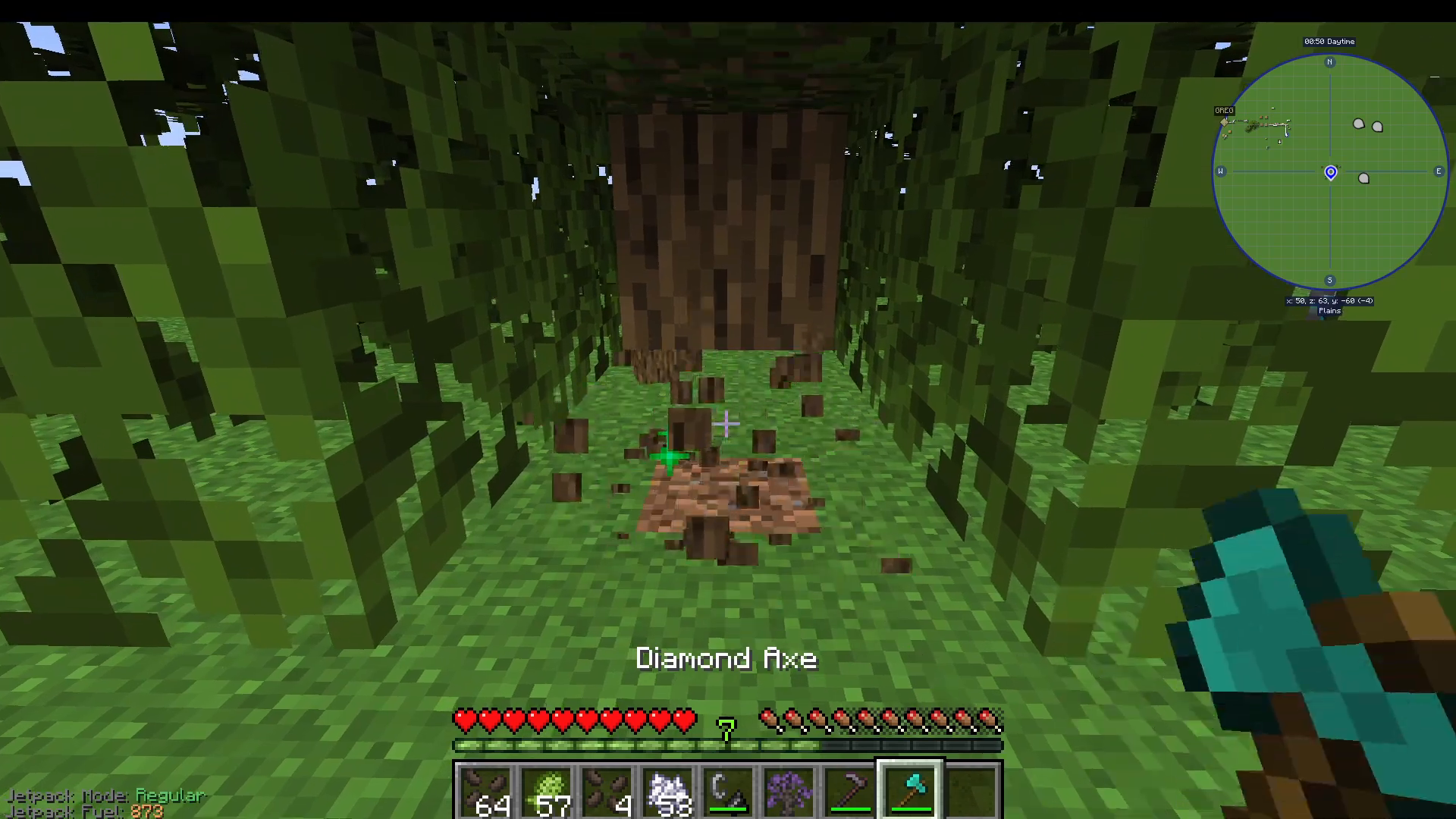
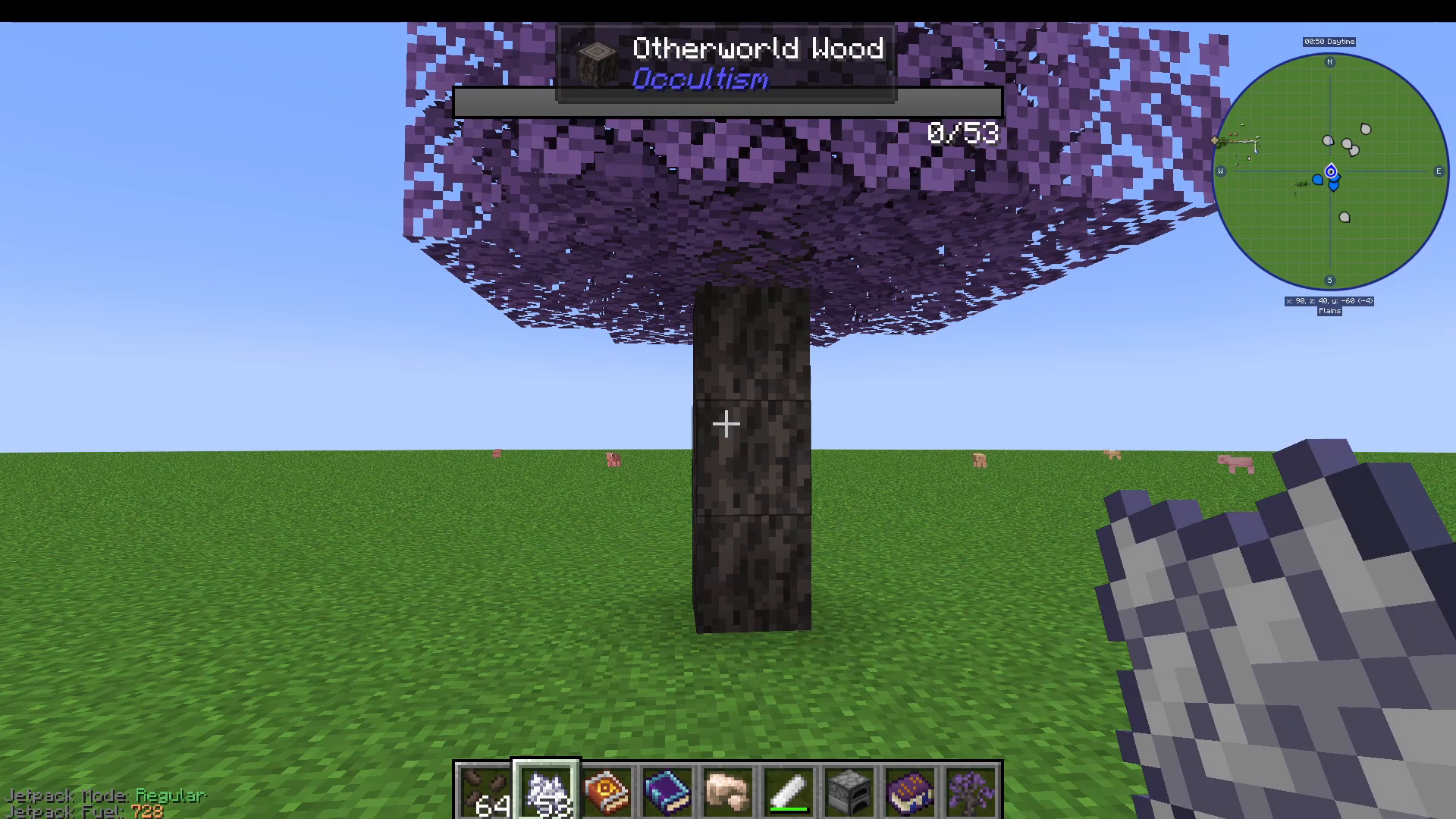
Trees grown from Occultism Oak Saplings look like normal oak trees, but when you have the Third Eye active and harvest them, you will receive Other World Wood instead of regular oak logs. You must have the Third Eye active to harvest the correct wood — without it, you will just get normal oak logs.
What Can You Make With Spirit Fire?
To see everything you can create using Spirit Fire, open Just Enough Items (JEI), hover over the Spirit Fire entry, press U, and select the Spirit Fire option. Notable recipes include:
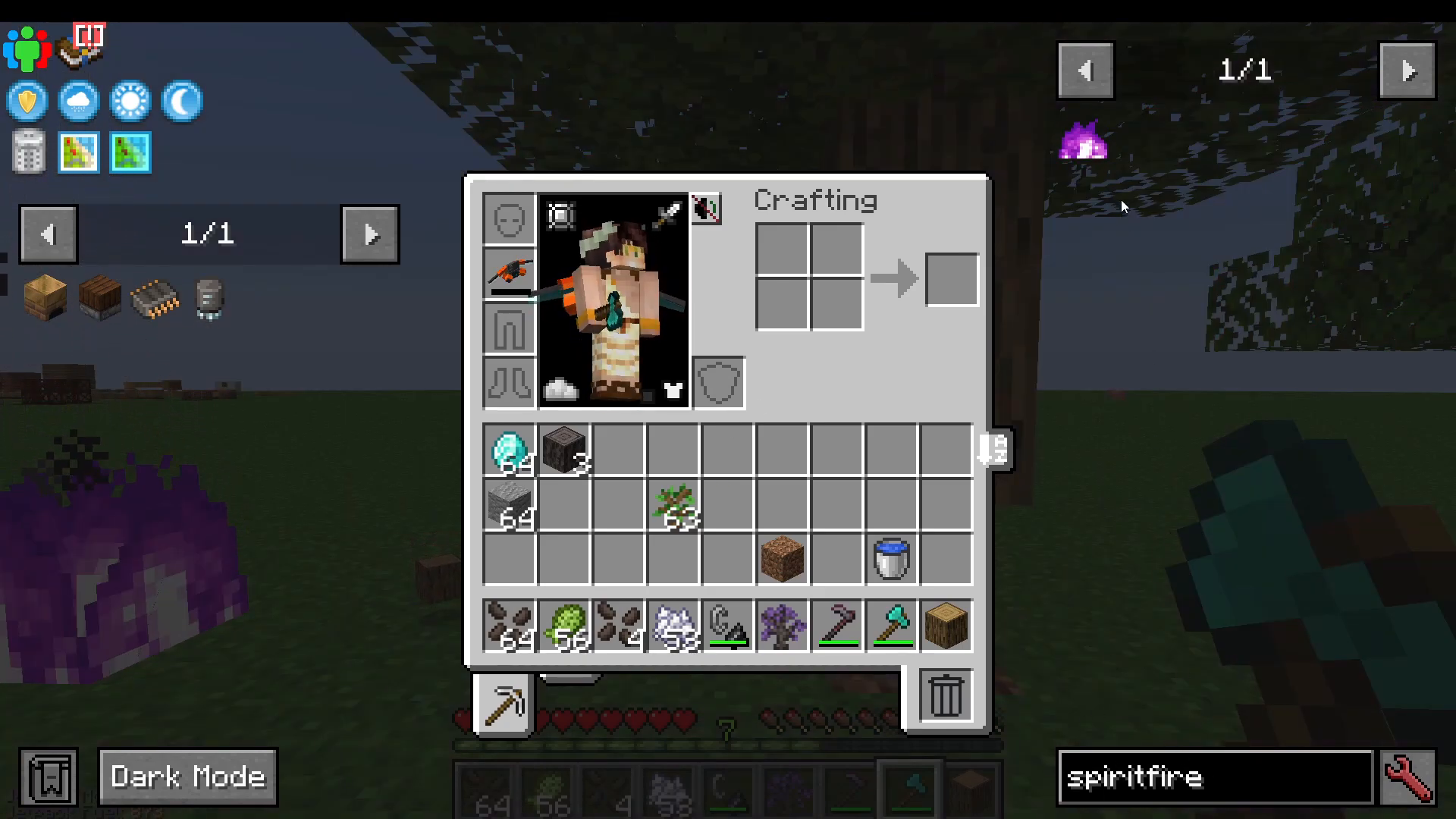
Book → Taboo Book
Nine Demon’s Dream Essence → Other World Essence
Other World Wood → Other World Ashes
Book and Quill → Book of Binding
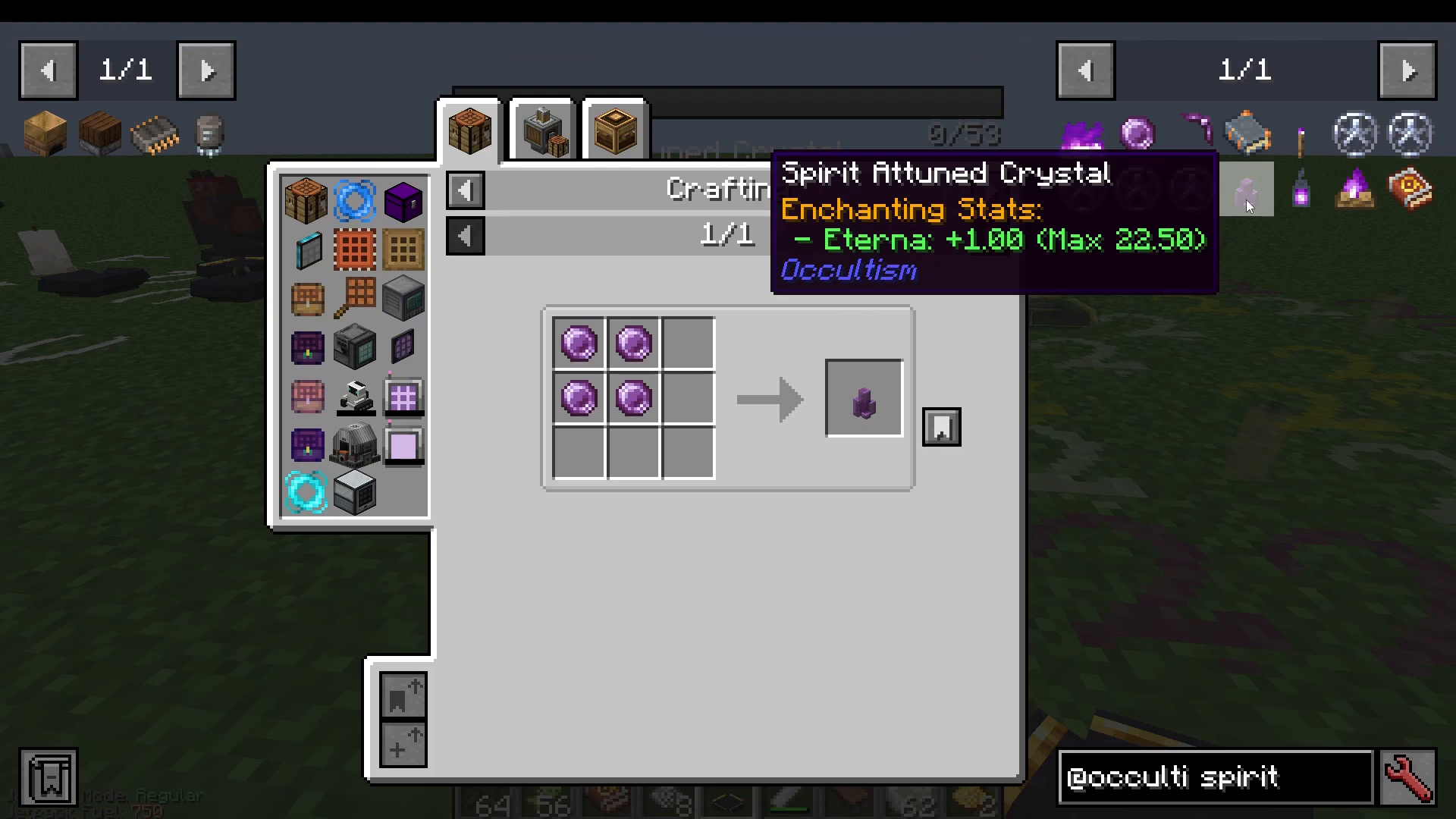
Diamonds → Spirit-Attuned Gems
Andesite → Other Stone
The Dictionary of Spirits
One of the first items you should craft is the Dictionary of Spirits. Craft it using one Demon’s Dream Seed and any Book. When opened, it acts as the mod’s guidebook, containing all the information you need about rituals, demons, and pentacles. You will be referencing it throughout your Occultism journey.
2. Your First Ritual: Summoning a Foliot Crusher
Occultism is centered around performing rituals to summon demons. Your first ritual will summon a Foliot Crusher — a tier-one demon that can crush one ore into two corresponding dusts, effectively doubling your ore output.
Key Rules About Rituals
The name of the demon does not matter.
The glyphs drawn in chalk are purely decorative — only the colour of the chalk matters.
The placement of sacrificial bowls does not matter, as long as you have the correct number of them.
Setting Up Aviar’s Circle
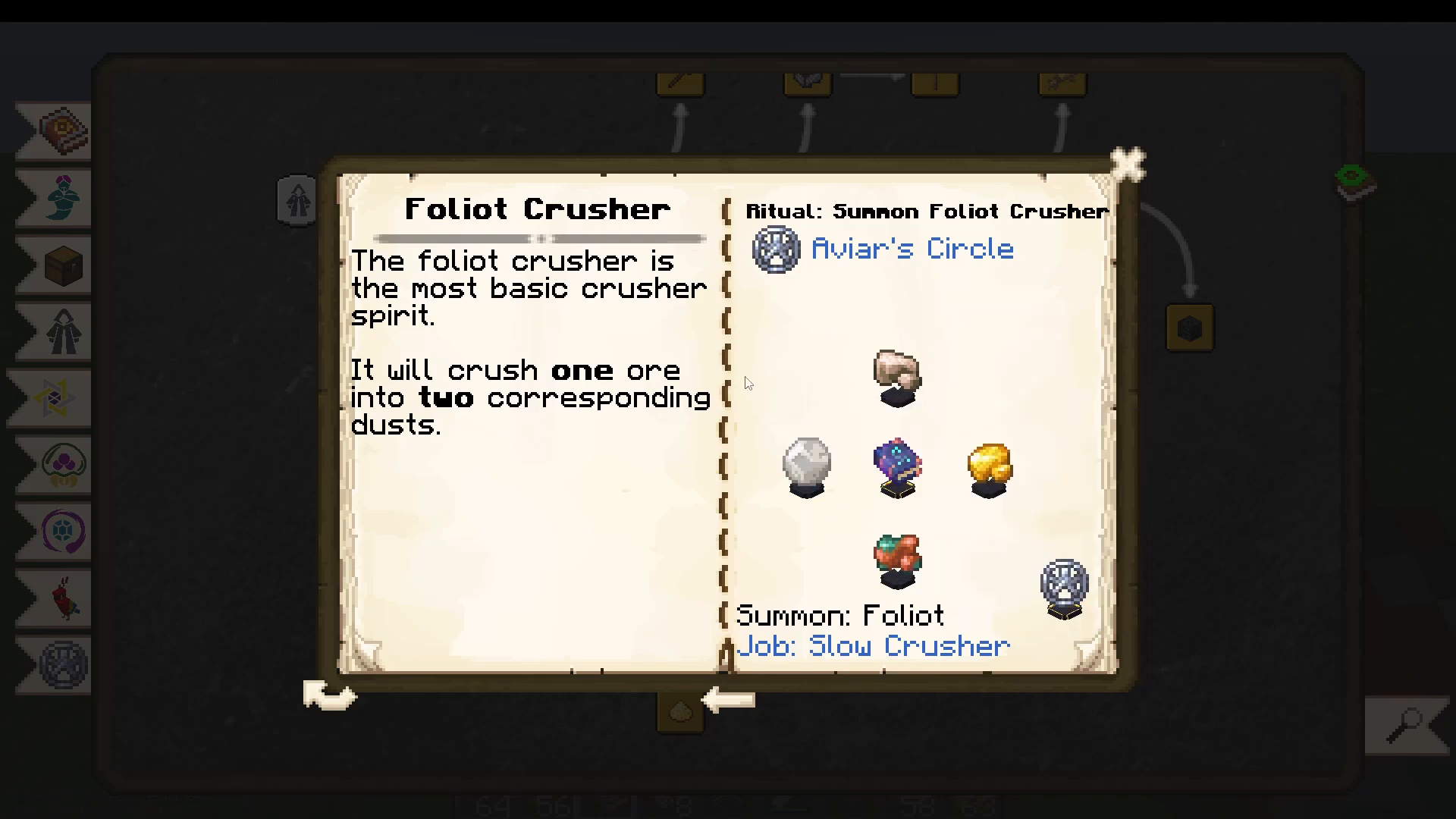
The ritual layout for summoning Foliot demons is called Aviar’s Circle. Open your Dictionary of Spirits, navigate to Pentacles at the bottom, and click on Aviar’s Circle. You can click the eye icon to get a multiblock preview directly in the world.
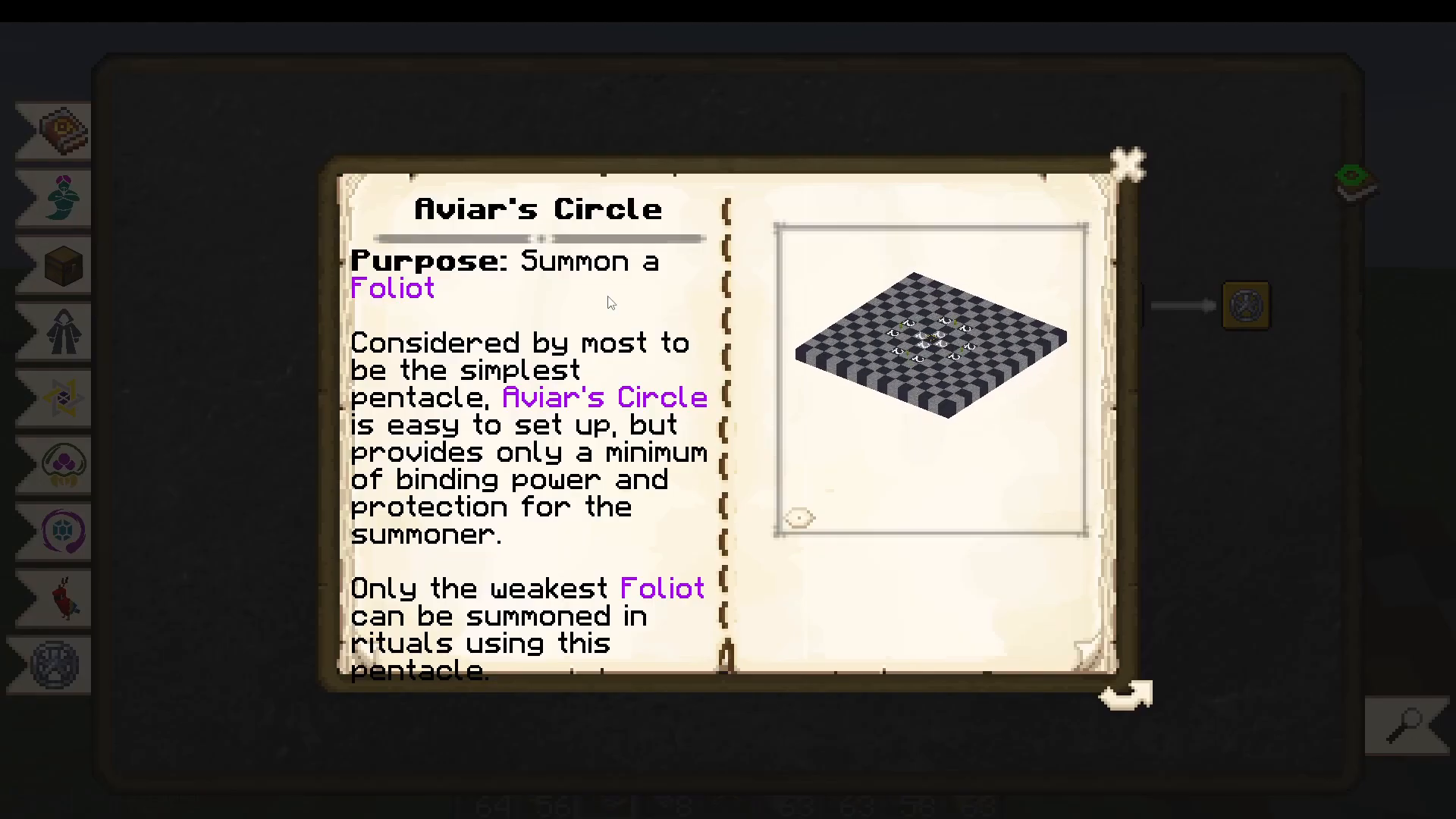
You can also click the option on the right side of the Dictionary entry to mark all unlocked entries as read, which may be required to access some entries.
What You Need for the Ritual
Golden Sacrificial Bowl — placed in the centre of the ritual. Craft it using gold ingots and a regular Sacrificial Bowl (made from Other Stone).
Candles — you can use vanilla Minecraft candles or Occultism candles. To craft Occultism candles, combine Tallow and String. Tallow is obtained by killing pigs, cows, sheep, horses, or llamas with a Butcher’s Knife (crafted within Occultism).
White Chalk — used to draw the glyphs on the ground around the ritual.
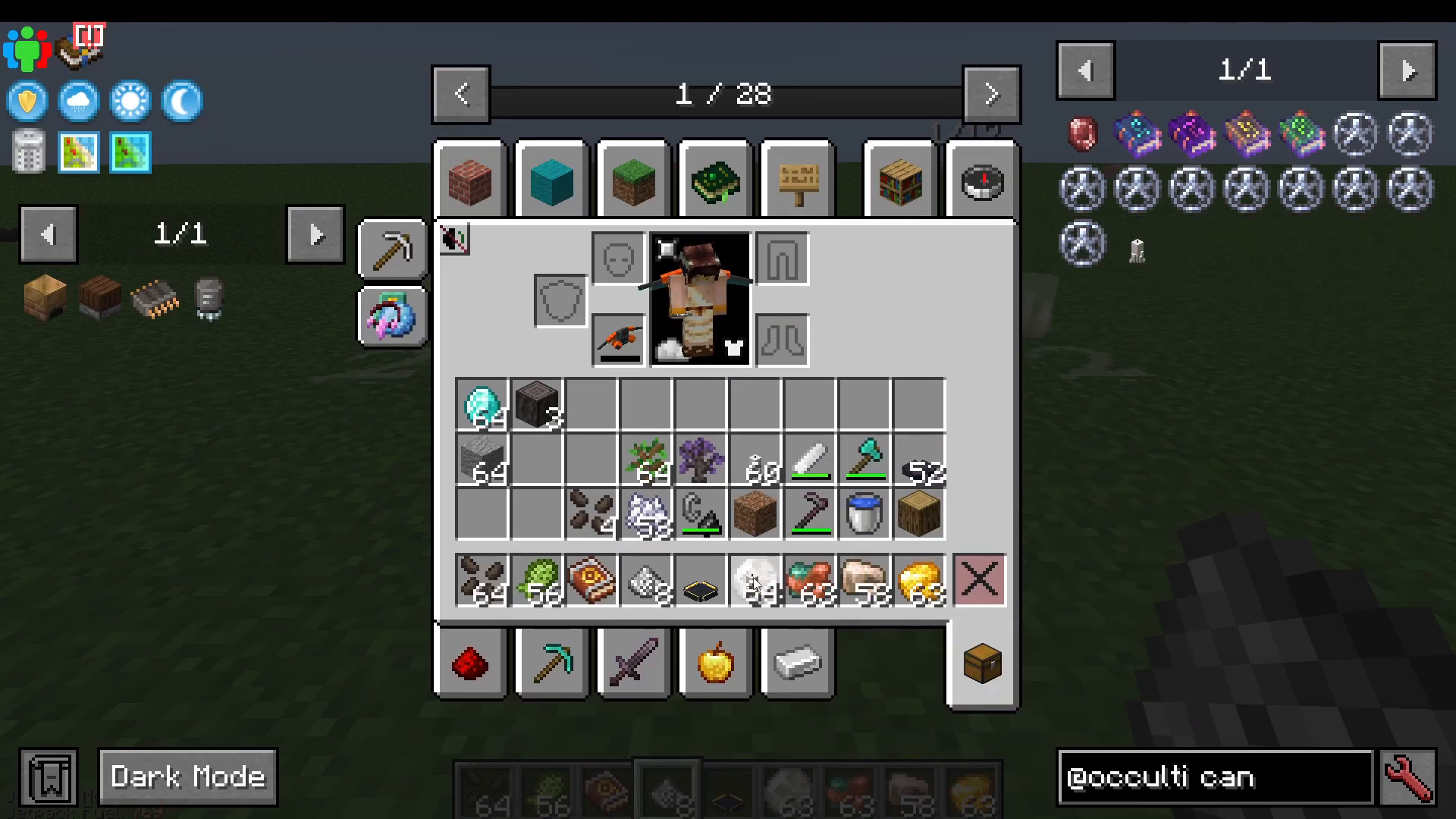
Crafting White Chalk
To make White Chalk, you first need to produce Impure White Chalk. Here is how:
Take Other Stone (crafted via Spirit Fire) and smelt it in a furnace to get Other World Ashes.
Throw Other World Wood into Spirit Fire to also obtain Other World Ashes.
Combine Other World Ashes with the appropriate materials to create Impure White Chalk.
Throw the Impure White Chalk into Spirit Fire to upgrade it to proper White Chalk, which has 128 durability. You can even apply the Unbreaking enchantment to it.
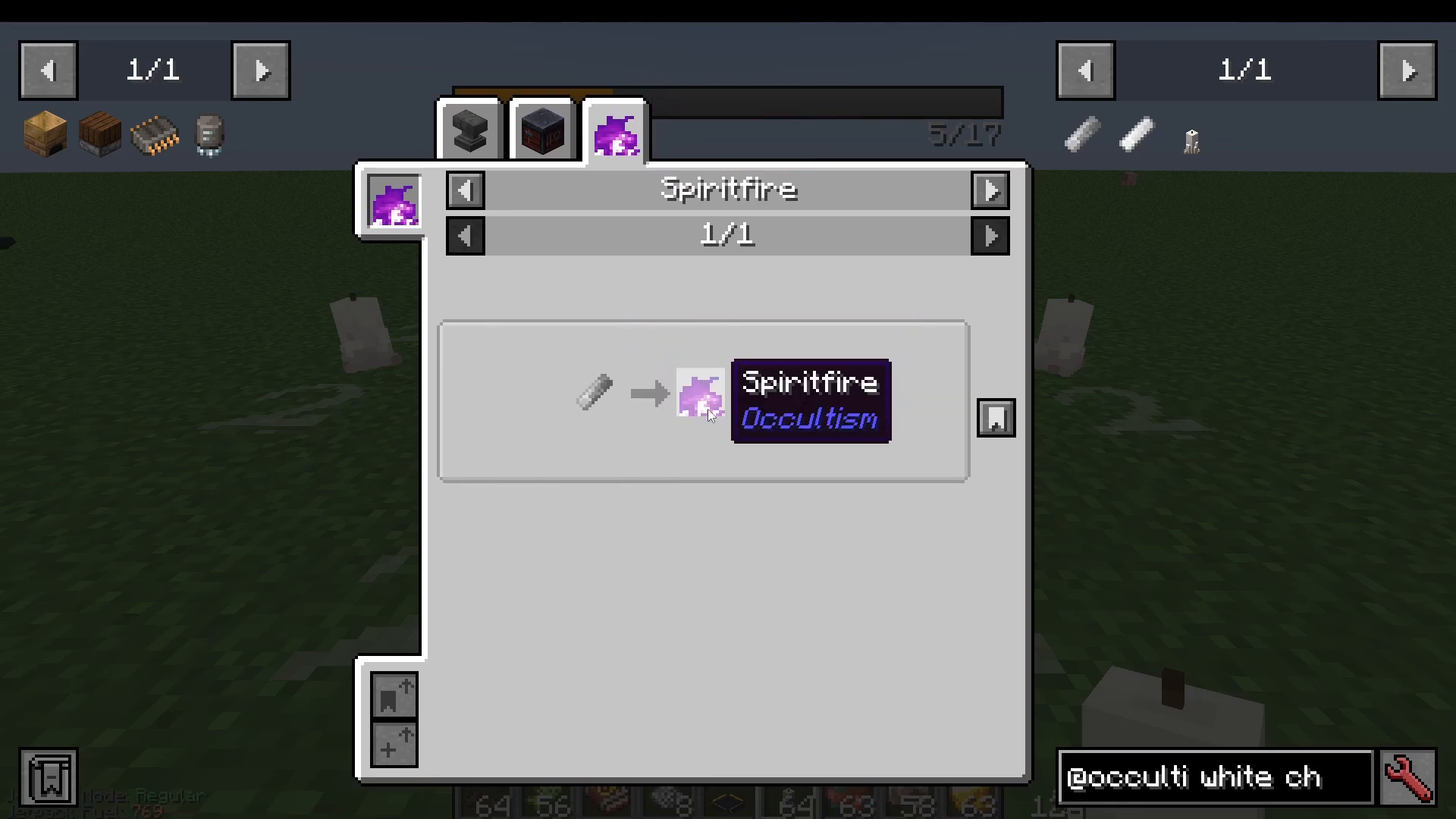
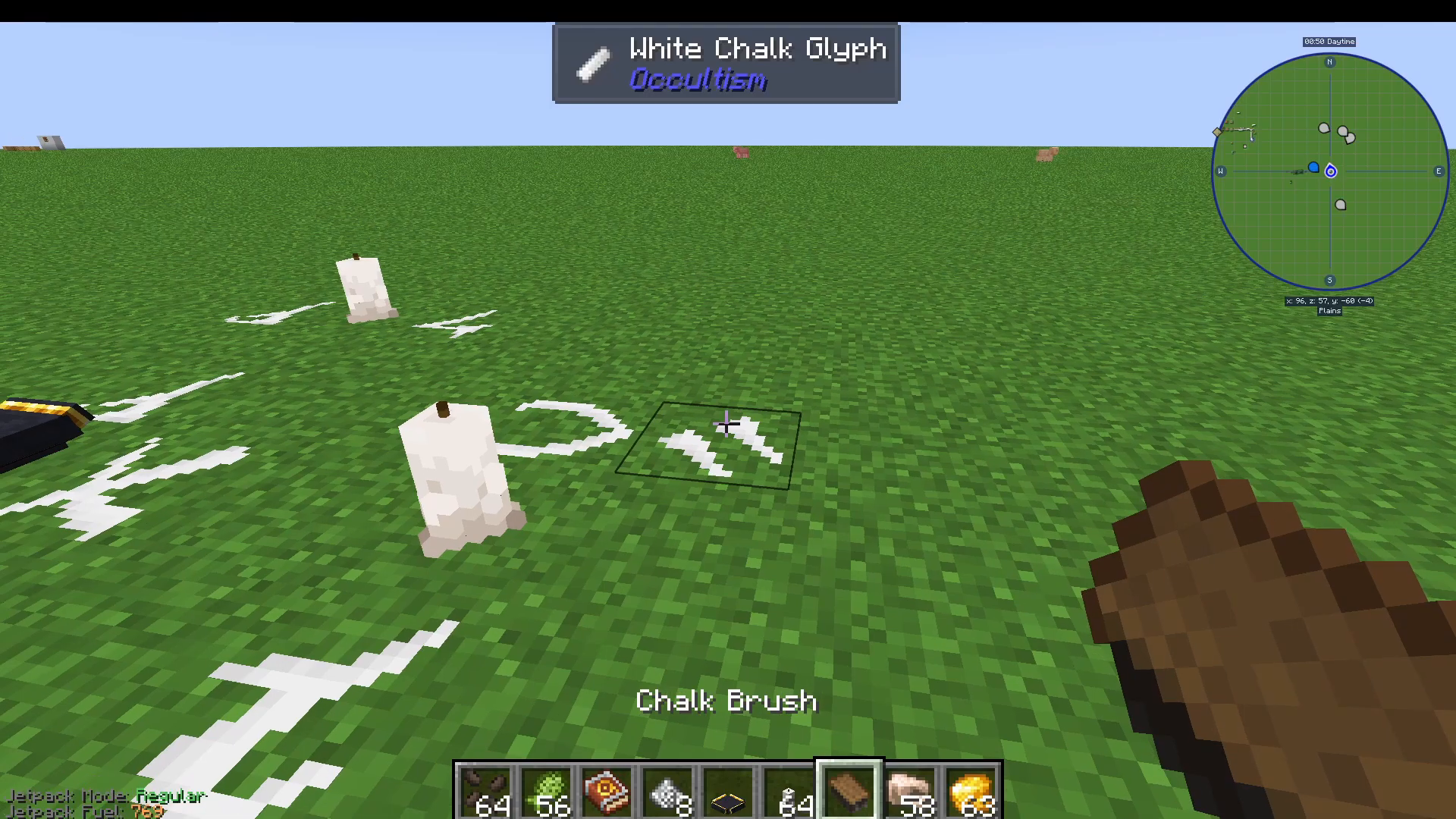
With your White Chalk in hand, simply draw on the ground in the locations shown by the multiblock preview. If you make a mistake, craft a Chalk Brush from basic materials and right-click the incorrect glyph to erase it. You can also cycle through different glyph styles by scrolling while holding chalk — but remember, this is purely cosmetic.
Completing the Ritual: The Book of Binding Foliot
Place your four Sacrificial Bowls around the circle. For the Foliot Crusher specifically, place the following ores into the bowls:
Iron Ore
Gold Ore
Copper Ore
Silver Ore
Finally, place a Book of Binding Foliot in the Golden Sacrificial Bowl at the centre. Here is how to craft the full chain:
Throw a Feather into Spirit Fire → Awakened Feather
Throw Ink into Spirit Fire → Purified Ink
Throw a Book into Spirit Fire → Taboo Book
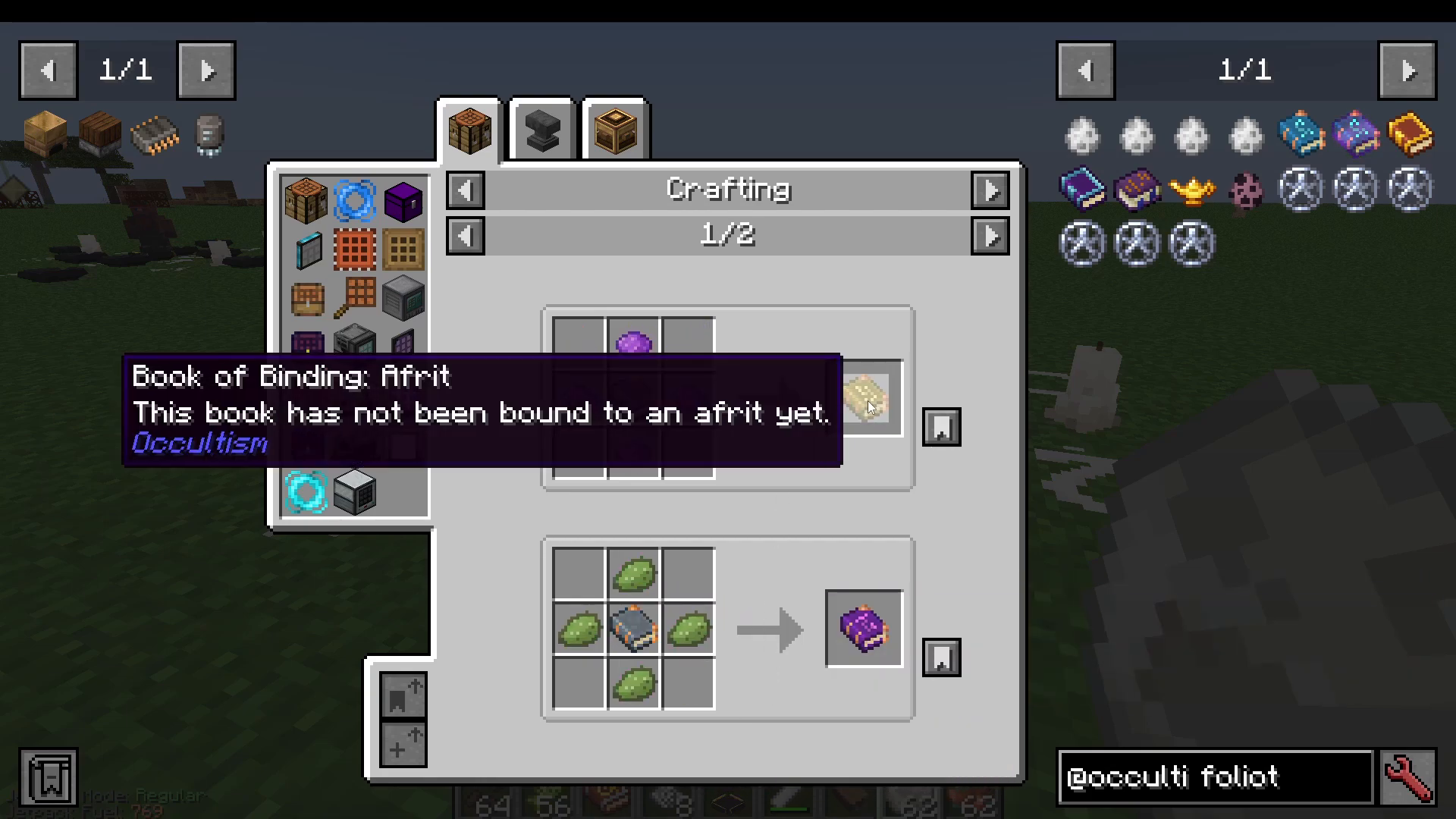
Combine the Taboo Book, Awakened Feather, Purified Ink, and four White Dye → Book of Binding Foliot
Alternatively, craft a Book of Binding Empty from those three ingredients, then surround it with White Dye.
The dye colour determines which tier of demon you are binding:
White Dye → Foliot (Tier 1)
Green Dye → Djinn (Tier 2)
Purple Dye → Afrit (Tier 3)
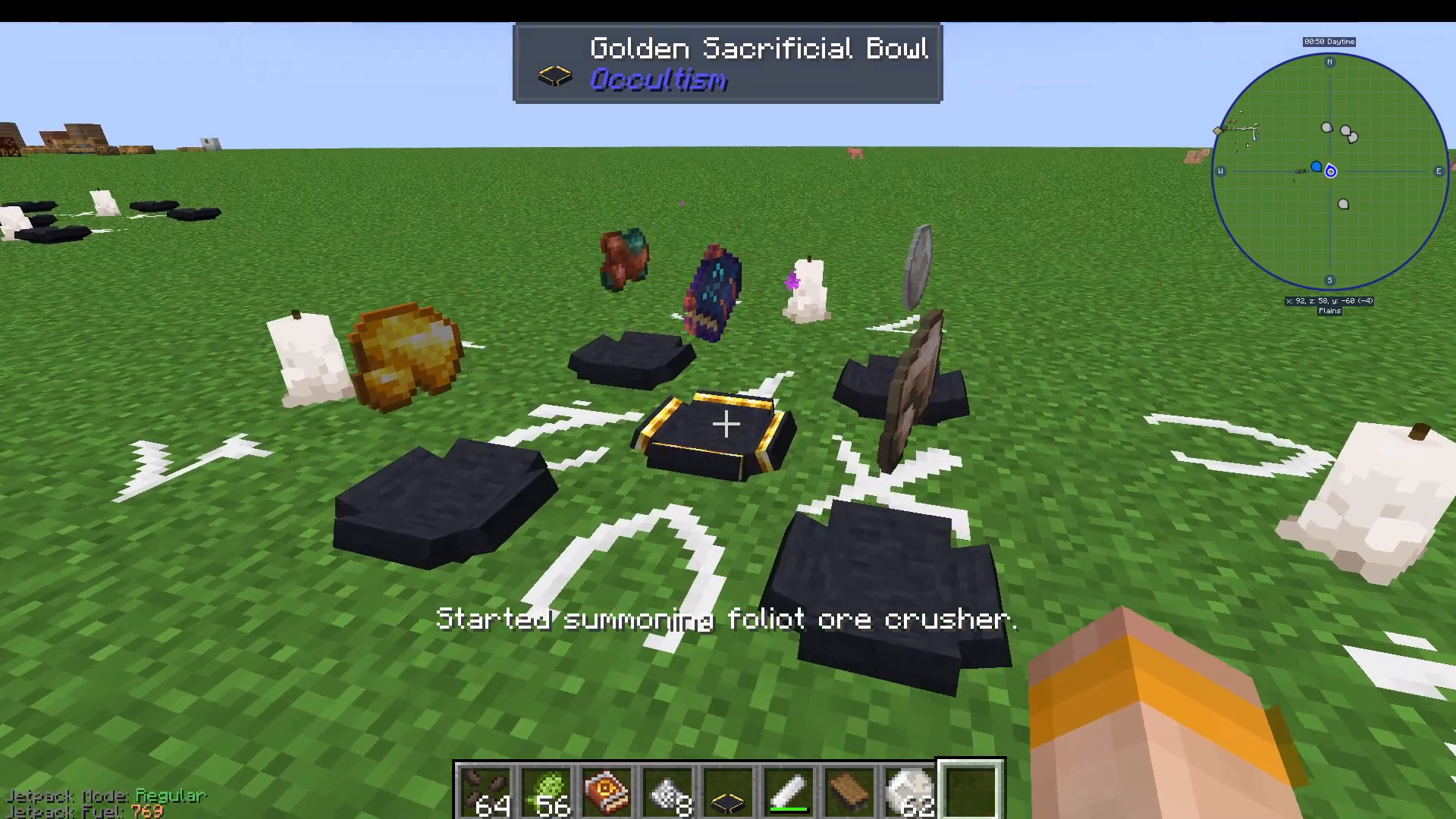
Combine the Book of Binding Foliot with your Dictionary of Spirits to produce the final Foliot Demon Book. Place it in the centre bowl. You will see purple particles begin to spiral as the ritual absorbs the catalyst items from the bowls. Once all four catalysts are consumed, the Foliot Crusher will be summoned.
Important: Foliot Essence Decay
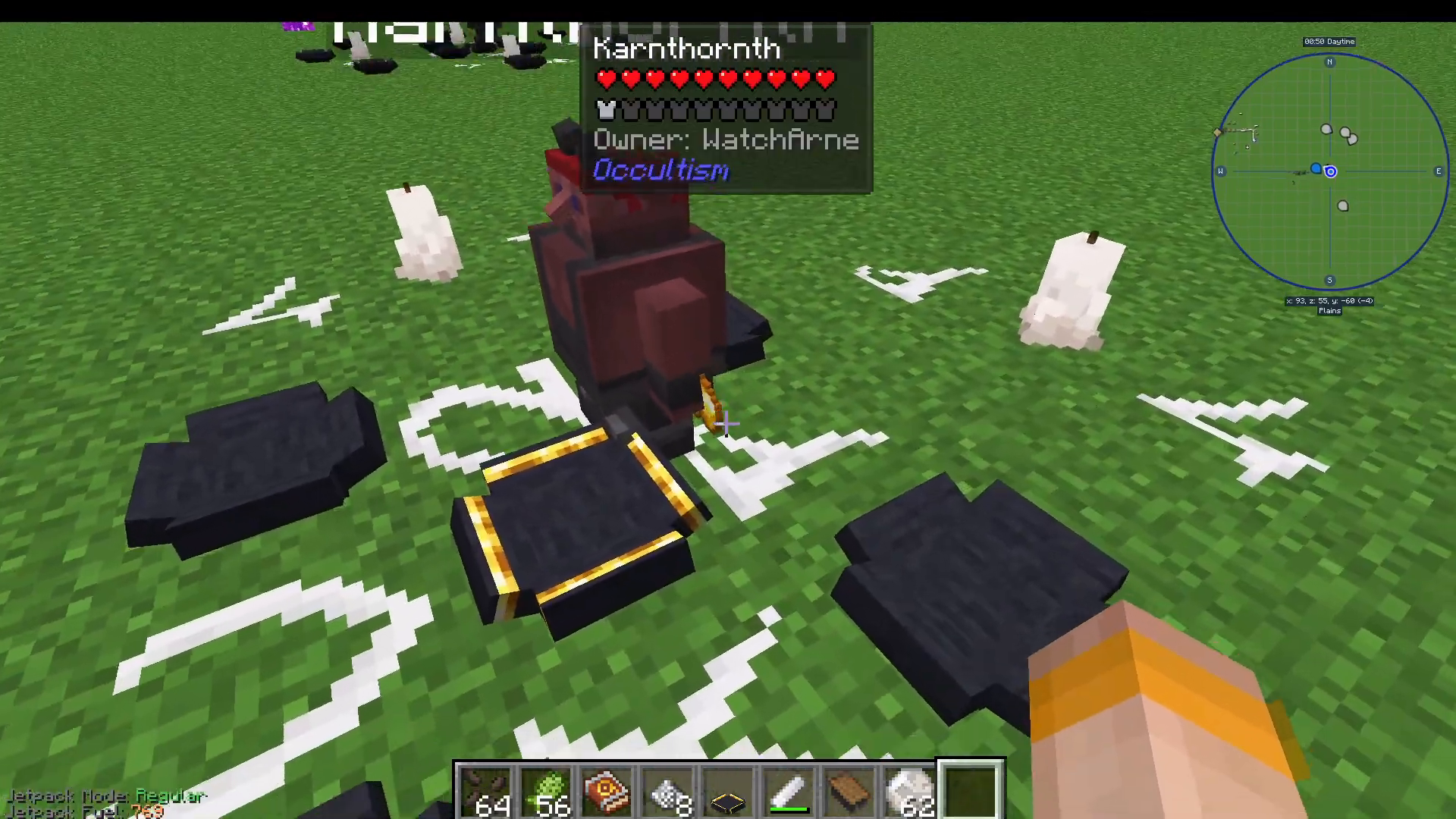
Foliot-tier demons will not last forever. Shift and right-click on the demon to check its Essence Decay status. Once it fully decays, the demon returns to the spirit world. All higher-tier demons (Djinn and above) are permanent and will not decay.
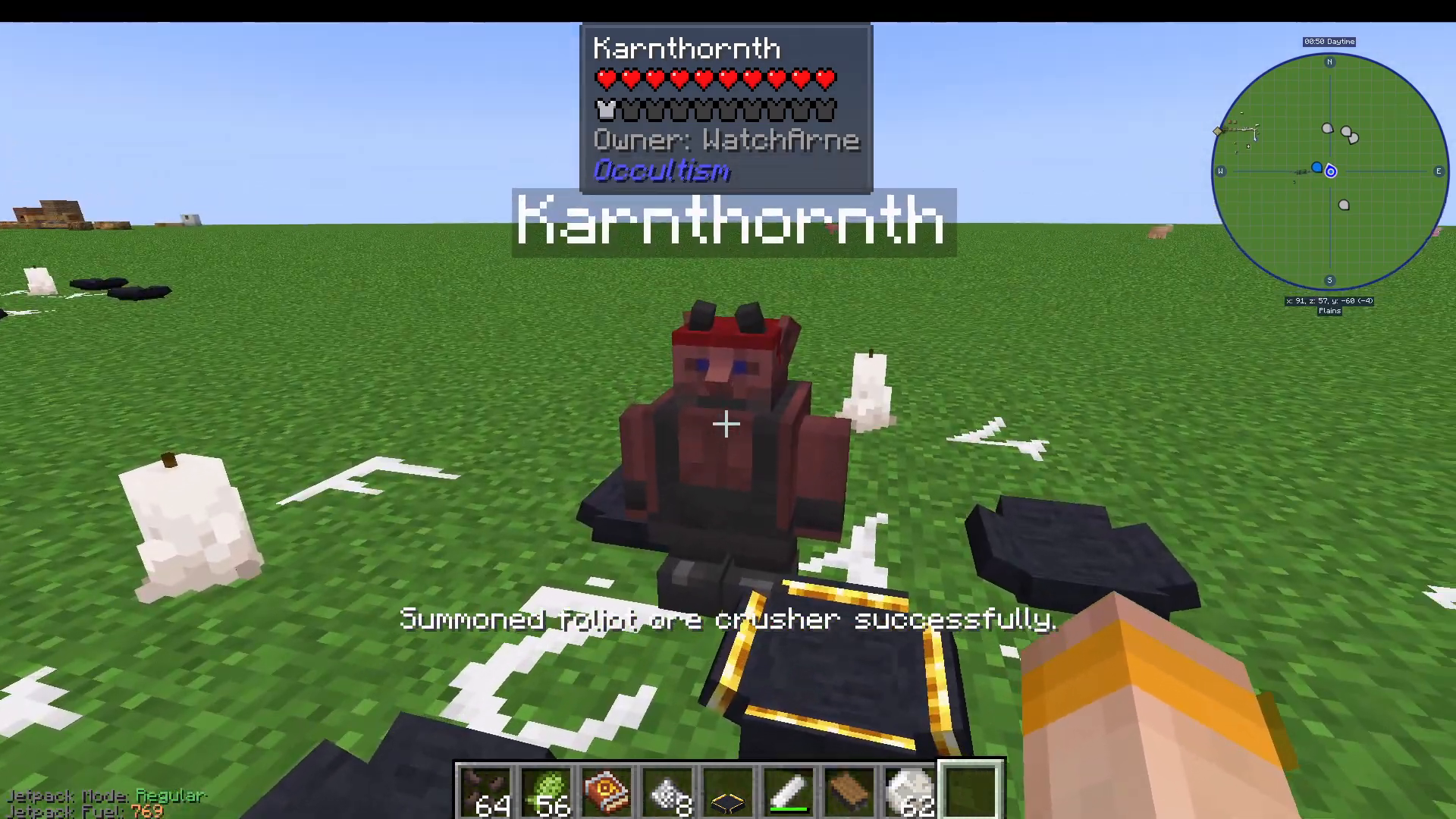
To use the Foliot Crusher, throw ore at it or shift-right-click to open its inventory and deposit ore directly. It will convert one ore into two corresponding dusts — effectively doubling your yield.
Unlocking Higher Chalk Colours Using the Crusher
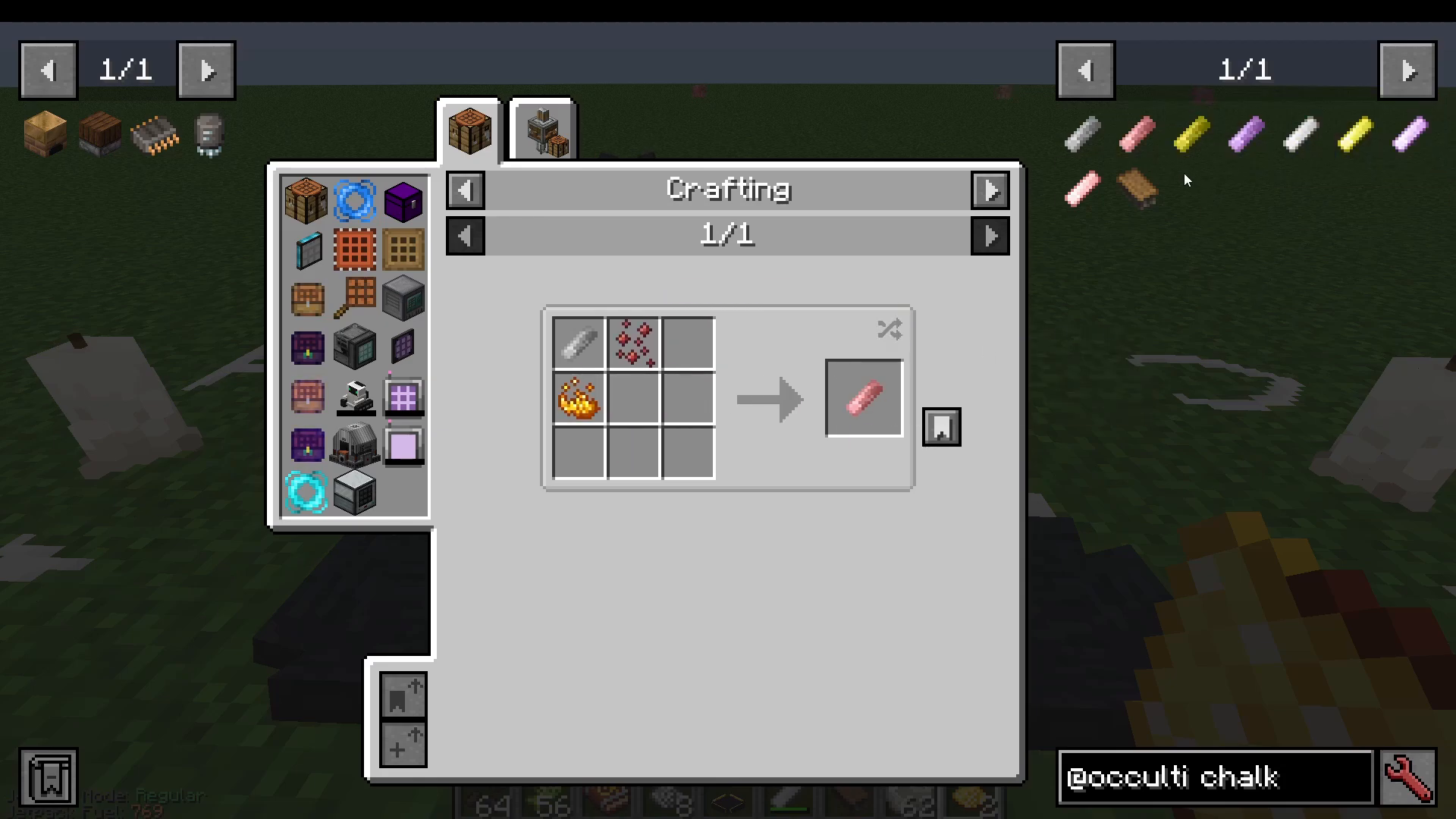
Now that you have a working crusher, you can use it to obtain the materials needed for the other chalk colours:
Impure Purple Chalk — requires Crushed End Stone and Obsidian Dust combined with Impure White Chalk. Give your crusher End Stone and Obsidian to get those dusts.
Impure Gold Chalk — requires Gold Dust and Glowstone Dust. Gold Dust comes from crushing Gold Ore.
Red Chalk — requires Afrit Essence, which comes from a possession ritual covered later in this guide.
Once you have Impure Gold Chalk or Impure Purple Chalk, throw them into Spirit Fire to upgrade them into their pure, full-durability versions.
3. Upgrading Your Crusher: Djinn, Afrit, and Marid Tiers
The Foliot Crusher doubles your ore output, but you can upgrade to higher-tier crushers for even better results:
Djinn Crusher — permanent (no decay), triples ore output (1 ore → 3 dusts). Requires the Ophiuchus’s Calling pentacle (uses White, Gold, and Purple chalk plus Spirit-Attuned Crystals/Gems).
Afrit Crusher — quadruples ore output (1 ore → 4 dusts). Requires the Abras Conja pentacle with more complex ingredients.
Marid Crusher — the most powerful, multiplying ore output by six. Requires highly advanced materials and a more complex Book of Binding.
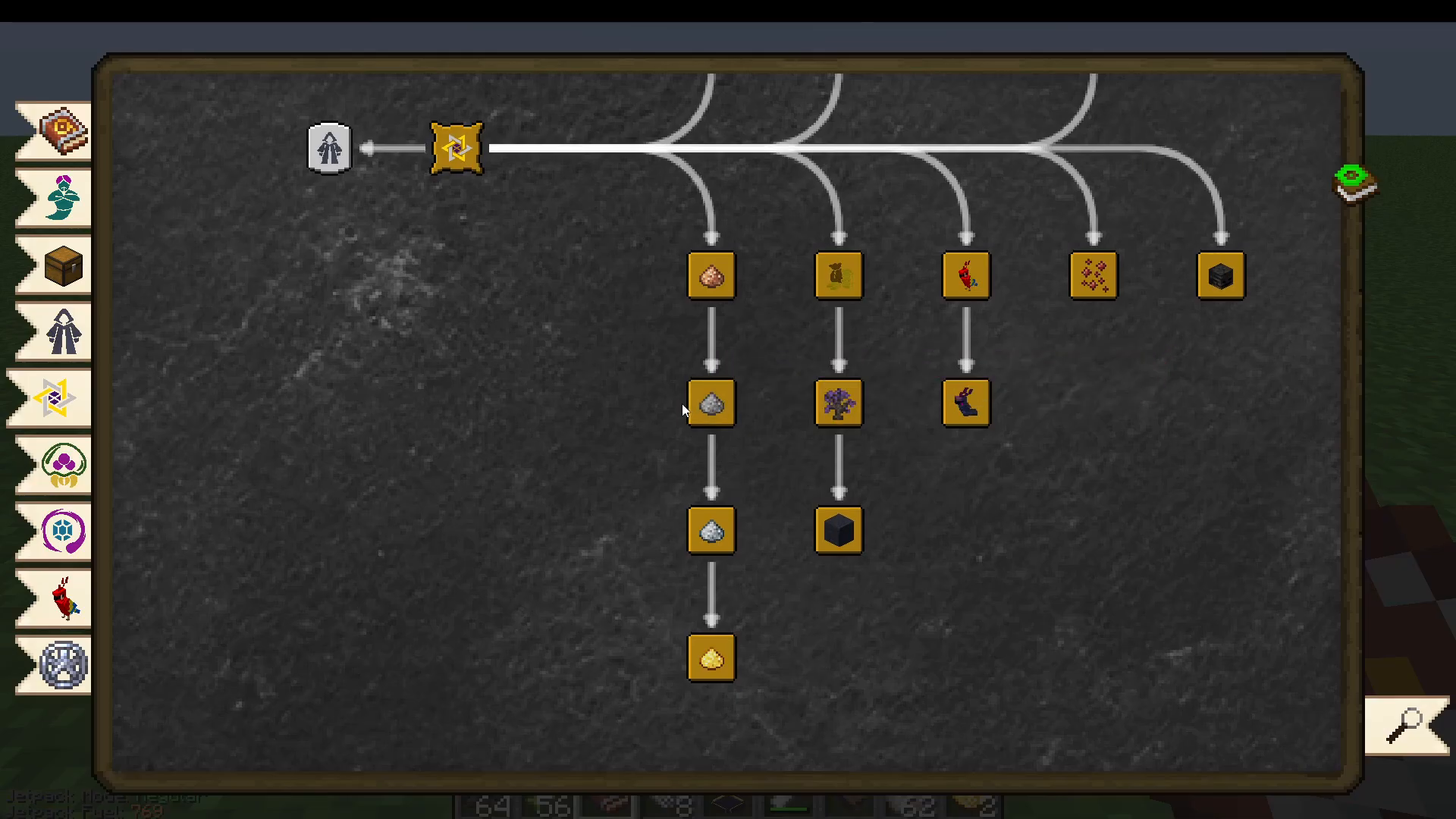
To summon a Djinn Crusher, you will need your Gold and Purple chalks ready, as the Ophiuchus’s Calling pentacle requires all three chalk colours. Spirit-Attuned Gems are made by throwing Diamonds into Spirit Fire.
4. Automating Your Setup: Foliot Transporter & Janitor
The Foliot Transporter
The Foliot Transporter demon can extract items from one inventory and deposit them into another — perfect for feeding ores into your Foliot Crusher automatically.
To summon a Foliot Transporter, use the same Aviar’s Circle ritual layout but place a Minecart, a Dispenser, a Chest, and a Hopper in the Sacrificial Bowls, along with a Book of Binding Foliot in the centre. After the ritual, you will automatically receive a Book of Calling: Foliot Transporter in your inventory.
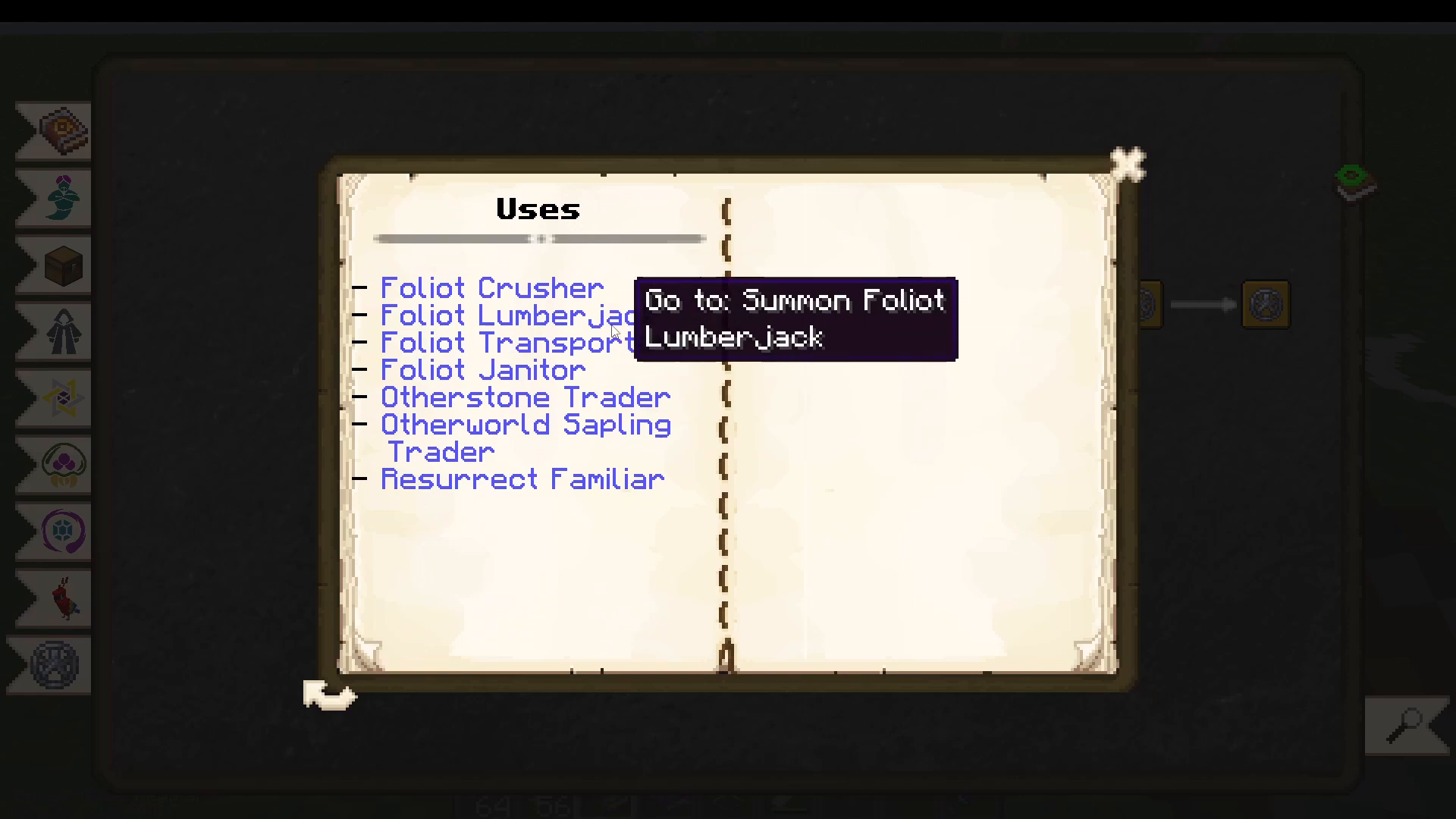
If you ever lose the Book of Calling, you can recreate it by combining your Book of Binding Foliot with a Chest.
To configure the Transporter:
Place a Chest containing your ores.
Shift-right-click the Transporter demon to open its filter menu. Use the whitelist to specify which items it should move (e.g., Iron Ore). You can also use tags such as forge:ores.
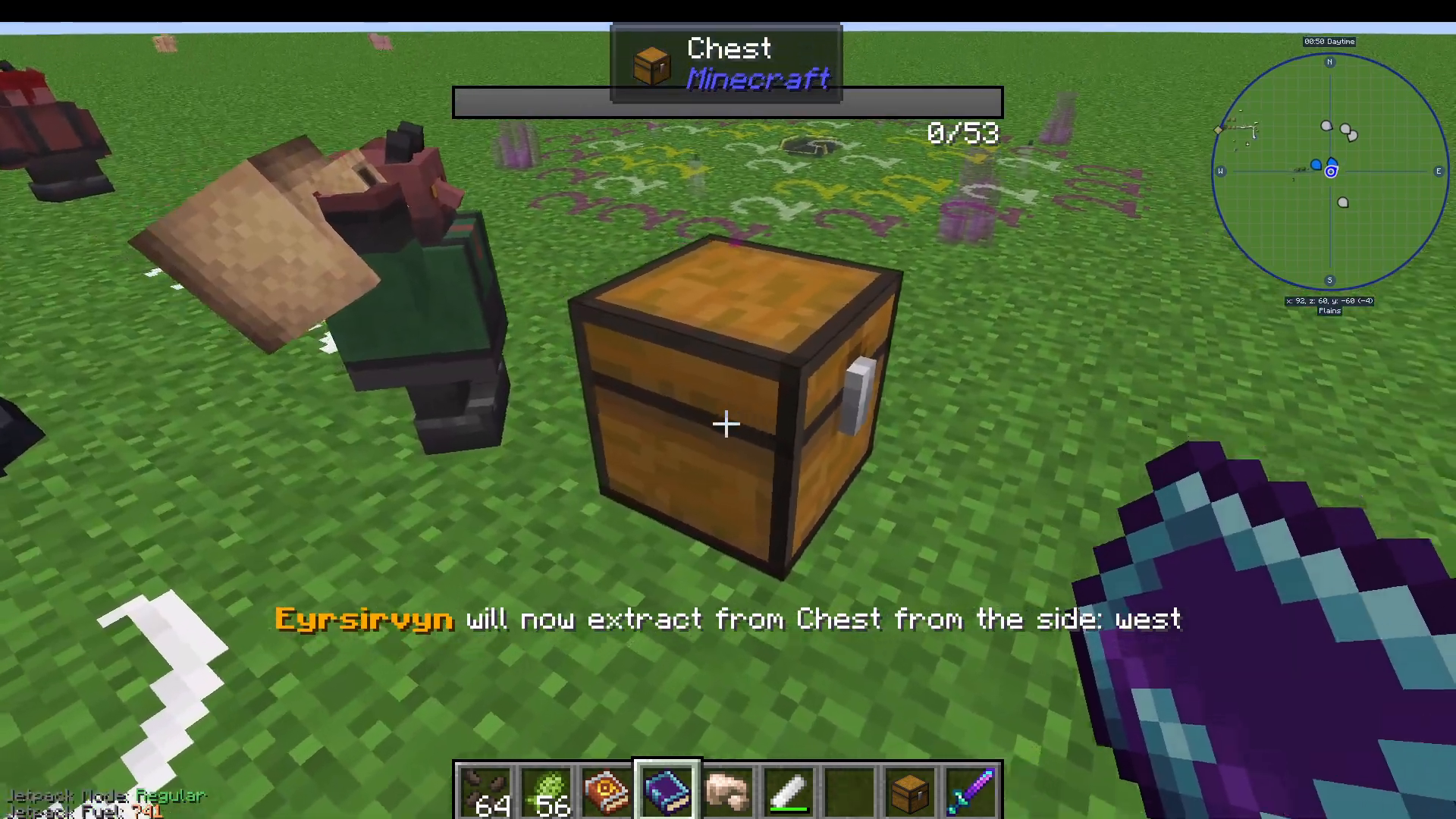
Take the Book of Calling and shift-right-click the Chest to set it as the extract source.
Right-click on the ground and select Set Deposit, then shift-right-click the Crusher demon to set it as the deposit target.
The Foliot Janitor
The Foliot Crusher drops its processed dust on the ground. The Foliot Janitor demon will pick up dropped items from the ground and deposit them into a designated inventory.
To summon a Foliot Janitor, use the same Aviar’s Circle ritual, placing a Chest, a Chalk Brush, a Hopper, and a Dispenser in the Sacrificial Bowls, with a Book of Binding Foliot in the centre. You will receive a Book of Calling: Foliot Janitor.
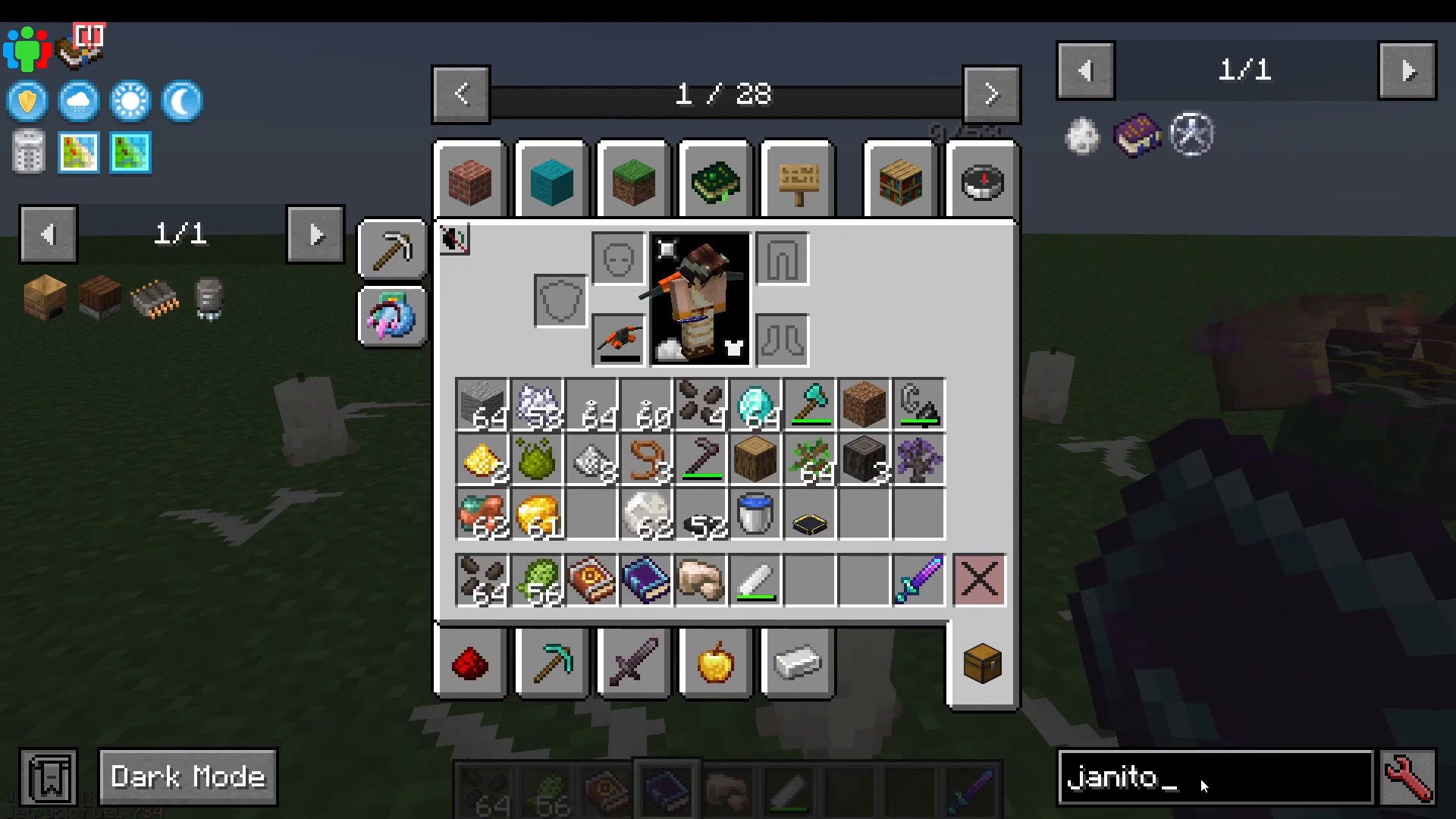
To configure the Janitor:
Shift-right-click the Janitor with the Book of Calling to open its filter. Whitelist the dust you want it to collect (e.g., Iron Dust).
Right-click the ground near the Crusher and select Set Base Location — this is where the Janitor will stand and pick up items.
Right-click the ground near your destination chest and select Set Deposit, then shift-right-click the Chest.
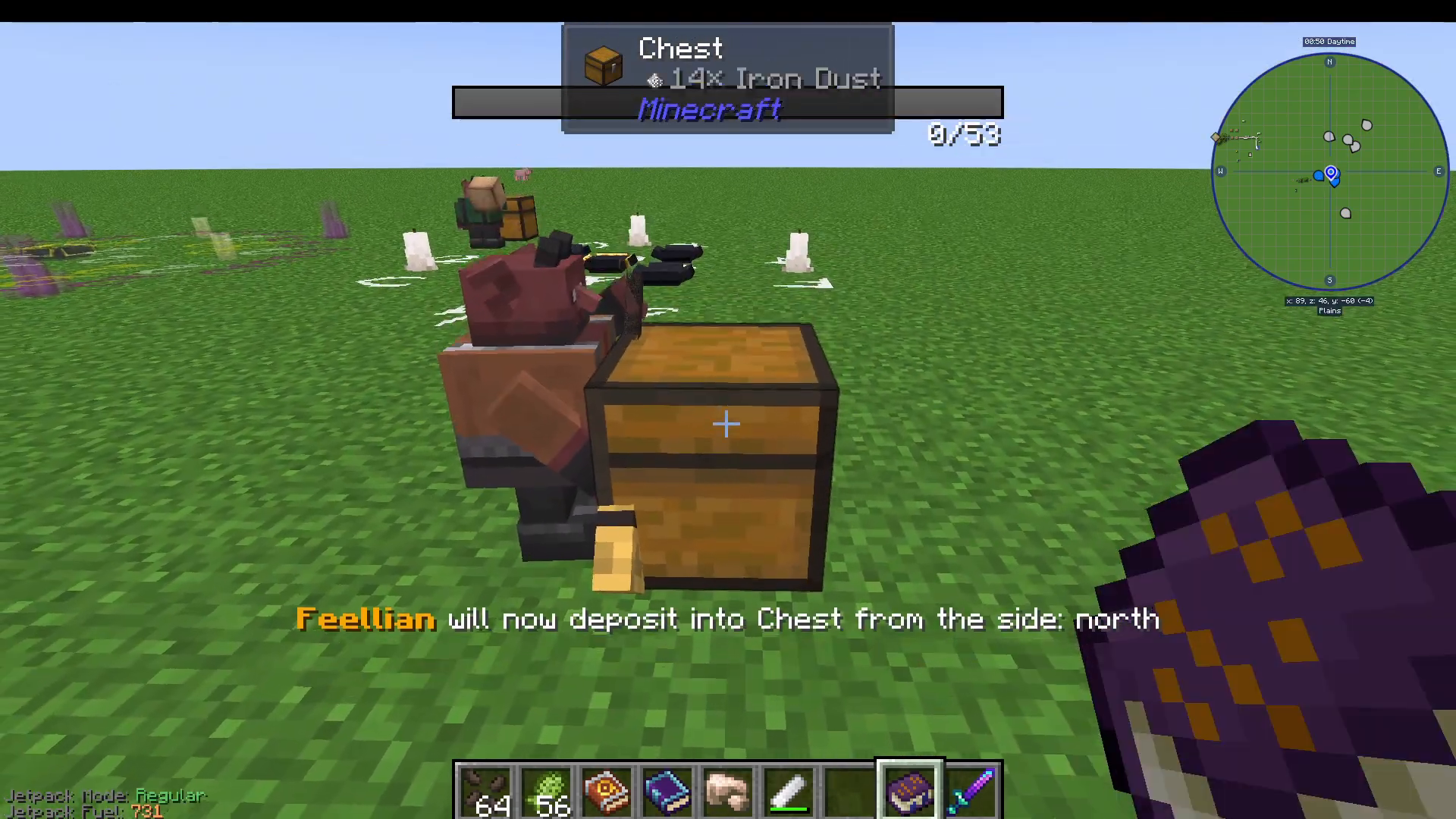
Full Automated Ore Processing Chain
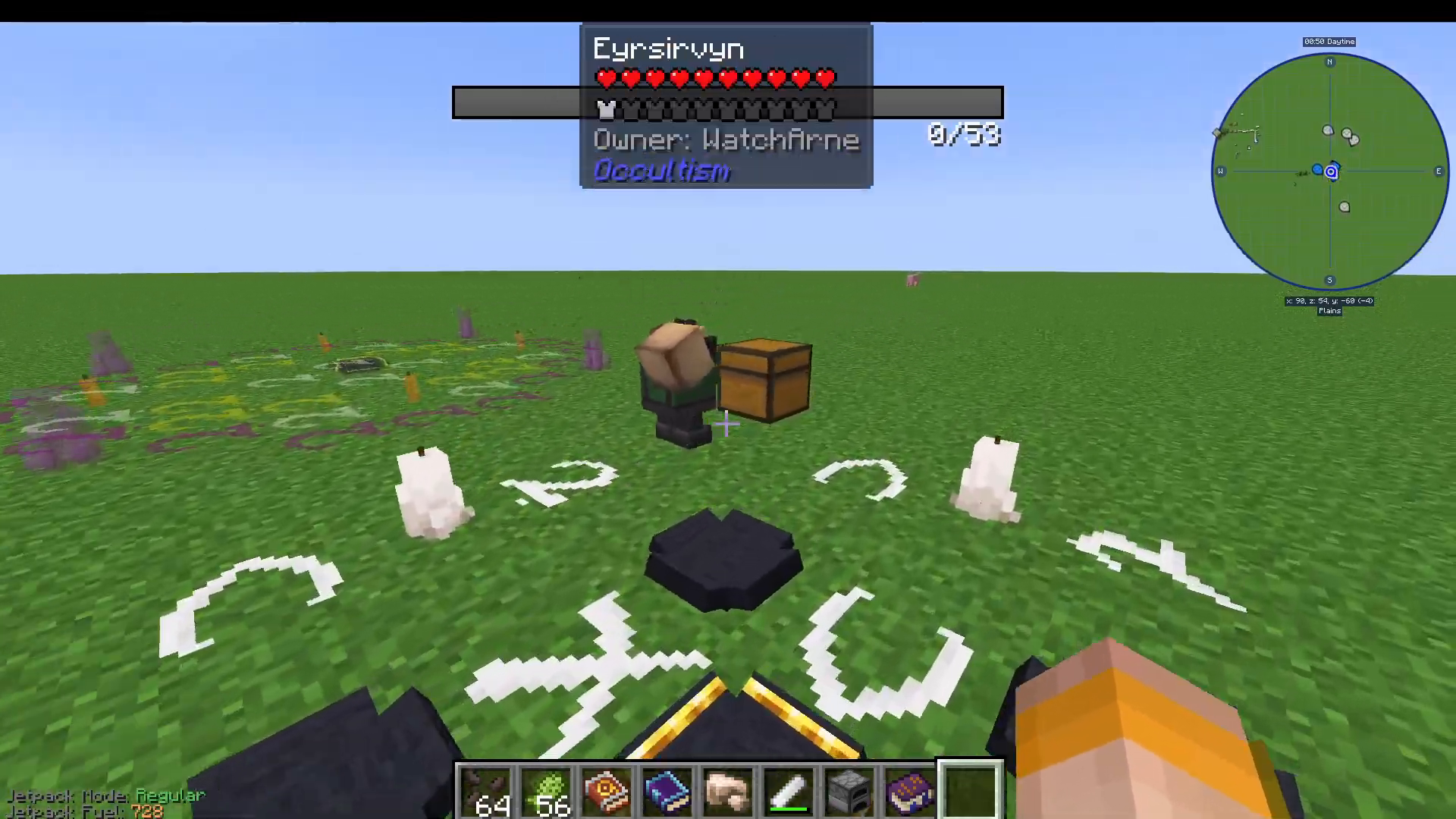
Here is the complete automated ore processing pipeline:
Raw ore goes into a Chest.
A Foliot Transporter extracts ore from the Chest and deposits it into the Crusher demon’s inventory.
The Crusher drops dust on the ground.
The Foliot Janitor picks up the dust and deposits it into a Furnace.
A second Foliot Transporter extracts the finished ingots from the Furnace and deposits them into a final storage Chest.
5. The Other World Sapling Trader & Foliot Lumberjack
Summoning the Other World Sapling Trader
Before you can summon the Foliot Lumberjack, you need Stable Other World Saplings. These are different from the basic Occultism Oak Saplings — anyone can see and harvest trees grown from Stable Other World Saplings without needing the Third Eye effect.
Use Aviar’s Circle with four Occultism Oak Saplings in the Sacrificial Bowls and a Book of Binding Foliot in the centre to summon the Other World Sapling Trader. Once summoned, drop Occultism Oak Saplings near it and it will trade you back Stable Other World Saplings.
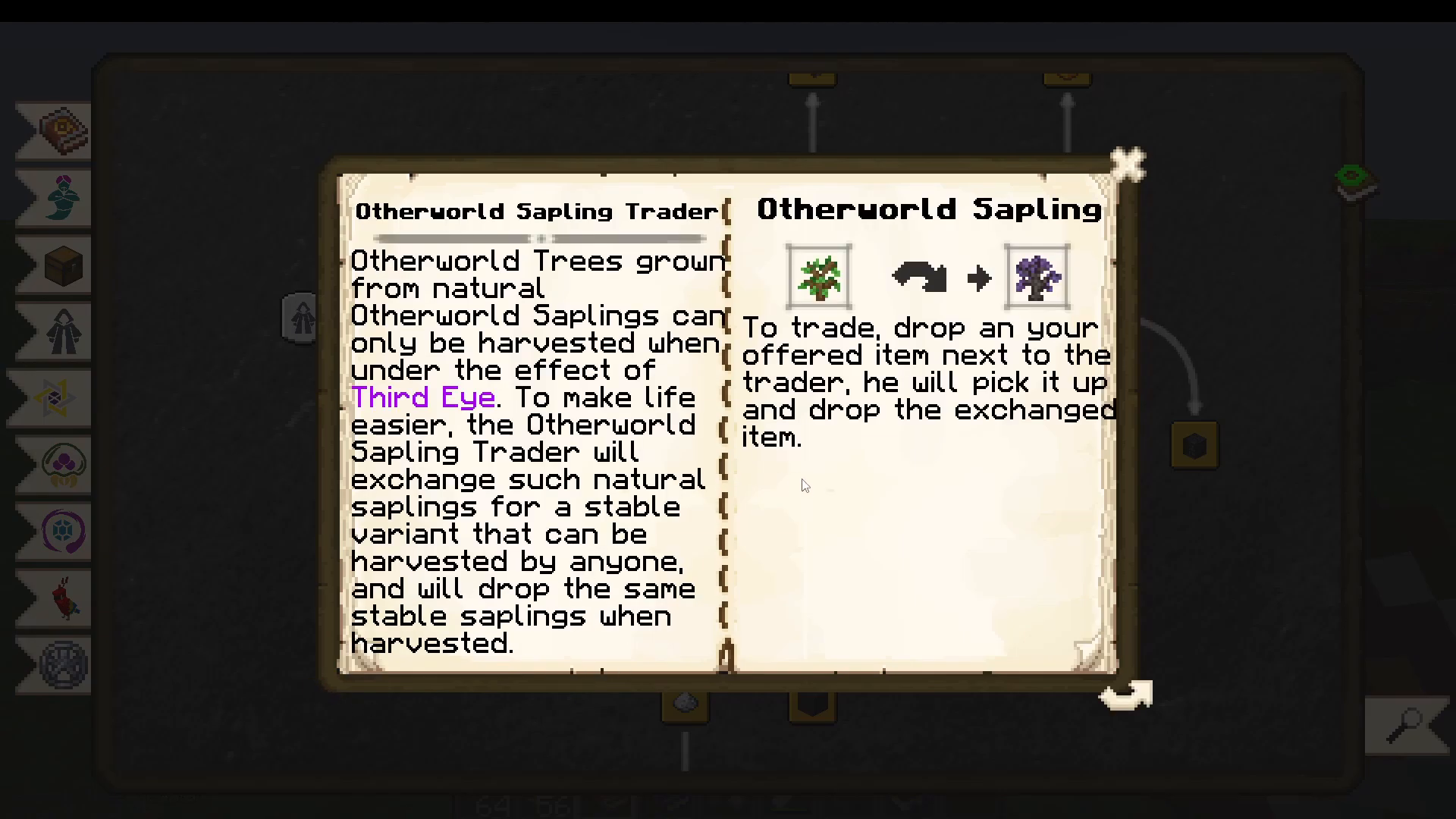
Trees grown from Stable Other World Saplings will also drop Stable Other World Saplings when harvested — meaning once you have this trader, you never need to go through the Dream Fruit oak tree process again.
Summoning the Foliot Lumberjack
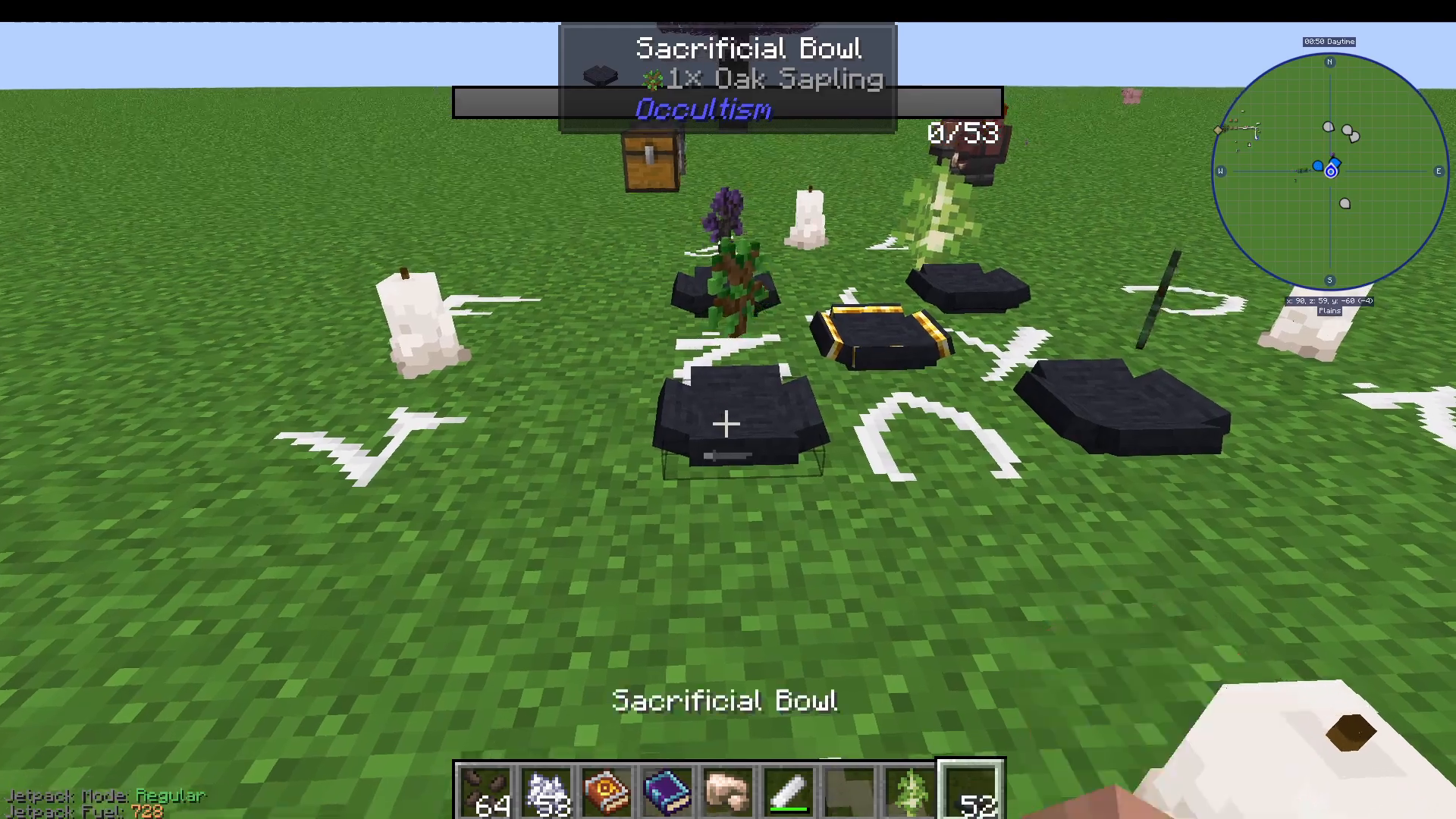
To summon the Foliot Lumberjack, use Aviar’s Circle with five Sacrificial Bowls. Place the following items in the bowls:
A Stable Other World Sapling
A normal Oak Sapling
A Birch Sapling
A Spruce Sapling
An Iron Axe (or any axe)
Place the Book of Binding Foliot in the centre Golden Sacrificial Bowl.
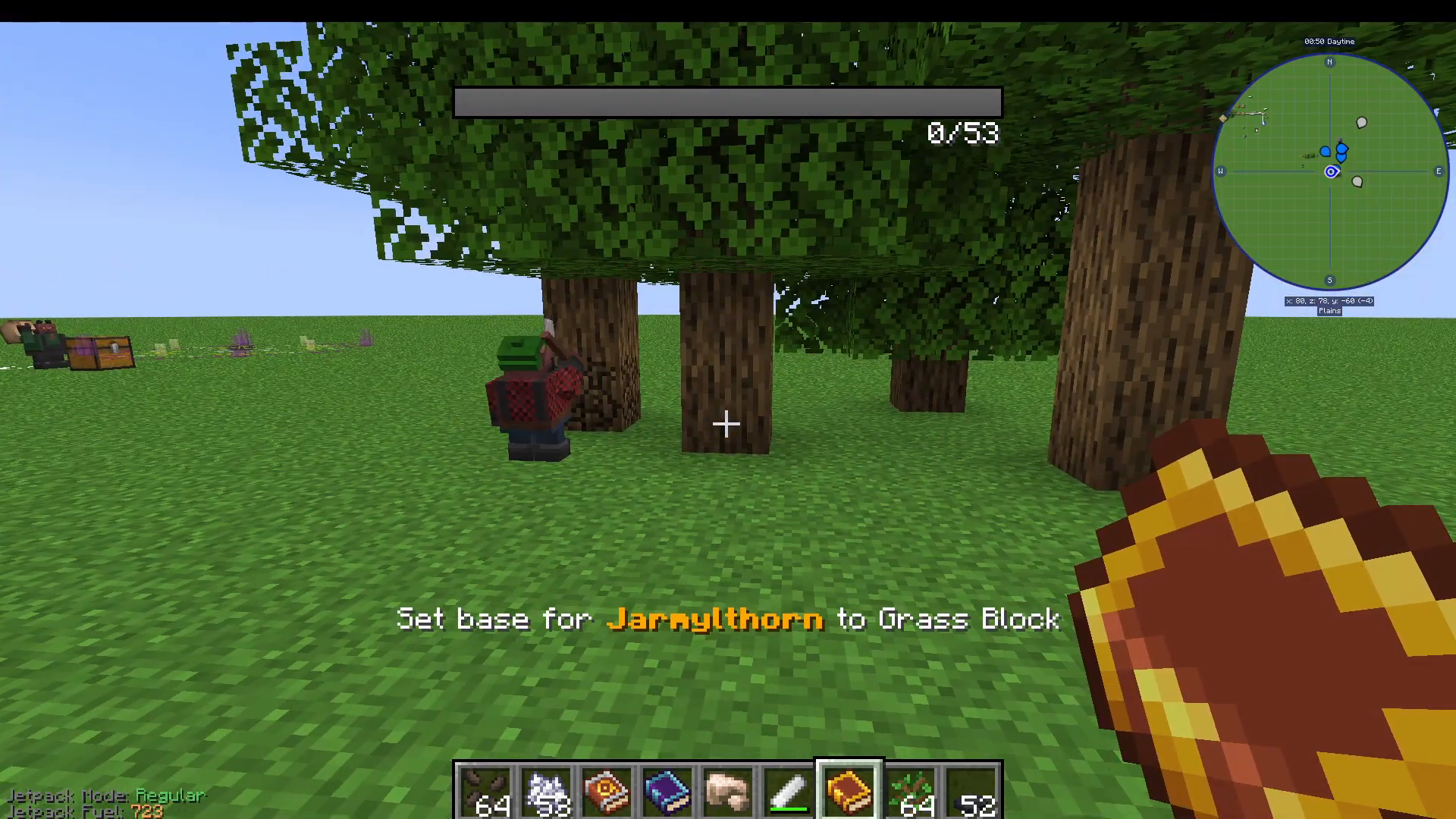
Once summoned, right-click on the ground near your tree farm area and select Set Base Location. The Lumberjack will automatically chop trees within a 64×64 block area centred on that location. Place a Chest, right-click the ground, select Set Deposit, and shift-right-click the Chest to designate where it drops harvested wood. Note that the Lumberjack does not replant saplings automatically.
6. Weather & Time Magic
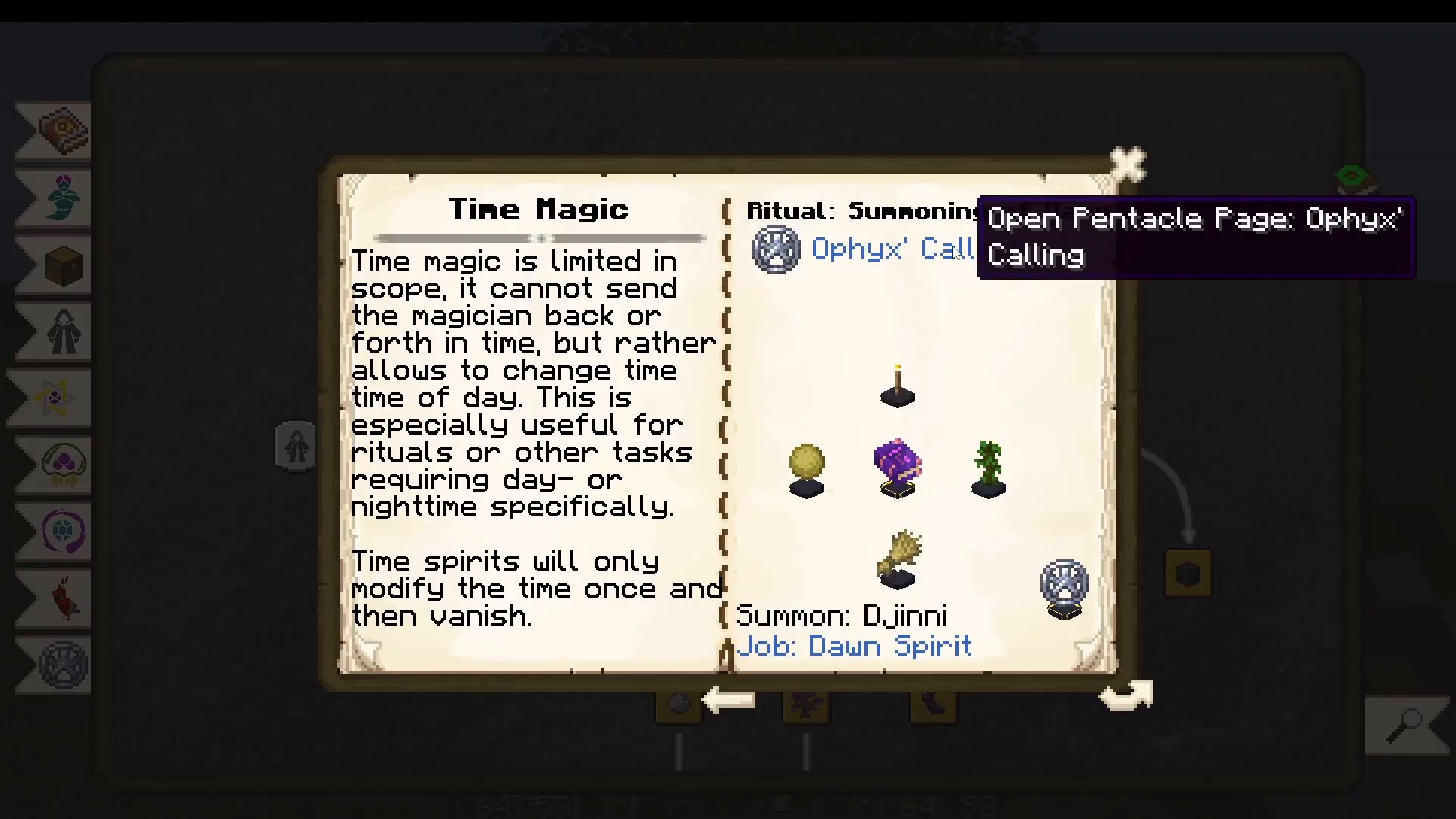
Using the Ophiuchus’s Calling pentacle (the Djinn-tier layout), you can perform rituals to control the weather and time of day:
Sunshine Spirit — clears weather. Uses Ophiuchus’s Calling with a Djinn Book of Binding and specific items.
Rainy Weather — uses Abras Conja pentacle with an Afrit Book of Binding.
Thunderstorm — also uses Abras Conja.
Time Magic (Dawn/Dusk) — uses Ophiuchus’s Calling with a Djinn Book and specific items to skip to day or dusk.
7. Possession Rituals: Afrit Essence & Special Drops
Summoning the Afrit (Possession Ritual)
To make Red Chalk — the most powerful chalk used in the most advanced rituals — you need Afrit Essence, which is obtained by killing an Afrit demon via a Possession Ritual.
In your Dictionary of Spirits, navigate to Possession Rituals and find Afrit Possession. The required items include Flint and Steel, Nether Quartz, Netherrack, Gunpowder, and a Book of Binding Afrit (crafted with Purple Dye). The pentacle used is Abras Open Conja and the ritual requires you to sacrifice a Cow.
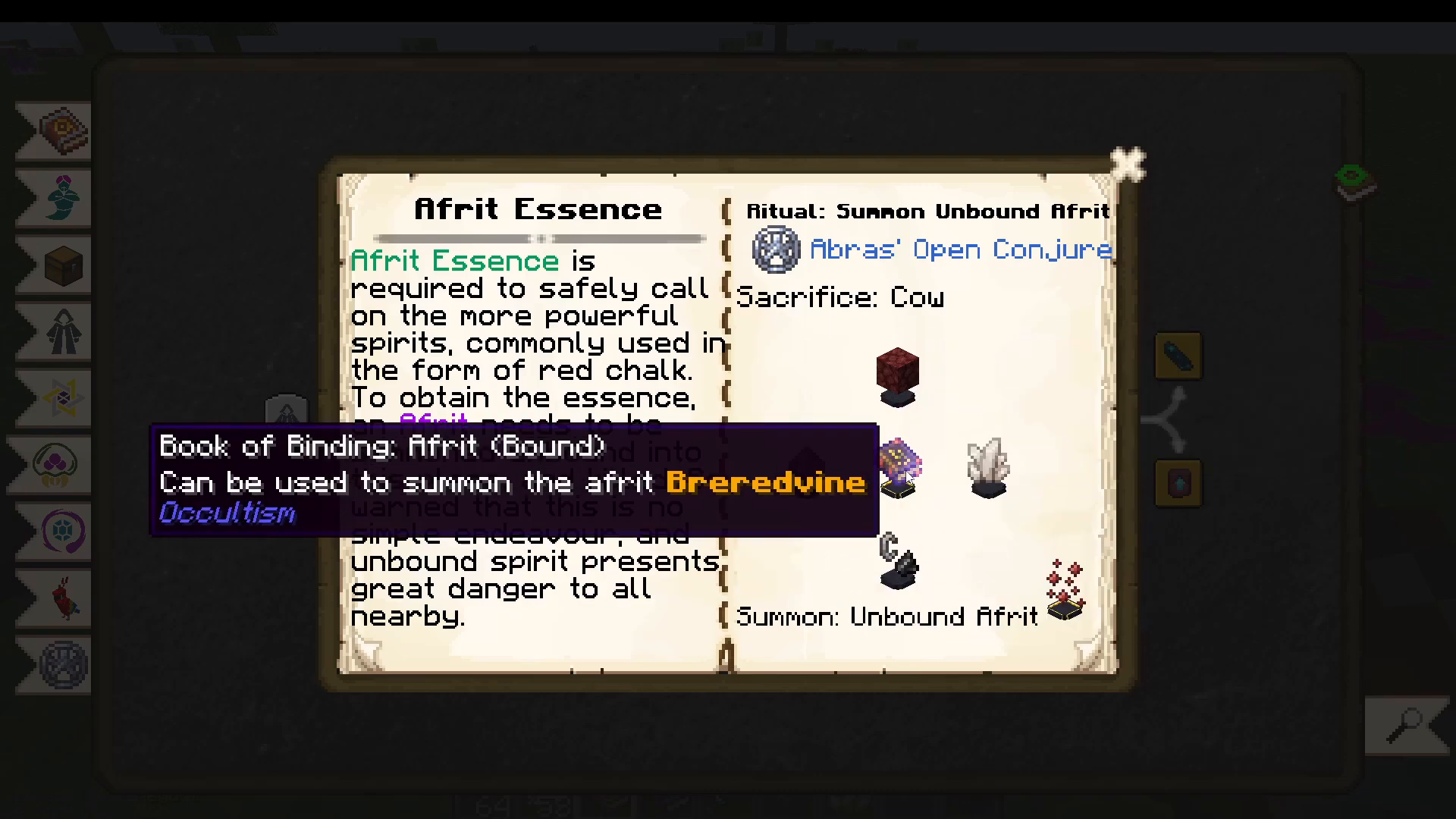
Place all your ritual items first. You will notice grey particles instead of purple — this means the ritual is waiting for the sacrifice. Get a Cow within range and kill it. The particles will turn purple and the summoning will begin. After a few seconds, the Afrit (along with some Blazes) will spawn. Kill the Afrit to collect Afrit Essence.
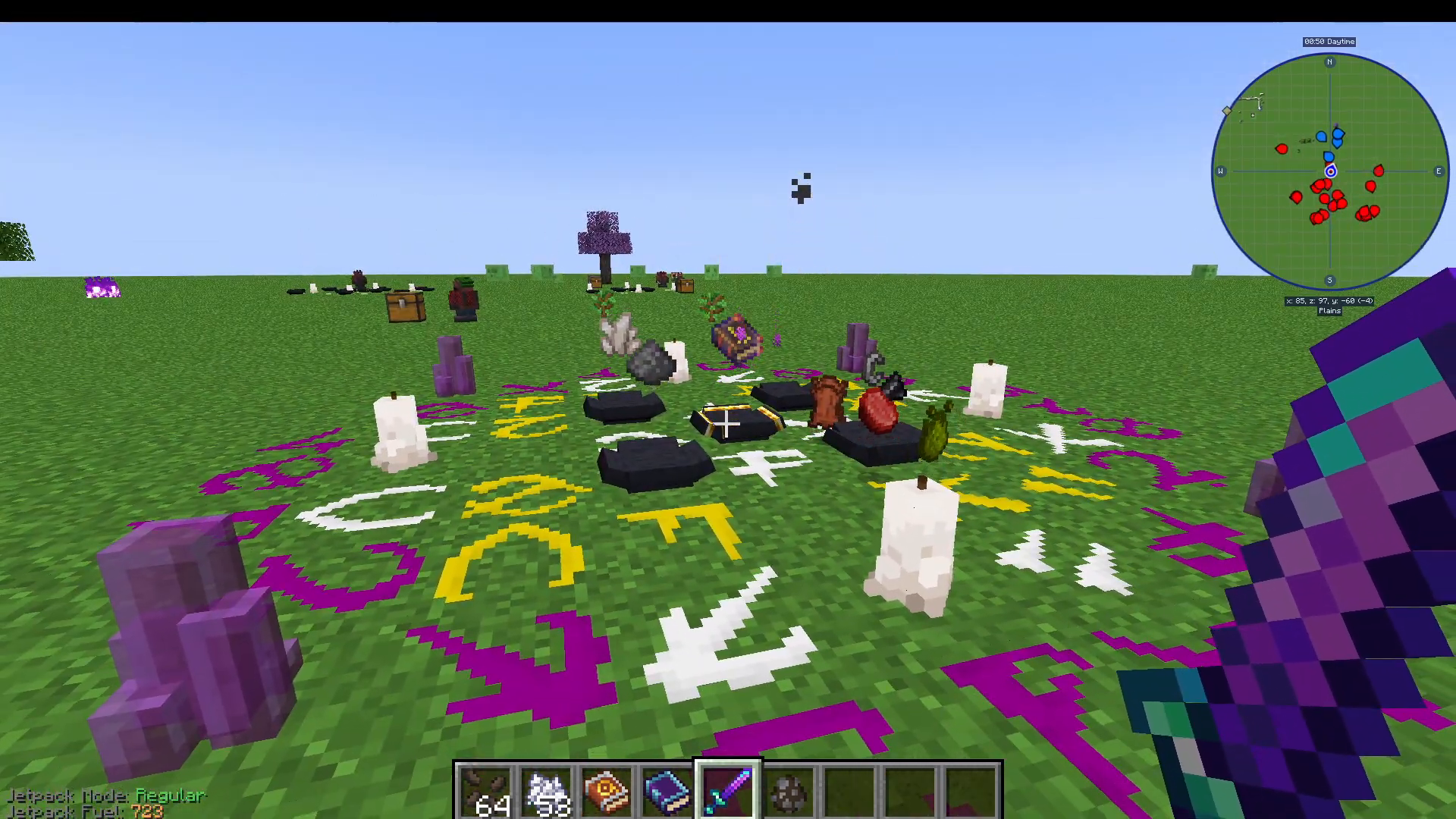
Use the Afrit Essence to craft Red Chalk, enabling you to draw the most powerful ritual pentacles in the mod.
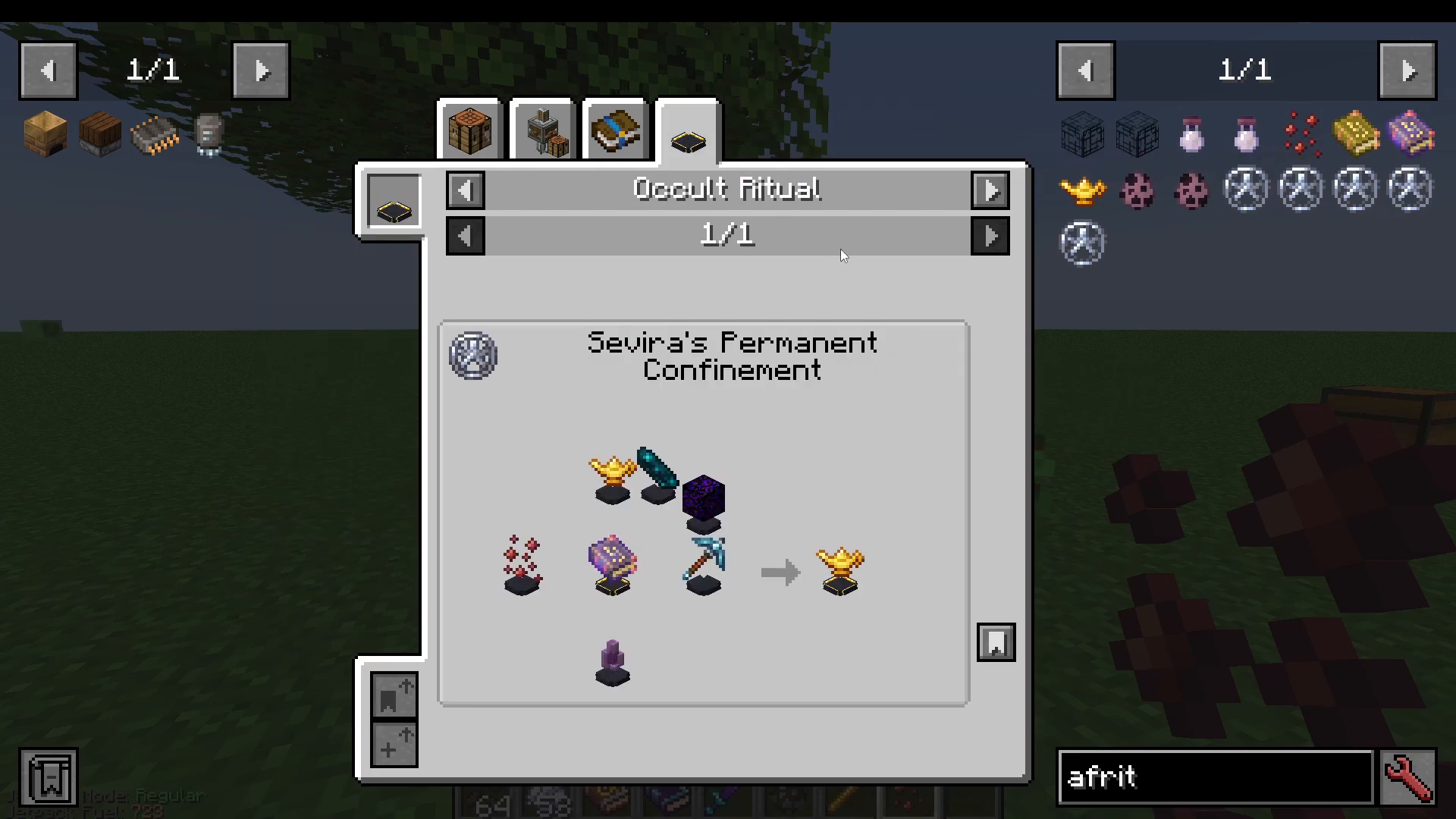
Other Useful Possession Rituals
Possession rituals are an excellent way to reliably obtain rare drops. Some highlights:
Wither Skeleton Skulls — sacrifice a Villager or Player to summon the Wild Hunt. The Wither Skeletons that spawn have a significantly higher chance to drop skulls.
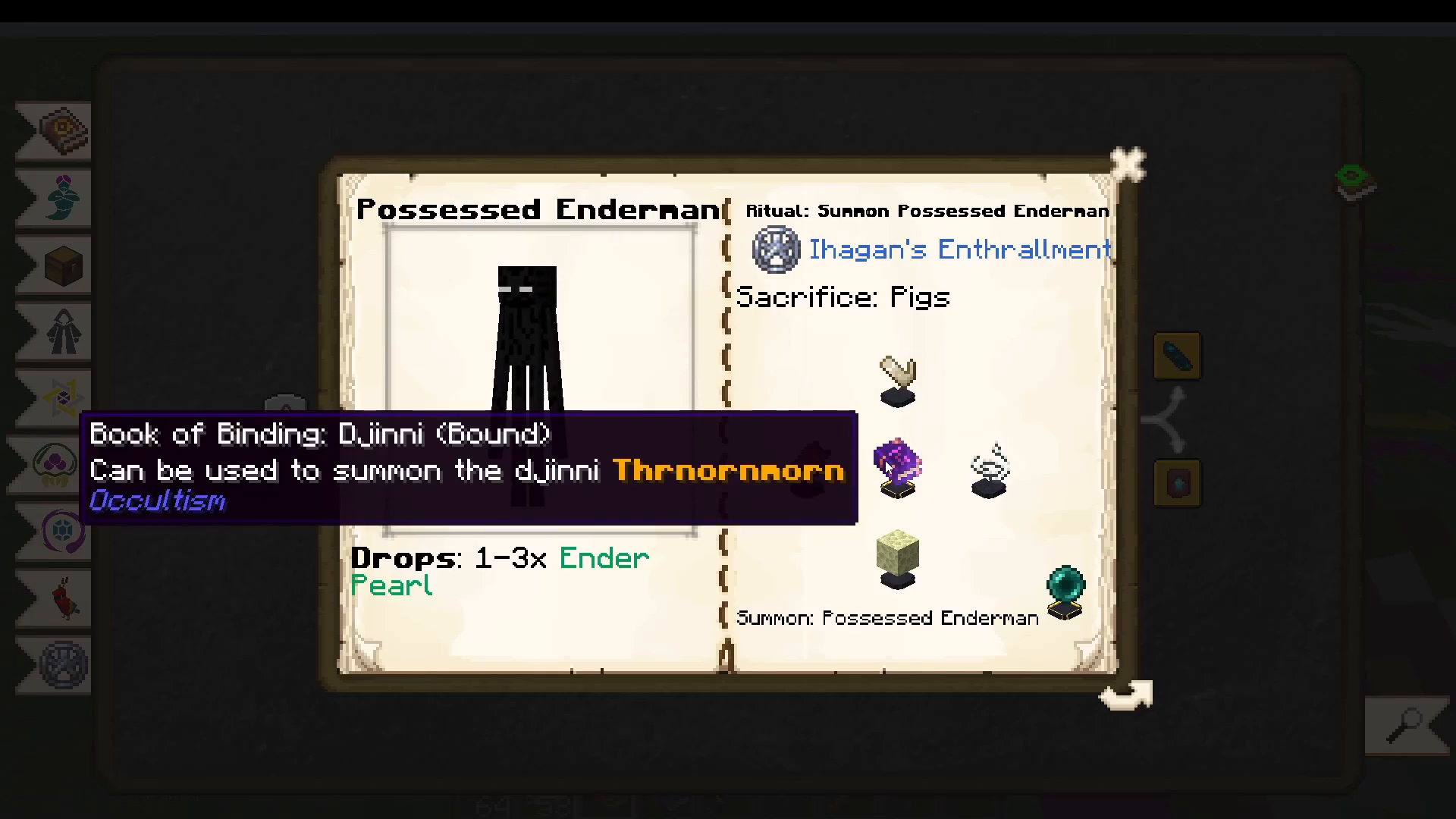
Ender Pearls — use a Djinn Book of Binding with specific items and sacrifice a Pig to spawn an Enderman guaranteed to drop 1–3 Ender Pearls.
End Stone, Ghast Tears, Hearts of the Sea — check the Possession Rituals section of your Dictionary of Spirits for the full list.
8. Familiars: Summoning Spirit Companions
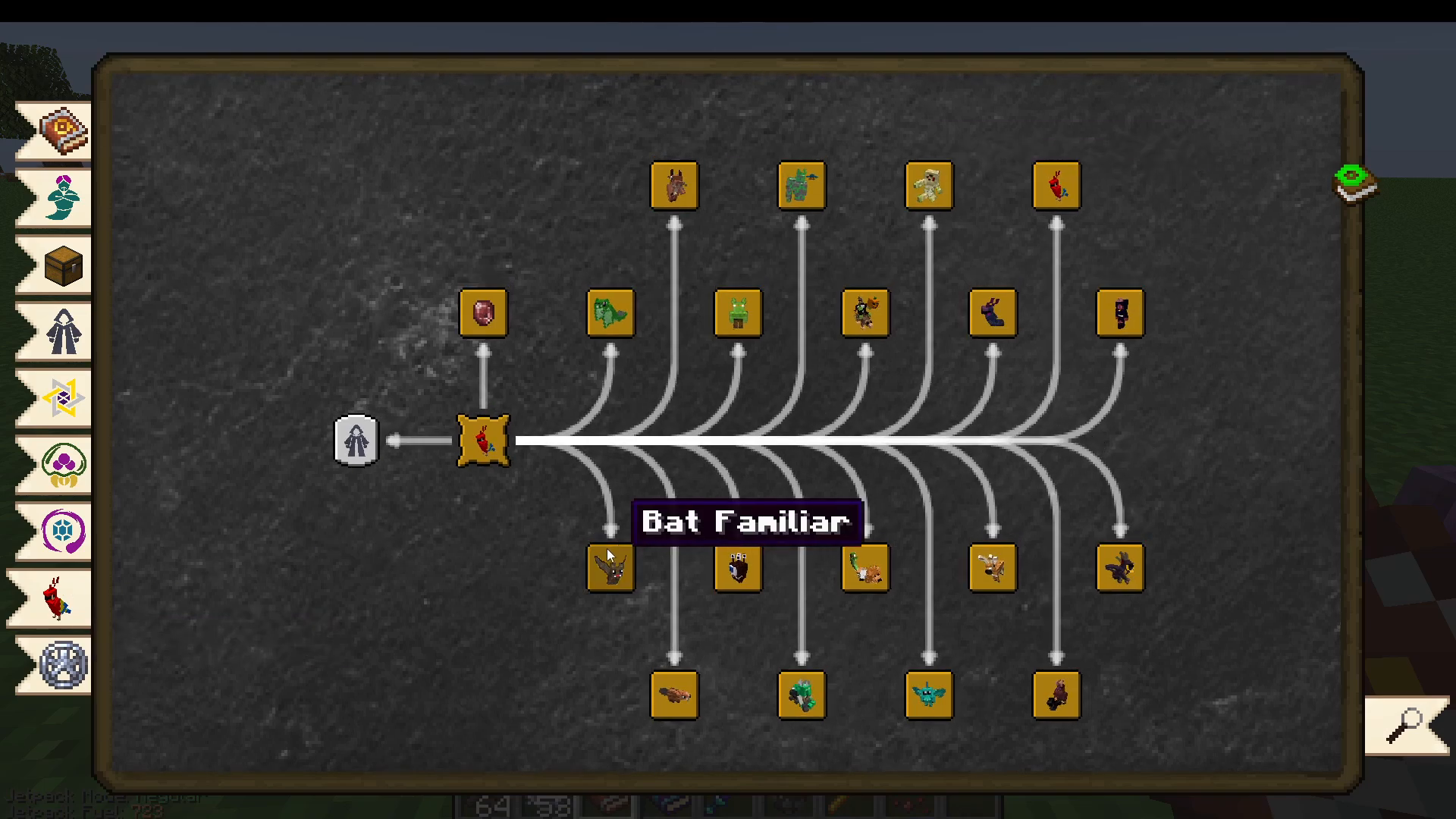
The Familiars section of the Dictionary of Spirits lists all the spirit companions you can summon. Familiars follow you around and grant passive effects or abilities. Click on any familiar in the book to see what benefit it provides and what items and sacrifices are required.
Example: Bat Familiar
The Bat Familiar grants you permanent Night Vision. Summon it using a Djinn Book of Binding, specific items in the Sacrificial Bowls, and by sacrificing a Bat during the ritual.
Example: Chimera Familiar
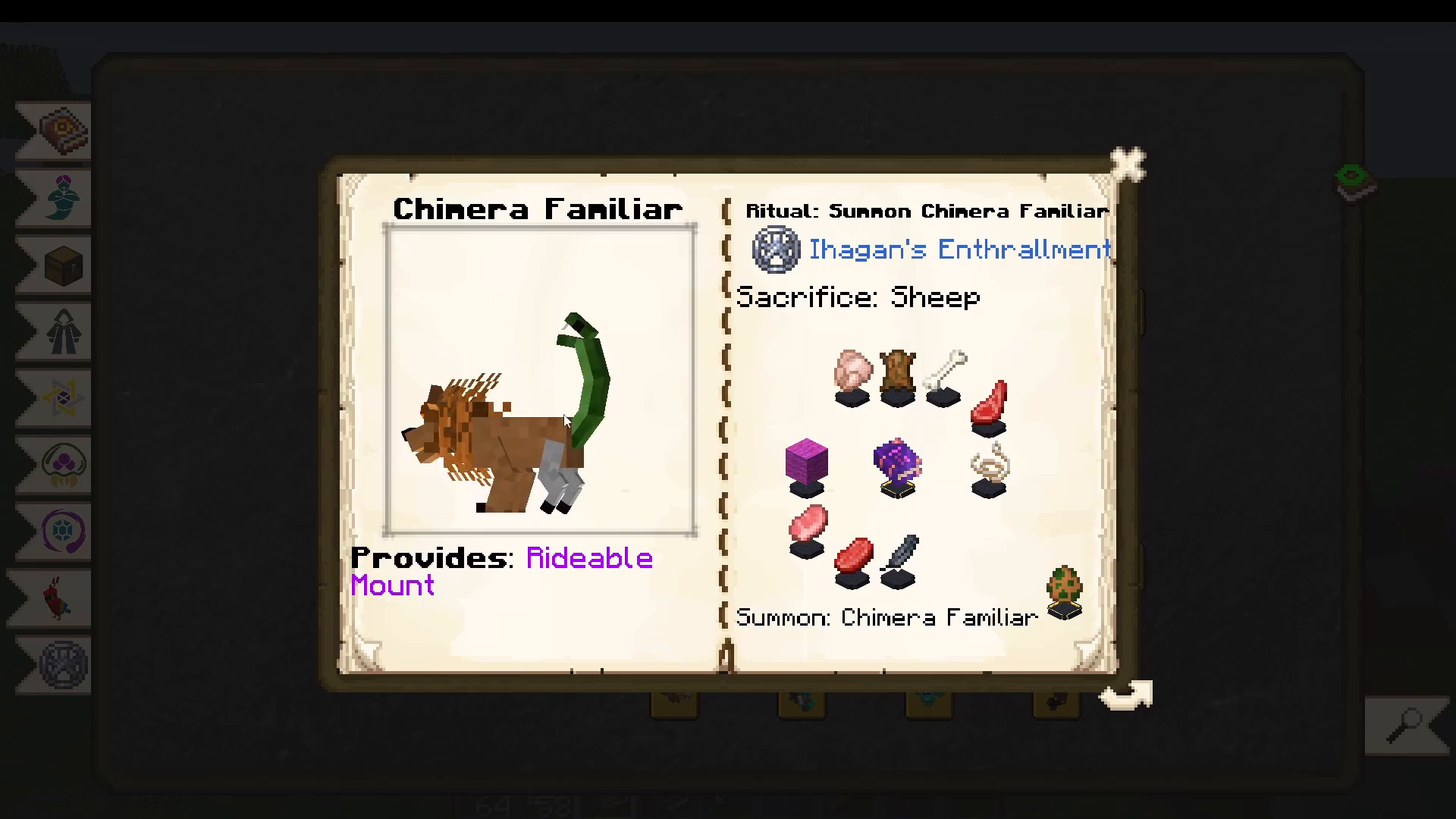
The Chimera Familiar is a rideable mount. Sacrifice a Sheep along with the required items to summon it. Feed it any meat to help it grow — as it grows, it gains increased damage and speed. Once large enough, players can ride it.
Upgrading Familiars
You can upgrade your familiars using the Blacksmith Familiar. For example, upgrading the Bat Familiar with the Blacksmith Familiar grants you a Life Steal effect.
Reviving Dead Familiars
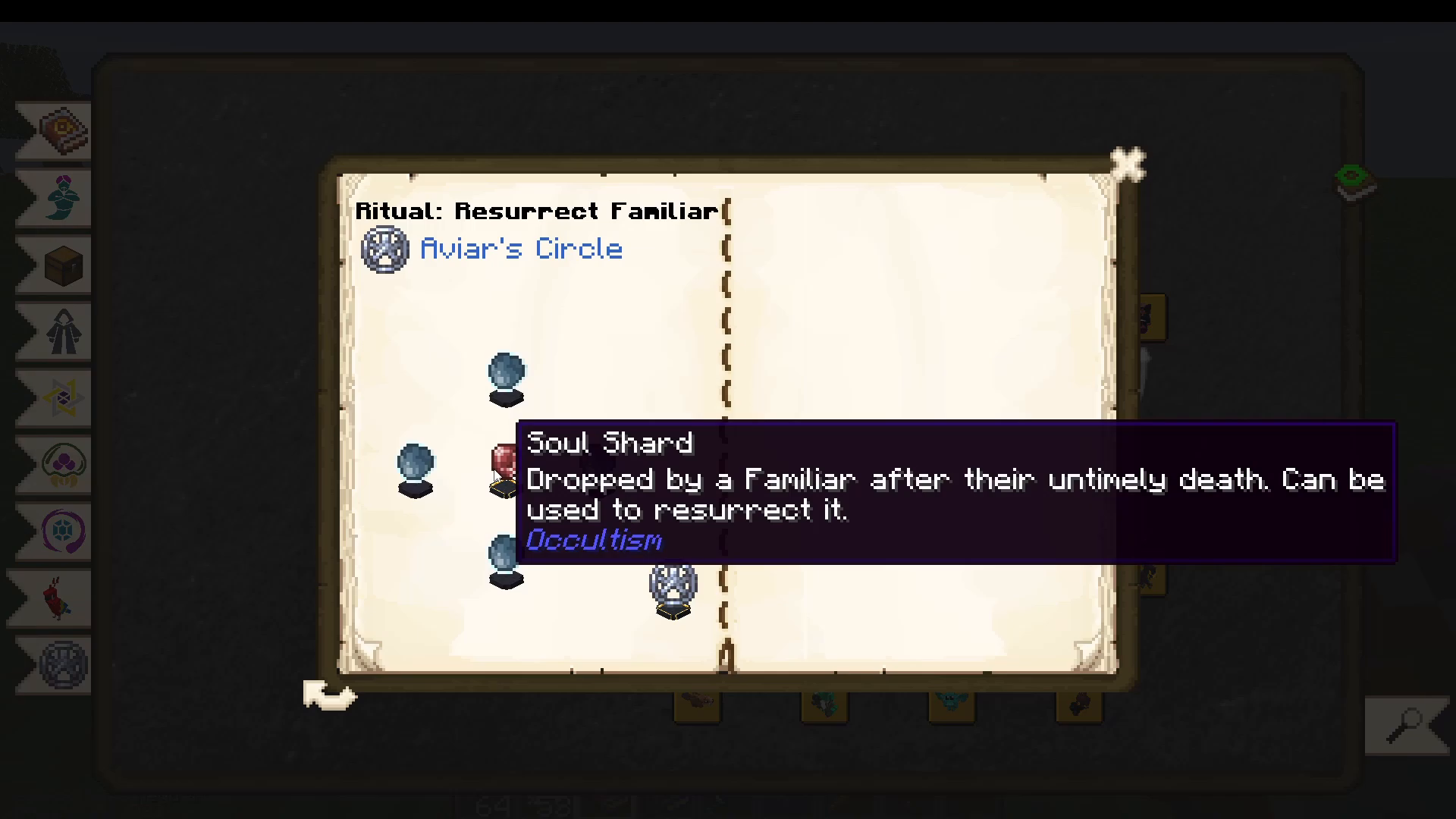
If a familiar dies, it will drop a Soul Shard. You can revive it by performing a ritual using Aviar’s Circle (the Foliot-tier pentacle) with four Other World Essence in the Sacrificial Bowls and the Soul Shard in the centre. Other World Essence is crafted easily from nine Demon’s Dream Essence combined together.
9. Dimensional Storage: The Storage Actuator
Occultism includes a powerful storage system built around the Dimensional Storage Actuator. Craft it by first making a Dimensional Crystal Matrix using a specific ritual, then place it down and right-click to open it.
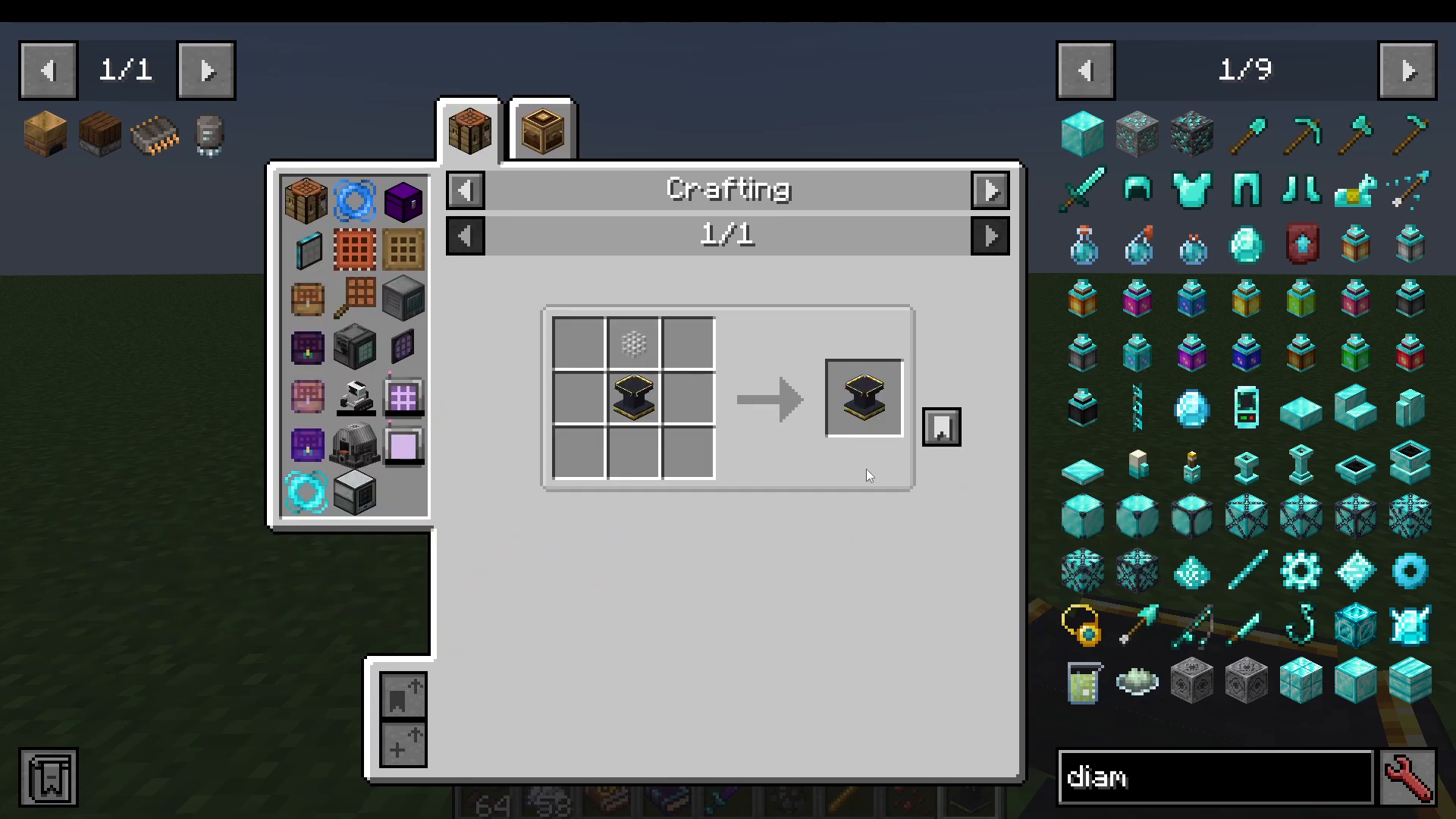
By default, the Actuator provides 128 item slots. Each slot stores one type of item regardless of quantity — so 700 Diamonds fills one slot, and a single Diamond Hoe with NBT data (e.g., durability) also fills one slot. You can search, sort by amount, and sort ascending/descending within the UI.
Upgrading Storage Capacity with Stabilizers
You can attach up to six Stabilizers to your Actuator (they must face it and can be placed up to 8 blocks away). There are four tiers:
Tier 1 Stabilizer — adds 256 slots
Tier 2 Stabilizer — adds 512 slots
Tier 3 Stabilizer — adds 1,024 slots
Tier 4 Stabilizer — adds 2,056 slots
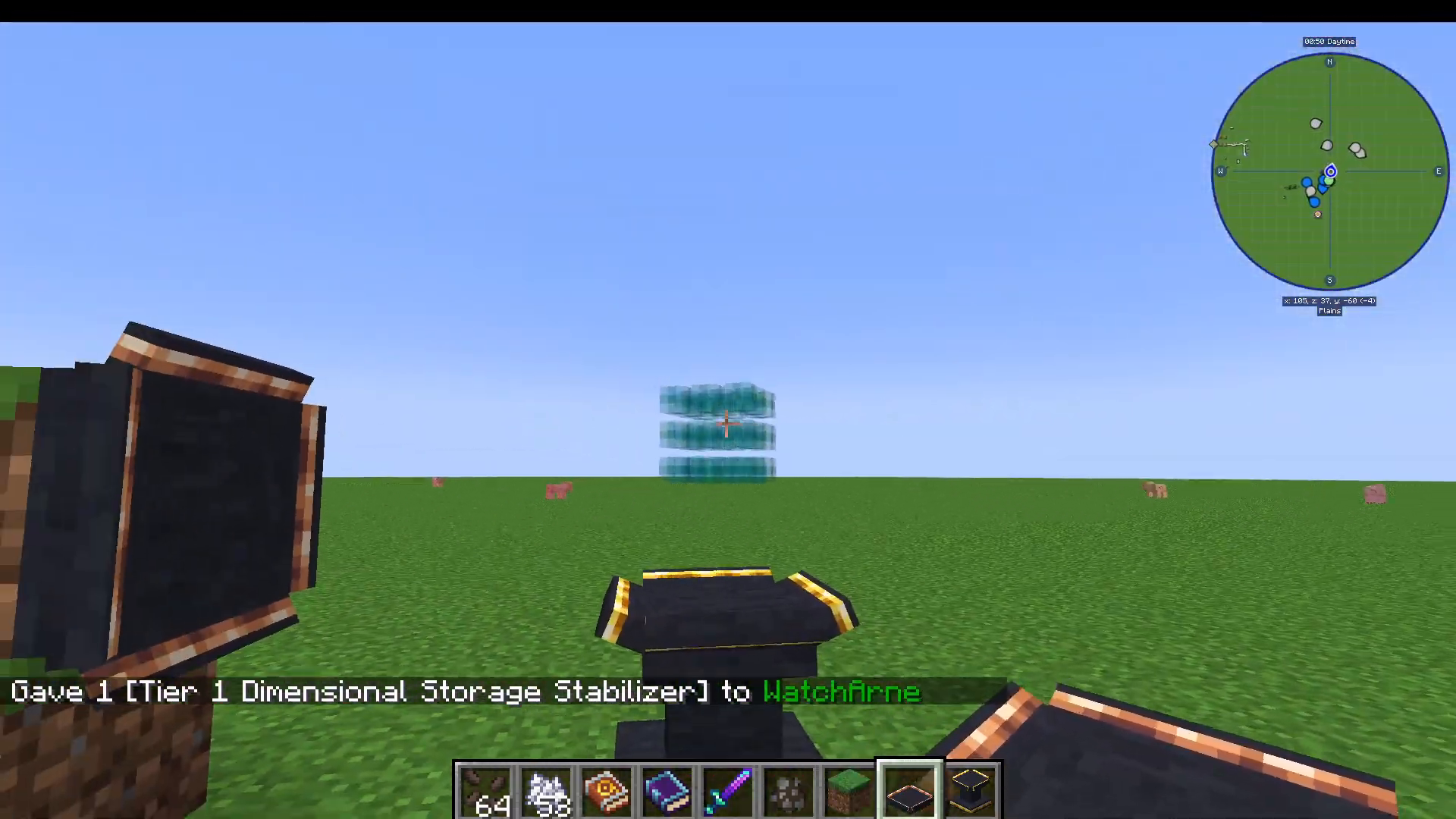
With six Tier 4 Stabilizers you can reach over 12,000+ item slots, making this one of the most efficient storage solutions in modded Minecraft at this progression stage.
Remote Access: Wormhole & Storage Accessor
You can access your Actuator remotely using two items:
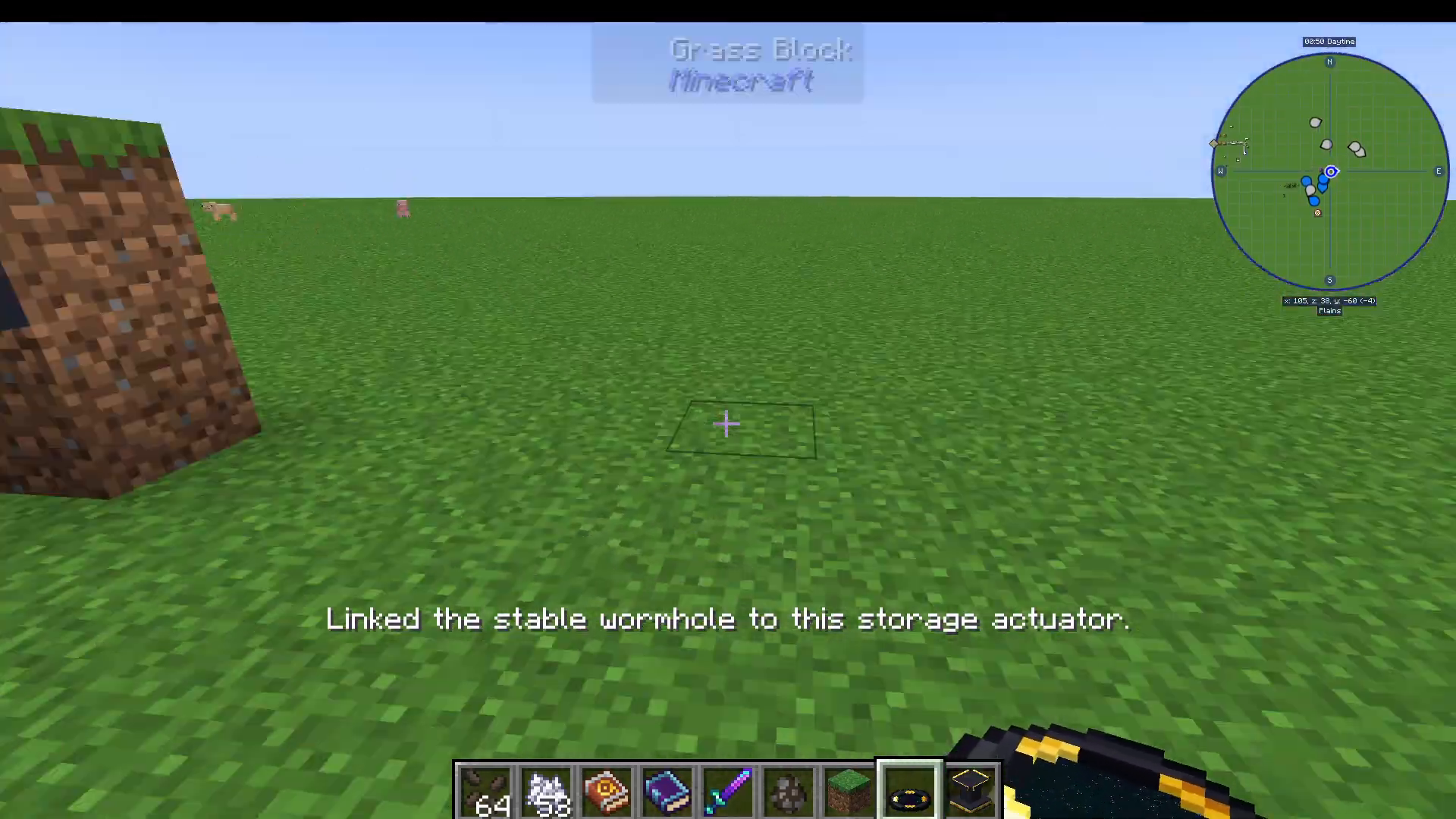
Wormhole — shift-right-click it on the Actuator to link it, then place it anywhere. Right-clicking the Wormhole opens the Actuator’s UI.
Storage Accessor — shift-right-click to link it to your Actuator, then carry it in your inventory to access storage from anywhere — including across different dimensions.
10. Finding Iesnium Ore in the Nether
Iesnium is the advanced ore you need for high-tier Occultism crafting. It spawns in the Nether but is disguised — it looks exactly like regular Netherrack unless you have the Third Eye active.
Other World Goggles
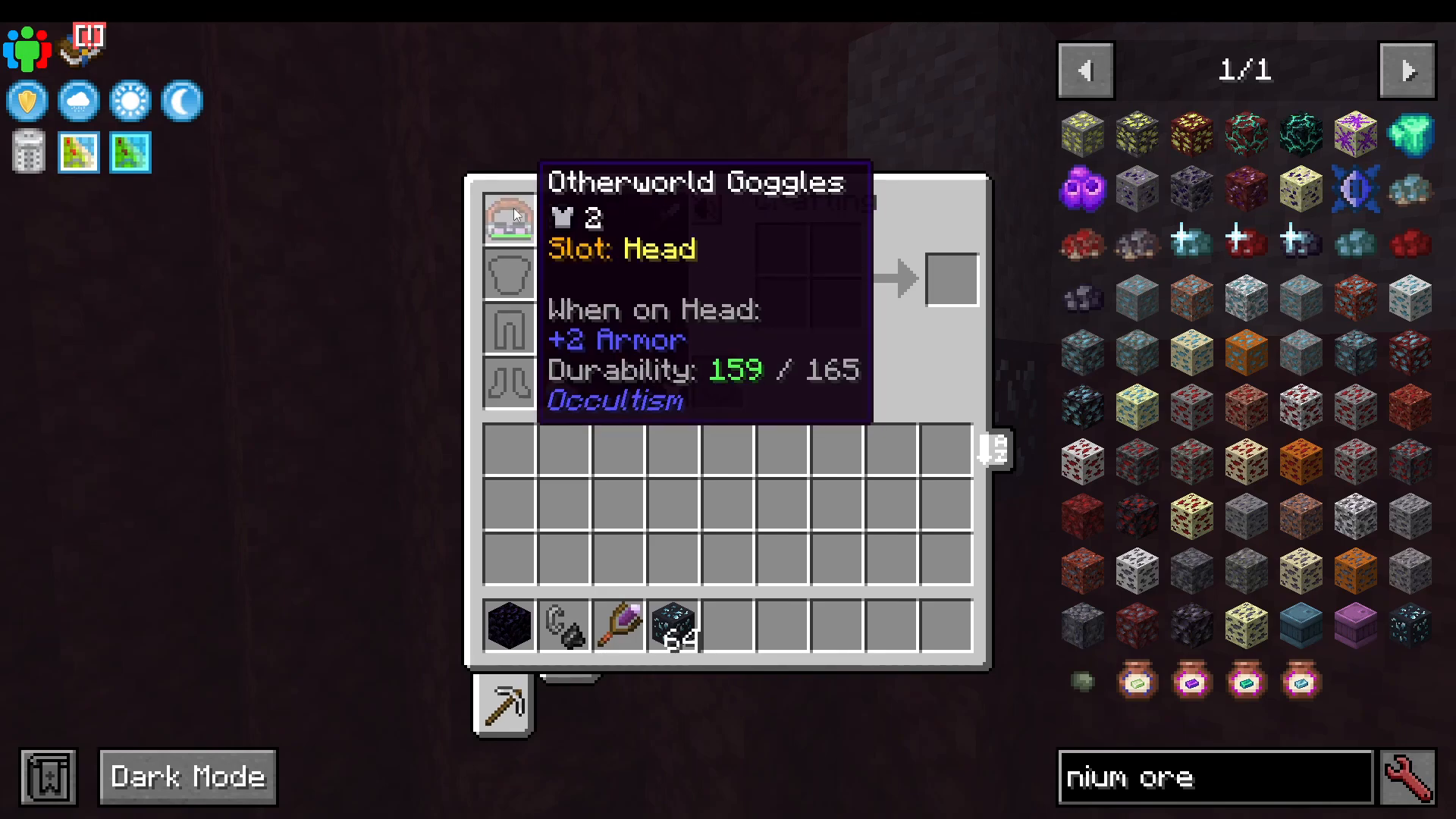
Rather than constantly eating Demon’s Dream Fruit, craft the Other World Goggles. You need a Lens Frame and Infused Lenses, the latter made by performing a small ritual with glass lenses and a Spirit-Attuned Gem. Wearing these goggles gives you a permanent Third Eye effect so you can always see Iesnium Ore in the Nether.
The Divination Rod
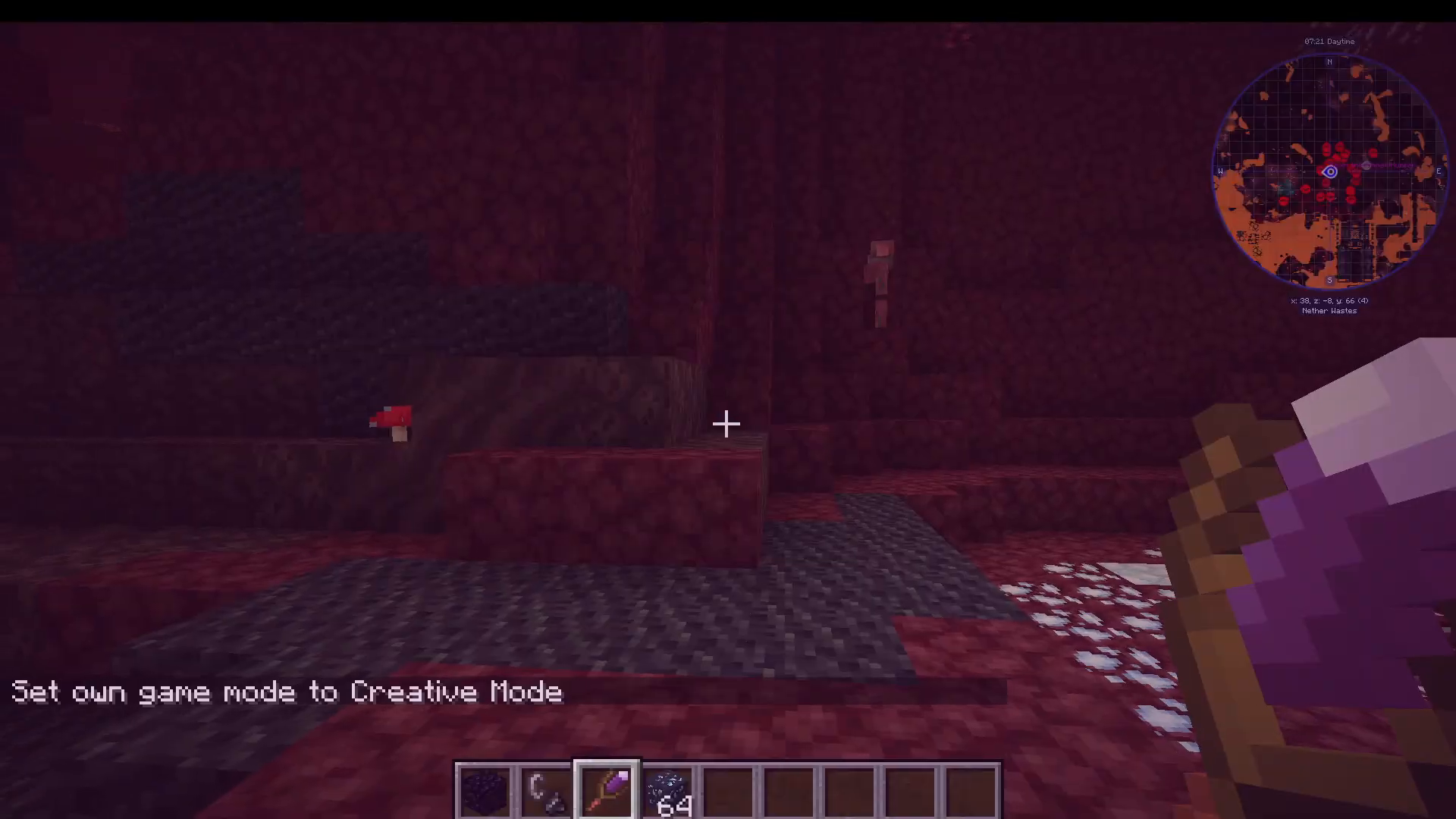
To locate Iesnium Ore more efficiently, craft a Divination Rod using Sticks and a Spirit-Attuned Gem. To attune it to Iesnium, shift-right-click on Netherrack (since that is what Iesnium appears as without the Third Eye). Hold down the Divination Rod and it will emit pink particles pointing toward the nearest Iesnium Ore deposit.
The Infused Pickaxe
You cannot mine Iesnium with a regular pickaxe. You must use an Infused Pickaxe, crafted by performing a ritual with a Spirit Bound Pickaxe and the appropriate pentacle. The Spirit Bound Pickaxe head itself is made from three Spirit-Attuned Gems.
Head into the Nether with your Other World Goggles, Divination Rod attuned to Netherrack, and your Infused Pickaxe. Follow the pink particles and mine the ore you find — it will look like Netherrack without goggles, but with them on it is clearly visible.
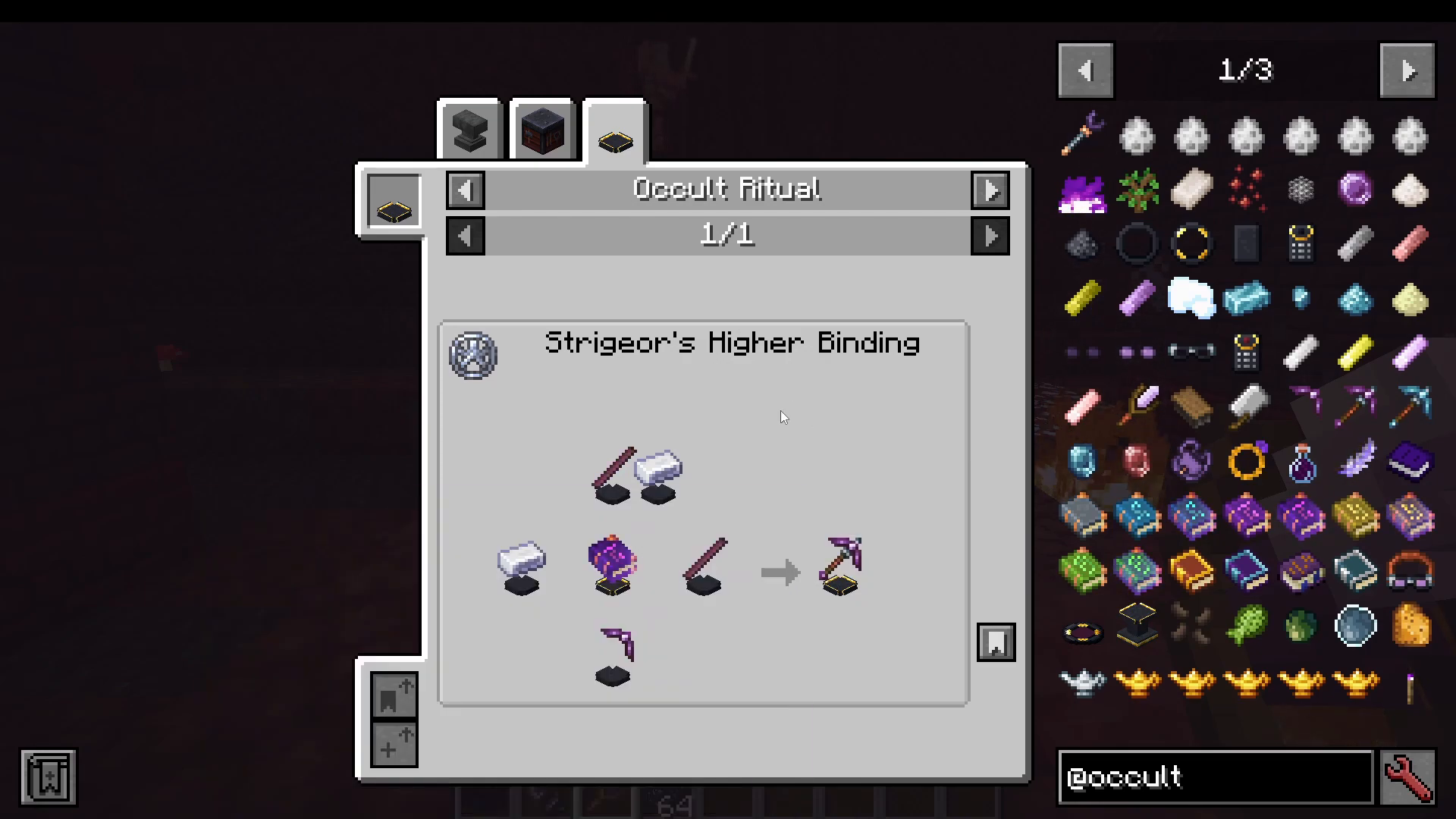
Once you have Iesnium, your first recommended craft is an Iesnium Pickaxe — it has greater durability than the Spirit Bound Pickaxe and mines Iesnium faster.
11. Automated Dimensional Mining
Once you have some Iesnium, you can automate ore collection entirely using the Dimensional Mineshaft. This requires a Block of Iesnium to craft — expensive, but worth it for the hands-free ore generation it provides.
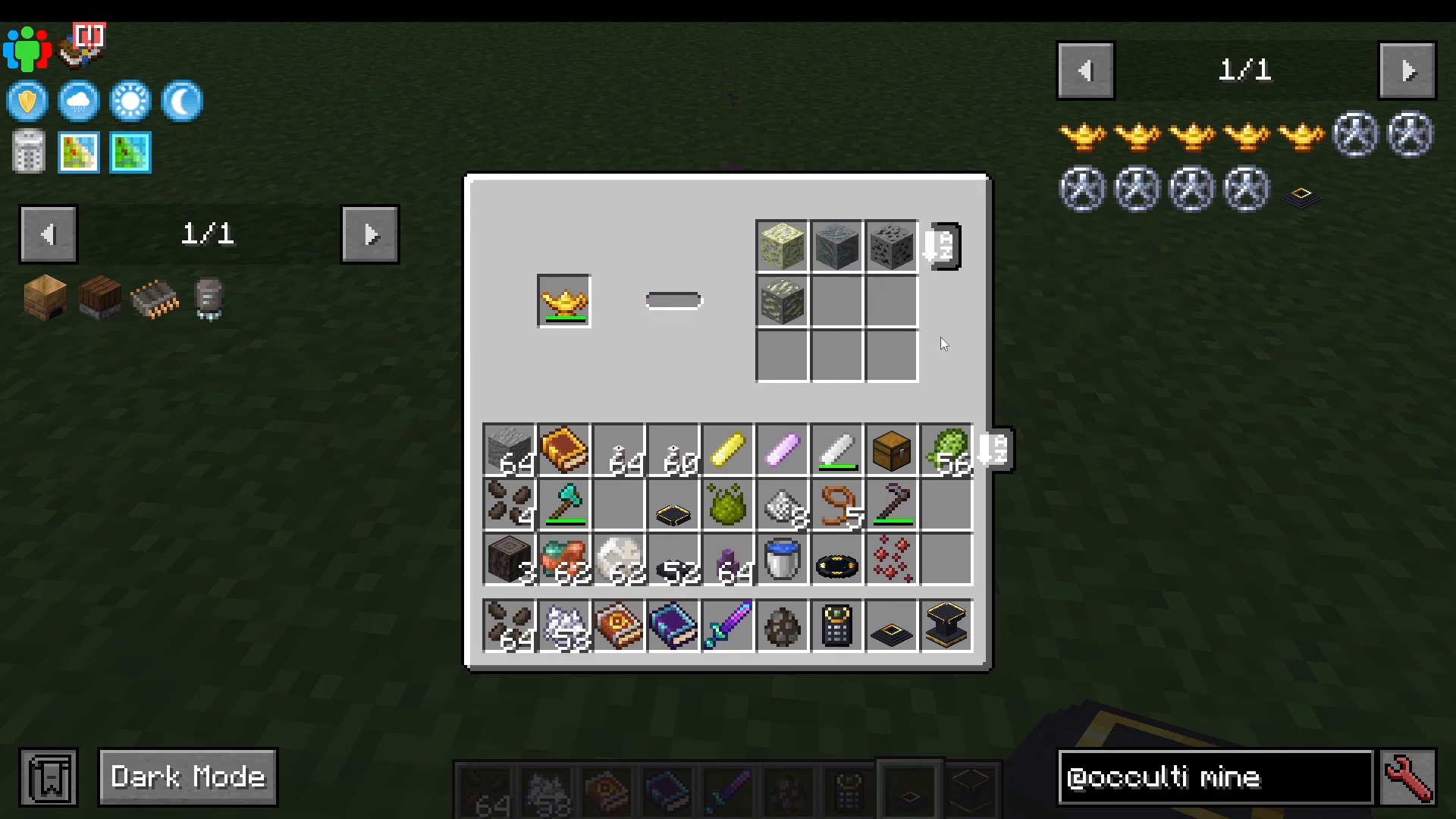
Place the Dimensional Mineshaft down and right-click to open it. Insert a Miner’s Lamp into the lamp slot. There are four tiers of Miner’s Lamps:
Foliot Miner’s Lamp — mines random blocks in the Mining Dimension; 1,000 durability.
Djinn Ore Miner Lamp — mines random ores only; 400 durability.
Afrit Ore Miner Lamp — mines random ores and Deepslate ores; 800 durability.
Marid Master Miner Lamp — mines random ores, Deepslate ores, and rare ores; best tier available.
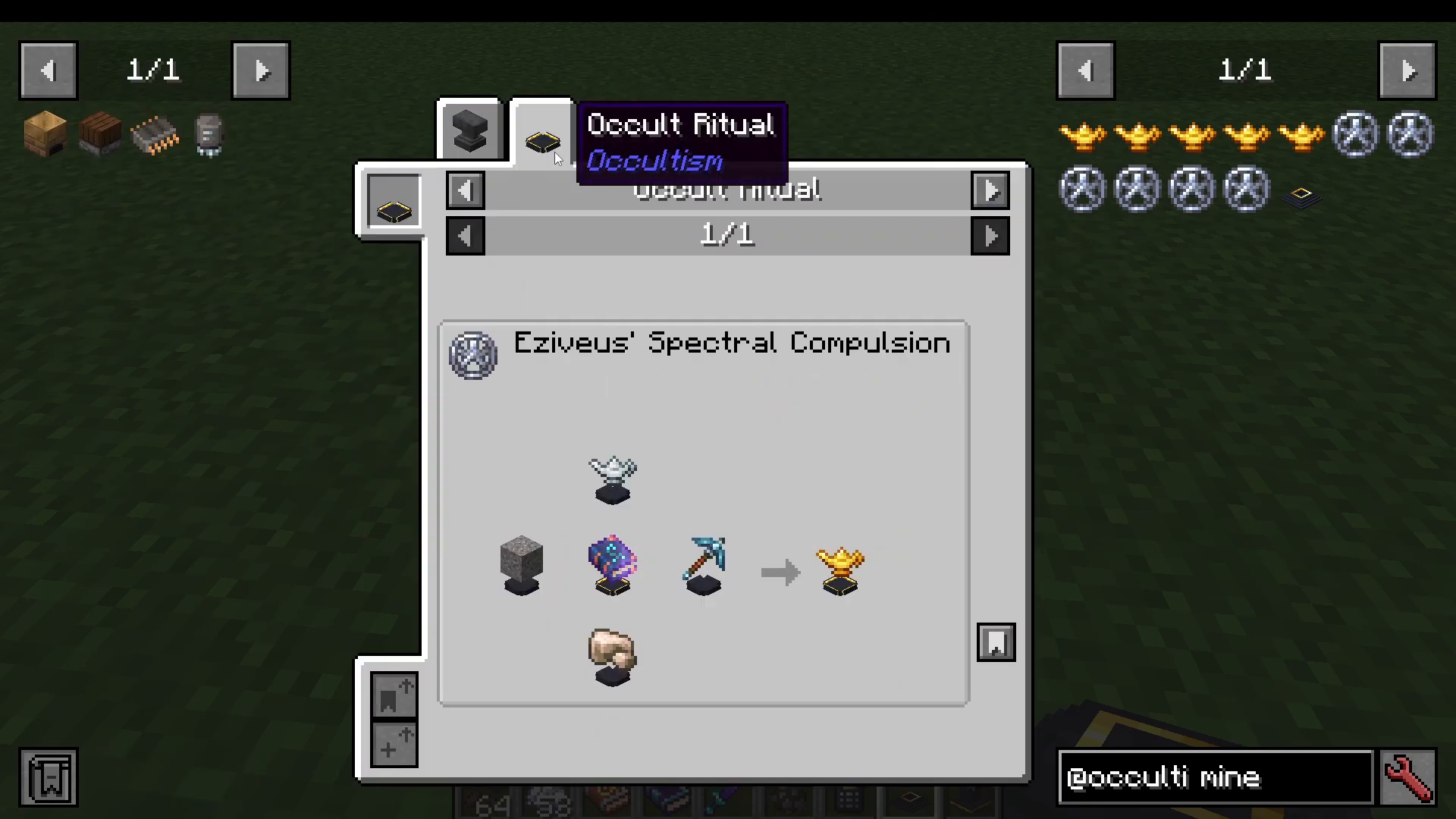
To maximise the lifespan of your lamp, apply Unbreaking and Mending enchantments. If you have Evilcraft installed, the Unusable enchantment from Evilcraft tools means the lamp will never fully break, making it effectively permanent.
Once the internal inventory fills up, use Foliot Transporter demons to automatically extract the mined ores and transfer them to your storage. You can run an entire row of Dimensional Mineshafts simultaneously for massive passive ore generation.
Summary
That covers everything you need to know about the Occultism mod in Minecraft — from harvesting your first Demon’s Dream Fruit and using Spirit Fire, all the way through summoning and automating Foliot, Djinn, Afrit, and Marid demons, performing possession rituals, summoning familiars, setting up dimensional storage, and running an automated dimensional ore mine. The key things to remember are: only chalk colour matters in rituals (not glyph shape or bowl placement), Foliot demons decay over time while higher tiers are permanent, and the Iesnium Ore system unlocks some of the most powerful automation in the mod. Use your Dictionary of Spirits as your in-game reference at every step — and of course, come back to this guide whenever you need it!
Want to Support?
If you would like to help us continue making these guides – please consider joining our Patreon here – https://www.patreon.com/c/JaviHeals
Alternatively – we host a group of MC Servers you can join here – https://discord.gg/zD7Gjt6MHF