







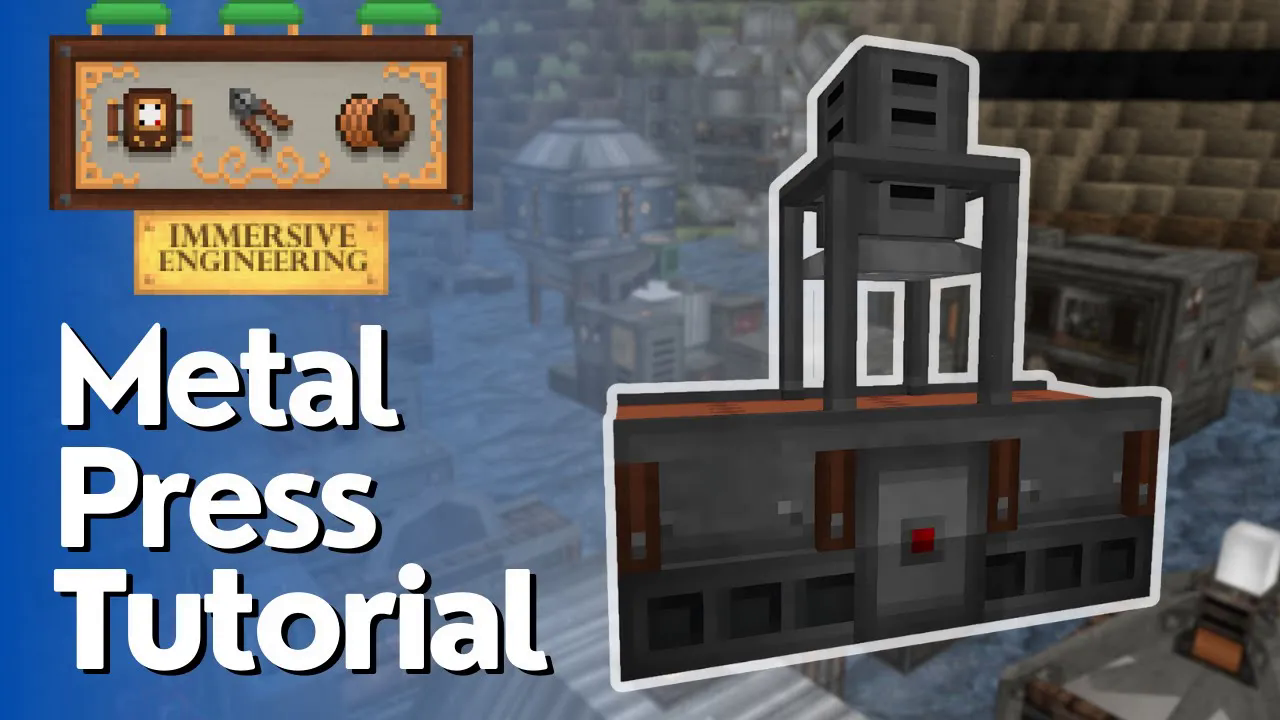
Metal Press Full Tutorial – Immersive Engineering
Metal Press Full Tutorial – Immersive Engineering
The Metal Press is one of the first multi-block machines you’ll encounter in Immersive Engineering. This comprehensive guide will walk you through building, configuring, and operating the Metal Press to automate your crafting processes in Minecraft.
Building the Metal Press
Required Components
To construct a Metal Press, you’ll need the following materials:
2x Steel Scaffolding
1x Redstone Engineering Block
2x Conveyors (facing the correct direction)
1x Piston (must face downward)
1x Heavy Engineering Block
Assembly Instructions
Begin by arranging the components in the correct configuration. The conveyors need to face the direction you want items to flow. Position yourself to place the piston from the side, ensuring it faces downward—this is critical for the multi-block structure to function properly.
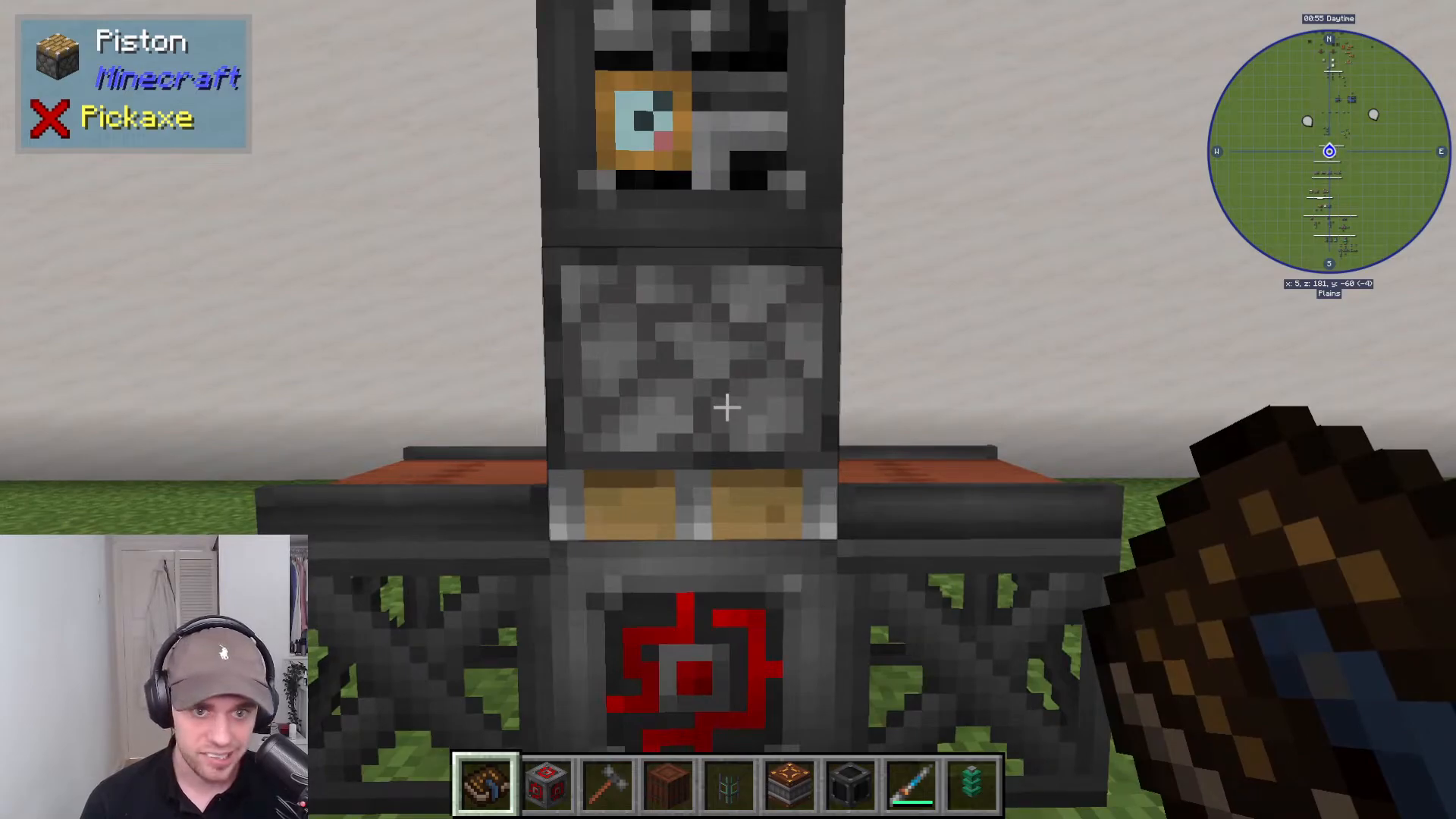
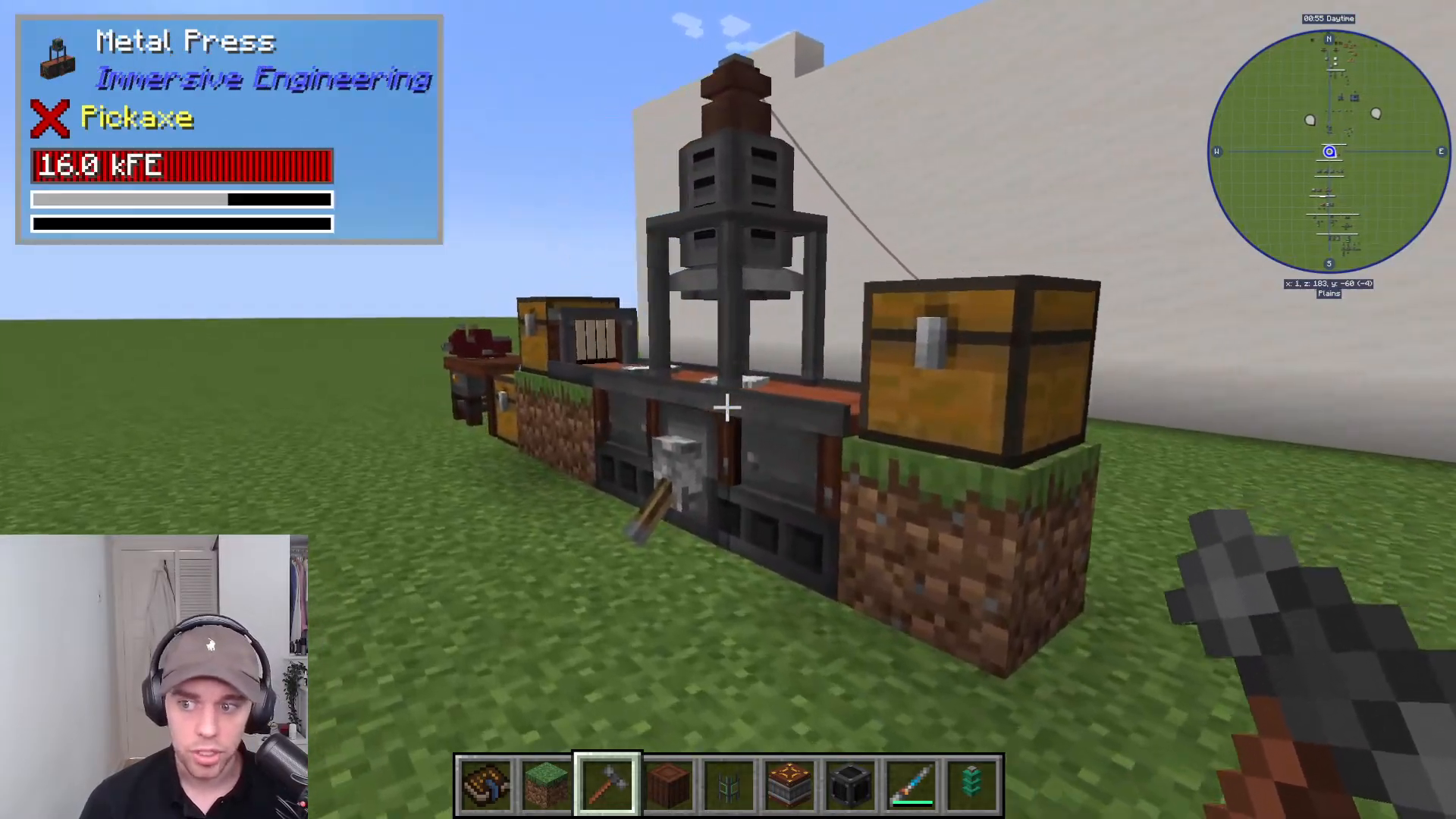
Once all components are in place, equip your Engineer’s Hammer and right-click on the piston. The structure will automatically form into a Metal Press.
Creating Molds in the Engineer’s Workbench
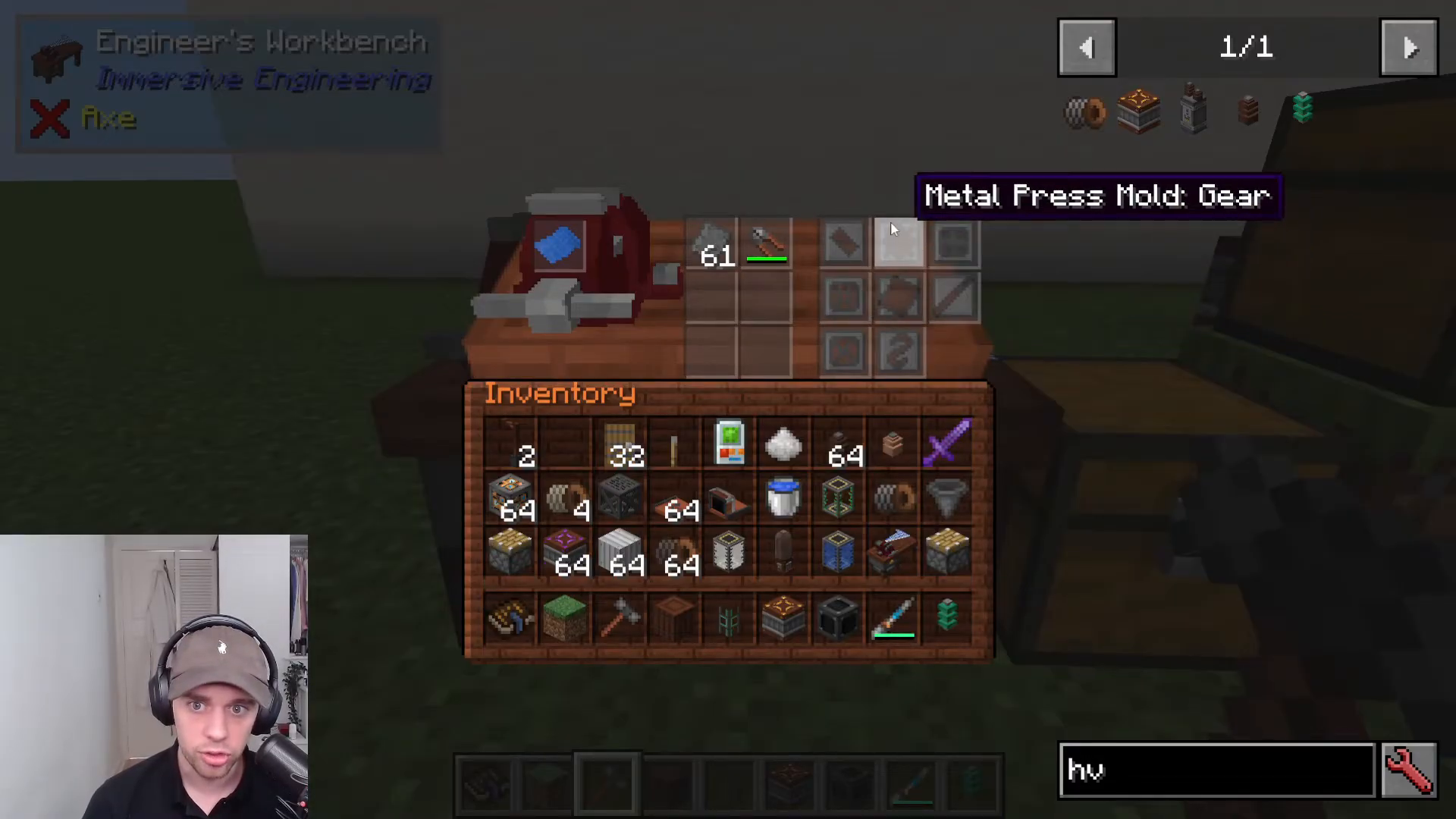
Before you can use the Metal Press, you need to create molds. Start by crafting an Engineer’s Blueprint for molds using:
1x Iron Plate
1x Blue Dye
1x Paper
This blueprint will unlock all mold recipes in the Engineer’s Workbench. You can create molds for:
Gears
Plates
Wires
And many other components
All molds are crafted from steel using Engineer’s Wire Cutters.
Operating the Metal Press
Loading Your Mold
With your mold created, approach the Metal Press and right-click to place the mold onto the press. If you need to remove it, simply shift right-click.
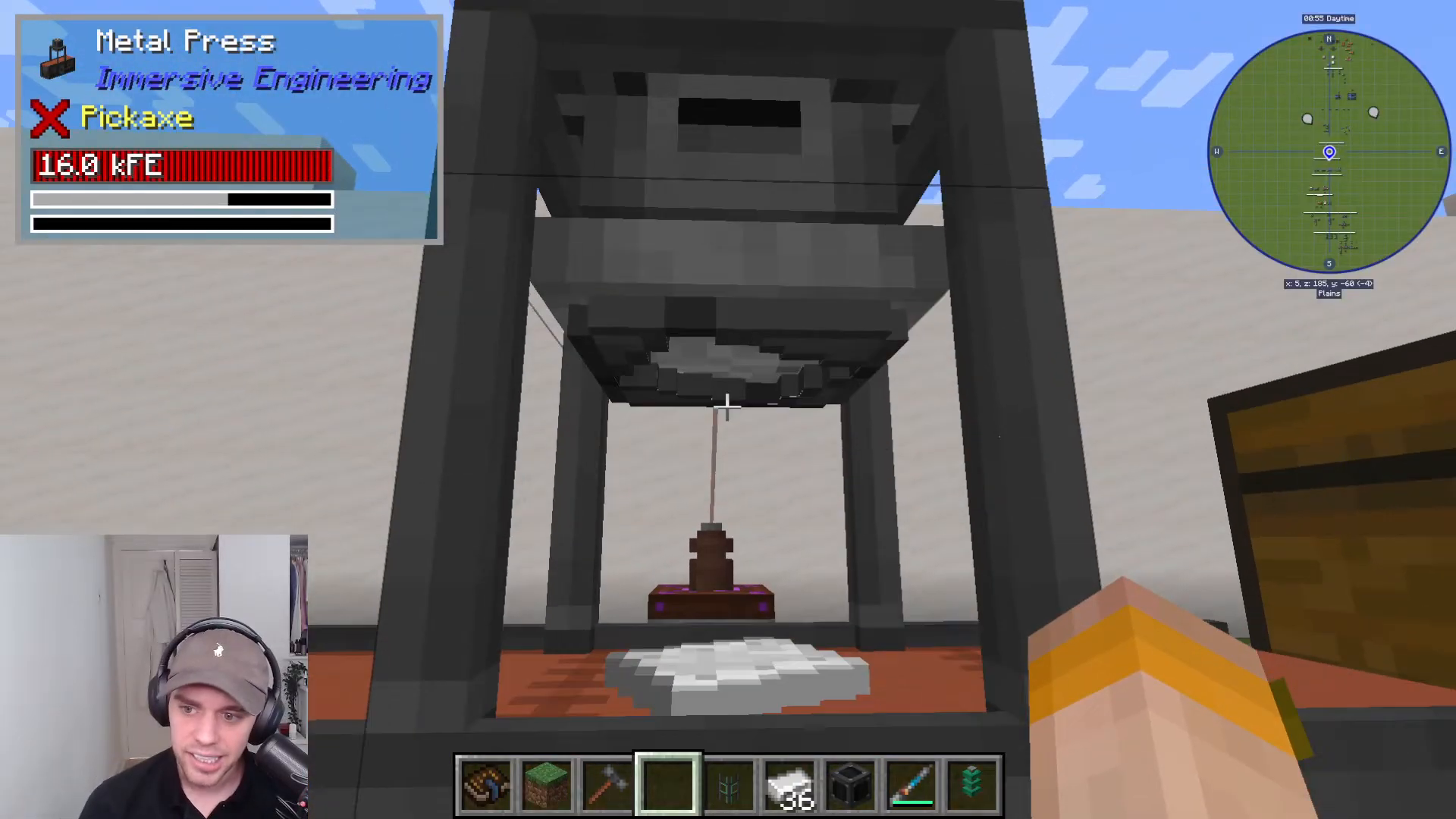
Input and Output Configuration
Set up conveyors or other item transport blocks to automatically feed materials into the Metal Press and extract finished products. For example, use an Extracting Conveyor to pull finished items into a storage chest.
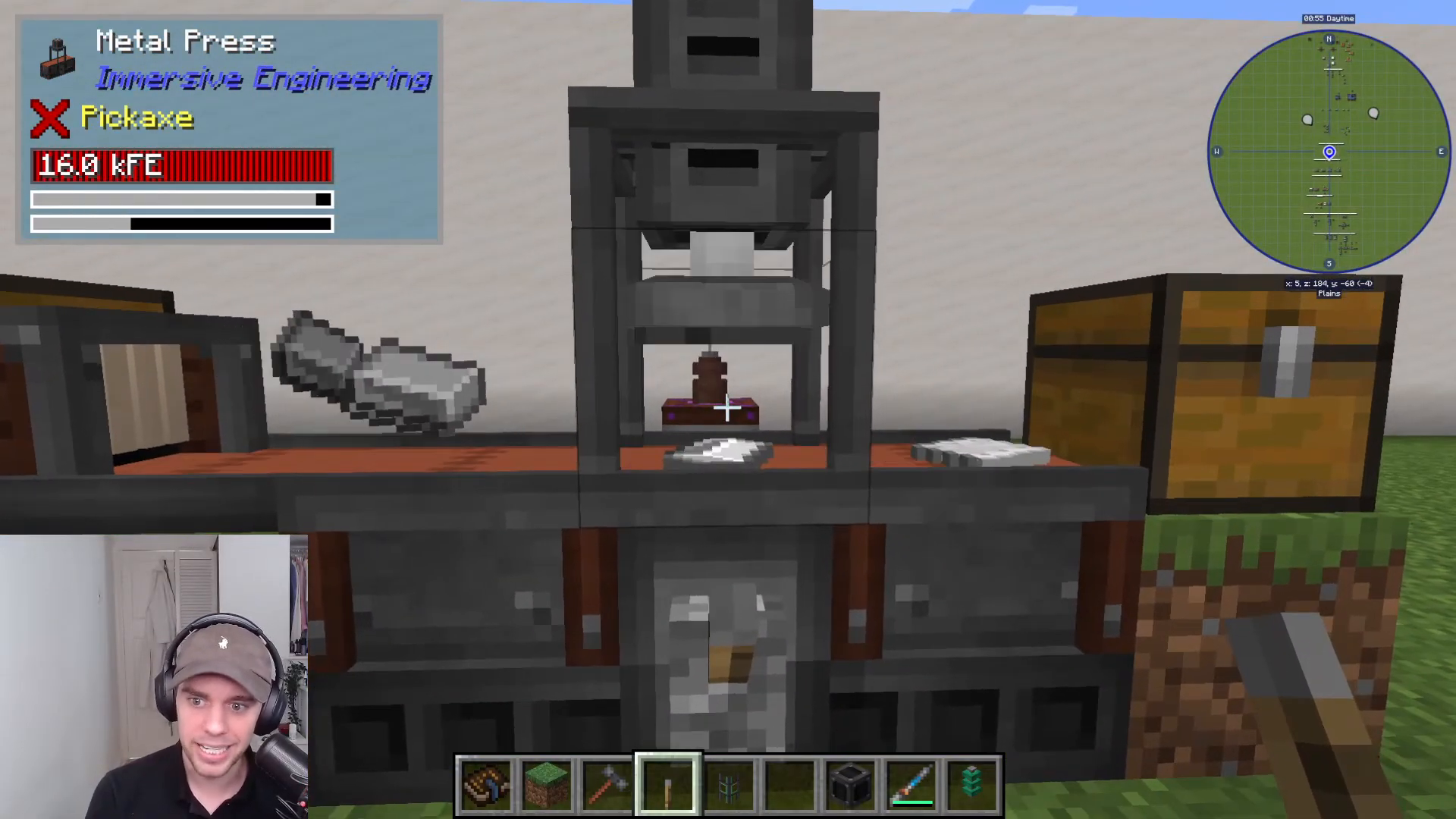
Redstone Control
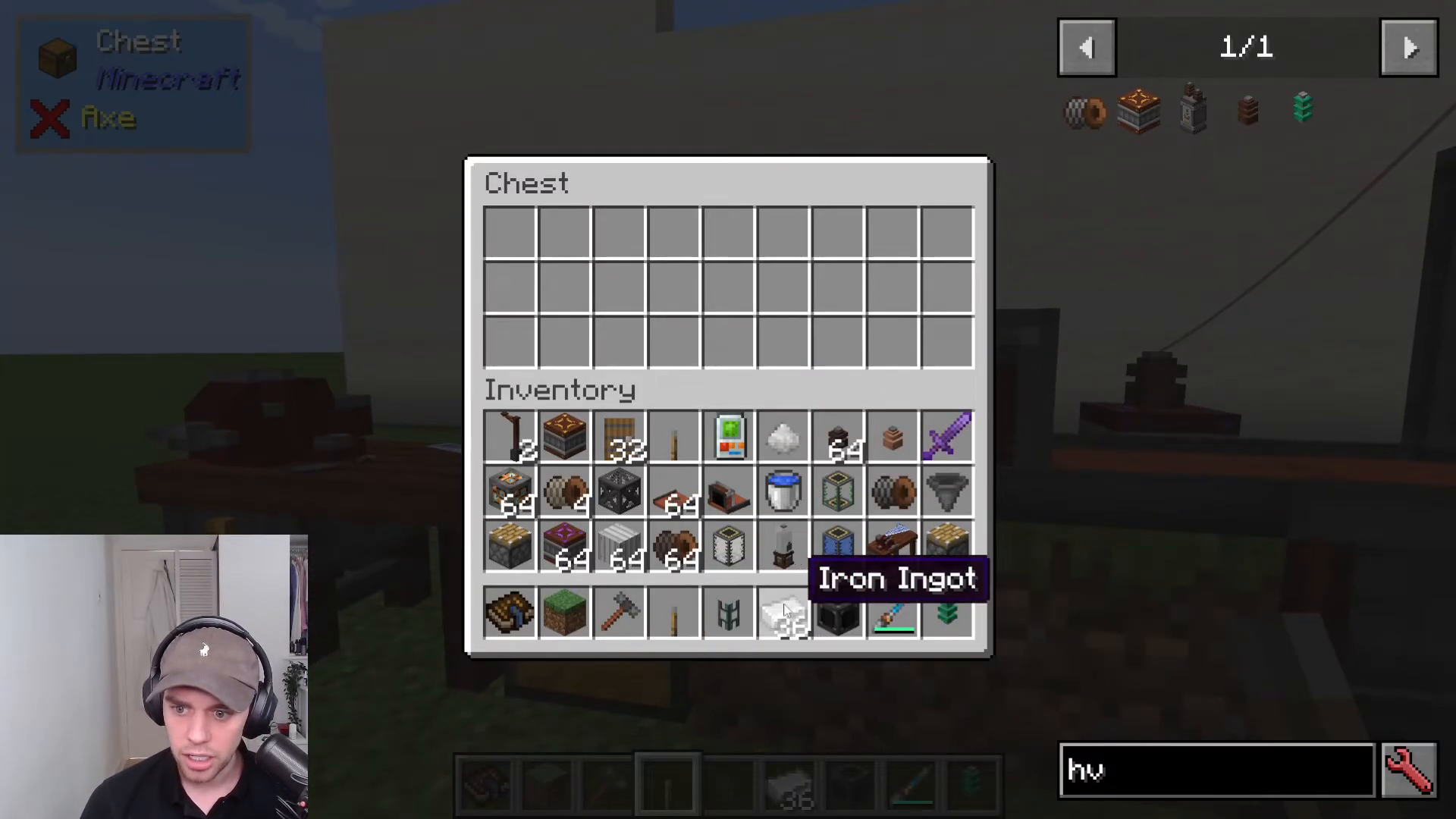
The Metal Press features a redstone control component (the small redstone bit on the machine). You can connect a lever or any redstone signal to start and stop the machine as needed. This allows you to control when pressing occurs.
Powering the Metal Press
To power your Metal Press, connect cables to the orange power connection point on the machine. This will supply the energy needed for the pressing operation.
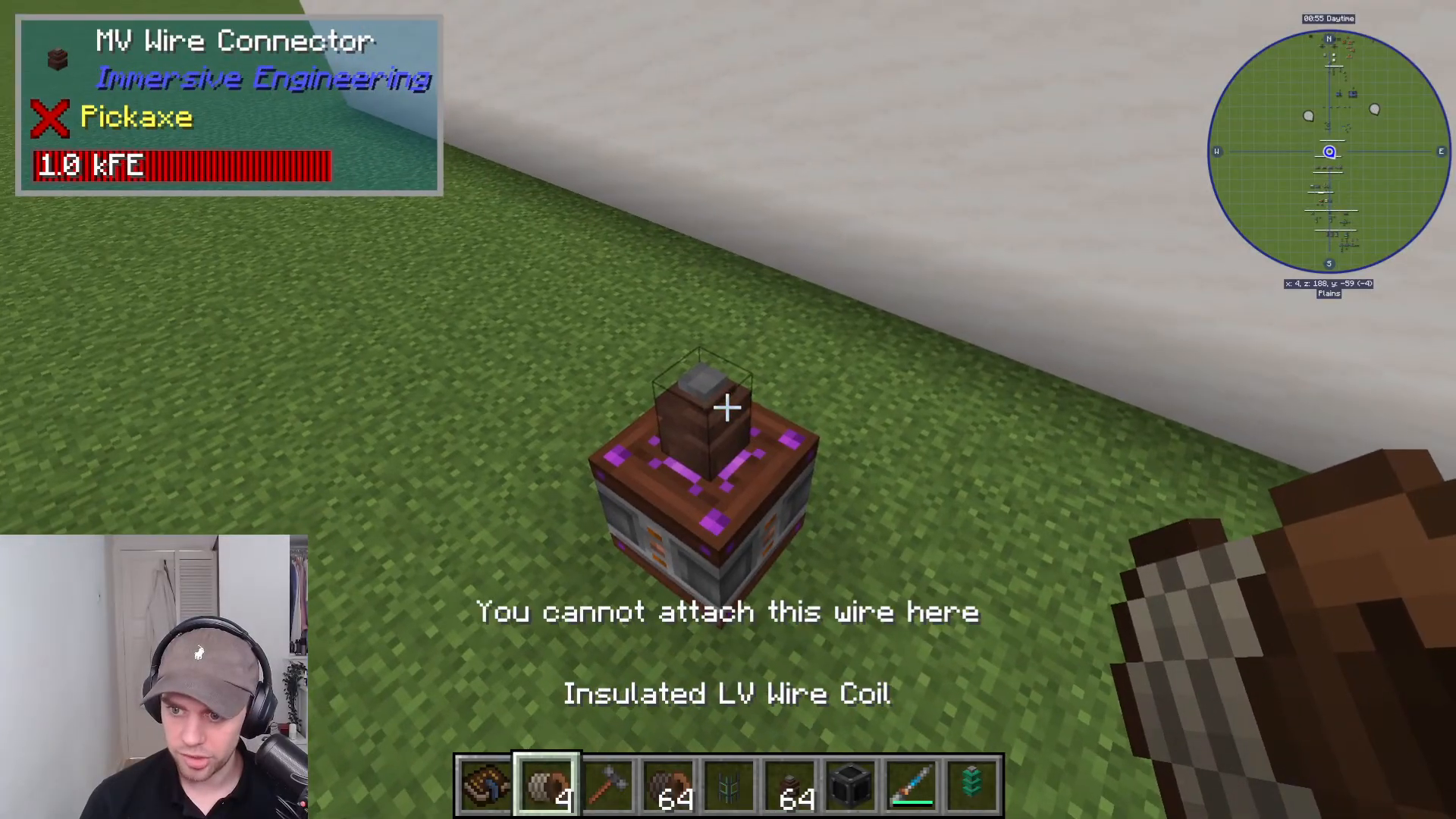
Summary
The Metal Press is a powerful tool for automating material processing in Immersive Engineering. By properly constructing the multi-block, creating appropriate molds, and setting up input/output systems, you can significantly streamline your crafting workflow. The combination of redstone control and automated item transport makes this machine essential for any serious Immersive Engineering player.
Want to Support?
If you would like to help us continue making these guides – please consider joining our patreon here – https://www.patreon.com/c/JaviHeals
Alternatively – we host a group of MC Servers you can join here – https://discord.gg/zD7Gjt6MHF



