







How to Use The Vat In EnderIO
How to Use The VAT in EnderIO
The VAT is one of the most versatile machines in EnderIO, capable of handling a wide variety of recipes. Whether you’re a beginner or an experienced modder, understanding how to properly use the VAT and Enhanced VAT will significantly improve your progression. This guide walks you through every feature and function you need to know.
Understanding the VAT Interface
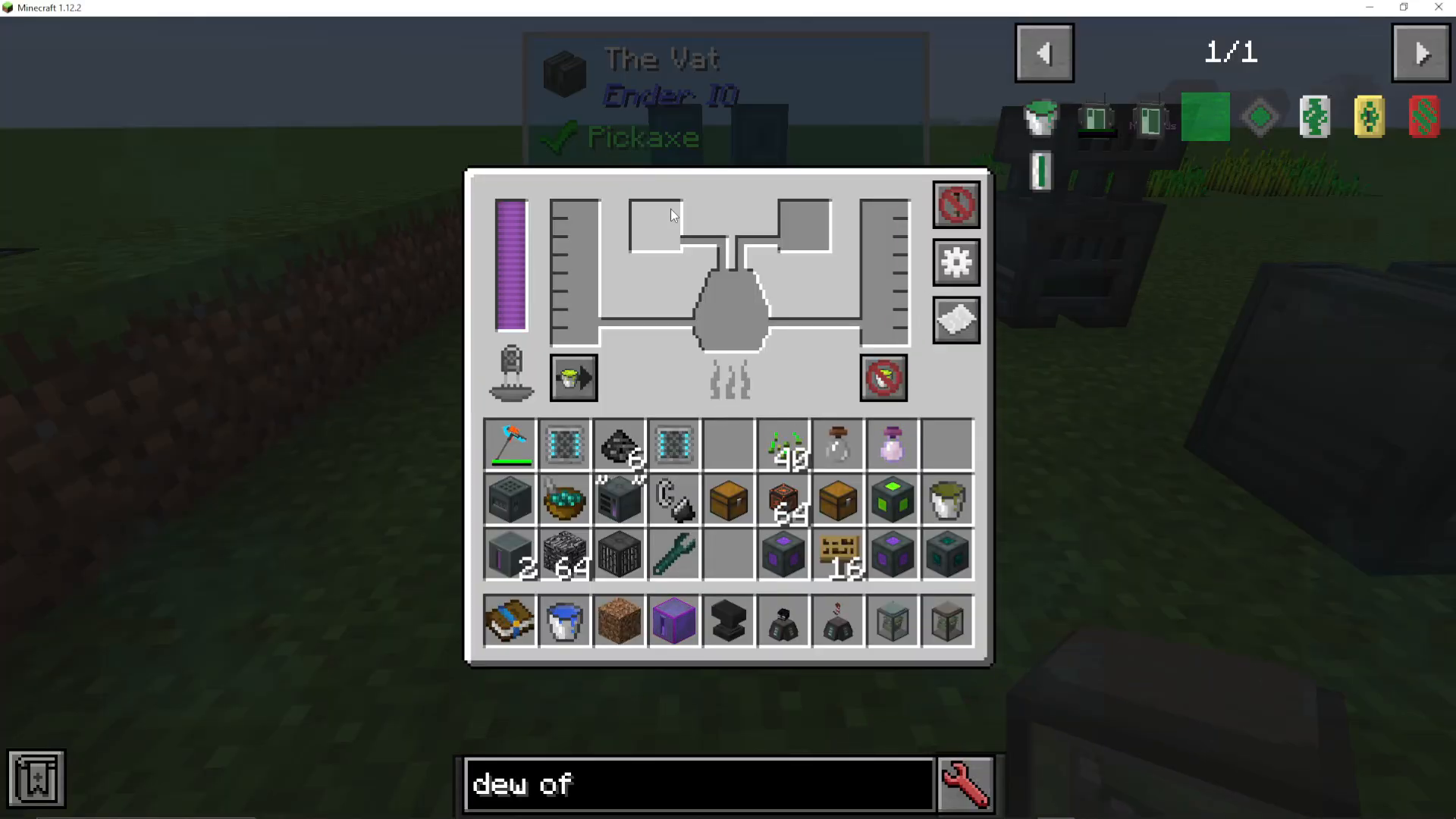
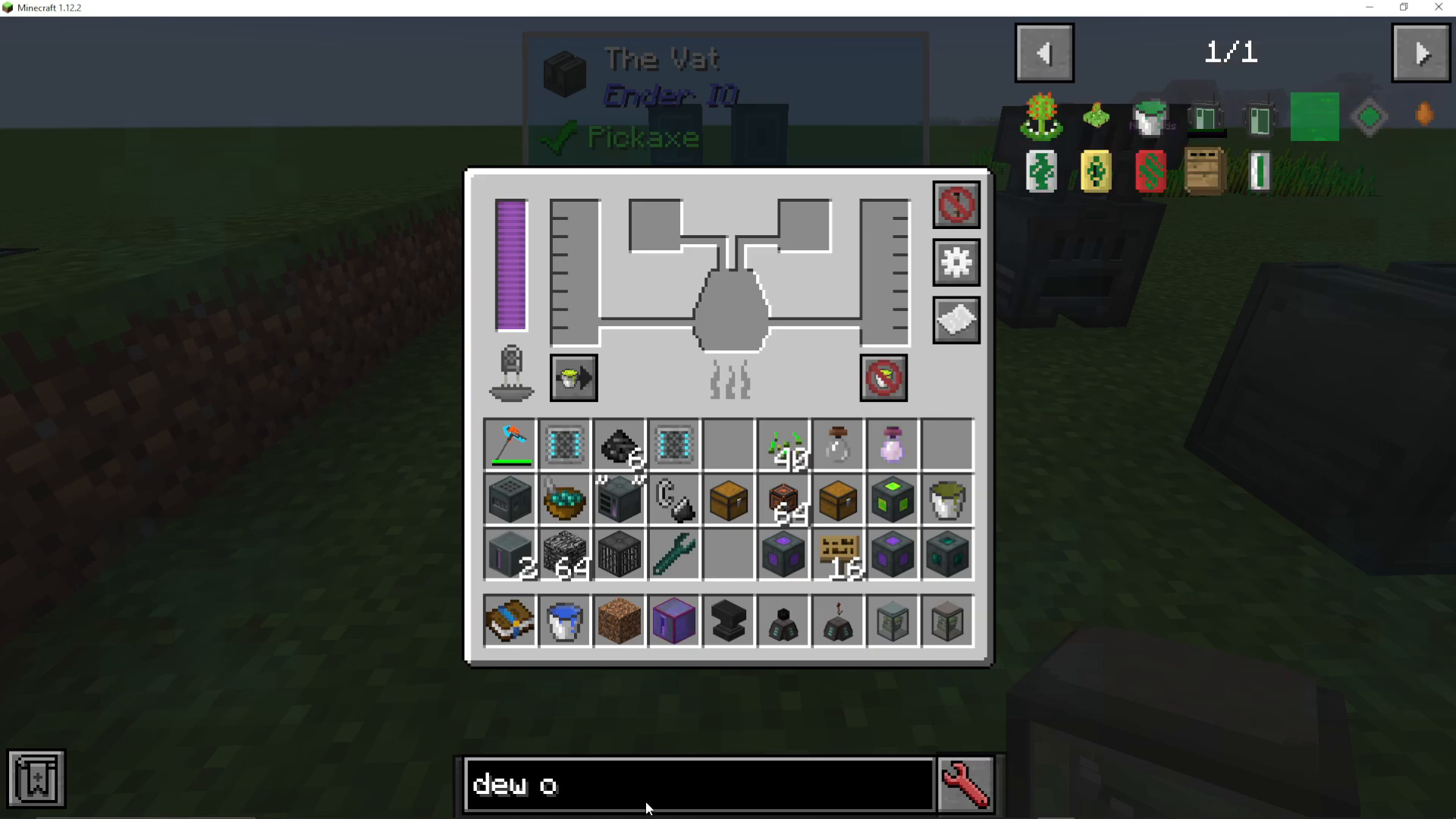
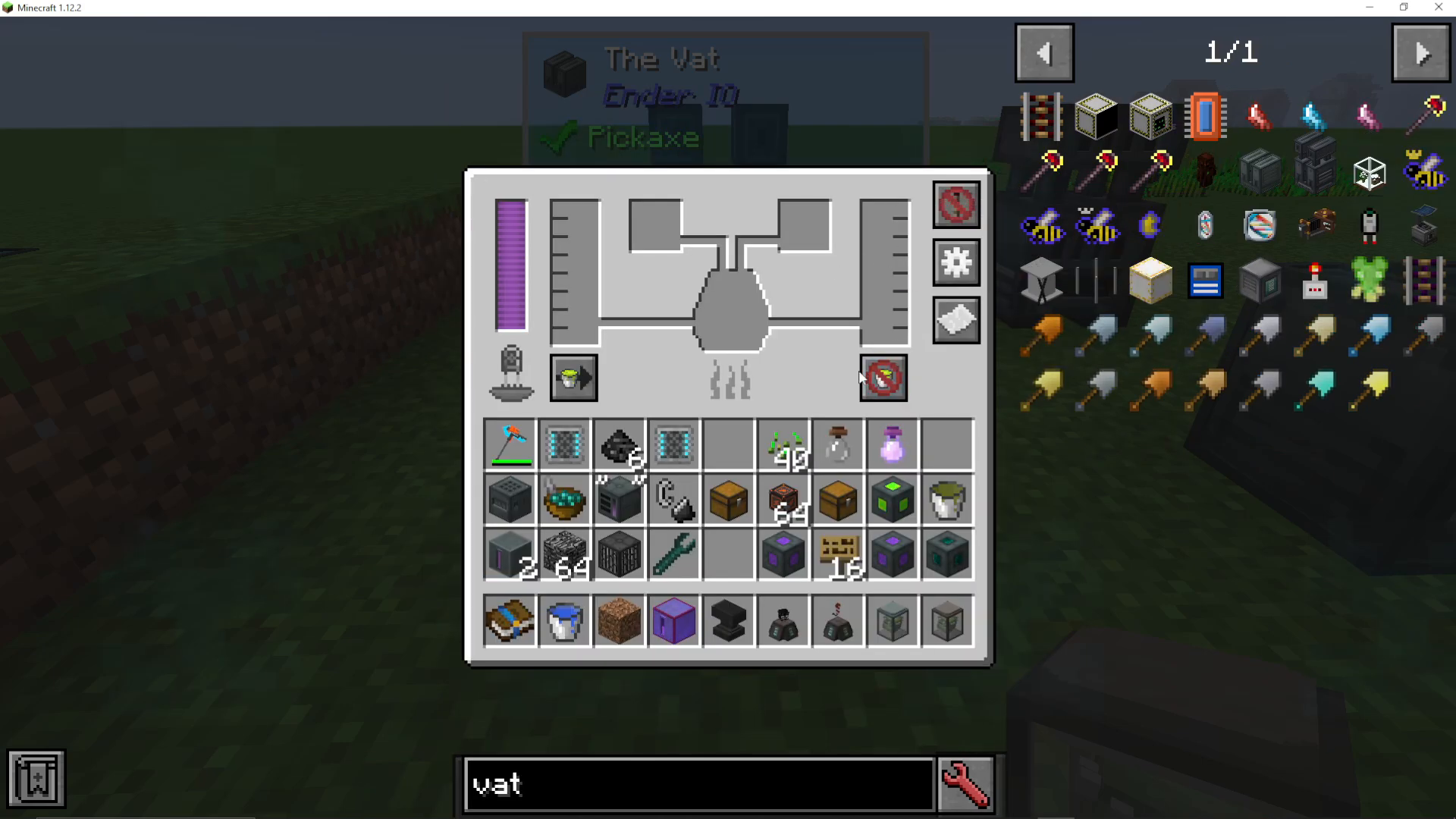
When you first open the VAT, you’ll notice several key slots and tanks that make up its interface. On the right side, you’ll find the Output Tank, which is where your final product will be stored once the recipe completes. On the left side is the Input Tank, where you’ll add any liquids required for your recipe. At the top of the interface, there are two additional item slots where you’ll place solid materials needed for crafting.
Viewing Available Recipes
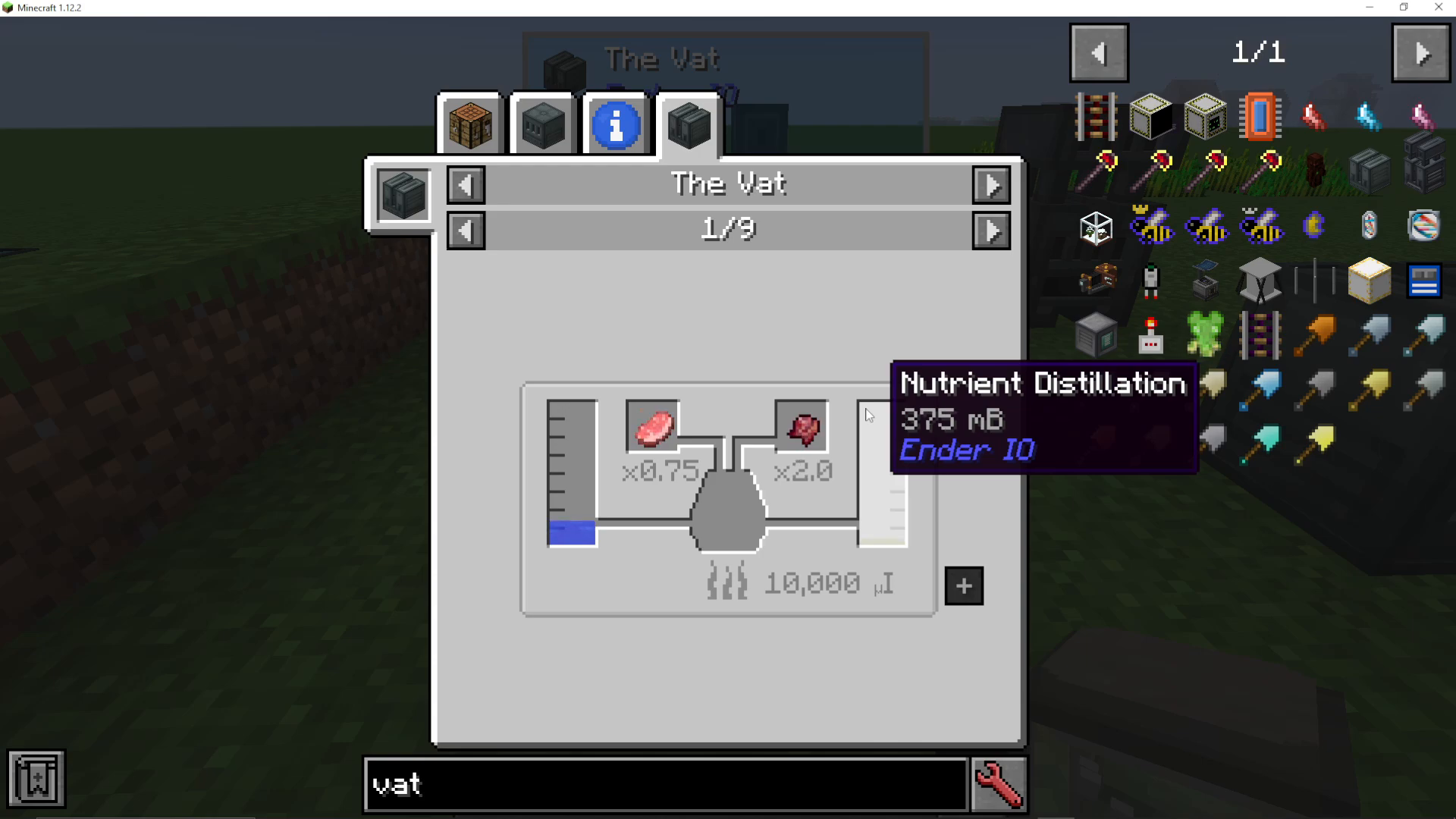
To see all the recipes available in the VAT, you can look it up in JEI (Just Enough Items). Simply search for the VAT in JEI and press U to view all recipes that can be made with this machine. This will display every possible combination and the exact ingredients required for each one.
Making Nutrient Distillation
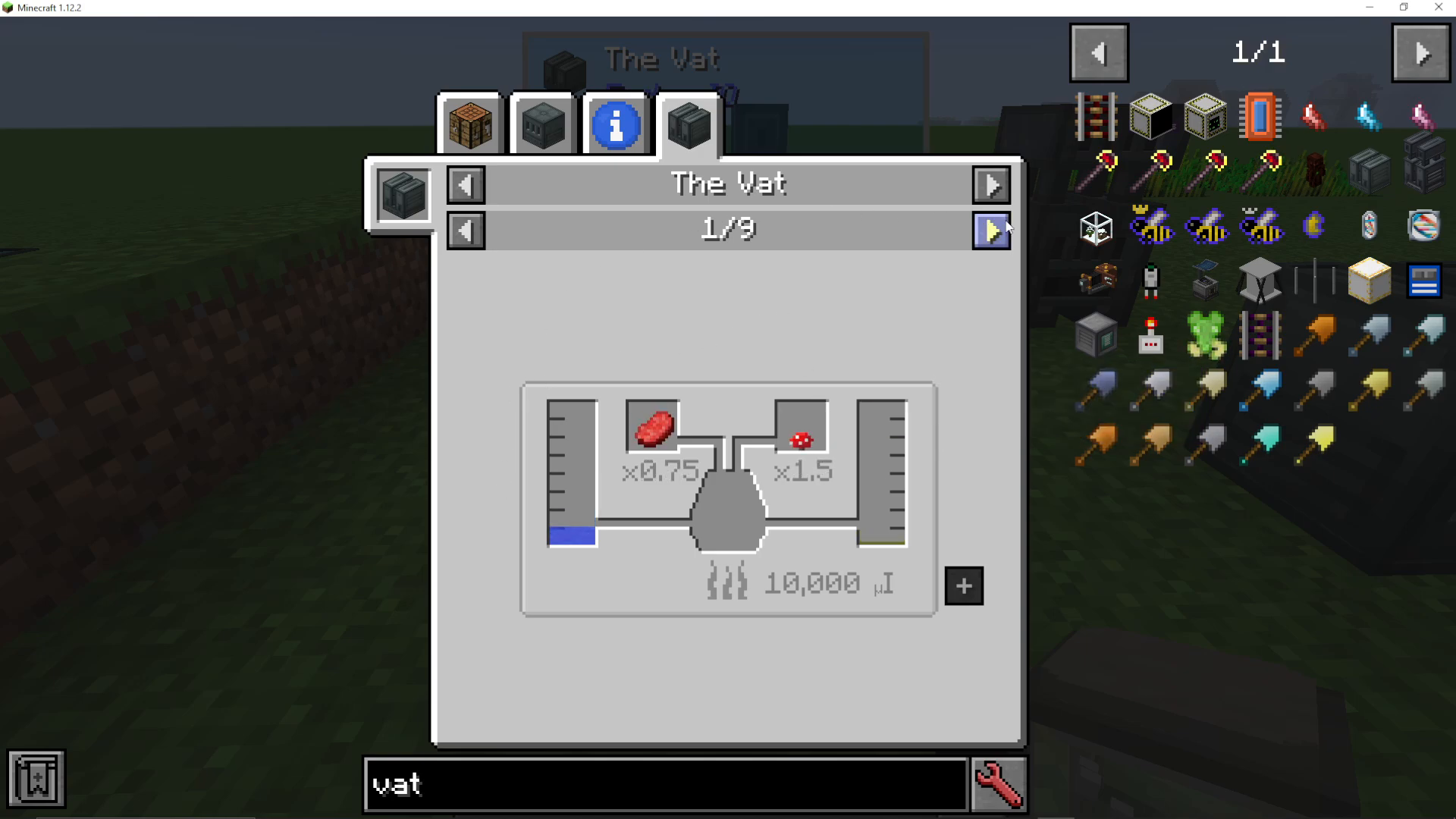
One of the most commonly crafted items in the VAT is Nutrient Distillation, which appears as a green liquid. To create Nutrient Distillation, you need to add water to the Input Tank along with an animal product. Acceptable animal products include raw pork chops, rabbit meat, mutton, and skeleton skulls.
It’s important to note that different animal products will yield varying amounts of Nutrient Distillation. For this reason, setting up a dedicated farm to produce a consistent supply of animal products is highly recommended for efficient progression.
Using Catalysts
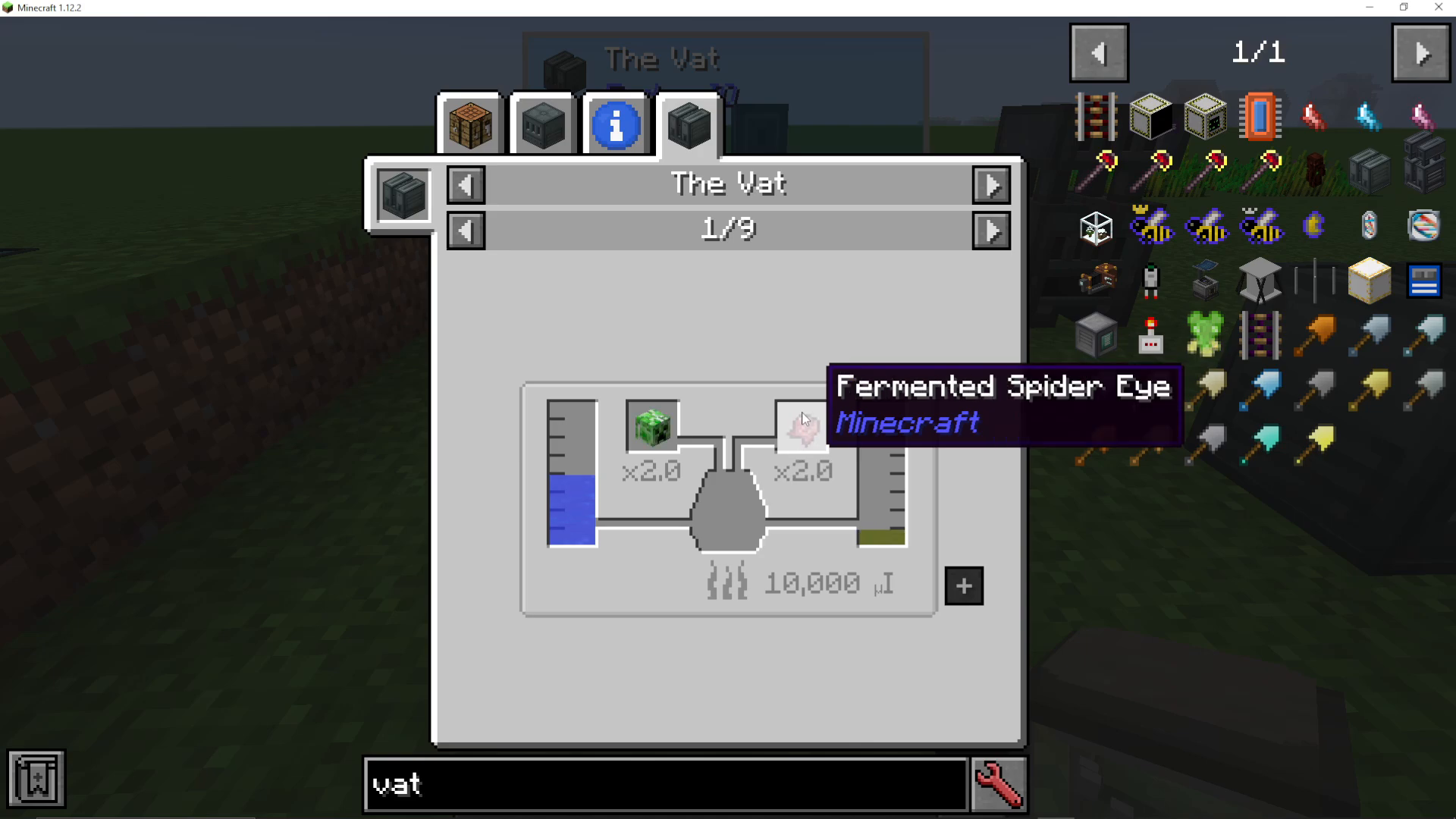
The second item slot in the VAT acts as a catalyst to ferment the mixture together. You can use various items as catalysts, including mushrooms, sugar, nether wart, and many others. Each catalyst option will show you the exact amount of water needed for that specific combination.
Other Notable Recipes
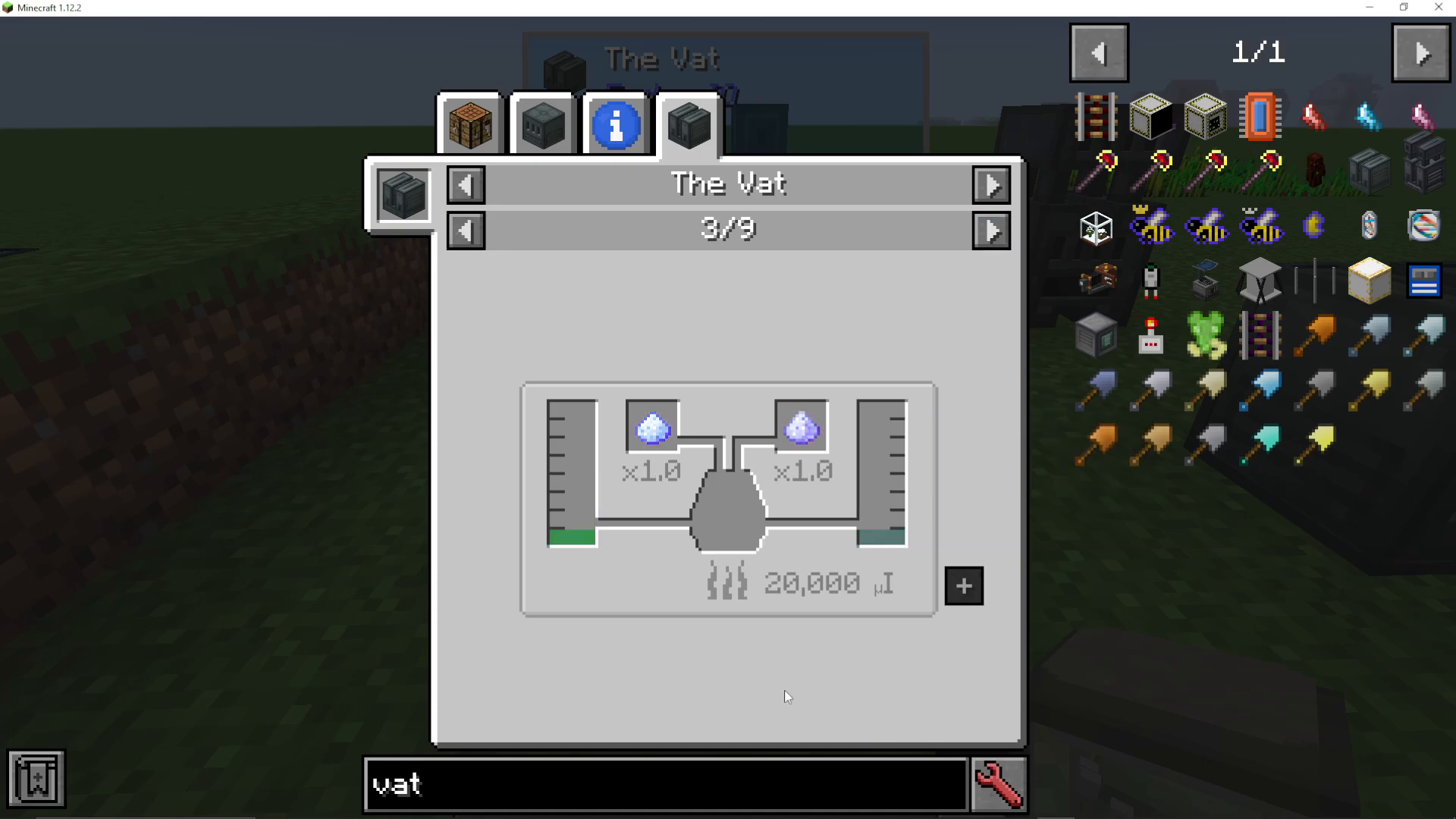
Beyond Nutrient Distillation, the VAT can produce many other valuable items. For example, you can craft Grains of the Amy to create Jewel of the Void, which is a highly sought-after crafting component. By browsing through the recipe list in JEI, you’ll discover numerous additional recipes tailored to your specific needs.
Understanding Power Requirements
Each recipe in the VAT requires a specific amount of power to complete. The interface will clearly display the power needed for each recipe you’re working with. This helps you plan your power infrastructure accordingly and ensures you have sufficient energy generation before starting long crafting sessions.
Managing Tank Contents
The VAT provides several useful tank management options. If you have leftover liquid in your Input Tank that you no longer need, you can press the “Dump Input Tank into Output Tank” button to transfer it. Once it’s in the Output Tank, you can void the contents entirely to clear space for new recipes. This two-step process gives you a clean slate whenever you need to switch between different recipes.
Configuring the VAT
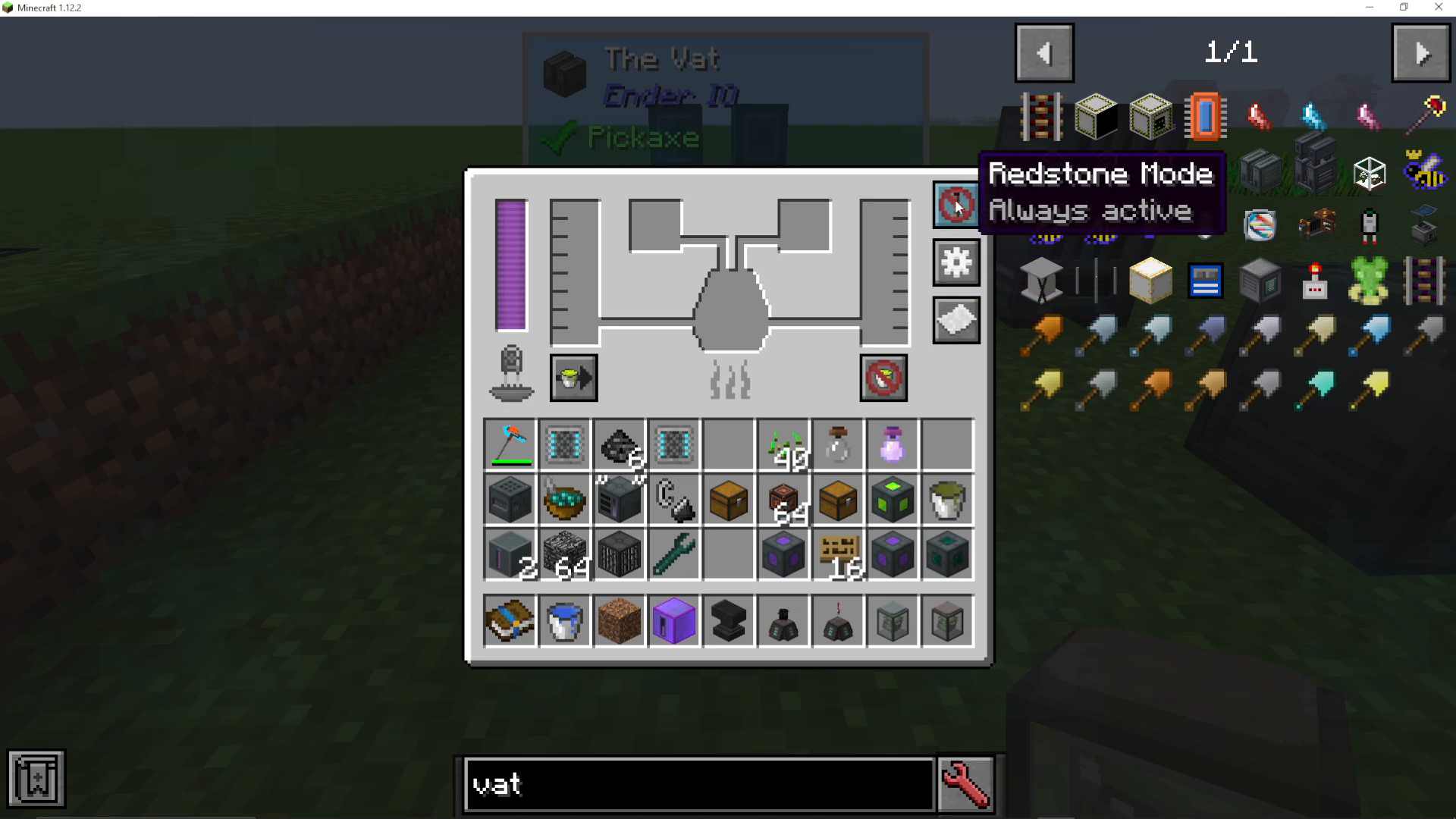
Redstone Control
You can configure the VAT to activate based on a redstone signal. This feature allows you to integrate the machine into automated systems and control when it operates relative to other devices in your setup.
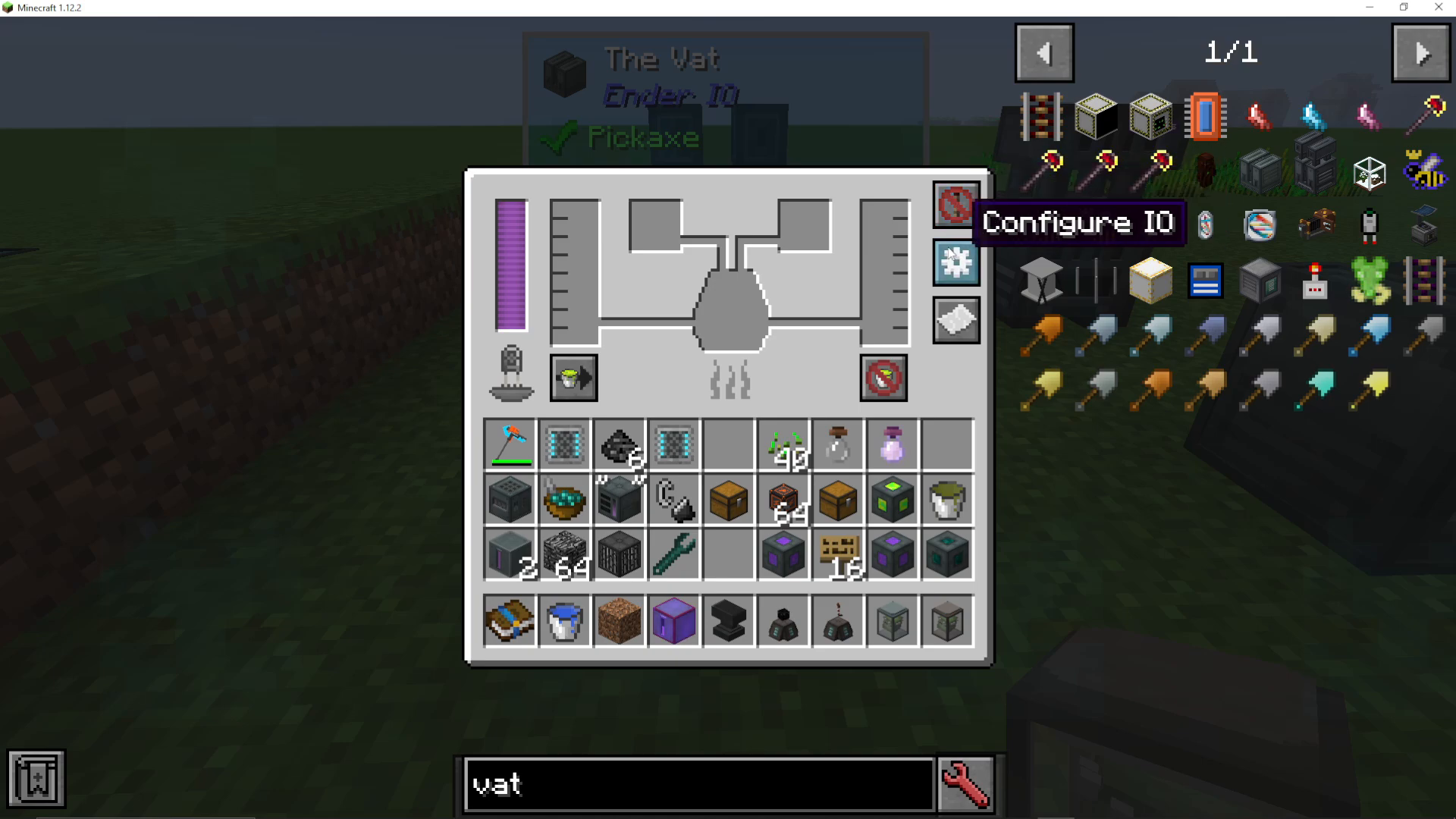
IO Configuration
The IO configuration button allows you to customize which sides of the machine accept inputs and outputs. By right-clicking on the configuration interface, you can assign different functions to each face of the VAT, enabling flexible pipe and item routing.
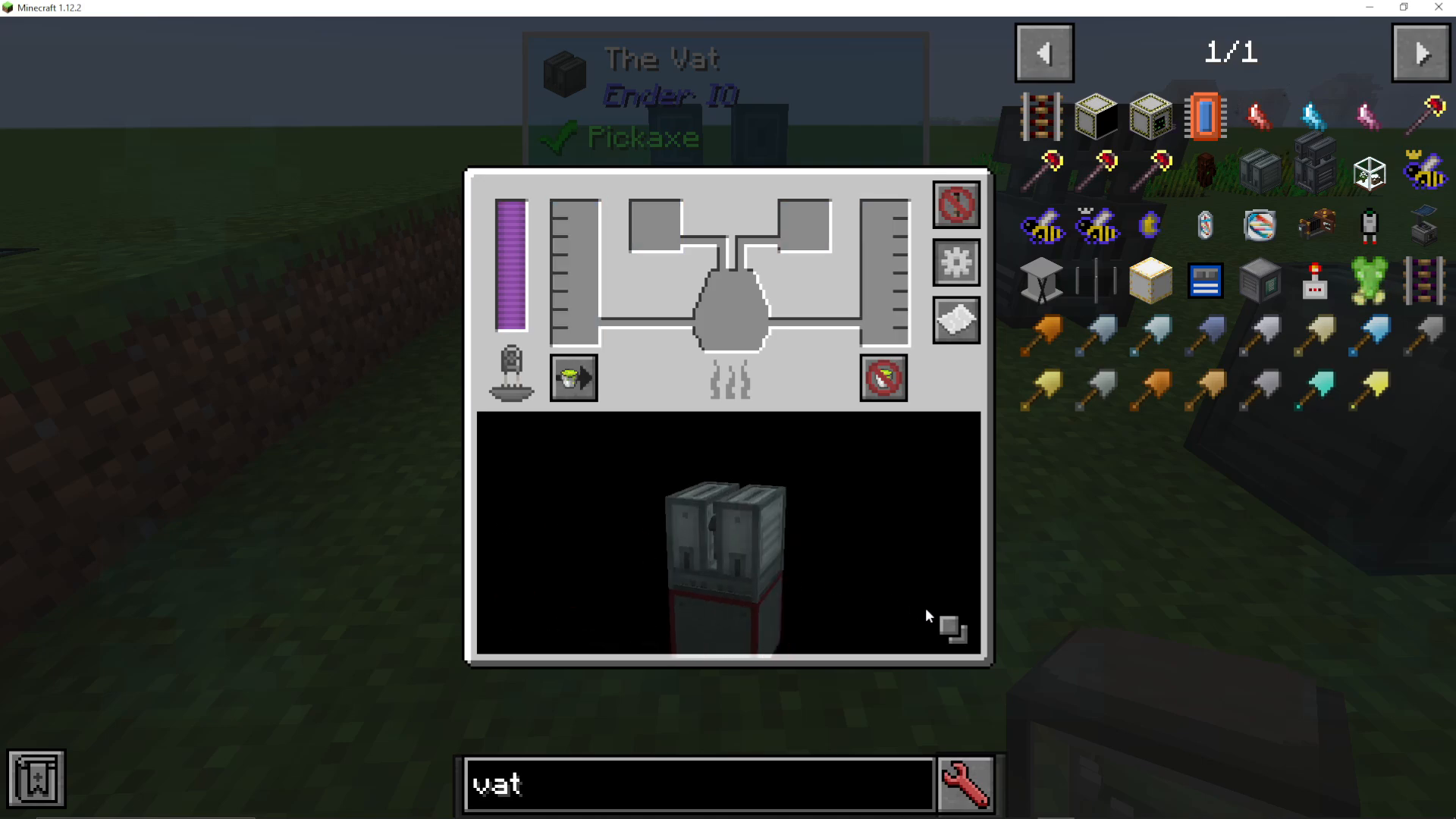
Display Options
Two square buttons near the bottom of the interface let you toggle the visibility of surrounding machines. This is helpful when you want a clearer view of the VAT itself. Additionally, you can click the white paper button to display recipes directly within the interface.
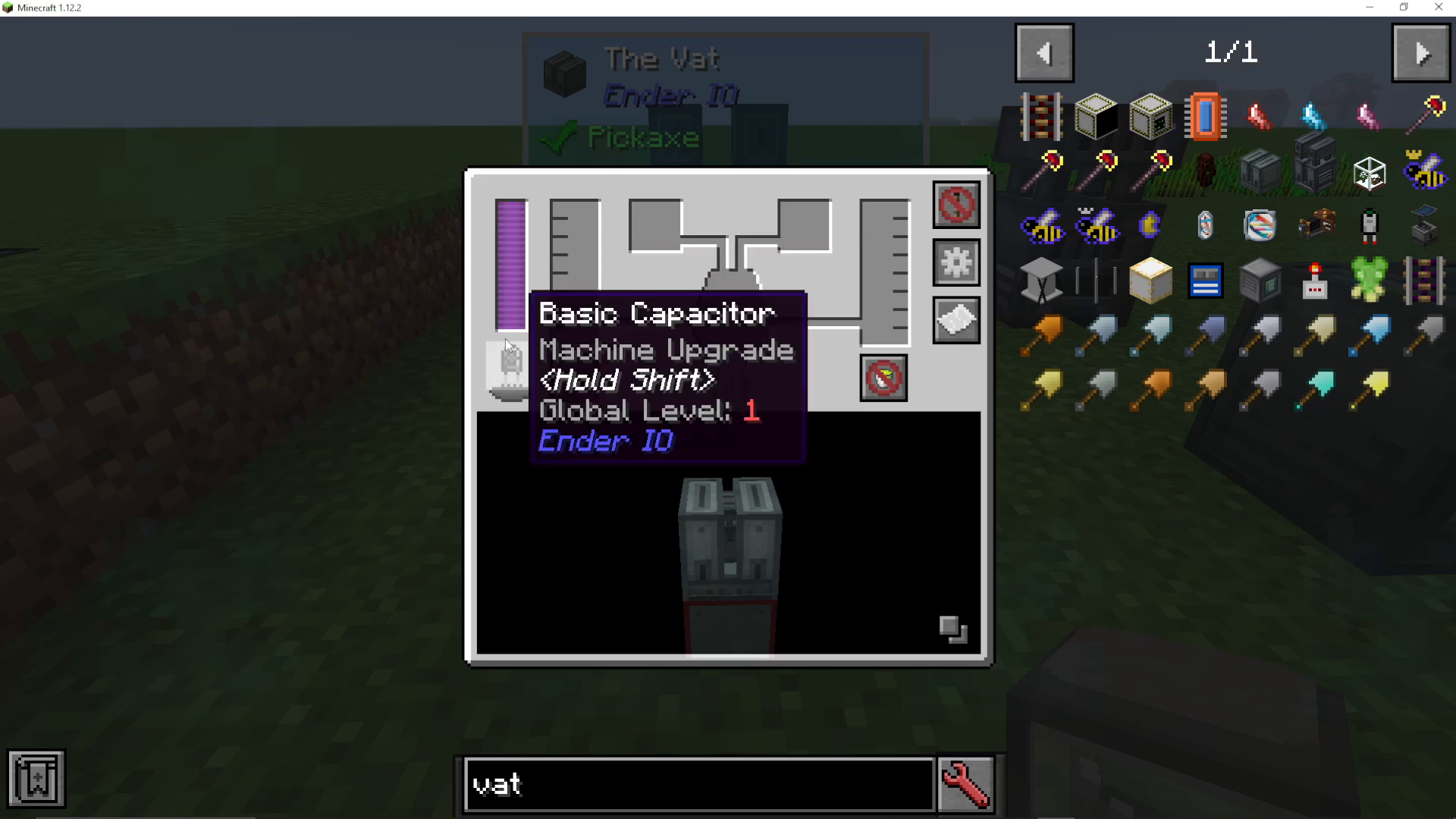
Capacitor Installation
The VAT requires a capacitor to operate. Different capacitors affect the machine’s speed and energy consumption. A capacitor with higher tier will make the VAT work faster but will also draw more energy per operation. If you remove the capacitor, the machine will display an error state and won’t function. Simply click the capacitor slot to insert the appropriate capacitor for your setup.
The Enhanced VAT
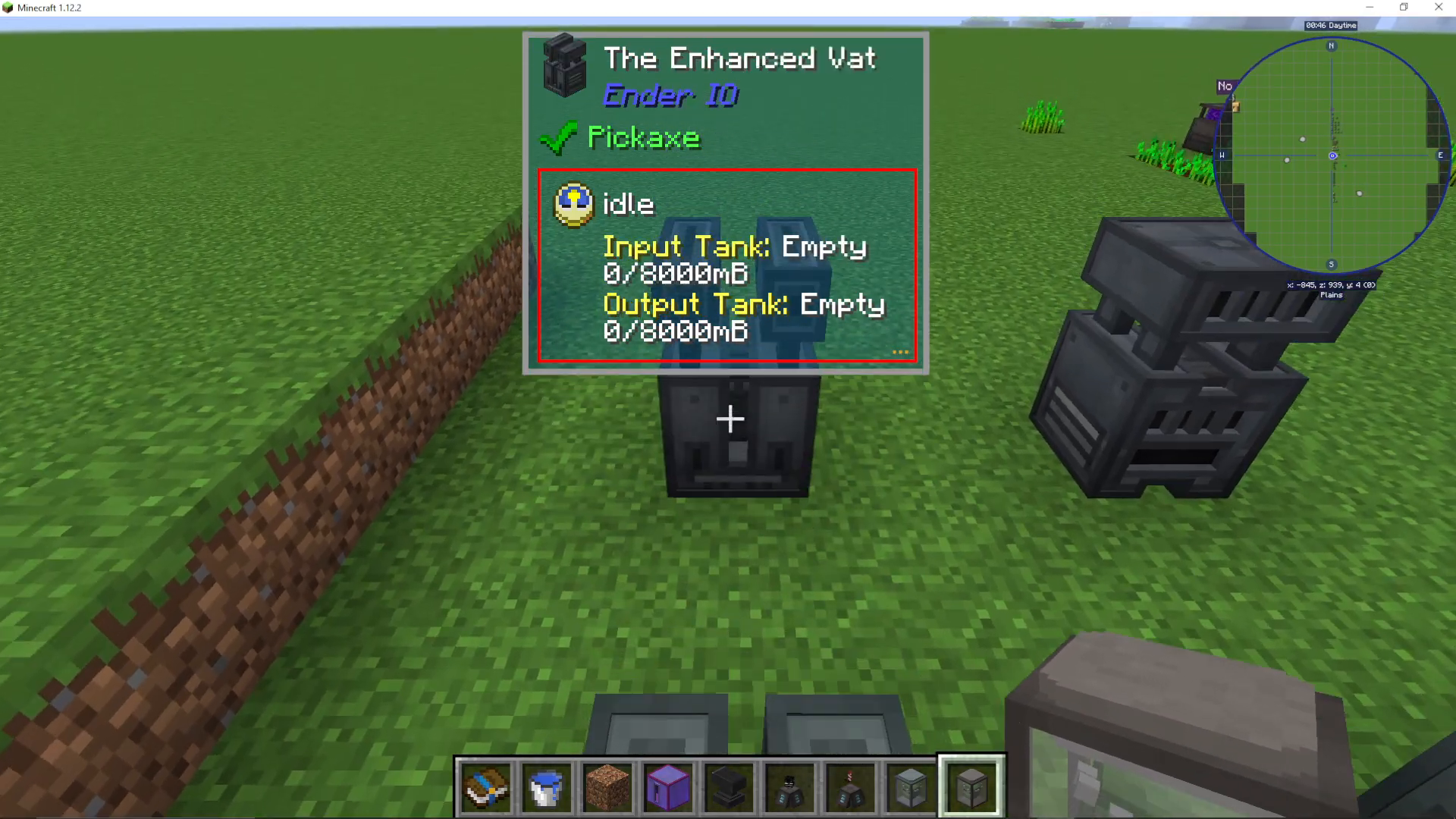
EnderIO also features an Enhanced VAT, which operates on the same principles as the standard VAT. The primary difference is speed—the Enhanced VAT completes recipes significantly faster than its standard counterpart. If you need to process large quantities of items or prefer faster production, upgrading to the Enhanced VAT is worth the additional resource investment.
Conclusion
The VAT is an essential machine for any EnderIO setup, offering numerous recipes and reliable automation potential. By understanding how to properly configure inputs, outputs, and tank management, you’ll be able to maximize your production efficiency. Whether you’re creating Nutrient Distillation for crop growth or crafting rare materials like Jewel of the Void, the VAT is an indispensable tool in your modded Minecraft journey.
For more EnderIO tutorials and comprehensive Minecraft mod guides, be sure to explore our full playlist and channel. We have extensive content covering various mods and progression paths to help you master your modded gameplay experience.
Want to Support?
If you would like to help us continue making these guides – please consider joining our patreon here – https://www.patreon.com/c/JaviHeals
Alternatively – we host a group of MC Servers you can join here – https://discord.gg/zD7Gjt6MHF



