How To Use Lesser Focus’s In Thaumcraft 6
How To Use Lesser Focuses In Thaumcraft 6
Lesser Focuses are one of the most exciting tools in Thaumcraft 6, allowing you to craft and cast custom spells — from fire projectiles to bolts of electricity. In this guide, we’ll walk you through everything you need to know: crafting a Blank Lesser Focus, setting it up in the Focal Manipulator, gathering the right Vis Crystals, and finally equipping your focus to your gauntlet and casting spells in-game.
What You Need Before You Start
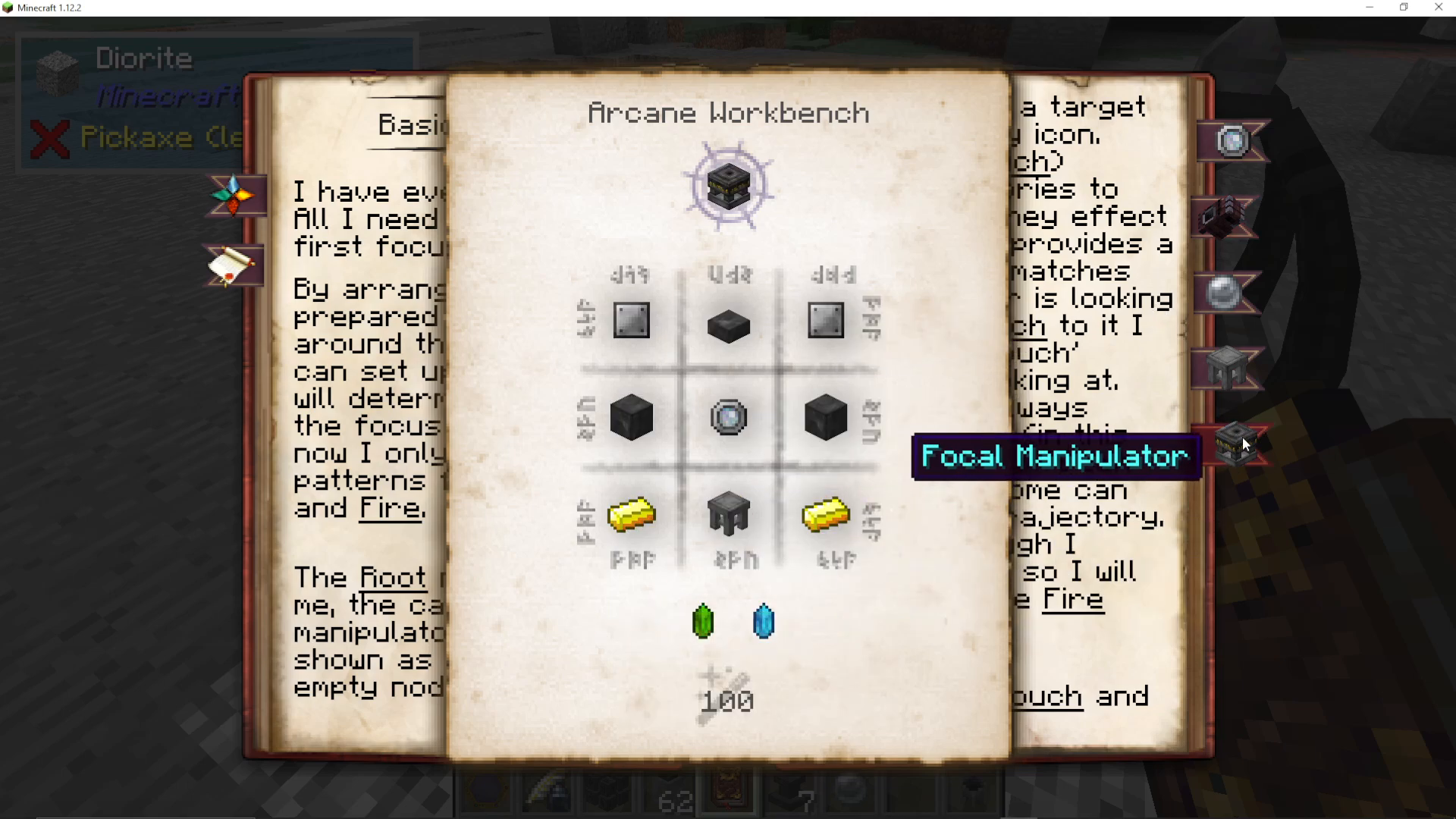
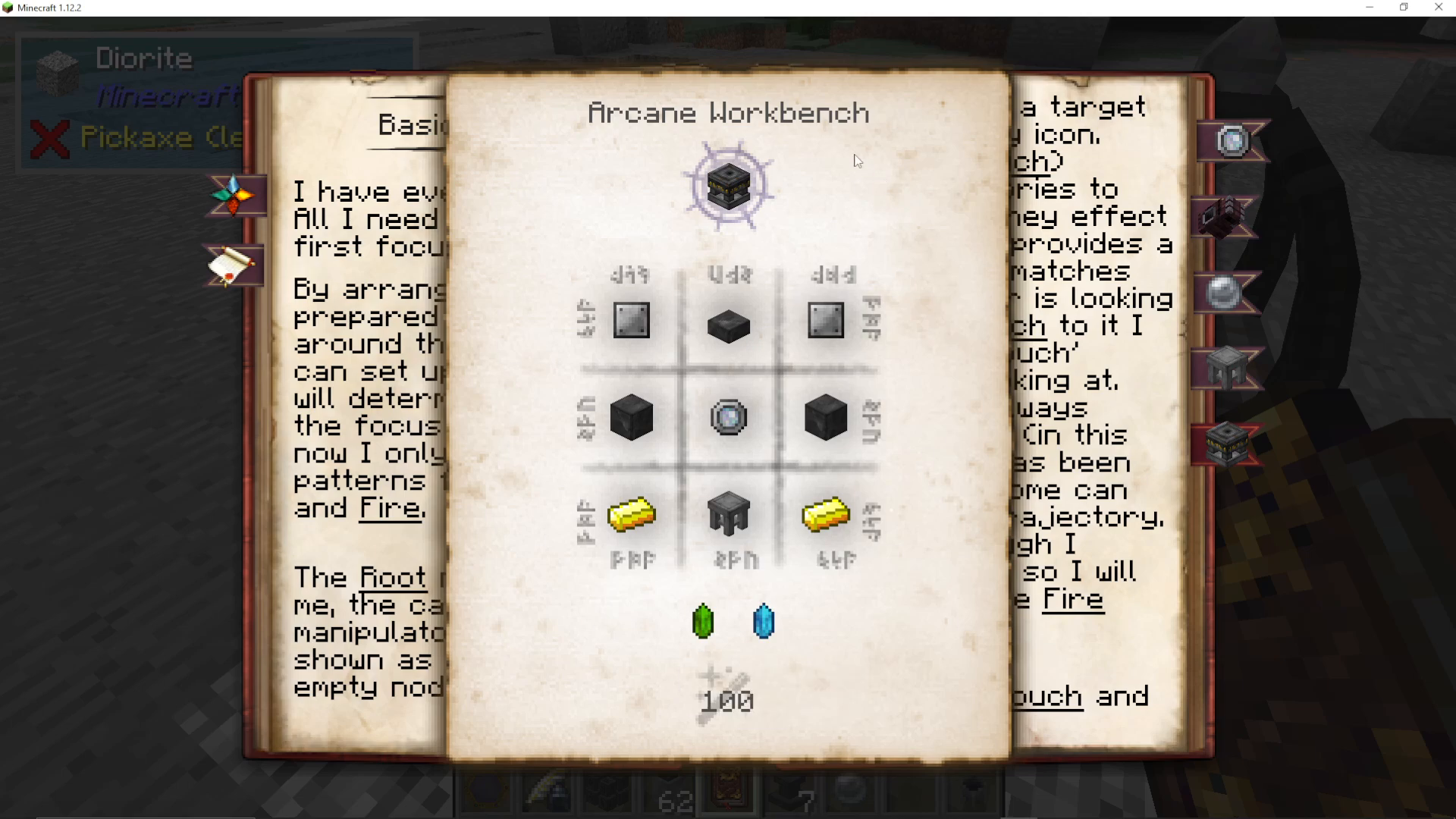
Before diving into Lesser Focuses, you’ll need two key items crafted and ready. The first is the Focal Manipulator — this is the workstation you’ll use to configure your focus. It’s crafted using iron plates and arcane stone, and must be assembled in the Arcane Workbench.
The second item you need is a Blank Lesser Focus. To create one, take an Alder Vis Crystal and place it into your Crucible along with three specific essential aspects. Once processed, this produces your Blank Lesser Focus, ready to be configured.
Using the Focal Manipulator
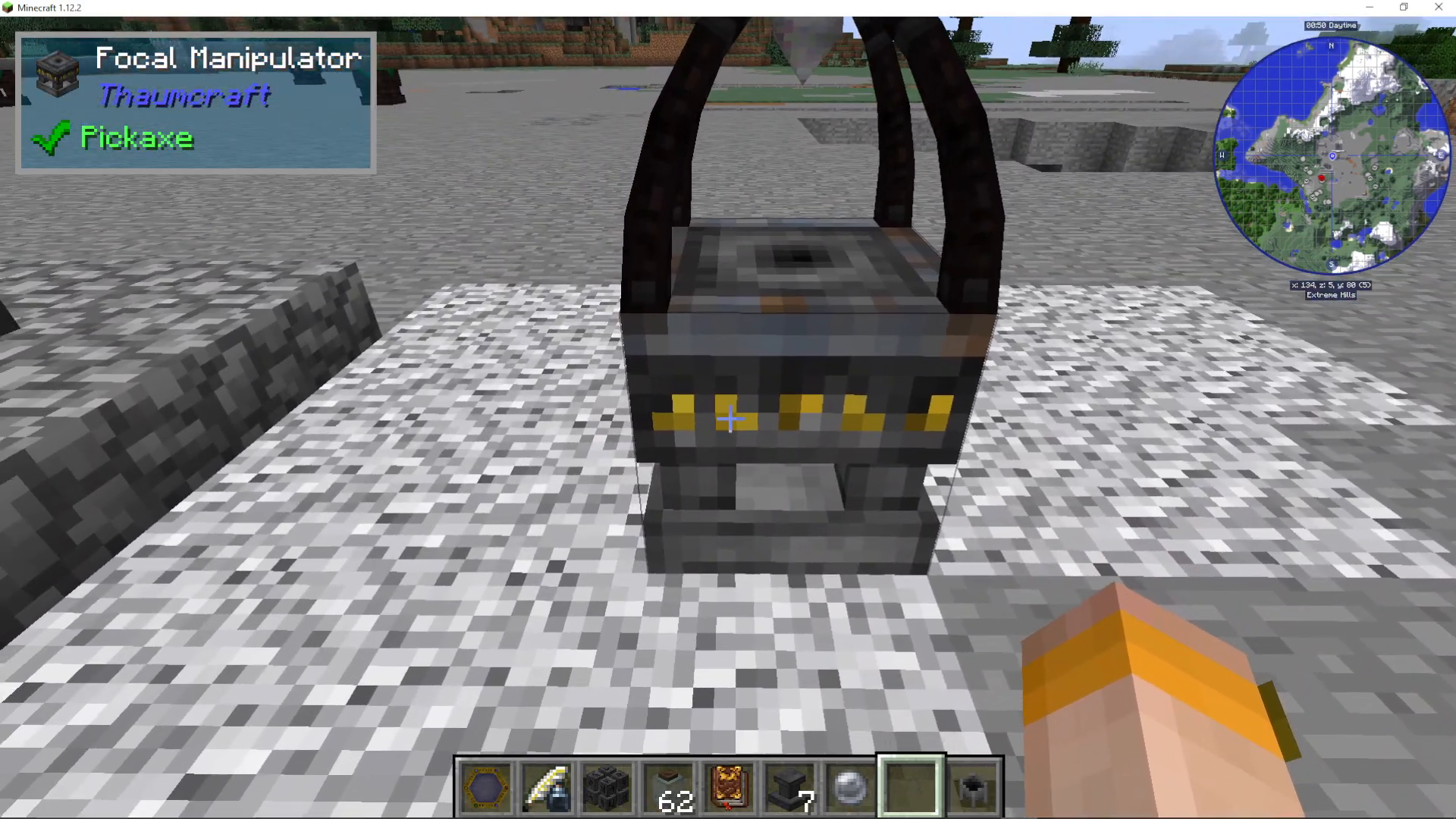
Place your Focal Manipulator down in the world and open it. Don’t worry about the block on top — that’s a more advanced feature you can explore later. When the interface opens, your inventory appears on the left-hand side.
Take your Blank Lesser Focus and place it into the small slot located on the bottom left of the interface. Once slotted in, the Focal Manipulator will prompt you to configure what you want the focus to do.
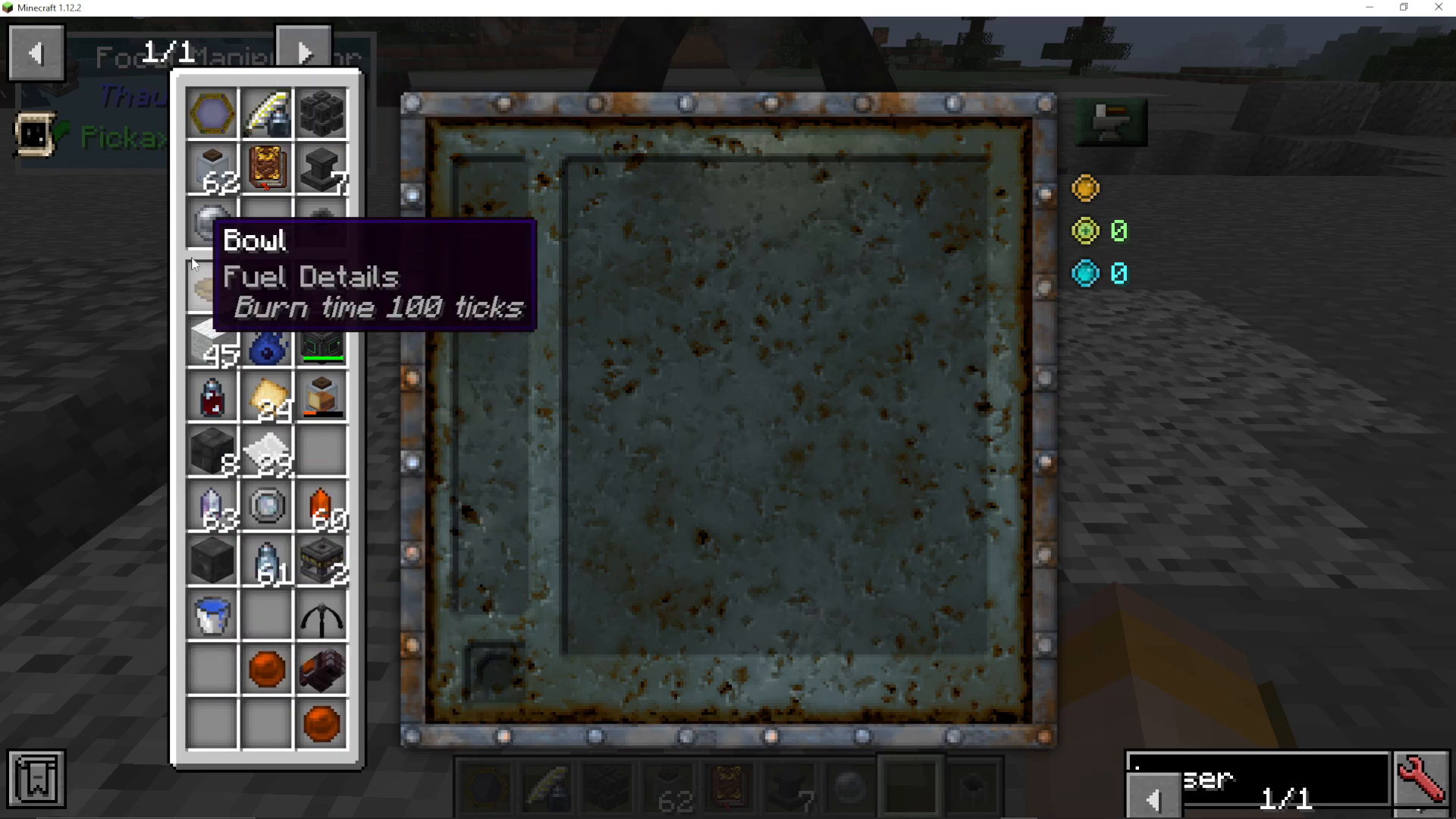
Understanding the Interface
The central icon — represented by an “I” — is you, the caster. This is the starting point of your spell chain. On the right-hand side, you’ll see key stats for your focus:
Complexity — shown as a value out of 15 (e.g., 0/15). Higher complexity means a more powerful but more expensive focus.
Experience Cost — some focus configurations will cost you experience levels to craft.
Vis Cost — the amount of Vis drawn from the surrounding area each time you cast.
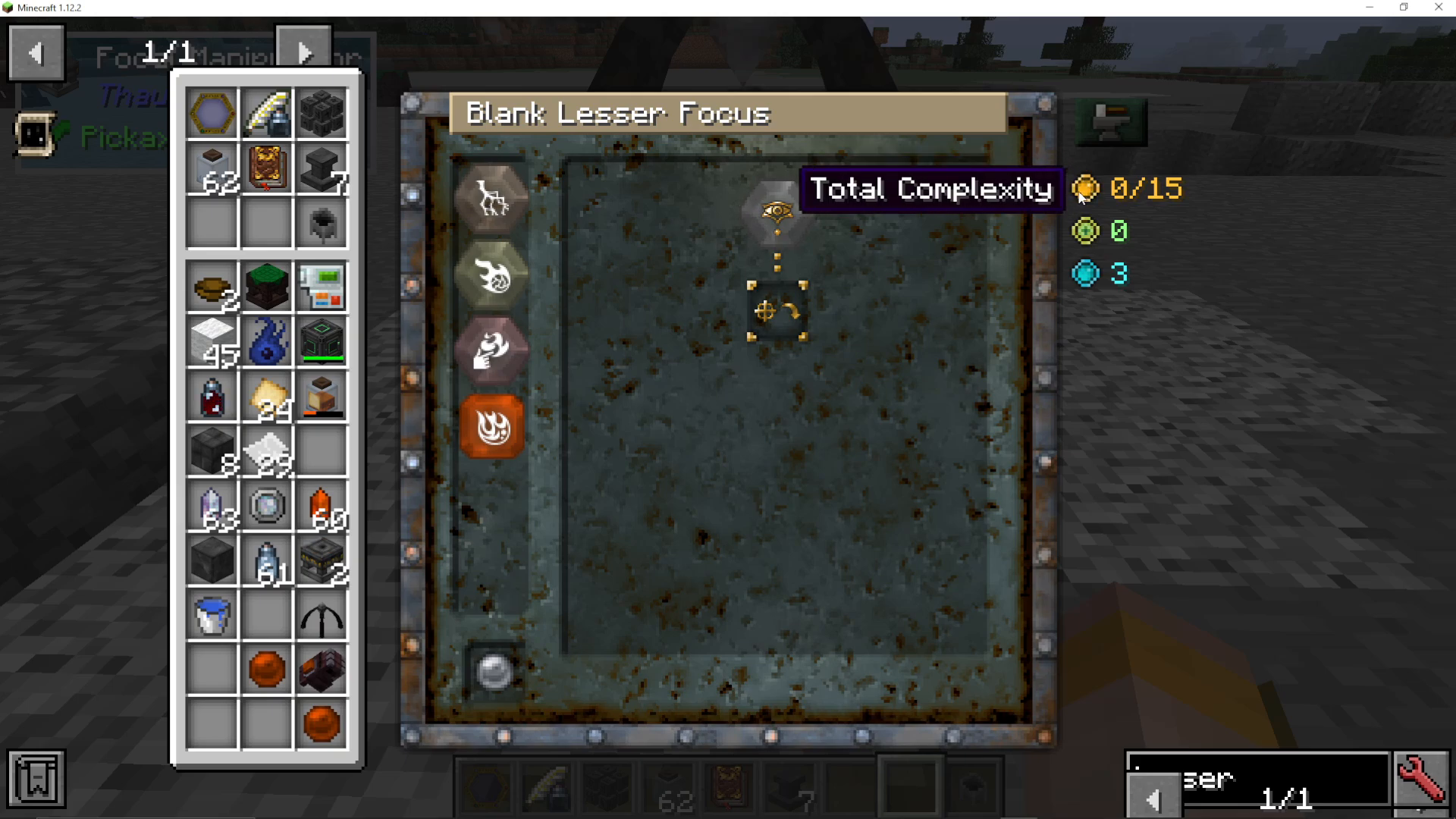
Building a Projectile Fire Spell
Let’s walk through building a basic projectile spell. If you simply connect the caster directly to Fire, the spell will burn the ground right where you’re standing — effectively setting yourself on fire. That’s not what we want!
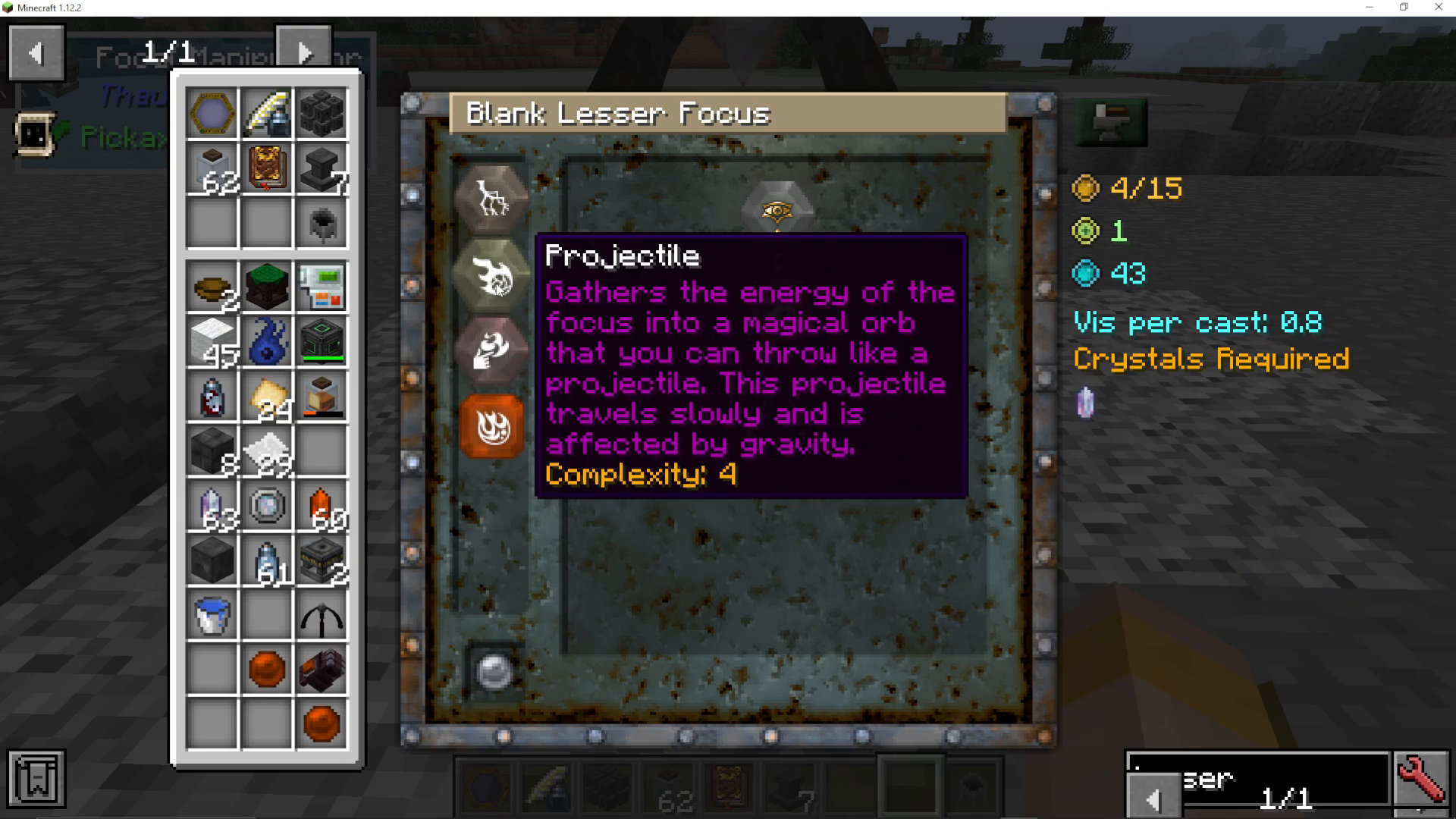
To make it a proper projectile spell, you need to add the nodes in the correct order:
Start from the Caster node.
Add a Projectile node.
Link the Projectile node to your chosen element — such as Fire.
This tells the focus: I am casting → I want a projectile → the projectile should be fire.
Choosing Bolt Instead of Fire
You can also swap Fire for Bolt to launch a bolt of electricity instead. The available options will depend on which aspects you’ve already unlocked in your Thaumonomicon. For example, using a Bolt configuration results in a complexity of 9/15, costs 1 experience level to craft, and requires 93 Vis. Each time you cast, it will also draw a small amount of Vis from the surrounding area.
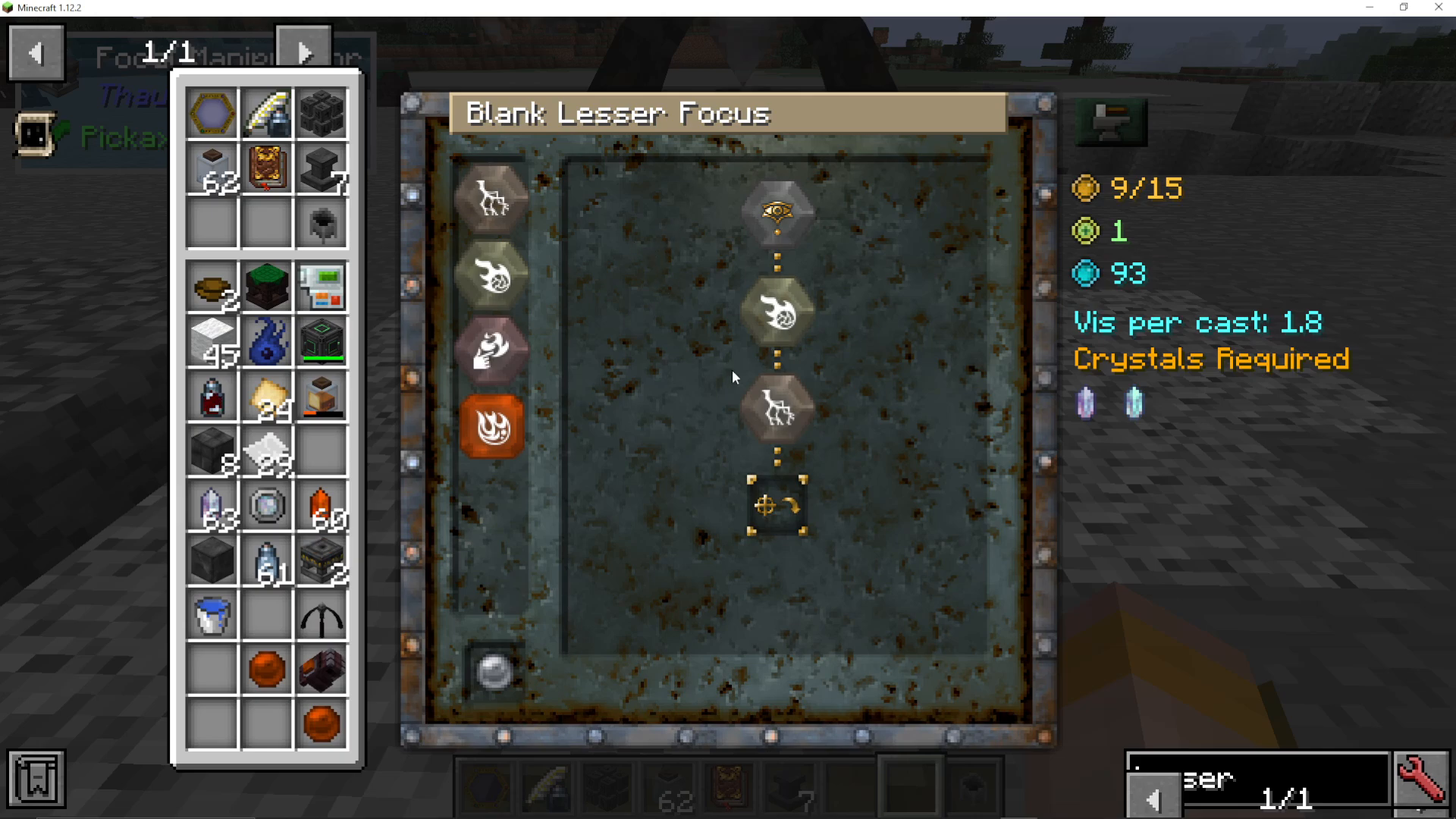
Gathering the Required Vis Crystals
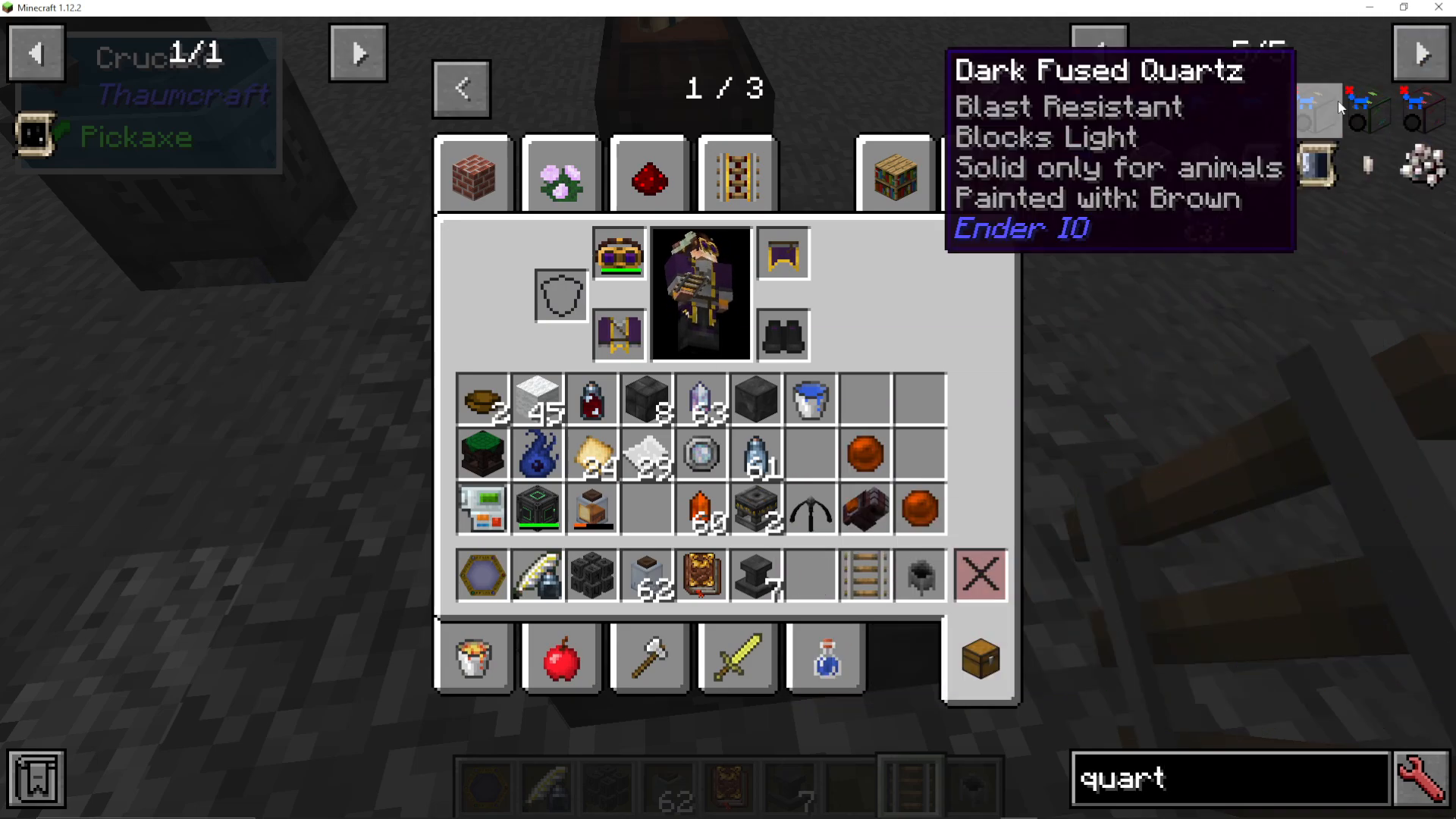
To craft your configured focus, you’ll need specific Vis Crystals. For the Bolt + Projectile example, you need Motus Vis Crystals and Potentia Vis Crystals.
How to Get Motus Vis Crystals
Motus relates to movement. Think about items in Minecraft that represent motion — boats, rails, pistons. Any of these are great sources of Motus. To convert them into Vis Crystals:
Place a Rail (or similar Motus-rich item) into your Crucible.
Throw in Quartz Slivers one at a time until the Crucible’s aspect pool is fully emptied.
This will produce Motus Vis Crystals — for example, 5 crystals per batch.
How to Get Potentia Vis Crystals
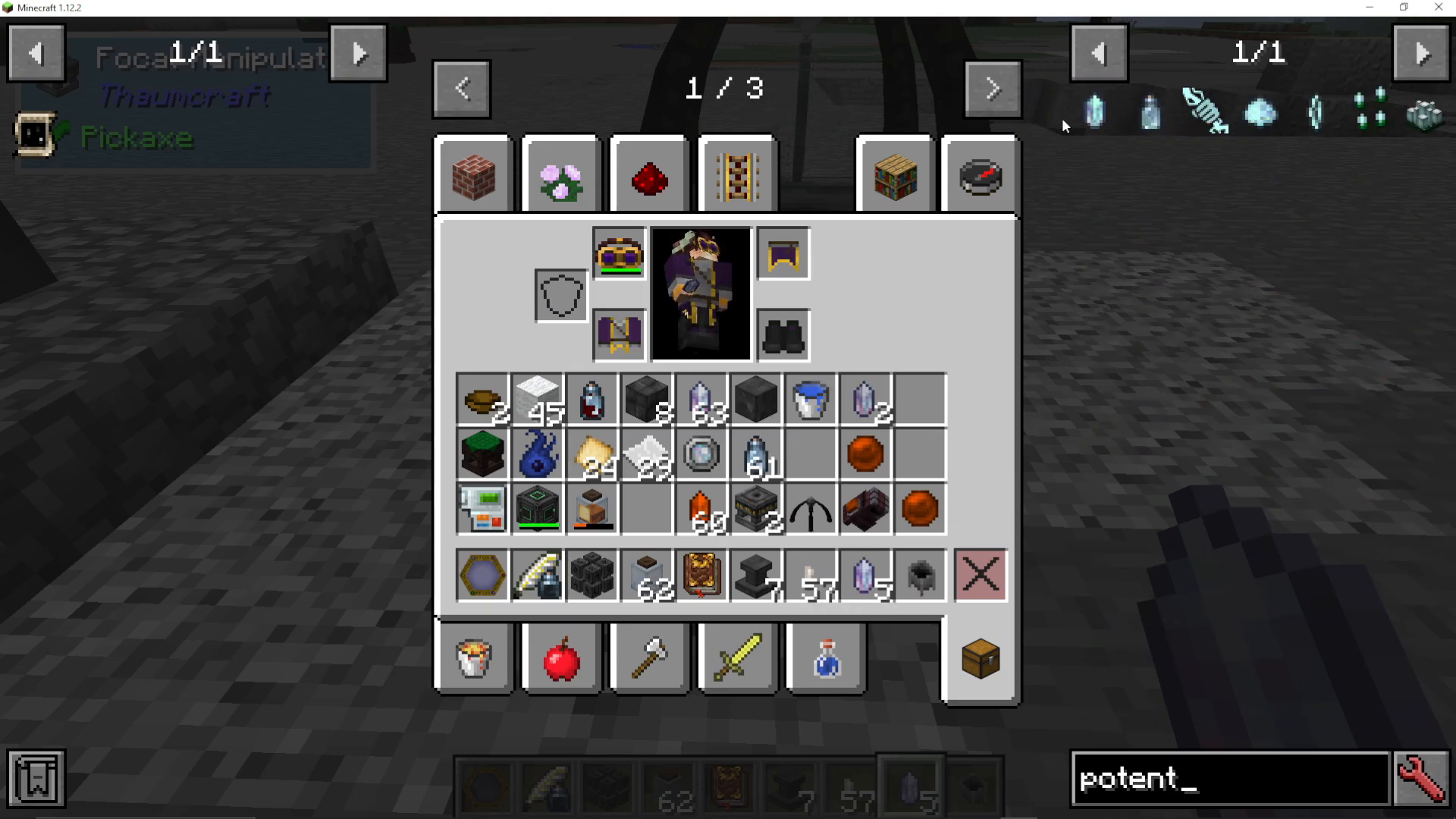
Follow the exact same process for Potentia Vis Crystals. Find items in the world that carry the Potentia aspect, place them in your Crucible, and use Quartz Slivers to extract the crystals. Once you have both Motus and Potentia crystals, you’re ready to craft.
Crafting the Focus
With your crystals gathered and your spell chain configured in the Focal Manipulator, click Start Crafting. You’ll see the Vis cost begin to count down. Once it reaches zero, the focus is complete.
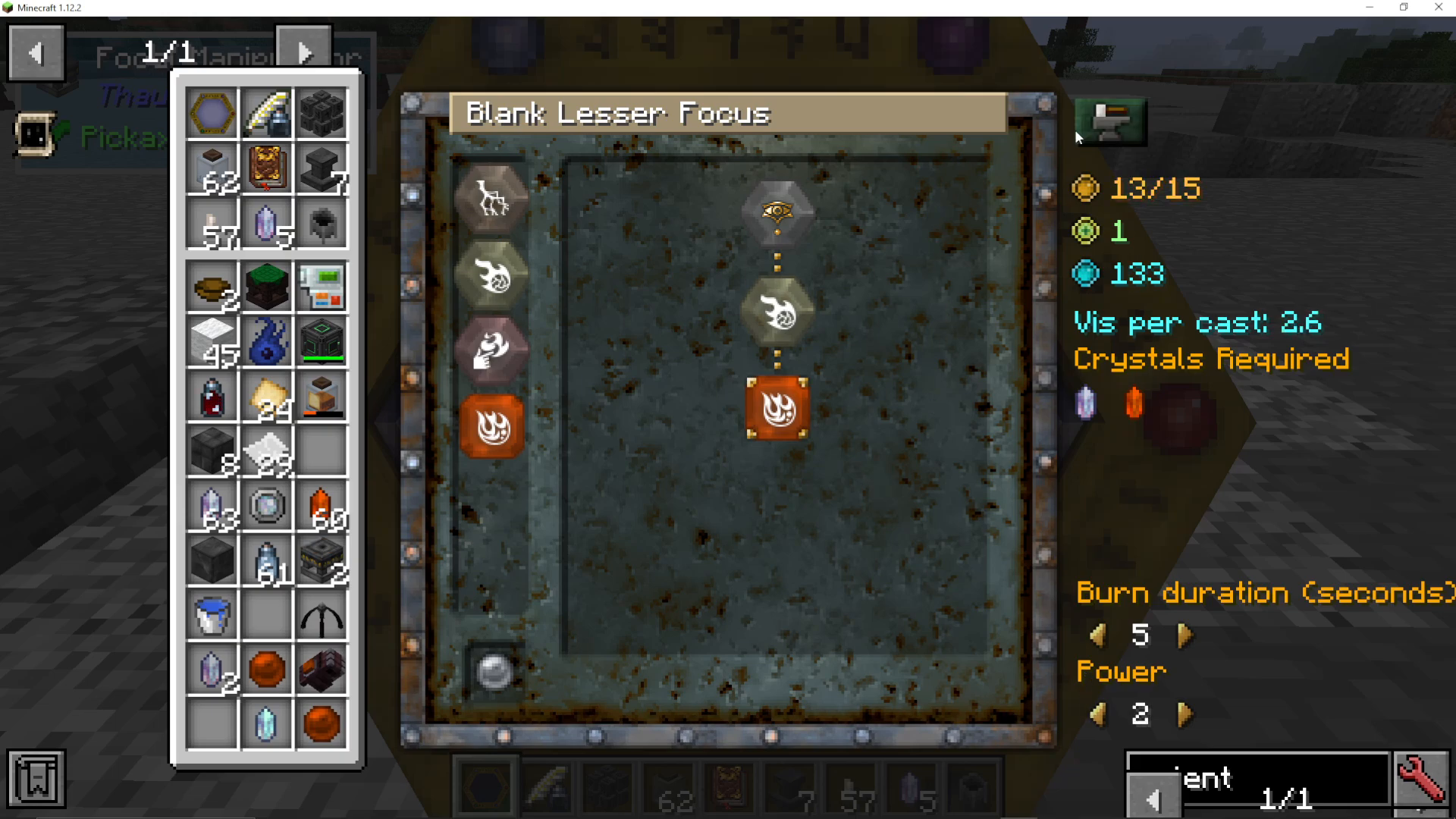
Note: If you find that the Start Crafting button is greyed out for a particular configuration (such as Bolt), try adjusting your spell chain. In some cases, combining Projectile with Fire instead — and optionally adding modifiers like burn duration or power level — will allow crafting to proceed. Just be mindful that adding modifiers increases complexity, so keep an eye on your complexity rating staying within the 15-point limit.
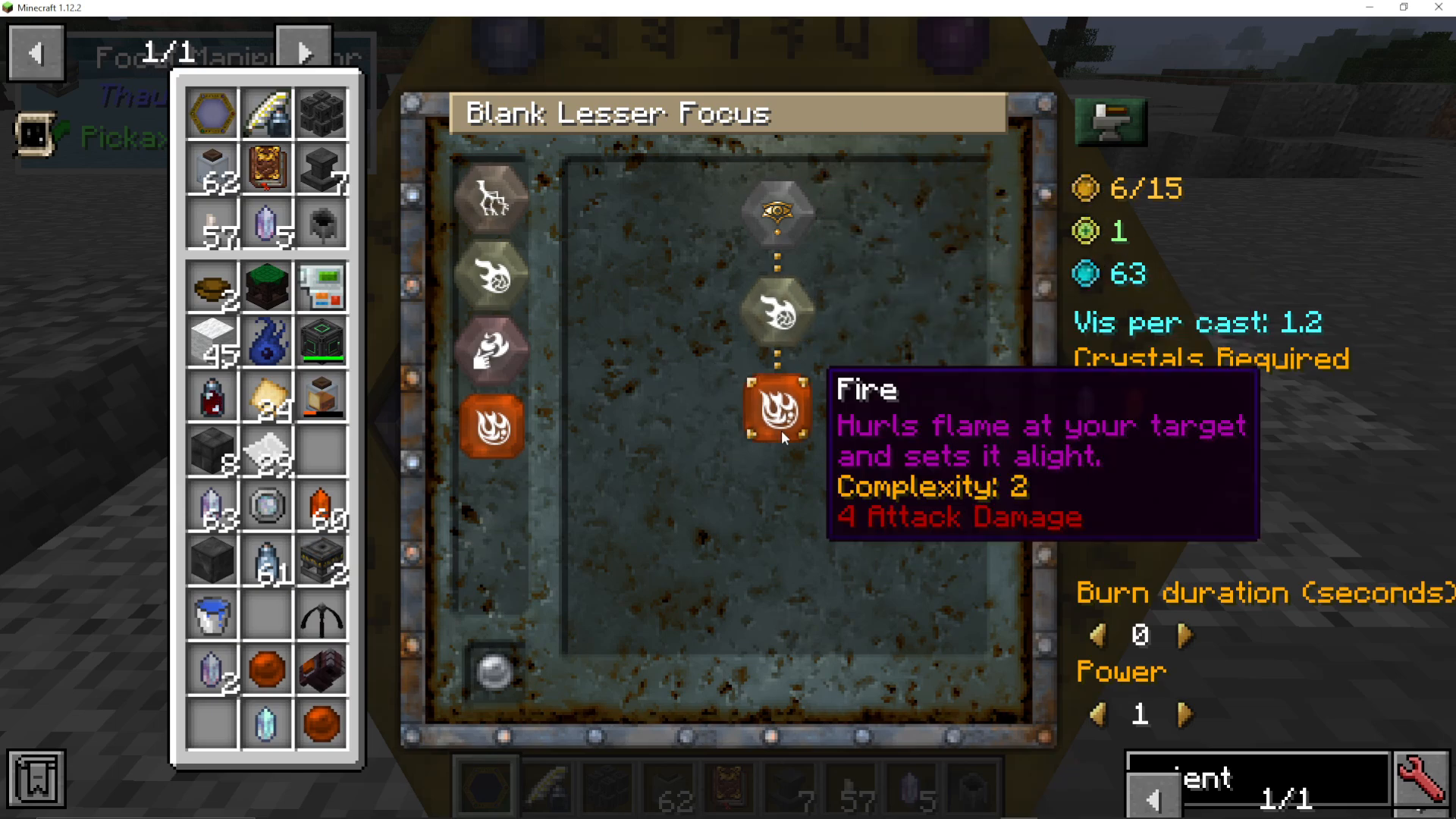
Once crafting is complete, open the Focal Manipulator and retrieve your finished focus. It will now display its full configuration — for example: Blank Lesser Focus — Projectile — Fire — Burn Duration X seconds.
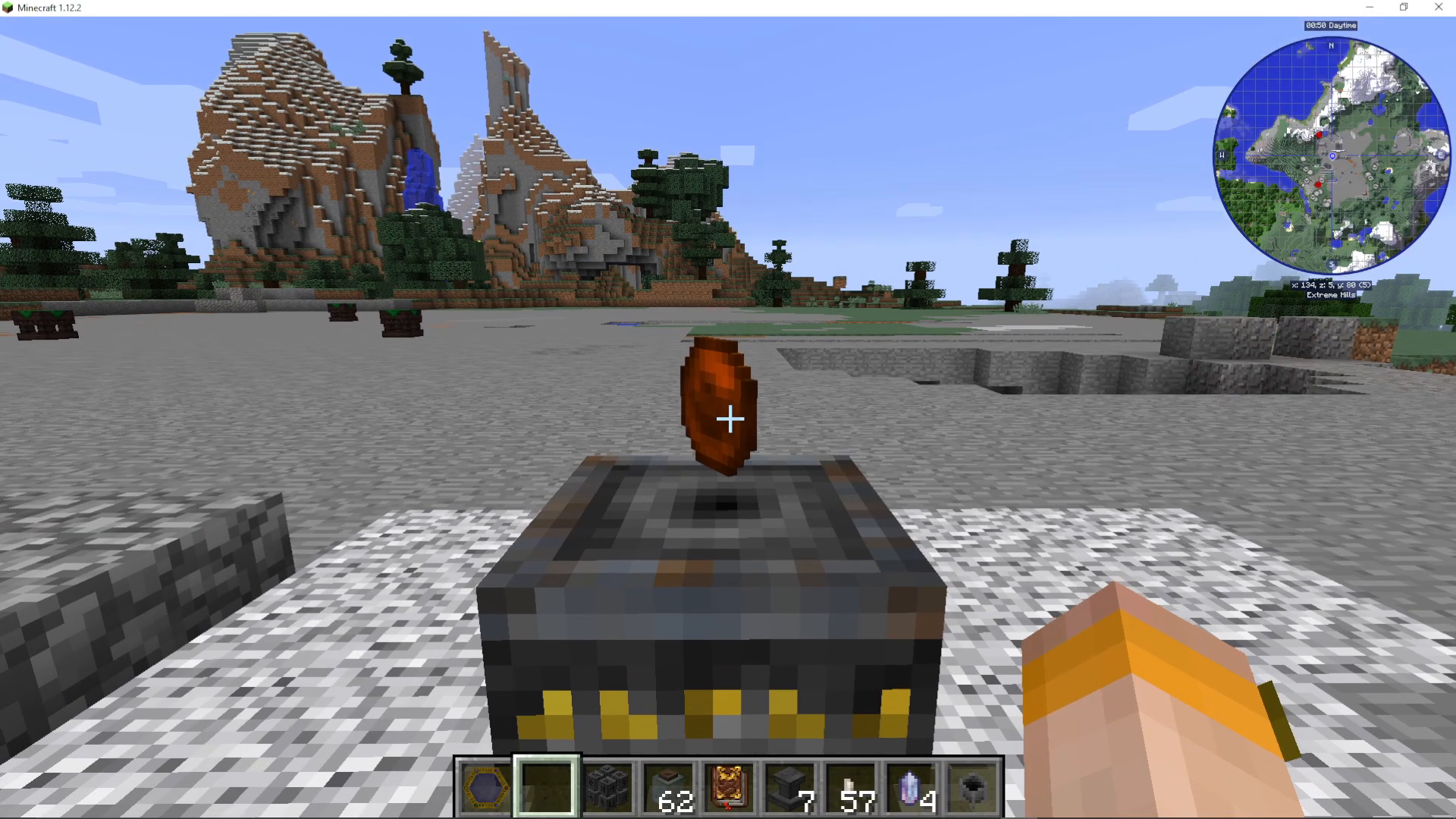
Equipping and Using Your Focus
To use your new focus, place it in your inventory and equip your Gauntlet. Then press F on your keyboard to open the Focus Selection Wheel. Make sure to check your key bindings if F doesn’t work — it may have been remapped.
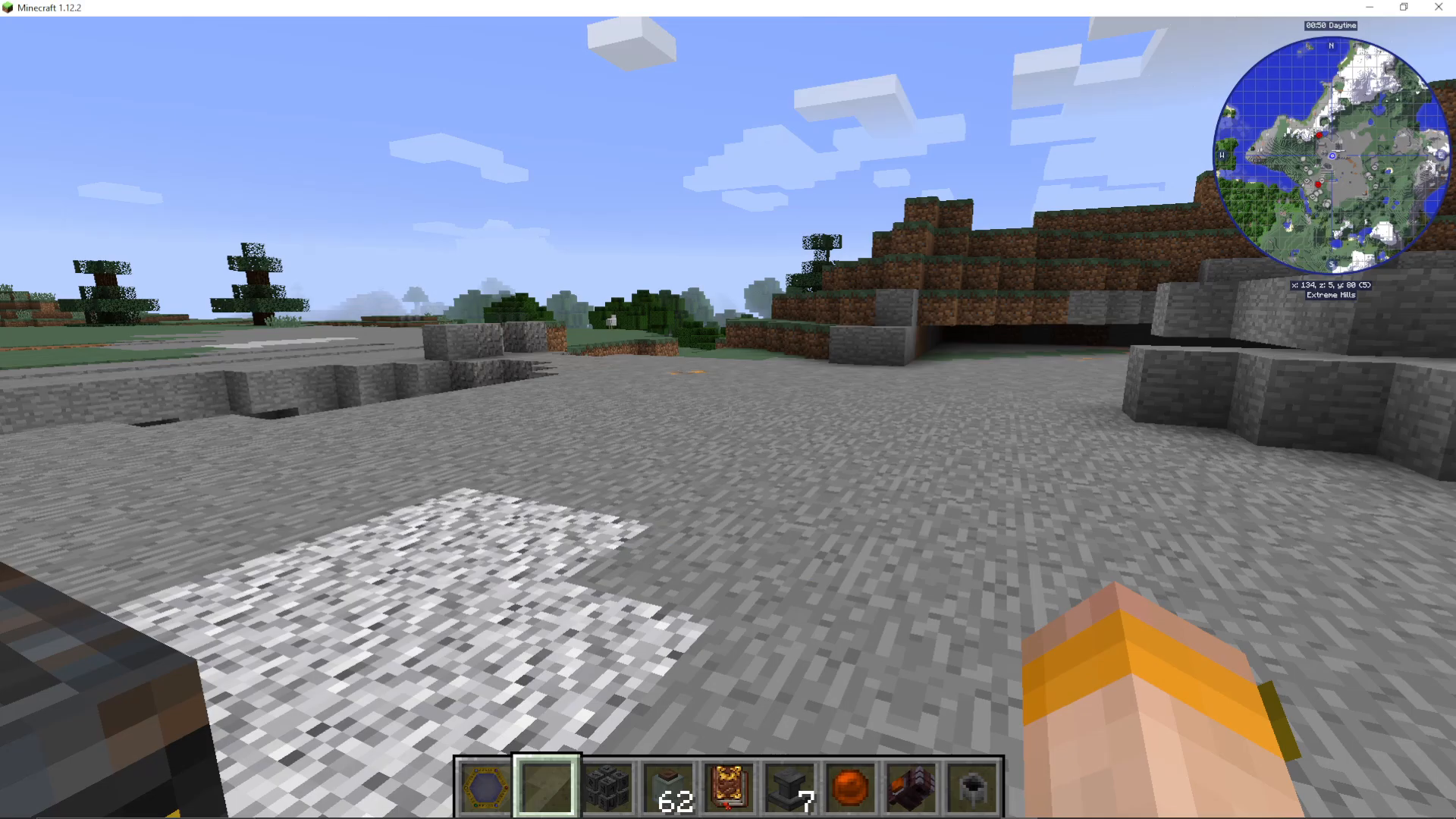
Select your Lesser Focus from the wheel, then simply right-click to cast your spell. Fire projectiles (or whichever element you chose) will launch from your gauntlet.
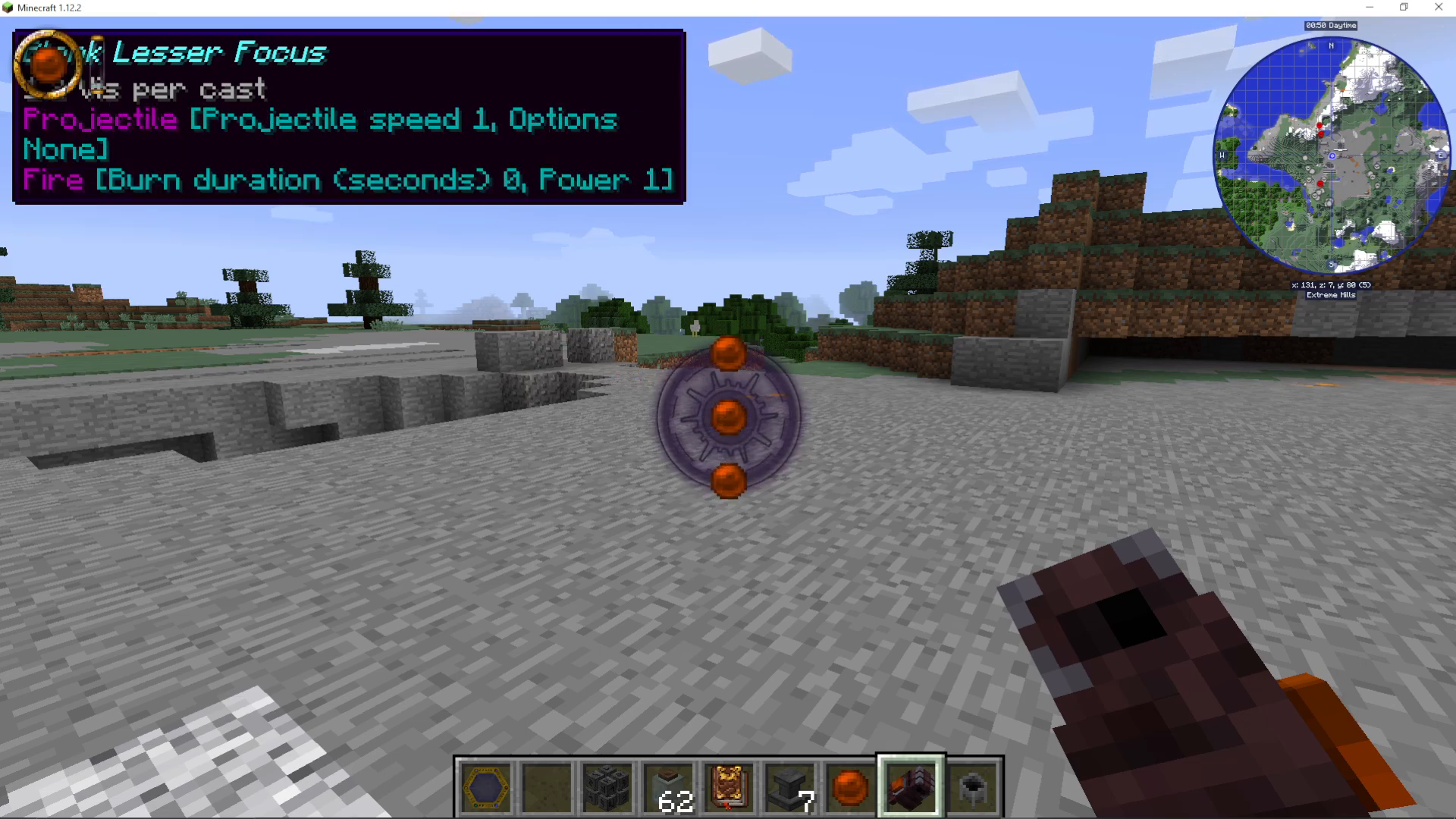
Monitoring Vis in the Environment
Keep an eye on the top-left corner of your screen — this displays how much Vis is currently available in the chunk you’re standing in. Vis is chunk-specific, meaning it will vary as you move around the world. If a chunk runs dry, you won’t be able to cast until you move to a chunk that still has Vis available.
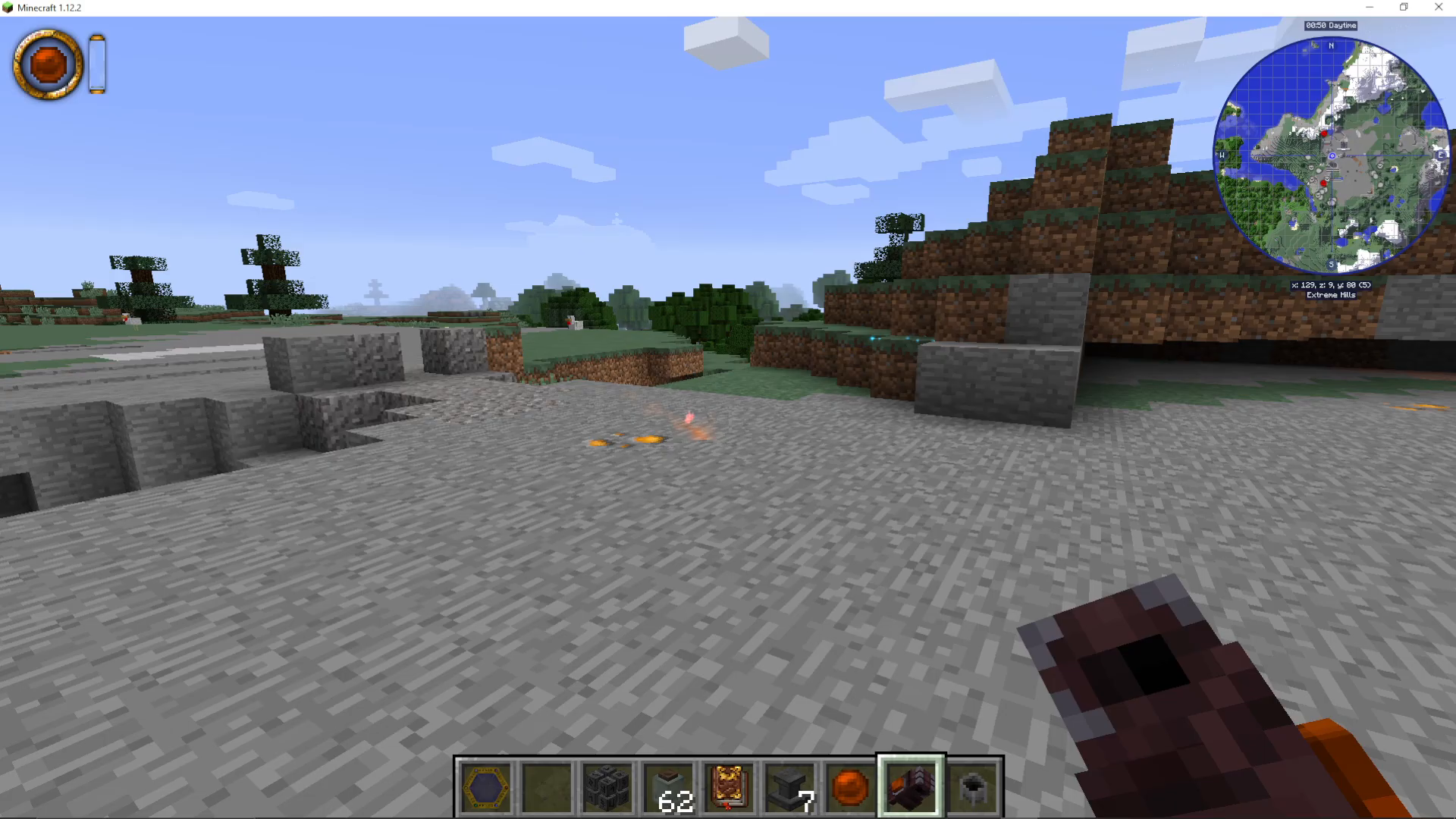
Summary
Using Lesser Focuses in Thaumcraft 6 comes down to a straightforward process: craft a Blank Lesser Focus using your Crucible, configure your spell chain in the Focal Manipulator (remembering to always add a Projectile node before your element), gather the required Vis Crystals, craft the focus, and then equip it to your Gauntlet using the F key. With practice, you’ll be customising increasingly powerful focus builds and experimenting with all the aspects unlocked in your Thaumonomicon.
Want to Support?
If you would like to help us continue making these guides – please consider joining our patreon here – https://www.patreon.com/c/JaviHeals
Alternatively – we host a group of MC Servers you can join here – https://discord.gg/zD7Gjt6MHF