







How To Oritech Drone Ports – Minecraft 1.21.1
How To Use Oritech Drone Ports – Minecraft 1.21.1
The Drone Port is one of the most powerful transportation tools in the Oritech mod for Minecraft 1.21.1. This complete guide will walk you through crafting, setting up, and operating drone ports to transport items across long distances efficiently. Whether you’re moving resources from a farm to your base or connecting multiple industrial operations, this tutorial covers everything you need to know.
What Is the Drone Port?
The Drone Port is an amazing item that allows you to transport items over long distances using adorable little drones. These drones feature a cute face and provide a fully automated solution for item transportation in your Minecraft world.
Crafting the Drone Port
Recipe and Materials
The Drone Port requires fairly advanced materials to craft. In ModPacks like Diwolf’s 20, you have two different options for construction. The primary recipe requires:
Super AI Chip (created using engraving with the Atomic Forge)
Geratium
Advanced Computing Engine
If you’re unfamiliar with these components, refer to the ultimate guide to Oritech (linked in the original tutorial description) for detailed crafting instructions on each item.
The Unholy Intelligence Component
One component you may not be familiar with is the Unholy Intelligence. This is created by capturing a viable entity using the Dubious Container. You can use the Dubious Container on:
Vex
Allay
Phantom
Once captured, the entity will transform into the Unholy Intelligence component needed for your Drone Port.
Setting Up Your First Drone Port
Placement and Assembly
Once you’ve crafted your Drone Port, follow these steps:
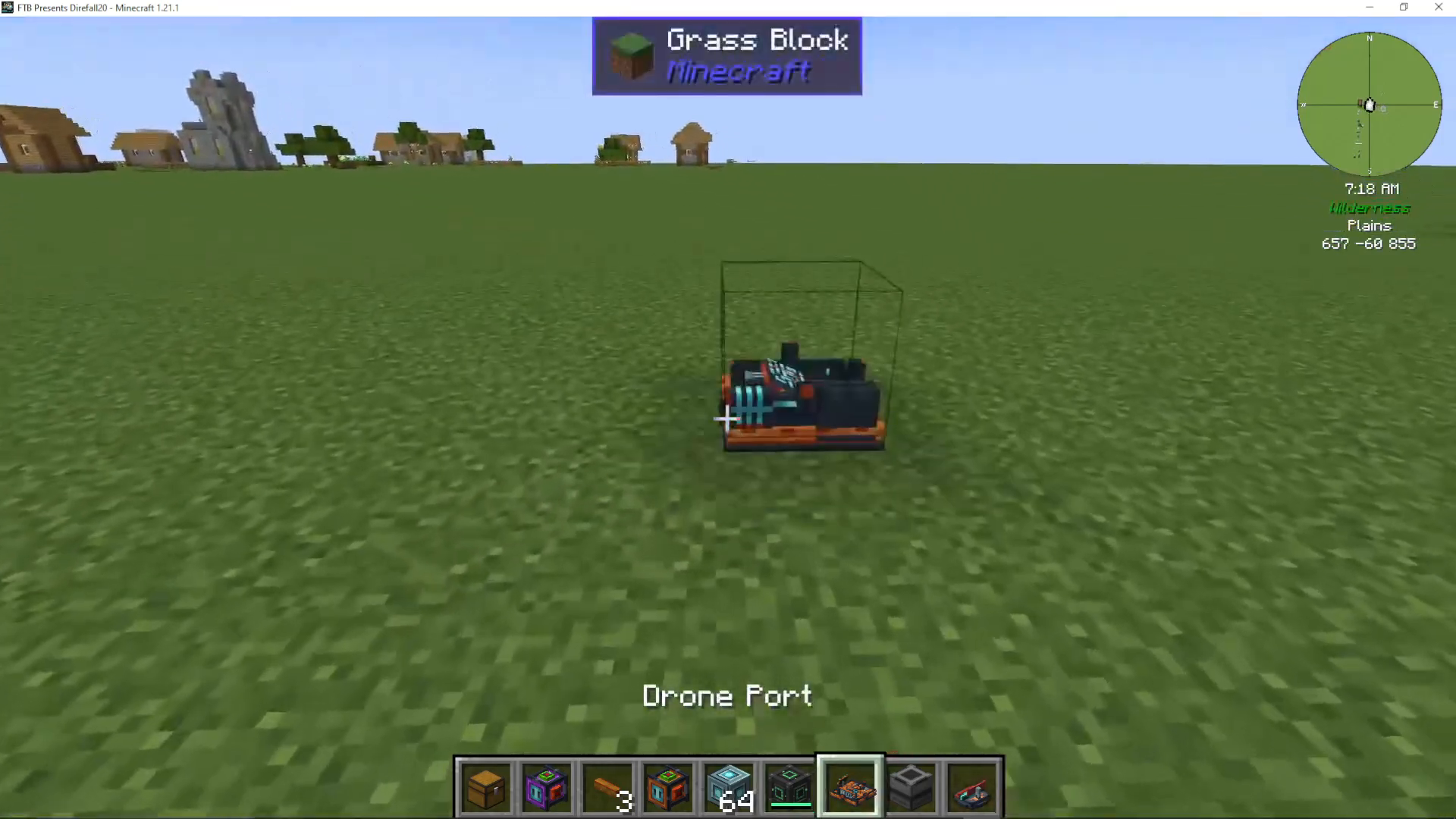
Place the Drone Port in your desired location
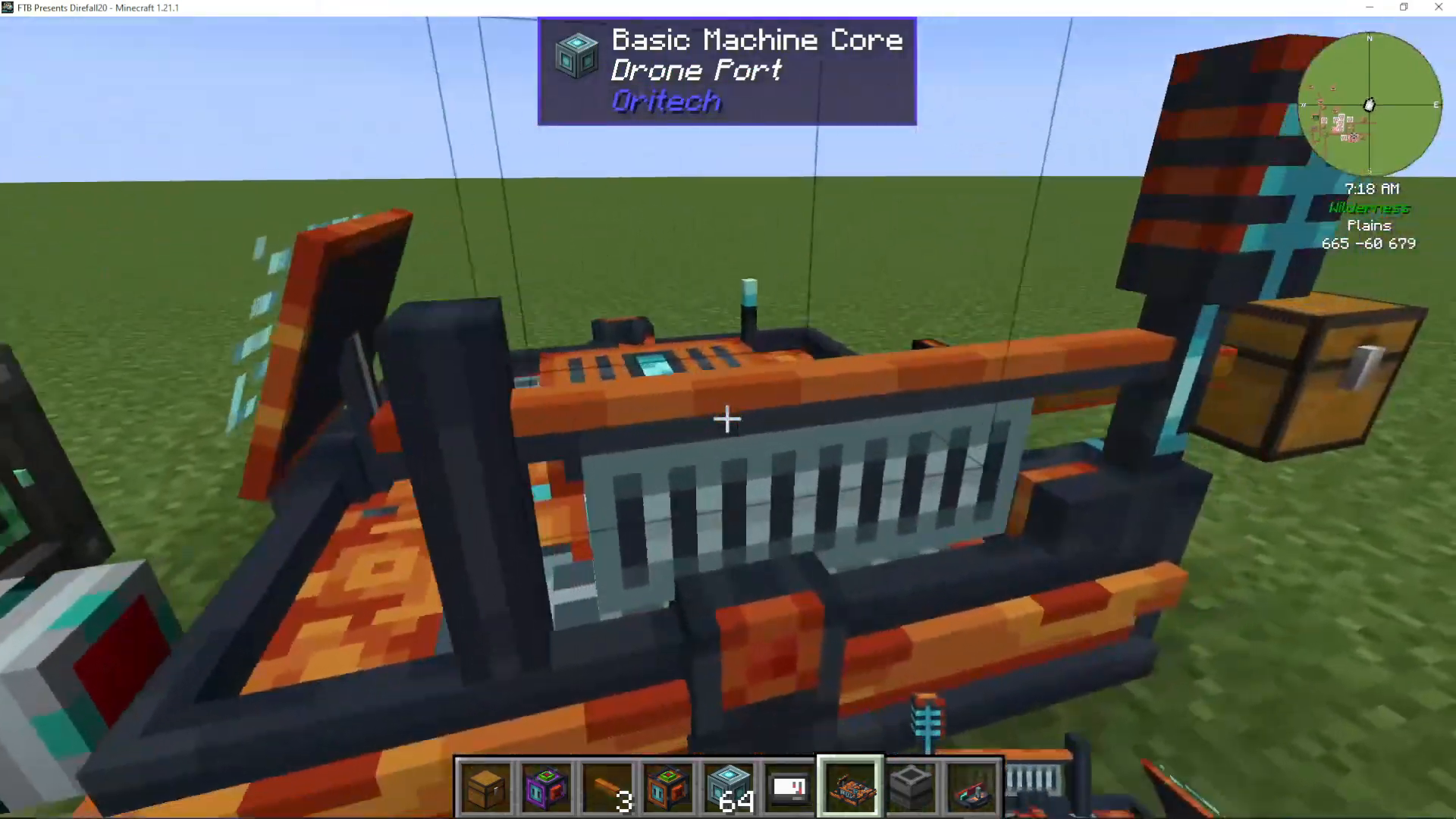
Use Machine Casing blocks around it by right-clicking to place each one
Continue placing Machine Casings until the structure is complete
Power Requirements
Your Drone Port requires power to operate. It can be powered from any side of the structure. Connect your preferred power source to activate the port.
Creating a Drone Transportation Route
Distance Requirements
To establish a working drone route, you’ll need two Drone Ports. They must be located 50 or more blocks away from each other. Placing them too close together will result in an error.
Chunk Loading
Both Drone Port locations must be chunk-loaded. You can achieve this using the Mechanisms Dimensional Stabilizer to keep chunks active and loaded while drones are in transit.
Setting Up the Target Designator
To connect two Drone Ports:
Craft or obtain a Target Designator
Travel to your destination Drone Port location
Shift + right-click the destination Drone Port with the Target Designator
Linking the Ports
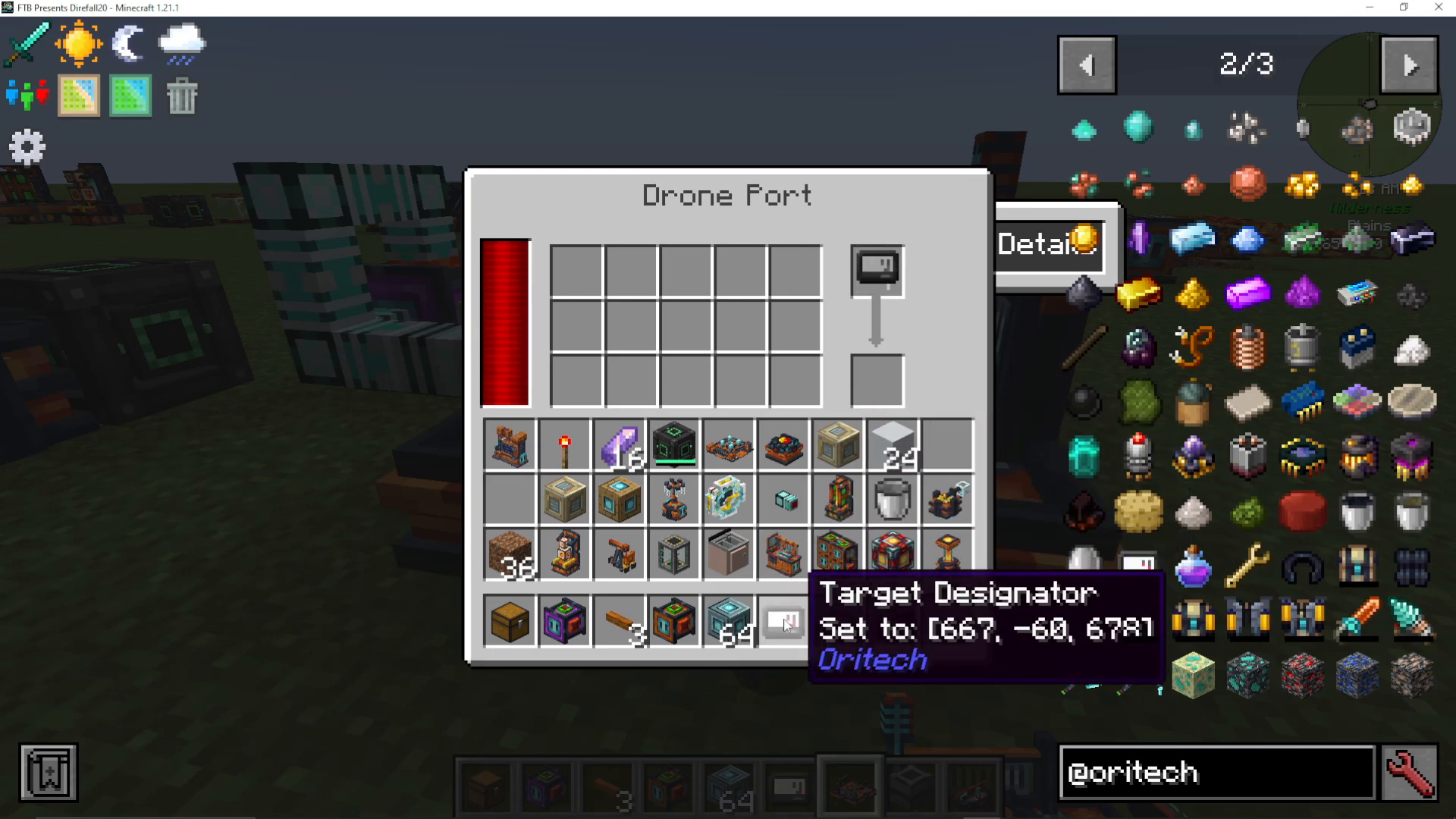
Return to your originating Drone Port and locate the Target Designator slot (visible in the port’s interface). Place your Target Designator into this slot. The interface will display the coordinates and confirm “Target Port Set” when successfully linked. The status message will read: “Drone will deliver whenever the inventory is not empty.”
Operating Your Drone Port
Sending Items
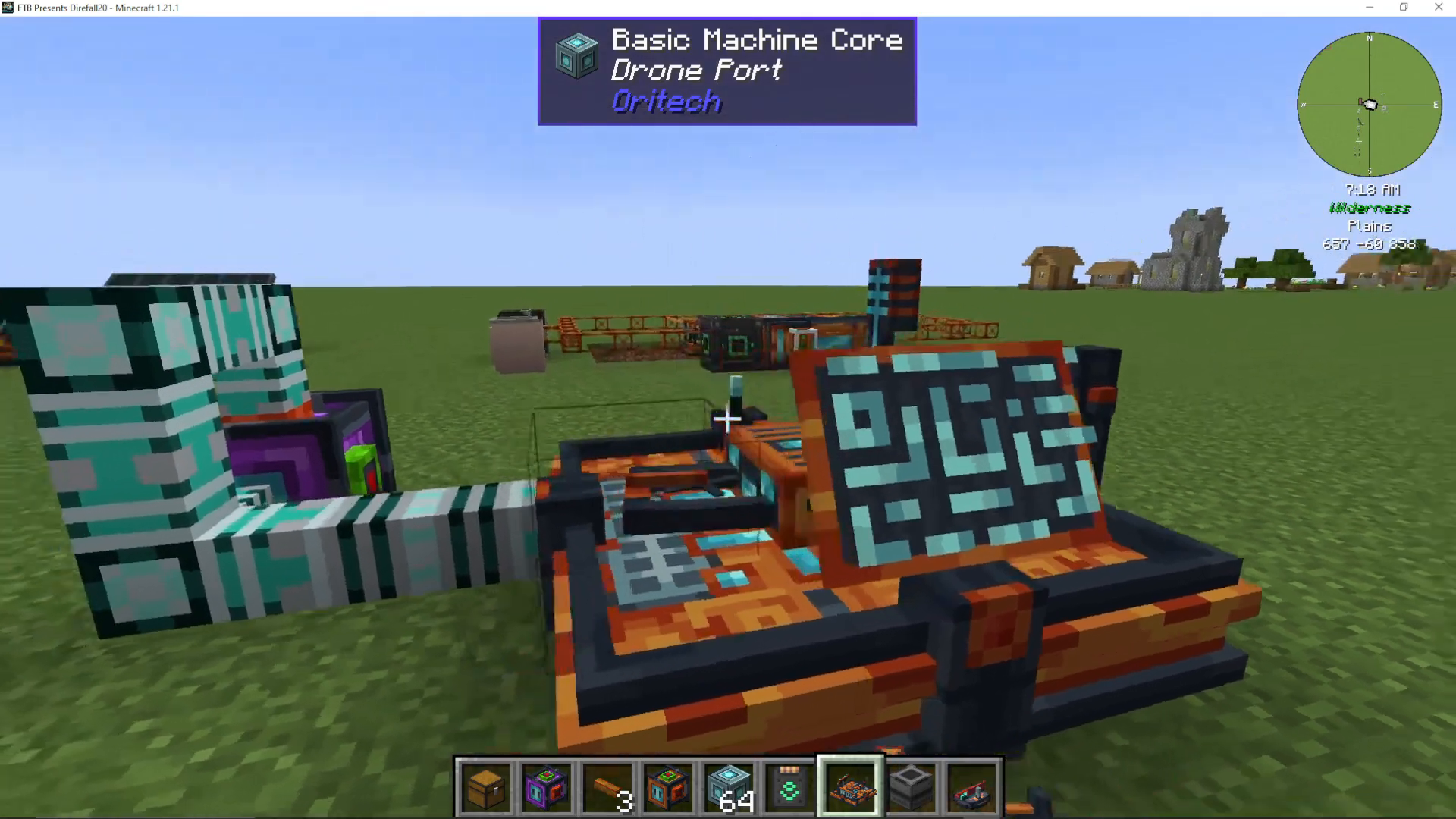
Once your ports are linked, simply place items into the origin Drone Port’s inventory. The drone will automatically begin flying to your destination port. The drone will disappear in transit and reappear at the target location.
Extracting Items at Destination
At your destination Drone Port, install an Item Pipe by right-clicking the port. You can then configure which direction the pipe extracts items. Items will automatically flow from the Drone Port into any connected inventory.
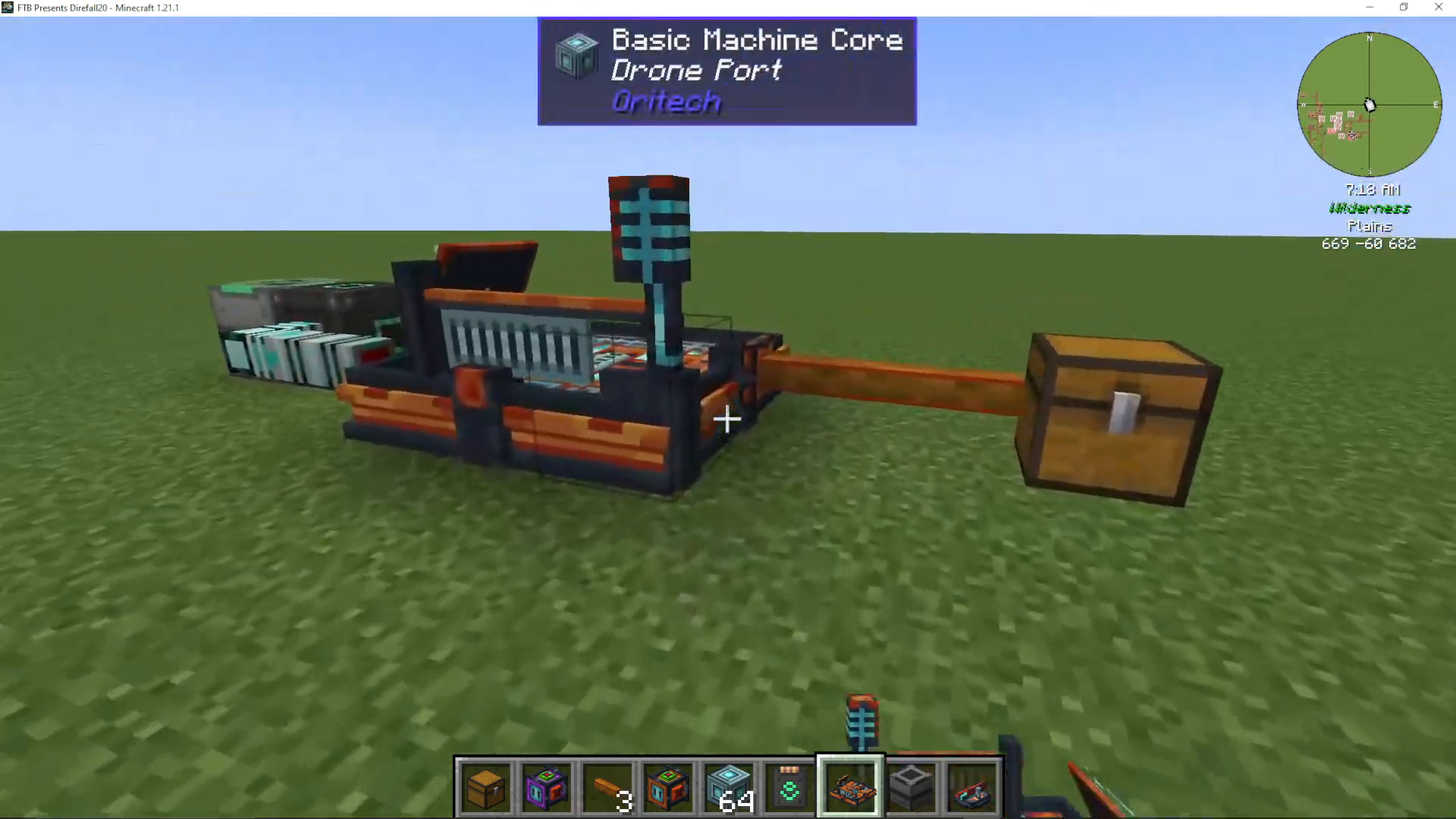
Advanced Setup: Automated Item Transportation
For a fully automated system, set up your Drone Port route like this:
Source: Connect an Item Pipe to extract items from a farm, quarry, or other production facility into your origin Drone Port
Transport: Drones automatically carry items between the two ports
Destination: Install an Item Pipe at your destination Drone Port to extract items into your storage inventory or processing facility
This setup allows items to continuously flow from production to processing or storage without any manual intervention.
Summary
The Oritech Drone Port is a powerful tool for long-distance item transportation in Minecraft 1.21.1. By gathering the necessary advanced materials, setting up two ports at least 50 blocks apart, and using the Target Designator to establish a link, you create an efficient automated system. Pair your ports with Item Pipes and inventories for seamless item flow across your entire world. With this guide, you should be ready to implement drone ports into your own Minecraft project.
Want to Support?
If you would like to help us continue making these guides – please consider joining our patreon here – https://www.patreon.com/c/JaviHeals
Alternatively – we host a group of MC Servers you can join here – https://discord.gg/zD7Gjt6MHF



