How To Make & Use A Thaumometer In Thaumcraft 6
How To Make & Use A Thaumometer In Thaumcraft 6
The Thaumometer is one of the most essential tools in Thaumcraft 6. It’s your primary way of scanning objects, discovering aspects, and building up the knowledge you need to progress through the mod. In this guide, we’ll walk you through crafting the Thaumometer, a highly recommended companion mod, and how to use it effectively — including some powerful scanning tricks that will save you a lot of time.
A Recommended Add-On: Thaumic Inventory Scanning
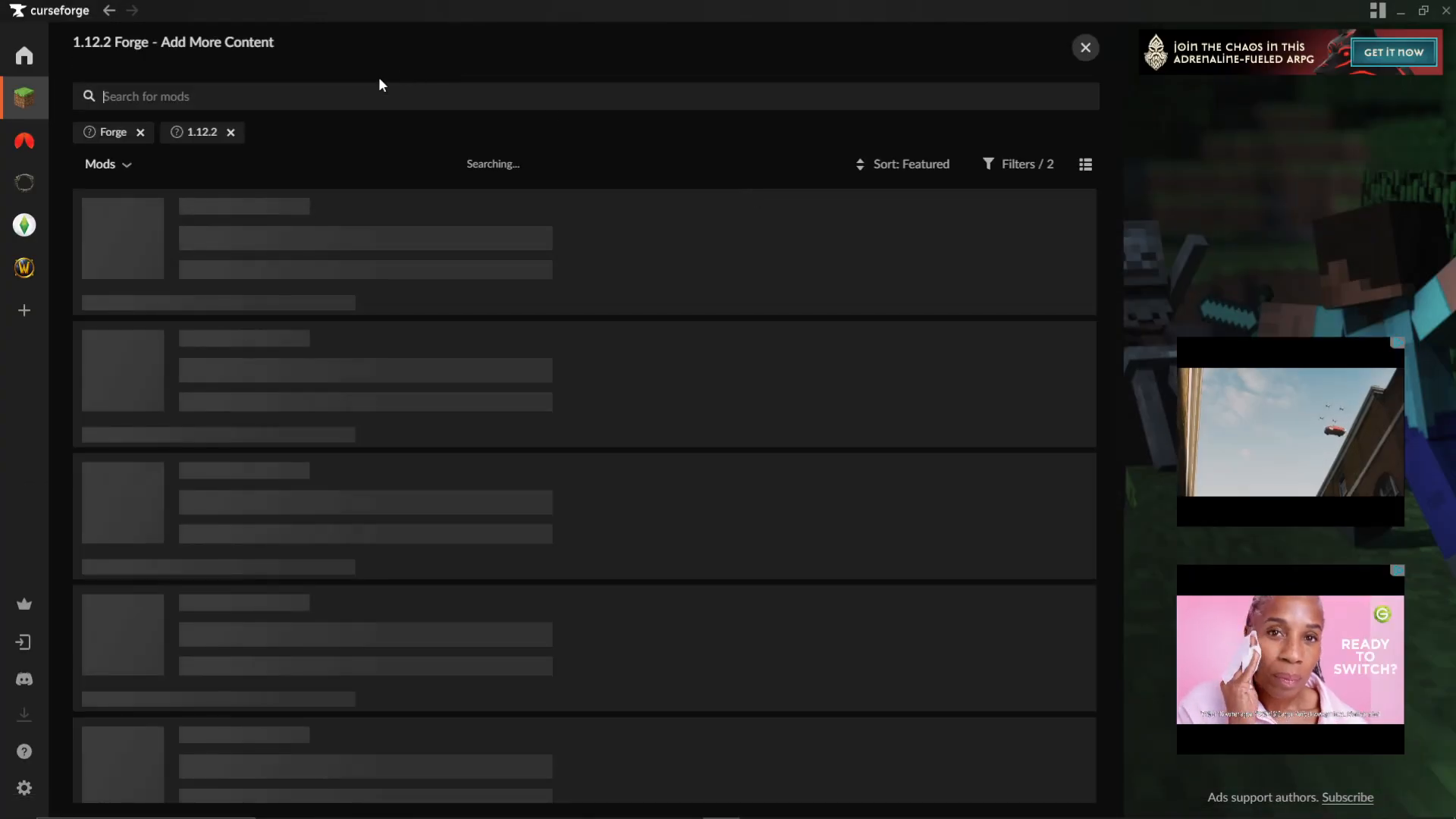
Before you craft the Thaumometer, there is one companion mod that is strongly recommended: Thaumic Inventory Scanning. You can find it on CurseForge by searching for “Thaumcraft” and locating it in the results. This mod dramatically improves the scanning experience by allowing you to scan items directly from your inventory, rather than dropping them on the ground one by one.
How To Craft The Thaumometer
Step 1: Set Up Your Arcane Workbench
The Thaumometer is crafted using an Arcane Workbench. If you don’t already have one set up, check the full Thaumcraft playlist for a guide on how to make it. You’ll need one before proceeding.
Step 2: Add The Required Aspects
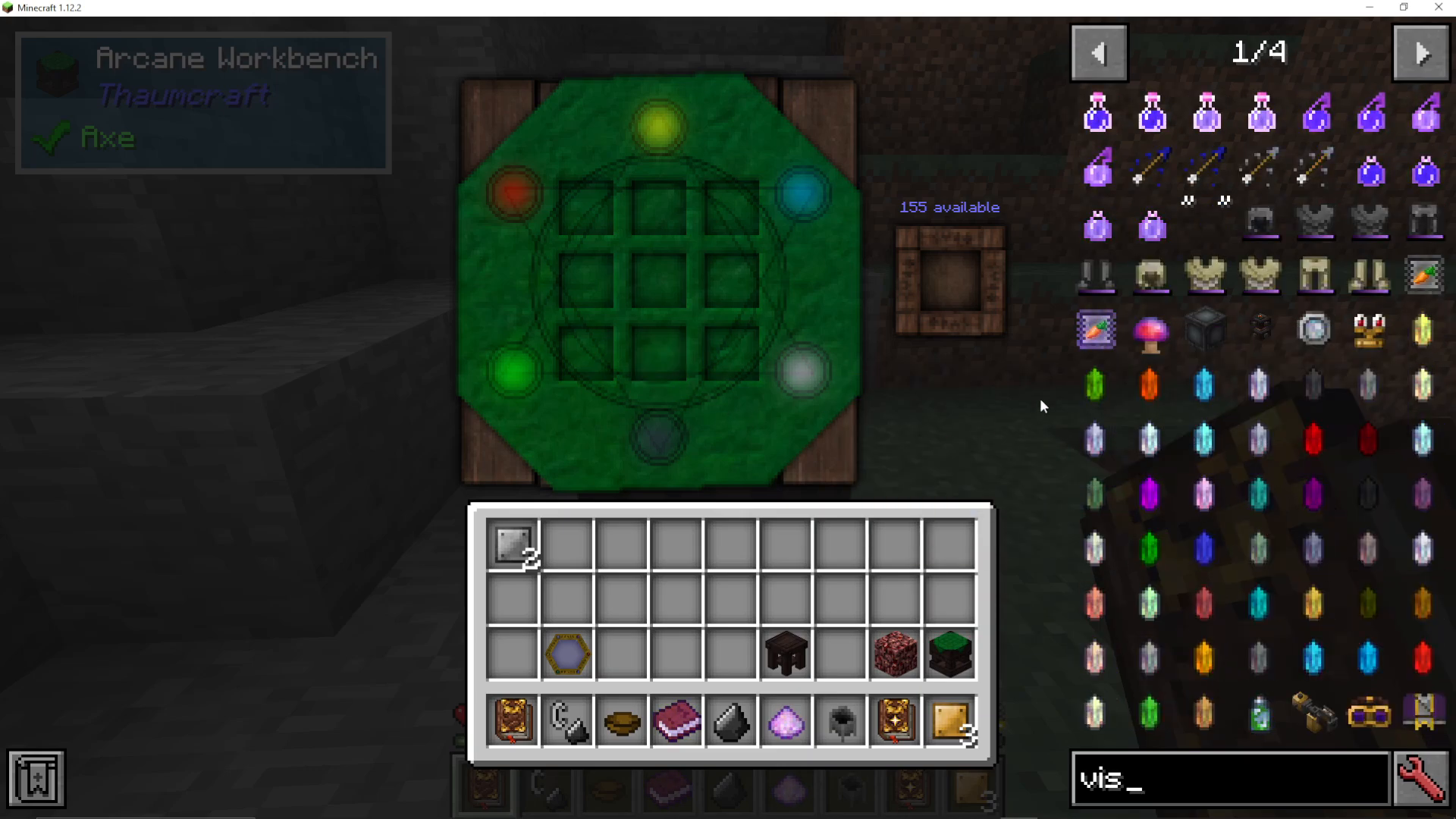
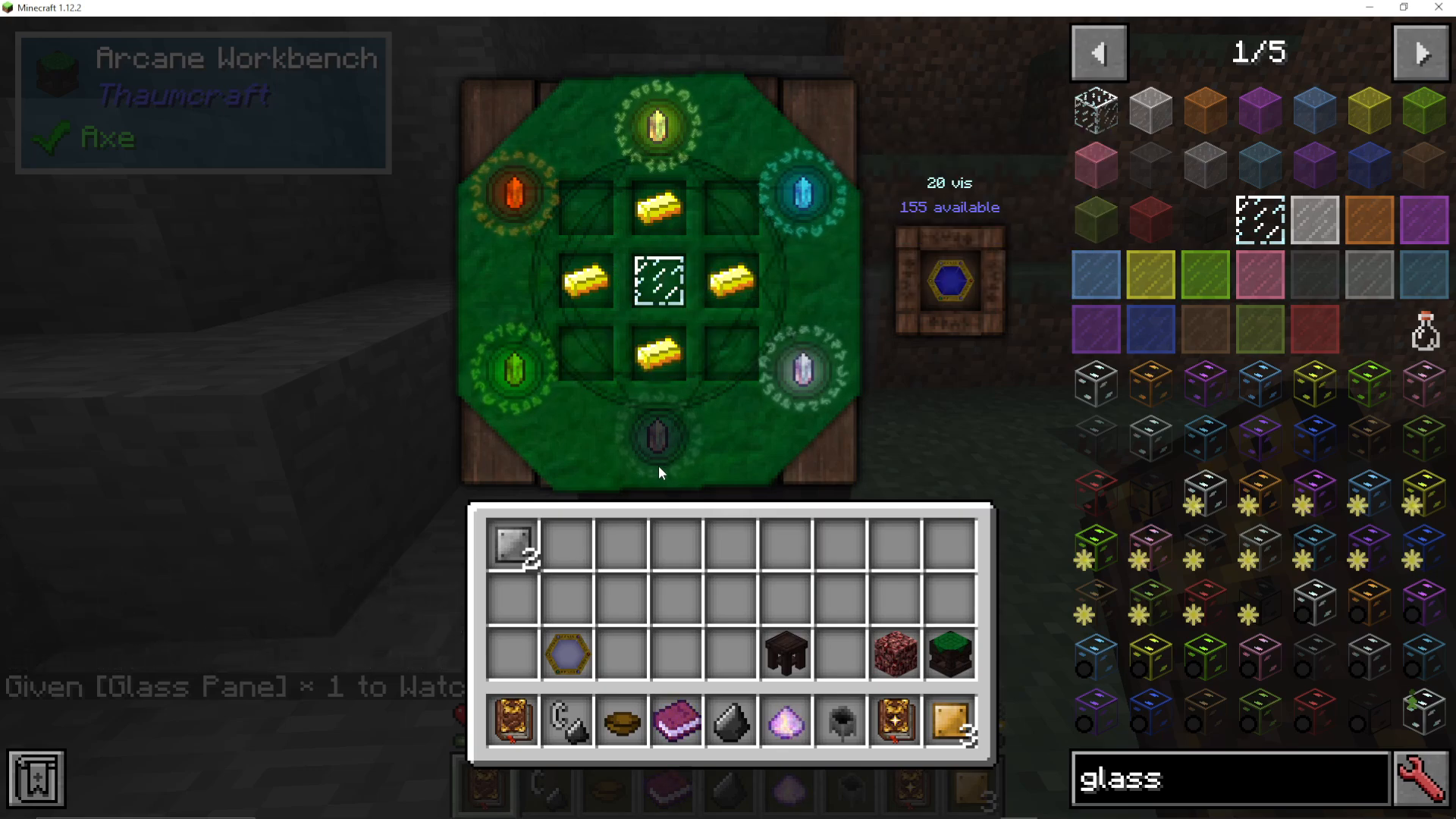
On the Arcane Workbench, you’ll need to add the following aspects: one each of Terra, Ignis, Aqua, Ordo, and Perditio. Place these into the bench as required.
Step 3: Place The Crafting Ingredients
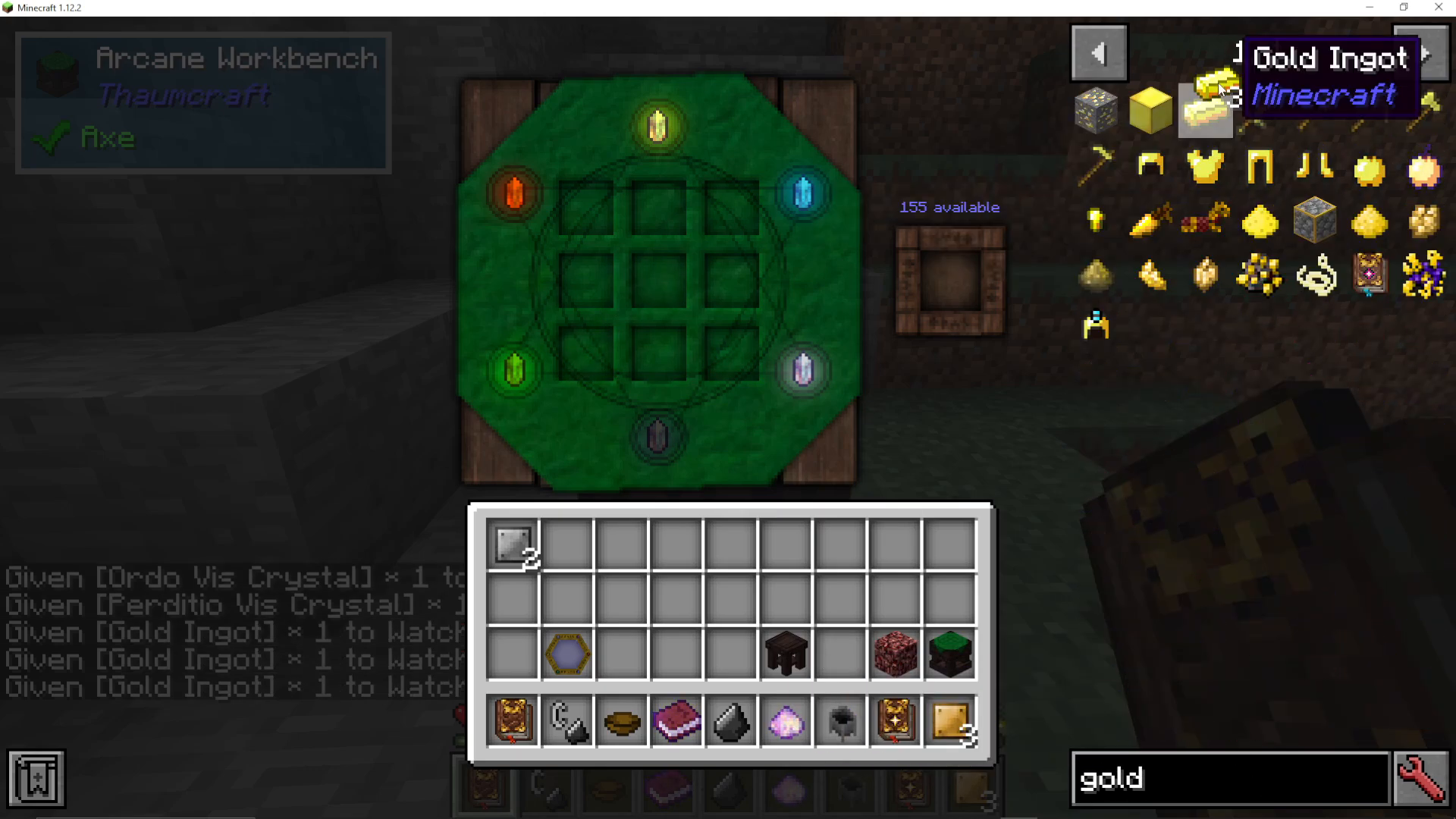
The crafting recipe itself is straightforward. Place four Gold ingots in the corners of the crafting grid, then put a Glass Pane in the centre. Once placed correctly, the recipe will light up on the bench.
Step 4: Check The Vis Cost
You’ll notice the recipe displays a cost of 20 Vis. Your Arcane Workbench must have at least 20 Vis available from the surrounding area to complete the craft. If you don’t have enough, try relocating your Arcane Workbench to a different chunk in your Minecraft world. Move it around until you find a location with sufficient Vis — it will recharge naturally in areas that have it.
How To Use The Thaumometer
Equipping The Thaumometer
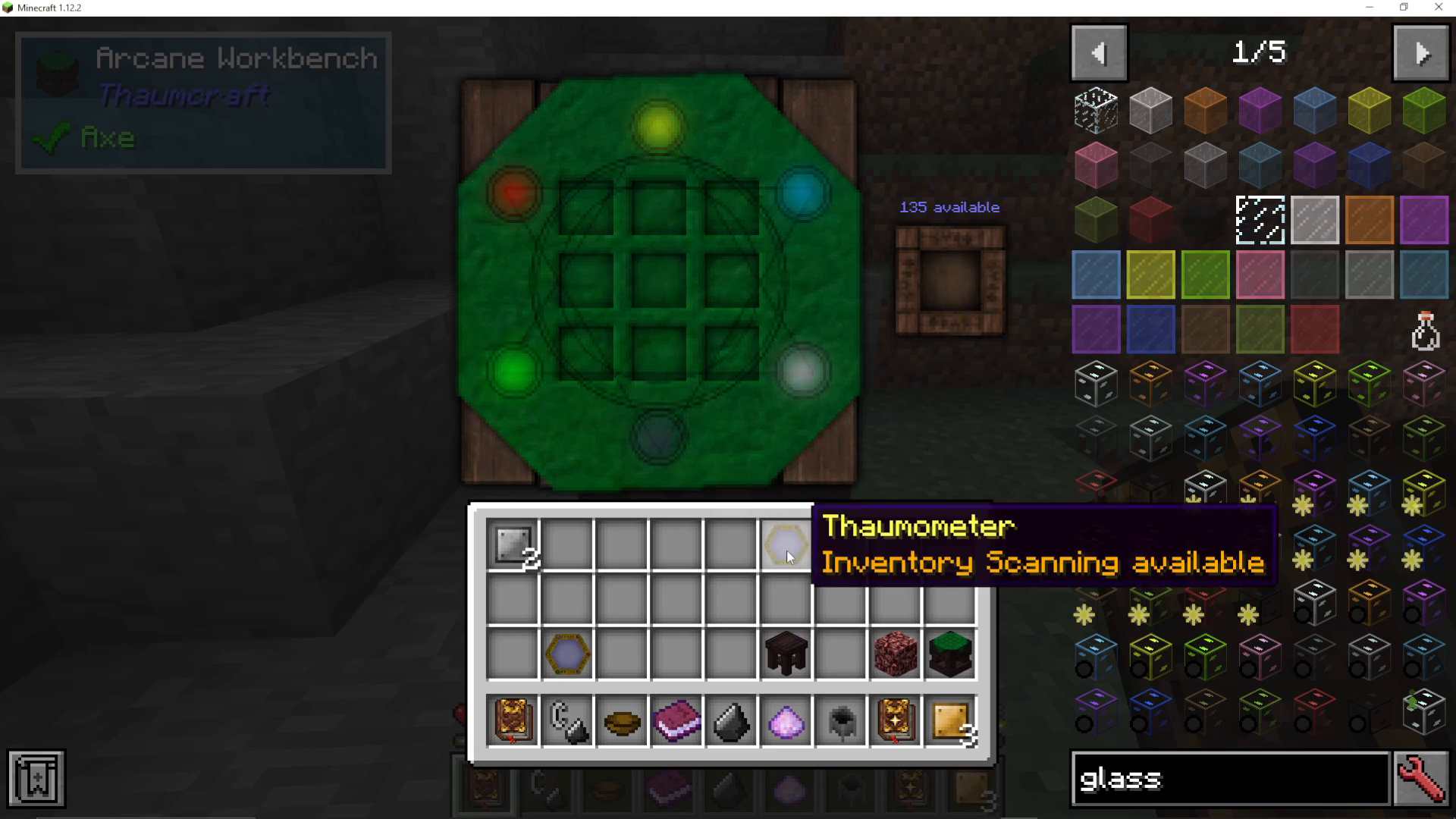
Once crafted, take the Thaumometer from the Arcane Workbench and equip it in your hand. When held, you’ll notice a bar in the top-left corner of your screen — this displays the amount of Vis currently available in your local area.
Basic Scanning: Right-Click Objects
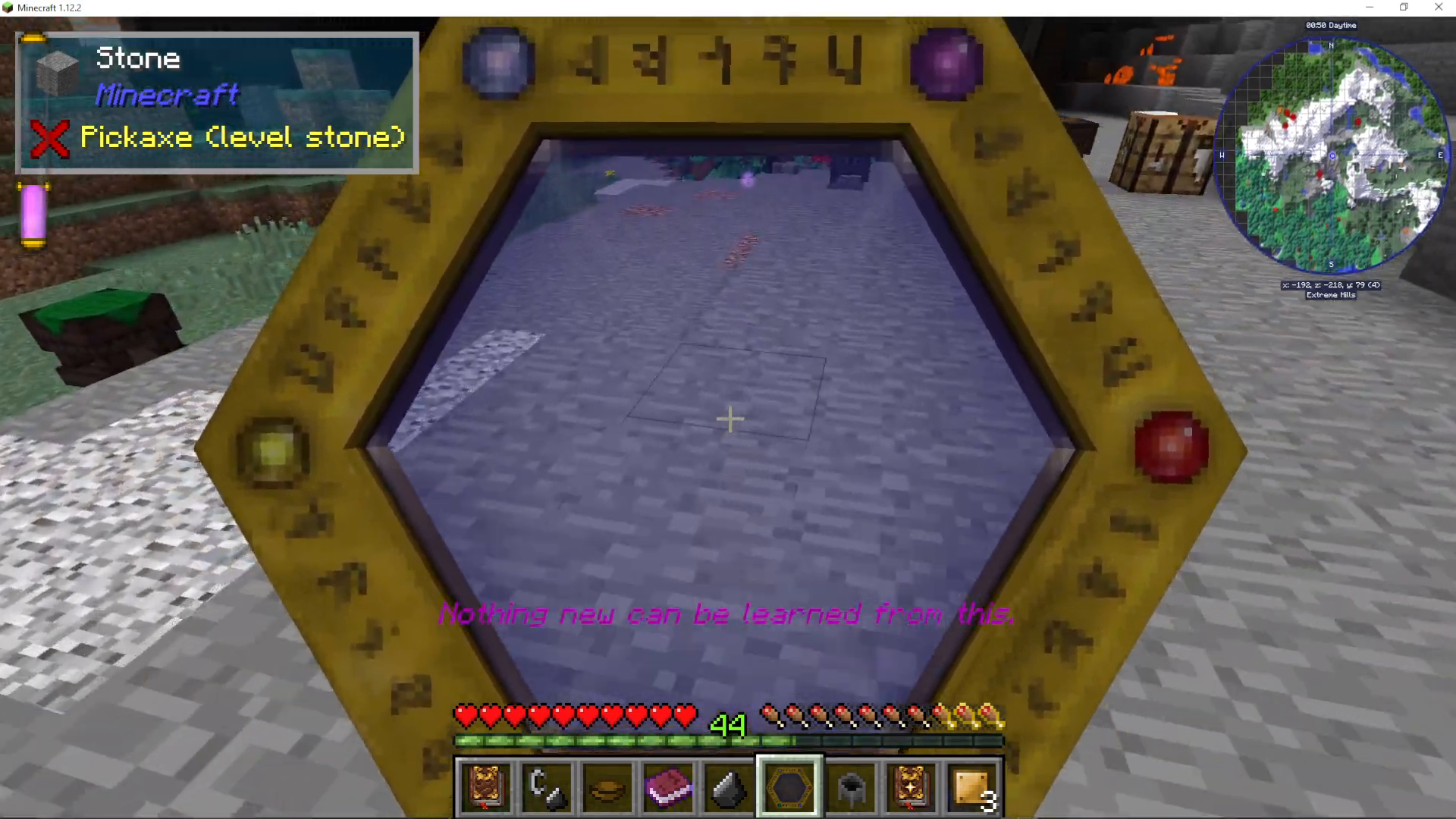
To scan objects in the world, simply right-click on them while holding the Thaumometer. You can scan flowers, machines, your Arcane Workbench, and blocks from other mods. Complex machines from other mods are particularly worth scanning, as they can reveal useful aspects. Keep right-clicking to continue learning from objects around you.
Shift-Click Scanning
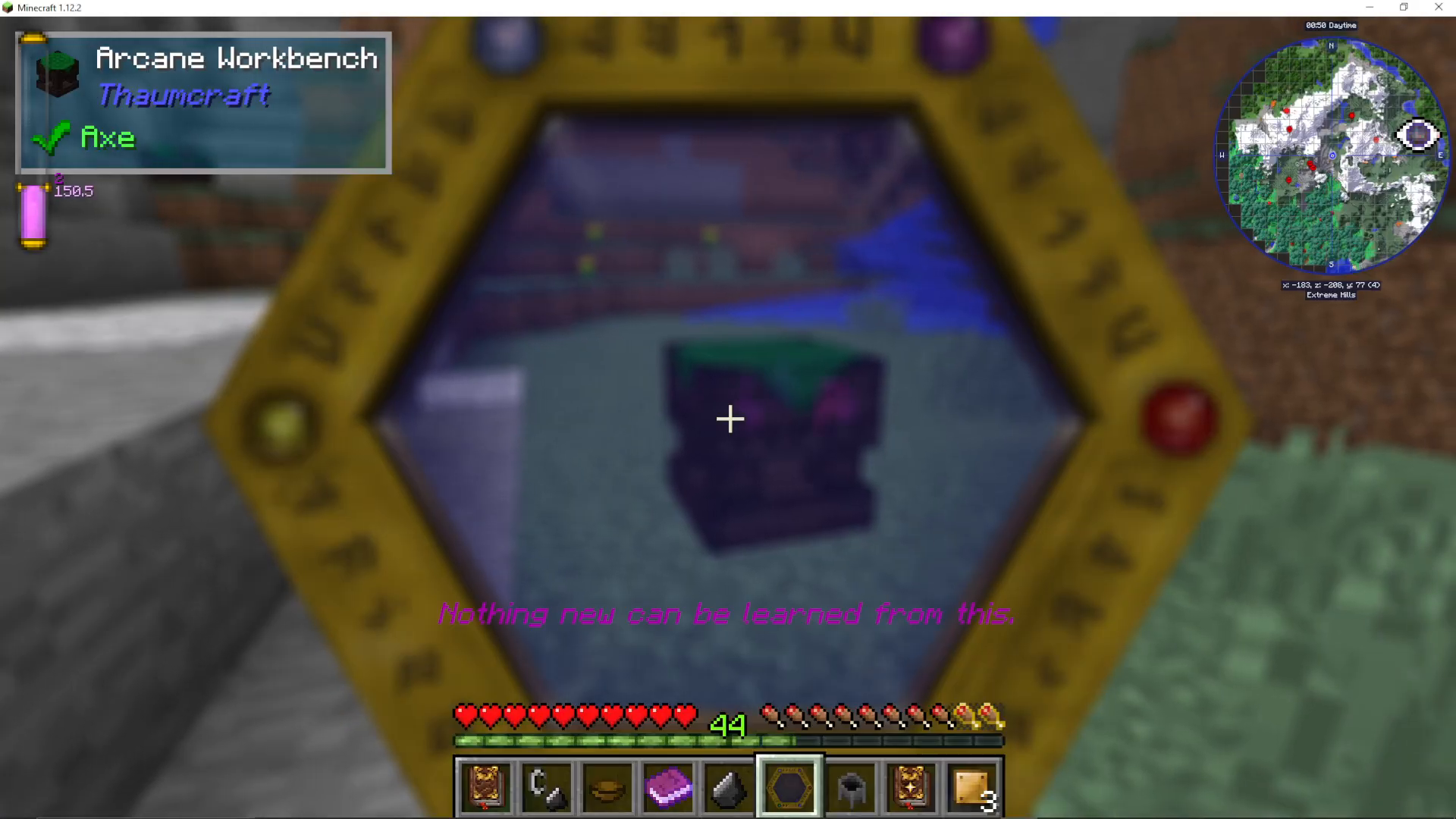
For a more efficient scan, you can shift + right-click an object. This triggers a full scan with visual feedback — you’ll see purple icons swirl around the target as knowledge is gained.
Scanning From Your Inventory (With Thaumic Inventory Scanning)
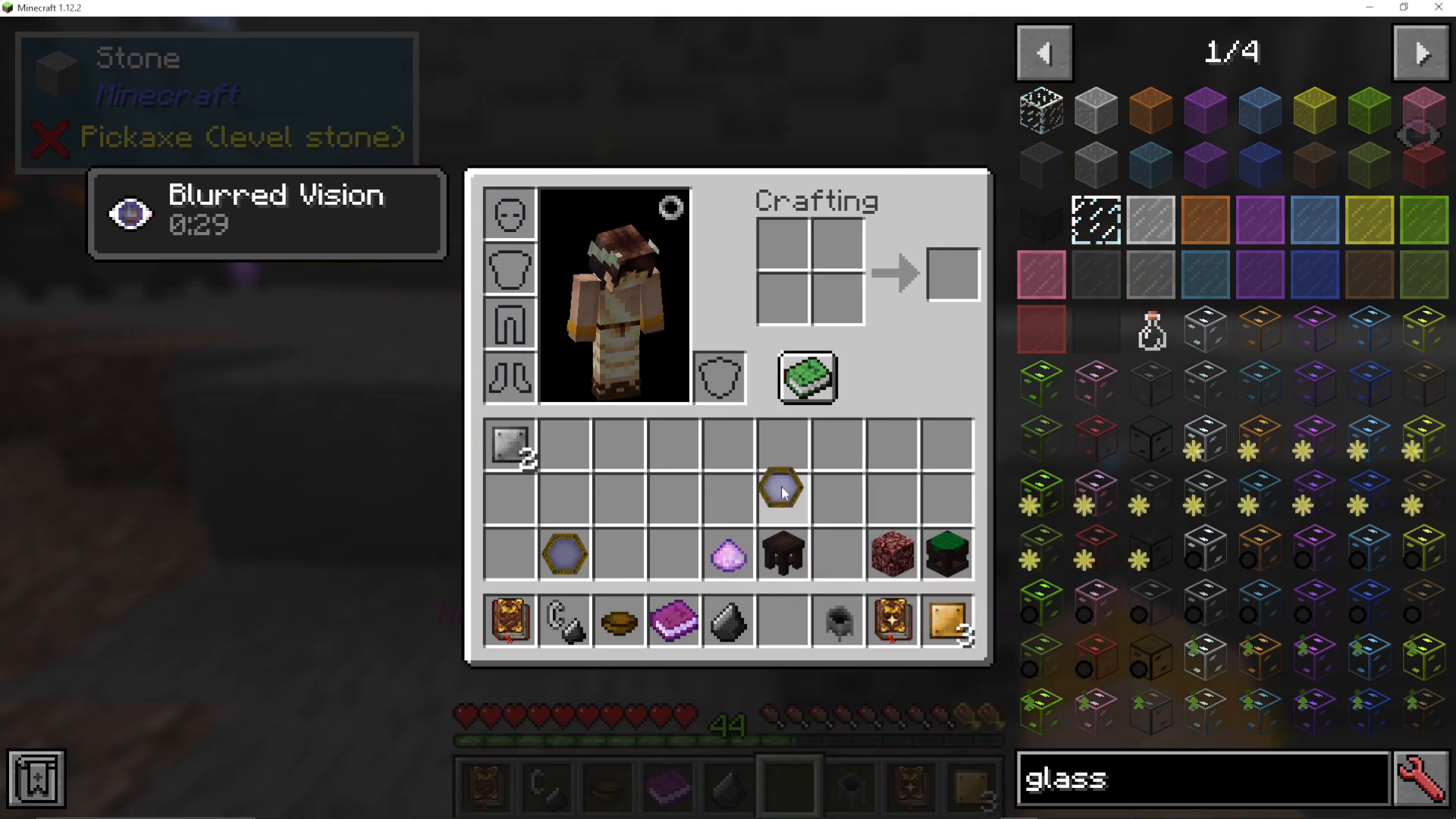
With the Thaumic Inventory Scanning mod installed, open your inventory while holding the Thaumometer and simply hover over items in your inventory. The mod will automatically scan them as you mouse over each one — no need to drop anything on the floor. This is by far the fastest way to gain aspects and knowledge from items you already have.
Scanning Without The Add-On
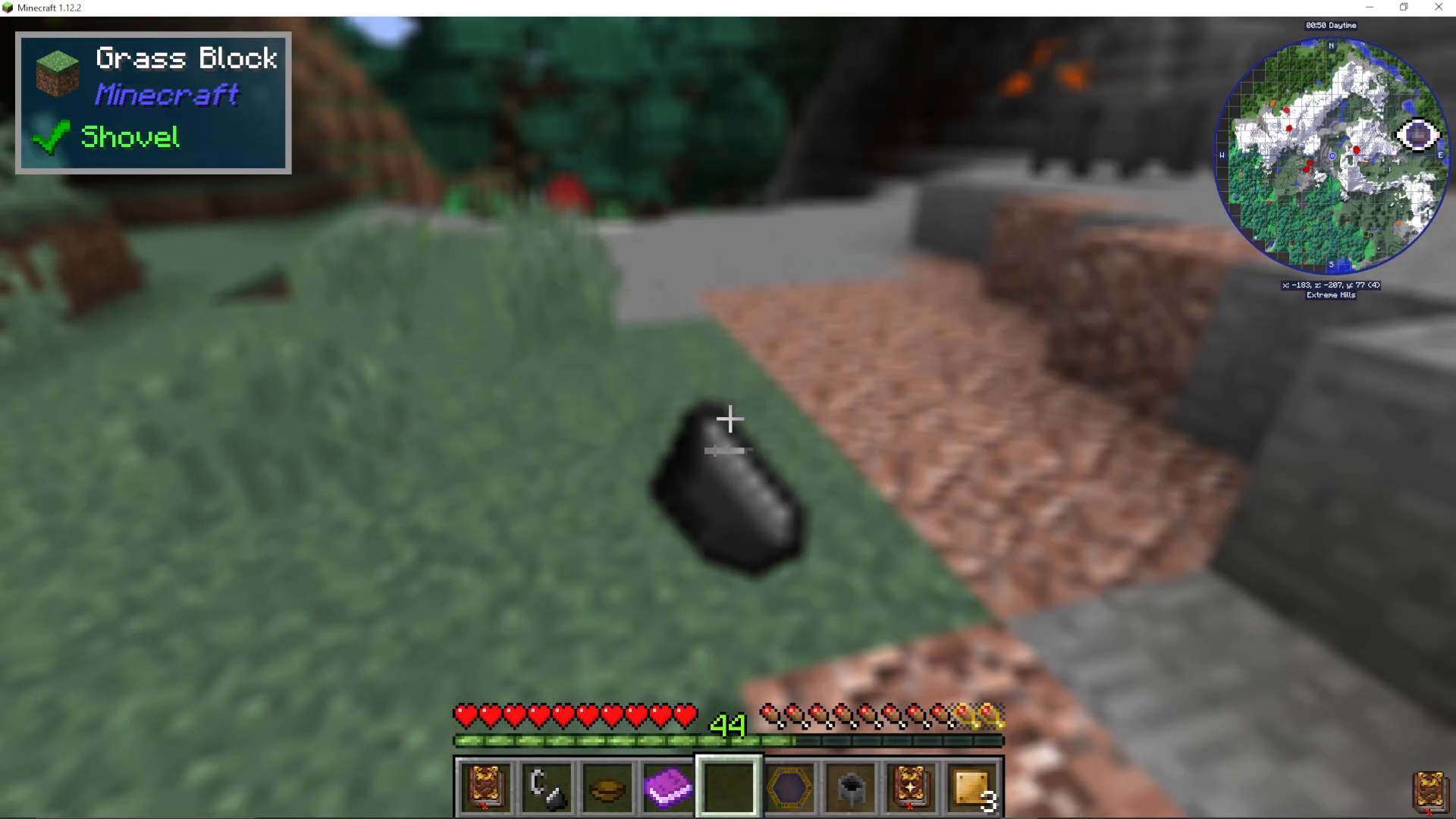
If you choose not to install Thaumic Inventory Scanning, you can still scan items manually by dropping them on the ground and then shift + right-clicking them with the Thaumometer. It works, but it’s considerably slower.
Scanning Chests
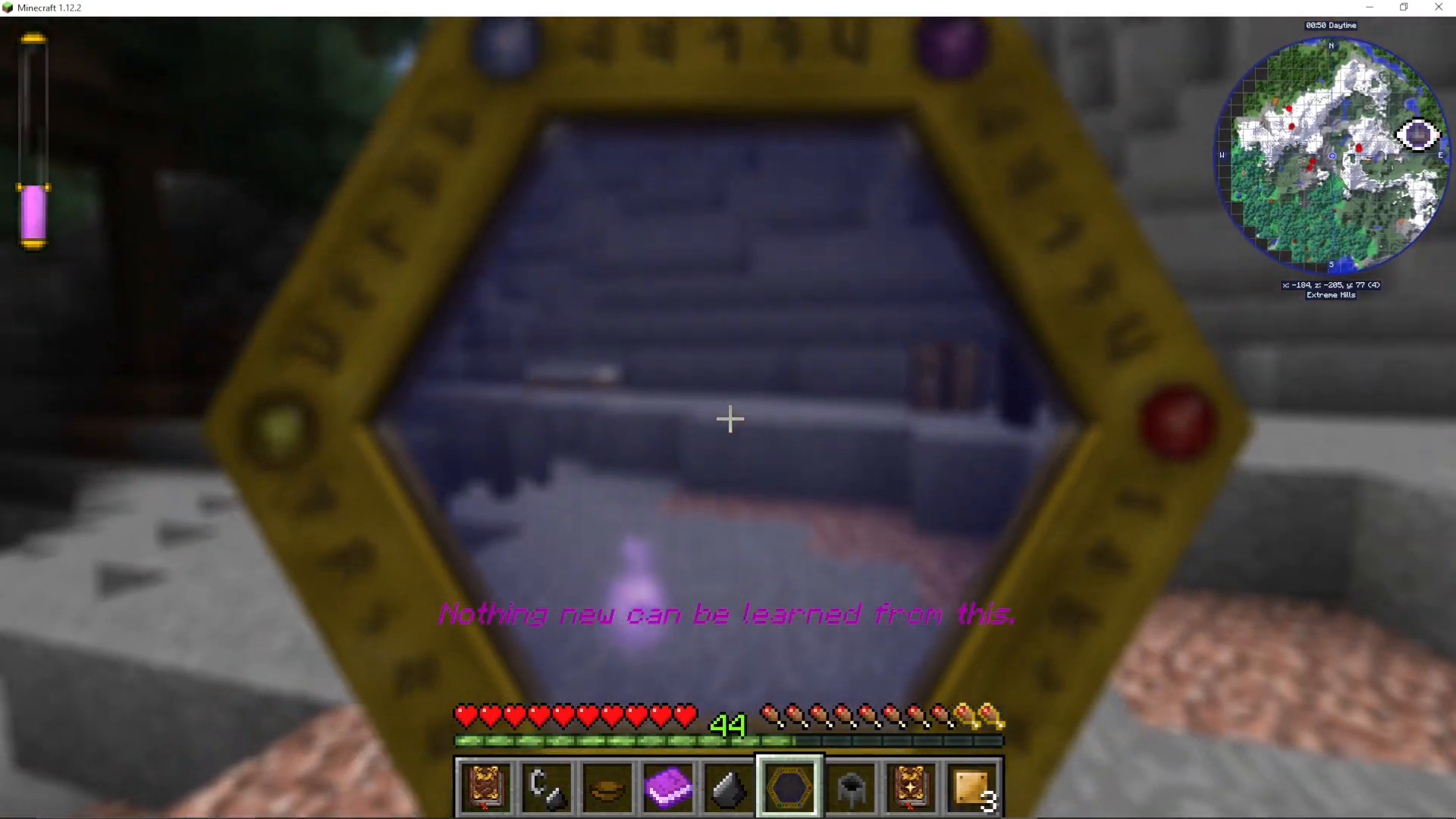
Another powerful feature is the ability to scan entire chests at once. Simply shift + right-click a chest with the Thaumometer and it will scan every item stored inside it in one go — a huge time saver when you have large storage setups.
Why Scanning Matters In Thaumcraft 6
Scanning objects with the Thaumometer is how you accumulate knowledge in Thaumcraft 6. As you scan more items and blocks, you’ll unlock research points and progress through the mod’s research tree. When you open your Thaumonomicon and see prompts to “learn the fundamentals” of a topic, that’s a signal that you need to scan more relevant objects. The more you scan, the further you can progress.
Summary
The Thaumometer is crafted at an Arcane Workbench using four Gold ingots, a Glass Pane, and 20 Vis — with aspects of Terra, Ignis, Aqua, Ordo, and Perditio applied. Once in hand, use it to right-click or shift + right-click objects in the world, drop items and scan them on the ground, or — with the Thaumic Inventory Scanning mod — hover over items directly in your inventory for the fastest possible scanning experience. Scanning is fundamental to progressing in Thaumcraft 6, so get scanning early and often.
Want to Support?
If you would like to help us continue making these guides – please consider joining our patreon here – https://www.patreon.com/c/JaviHeals
Alternatively – we host a group of MC Servers you can join here – https://discord.gg/zD7Gjt6MHF