How to Make Gold Leaves in Nature’s Aura – Minecraft 1.21.1
How to Make Gold Leaves & Gold Dust in Nature’s Aura – Minecraft 1.21.1
In this guide, you’ll learn exactly how to obtain gold leaves and gold dust (gold powder) in the Nature’s Aura mod for Minecraft 1.21.1. Whether you’re just getting started with the mod or looking to streamline your resource gathering, this step-by-step tutorial will walk you through the entire process — from crafting Brilliant Fiber to breaking fully golden leaves.
Identifying Golden Leaves
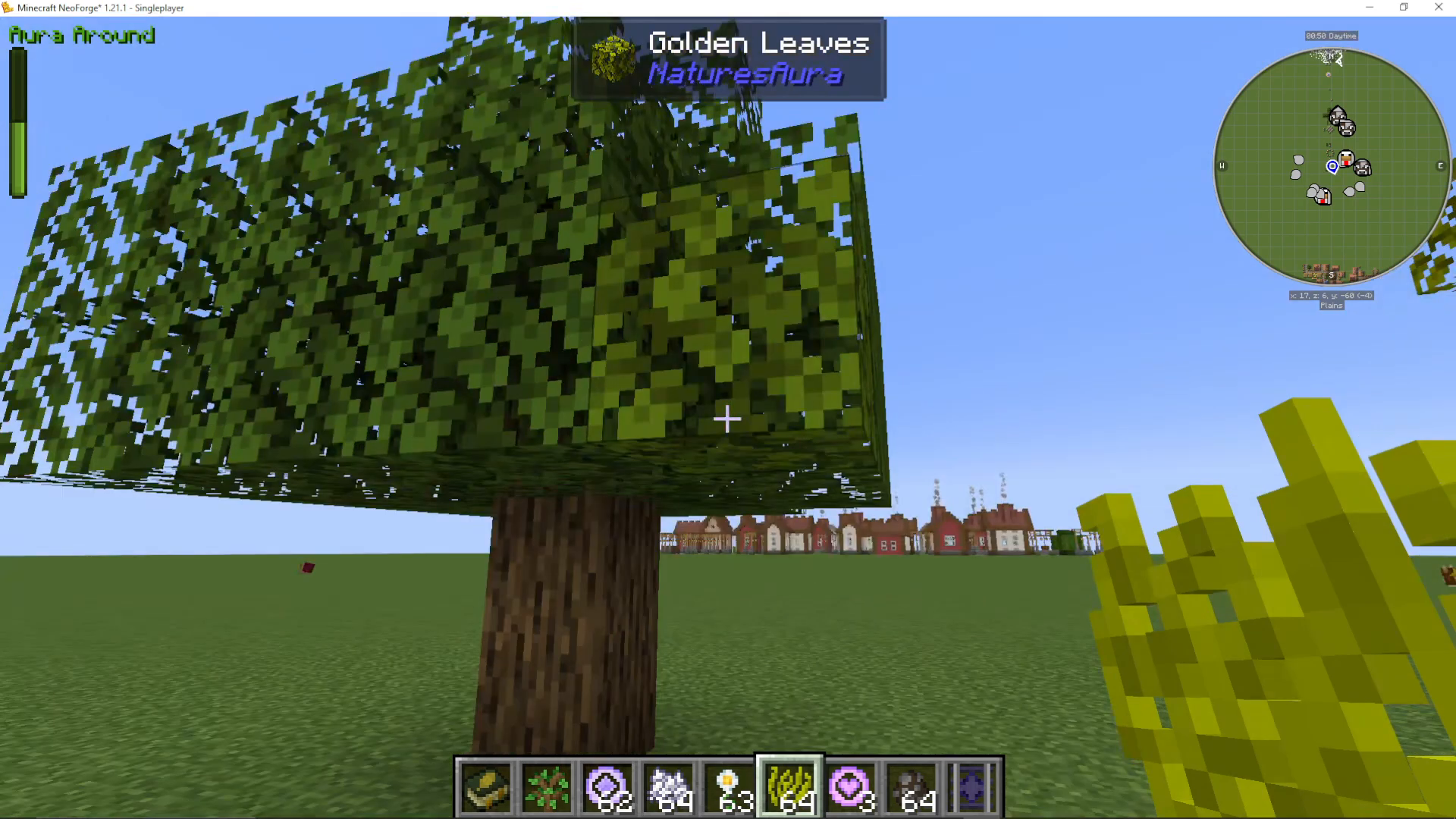
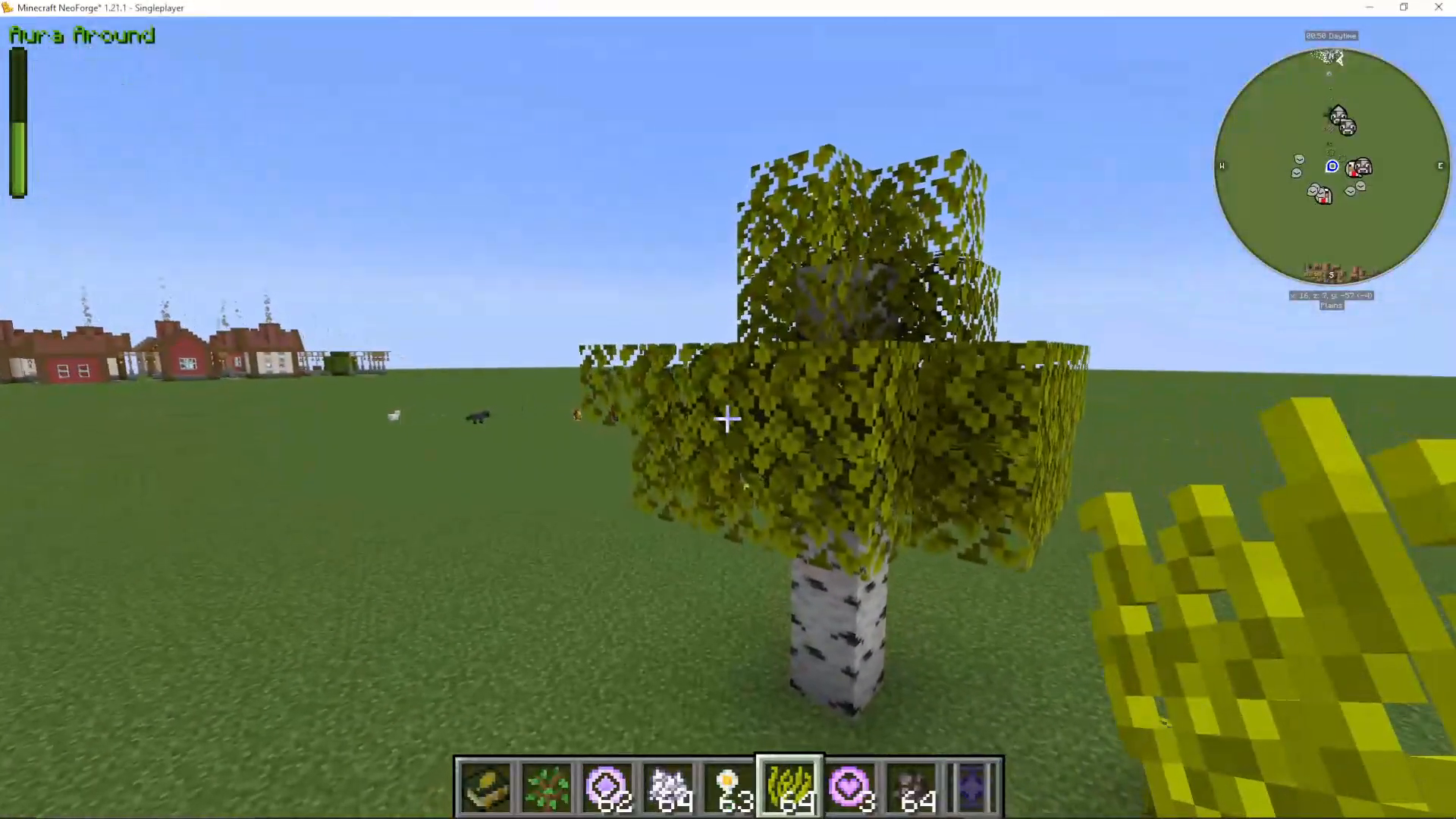
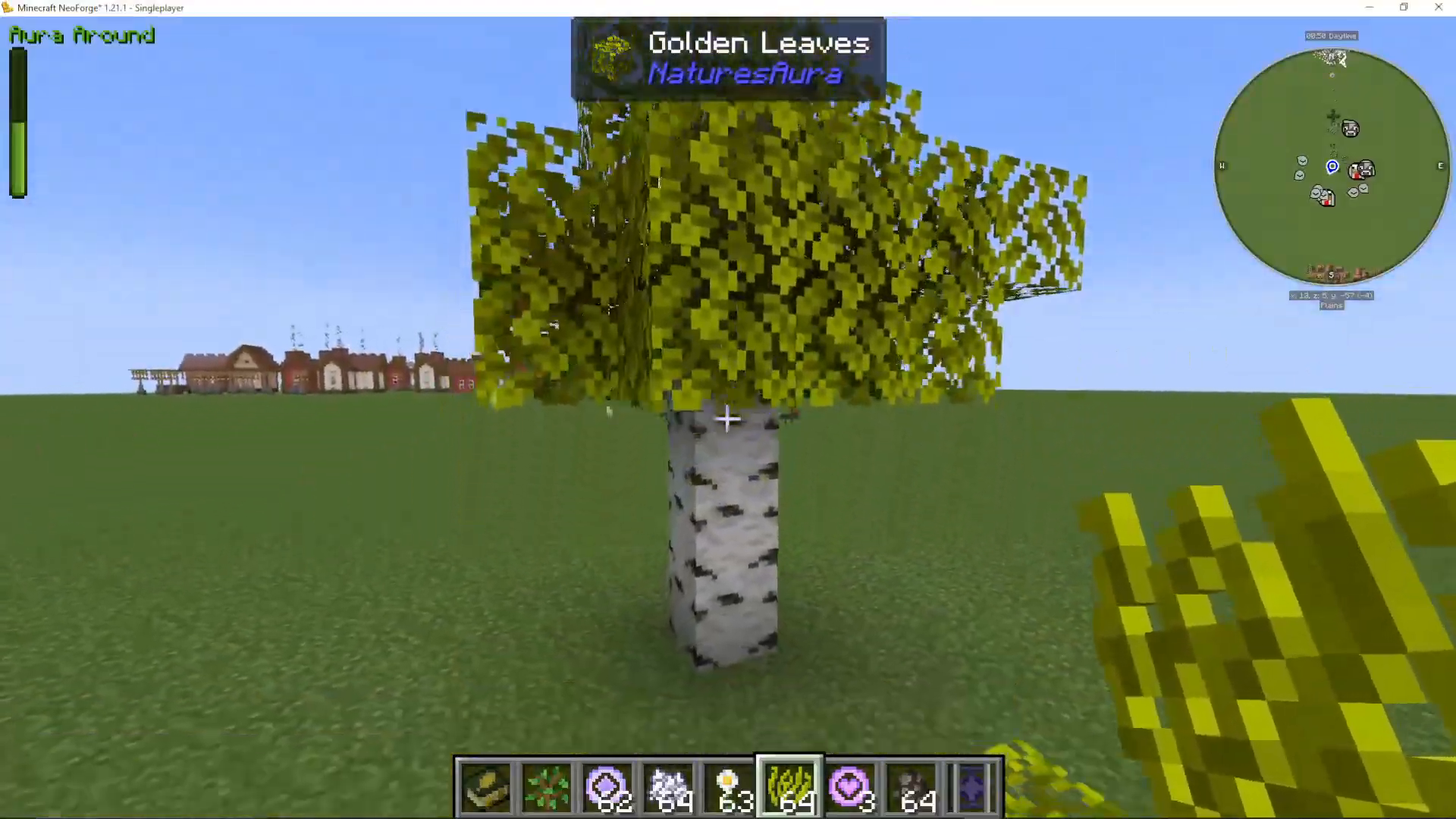
Before diving into crafting, it helps to know what a fully converted golden leaf looks like. Golden leaves will obviously appear golden in colour, but the colour change can be subtle as the leaves gradually transform. The clearest indicator that your leaves are fully golden is the appearance of small glowing orbs of light visible inside the leaf block. If you don’t see those orbs, the conversion isn’t complete yet.
Step 1 – Craft Brilliant Fiber
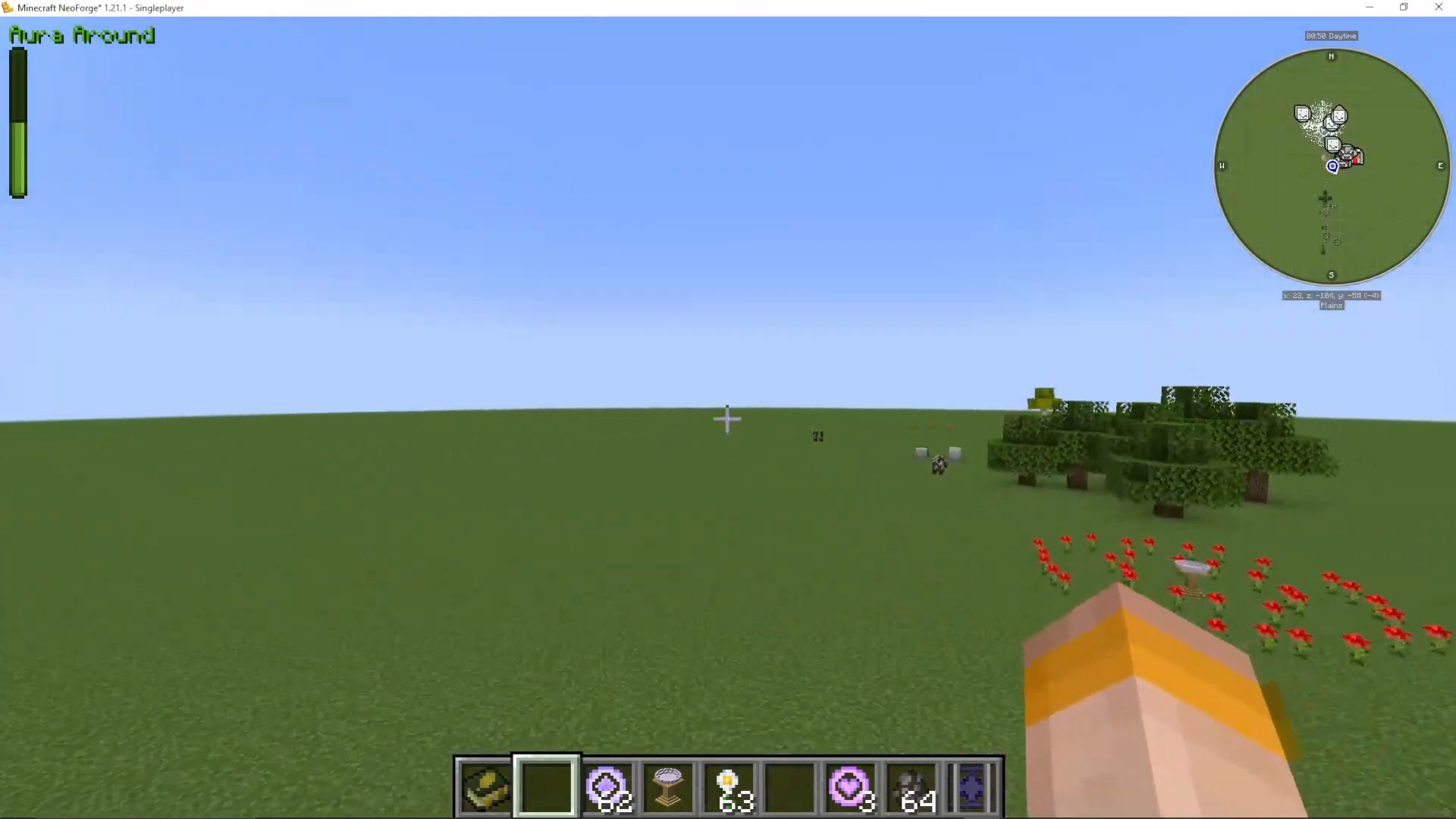
The first thing you need to do is craft Brilliant Fiber. To make it, gather the following materials:
4 Leaves – any leaf type in the game, collected with shears
4 Gold Nuggets
1 Short Grass – also collected using shears
Once you have those materials, open your crafting table and combine them to produce Brilliant Fiber. Note that one crafting recipe yields 4 Brilliant Fiber, so it’s worth crafting in bulk. A good strategy is to prepare enough to treat four individual trees at once.
Step 2 – Apply Brilliant Fiber to a Leaf Block
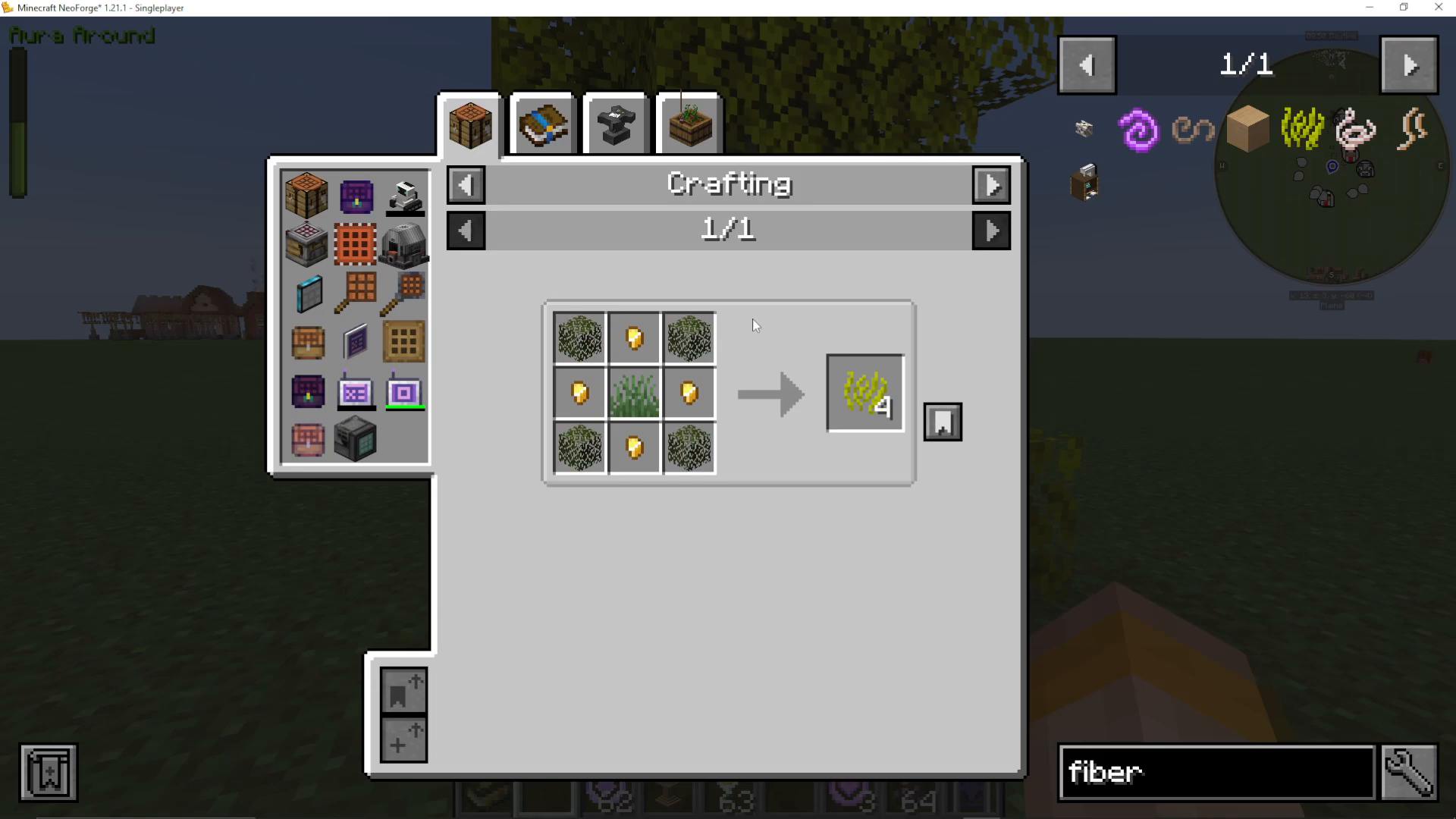
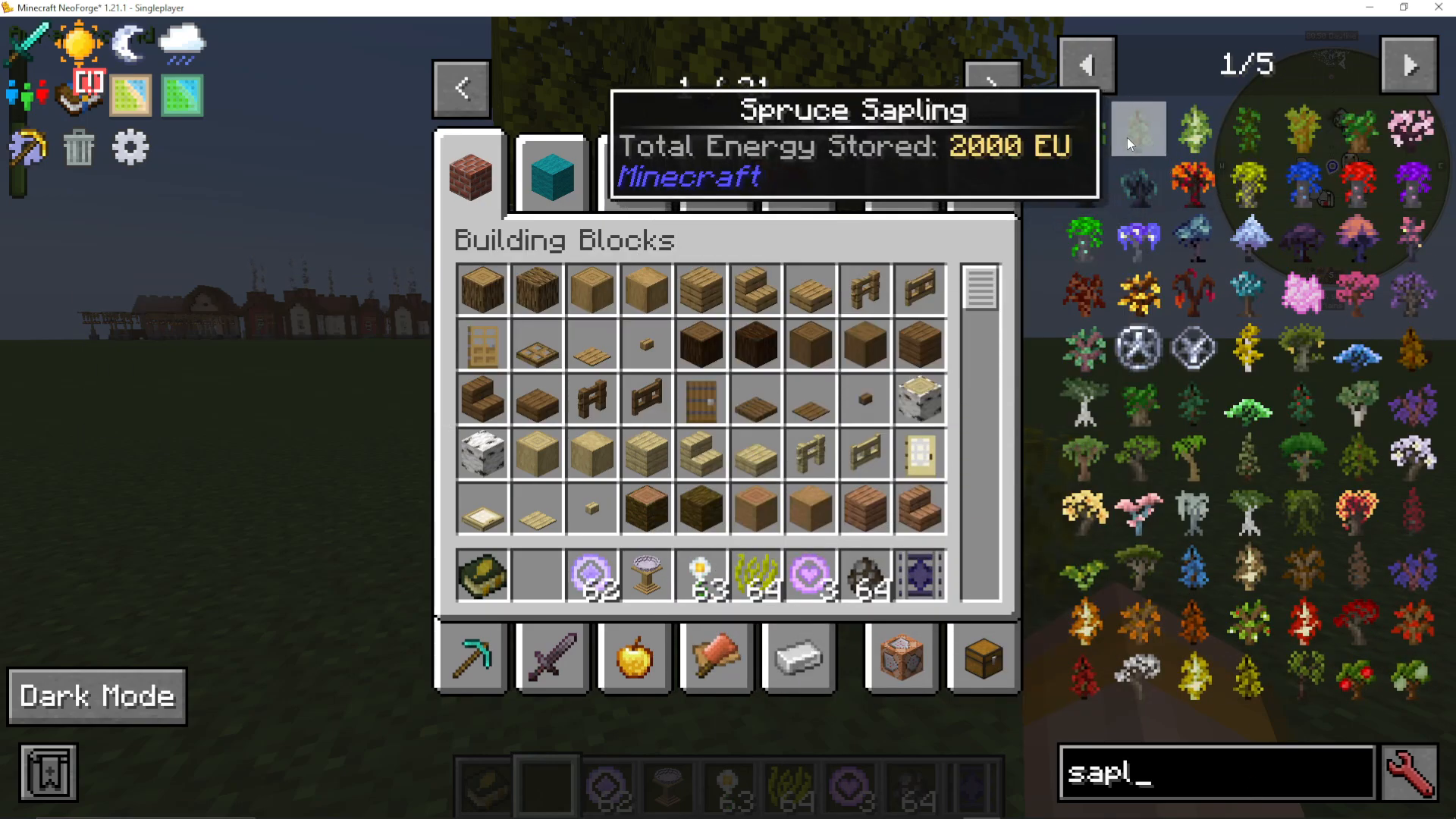
With your Brilliant Fiber in hand, plant a sapling and let it grow into a full tree. Once the tree is grown, select your Brilliant Fiber and right-click it onto any single leaf block on the tree. When you first apply it, the leaf will not appear to change immediately — this is completely normal.
After roughly 20 seconds, you’ll begin to notice a subtle colour shift in the leaf you treated. This is the start of the golden conversion process.
Does Every Leaf Need Brilliant Fiber?
No — you only need to apply Brilliant Fiber to one leaf per tree. The effect will automatically spread to all the remaining leaves on the tree over time. There is no need to individually treat every leaf block. Simply be patient and wait for the entire tree to turn golden.
Step 3 – Harvest the Golden Leaves
Once the tree has fully converted — indicated by those glowing orbs of light present in all the leaf blocks — switch to Survival mode and begin breaking the leaves. Each fully golden leaf block you break will drop a Gold Leaf item.
What to Do With Gold Leaves
Gold Leaves are a versatile resource in Nature’s Aura and have two primary uses:
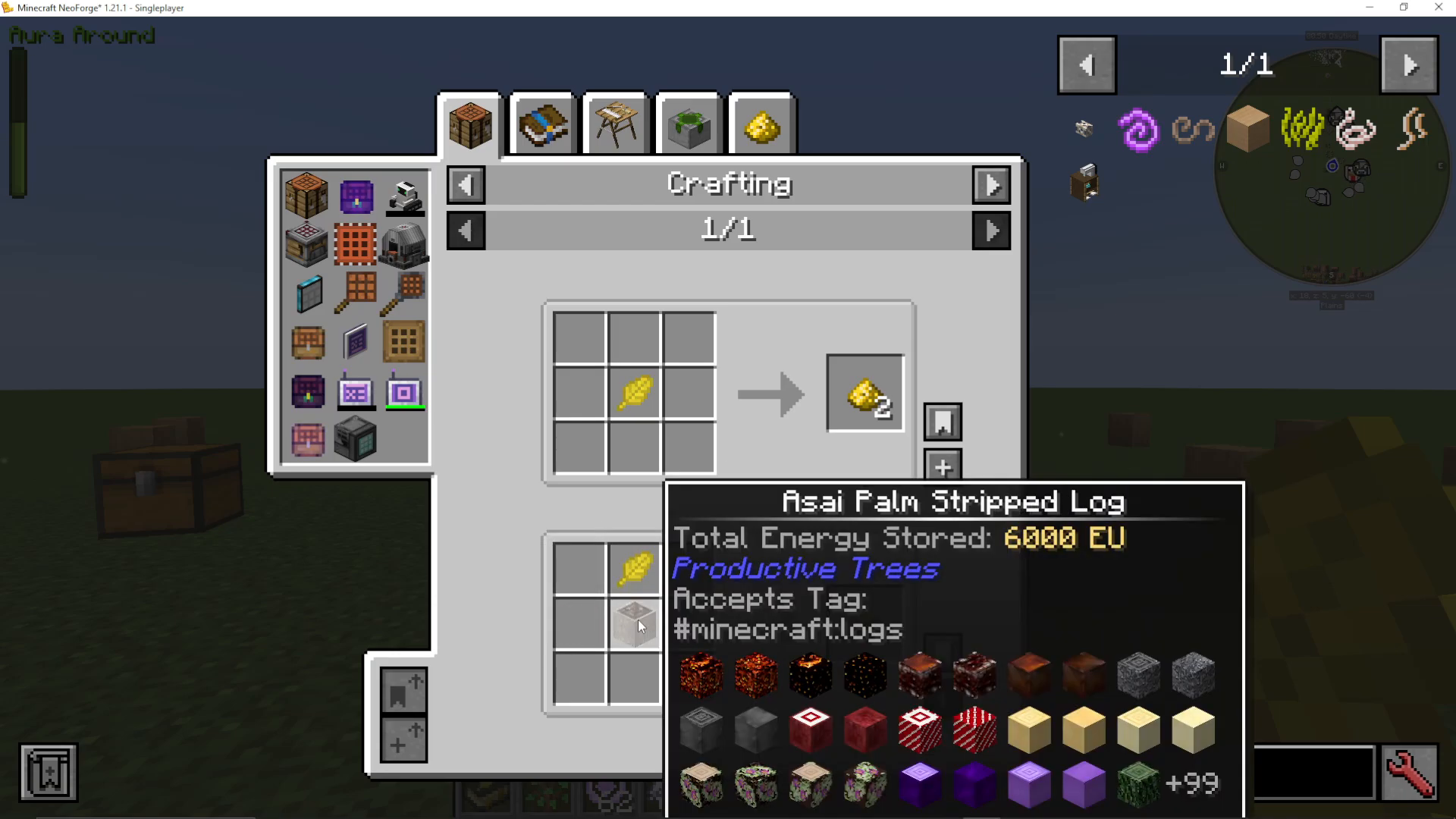
Craft Gold Powder
Place a Gold Leaf into your crafting table on its own to convert it into Gold Powder (also called gold dust). This material is used frequently throughout Nature’s Aura crafting recipes, so it’s worth stockpiling.
Craft a Wooden Stand
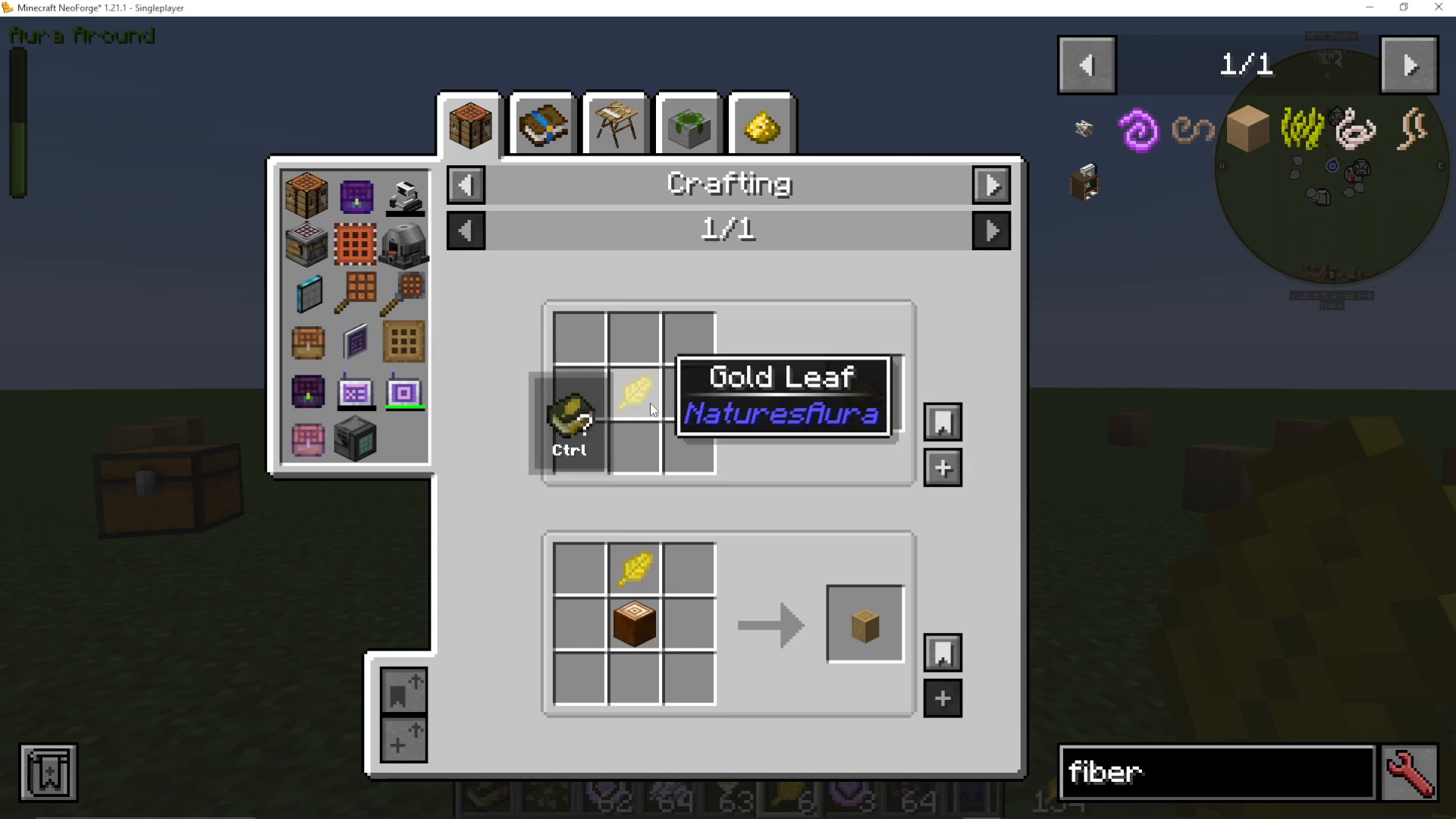
Combine a Gold Leaf with any type of log in your crafting table to craft a Wooden Stand. The Wooden Stand is an essential component for setting up the Ritual of the Forest — the primary and first method for crafting special items within Nature’s Aura.
Next Steps in Nature’s Aura
Now that you have Gold Leaves and Gold Powder, you’re well on your way through the early progression of Nature’s Aura. For a full walkthrough of the Ritual of the Forest, check out the dedicated tutorial on the channel. If you want to explore everything this mod has to offer, the Ultimate Guide to Nature’s Aura covers the mod in its entirety and is also available on the channel.
Summary
To get Gold Leaves in Nature’s Aura for Minecraft 1.21.1: craft Brilliant Fiber using 4 leaves, 4 gold nuggets, and 1 short grass; right-click it onto a single leaf on a grown tree; wait for the entire tree to turn golden (look for the glowing orbs); then break the leaves in Survival mode to collect Gold Leaves. Use those leaves to craft Gold Powder or a Wooden Stand for the Ritual of the Forest.
Want to Support?
If you would like to help us continue making these guides – please consider joining our patreon here – https://www.patreon.com/c/JaviHeals
Alternatively – we host a group of MC Servers you can join here – https://discord.gg/zD7Gjt6MHF