How to Make Alchemical Niter in Theurgy
How to Make Alchemical Niter in Theurgy
If you’ve already crafted your Alchemical Sulphur in Theurgy, the next step in your alchemical journey is fermentation and digestion. This guide walks you through exactly how to convert Alchemical Sulphur into Alchemical Niter, how to use the Fermentation Vat and Digestion Vat, and how to upgrade or downgrade your Niter tiers. Whether you’re a beginner or just getting to grips with Theurgy, this step-by-step tutorial has you covered.
What Is Alchemical Niter and Why Do You Need It?
Alchemical Niter is primarily used for duplication — a process that comes after digestion. Unlike Alchemical Sulphur, there aren’t versions of Niter for every single item. Instead, Niter is organised into tiers and categories. Here is a breakdown of the available types:
Abundant Urban Materials / Common Urban Materials
Abundant Gems / Common Gems / Rare Gems / Precious Gems
Abundant Metals / Common Metals / Rare Metals / Precious Metals
Abundant Other Minerals / Common / Rare / Precious Other Minerals
Abundant Logs (the only wood/log tier)
Abundant Crops (the only crop tier)
Abundant Animal Parts / Common Animal Parts / Rare Animal Parts
Abundant Mob Drops / Common / Rare / Precious Mob Drops
Using the same example from the Alchemical Sulphur tutorial — Alchemical Potato Sulphur — since potatoes are a common crop, this will convert into Abundant Crops Alchemical Niter.
Step 1: Setting Up the Fermentation Vat
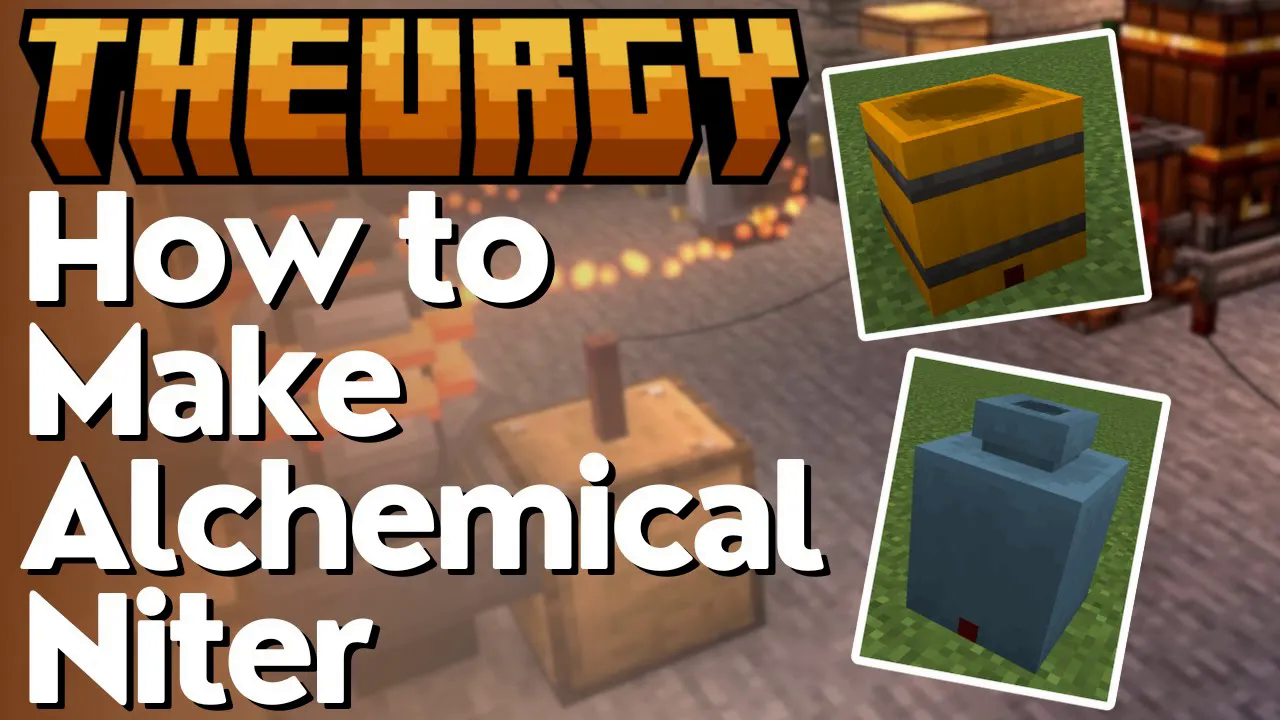
To begin, you will need to craft a Fermentation Vat. Once built, fill it with water and then add your Alchemical Sulphur — in this case, Alchemical Potato Sulphur.
What Else Do You Need to Ferment?
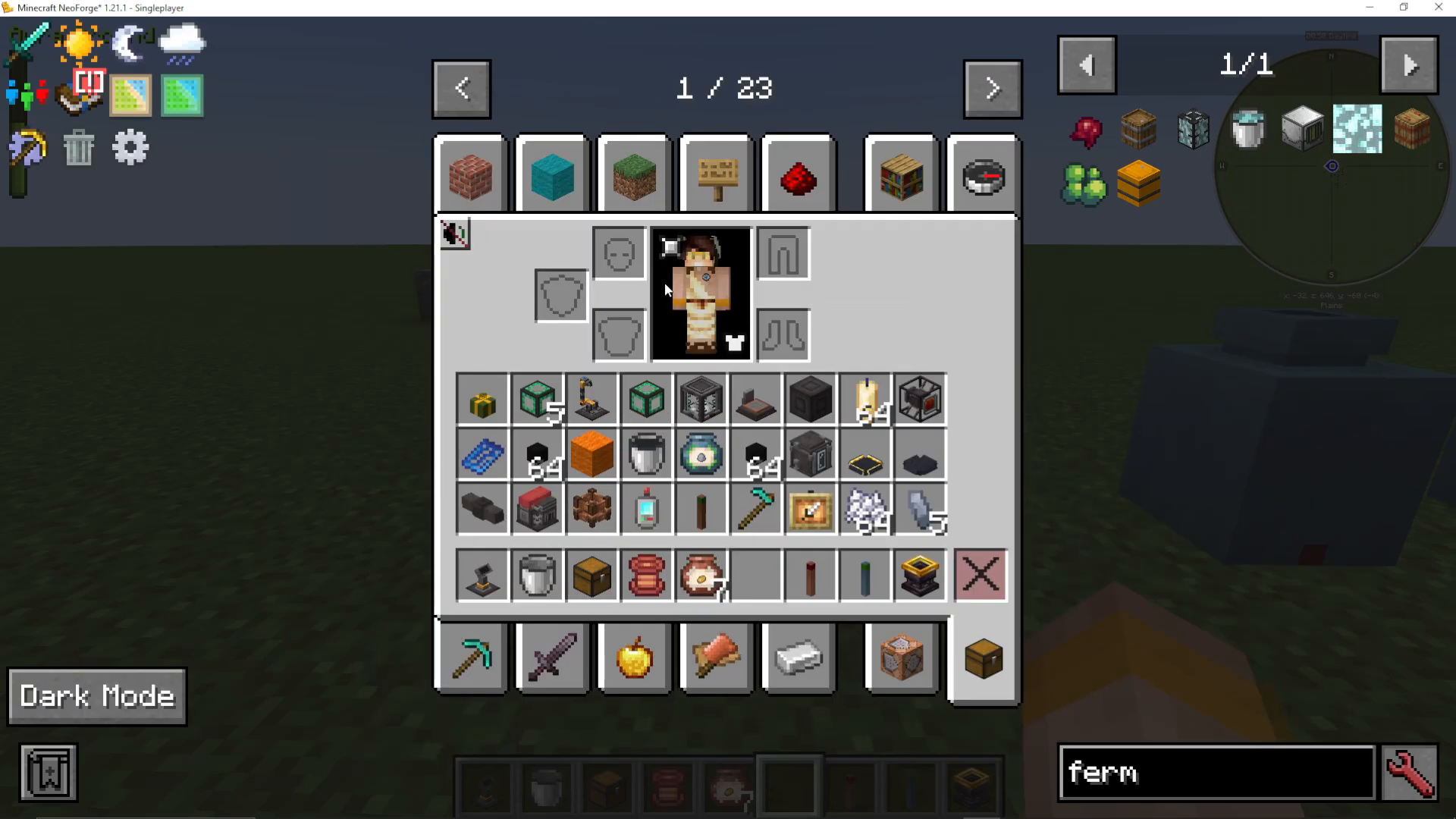
With your Alchemical Sulphur and water inside the vat, you will need a fermenting agent. You can check the required ingredients by looking up your Alchemical Sulphur in JEI under the fermentation recipe. For most materials, any kind of sapling or leaf will work as a fermenting agent.
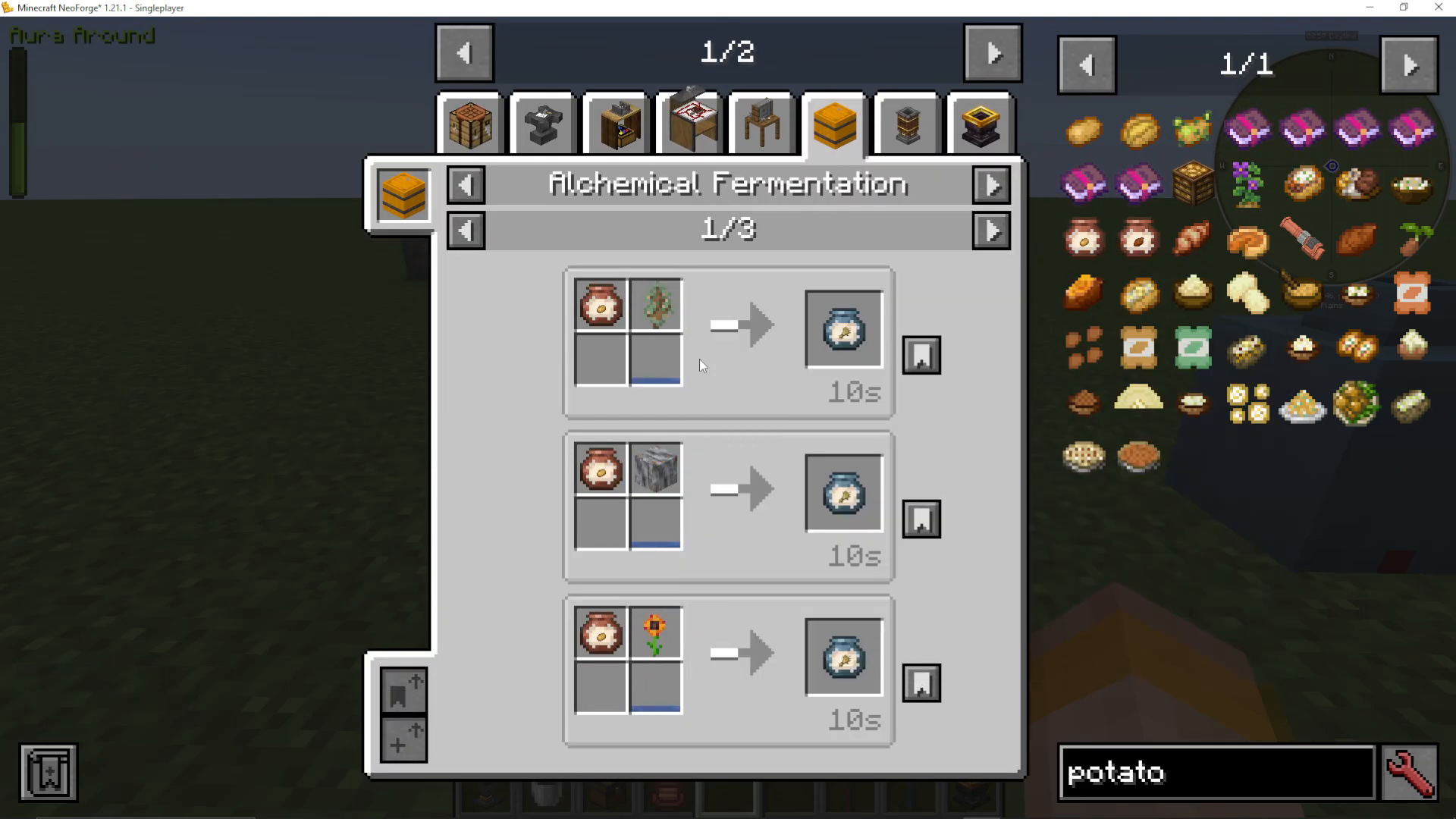
Using Fermentation Starter (Optional)
Alternatively, you can craft a Fermentation Starter to use in place of saplings or leaves. You can make 20 Fermentation Starters at a time inside the Fermentation Vat itself using:
Sugar
Any raw plant material (wood, saplings, flowers, etc.)
Sal Ammoniac
This is a handy option if you want a more consistent fermenting ingredient across multiple recipes.
Step 2: Running the Fermentation
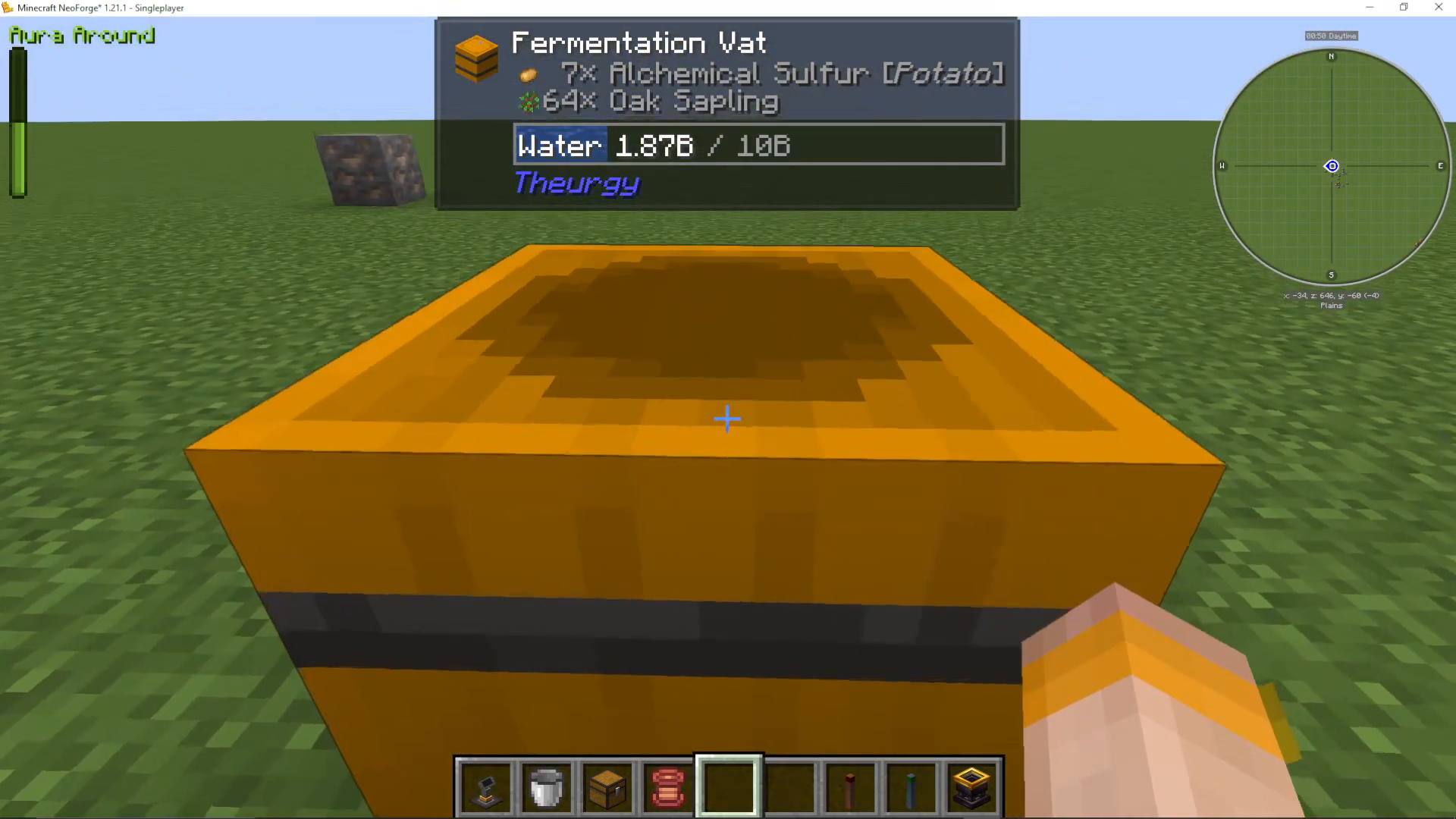
For this example, add the following into the Fermentation Vat:
Alchemical Potato Sulphur
Oak Sapling
Water
Once everything is inside, Shift + Right-Click the vat to close it. This seals the vat and begins the fermentation process. Note: if your recipe is incorrect, the vat will not allow you to close it — this is a handy built-in check.
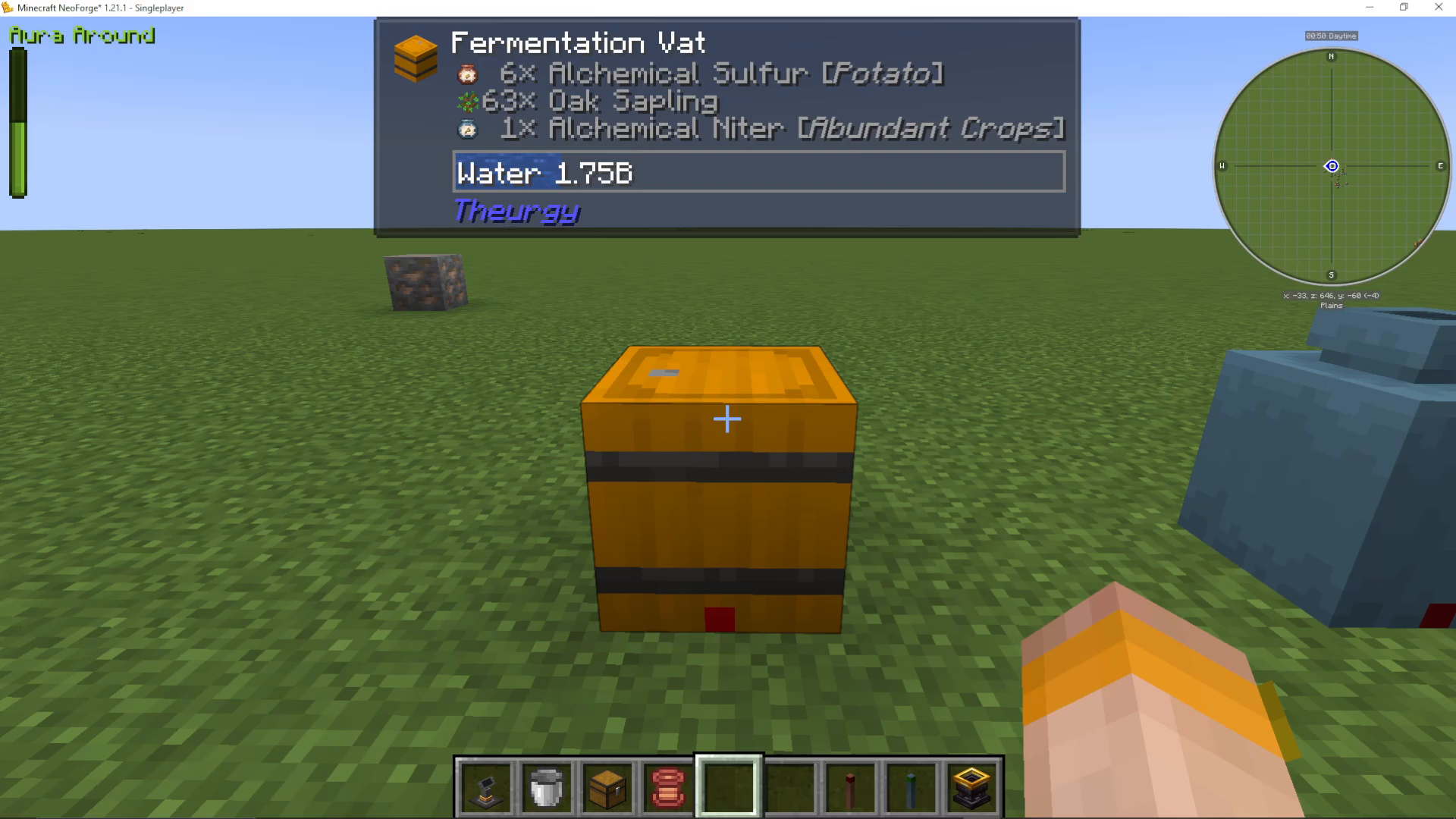
After a few seconds, the vat will produce Alchemical Niter — Abundant Crops. The process continues over a short period, generating more Niter over time.
Retrieving Your Niter
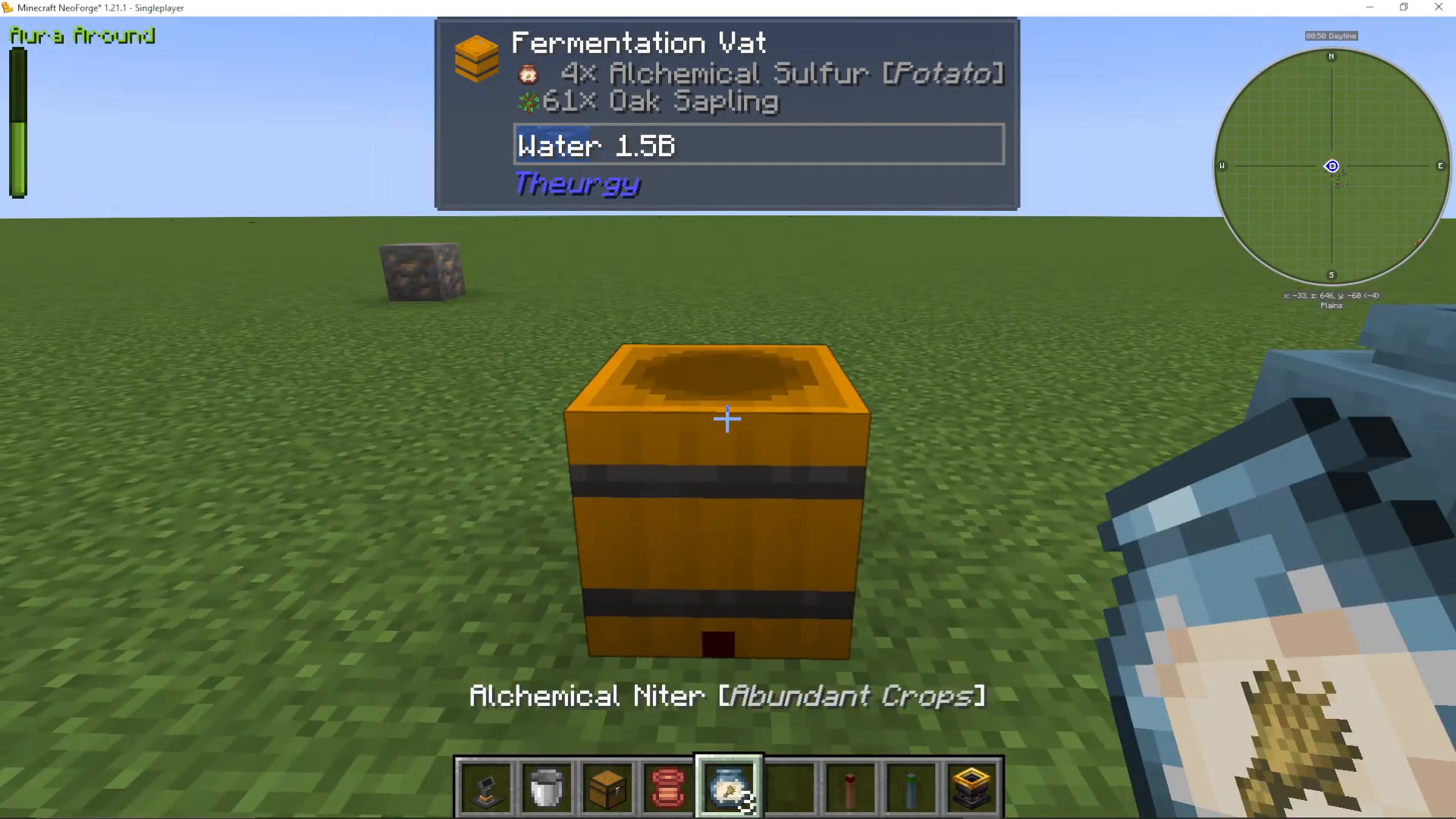
Once fermentation is complete, Shift + Right-Click the vat to open it again. Then simply Right-Click the vat and it will automatically extract the resulting item — in this case, Abundant Crops Alchemical Niter.
Step 3: Using the Digestion Vat to Upgrade or Downgrade Niter Tiers
The Digestion Vat allows you to convert Niter between tiers. For example, you can take Abundant Other Minerals and upgrade it into Common Other Minerals, then into Rare, and finally into Precious. The reverse is also possible — breaking a higher-tier Niter down into four of the lower tier.
Note: Abundant Crops Niter cannot be upgraded or downgraded because there is only one crop tier. The Digestion Vat is most useful for materials that have multiple tiers, such as Gems, Metals, and Other Minerals.
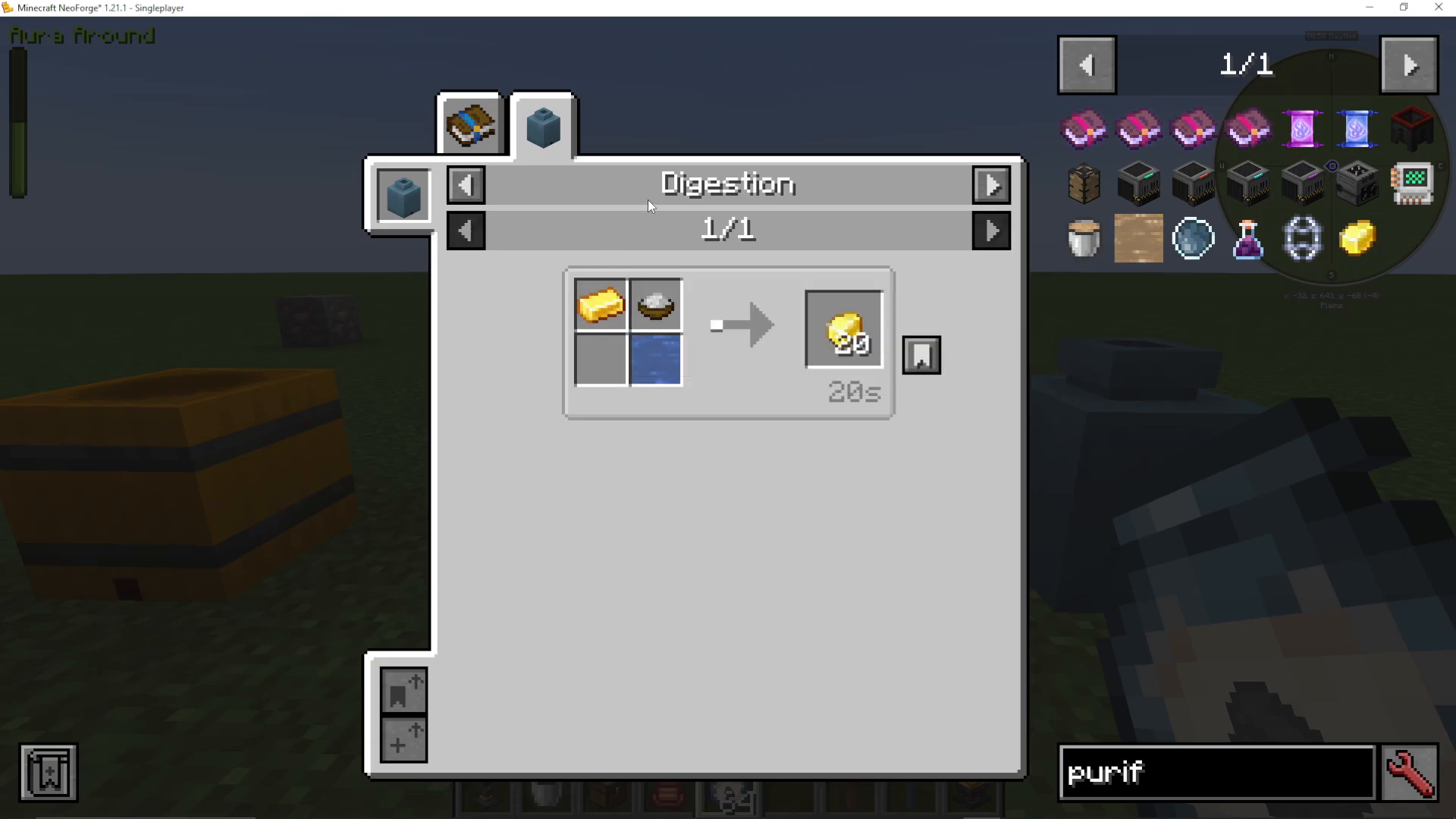
Making Purified Gold
Before using the Digestion Vat for Niter upgrades, you will first need Purified Gold, which is also made in the Digestion Vat. To make it, place the following into the Digestion Vat:
Water
Salt
Gold
Close the vat with Shift + Right-Click just as you did with the Fermentation Vat, and it will produce Purified Gold.
Upgrading Niter Tiers in the Digestion Vat
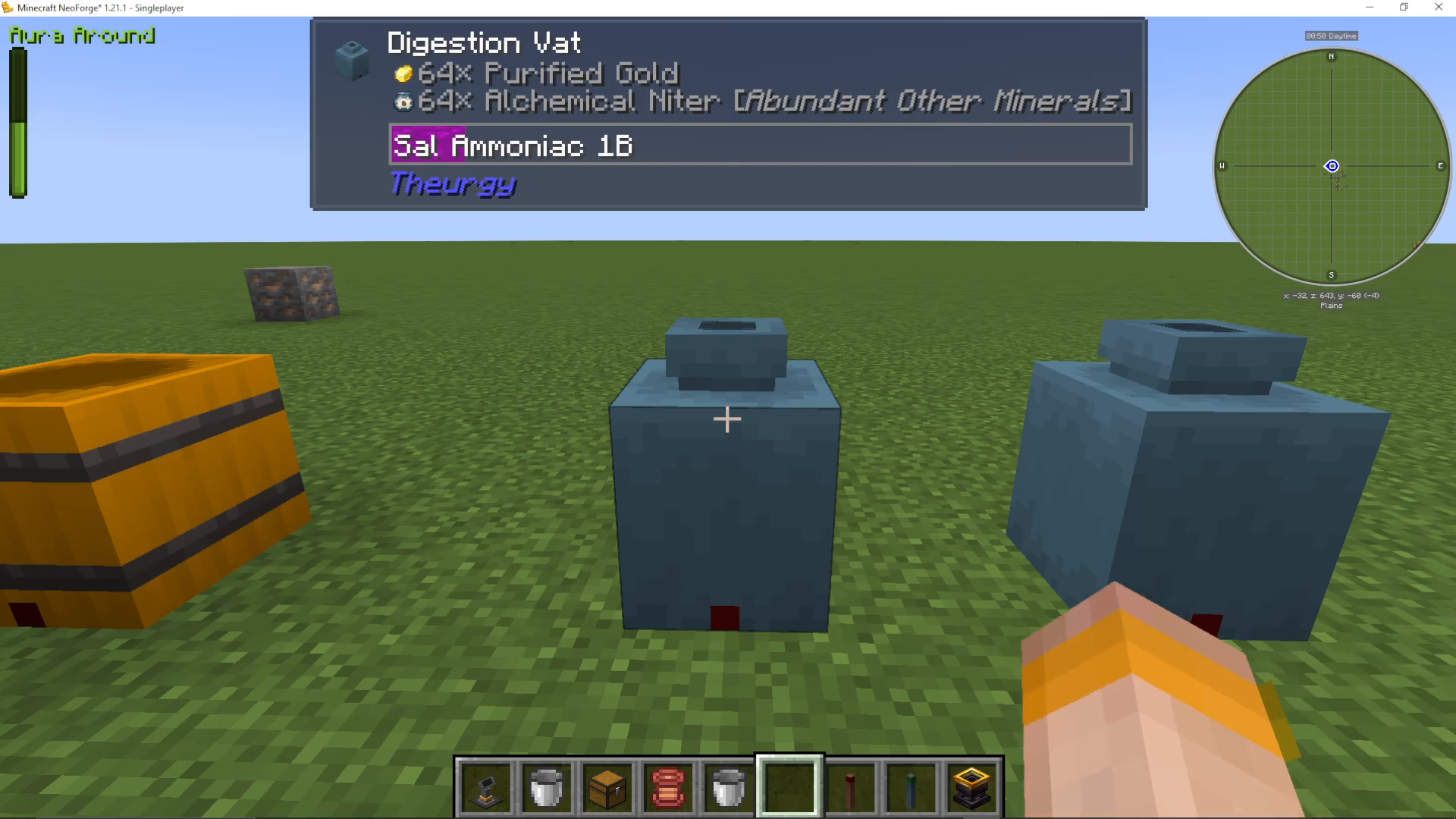
To upgrade your Niter, place the following into the Digestion Vat:
A stack of Purified Gold
Your current-tier Alchemical Niter (e.g. Abundant Other Minerals)
Sal Ammoniac
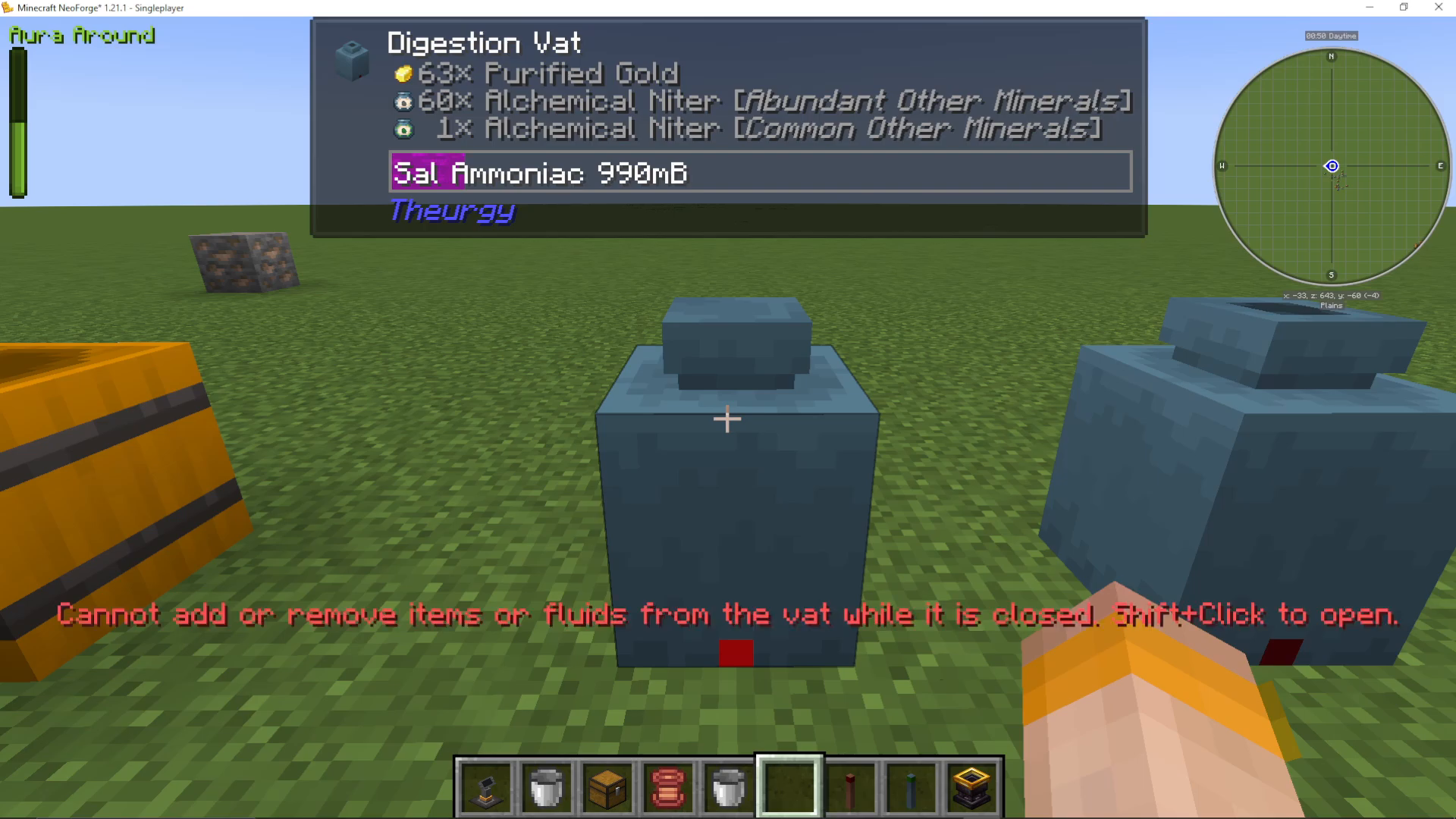
Close the vat with Shift + Right-Click. The recipe will convert four pieces of the lower-tier Niter into one piece of the higher-tier Niter, consuming one Purified Gold in the process.
Conversely, placing one higher-tier Niter into the vat will yield four of the lower-tier Niter in return — giving you full flexibility depending on what your recipe requires.
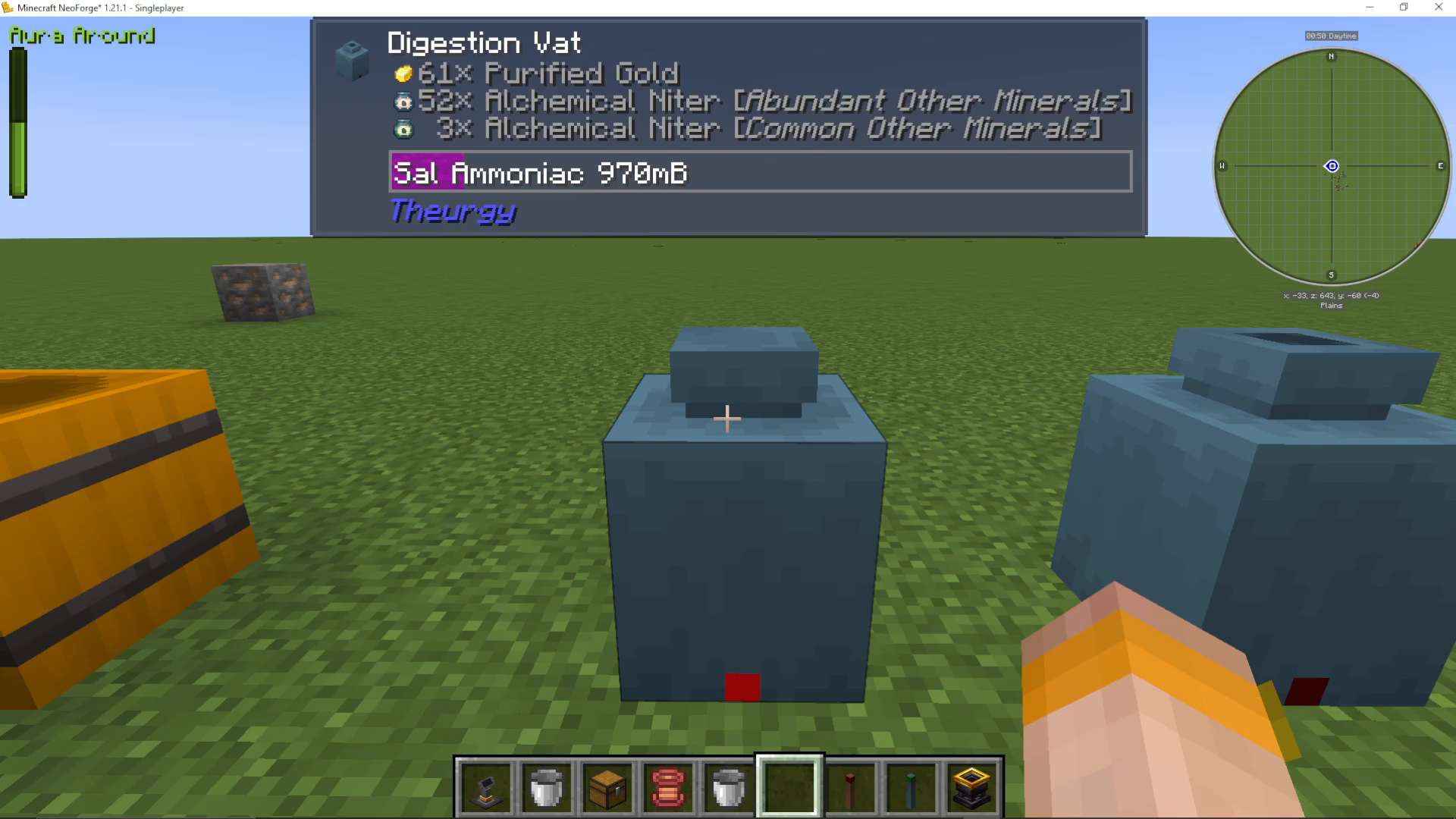
Retrieving the Upgraded Niter
Once the Digestion Vat has finished processing, Shift + Right-Click to open it, then Right-Click to collect your upgraded Niter. For example, your Abundant Other Minerals will now be Common Other Minerals.
Summary
To recap, here is the full process for making and working with Alchemical Niter in Theurgy:
Craft a Fermentation Vat and fill it with water, your Alchemical Sulphur, and a fermenting agent (sapling, leaf, or Fermentation Starter).
Shift + Right-Click to seal the vat and begin fermentation.
Collect your Alchemical Niter once it has finished.
To upgrade Niter tiers, use the Digestion Vat with Purified Gold, Sal Ammoniac, and four of your current-tier Niter to produce one of the next tier.
To downgrade, place one higher-tier Niter into the Digestion Vat to retrieve four of the lower tier.
The next step after mastering Alchemical Niter will be learning how to use it for duplication — so keep your Niter stocked up and ready to go!
Want to Support?
If you would like to help us continue making these guides – please consider joining our patreon here – https://www.patreon.com/c/JaviHeals
Alternatively – we host a group of MC Servers you can join here – https://discord.gg/zD7Gjt6MHF