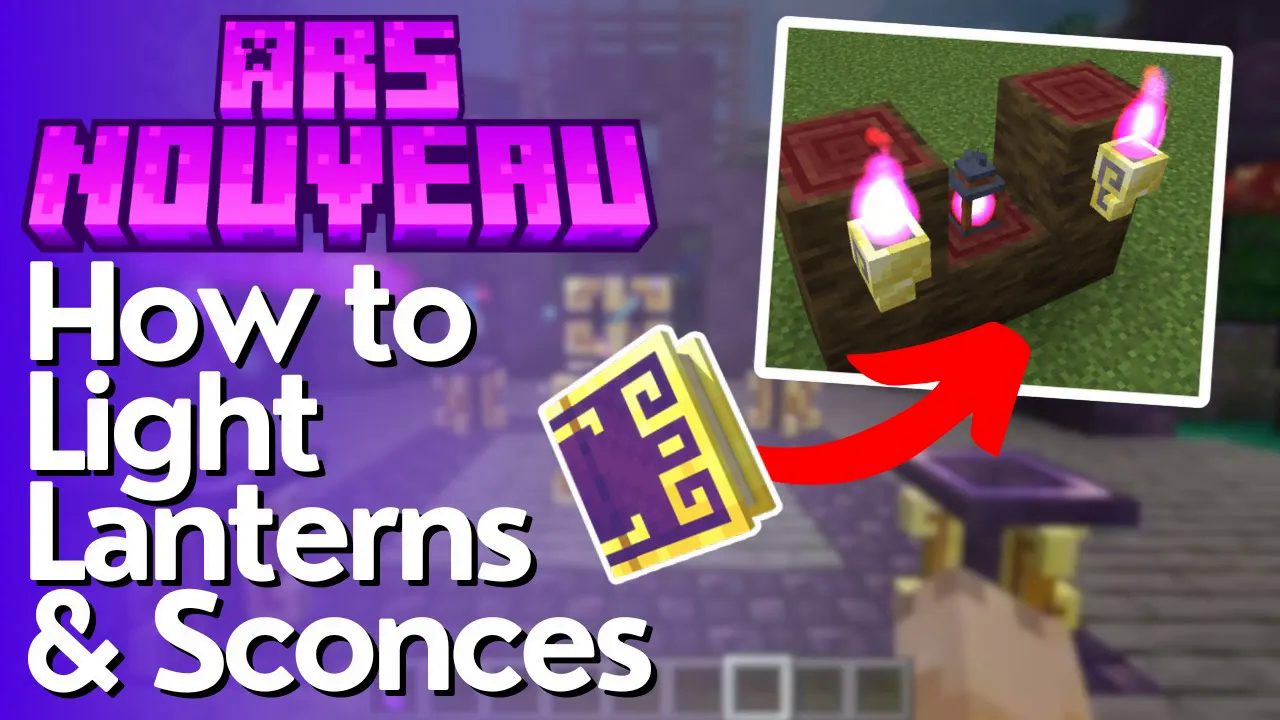
How to light Magelight Sconce’s & Lanterns – Ars Nouveau 1.21.1
How to Light Magelight Sconces & Lanterns in Ars Nouveau 1.21.1
Struggling to get your Magelight Sconces and Mage Light Lanterns to light up in Ars Nouveau? You’re not alone! This quick guide walks you through exactly which spell to use and the specific interaction needed to get those lights glowing in Minecraft 1.21.1.
The Spell You Need
To light both Sconces and Mage Light Lanterns, you need to craft a spell using the following combination: Touch followed by Conjure Mage Light. You can also add Sensitive as an optional glyph to the spell for additional flexibility.
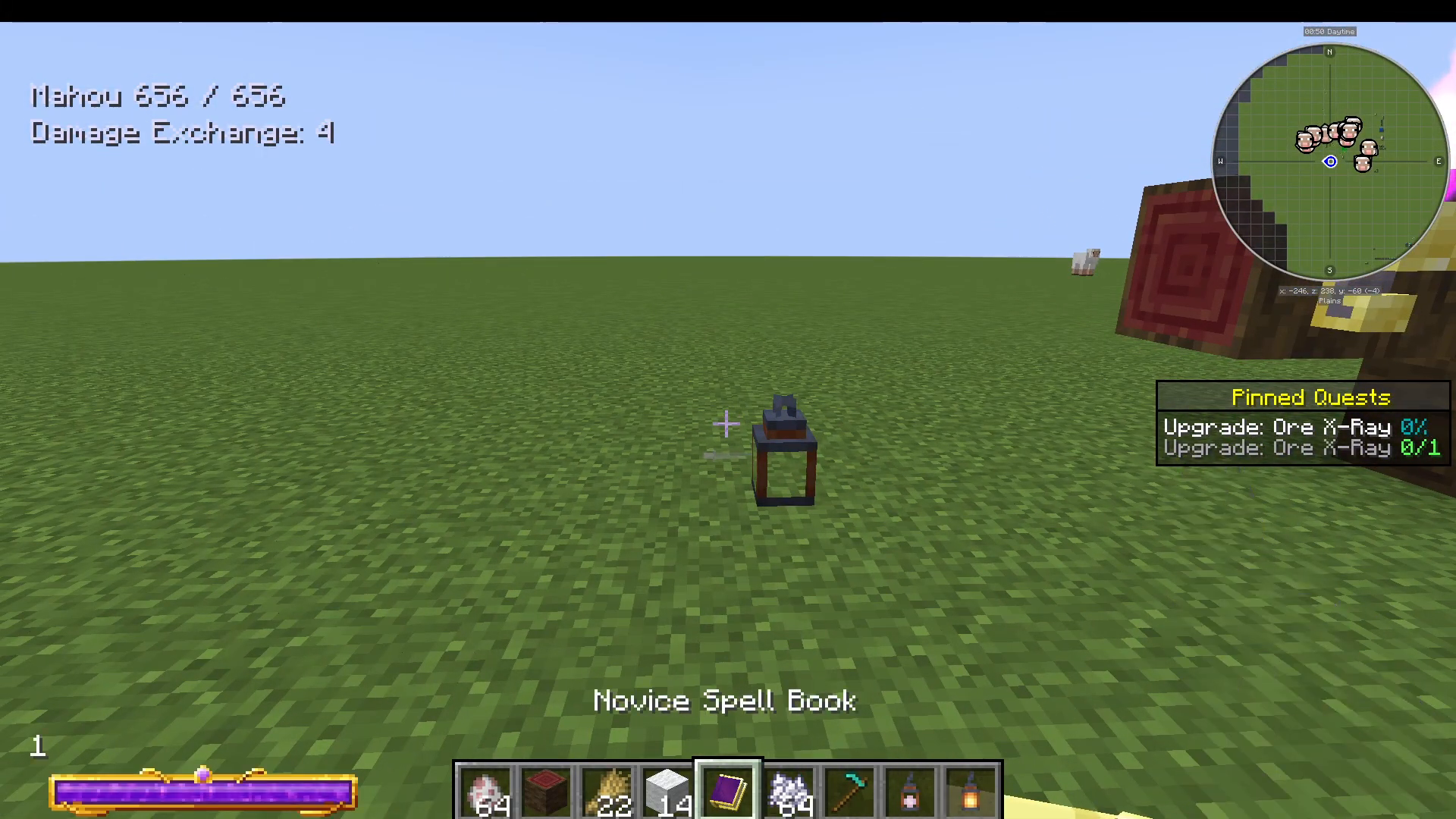
How to Light a Mage Light Lantern
Once your spell is ready, equip it and approach your Mage Light Lantern. The key here is that you must shift (crouch) + right-click the lantern — a regular right-click will not work. Hold Shift and right-click the Mage Light Lantern and it will instantly light up.
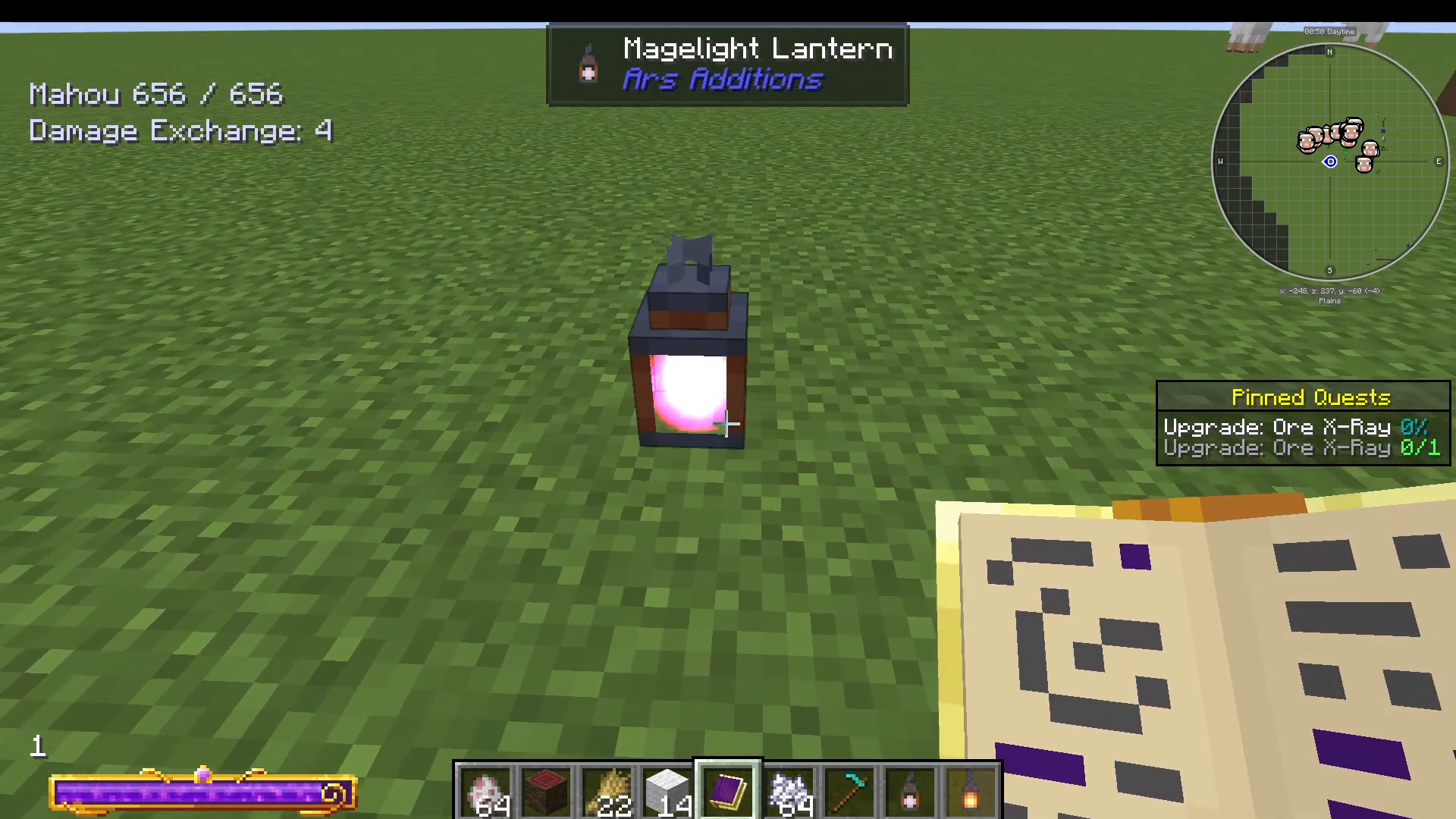
How to Light a Magelight Sconce
Lighting a Sconce is even simpler. With the same spell equipped, just right-click directly on the Sconce — no need to shift this time. The Sconce will light up immediately.
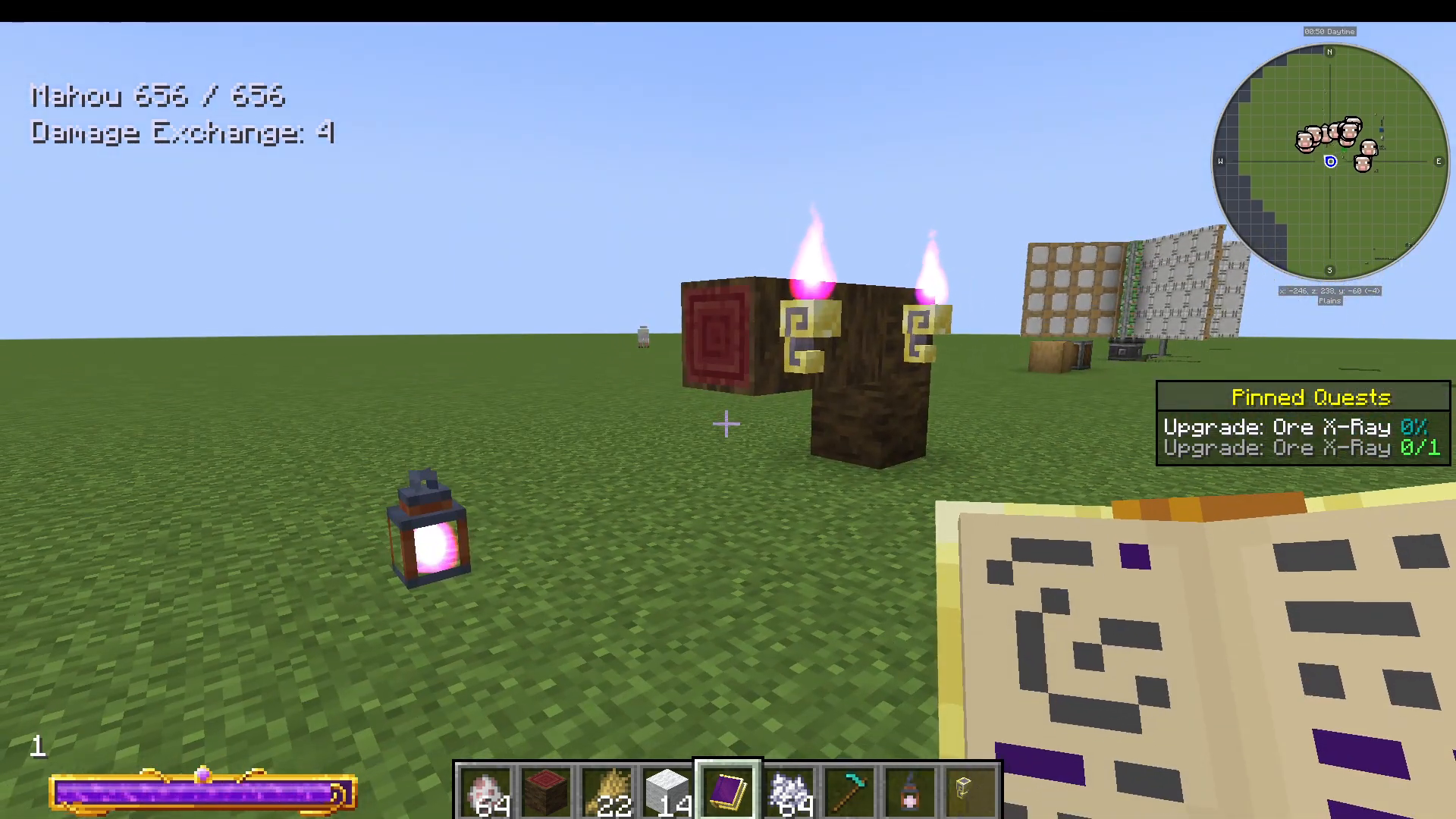
Summary
To recap: use a spell built with Touch + Conjure Mage Light (with optional Sensitive glyph). For Mage Light Lanterns, use Shift + Right-Click. For Sconces, use a standard Right-Click. If this didn’t solve your specific issue, drop a comment describing your problem and we’ll do our best to help find another solution!
Want to Support?
If you would like to help us continue making these guides – please consider joining our patreon here – https://www.patreon.com/c/JaviHeals
Alternatively – we host a group of MC Servers you can join here – https://discord.gg/zD7Gjt6MHF