








How to Empty Machines in Mekanism – MC 1.12 – 1.20
How to Empty Machines in Mekanism – MC 1.12 to 1.20
Emptying machines in Mekanism can seem confusing at first, but once you understand the available methods, you’ll be able to quickly and efficiently clear out items, fluids, and gases from your machines. This guide covers all the techniques you need to know, regardless of which version of Mekanism you’re playing on—from 1.12 all the way to 1.20.
Emptying Items from Machines
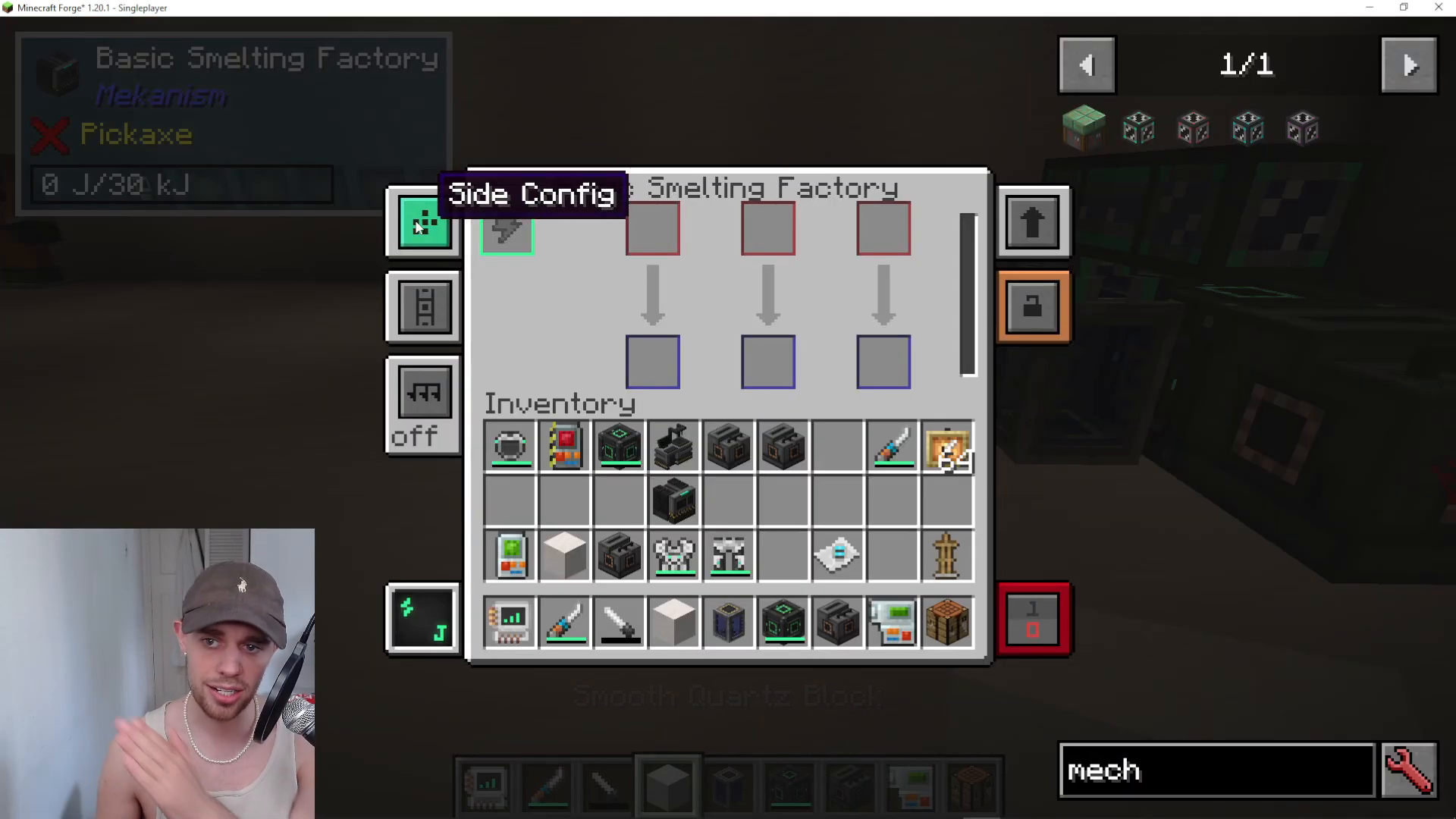
The first method for emptying items involves accessing the machine’s side configuration. Open your machine’s interface to view the side config menu, where you’ll see the items config option.
Once in the items config, you have two main options:
Auto Eject: Toggle auto eject on or off to automatically eject items from the machine.
Manual Configuration: Manually set which sides are for input and output. For example, you can designate the right side as output and the top as input. You can also change the top to output if needed.
Using the Configurator
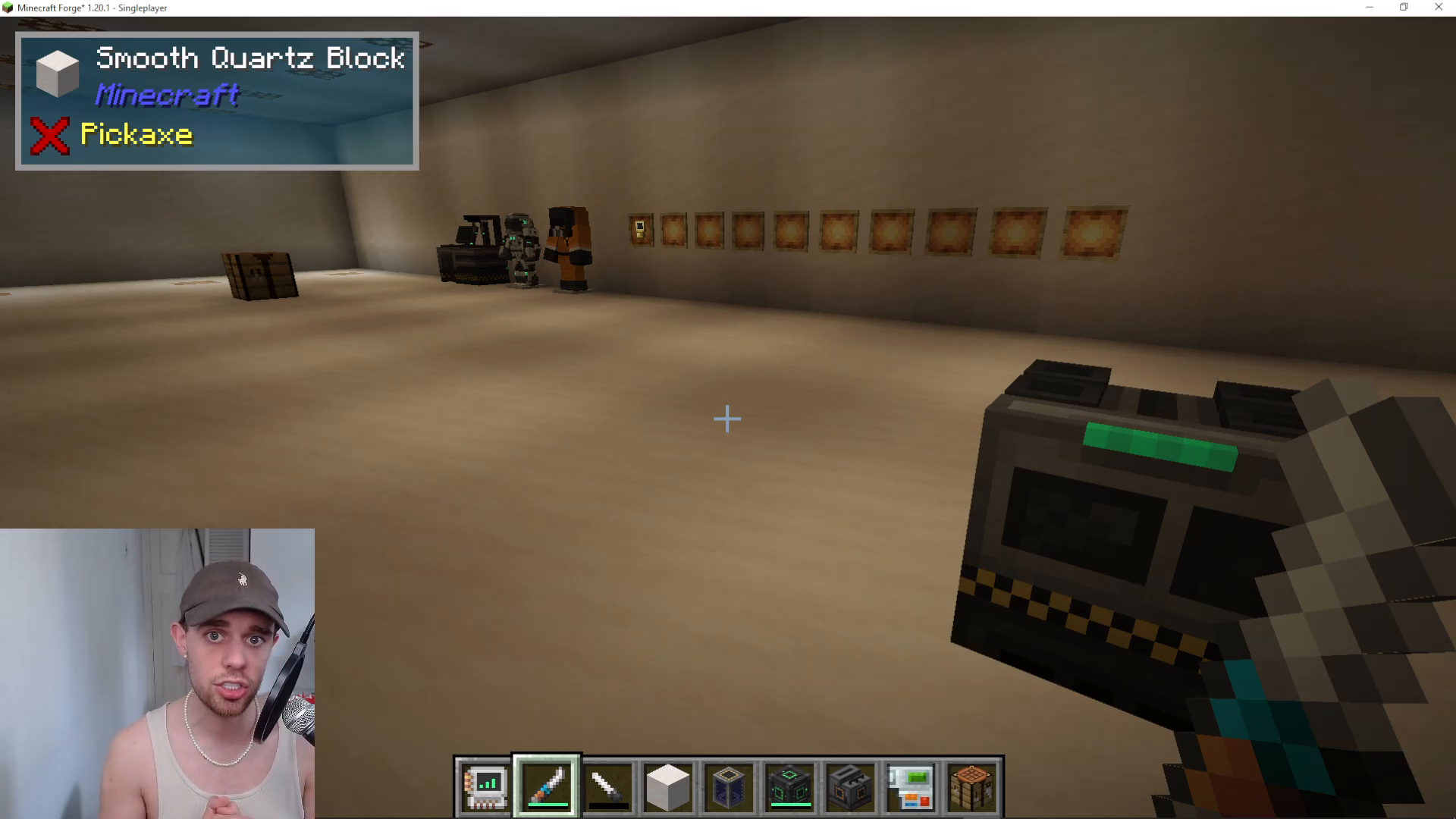
If you prefer not to access the machine interface directly, you can use the side configurator tool instead. With the configurator in hand, shift and scroll up to select items configuration. When you hover the configurator over your machine, you’ll see colored indicators: blue represents input/output sides, and red represents other sides. A chest icon will appear on the screen to help guide your configuration.
You can shift and right-click with the configurator to set input and output designations directly on the machine block itself, which is the same result as configuring through the machine interface.
Emptying Liquids and Gases from Machines
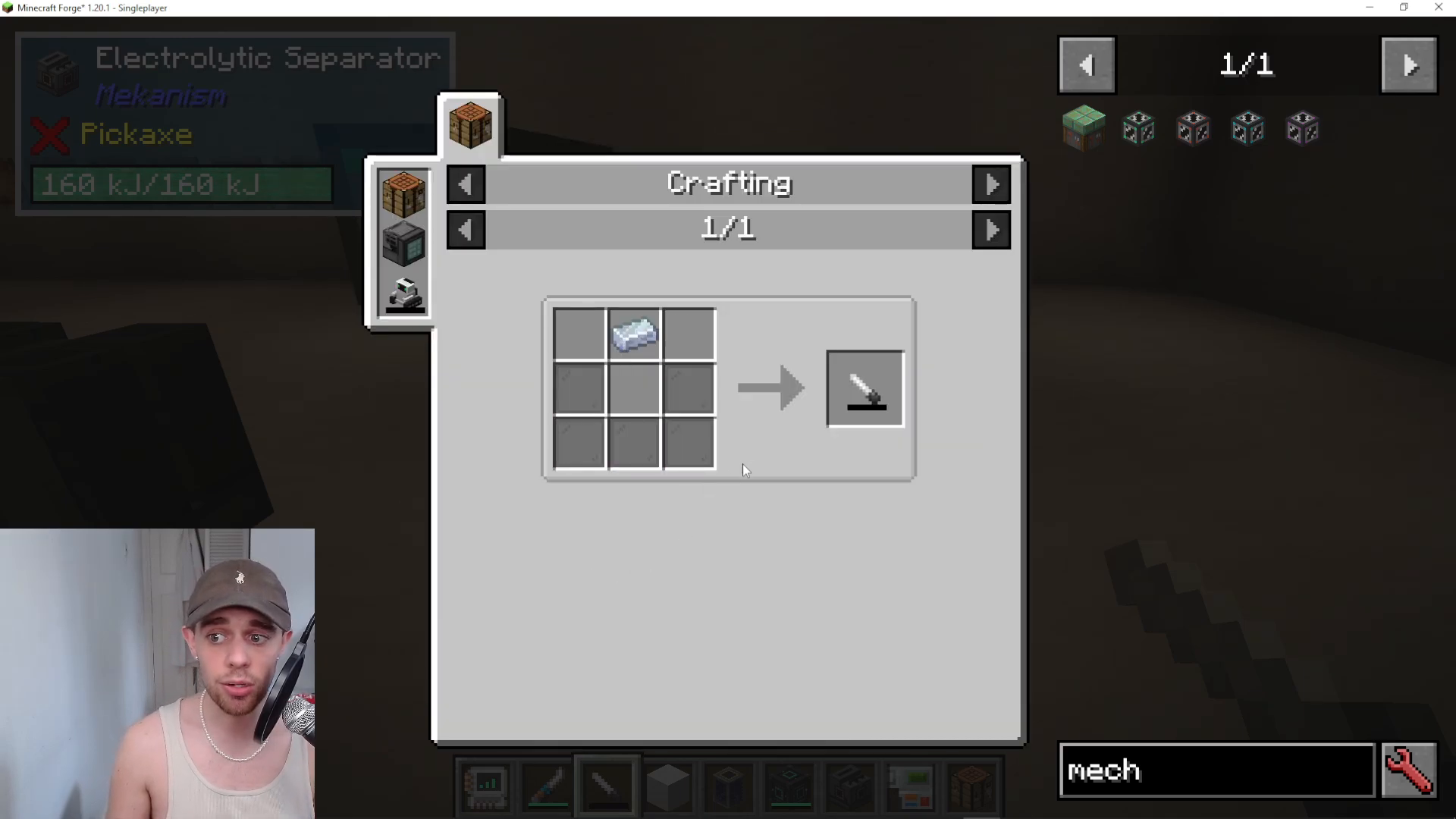
Emptying liquids and gases requires a different tool than the configurator. For this task, you’ll need to craft and use a Gauge Dropper.
Crafting the Gauge Dropper
The standard Mekanism recipe for a Gauge Dropper requires:
Osmium Ingot
Stained Glass
Note: If you’re playing on a modpack, the recipe may have been altered by the pack developers.
Using the Gauge Dropper
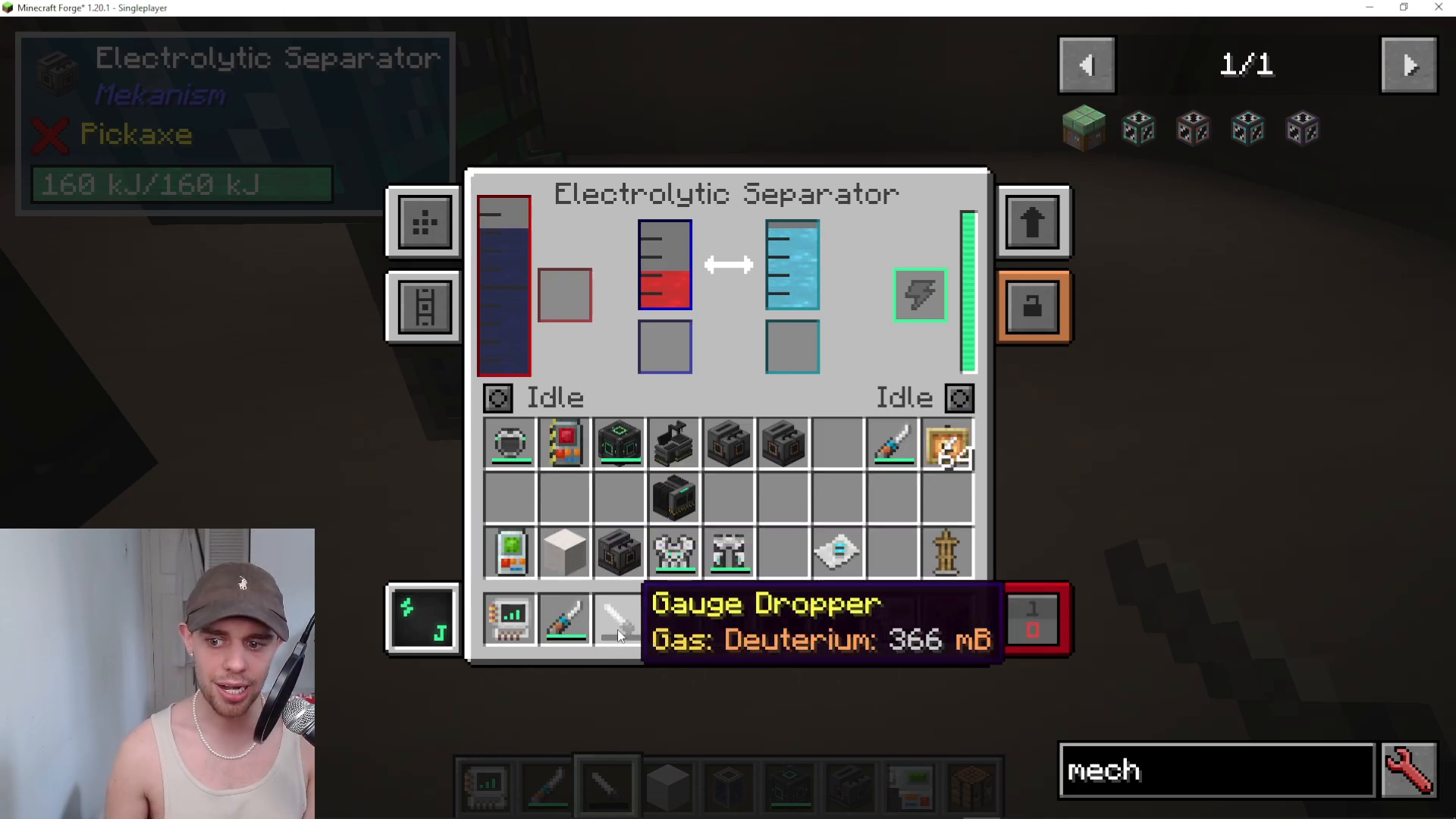
Once you have a Gauge Dropper, you can use it to manually remove liquids and gases from your machines. Keep the Gauge Dropper in your inventory while viewing the machine interface. To extract fluid or gas:
Left-click on the fluid or gas tank you want to empty.
The dropper will fill with up to 16,000 millibuckets of the selected fluid/gas.
When the dropper is full and you want to dispose of its contents, shift and right-click outside the machine to empty it (the contents will disappear harmlessly).
Practical Example: Clearing Overflow
Consider a scenario where your Electrolytic Separator is producing oxygen and deterioration, but your deterioration tank is full. In this case, you have options:
Option 1 – Dump Excess: Click the idle button on the left side of the machine and change it to “dump excess.” This setting allows the machine to continue producing your desired output (oxygen) while dumping only the overflow of the unwanted byproduct (deterioration) once the tank reaches capacity.
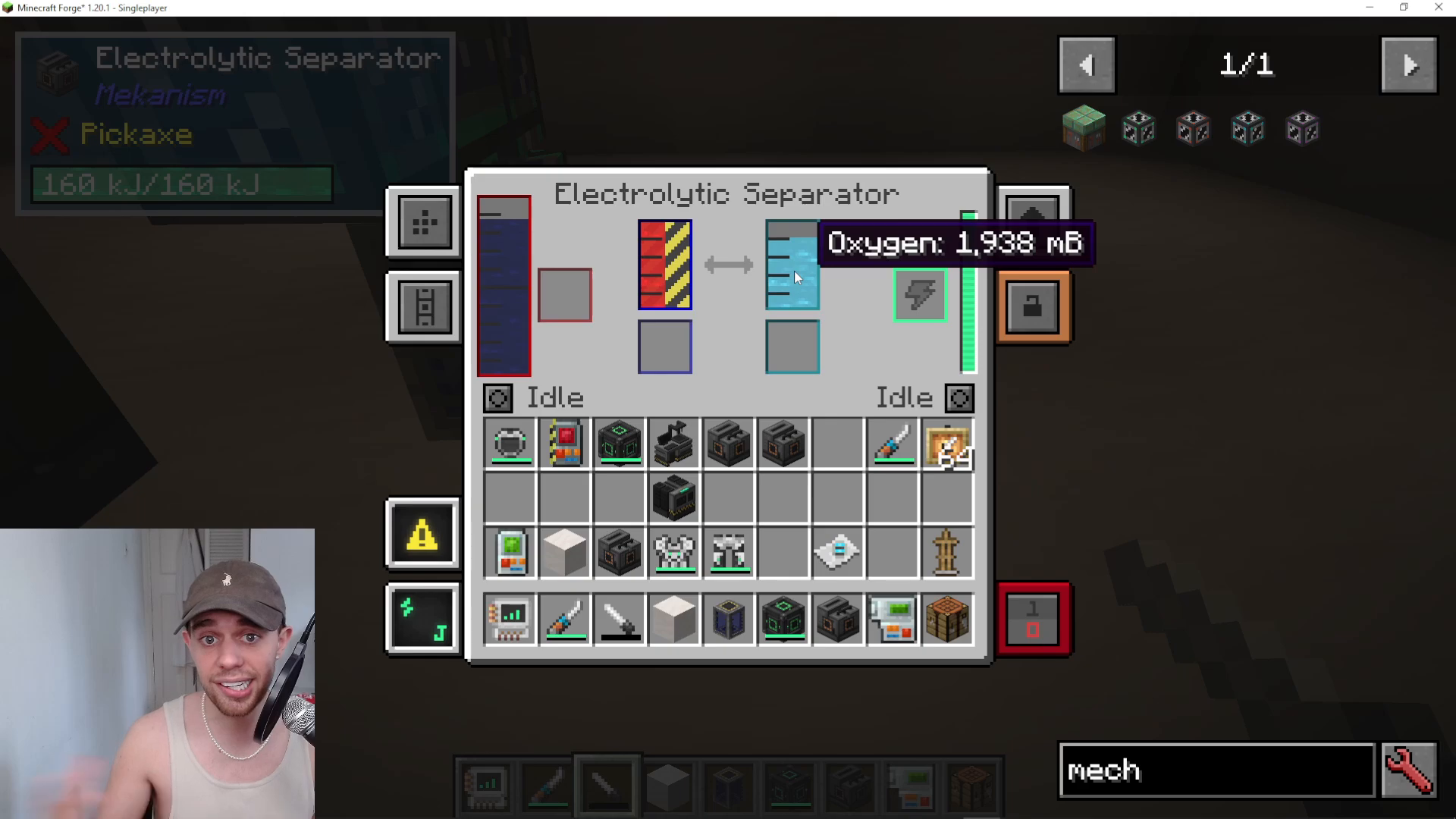
Option 2 – Dump All: Click the button again to select “dump” mode, which will discard all of the byproduct, not just the excess amount.
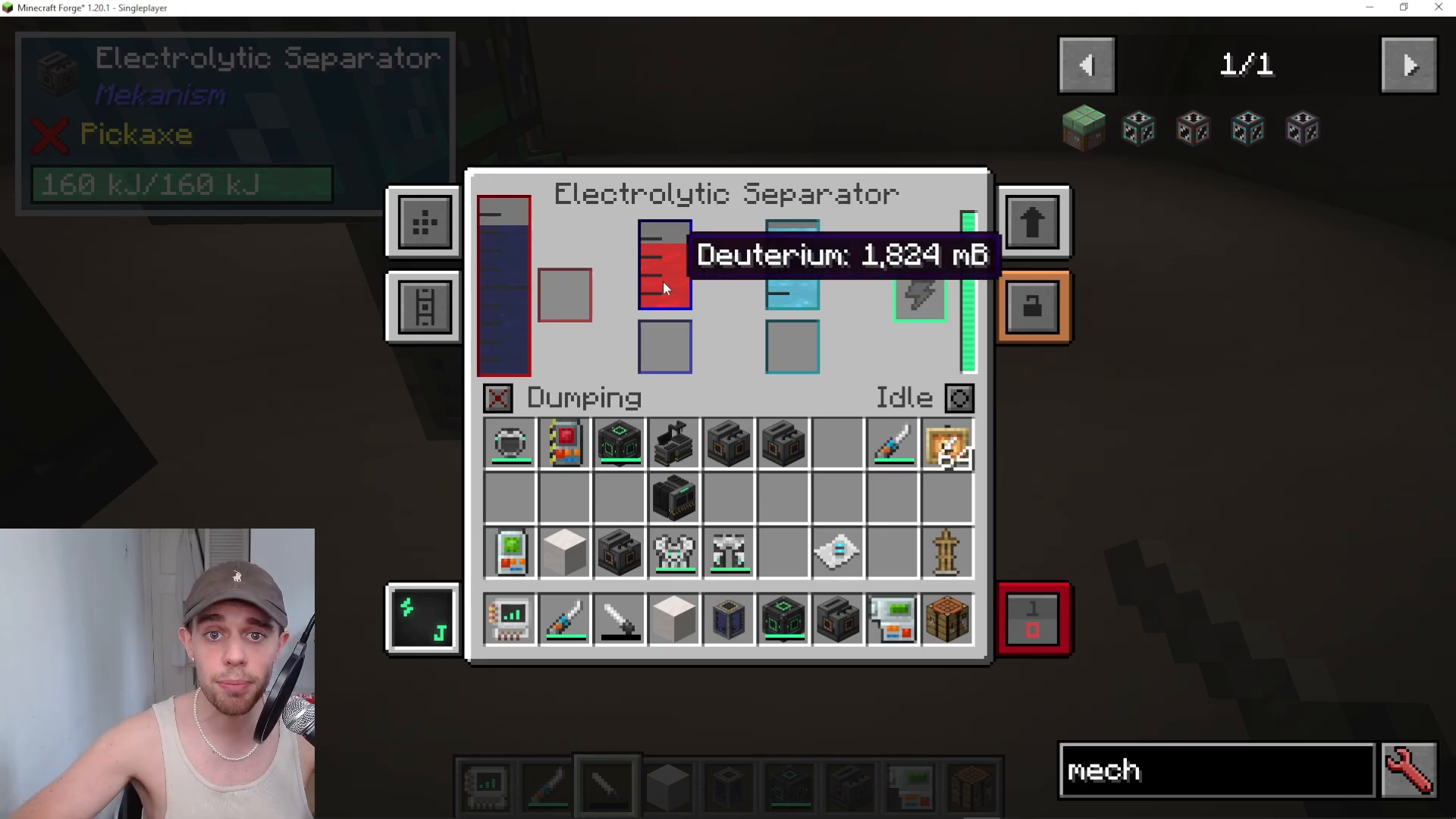
Option 3 – Manual Extraction: Use your Gauge Dropper to manually extract the deterioration tank. Simply left-click the deterioration tank to fill your dropper, then shift and right-click outside the machine to empty it. You can repeat this process as needed.
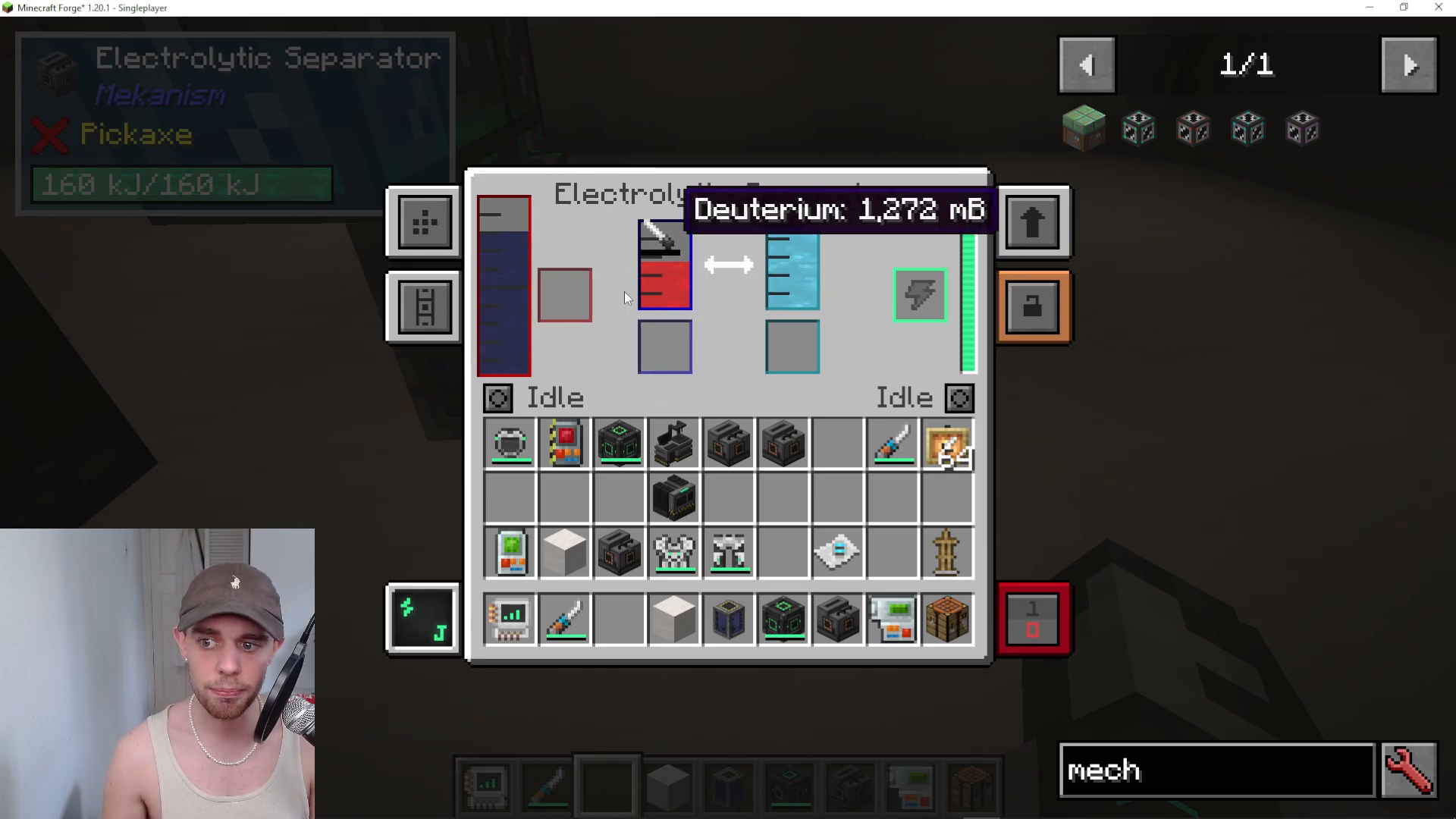
The same technique works for all output tanks. In this example, you can also pick up the dropper, left-click the oxygen tank, and then shift and right-click to dispose of the oxygen if desired.
Removing Accidentally Input Resources
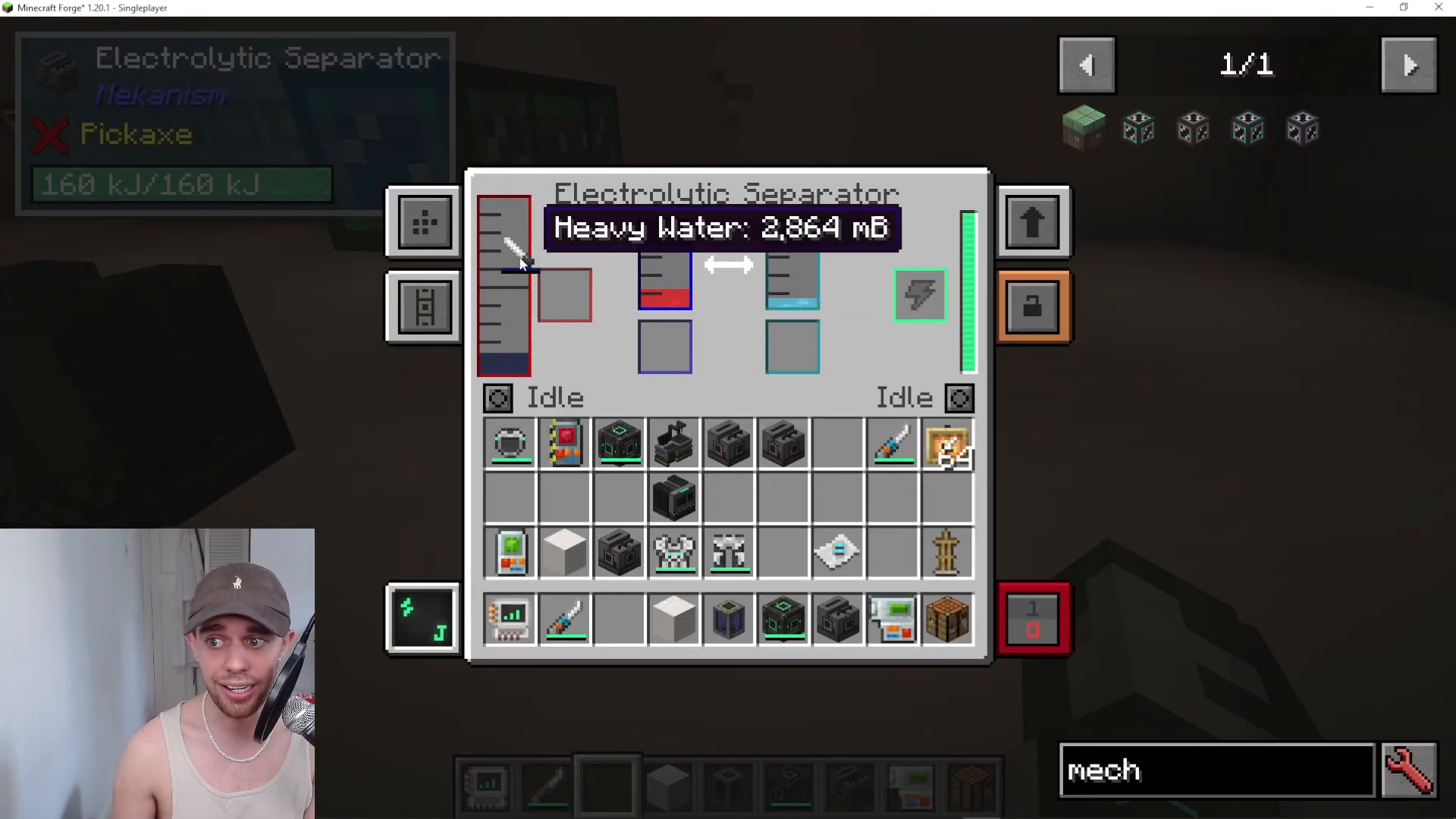
If you’ve accidentally input a liquid or gas resource into your machine that you want to replace, you can use the Gauge Dropper on the input slot as well. For example, if you input heavy water but want to switch to a different resource, simply left-click the input tank with your Gauge Dropper to remove it.
Keep in mind that the Gauge Dropper holds a maximum of 16,000 millibuckets. If your input tank contains more than this amount, you’ll need to empty the dropper and repeat the process to remove all of the unwanted liquid or gas.
Summary
Emptying machines in Mekanism is straightforward once you know the right tools and techniques. For items, use the side configuration menu or the side configurator tool to set output sides and enable auto eject. For liquids and gases, craft a Gauge Dropper and use it to manually extract unwanted fluids and gases from your machines. Alternatively, you can toggle the dump settings on your machine to automatically discard byproducts. These methods work consistently across all versions of Mekanism from 1.12 to 1.20.
Want to Support?
If you would like to help us continue making these guides – please consider joining our patreon here – https://www.patreon.com/c/JaviHeals
Alternatively – we host a group of MC Servers you can join here – https://discord.gg/zD7Gjt6MHF



