







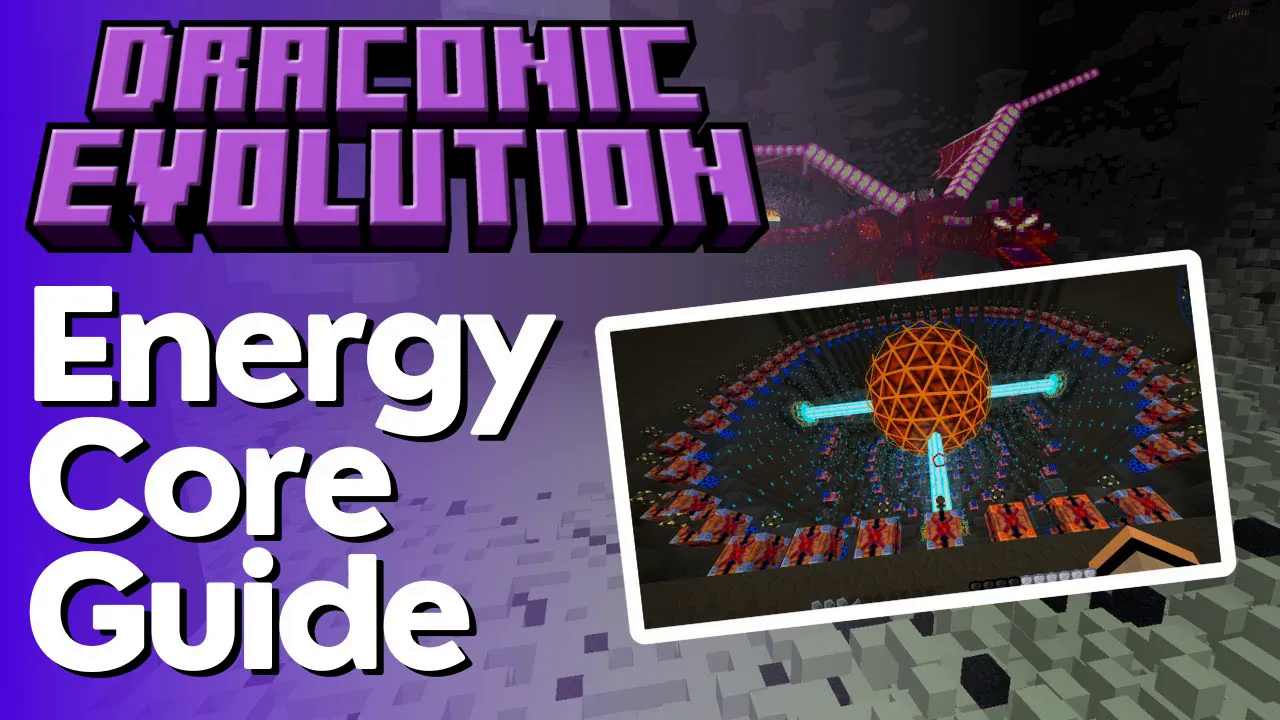
Energy Core Multiblock Tutorial – Draconic Evolution
Energy Core Multiblock Tutorial – Draconic Evolution
Once you’ve got your Draconic Evolution reactor up and running, you’ll need a place to store all that massive energy production. The Energy Core multiblock is the solution—capable of storing anywhere from 45 mega RF in its smallest form to virtually infinite storage in its largest configuration. This guide walks you through building, configuring, and using Energy Cores at every tier level.
What is an Energy Core?
The Energy Core is Draconic Evolution’s primary energy storage multiblock. Even the smallest tier-one configuration stores an impressive 45 mega RF, making it perfect for managing the enormous power output from Draconic reactors. Larger tiers scale exponentially, with tier eight representing the maximum storage capacity available.
Building Your First Energy Core
Tier One Energy Core
The smallest Energy Core is incredibly simple to construct. Start by placing an Energy Core block in the air (for obvious safety reasons). Then, place four Energy Core Stabilizers around it—one on each of the four cardinal sides. That’s it! You now have a functional tier-one Energy Core storing 45 mega RF.
Right-click on any part of the structure to open the interface. You’ll see it labeled as “Tier One Energy Core,” and you have the option to toggle a build guide, which will display where to place blocks if you’re still constructing.
Using the Build Guide and Assembly
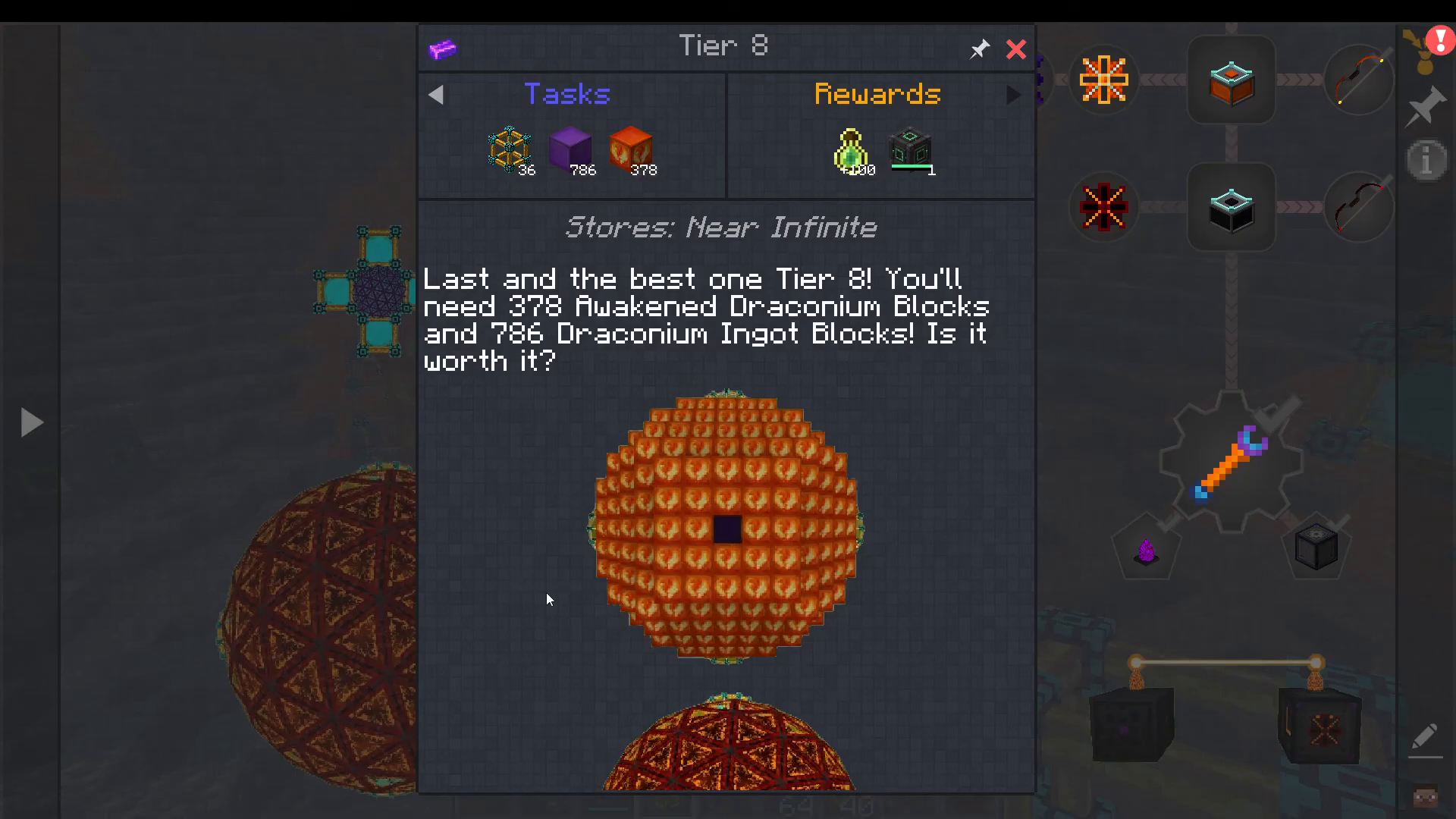
If you’re in Creative mode, you can press the “Assemble Core” button to automatically construct the multiblock. The interface will cycle through tier options—pressing T cycles through tiers two through six, showing you the exact dimensions required for each tier.
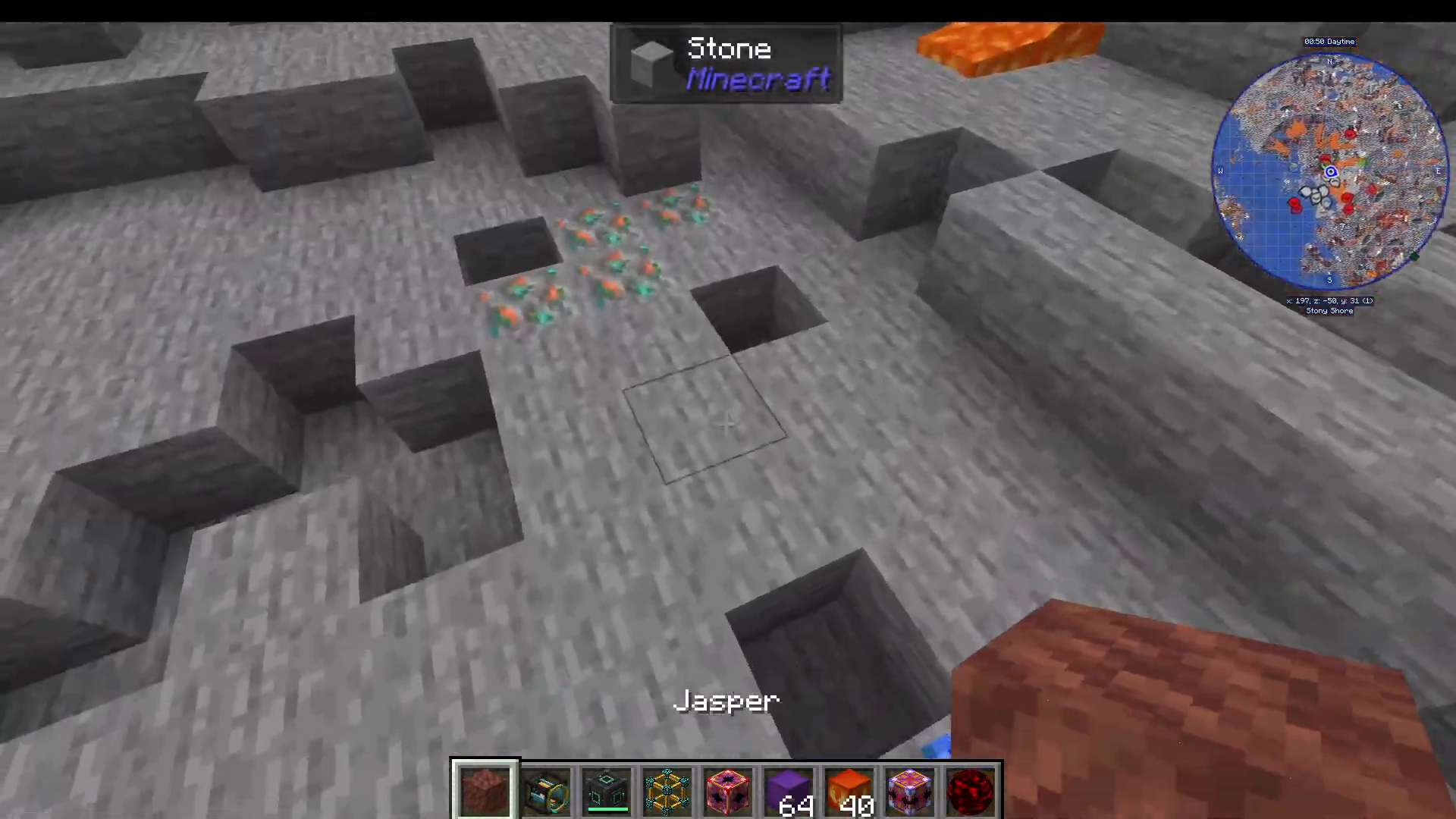
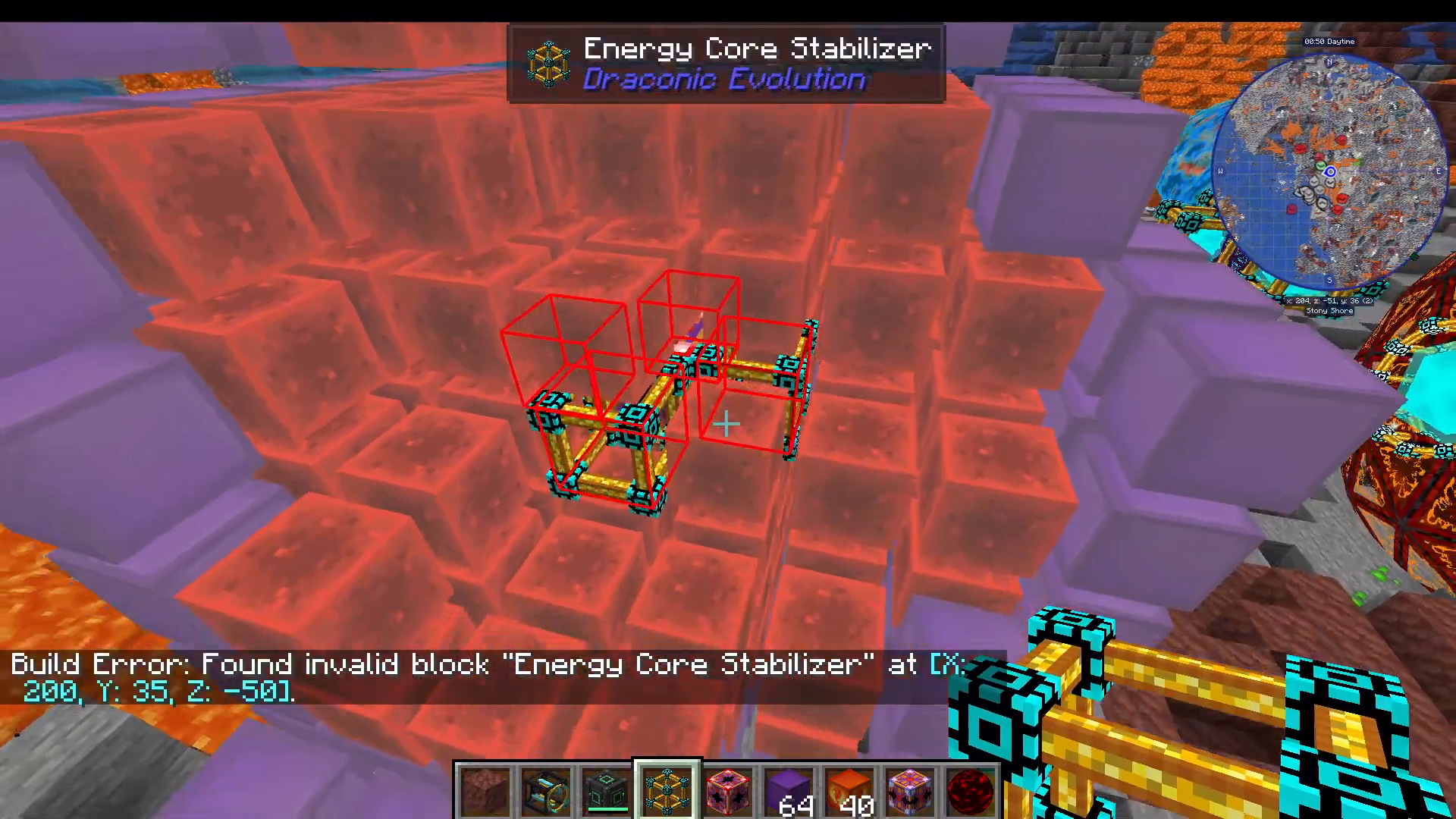
Before assembly, ensure the area around your Energy Core is completely clear. The multiblock will show red bounding boxes indicating invalid blocks. Once the space is cleared, press “Assemble Core” and the structure will build itself automatically.
Energy Core Tier Progression
Tier One
The simplest configuration: one Energy Core with four Energy Core Stabilizers (one per side).
Tier Two
Requires six Draconic Blocks on each side of the core, with an Energy Core Stabilizer on the outside of each Draconic Block section.
Tier Three
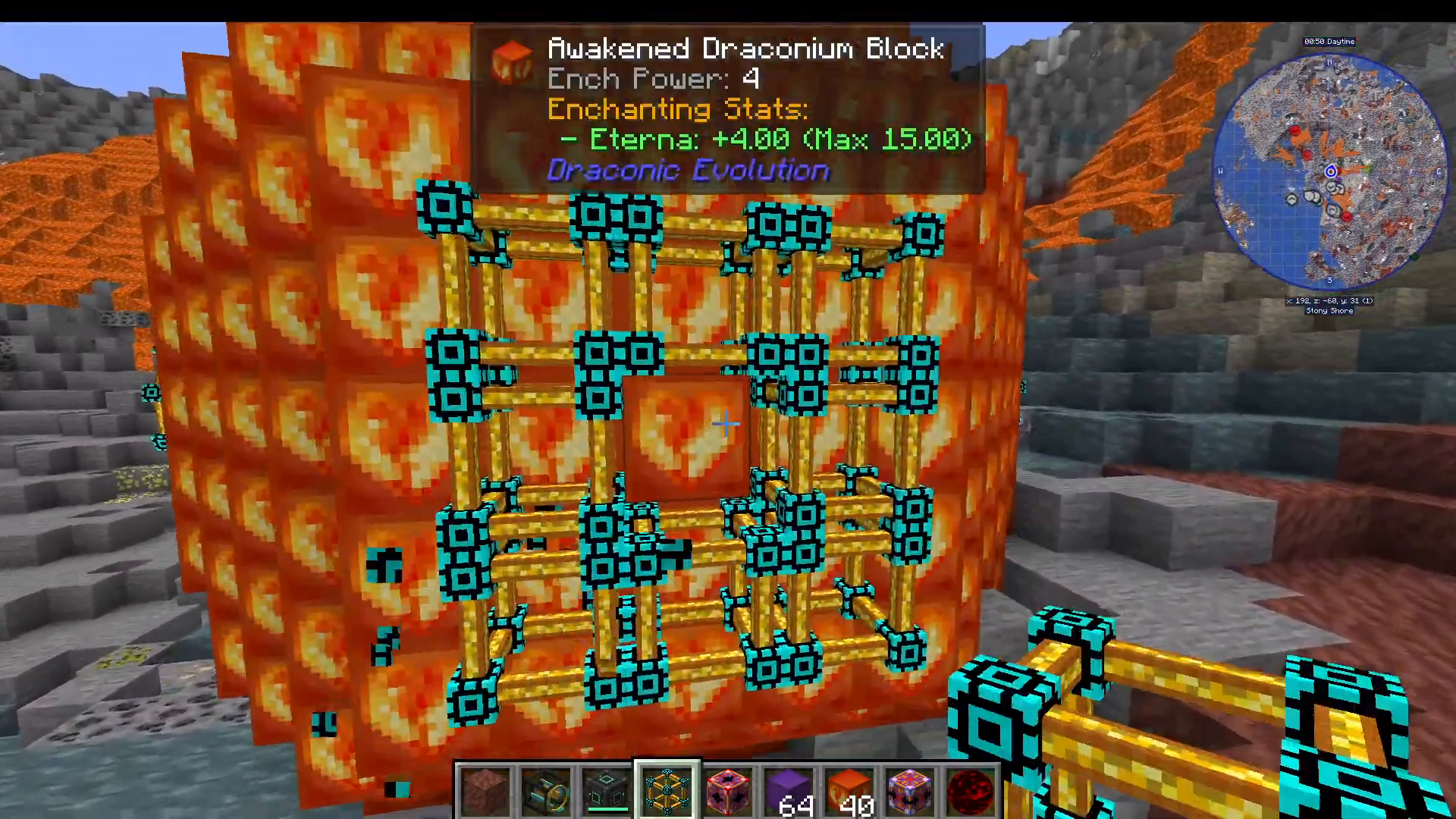
Expands to a full cube formation with 26 Draconic Blocks surrounding the core, plus stabilizers on the perimeter.
Tier Four
Introduces Redstone Blocks: place 26 Redstone Blocks in a cube around the core, then surround that with 56 Draconic Blocks, finishing with stabilizers on the outside.
Tier Five and Above
At tier five, the stabilizer configuration changes dramatically. Instead of single stabilizers, you must arrange eight stabilizers in a circular ring pattern, then place one stabilizer in the middle. This creates a distinctive circular formation. From tier five onwards, all tiers use this multi-stabilizer ring configuration.
Tier Six through Eight
Tiers six, seven, and eight progressively increase in complexity. Tier seven becomes particularly intricate, and tier eight represents the maximum configuration. For these advanced tiers, the build guide is invaluable—use it to see exact placement requirements rather than trying to memorize the patterns.
Activating Your Energy Core
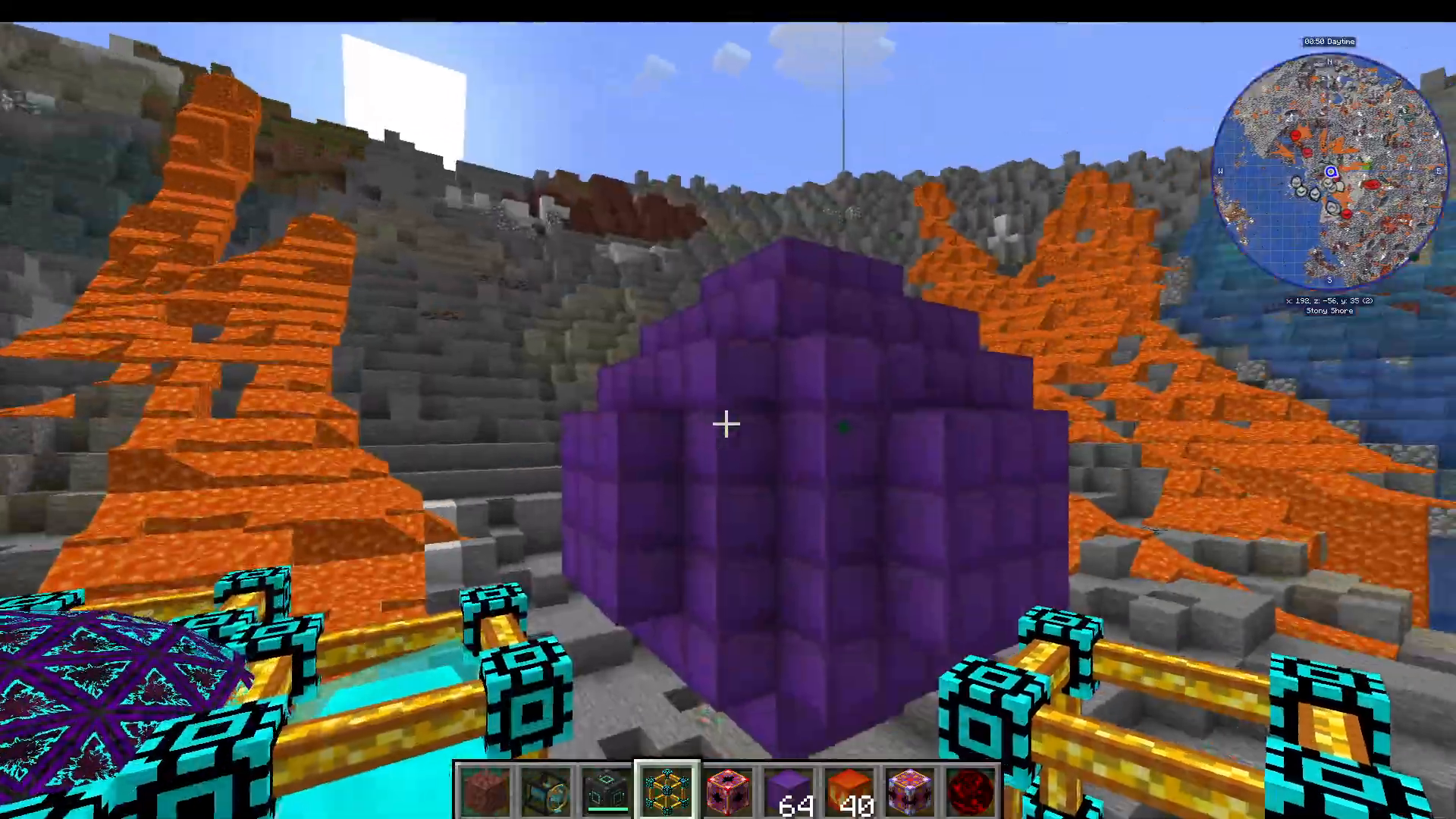
Once your multiblock is fully constructed, right-click on it and select “Activate.” The structure will transform into a fully functional Energy Core multiblock, ready to receive and output power.
Energy Input and Output with Energy Pylons
Placing Energy Pylons
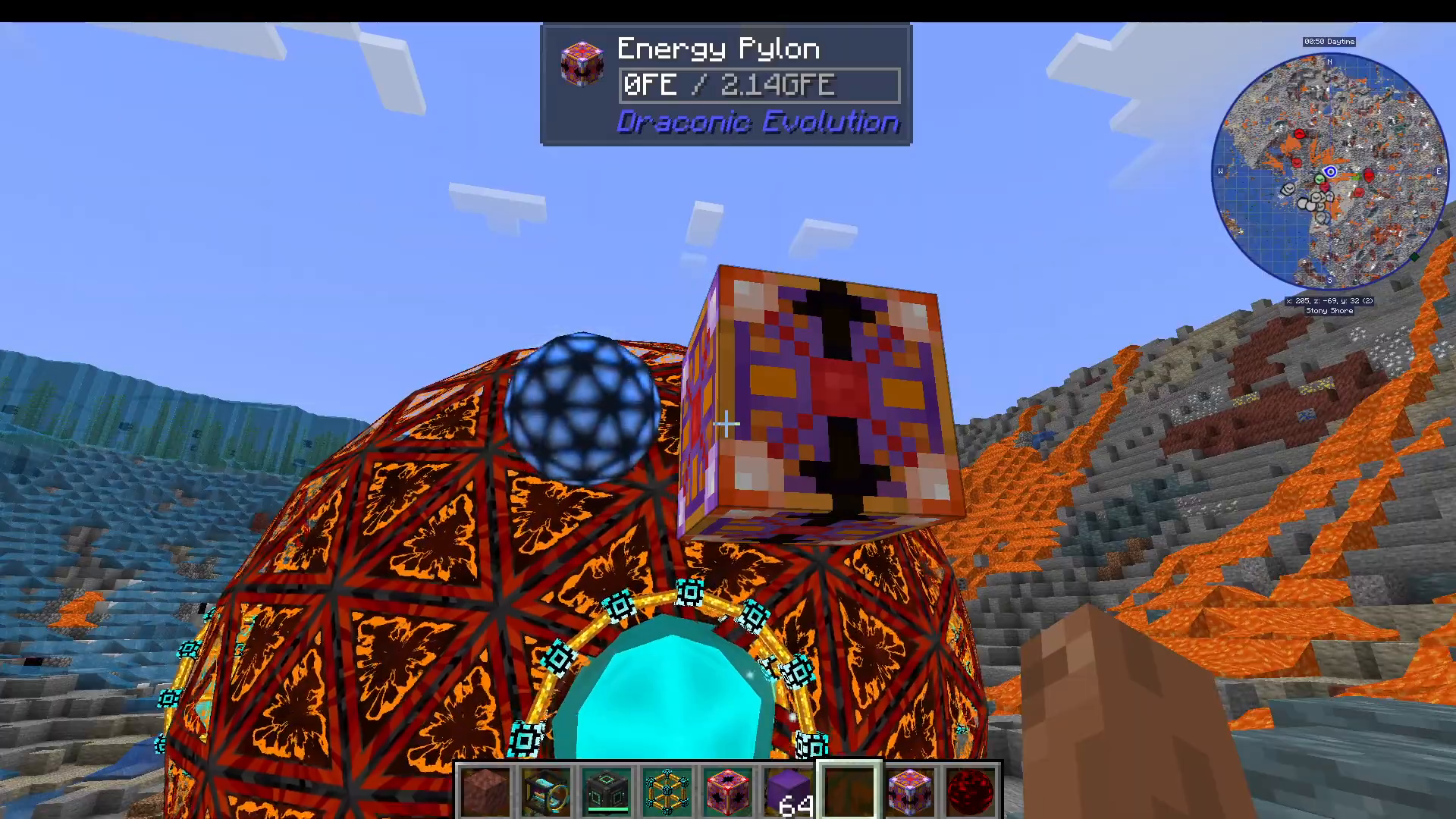
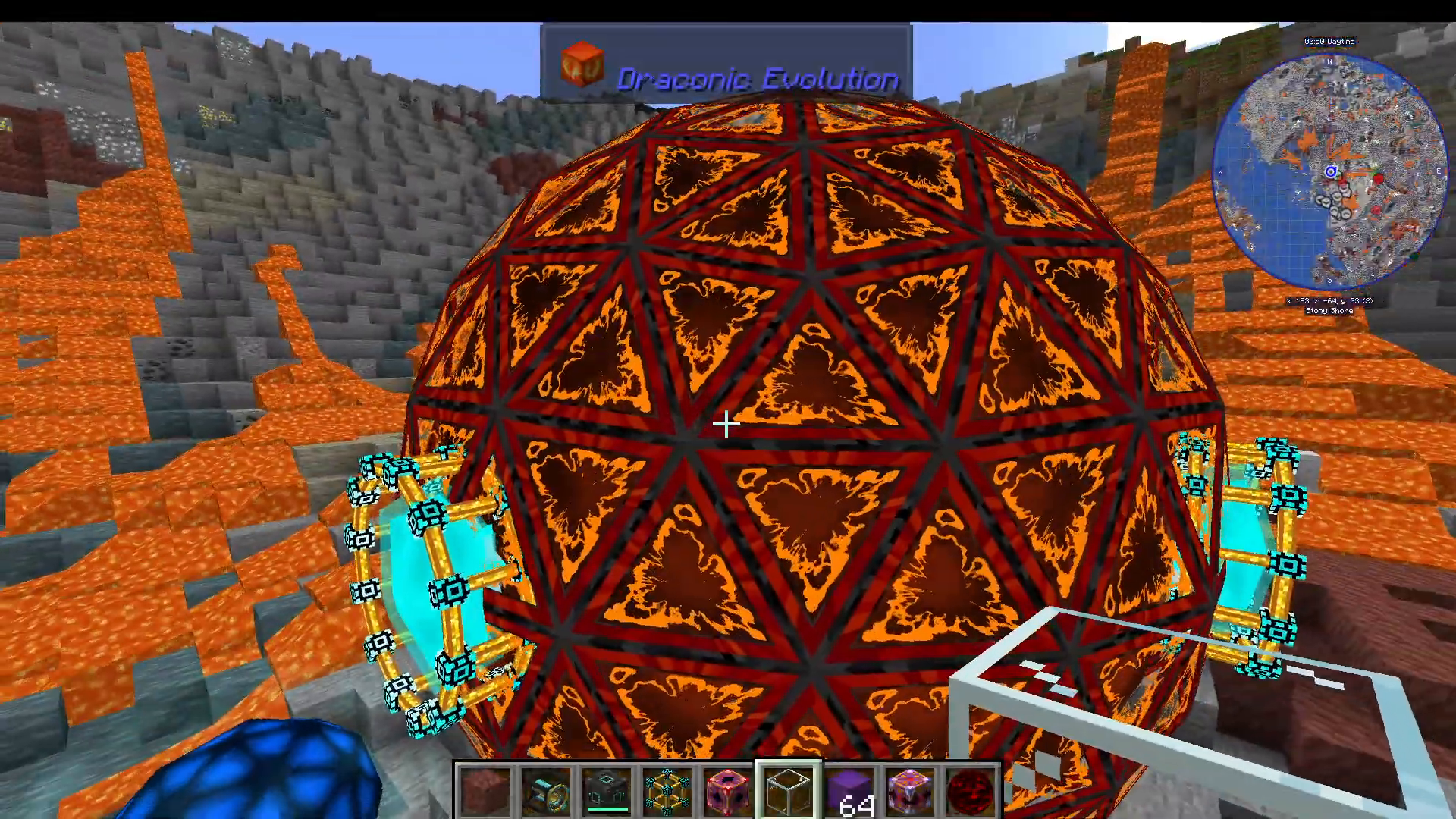
Energy Pylons are the interface between your Energy Core and other Draconic Evolution components. To set up power transfer, place an Energy Pylon anywhere nearby and surround it with glass blocks. This isn’t strictly necessary, but it helps visually connect the pylon to the core.
📸 [ASSISTANT: TAKE SCREENSHOT AT SCREENSHOT AT TIMESTAMP 03:10]
Configuring Input and Output
When an Energy Pylon is connected to an Energy Core, you’ll see a purple beam connecting them. The pylon displays a small orb that indicates its current mode. Right-click this orb to toggle between input and output modes:
Input Mode: Energy flows from connected devices (like Flux Gates from your reactor) into the Energy Core.
Output Mode: Energy flows from the Energy Core out to connected devices.
Real-World Example: Reactor Integration
In a typical setup, connect a Flux Gate outputting from your Draconic reactor to an Energy Pylon set to input mode. The pylon will siphon energy from the reactor into the nearest Energy Core. When toggled to output mode, the same pylon can pull energy from the core as needed by your machines.
At full capacity, a properly configured setup can transfer 2.7 million RF per tick—an absolutely staggering amount of power. This demonstrates why the Energy Core is essential for managing Draconic Evolution’s extreme energy production levels.
Summary
The Energy Core multiblock is Draconic Evolution’s answer to massive energy storage. Whether you’re building a compact tier-one core or the impressive tier-eight configuration, the process remains consistent: construct the multiblock using the build guide, activate it, and connect Energy Pylons for input and output. With proper setup, you can store and manage virtually unlimited energy from your Draconic reactor, powering all your late-game machinery without fear of power loss.
— Want to Support? —
If you would like to help us continue making these guides – please consider joining our patreon here – https://www.patreon.com/c/JaviHeals
Alternatively – we host a group of MC Servers you can join here – https://discord.gg/zD7Gjt6MHF



