







Combustion Generator Tutorial – EnderIO
Combustion Generator Tutorial – EnderIO
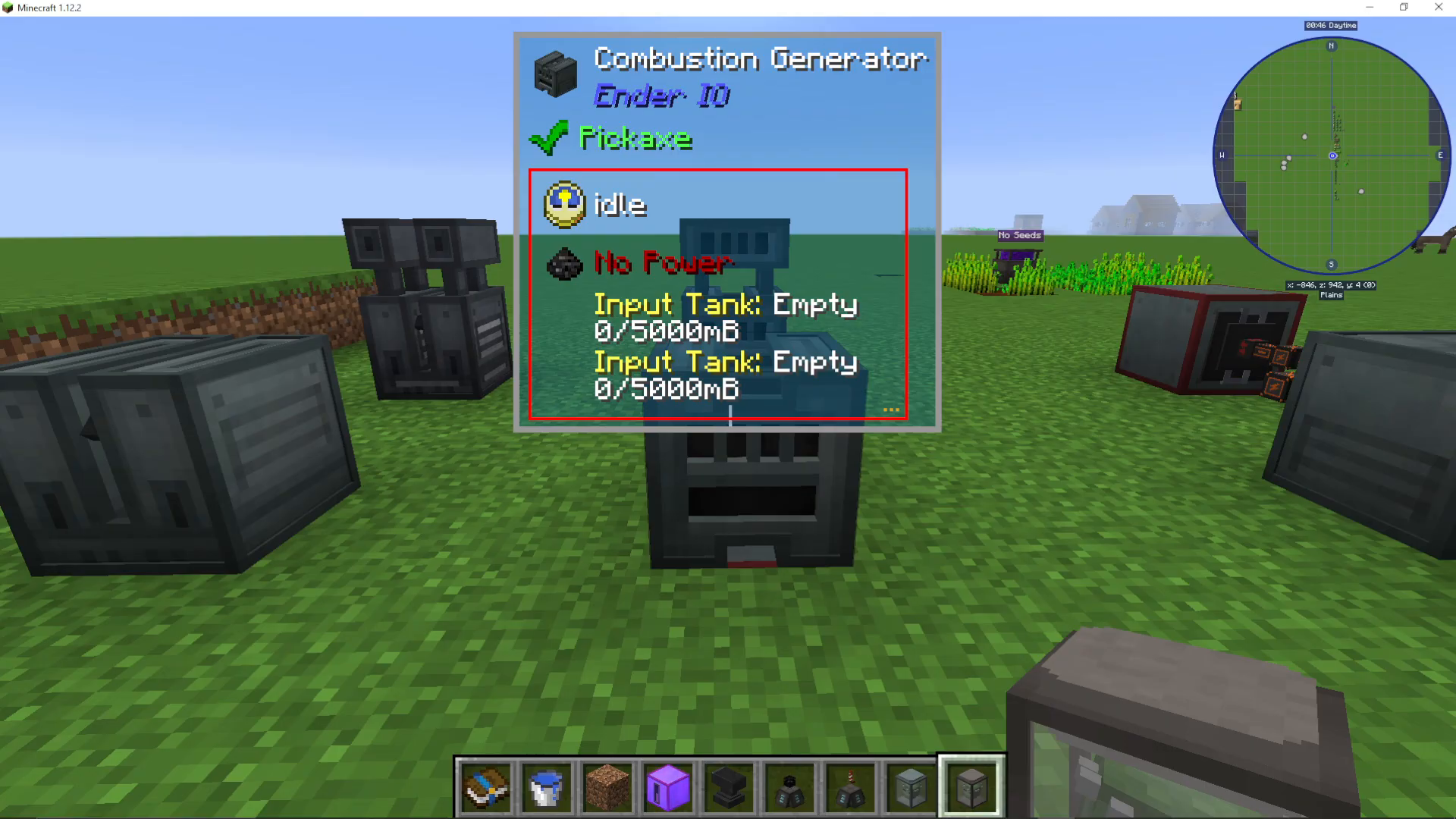
The Combustion Generator is a fundamental energy-producing machine in the EnderIO mod. This guide will walk you through everything you need to know to set up and operate a Combustion Generator efficiently, from installing capacitors to selecting the best fuel and coolant combinations for maximum energy output.
Getting Started: Installing a Capacitor
The first step to using any EnderIO machine is installing a capacitor. Without a capacitor, the Combustion Generator will not function. If you’re unfamiliar with this process, be sure to check out other EnderIO guides on machine setup.
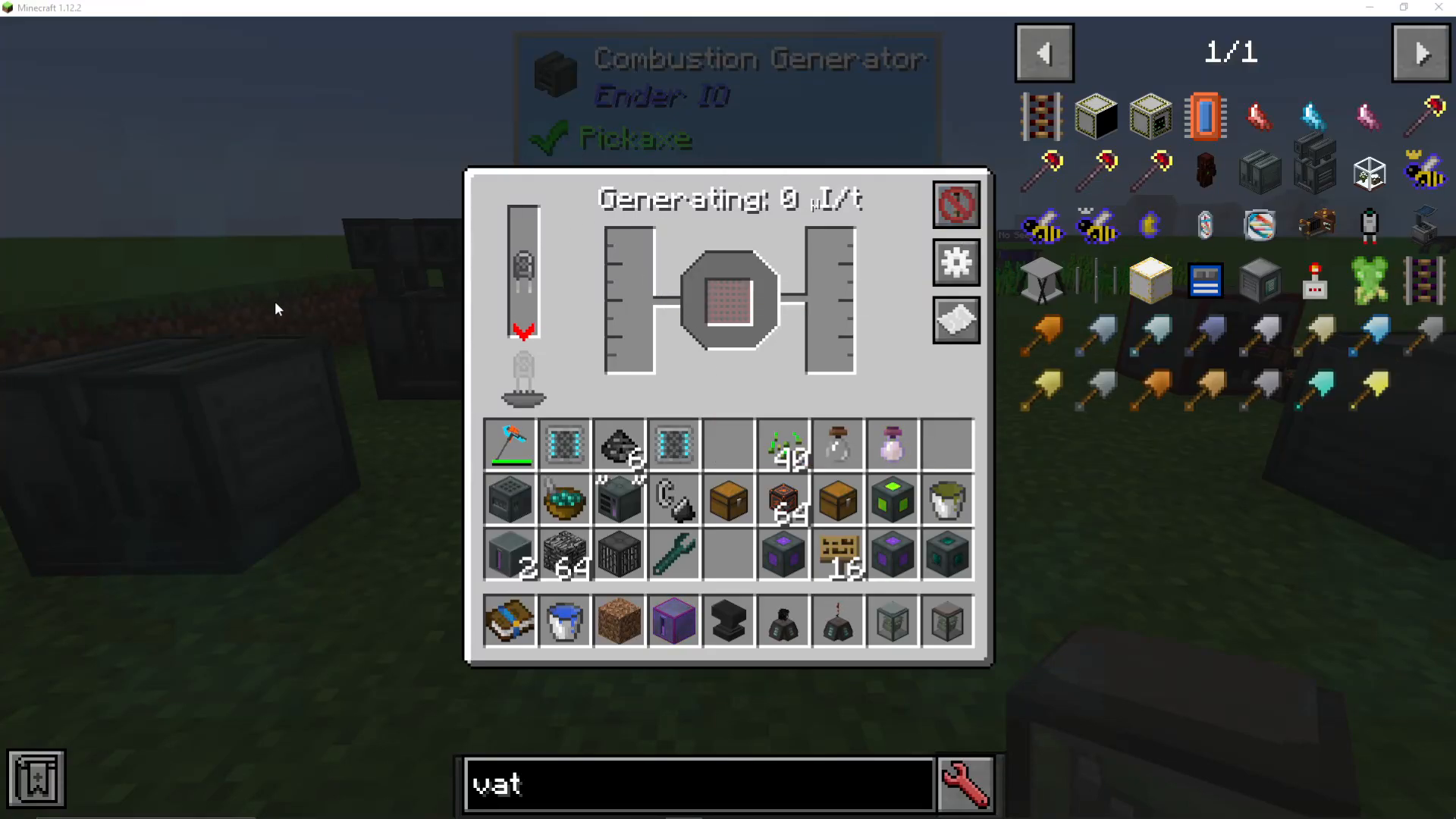
How the Combustion Generator Works
The Combustion Generator requires two key inputs to produce energy: a fuel source and a coolant. These two materials are combined within the machine to generate power. The amount of energy produced will depend on which fuel and coolant combination you use, as well as the tier of capacitor installed.
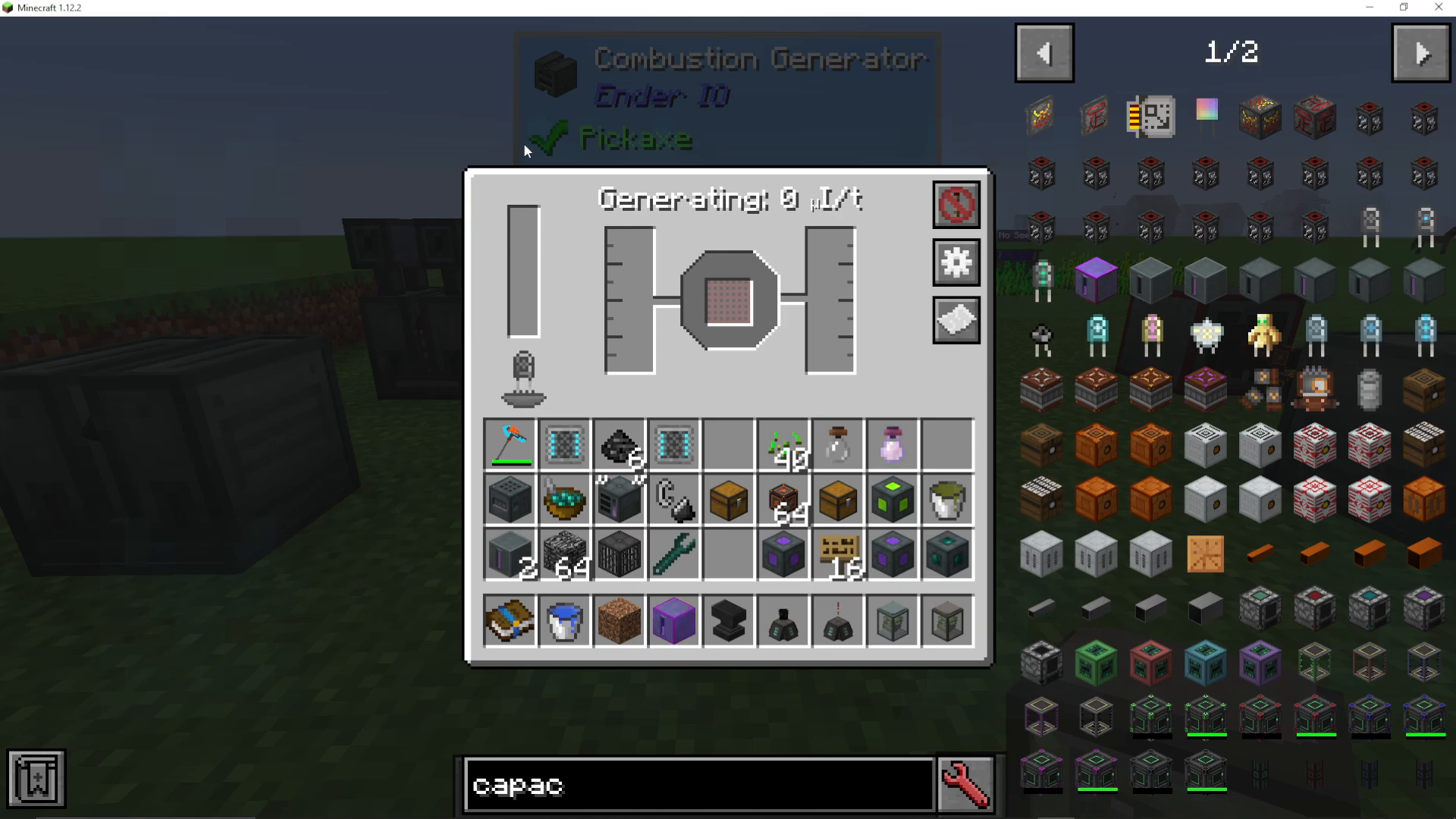
Configuring Input and Output Sides
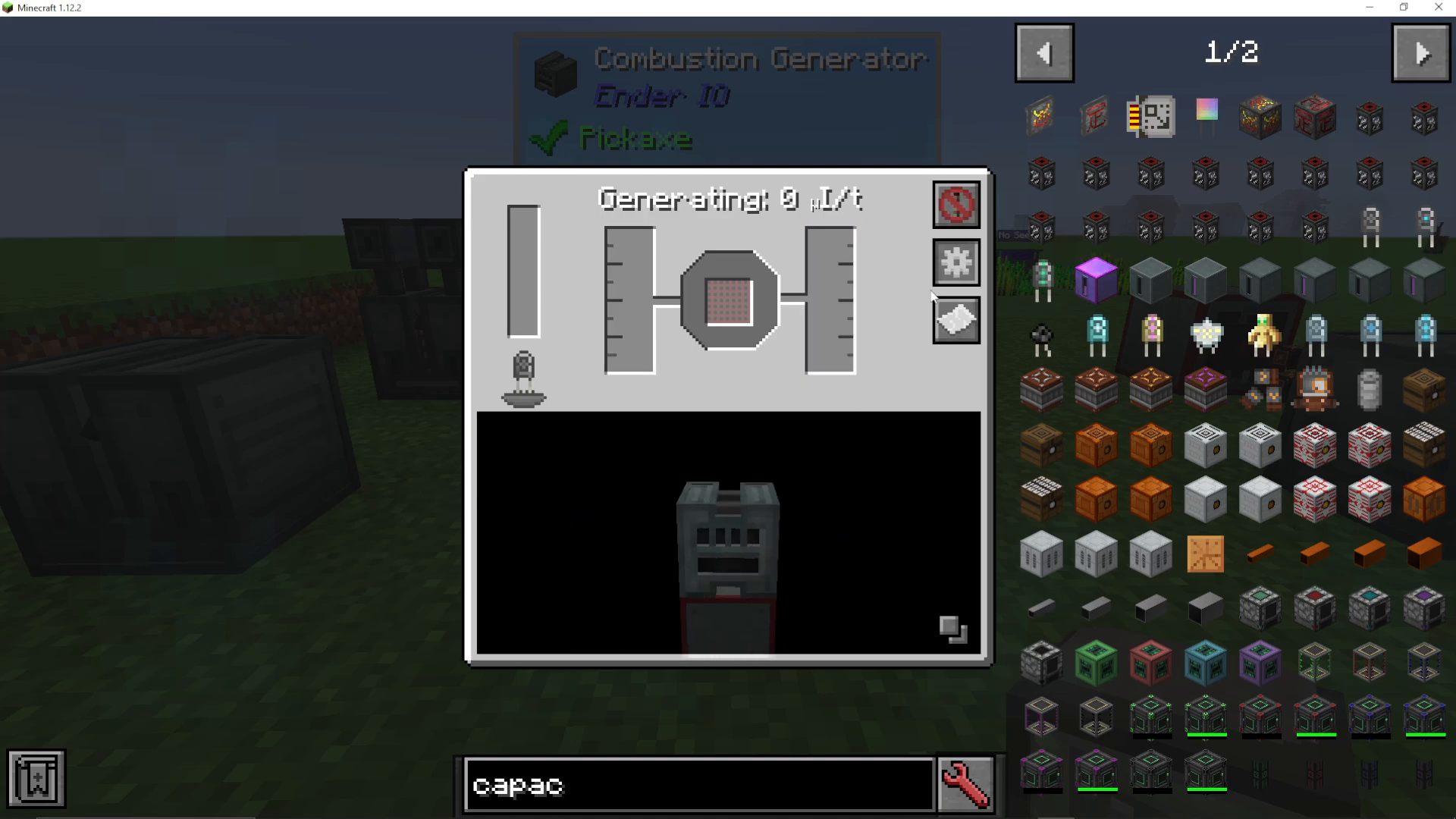
Click the configure button on the machine to view available inputs and outputs. You can right-click on the blue input sides to specify which fuels you want to accept and disable any sides if needed. This allows you to customize the machine layout to fit your farm design.
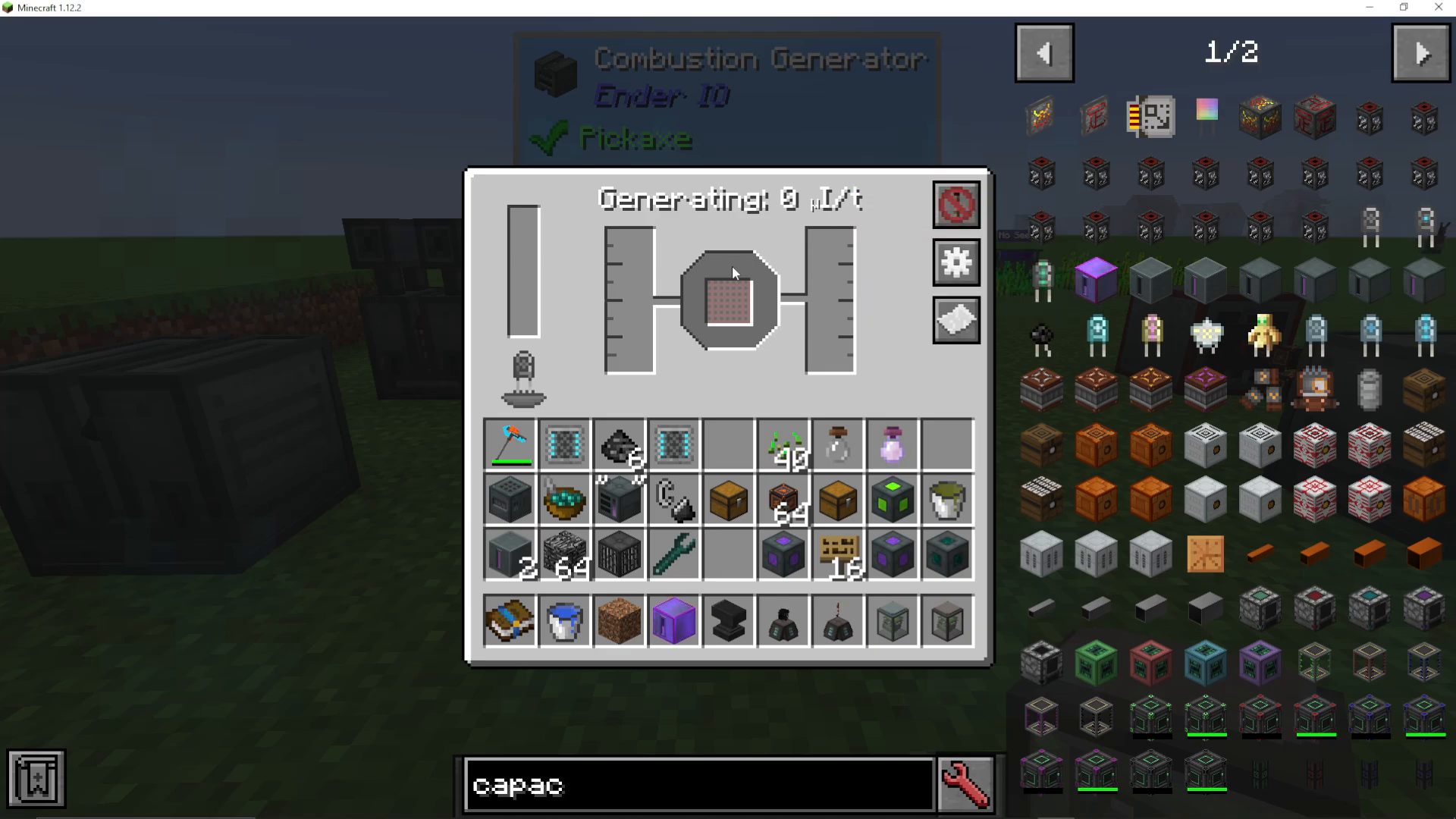
Viewing Available Recipes
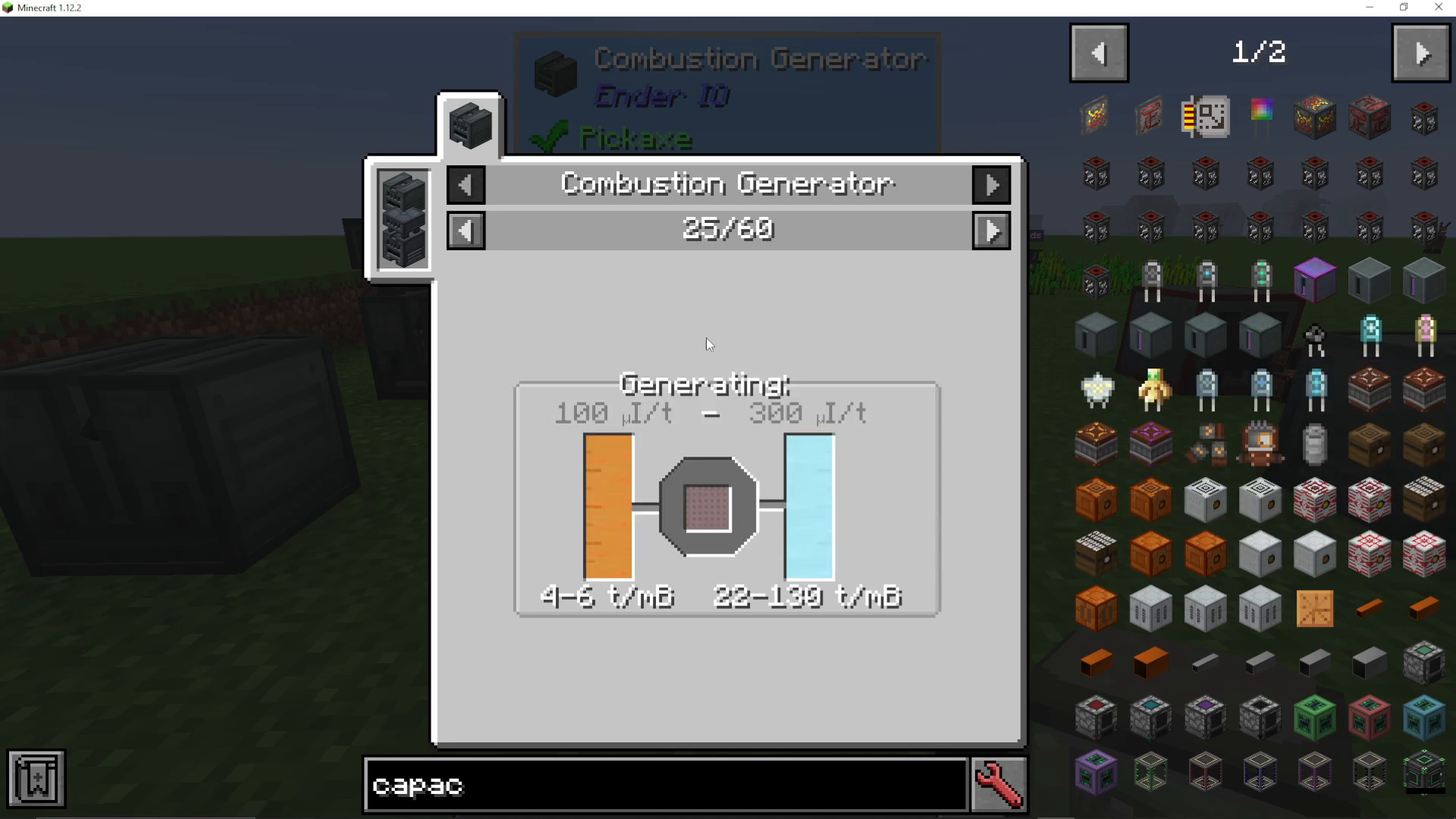
Press the paper icon to display all available fuel and coolant recipe combinations. This will show you exactly how much energy each pairing will generate, helping you choose the most efficient option for your setup.
Energy Output Based on Capacitor Tier
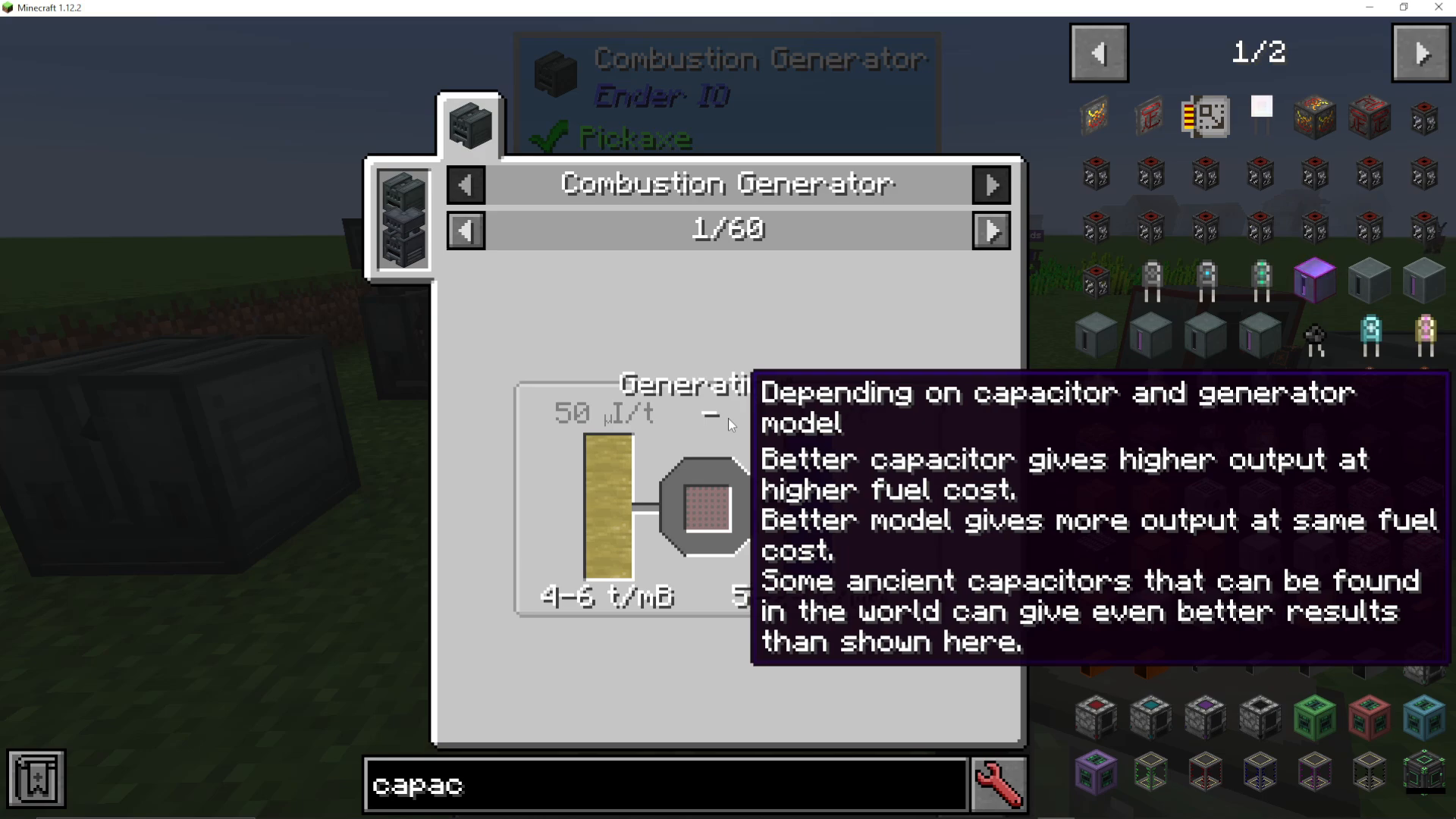
Energy generation scales significantly with your capacitor choice. The Combustion Generator will produce between 50 to 150 energy per operation depending on your capacitor and generator model:
Basic Capacitor: ~50 energy
Octadic Capacitor: ~150 energy
As a general rule, the better your capacitor, the more energy you’ll generate from each fuel-coolant cycle. The machine will also display exactly how much fuel it consumes with each energy generation cycle.
Fuel Options
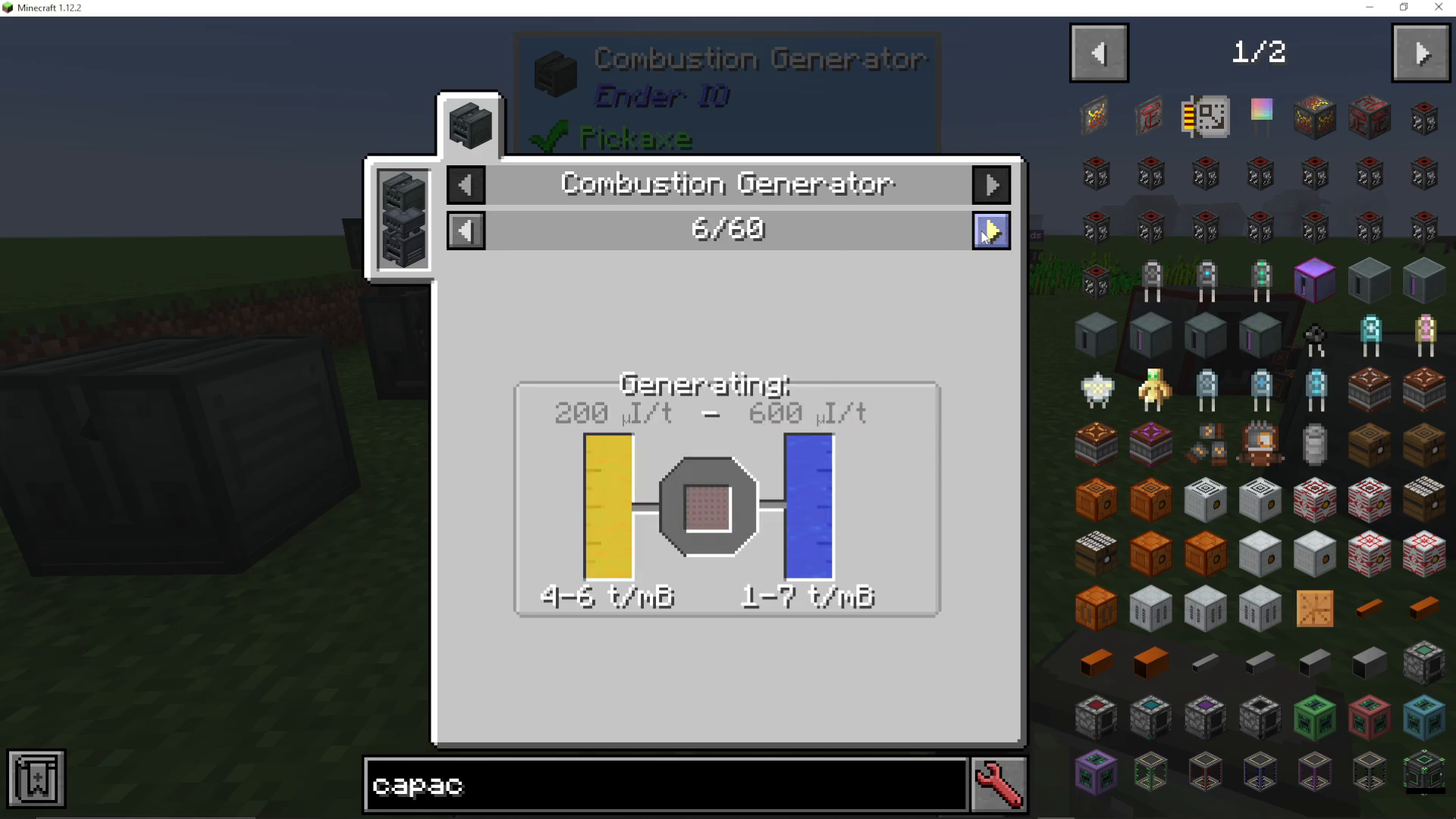
The Combustion Generator accepts fuel from various mods. Some common fuel sources include:
Biogas (from other mods)
Various oils
Liquefied Coal (Forestry, Thermal Expansion)
Naphtha
Refined Fuel
Fire Water (EnderIO exclusive)
Coolant Options
The generator requires a coolant to function alongside your fuel. Common coolant choices include:
Water
Crushed Ice (Forestry, Thermal Expansion)
High-Efficiency Fuel and Coolant Combinations
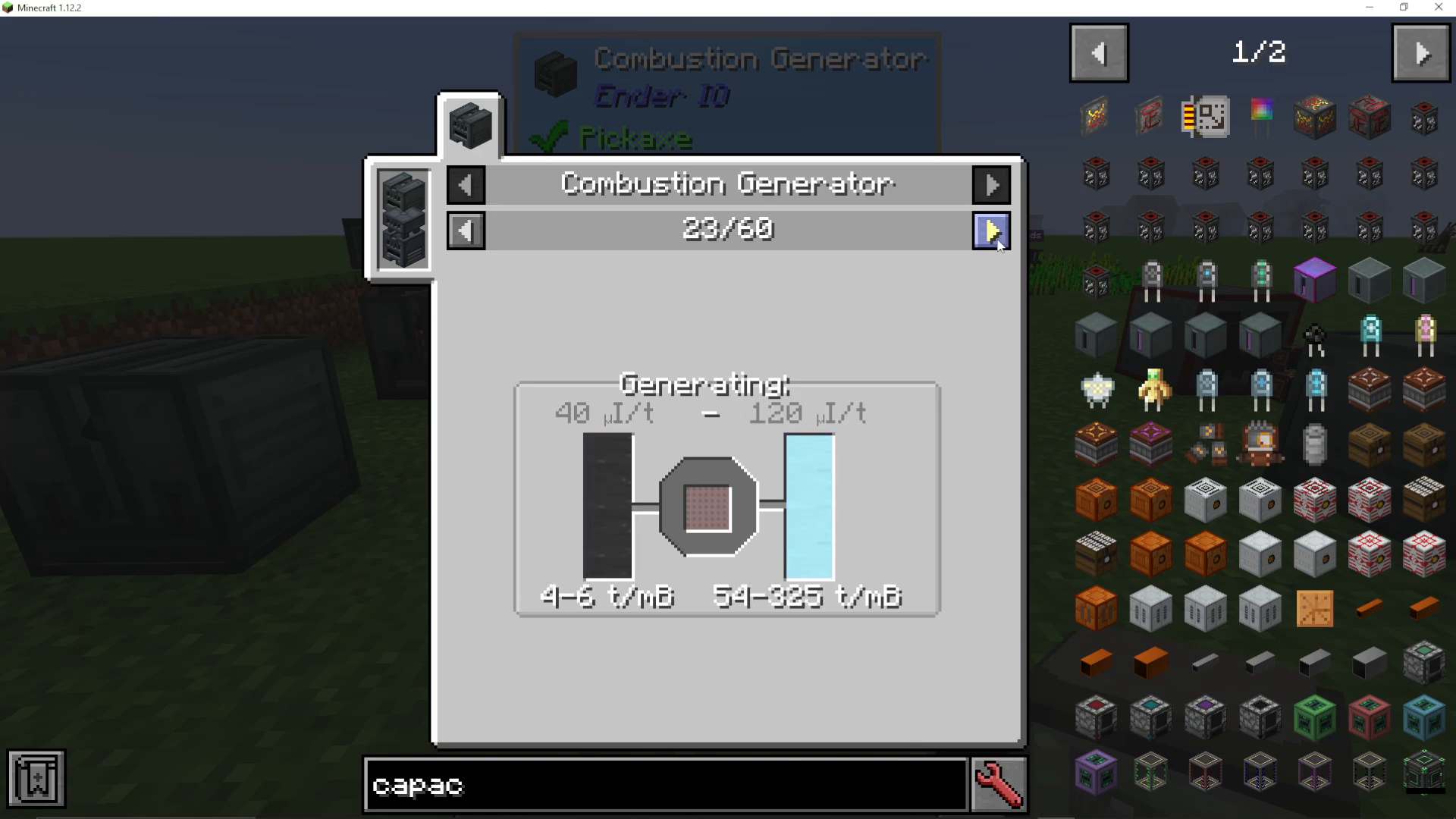
Different fuel and coolant pairings produce vastly different energy outputs. Here are some notable combinations:
Naphtha + Crushed Ice: Up to 300 power
Refined Fuel + Crushed Ice: Up to 600 power
By experimenting with different combinations, you can find the optimal balance for your specific modpack and resource availability.
Creating Fire Water (EnderIO Fuel)
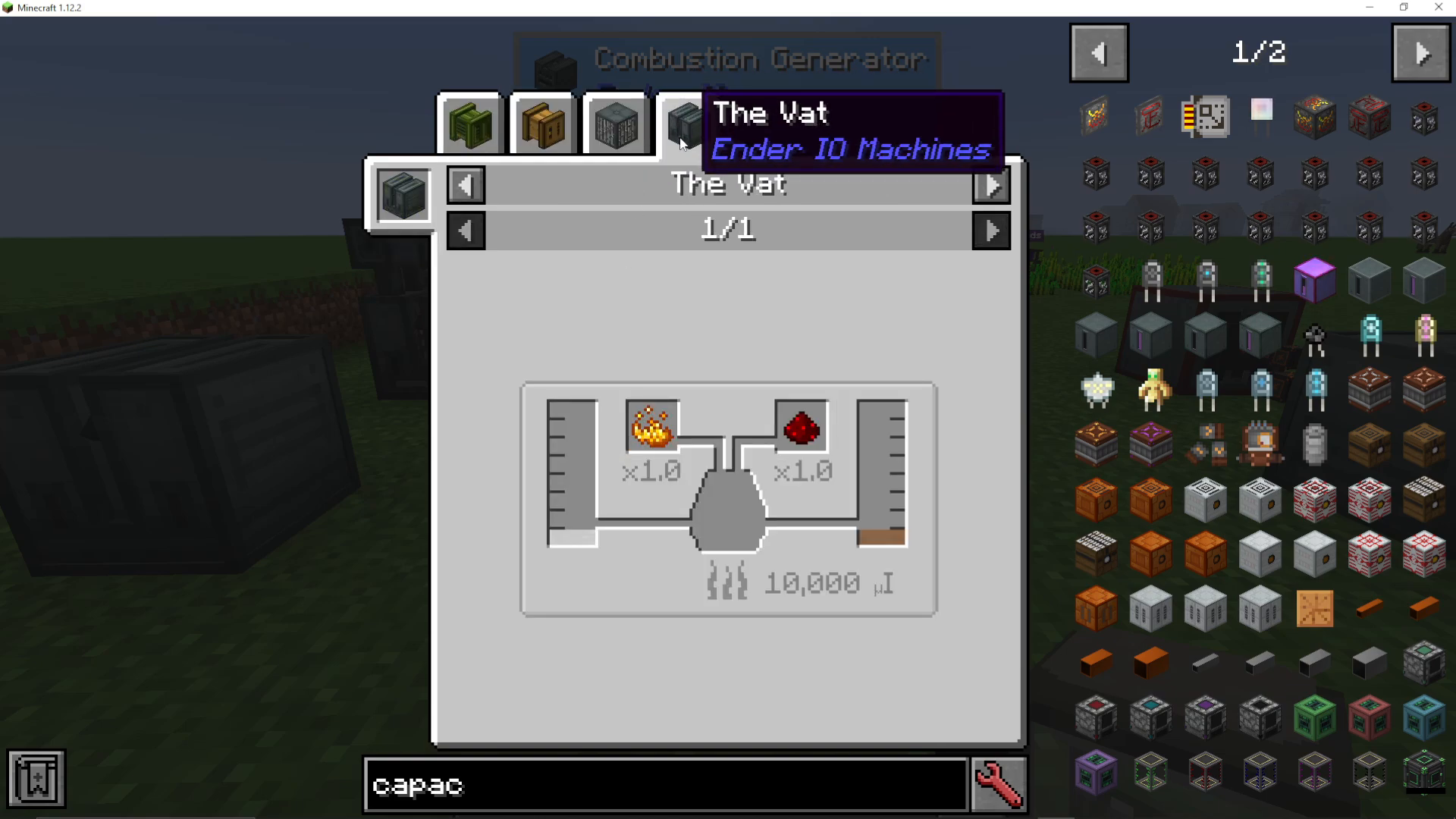
If you want to use exclusively EnderIO fuel, you can create Fire Water in the Vat. The recipe requires:
Hooch
Blaze Powder
Redstone
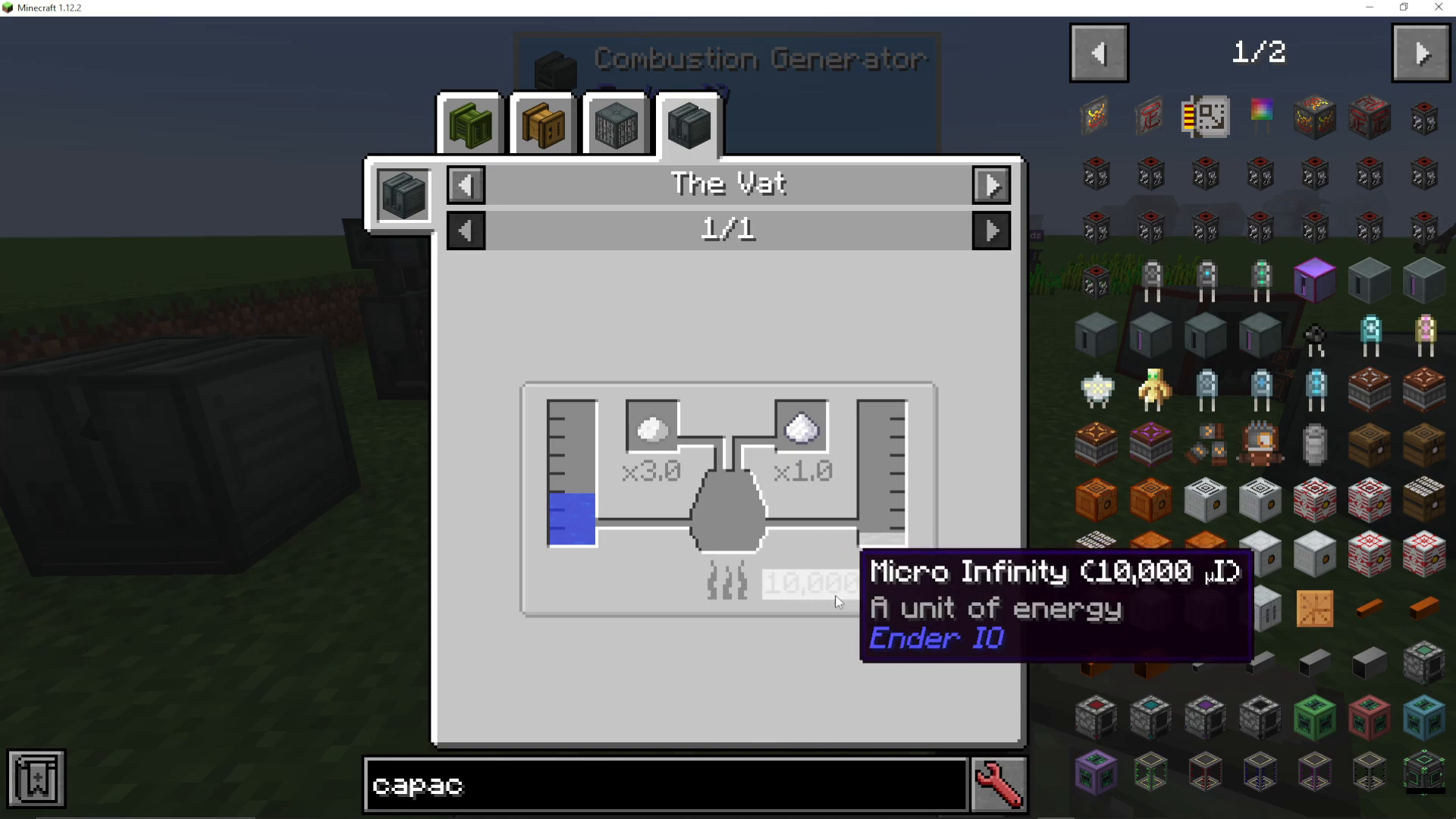
Hooch itself is made in another Vat by fermenting water, seeds, and sugar together. For detailed instructions on using the Vat, consult the EnderIO playlist.
Energy Cost Considerations
When planning your Combustion Generator setup, remember to factor in the energy cost of producing your fuel and coolant resources. For example, if you’re creating Fire Water, you need to account for the energy consumed in the Vat during production. This helps ensure your generator produces a net positive energy gain.
Redstone Signal Control
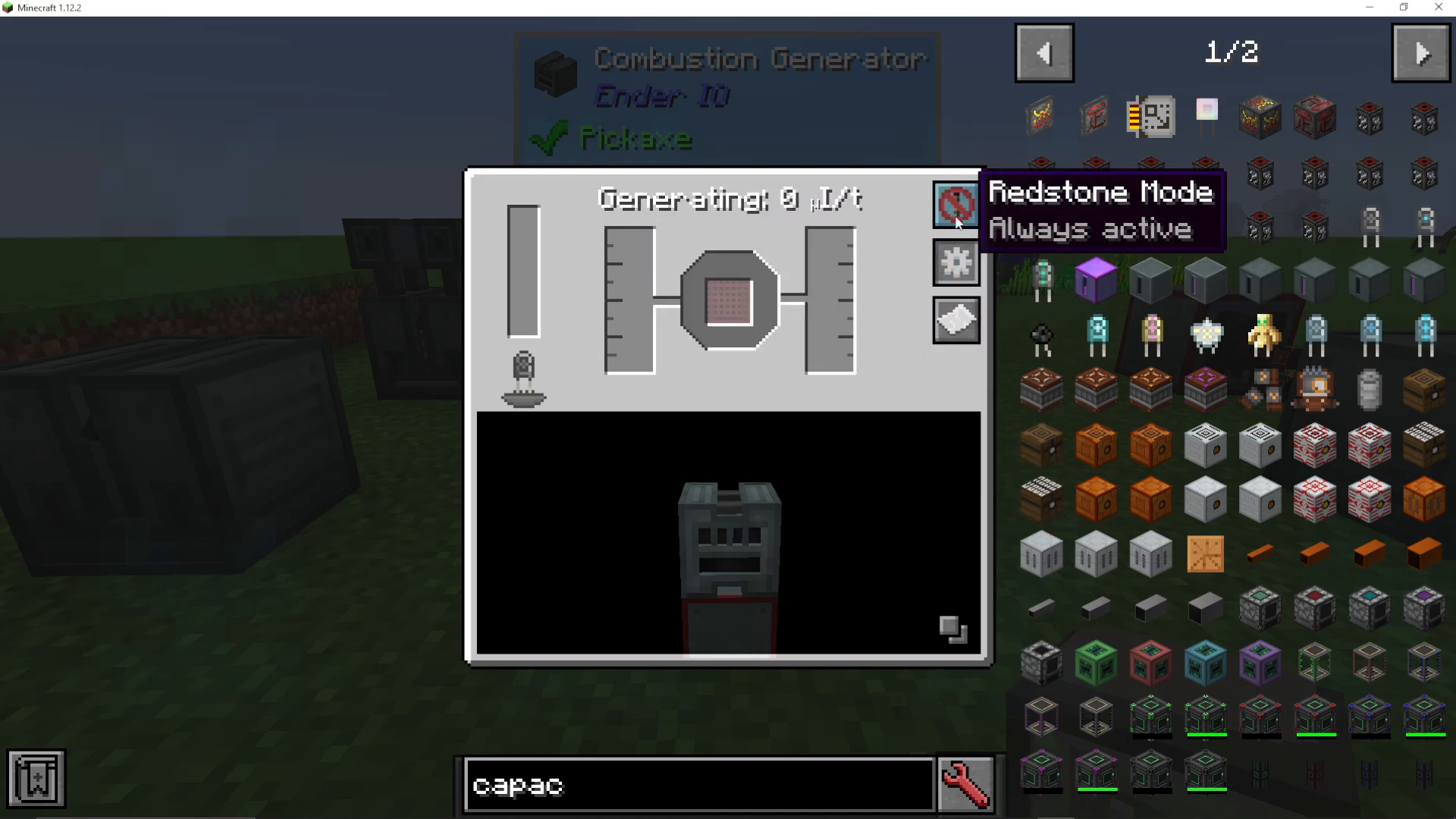
You can configure the Combustion Generator to activate only when receiving a redstone signal. This allows you to control when the machine operates, which is useful for managing resources and energy production timing.
Enhanced Combustion Generator
EnderIO also offers an Enhanced Combustion Generator, which is a more efficient version of the standard model. If you’re looking for improved energy generation, the Enhanced variant is worth the upgrade investment.
Summary
Setting up a Combustion Generator is straightforward: install a capacitor, configure your fuel and coolant inputs, select your desired fuel-coolant pairing, and activate the machine with a redstone signal. By choosing high-efficiency fuel combinations and upgrading to better capacitors, you can significantly increase your energy production. The Combustion Generator is an excellent early-to-mid game energy solution in EnderIO modpacks.
— Want to Support? —
If you would like to help us continue making these guides – please consider joining our patreon here – https://www.patreon.com/c/JaviHeals
Alternatively – we host a group of MC Servers you can join here – https://discord.gg/zD7Gjt6MHF



