The Ultimate Guide to Silent Gear
The Ultimate Guide to Silent Gear
Silent Gear is a powerful tool and weapon crafting mod for Minecraft that draws inspiration from Tinker’s Construct. This comprehensive guide will walk you through every major feature, from creating your first tools to mastering advanced upgrades and material grading. Whether you’re just starting out or looking to optimize your gear, you’ll find everything you need to become a Silent Gear expert.
Getting Started: Basic Crafting
Creating Your First Tools
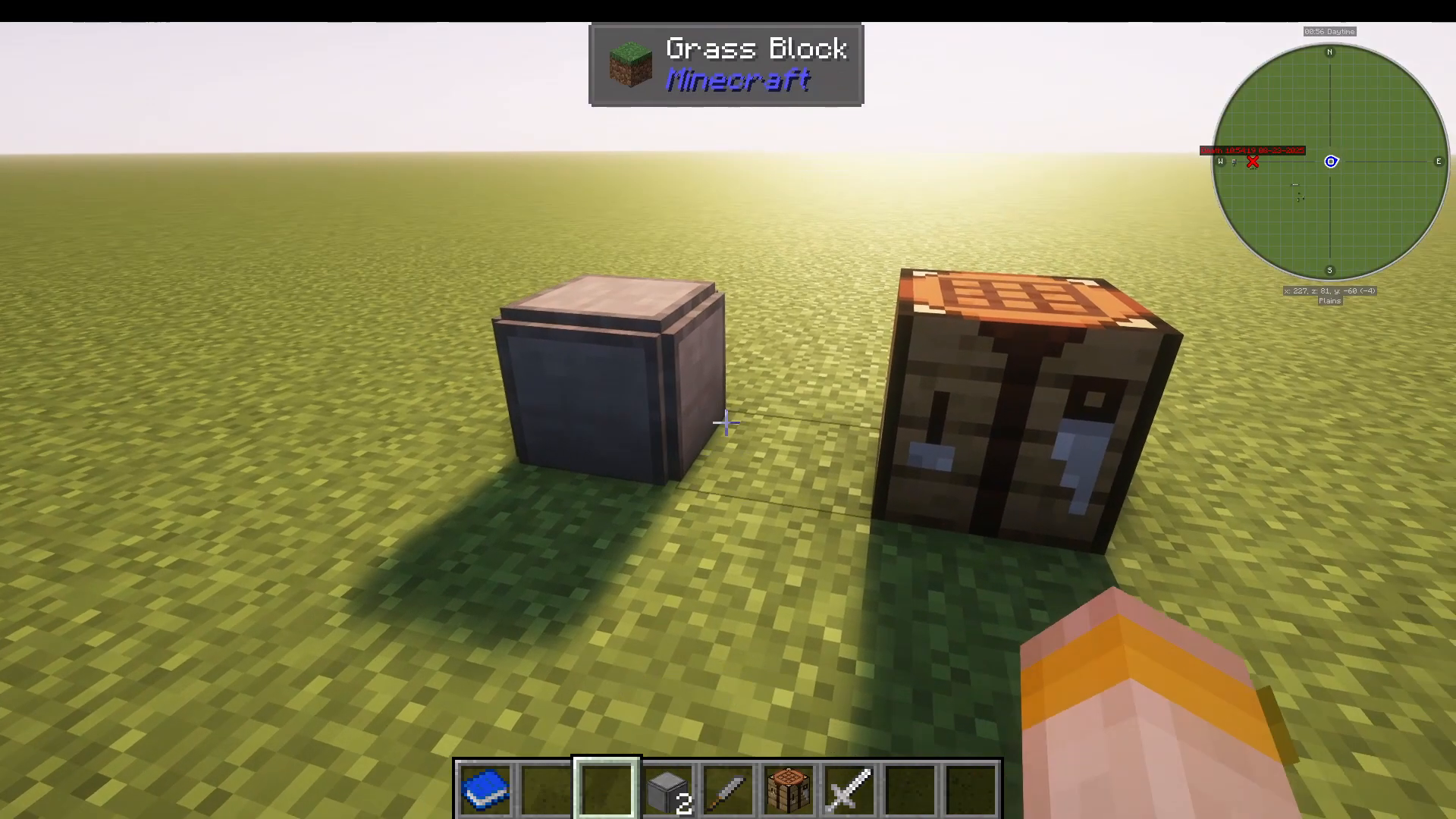
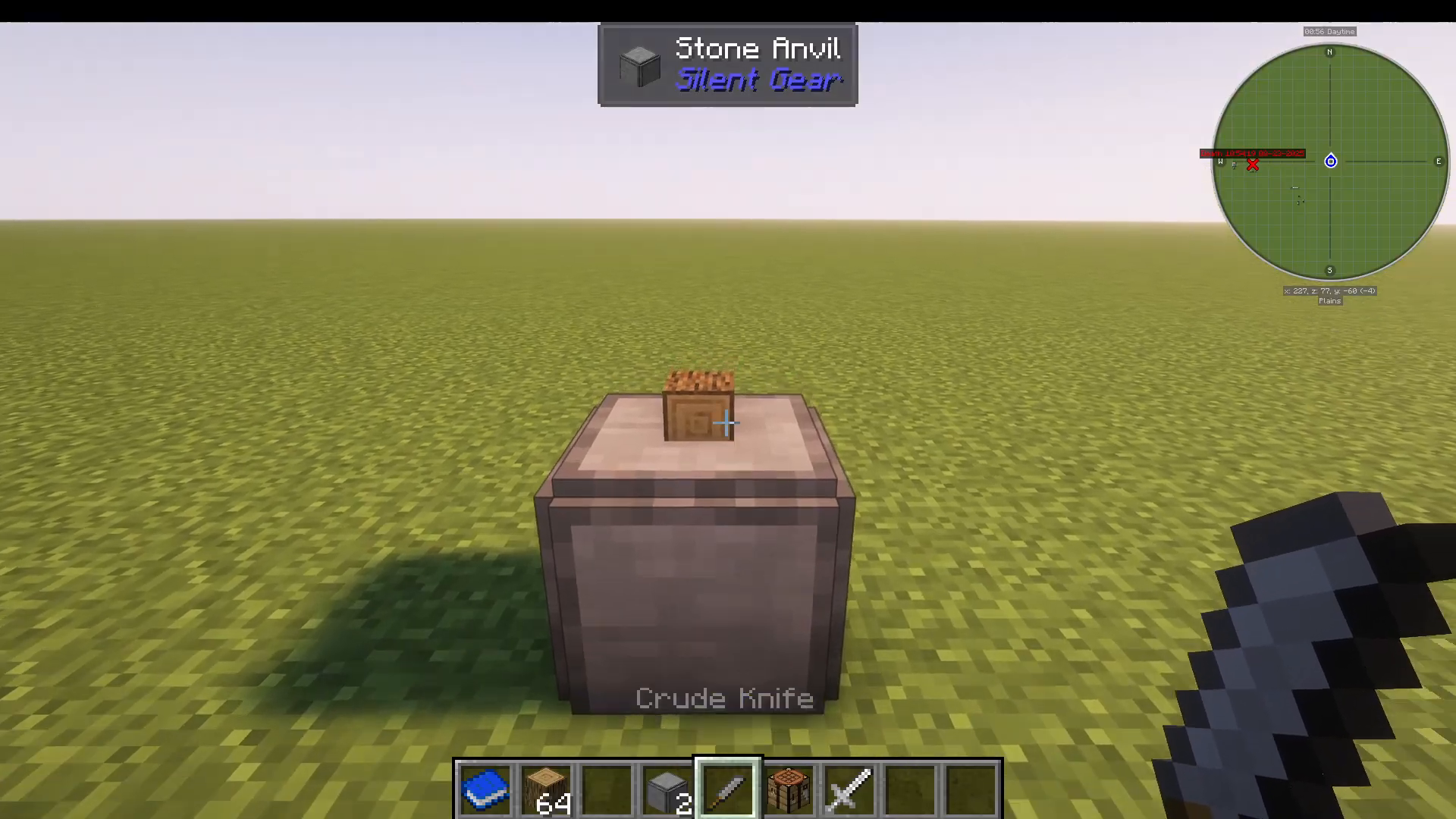
The first step in Silent Gear is to craft a stone anvil. This is a very simple recipe that gives you the foundation for tool creation.
Next, you’ll need to make a crude knife, which requires crude tool parts. Again, this is straightforward to craft.
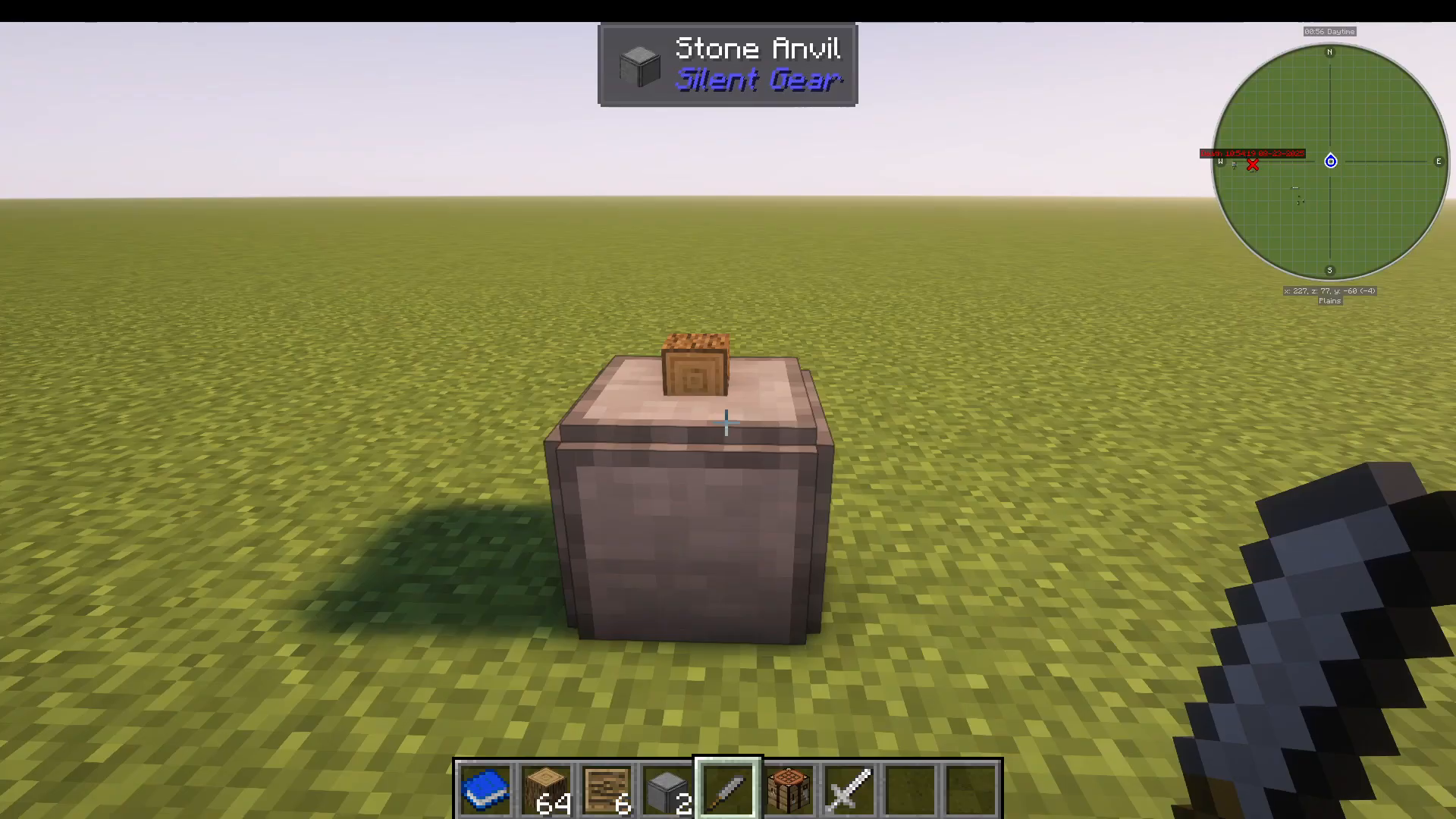
Now gather some logs. The next mechanic is similar to Tinker’s Construct: you’ll be working with blueprints. Right-click your logs onto the stone anvil, then right-click with your crude knife to obtain template boards.
Understanding Templates
Template boards unlock various tool and weapon types, including:
Shield templates
Saw templates
Katanas
Fishing rods
Shovels
Swords
Tool rod templates
A stick and two templates (arranged properly) will create a sword template. Make sure to also craft a tool rod template—you’ll need this for assembling your final tools.
Crafting Your First Tool
The Sword Example
Go to your vanilla crafting table. If you have JEI installed, press U on a sword template to see its recipe.
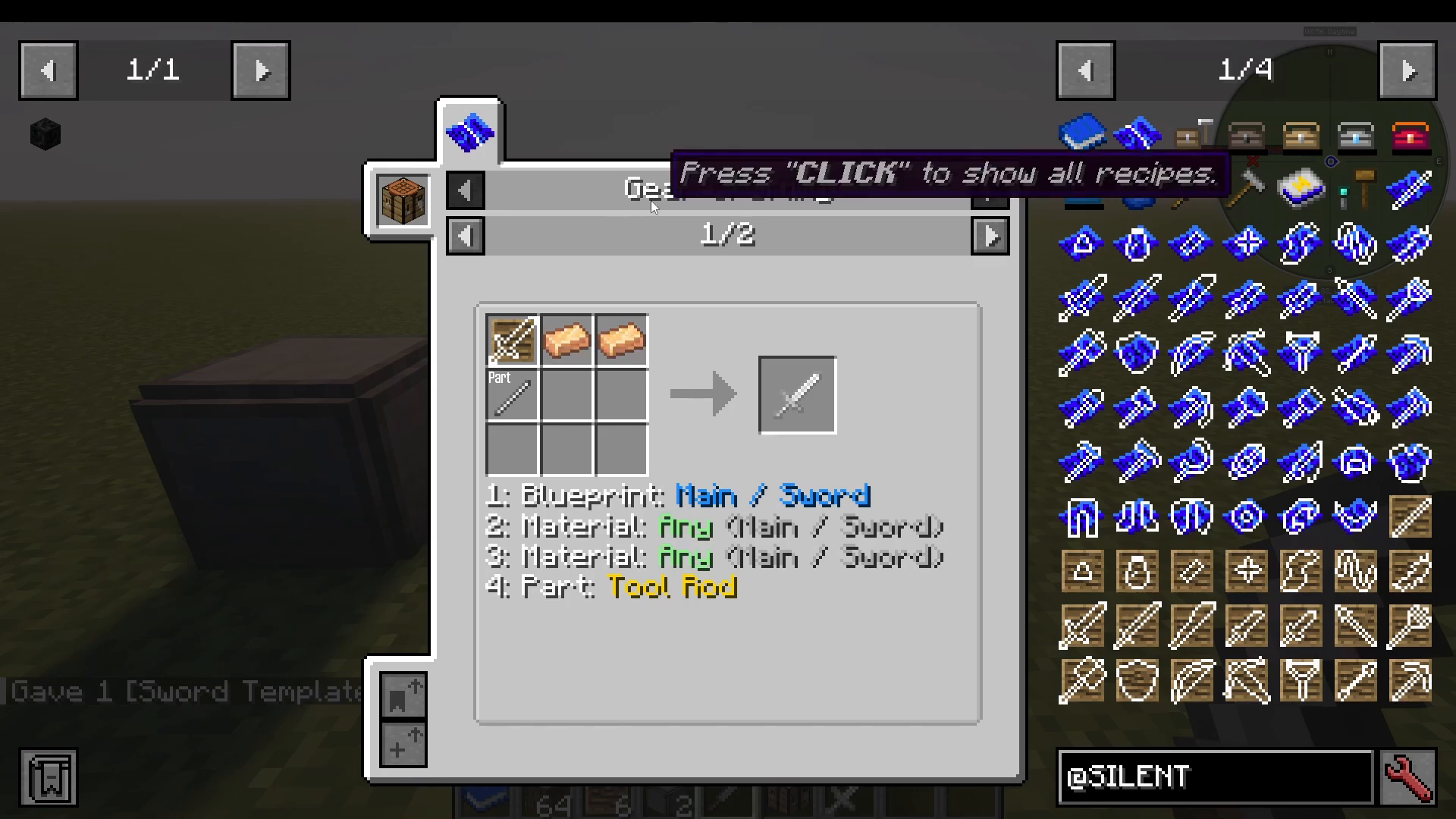
Here’s the step-by-step process:
Take iron ingots and place them as shown to create an iron sword blade
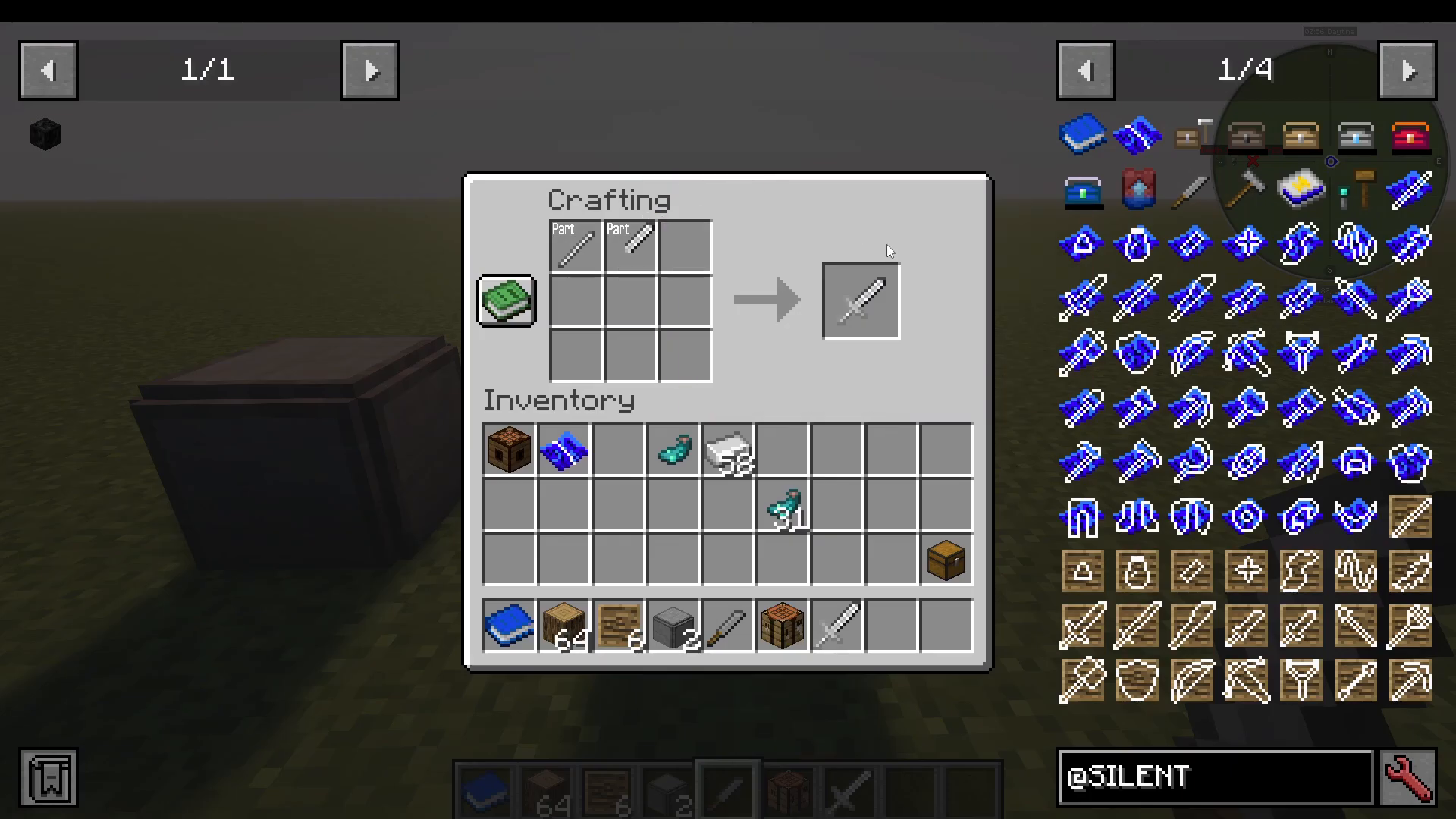
Take your tool rod template and add two iron ingots to create a tool rod
Combine the tool rod with the iron sword blade in your crafting grid to make an iron sword
Comparing to Vanilla
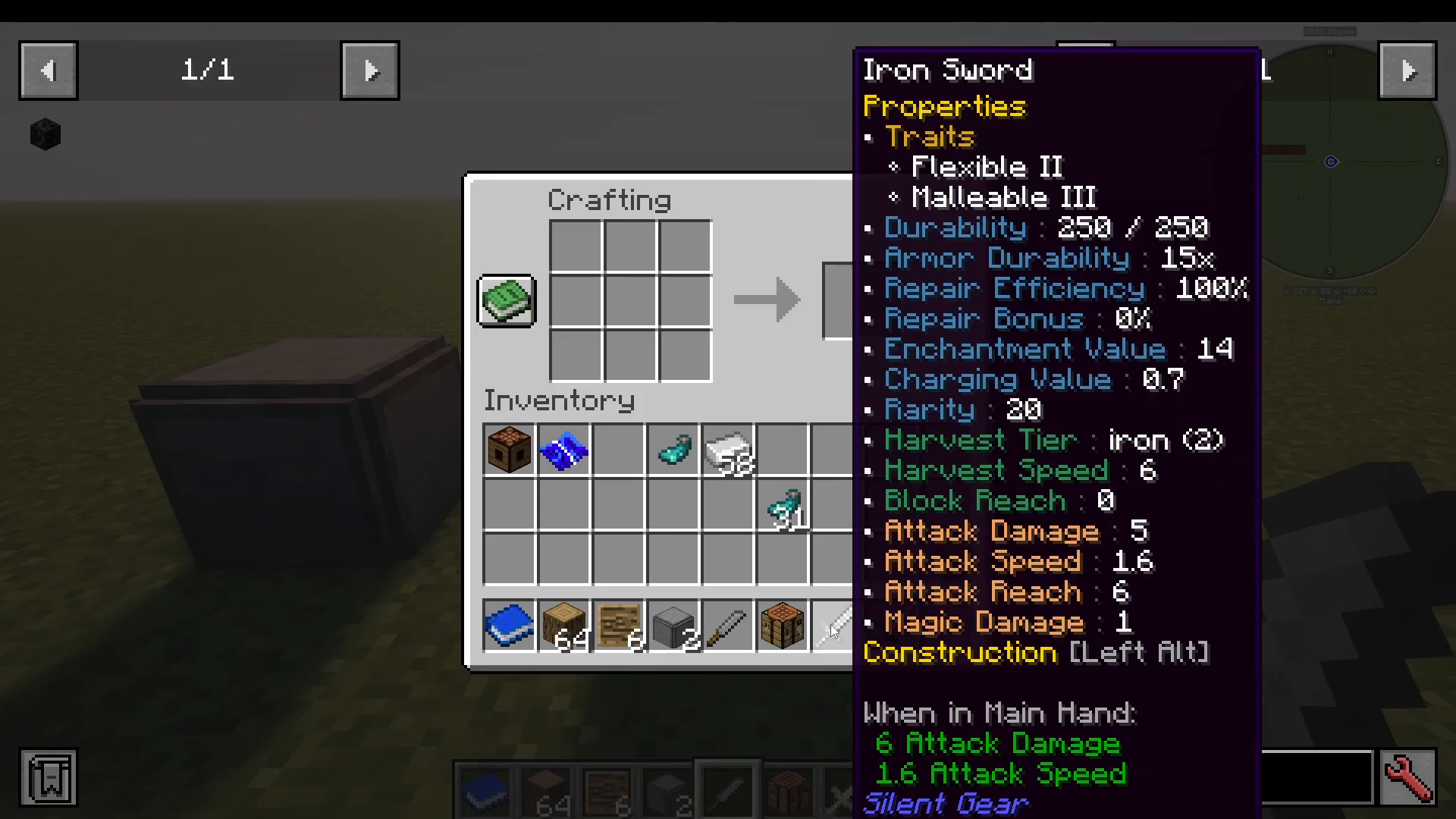
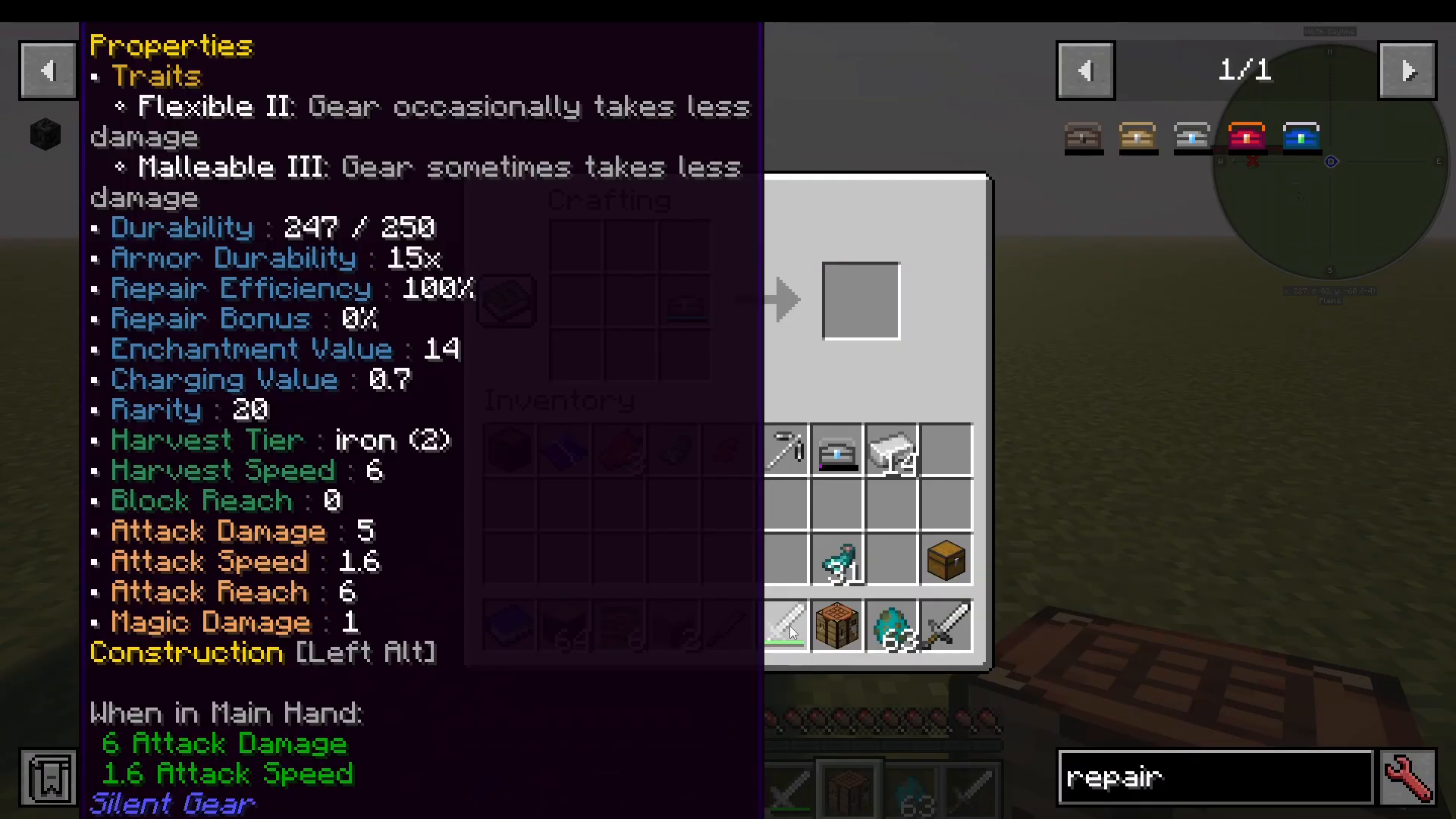
A vanilla Minecraft iron sword has 6 damage and 1.6 attack speed. Your Silent Gear iron sword has the same stats, but offers additional benefits:
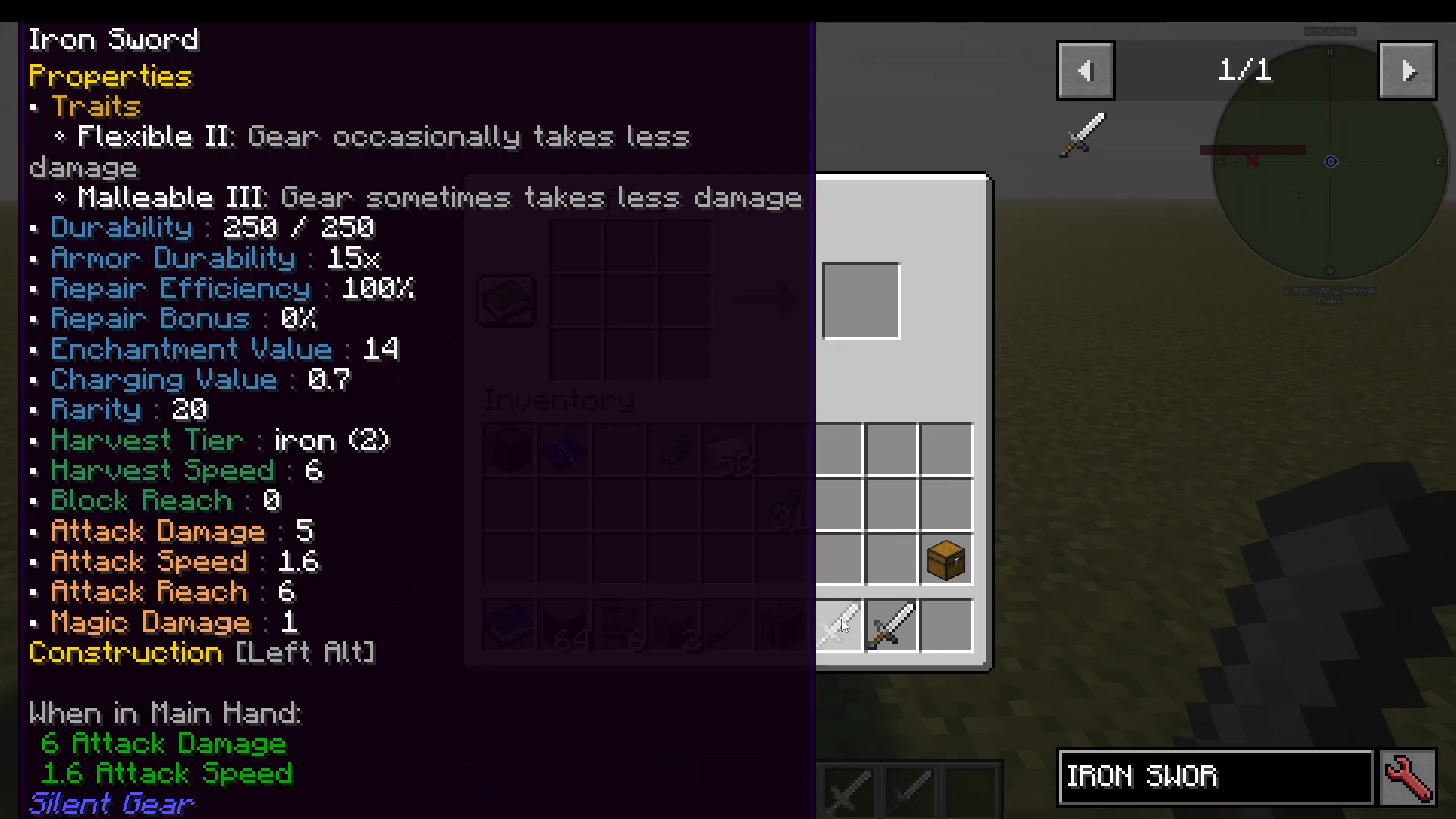
Press Left Control to view tool properties. You’ll see traits like “Flexible II” and “Malleable II”. Hold Shift while viewing to see additional information—your gear occasionally takes less damage, improving durability compared to vanilla tools.
Understanding Tool and Armor Stats
Silent Gear tools display numerous stats that affect performance. Here’s what each one means:
Durability and Repair Stats
Durability: The maximum damage value for tools (not armor). Tools with 2.147 million durability or higher are considered unbreakable.
Armor Durability: A 15x multiplier that determines how much more durable your armor is.
Repair Efficiency: The multiplier for durability restored when repairing via anvil or repair kit. At 100%, one iron ingot restores a standard amount. At 200%, it would restore twice as much.
Repair Bonus: The multiplier for durability restored by the material itself.
Enchantment and Harvesting
Enchantment Value: Affects the level of enchantments you can apply from an enchanting table, just like vanilla Minecraft.
Harvest Tier: Determines what blocks the tool can mine (e.g., iron tier can mine up to iron blocks).
Harvest Speed: How quickly you can use the tool.
Combat and Reach
Block Reach: How far in front of you the tool or weapon extends.
Attack Damage: Base damage dealt.
Attack Speed: How fast you can attack.
Attack Reach: Distance for melee attacks.
Magic Damage: Additional magical damage.
Ranged Weapons and Armor
Ranged weapons like bows have additional stats:
Ranged damage
Projectile speed
Projectile accuracy
Armor pieces have their own unique stats:
Armor value
Armor toughness
Knockback resistance
Magic armor
Rarity
Rarity affects synergy calculations. Materials with similar rarities will mix together better, producing higher stat bonuses overall. Rarity also influences the name color of your tool.
Crafting Other Tools: Pickaxes
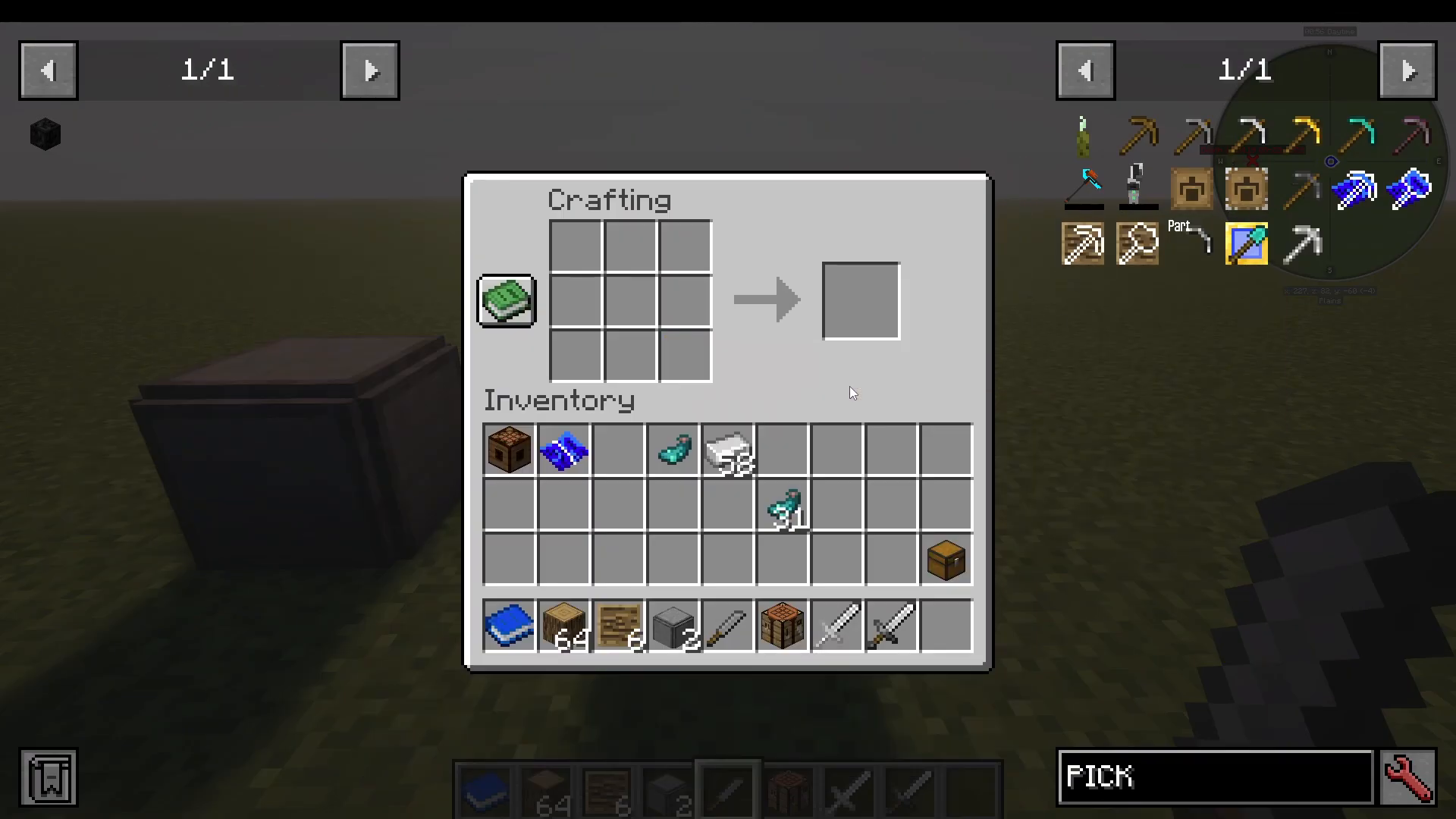
Let’s walk through crafting a pickaxe as another example.
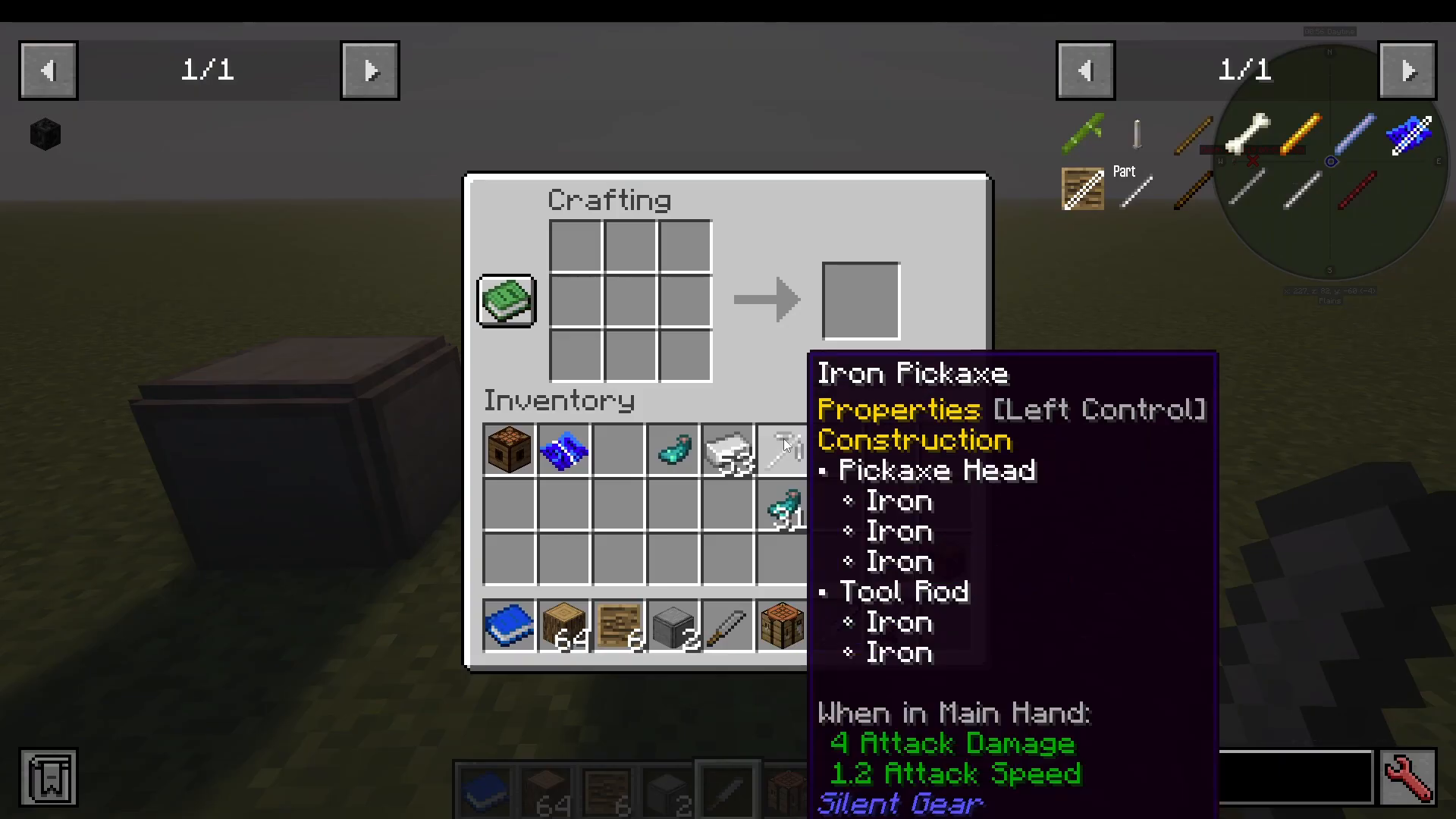
Create a pickaxe template and place it in a crafting grid. To make a pickaxe head, arrange three iron ingots as shown. This gives you an iron pickaxe head.
Combine the pickaxe head with a tool rod to complete your iron pickaxe. Remember: template boards are single-use only.
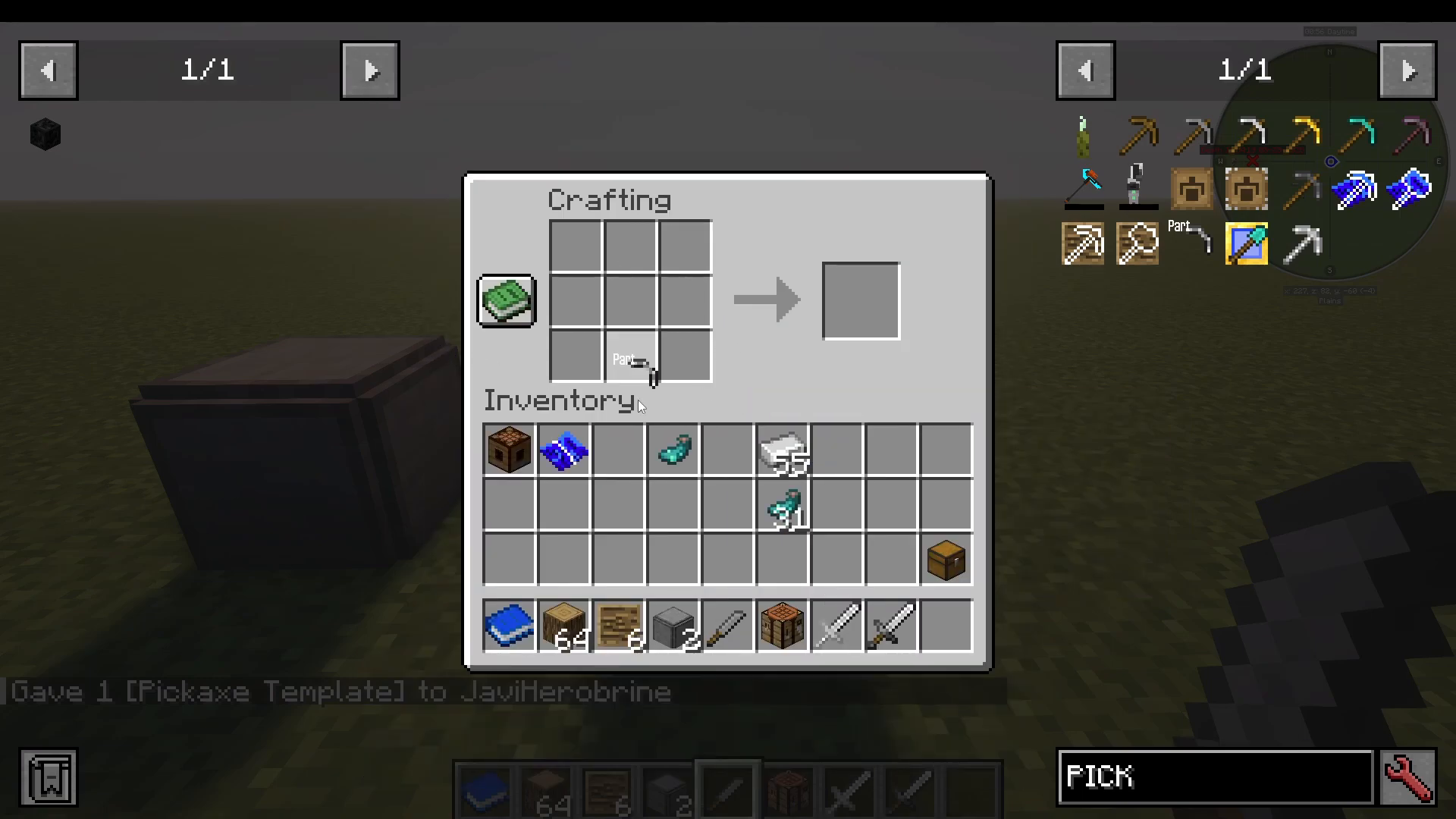
Press Left Alt to view the construction details. You’ll see that your pickaxe head is made of iron (from three ingots) and the tool rod is also iron (from two ingots).
Repairing Tools and Armor
Tools in Silent Gear will eventually take damage. To repair them, you’ll use repair kits.
Repair Kit Tiers
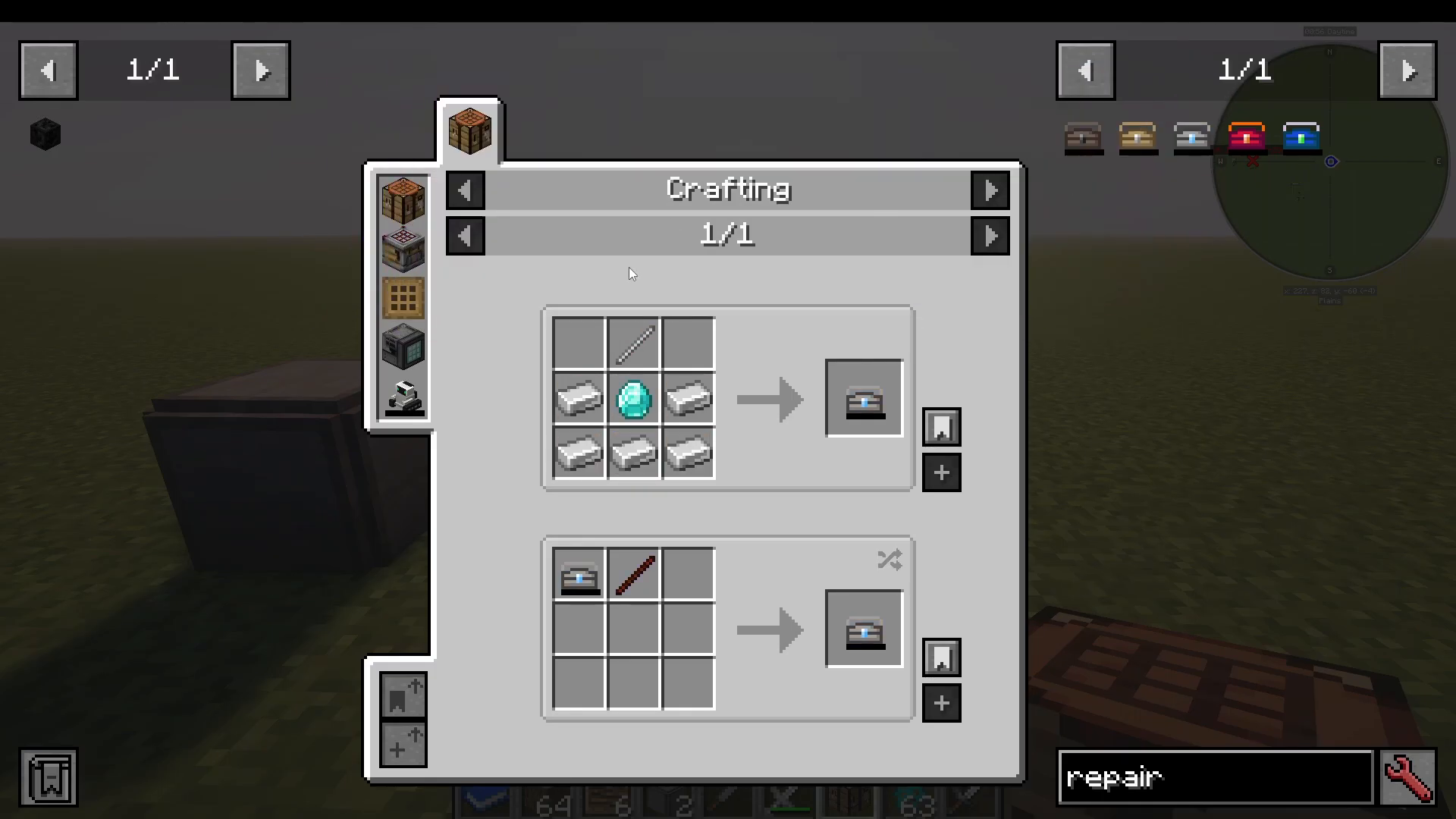
Several repair kit variants exist, ranging from early to late game:
Crude repair kit
Very crude repair kit
Sturdy repair kit
Crimson repair kit
Azure repair kit
The Sturdy repair kit is a good early-game option and requires an iron rod, iron gears, and diamonds.
Using Repair Kits
To use a repair kit, you must first fill it with the material you want to repair with. Place the empty kit in a crafting table and surround it with the material (for example, iron ingots). The more ingots you surround it with, the more the kit fills up.
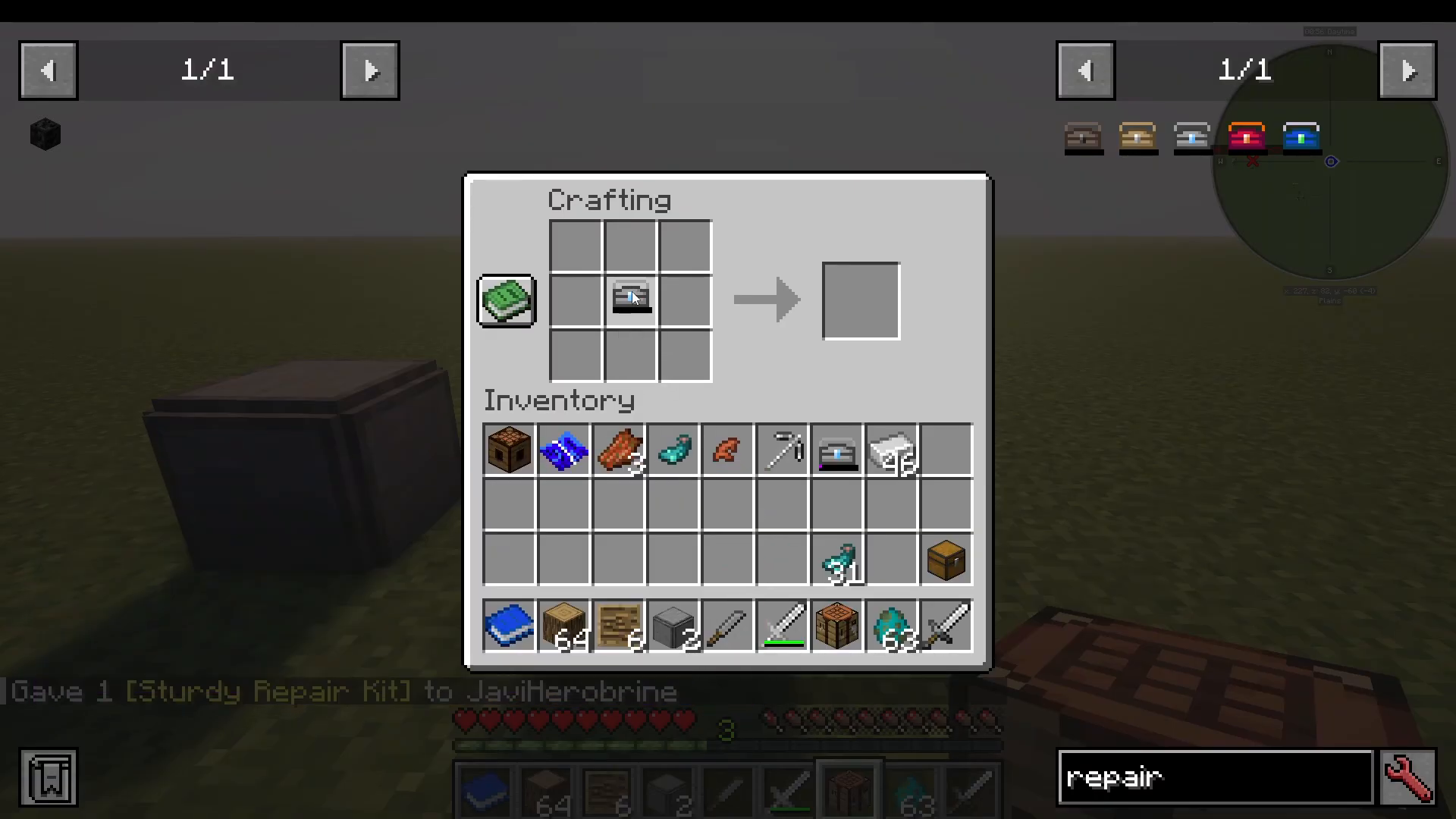
Once the kit is full, place it in a crafting grid with your damaged tool to restore its durability.
Switching Materials
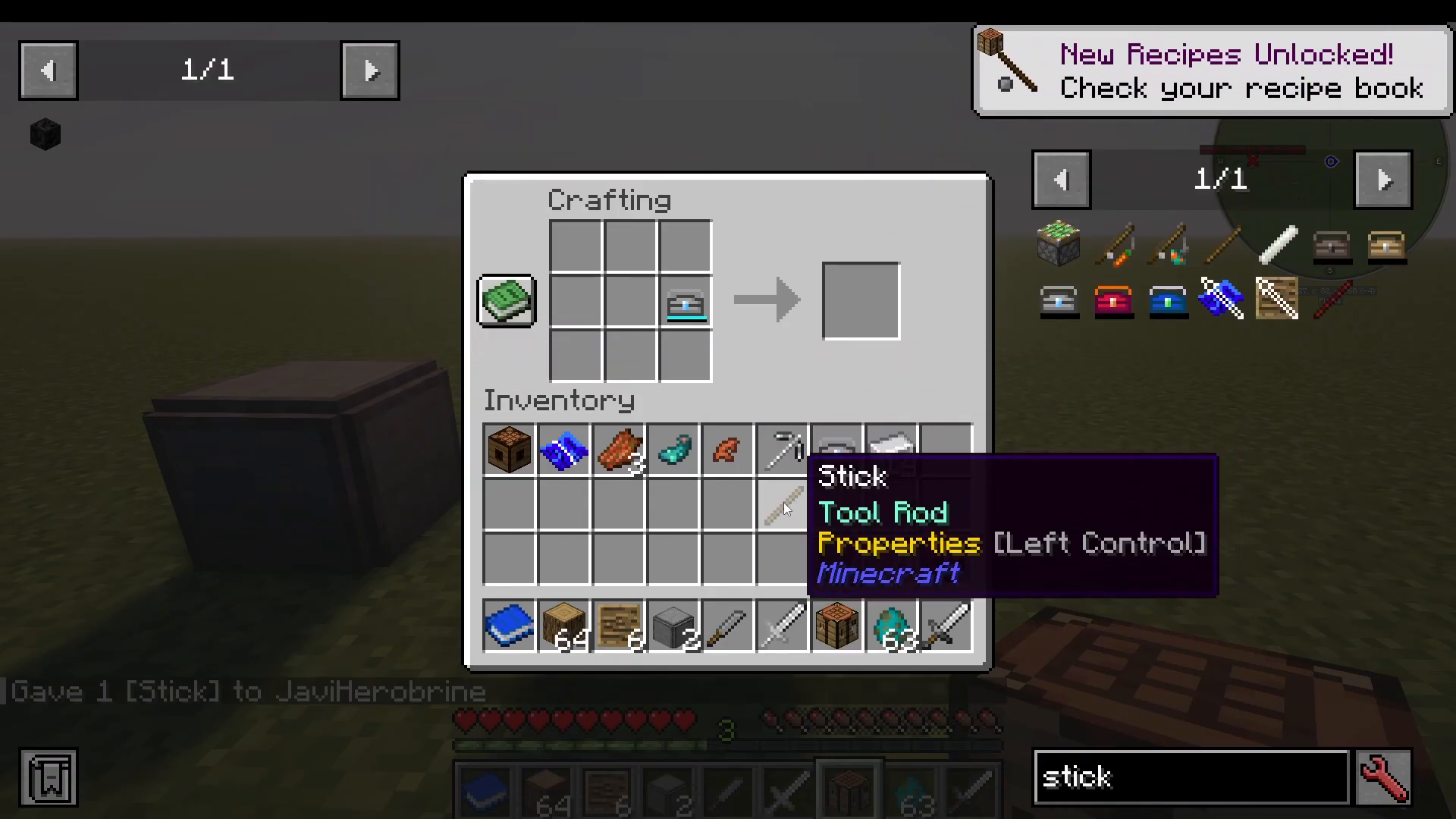
If you’ve switched to a different material and want to reuse the same kit, place a stick in the crafting grid with the repair kit. This empties it of its current material so you can fill it with something new.
Upgrading Your Gear
After crafting tools, you can enhance them further using various upgrades. All upgrades use blueprints.
Coatings
The first upgrade type is a coatingreusable coating blueprints using blueprint paper, blue dye, and bits of bobs. Unlike wooden blueprints, these don’t break after one use.
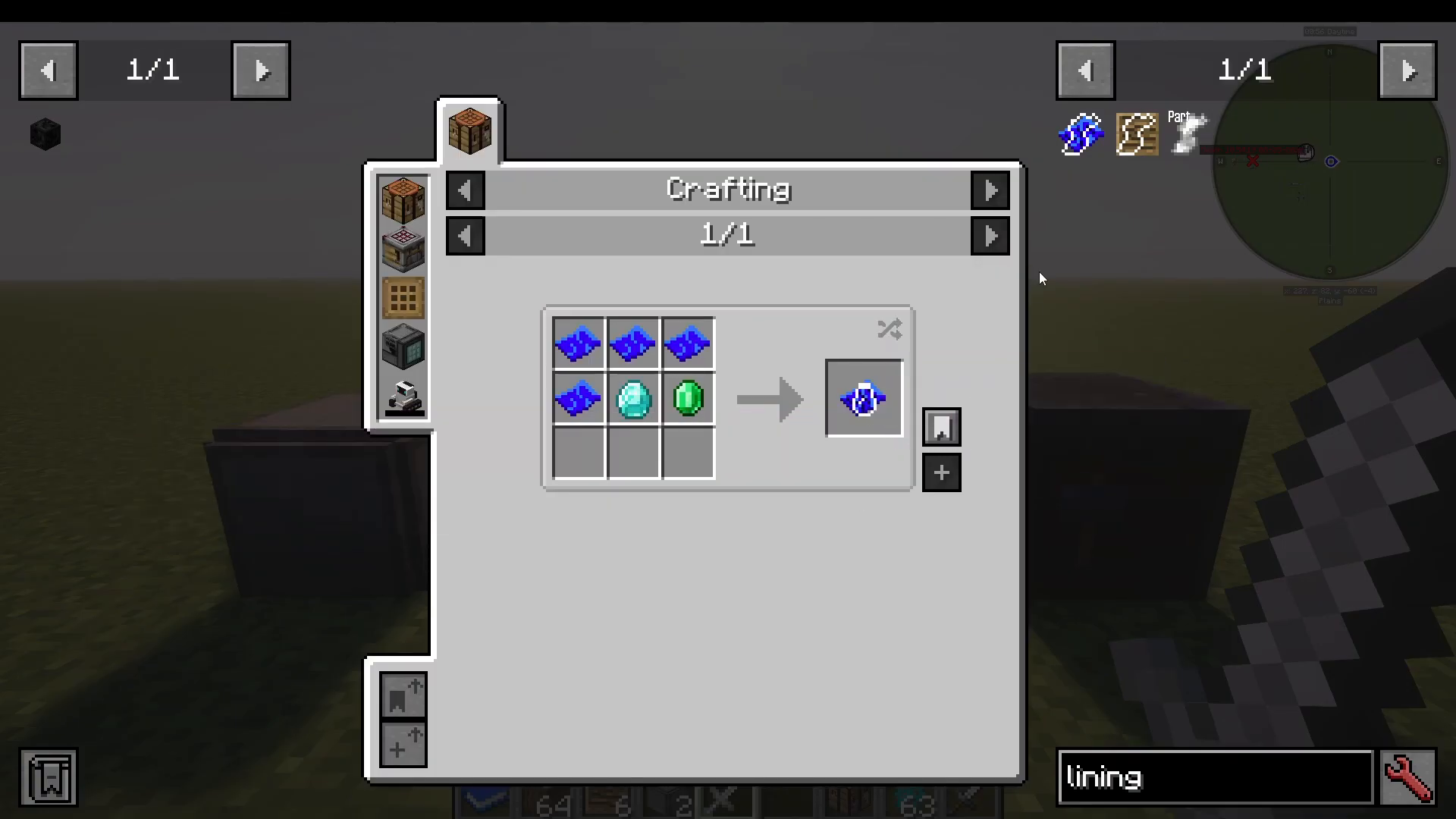
To apply a coating, place a bottle and a material (such as Netherite) into your blueprint. This produces a Netherite coating, which makes your tool fireproof and increases its attack damage by 1.33x. A tool with 5 damage becomes 5.67 damage.
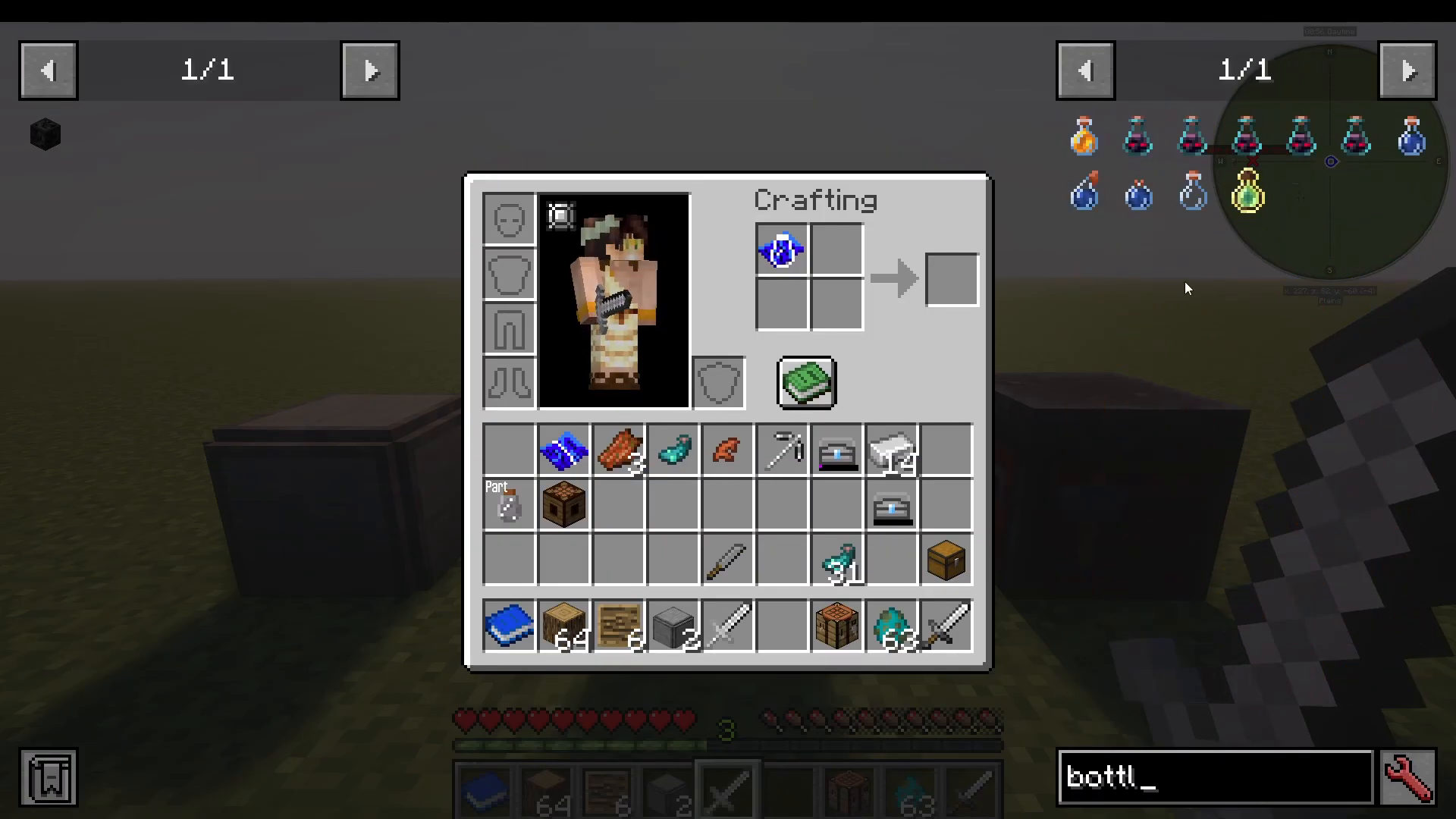
Combine the coating with your sword in a crafting table to apply it permanently.
Discovering All Traits
Silent Gear has an enormous number of traits and upgrades. To explore them all, craft a Silent Gear guide using a template board and a book. Right-click it to receive a link to the official wiki.
Navigate to the traits section on the wiki. Due to the sheer volume of traits, it’s best to use your browser’s search function (Ctrl+F) to find specific ones rather than reading through them all manually.
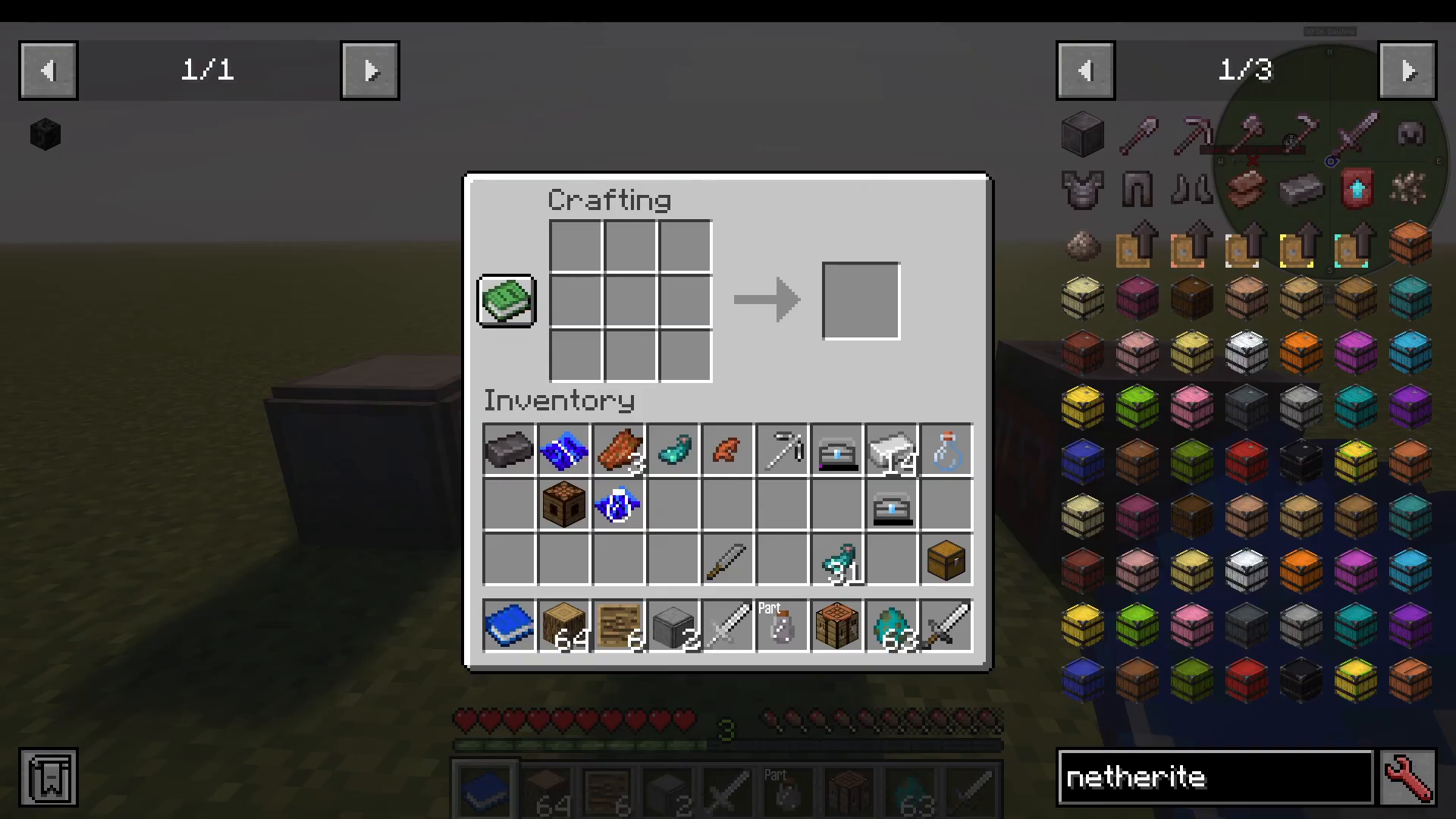
Bindings
Bindings are made from materials like string and vines. They can be added to most tools and weapons (though not elytra) and are required if you plan to craft an elytra. Binding stat bonuses are typically minor.
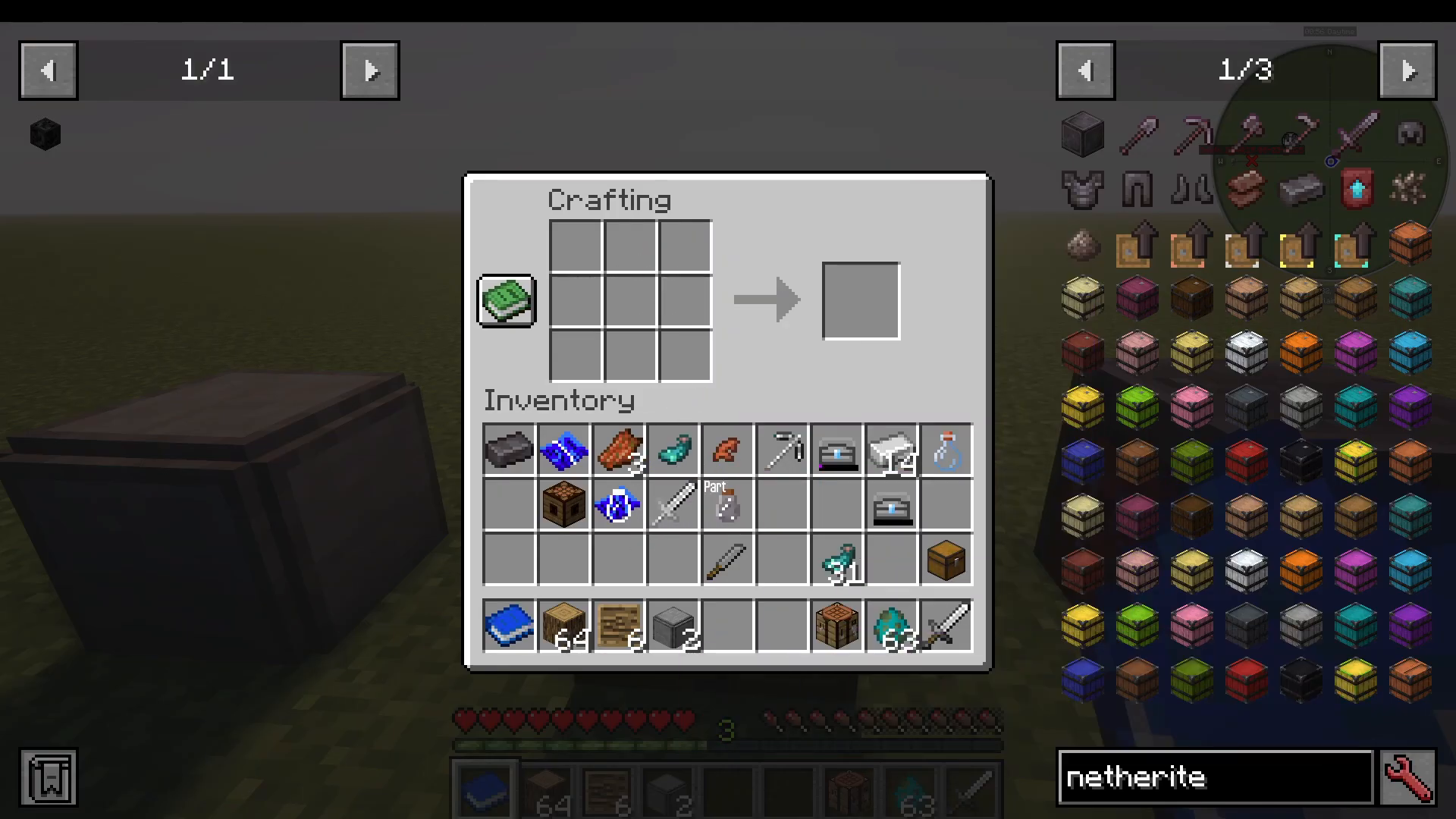
Smithing Table Alternative
You can also apply coatings using a Smithing table and coating smithing templates (made from board and blueprint paper). However, the crafting table method is generally simpler.
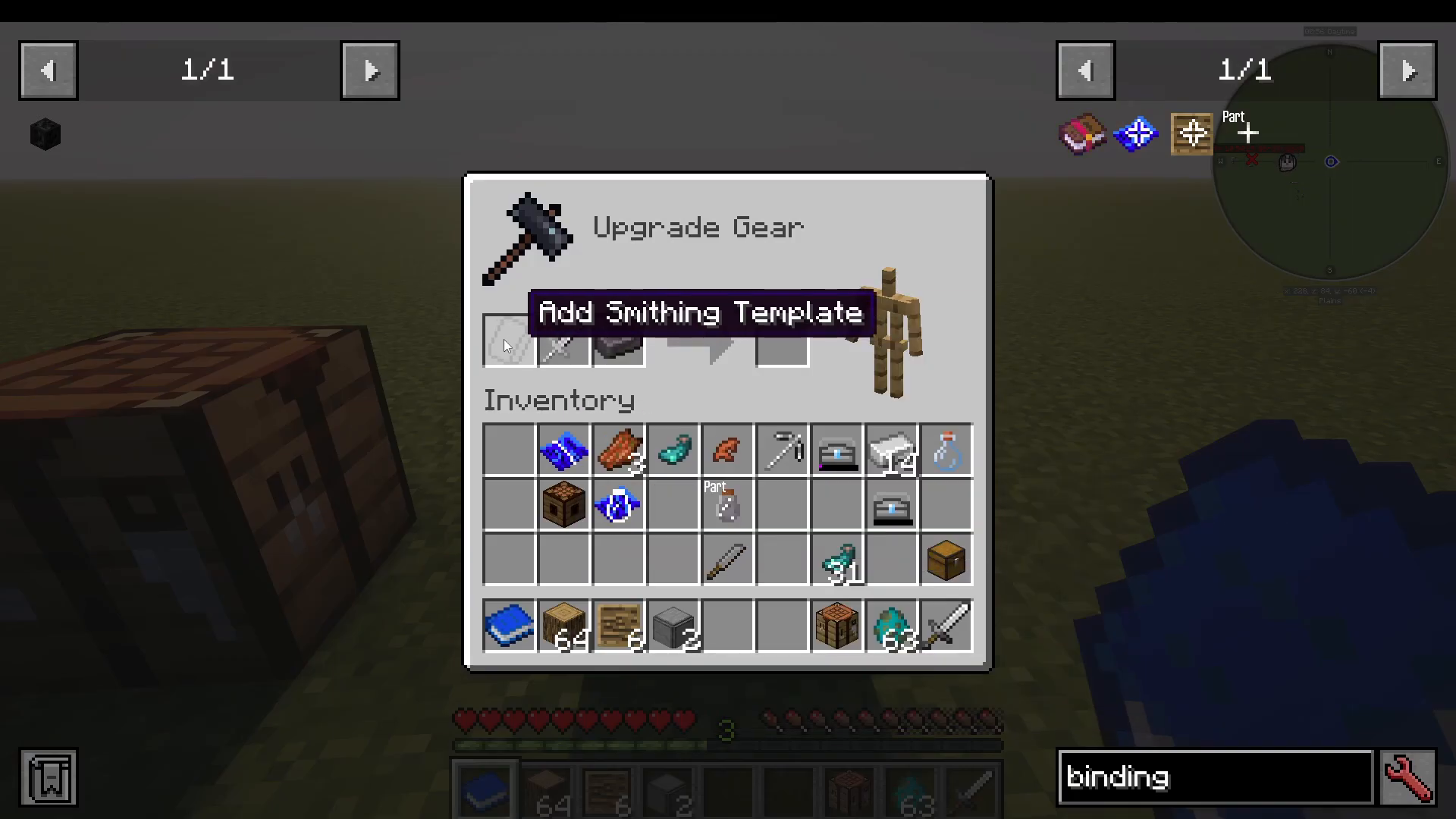
Grips
Grips are made from materials like leather and wool. They provide small stat bonuses and can have useful traits, especially valuable in early game. Add grips to most tools and weapons.
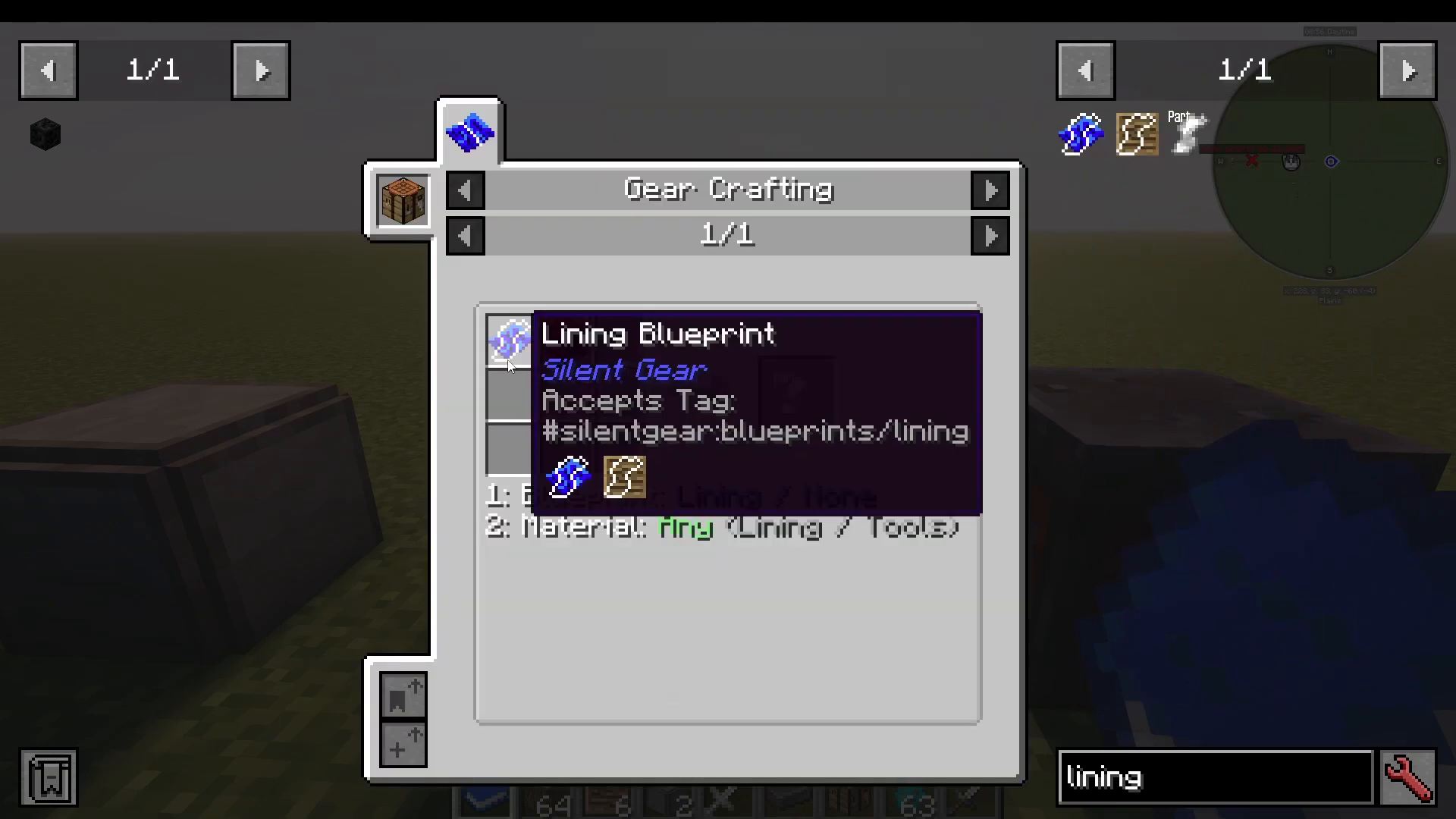
Linings (for Armor)
For armor pieces, the main upgrade is a lining, which functions similarly to grips but is designed for protective gear.
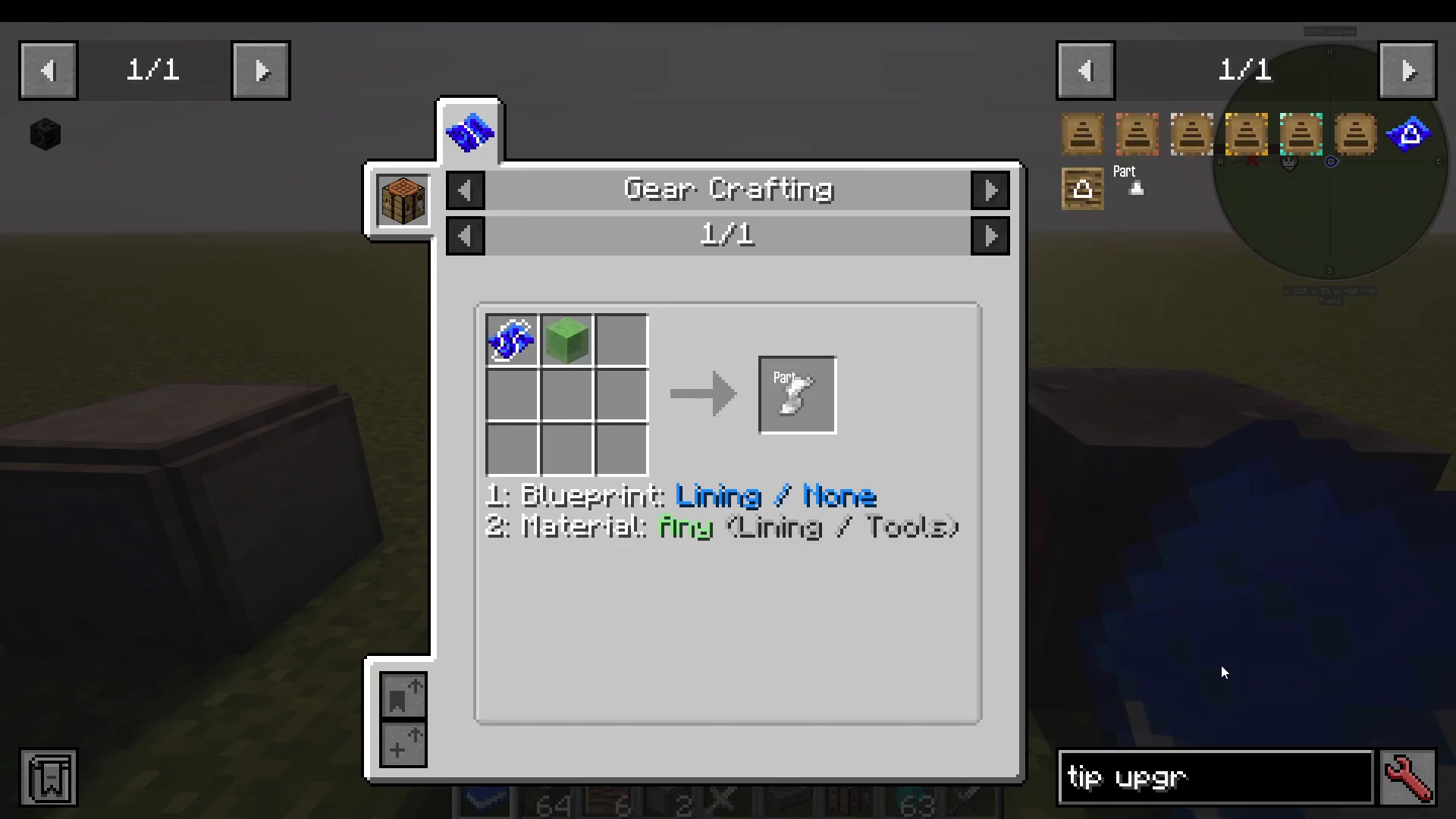
Tips
Tips are made from various metals and add damage to weapons and useful traits. Tips also often increase your harvest level. For example, applying a diamond tip to an iron pickaxe effectively makes it a diamond-tier pickaxe, letting it harvest diamond blocks.
Creating and Grading Alloys
Silent Gear allows you to create alloys—custom materials made by combining multiple ingots. Many modpacks modify the available alloys, so always check what’s available in yours.
Common Alloys in Base Silent Gear
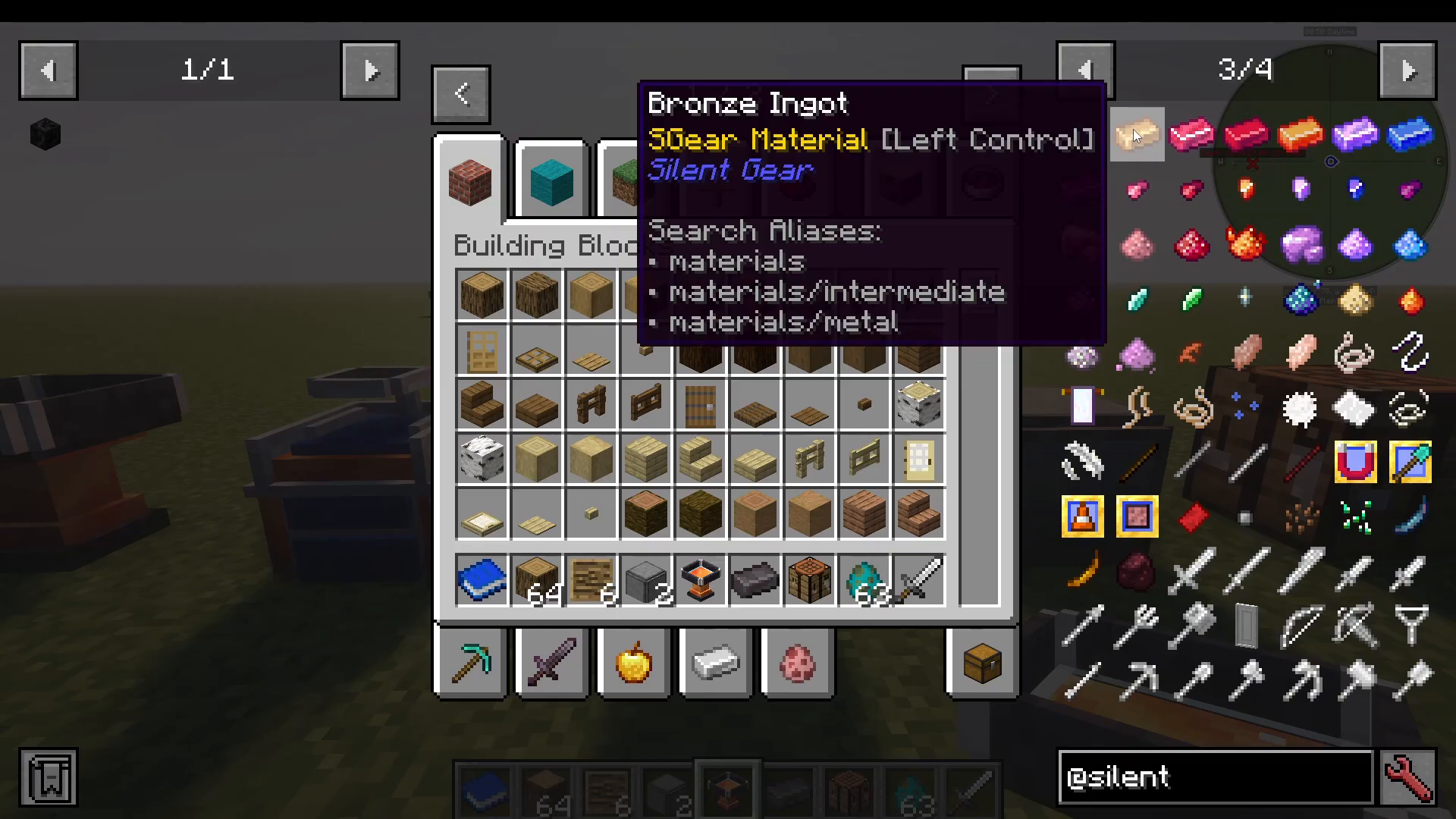
Bronze: Currently has no recipe in version 1.21
Crimson Iron: Found in the Nether
Crimson Steel: Made by combining Crimson Iron, Magma Cream, and Blaze Rods. Use an alloy smelter or alloy forge for more efficient crafting.
Blaze Gold: Combine Blaze Powder and Gold
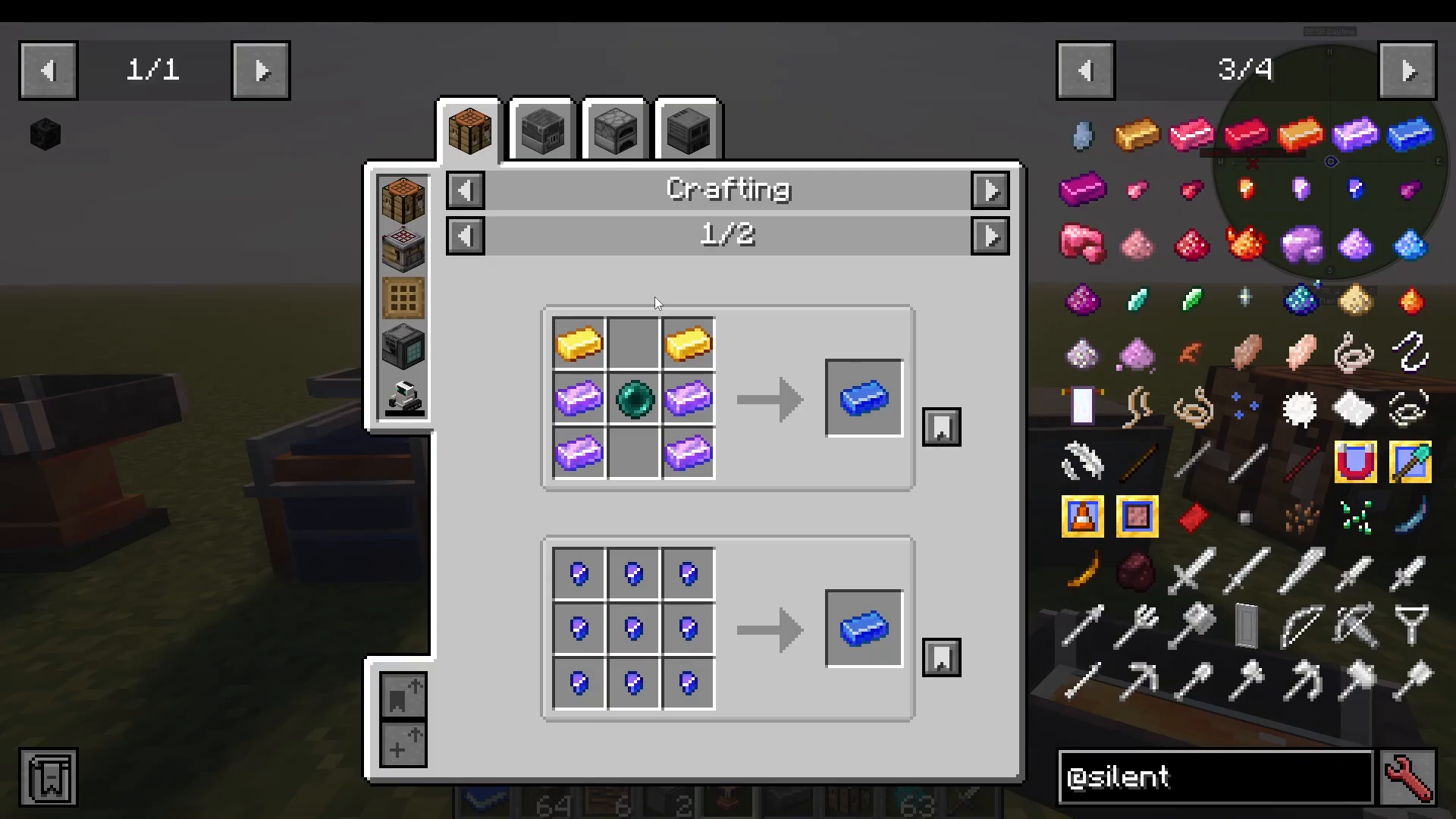
Azure Silver: Harvested as ore in the End with a Netherite-level or higher pickaxe
Azure Electrum: Mix Azure Silver, Gold, and Enderpulse
Alloy Traits
Different alloys grant unique traits:
Crimson Steel has Flame Ward (prevents melting in lava)
Azure Silver grants Moonwalker
Blaze Gold and other alloys have their own benefits
Always check the traits and stats of each alloy before deciding which to use. Left Control shows you the stats and helps you choose the best material for your needs.
Custom Alloys from Other Mods
If your modpack includes mods like Railcraft, Immersive Engineering, or others, you can craft custom alloys by combining materials from those mods with Silent Gear materials using the alloy forge.
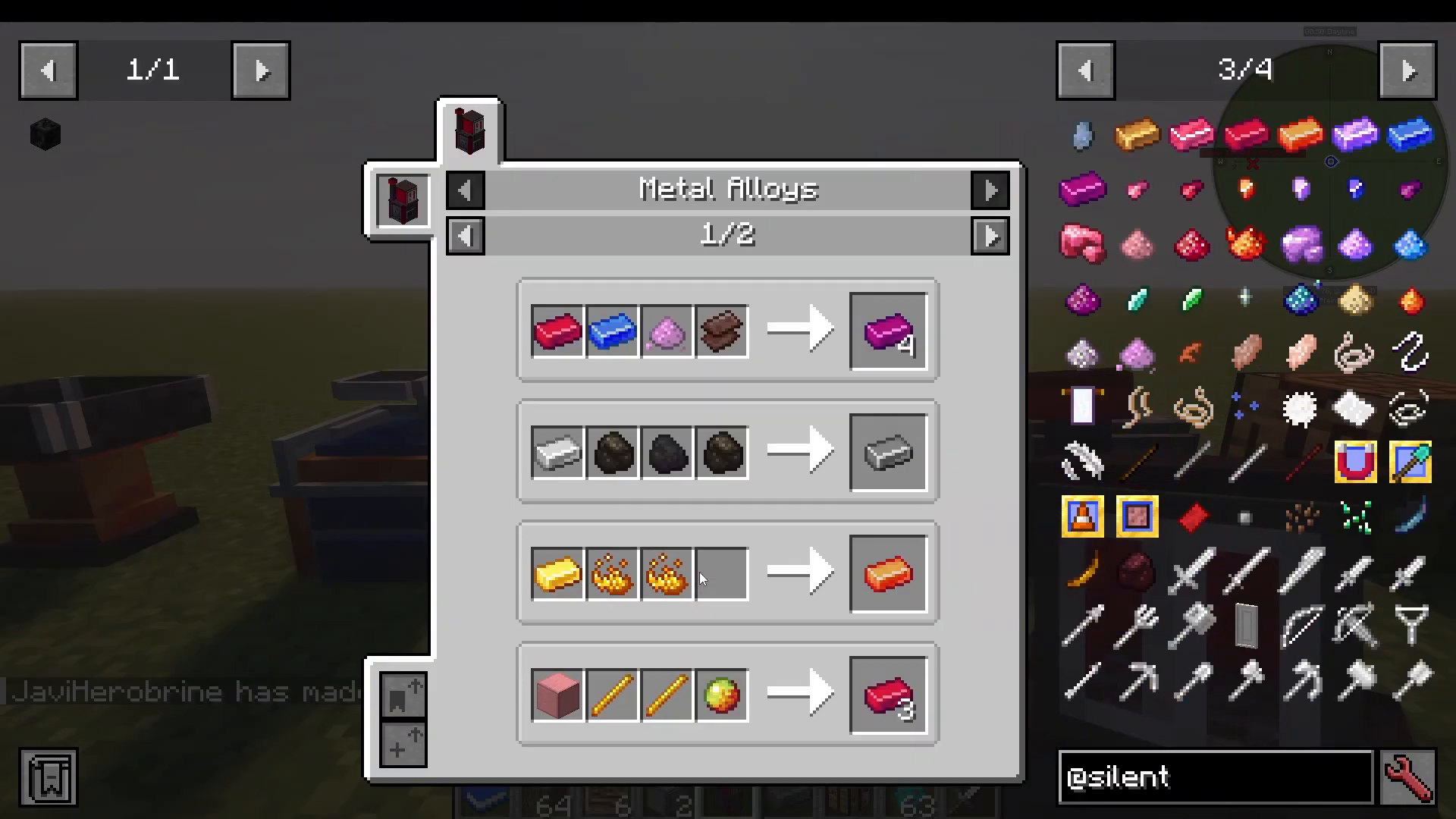
Material Grading
The Material Grader (powered by an advanced upgrade base) allows you to grade materials to improve their stats. This is one of the most powerful upgrade systems in Silent Gear.
Grader Catalysts
Material grading requires catalysts in three tiers:
Tier 1 (Glowing Dust): Made from Never Quartz and Glowstone. Provides basic grading.
Tier 2 (Blazing Dust): Made by crushing Blaze Gold ingots on a stone anvil. Better results than Tier 1.
Tier 3 (Glittery Dust): Made from Never Bananas (rare drops from Never wood trees or found in Never chests). Provides the best grading chances.
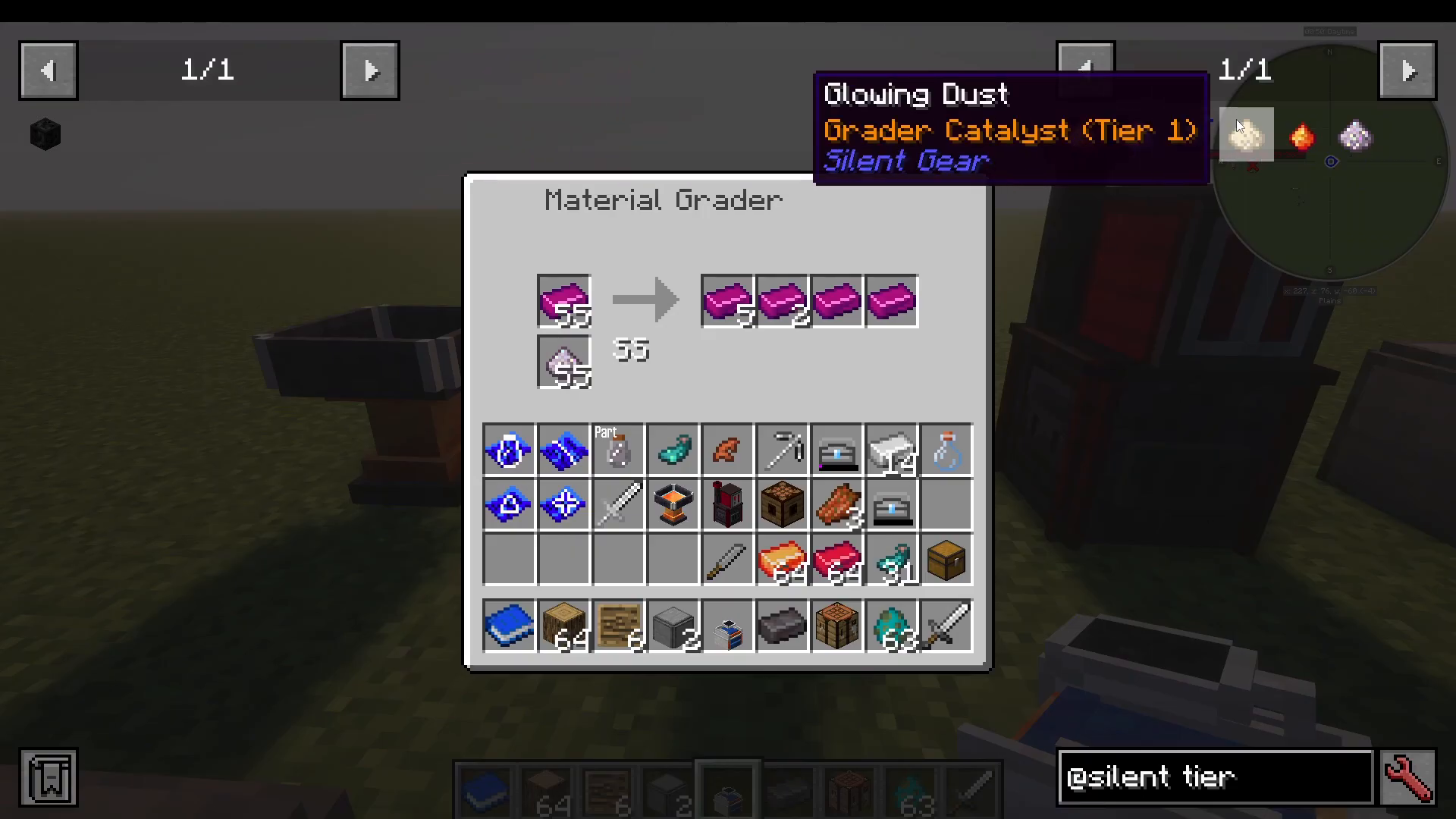
Understanding Tiers
When you grade a material, it receives a tier rating: B, A, S, or SS (with SS being the best). The better the catalyst you use, the higher chance you have of getting better tiers, though any catalyst can produce any tier.
Place your materials in the Material Grader with your chosen catalyst. The grader will return a mix of graded materials at different tiers.
📸 [ASSISTANT: TAKE SCREENSHOT AT SCREENSHOT AT TIMESTAMP 16:22]
Upgrading Grades
If you get a lower-tier result (like B or A), you can run it through the grader again. Importantly, materials can only upgrade—they will never downgrade. If a B-tier material goes through the grader again and receives the same tier or better, it will stay at that tier minimum.
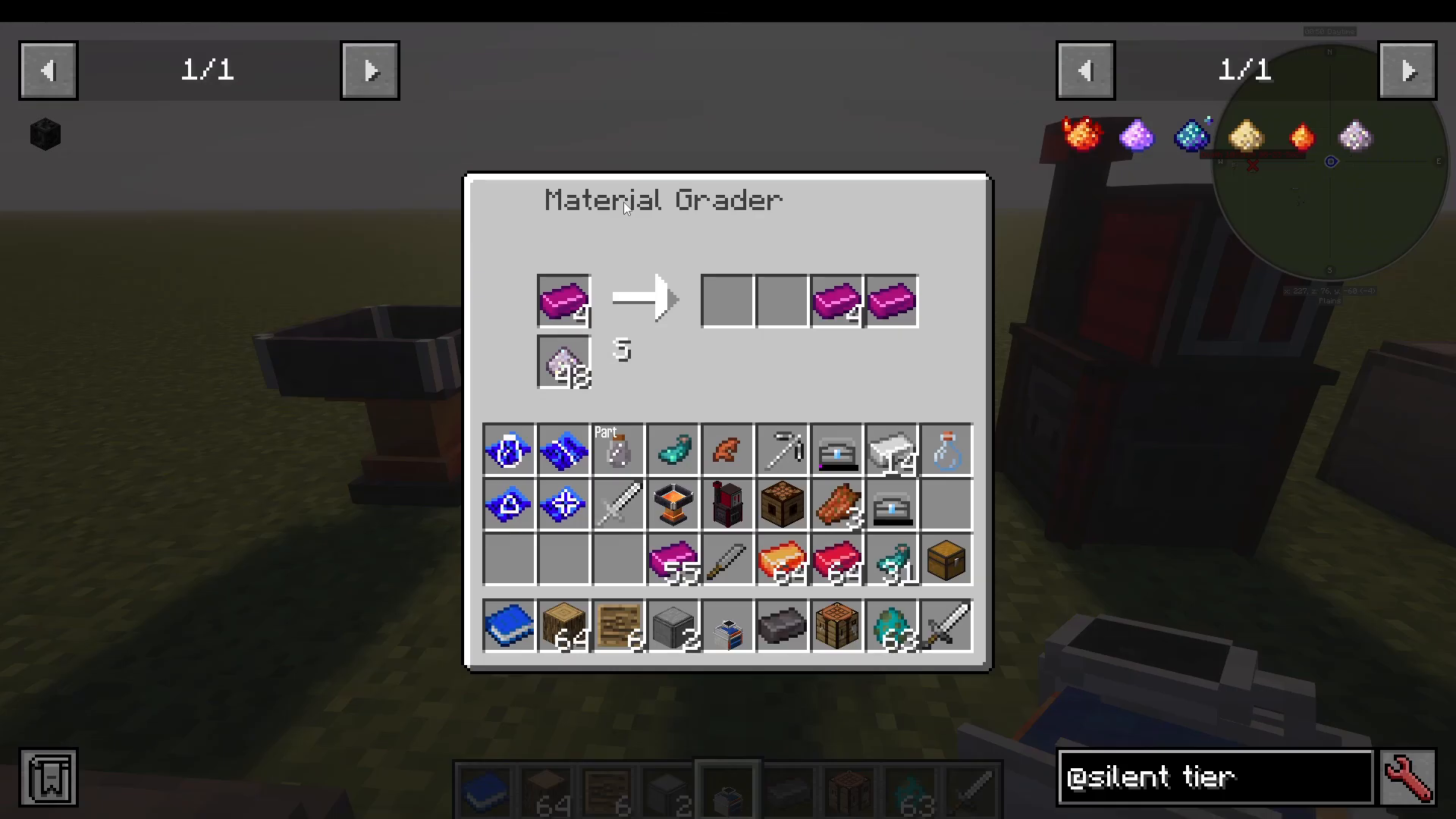
For your best, long-term tools, grind materials up to SSS tier using Glittery Dust if you have plenty available. Set up a Never wood tree farm to ensure a steady supply of Never Bananas for dusts.
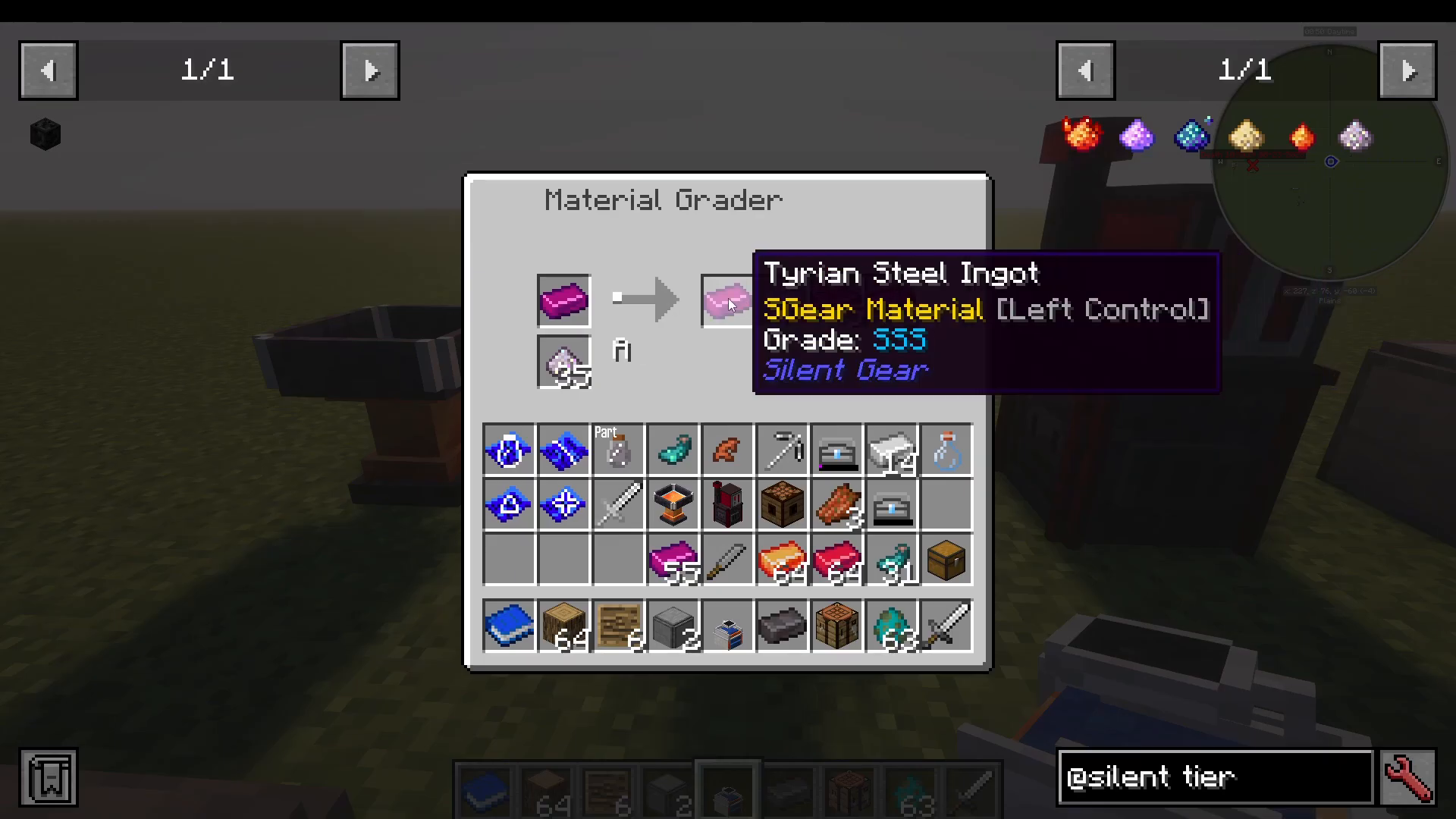
The Starlight Charger
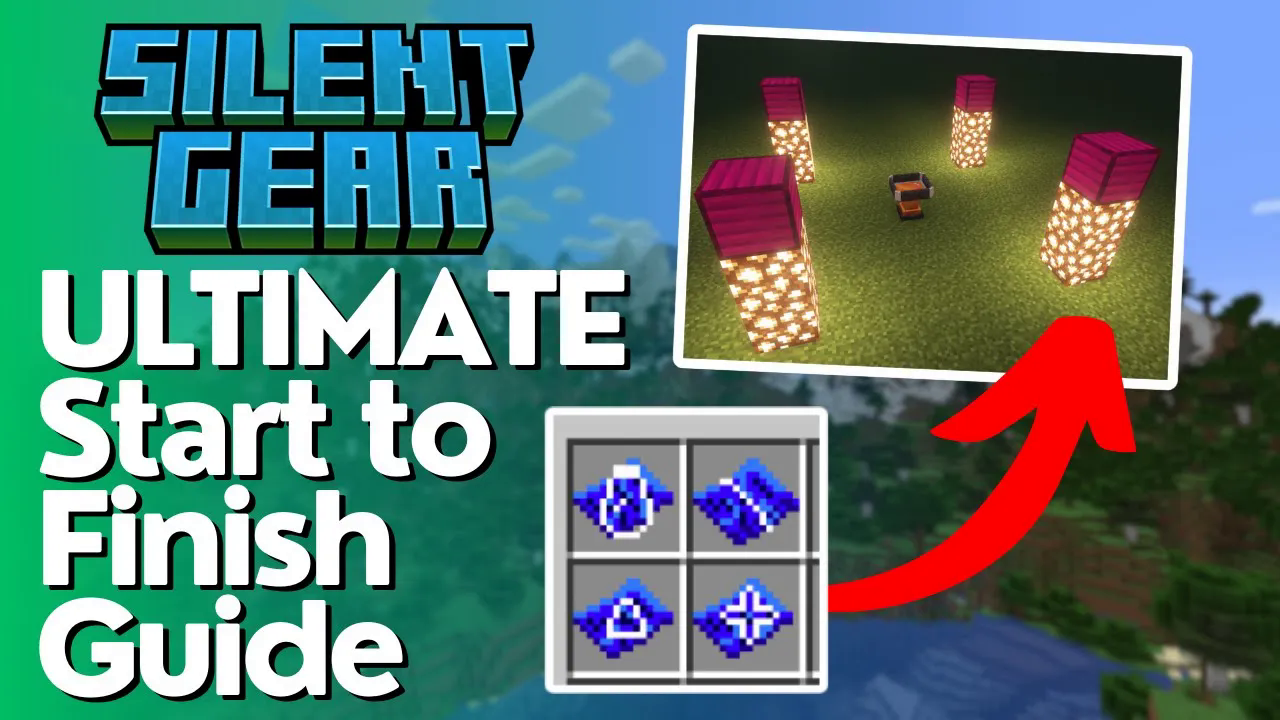
The Starlight Charger is the final major upgrade system. It has three tiers and charges your materials with starlight when exposed to the night sky.
Building a Starlight Charger
Starlight Chargers come in three tiers:
Tier 1: Requires blocks of Crimson Steel
Tier 2: Requires blocks of Azure Electrum
Tier 3: Requires blocks of Tyrion Steel
Each charger requires a specific block at the center and must be built in a cross pattern. Place the core block diagonally at each corner.
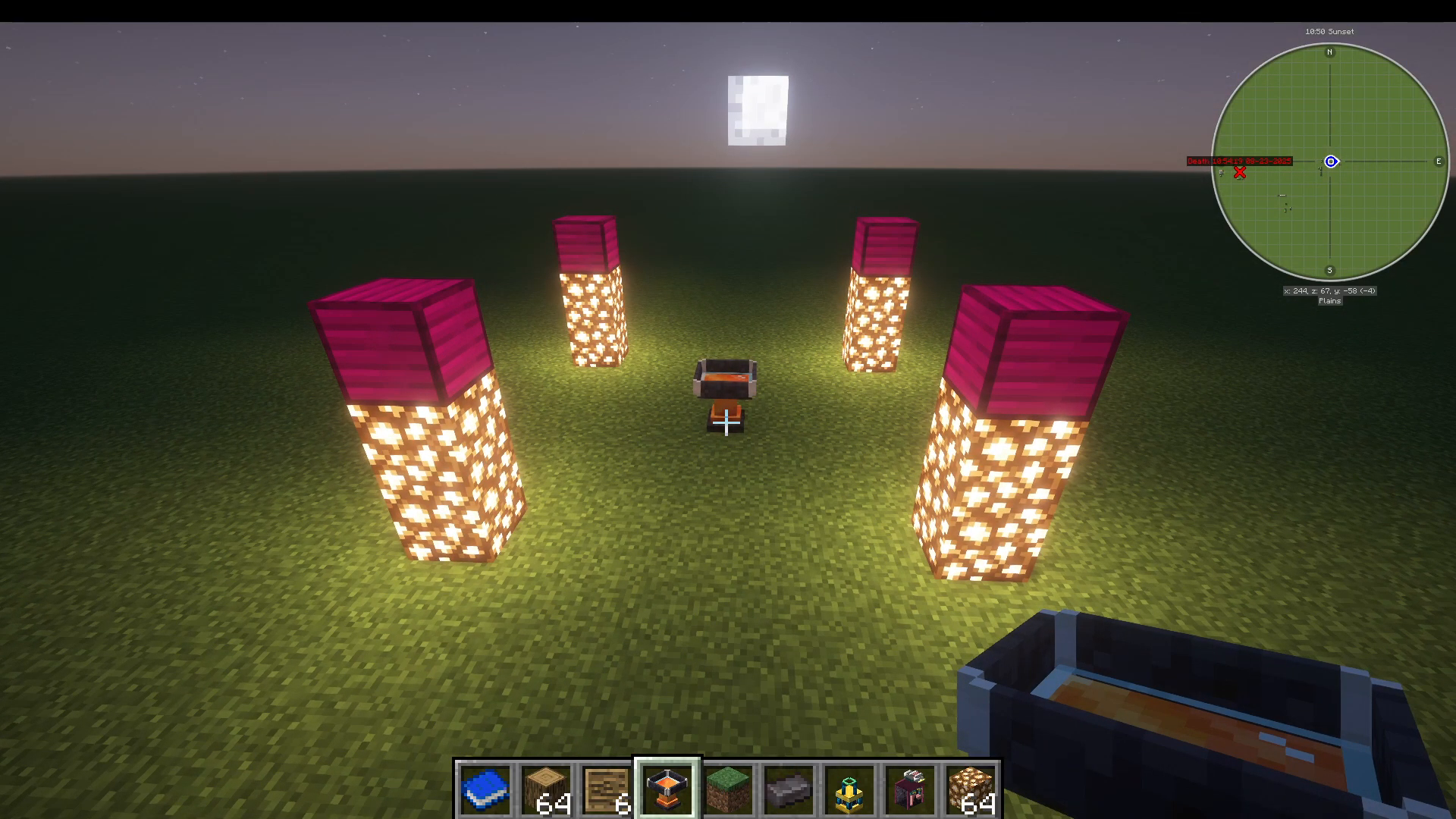
Using the Starlight Charger
Place your best-graded ingots (SS or SSS tier) into the Starlight Charger. The charger naturally charges when exposed to starlight. Once fully charged, your ingot becomes Starcharged, gaining significant stat bonuses.
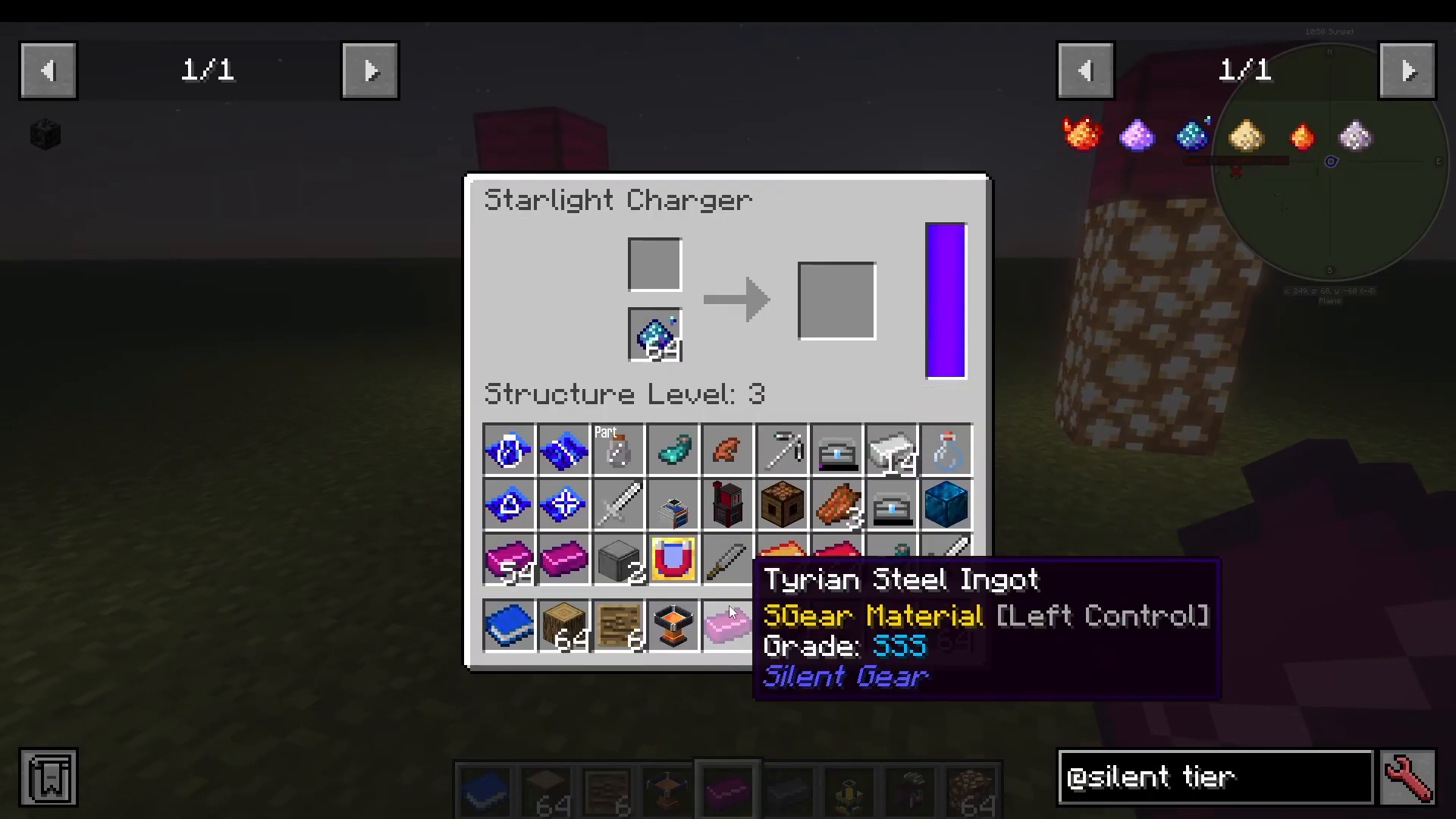
A Starcharged material provides major improvements:
Durability increases dramatically (from 4,565 to 9,500+ on our example)
Armor values increase significantly (31.25 to 37.85)
This is a permanent upgrade—once Starcharged, the material cannot be reverted. Use Starlight charging on your most important, long-term tools and weapons. If you have abundant Never Stars, build multiple Chargers to speed up the process.
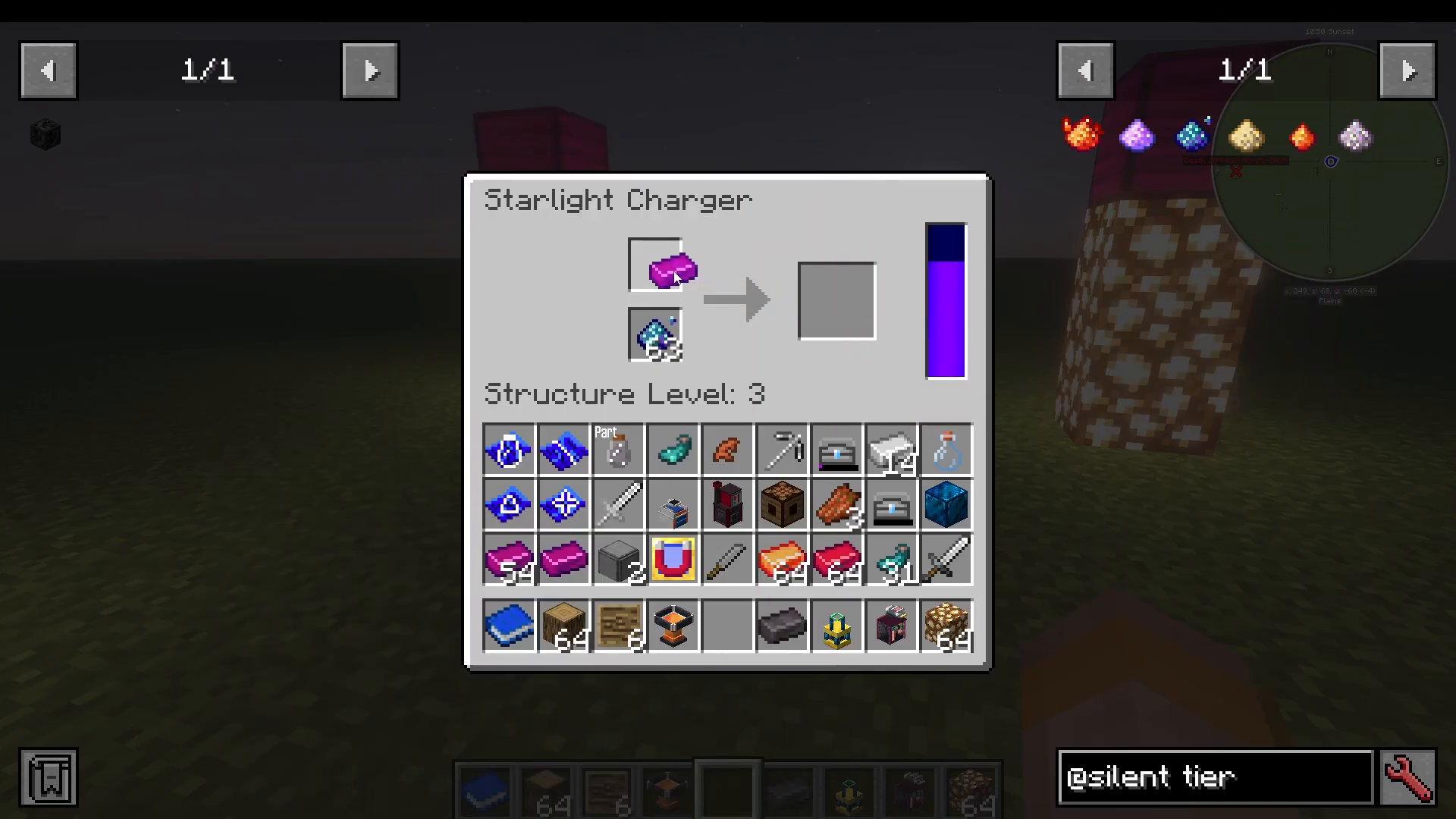
Miscellaneous Upgrades and Items
Silent Gear includes several additional upgrades and specialty items:
Utility Upgrades
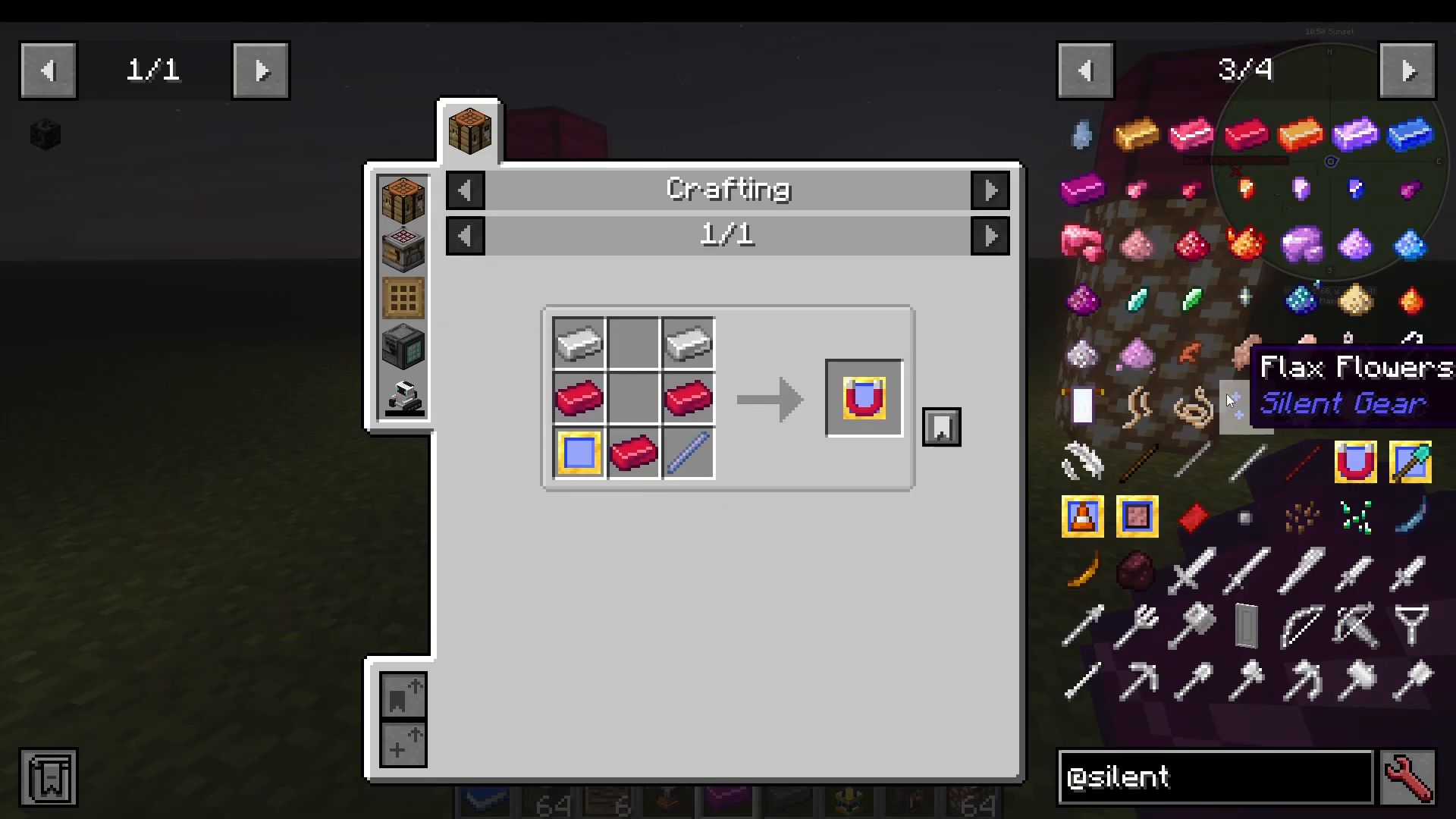
Magnetic Upgrade: Adds magnet functionality to weapons and armor via the crafting table
Spooned Upgrade: Allows pickaxes to function as shovels
Roadmaker: Lets excavators create gravel paths
Wide Plate: Increases the effect radius of hammers and excavators
Excavators are large 3×3 tools that clear dirt and sand efficiently. Hammers are similarly sized tools for mining stone blocks in 3×3 patterns.
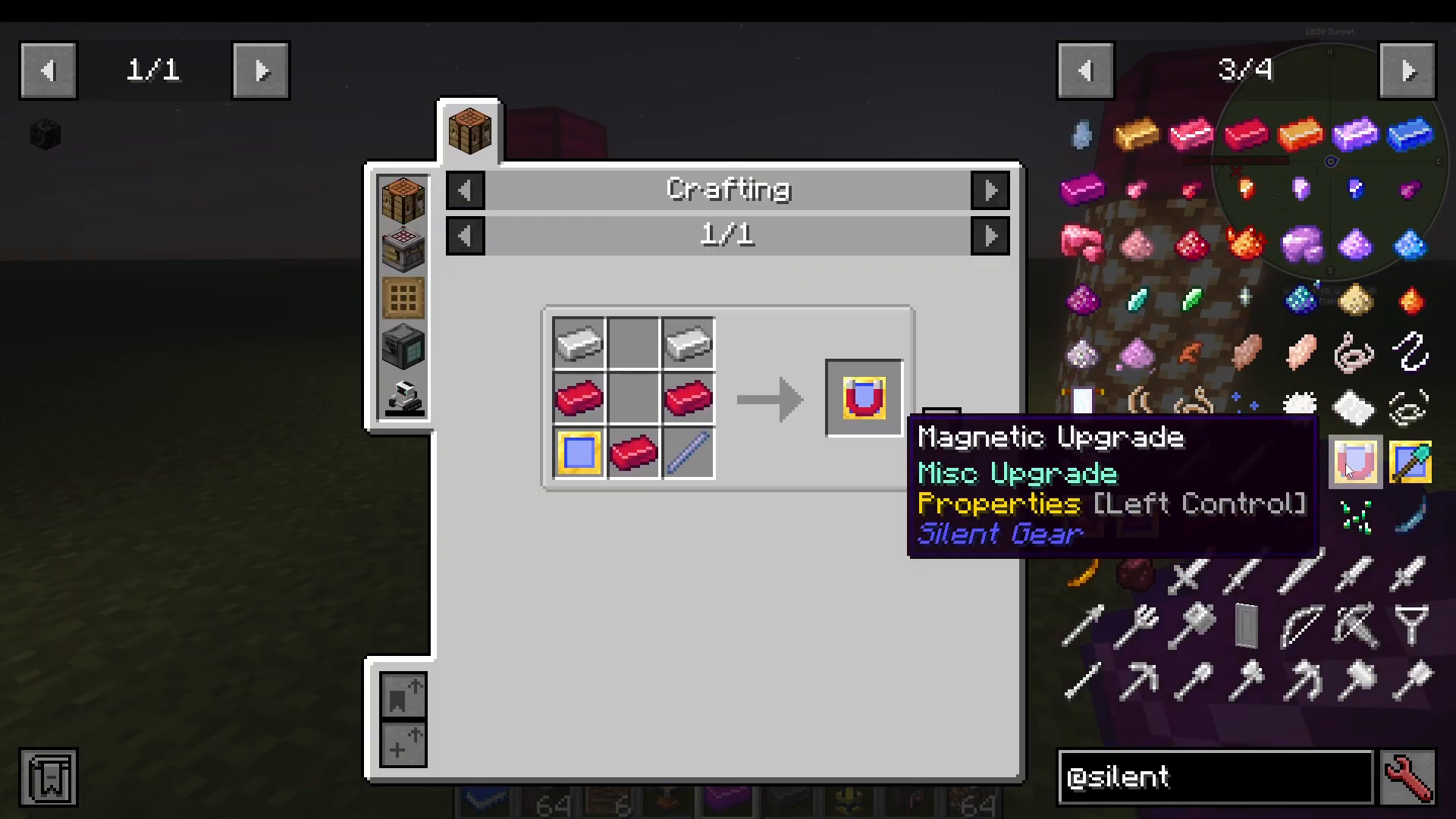
Crafting Materials
Flax: Found as flowers; can be refined for use in gear modifiers
Fluff: Obtained from seeds like fluff seeds
Golden Ever Bananas: Specialty upgrade items
Neverwood Charcoal: Made from Never wood logs; useful for various recipes
Work-in-Progress Features
Some Silent Gear blocks are not fully implemented:
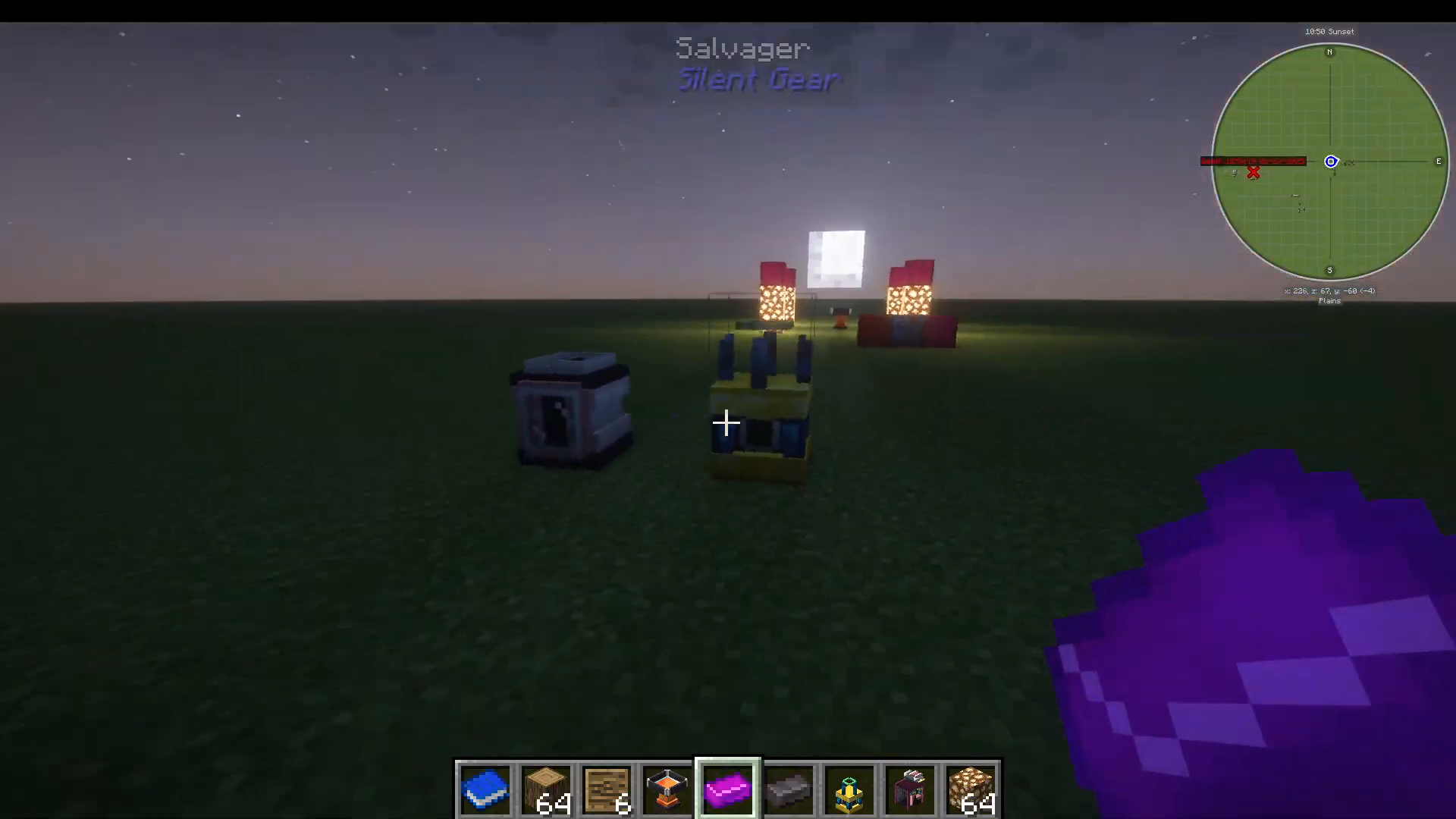
Salvager: Breaks down tools for materials (partially working)
Re-crystallizer: Used with gems (more useful with the Silent Gems add-on mod)
Gear Smithing Table: No recipe exists yet
Refabricator: Converts wool into mixed fabrics (similar to the alloy forge, but for textiles)
Summary
Silent Gear is a comprehensive tool and weapon modding system that offers incredible depth and customization. From your first stone anvil and crude knife to mastering advanced material grading and Starlight charging, every step opens new possibilities for powerful, personalized equipment.
The mod shines when paired with other mods in larger modpacks, allowing you to incorporate materials from mods like Productive Metalworks, Railcraft, and others into your Silent Gear creations. Always explore the wiki when you’re unsure about traits or recipes, and don’t hesitate to experiment with different material combinations to find the perfect tool for your needs.
Next Steps
If you’re playing in a modpack that includes Productive Metalworks alongside Silent Gear, check out the dedicated Productive Metalworks tutorial on this channel. While similar in appearance, Productive Metalworks is a completely separate mod with its own mechanics and recipes.
Want to Support?
If you would like to help us continue making these guides – please consider joining our patreon here – https://www.patreon.com/c/JaviHeals
Alternatively – we host a group of MC Servers you can join here – https://discord.gg/zD7Gjt6MHF