How to Delete Your Colony in Minecolonies
How to Delete Your Colony in Minecolonies
Need to start fresh with your Minecolonies colony? Whether you’re on single-player or a multiplayer server, deleting your colony is straightforward. This guide walks you through the exact steps and commands needed to remove your colony and all its buildings.
Using the Delete Command
The primary method for deleting your colony uses a simple chat command. Enter the following command in chat:
/mc colony delete [colony ID]
Replace [colony ID] with your actual colony ID number. For single-player worlds, your colony ID will always be 1. On multiplayer servers, your colony ID may differ.
Finding Your Colony ID
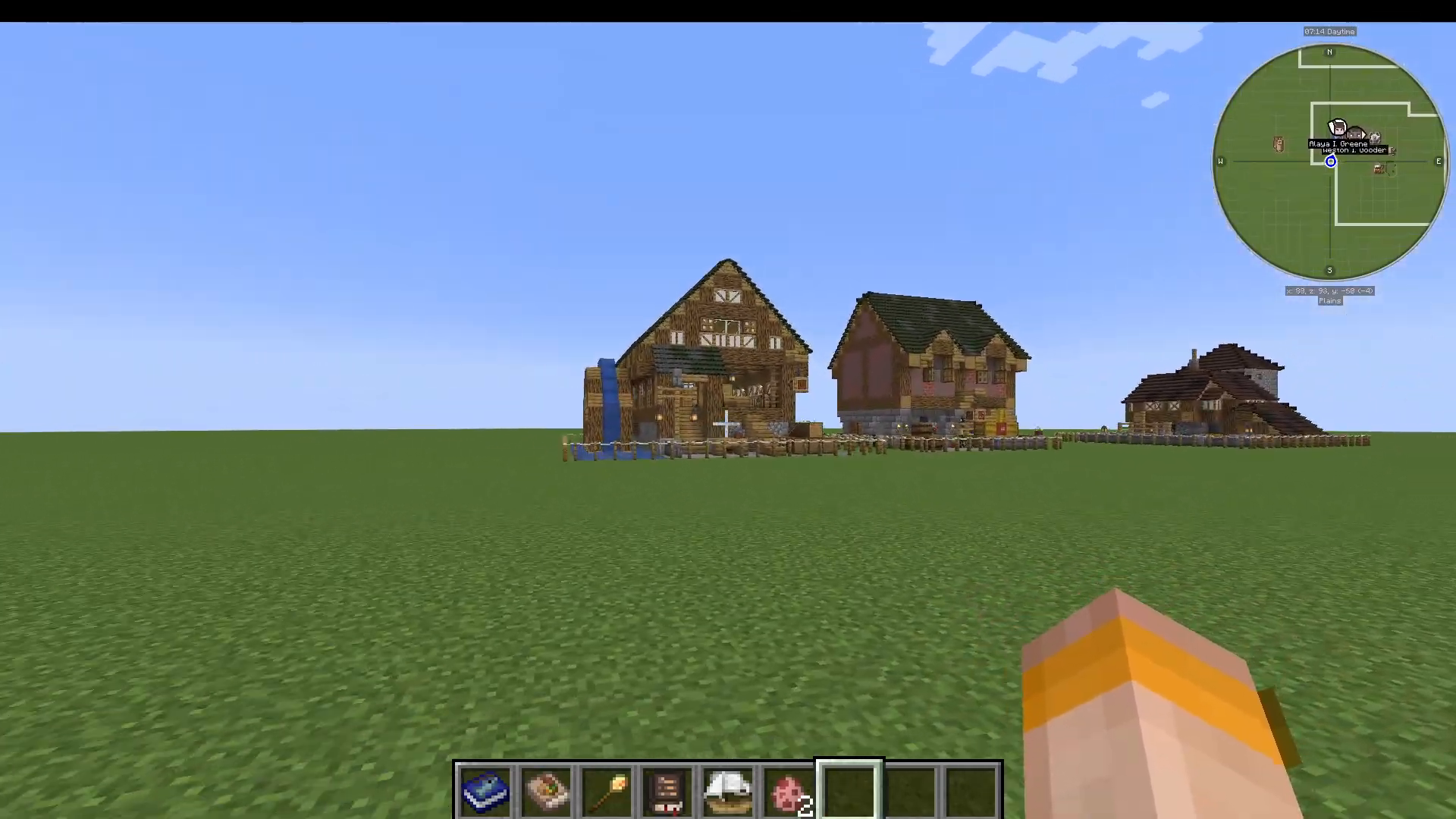
Single-Player Worlds
If you’re playing single-player, your colony ID is always 1. This makes the deletion command straightforward: /mc colony delete 1
Multiplayer Servers
On a server, your colony ID may not be 1. To find your colony ID, use this command:
/mc who am I
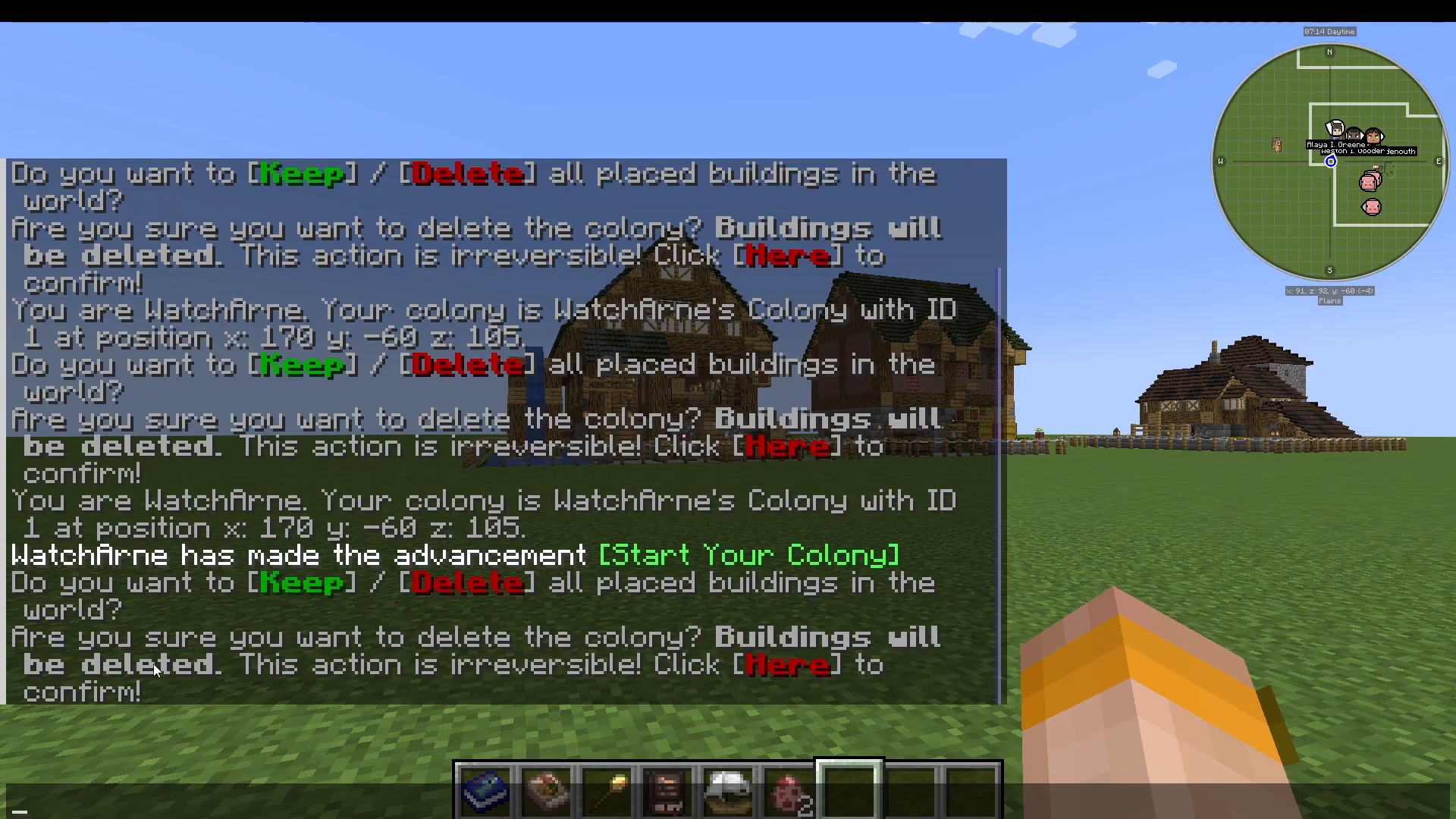
This command will return your username and display your colony name along with its assigned ID number.
Confirming the Deletion
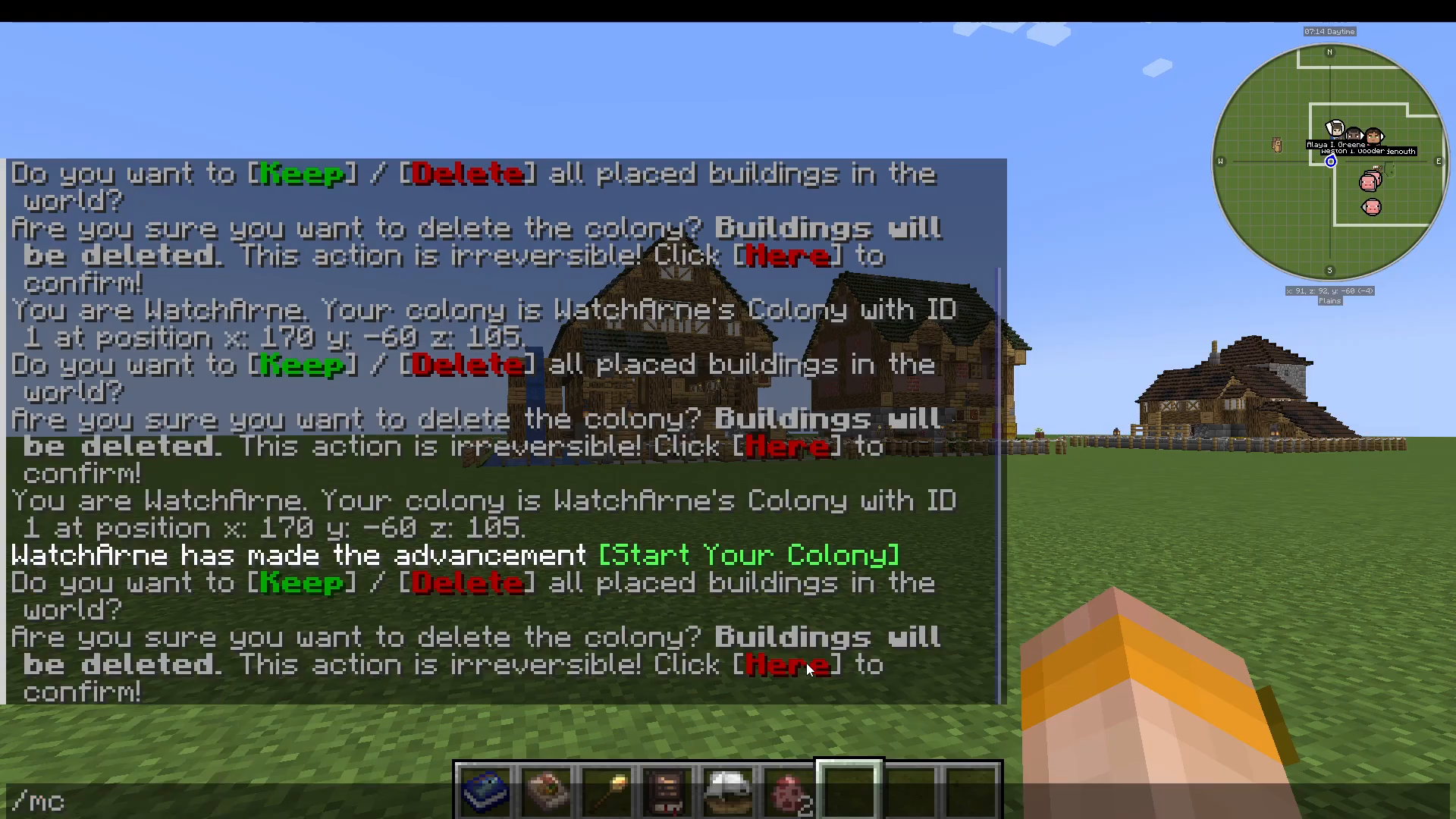
After entering your delete command and pressing Enter, the game will prompt you with a confirmation dialog asking whether you want to keep or delete all placed buildings.
Select the Delete option to proceed.
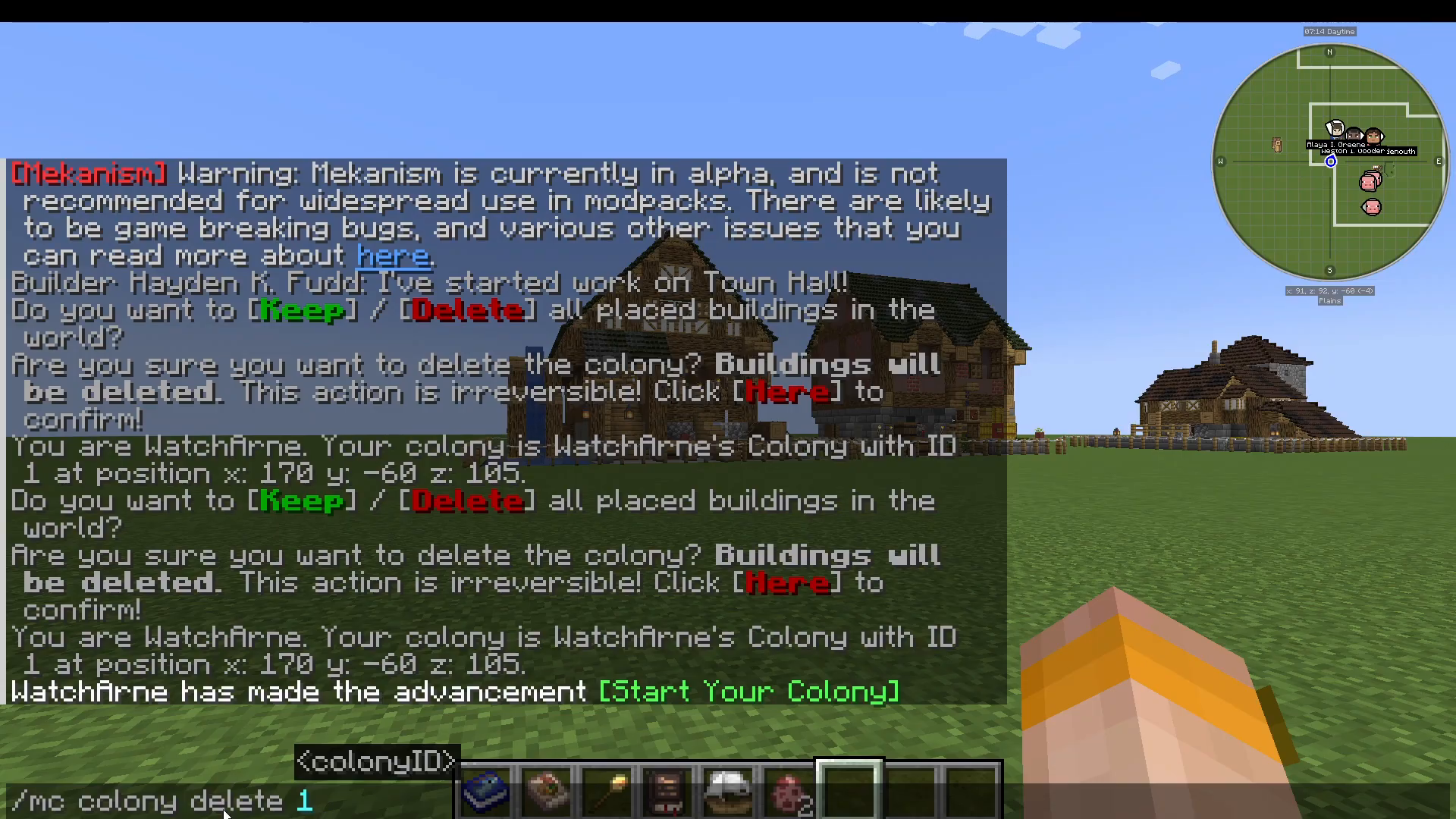
A second confirmation will appear. Click to confirm the deletion. Your colony and all its buildings will then be removed from your world.
Important Notes
The delete command will remove all buildings associated with your colony. However, if you’ve used creative mode to place blocks manually in your colony area, those blocks may not be removed and could remain in the world. This is expected behavior and not a bug.
Summary
Deleting your Minecolonies colony is easy: find your colony ID (use /mc who am I if needed), enter /mc colony delete [ID], and confirm the deletion twice. Your colony will be completely removed, allowing you to start fresh or free up space on your server.
Want to Support?
If you would like to help us continue making these guides – please consider joining our patreon here – https://www.patreon.com/c/JaviHeals
Alternatively – we host a group of MC Servers you can join here – https://discord.gg/zD7Gjt6MHF