The Ultimate Beginners Guide to Cursed Walking A Modern Zombie Apocalypse
“`html
The Ultimate Beginners Guide to Cursed Walking – A Modern Zombie Apocalypse
Welcome to Cursed Walking: A Modern Zombie Apocalypse modpack! This comprehensive guide will walk you through everything you need to know to survive your first 10 days and beyond. Whether you’re a complete beginner or looking to optimize your endgame strategy, this guide covers essential mechanics, exploration tips, combat preparation, and advanced techniques to help you thrive in this challenging modpack.
Getting Started: Spawning in the Bunker
When you first load into Cursed Walking, you’ll spawn in a bunker—what might look like a “hellhole” at first glance. Don’t worry: the deceased inhabitants here will remain stationary and pose no threat.
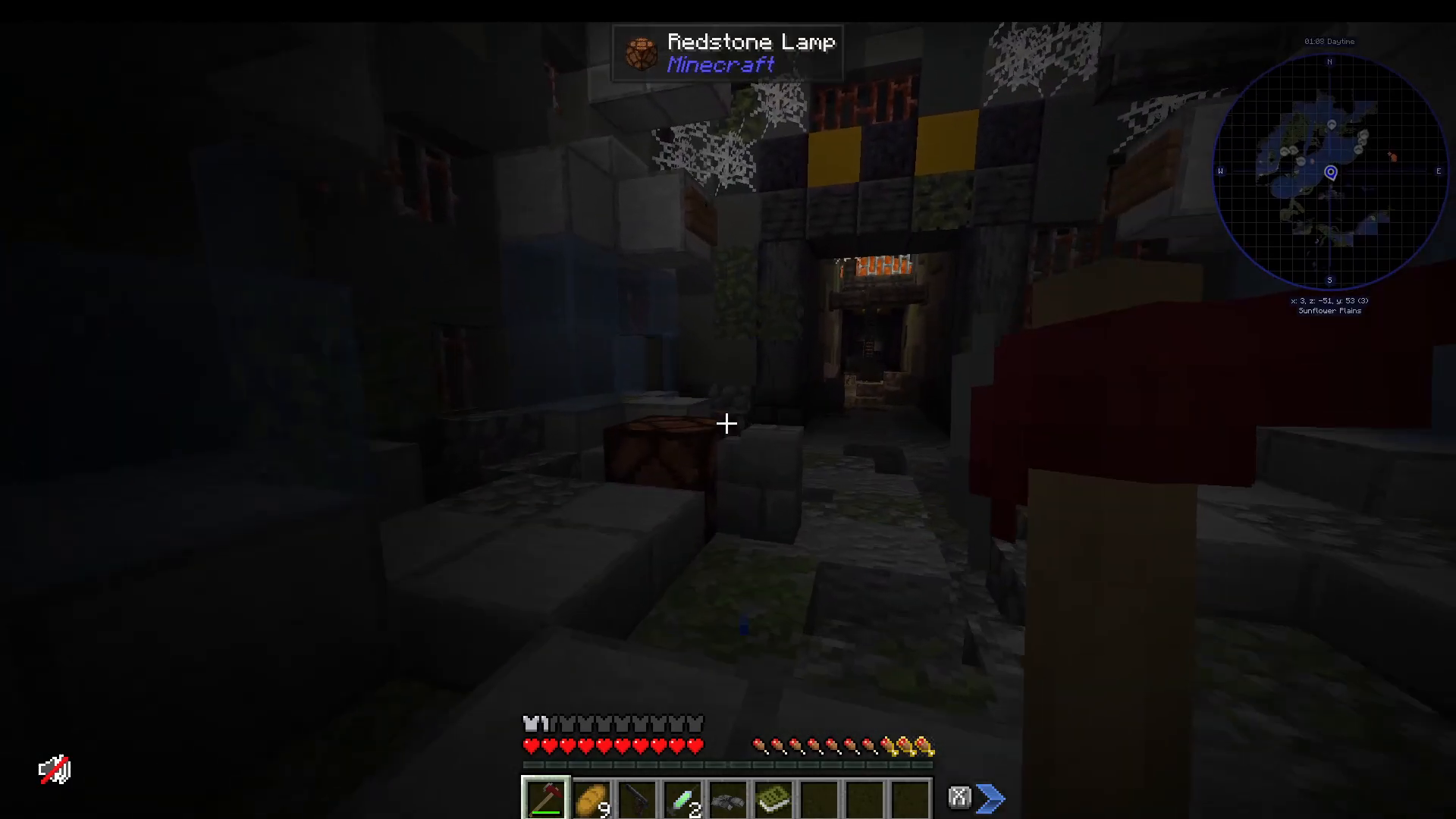
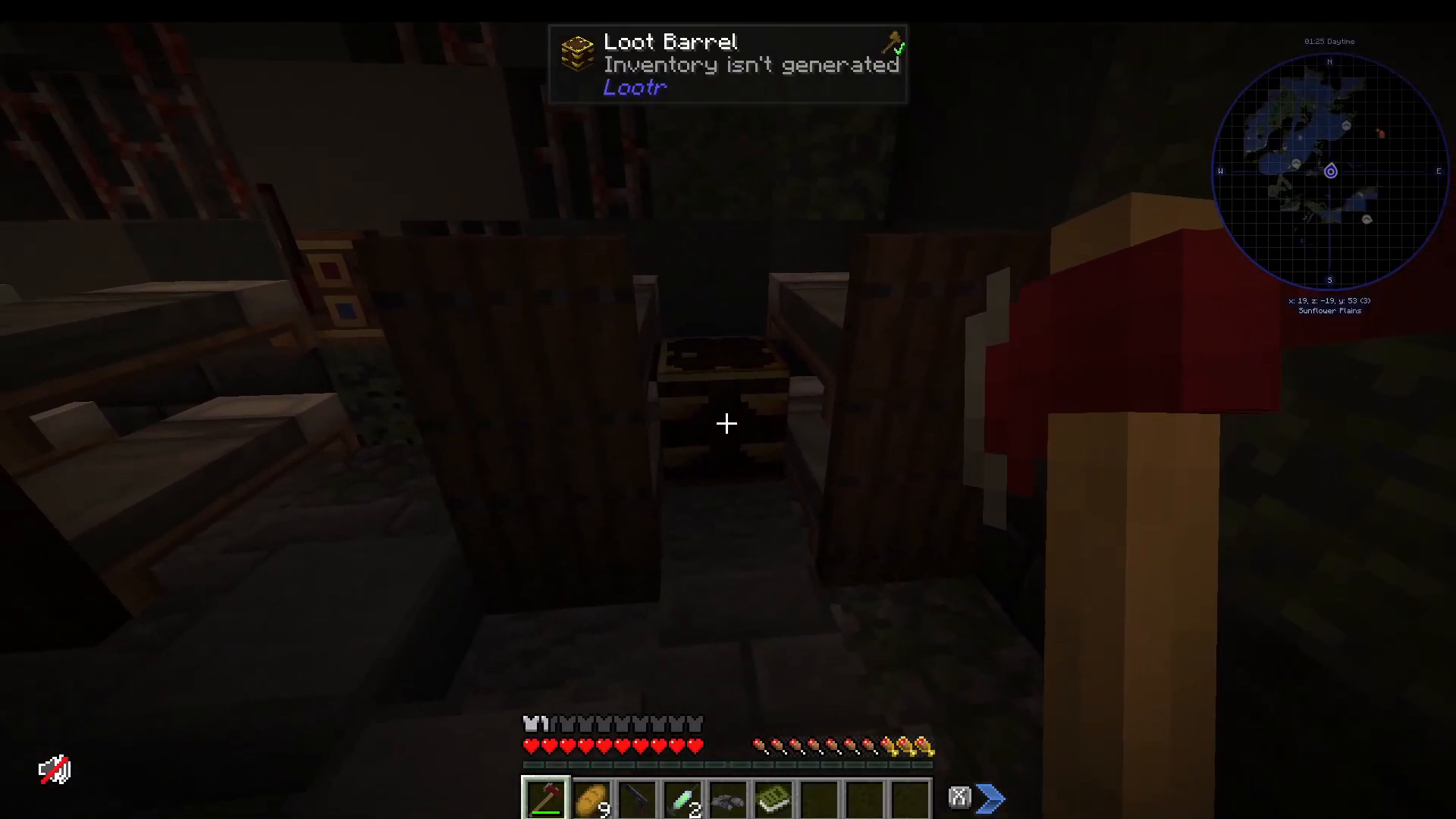
Head forward to the central room where you’ll find your initial resources. On the left side, you’ll discover beds and a loot barrel—a crucial feature of this modpack.
Understanding Loot Barrels
Loot barrels are player-specific, meaning each player (whether on a server or single-player) receives unique loot from the same barrel. You and your friends can both open the same barrel and receive different items.
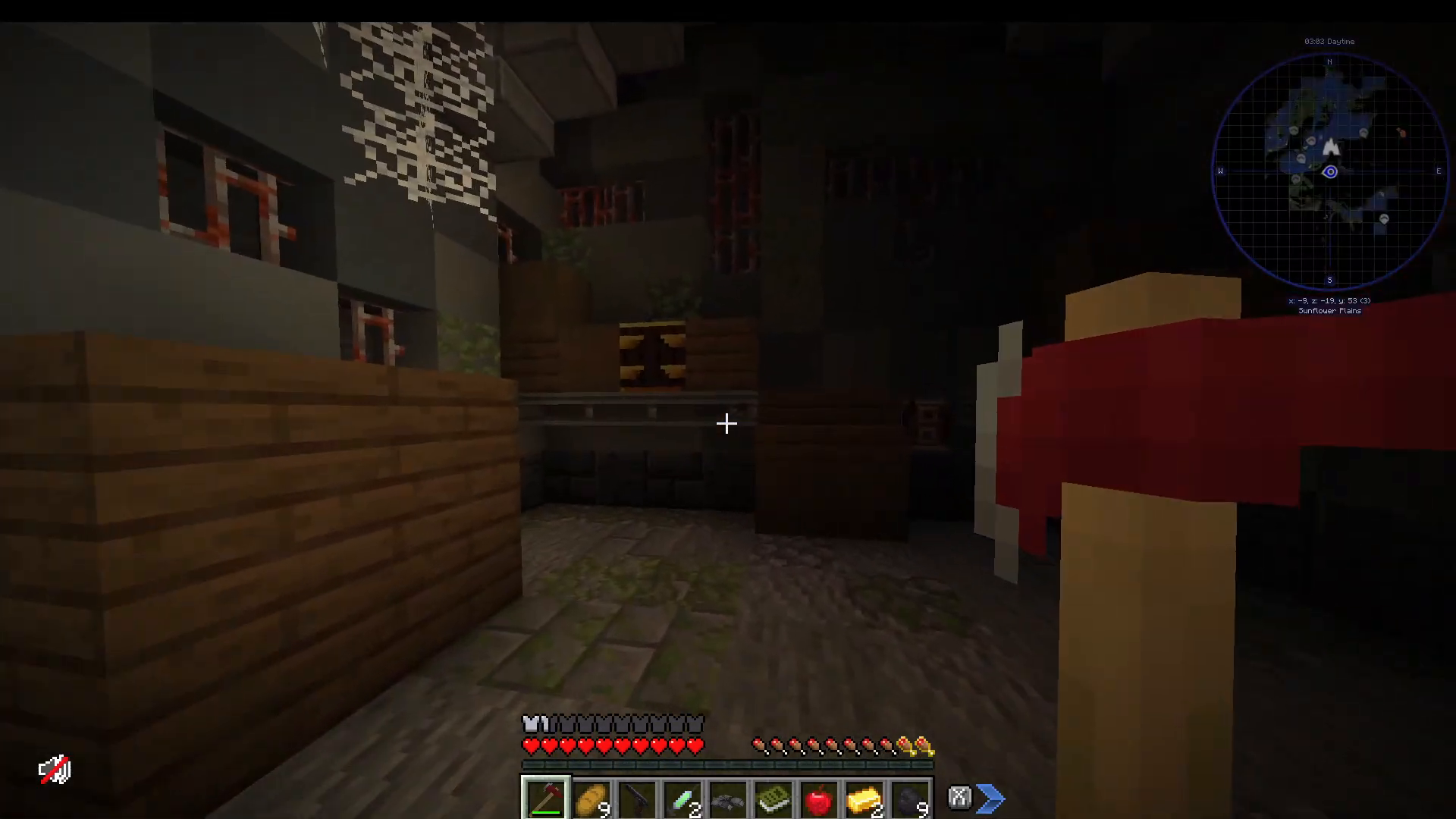
A typical loot barrel starter contains items like coal, gold ingots, bread, and an apple. You’ll also find a fire axe (0.9 attack speed, 8 attack damage) and a basic gun with ammo specifications (such as 0.45 ACP). Additional items include vaccines for zombie infection, binoculars, and an animal dictionary for Alex’s Mobs.
Before leaving the bunker, check every room thoroughly for additional chests. Once you’ve looted the area, climb the ladder to exit into the open world.
Exploration and Points of Interest
The world of Cursed Walking is filled with diverse structures worth exploring. Understanding what you’ll encounter helps you prepare appropriately.
Village and Structure Types
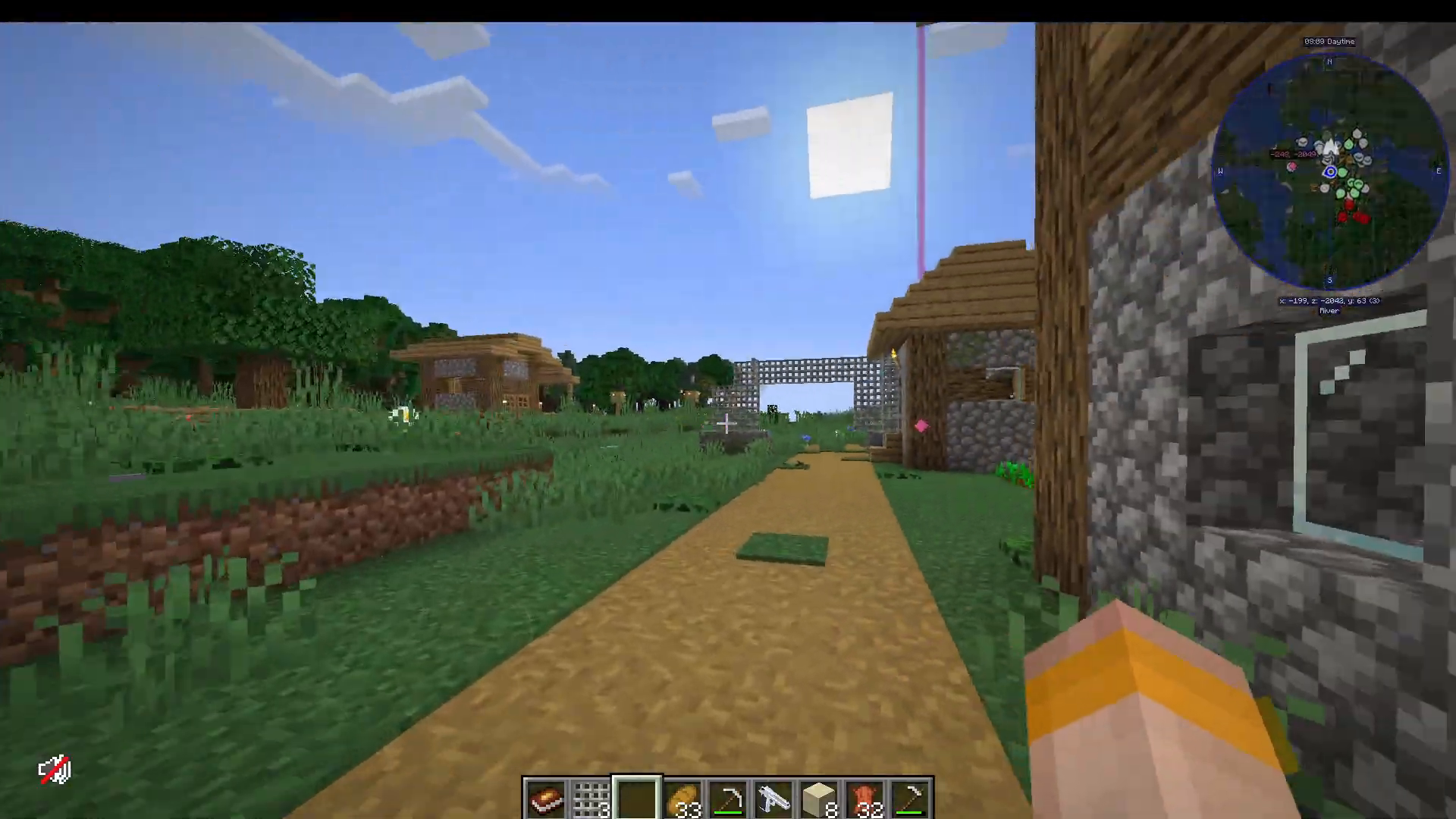
Standard Minecraft villages spawn normally and provide relative safety compared to other locations. However, the modpack also features massive city-like structures with multiple levels, interconnected buildings, and extensive loot opportunities.
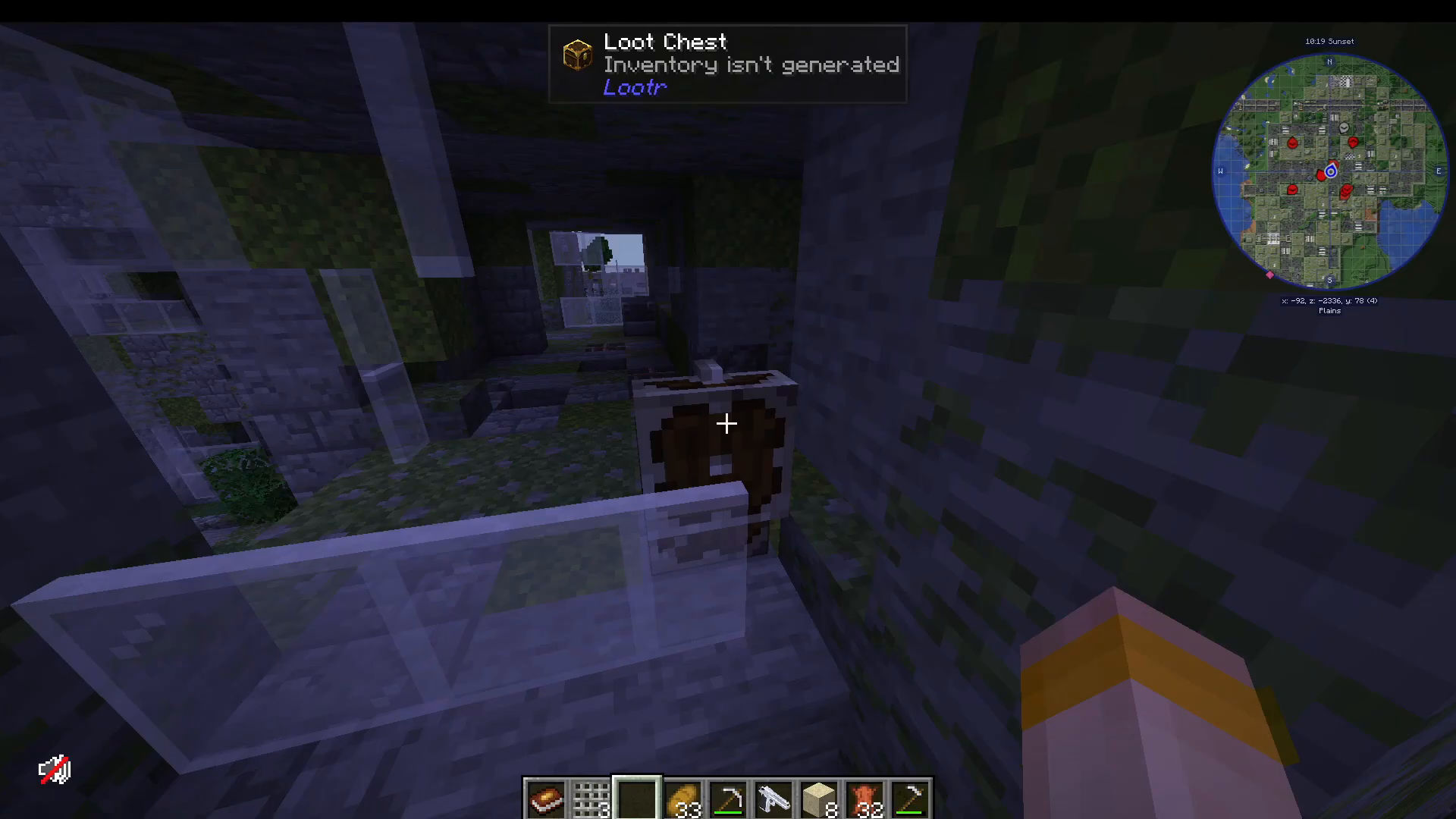
City buildings contain numerous loot chests on various floors, accessible via ladders and staircases. Items you might find include gunpowder, golden apples, and seeds. The upper levels of buildings offer strategic advantages against the zombies below.
Zombie AI and Difficulty Scaling
Zombies in Cursed Walking are significantly enhanced compared to vanilla Minecraft. They possess intelligent AI, allowing them to climb ladders and follow you effectively. Importantly, zombies do not care about daytime—they remain threats regardless of the time of day.
The modpack features progressive difficulty: every day, zombies become stronger, faster, more numerous, and more dangerous. This escalating threat encourages you to find safe bases and prepare defensive measures.
Railways and Extended Exploration
Huge railways span across the map, connecting different cities and structures. These railways feature numerous loot chests on their carriages and surrounding areas, making them valuable exploration routes.
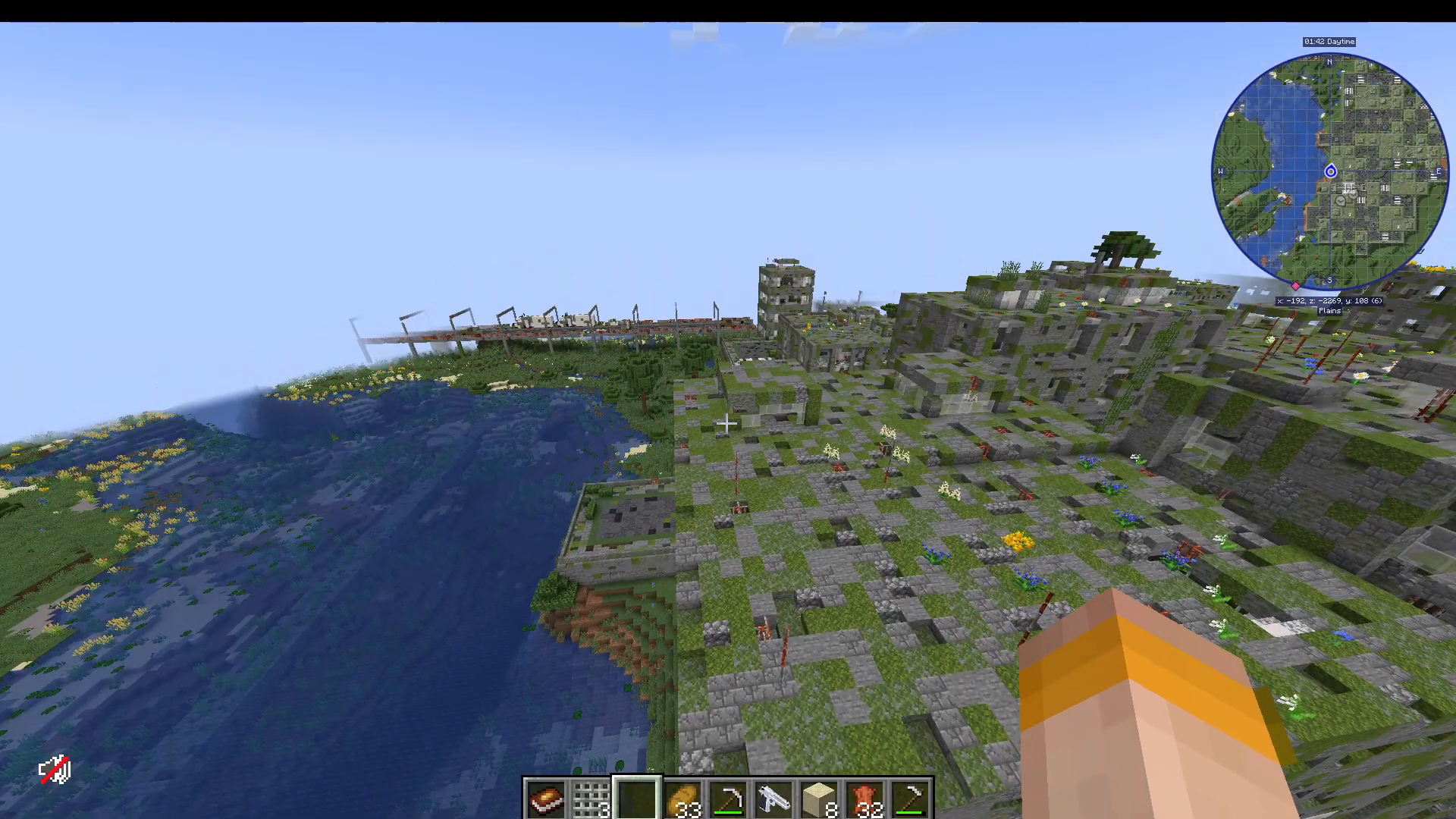
The world contains countless points of interest (POIs) worth discovering. Use a map mod to track your exploration—Atlas is available but not recommended. Consider joining the community Discord to access information about modded servers where you can play alongside other players.
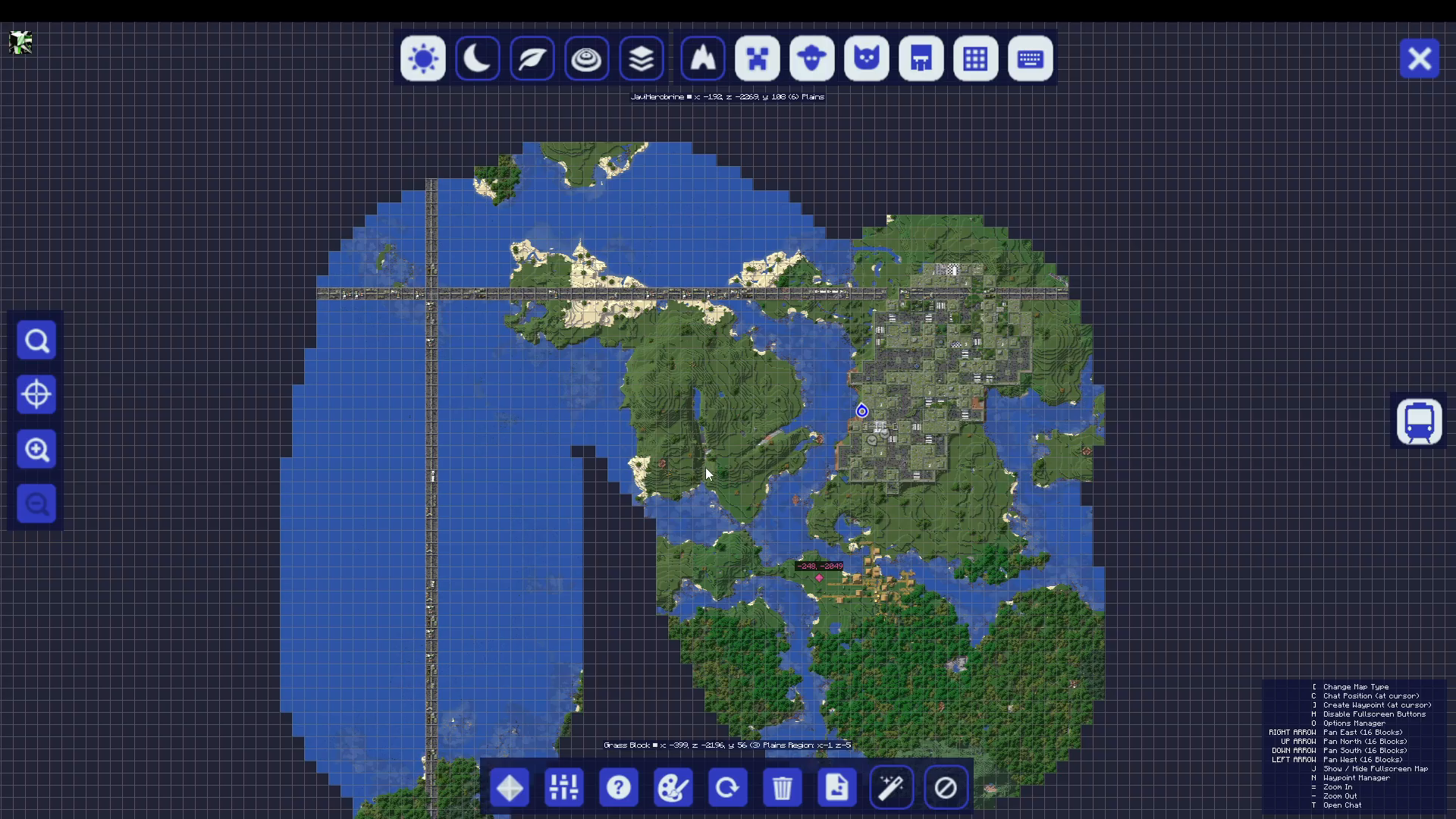
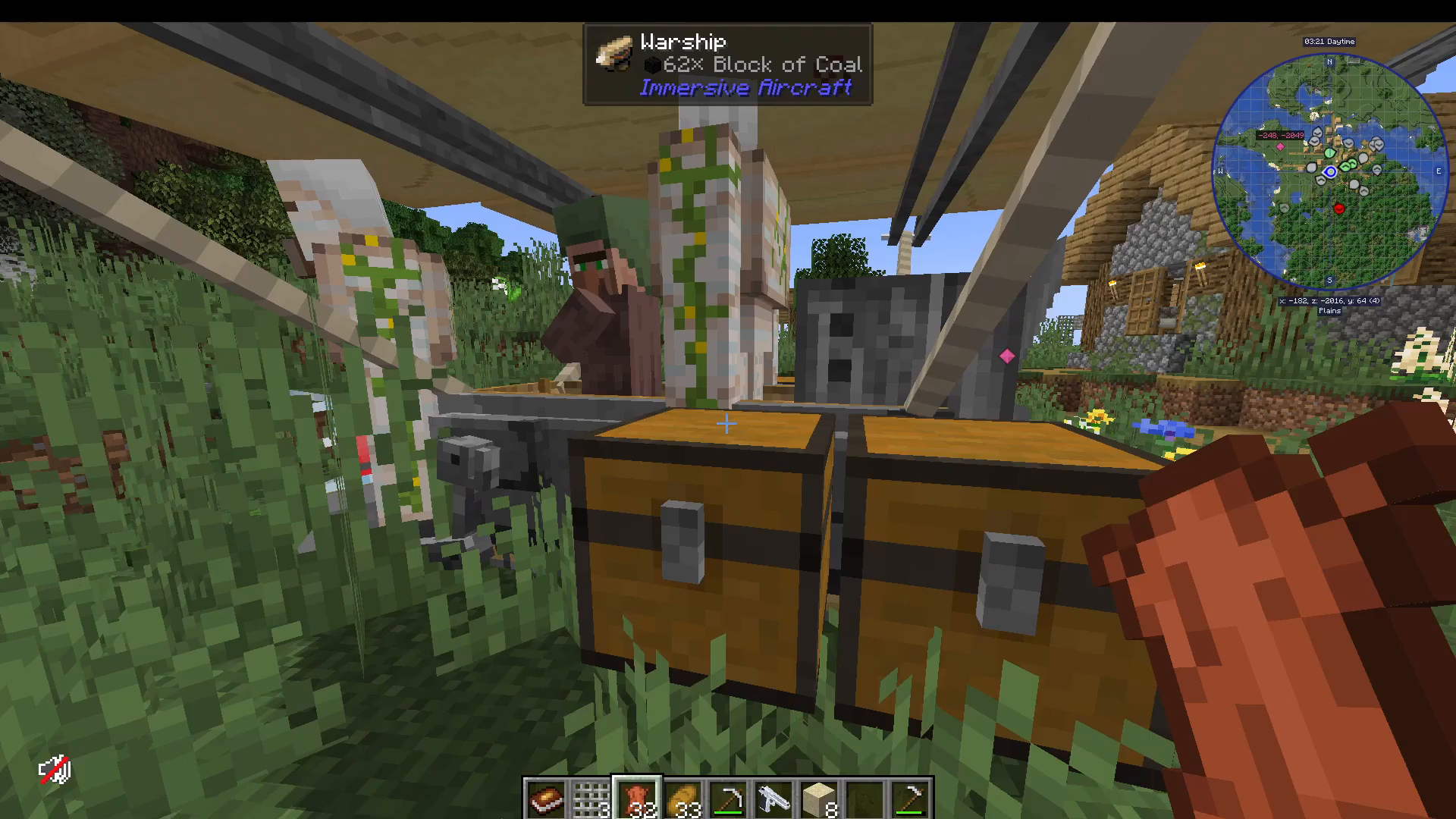
Fast Travel: Immersive Aircraft Mod
As days progress and zombies grow stronger, you’ll need efficient ways to traverse the map. The Immersive Aircraft mod provides an excellent solution, allowing you to craft and pilot various aircraft.
Aircraft Types and Crafting
Available aircraft include the Warship, Cargo Airship, standard Airship, and Biplane. Each serves different purposes, though the Warship is particularly popular for its versatility.
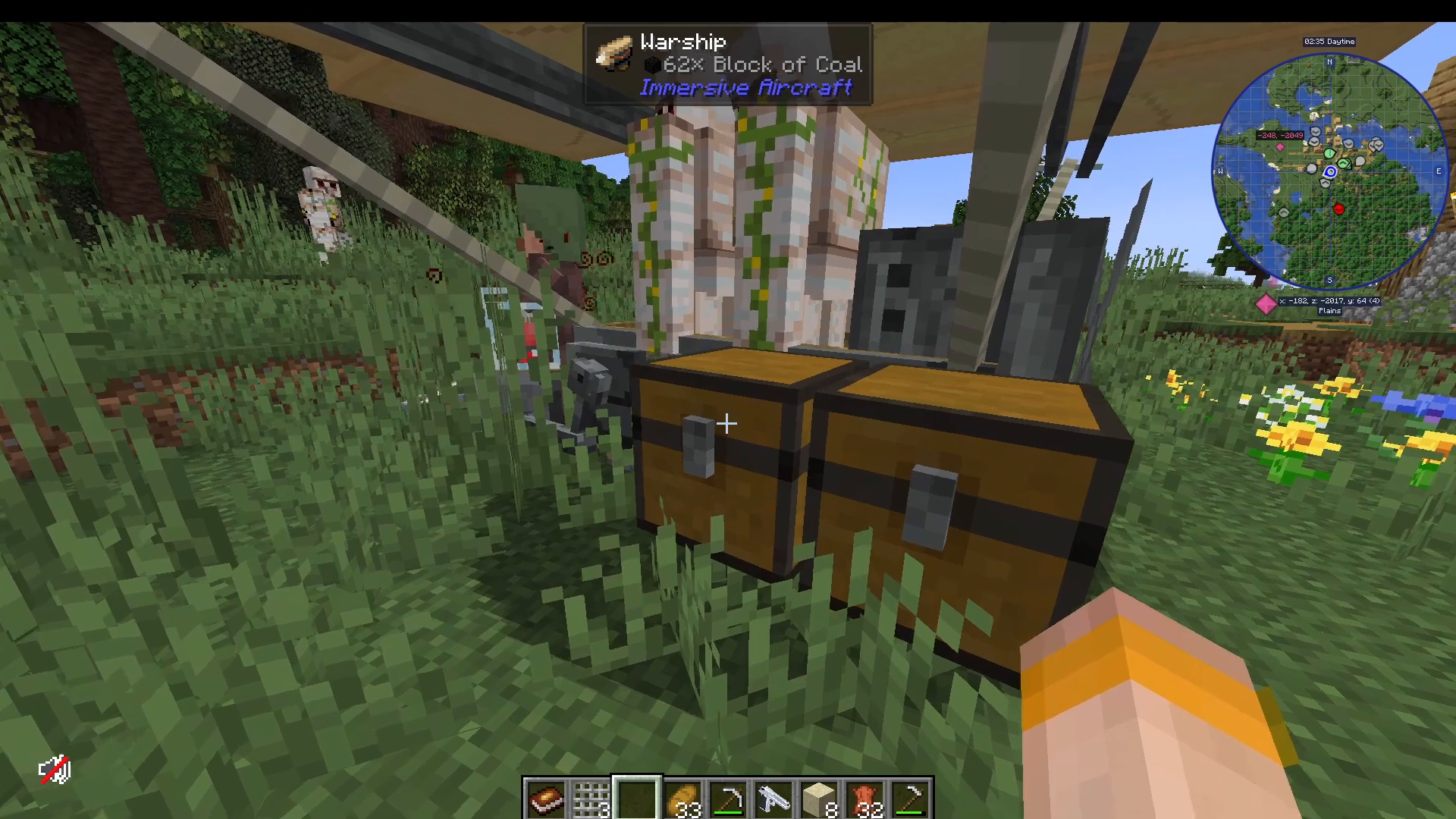
Aircraft Operation
To repair and use an aircraft, shift right-click to repair it using stored materials. Right-clicking again opens the storage interface. The left side accepts coal as fuel—this is where you’ll power your vessel.
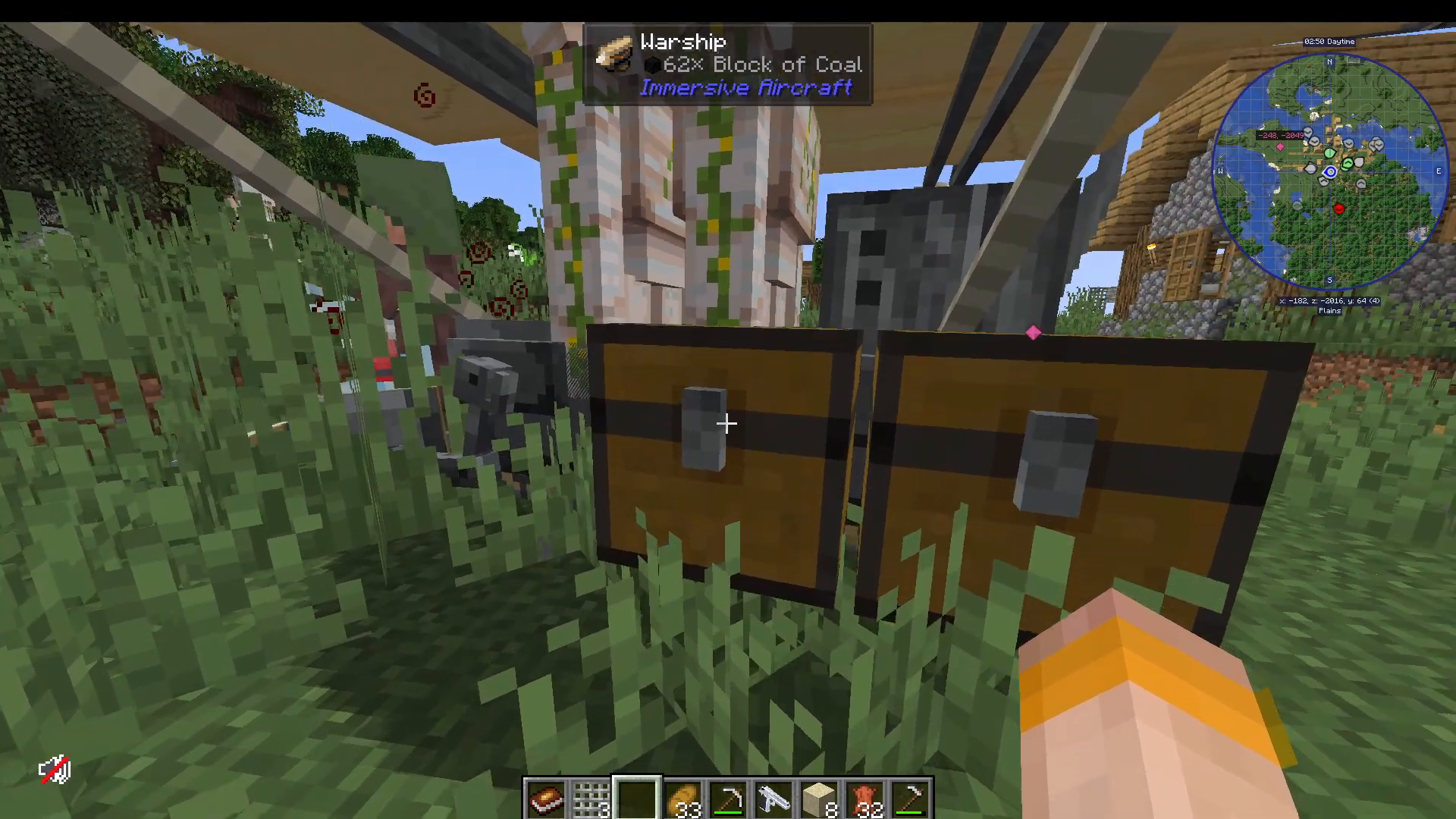
The aircraft can be equipped with upgrades (such as Study Pipes for 10% engine power) and has weapon slots for armed variants. You can also customize the color of your aircraft.
To pilot the aircraft, right-click and press Space Bar to activate the propellers. Continue holding Space Bar to ascend, use left/right directional controls to steer, and press Shift/Crouch to land. The engine power display appears at the bottom of your screen, replacing the hunger bar. To dismount, press the semicolon key (;).
Inventory Management: Backpacks and Tool Belts
Managing your inventory while exploring is critical. Two main systems help organize your items without constant trips home.
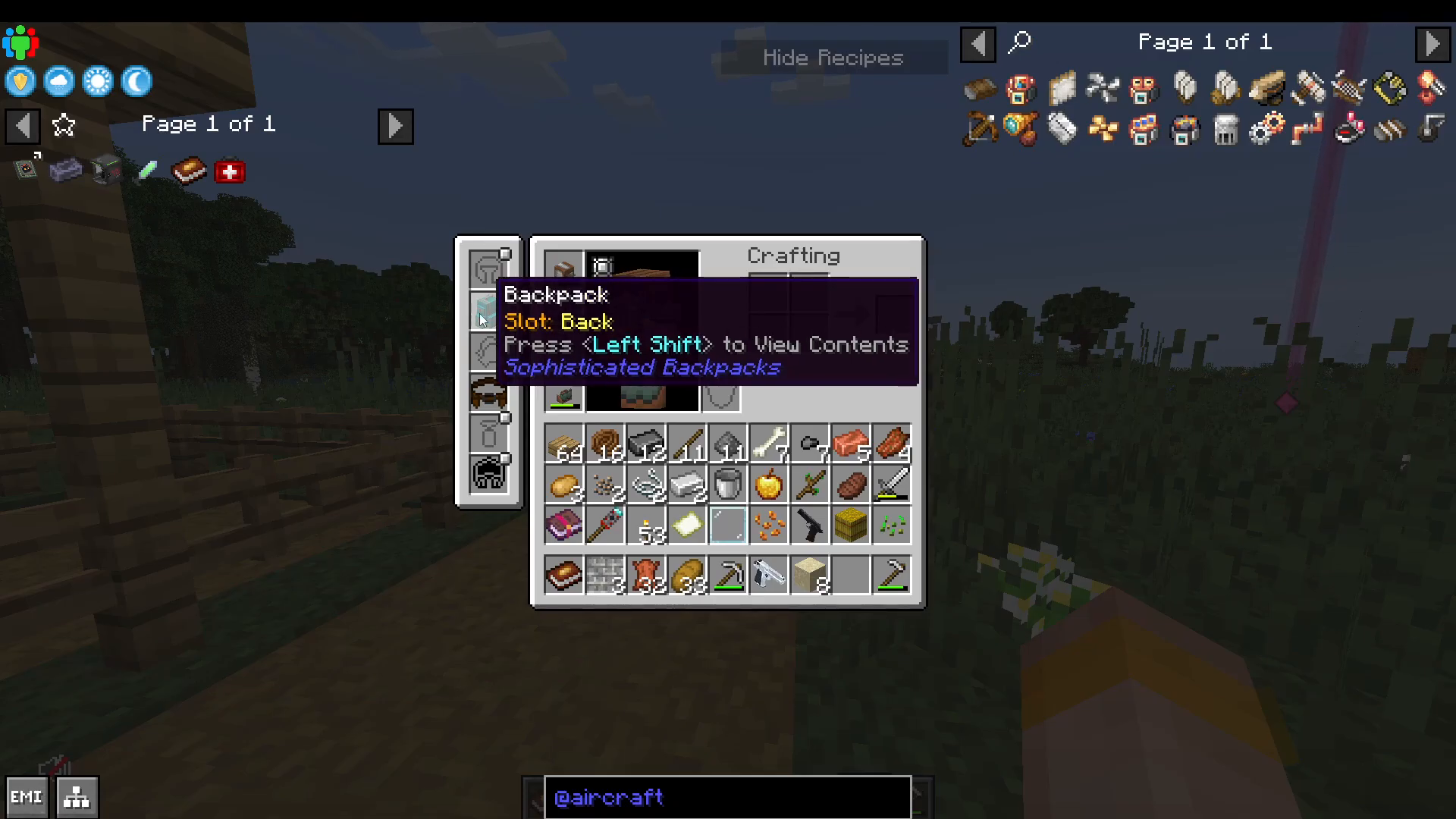
Sophisticated Backpacks
Press B to open your backpack (verify this in your key binds if needed). Backpacks can be upgraded from iron to diamond, dramatically increasing storage slots. This provides portable storage for your essential items.
Tall Belt System
A more specialized storage solution is the Tall Belt
To enhance your Tall Belt, use an Anvil to add pouches. Each upgrade increases storage slots: unupgraded (2 slots), upgraded with one pouch (3 slots), up to a maximum of nine slots with nine pouches.
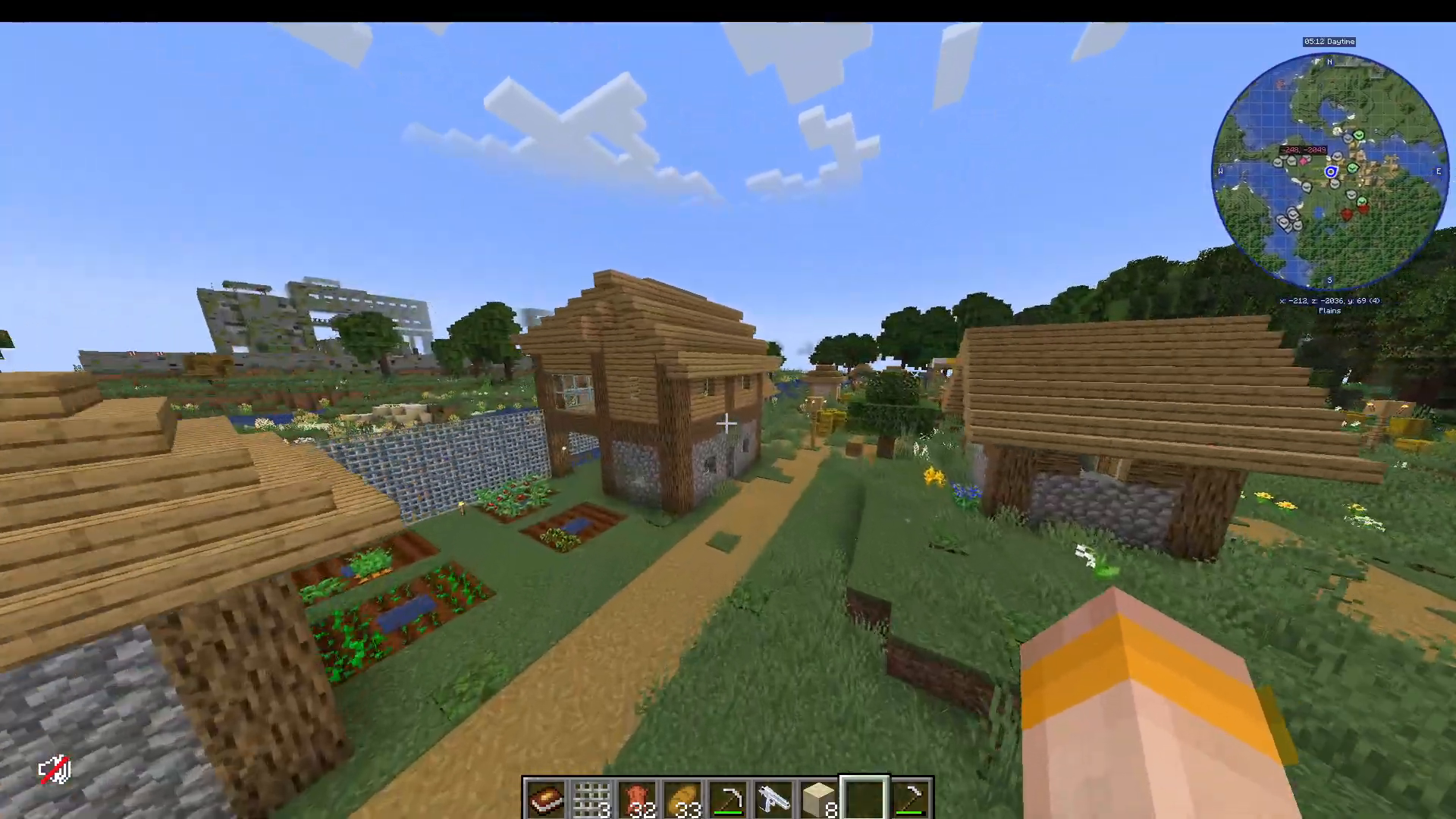
The Tall Belt equips in your Curio/Belt slot rather than taking inventory space. Access it using the Swap Tall key bind. You can hotkey items to quick-swap them in and out (press the key bind, then Insert to add items). The belt accepts any item that cannot stack above one unit, making it perfect for pickaxes, swords, axes, and other tools.
Managing Nighttime and the Blood Moon
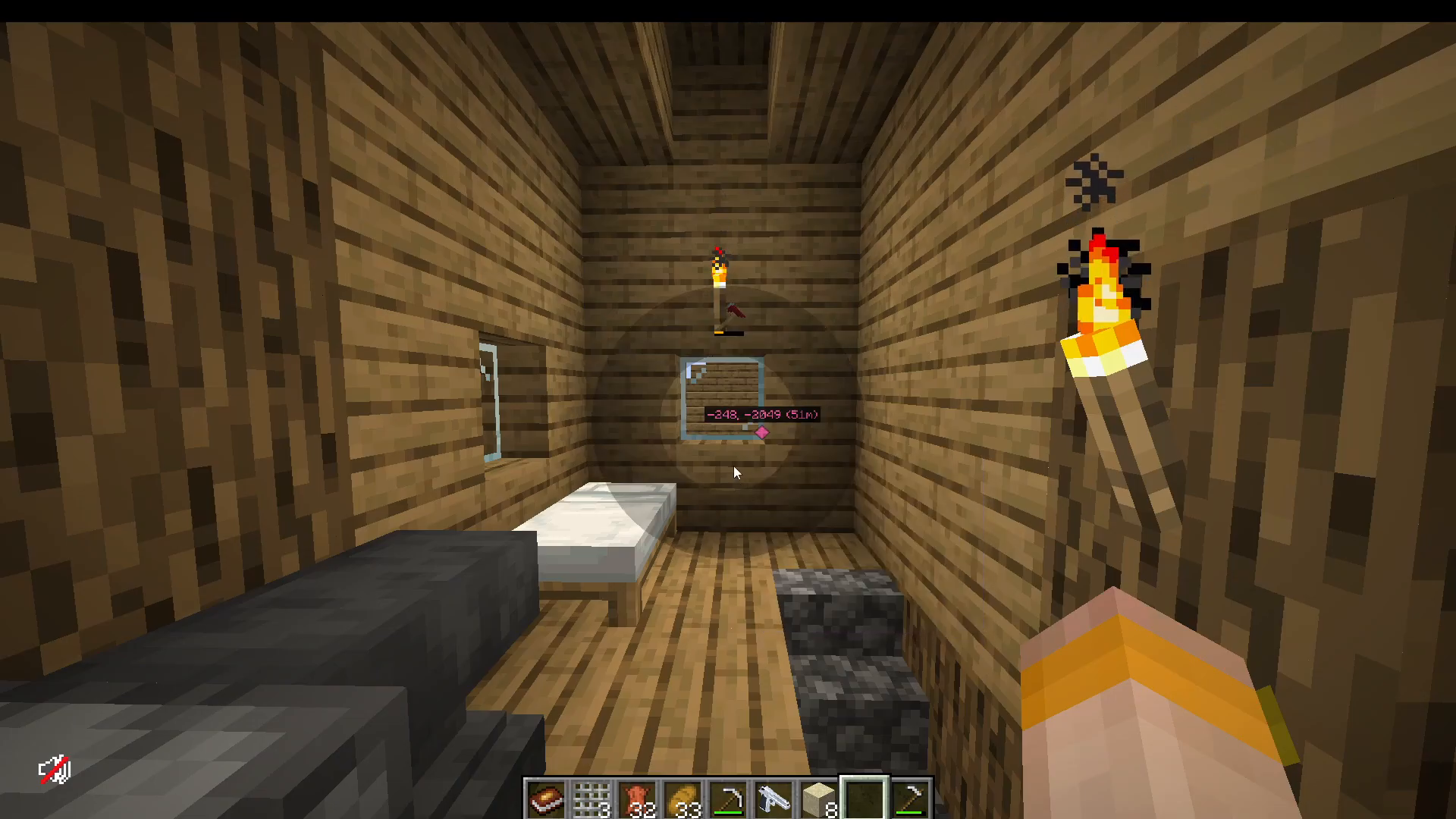
Nighttime in Cursed Walking is significantly more dangerous than daytime. The modpack also features a unique mechanic called the Blood Moon.
Comforts Mod: Hammocks and Sleeping Bags
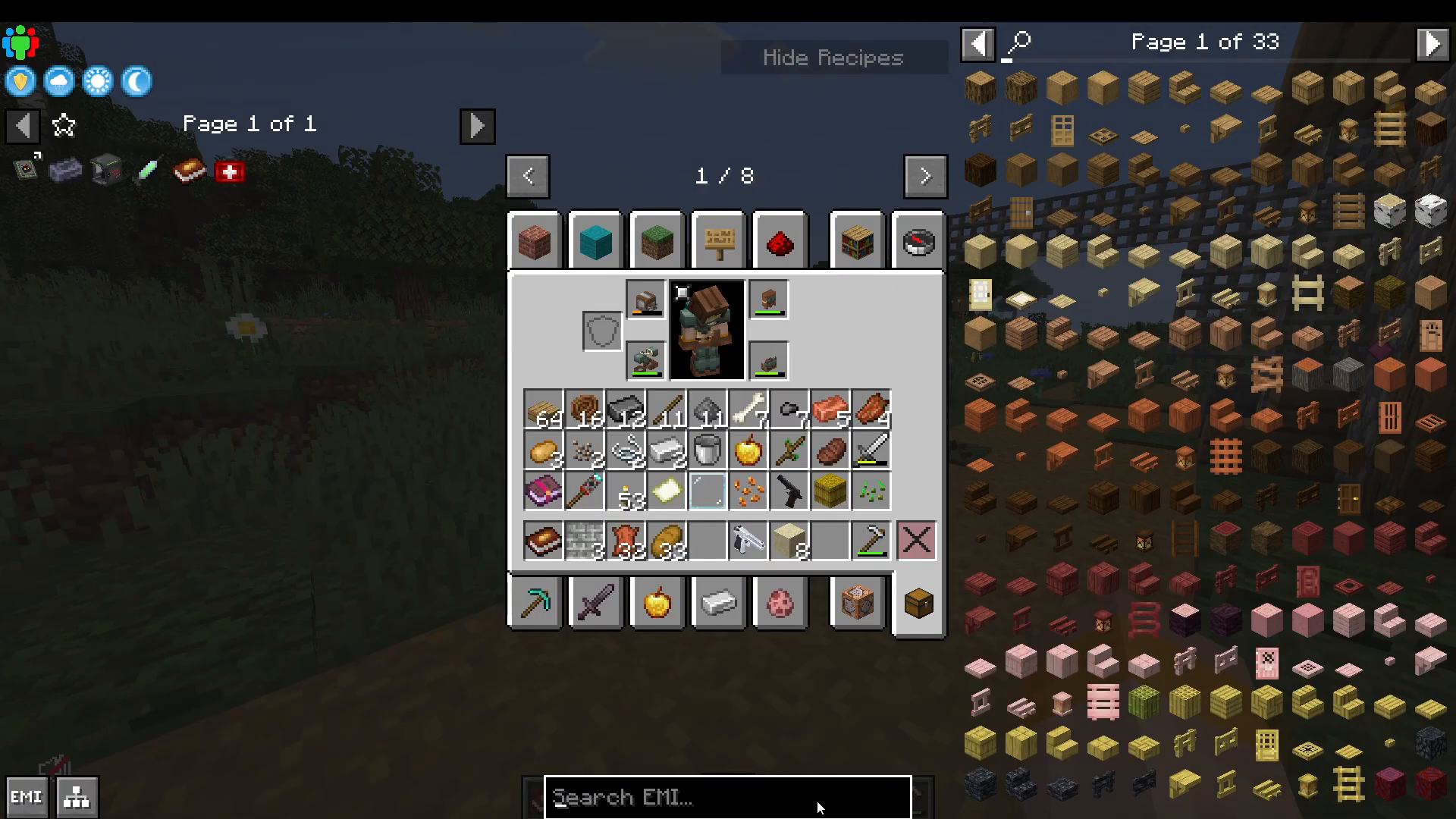
The Comforts mod allows you to use hammocks to skip from daytime to nighttime and sleeping bags to advance from nighttime to morning. Critically, sleeping bags do not set your spawn point, allowing you to advance time without losing your home location.
The Blood Moon Event
Approximately every 10 days, you’ll encounter a Blood Moon—an intensified night event where you cannot sleep through the night. During this event, zombies become exponentially more dangerous: stronger, faster, and dealing more damage.
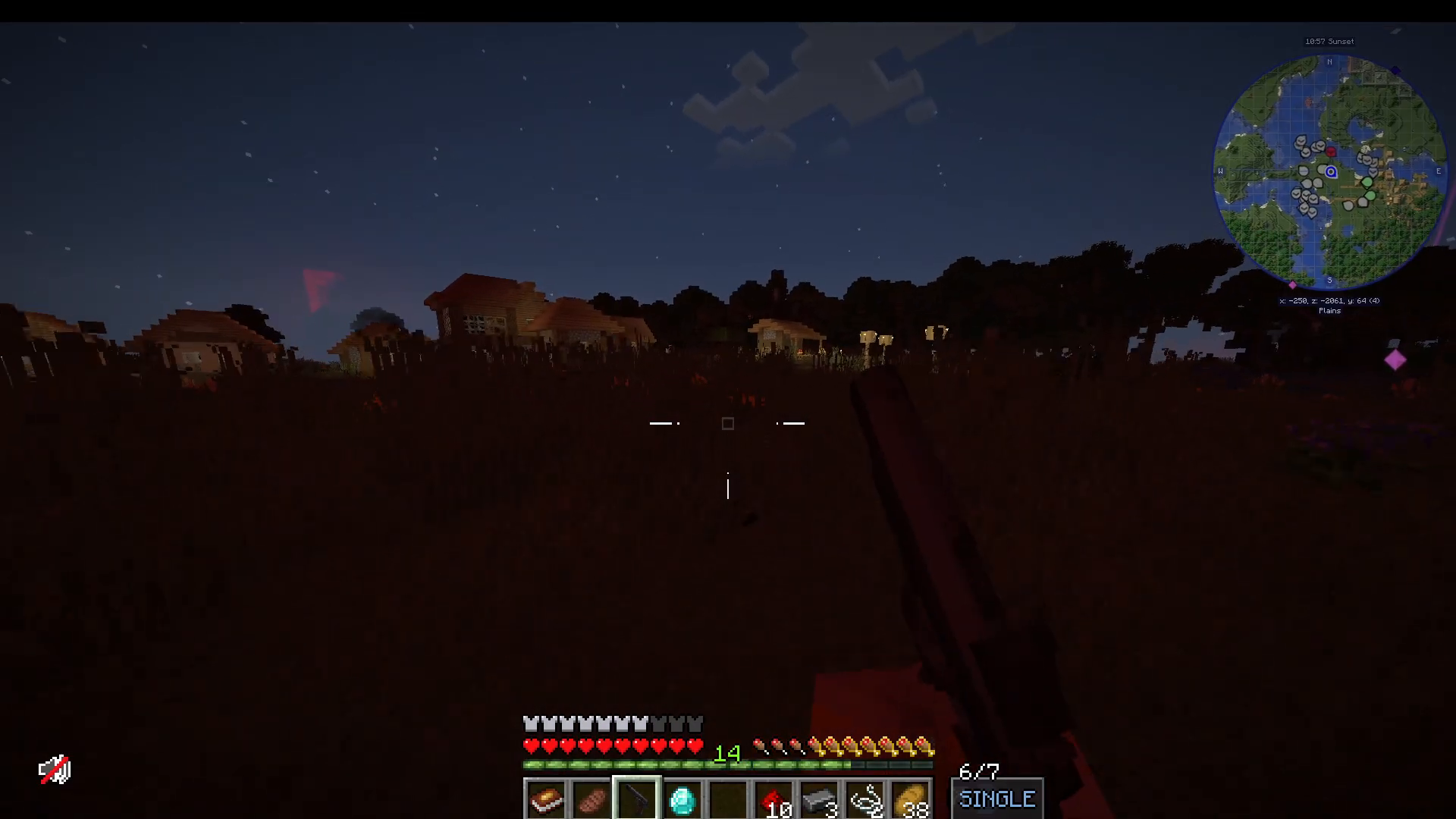
When a Blood Moon occurs, your best strategy is to remain indoors or have significant ammunition stockpiled. Fortifying a secure base becomes essential as the Blood Moon progresses.
Food and Nutrition: Farmers Delight
Sustenance is critical for survival. The Farmers Delight mod provides sophisticated food mechanics beyond vanilla Minecraft.
Core Food Mechanics
Farmers Delight offers numerous cooking options, including chocolate pie, sliced cake, and various plated dishes. The key advantage is the introduction of two important buffs: Nourishment and Comfort.
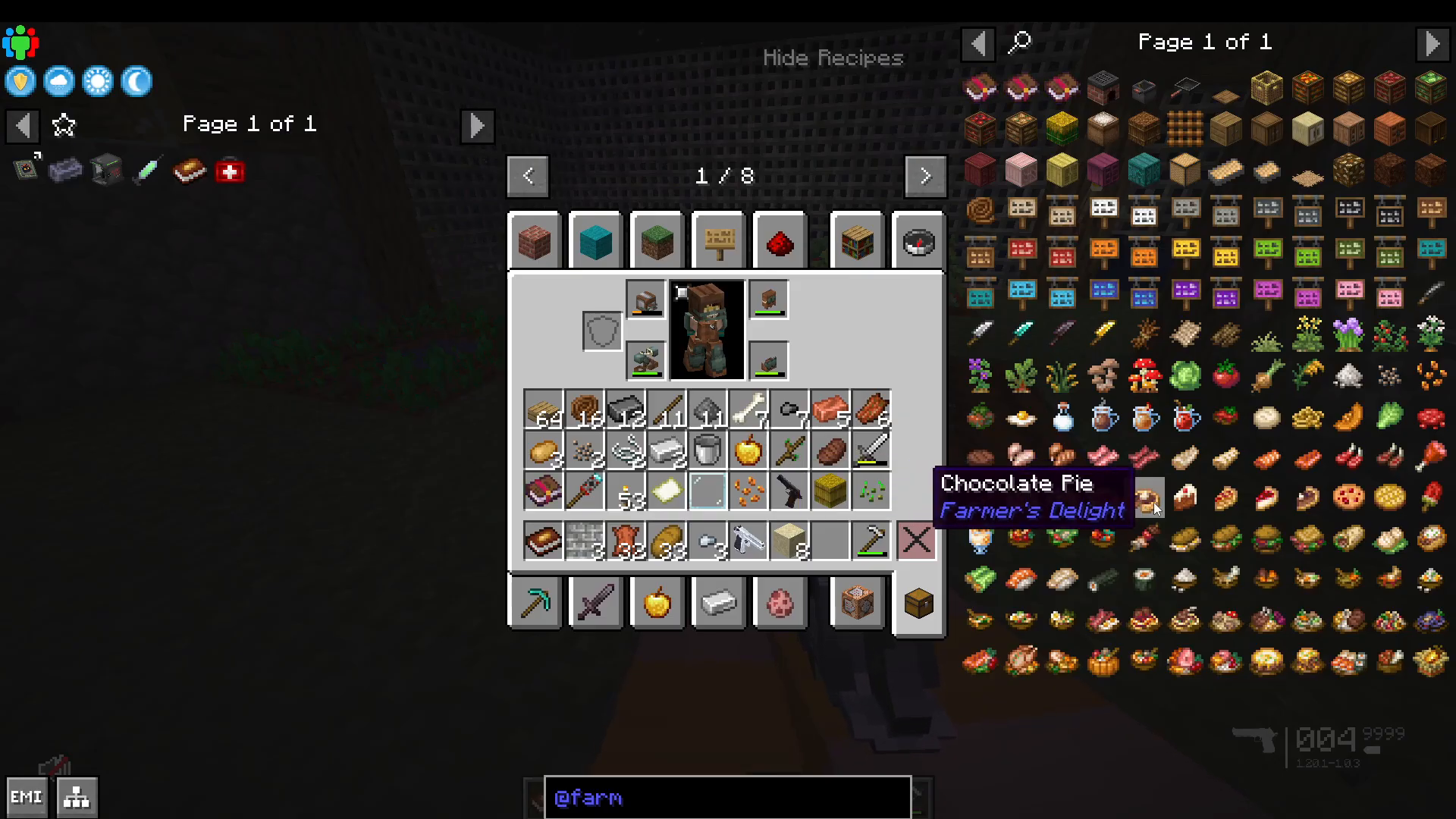
Nourishment (lasting 5 minutes) prevents you from losing saturation during exhaustive actions like running, jumping, and fighting mobs. It effectively extends your hunger bar’s capacity, delaying the need to eat again.
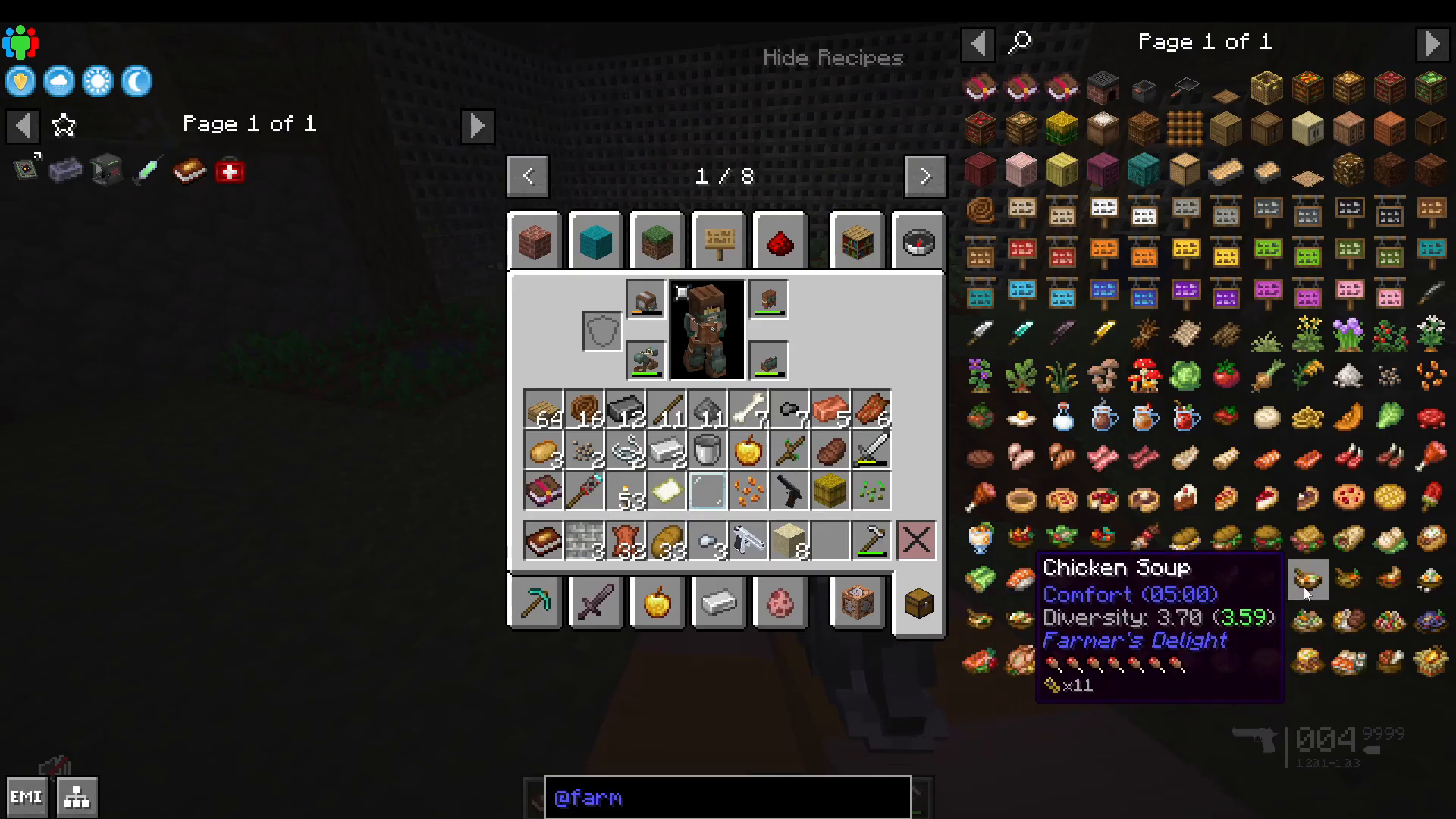
Comfort (also 5 minutes) provides regeneration even when your hunger meter isn’t full. If you’re taking damage while fighting, comfort will continue healing you—this is invaluable in combat.
Food Diversity Bonus
Create a Food Book by right-clicking to track your food diversity. This mechanic rewards eating variety:
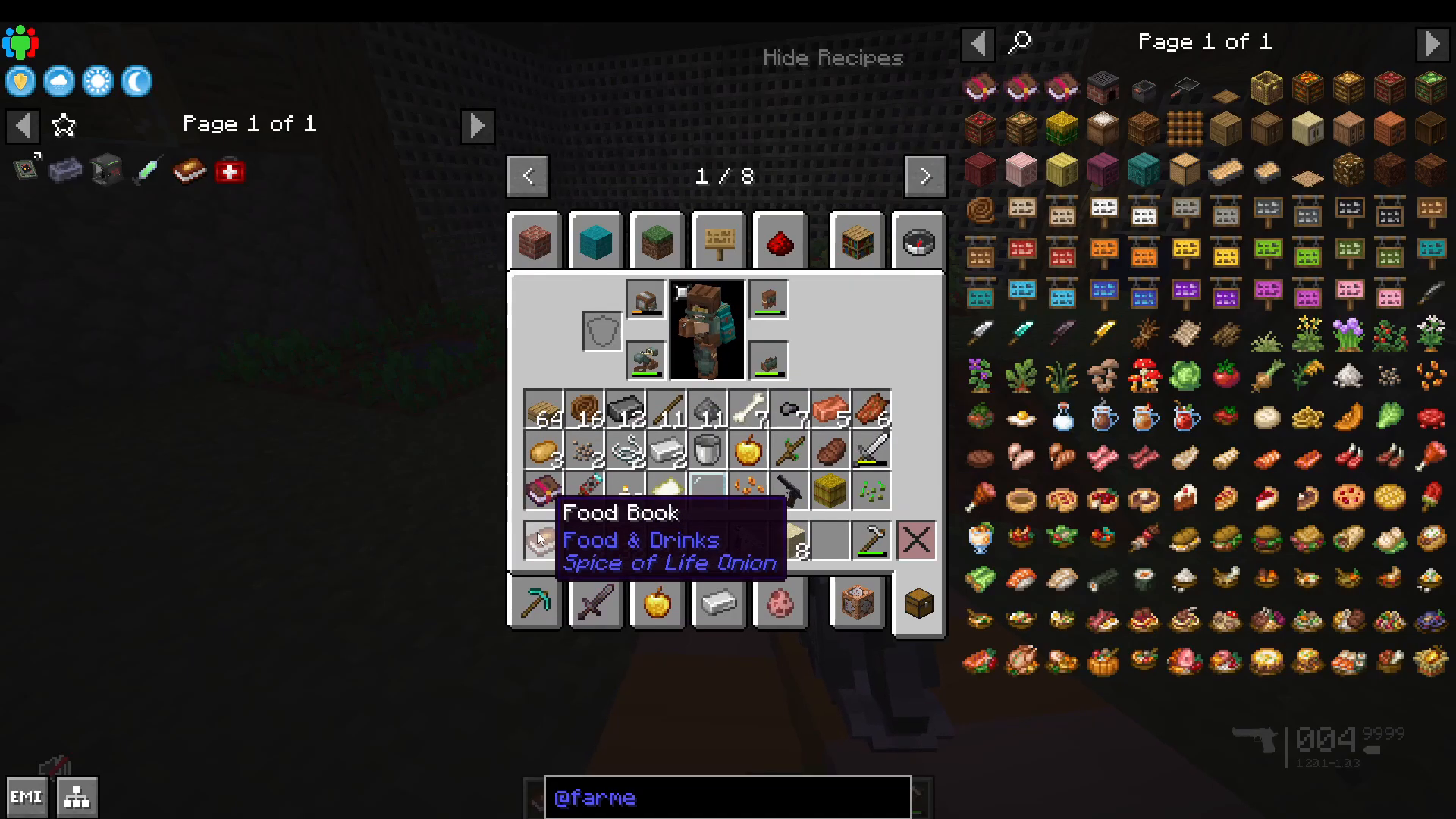
At 3 food diversity: +2 max health
At 5: Strength buff
At 7: Regeneration I
At 31: +6 max health plus multiple additional buffs
To increase diversity, eat different food types. A single smoked ham provides 2.6 diversity points, while a mix salad provides additional points. Eating varied meals compounds these bonuses.
Crop Seasons
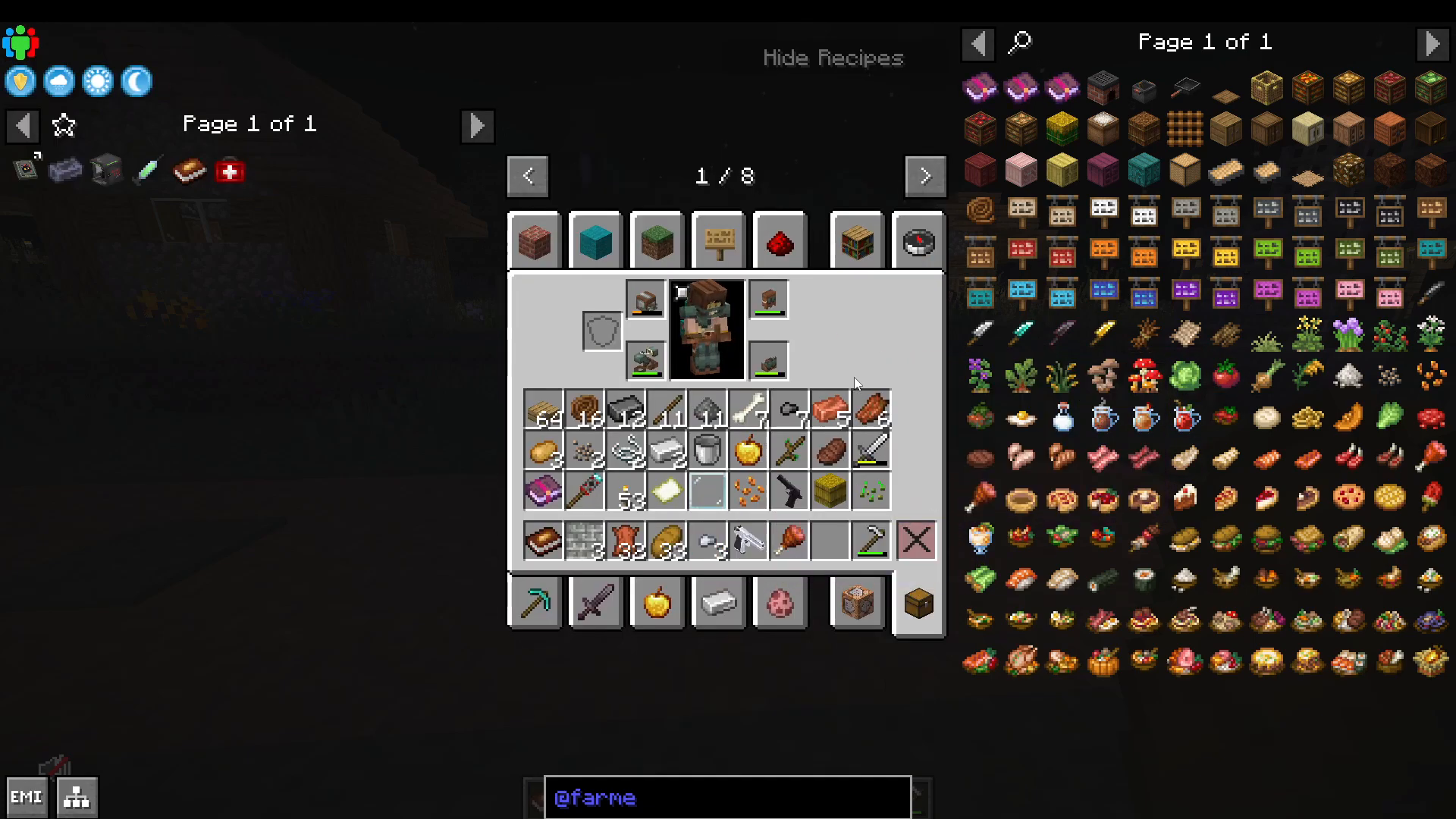
Farmers Delight seeds have seasonal requirements. Tomatoes, for example, only grow in summer, while wheat grows in summer and autumn. If your crops aren’t growing, verify you’re in the correct season.
Craft a Calendar to track the current season. Place it in an item frame for constant visibility of seasonal changes.
Health and Disease Management
Vaccines and Zombie Infection
Zombies can infect you with diseases. Craft vaccines using Foxweed paste and syringes. Foxweed is a flower found in plains and grass blocks—collect it whenever spotted.
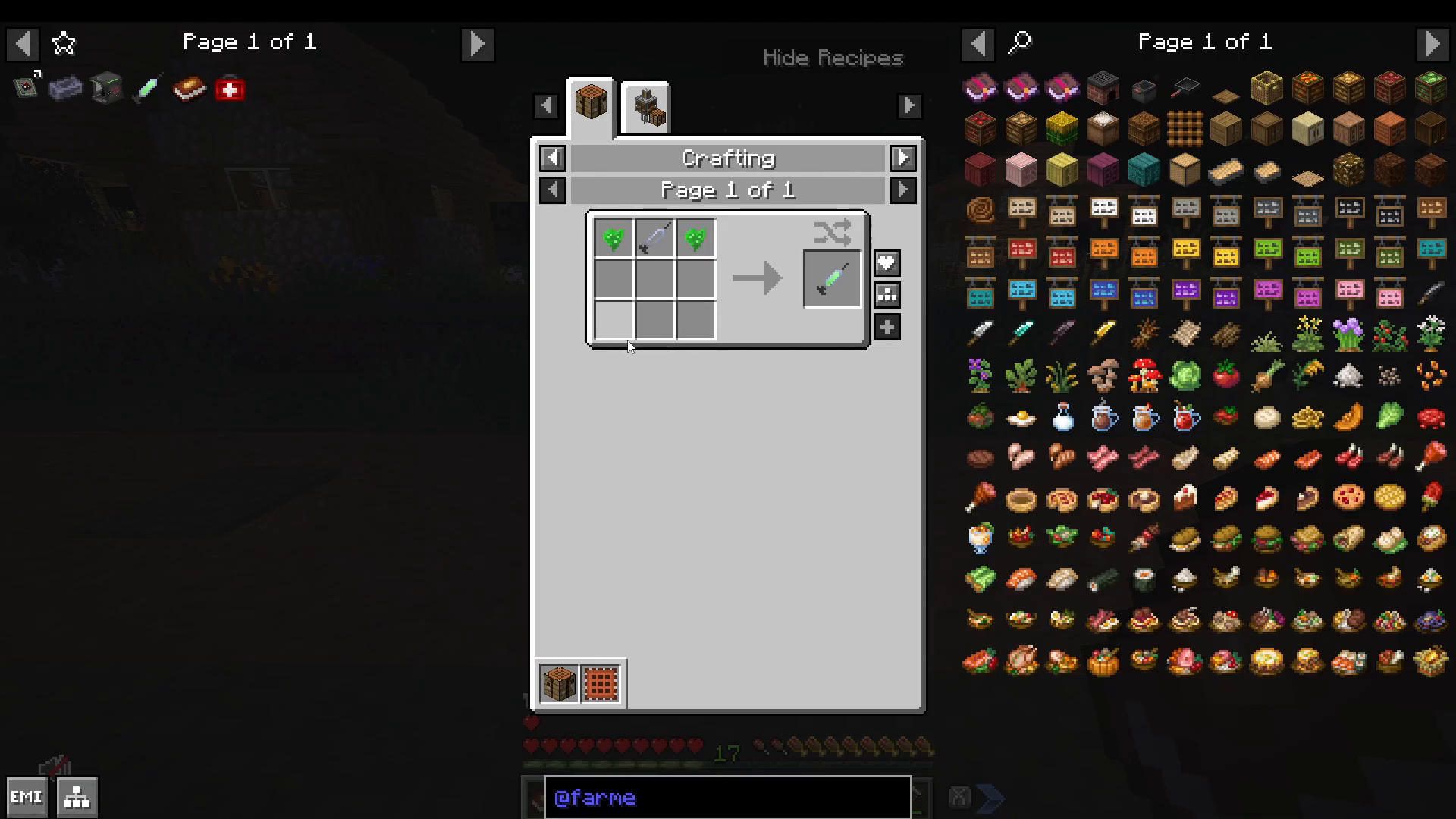
Combine Foxweed with a syringe to create Foxweed paste, then craft vaccines. A single vaccine cures zombie infection and provides nearly 6 minutes of immunity.
First Aid: Marbled for First Aid Mod
The Marbled for First Aid mod provides advanced medical tools. Craft med kits and bandages using leather (from cooked zombie flesh) and morphine (crafted in a brewing stand with blaze powder).
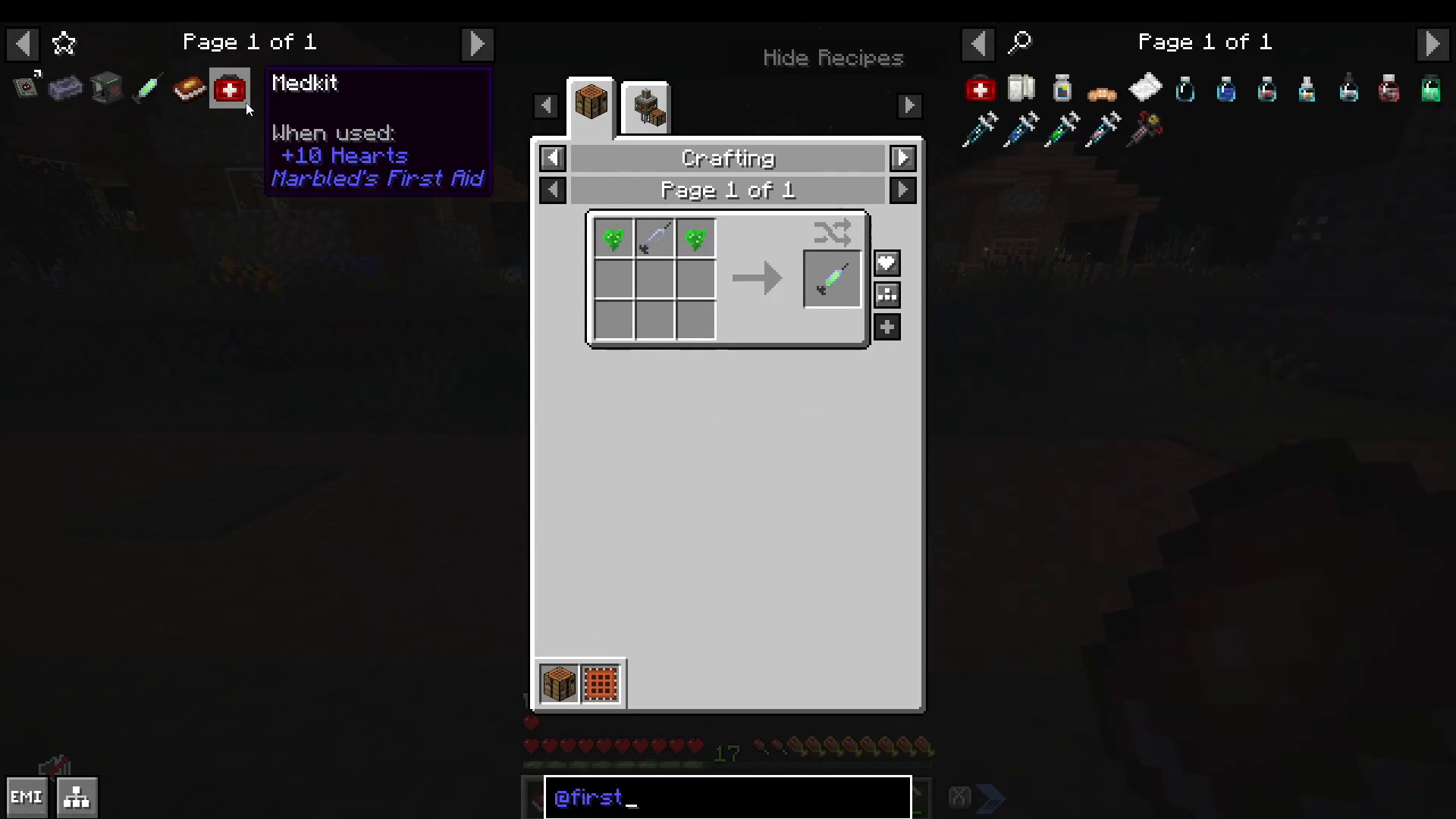
Med kits can restore up to 10 hearts. You can also craft adrenaline syringes and morphine syringes for immediate combat healing.
Weapons and Combat Preparation
Armor Progression
Start with iron gear, progress to diamond, then netherite. The modpack includes specialized armor like gas masks and SWAT armor, which provides knockback resistance and armor toughness. For endgame armor (Bismuth, Netherite, Lavendite, Onyx), you’ll need to reach the Deep Void dimension.
Gun Mods: Point Blank and Timeless & Classic Guns
Point Blank: Weapon Printer
The first gun system uses the Weapon Printer. Craft a Camera Processor using diamonds, then use it to manufacture weapons. For the starter 0.45 ACP pistol, you need copper and gunpowder.
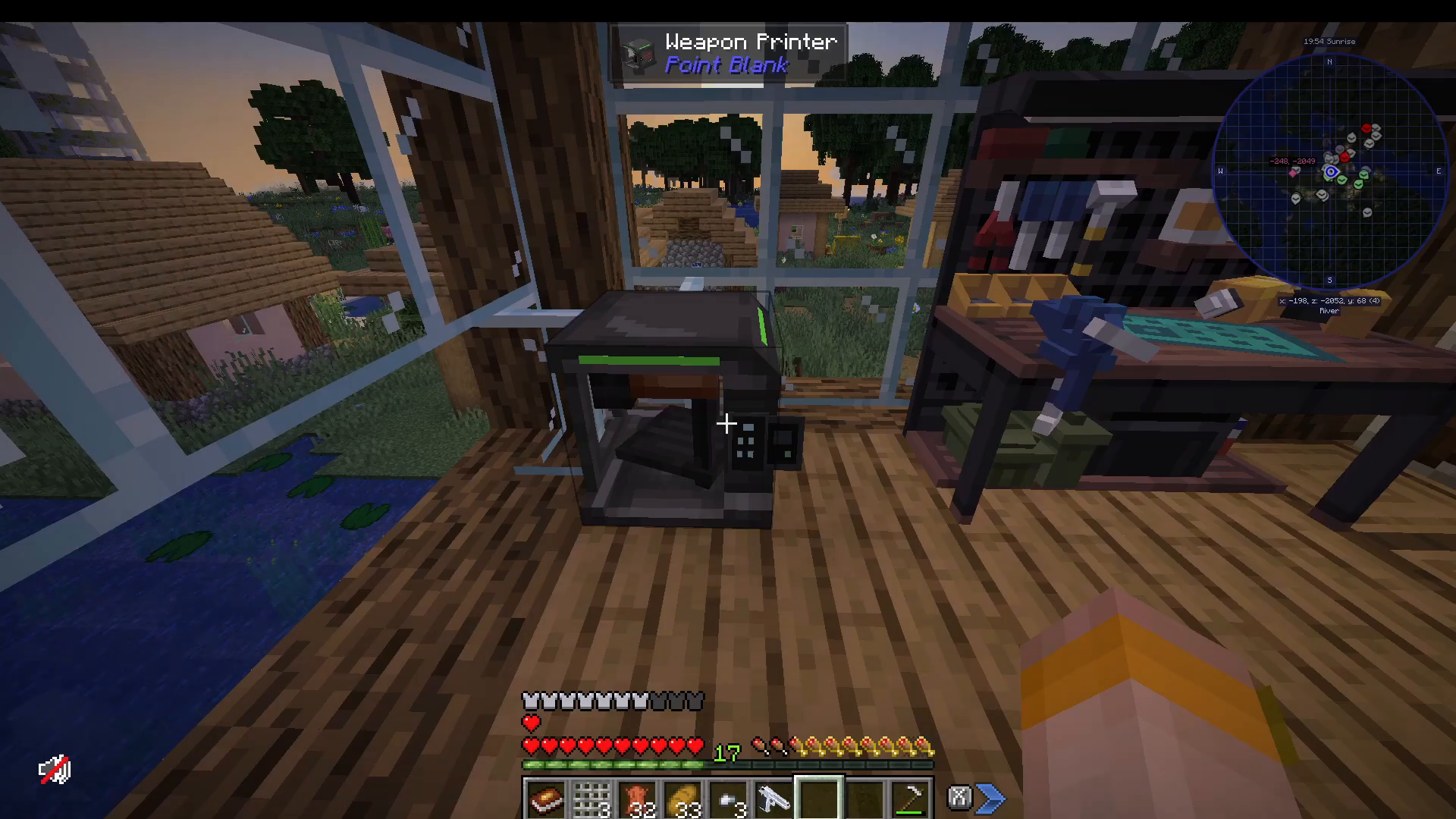
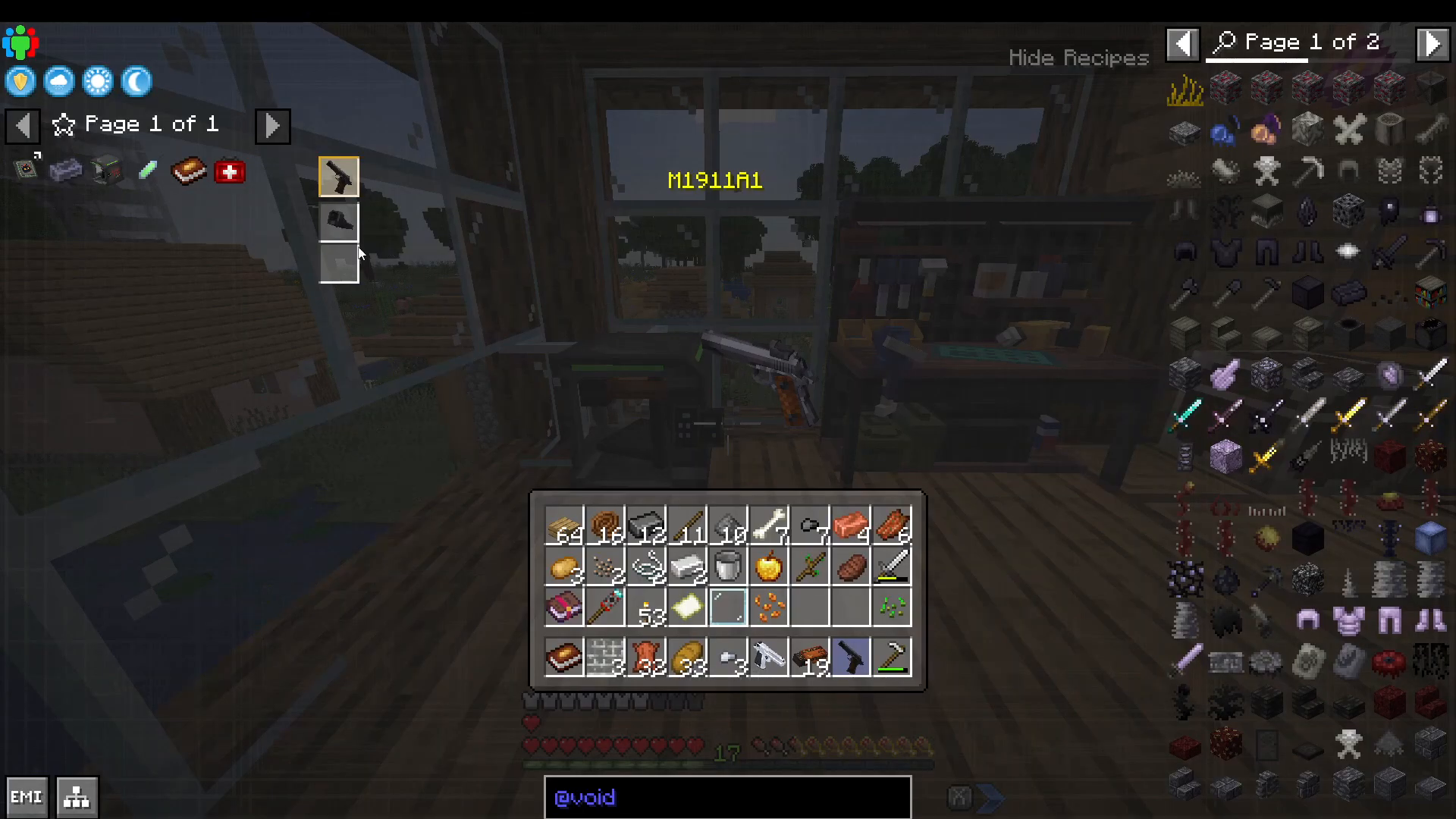
Press H while holding a gun to open the upgrade interface. Install upgrades like MLA sights (crafted from gun metal found on mobs) to enhance your weapon’s effectiveness.
Timeless & Classic Guns: Gunsmith Table
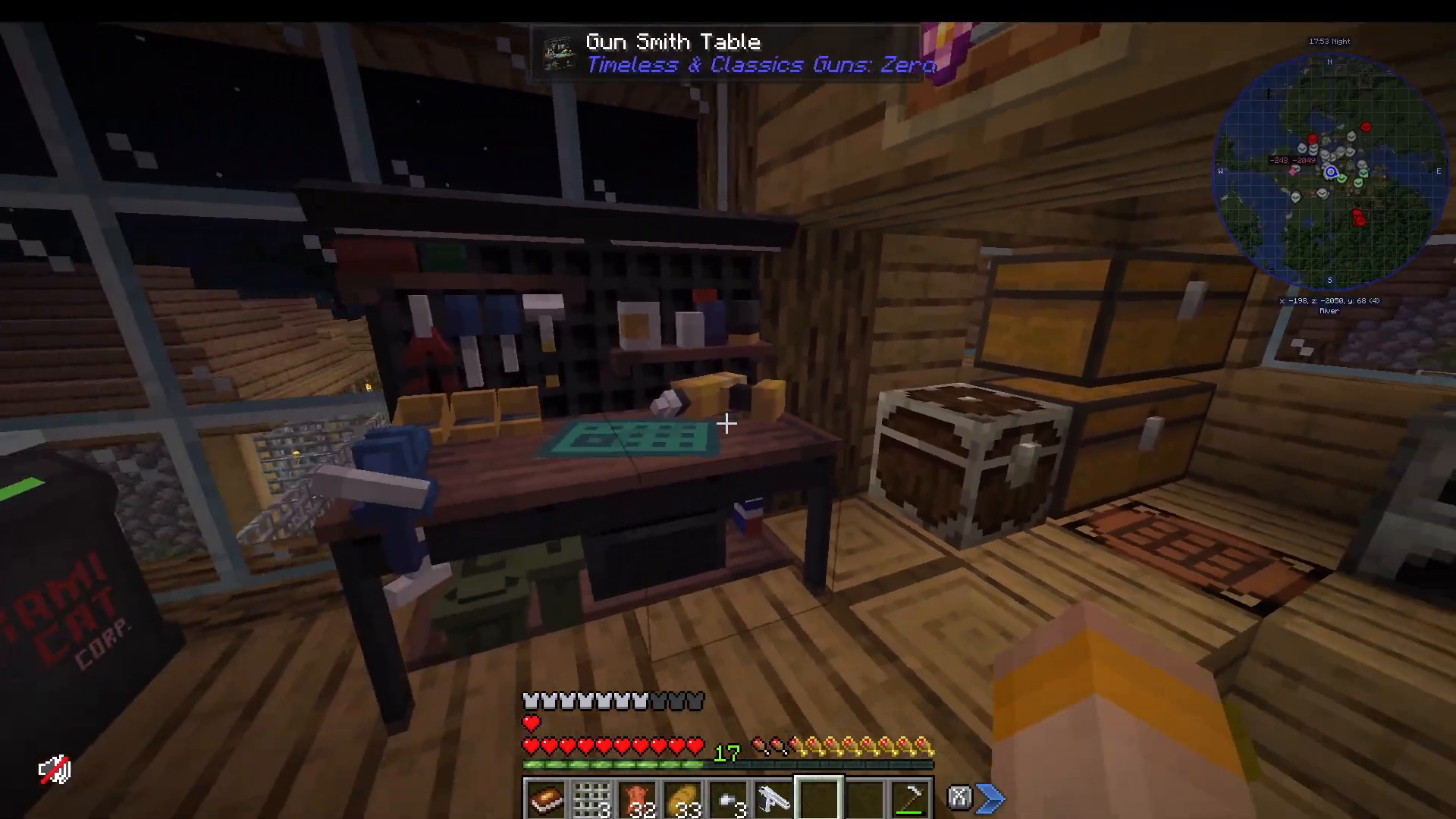
The second gun system uses the Gunsmith Table. This interface acts like a shop, displaying available weapons and their crafting recipes. Select items, view required ingredients, and craft them directly.
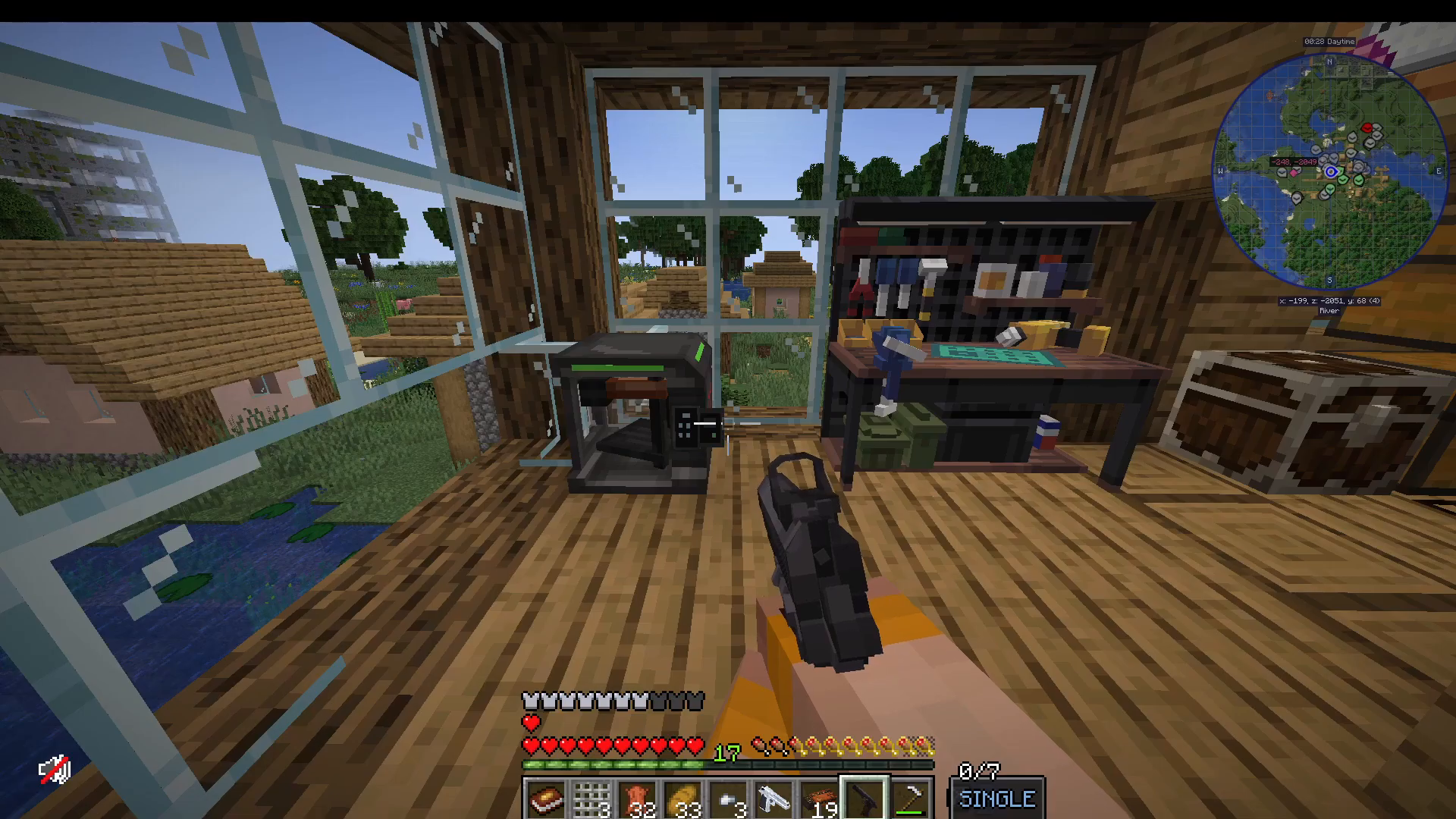
Press R to reload. Be cautious—these guns will shoot through glass.
Tool Organization
Your Tall Belt system allows you to cycle through different weapons and tools using the Swap Tall key bind. This is invaluable for quickly switching between mining picks, combat weapons, and other tools.
Base Security: Security Craft Mod
Protecting your base is essential. The Security Craft mod offers comprehensive defensive options including password-protected smokers, key card access systems, and turrets.
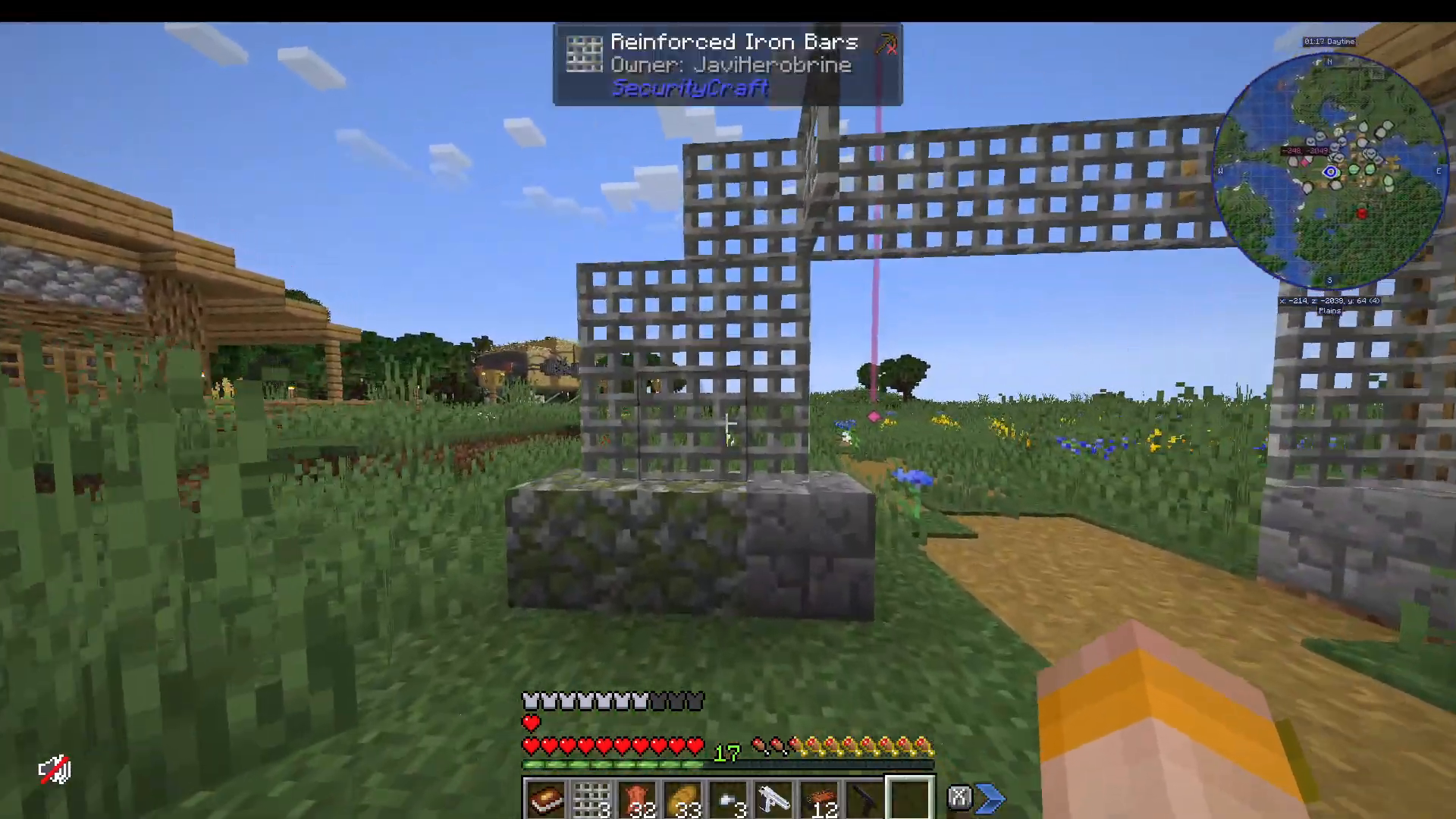
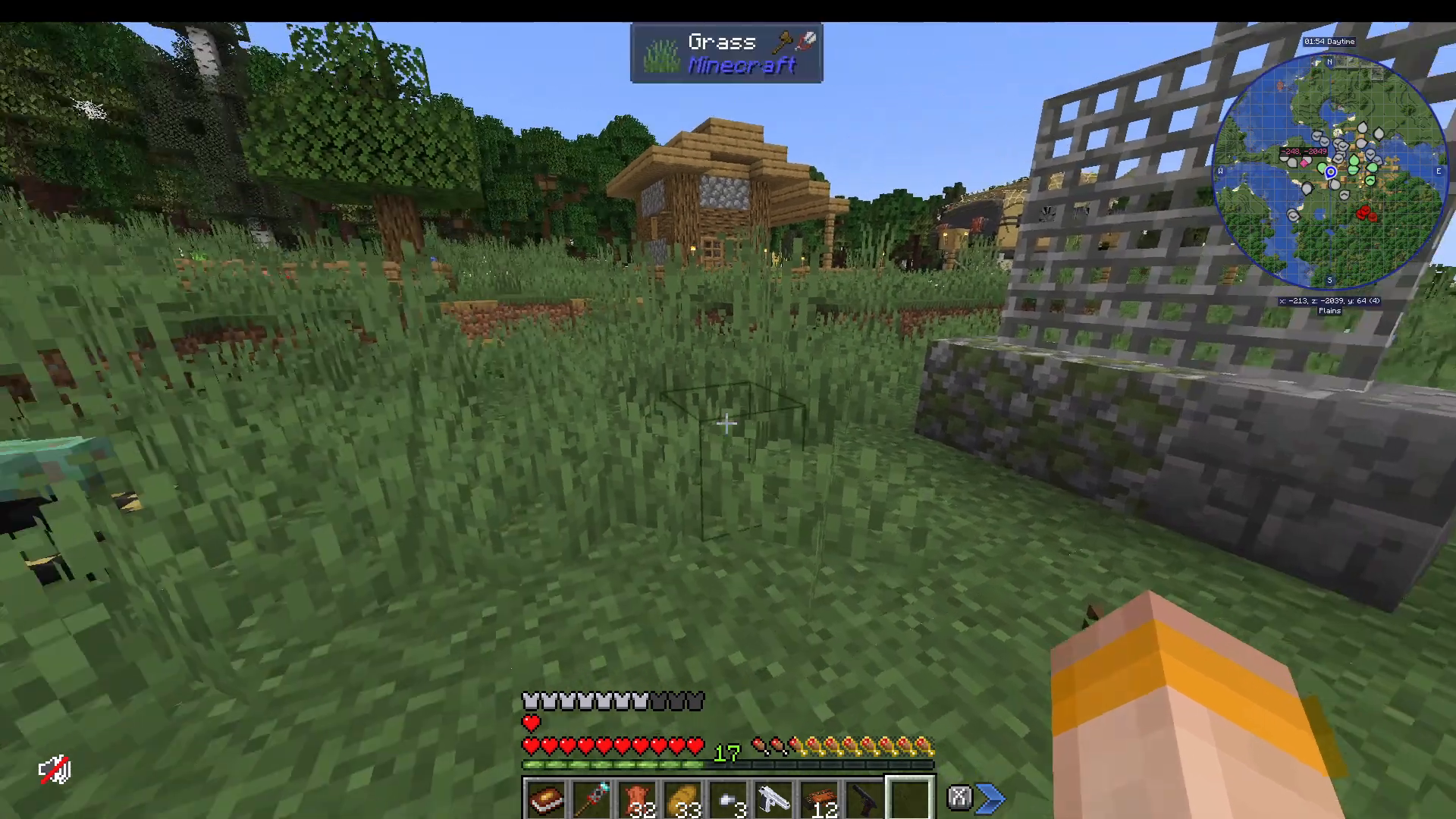
The most useful feature is the Universal Block Reinforcer. Use it to convert regular blocks (like cobblestone) into reinforced variants that are significantly harder to destroy. You can further upgrade reinforced blocks for additional durability.
Endgame: The Deep Void Dimension
Accessing the Void
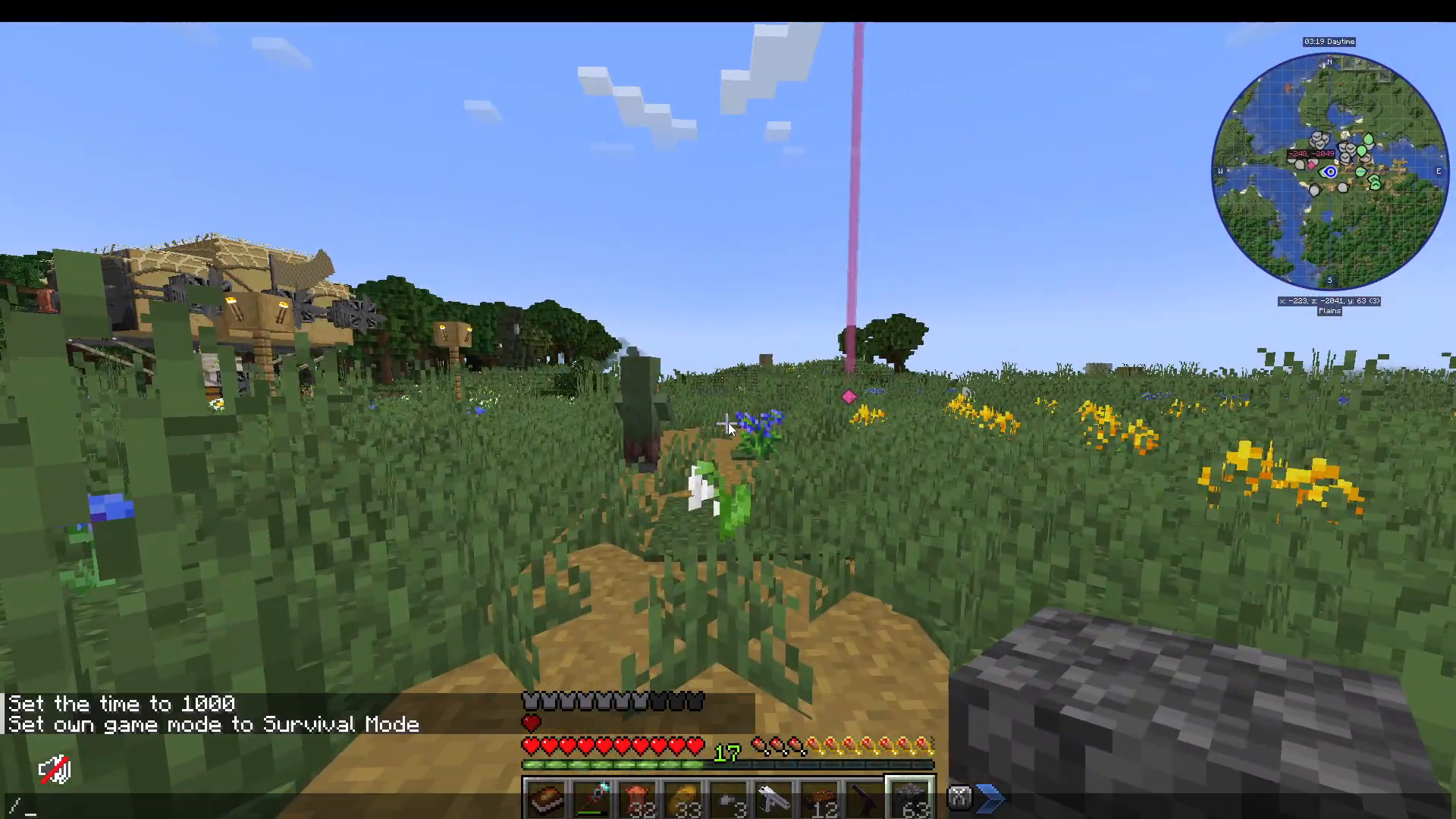
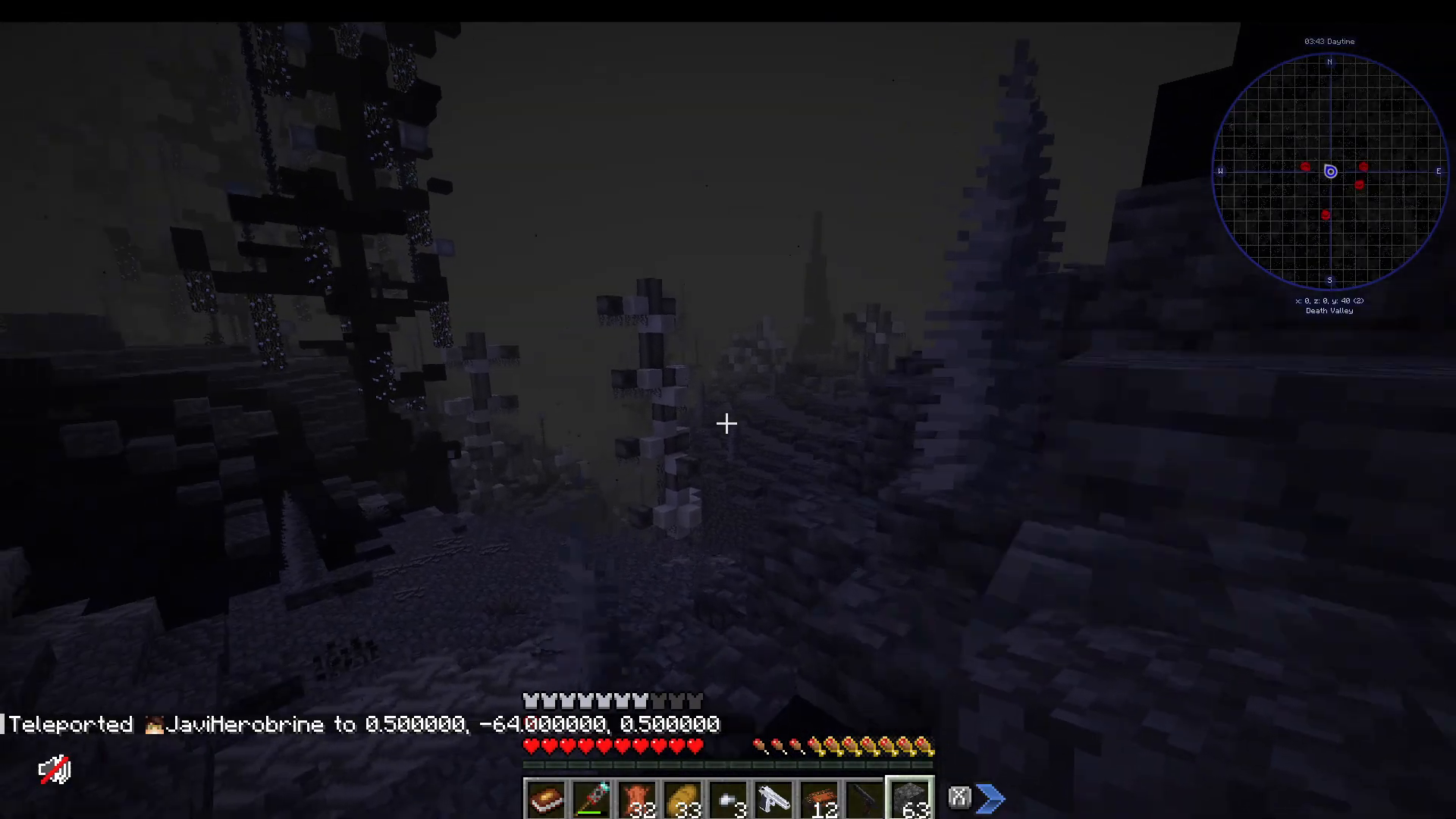
Once you’ve gathered superior weapons and armor, you’re ready for the endgame: the Deep Void. Navigate to coordinates X: 0, Z: 0 and dig down to Y: -64. You’ll automatically teleport into the void dimension.
Deep Void Resources and Dangers
The Deep Void contains premium ores including Bismuth, Onyx, and Lavendite. These materials craft the modpack’s best armor and tools. However, the void also spawns extremely dangerous mobs—come prepared.
Escaping the Deep Void
To return to the overworld, fly or pillar straight upward. The void extends deep, so bring substantial cobblestone or another building block. You’ll need to reach approximately Y: 255 to teleport back to the overworld.
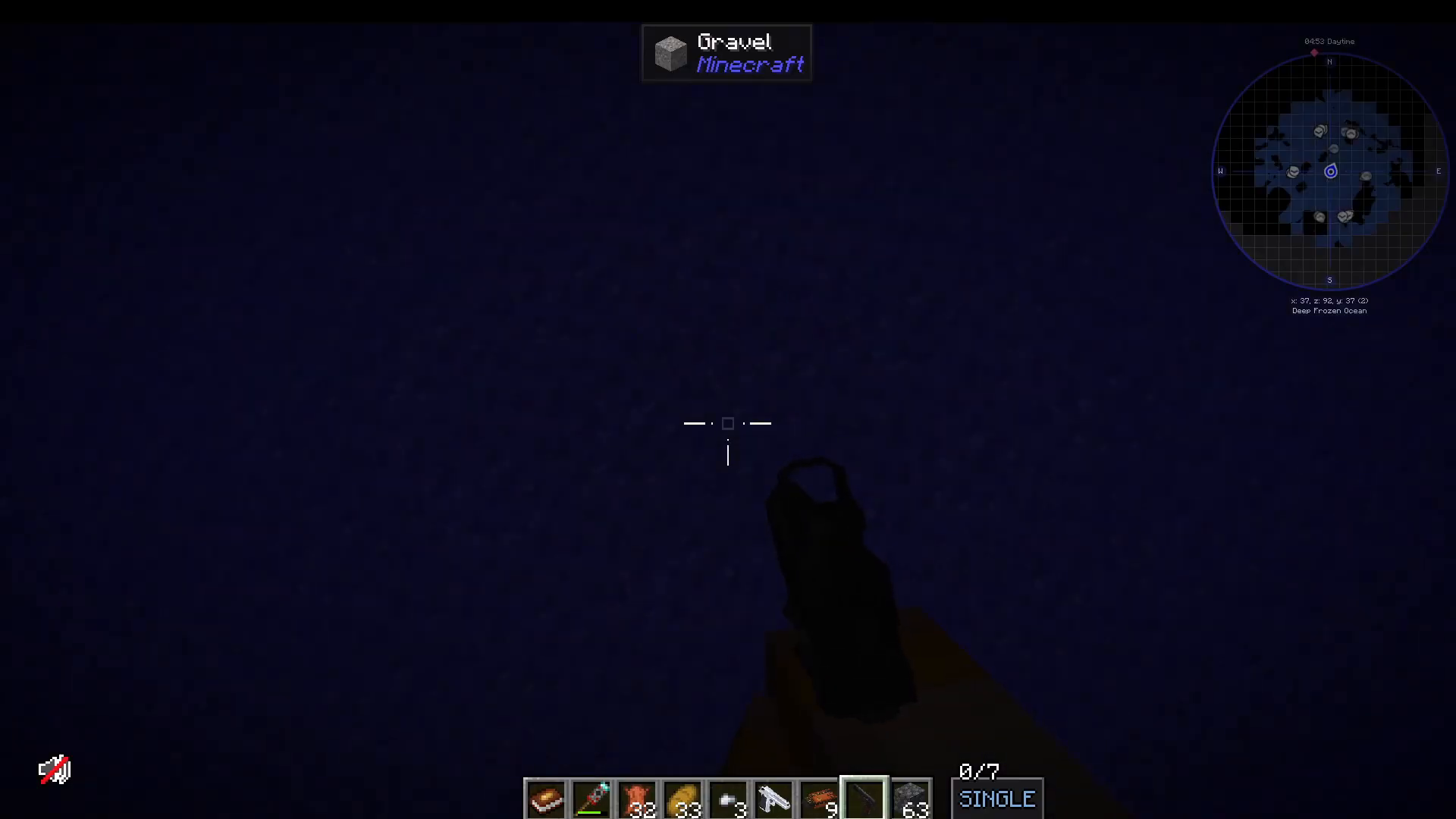
Don’t become discouraged if you don’t immediately escape—the dimension is vast. Persistence and adequate building supplies ensure your safe return.
Summary and Next Steps
You now have a comprehensive understanding of Cursed Walking: A Modern Zombie Apocalypse modpack. Your survival progression follows this path:
Loot your spawn bunker thoroughly
Explore POIs and gather resources
Establish a secure base with Security Craft defenses
Craft Immersive Aircraft for rapid map traversal
Prepare sophisticated food systems for sustained buffs
Gather vaccines and first aid supplies
Equip yourself with guns and armor
Survive Blood Moon events
Progress to the Deep Void for endgame materials
This modpack rewards exploration, preparation, and strategic planning. Don’t forget to track your food diversity with the Food Book, maintain vaccine supplies, and always keep upgraded equipment ready. The combination of progressive zombie difficulty and diverse survival mechanics creates a challenging yet rewarding experience.
Want to Support?
If you would like to help us continue making these guides – please consider joining our patreon here – https://www.patreon.com/c/JaviHeals
Alternatively – we host a group of MC Servers you can join here – https://discord.gg/zD7Gjt6MHF
“`