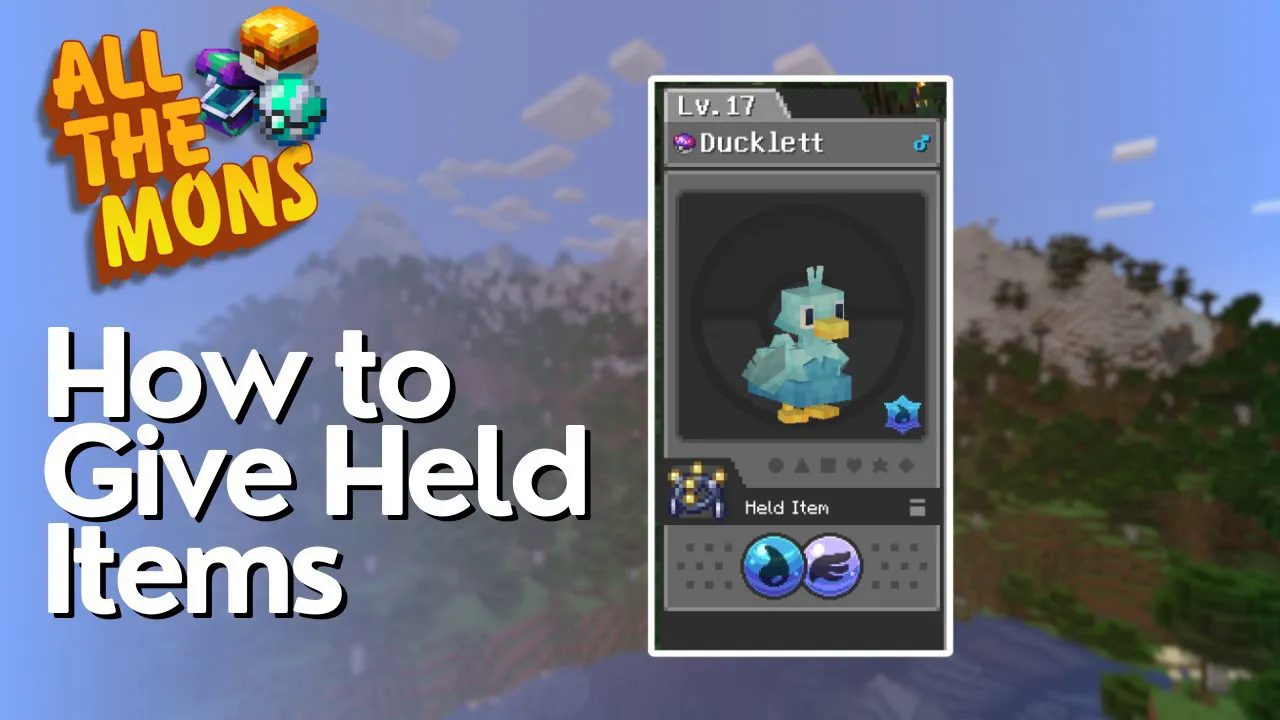
How to Give Pokémon Held items in All The Mons
How to Give Pokémon Held Items in All The Mons
In the All The Mons mod pack for Minecraft, equipping your Pokémon with held items is a straightforward process that can significantly boost their power in battle. This guide will walk you through the simple steps needed to assign and manage held items for your Pokémon companions.
Understanding Held Items
Held items in All The Mons provide stat bonuses and strategic advantages to your Pokémon during combat. Items like the Poison Gem can enhance your Pokémon’s effectiveness in battle. Knowing how to equip these items quickly is essential for any trainer.
How to Equip a Held Item
Step 1: Hold the Item
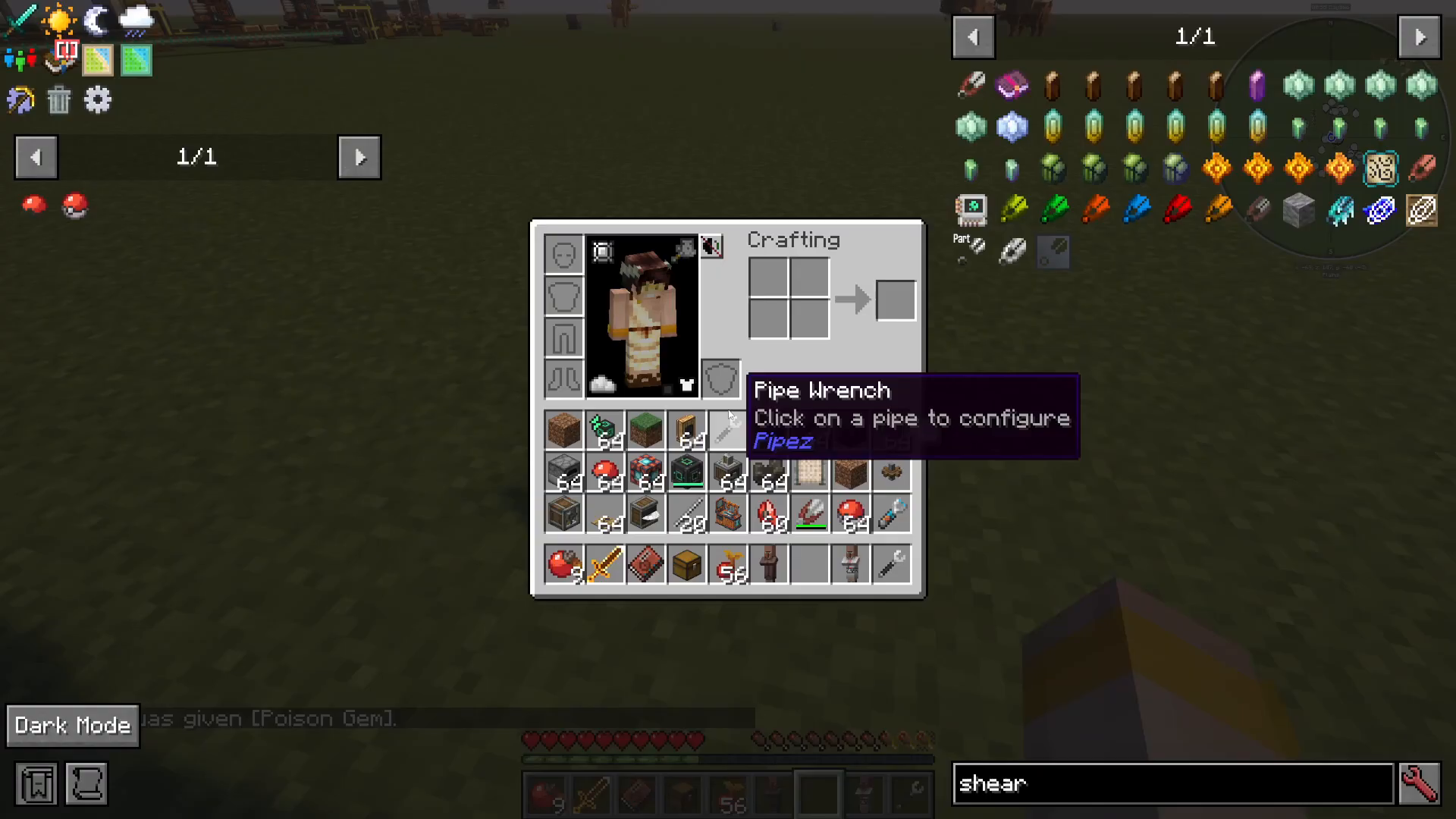
First, ensure you have the item you want your Pokémon to hold in your inventory. Pick it up and hold it in your hand. For this example, we’ll use a Poison Gem to enhance Bulbasaur’s power.
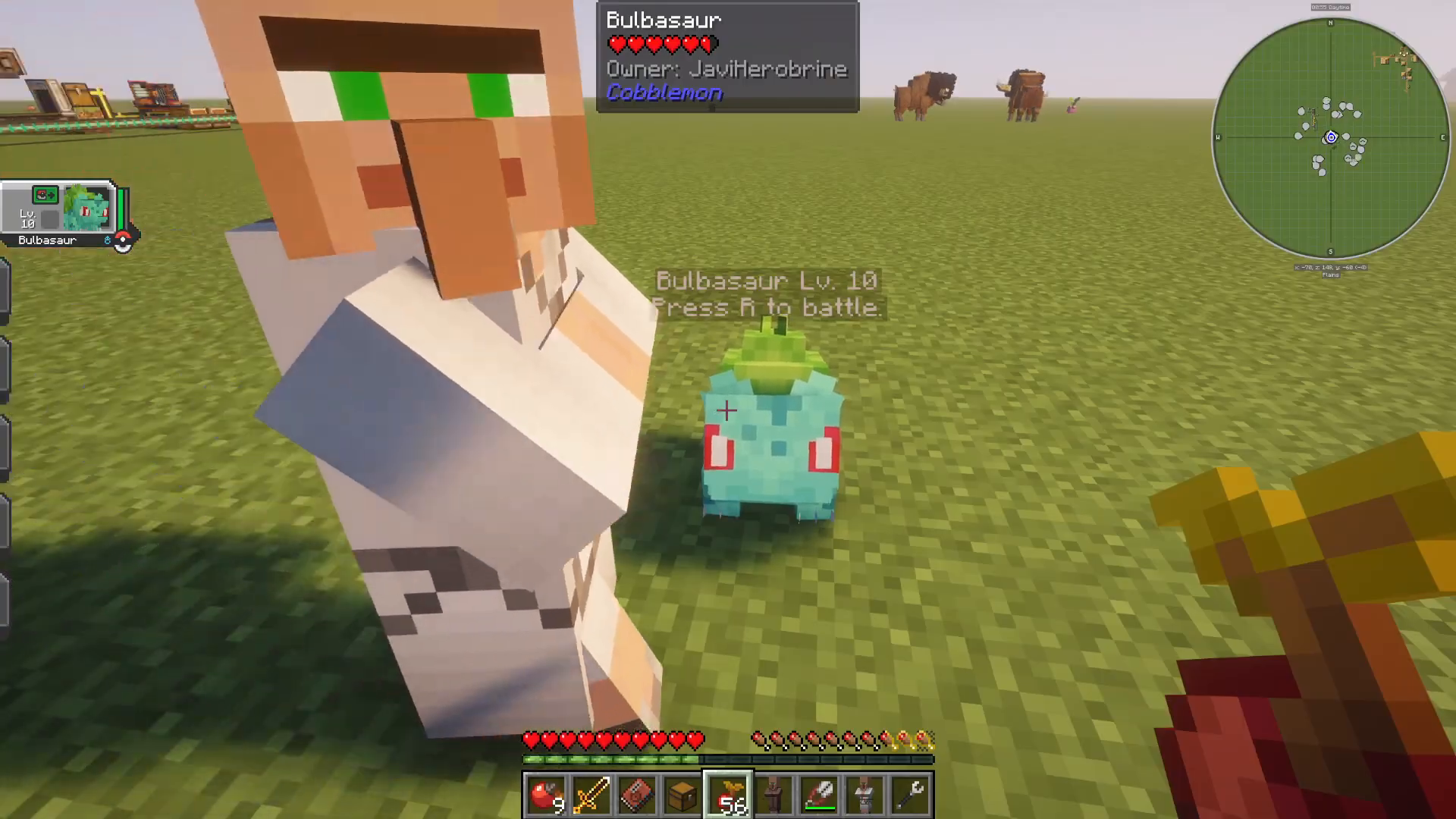
Step 2: Crouch and Right-Click
Approach your Pokémon and crouch down. While crouching, right-click directly on your Pokémon. This action will open an interaction wheel with several options.
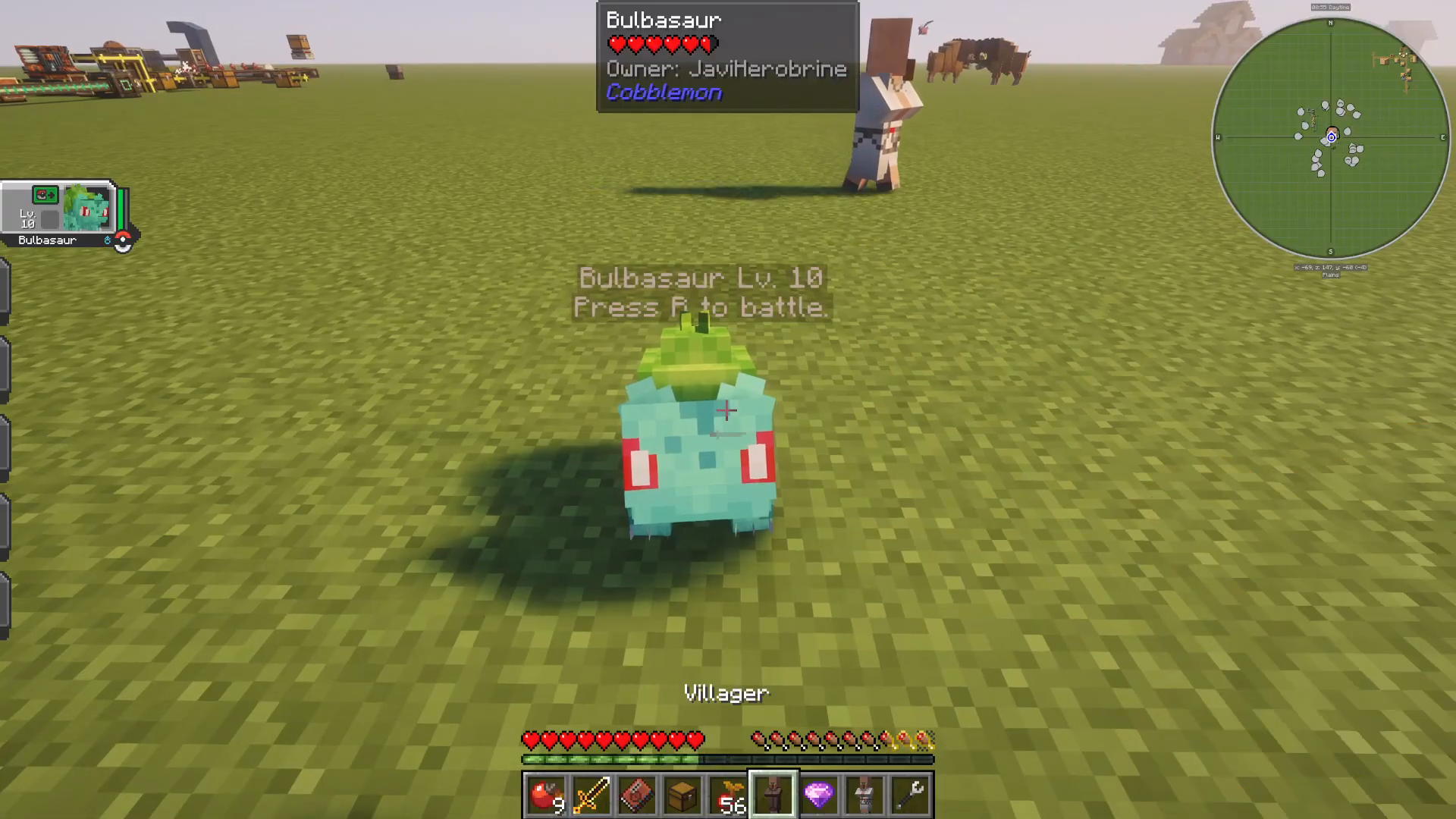
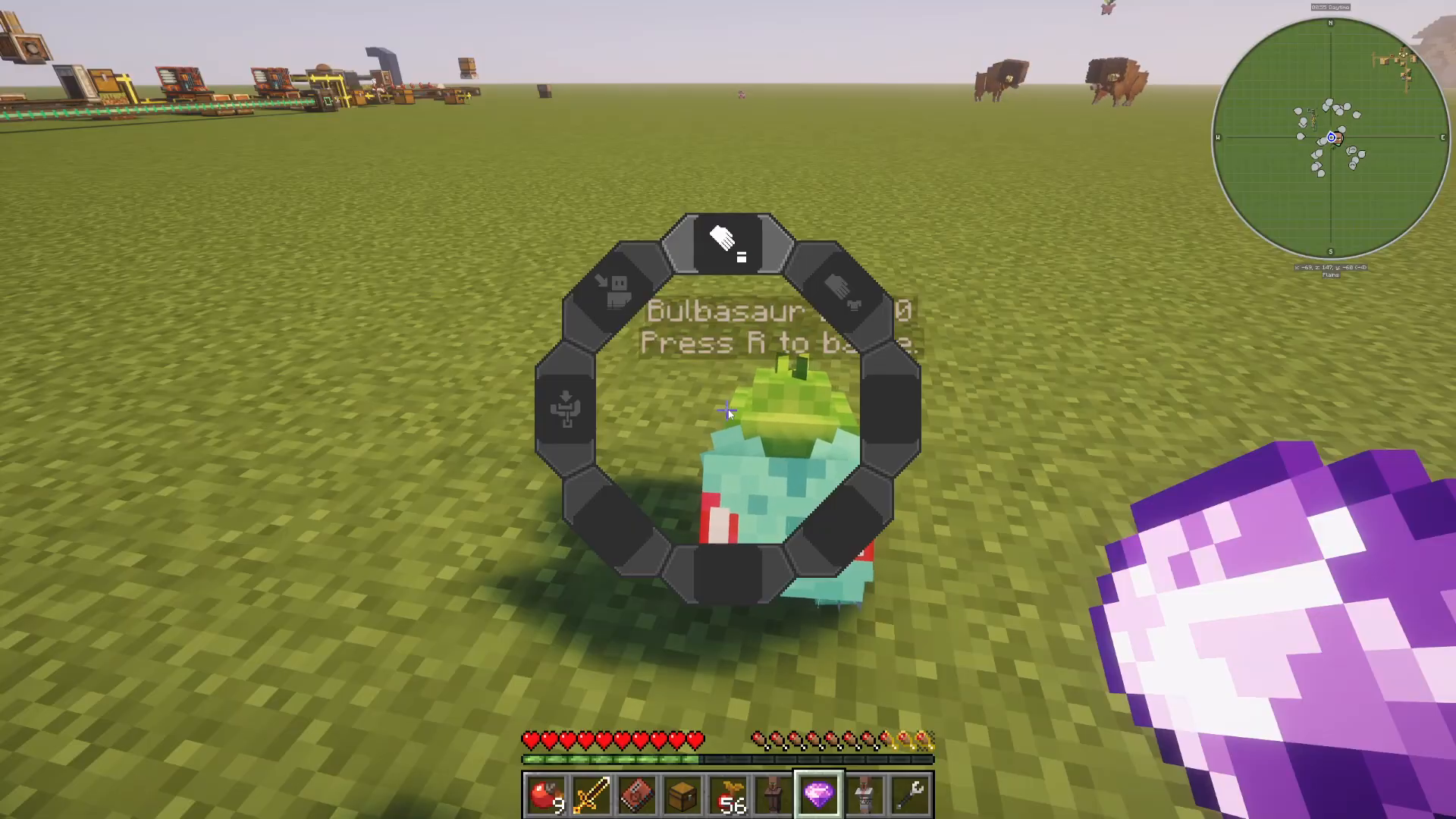
Step 3: Select “Change Held Item”
A wheel menu will appear at the top of your screen. Look for the “Change Held Item” option and click it. Your Pokémon will immediately equip the item you were holding.
Checking Your Pokémon’s Held Item
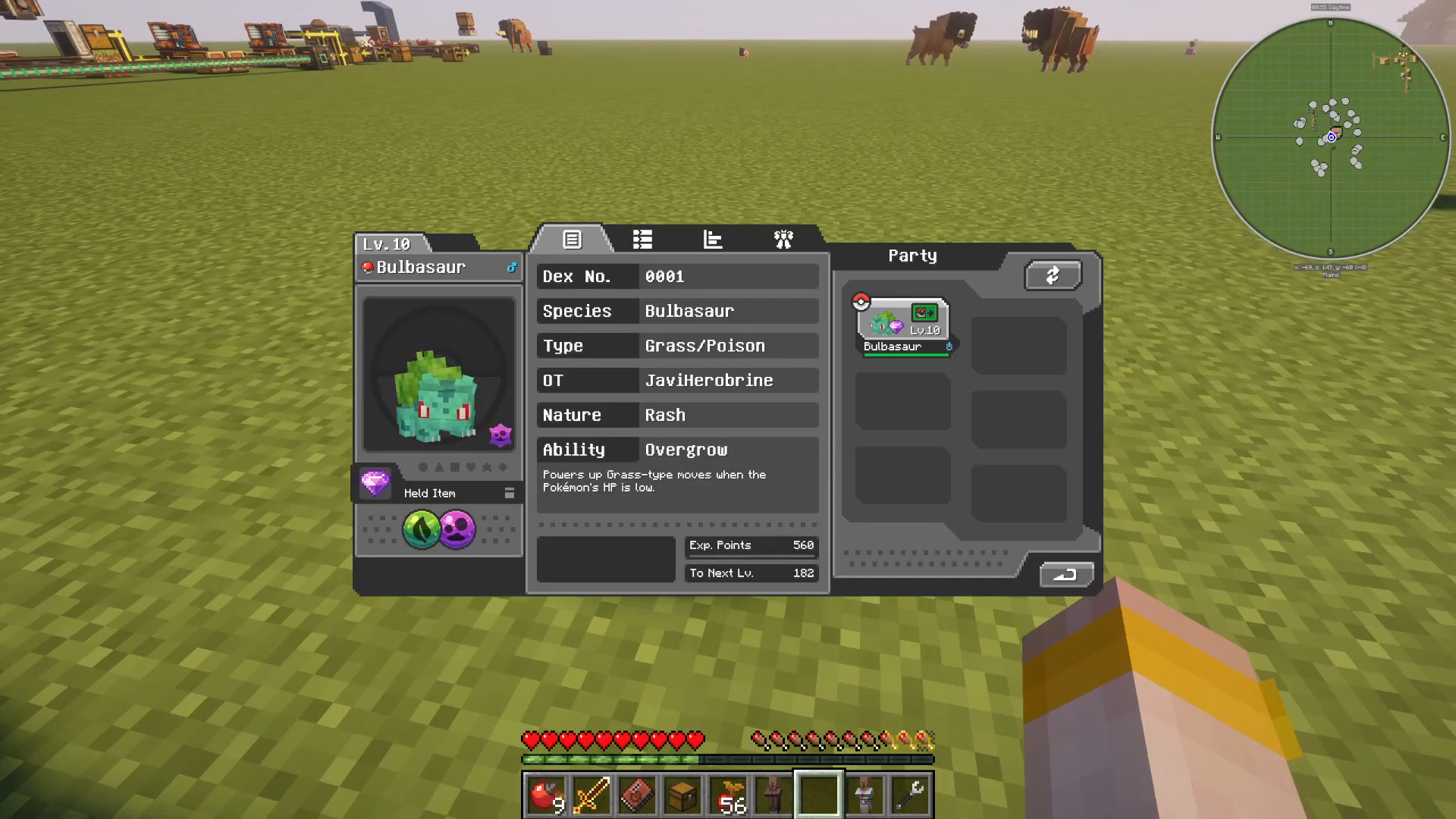
To verify that your Pokémon is holding the item correctly, press the M key on your keyboard. This opens your team menu. On the left-hand side of the screen, you’ll see your Pokémon’s held item listed. In our example, Bulbasaur is now officially holding the Poison Gem.
Removing a Held Item
If you need to remove a held item from your Pokémon, simply repeat the same process: crouch, right-click on your Pokémon, and select “Change Held Item.” You can then remove the item or swap it for a different one. The process is just as simple as equipping it.
Summary
Giving your Pokémon held items in All The Mons is an easy three-step process: hold the item in your hand, crouch and right-click your Pokémon, and select “Change Held Item” from the wheel menu. You can verify equipped items by pressing M to open your team menu. This mechanic is essential for optimizing your Pokémon’s battle performance and building a competitive team.
Want to Support?
If you would like to help us continue making these guides – please consider joining our patreon here – https://www.patreon.com/c/JaviHeals
Alternatively – we host a group of MC Servers you can join here – https://discord.gg/zD7Gjt6MHF