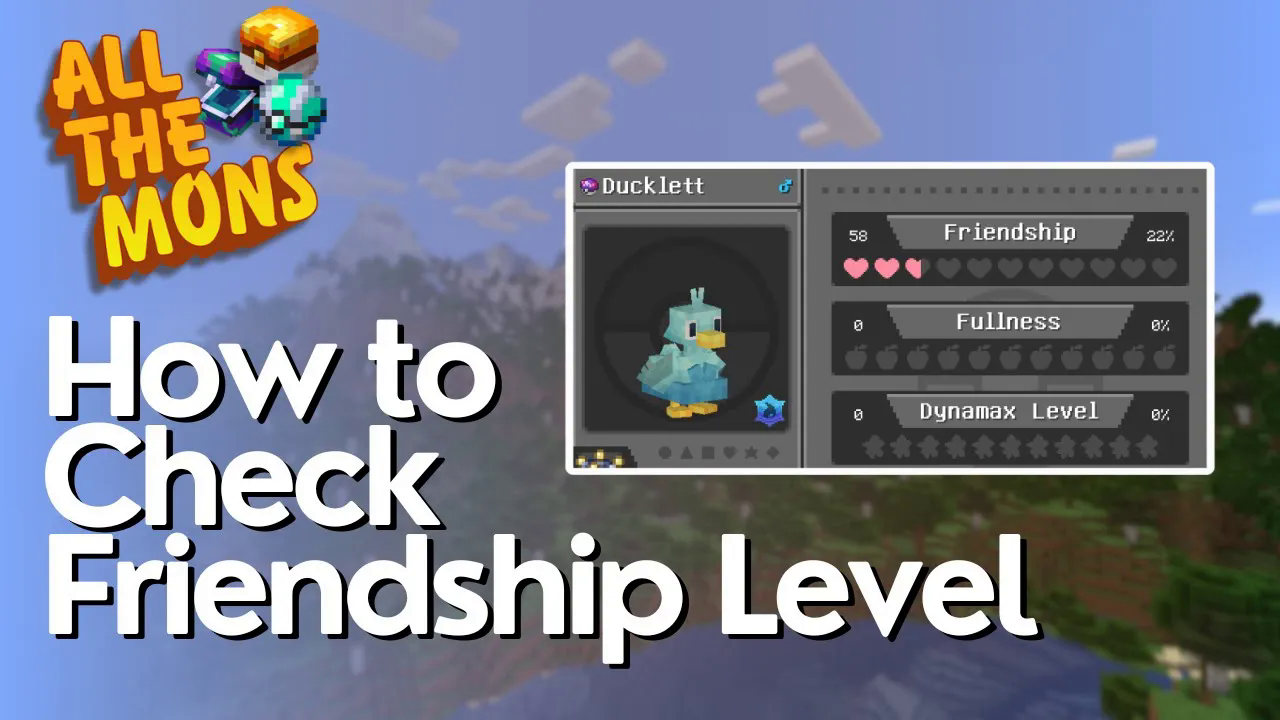
How to Check Friendship Level in All The Mons
How to Check Friendship Level in All The Mons
Managing your Pokémon’s friendship level is an essential part of the All The Mons modpack experience. Whether you’re looking to strengthen your bond with a new companion or track your current progress with an existing team member, checking friendship levels is a quick and straightforward process. This guide will show you exactly how to access this information in just a few simple steps.
Opening the Team Screen
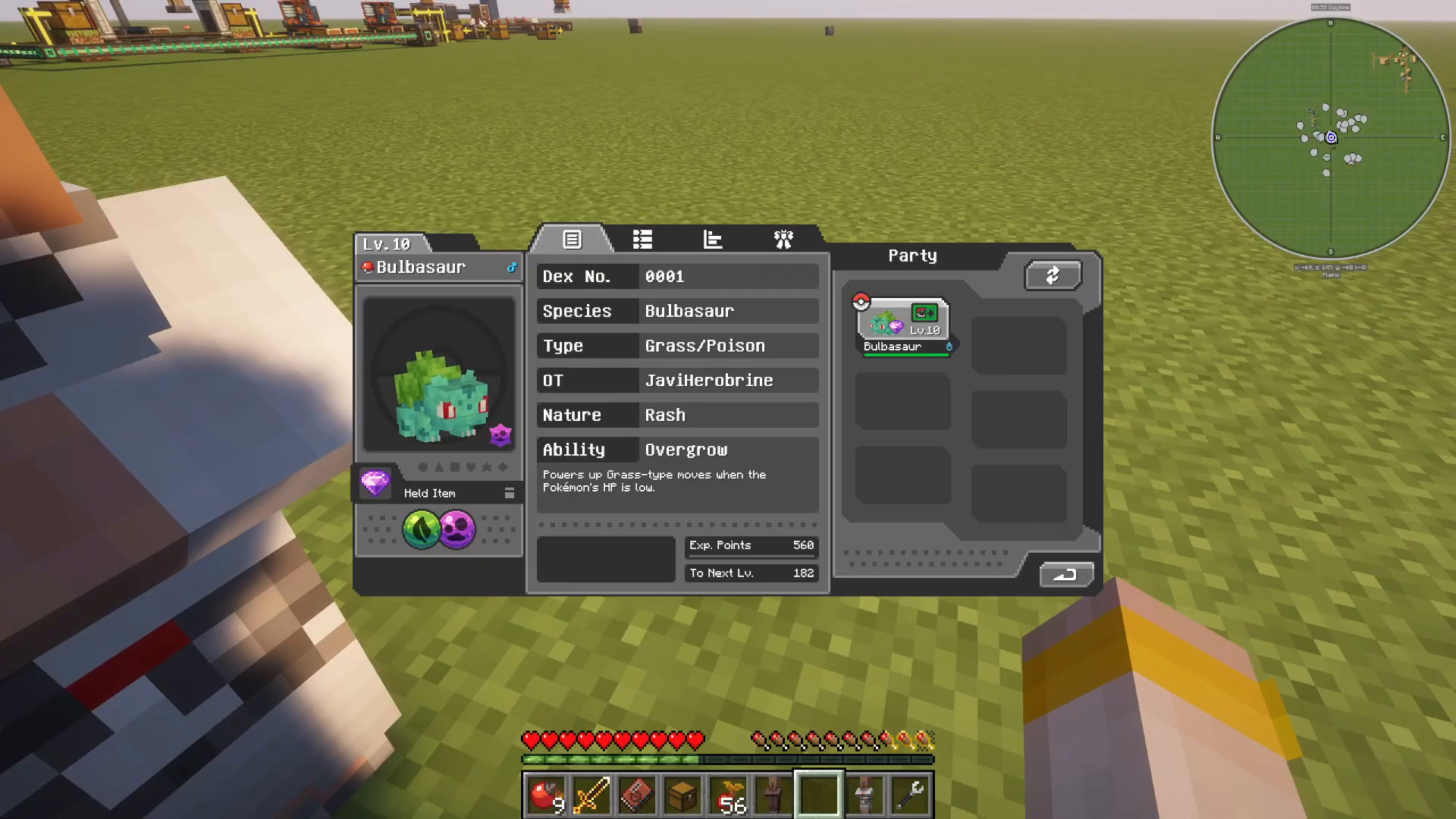
To begin checking your Pokémon’s friendship level, you’ll need to access the team management screen. Simply press M on your keyboard to bring up the team screen interface.
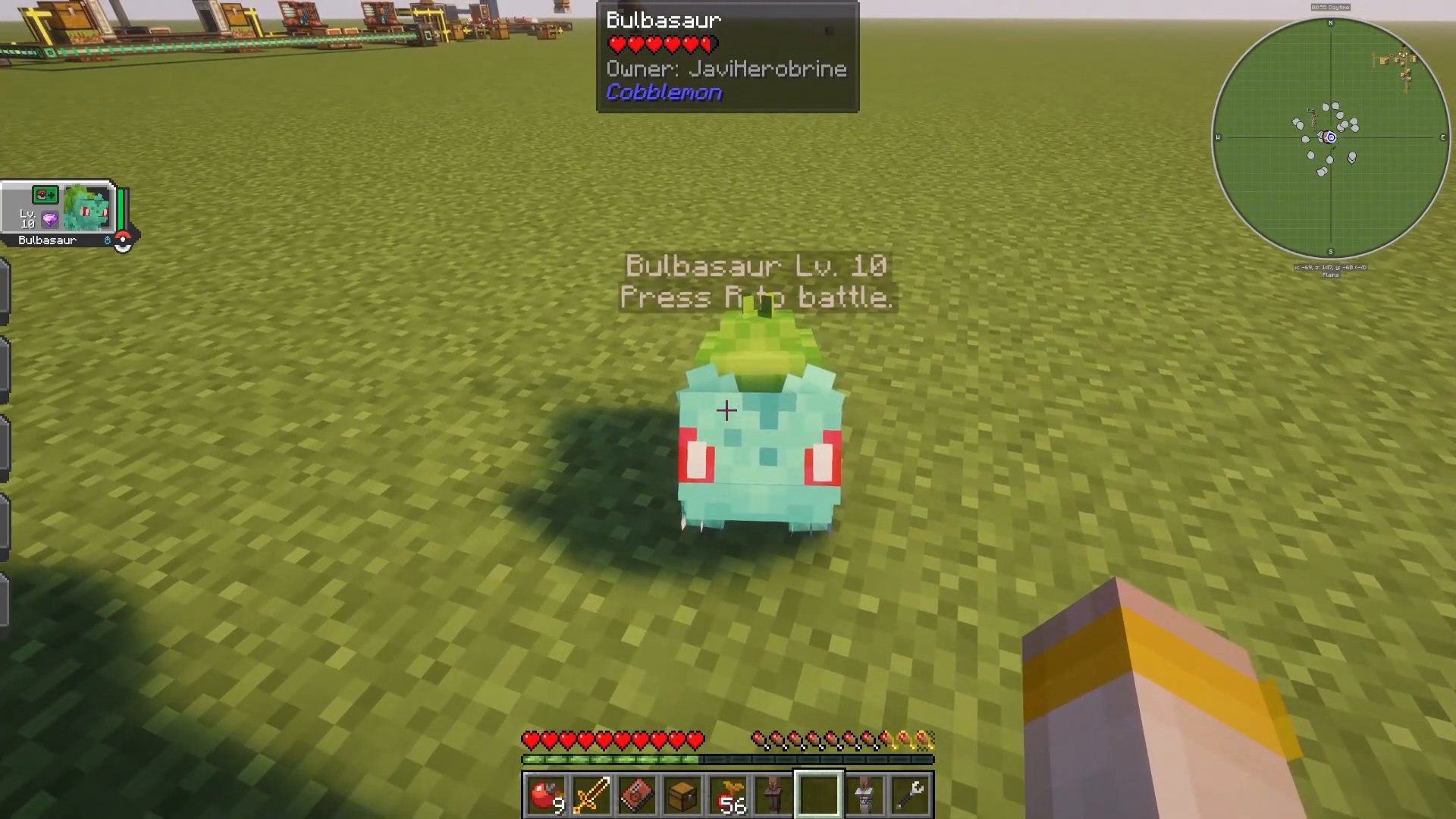
Navigating to the Stats Tab
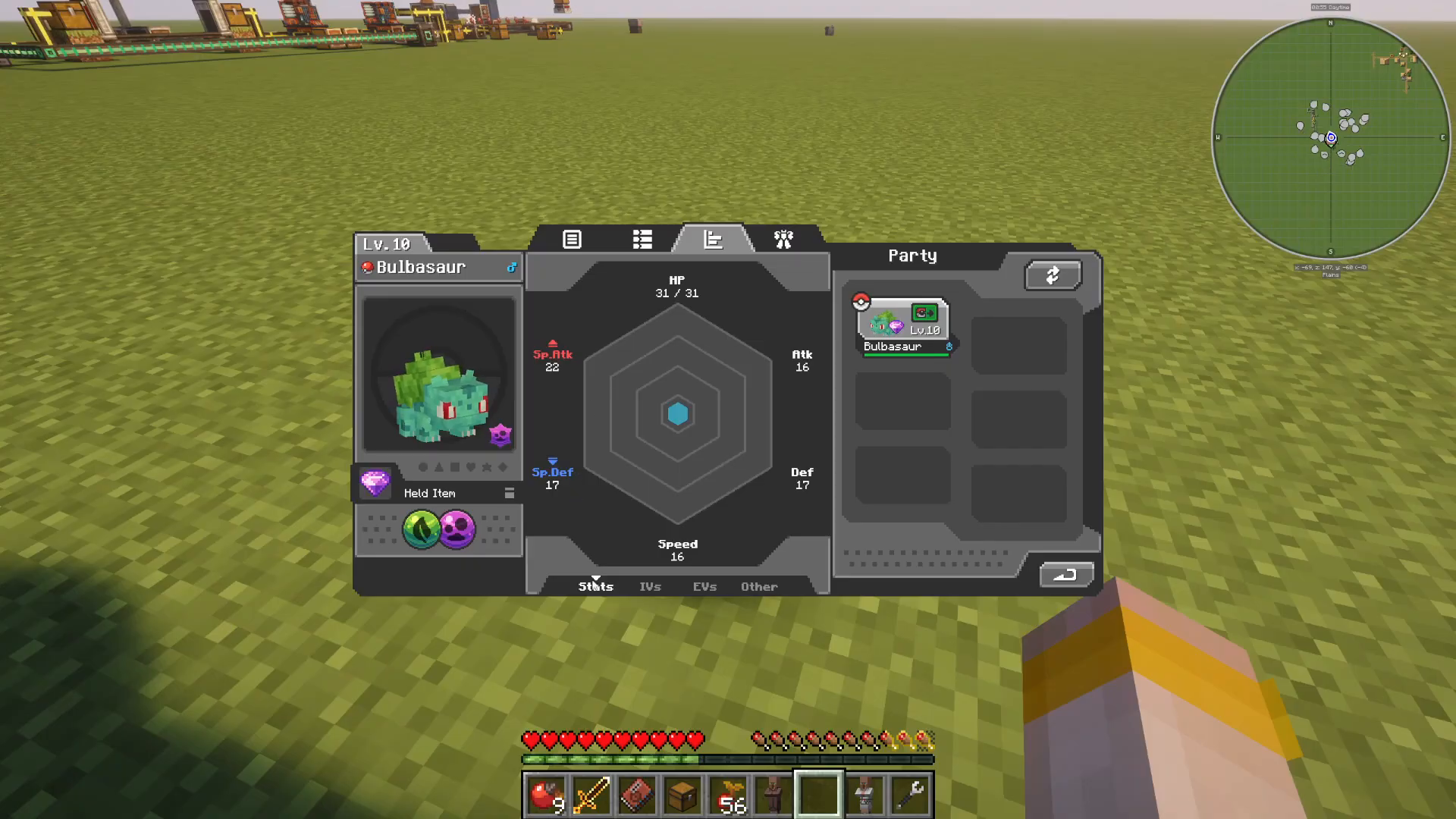
Once the team screen is open, you’ll see several tabs displayed above your Pokémon’s information. Look for the tabs associated with your active Pokémon (such as Bulbasaur in this example). The third tab is the one you want to click on, as it displays all of your Pokémon’s detailed statistics.
Understanding the Stats Tab
The stats tab shows comprehensive information about your Pokémon, including:
Base Stats
IVs (Individual Values)
EVs (Effort Values)
Ability information
Finding the Friendship Level
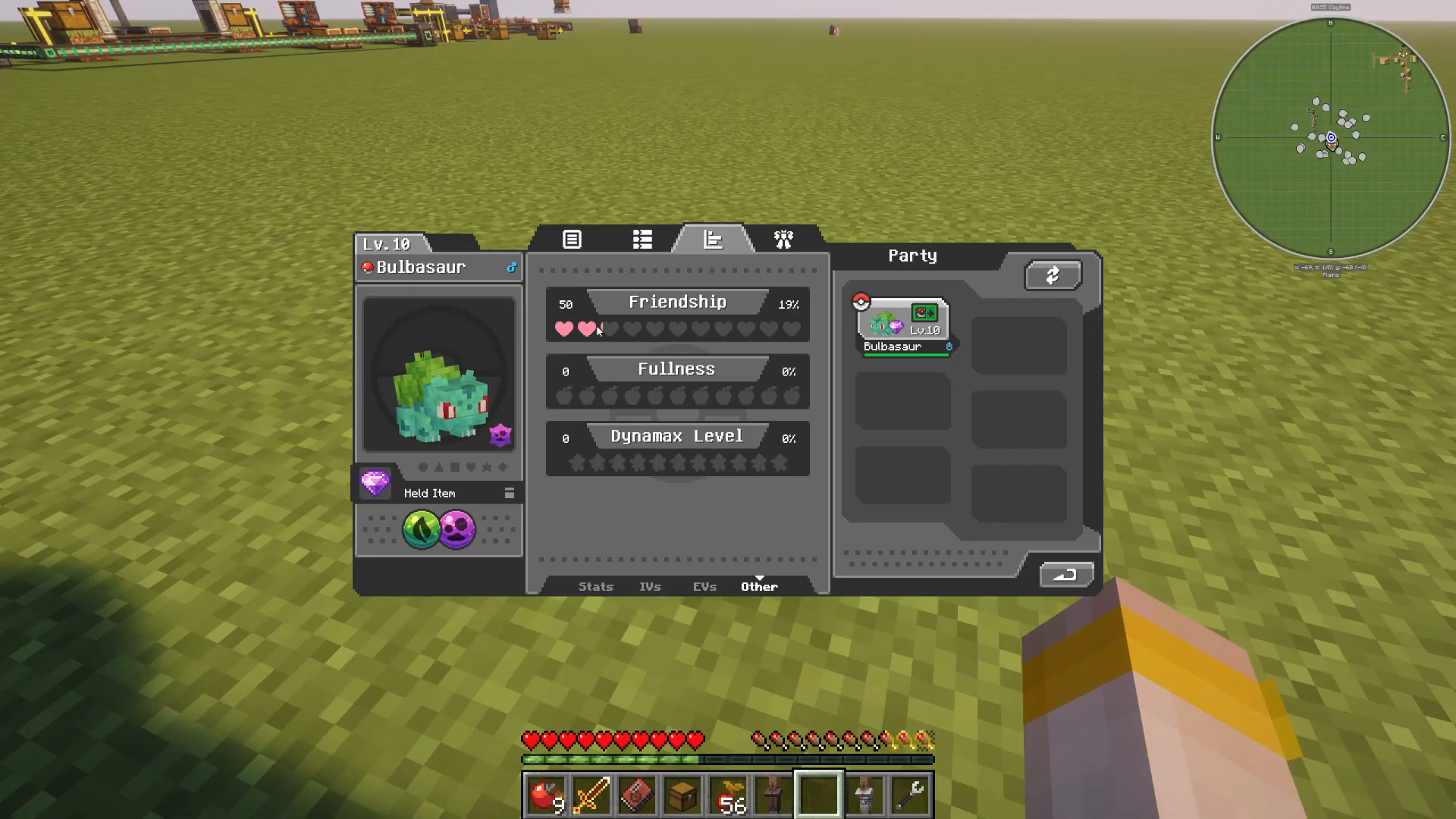
Within the stats tabs, navigate to the friendship section. Here you’ll see two important pieces of information about your Pokémon’s friendship:
Friendship Percentage: A visual representation of how close you are to maximum friendship (displayed as a percentage)
Friendship Level: The numerical friendship value out of the maximum possible
For example, with Bulbasaur, you might see a friendship level of 50 with a corresponding 19% progress towards the next milestone.
Summary
Checking your friendship level in All The Mons is incredibly easy once you know where to look. Simply press M to open your team screen, navigate to the third tab for your Pokémon’s stats, and locate the friendship information. With this knowledge, you can now easily monitor and track your bond with every member of your team as you progress through the modpack.
For more quick All The Mons guides and tips, make sure to follow our content and stay tuned for additional tutorials!
— Want to Support? —
If you would like to help us continue making these guides – please consider joining our patreon here – https://www.patreon.com/c/JaviHeals
Alternatively – we host a group of MC Servers you can join here – https://discord.gg/zD7Gjt6MHF