Factory Tech Mod Tutorial & Spotlight
Factory Tech Mod Tutorial & Spotlight — Complete Beginner’s Guide (Minecraft 1.12)
Factory Tech is one of the most underrated tech mods ever made for Minecraft 1.12. What makes it stand out from the crowd? Almost none of its machines require power. A handful of them run on Redstone signals, but that’s as complex as it gets. In this guide, we’ll walk through every major machine, material, and mechanic the mod has to offer — from your very first river grate all the way to late-game energy cores.
Getting Started: The River Grate
The first item you’ll want to craft is the River Grate. It’s made from some planks and a wooden mesh. Once crafted, place it inside a river biome — if you’re in the wrong biome, the block will display an “invalid location” message.
Be careful here: a body of water that looks like a river may actually be tagged as a Taiga biome by the game. Always double-check your current biome before placing the grate.
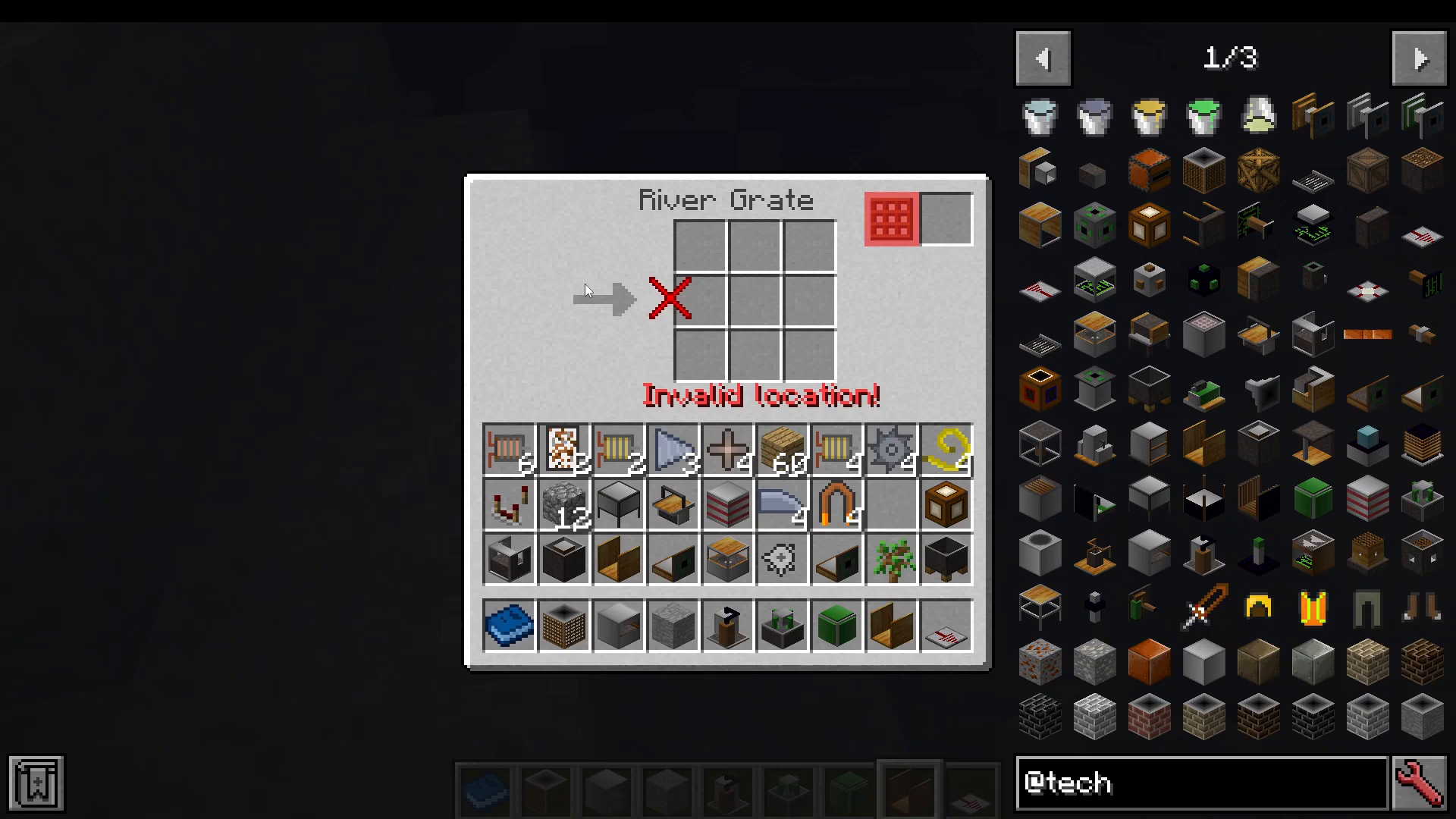
To operate the River Grate, place wooden meshes into the designated input slot. The grate will then produce River Iron Ingots, River Copper Ingots, or even Nickels — Factory Tech adds both copper and nickel to the game. That said, the river versions of these materials are entirely optional. You can simply mine copper and nickel ores underground like any other ore if you prefer.
Understanding Machine Parts and Quality Tiers
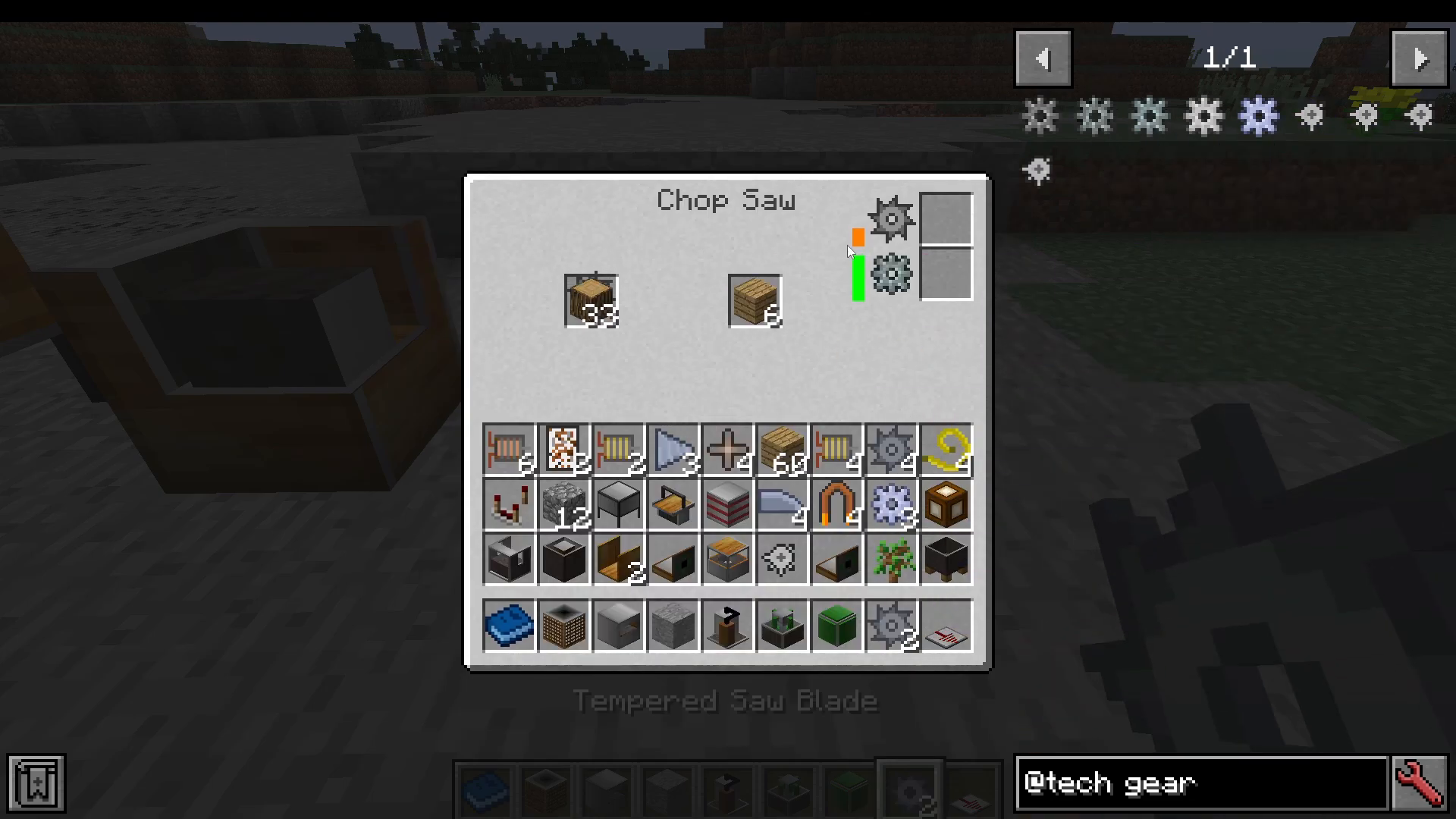
Before diving into individual machines, it’s important to understand how parts work in Factory Tech. Most machines require two types of consumable parts: saw blades and gears (or similar components depending on the machine). These parts wear down over time and must be replaced.
Part Quality Tiers
Parts come in the following quality tiers, from lowest to highest:
Stone — the most basic tier; many machines won’t even accept stone parts
River — crafted using river iron ingots in a Metal Cutter
Basic — made from standard iron ingots
Invar — crafted by processing invar ingots through the Metal Cutter; machines using invar parts will reject stone gears entirely
Tempered — the highest tier, offering the fastest machine speed and the greatest durability
The higher the quality of the parts you install, the faster your machine will run and the longer those parts will last before breaking.
Replacing Worn Parts
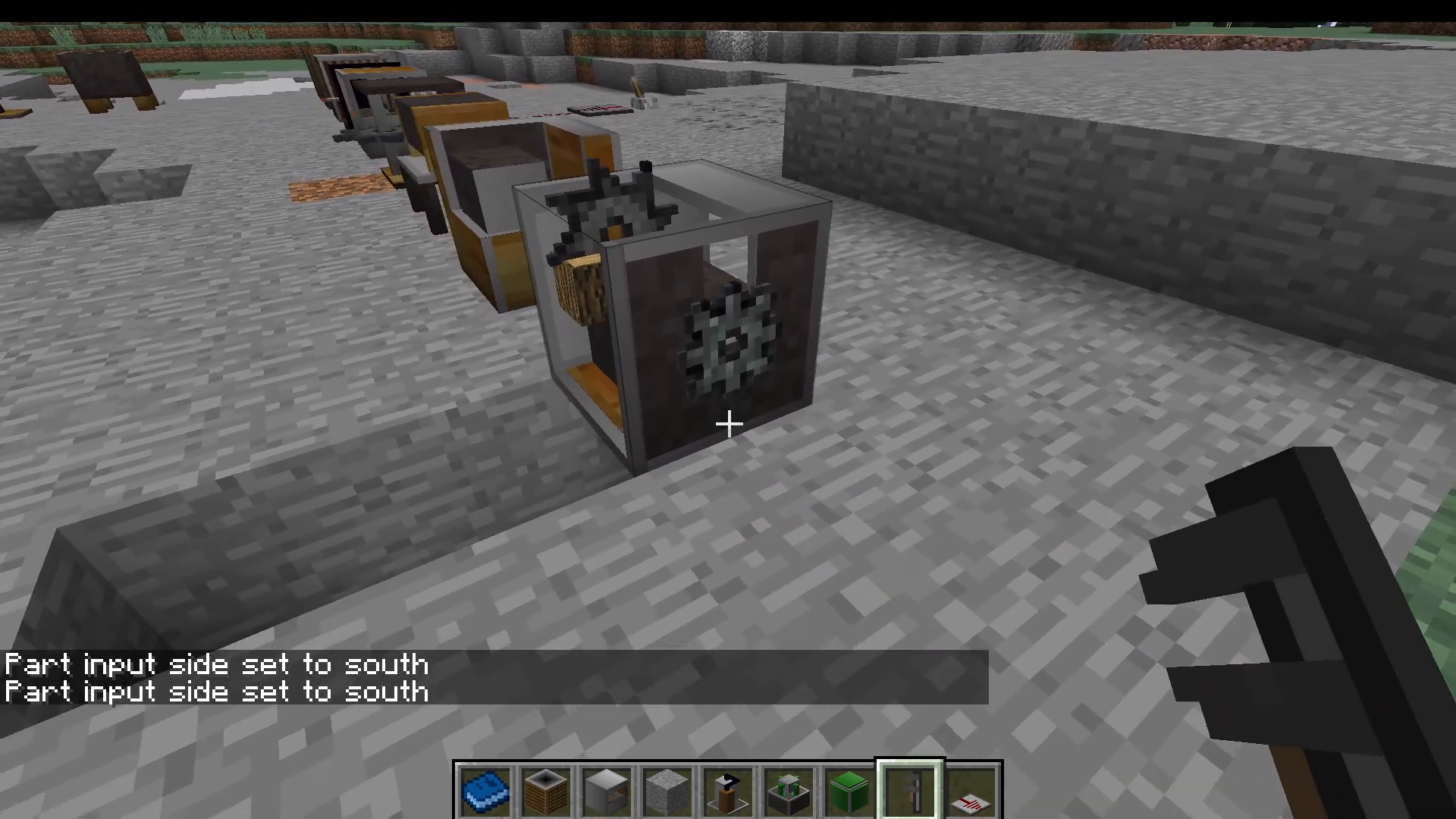
You can watch the durability of your saw blade and gear deplete in real time inside any machine’s GUI. When they break, simply place replacement parts into the appropriate slots — the saw blade slot for blades, and the gear slot for gears. By default, parts can be input from the bottom of the machine.
If you want to change which side parts are inserted from, use a Monkey Wrench: shift-click the machine with the wrench to cycle through input sides. This is useful for automating part replacement with hoppers or pipes.
Recycling Broken Parts
Don’t throw away your broken parts! Feed them through a Scrap Furnace to recover a small number of nuggets from them.
Factory Tech Machines: Full Overview
Chop Saw
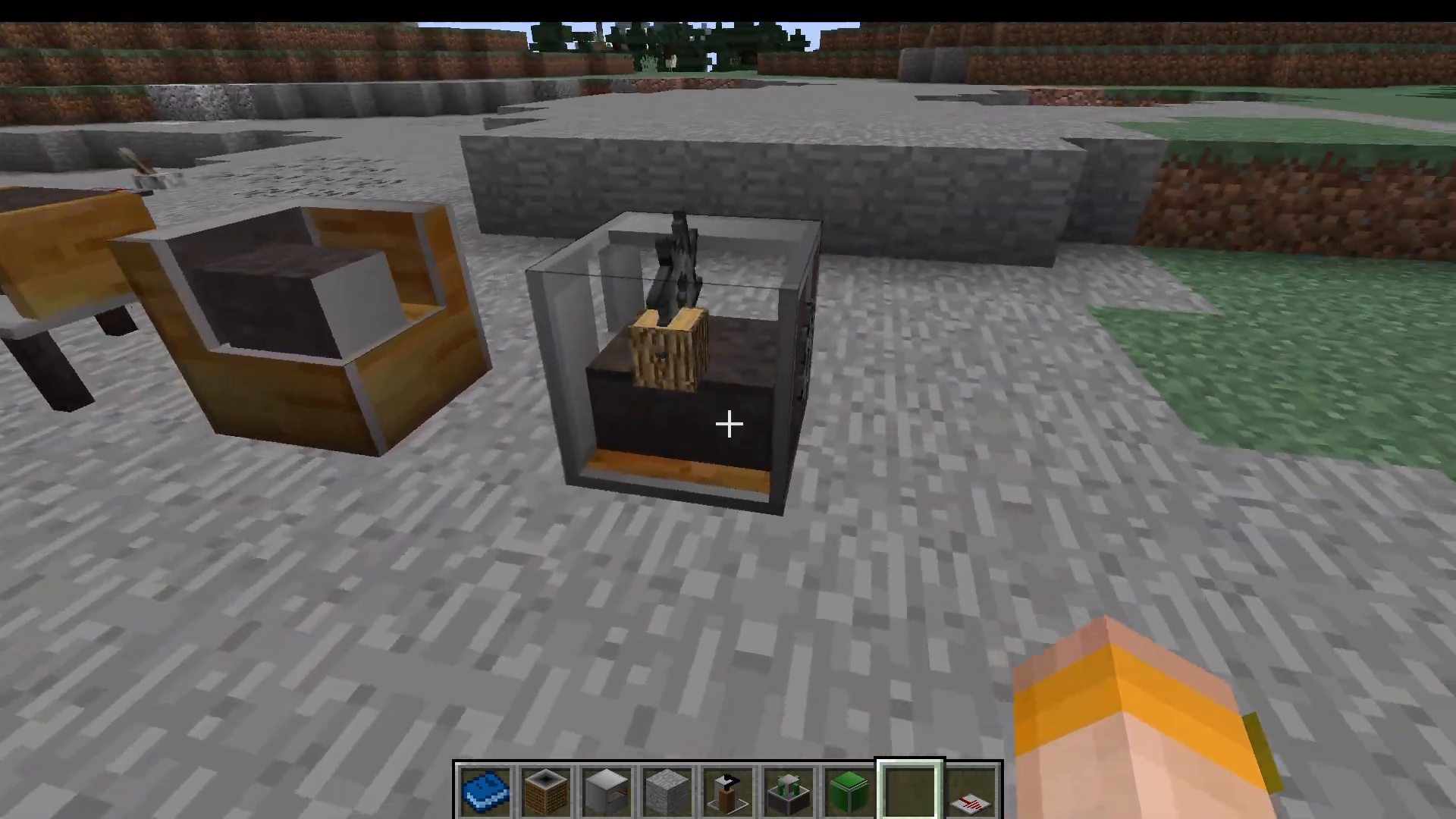
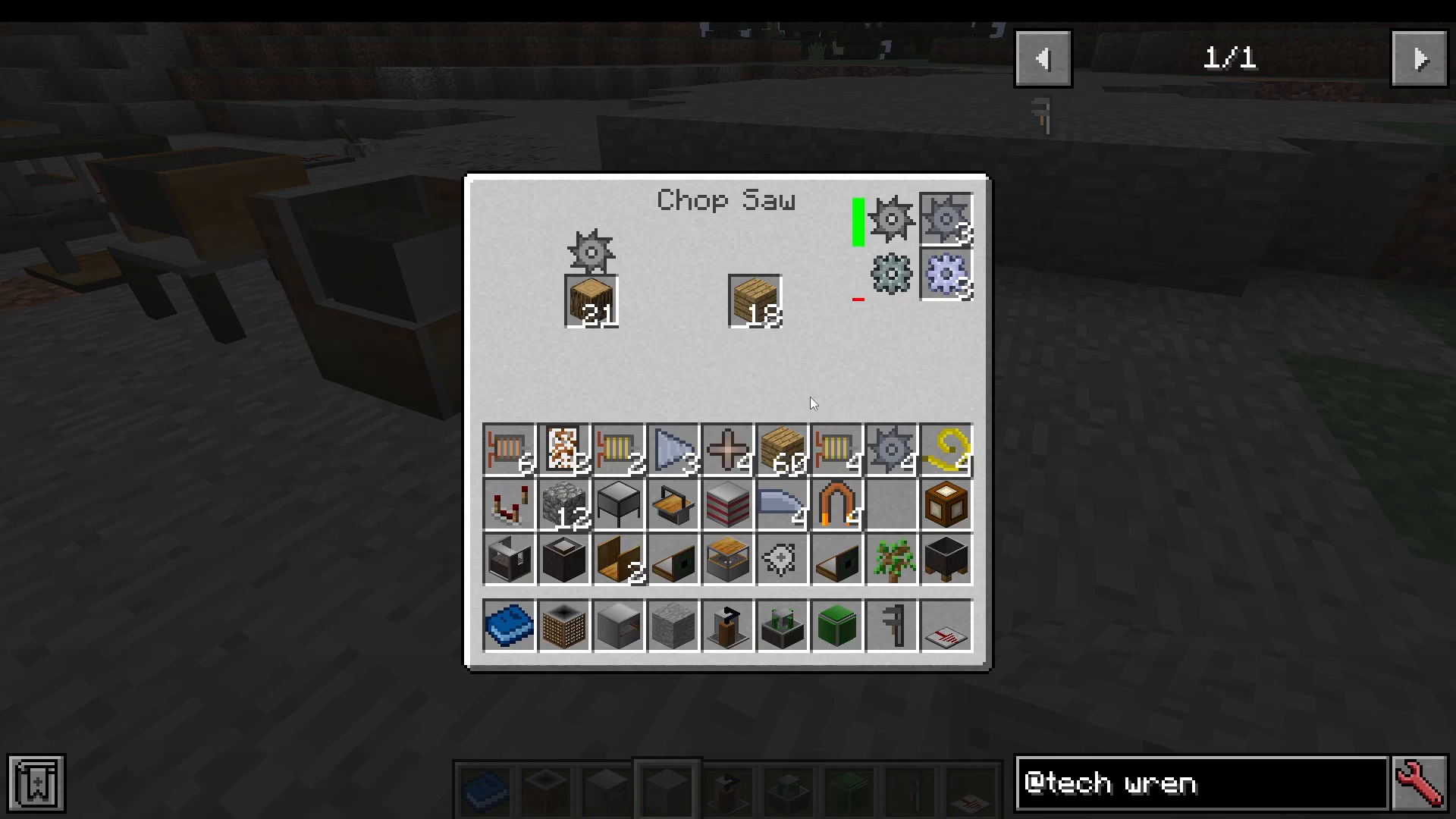
The Chop Saw is one of the first machines you’ll build. It requires iron shafts, stone gears, a basic motor, and other straightforward ingredients. Its primary function is simple: insert logs and it chops them into planks. It uses both a saw blade and a gear as consumable parts.
Factory Tech integrates seamlessly with Just Enough Items (JEI). Hovering over any machine and pressing U will show you every recipe that machine can process — a huge help for planning your factory.
Grind Stone
The Grind Stone grinds materials like stone and can also produce cutting blades for use in other machines.
Metal Cutter
The Metal Cutter is essential for crafting drill bits, wires, and gears of various tiers. You’ll come back to this machine constantly throughout your Factory Tech progression.
Wood Cutter
The Wood Cutter is a fully automated tree feller. Place a sapling in front of it, supply it with saw blades and motors, and it will cut down the entire tree — harvesting every log in one operation and collecting them into its internal inventory.
Drill Grinder
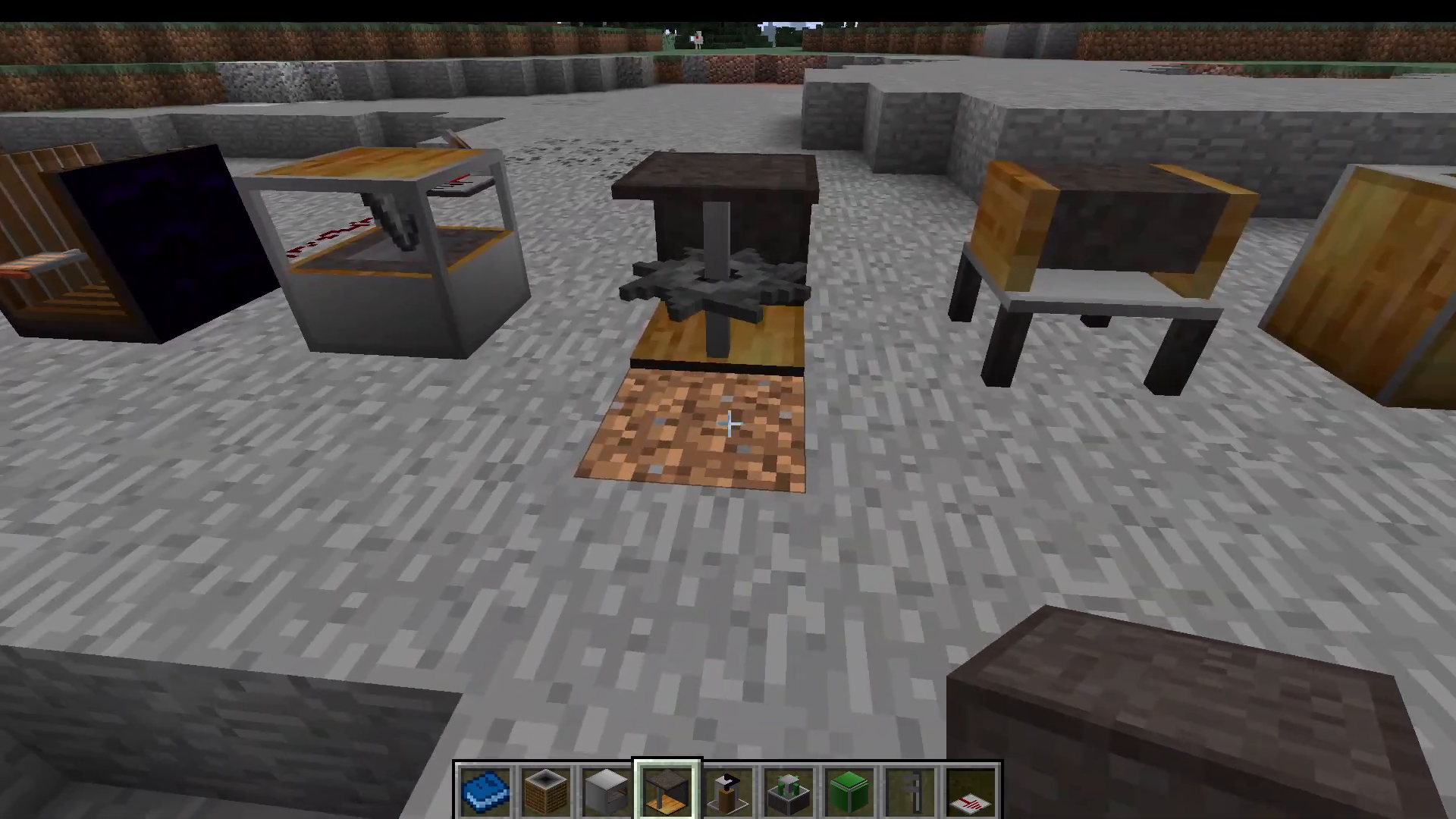
The Drill Grinder processes raw materials down into finer forms:
Gravel → Sand
Cobblestone → Gravel
Iron Ore → 2x Ground Iron Ore (smelt each piece into one ingot, effectively doubling yield)
Lapis → Lapis Powder (used in later recipes)
Magnetiser
The Magnetiser turns iron ingots into standard magnets. The key requirement here is that it needs an alternating Redstone current — not a constant signal, but a pulsing one.
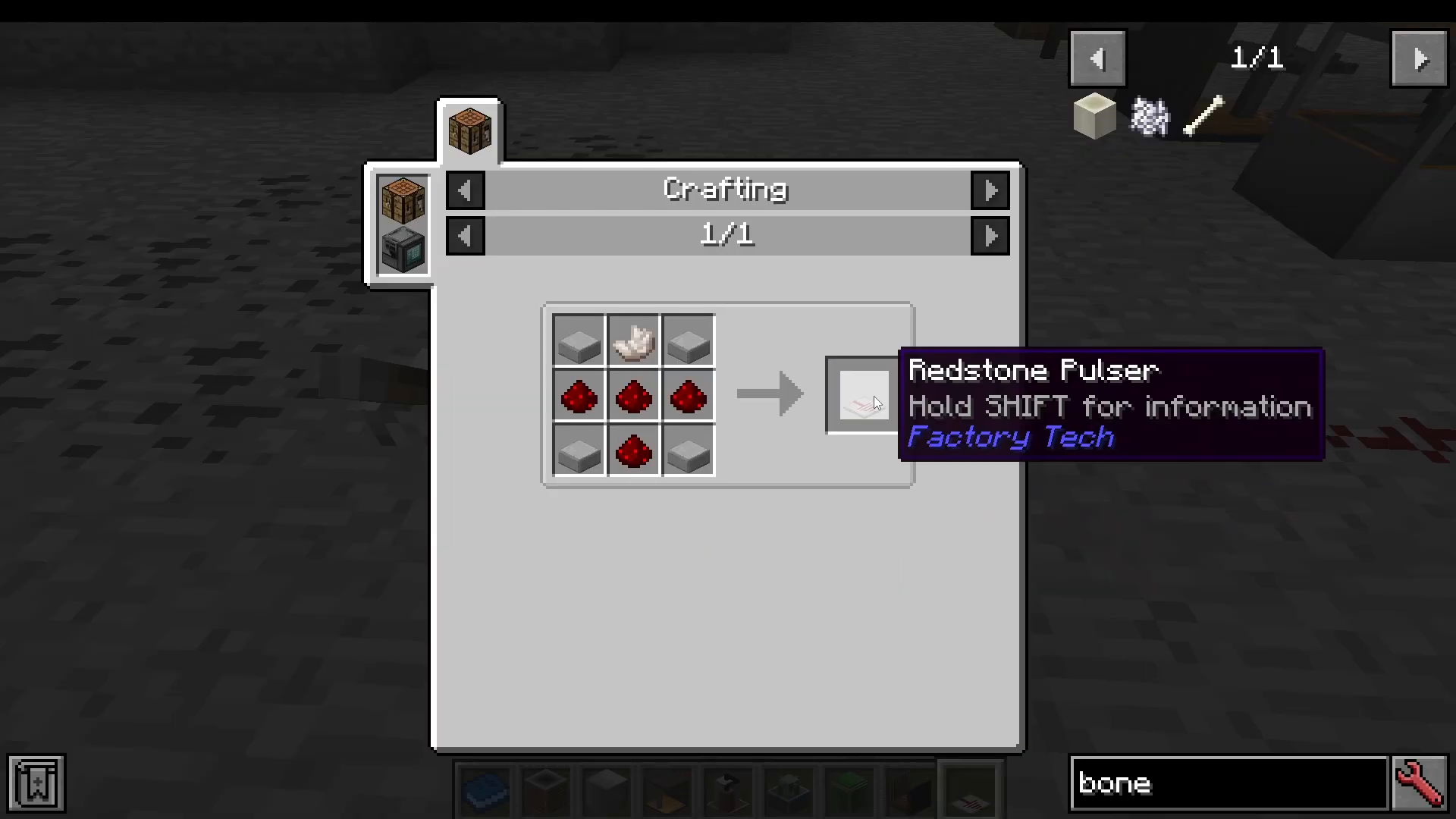
The easiest way to supply this is with a Redstone Pulsar. Open the pulsar’s GUI and configure how many pulses you want, how many ticks per pulse, and how many ticks between pulses. Turn the lever off and then on to start the pulsing sequence, and the magnetiser will slowly convert your iron ingots into standard magnets.
Electric Furnace
The Electric Furnace functions as a faster version of the vanilla furnace, but its most important role is crafting circuit boards. Specifically, it fires etched quartz plates (made using glowing gold dust) into finished circuit boards that you’ll need for advanced recipes. Remember to use JEI (press U while hovering) to see everything it can produce.
Centrifuge
The Centrifuge extracts additional materials from raw inputs:
Gravel → Flint
Ground Iron Ore → Iron Dust + Nickel Nugget
It requires shaft gears and motors as consumable parts. There is also an upgraded Magnetic Centrifuge that handles a few more specialised recipes.
Crucible
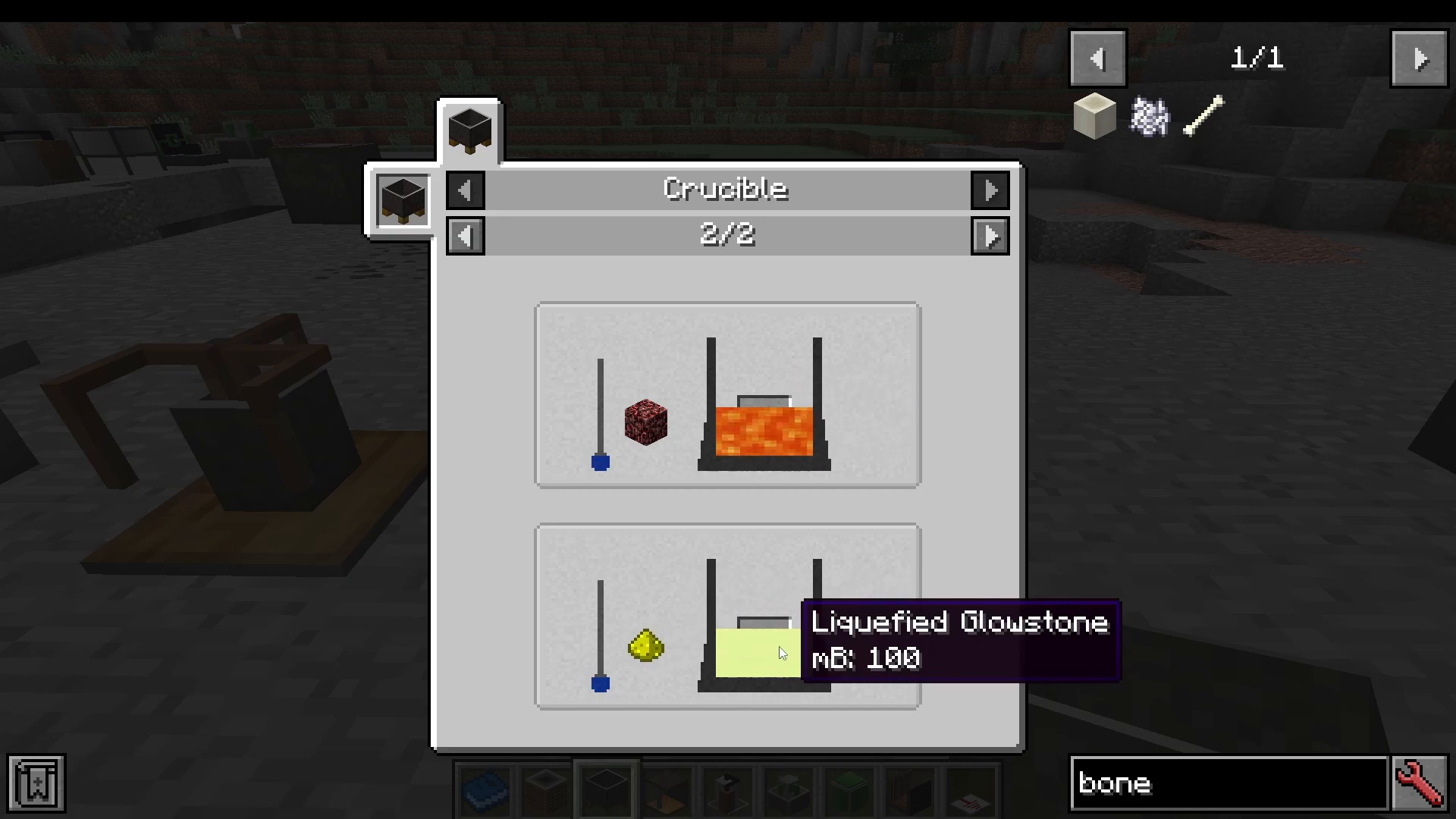
The Crucible melts items into fluids:
Cobblestone → Lava (50 millibuckets per piece)
Ice → Water
Netherrack → Lava
Glowstone Dust → Liquefied Glowstone (needed in later recipes)
Right-click the Crucible to check its fluid contents. You can then pipe the resulting liquid out using the mod’s fluid transport system.
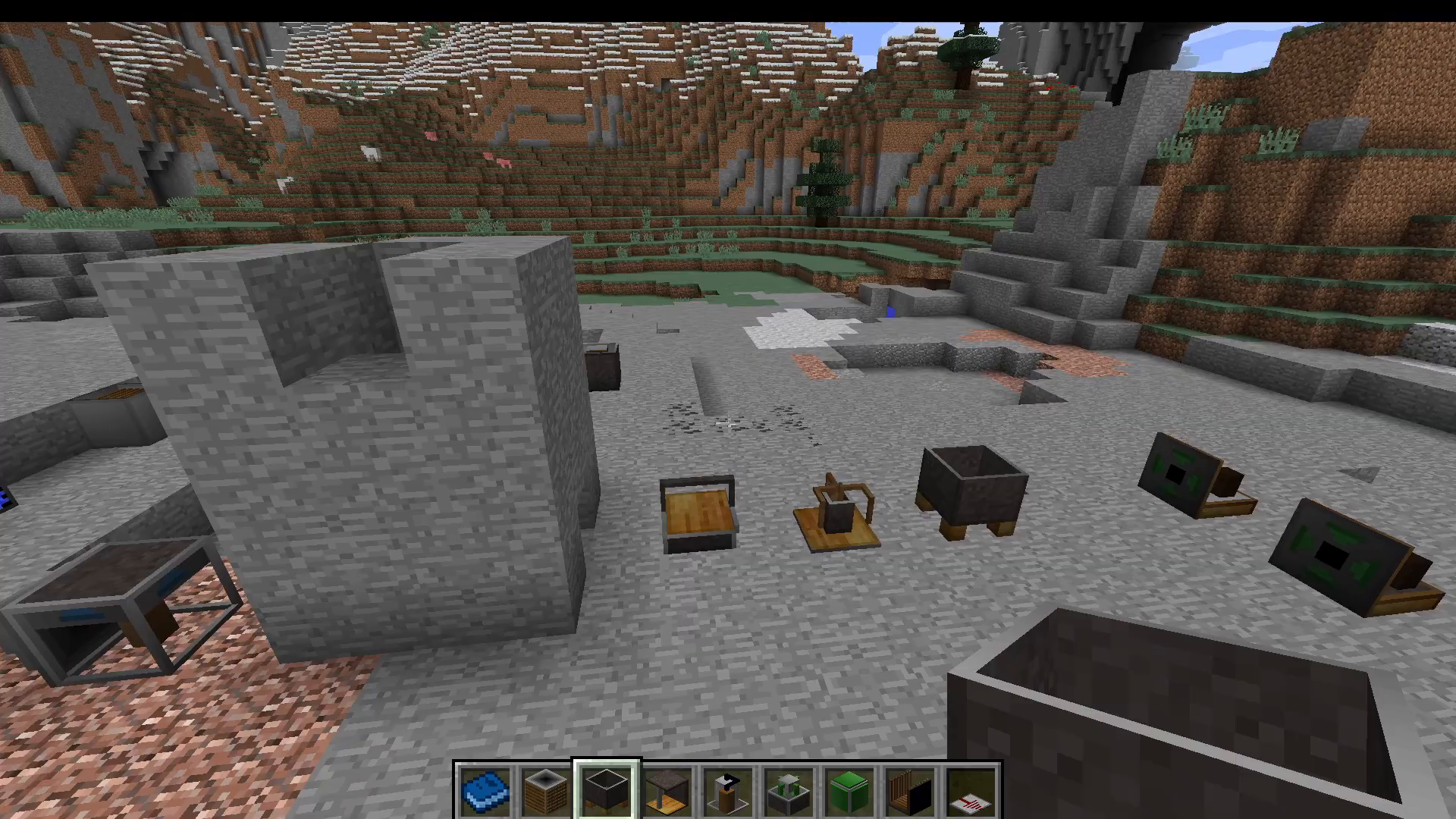
Potion Mixer
The Potion Mixer combines multiple potions into a single mixed potion. Place up to three potions into the available input slots and the machine will blend their effects together into one output potion.
Circuit Scribe
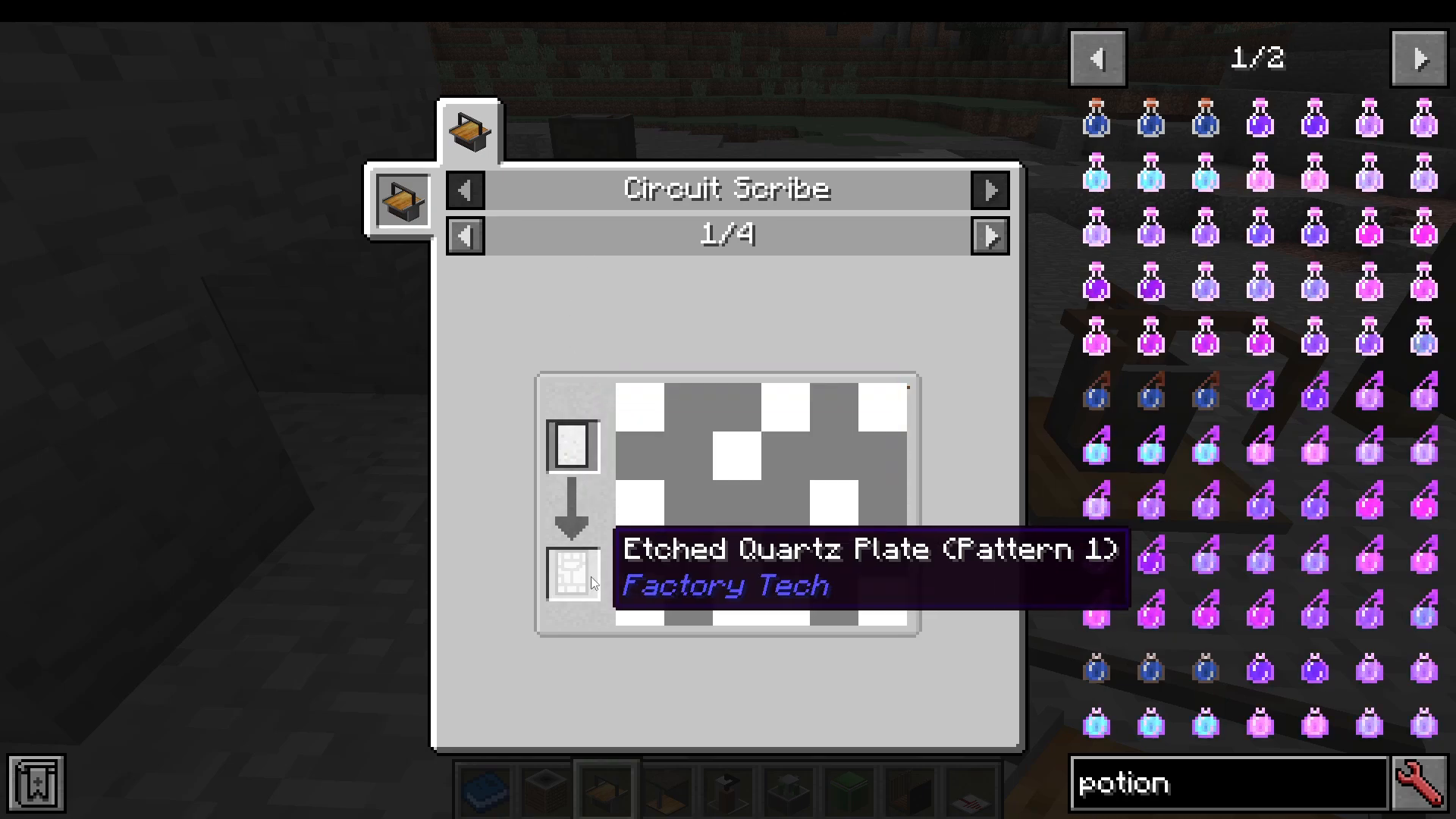
The Circuit Scribe is used to create etched quartz plate patterns. Different recipes require different circuit patterns, so you’ll need to use this machine multiple times. Open its GUI and click the grey squares to draw the required pattern. There are four patterns available, each producing a different style of etched plate. Plates can be made with either copper or gold (gold being superior), or glowing gold (gold dust combined with glowstone dust). Once patterned, fire the plate in the Electric Furnace to complete it.
Mining Machine (Auto Quarry)
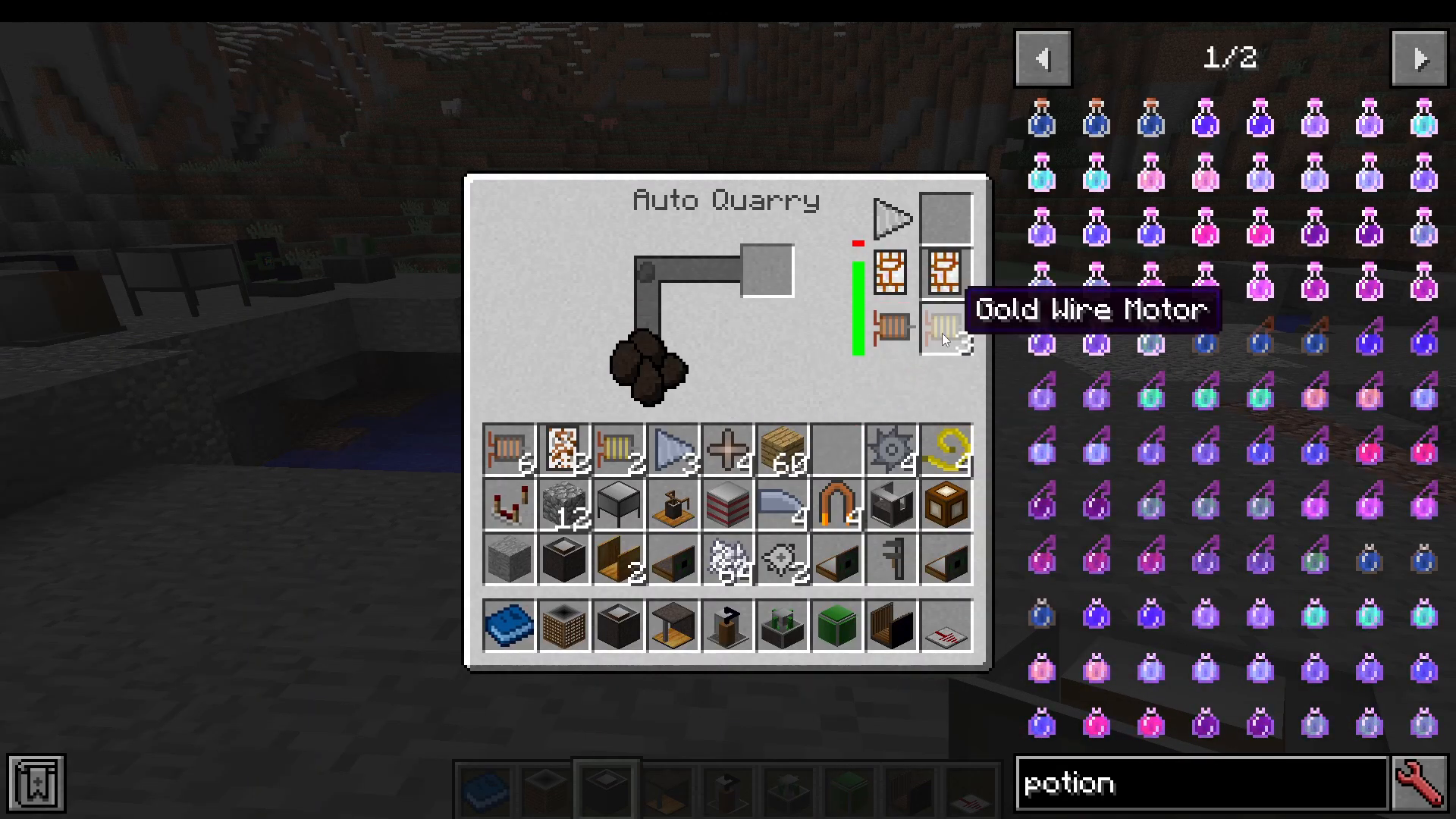
The Mining Machine is essentially an automated quarry. Supply it with motors and drill bits and it will physically break all blocks around it, collecting them into its inventory. You can attach a chest to increase its storage capacity.
Fluid Drill
The Fluid Drill extracts liquid resources from the ground, specifically liquid sulphur and propane. Note that propane extraction may be biome-dependent and is still not fully understood — liquid sulphur is reliably obtained, but propane behaviour is unclear at this time.
Extraction Pump & Fluid Agitator
Place an Extraction Pump adjacent to a fluid source. Connect a pipe to the pump’s output side and route the fluid into a Fluid Agitator. The Fluid Agitator combines two fluids (or a fluid and a material) to create new outputs:
Water + Liquid Sulphur → Sulphuric Acid
Water + Lava → Stone
Liquid Sulphur + Redstone → Blaze Powder
Sulphuric Acid + Liquefied Glowstone + Monster Dust → Energyite (used in batteries)
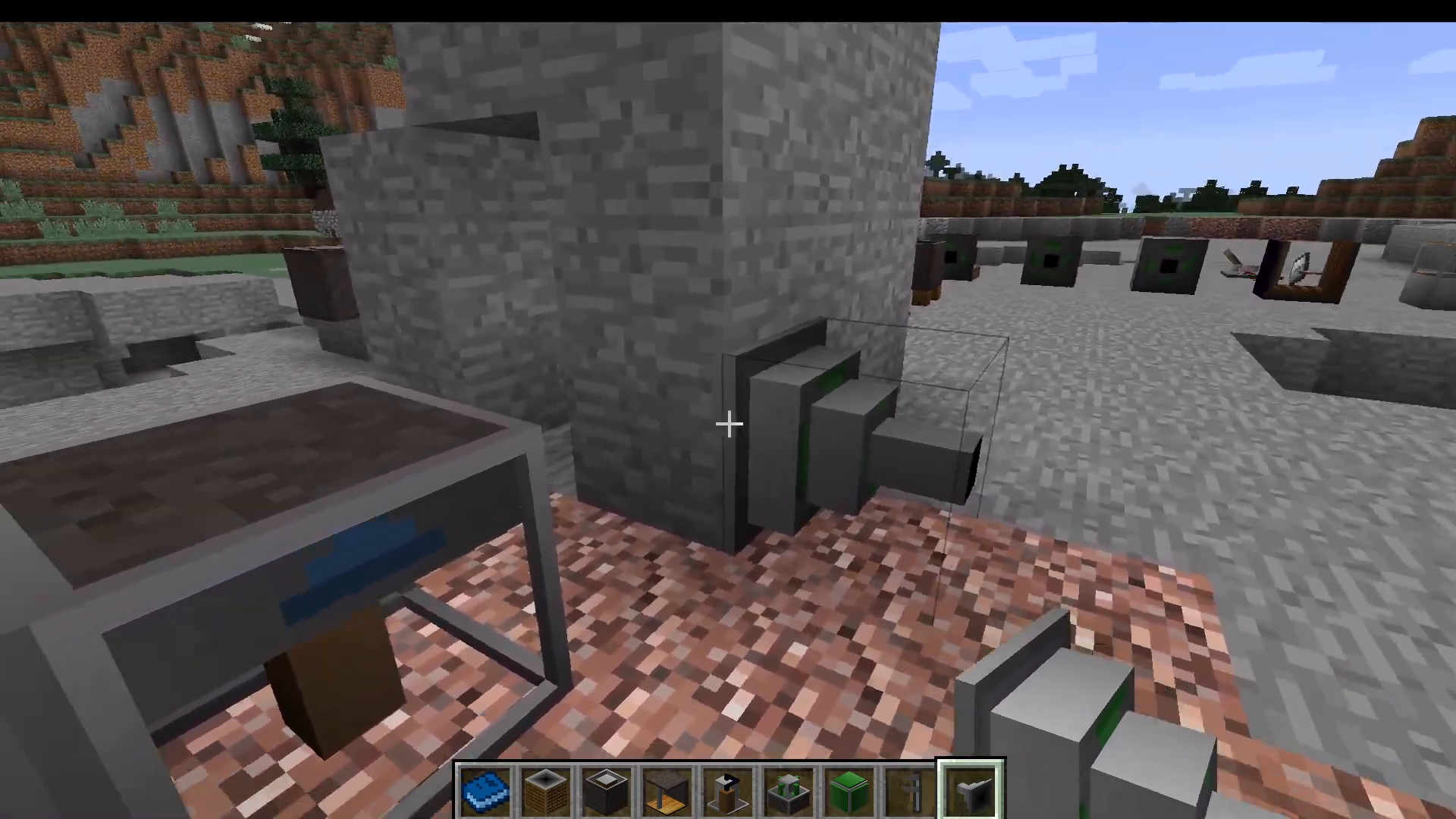
Mob Disassembler
The Mob Disassembler kills mobs placed on it and yields significantly more loot than a standard kill would. It also produces mob dust, which is a crafting ingredient used in advanced recipes such as Energyite production.
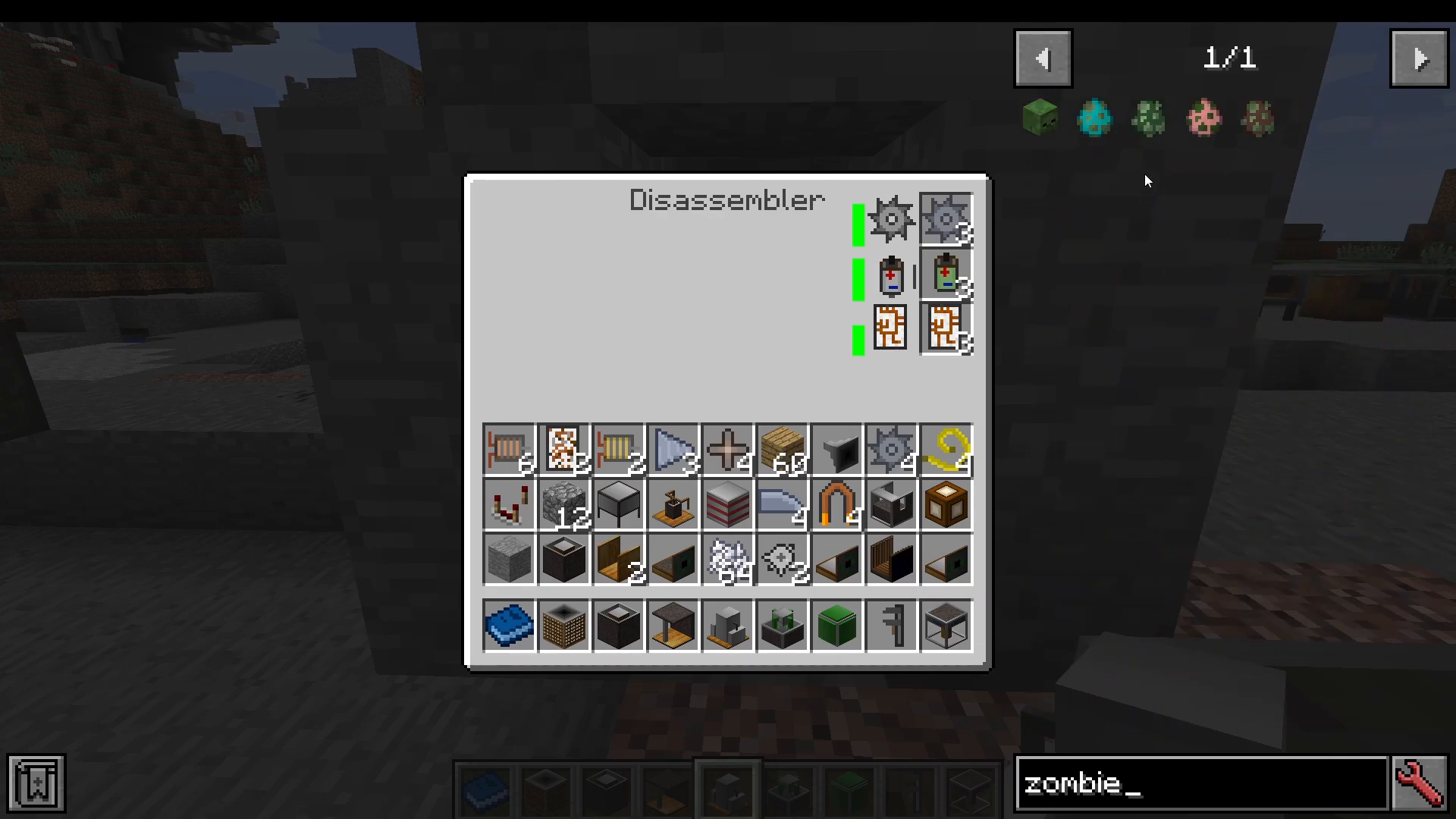
Industrial Electroplater
Using the sulphuric acid produced by the Fluid Agitator, the Industrial Electroplater can turn one piece of ground ore into two ingots — effectively doubling your ore output.
Refrigerator
The Refrigerator performs cooling-based transformations:
Water → Ice
Lava → Obsidian
Compression Chamber
The Compression Chamber compresses items into new forms:
Empty Tank → Compressed Air
Empty Tank → Water Tank
Prepared Shell → Unprimed Energy Core (needed for late-game progression)
Propane Furnace
The Propane Furnace smelts items using propane as fuel and operates at a very high speed compared to conventional furnaces.
Tempering Oven
The Tempering Oven converts standard iron ingots into Tempered Iron Ingots and similarly upgrades other materials. This is how you produce the highest-tier gears and parts in the mod.
Late Game: Energy Cores
Core Charger
To create an energy core, start by making a Prepared Shell and processing it through the Compression Chamber to get an Unprimed Energy Core. Place that into the Core Charger and charge it to exactly 80%.
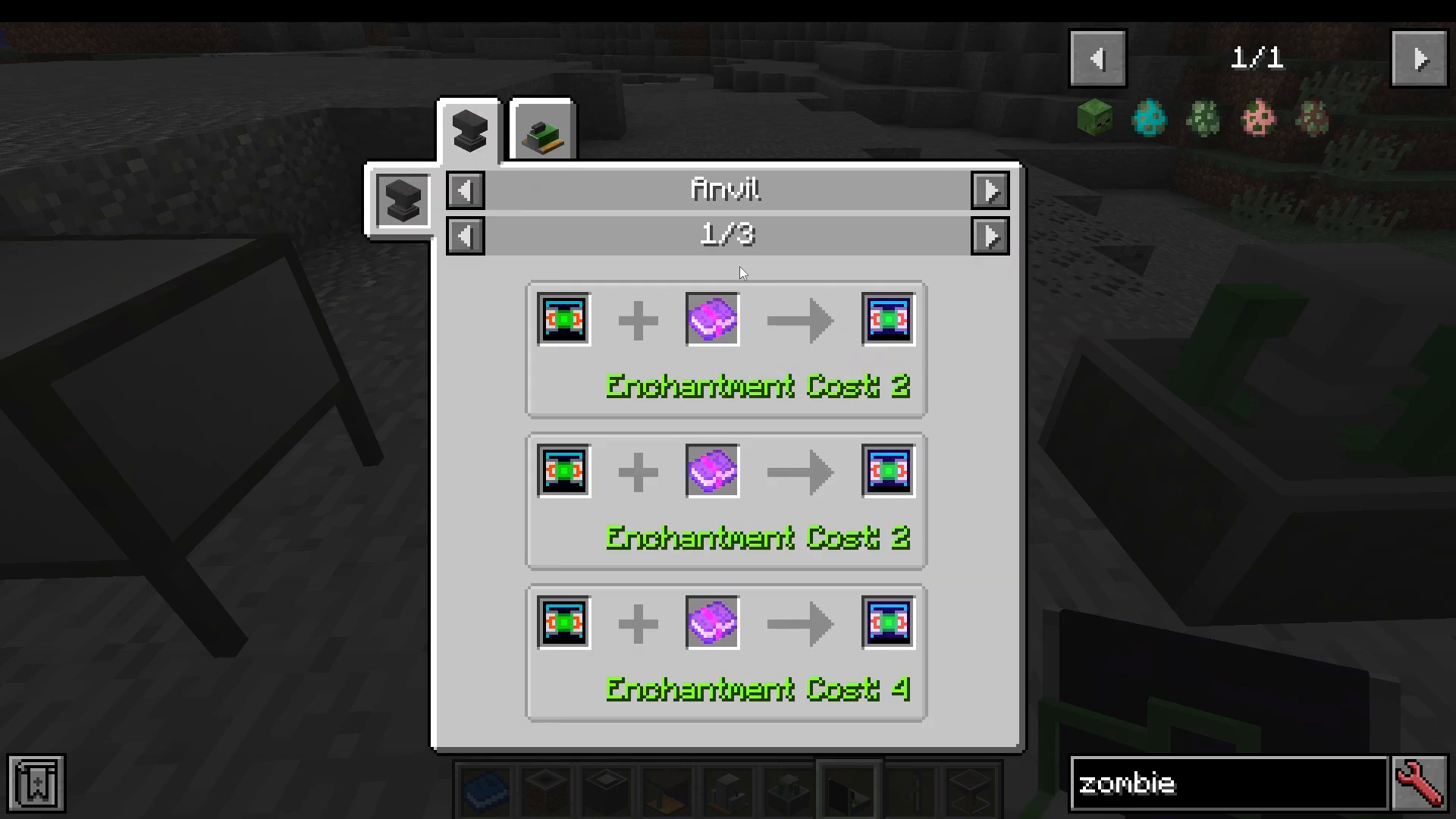
Stabilization Table
Once the core is charged to 80%, transfer it to the Stabilization Table. This is the most challenging step in the mod. You must:
Place Stationary Magnets exactly 3 blocks away on each side of the table.
Supply all magnets with an alternating Redstone current simultaneously. All magnets must pulse at the exact same time.
If the magnets pulse out of sync, the stability value will drop rather than rise — and if it drops too far, the energy core will explode. Getting a perfectly synchronised Redstone pulse to all four sides at once is the real engineering challenge here. A Redstone Pulsar wired carefully to all four magnets at equal cable lengths is the recommended solution.
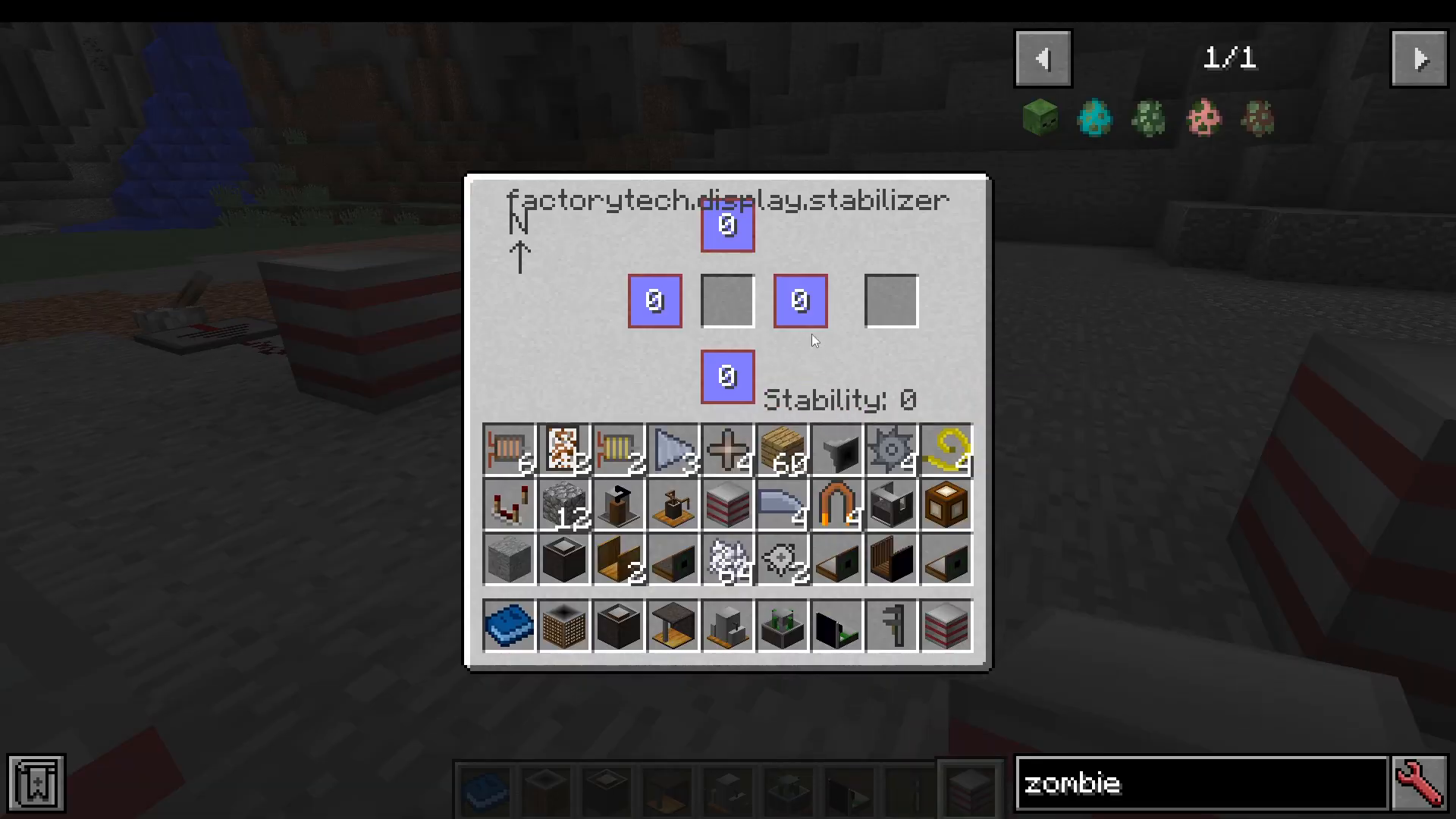
What Energy Cores Unlock
Successfully stabilising an energy core opens up the following late-game machines:
Universal Supercharger — place it next to any machine to accelerate its operation speed
Biosynthesis Unit — clones and spawns mobs; supply it with a drop from the target mob (e.g., rotten flesh to spawn zombies)
Mob Disruptor — suppresses mob abilities (e.g., prevents skeletons from shooting arrows)
Negative Ion Disperser — grants nearby players beneficial potion effects
Utility Items and Transport
Beyond its core machines, Factory Tech includes a range of helpful utility blocks and items:
Buffer Crate — like a standard crate but keeps one item in each slot at all times
Sequential Placer — places blocks in a defined sequence automatically
Transport Rollers — essentially conveyor belts; placement direction determines item travel direction
Insertion Hatch — pushes items into adjacent inventories
Bulk Stack Mover — a filtered stack mover that moves all matching items at once
Dimensional Shifter — sends items to other dimensions
Seed Disperser — automatically spreads seeds over a wide area (does not require an energy core)
Part Sensor — monitors machine parts levels
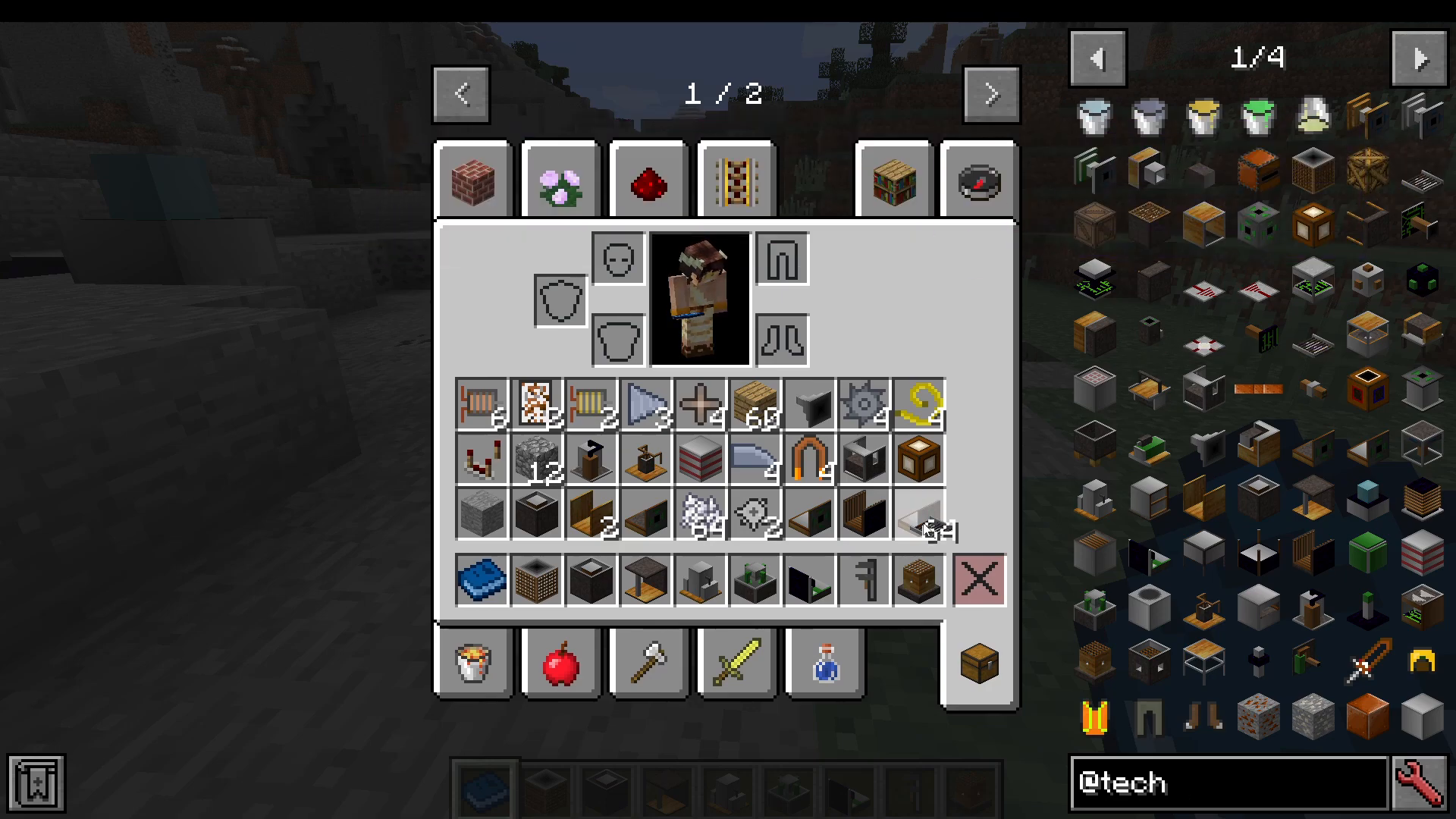
There are also a number of purely decorative blocks included with the mod for building themed factory environments.
Summary: Is Factory Tech Worth Installing?
Factory Tech is an impressive and surprisingly deep tech mod for Minecraft 1.12 — and it was never updated beyond that version. Despite its age, it offers a rich progression path that starts with simple wood-cutting and river mining, works its way through ore doubling and fluid processing, and culminates in the genuinely satisfying challenge of stabilising an energy core.
The mod’s biggest selling point is its accessibility: no power grids to design, no RF networks to wire up. If you’re comfortable using JEI to look up recipes, you’ll find that almost every machine is self-explanatory from the start. The one steep learning curve — the Stabilization Table — is intentional, and conquering it feels like a real achievement. If you’re exploring older 1.12 modpacks or building your own, Factory Tech is absolutely worth including.
“`