







The Ultimate Guide to Industrial Foregoing
The Ultimate Guide to Industrial Foregoing
Welcome to the complete beginner-friendly guide to Industrial Foregoing! This mod is packed with machines and tools that will revolutionize your Minecraft experience. Whether you’re just starting out or looking to automate complex operations, this guide covers absolutely everything you need to know about Industrial Foregoing. We’ll walk through crafting basic materials, setting up farms, automating production, and building some of the most advanced power generation systems in modded Minecraft.
Getting Started with Industrial Foregoing
Industrial Foregoing is a comprehensive automation mod that requires understanding a few core principles before diving into specific machines. The mod includes everything from simple fluid extractors to complex reactor systems, and this guide will take you through each one methodically.
If you’re not familiar with modded Minecraft, check out the full shelf of Minecraft mods available on the channel homepage. The goal is to cover every single Minecraft mod so you never have to worry about what to do next.
Making Rubber and Plastic: The Foundation
Rubber and plastic are among the most important materials in Industrial Foregoing—you’ll need them for virtually every machine in the mod. Learning how to create and automate these materials is your first priority.
Understanding Machine Interfaces
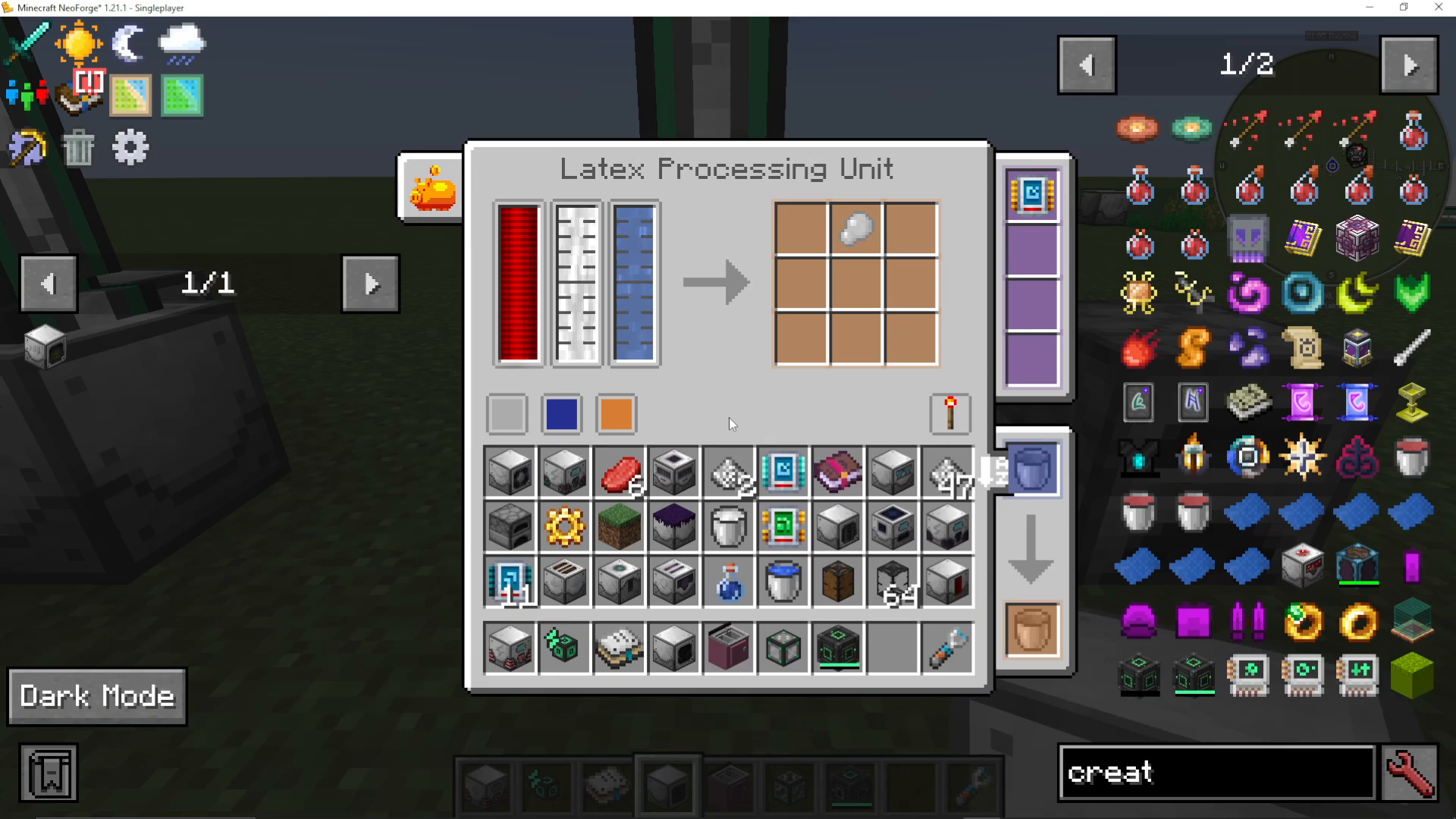
When you open any Industrial Foregoing machine, you’ll see several key components:
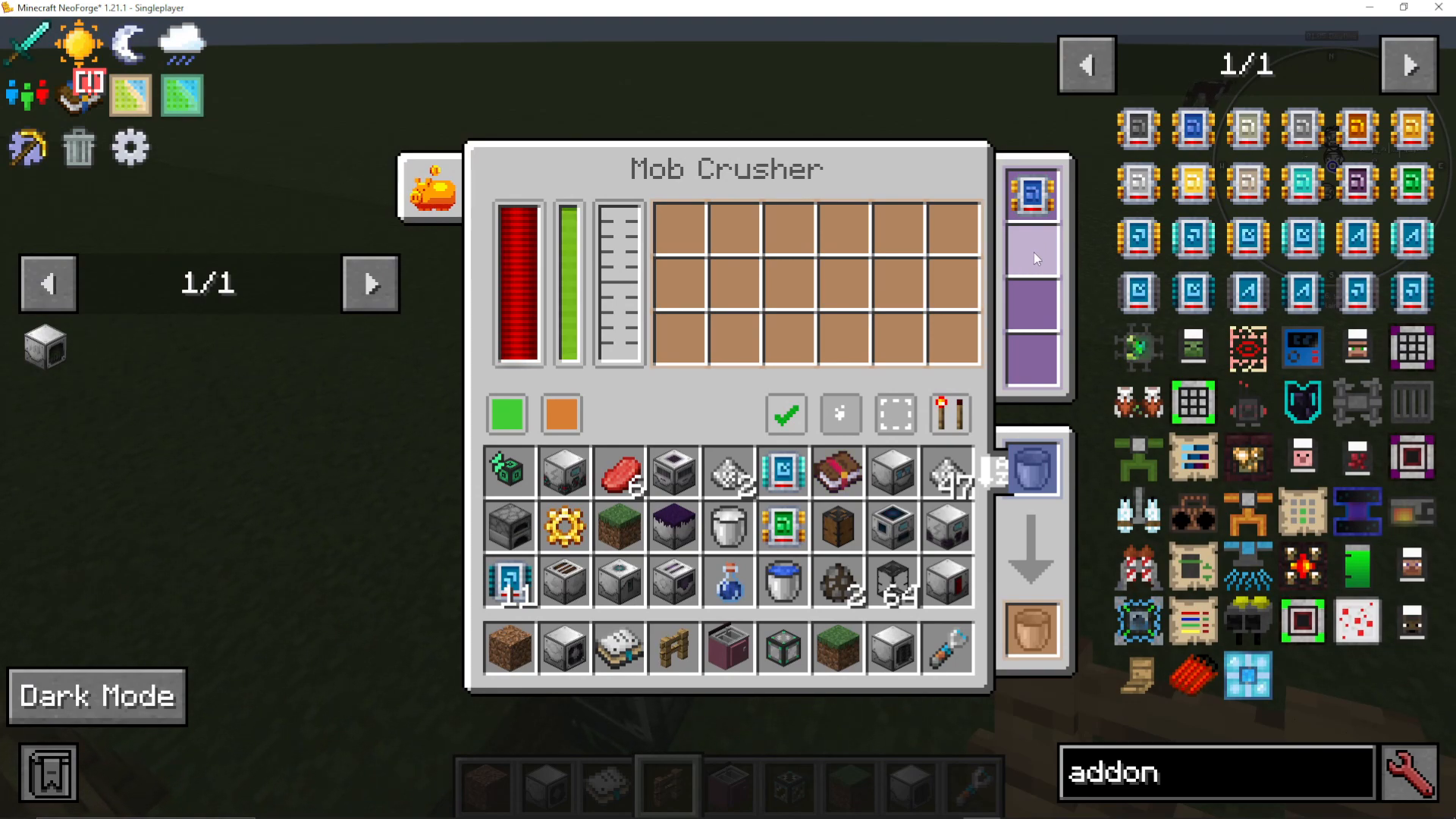
Purple Icons (Right Side): These are add-ons that can speed up your machines. We’ll cover these in detail later.
Fluid Tanks and Item Interfaces: Colored boxes at the bottom allow you to control which sides items and fluids enter or exit.
Working Area: You can toggle this to see exactly where a machine operates.
Redstone Mode: Control when machines run based on redstone signals.
Setting Up the Fluid Extractor
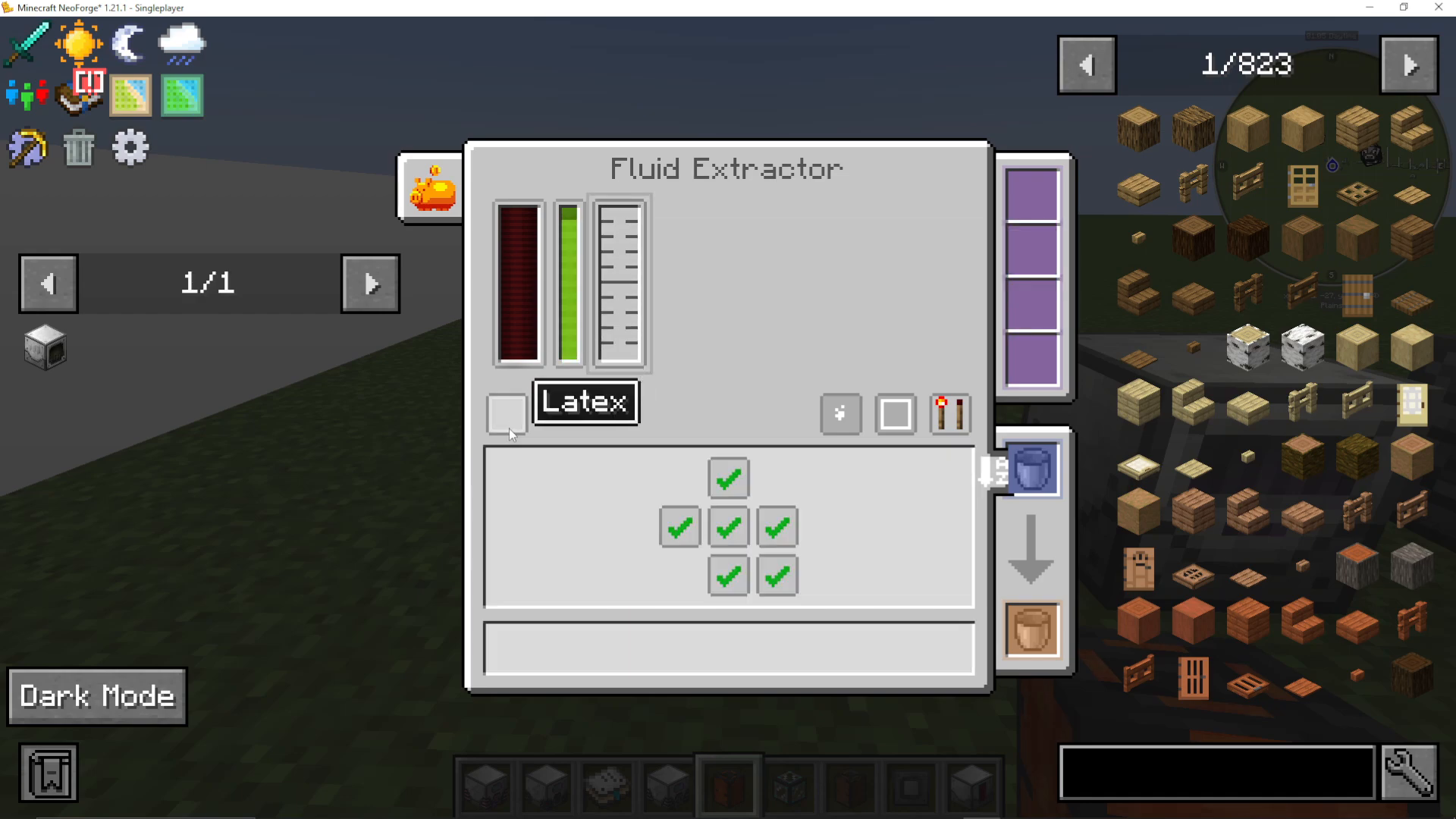
The Fluid Extractor is your starting point for latex production. Place it facing a wood block (oak log works great) and power it. The machine will slowly extract latex from the wood.
To control inputs and outputs, click on the colored boxes corresponding to each fluid or item. You can set each side to pull, push, or disabled. For example, if you want water pulled into a machine, set that side to “pull.”
Creating the Latex to Plastic Pipeline
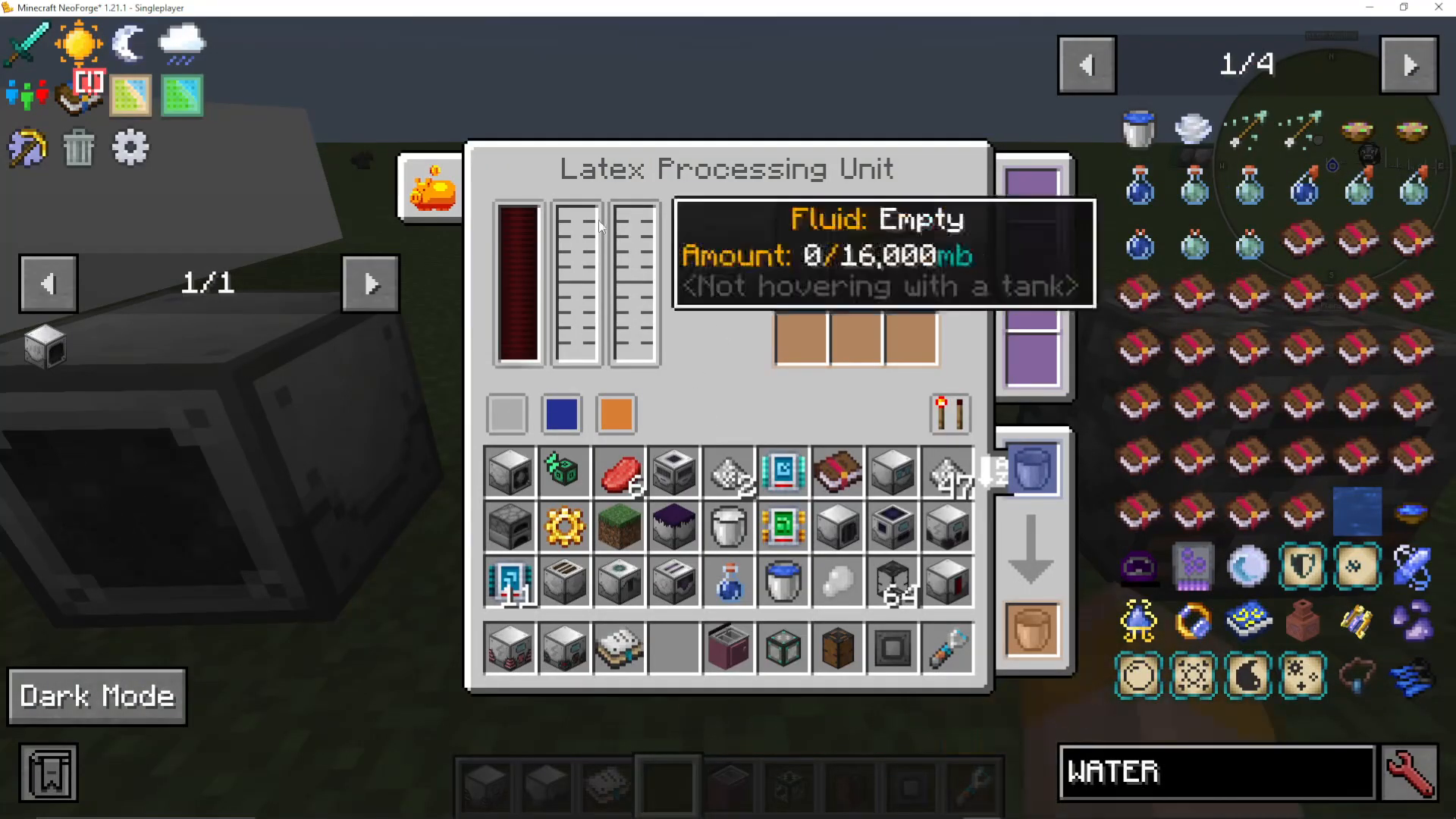
Here’s the process for automating rubber and plastic production:
Place 3 Fluid Extractors facing an oak log in the middle
Connect them with Mekanism Mechanical Pipes to a Latex Processing Unit
Pump water into the Latex Processing Unit alongside the latex
The machine produces dry rubber
Smelt the dry rubber in a furnace to create plastic
Note: In some Minecraft versions, you may get tiny dry rubber instead, requiring 9 pieces to craft into one large piece. In ATM 10 (shown in this guide), it produces large dry rubber directly.
Automating Latex Production
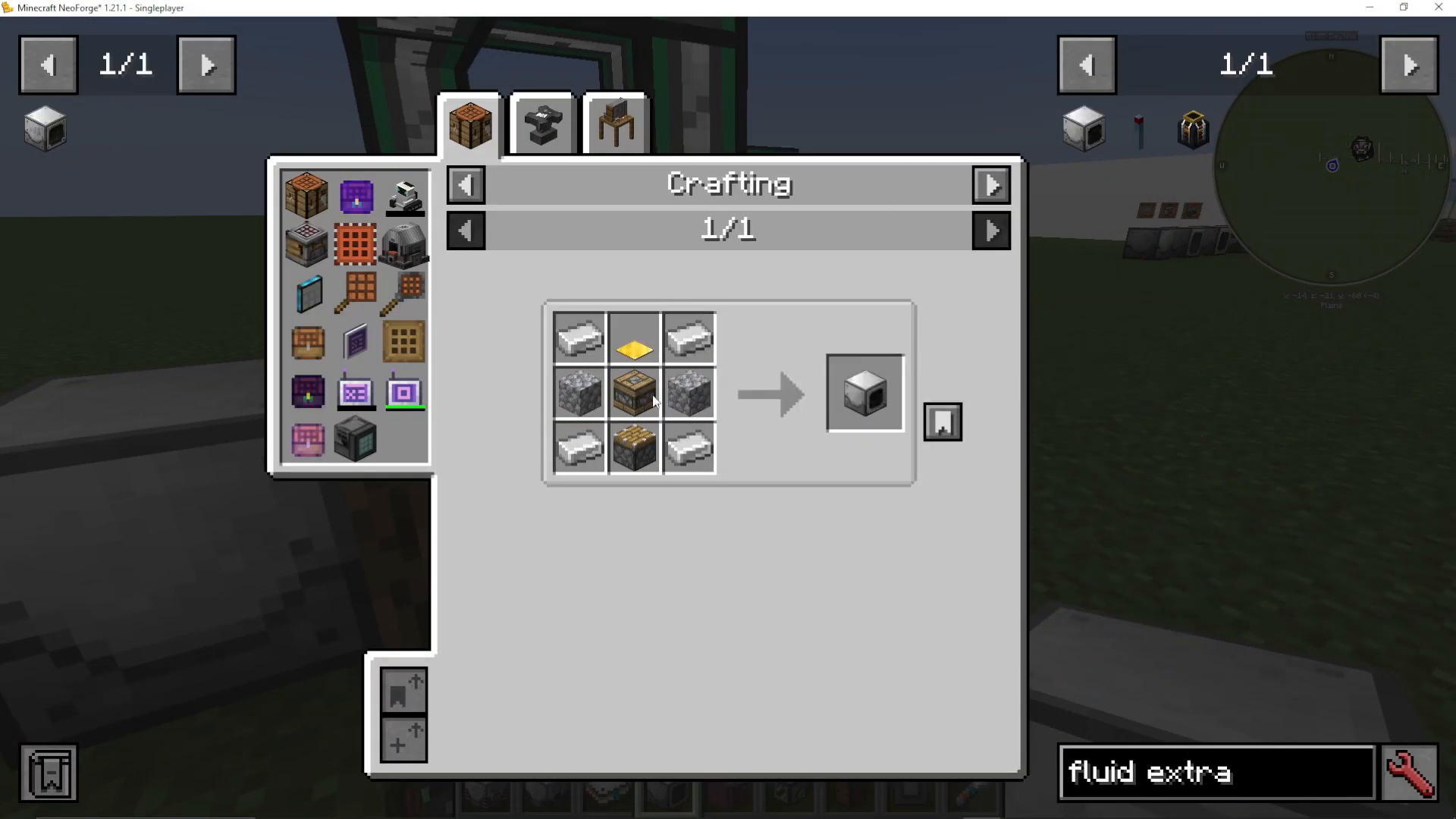
Once you have some plastic, you can make this process more efficient by adding:
Water Condensator: Automatically collects water from nearby water sources
Block Placer: Automatically replaces oak logs as they’re extracted
Load your Block Placer with stacks of oak logs. As the green work timer completes, it will place a fresh log for the extractors to work on, creating a fully automated latex farm.
Plant Farming and Automation
Industrial Foregoing excels at automating crop production. There are four key machines for plant farming: the Plant Sower, Plant Fertilizer, Plant Gavara, and Sludge Refiner.
The Plant Sower
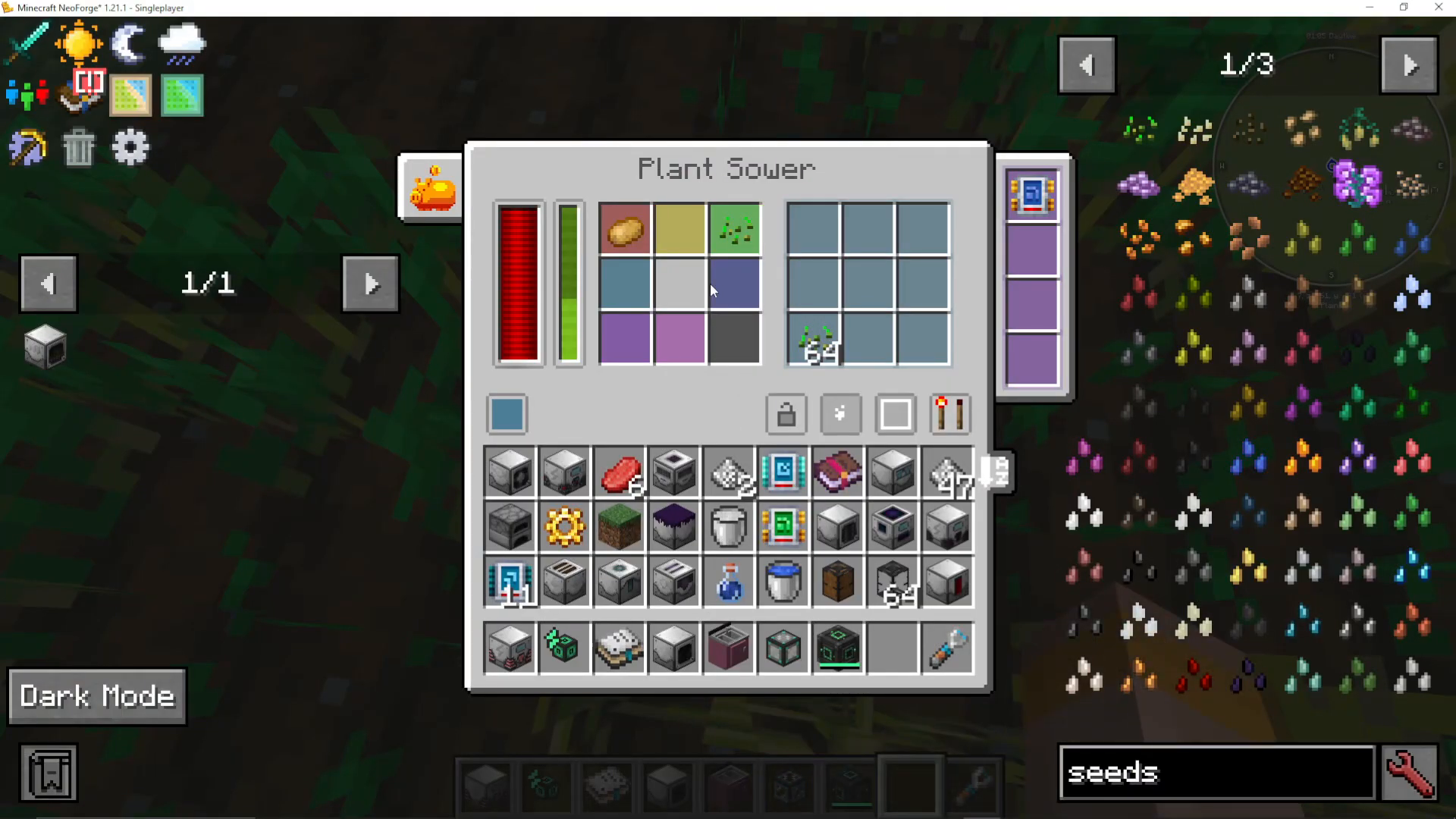
The Plant Sower automatically plants seeds in designated areas. Key features include:
Colored Planting Areas: Click on each color to specify which crops plant where
Range Add-ons: Expand your farming area significantly
Locked Input Slots: Prevent one crop from filling up all available space
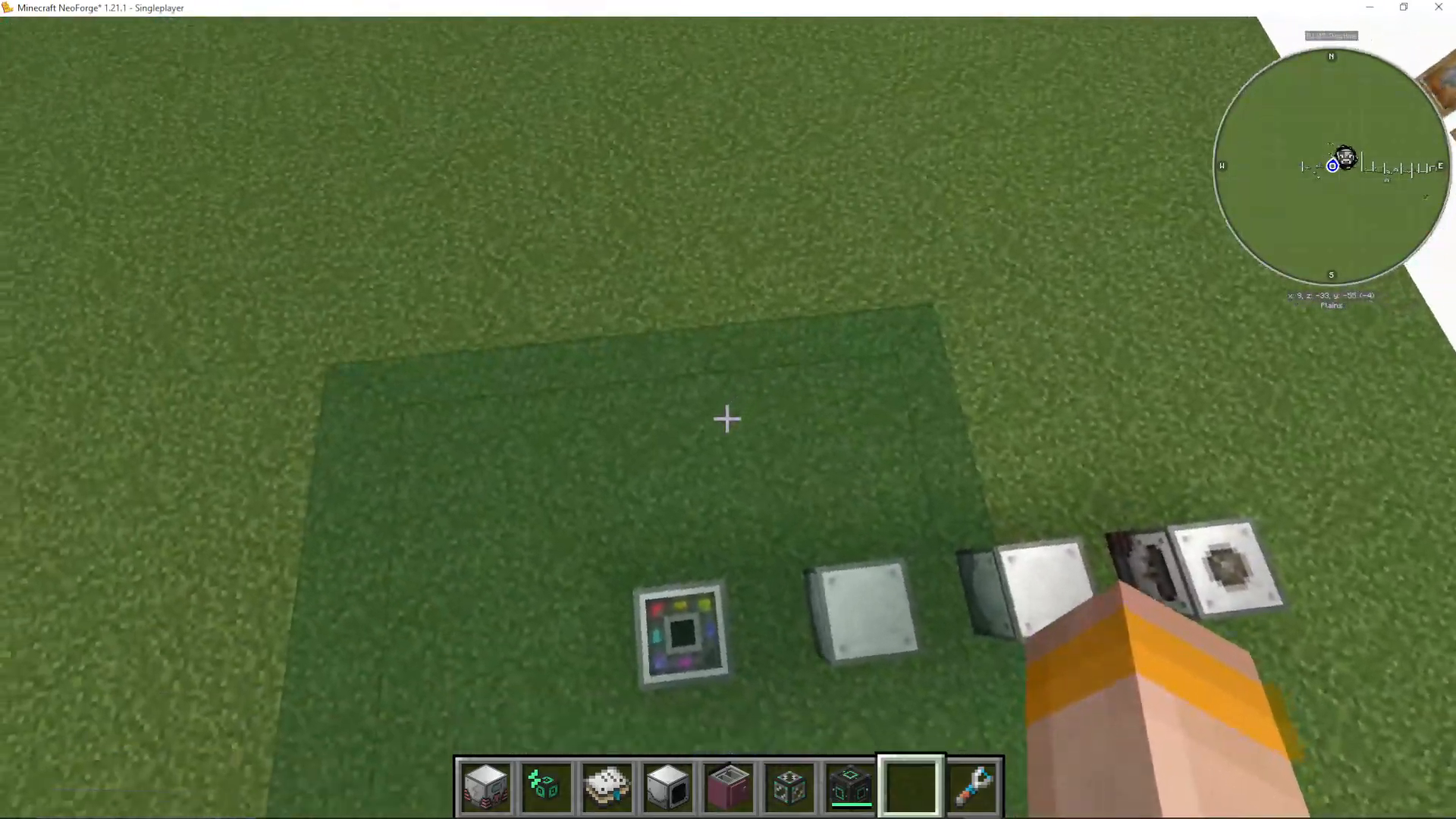
The working area is one block above the machine. Show the working area to see exactly where seeds will be planted. If using a Tier 2 Range Add-on, you can designate specific crops for specific corners of the expanded area.
The Plant Gavara (Harvester)
Once crops mature, the Plant Gavara harvests them. This machine will always produce sludge as a byproduct alongside your crops.
The Sludge Refiner
Don’t waste that sludge! The Sludge Refiner converts it into useful materials:
Red Sand
Soul Sand
Gravel
Dirt
Clay
Sand
This gives you a passive way to generate basic building materials from your farm’s byproducts.
The Plant Fertilizer
Use the Plant Fertilizer to speed up crop growth. Insert bone meal or Industrial Foregoing fertilizer to accelerate your harvests. The fertilizer can be created from animal husbandry, which we’ll cover next.
Animal Husbandry and Breeding
Industrial Foregoing provides sophisticated tools for automating animal farms, including breeding, separation, and slaughtering.
The Animal Feeder
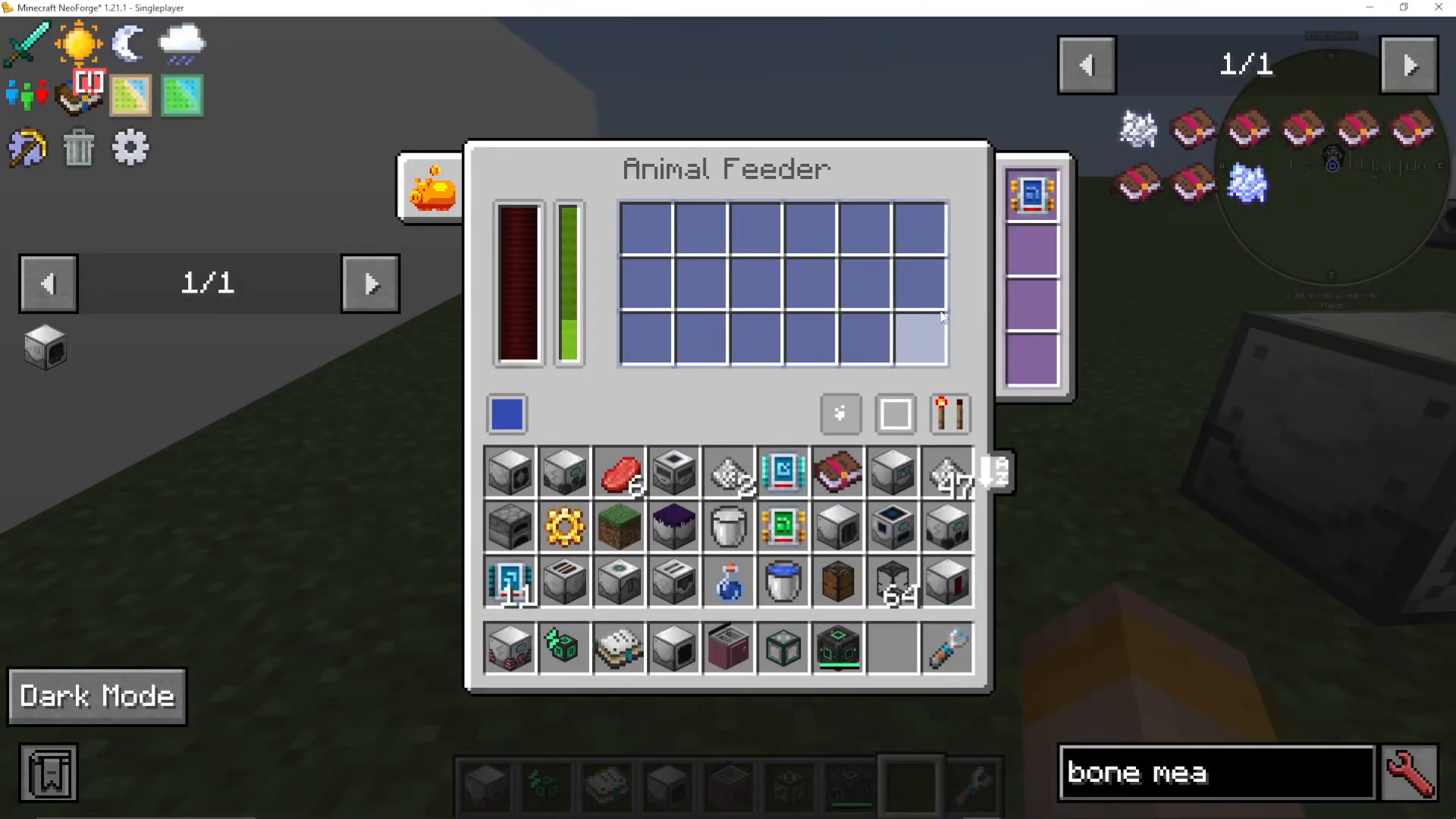
Place the Animal Feeder in front of your animals and insert the appropriate food (wheat for cows, seeds for chickens, etc.). When the work timer completes, nearby animals will breed automatically.
The Animal Baby Separator
This machine moves either baby or adult animals in a specified direction. It’s crucial for setting up a multi-stage breeding and slaughter system.
Important: The direction you face when placing this machine determines where animals move FROM. Face it from the pen you want to move animals away from.
Setting Up an Automated Breeding Farm
Here’s a three-pen setup for maximum efficiency:
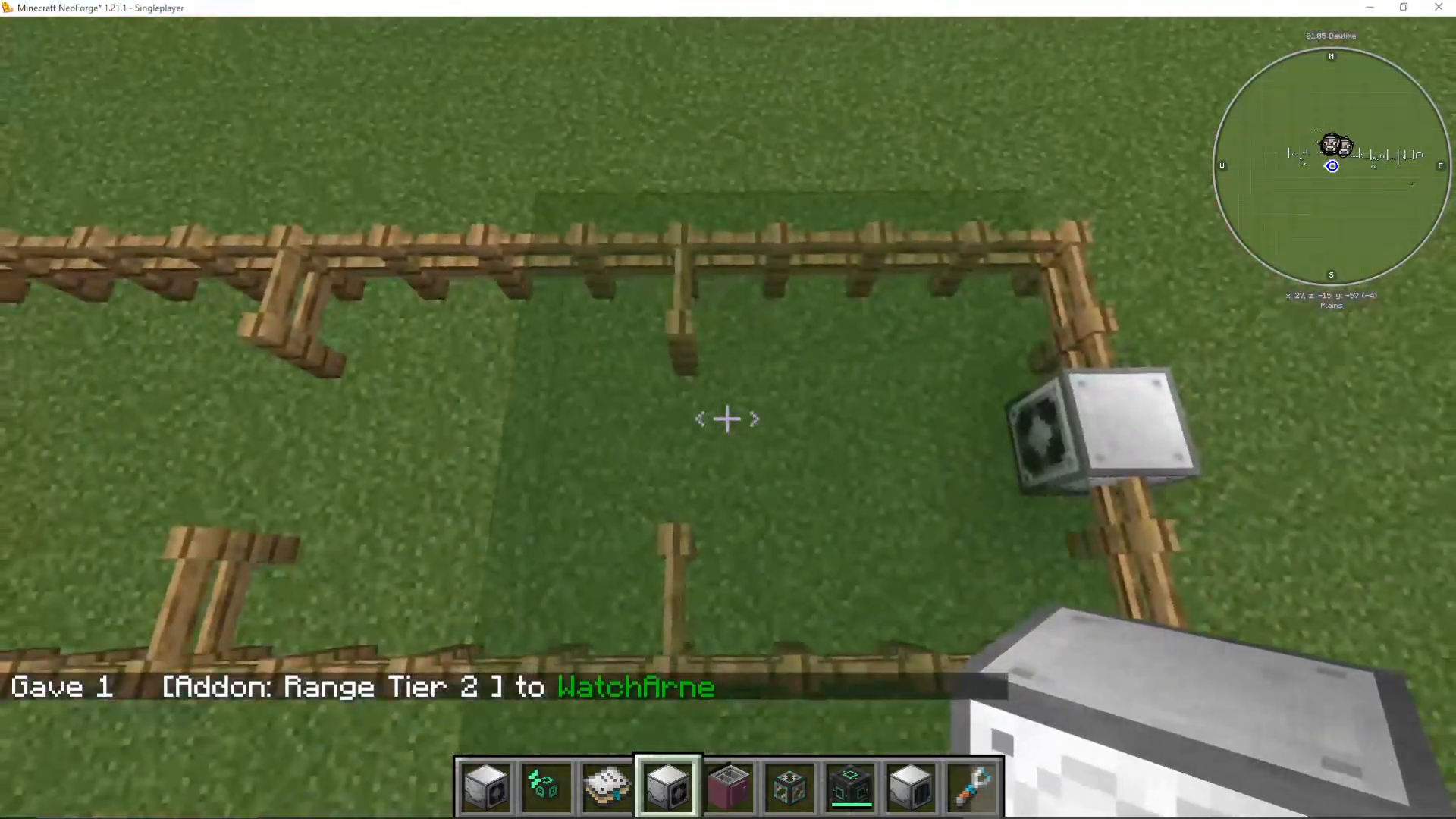
Pen 1 (Breeding): Animal Feeder breeds cows with a Tier 2 Range Add-on
Pen 2 (Growing): Animal Baby Separator set to move babies here
Pen 3 (Slaughter): Another Animal Baby Separator moves grown adults here, then a Mob Crusher kills them
In older versions of Industrial Foregoing, you could use an Animal Adult Filter add-on to skip the middle pen entirely.
The Mob Crusher
This machine kills any mobs in its working area and collects drops. You can toggle it to:
Produce essence (liquid XP)
Consume essence to enable looting on drops
The Animal Rancher
Instead of killing animals, use the Animal Rancher to shear sheep and milk cows automatically. The output goes into the tank on the machine.
The Sewer
Any animals standing above a Sewer will generate sewage. Connect this to a Sewage Composter to create fertilizer for your plants—creating a self-sustaining farm ecosystem.
The Dissolution Chamber: Advanced Crafting
The Dissolution Chamber is where you create advanced machine frames and add-ons. This is a crucial step toward building more powerful machines.
Basic Recipe Input
The Dissolution Chamber works differently than traditional crafting. You can:
Place items directly into the ring interface
Pump liquids in from any side
Lock specific inputs if making the same recipe repeatedly
Items don’t have to be added in recipe order—the machine recognizes them as they appear.
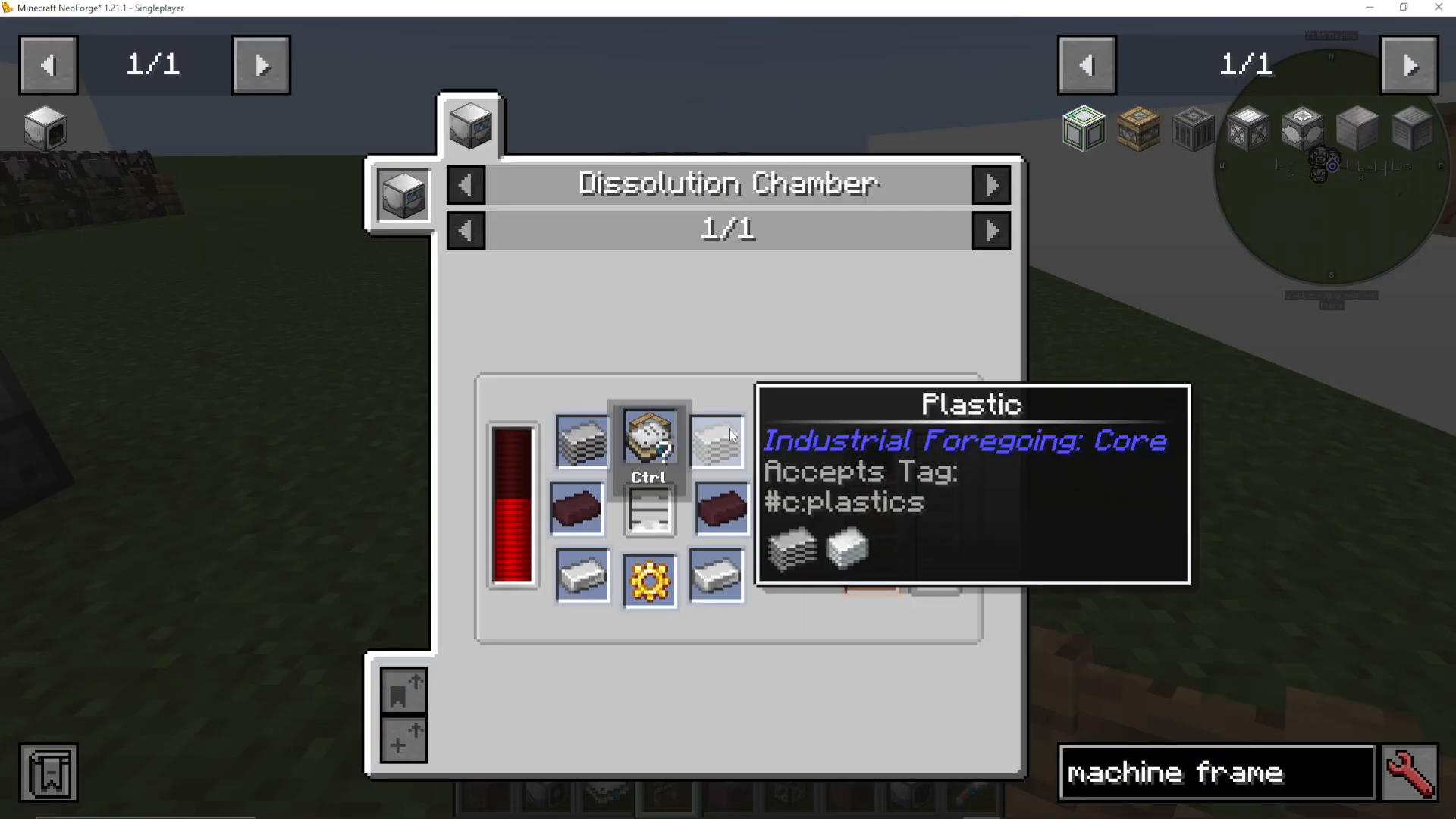
Creating Machine Frames
Machine frames come in tiers:
Pity Machine Frame: Easiest to craft; requires wood and redstone
Simple Machine Frame: Requires plastic, a Pity frame, iron, gold, and latex
Advanced and Supreme Frames: Need Nether materials, ever blocks, and Echo Shards
Once you have Simple Machine Frames, you can craft more advanced machines and speed upgrades.
Creating Add-ons
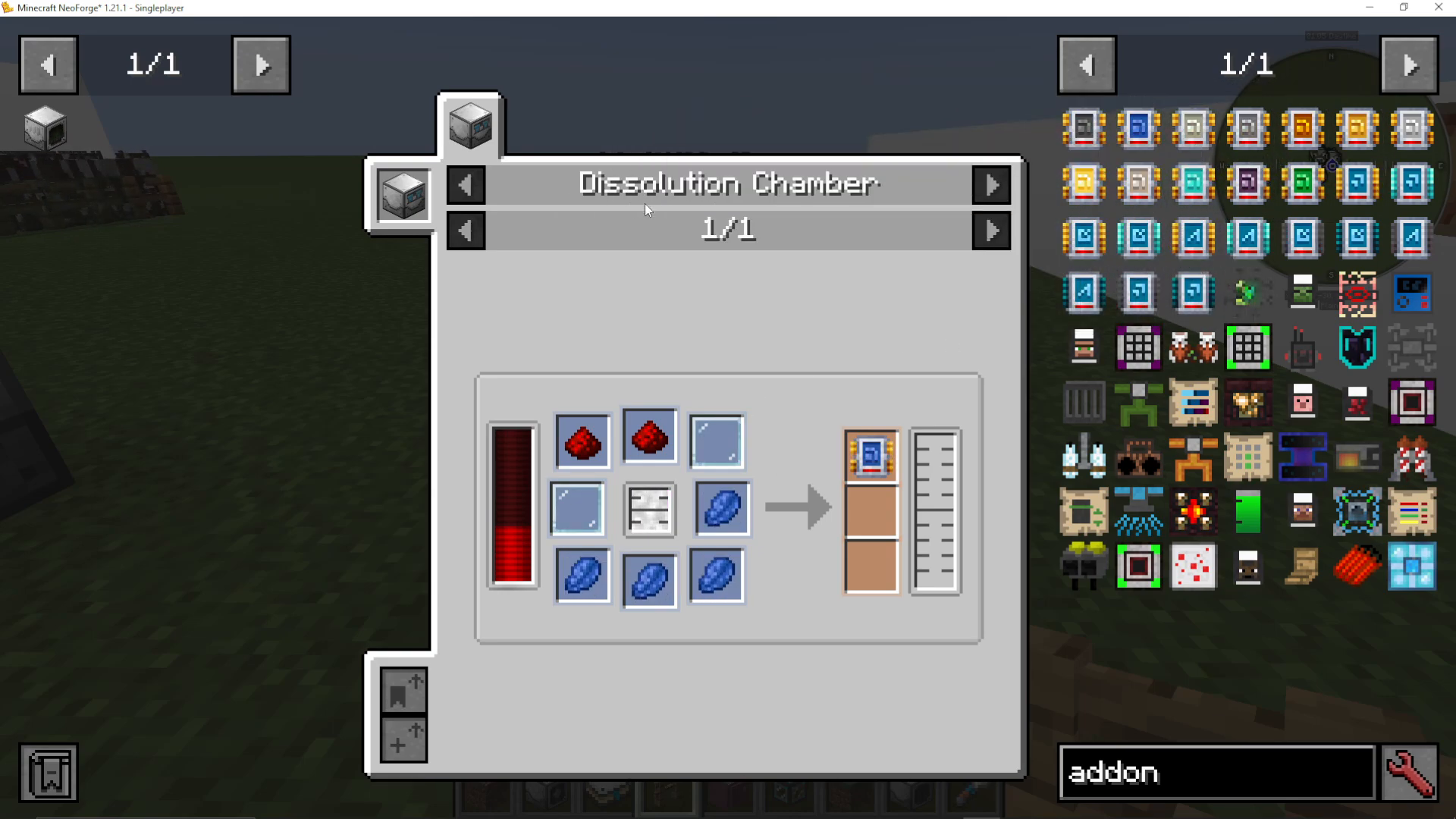
All Industrial Foregoing add-ons are crafted in the Dissolution Chamber. Examples include:
Range Add-on Tier 2: Glass panes, redstone, lapis lazuli
Speed Add-on Tier 4: Echo shards, sugar, glass panes, and Efe gas
Higher-tier add-ons provide better bonuses but cost significantly more materials.
Power Generation
Industrial Foregoing offers multiple power generation options at different stages of progression.
Early Game: The Pitiful Generator
The simplest option. Insert any burnable block (coal, charcoal, etc.) and it will produce energy slowly. It’s not efficient, but it works for early progression.
Mid Game Options
Once you have Simple Machine Frames, you can build:
Furnace Mycelial Generator: Burns coal and similar fuels; a major upgrade from the Pitiful Generator
Frosty Generator: Uses snowballs and ice
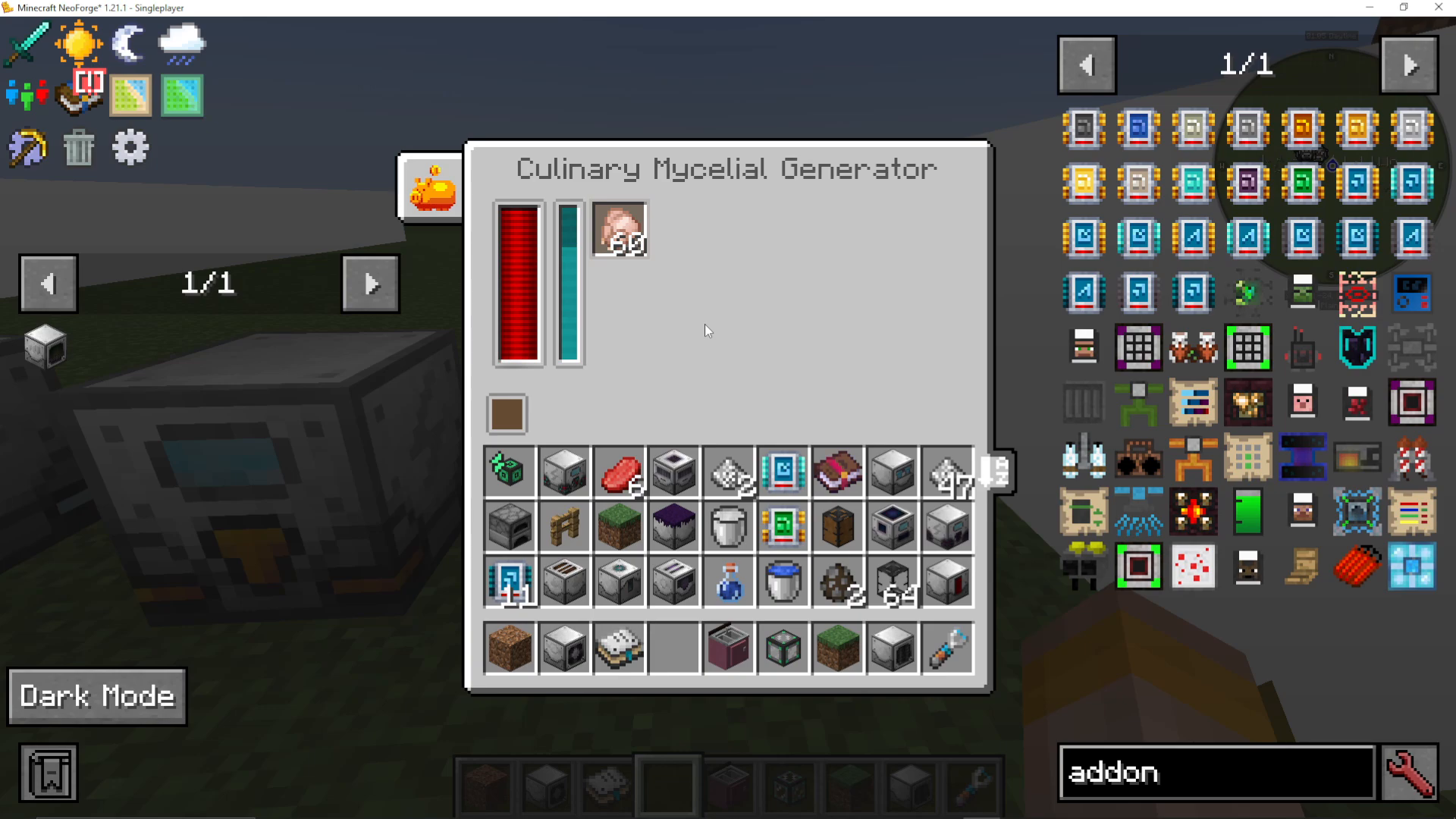
Culinary Generator: Consumes food items for power
Pink Slime Generator: Uses pink slime (we’ll cover this soon)
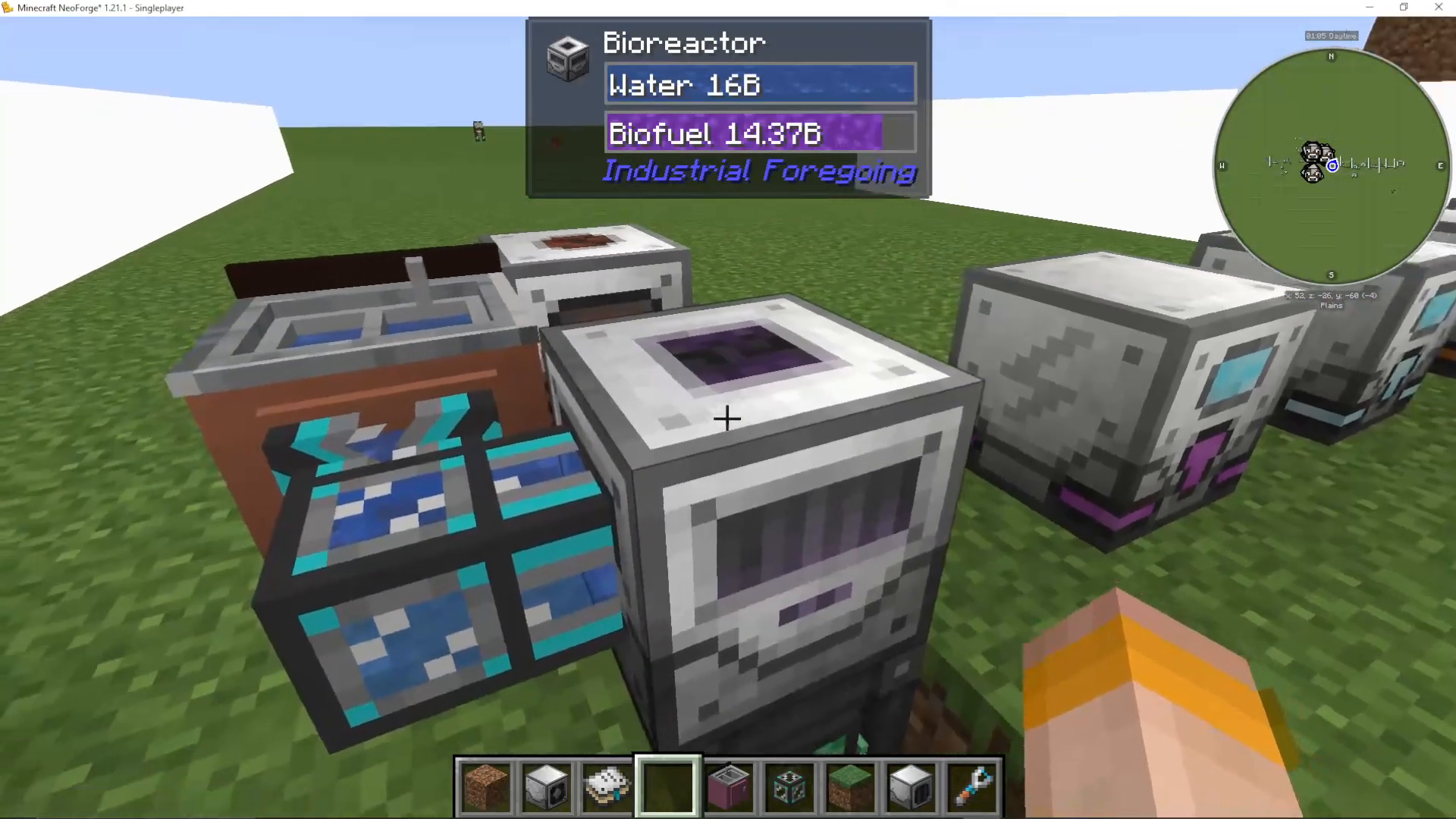
The Bio Reactor
Create biofuel for the Biofuel Generator. The Bio Reactor accepts water and up to 9 different biodegradable items (saplings, dyes, vegetables, etc.).
Efficiency is key: Using 9 different item types gives you 100% efficiency. Using only one type drops efficiency to 11%. The more item variety, the more biofuel produced.
Output the biofuel into a Biofuel Generator to create power.
Mob Farming and Pink Slime Production
To generate pink slime (used in many recipes), you need to farm mobs and process their remains.
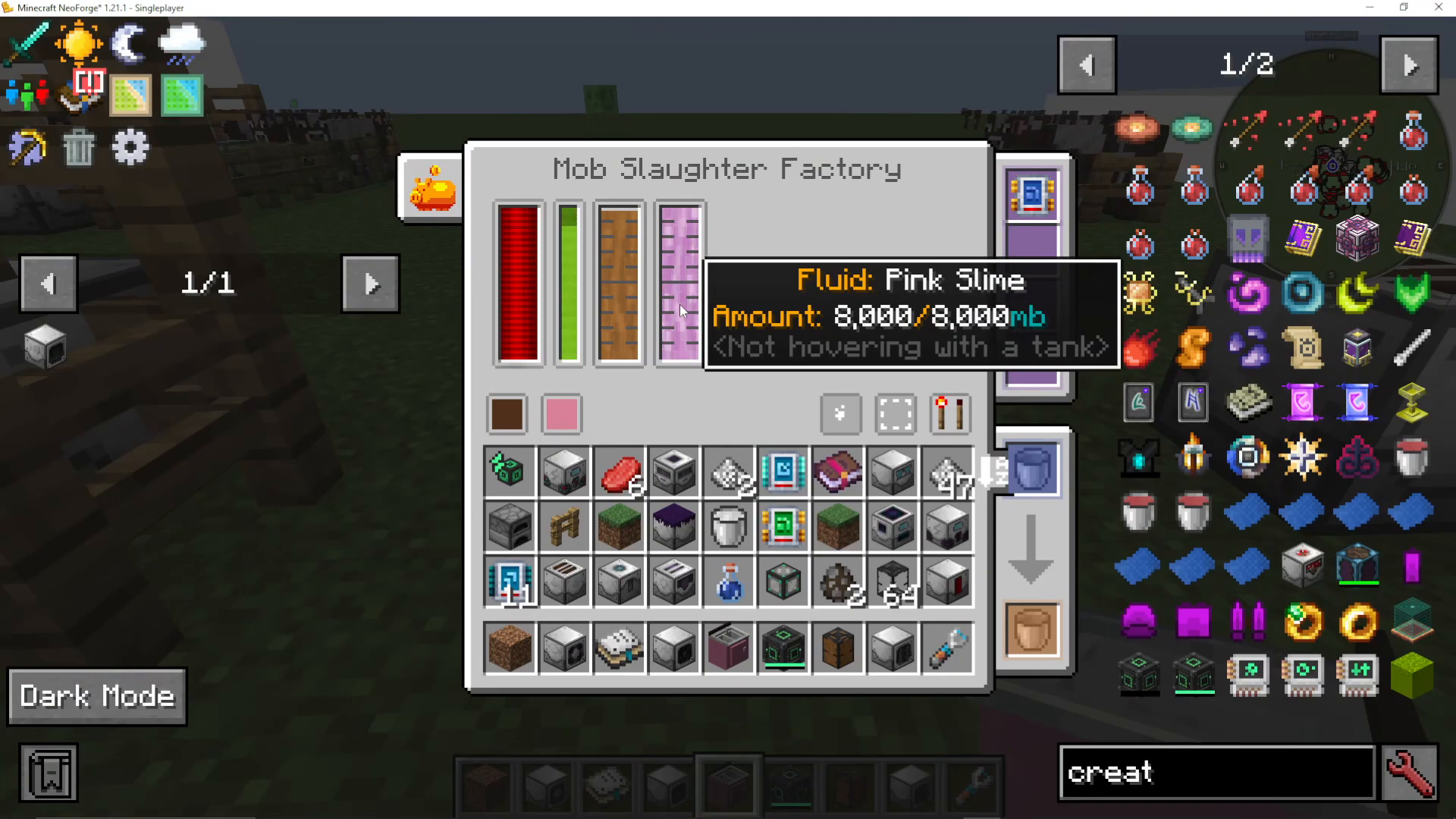
The Mob Slaughter Factory
Unlike the Mob Crusher (which gives loot and essence), the Mob Slaughter Factory produces:
Liquid Meat
Liquid Pink Slime
No drops or essence—just raw materials for processing.
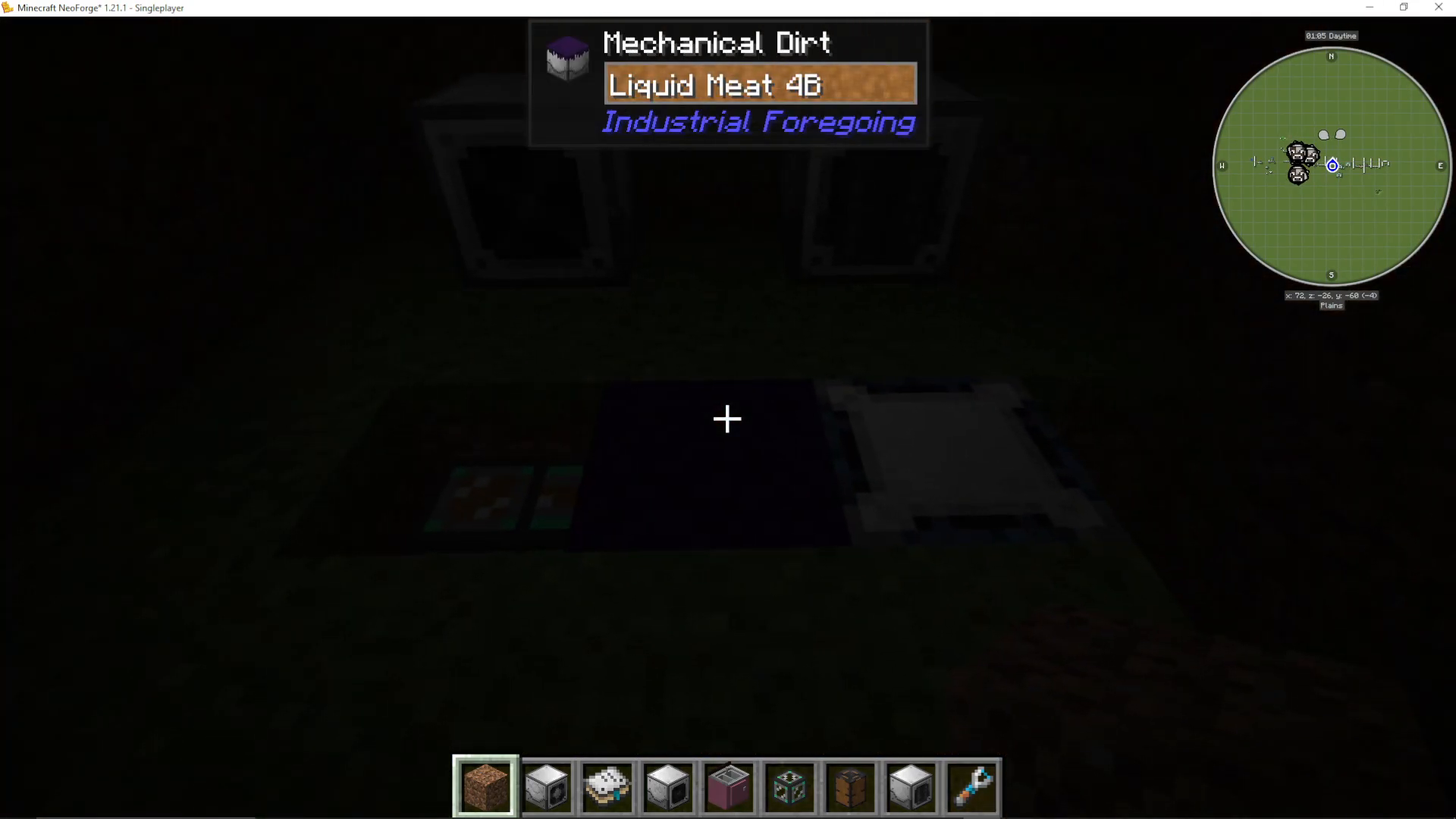
Mechanical Dirt
This machine spawns mobs passively on its surface. It requires:
Liquid Meat (from the Mob Slaughter Factory)
Dark conditions for spawning
Mobs will spawn randomly, making this great for general mob farming.
The Mob Duplicator
For specific mob types, use the Mob Duplicator. This requires:
Essence (from the Mob Crusher)
A Mob Imprisonment Tool containing the desired mob
To use the Mob Imprisonment Tool, right-click on any mob to imprison it. Then place the tool in the Mob Duplicator with essence, and it will duplicate that specific mob.
Creating Pink Slime
Once you have Liquid Pink Slime from the Mob Slaughter Factory, convert it to solid pink slime in the Dissolution Chamber:
Add liquid pink slime
Add a glass pane
Add water
The result is a ball of pink slime, one of the most valuable materials in the mod.
The Mob Detector
Use this to count nearby mobs and output a redstone signal proportional to the mob count. This allows you to automate your mob farm based on population.
Ore Processing and Laser Drilling
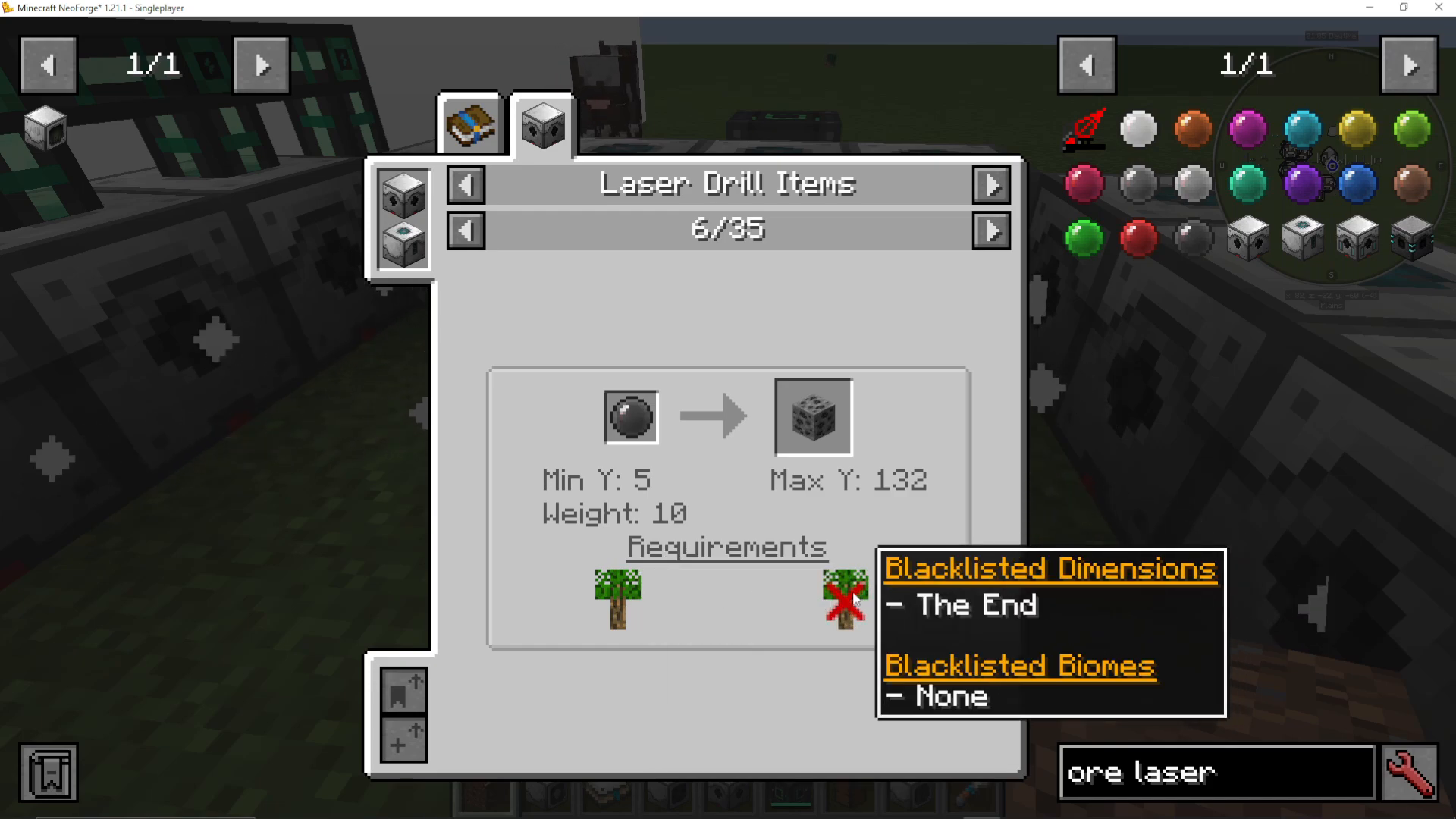
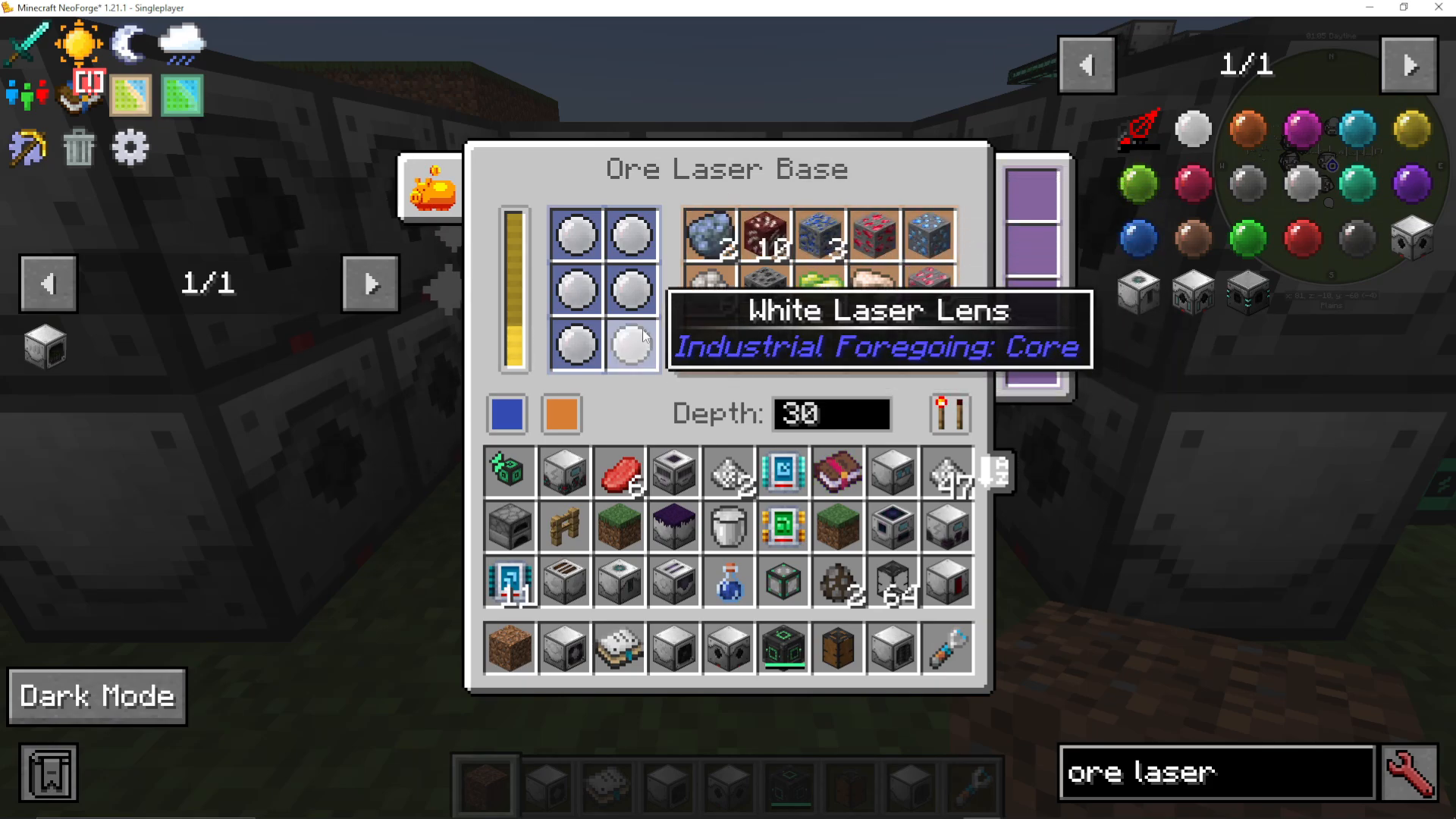
The Ore Laser Base
Mine ores from a distance without traditional mining. The Ore Laser Base requires:
Laser Lenses (different colors for different ores)
Laser Drills surrounding it to power it
Each lens color targets specific ores with different weights (rarity values). The higher the weight, the rarer that ore. Add multiple lenses of the same color to increase your chances of finding those ores.
The progress bar shows how close you are to mining ore. More Laser Drills surrounding the base = faster mining.
The Fluid Laser Base: Drilling for Efe Gas
This is one of the most advanced setups in Industrial Foregoing. To drill for Efe Gas, you need:
Stasis Chamber: Place this directly above where you’ll create a Wither
Wither Setup: Place soul sand, add three Wither Skulls to spawn a Wither. The Stasis Chamber keeps it contained—never let it lose power!
Fluid Laser Base: Place directly above the center Wither head
Purple Laser Lens: Required to drill for Efe Gas
Laser Drills: Surround the setup to power it
The Stasis Chamber will keep the Wither frozen in place while the drill extracts Efe Gas from it. Efe Gas is essential for crafting the most advanced machines in the mod.
Enchantment and Potion Automation
The Enchantment Factory
Automatically enchant items with essence. Select your desired enchantment level (1-10) and the machine will apply a random enchantment of that level to items in the input.
Higher levels use more essence per enchantment.
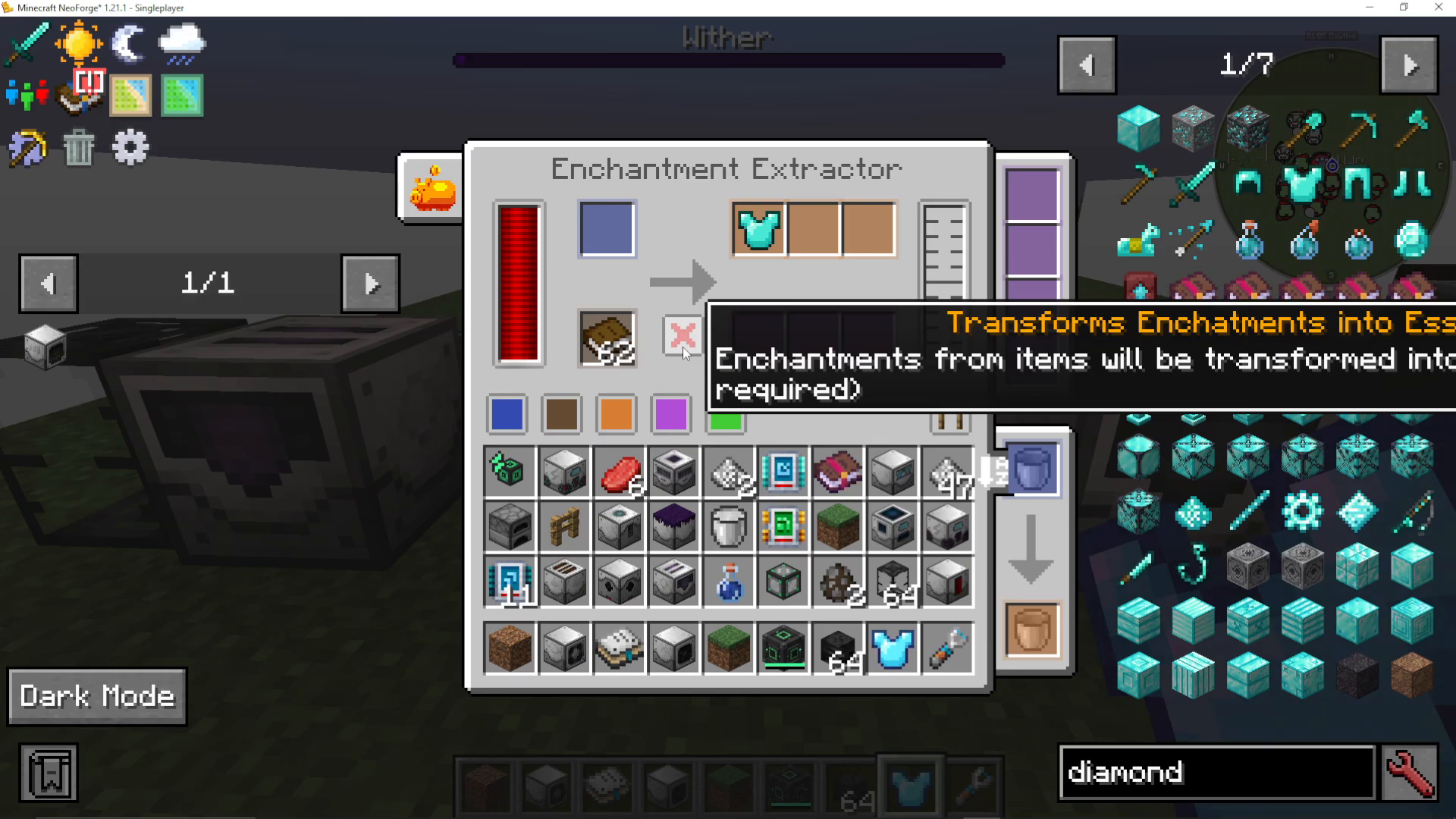
The Enchantment Extractor
Remove enchantments from items in two ways:
To Books: Extract the enchantment onto an enchanted book
To Essence: Convert it directly to essence
The Enchantment Applicator
This works like an anvil. Insert an unencharted item, an enchanted book, and essence. The machine applies the specific enchantment from the book to your item.
The Enchantment Sorter
Automatically separates enchanted items from unencharted ones. Perfect for large-scale sorting operations. You can specify which direction each type exits.
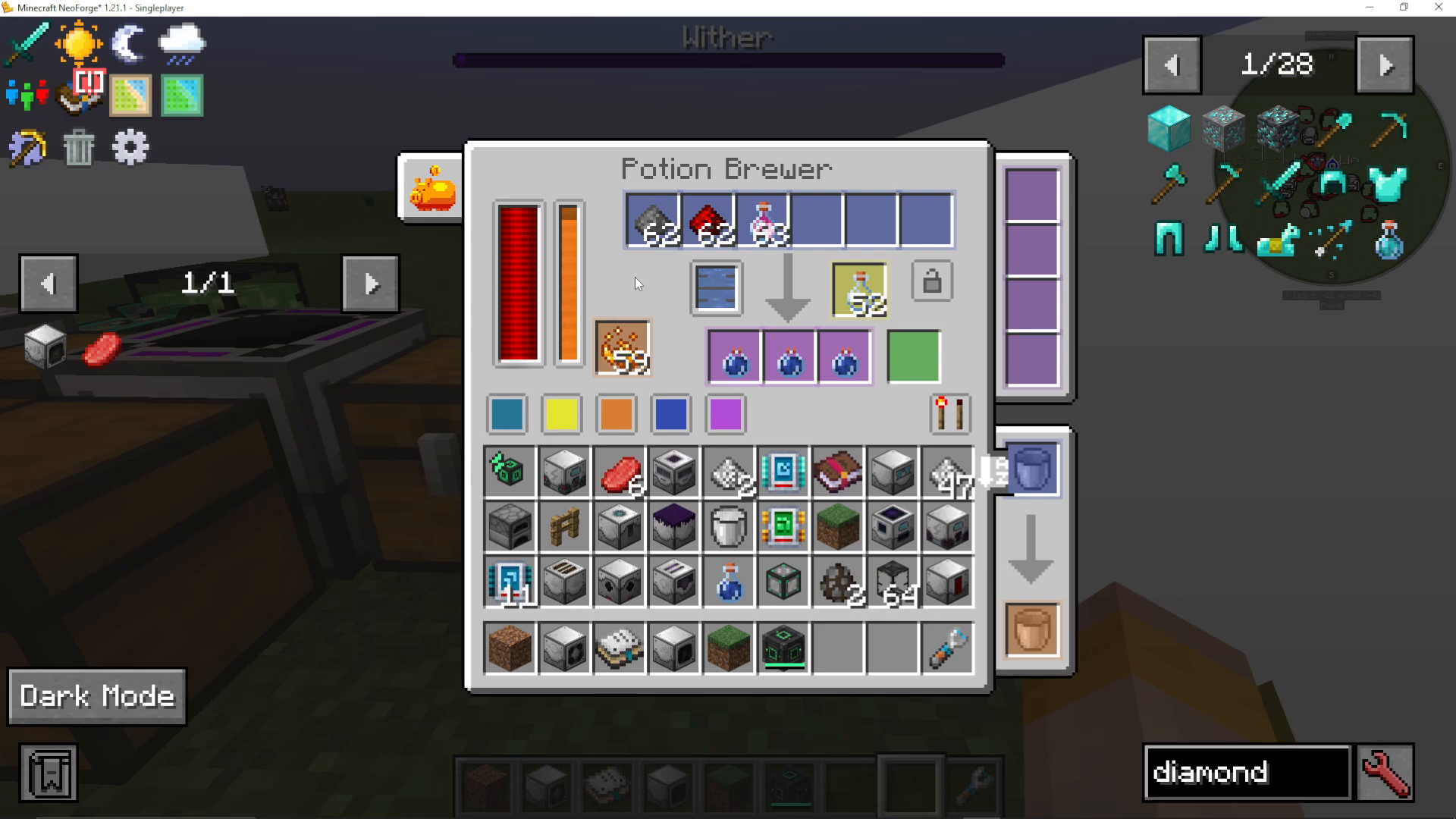
The Potion Brewer
This machine is incredible—it can perform up to 6 brewing steps automatically. Instead of running items through multiple brewing stands, you can:
Input glass bottles and water
Add all brewing ingredients (gunpowder, redstone, dragon’s breath, etc.)
Lock the recipe if making the same potion repeatedly
The machine creates the finished potion end-to-end
You can also specify which outputs go where by configuring each slot’s input/output side.
Infinity Tools and the Infinity Charger
These are the ultimate personal tools in Industrial Foregoing. They scale in power based on how much energy you store in them.
Tool Tiers
As you charge Infinity Tools, they progress through tiers:
Poor
Common
Uncommon
Rare
Epic
Legendary
Artifact
Higher tiers unlock special abilities and increased area-of-effect.
Tool Types
Infinity Drill: Mines blocks instantly
Infinity Saw: Cuts down trees
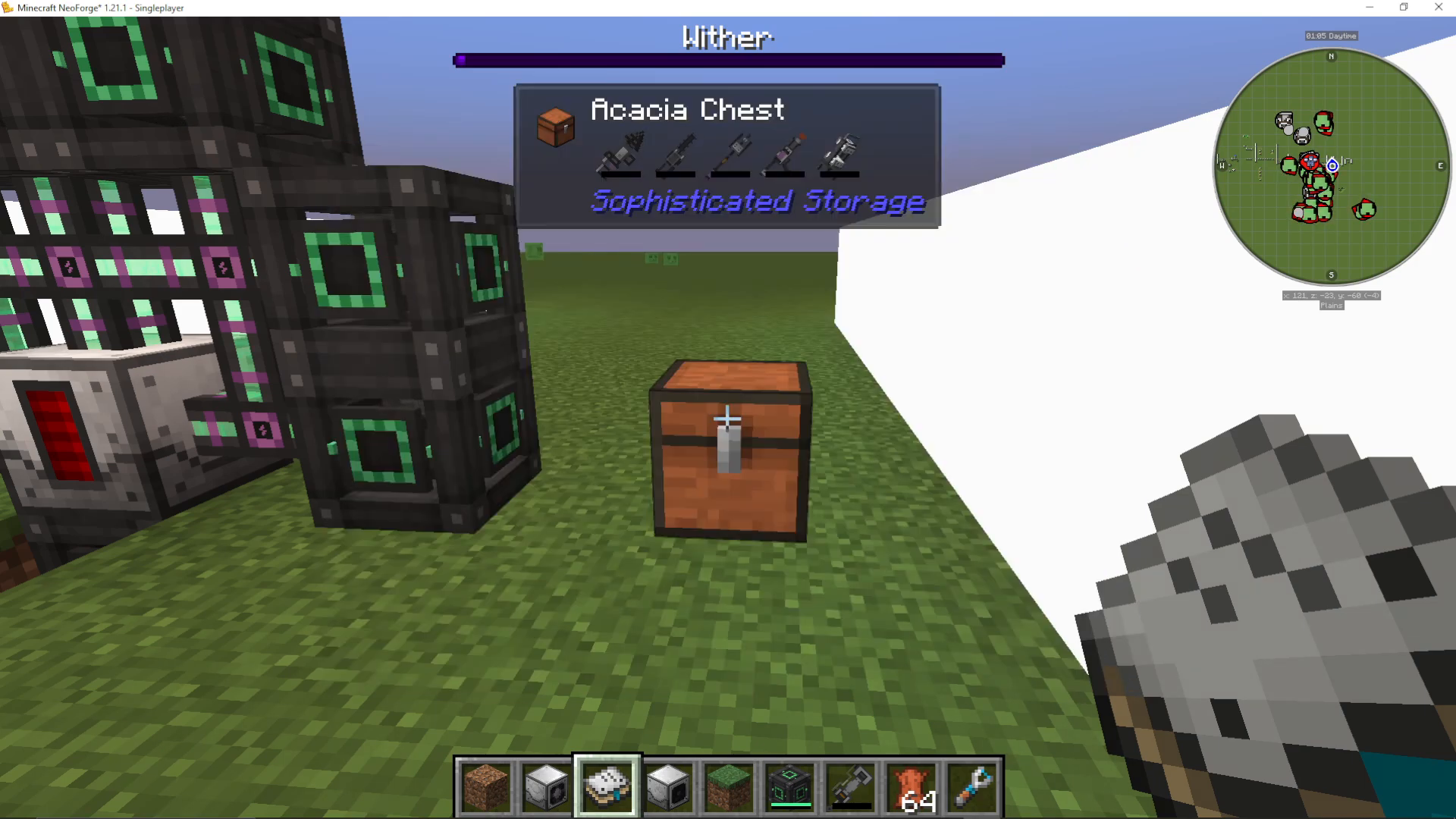
Infinity Trident: Captures/releases entities at range
Infinity Launcher: Shoots mobs from Mob Imprisonment Tools
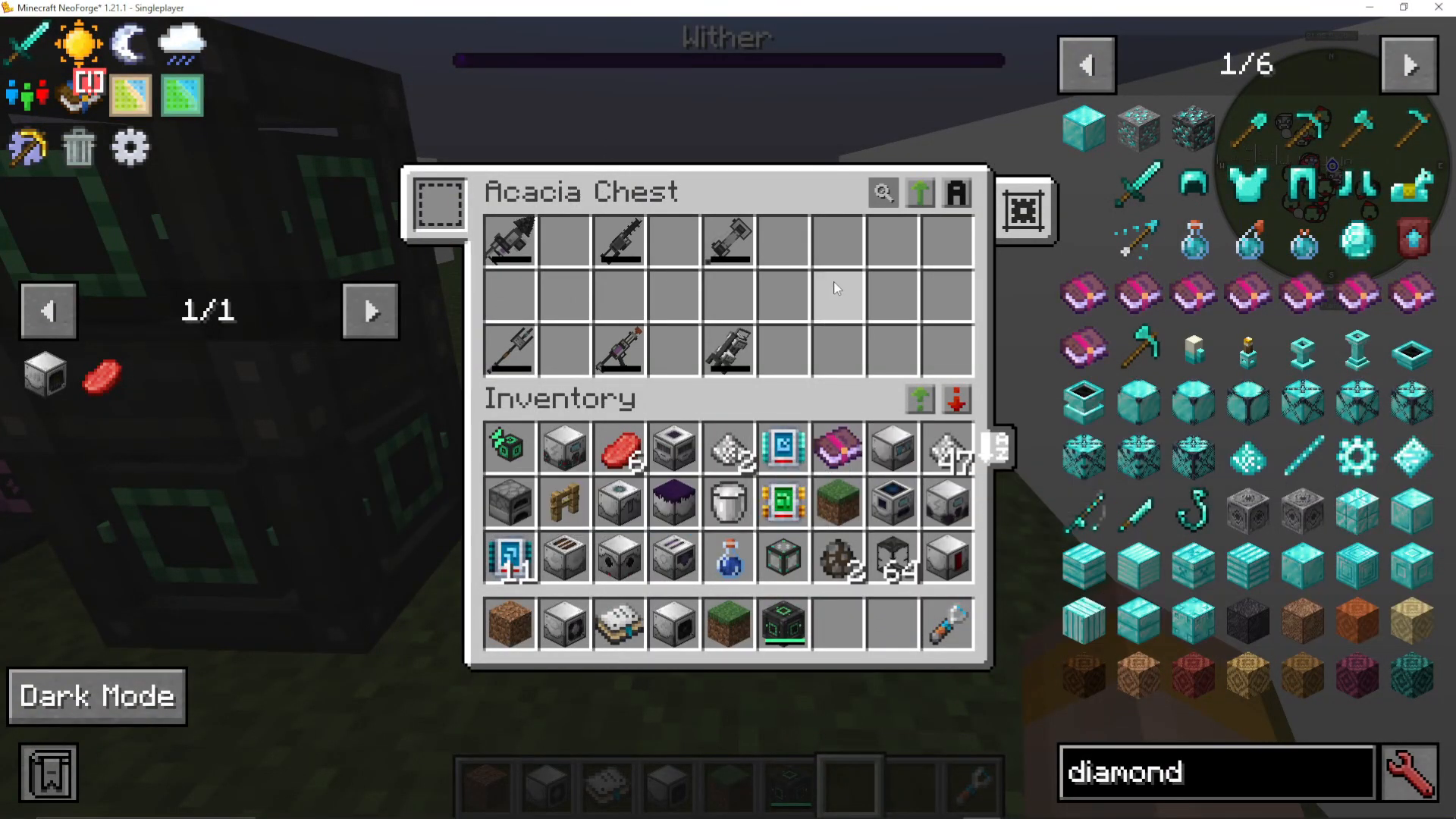
Infinity Hammer: Breaks blocks in an area (11×11×11 at max tier)
Infinity Backpack: Stores items, auto-pickups loot and XP, feeds you with liquid meat
Infinity Nuke: Massive explosion (doesn’t destroy claimed chunks)
The Infinity Charger
This block stores an enormous amount of energy and charges Infinity Tools very quickly. Place it and pipe power into it, then place Infinity Tools adjacent to it to charge them.
You can also fill Infinity Tools with Bio Fuel to make them more efficient—consuming fuel instead of power when used.
Ore Doubling and Tripling Systems
Maximize your ore yields using the liquid ore processing chain.
The Washing Factory
This machine converts raw ores into raw ore meat using liquid meat. You need at least 10 millibuckets of liquid meat to process ore.
Input: Raw ore (iron, gold, etc.) + Liquid Meat → Output: Raw Ore Meat
The Fermentation Station
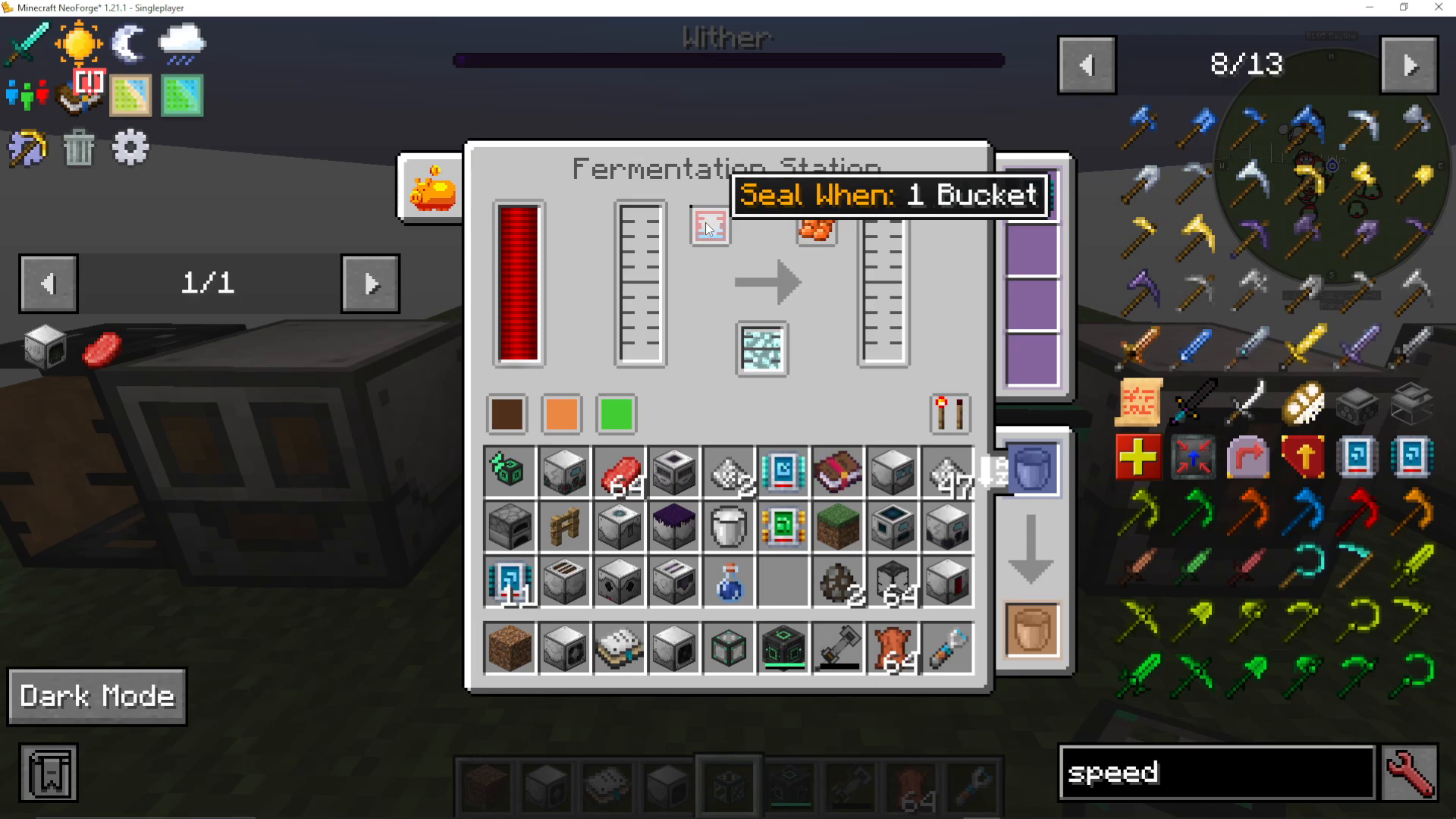
This is where you multiply ore. Choose your multiplier:
2× Multiplication: 5 seconds, no catalyst needed
3× Multiplication: 9 seconds, no catalyst needed
4× Multiplication: 2 minutes, requires pink slime as catalyst
5× Multiplication: Much longer, requires Efe Gas as catalyst
Set the machine to seal when full or at specific fill levels, then it will automatically ferment your ore meat.
The Fluid Sieving Machine
Convert fermented ore meat to ore dust using sand. Insert ore meat and sand; the machine outputs dust.
Then smelt the dust (or use a Resourceful Furnace to smelt multiple pieces at once) into finished ingots.
Complete Ore Doubling Chain
Here’s the full process:
Mob Slaughter Factory produces liquid meat
Washing Factory: 10 ore + liquid meat → 1 ore meat bucket
Fermentation Station: 1 ore meat → 5 ore meat (with 5× multiplier)
Fluid Sieving Machine: 5 ore meat + sand → 50 ore dust
Furnace/Resourceful Furnace: 50 ore dust → 50 ingots
Advanced Materials and Utilities
The Marine Fisher
Place this above water and power it. It will passively fish for you, giving you a steady supply of fish and other items—great for early-game food production.
The Spore Recreator
Add water to this machine and it will automatically farm mushrooms. Perfect for automated mushroom production.
The Material Stonework Factory
This incredibly versatile machine can perform up to 4 operations in sequence on items. For example:
Mine cobblestone → gravel → sand → glass (with furnace)
Mine cobblestone → gravel → sand → sandstone (with crafting)
You can configure each step independently, making it perfect for automating stone, gravel, and sand production.
Conveyors and Extraction Upgrades
Industrial Foregoing includes conveyor belts that can transport items, entities, and fluids (though fluids only work horizontally). You can:
Color them with dyes
Use glowstone to make them move items faster
Use plastic to prevent items from being picked up
Add extraction upgrades to pull items from adjacent machines
The Mycelial Reactor: The Ultimate Power Generator
This is the endgame power solution and one of the most complex setups in Industrial Foregoing. The Mycelial Reactor requires 16 different Mycelial Generators running simultaneously to function.
The 16 Required Generators
Each feeds a specific material type:
Potion Mycelial Generator: Drinks potions
Slimy Mycelial Generator: Consumes milk and slimeballs
Furnace Mycelial Generator: Burns coal and burnable items
Culinary Mycelial Generator: Eats food
Metallurgic Mycelial Generator: Uses liquid meat and ores/ingots
Nether Star Mycelial Generator: Consumes Nether Stars
Pink Slime Mycelial Generator: Uses pink slime
Ender Mycelial Generator: Consumes ender pearls
Disenchantment Mycelial Generator: Uses enchanted books
Magma Mycelial Generator: Burns lava
Halitosis Mycelial Generator: Uses dragon’s breath
Crimson Mycelial Generator: Consumes Nether blocks
Death Mycelial Generator: Uses bones and rotten flesh
Explosive Mycelial Generator: Consumes TNT
Frosty Mycelial Generator: Burns snow, snowballs, and ice
Rocket Mycelial Generator: Consumes rockets
Critical Operation Requirements
All 16 generators must be actively working simultaneously. This is crucial:
Each generator’s power output must be constantly pulled away
If a generator’s power storage fills up, it stops working
If ANY generator stops working, the Mycelial Reactor shuts down
Use Infinity Chargers or massive power storage to ensure constant power drain from all generators.
The Payoff
When all 16 generators are running and connected to the reactor, you get a beautiful blue/purple effect and access to virtually unlimited power—the best power generation in the entire mod.
Additional Tools and Features
The Meat Feeder
A portable tool that automatically feeds you when carried in your inventory. Fill it with liquid meat and you’ll never go hungry.
Conveyors with Add-ons
Beyond basic belts, conveyor upgrades allow you to:
Extract items from machines automatically
Transport items long distances
Create complex sorting systems
The Resourceful Furnace
Smelt up to 3 items at once (normal furnaces do 1). It also produces a small amount of essence as a bonus. Great for speeding up your smelting operations.
Conclusion
Congratulations! You’ve now learned every aspect of Industrial Foregoing, from basic latex production to the ultimate Mycelial Reactor. This mod is incredibly deep and rewarding—it enables some of the most impressive automation setups in modded Minecraft. Whether you’re building automated farms, processing ores, or working toward the complex Mycelial Reactor, Industrial Foregoing provides the tools you need.
Remember to explore and experiment. The mod is designed to give you multiple paths to the same goals, so don’t be afraid to find your own approach. Good luck with your Industrial Foregoing adventures!
— Want to Support? —
If you would like to help us continue making these guides – please consider joining our patreon here – https://www.patreon.com/c/JaviHeals
Alternatively – we host a group of MC Servers you can join here – https://discord.gg/zD7Gjt6MHF



