







The Complete IndustrialCraft 2 Guide – IC2
The Complete IndustrialCraft 2 Guide – IC2
Welcome to the ultimate IndustrialCraft 2 (IC2) guide! This comprehensive tutorial takes you from complete beginner to building your first nuclear reactor. Whether you’re just starting out or looking to master advanced mechanics, this guide covers everything you need to know about IC2, from basic tools and rubber gathering to endgame quantum gear and nuclear power generation.
Getting Started: Essential Tools and Rubber
Before you dive into IndustrialCraft 2, you’ll need to craft some basic tools. The first essential tool is the Wrench (New), which is made from bronze ingots. To create bronze, combine three pulverized copper and one tin ingot, then smelt the mixture. Make sure you craft the “new” version of the wrench—the older model is far less efficient.
You’ll also need a Cutter (for converting plates into cables) and a Forge Hammer (for creating plates from ingots and making casings). These tools are essential for crafting the basic components you’ll use throughout the mod.
Next, you need to find rubber. Look for Rubber Wood trees in your world—they have distinctive notches on their trunks. Craft a Tree Tap from basic wood and right-click these notches to harvest sticky resin. The notch will sometimes regenerate, allowing you to harvest multiple times, but eventually it will disappear permanently. Once you have sticky resin, smelt it in a furnace to create rubber.
For more efficient smelting early on, craft an Iron Furnace, which is about 25% more efficient than a standard Minecraft furnace.
Power Generation and Energy Systems
Basic Power Sources
Industrial Craft 2 uses a power system called EU (Energy Units). There are several ways to generate power early game:
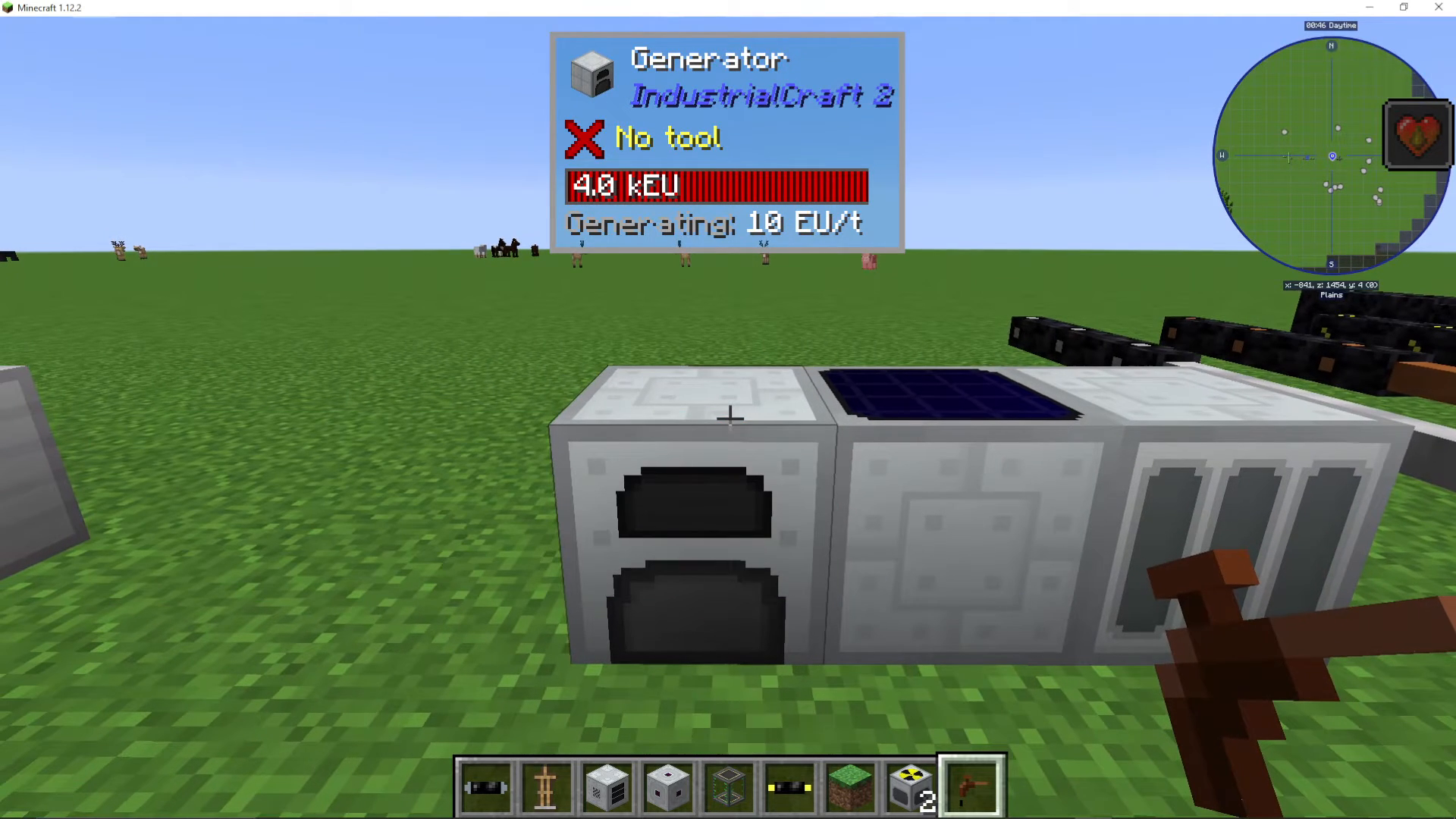
Generator: The most efficient early-game option. Right-click to add coal or other combustible materials.
Solar Panel: Generates 1 EU per tick from sunlight. You’ll need many panels for significant power output.
Geothermal Generator: Produces 20 EU per tick, but requires a constant supply of lava.
Power Storage
To store power, you’ll need an RE Battery, made from casings, redstone, and tin cables. For larger energy storage, you can craft:
BatBox: Low voltage storage (32 EU/tick)
CESU: Medium voltage storage (requires advanced materials)
MFE: High voltage storage (512 EU/tick, stores 4 million EU)
MFSU: Extreme voltage storage (highest capacity in early-game IC2)
Cable Types and Voltage Systems
IC2 has different cable types for different voltage levels. Each cable has a maximum EU/tick capacity and energy loss per block:
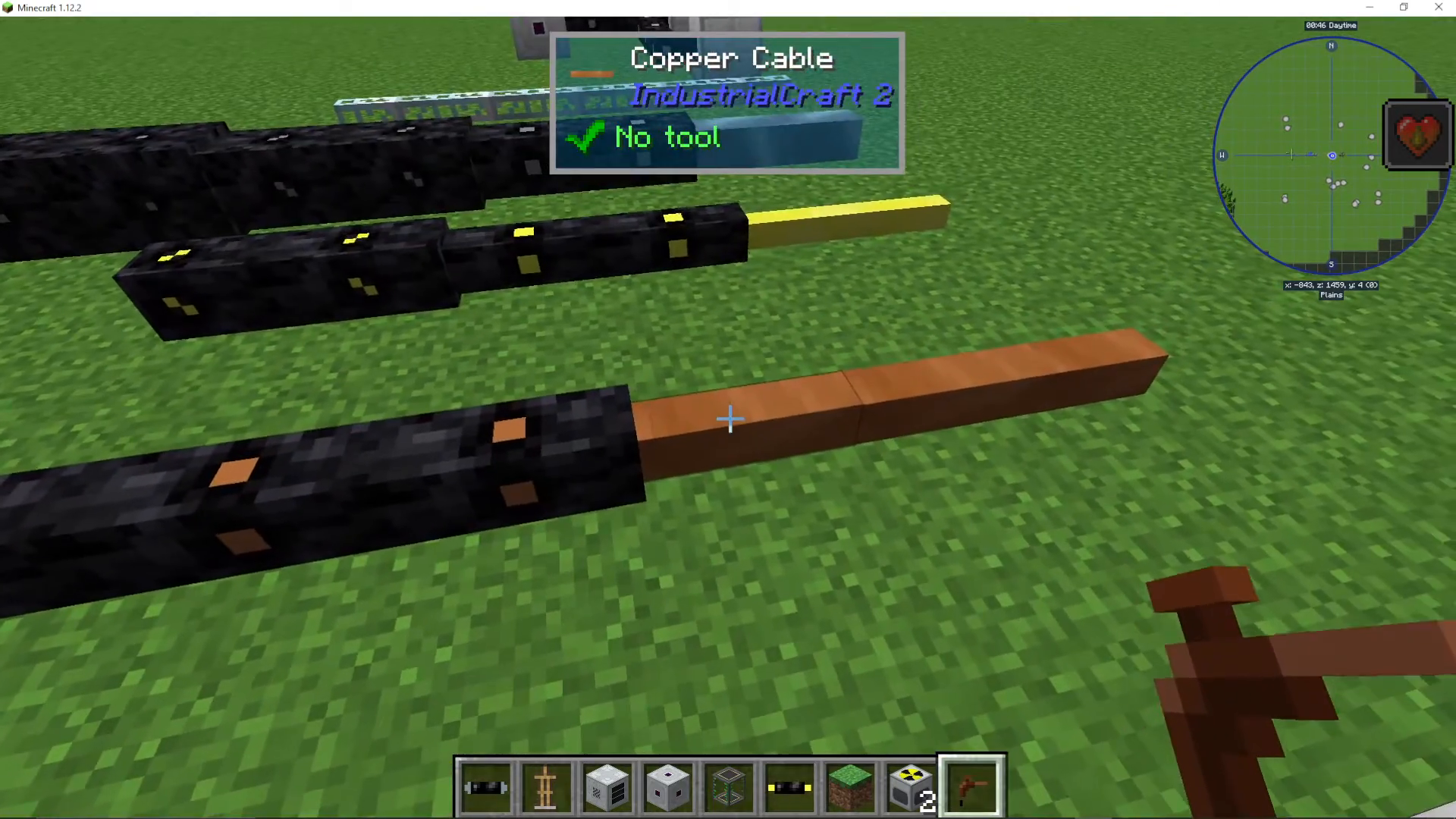
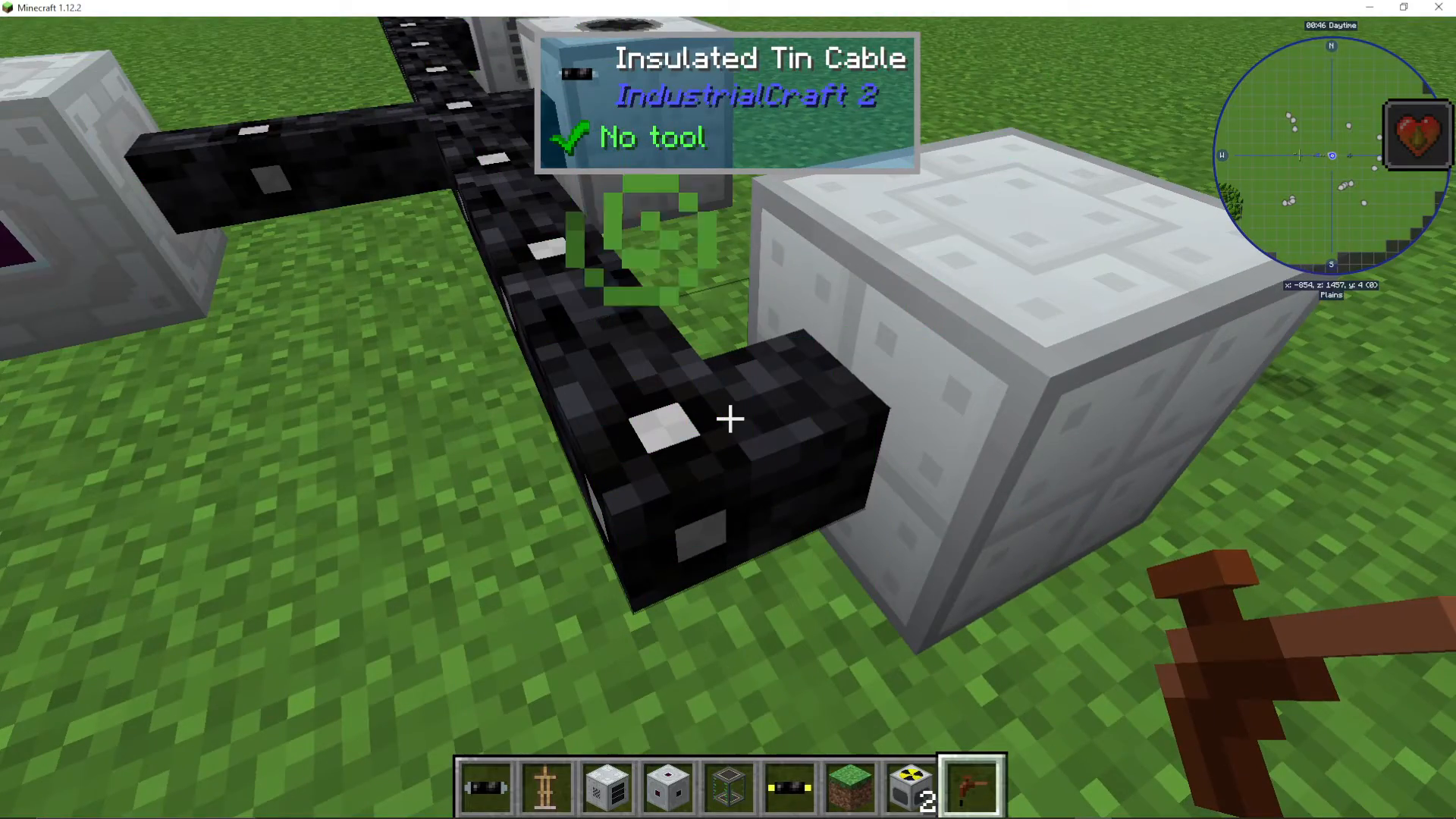
Tin Cable (Insulated): 32 EU/tick, 0.2 loss per block – Low Voltage
Copper Cable (Insulated): 128 EU/tick – Low Voltage
Gold Cable (Insulated): 512 EU/tick – Medium Voltage
High Voltage Cable (Insulated): 2048 EU/tick – High Voltage
Glass Fiber Cable: 8000 EU/tick with very low loss – Extreme Voltage
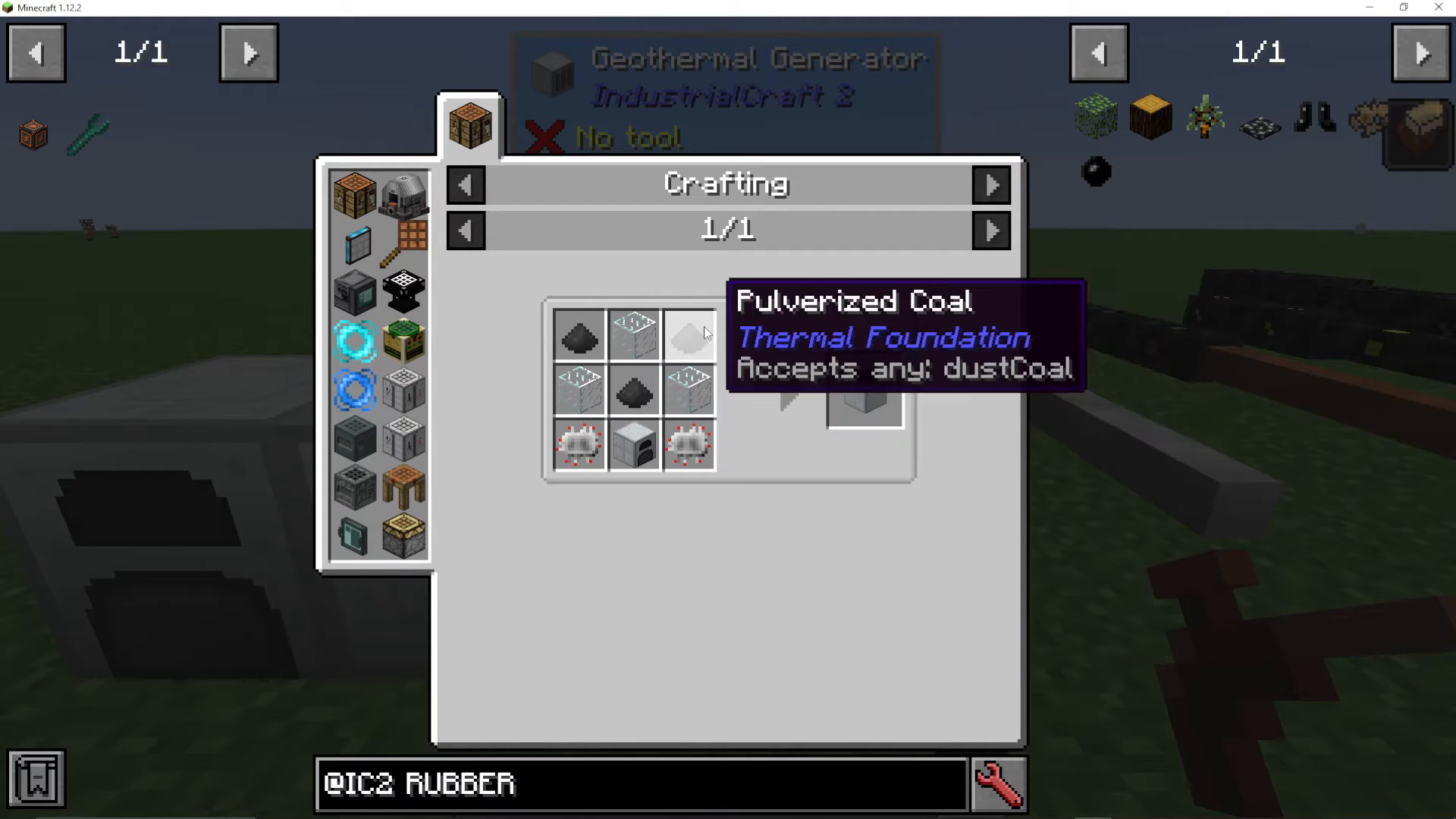
Uninsulated cables will shock you. Add rubber to your tin cables to insulate them. Insulated cables can be insulated multiple times to reduce damage.
Transformers and Voltage Management
Use transformers to convert between voltage levels. Each transformer type handles specific voltage ranges:
Low Voltage Transformer: Steps down from Medium to Low voltage
Medium Voltage Transformer: Steps down from High to Medium voltage
High Voltage Transformer: Steps down from Extreme to High voltage
Important: If you input a higher voltage into a low-voltage machine, it will explode. Always check the machine’s tier (found in JEI) to ensure you’re using the correct voltage cable.
Basic Machines and Processing
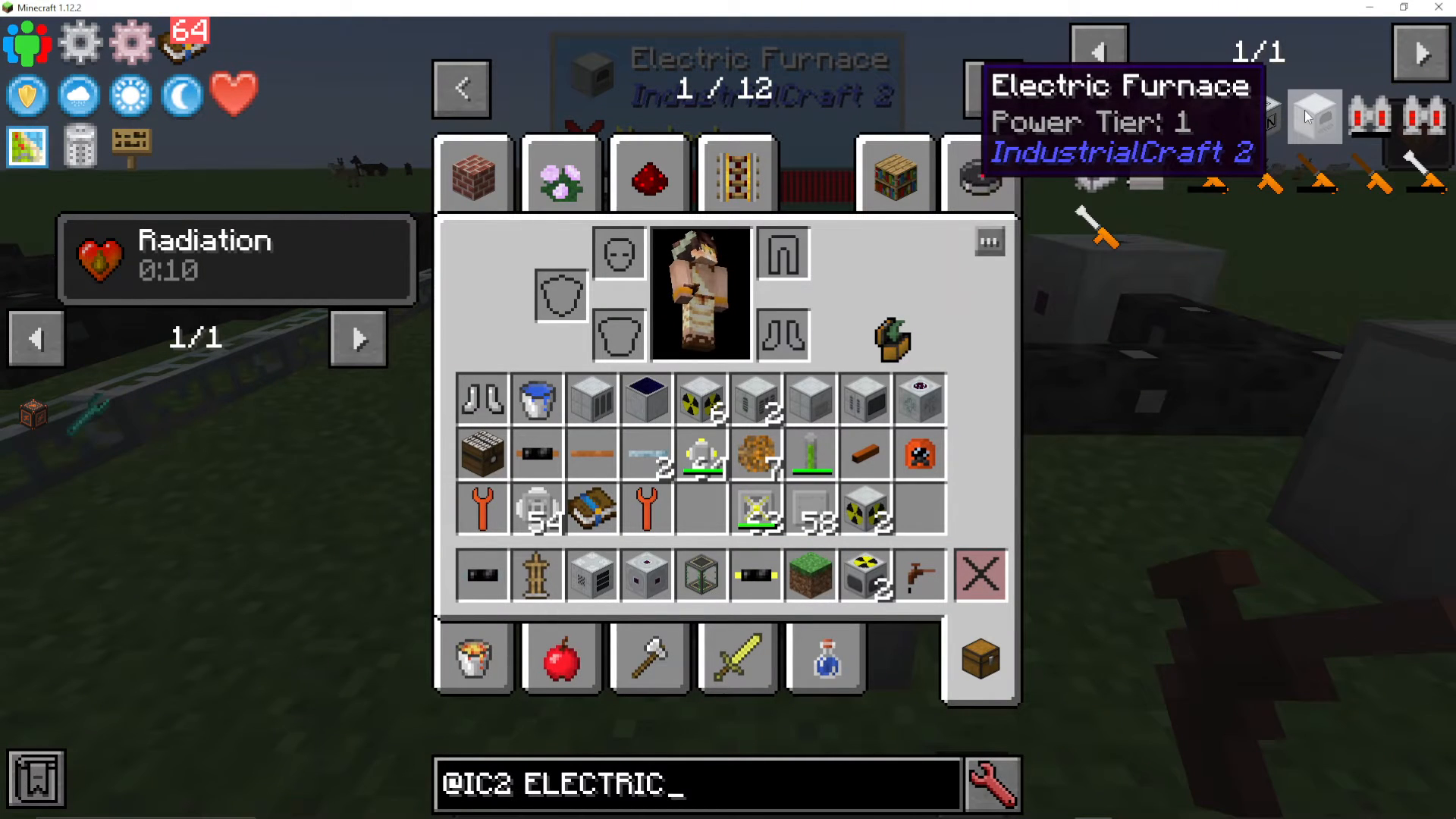
Electric Furnace
The first electric machine you’ll make, the Electric Furnace requires only tin cable (low voltage). It smelts ores and other materials using EU. All tier one machines have upgrade slots on the right side where you can add:
Overclocker Upgrade: Reduces processing time to 70% per upgrade (multiplicative). Warning: also increases power usage multiplicatively.
Transformer Upgrade: Steps up the machine’s voltage tier (allows higher voltage input)
Energy Storage Upgrade: Increases the machine’s internal energy buffer
Ejector/Puller Upgrades: Automatically outputs/inputs items
Redstone Control Upgrade: Allows redstone control of the machine
Macerator
The Macerator pulverizes one ore into two crushed ore, effectively doubling your ore output. This is one of the most important machines in early-game IC2.
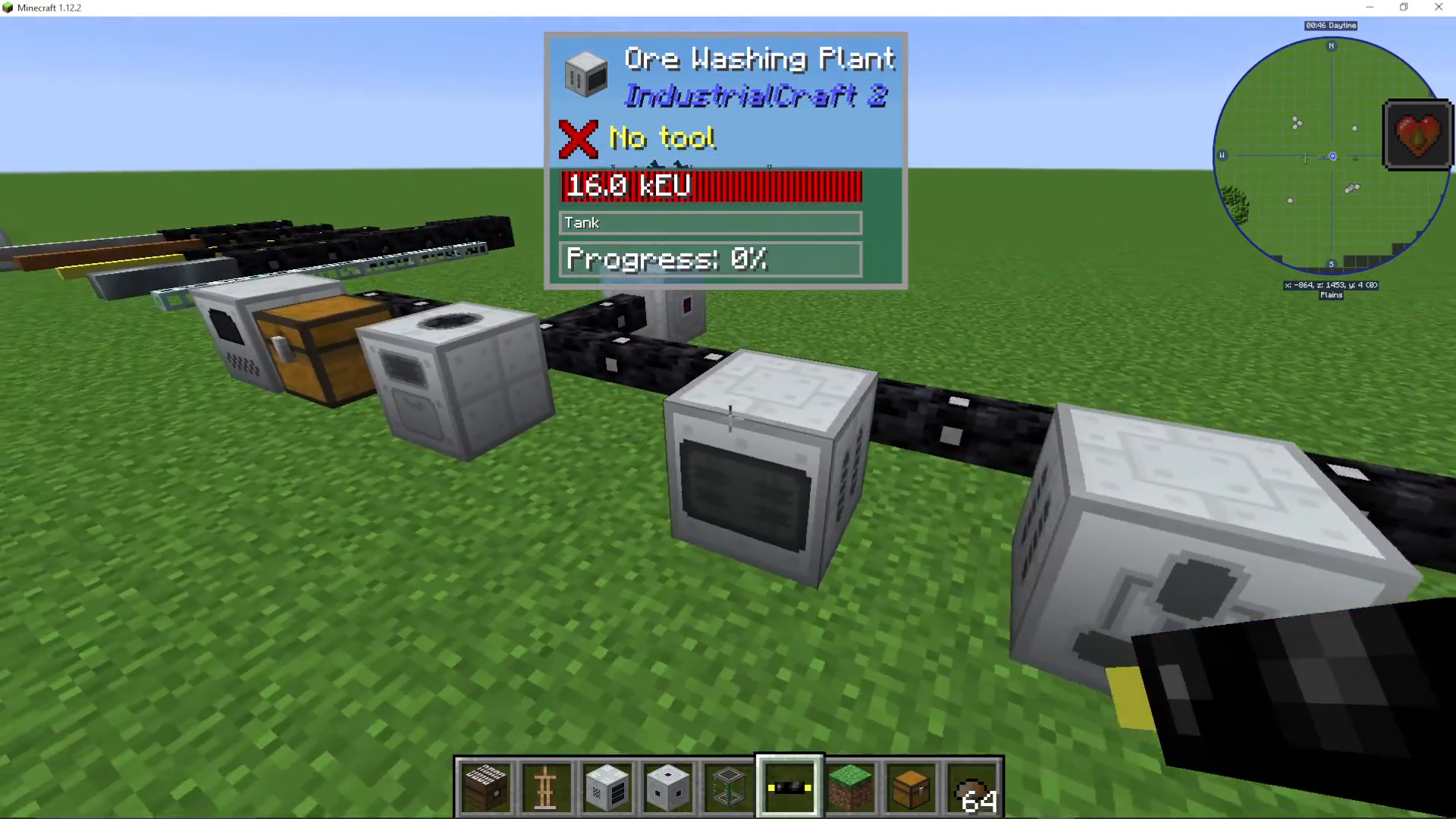
Ore Washing Plant
Feed crushed ore and water into this machine to create clean ore and tiny piles of ore dust. For every five ore, you’ll get approximately one extra ore through this process. It’s a modest efficiency gain but can be useful at scale.
Extractor
The Extractor is one of the best early-game machines. Put sticky resin in and get three rubber out (compared to one rubber from smelting). You can also use rubber tree saplings and rubber wood to create rubber, making this an excellent renewable rubber source.
Metal Former
This versatile machine can cut, extrude, or roll materials. It can:
Convert steel blocks into shafts
Make tin cans from casings
Create cable from plates (more efficient than manual crafting with cutters)
Hammer ingots into plates
Hammer plates into casings
Unlike handheld tools, the Metal Former never wears out.
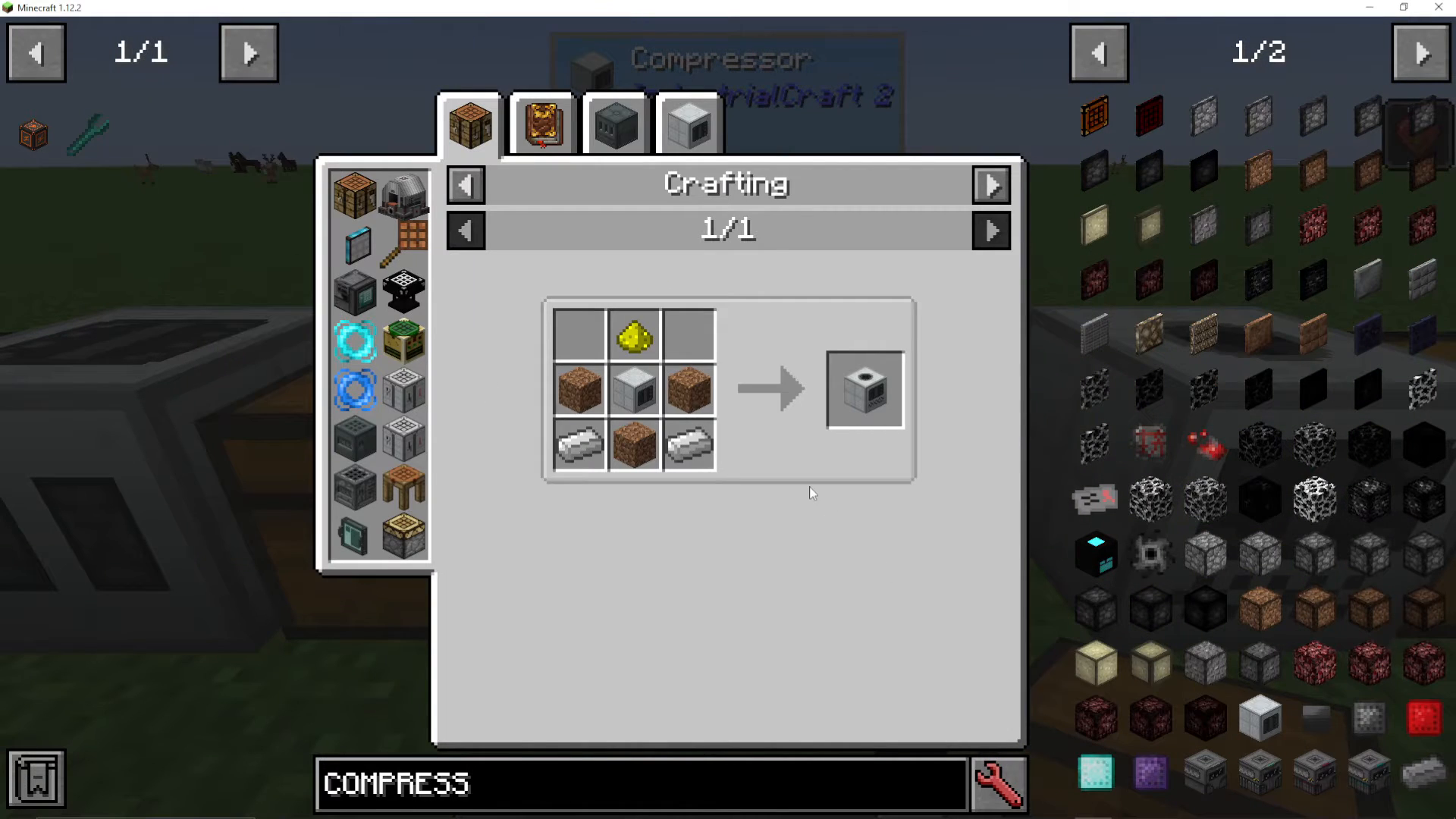
Compressor
The Compressor compresses items and blocks. Some notable uses:
Compress nine tiny ore piles into one ore
Convert snowballs into snow
Create diamonds from coal blocks through coal chunks (renewable diamonds!)
Compress cobblestone into various blocks
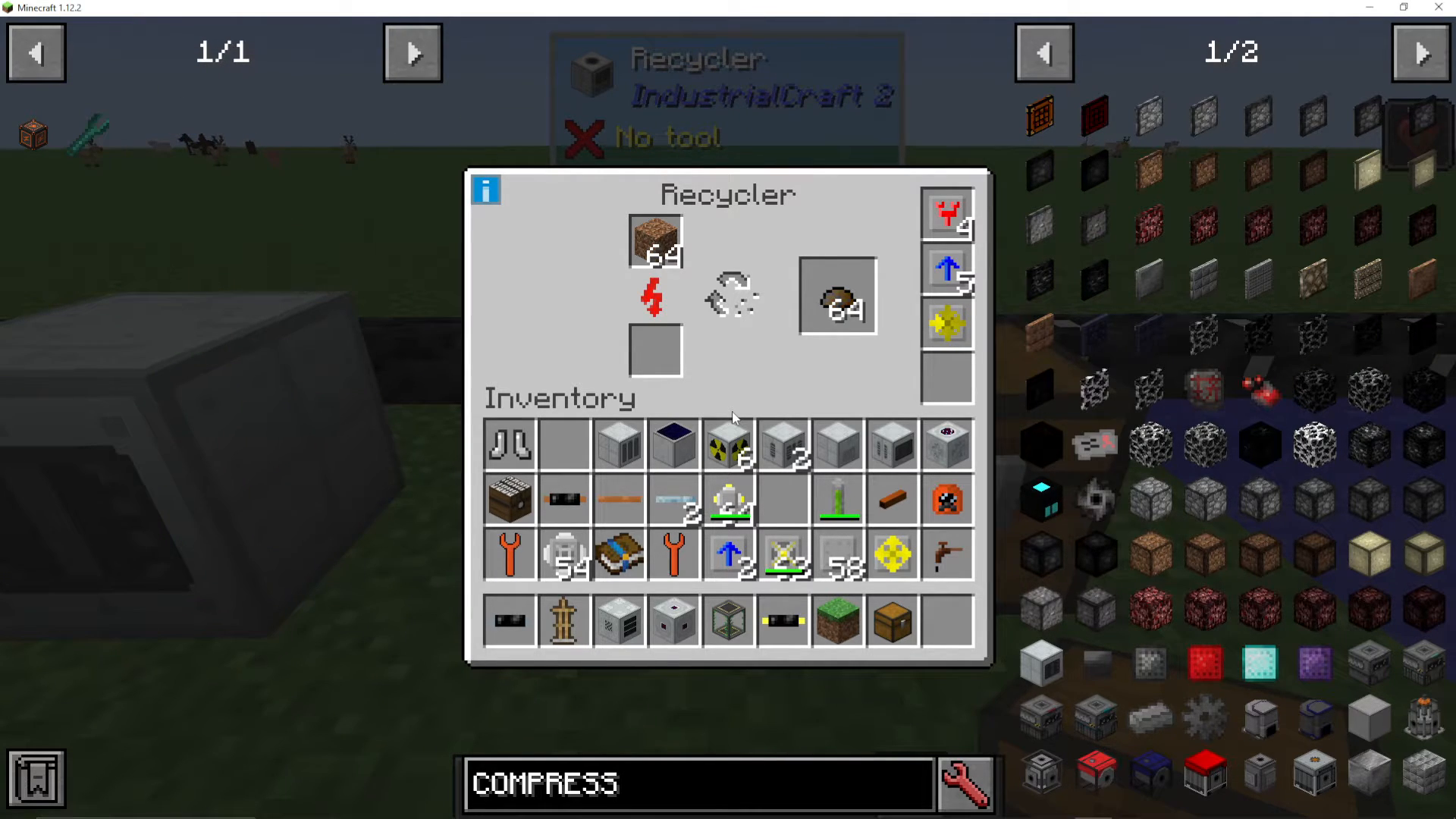
Recycler
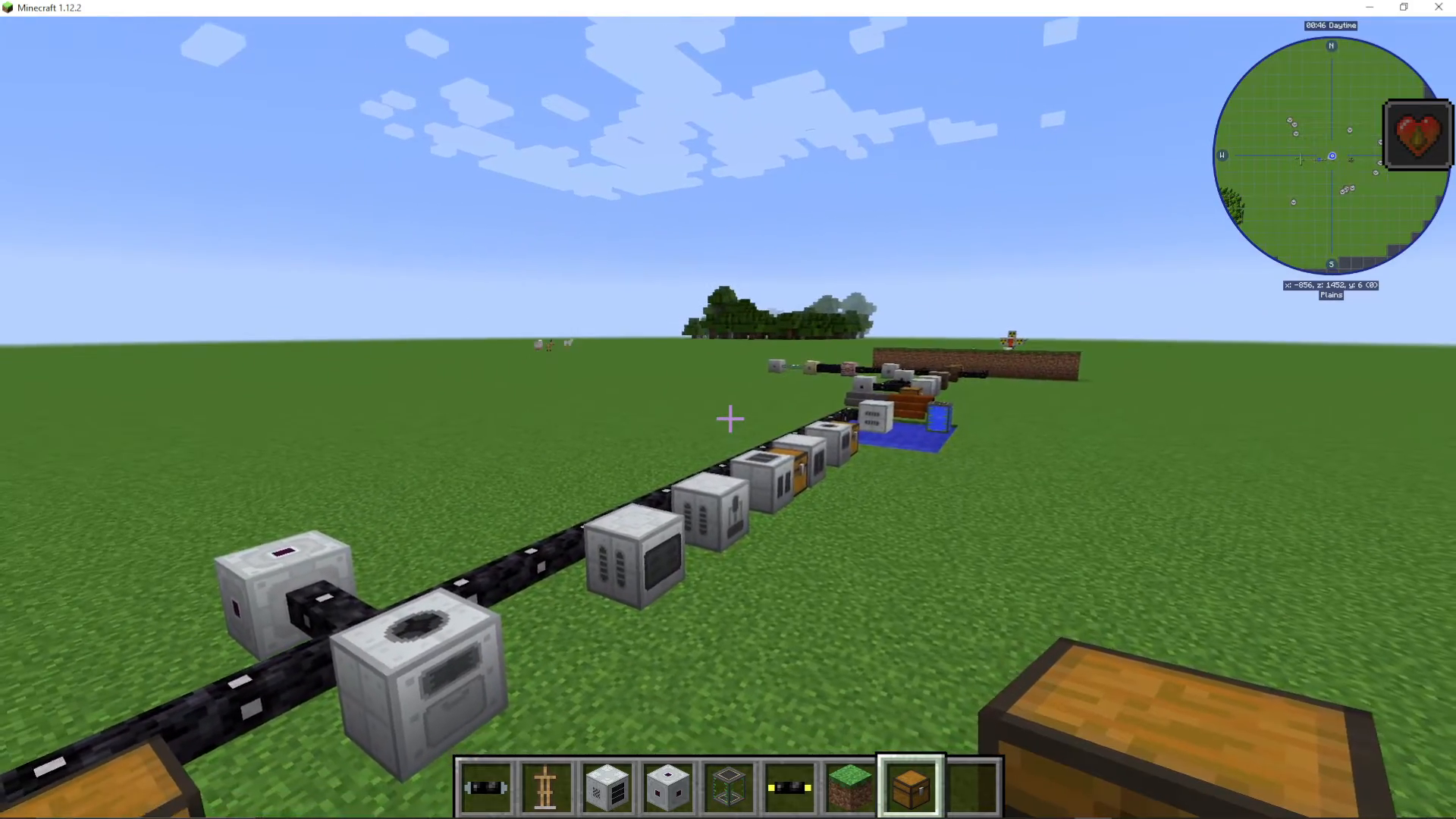
The Recycler converts any item into scrap with a 12% chance per operation. While the chance is low, recyclers are essential for creating UU-Matter (see below). You can feed it dirt, cobblestone, or any other material.
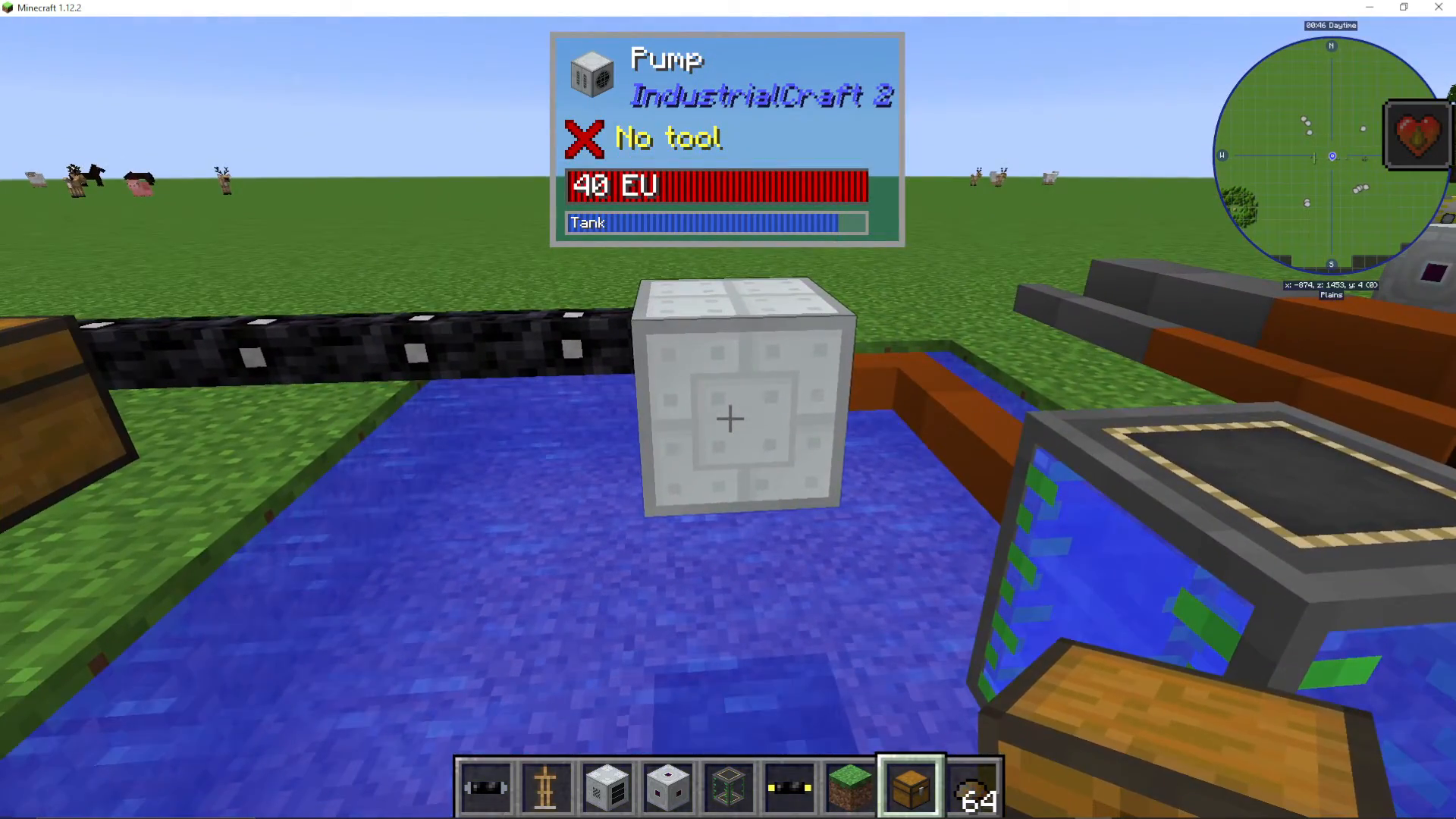
Pump
Right-click the pump with your wrench to position its intake over a 5×5 body of water. Use fluid ejector upgrades to pipe water to tanks or buckets. Bronze pipes transfer at different rates depending on size:
Tiny Bronze Pipe: 400 mB/s
Small Bronze Pipe: 800 mB/s
Medium Bronze Pipe: 2400 mB/s
Large Bronze Pipe: 4800 mB/s
Large Steel Pipe: 9600 mB/s (best option)
You can also attach pump attachments to increase transfer speed.
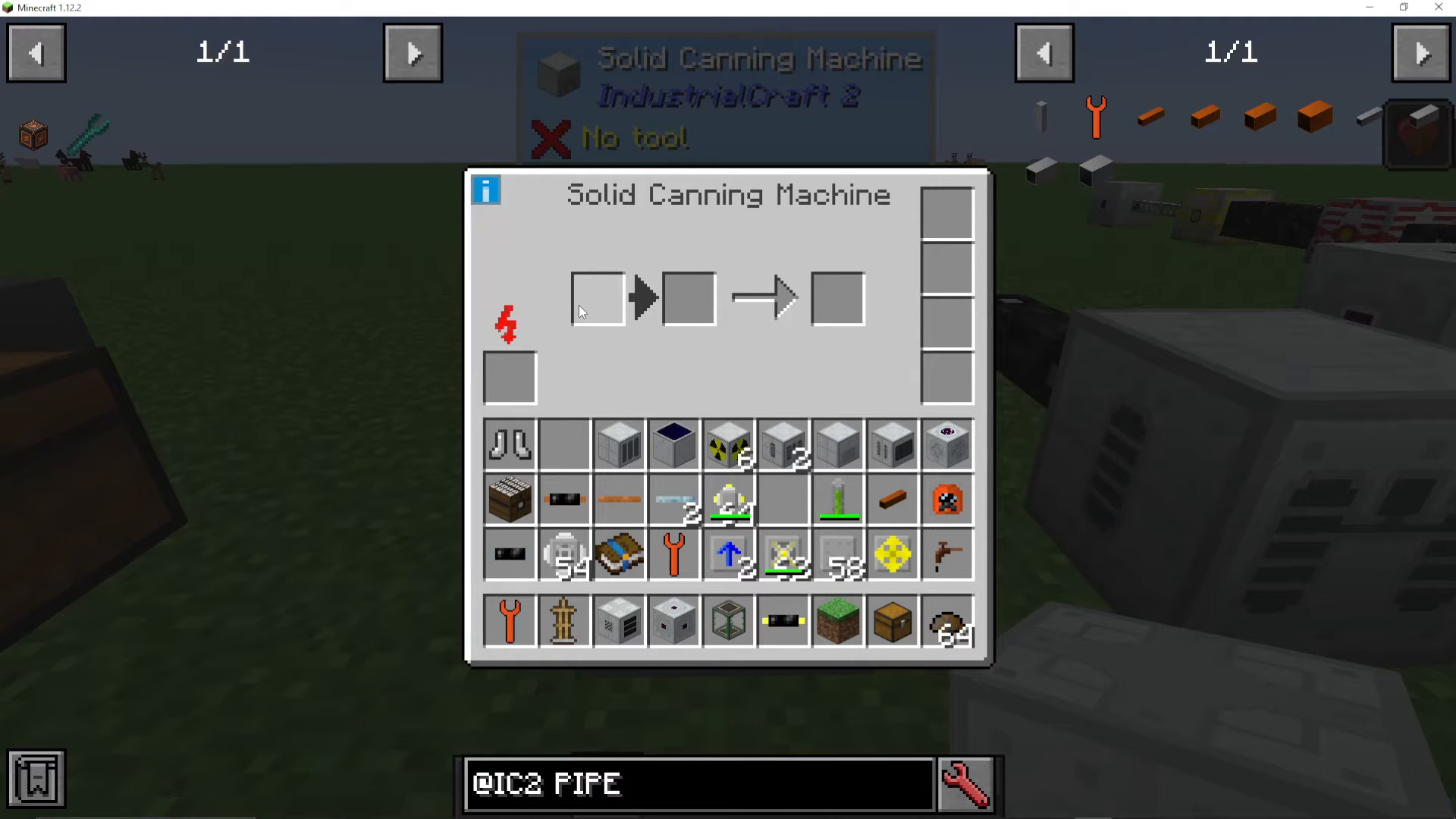
Canning Machine
This machine cans items and fluids. Notable uses:
Create fuel rods by canning uranium (essential for nuclear reactors)
Fill tin cans with food, allowing you to eat full stacks at once instead of individual items
Combine powders and fluids (like water and milk powder into milk)
Filled tin cans are incredibly convenient—if you need 10 hunger points and have a stack of tin cans, you can eat them all at once.
Medium Voltage Machines
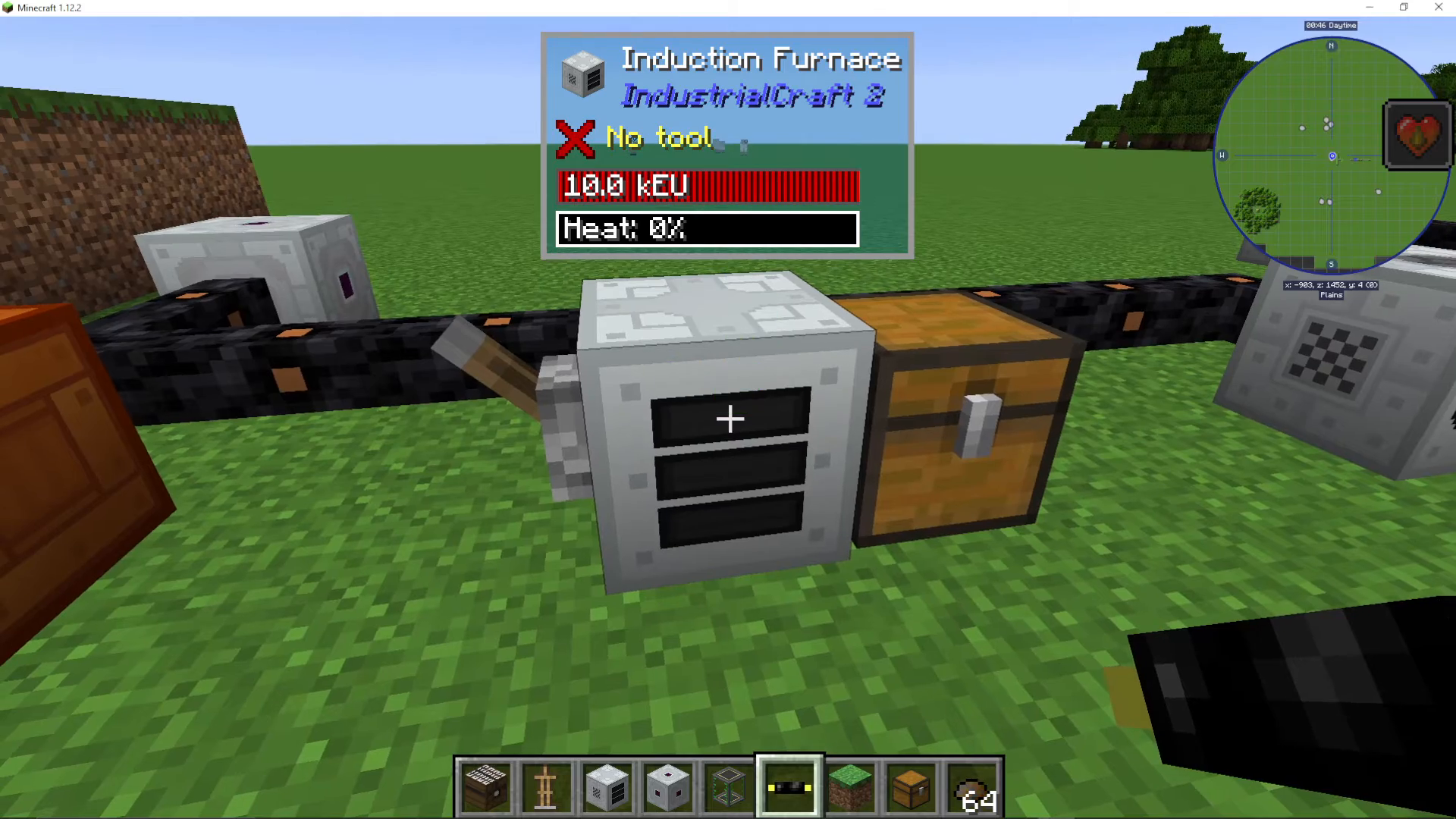
Induction Furnace
The Induction Furnace is a powerful smelting machine that heats up over time. The hotter it gets, the faster it smelts. Key features:
Two ore input slots for double efficiency
Can use redstone control to keep it heated permanently (costs continuous EU)
Dramatically speeds up at higher temperatures
For farms and quarries with constant ore supplies, keeping an induction furnace heated at maximum temperature is highly efficient.
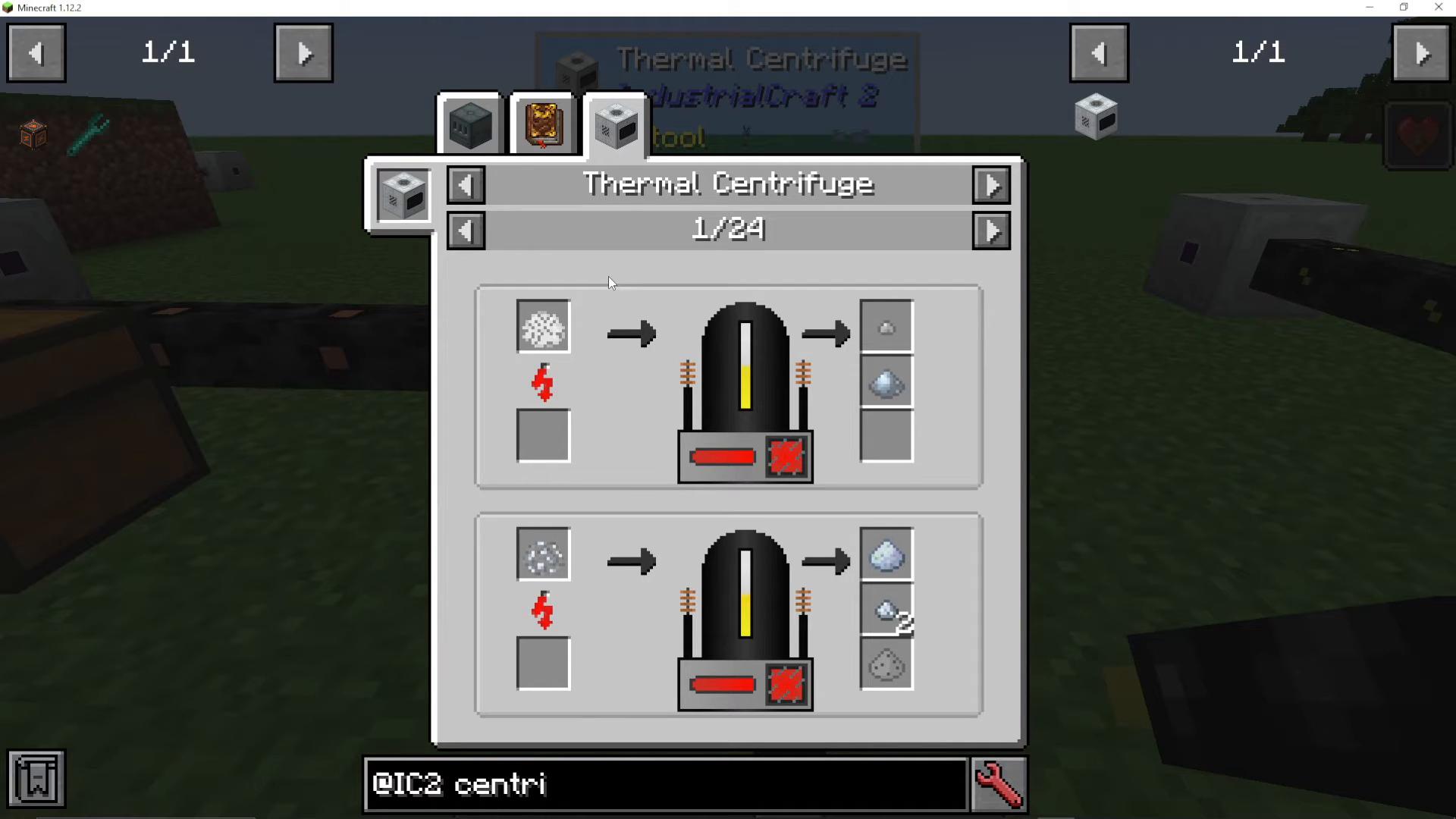
Thermal Centrifuge
This machine processes crushed ore to extract additional ore dust and rare material chances. Put in crushed or purified crushed ore:
Normal crushed ore yields two tiny piles
Purified crushed ore yields clean ore plus extra tiny piles
Rare chance to get bonus materials (e.g., platinum dust from tin ore, iridium from platinum)
While the extra yields are small, it’s useful for extracting rare materials.
High Voltage Machines and Advanced Materials
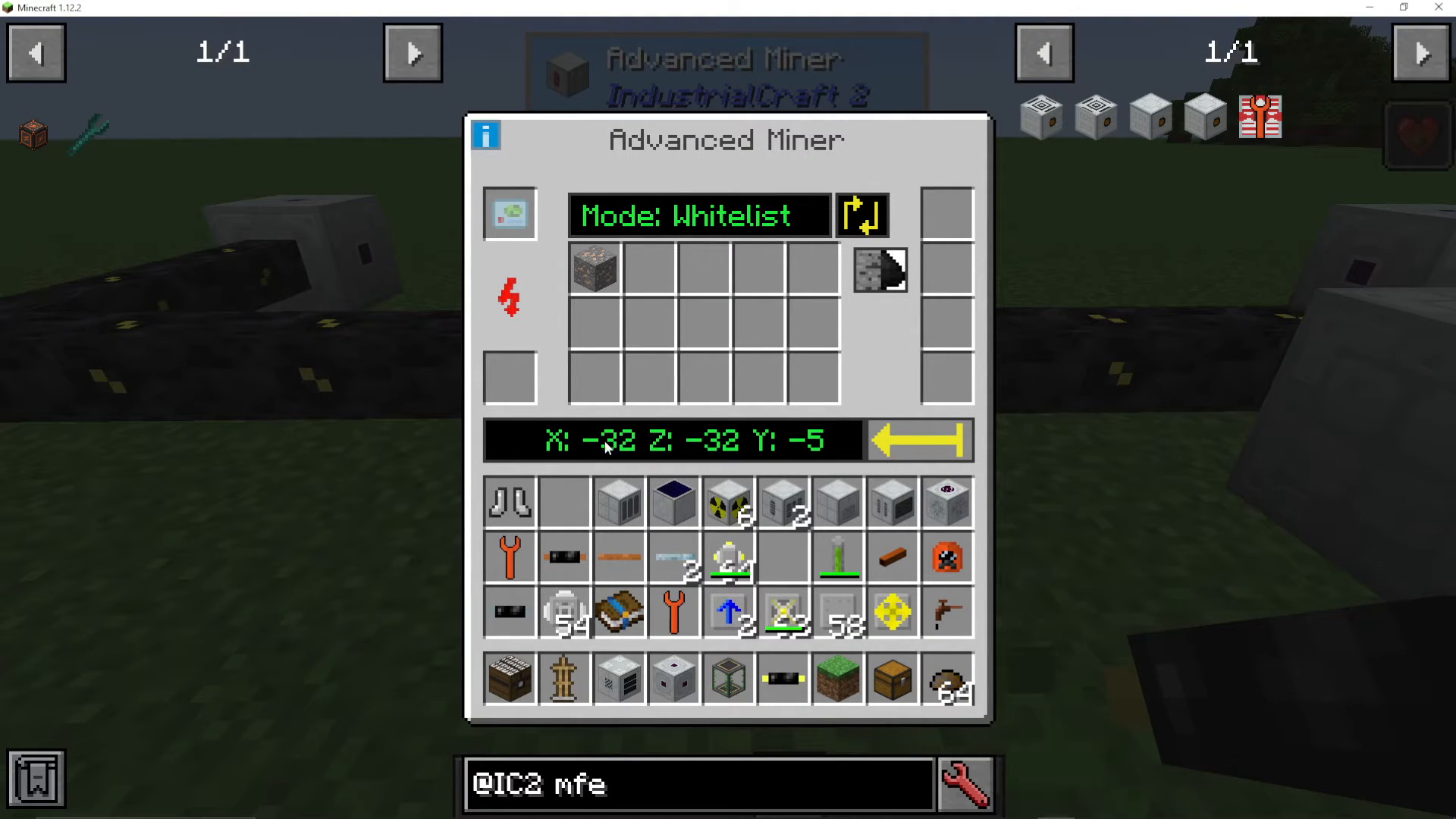
Advanced Miner
The Advanced Miner automatically mines ores in a range. Features:
OD Scanner: Range of 6 blocks
OV Scanner: Range of 12 blocks
Whitelist/blacklist specific ores to mine
Toggle silk touch on or off
Support for overclocker upgrades for faster mining
This is an excellent machine for automated ore collection, though its range is limited compared to quarries from other mods.
UU-Matter and Replication
Creating UU-Matter
The Matter Fabricator converts scrap into UU-Matter, a material that can replicate any item in the game. The process is slow without scrap, but dramatically speeds up with scrap input. To get scrap at scale:
Set up multiple recyclers (around 10)
Feed them with a cobblestone generator
Route all the scrap into matter fabricators
The fabricators will slowly accumulate UU-Matter
UU-Matter can be bucketed out or piped to storage tanks using fluid ejector upgrades.
The Replicator
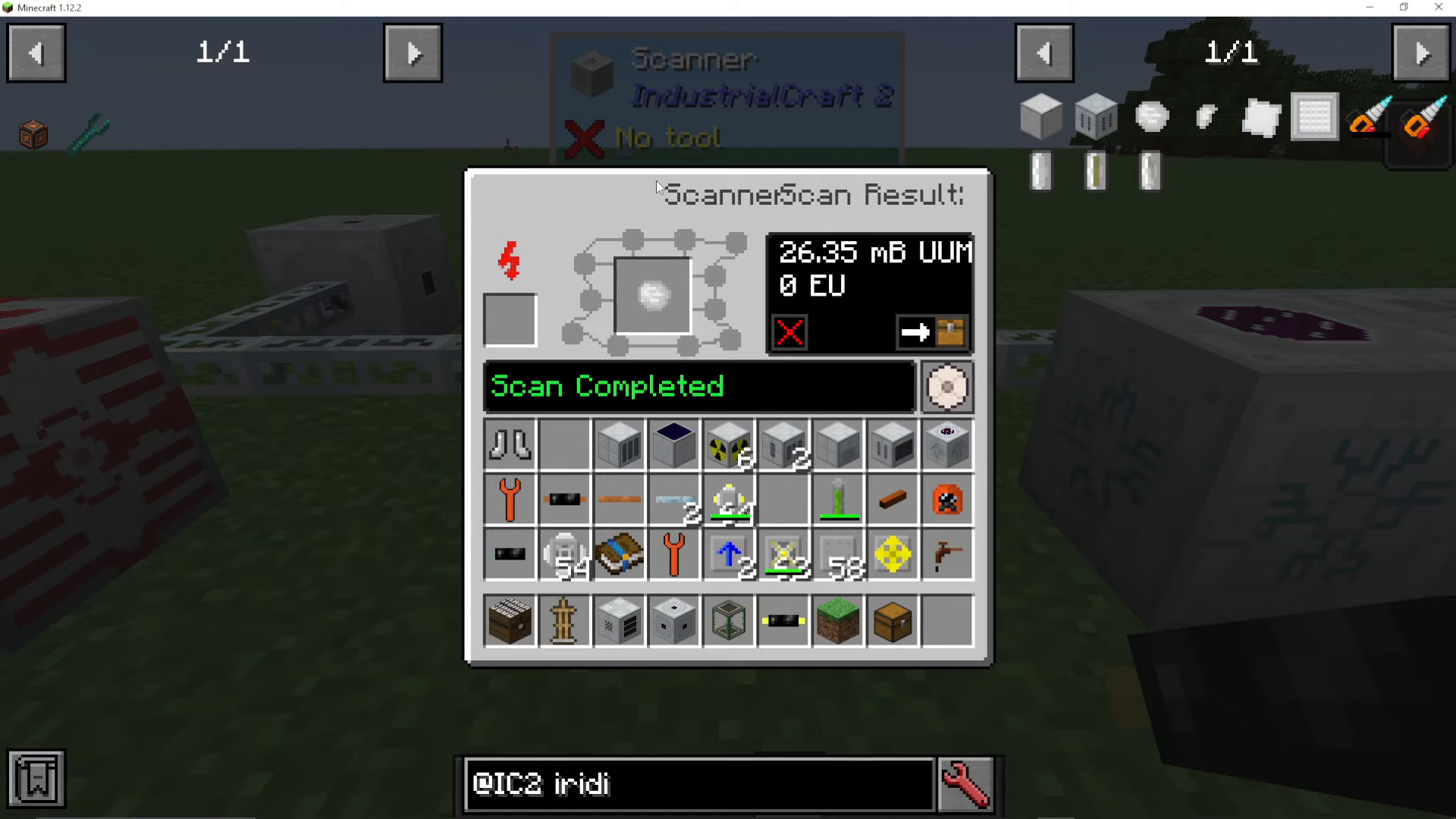
The Replicator and Pattern Storage work together to create items from UU-Matter. The process:
Create a scanner using crystal memory (made from silicon dioxide, which comes from pulverizing clay)
Place the scanner in the pattern storage next to a replicator
Right-click the scanner on an item you want to replicate (e.g., iridium ore)
The scanner imprints the pattern onto the crystal memory
Place the crystal memory in the pattern storage
Fill the replicator with UU-Matter and press the run button
The machine creates a perfect replica
This is the primary way to obtain iridium ore, which is essential for crafting endgame quantum gear. The process requires significant EU investment but allows infinite replication of rare materials.
Nuclear Reactors
Reactor Safety
Before building a reactor, gear up! Wear the following to protect against radiation:
Hazmat Helmet
Hazmat Chest Plate
Hazmat Leggings
Rubber Boots
Scuba Mask
Without proper protection, you’ll suffer radiation damage from your reactor.
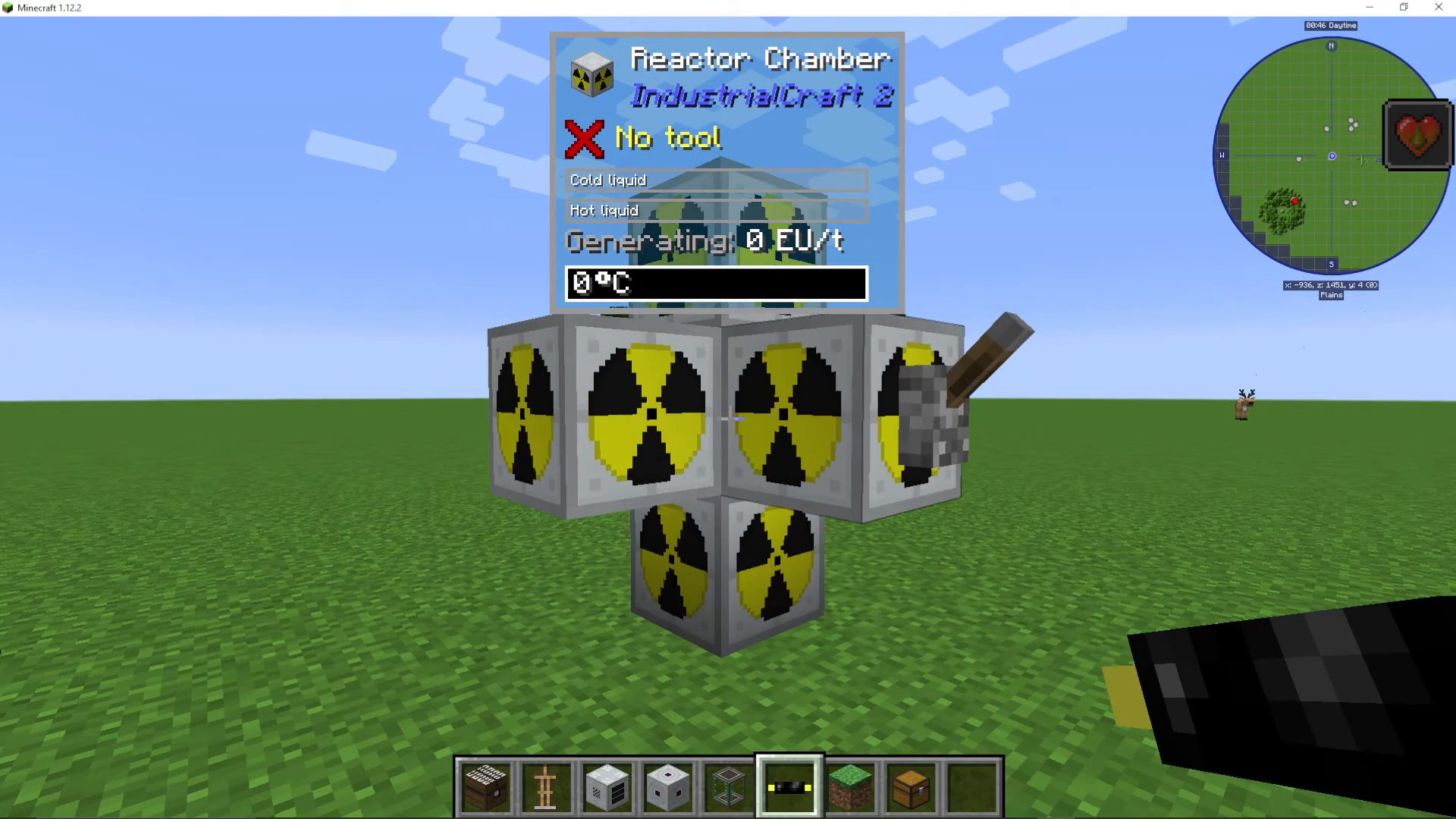
Building Your First Reactor
To place reactor components:
Place a grass or dirt block where you want your reactor
Place the nuclear reactor on top of it
Break the block beneath it
Place reactor chambers around the reactor (one chamber = one new column of slots)
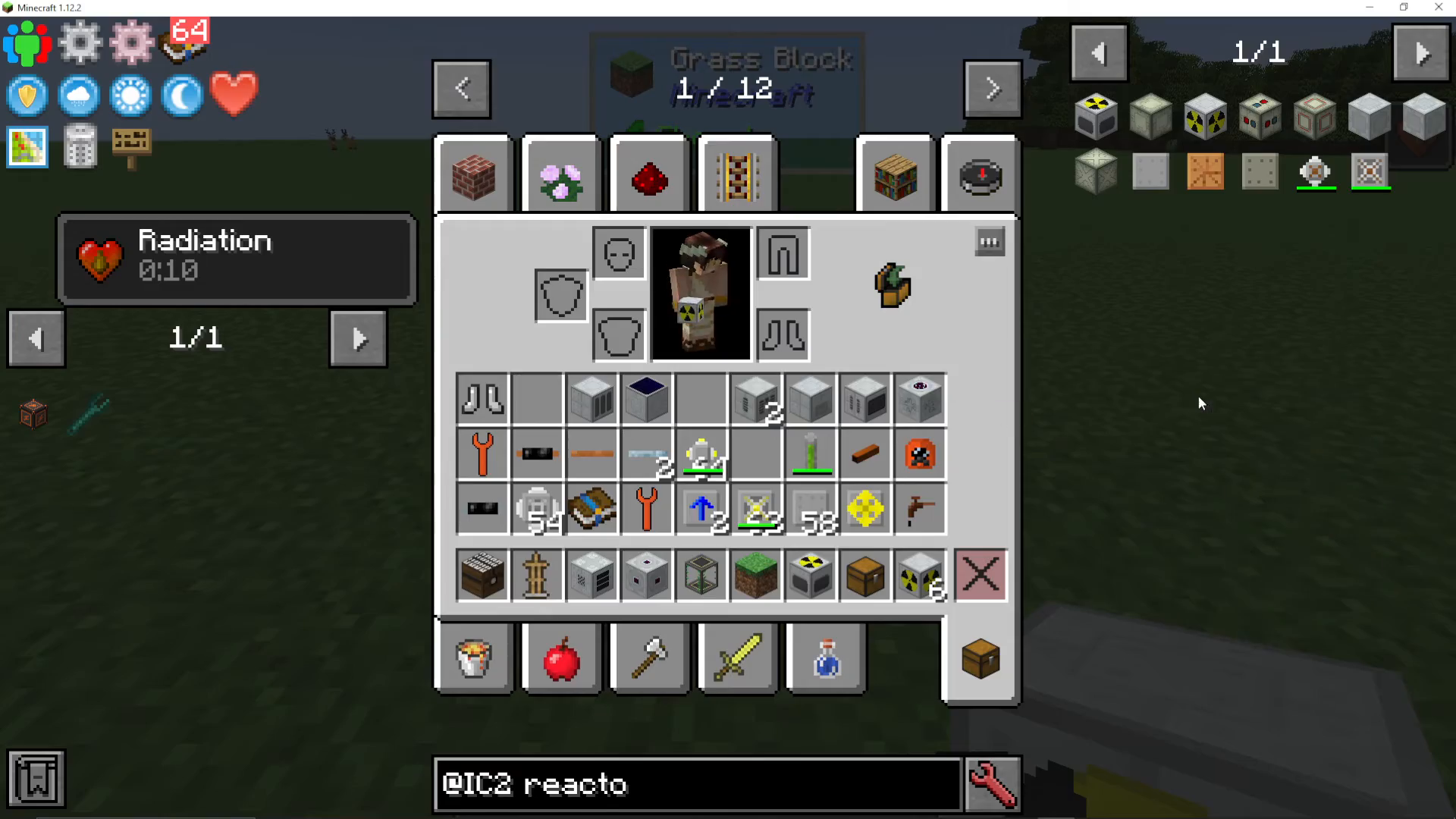
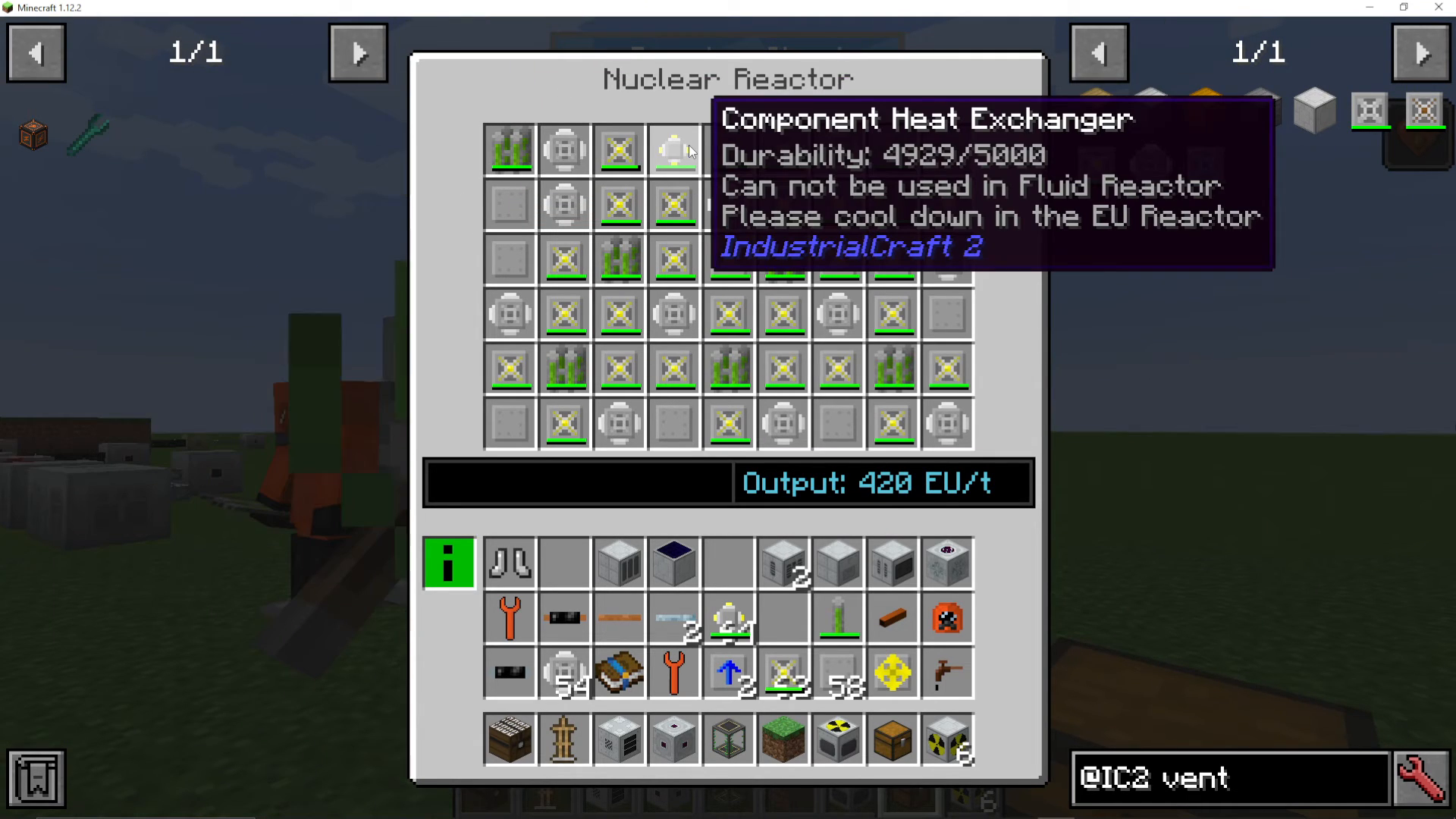
Reactor Layout and Components
A safe, efficient beginner reactor uses:
Quad Fuel Rods: Created by stacking four fuel rods (single fuel rods are made with the canning machine by canning uranium)
Overclocked Heat Vents: Dissipate heat and increase EU output
Reactor Plating: Absorbs heat
Component Heat Exchanger: Helps regulate temperature (place one at the top)
This configuration produces approximately 420 EU per tick and is completely stable—the heat exchangers will slowly regenerate as long as you don’t add too many fuel rods.
Warning: If your reactor gets too hot, it will explode in a devastating nuclear explosion. Always balance fuel rods with adequate heat dissipation.
Use a lever to control your reactor safely. There are many advanced reactor designs available online if you want to maximize output, but this simple design is reliable for beginners.
Quantum Gear
Nano Suit
The Nano Suit is the first tier of endgame armor. Craft it using:
Carbon Plates: Compress raw carbon mesh (made from four coal dust)
Energy Crystal: Made from crushed diamond and redstone in a compressor
Optional: Add light radiation shielding from Nuclear Craft if you have that mod installed.
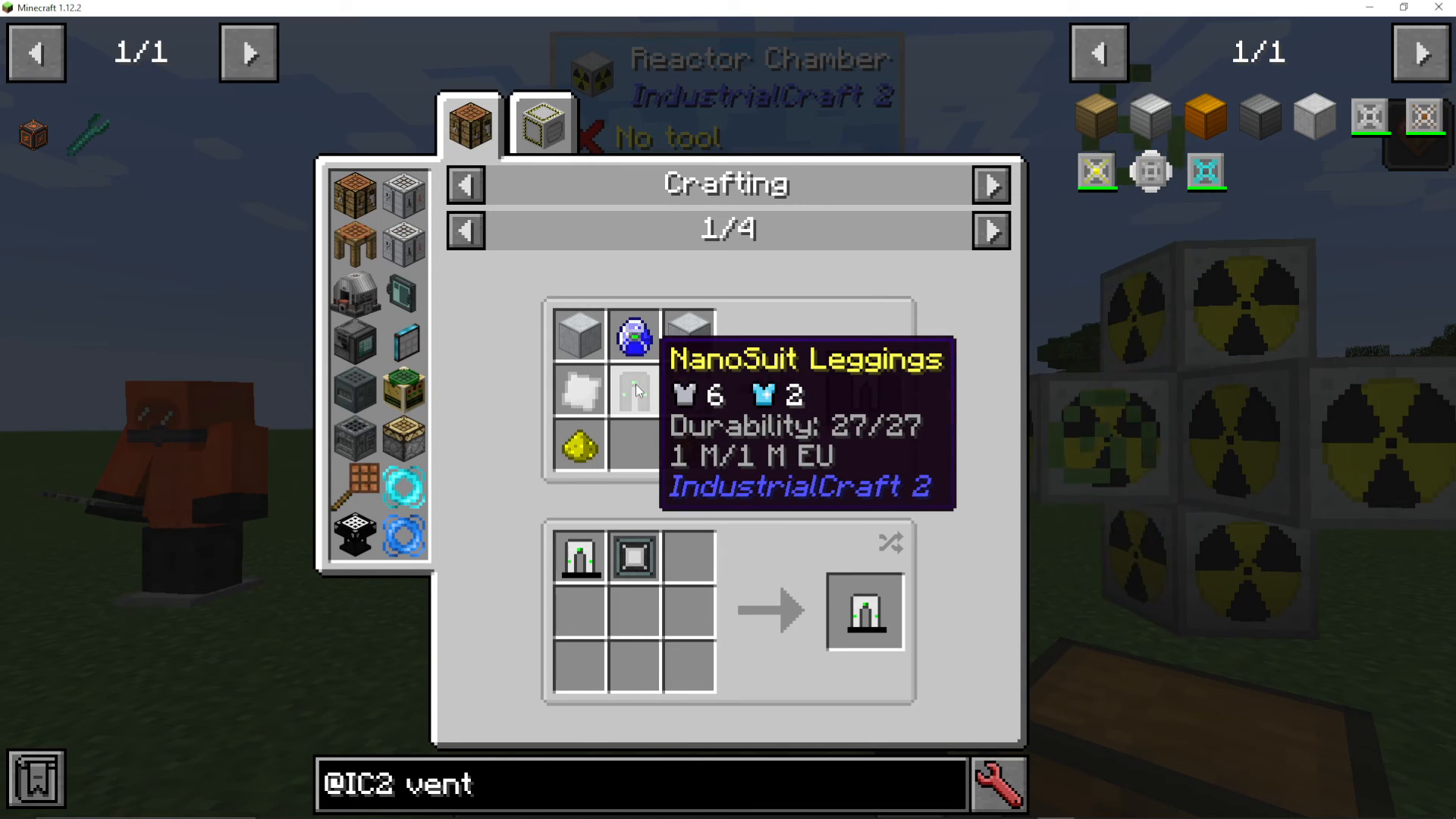
Quantum Suit
Upgrade your Nano Suit into the Quantum Suit using:
Nano Suit piece (helmet, chest, legs, or boots)
Lapatron Crystal: Made from lapis lazuli and energy crystals
Advanced Circuit
Iridium-Reinforced Plate: Requires iridium ore (obtained through UU-Matter replication)
Machine Casings
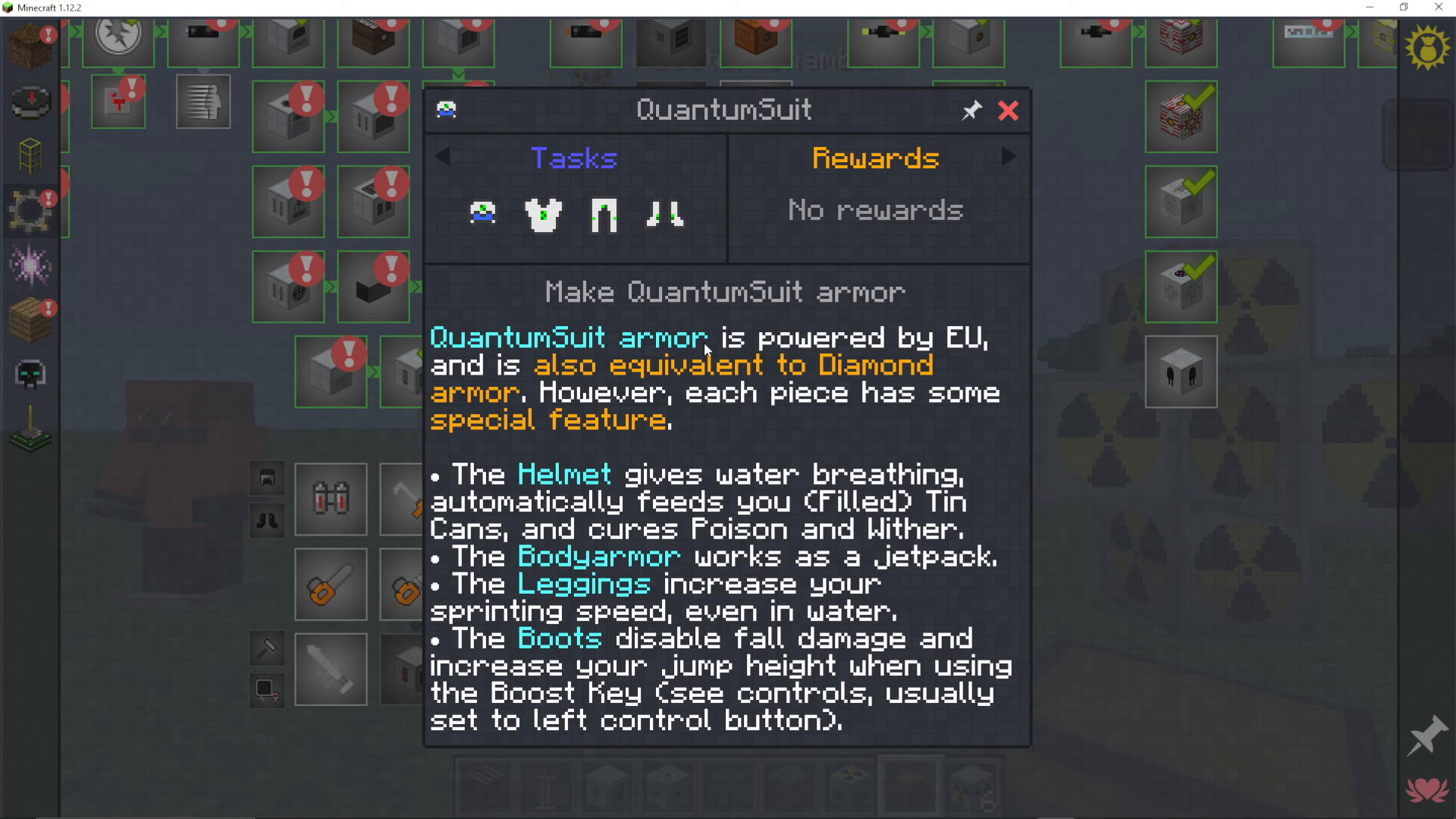
The Quantum Suit is powered by EU and provides diamond-level protection with unique bonuses for each piece:
Helmet: Grants water breathing, auto-feeds filled tin cans, cures poison and wither
Chest Plate: Functions as a built-in jetpack
Leggings: Increase sprinting speed even in water
Boots: Reduce fall damage, increase jump height with boost key (default: left control)
All pieces automatically shield you from radiation.
Conclusion
You’ve now covered the complete journey through IndustrialCraft 2—from crafting your first wrench and gathering rubber all the way to building a nuclear reactor and creating quantum gear. IC2 is a deep and rewarding mod with layers of complexity to explore. Start with the basics, master the fundamental machines, and gradually work your way up to advanced systems like matter fabrication and reactor engineering. Good luck with your industrial revolution!
— Want to Support? —
If you would like to help us continue making these guides – please consider joining our patreon here – https://www.patreon.com/c/JaviHeals
Alternatively – we host a group of MC Servers you can join here – https://discord.gg/zD7Gjt6MHF



