







Tech Reborn Complete Beginner Guide
Tech Reborn Complete Beginner Guide
Welcome to the ultimate beginner’s guide for the TechReborn fabric mod. This comprehensive tutorial covers everything you need to know about the low-voltage stages of TechReborn, setting you up with the foundational knowledge to progress into higher-tier machinery and automation. Whether you’re new to modded Minecraft or just starting with TechReborn, this guide will walk you through every essential step.
Finding Rubber Trees and Harvesting Resin
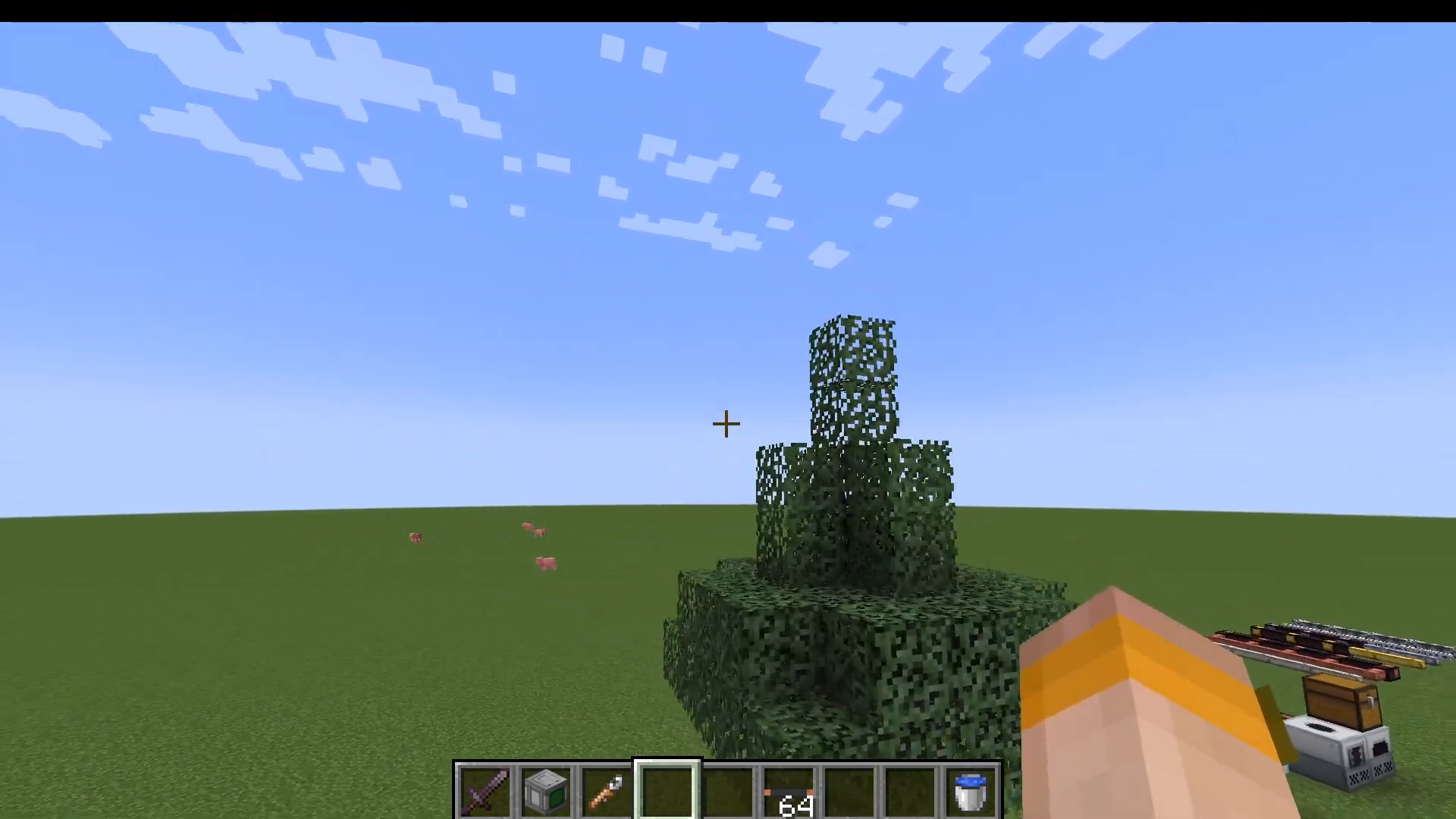
The first step in your TechReborn journey is locating rubber trees and collecting resin. Rubber trees are distinctive and easy to spot—they have an unusually tall leaf structure at the top, which is the key identifier when scanning the landscape from a distance.
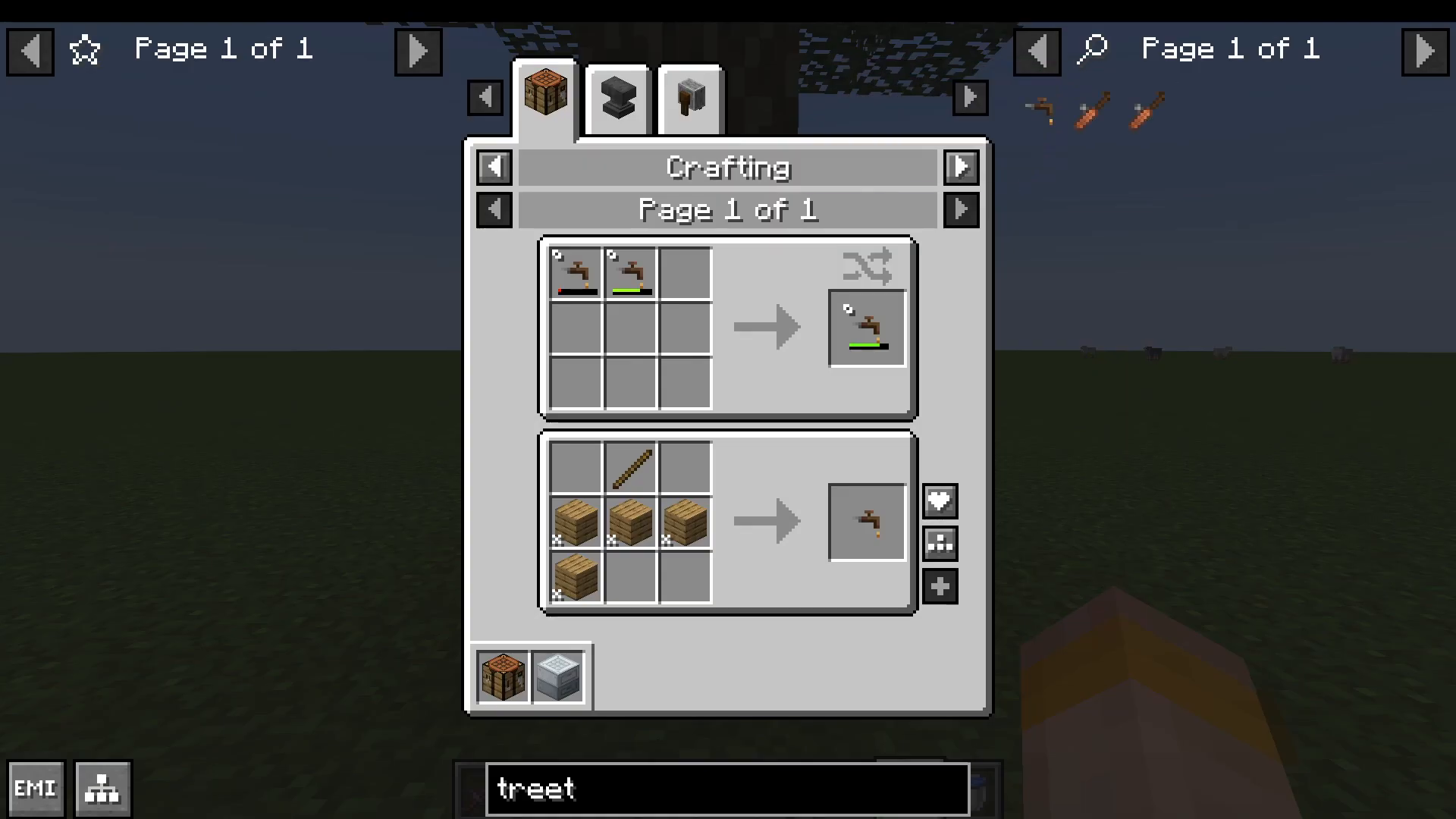
On rubber tree logs, you’ll find orange resin deposits. To collect this resin, craft a simple tree tap using planks and a stick, then right-click the resin deposits to gather resin sap. This sap can then be smelted into rubber, which is essential for countless recipes throughout TechReborn.
Recipe Assistance Tools
To view recipes in TechReborn, consider installing recipe viewers such as JEEI or EMI. For even better compatibility, download EMI Extra Integrations, which explicitly supports TechReborn and will help you navigate recipes more easily.
Automated Resin Collection with Resin Basin
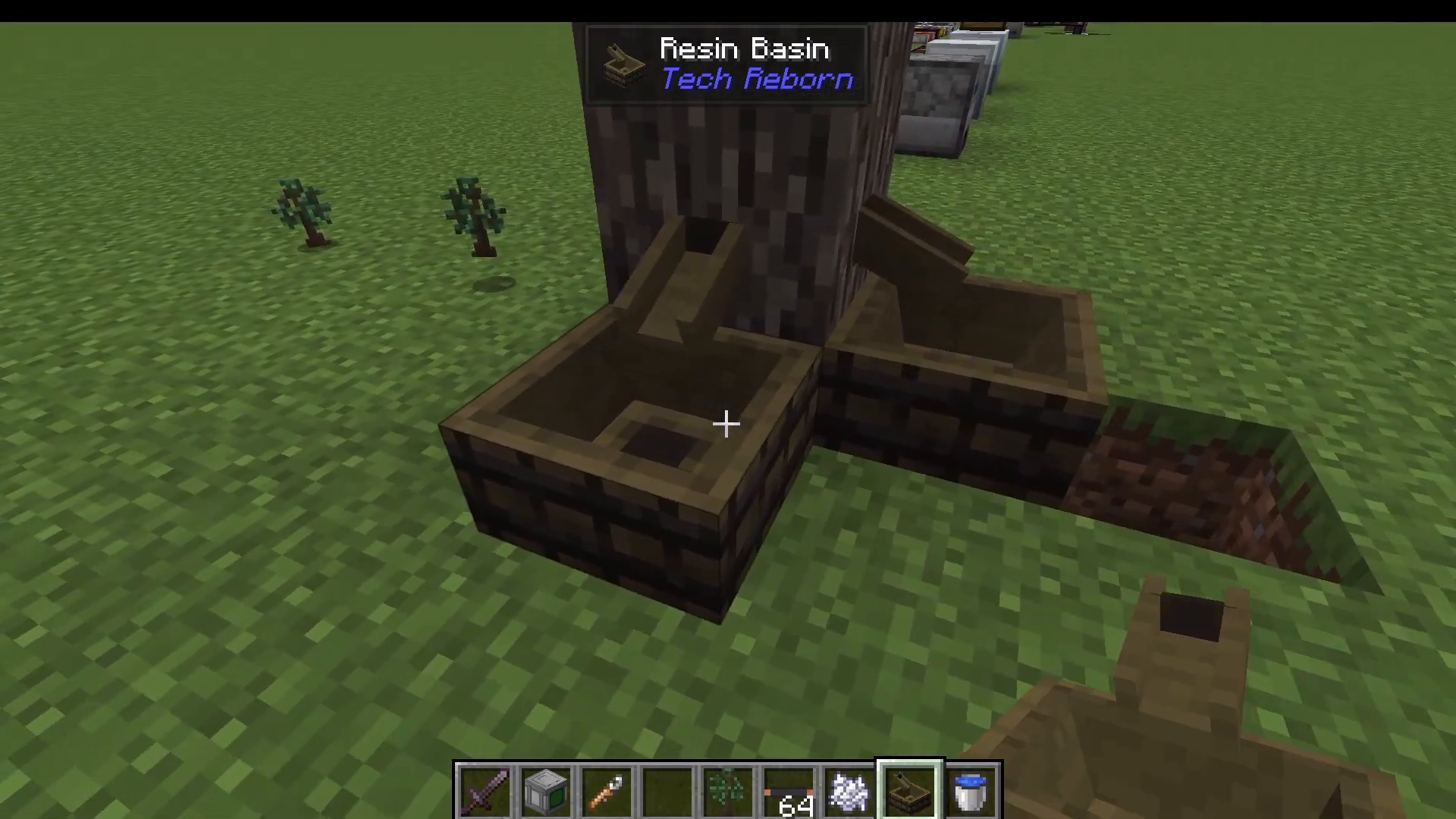
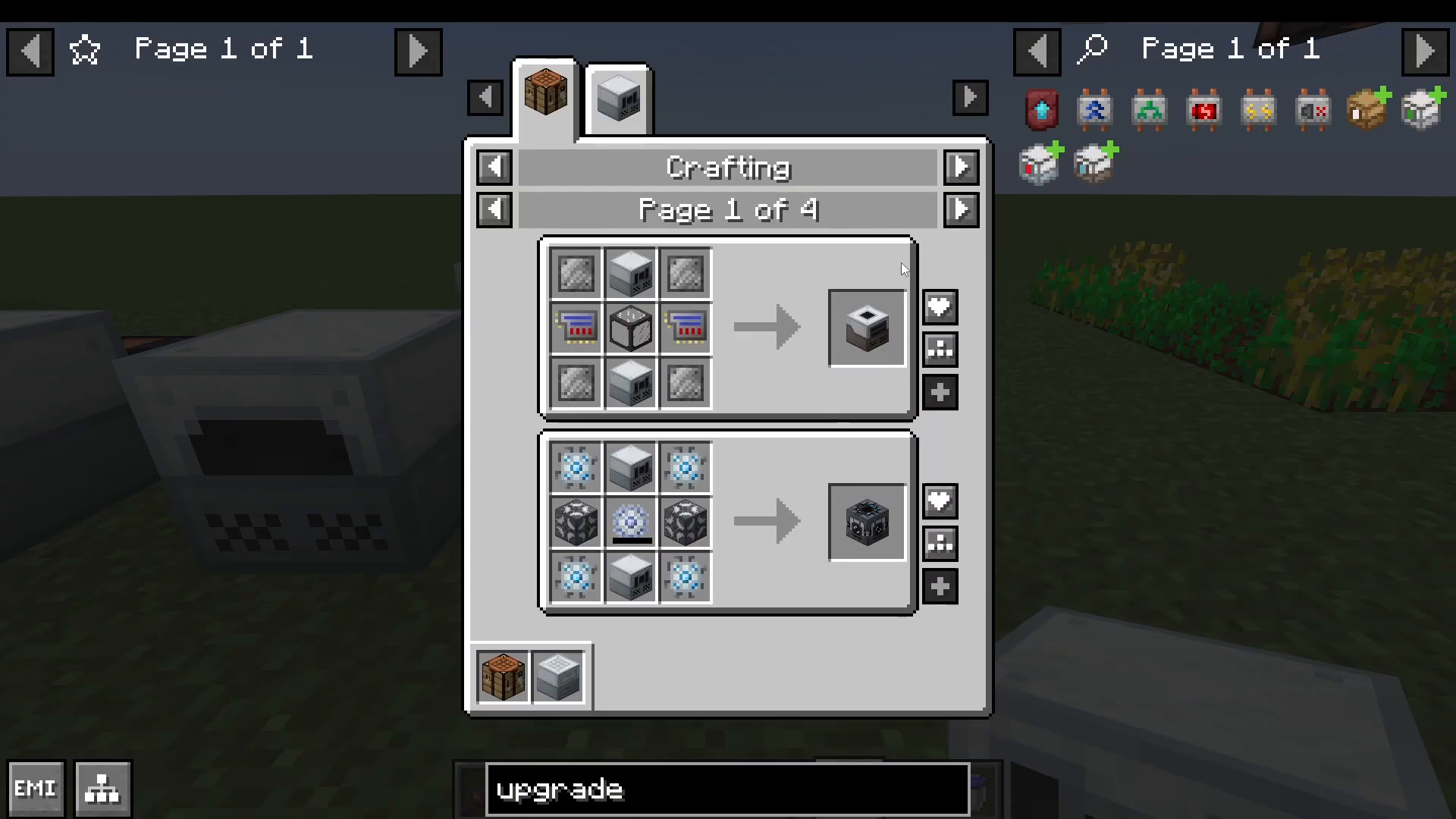
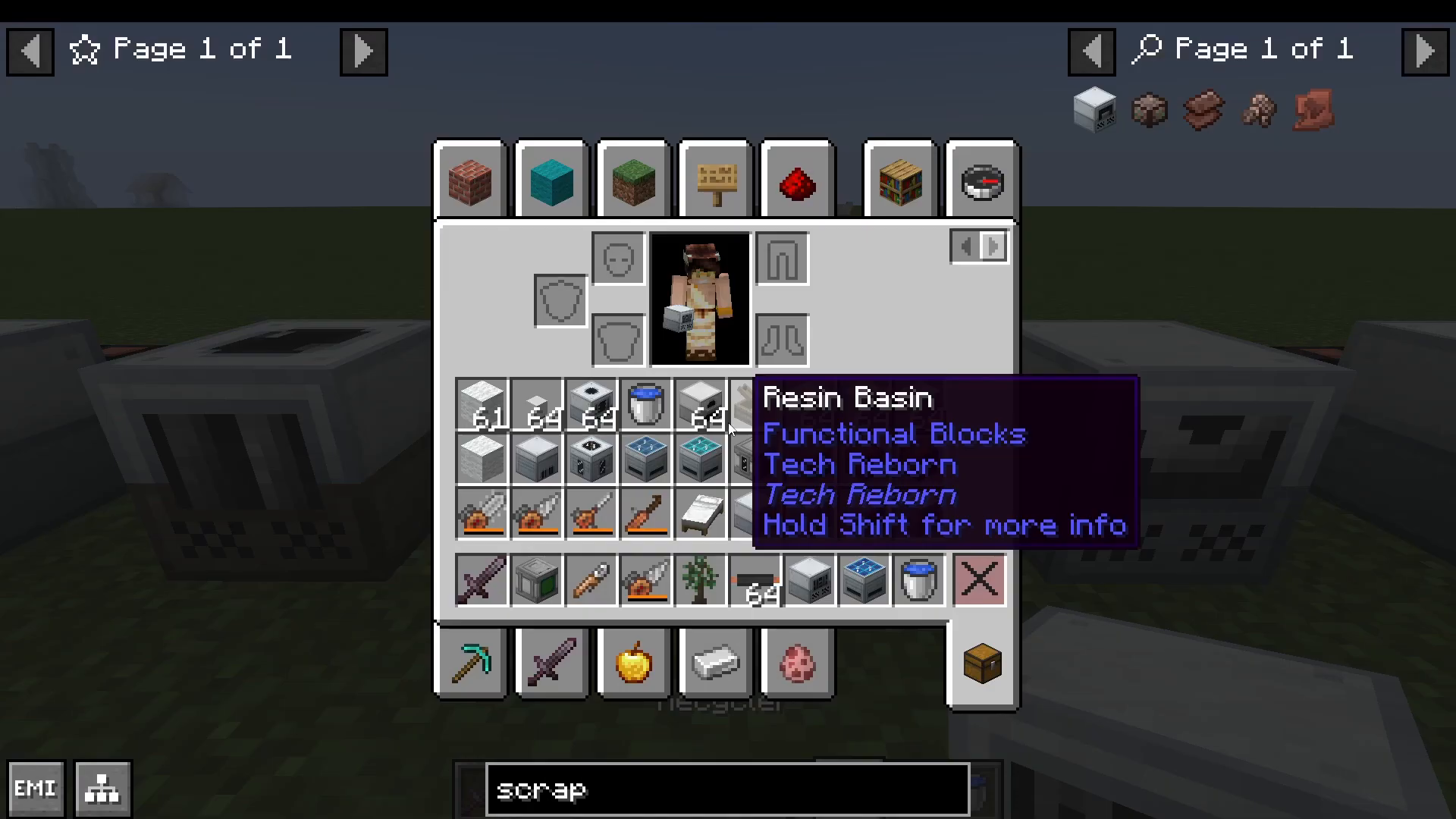
Once you’ve progressed further and have basic machines set up, you can craft a resin basin. This device requires a tree tap, a drain made with iron plates, and a compressor machine. Place the resin basin against a rubber tree, and it will passively output resin over time into a chest below it, creating an automatic resin farm.
Early Game Power Generation
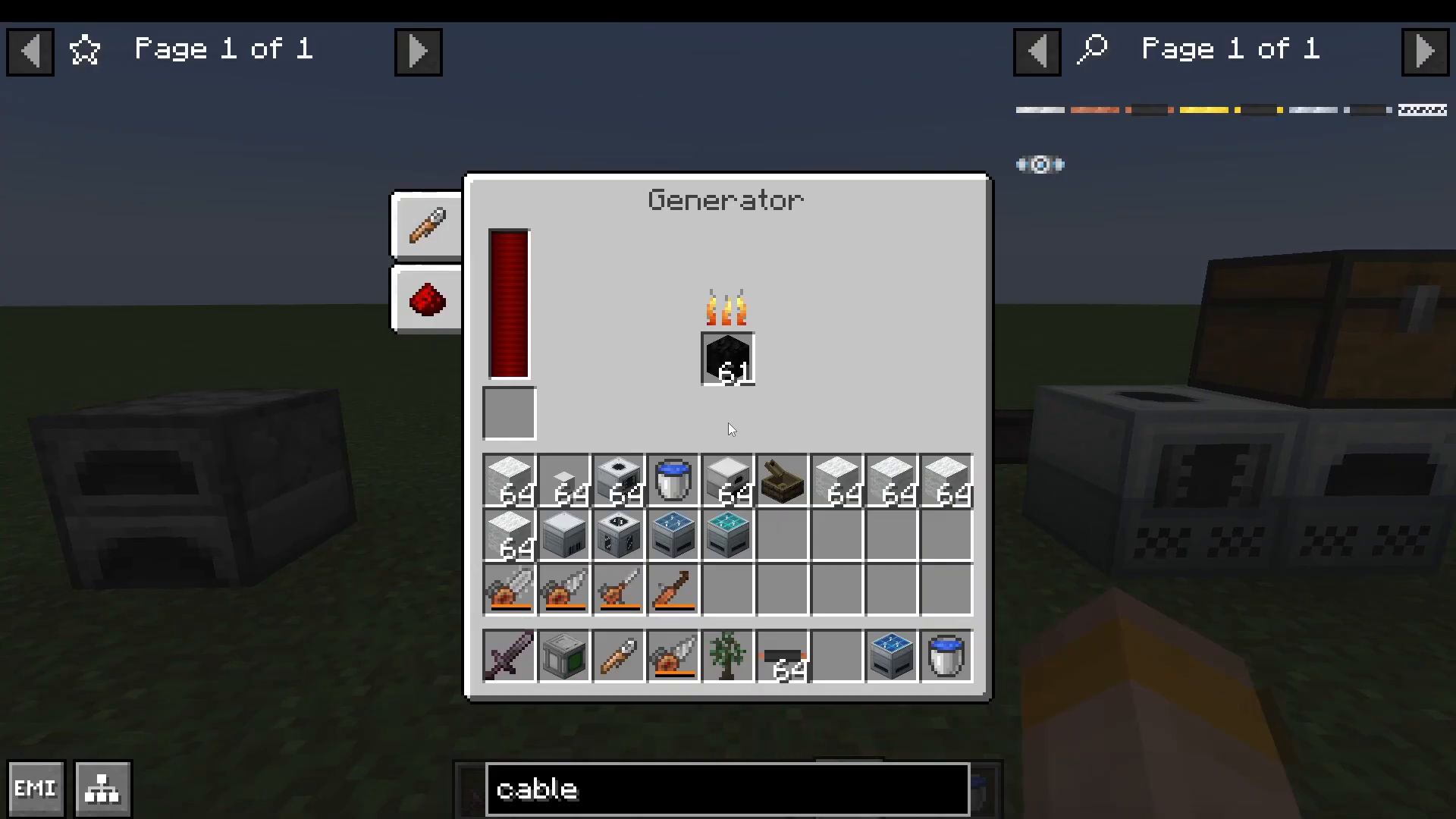
To power your machines, you’ll need to establish an early-game power generation system. The first machine you should craft is a generator.
Building Your First Generator
A generator requires:
A furnace
A basic machine frame (made with refined iron)
A red cell battery (made with lead, a new ore added by TechReborn)
Insulated copper cables (made with rubber and copper ingots)
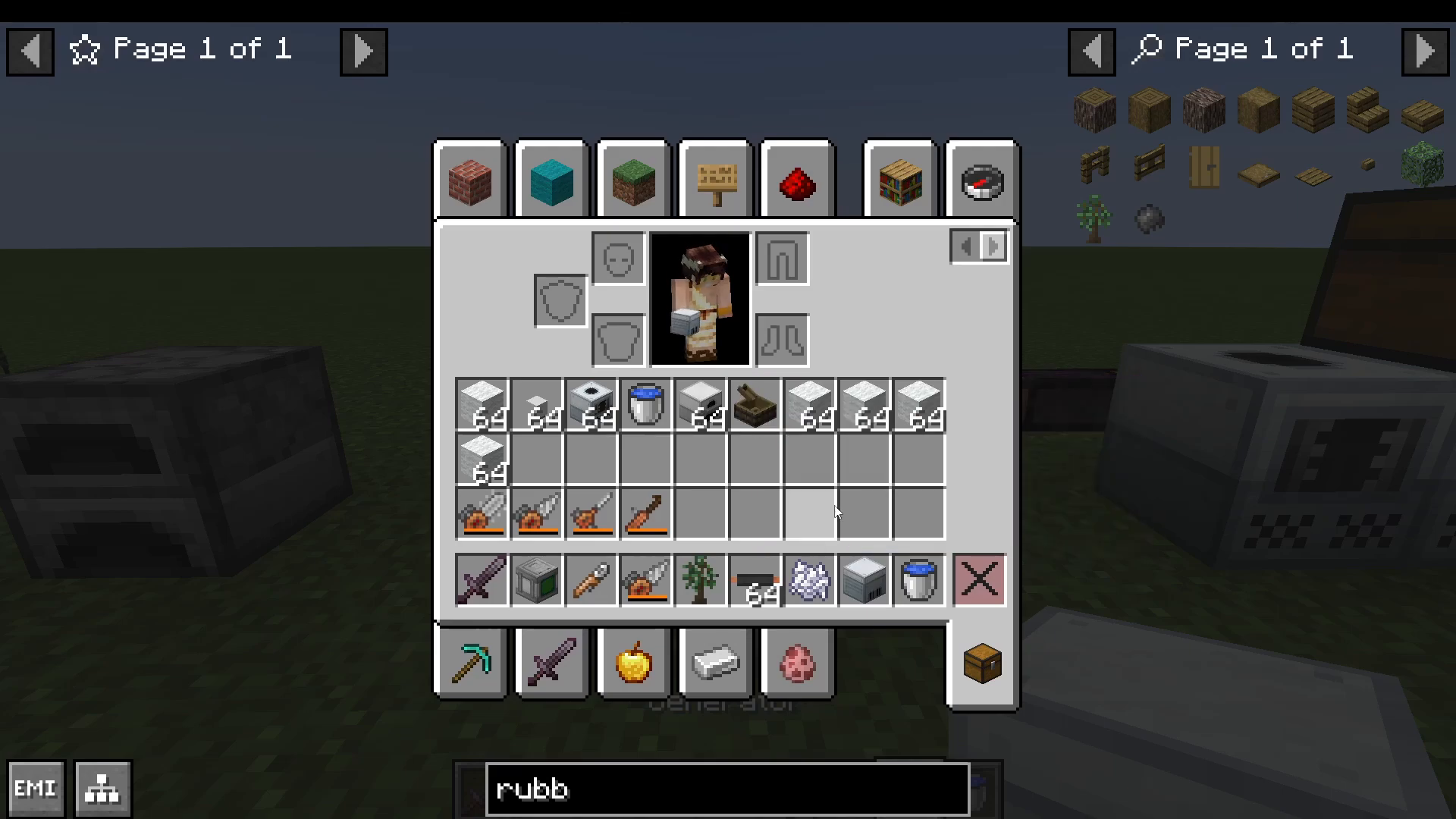
To make refined iron, simply smelt your normal iron ingots. The generator burns coal blocks or regular coal to generate electricity. Insulated copper cables prevent electric shock when touched, making them safe to work with compared to bare copper cables.
Alternative Power Sources
Beyond generators, you have several early-game power options:
Water Mills
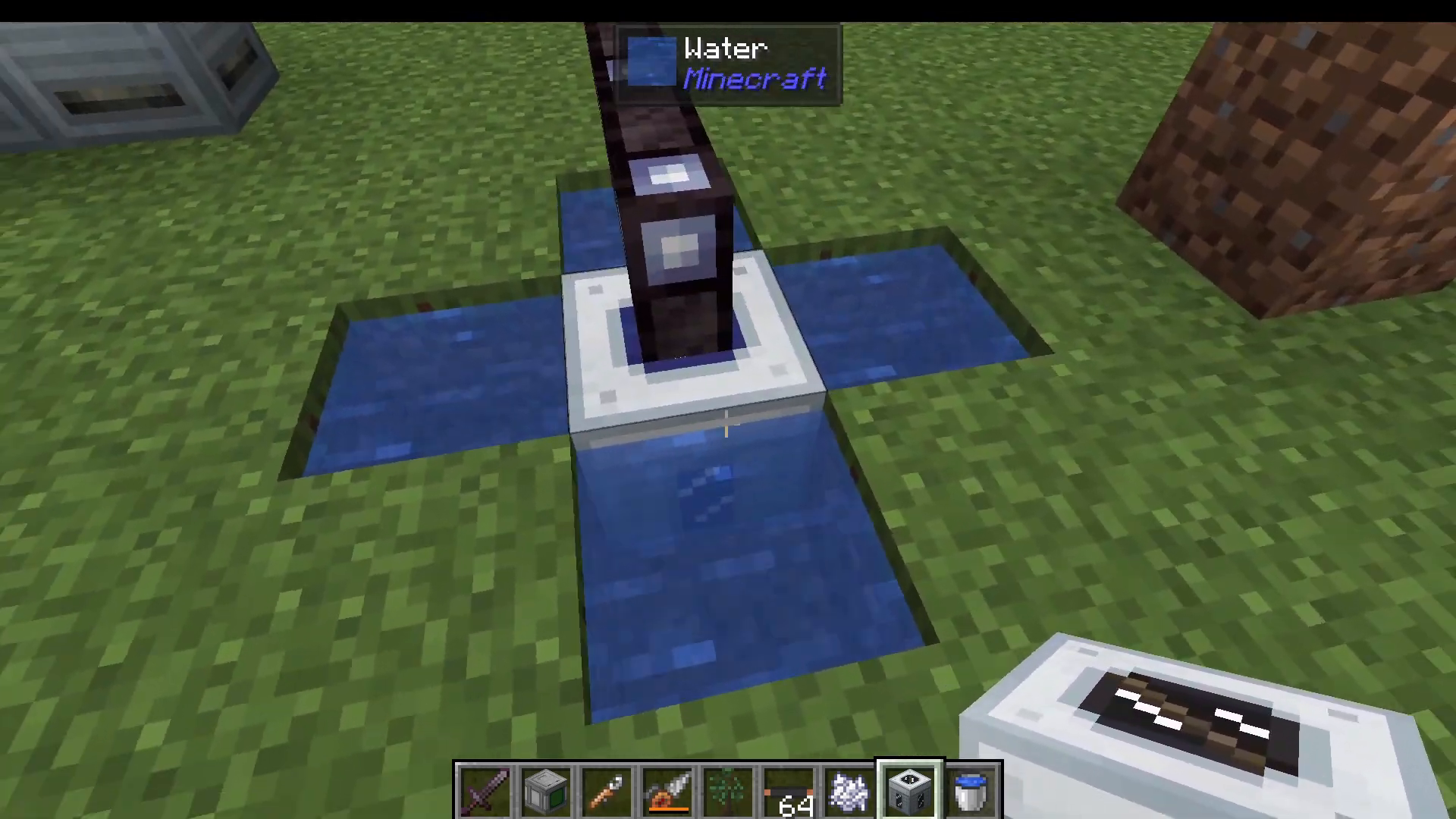
Place a water mill with water on each side to generate power passively from flowing water.
Solar Panels
TechReborn offers three early-game solar panel tiers:
Basic Solar Panel: Made with simple materials and coal dust
Advanced Solar Panel: Upgraded version using an advanced circuit
Industrial Solar Panel: Requires diamond dust for increased output
Windmill
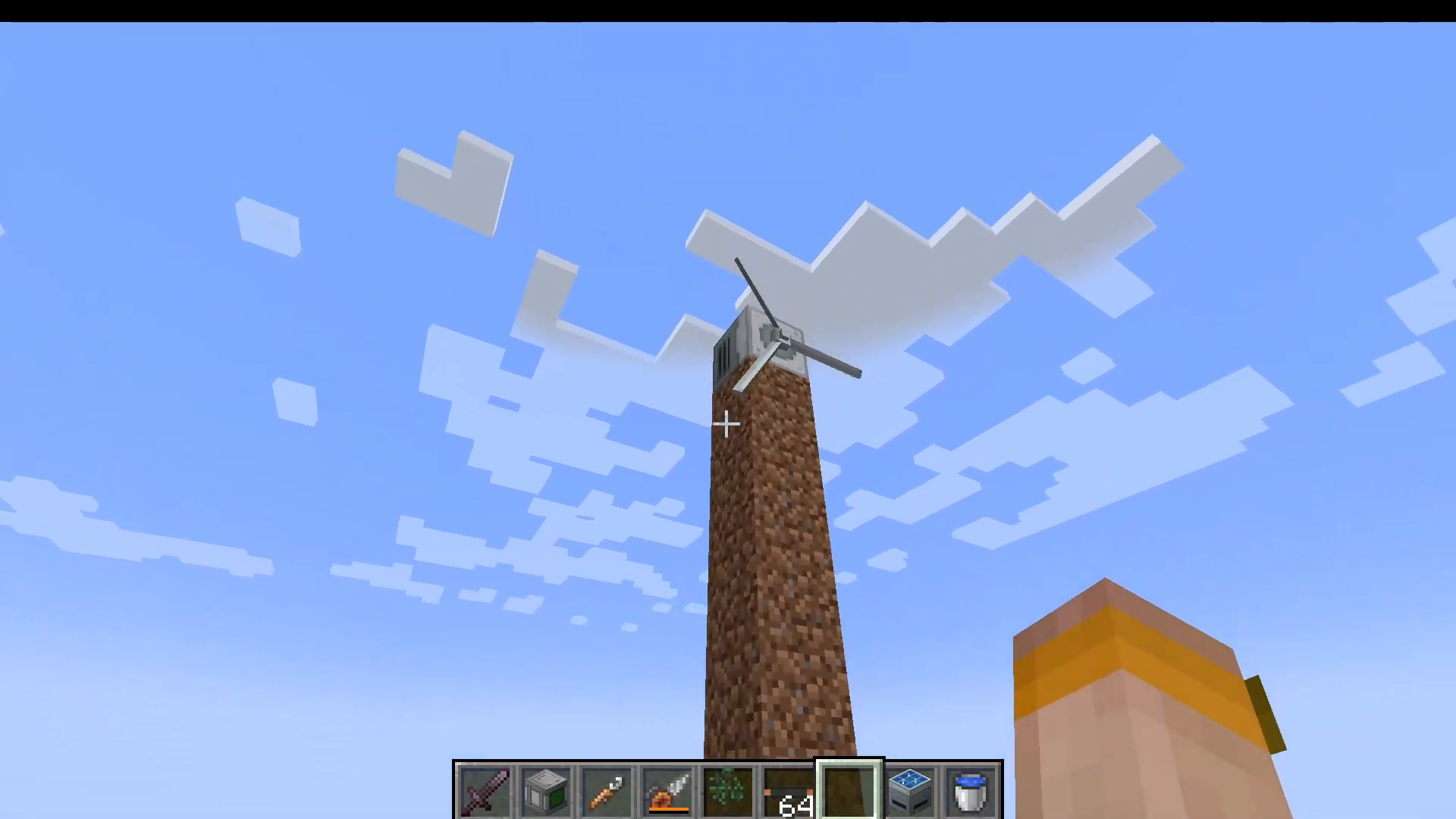
Windmills must be placed at Y level 64 or higher to function. Once positioned above this threshold, they harness wind energy to generate power automatically.
Power Distribution: Understanding Cables
Transporting power across your base requires proper cabling. TechReborn offers multiple cable types, each with different voltage ratings and properties:
Cable Types and Voltage Levels
Cable Type
Voltage
Capacity (EU/tick)
Insulation Available
Shock Damage
Tin Cable
Low Voltage (LV)
32
No
Yes
Copper Cable
Medium Voltage (MV)
128
Yes (with rubber)
Yes (uninsulated)
Gold Cable
High Voltage (HV)
512
Yes (with rubber)
Yes (uninsulated)
High Voltage Cable
Extreme Voltage (EV)
2048
Yes (with rubber)
Yes (uninsulated)
Glass Fiber Cable
IV Voltage
8000
No (self-insulated)
No
Superconductor Cable
Infinite
536,000,000+
No (self-insulated)
No
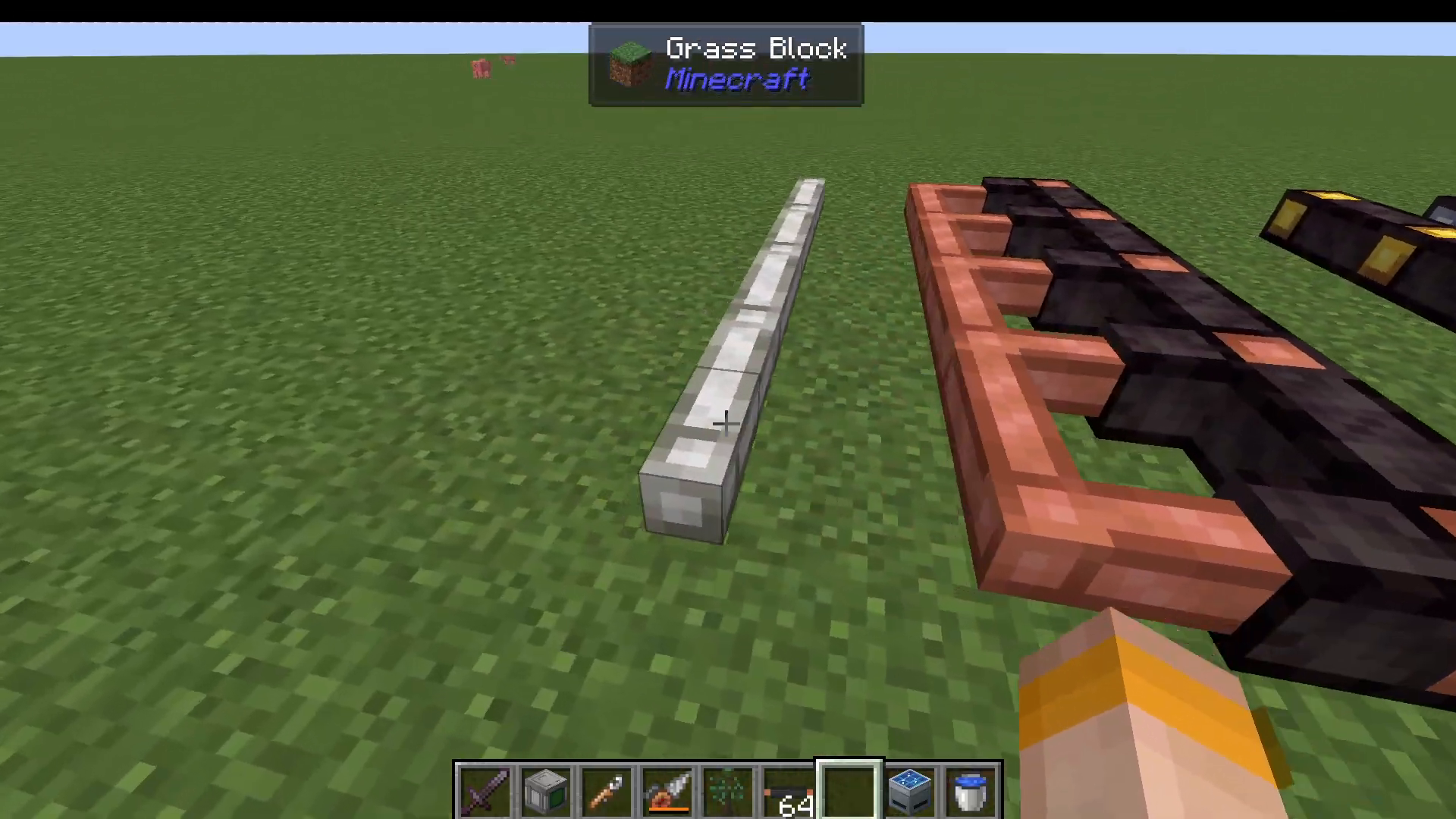
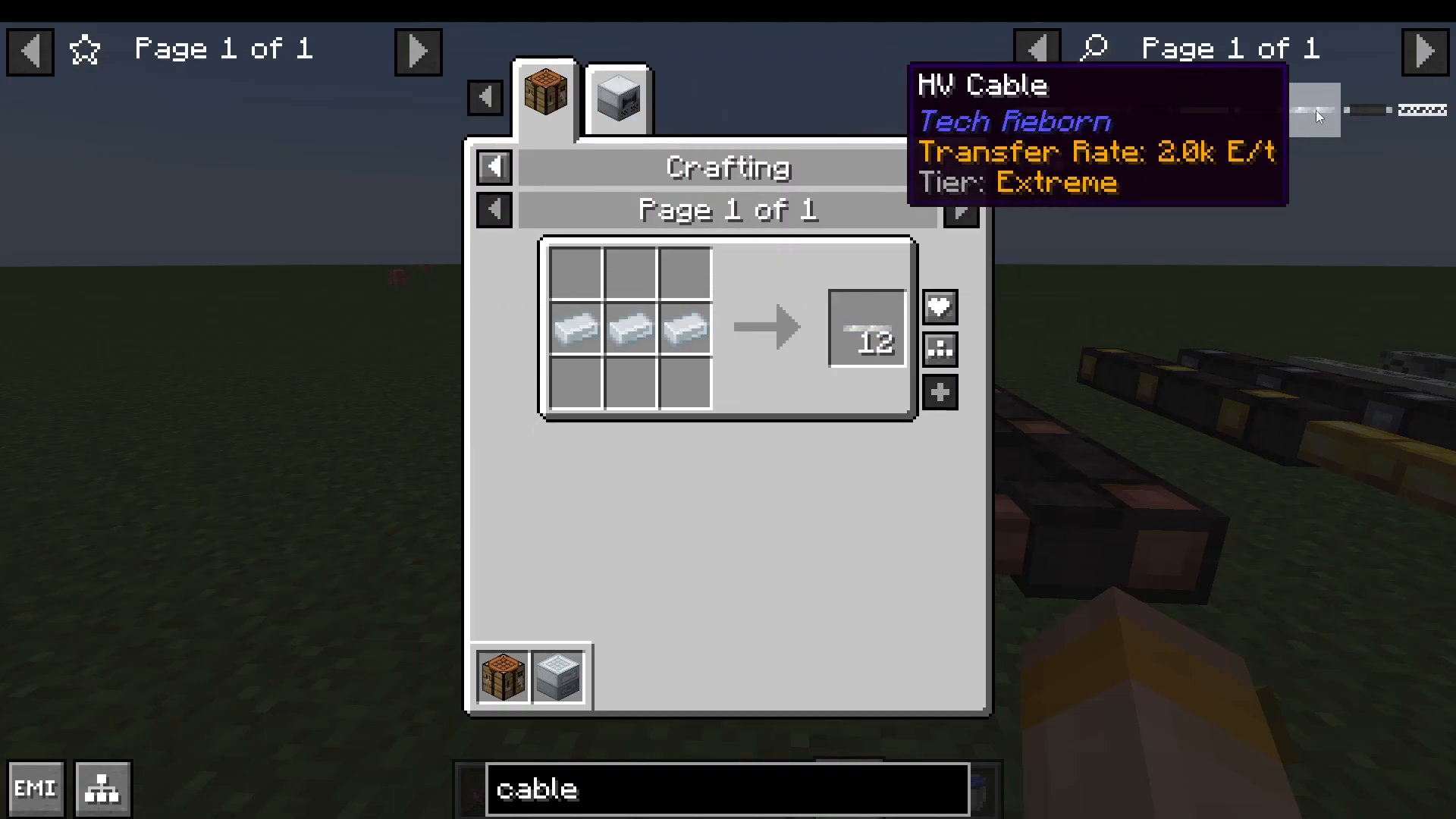
To insulate copper, gold, and high-voltage cables, simply combine them with rubber. Tin cables cannot be insulated. Glass fiber and superconductor cables are advanced enough that they don’t require insulation.
Basic Machine Guide
Machine Configuration Basics
Before diving into specific machines, understand the configuration system. Each machine has configurable I/O slots indicated by color:
Orange: Output only
Blue: Input only
Green: Both input and output
You can also configure redstone control (whether machines operate when redstone is on, off, or ignored) and power input/output settings.
The Grinder
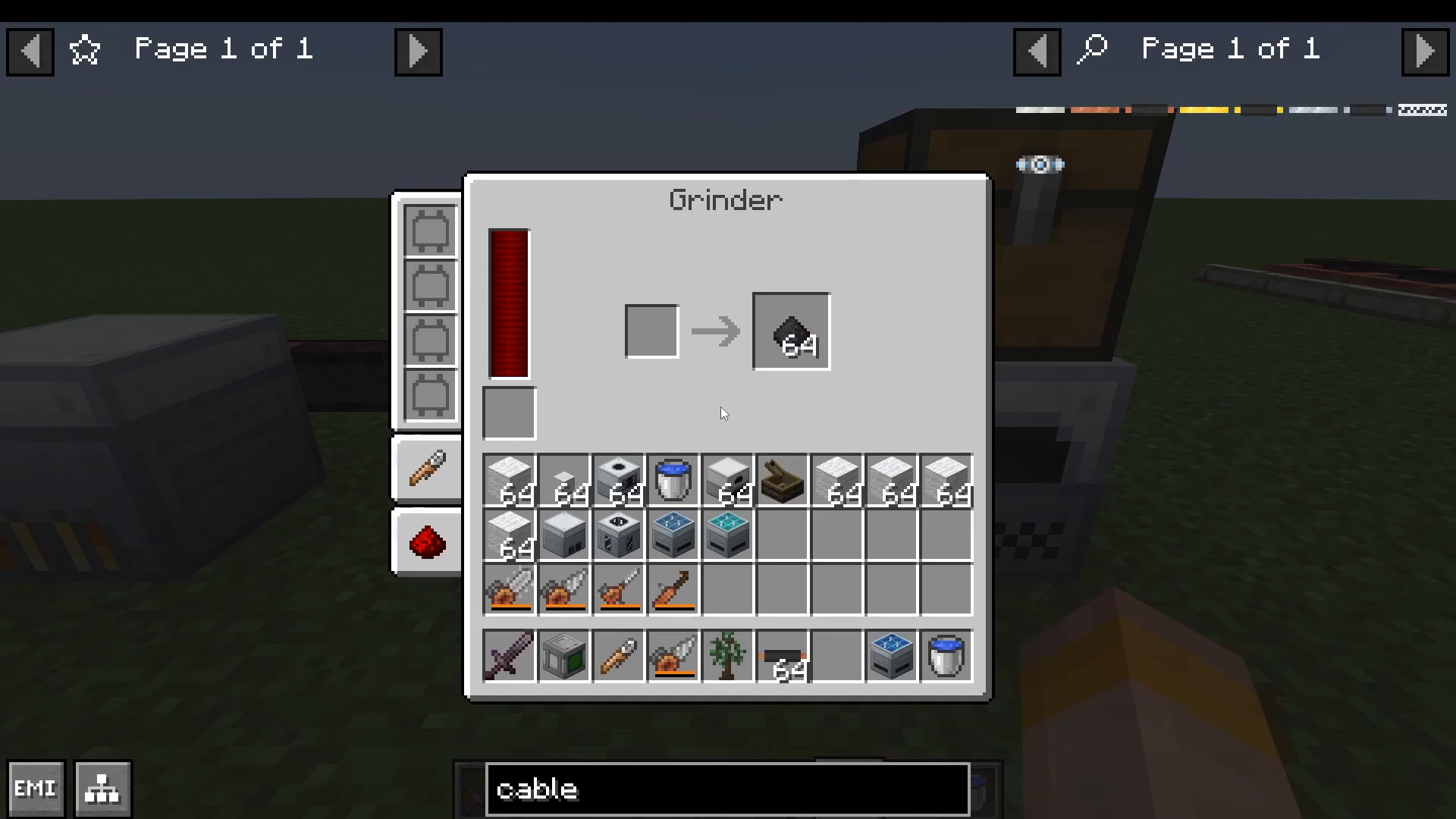
The grinder is one of your first essential machines. It serves multiple purposes:
Converts ore into dust (doubling your ore yield)
Produces coal dust (needed for basic solar panels)
Creates carbon fiber (for advanced recipes)
Generates diamond dust (for industrial solar panels)
For example, placing iron ore into a grinder yields two raw iron, which can be smelted into two iron ingots—effectively doubling your ore.
You can enhance grinder performance with machine upgrades, which will be covered in more advanced sections.
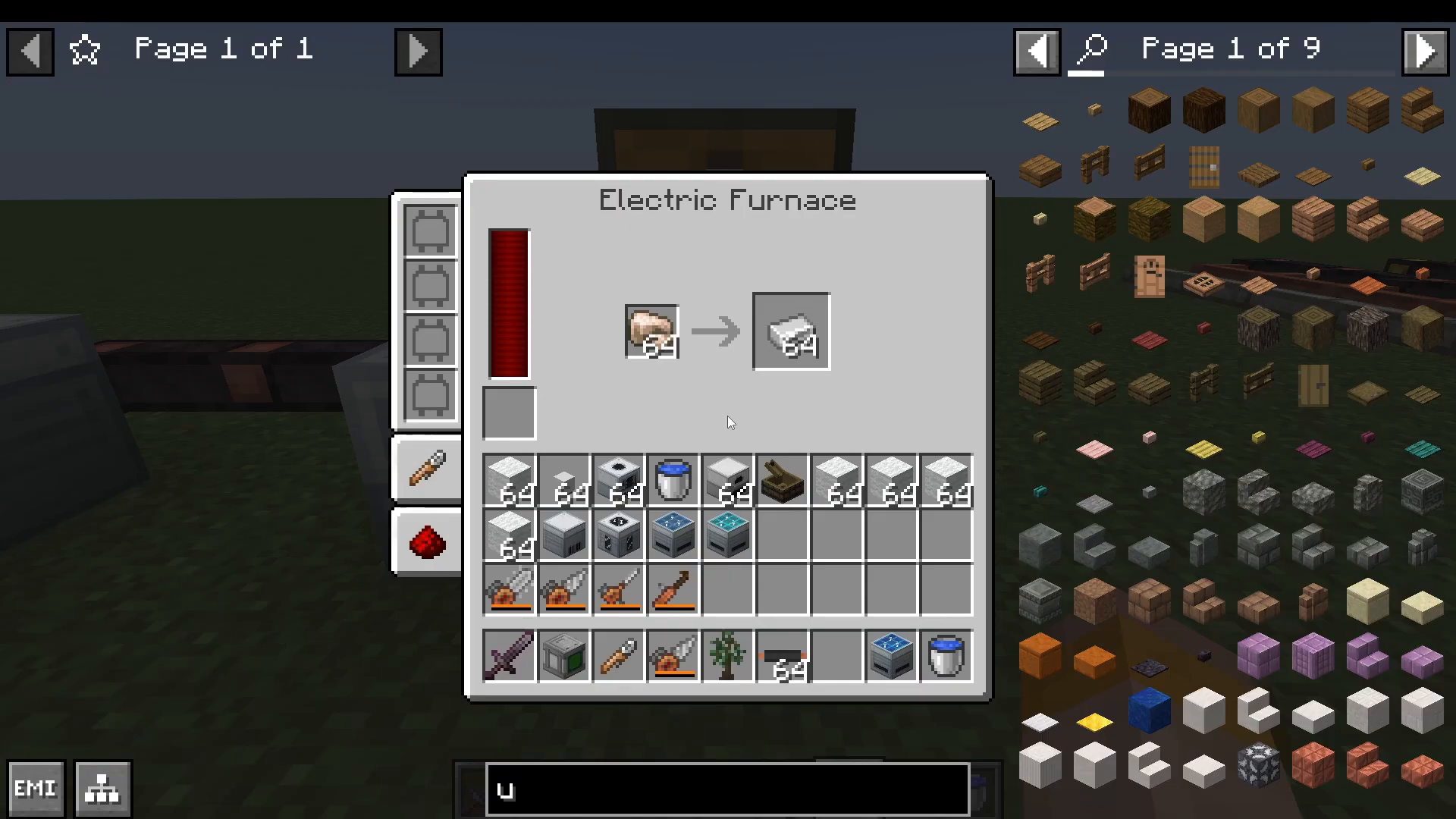
The Electric Furnace
The electric furnace is the powered equivalent of a standard furnace, operating on electricity instead of fuel. Before upgrading to electric versions, you can use the iron furnace or iron alloy furnace, which work better than the vanilla furnace without requiring electricity.
Water Extraction and Storage
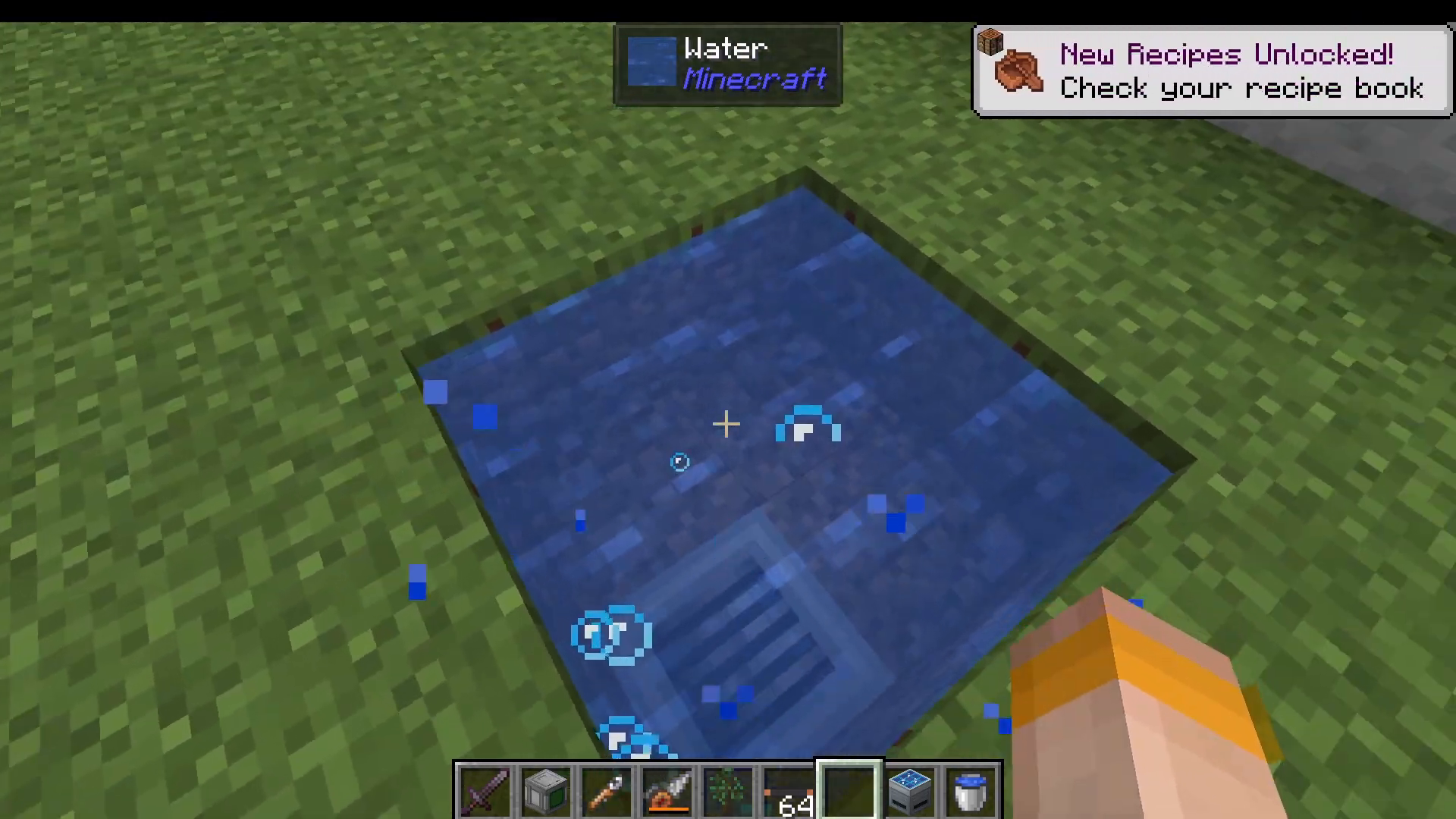
Use a drain positioned below water to extract buckets from infinite water sources. Connect a tank below the drain to store water. TechReborn offers several tank tiers:
Basic Water Tank
Advanced Tank
Industrial Tank
Quantum Tank
Creative Tank (no crafting recipe)
Configure the tank to pull water automatically from the drain above it using pipes from any mod.
The Alloy Smelter
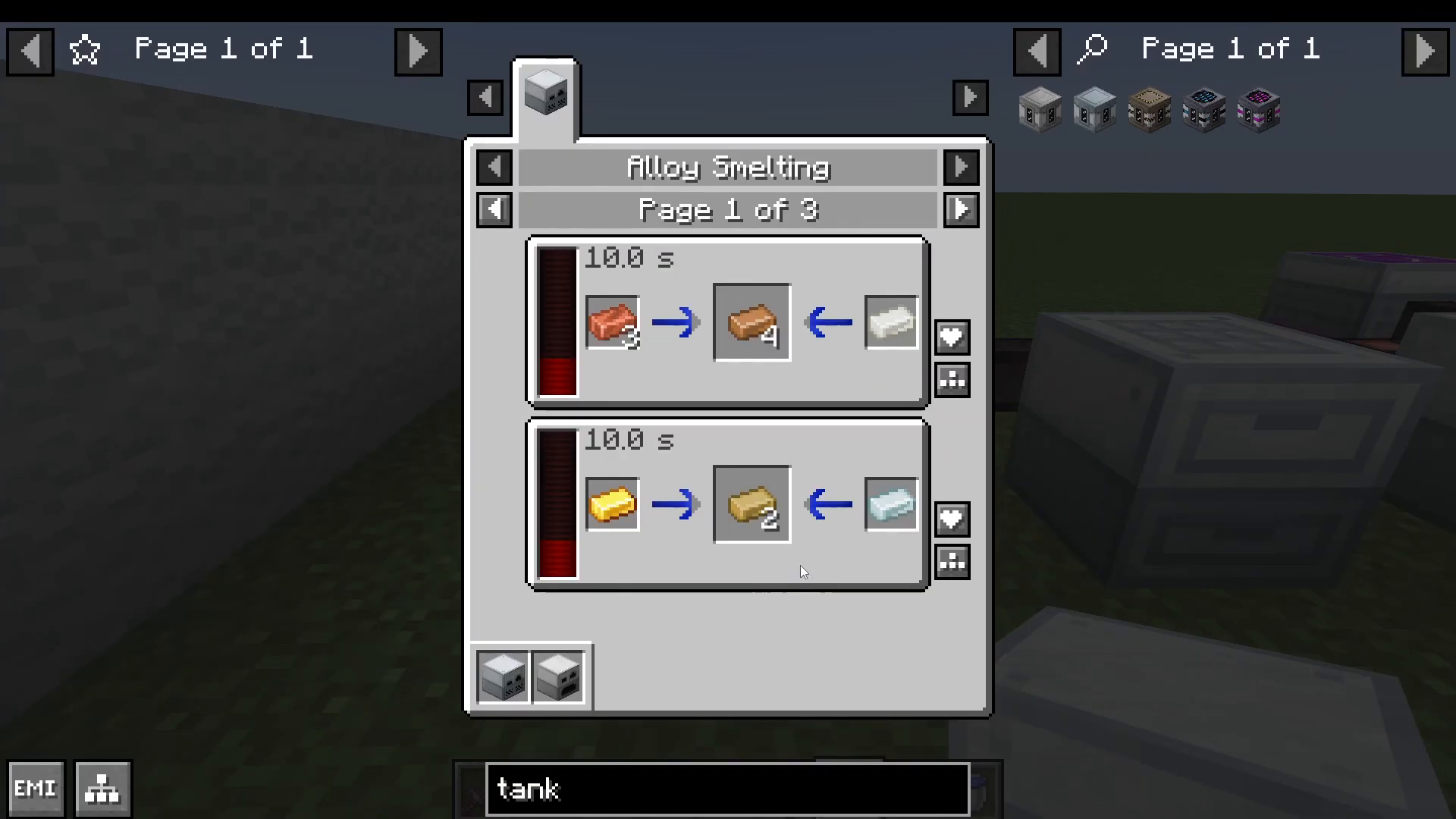
The alloy smelter creates metal alloys by combining two materials. Common recipes include:
Copper + Tin → Bronze
Gold + Nickel/Iron → Electrum or Invar
Zinc + Copper → Brass
The Auto Crafting Table
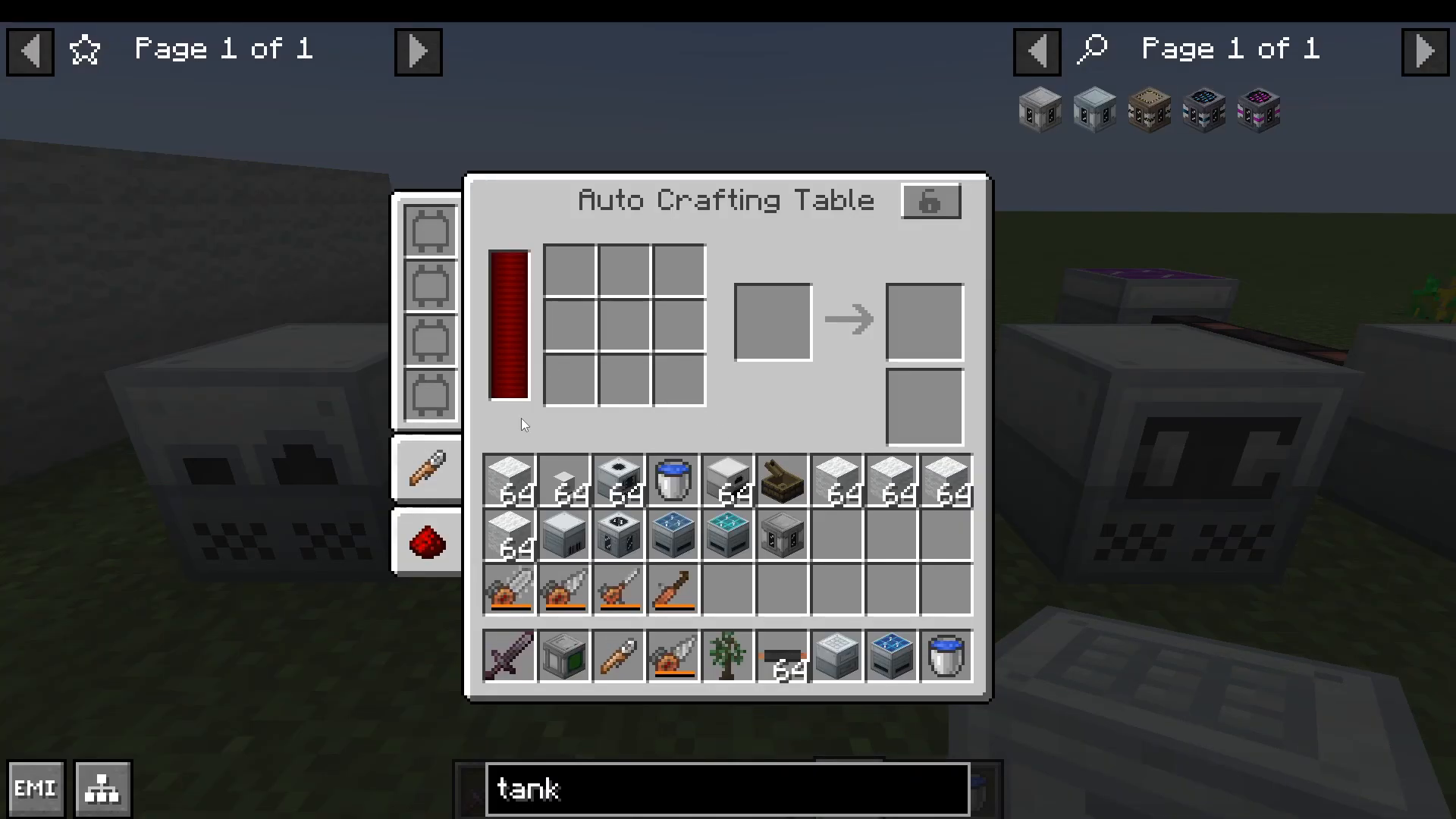
Set up complex recipes for automatic production. Input your crafting materials (e.g., wool and oak planks for beds), and configure the output slot. Enable auto-output by checking the appropriate setting, and the machine will continuously craft and place finished items into an adjacent chest.
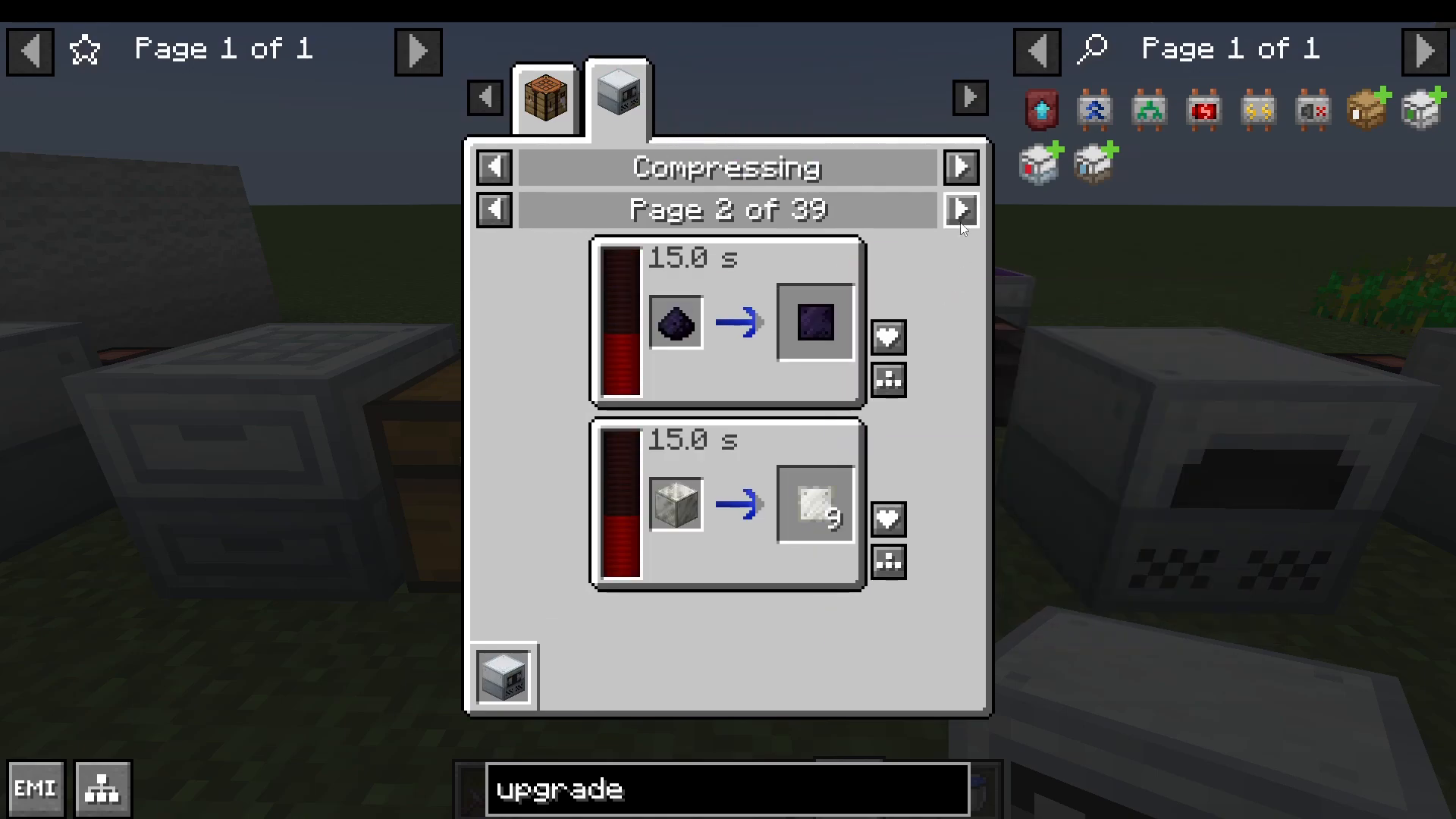
The Compressor
The compressor is primarily used to create metal plates from ingots. For example, refined iron ingots are compressed into refined iron plates—an essential material for many recipes.
The Extractor
The extractor increases material yields through chemical processes:
Gravel → Flint
Lapis Lazuli → 2 White Dye (versus 1 from manual extraction)
Slime Balls → Rubber
Sap → 3 Rubber (versus 1 from smelting)
This makes the extractor invaluable for tripling your rubber output from sap.
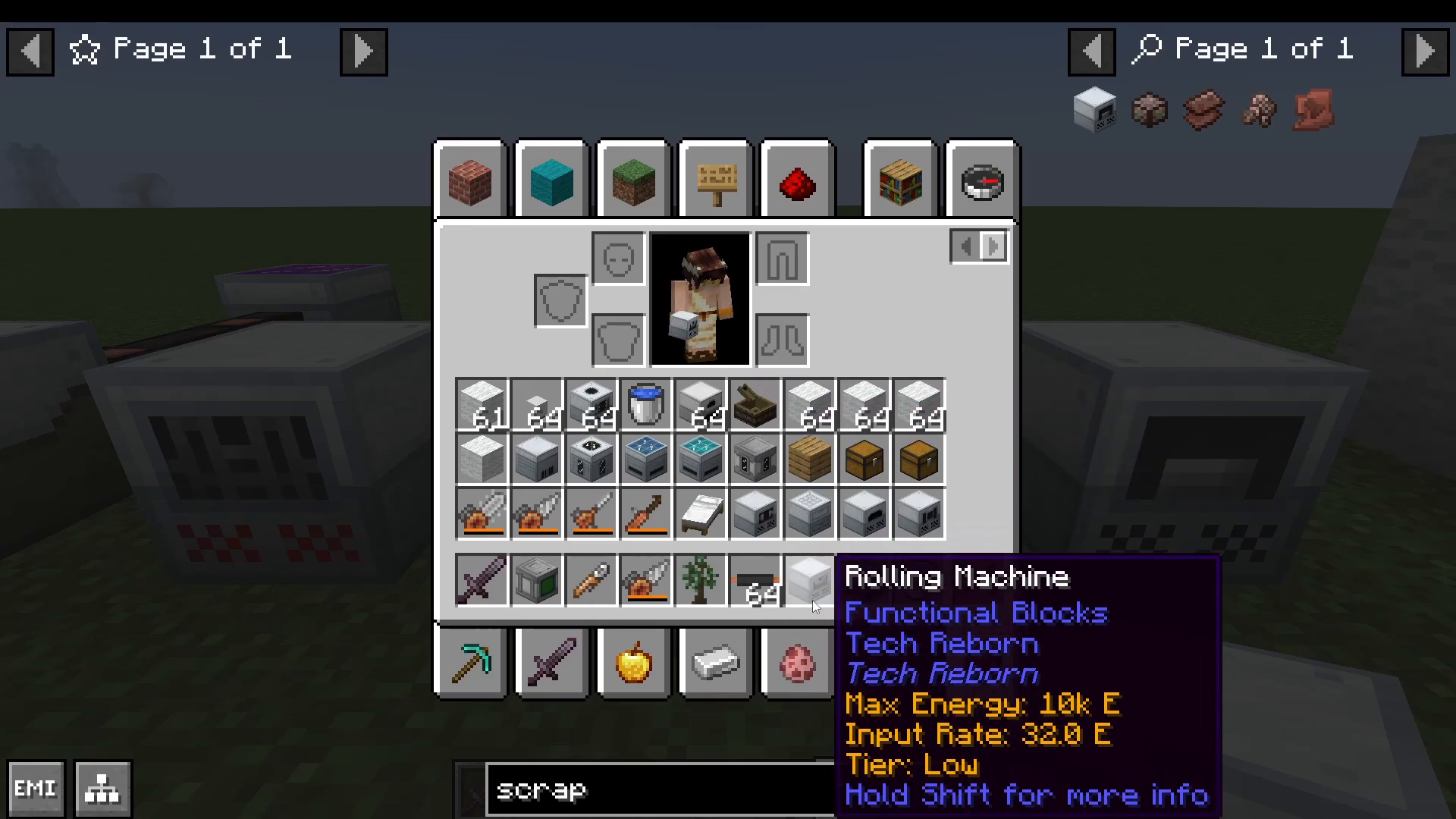
The Rolling Machine
The rolling machine produces shaped metal items like iron bars, plates, and other metal components. While not essential for every build, it’s useful for specific crafting needs.
The Recycler
Convert unwanted items into scrap with the recycler. The process isn’t guaranteed—items have a chance to produce scrap. Combine nine scrap into a scrap box, then place the box in a scrap box ATA (autocrafting area) to automatically open boxes and distribute contents into adjacent storage.
Scrap boxes can yield approximately 140 different items, making them a great way to recycle waste materials.
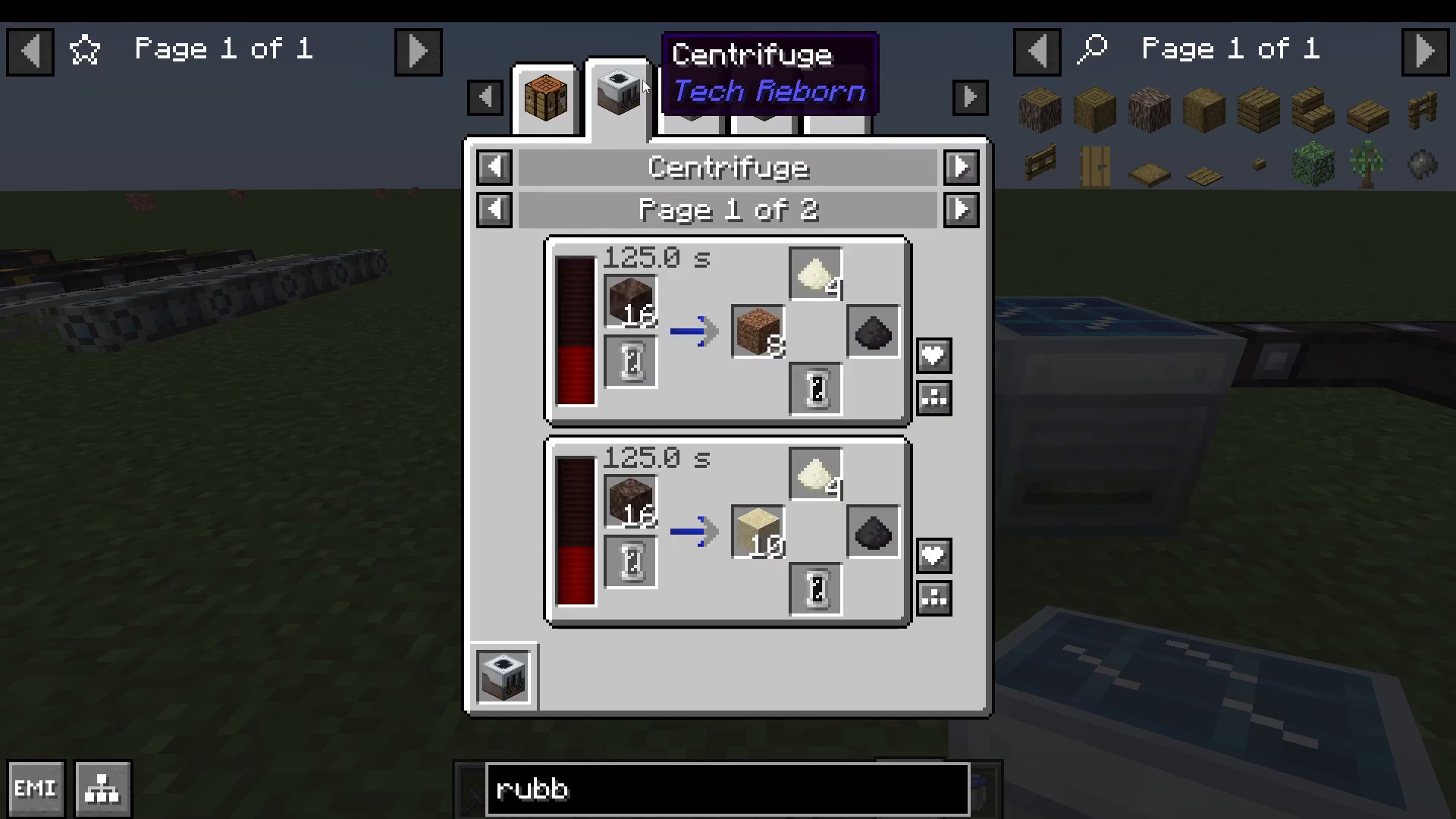
The Industrial Centrifuge
The centrifuge separates compounds into component materials:
Potatoes → Methane
Zinc Dust → Nuggets
Pods → Sand, Clay, Gravel, Plant Bowls
Golden Apples + Empty Cells → 64 Gold Ingots + Methane
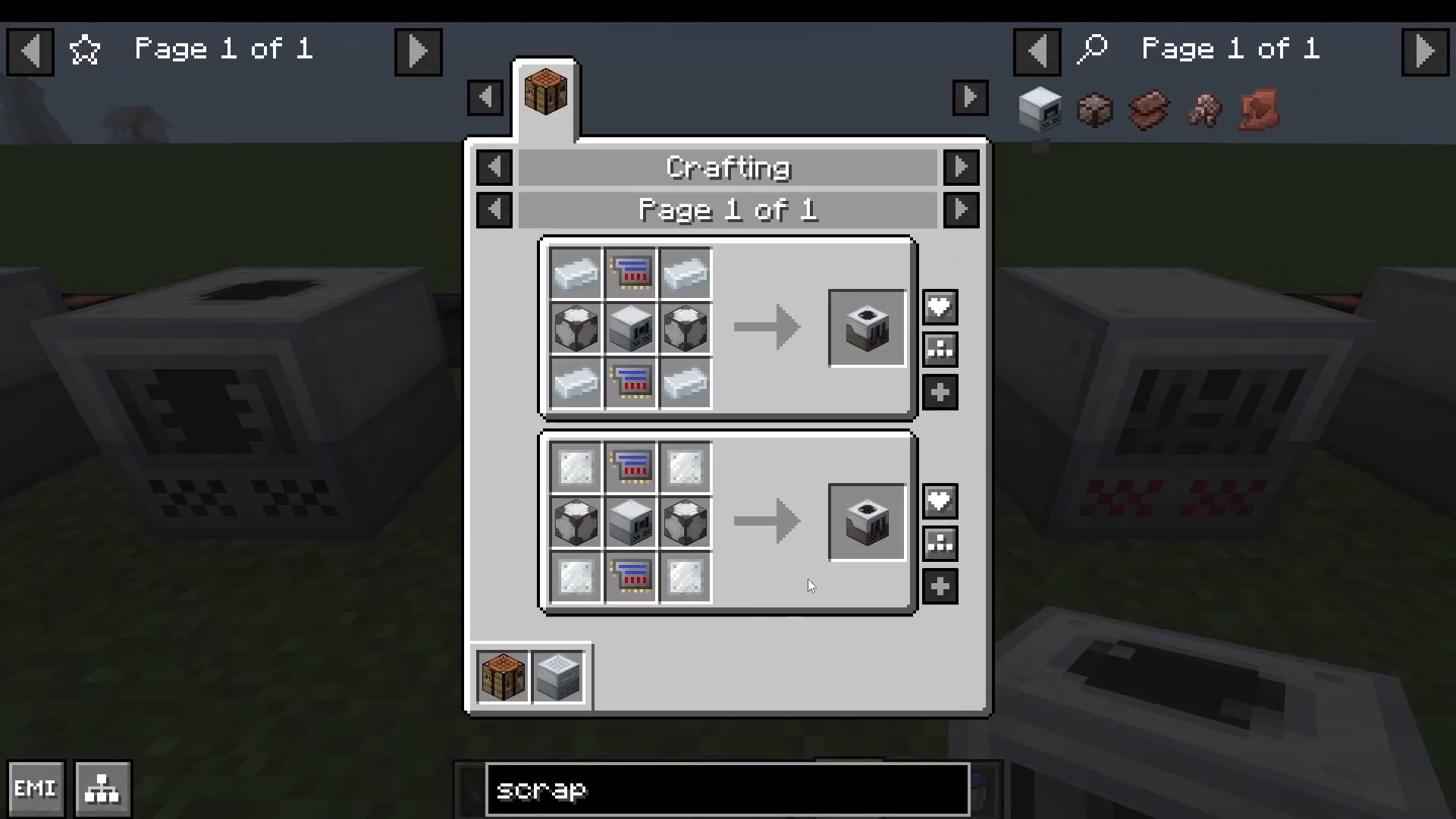
The Solid Canning Machine
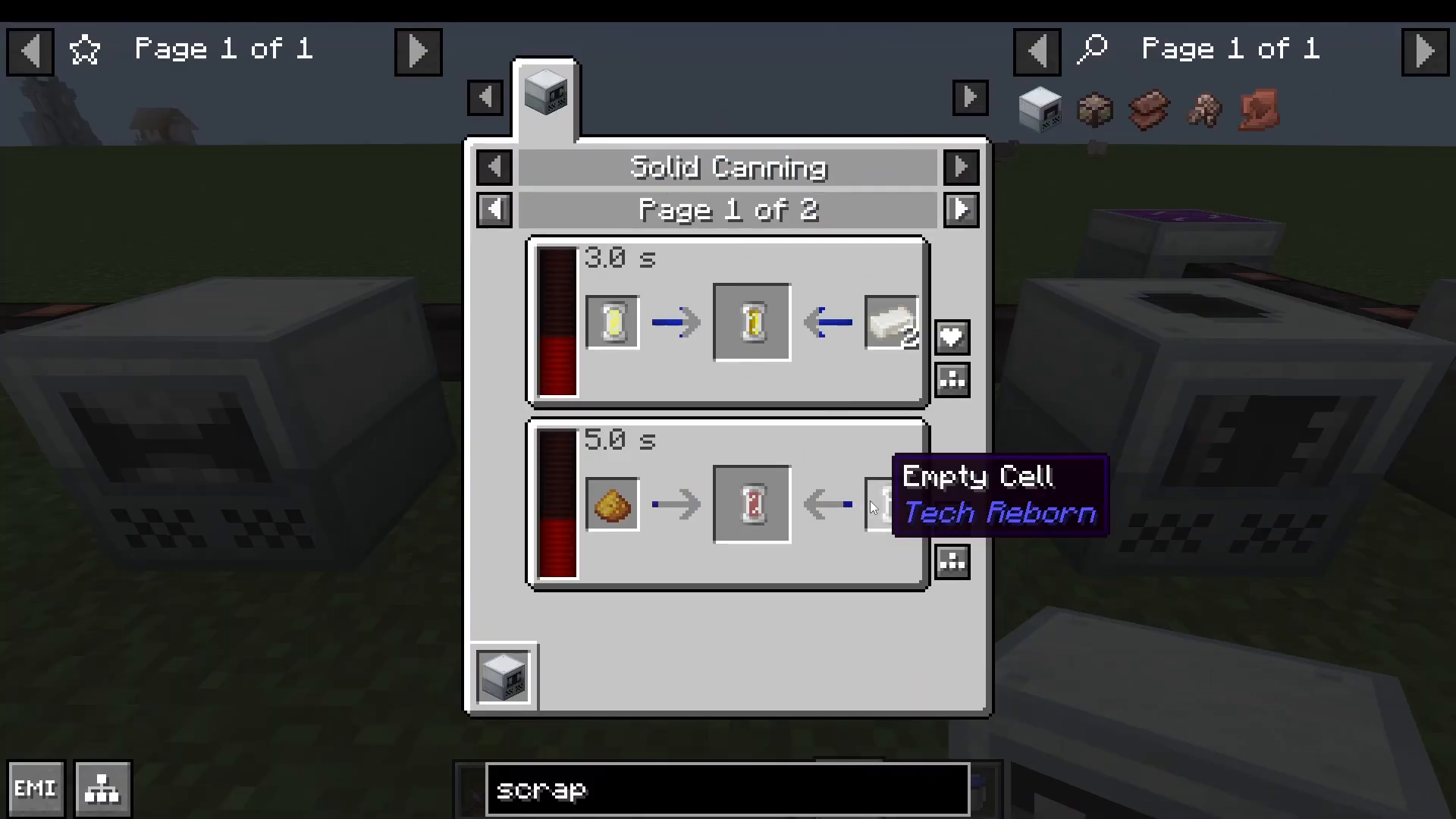
The solid canning machine fills cells with liquids and solids:
Compressed Plant Bowl (from leaves) + Empty Cell → Biofuel Cell
Water + Tin → 10K Water Coolant (for nuclear applications)
This machine becomes more important at higher voltage tiers.
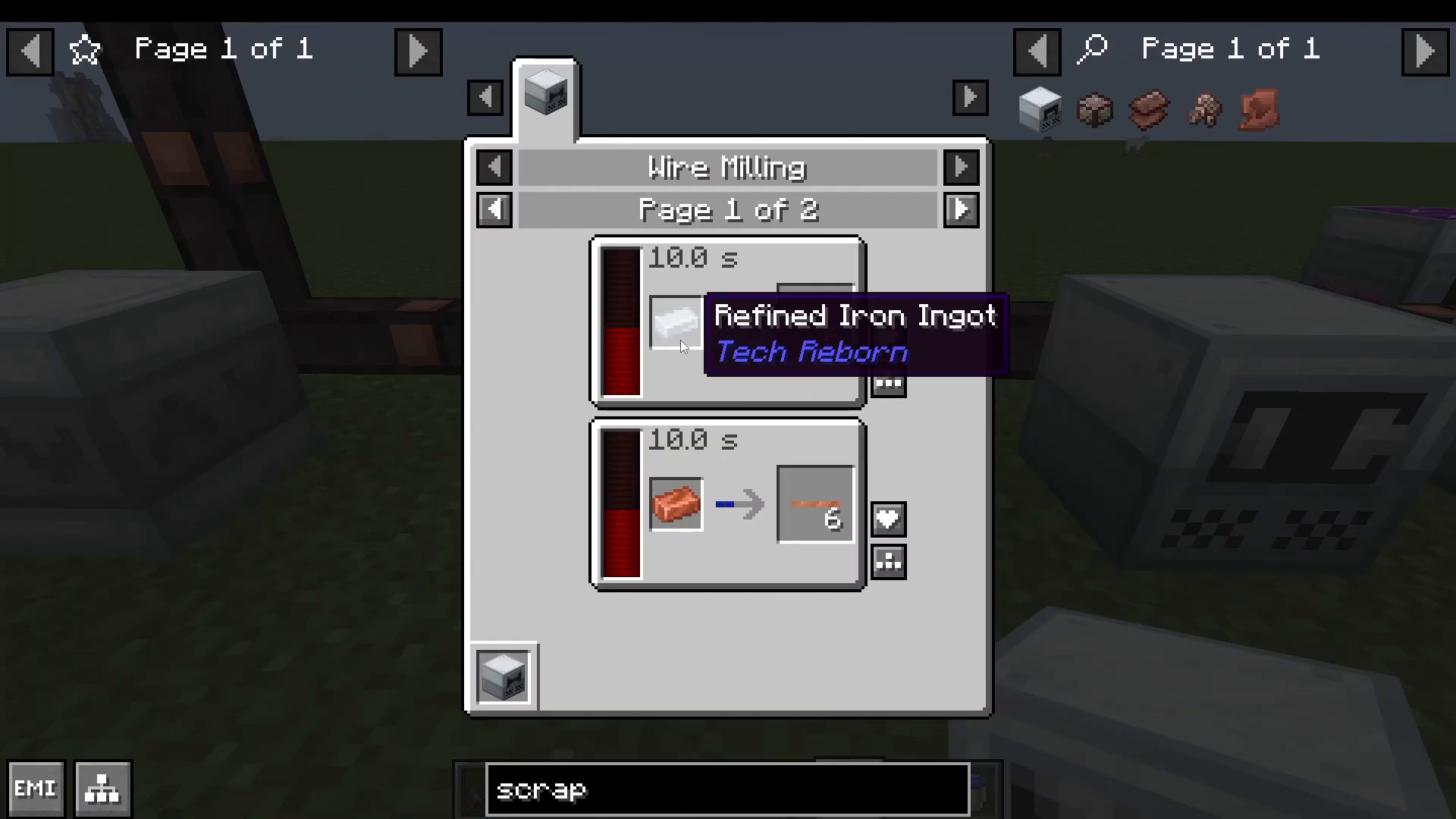
The Wire Mill
Convert one ingot into six wires—a significant efficiency boost compared to crafting recipes. Craft a wire mill early in your progression to streamline wire production.
Utility Machines and Blocks
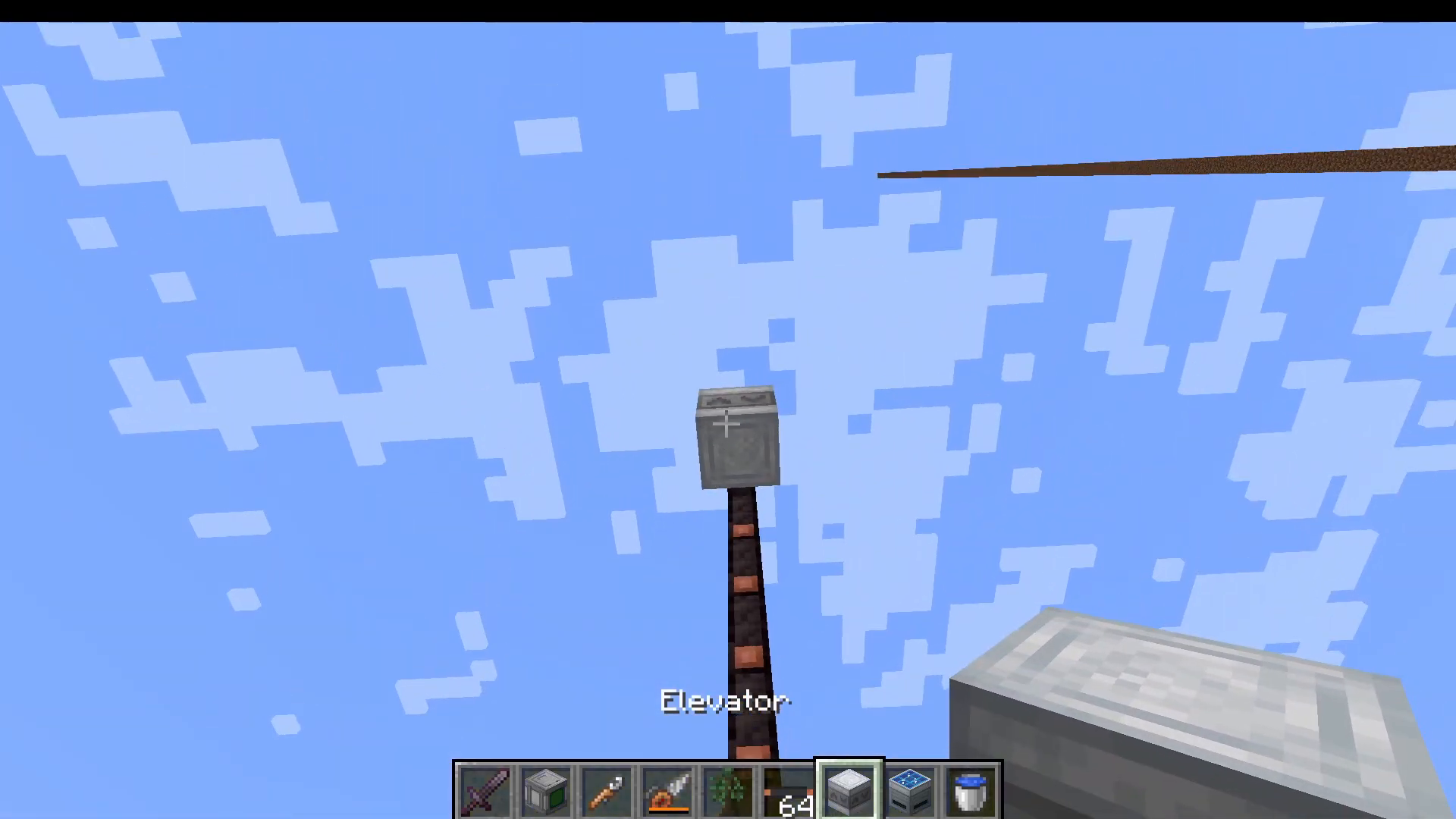
The Elevator
Stack two powered elevators vertically, and you can jump and crouch to move up and down between them. Both elevators must be powered to function.
Block Breaker and Block Placer
The block breaker destroys any block in front of it and stores the drops in its inventory. The block placer places blocks in front of it at a 100% progress rate. These are useful for automation tasks.
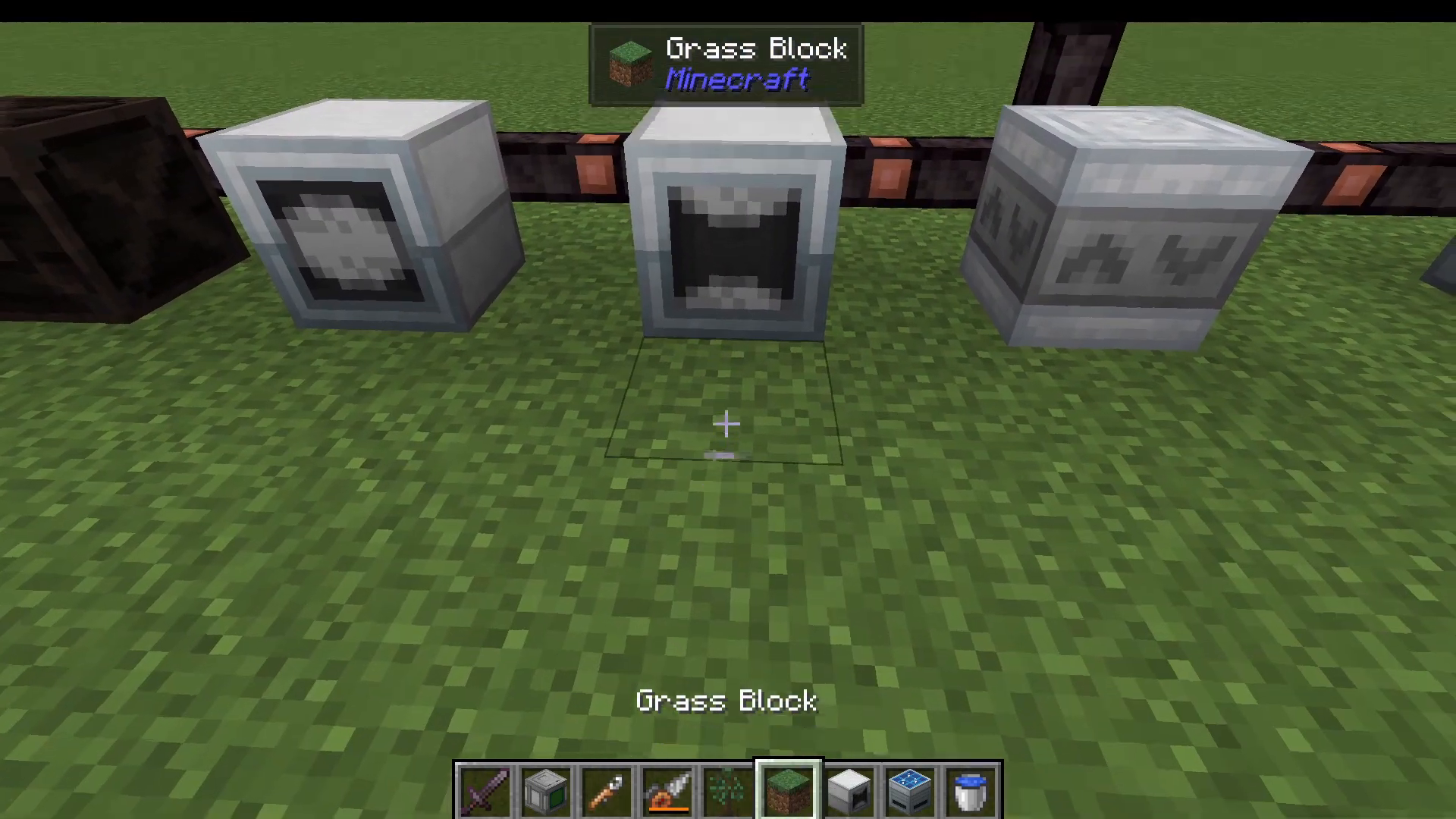
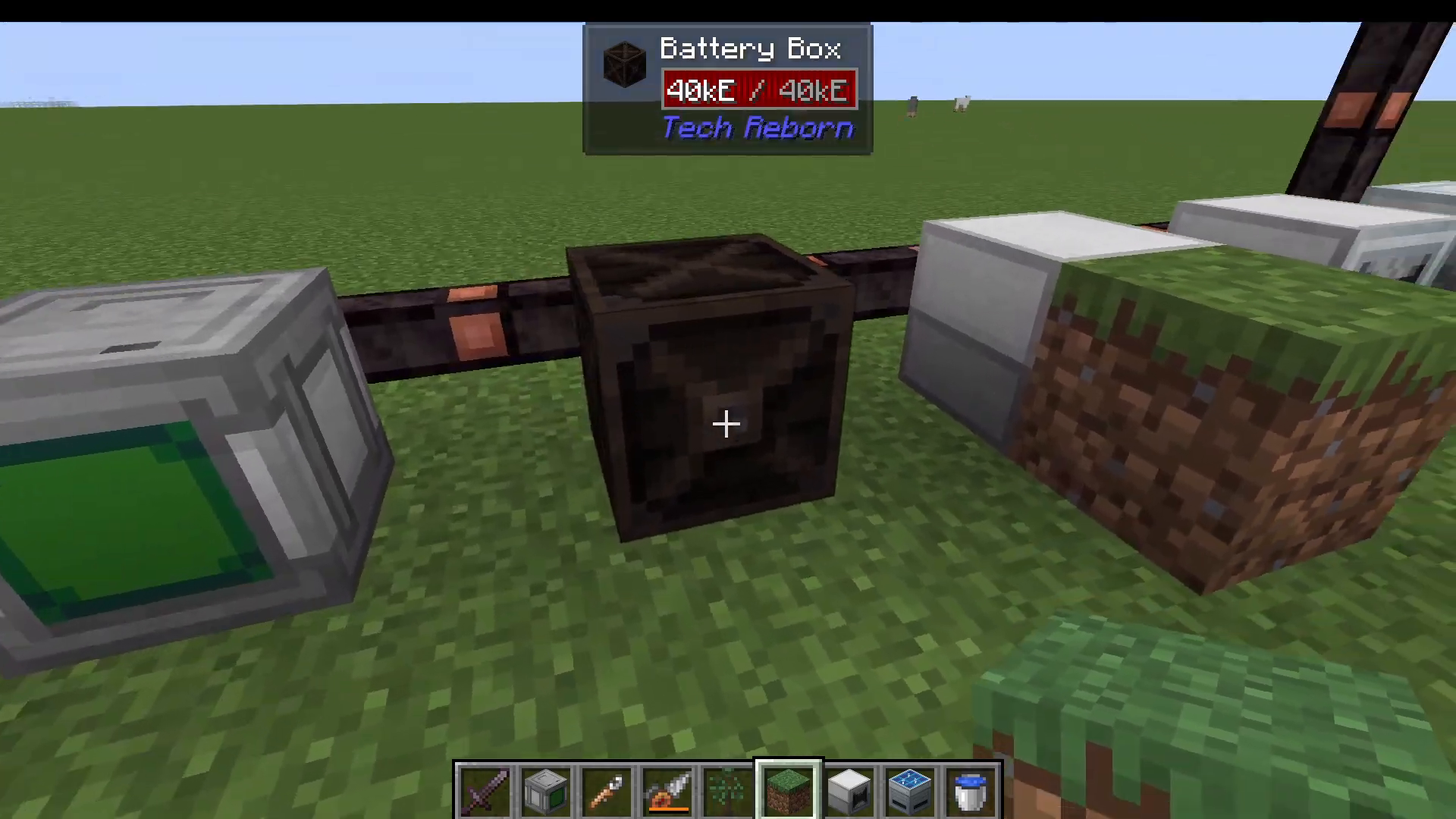
The Battery Box
Store and distribute power throughout your base. Input energy from any side and output from the front dot. Battery boxes can also charge electric tools and equipment placed inside them.
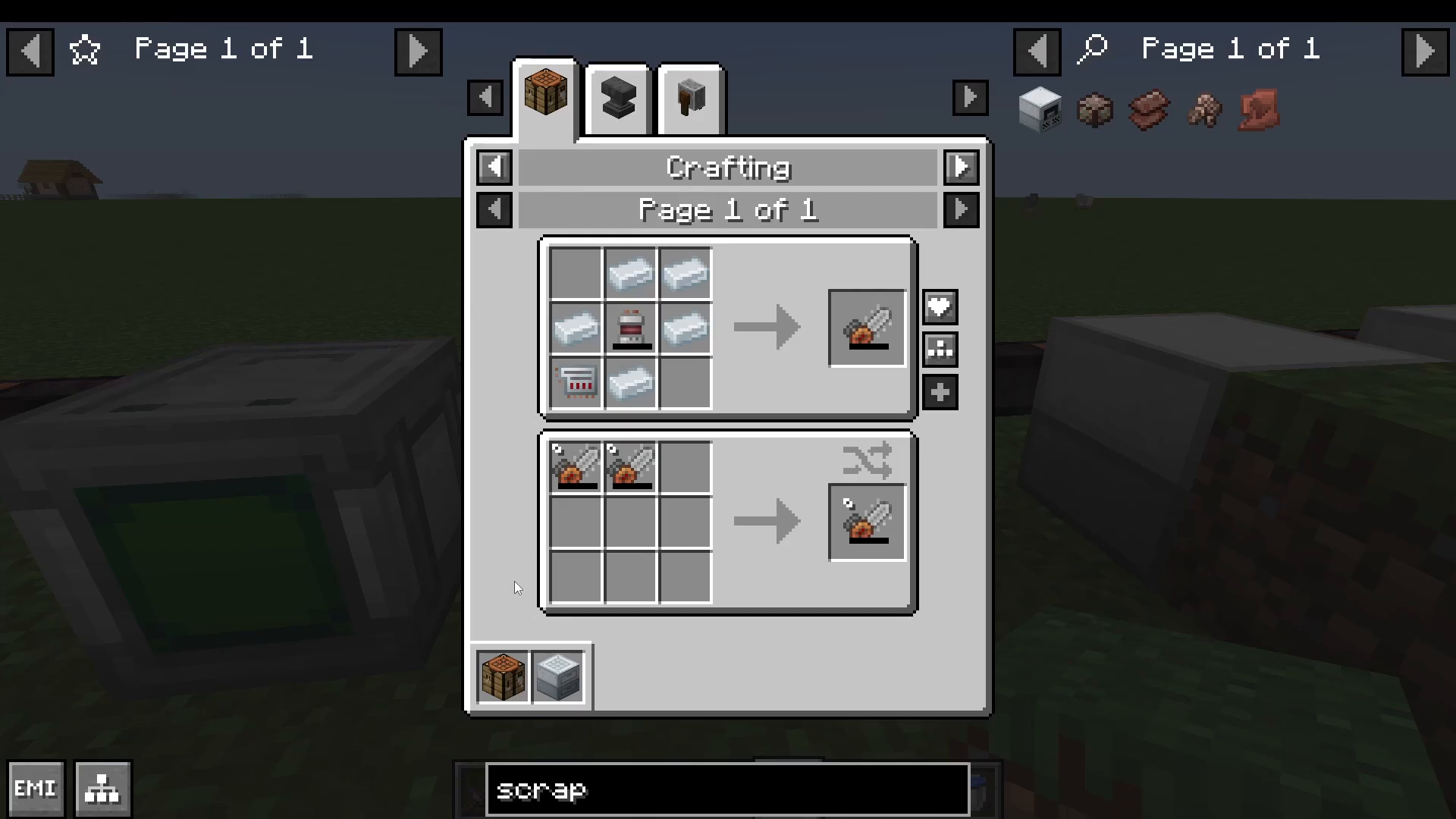
Electric Tools
TechReborn provides several powered tools to enhance your mining and gathering:
Electric Chainsaw: Replaces your axe for wood harvesting
Electric Drill: Mines ore more efficiently
Electric Jackhammer: Mines stone and similar blocks
Electric Tree Tap: Automates resin collection
The Wrench
Crafted from bronze ingots, the wrench allows you to configure machine I/O and redstone settings without opening the GUI.
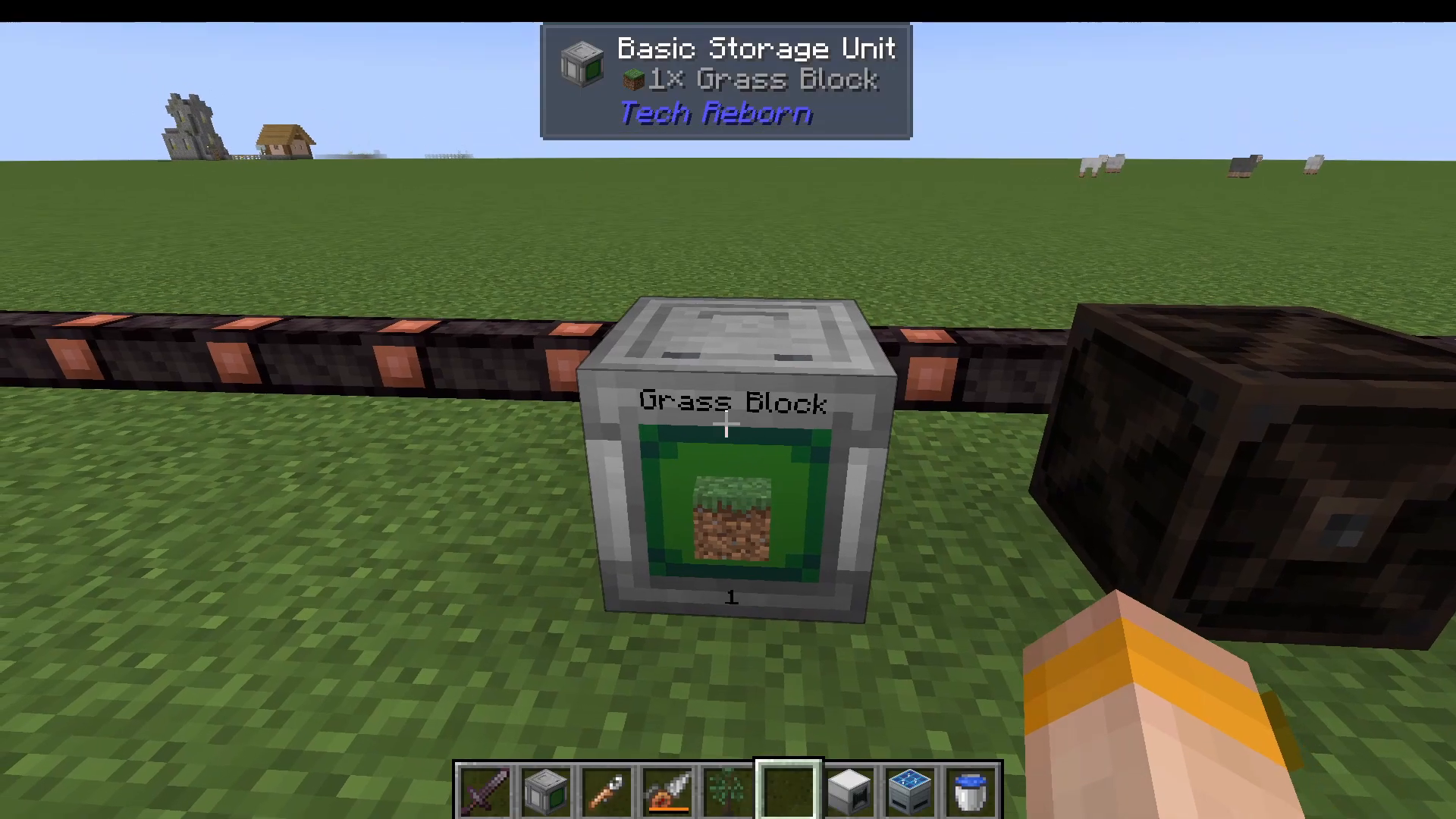
The Basic Storage Unit
Store massive quantities of a single item type. A basic storage unit displays the percentage full and can hold stacks upon stacks of the same material. Upgrade to advanced, industrial, and quantum variants for increased capacity.
Advanced Automation: The Greenhouse Controller
The greenhouse controller is the most complex low-voltage machine, enabling fully automated crop farming.
Setup and Configuration
To set up a greenhouse:
Power the controller with cables (e.g., from a solar panel)
Press H to view the harvest area (shown with a cacti indicator)
Prepare the ground with water and hoe the soil yourself
Plant crops within the designated area
Place incandescent light lamps (powered by your cables) to accelerate growth
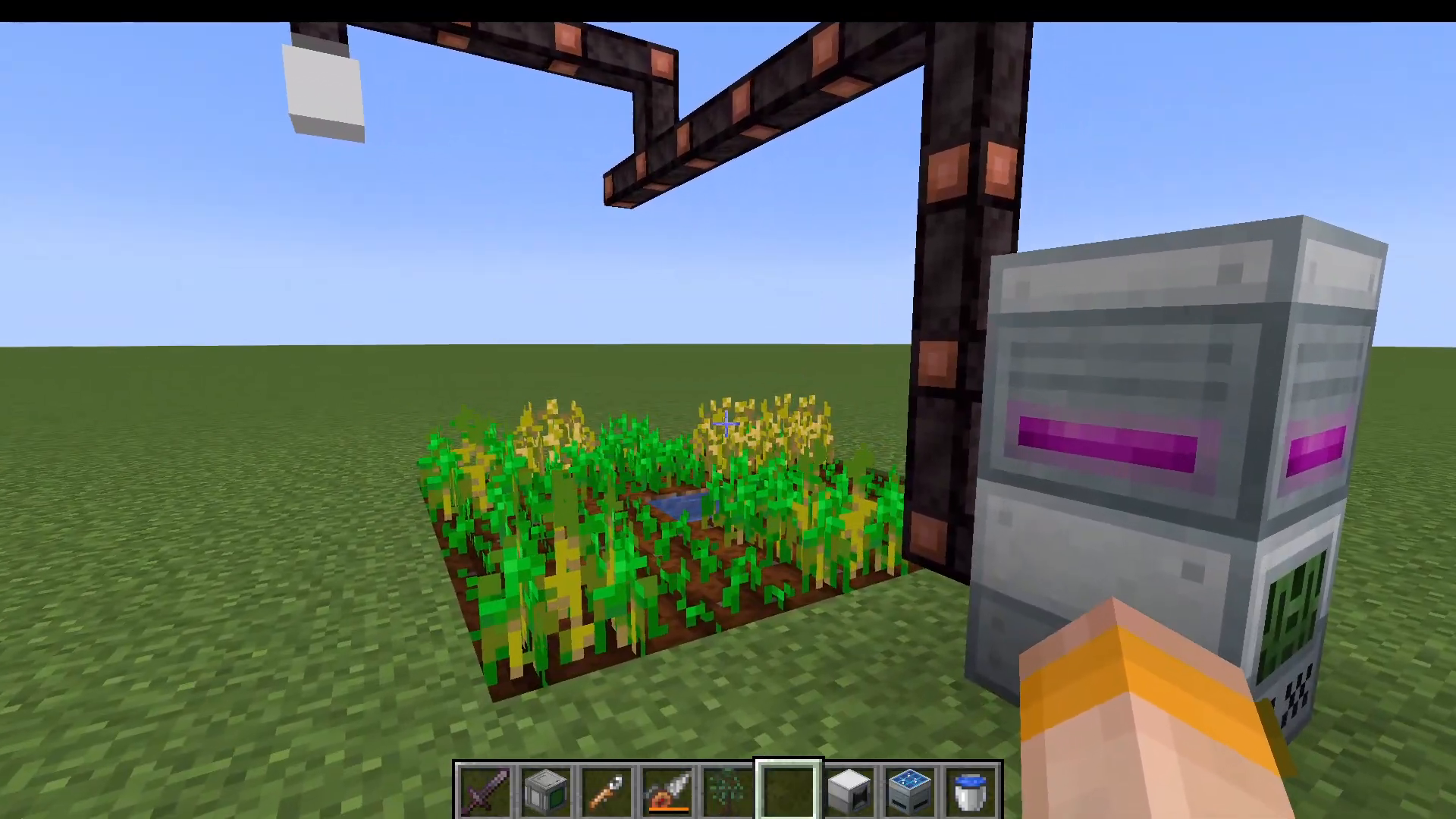
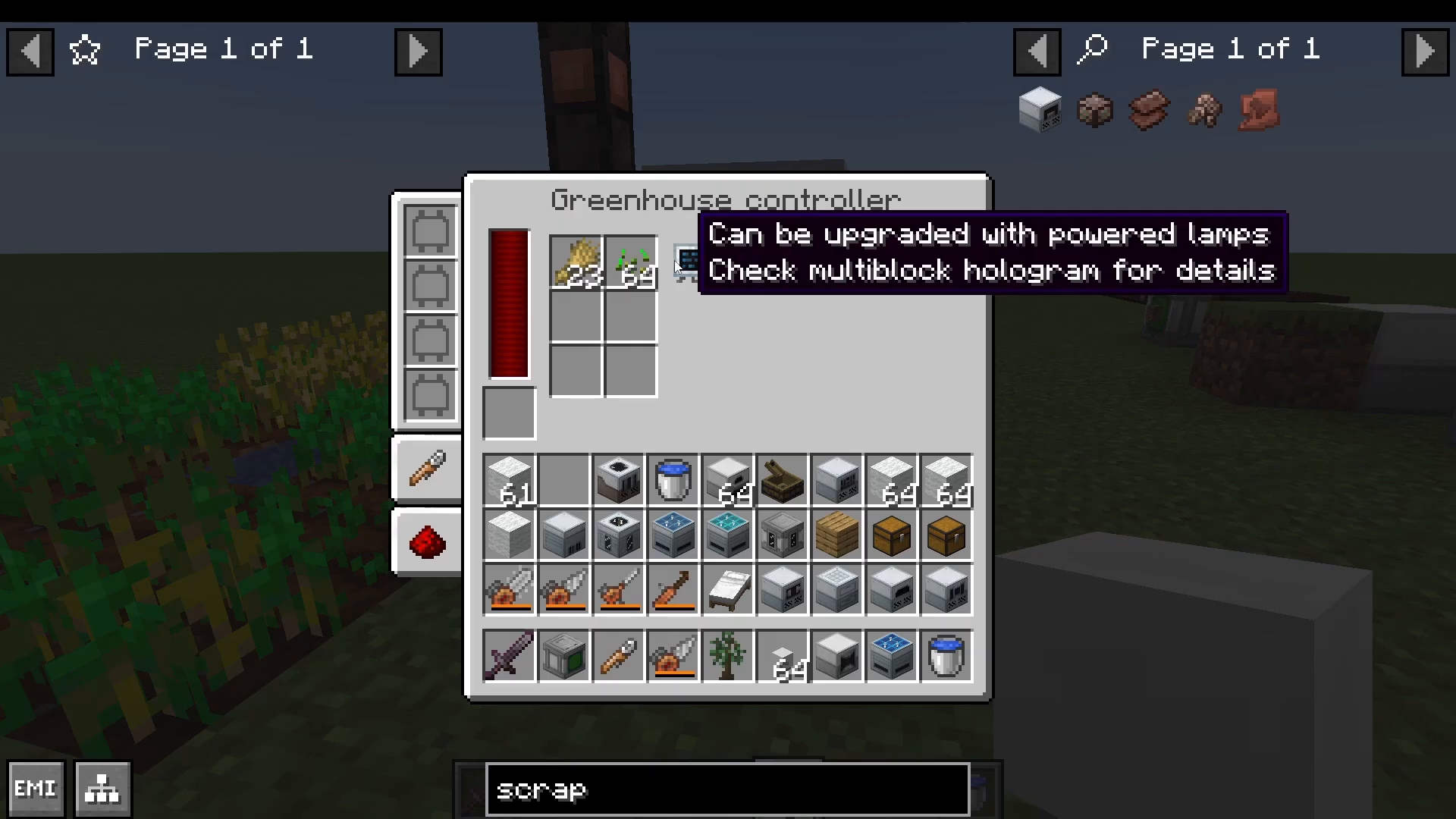
The greenhouse will automatically harvest crops and store seeds and produce in the controller. It supports most crops including wheat, glow berries, and more.
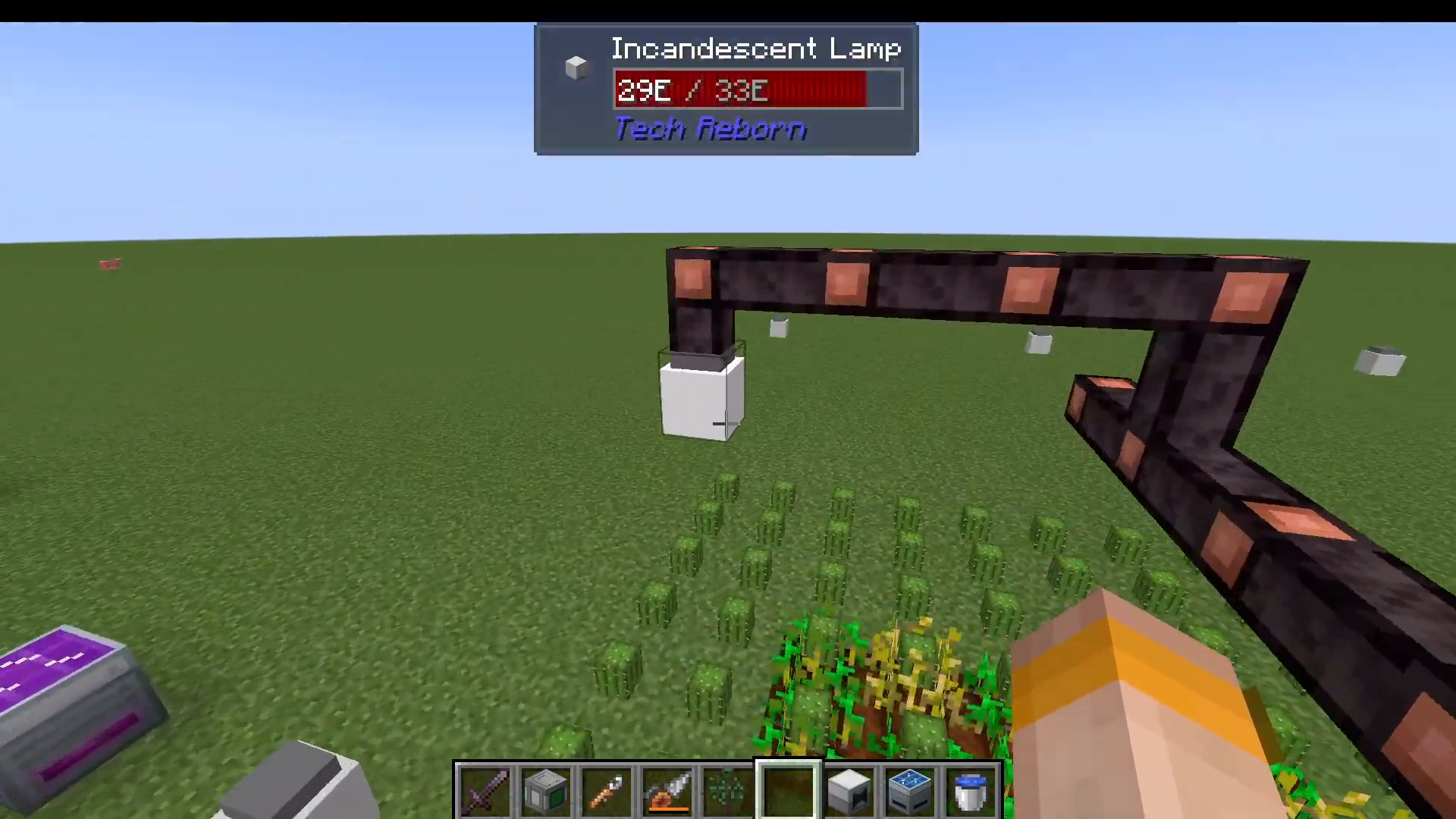
The greenhouse can be upgraded to use powered lamps for increased efficiency. Refer to the multiblock hologram for placement details.
Next Steps: Progressing Beyond Early Game
With these low-voltage machines and power systems in place, you’ve established a solid foundation for TechReborn. The logical next progression is moving into medium-voltage machinery and increasingly advanced automation.
If you want to explore higher tiers of machines and more complex systems, check out the TechReborn Ultimate Guide available in the playlist on this channel. For any crafting you’re unsure about, use your recipe viewer (JEEI or EMI) to trace back requirements—this self-guided approach builds deeper understanding of the mod.
Troubleshooting and Resources
Throughout your TechReborn journey, remember these key tips:
Always check recipes using JEEI or EMI before crafting
Use the wrench to quickly configure machines without opening their GUIs
Plan your power infrastructure early—underestimating power needs is a common mistake
Don’t overlook the grinder and extractor for resource multiplication
The greenhouse controller provides passive income for seeds and crops
This guide covers the complete beginner experience for TechReborn on the Fabric loader. These machines and systems provide everything needed to understand the mod’s core mechanics and prepare for advanced tiers. As you grow more comfortable with automation and power distribution, progressing to medium and high-voltage machinery will feel natural.
Want to Support?
If you would like to help us continue making these guides – please consider joining our patreon here – https://www.patreon.com/c/JaviHeals
Alternatively – we host a group of MC Servers you can join here – https://discord.gg/zD7Gjt6MHF



