







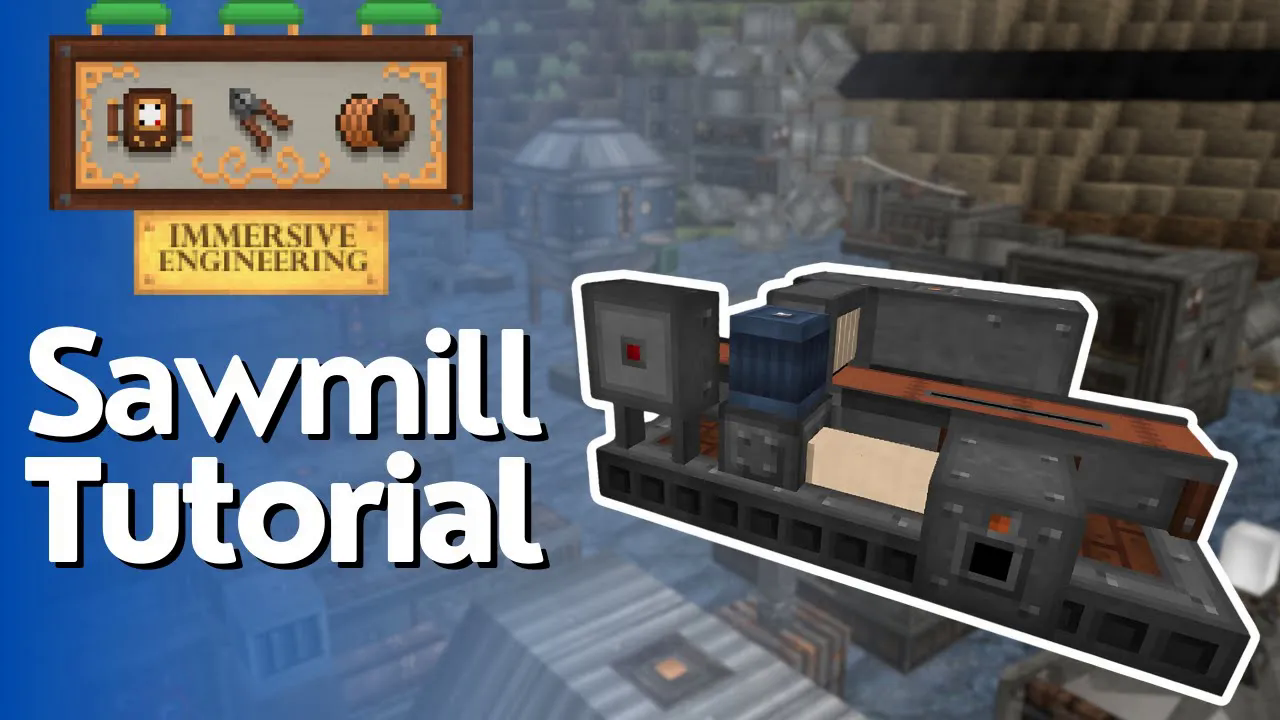
Sawmill Full Tutorial – Immersive Engineering
Sawmill Full Tutorial – Immersive Engineering
The sawmill is one of the most useful multiblock structures in Immersive Engineering, allowing you to automate wood processing for your Minecraft builds. In this comprehensive tutorial, we’ll walk you through how to construct, configure, and operate a fully functional sawmill—from gathering the necessary materials to processing your first batch of logs into planks.
Building the Sawmill Structure
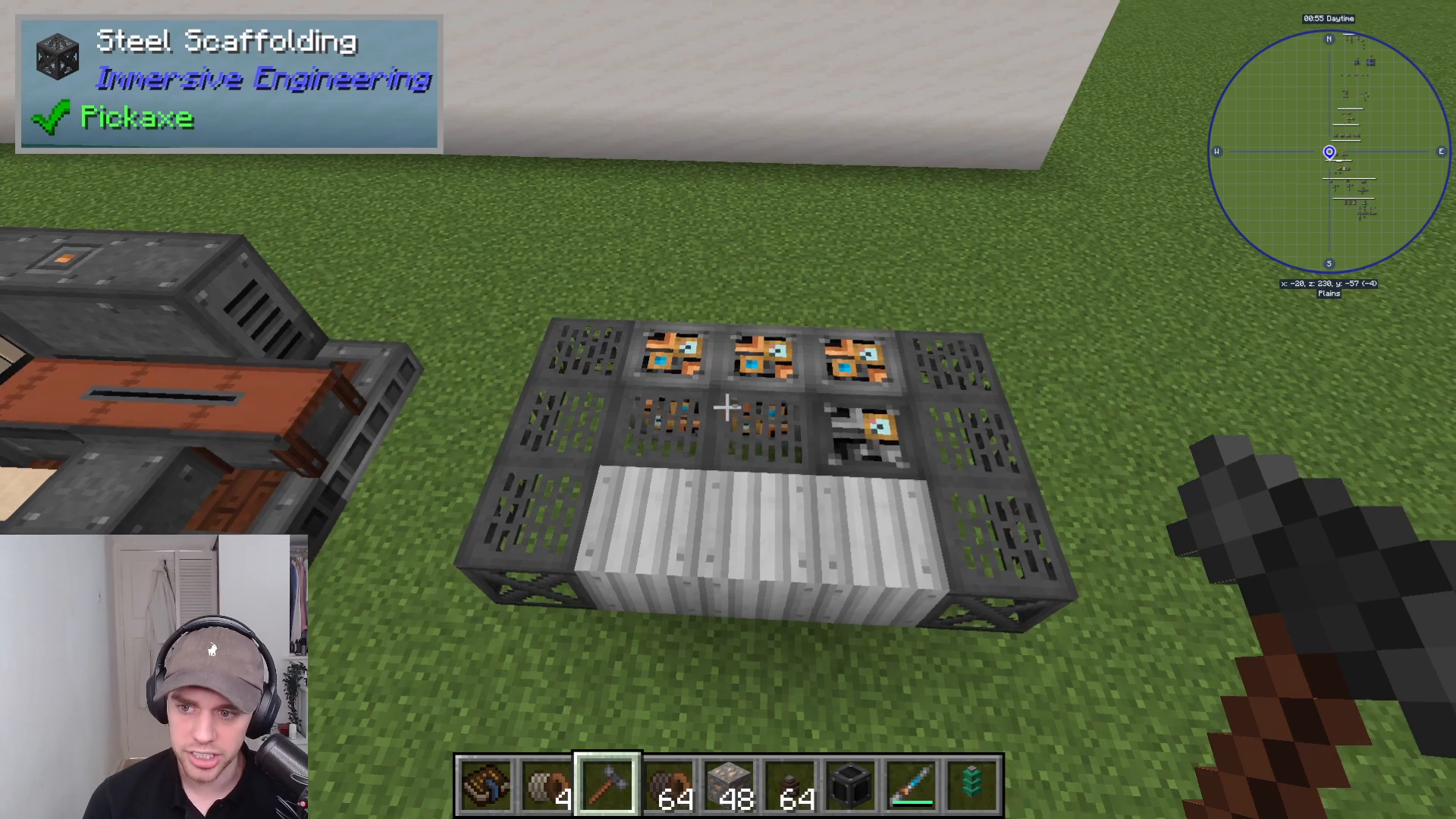
Foundation Layer (Bottom)
Start by laying down the base of your sawmill. You’ll need the following materials for the bottom layer:
Steel scaffolding (three pieces—one on each side)
Iron sheet metal (front piece)
Heavy engineering block (center position)
Light engineering blocks (three pieces at the back)
Take your time positioning each block correctly, as proper alignment is crucial for the multiblock to activate.
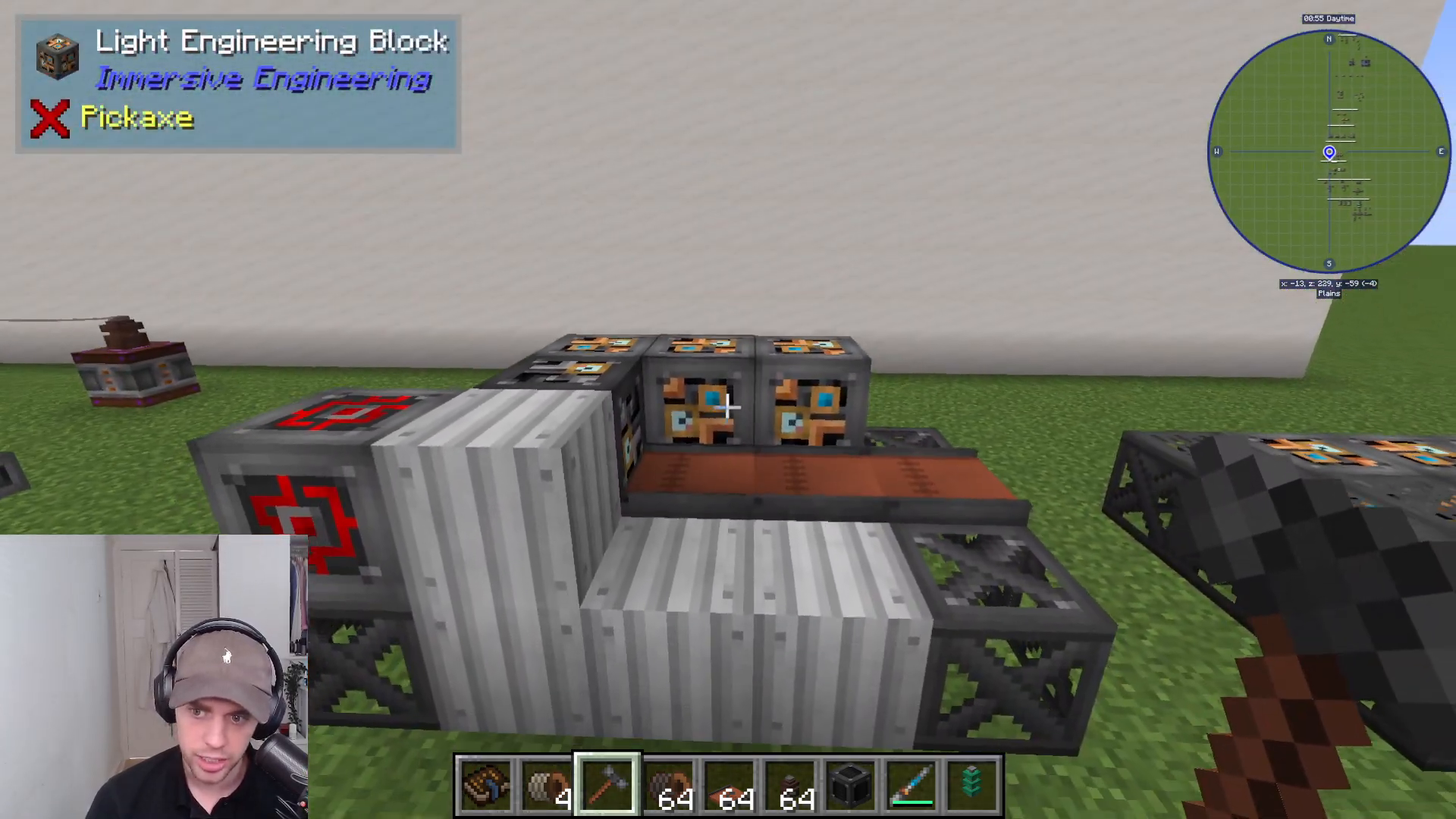
Top Layer Assembly
Once your foundation is complete, build the top layer of the sawmill structure:
One piece of sheet metal
One redstone engineering block
One heavy engineering block (center)
Three light engineering blocks (at the back)
Four conveyor blocks (positioned to guide items in the correct direction)
Make sure the conveyor blocks are oriented correctly to move items through the sawmill properly.
Activating the Sawmill
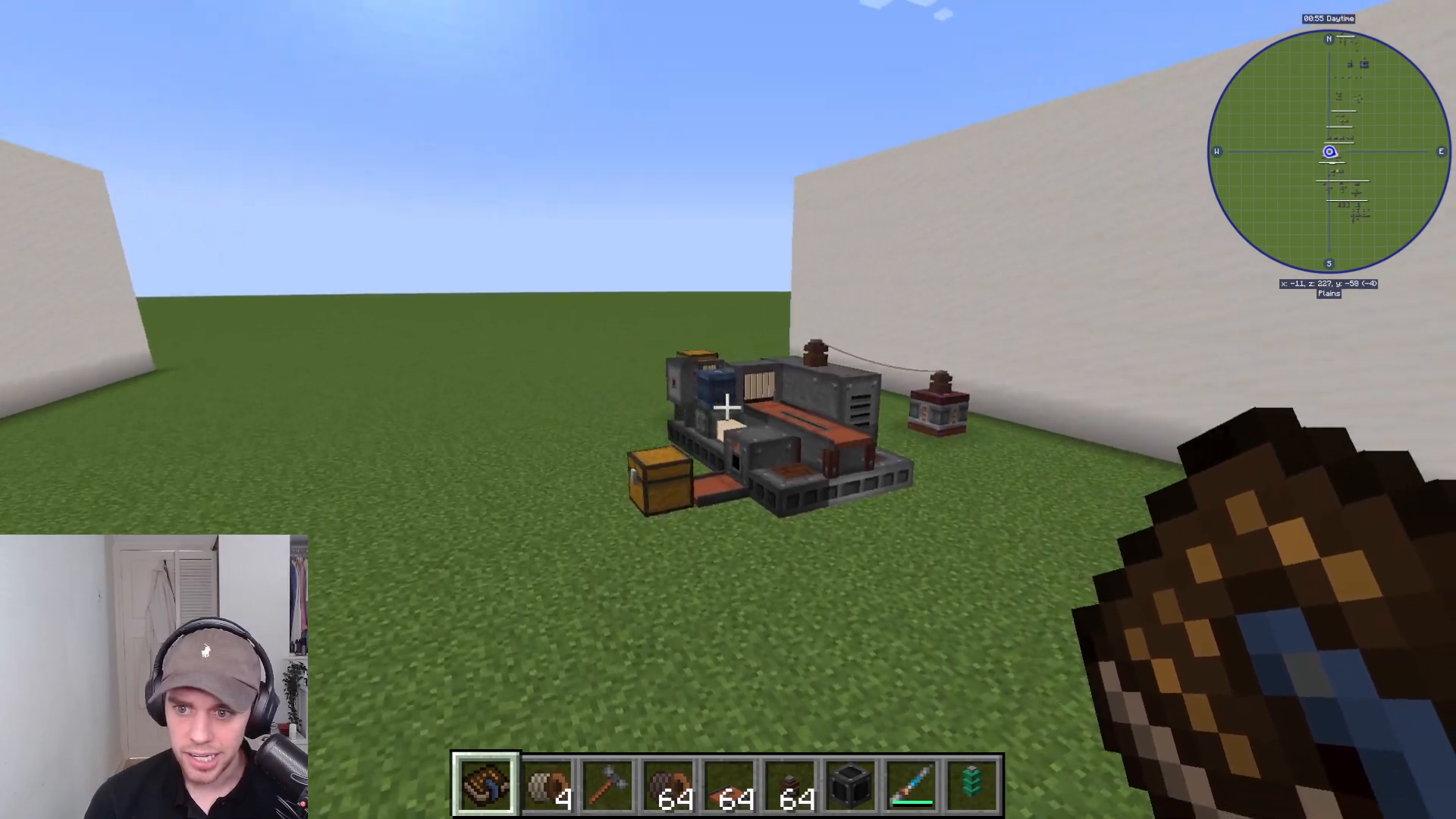
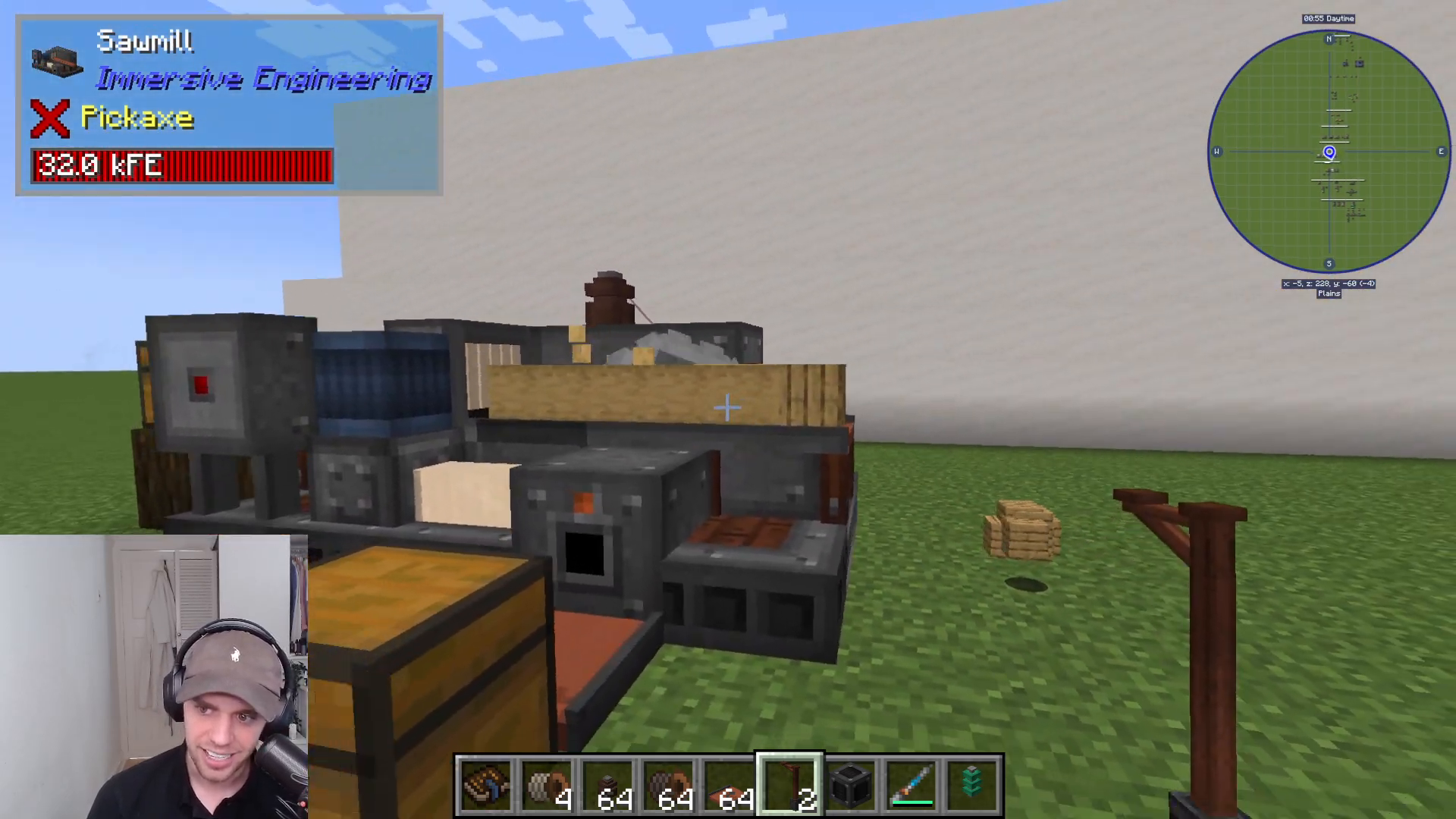
With your structure complete, activating the sawmill is straightforward. Simply right-click on the front piece of iron sheet metal, and it will transform into a functional sawmill multiblock.
Adding Redstone Control
To control when your sawmill operates, you can add a lever for redstone activation. The activation point is marked by a red dot on the sawmill’s structure. Place your lever here to start and stop the machine as needed using redstone signals.
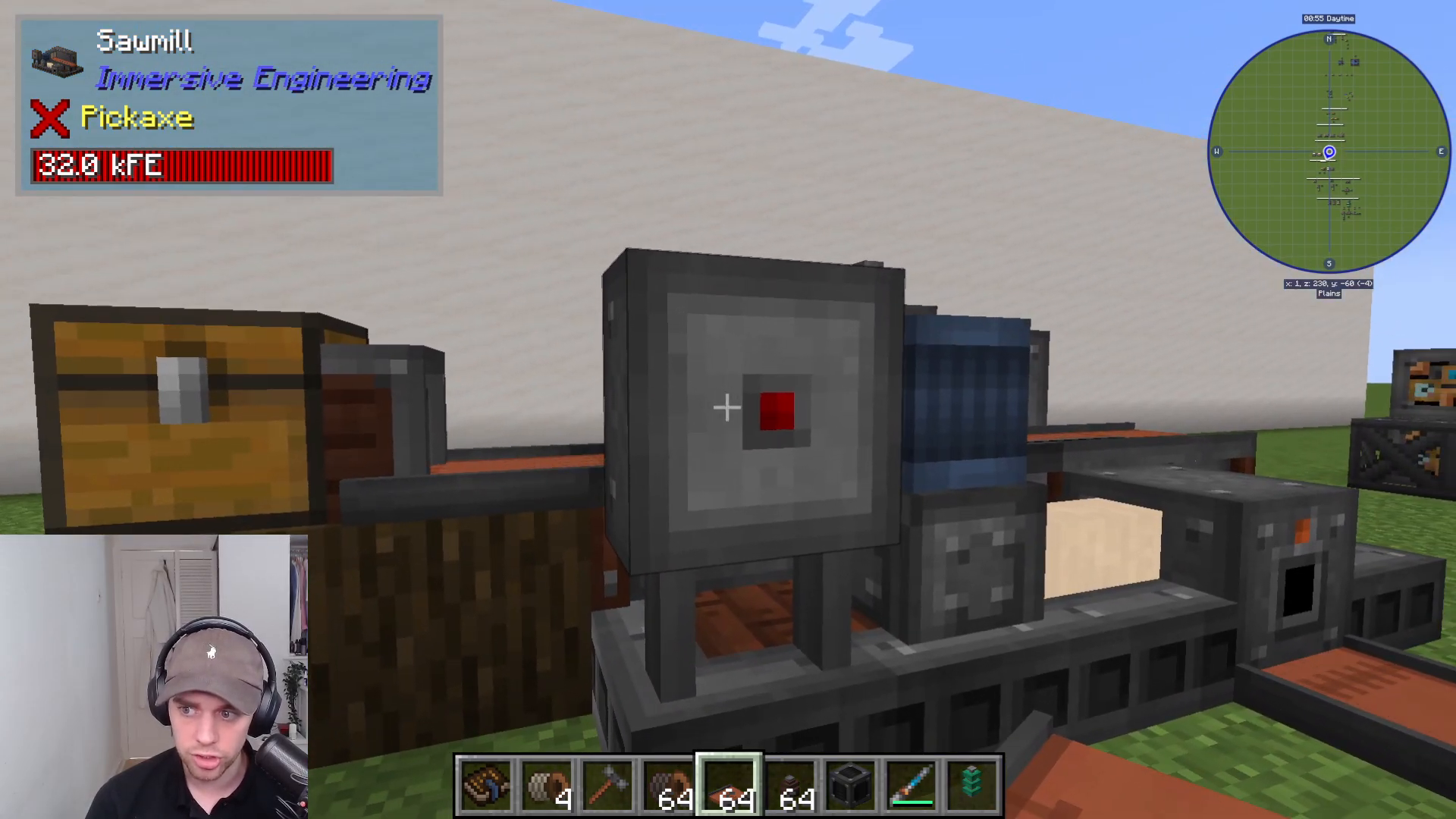
Power Input
The sawmill requires power to operate. The power input point is marked by an orange dot on the machine. Connect your preferred power source (such as kinetic energy from an external power system) to this location to enable the sawmill’s functions.
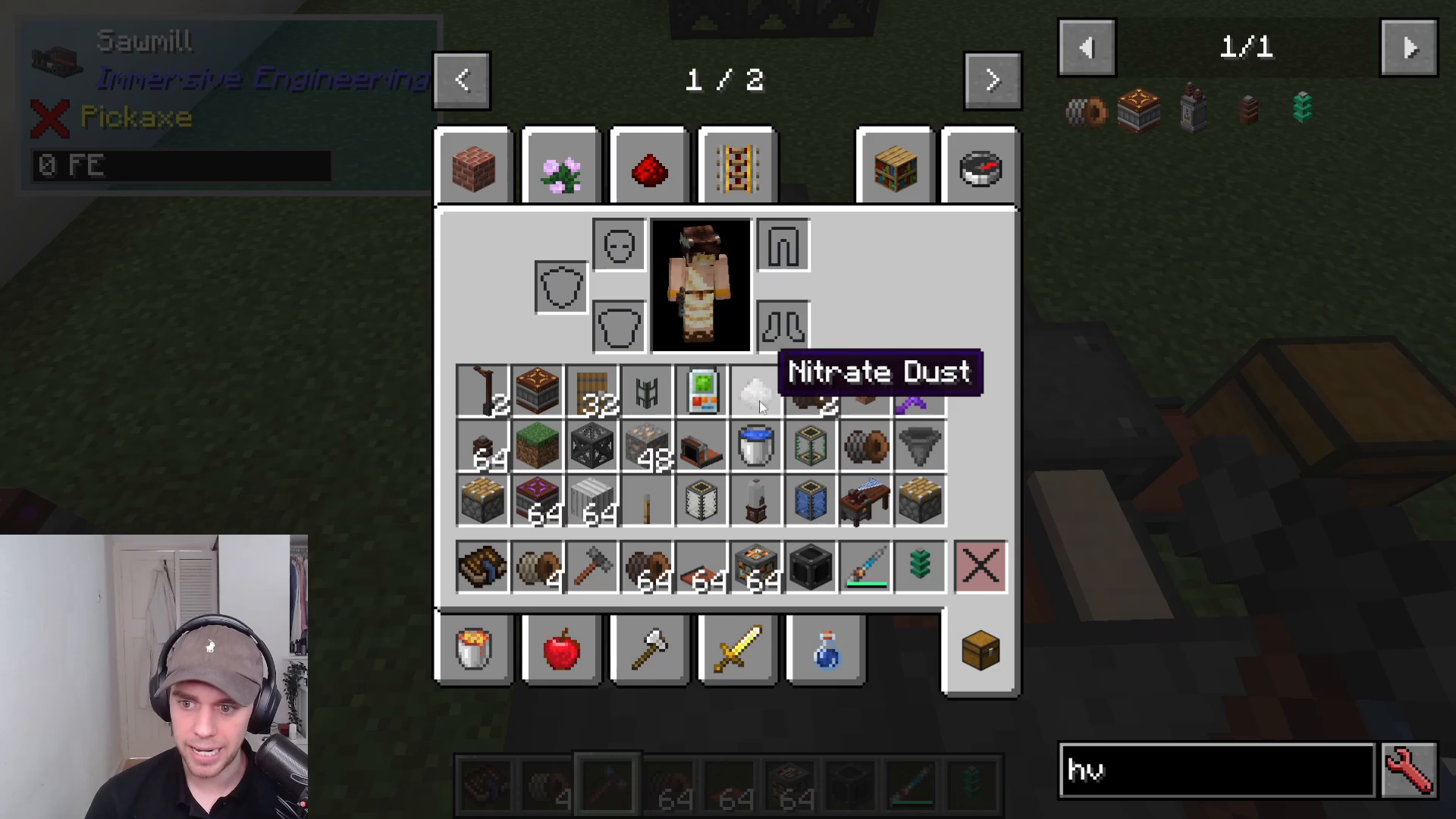
Item Input and Output
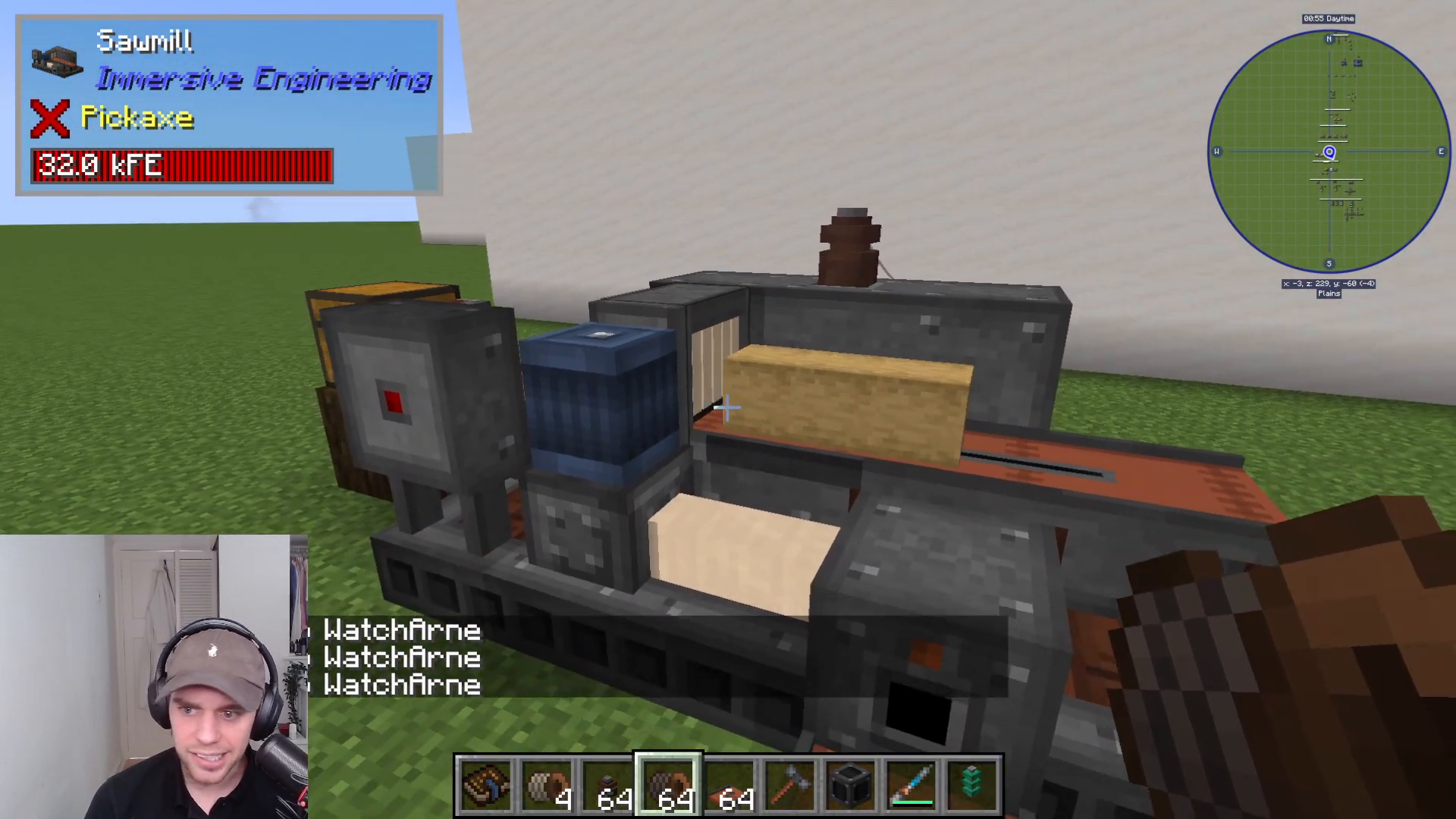
Items can be fed into the sawmill via the conveyor on the left side. You can use an extracting conveyor or any other item transport method to automatically load logs into the machine. Processed items will exit from the right side of the conveyor and fall into any container placed beneath them.
Operating Without a Sawblade
When the sawmill operates without a sawblade installed, it will strip logs of their bark, converting them to stripped logs. For example, oak logs will become stripped oak logs. This function alone is useful, but to unlock the full potential of the machine, you’ll need to install a sawblade.
Installing and Using the Sawblade
To convert logs directly into planks and other wood products, you need to install a sawblade into the sawmill. The sawblade can be inserted simply by right-clicking it into the machine at the designated location. Be warned—the sawblade produces significant noise when operating, so you may want to consider sound-dampening measures nearby.
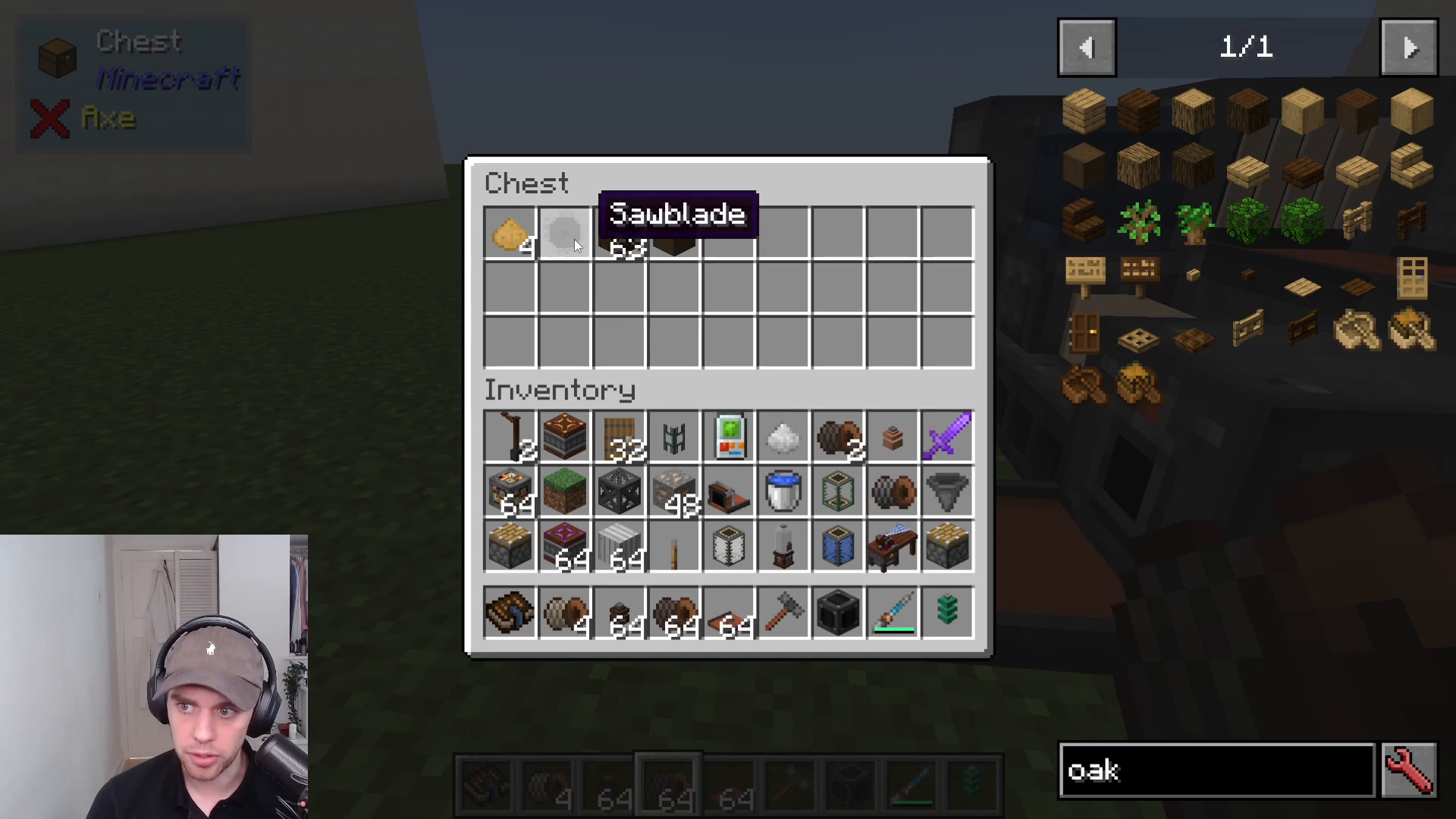
Sawmill Processing Capabilities
With a sawblade installed, the sawmill can process:
Logs → Planks (e.g., oak logs become oak planks)
Stripped logs → Planks
Doors → Planks
Stairs → Planks
Other wood variants back into their plank forms
Byproduct Collection
As the sawmill processes wood, sawdust is produced as a byproduct and exits from the front of the machine. Make sure to place a container at the front exit point to collect this sawdust, which can be useful for various crafting recipes within Immersive Engineering.
Summary
The sawmill is an excellent tool for automating wood production in Immersive Engineering. By following this tutorial, you now know how to build the multiblock structure, activate it, supply power, control it with redstone, and operate it with or without a sawblade. Whether you’re stripping logs or converting them directly into planks, the sawmill will significantly streamline your wood processing workflow. For more Immersive Engineering multiblocks and tutorials, be sure to explore the full playlist of available guides.
Want to Support?
If you would like to help us continue making these guides – please consider joining our patreon here – https://www.patreon.com/c/JaviHeals
Alternatively – we host a group of MC Servers you can join here – https://discord.gg/zD7Gjt6MHF



