







Powah – Thermo Generator Full Tutorial
Powah Thermo Generator Full Tutorial
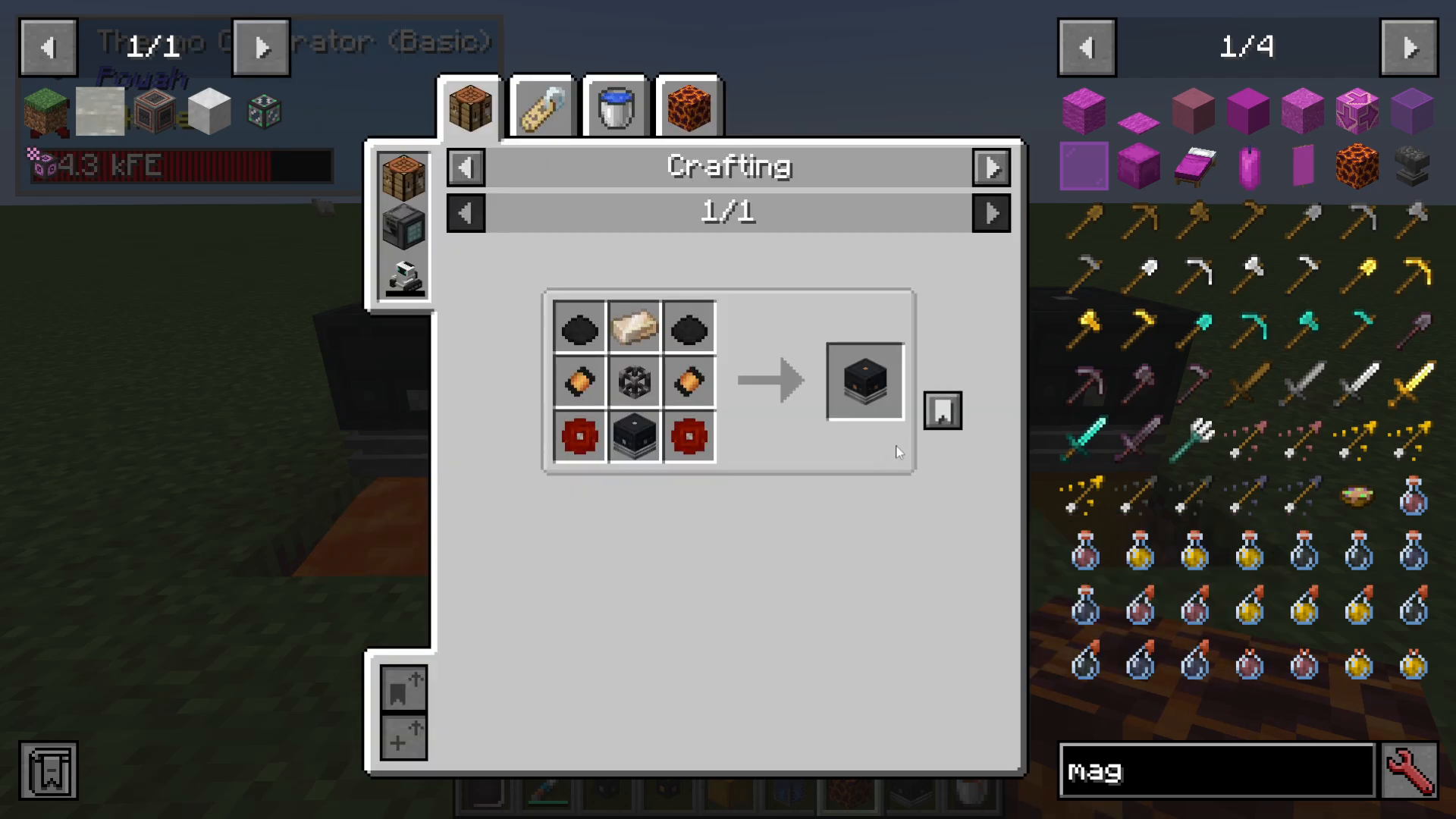
The Thermo Generator from the Powah mod is one of the most efficient ways to generate power from heat sources in Minecraft. This comprehensive guide will walk you through everything you need to know about setting up and optimizing your Thermo Generators, including heat source selection, coolant requirements, and power output configuration.
Understanding the Thermo Generator
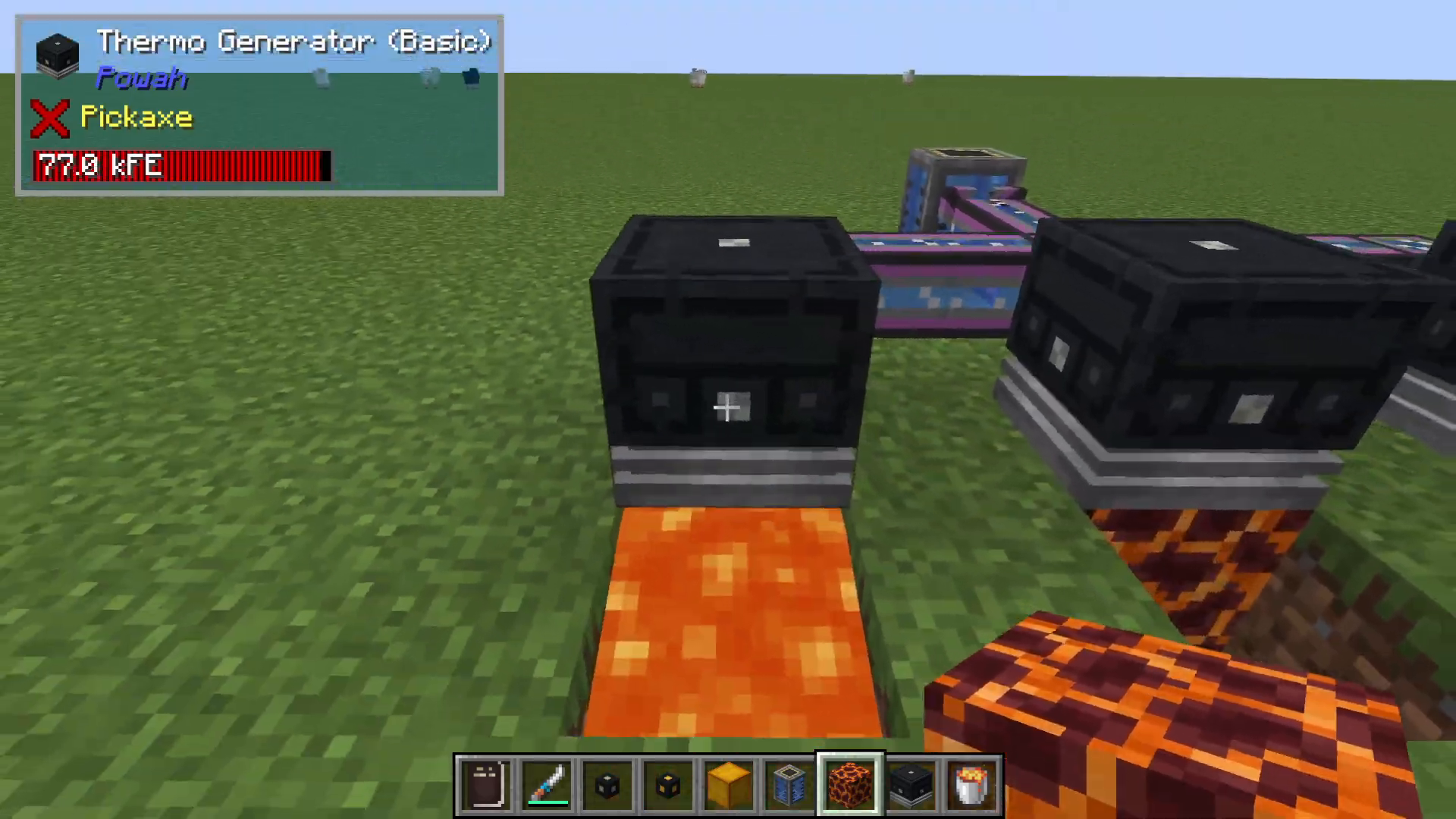
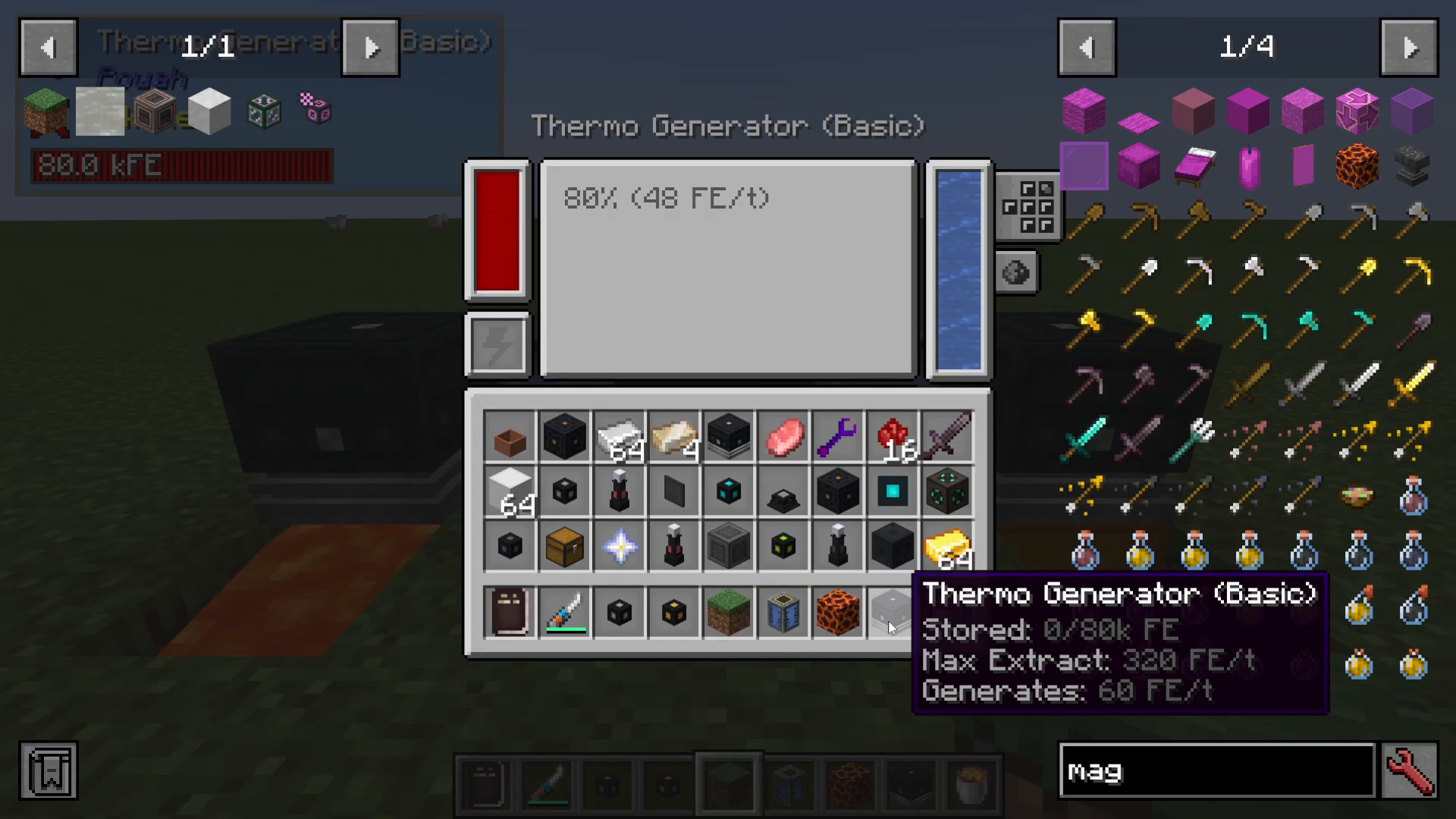
The Firmow Generator from Powah is a heat-based power generator that produces energy by utilizing heat sources placed beneath it. The basic model generates approximately 0.5 kilowatts (kW) of Energy per tick. However, to function properly, the generator requires a coolant system to prevent overheating and maintain continuous power generation.
The coolant is pumped into the back of the generator using pipes from mods like Mekanism. Once inside the interface, you’ll see the coolant (typically water) being circulated through the system.
Selecting the Right Heat Source
Finding Available Heat Sources
To view all compatible heat sources for your Thermo Generator, hover over the Firmow Generator in your inventory and press U (requires Just Enough Items to be installed). Navigate to the heat sources section to see all available options and their temperatures.
Heat Source Comparison
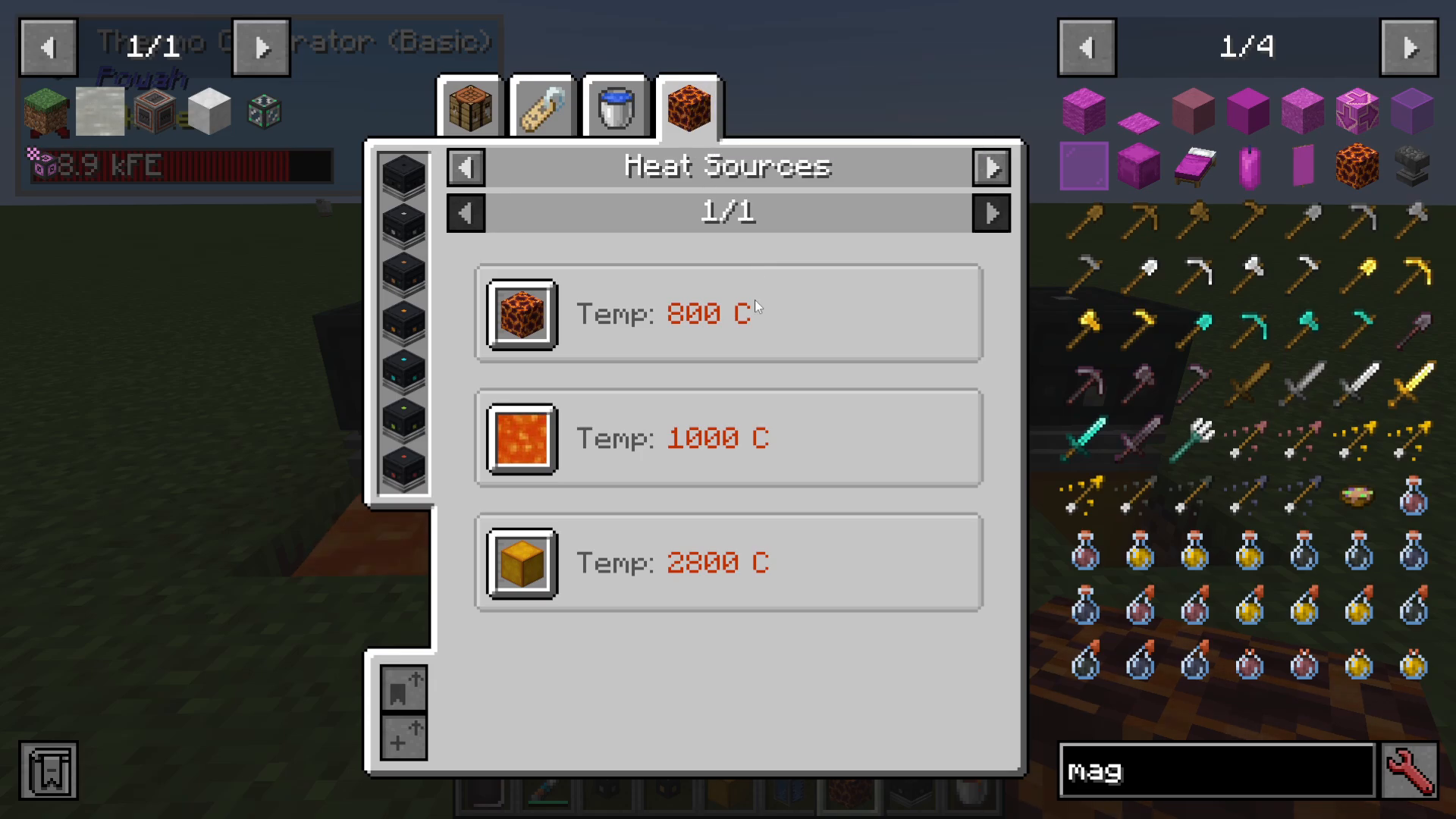
Different heat sources provide varying levels of temperature, which directly impacts power generation efficiency:
Magma Block: 800 temperature
Lava: 1000 temperature
Blazing Crystal Block (Powah mod): 2800 temperature
The Blazing Crystal Block is the most efficient heat source, providing significantly higher temperatures than alternatives. If you’re using the Powah mod, this is the recommended choice for maximum power output.
Practical Considerations
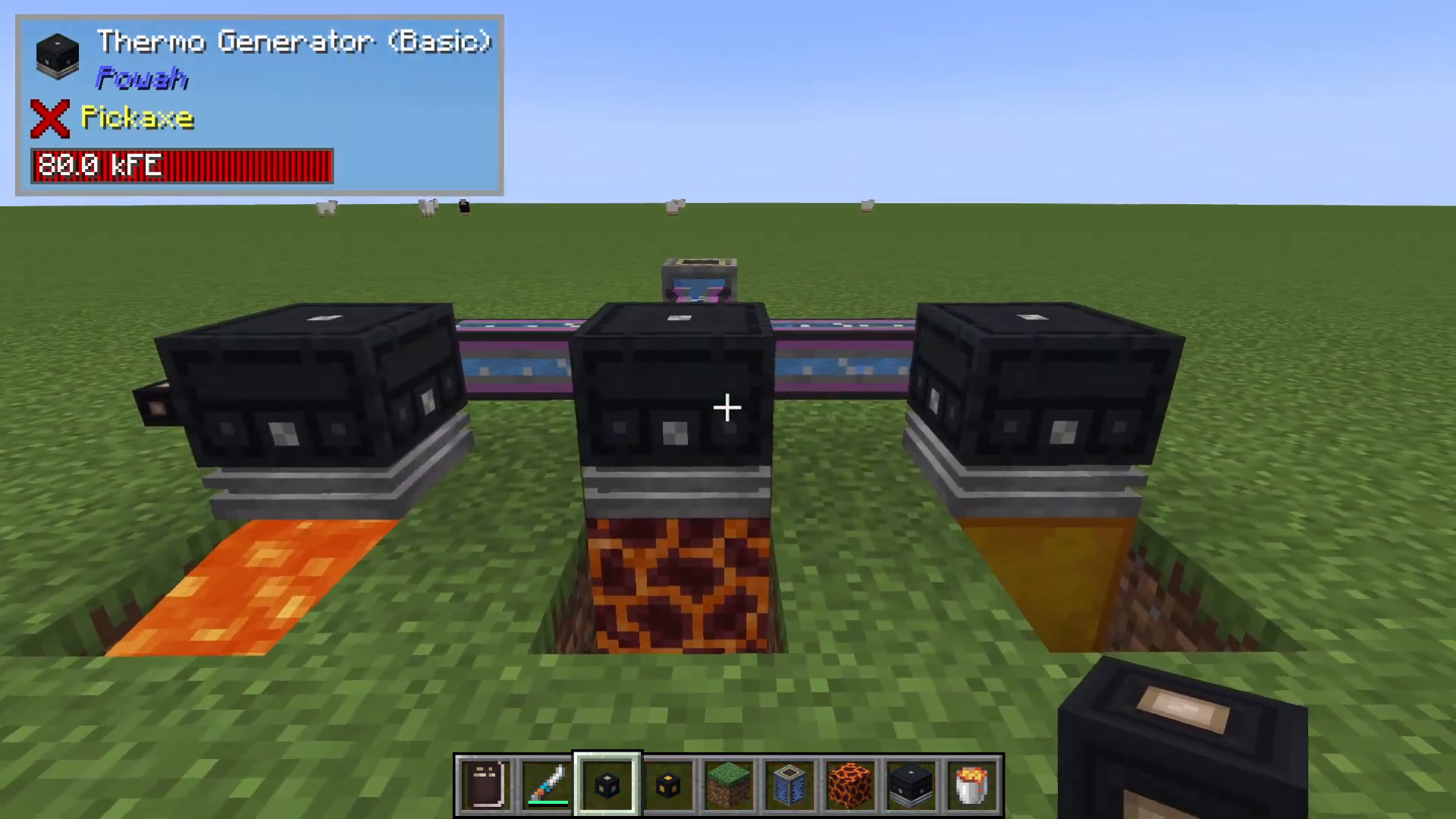
While lava is readily available, it presents a practical challenge: lava flows, making it difficult to maintain a stable setup where the heat source remains directly beneath the generator. Solid blocks like Magma and Blazing Crystal are much more reliable for compact installations.
You can, however, create large arrays of Thermo Generators with lava sources beneath them if you’re willing to manage the flowing mechanics. The choice depends on your desired setup configuration and space constraints.
Coolant Requirements
To check available coolants, hover over the Firmow Generator and press U, then navigate to the Coolants section. Currently, water is the only available coolant in the Powah mod. You must pump water into the generator to cool it down and enable continuous power generation.
Power Output Configuration
Adding Cables and Output Sides
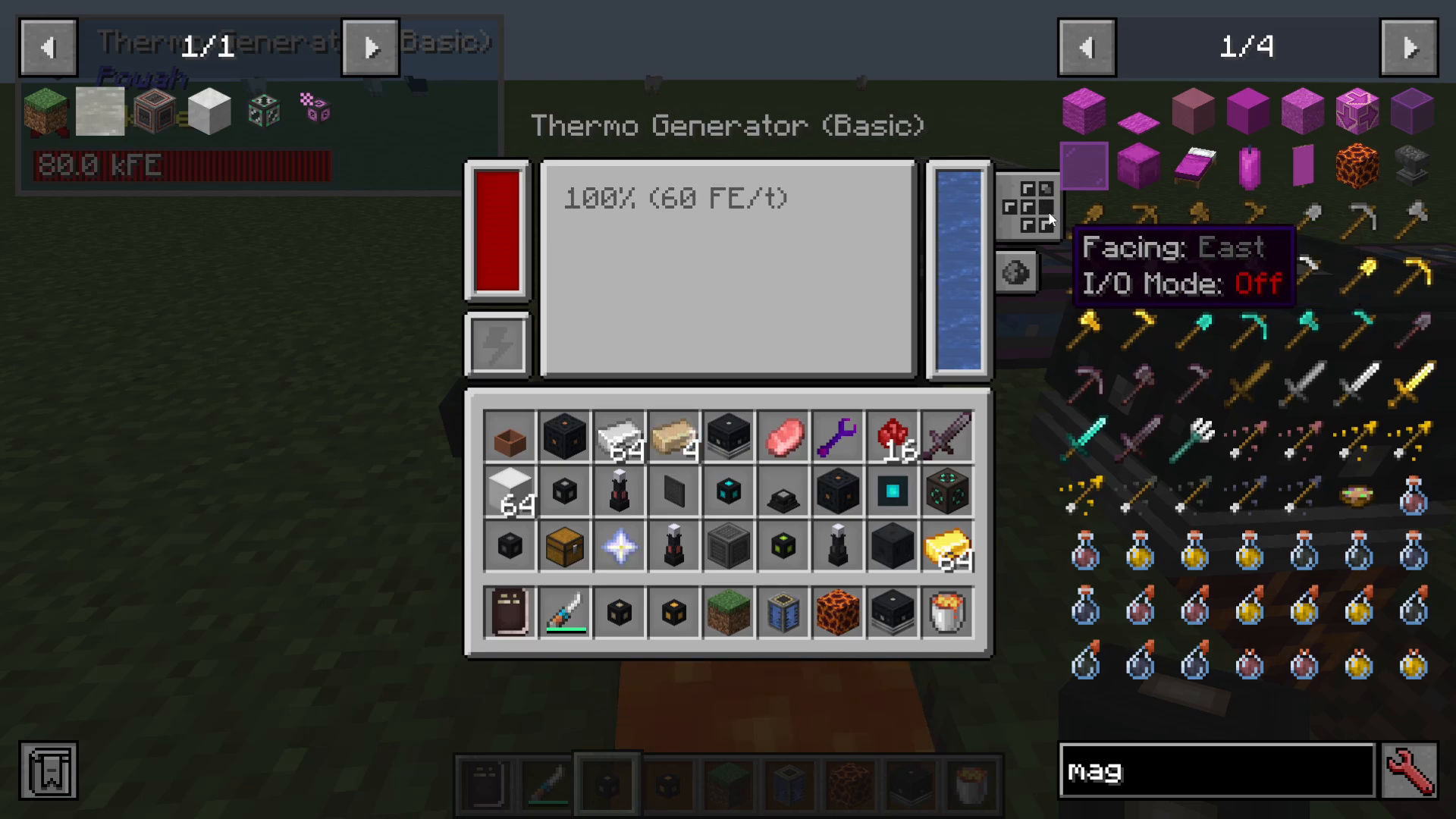
Like other Powah generators, you can attach power cables to your Thermo Generator to transmit the generated electricity. You have full control over which sides of the generator output power, allowing you to enable or disable specific output faces as needed.
Redstone Control
The Thermo Generator supports Redstone control, enabling you to toggle power generation on and off using Redstone signals. This is useful for creating automated systems or managing your power grid dynamically.
Upgrading Your Generators
Like all power generators in the Powah mod, Thermo Generators can be upgraded into more advanced versions using different materials from the mod. These upgrades increase power output and efficiency, allowing you to scale your power generation system as your base grows.
Summary
The Powah Thermo Generator is a versatile and efficient power generation solution for your Minecraft modpack. By selecting the appropriate heat source (preferably Blazing Crystal Blocks), ensuring proper water cooling, and configuring your output sides correctly, you can create a stable and scalable power infrastructure. Whether you’re building your first generator or establishing a large-scale power plant, the flexibility of Thermo Generators makes them an excellent choice for mid to late-game energy production.
Want to Support?
If you would like to help us continue making these guides – please consider joining our patreon here – https://www.patreon.com/c/JaviHeals
Alternatively – we host a group of MC Servers you can join here – https://discord.gg/zD7Gjt6MHF



