







Multipart Machines Farming Full Tutorial
Multipart Machines Farming Full Tutorial
Welcome to this complete guide for the Multipart Machines Farming mod! This tutorial will walk you through everything you need to know to set up and operate your own automated farms, from crafting the initial farm controller to harvesting your crops. Whether you’re interested in crop farming or tree farming, this guide covers all the essential components and techniques you’ll need.
Getting Started: Crafting Your Farm Crafter
The first item you’ll need to create is a Farm Crafter. This is your gateway to building all other farm types in the mod. The Farm Crafter requires only vanilla ingredients and a World Fertilizer to craft.
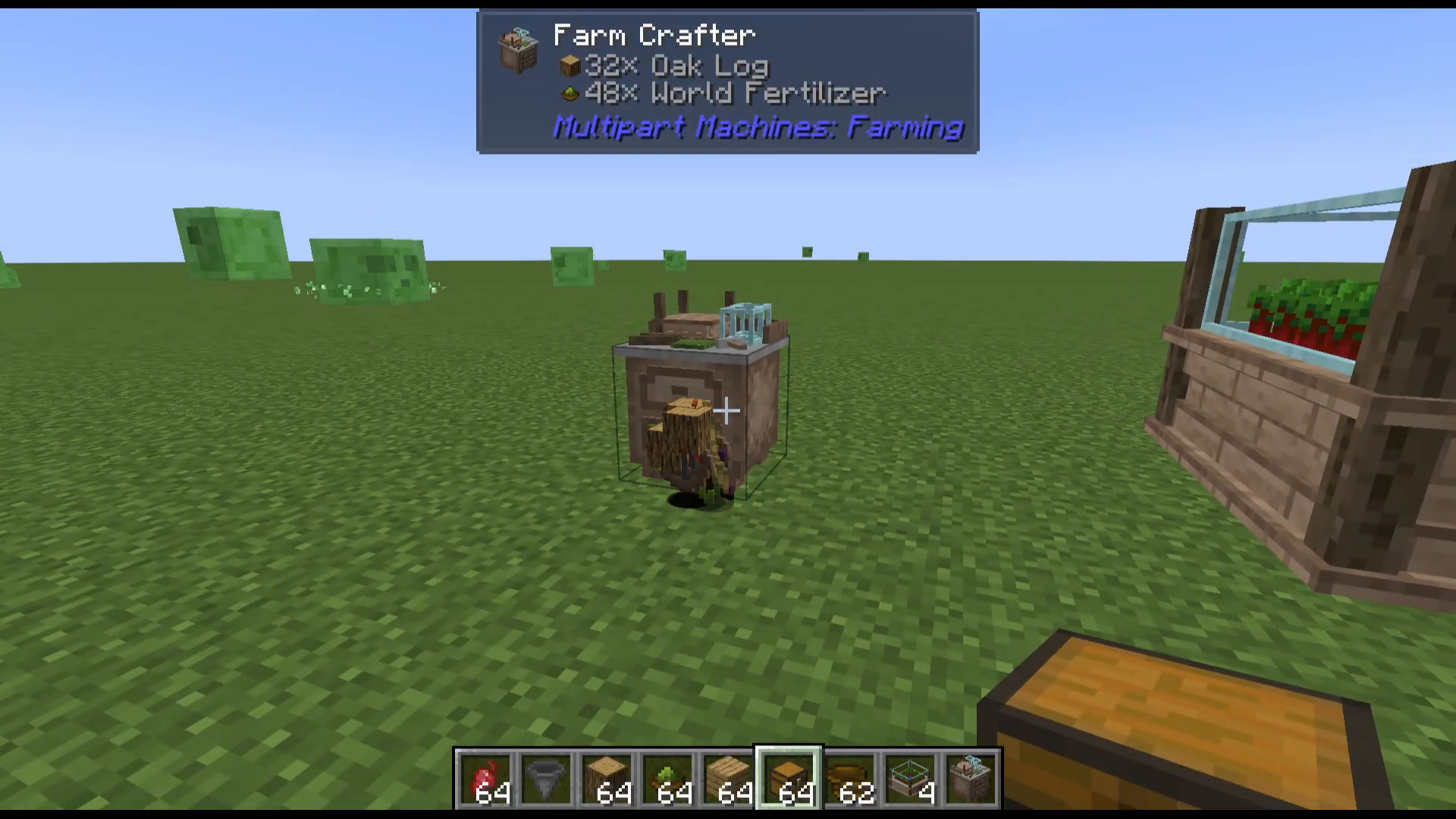
Once you have your Farm Crafter, place it down in the world and right-click to open its interface. You’ll see four input slots, an output slot, and a recipe book button.
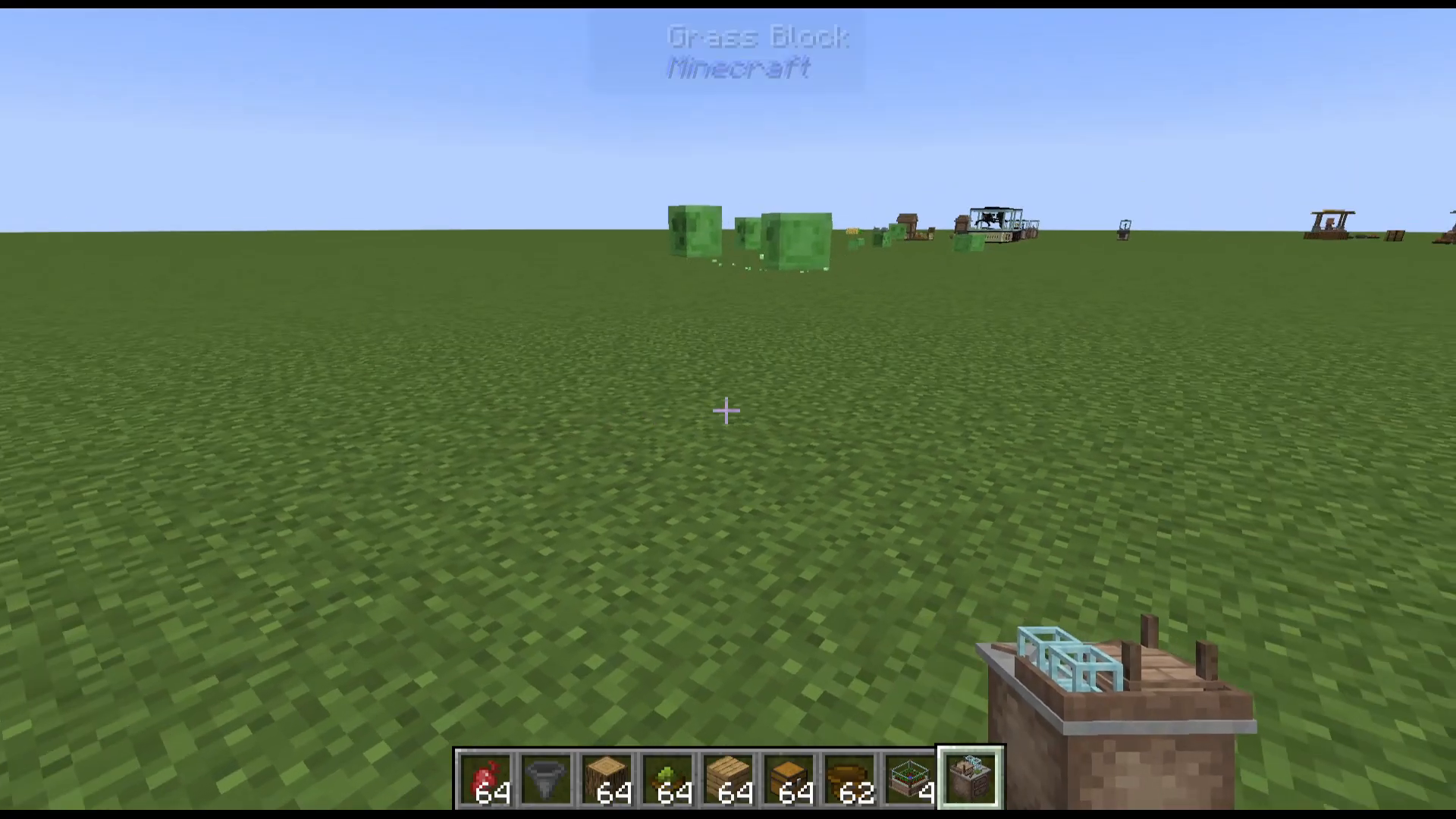
Understanding the Recipe Book
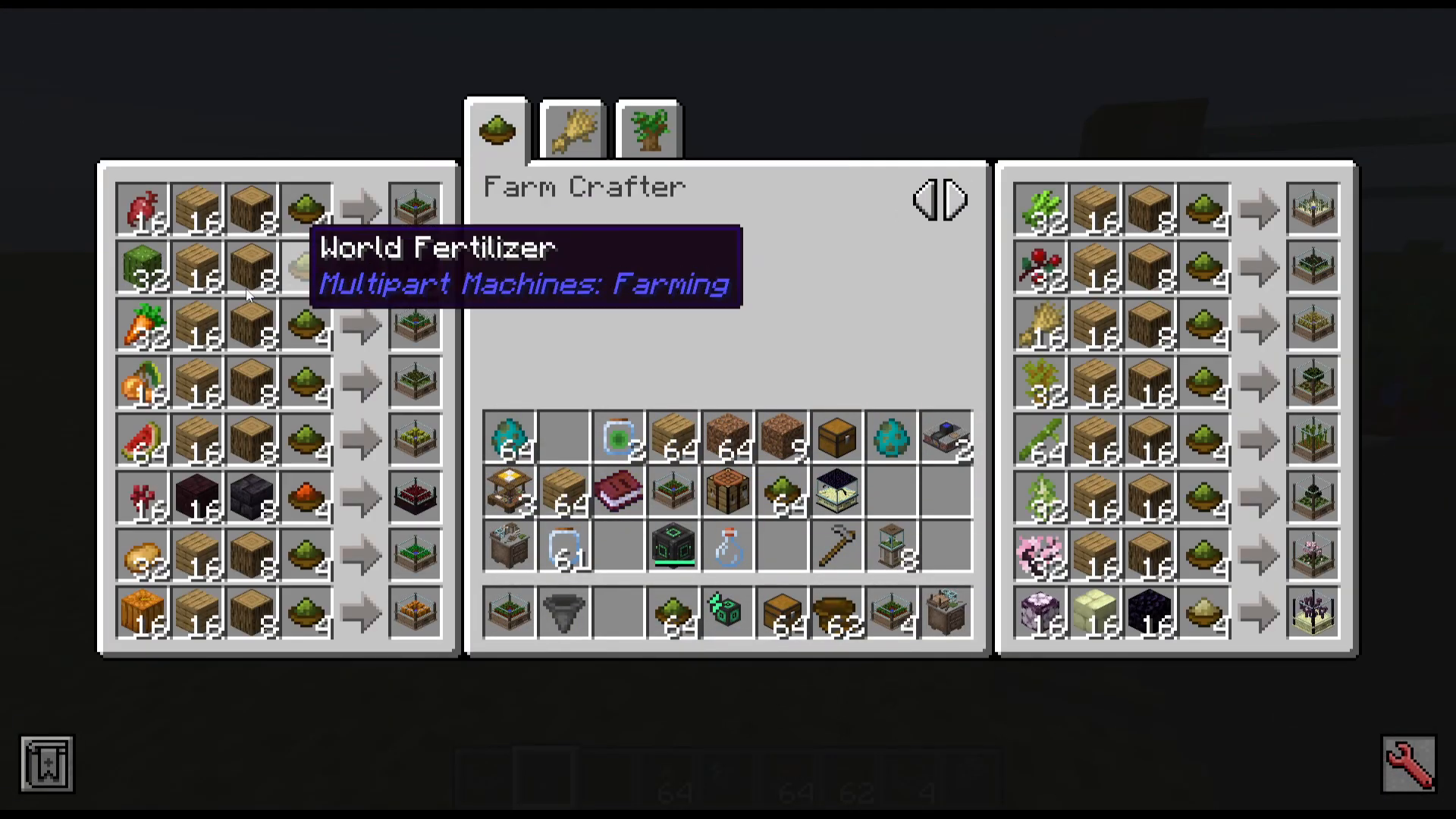
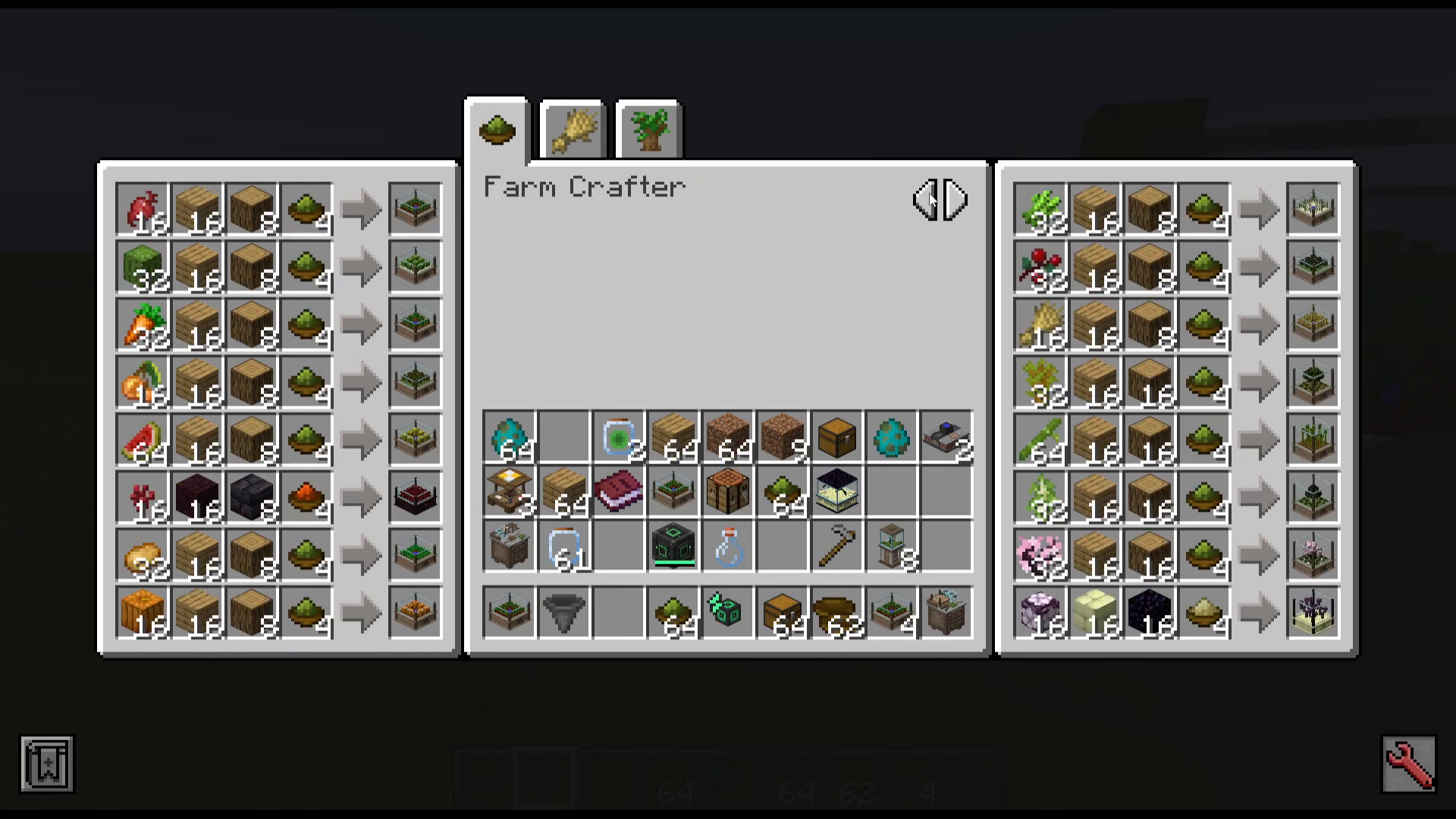
Click on the recipe book to access three different chapters:
Farm Crafter recipes
Farm Controller recipes
Tree Farm Controller recipes
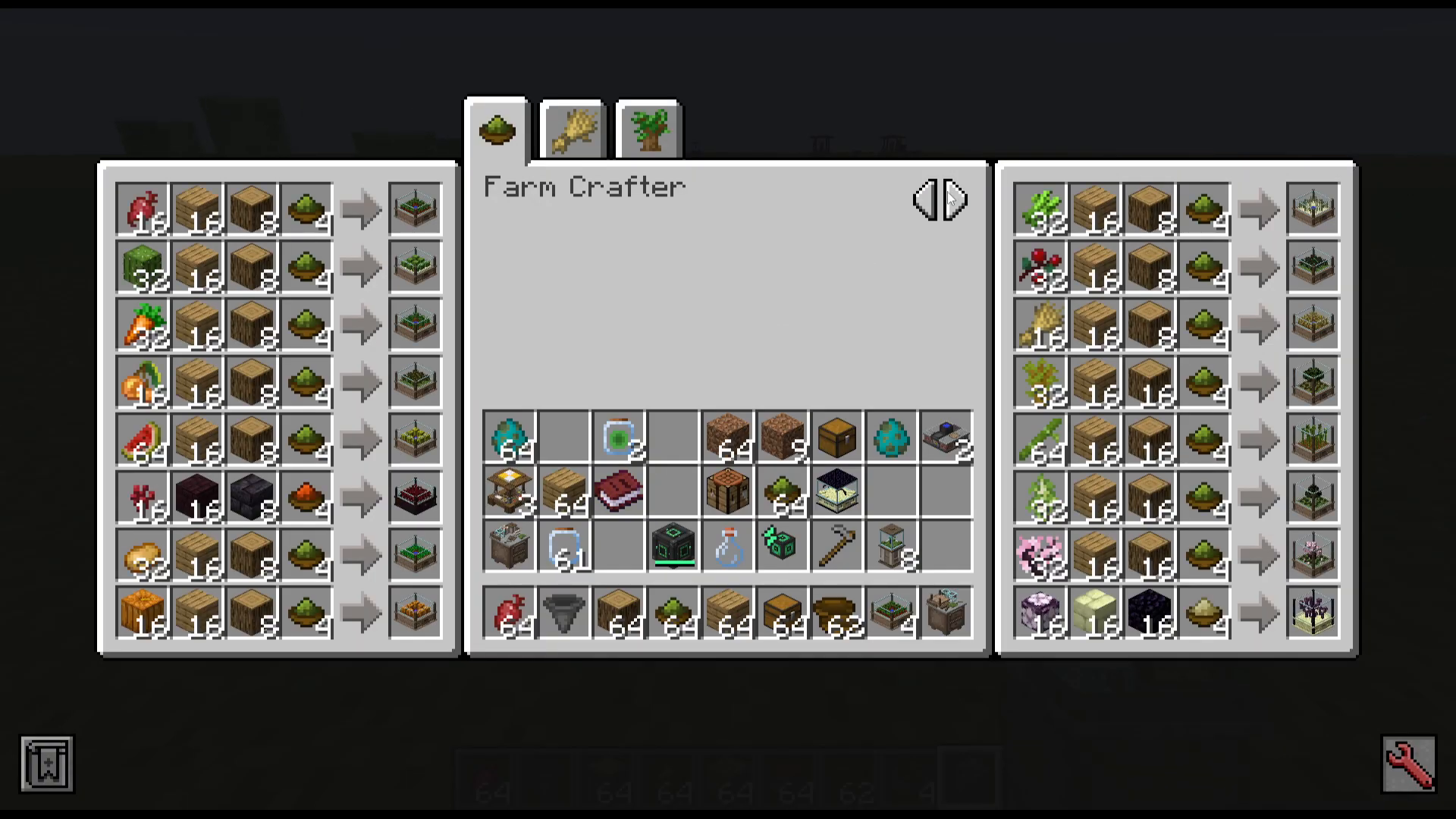
Creating Crop Farms
Standard Crop Farms with World Fertilizer
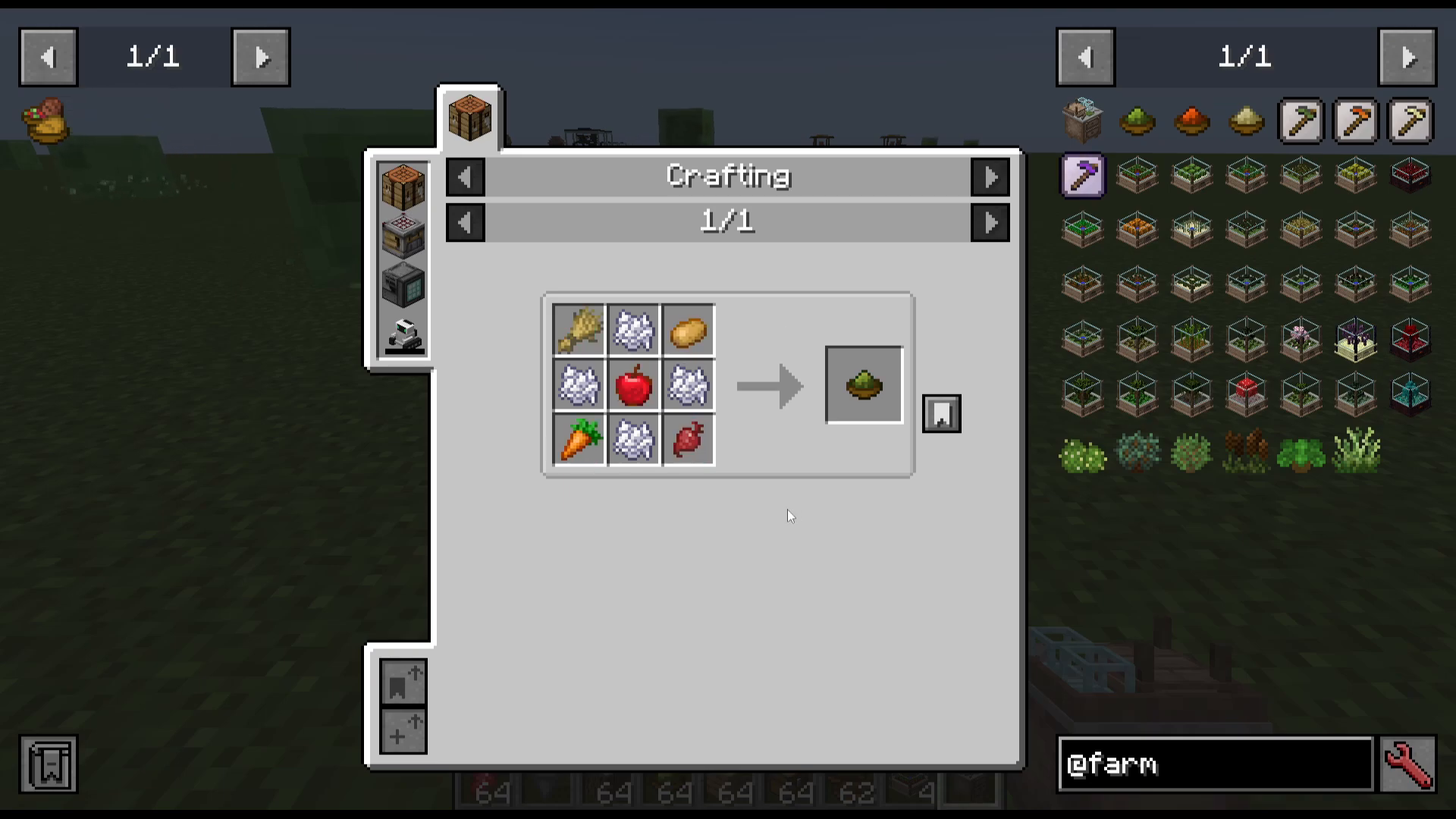
To create a standard crop farm (such as beetroot), you’ll need the following ingredients:
Beetroot (or your chosen crop)
Oak Planks
Oak Logs
World Fertilizer
Place these ingredients in your Farm Crafter’s input slots. The beetroot goes in the first slot, oak logs in the third slot, and oak planks in the second slot. Add your World Fertilizer, and you’ll receive a Beetroot Farm.
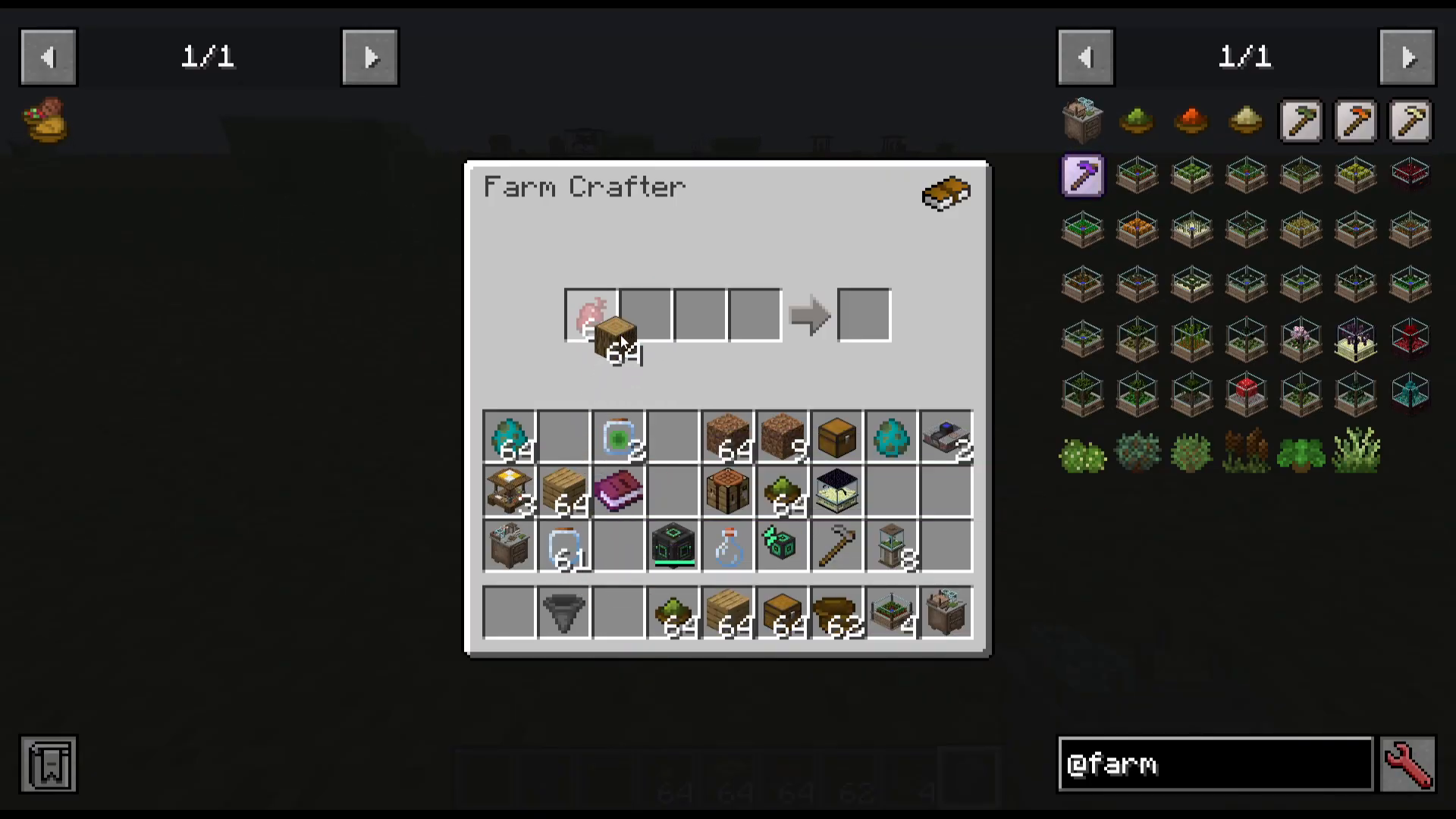
You can repeat this process for other crops like pumpkins, potatoes, and more. Only craft as many farms as you need—the crafter will continue producing unless you remove the output.
Nether Crops with Nether Fertilizer
For Nether-based crops (such as Nether Wart), you’ll need to use Nether Fertilizer instead of World Fertilizer in the crafting recipe.
End Crops with End Fertilizer
For Chorus Fruit farms, you’ll need to substitute End Fertilizer (also called Ender Fertilizer) in place of the World Fertilizer.
Setting Up Your Farm
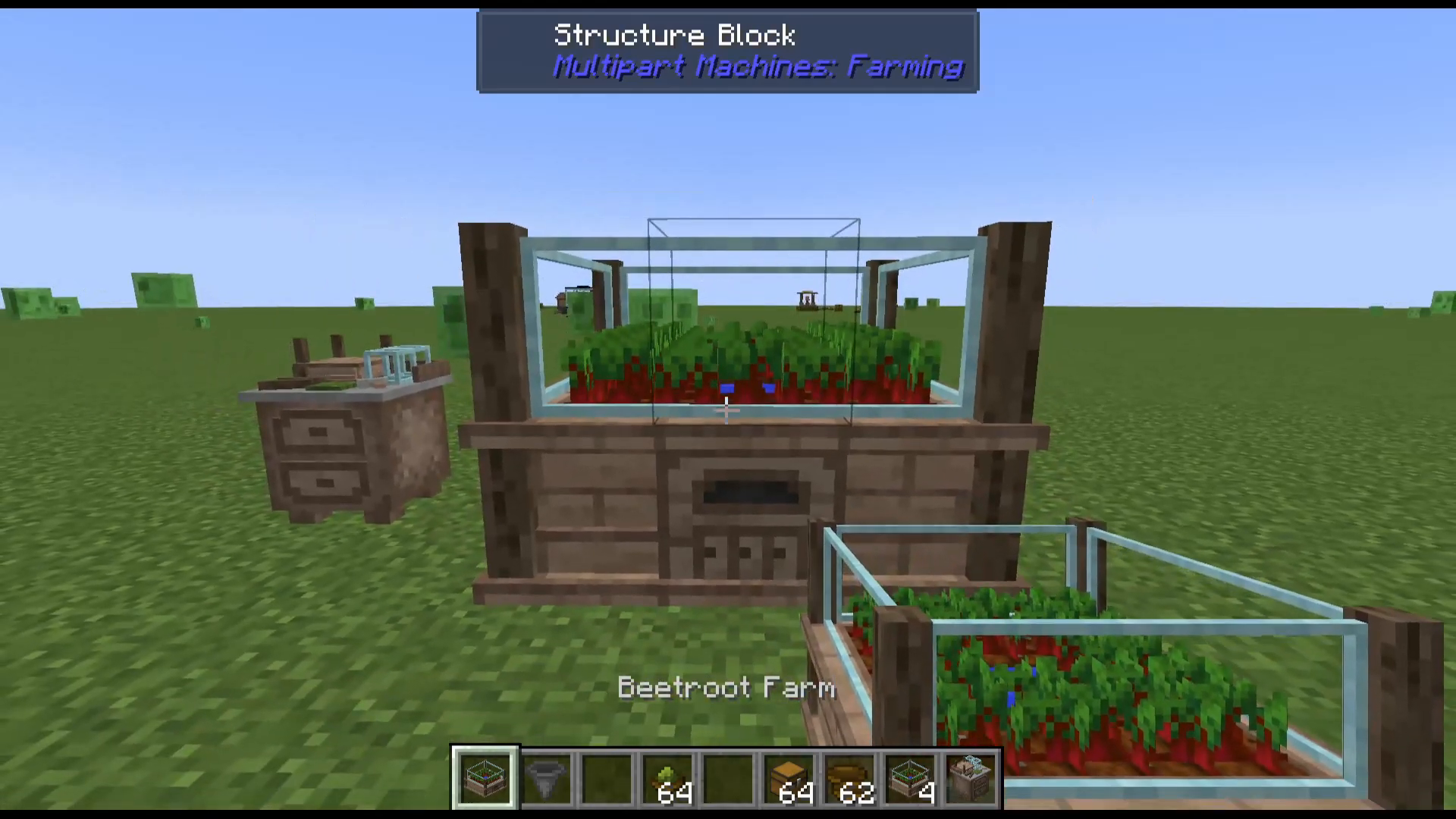
Once you’ve crafted your farm, place it down in the world. Navigate to the back of the farm structure where you’ll find the System Controller block.
Powering Your Farm
The Multipart Machines Farming mod does not interact with other mod energy systems like Forge Energy. Instead, you must power your farms using one of these methods:
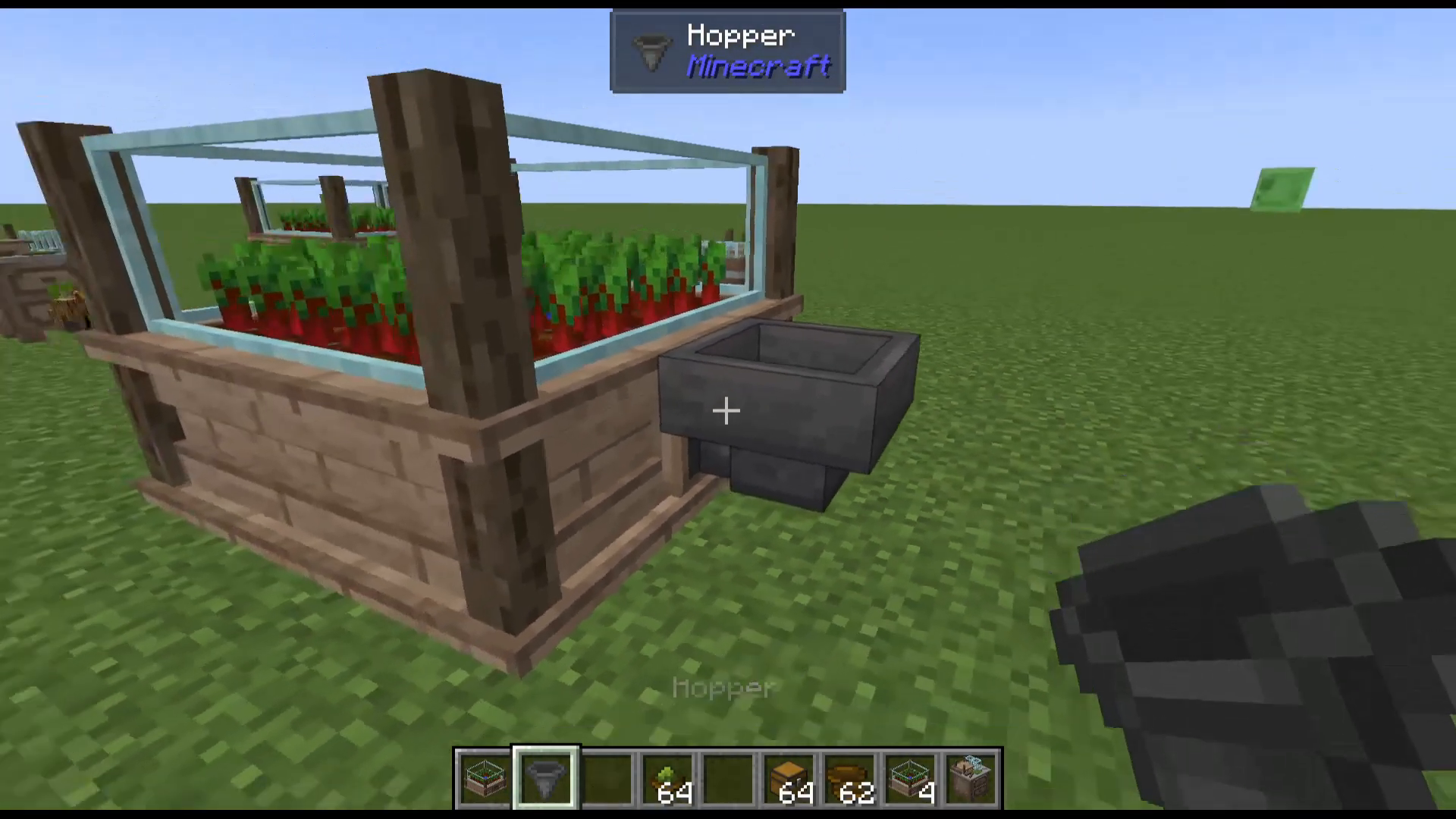
Place a hopper on the System Controller (shift-click to attach)
Add blocks of coal to the hopper to power the farm
Manually place coal blocks
As you add coal, you’ll see the power level increase. Once fully powered, your farm will begin producing crops automatically.
Increasing Farm Production Speed
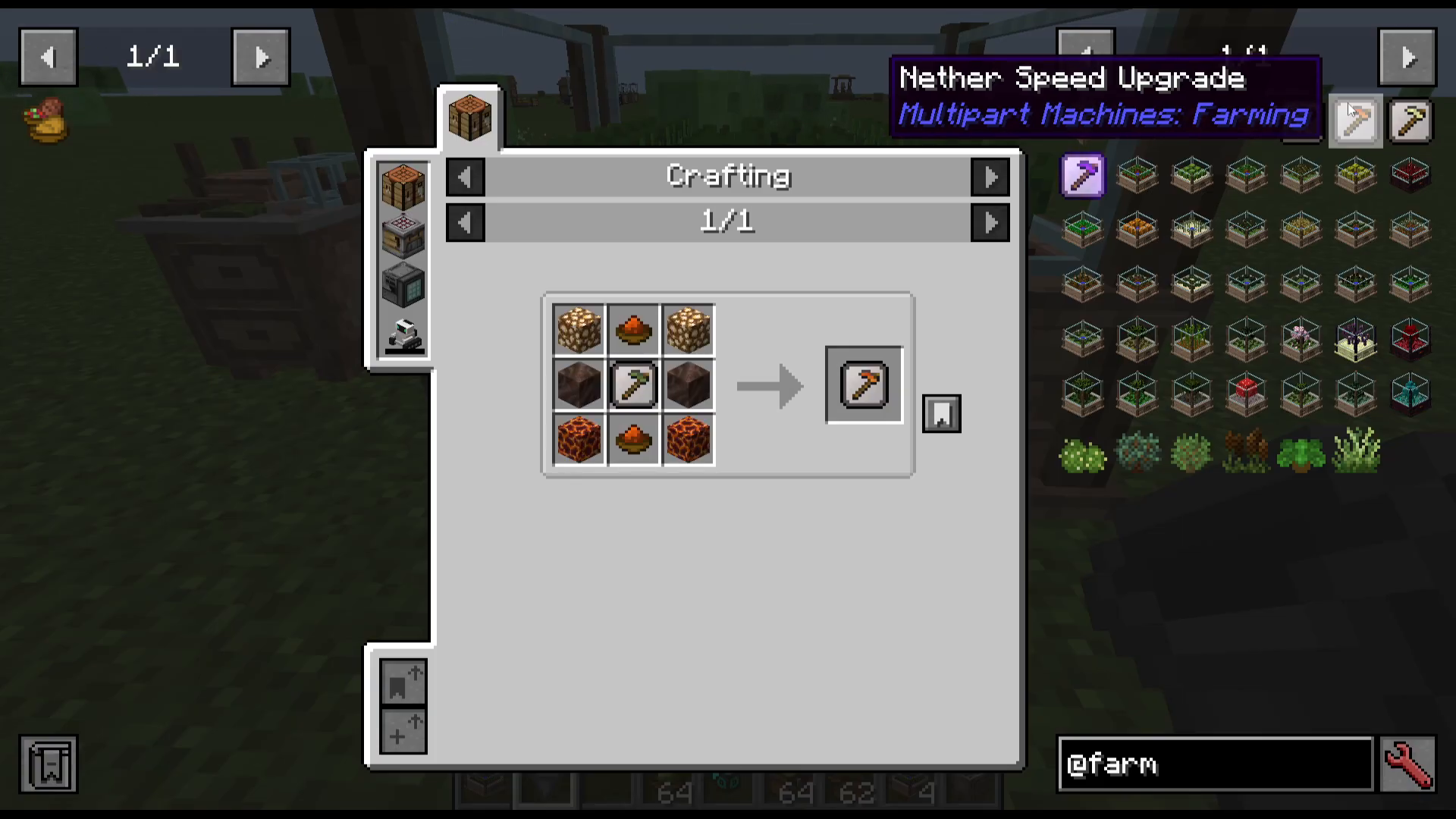
By default, farms produce crops slowly. To speed up production, you can add Speed Upgrades to your farm. The mod offers several upgrade tiers:
World Speed Upgrade – Standard speed boost for World Fertilizer farms
Nether Speed Upgrade – Speed boost for Nether Fertilizer farms
Ender Speed Upgrade – Speed boost for End Fertilizer farms
Creative Speed Upgrade – Extremely fast production for testing and creative mode
Viewing Farm Outputs
Return to your Farm Crafter and open the recipe book. The second tab displays what items you’ll receive from each farm type. For example, a Beetroot Farm will produce both Beetroot and Seeds.
Creating Tree Farms
Tree Farm Basics
Tree farms are created using the same process as crop farms. In the recipe book, navigate to the Tree Farms section. The third tab of the recipe book shows all available tree farm options, including:
Bamboo
Cherry
And many others
Instead of crops, you’ll use saplings and other wood-related materials to craft these farms. The crafting process is identical—only the ingredients change based on the tree type you want to grow.
Collecting Your Harvest
Output Collection Setup
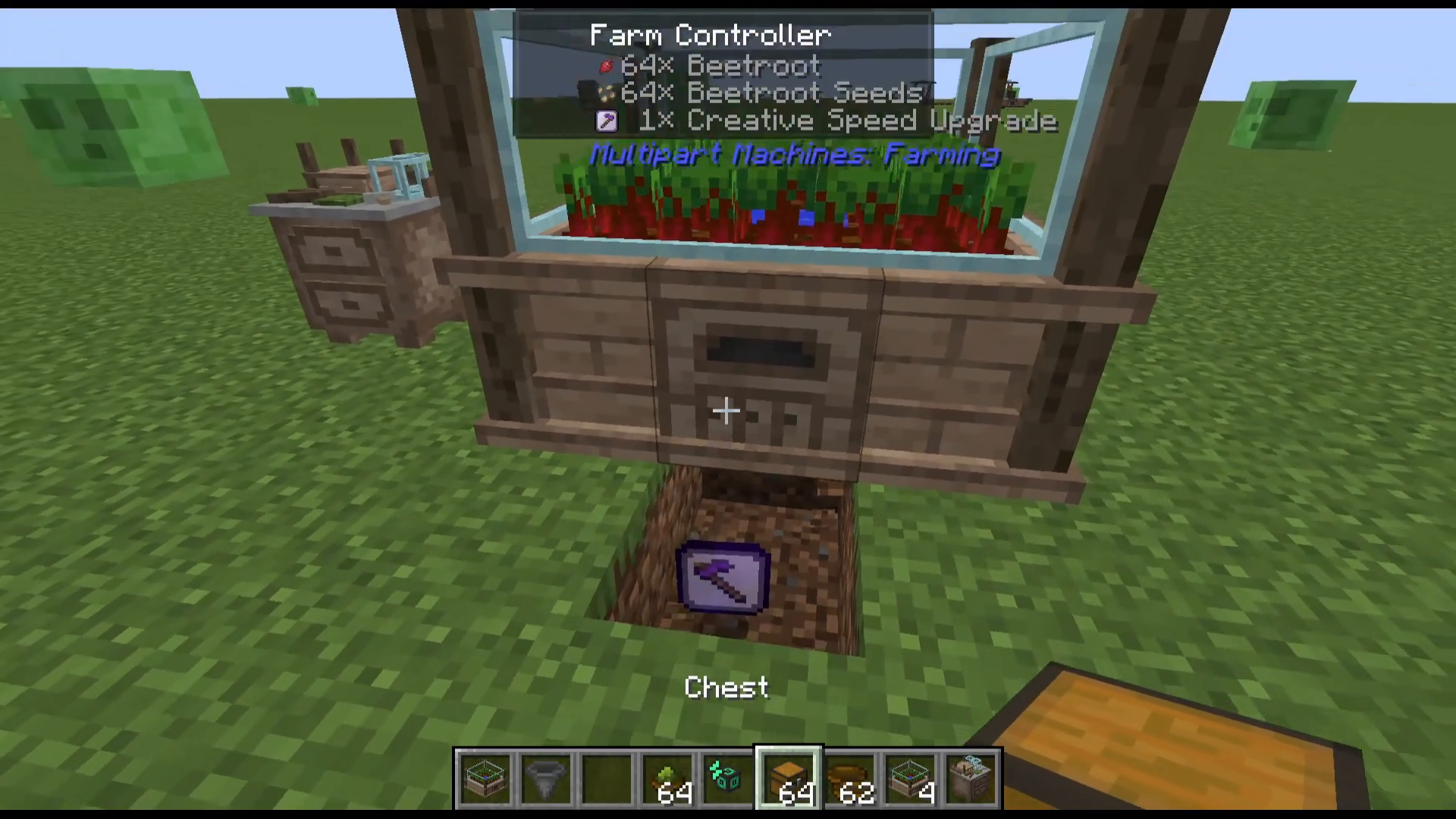
To automatically collect items from your farm, place a chest directly underneath the central block at the front of the farm structure. Items will automatically be pushed out and into the chest below.
Pam’s Harvest Craft Integration
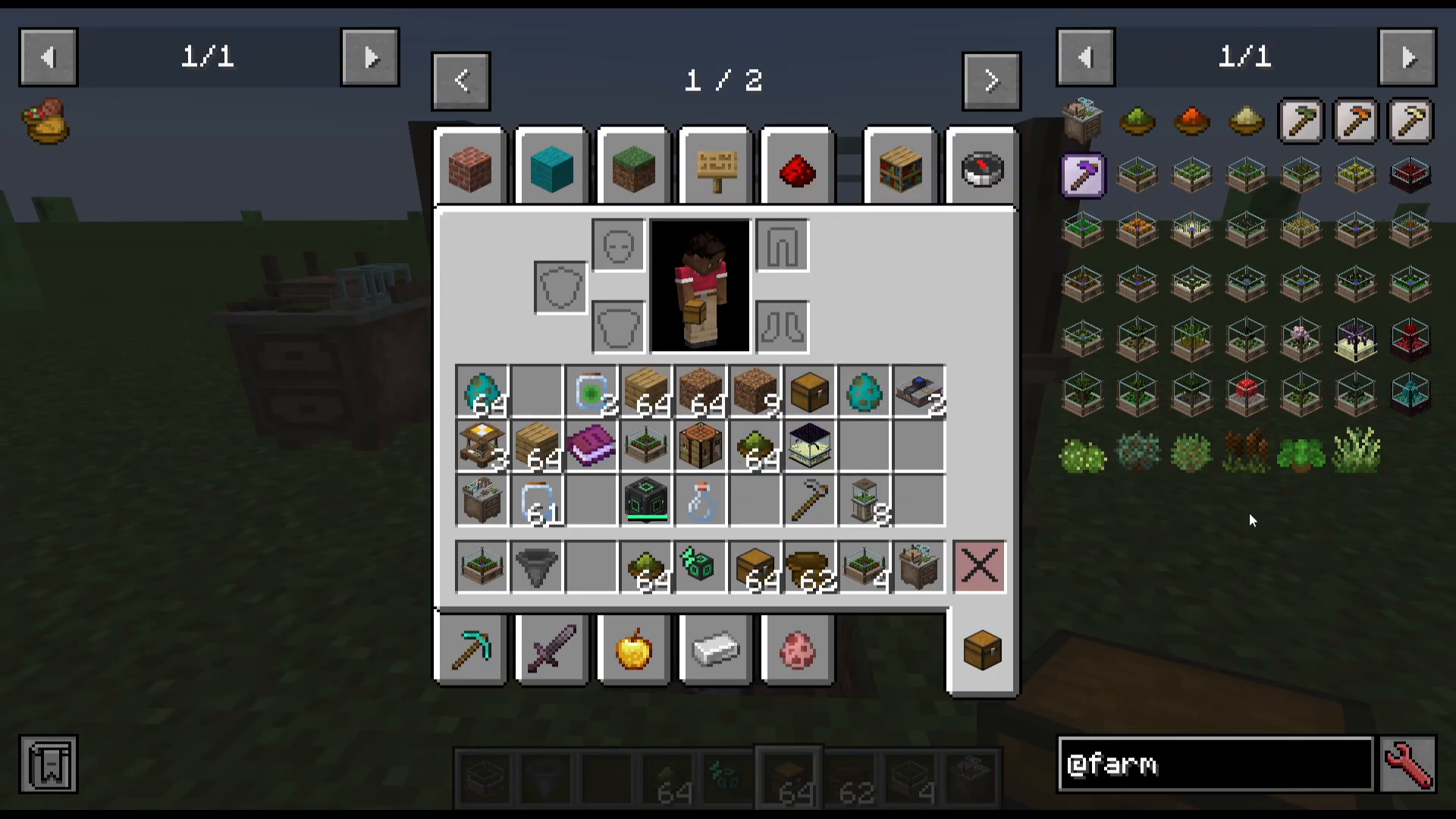
If you have Pam’s Harvest Craft installed alongside Multipart Machines Farming, the mod includes special garden blocks that take advantage of Pam’s Harvest Craft functionality. These gardens work seamlessly with your farm setup.
Summary
That’s everything you need to know to get started with Multipart Machines Farming! To recap the process:
Craft a Farm Crafter using vanilla ingredients and World Fertilizer
Use the Farm Crafter to create farm controllers with the appropriate fertilizer type
Place your farm in the world and add power via hoppers and coal
Optionally add Speed Upgrades to increase production rate
Place a chest beneath the farm output to collect harvested items
The mod offers a straightforward, intuitive way to create fully automated farming operations. Whether you’re focusing on crops or trees, this system provides everything you need for sustainable food and resource production.
Want to Support?
If you would like to help us continue making these guides – please consider joining our patreon here – https://www.patreon.com/c/JaviHeals
Alternatively – we host a group of MC Servers you can join here – https://discord.gg/zD7Gjt6MHF



