







Mekanism Complete Beginner’s Guide
Mekanism Complete Beginner’s Guide
Welcome to the complete beginner’s guide to Mekanism! This tutorial covers all the absolute basics you need to get started with this popular tech mod. Whether you’re new to modded Minecraft or just exploring Mekanism for the first time, this guide will walk you through resource gathering, power generation, item transportation, and basic machine operations in a digestible, step-by-step format.
Getting Started: Finding Osmium Ore
The first thing you’ll want to find is osmium ore. This ore is abundant throughout the game—similar in frequency to iron ore—so you should be able to find it very easily. Once you’ve located some osmium ore, smelt it to obtain osmium ingots. These ingots will be essential for crafting many of Mekanism’s basic components.
Power Generation
Since Mekanism is a tech mod, you’ll need to generate power to run your machines. There are several early-game power generation options available.
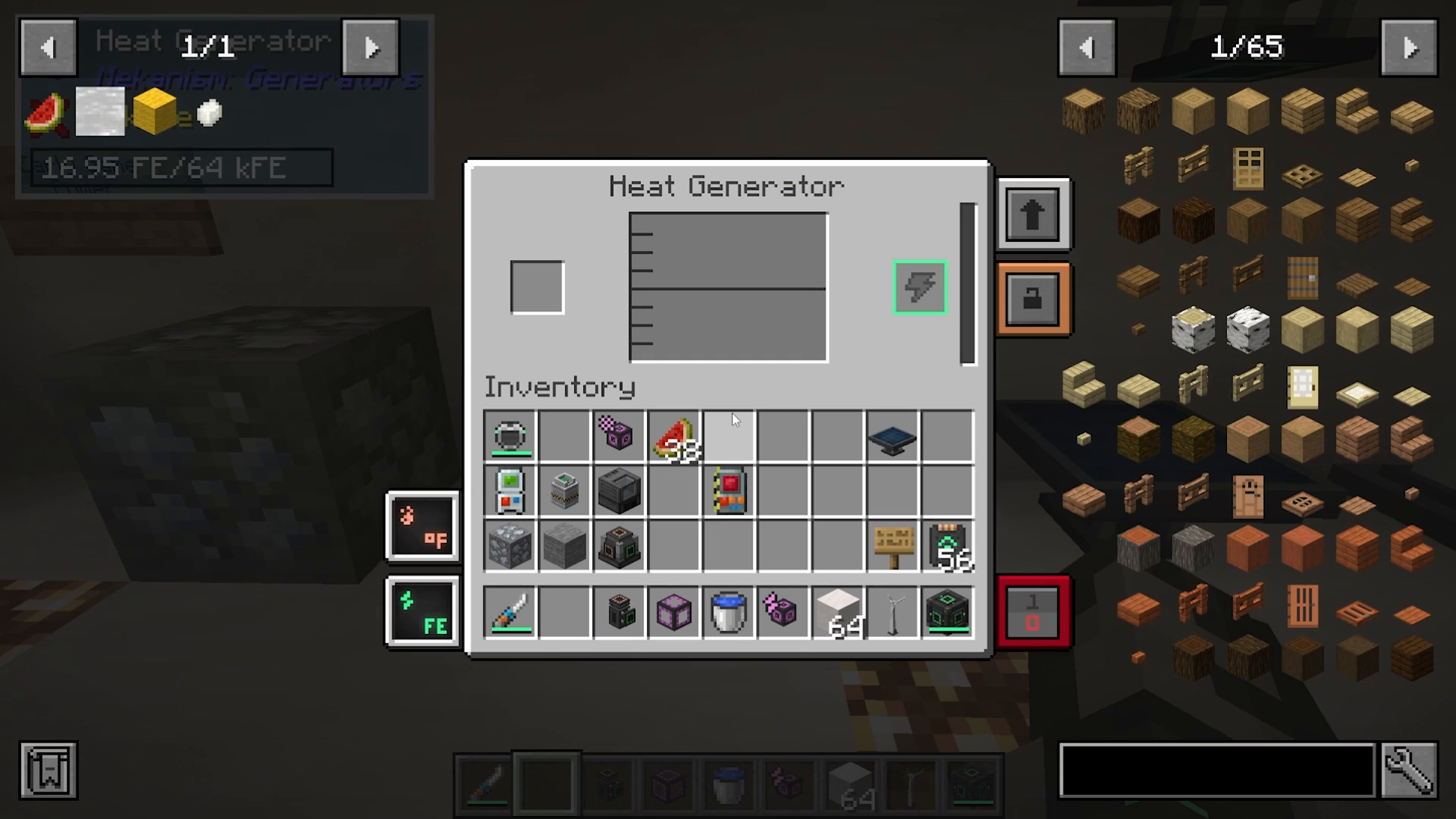
Heat Generator
The heat generator is the simplest power generation method to start with. To craft one, you’ll need:
Iron ingots
Osmium ingots
A furnace
Copper ingots
Wood
Once crafted, simply insert fuel like coal into the heat generator, and it will convert it into lava to generate electricity. The power output is displayed at the front of the machine, which is also where you’ll connect your cables.
Solar Generator
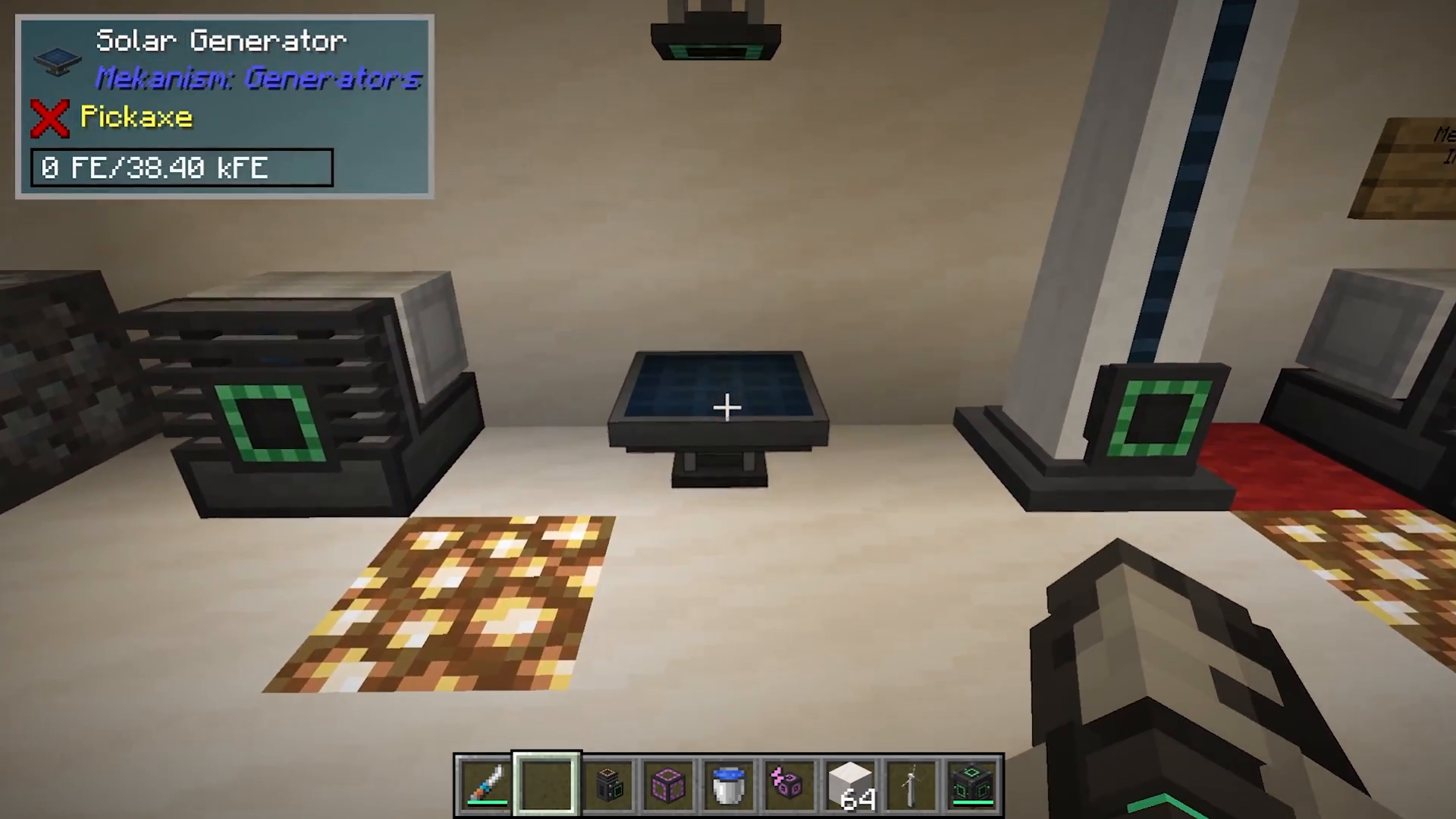
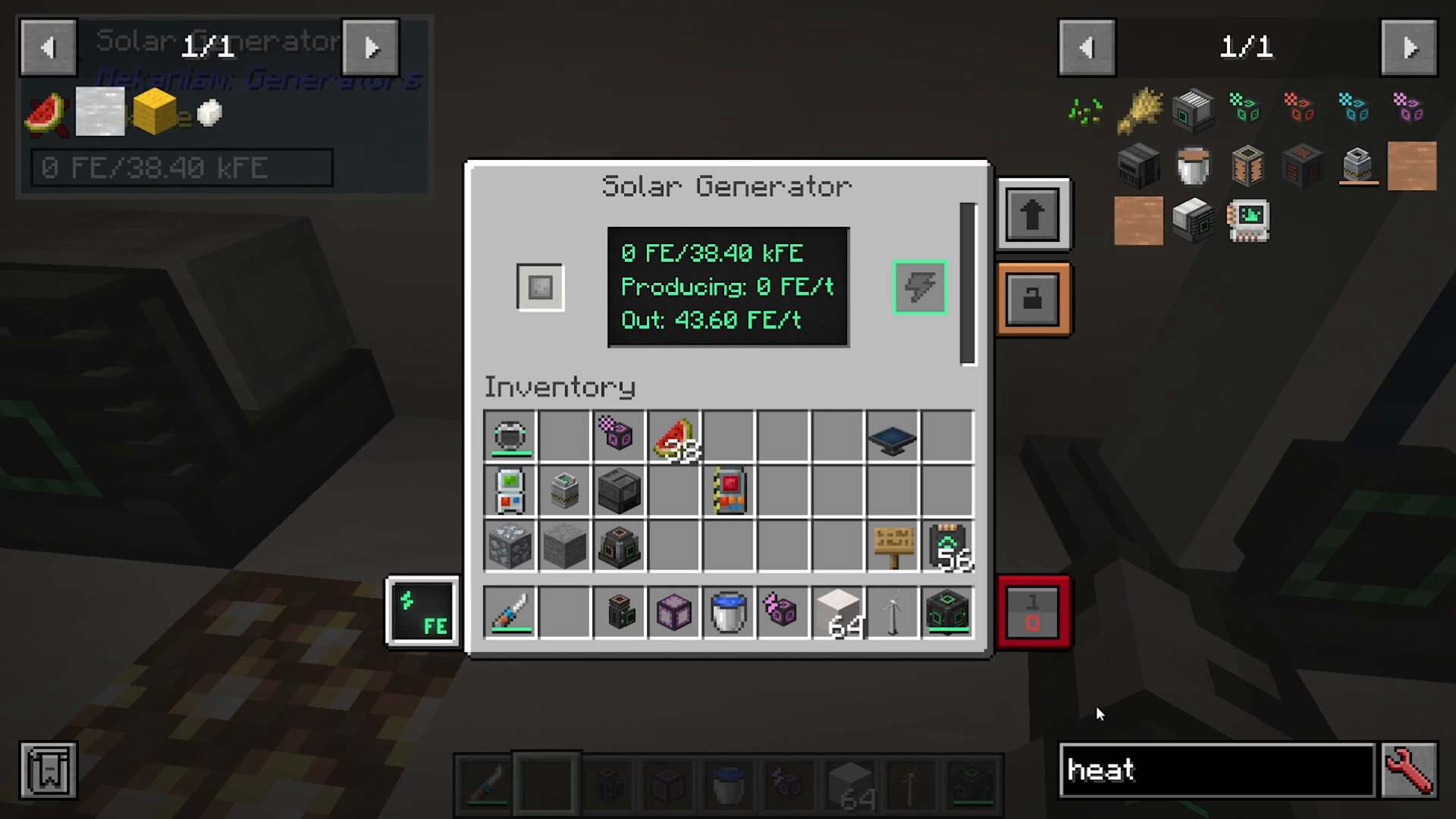
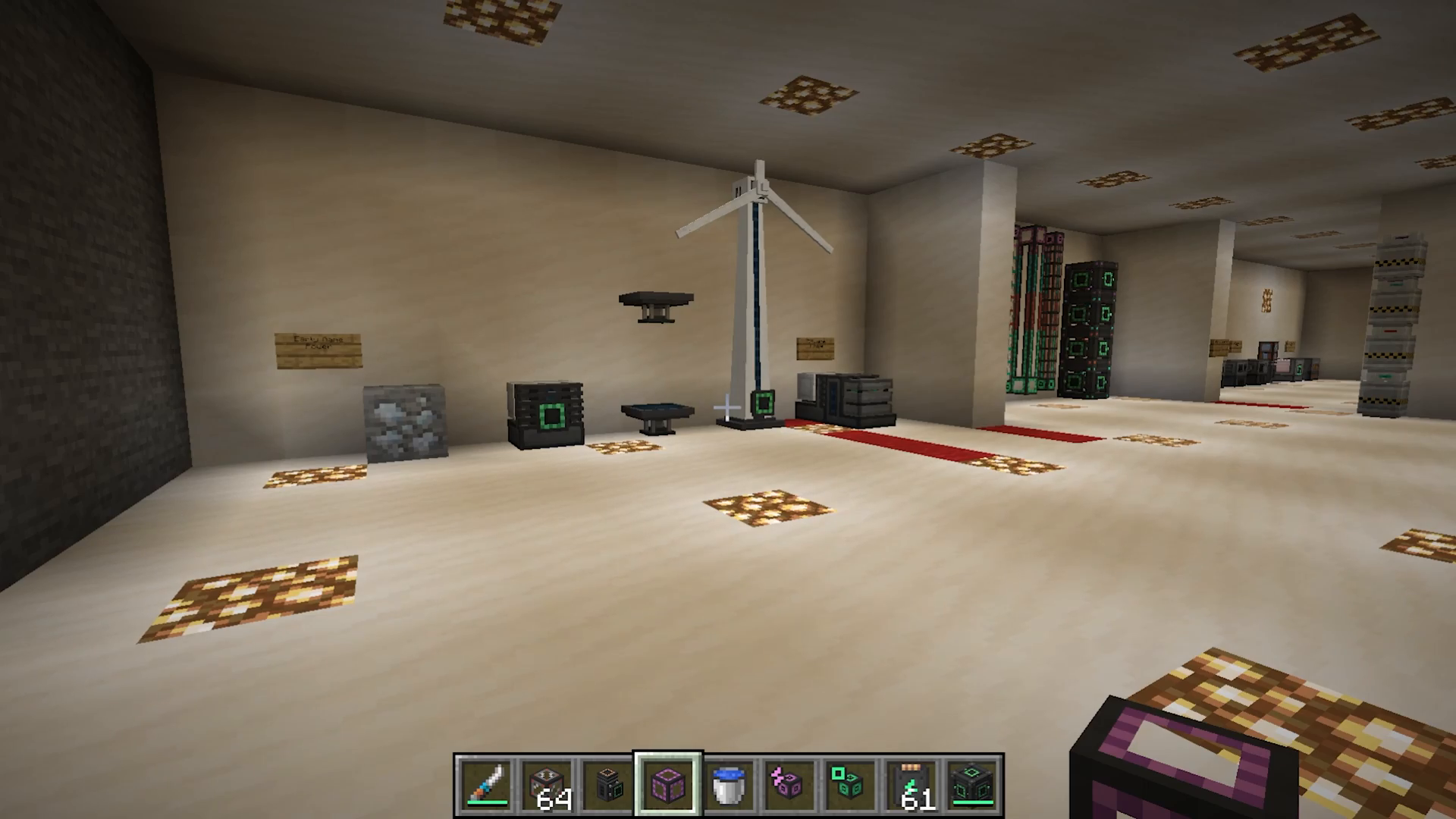
The solar generator produces power during the day. When you open the solar generator’s interface, you can see whether it’s currently sunny and whether it will generate power. Like all Mekanism machines, power output appears at the bottom where cables should connect.
Wind Generator
Wind generators produce more power the higher they’re placed, and they work better in open and sunny biomes. When you access the wind generator’s interface, you can see whether the sky is blocked, which directly affects power generation.
The wind generator recipe is more complex than the heat generator—it requires energy tablets, infused alloys, and basic control circuits. Due to this complexity, it’s recommended to start with a heat generator first.
The Metallurgic Infuser: Your First Machine
The metallurgic infuser is one of the most basic and essential machines in Mekanism. It will be your gateway to creating many of the alloys and components you need for advanced recipes.
How the Metallurgic Infuser Works
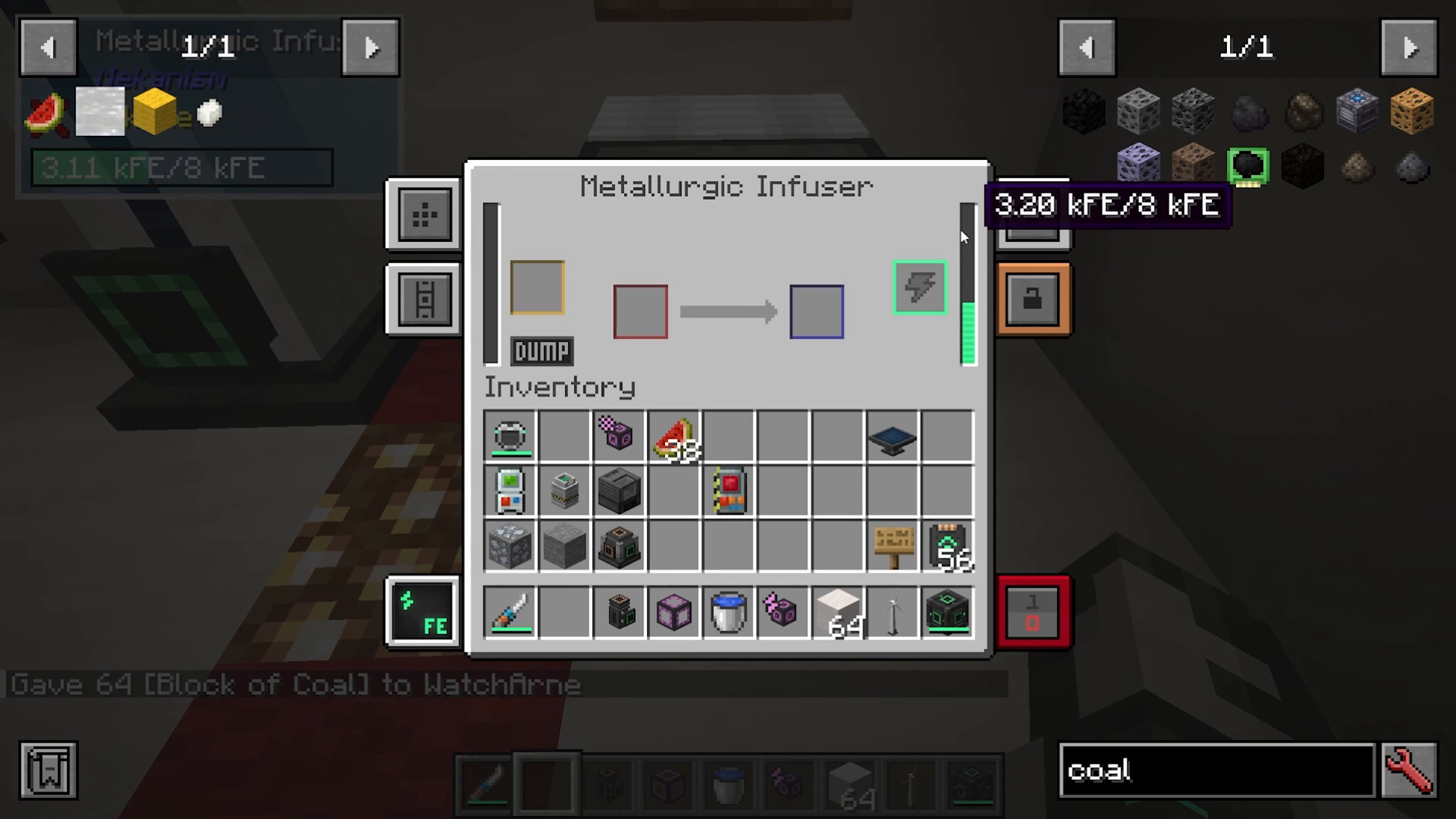
The metallurgic infuser has a simple layout:
Right side: Power input
Left side (yellow box): Resource slot (e.g., redstone)
Left side (red box): Item to be infused (e.g., iron ingot)
To create an infused alloy, place redstone (or a block of redstone) in the yellow box and iron ingots in the red box. The machine will gradually infuse the iron with redstone, producing infused alloys.
Infuser Recipe Exploration
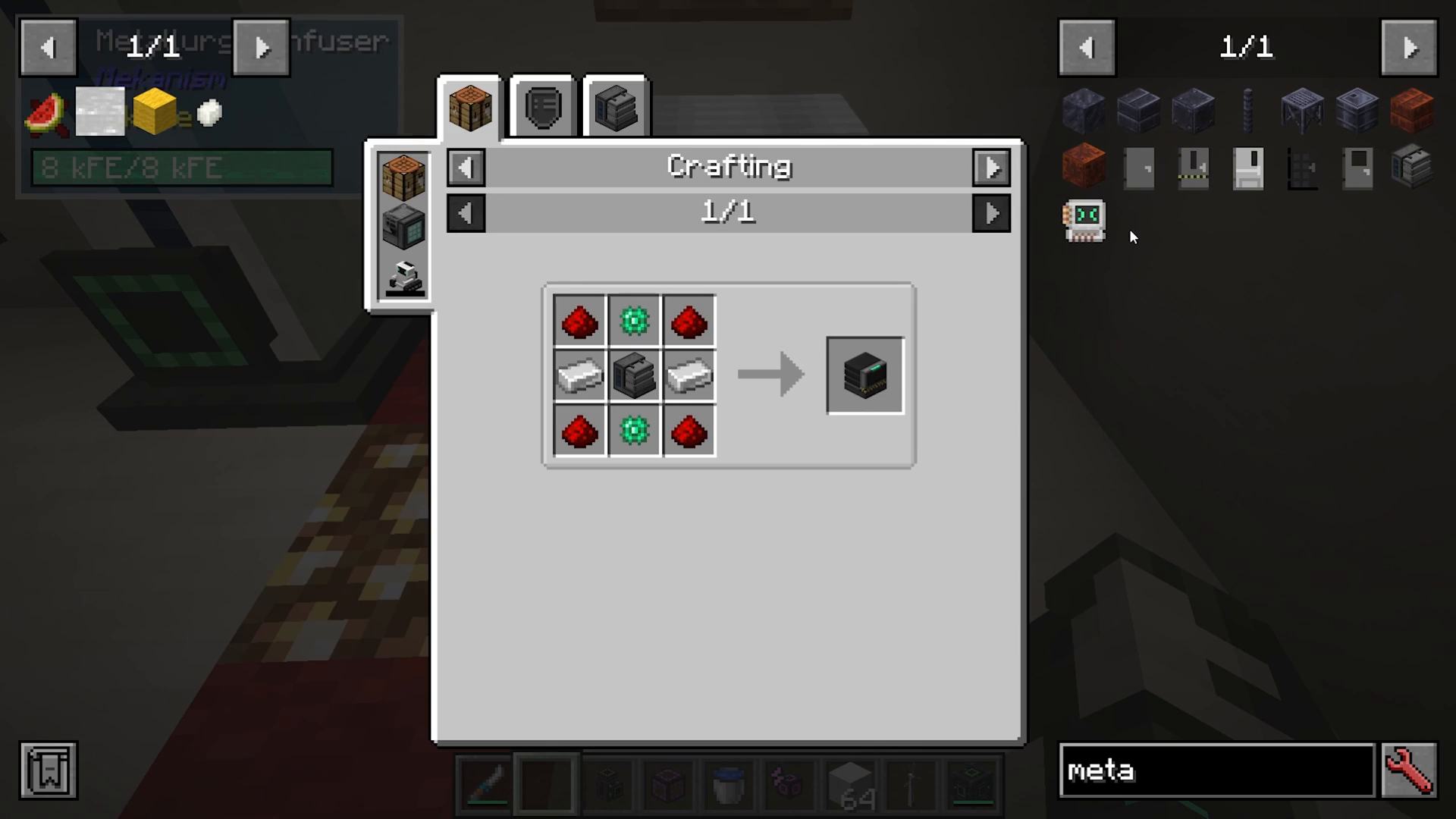
To see what you can make with the metallurgic infuser, hover over the machine in JEI and press U. This shows all available recipes. Some key recipes include:
Infusing biomass into stairs to create mossy versions
Infusing diamonds with infused alloys to make reinforced alloys
Infusing redstone into osmium to create basic control circuits
Infusing refined obsidian into reinforced alloys to make atomic alloys
Creating Steel: A Multi-Step Process
Steel is a crucial material needed for crafting universal cables and other basic components. Creating steel requires a multi-step process using two metallurgic infusers and one energized smelter.
Step-by-Step Steel Production
Step 1: In the first metallurgic infuser, place coal in the resource slot (yellow box). This converts the coal into carbon.
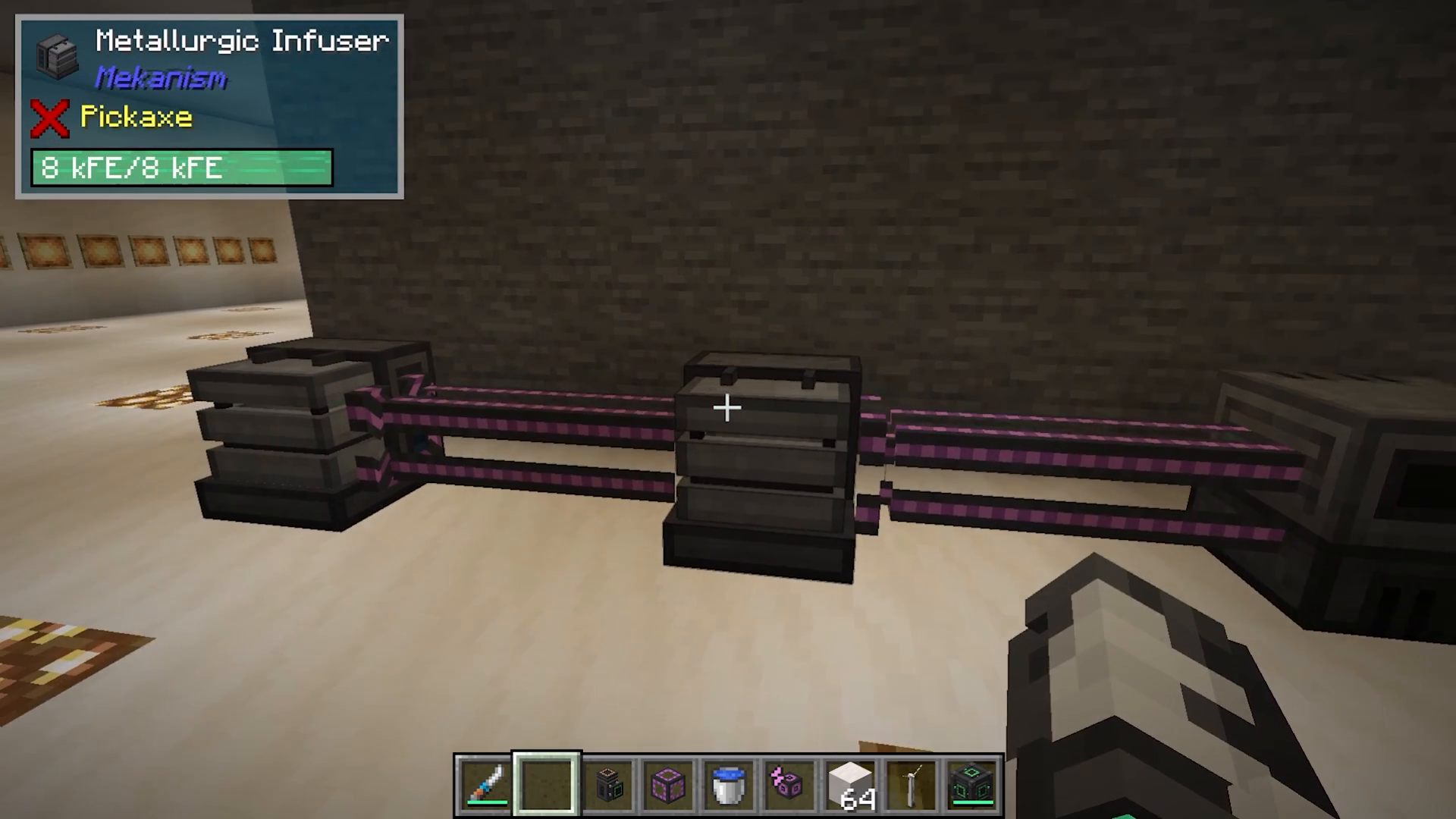
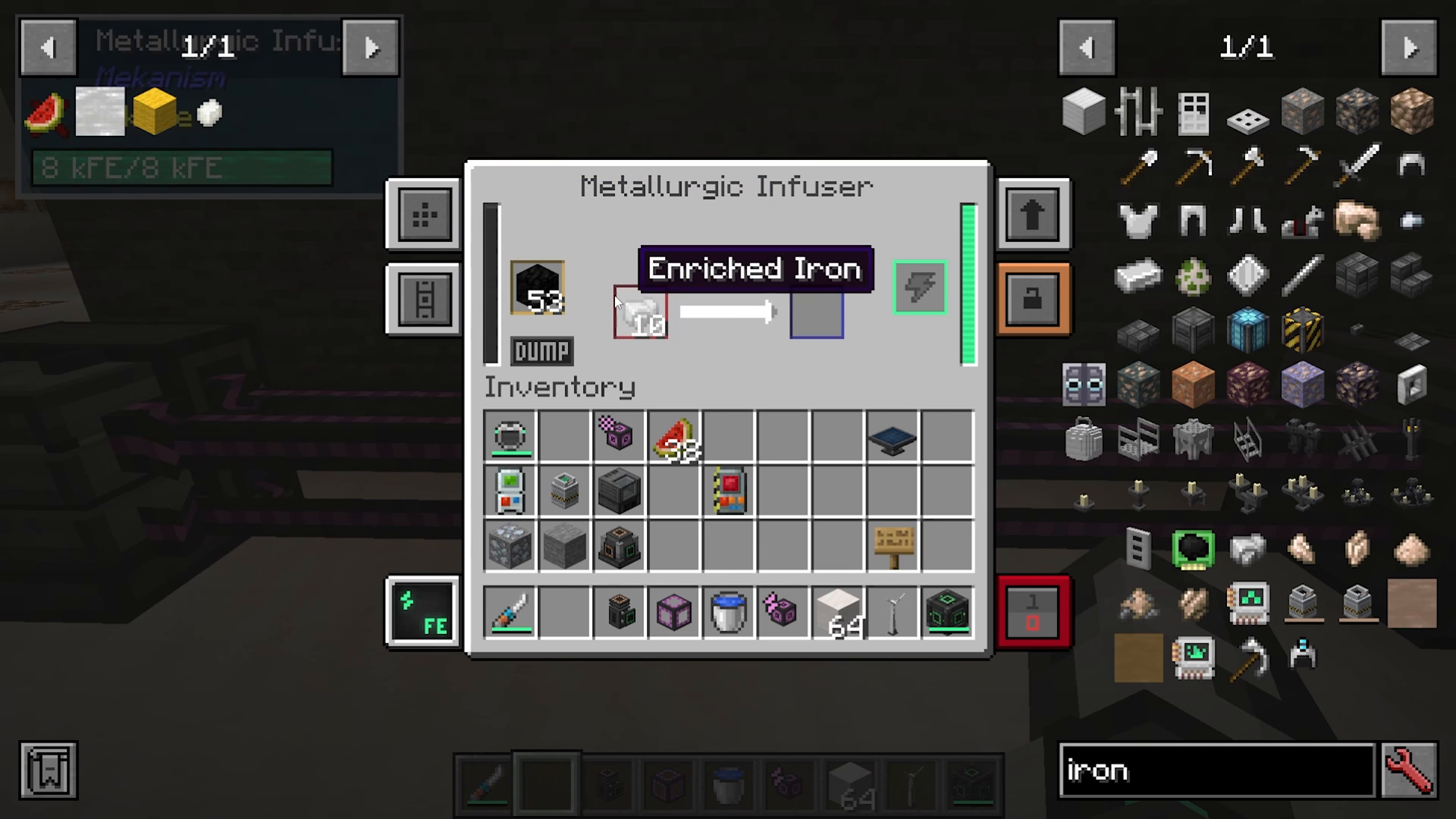
Step 2: Transfer the carbon and iron ingots into a second metallurgic infuser. This creates enriched iron.
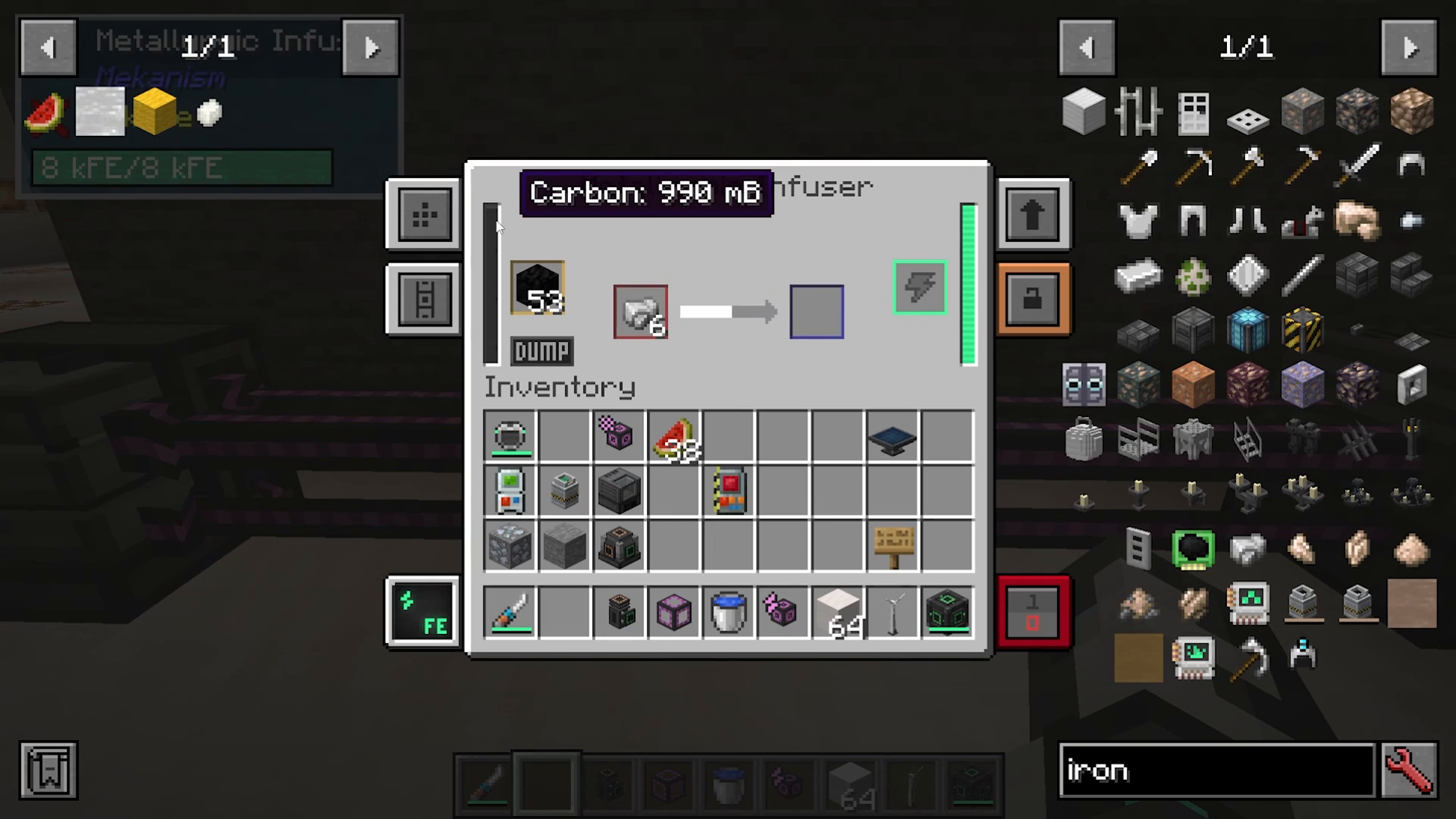
Step 3: Place the enriched iron into another metallurgic infuser with more carbon to create steel dust.
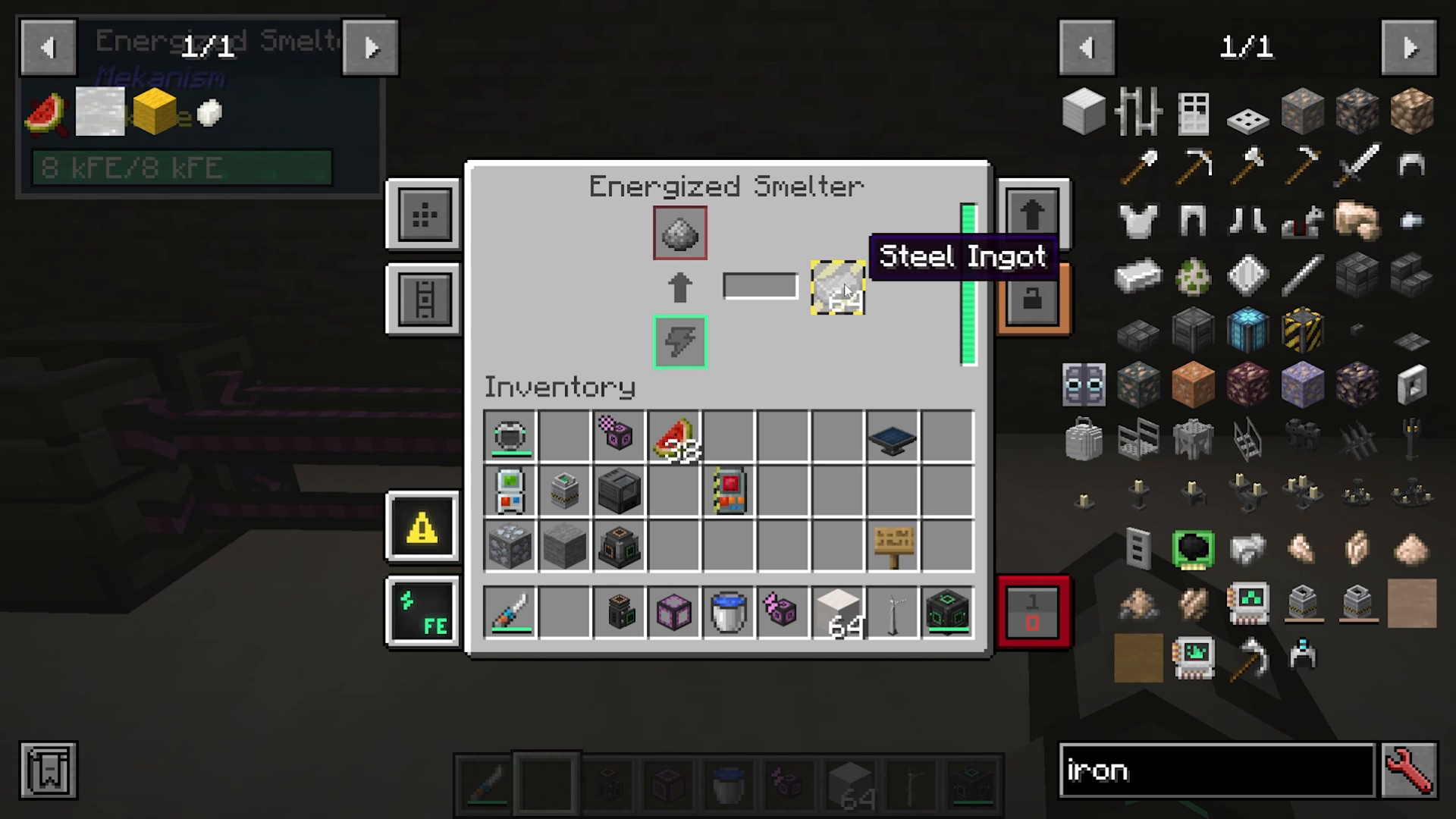
Step 4: Feed the steel dust into an energized smelter to produce steel ingots.
Energy, Fluid, Gas, and Item Transportation
Mekanism offers specialized cables and pipes for transporting different resources. Each type comes in four tiers: basic, advanced, elite, and ultimate.
Cable and Pipe Types
Universal Cables: Transport electricity
Mechanical Pipes: Transport fluids
Pressurized Tubes: Transport gases
Logistical Transporters: Transport items
Thermodynamic Conductors: Transport heat
Basic Universal Cable Recipe
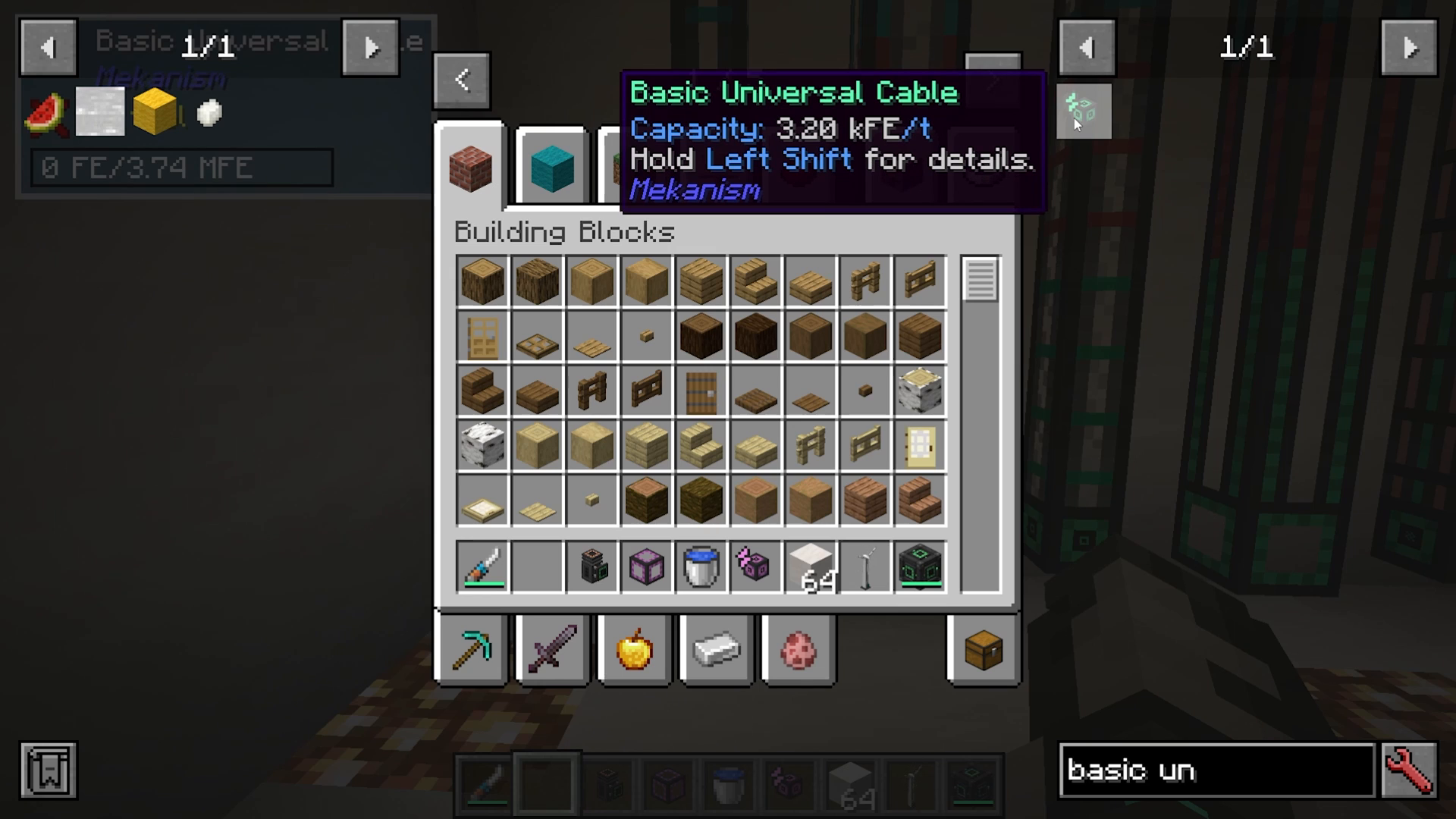
A basic universal cable requires only two steel ingots and redstone dust. Check JEI for the exact recipes of each cable and pipe variant, as their crafting components vary based on their function.
Storage Containers
Just as cables come in four tiers, so do storage containers:
Energy Cubes: Store electrical energy (1.6M FE, 6.4M FE, 25.6M FE, and 102.4M FE for basic through ultimate)
Chemical Tanks: Store gases
Fluid Tanks: Store liquids
Upgrading Storage Containers
To upgrade from one tier to the next, use the following materials:
Basic to Advanced: 8 basic containers + 1 infused alloy
Advanced to Elite: 8 advanced containers + 1 reinforced alloy
Elite to Ultimate: 8 elite containers + 1 atomic alloy
Understanding the Configurator
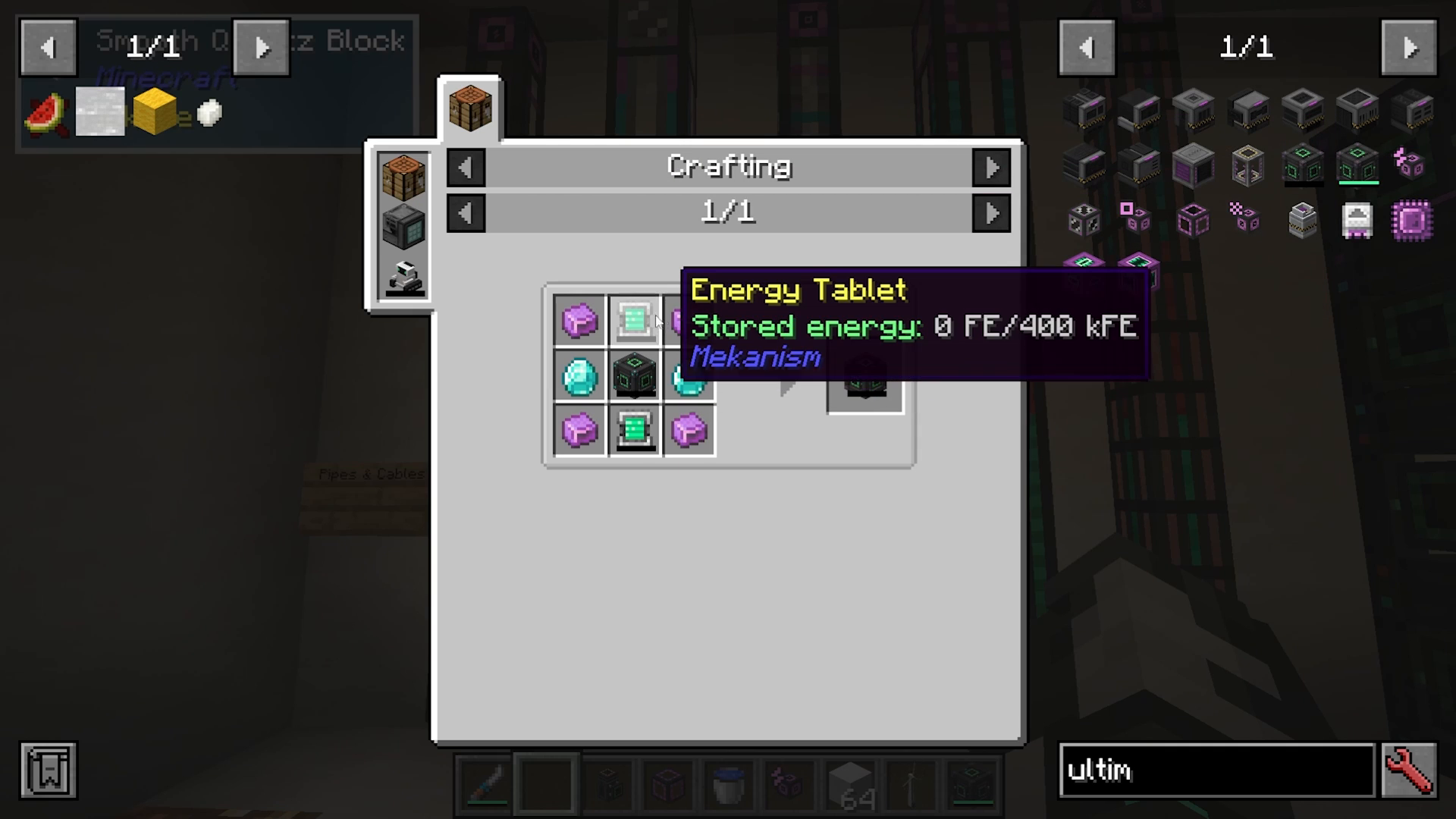
Before operating machines, you need to understand the configurator. This tool requires lapis, an infused alloy, an energy tablet, and a stick. The configurator acts as your wrench for configuring machine inputs and outputs.
When holding the configurator, it will highlight machines you’re looking at. By shifting and scrolling, you can cycle through different configuration modes: wrench, items, fluids, gases, and more. Most of the time, you’ll leave it in wrench or item configuration mode.
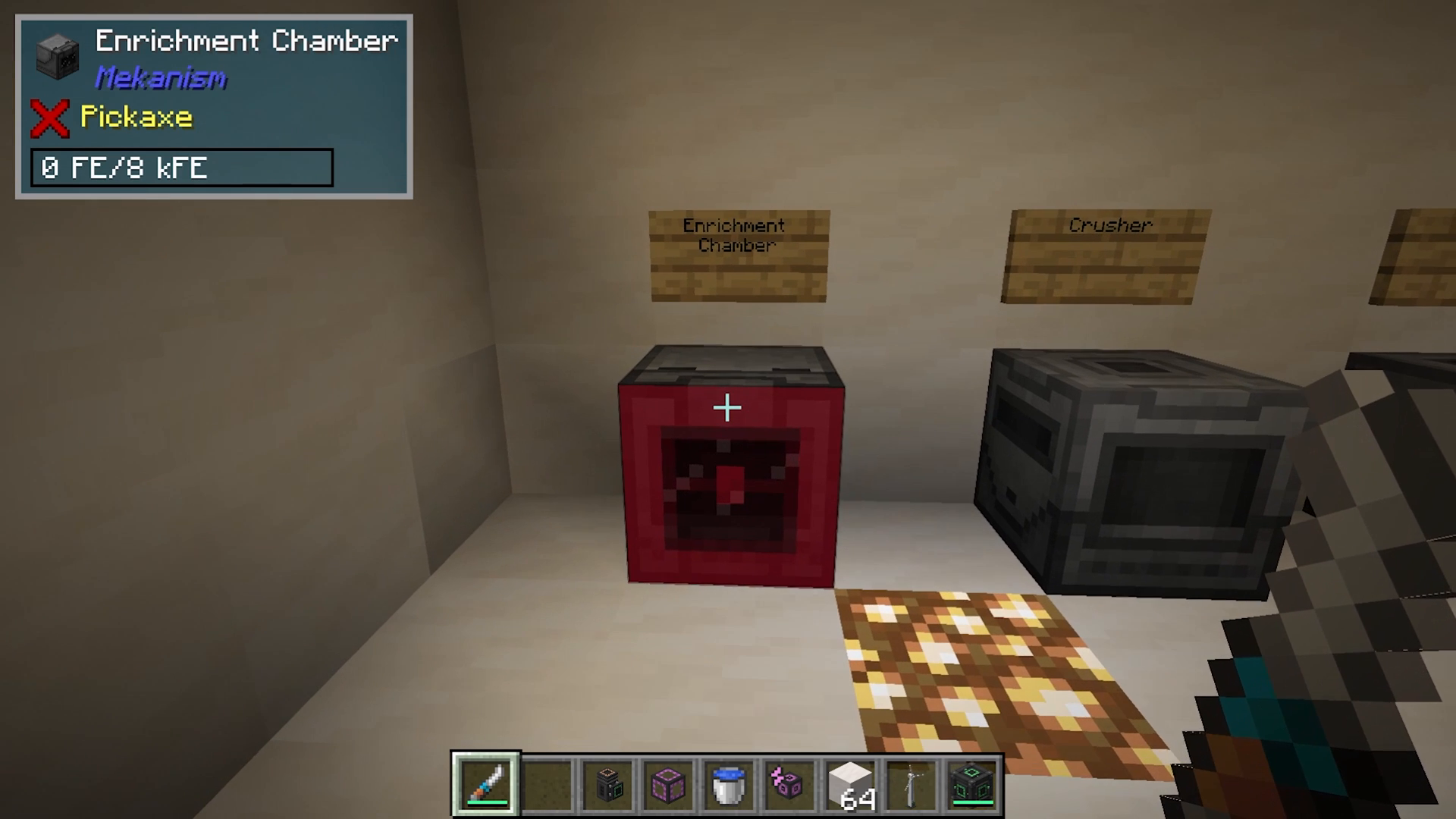
Configuring Machine Sides
With a logistical transporter (for items), you can right-click while shift-clicking on a machine to set which side items pull from or push into. For example, shift-clicking the left side and then the right side configures items to pull from the left and push to the right.
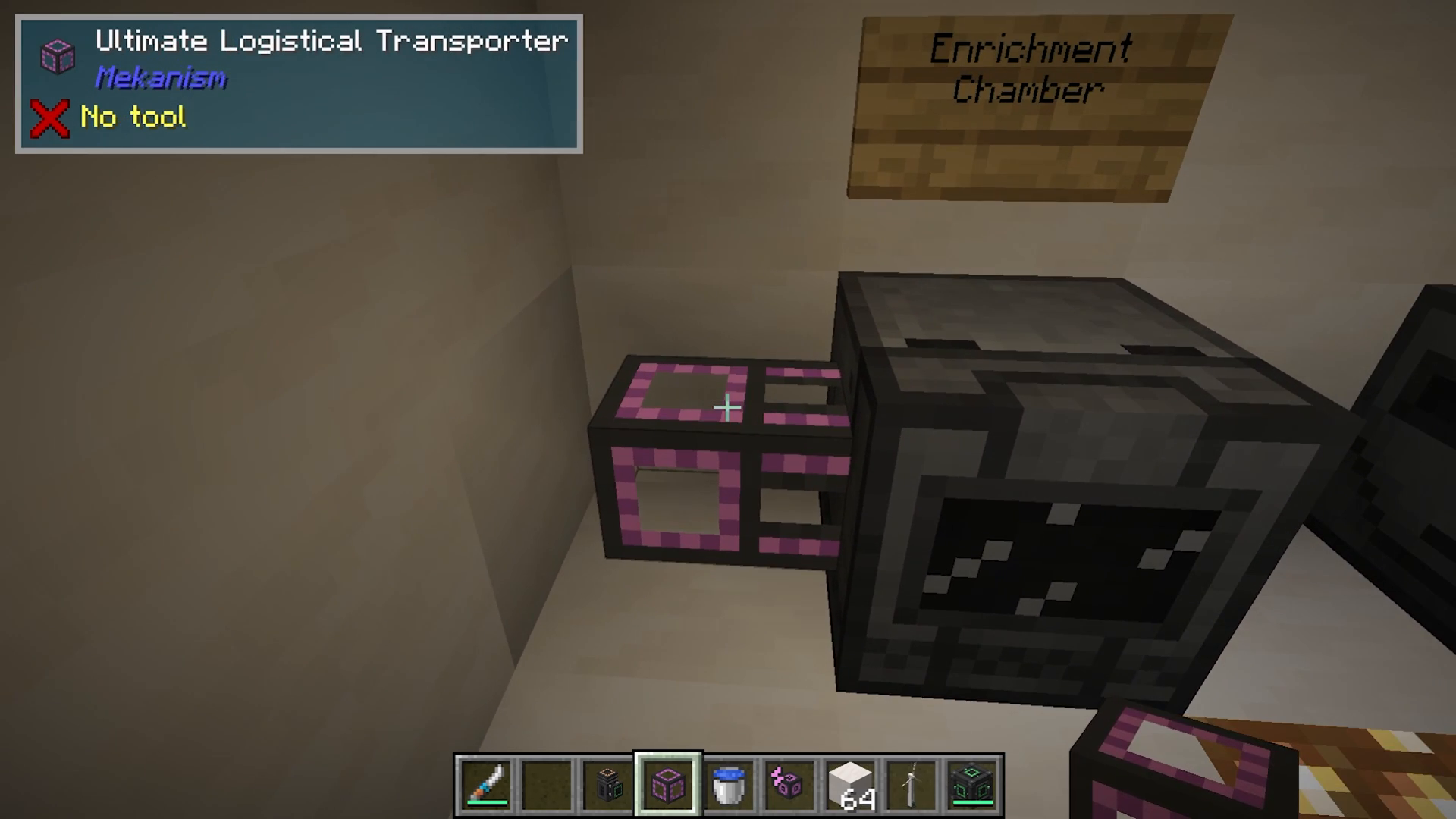
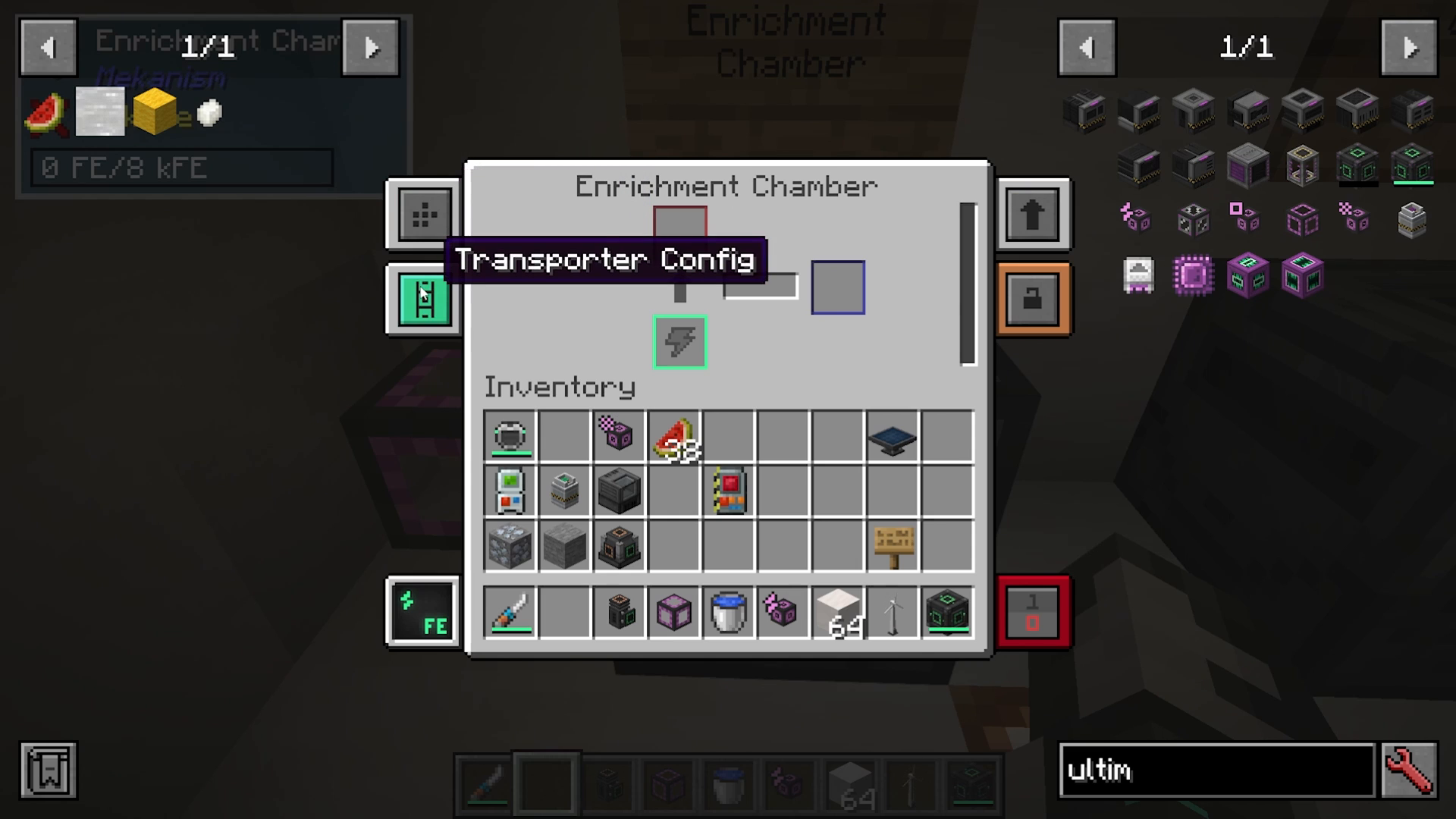
Accessing Machine Settings
Right-clicking on a machine itself opens its internal configuration menu. Here you’ll find:
Side Configuration: Set each side as input, output, both, energy-only, or nothing
Security Settings: Control access (private, trusted, or public)
Upgrade Slots: View which upgrades are compatible with the machine
Machine Upgrades
Most Mekanism machines support upgrades that enhance their performance. Each machine has an upgrade limit—you can install up to 8 upgrades per machine. Not every machine accepts every upgrade type.
Upgrade Types
Speed Upgrades: Increase processing speed (default effect: 10x speed)
Energy Upgrades: Reduce energy consumption
Muffling Upgrades: Silence the machine
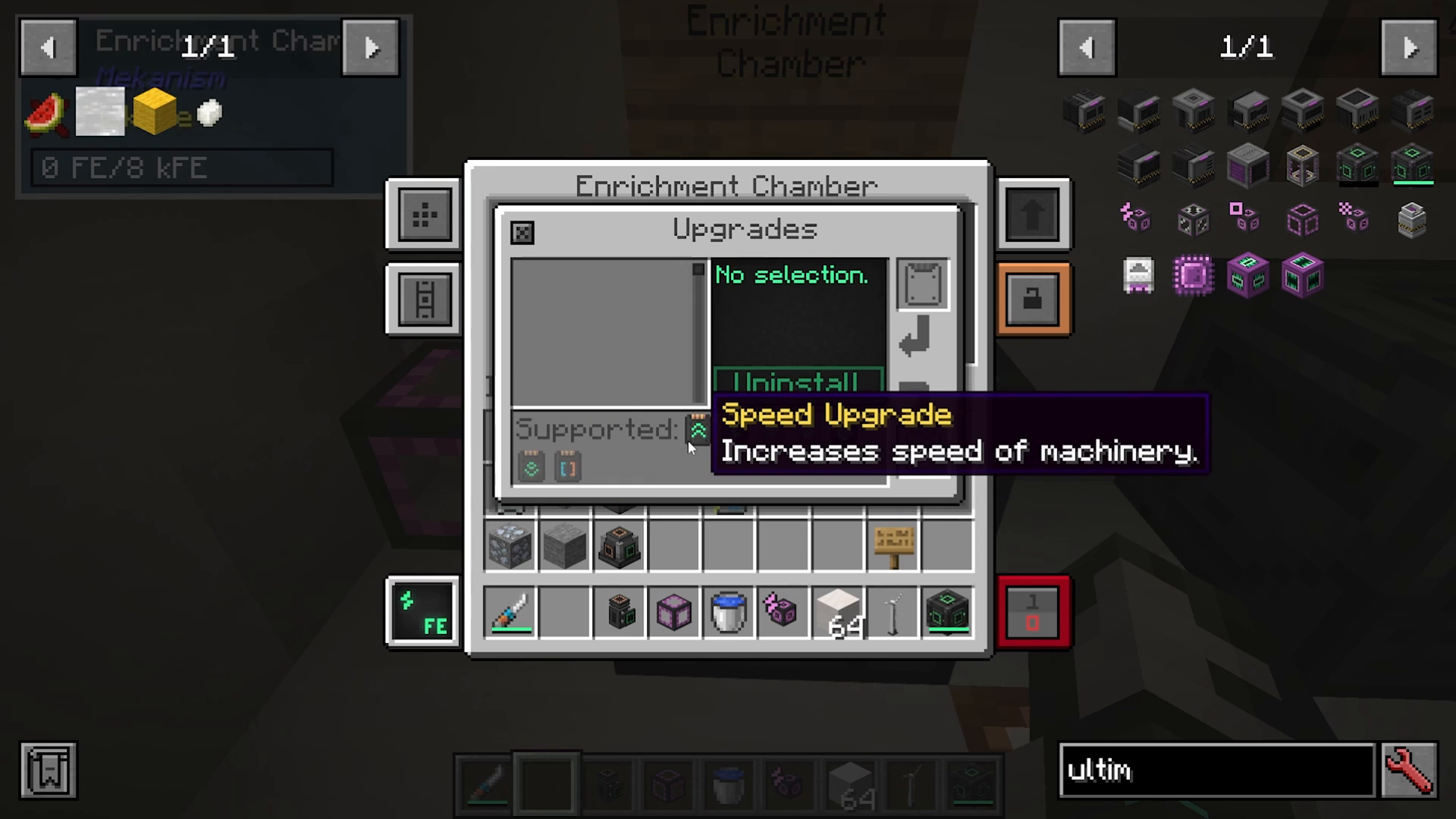
You can insert upgrades one at a time or shift-click multiple upgrades in at once. As you add upgrades, you’ll see the effects in the machine’s interface. For example, adding eight speed upgrades will increase processing speed by 10 times, though energy consumption will increase accordingly.
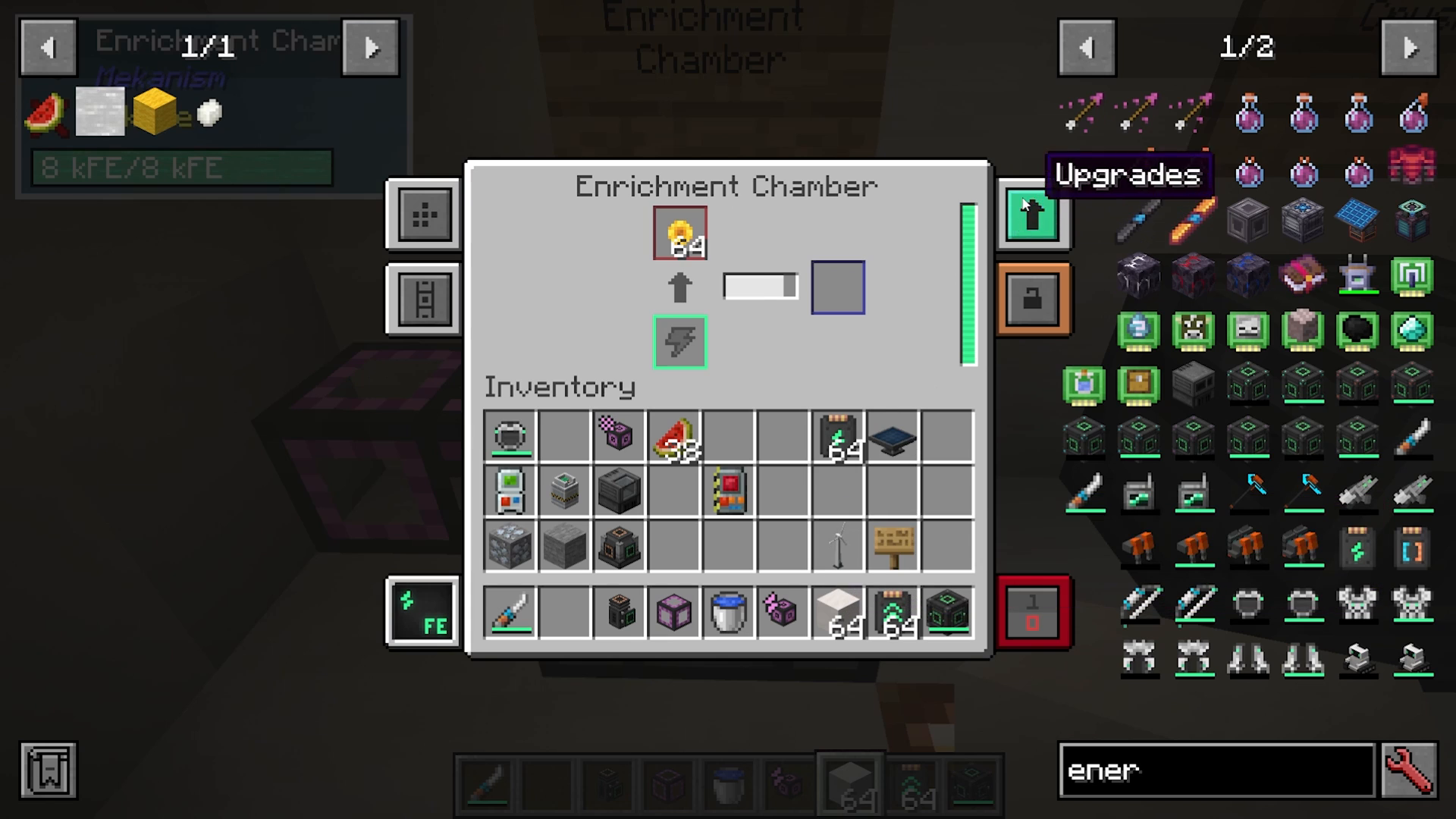
Basic Mekanism Machines
Enrichment Chamber
The enrichment chamber enriches items into other items. To see all available recipes, hover over an item in JEI, press U, and select the enrichment chamber. Examples include converting beetroot or poppies into red dye.
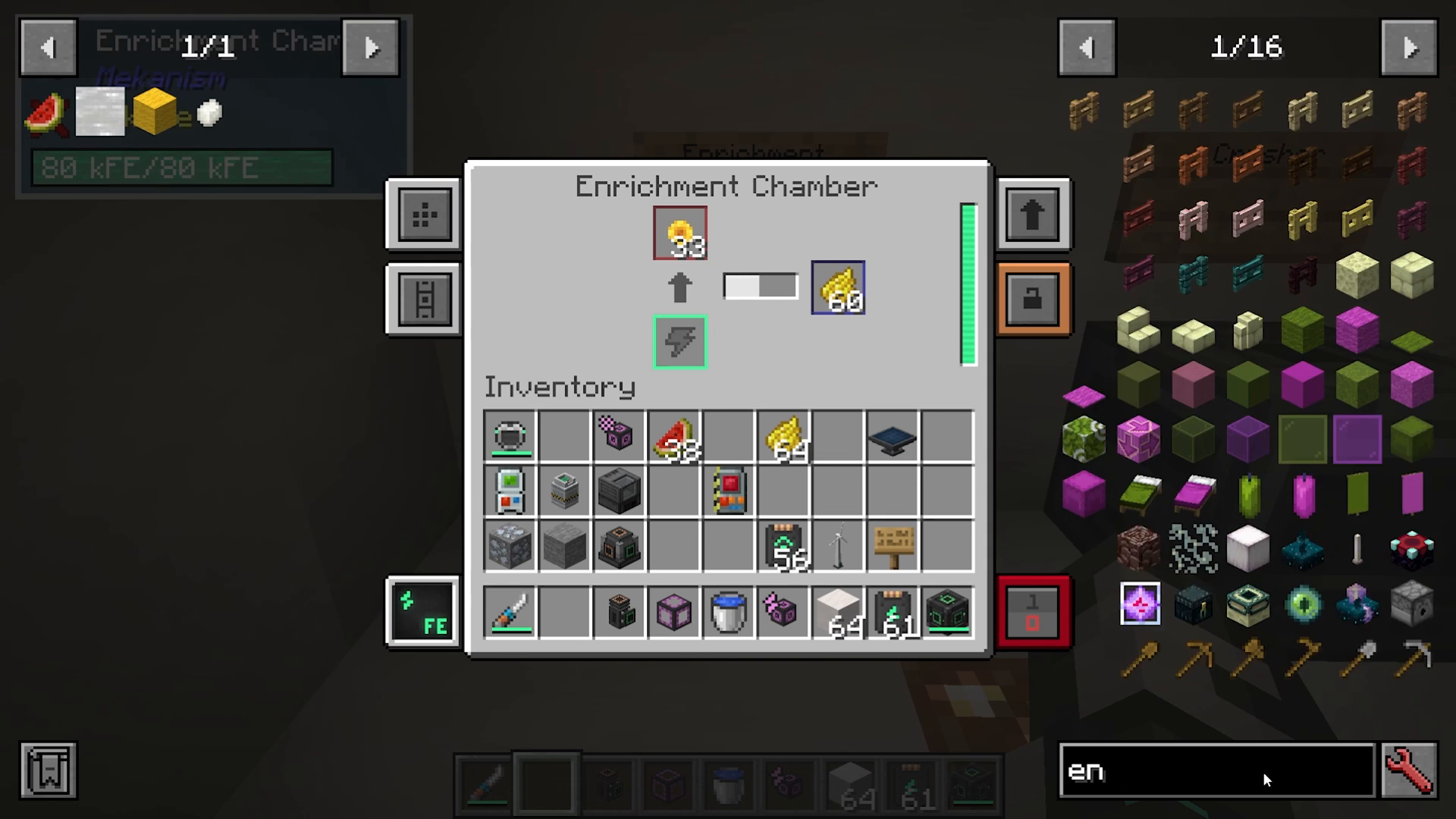
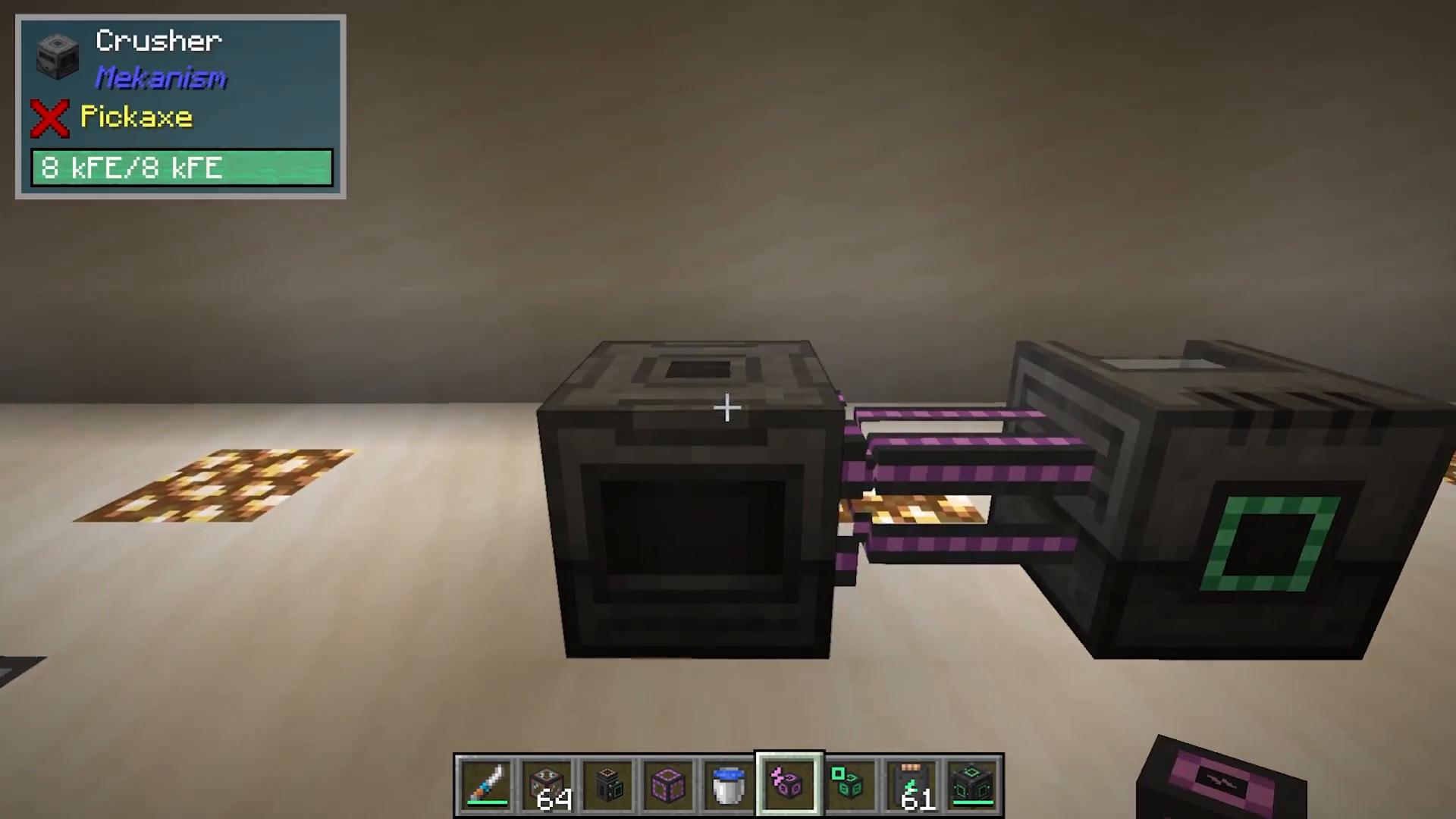
Crusher
The crusher processes items by crushing them into other forms. It can crush ingots into dust, plant matter into biofuel, and more. Like other basic machines, it only requires a basic control circuit to craft.
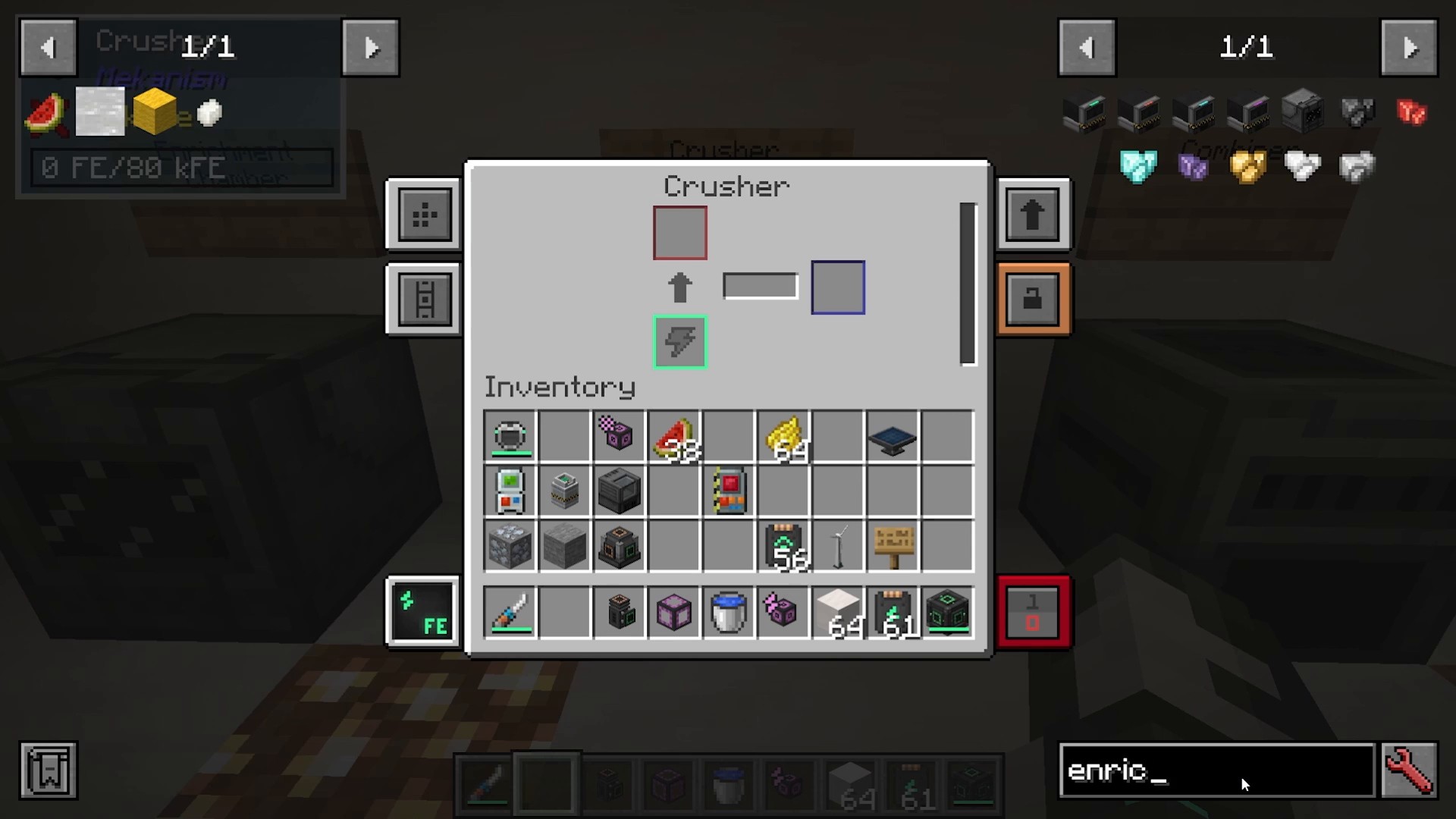
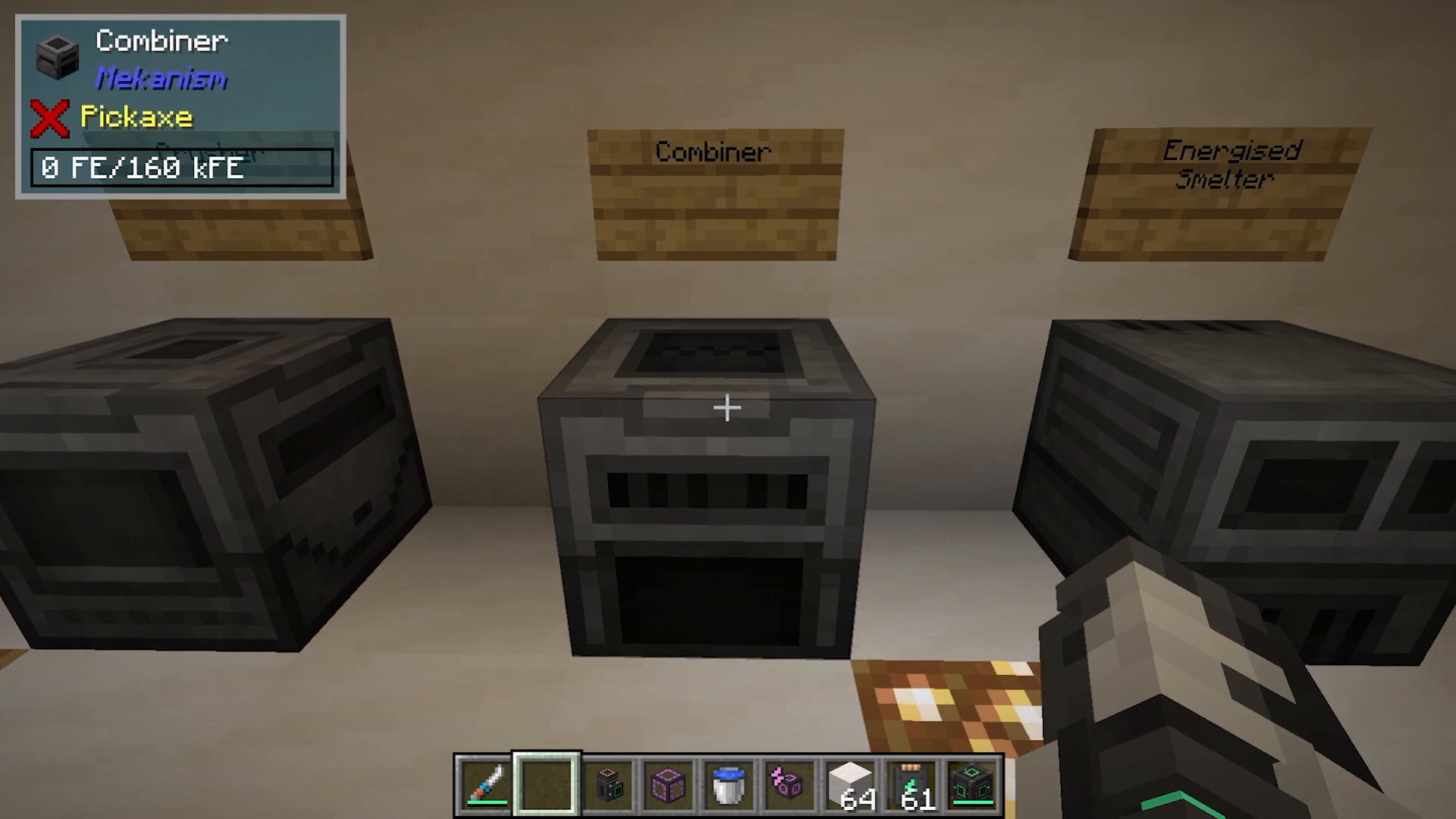
Combiner
The combiner combines items in reverse. It can convert raw iron into iron ore, sweetberries into glow berries, and redstone dust back into osmium, among other recipes.
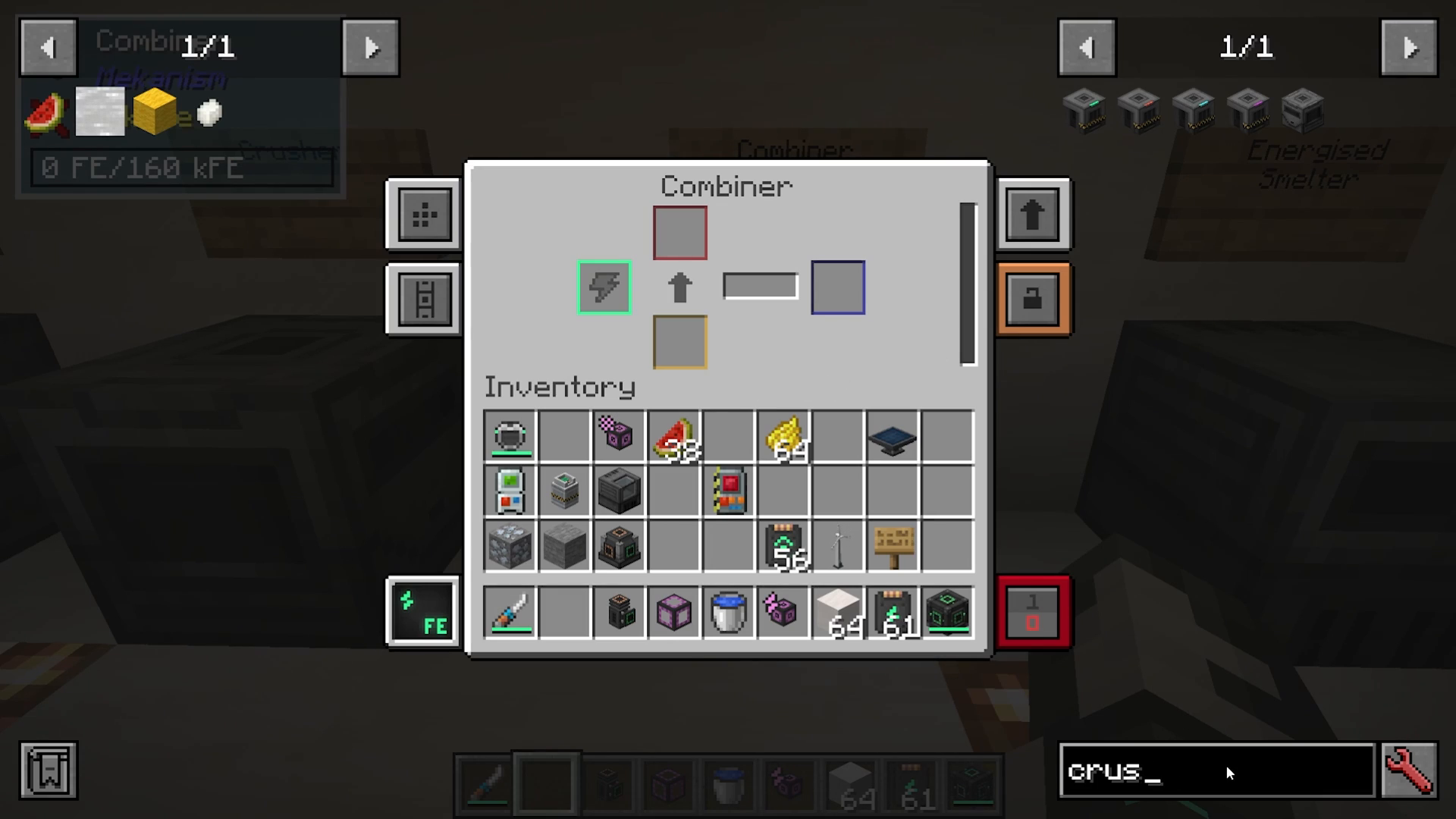
Energized Smelter
The energized smelter is an upgraded version of the vanilla furnace. Because it accepts speed upgrades, it can become significantly faster than standard smelting while still using power instead of fuel.
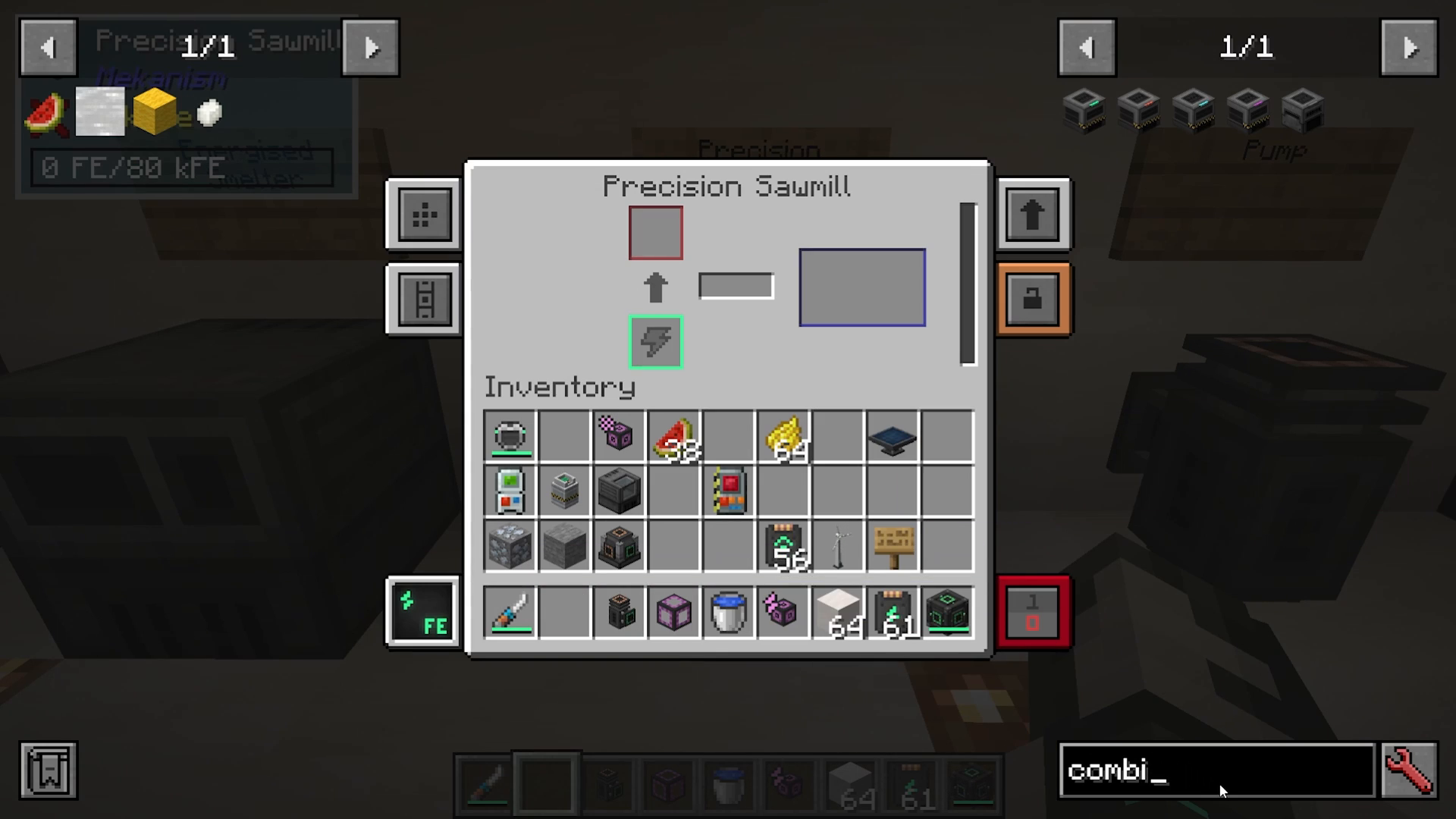
Precision Sawmill
The precision sawmill deconstructs items into component materials. For example, it can break down oak boats with chests into oak boats and chests separately, or convert pressure plates into planks.
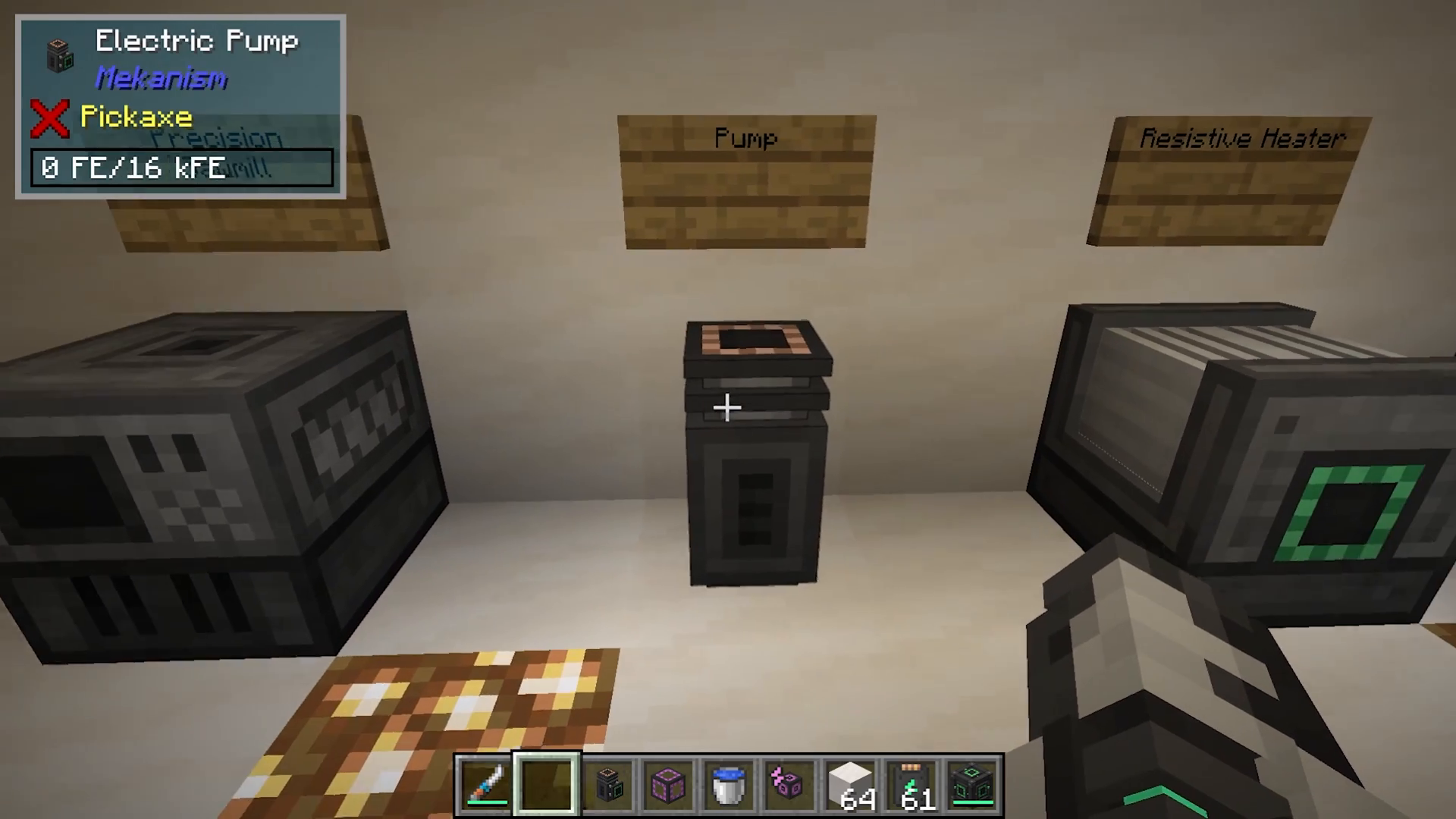
Pump
The pump extracts water or other liquids from the world and transports them through mechanical pipes. Power enters from the back of the machine. If you place a mechanical pipe on top, you’ll see it begin pumping water. Pumps are very efficient at fluid extraction and can be upgraded with filter upgrades to extract heavy water instead of regular water.
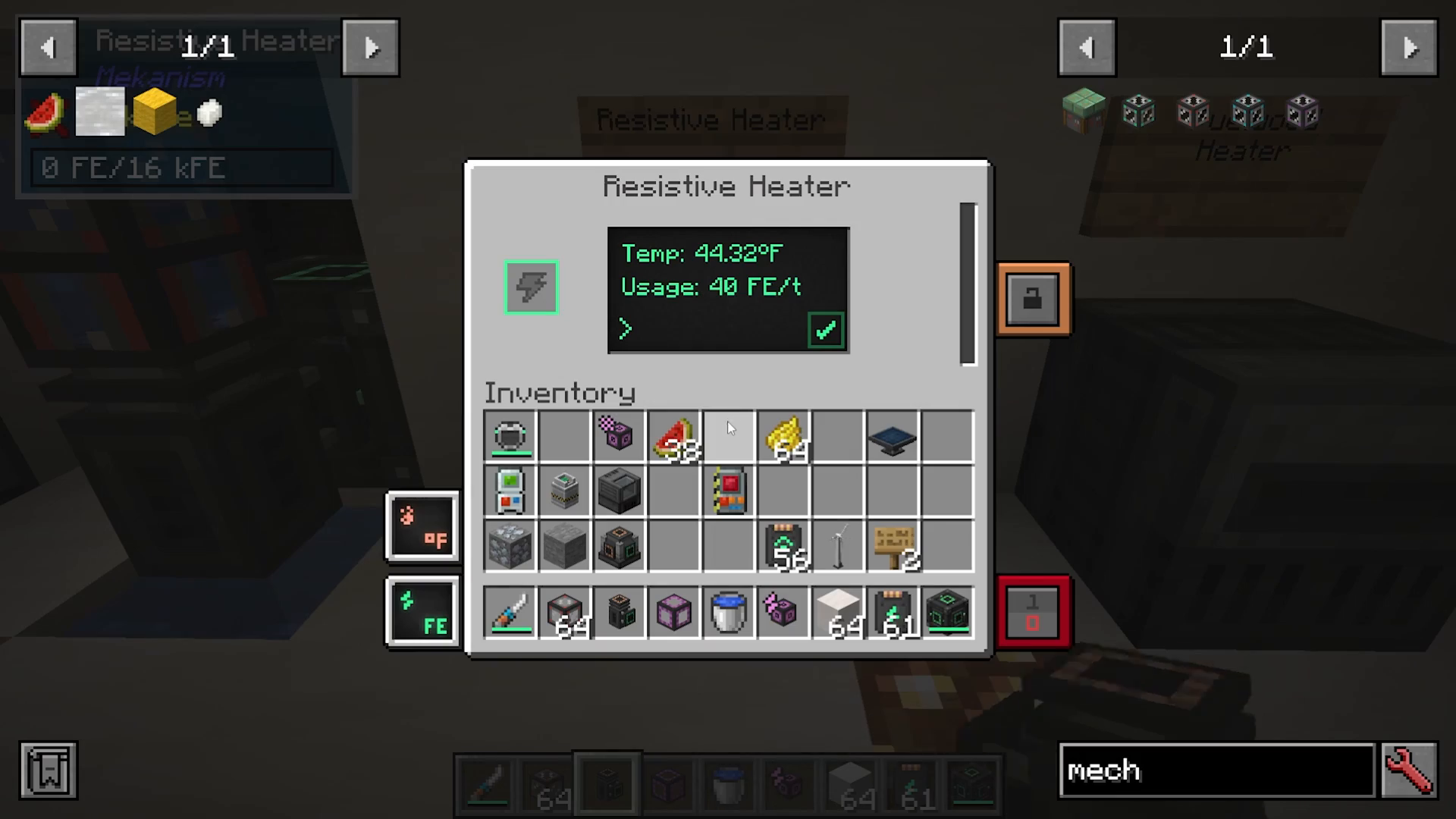
Resistive Heater
The resistive heater converts electrical power into heat. By adjusting the slider, you can set how much power (in FE per tick) it consumes—higher values generate more heat faster. This machine is essential when you need to heat other machines.
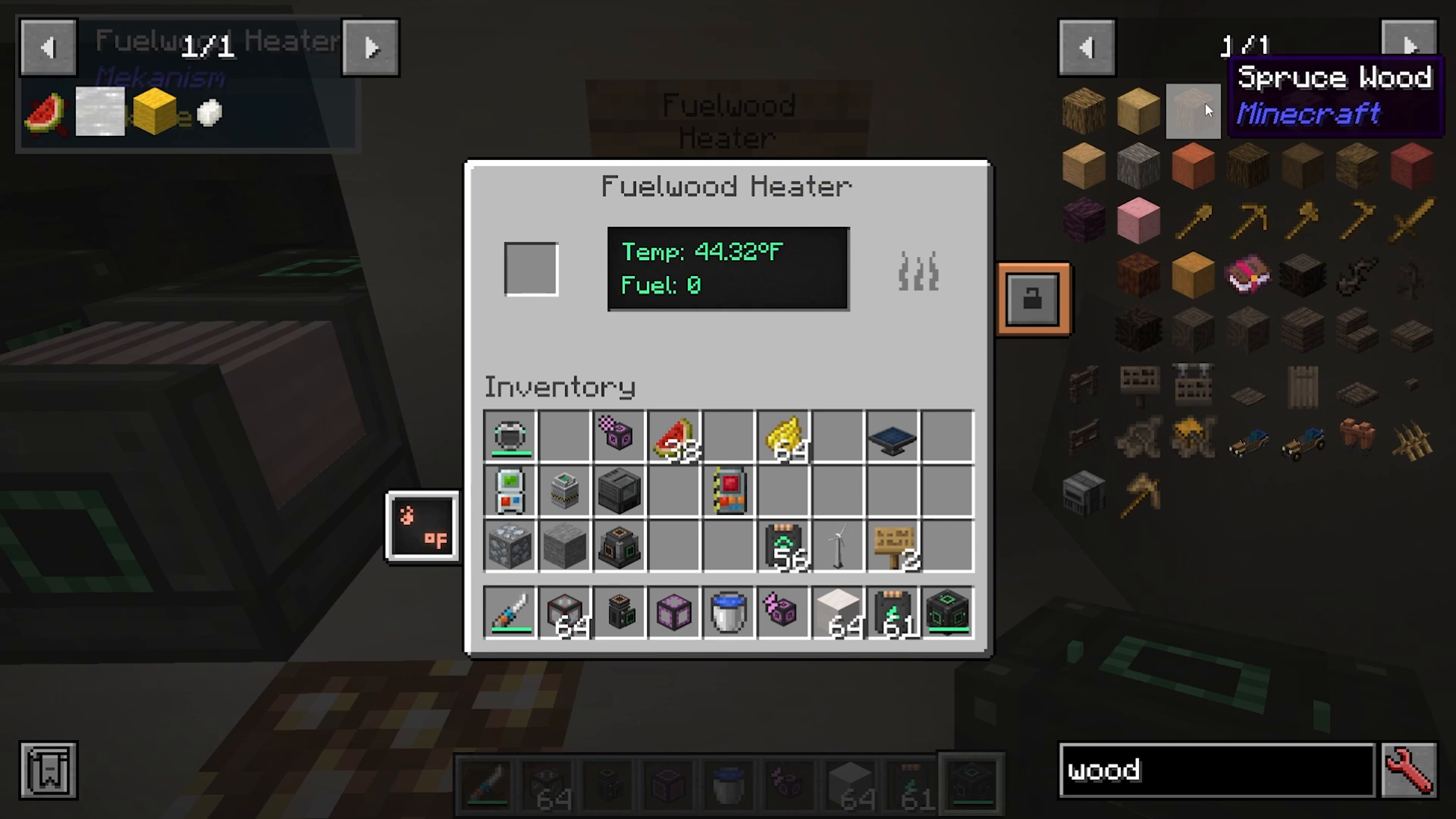
Fuelwood Heater
The fuelwood heater provides an alternative to the resistive heater. Instead of consuming electricity, it burns fuel like spruce wood to generate heat through thermodynamic cables, allowing you to use natural resources instead of electricity.
Advanced Power Generation with Mekanism Generators
The Mekanism Generators mod adds unique early-game power generation options beyond basic heat and solar generators.
Gas Burning Generator
The gas burning generator burns gases to produce electricity. It requires infused alloys, an electric core, and steel casings—all relatively simple components.
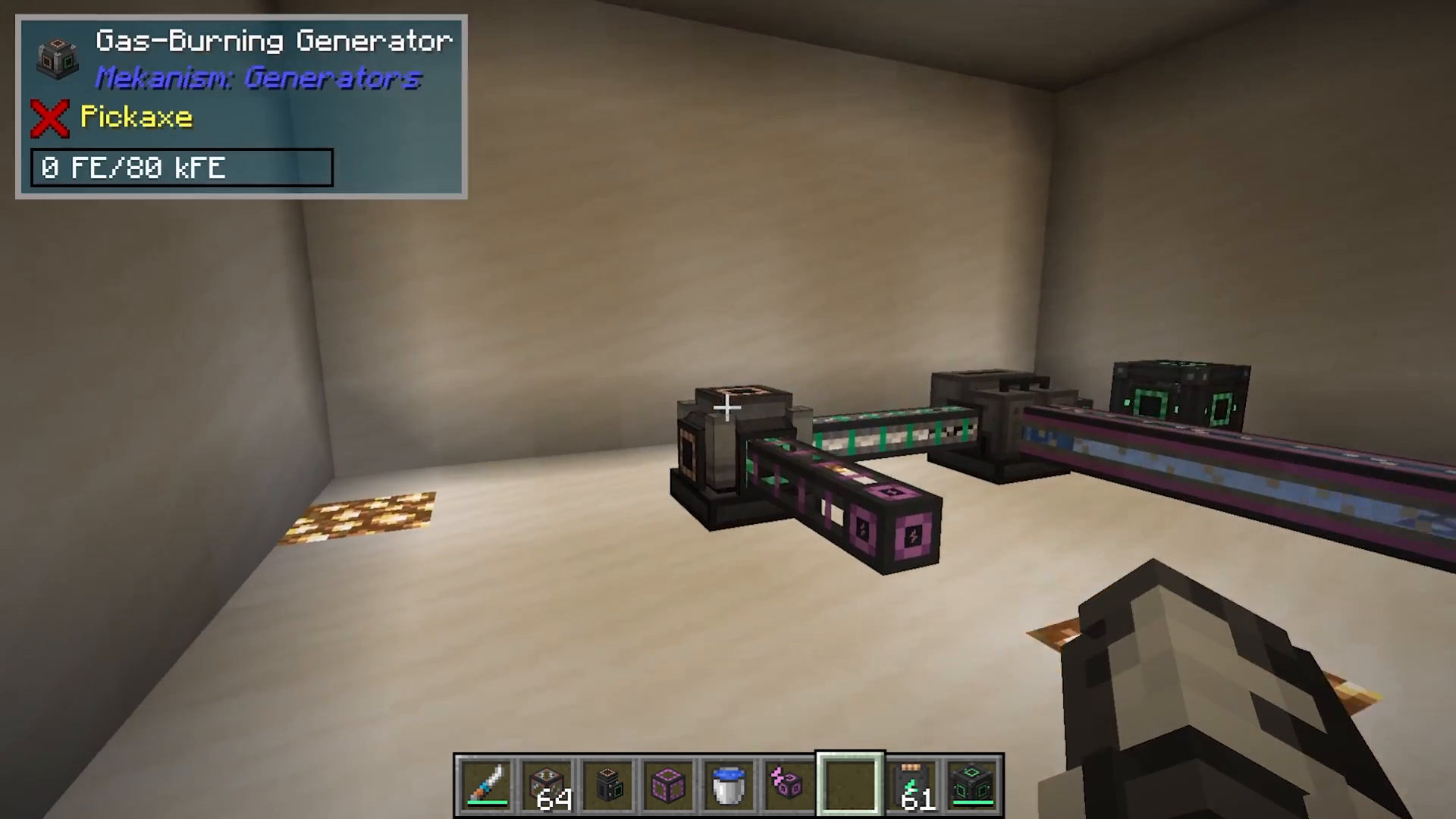
To fuel a gas burning generator with hydrogen:
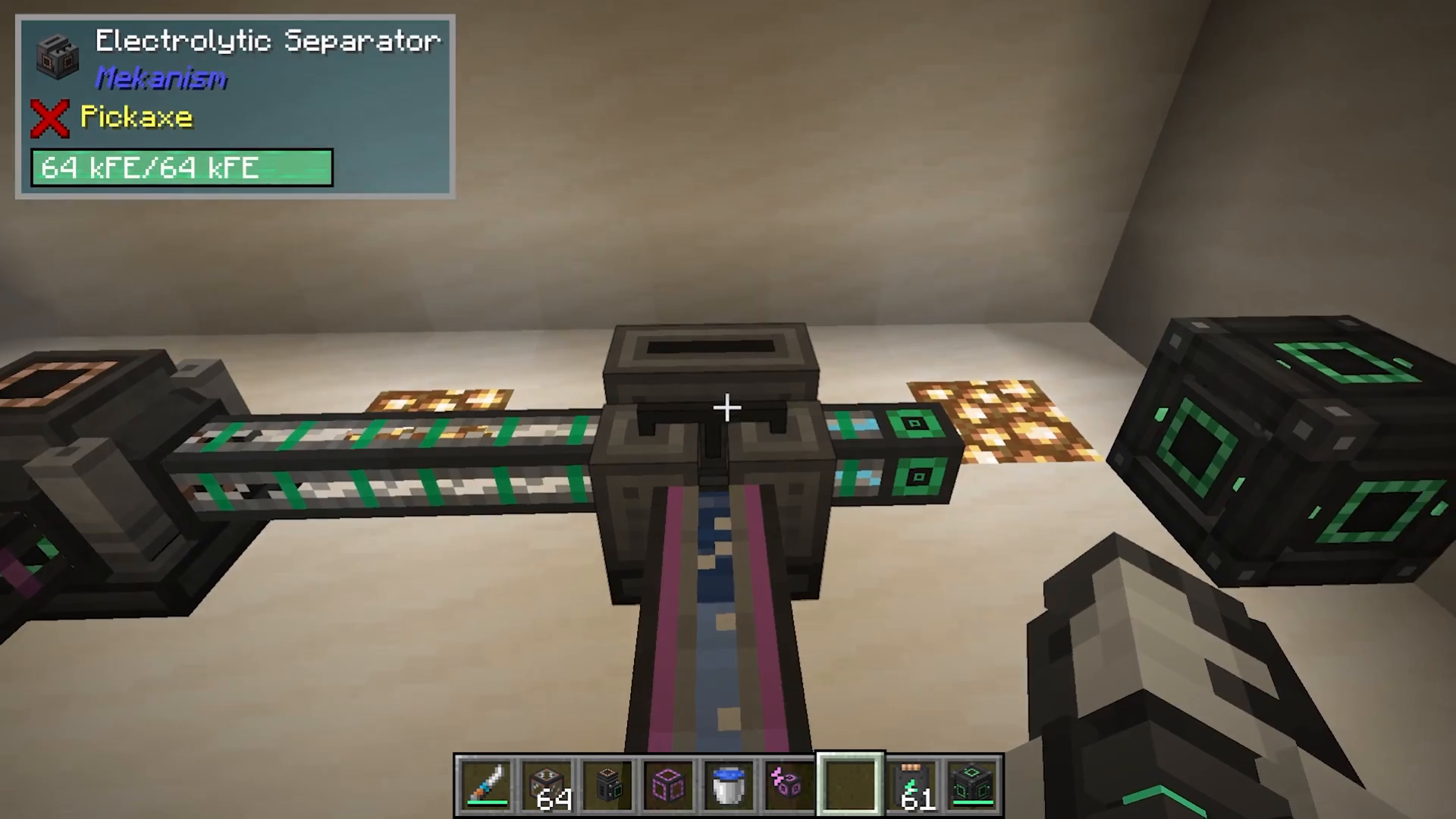
Set up an electric pump to feed water into an electrolytic separator
The separator will split water into hydrogen and oxygen
Configure the separator to dump excess oxygen so hydrogen can accumulate
Connect pressurized tubes to feed hydrogen into the gas burning generator
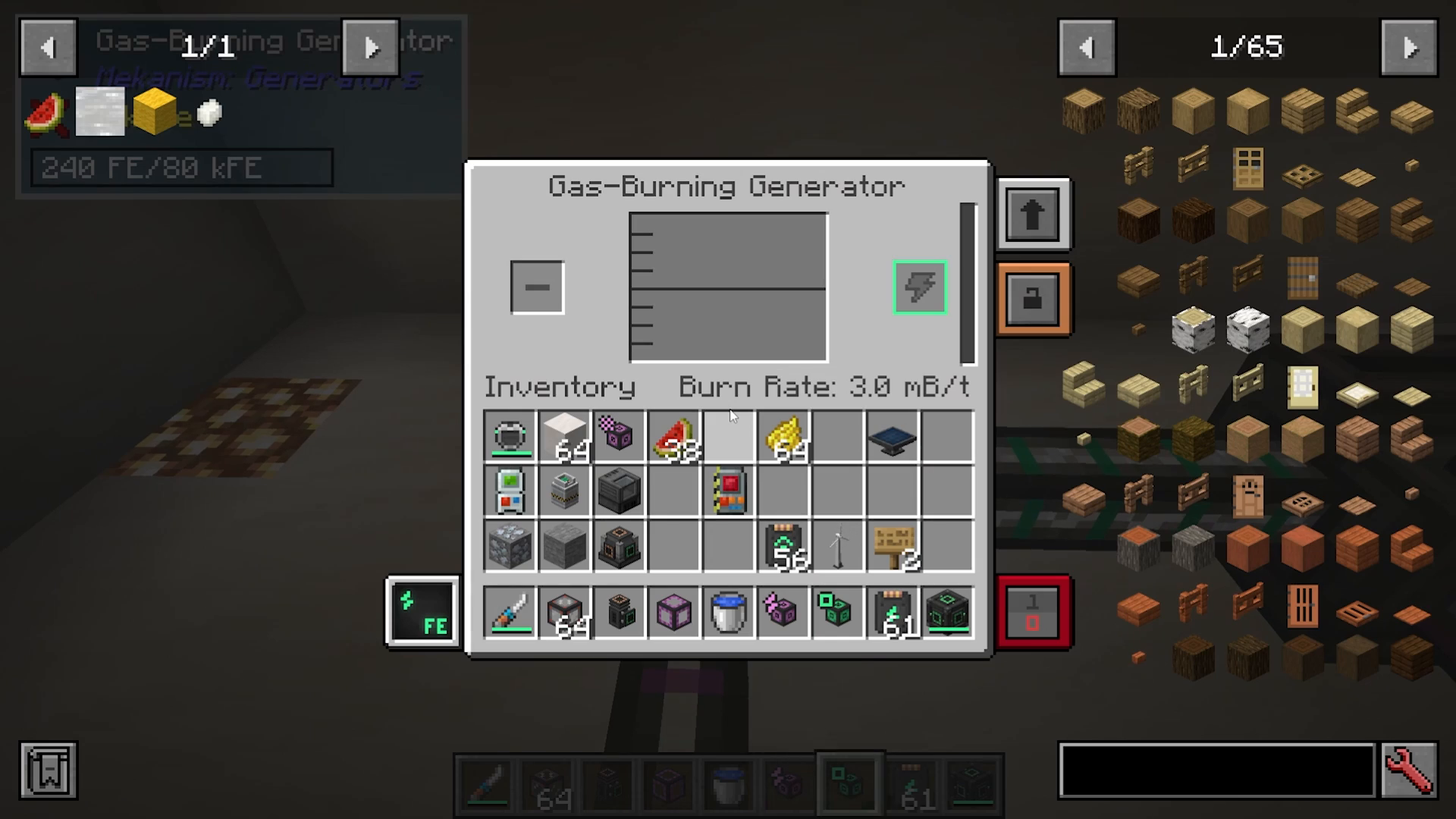
In the gas burning generator interface, you’ll see the burn rate (measured in millibuckets per tick). The burn rate determines how quickly the generator consumes hydrogen and generates power. Even though the cables may appear empty, they can actually hold enormous amounts of energy.
Note: While hydrogen is simple to set up early game, more advanced gases like Ethylene produce significantly more power. A separate detailed Ethylene tutorial is available in the description.
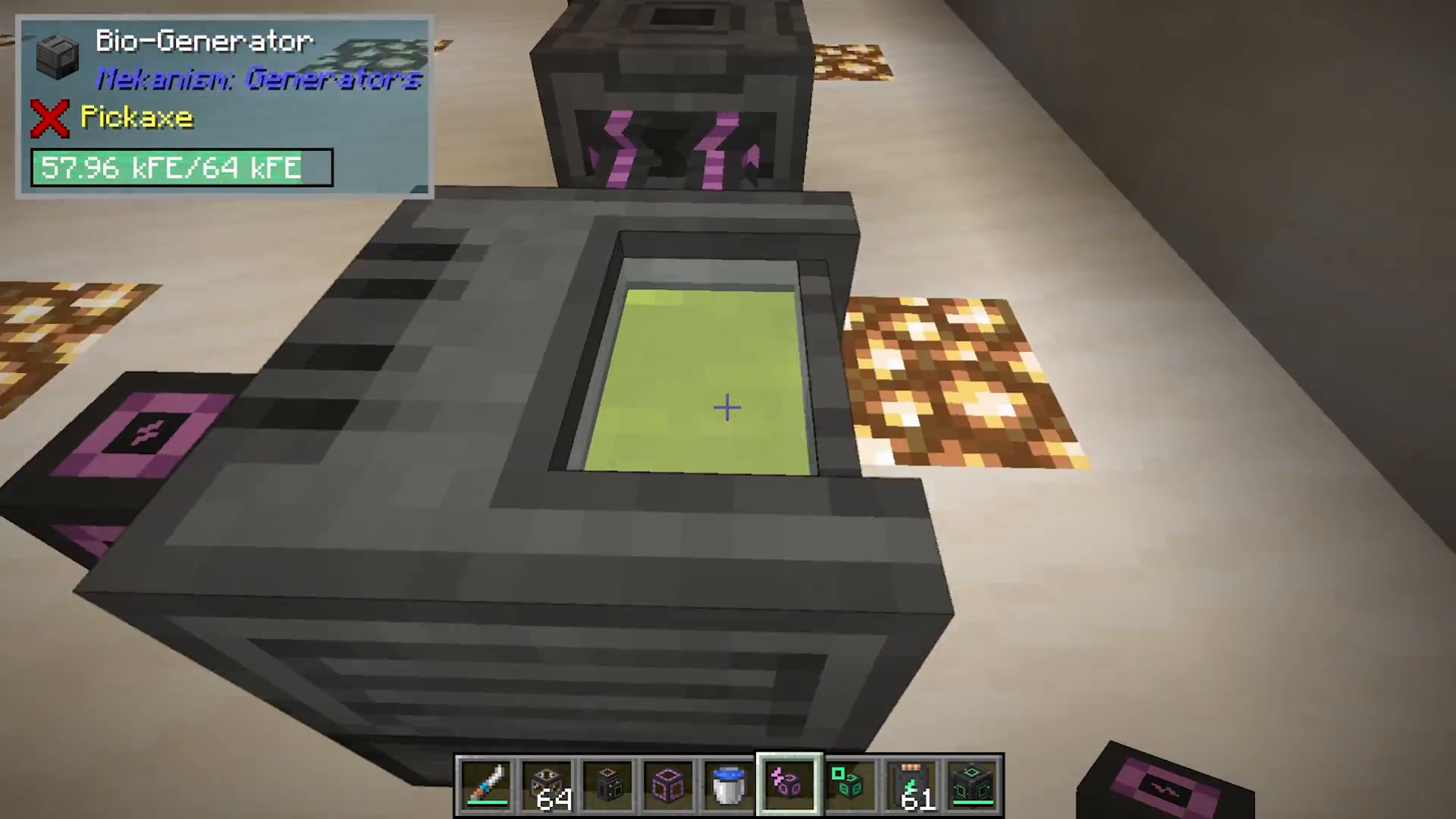
Bio Generator
The bio generator uses bio fuel to generate power. Set it up by:
Feeding organic matter (like plants or crops) into a crusher
The crusher converts organic matter into biofuel
Use a logistical transporter to push biofuel into the bio generator
The bio generator will burn the biofuel to produce electricity
The bio generator’s front panel (the green hole) is where electrical output emerges. Interestingly, you’ll notice an Ethylene hole on the back of the machine—a nice touch by the developers.
Summary and Next Steps
Congratulations! You’ve now covered the essentials of Mekanism:
Finding and processing osmium ore
Setting up early-game power generation with heat, solar, and wind generators
Using the metallurgic infuser to create alloys and components
Producing steel through multi-machine processes
Transporting energy, fluids, gases, items, and heat with specialized cables
Storing resources in energy cubes and tanks
Configuring and operating basic machines
Installing and using machine upgrades
Setting up gas and bio power generation
This guide is part one of a comprehensive Mekanism tutorial series. In the next video, we’ll explore intermediate processing techniques and more advanced applications of Mekanism’s extensive tool set. Be sure to check the description for links to intermediate and advanced guides.
— Want to Support? —
If you would like to help us continue making these guides – please consider joining our patreon here – https://www.patreon.com/c/JaviHeals
Alternatively – we host a group of MC Servers you can join here – https://discord.gg/zD7Gjt6MHF



