







How To Use Travel Anchors In EnderIO
How To Use Travel Anchors In EnderIO
Travel Anchors are a fantastic teleportation tool in the EnderIO mod that allow you to quickly navigate between multiple anchor points. This guide will walk you through everything you need to know to set up and use Travel Anchors effectively in your world.
What Are Travel Anchors?
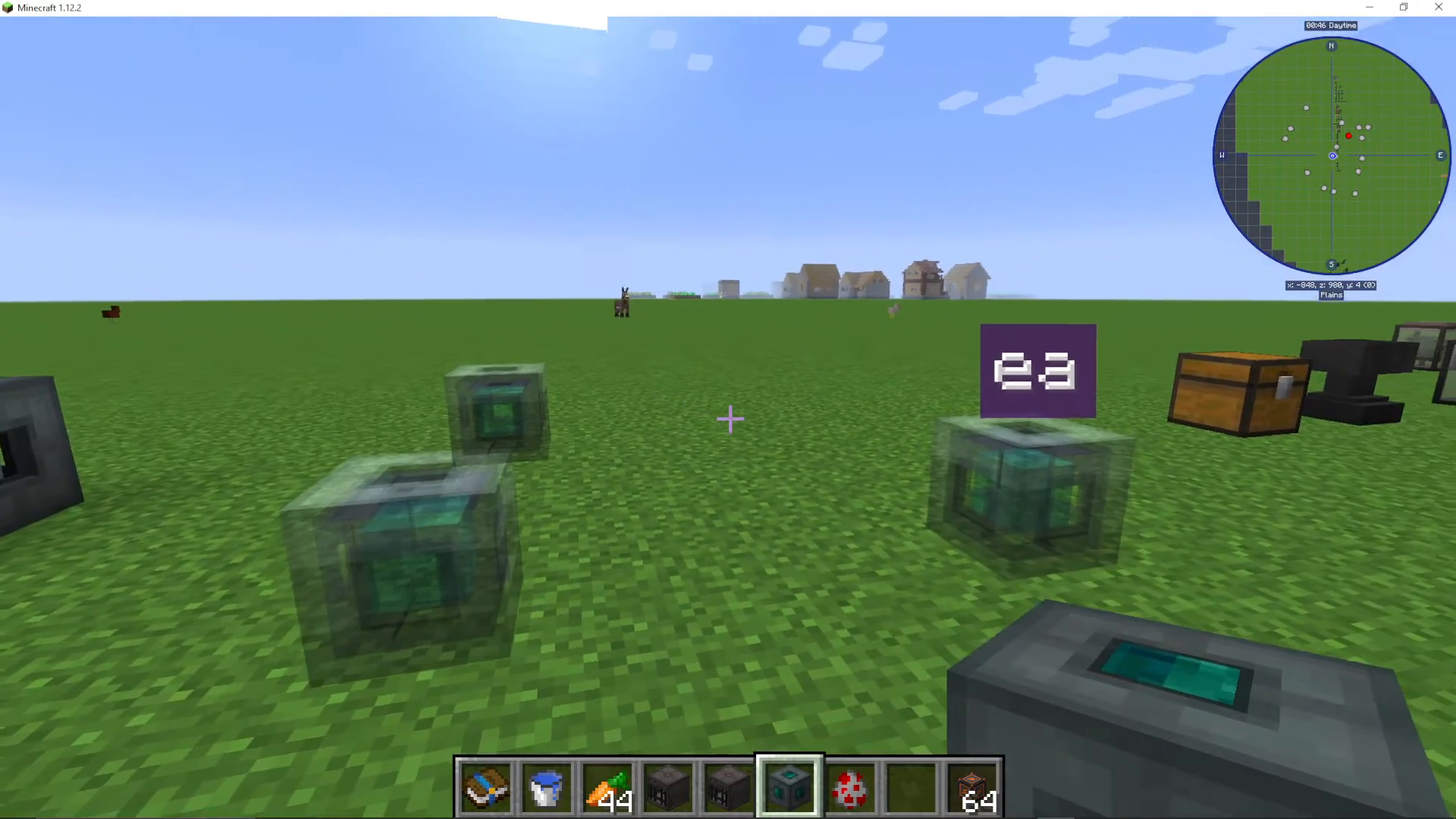
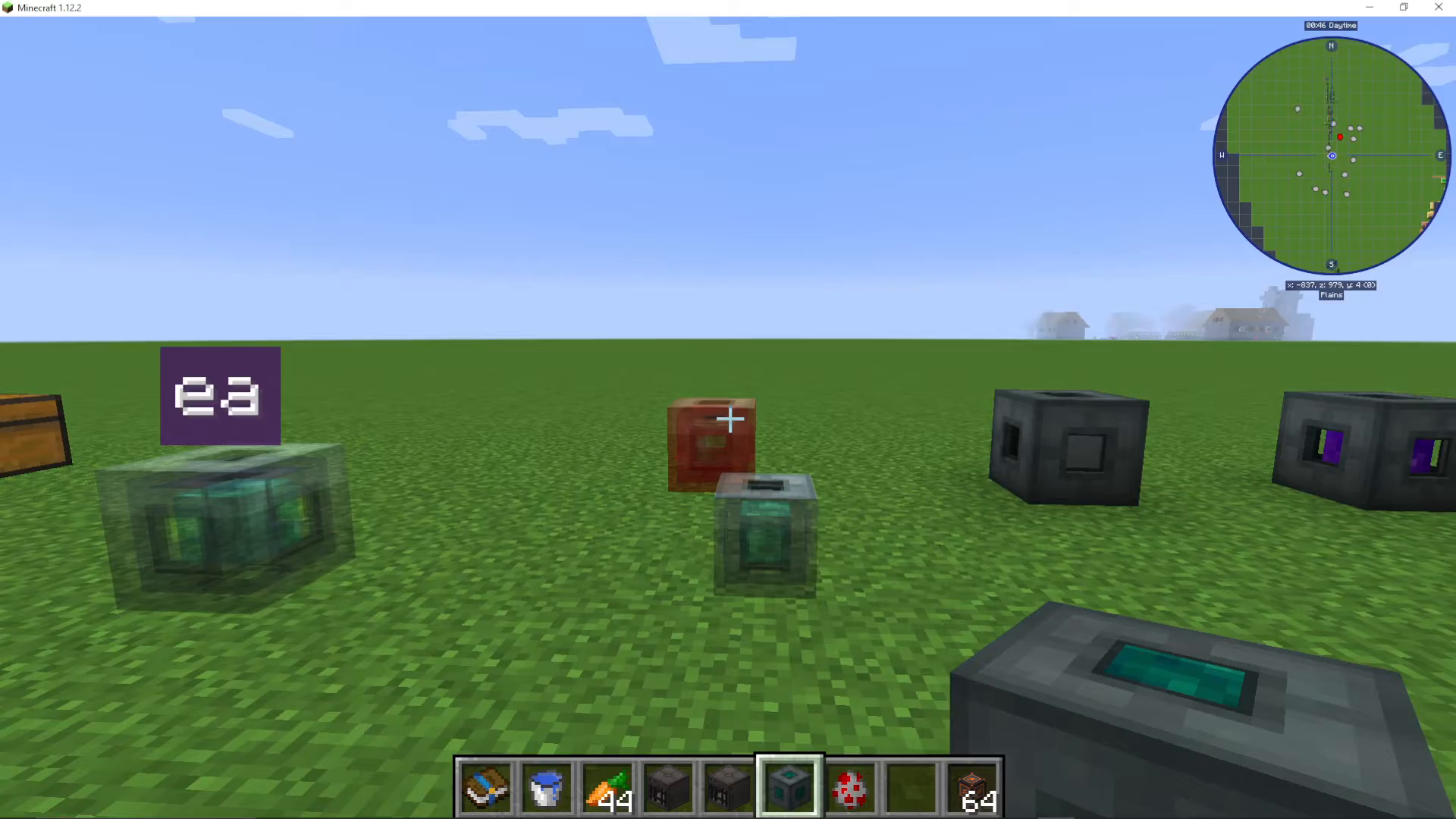
Travel Anchors are blocks that serve as teleportation waypoints in EnderIO. You can place them throughout your world and then teleport between them instantly. When you stand on a Travel Anchor, nearby anchors become visually enlarged, making them easy to identify.
Basic Teleportation Setup
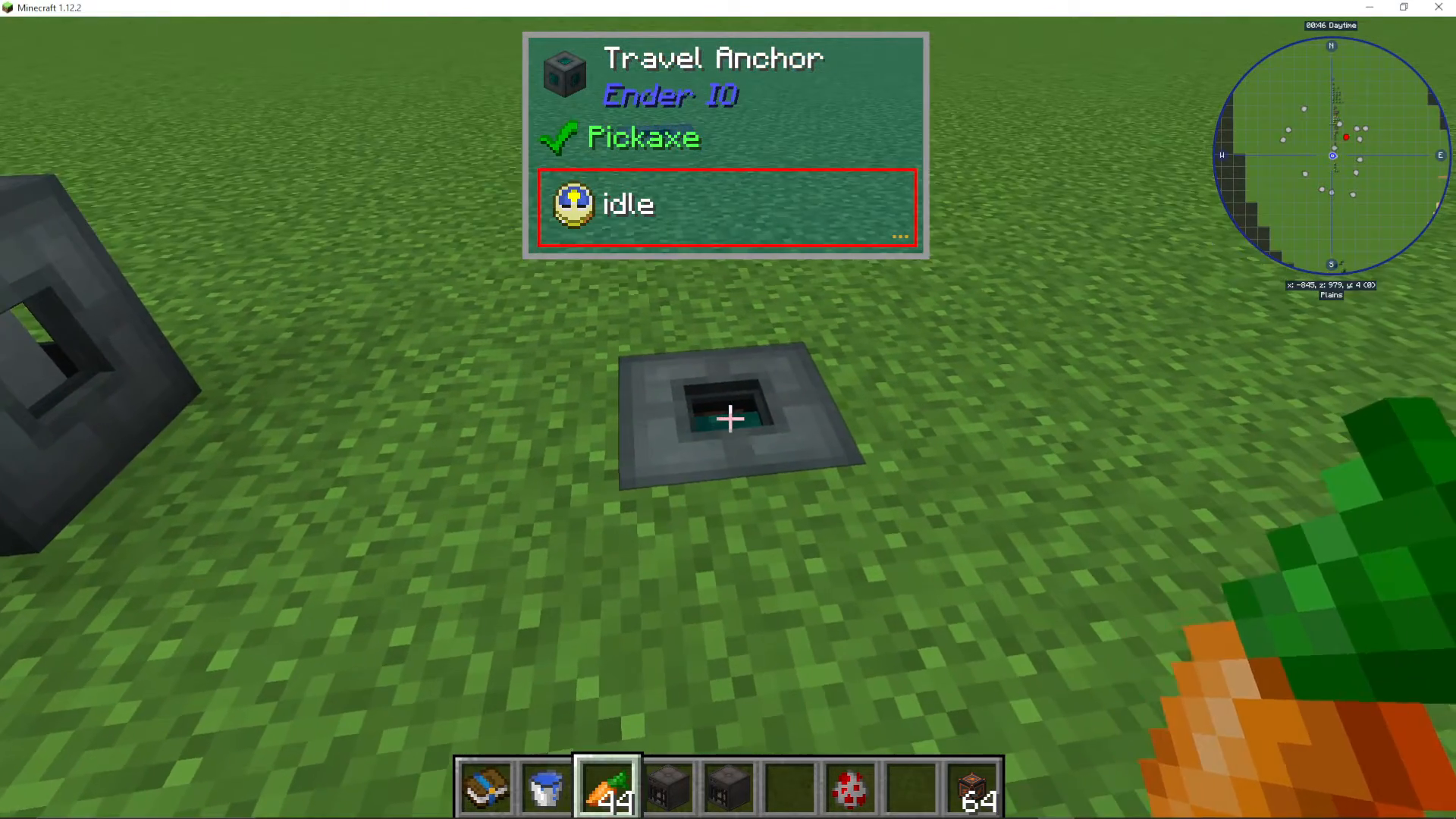
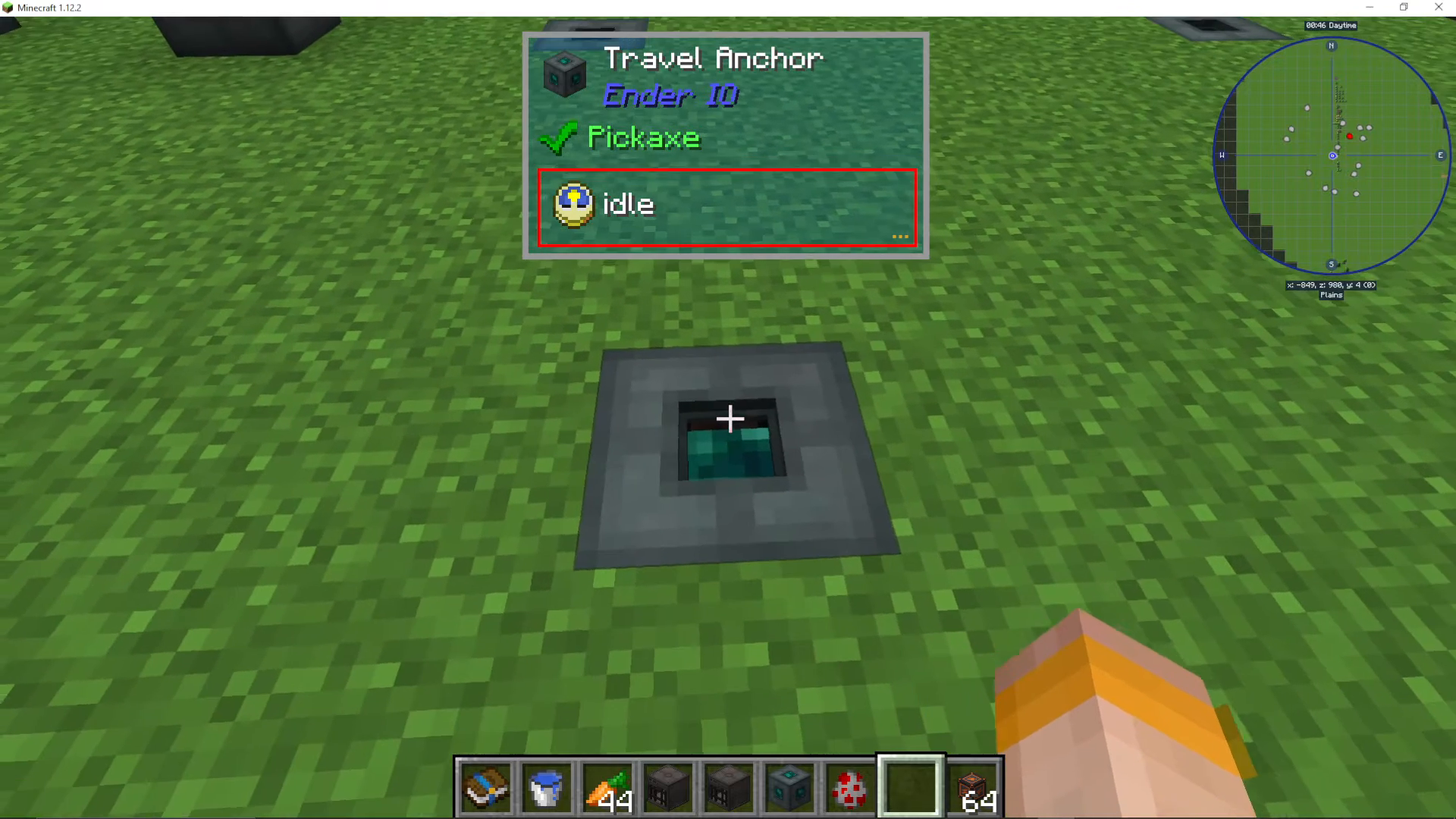
To use Travel Anchors, start by placing a Travel Anchor block down in your desired location. Once placed, stand on top of the anchor block. When you’re standing on it, all other Travel Anchors in the area will appear enlarged, highlighting their positions to you.
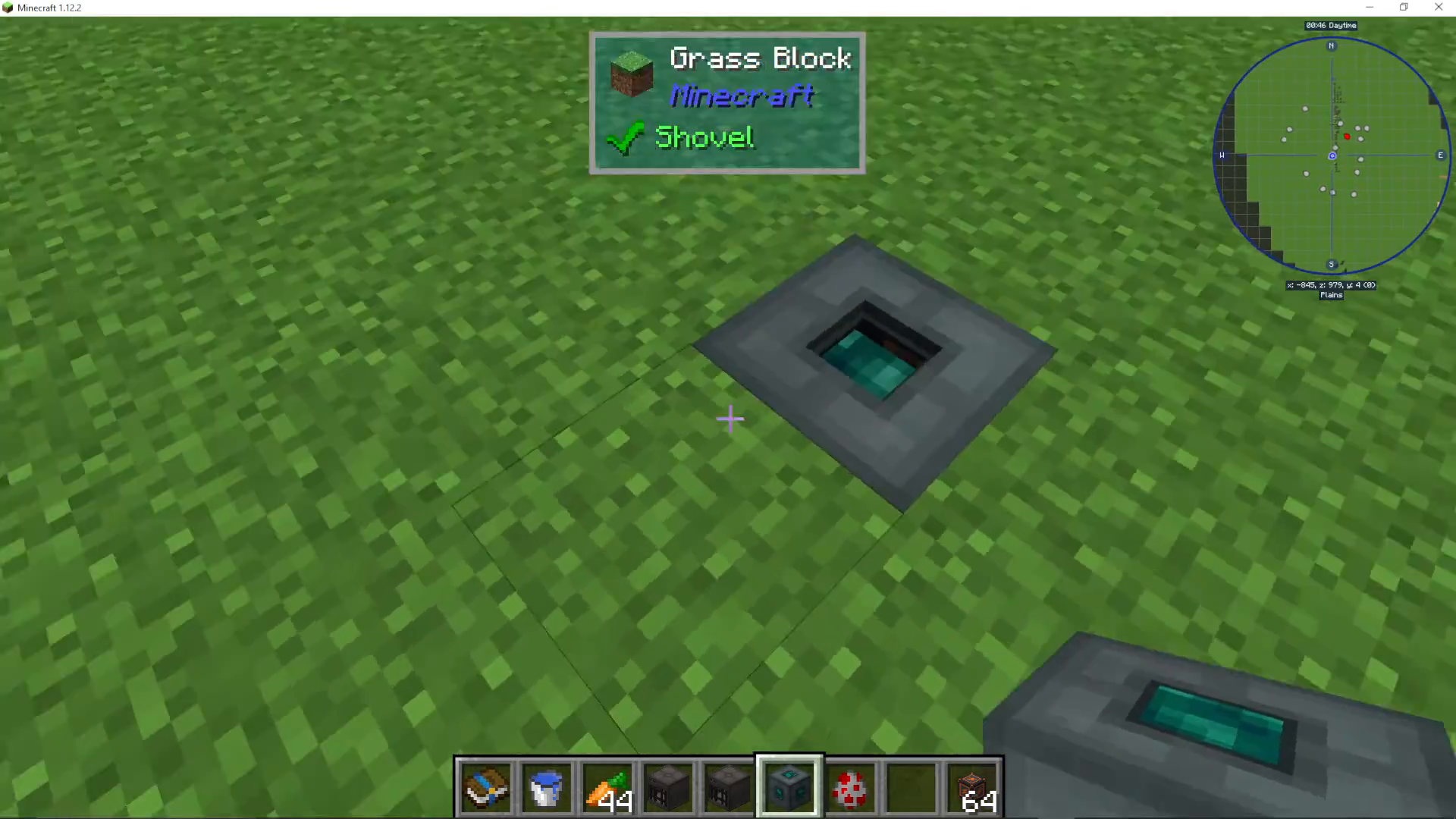
If you step off the anchor, the other anchors will return to their normal appearance. This visual feedback system makes it easy to see which anchors are available for teleportation.
Teleporting Between Anchors
To teleport to another Travel Anchor, simply look at one of the enlarged anchors and press the jump key. You will instantly teleport to that anchor location. You can look at any visible anchor and jump to it without needing to click or interact with it.
Privacy Settings
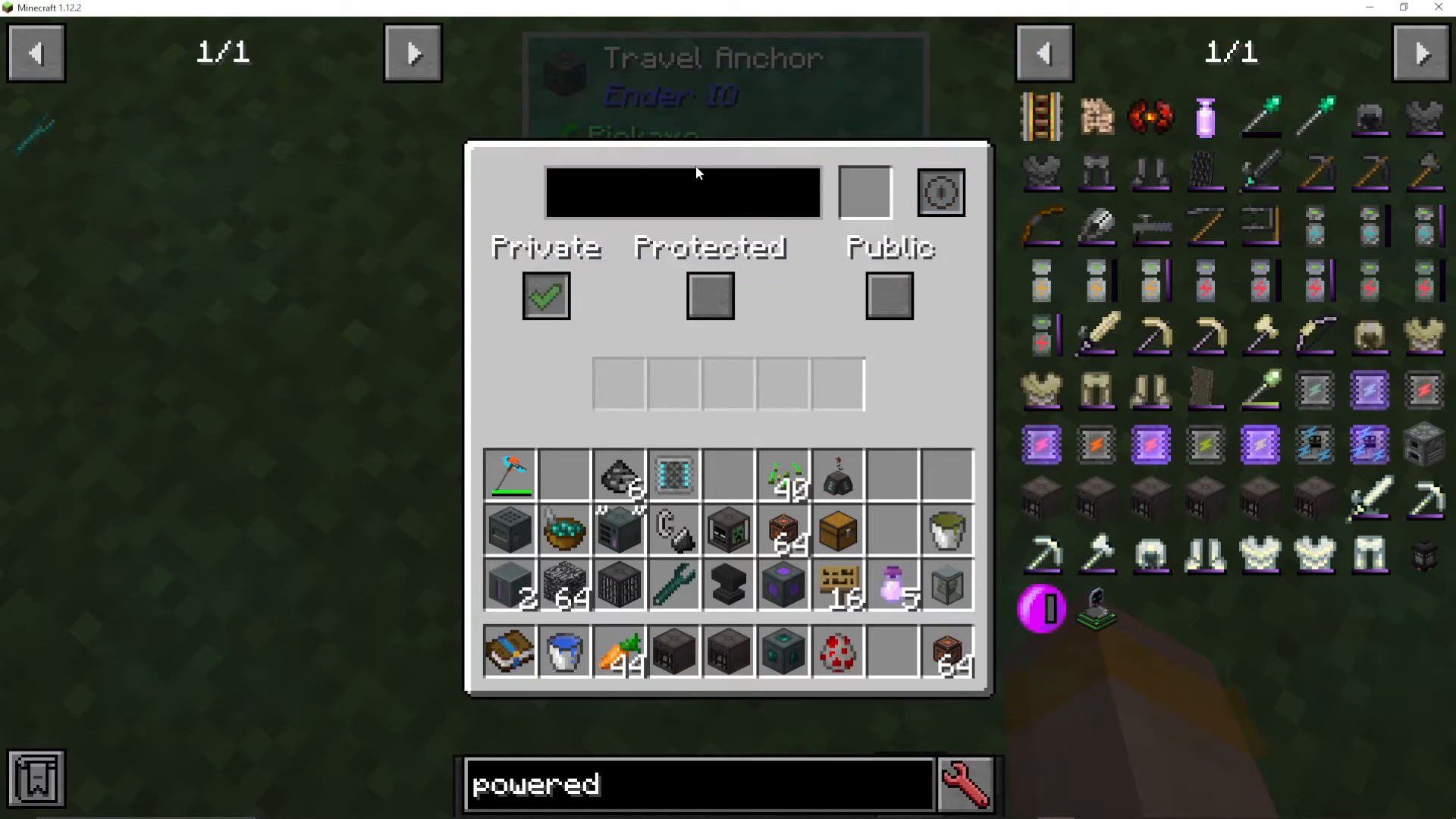
Right-click on a Travel Anchor to access its settings menu. Here you can configure the anchor’s access level:
Public – Anyone can teleport to this anchor
Private – Only you can teleport to this anchor
Protected – You can set specific protections for the anchor
Visibility Settings
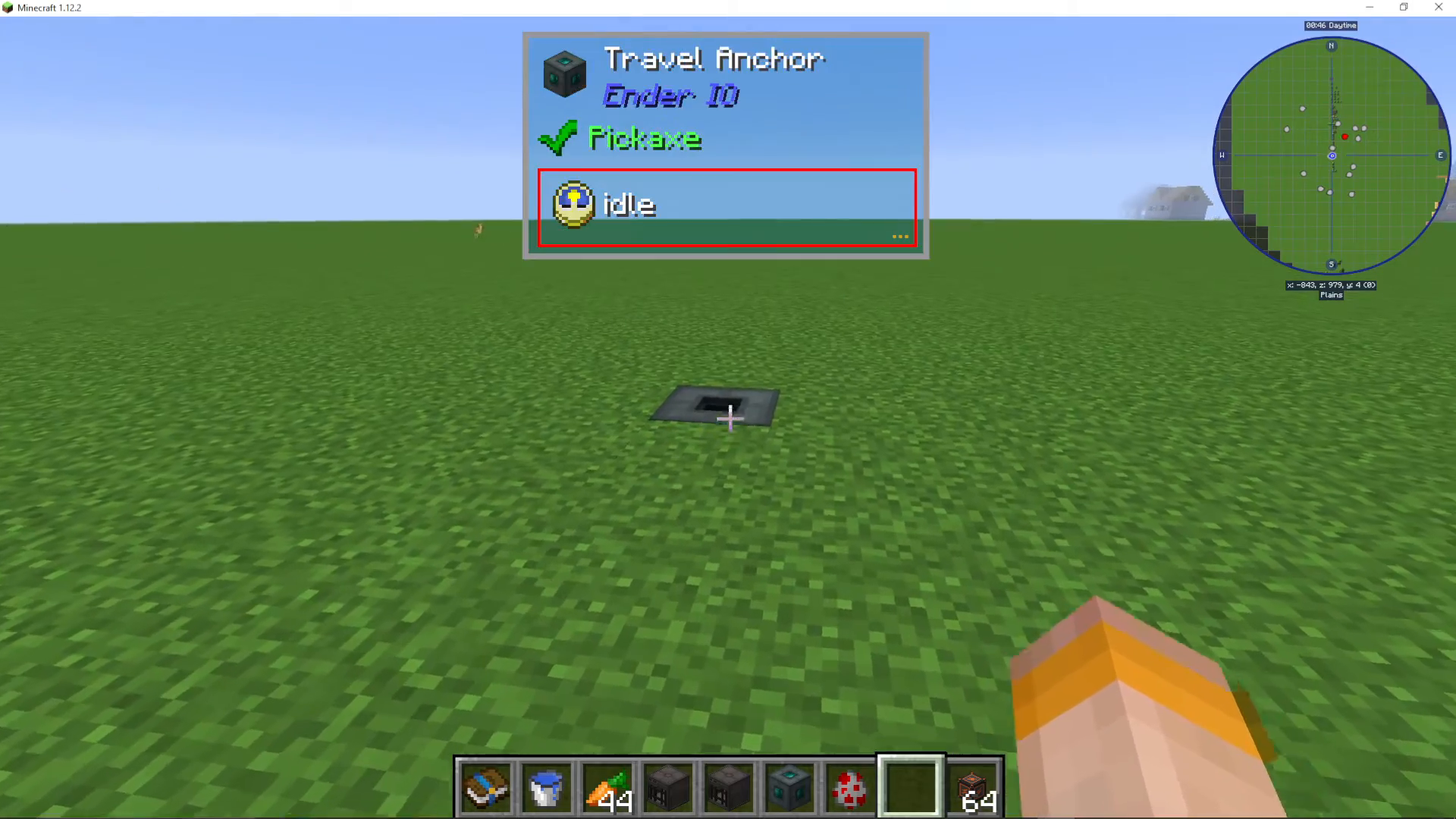
When you right-click a Travel Anchor, you’ll see a visibility option. When visibility is turned on, the anchor can be seen when you’re holding a Staff of Traveling or standing on another Travel Anchor. When visibility is turned off, the anchor will not display as an enlarged target, even when you’re standing on another anchor nearby.
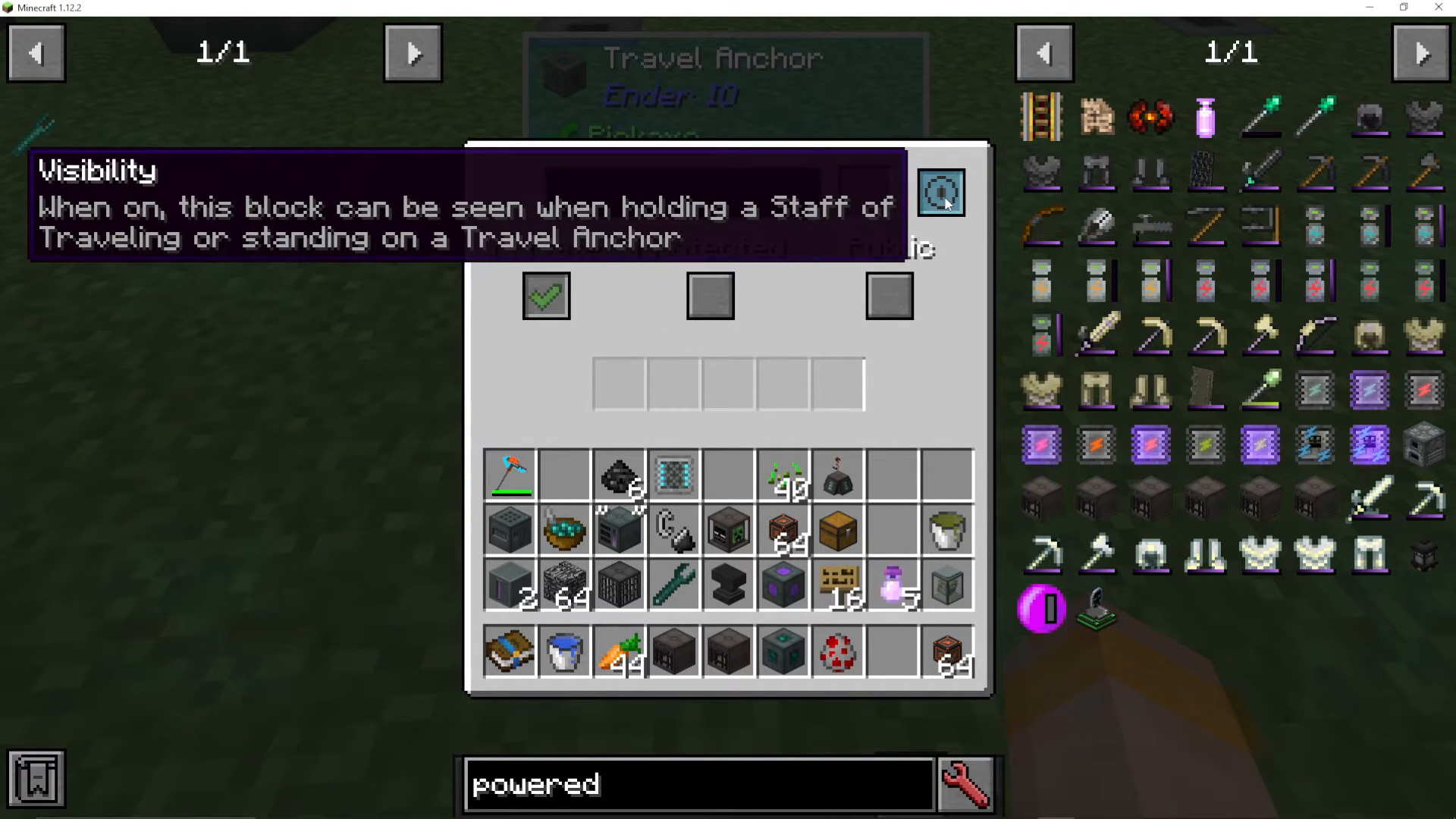
This is useful if you want to hide certain anchors or keep them private from other players.
Naming Your Anchors
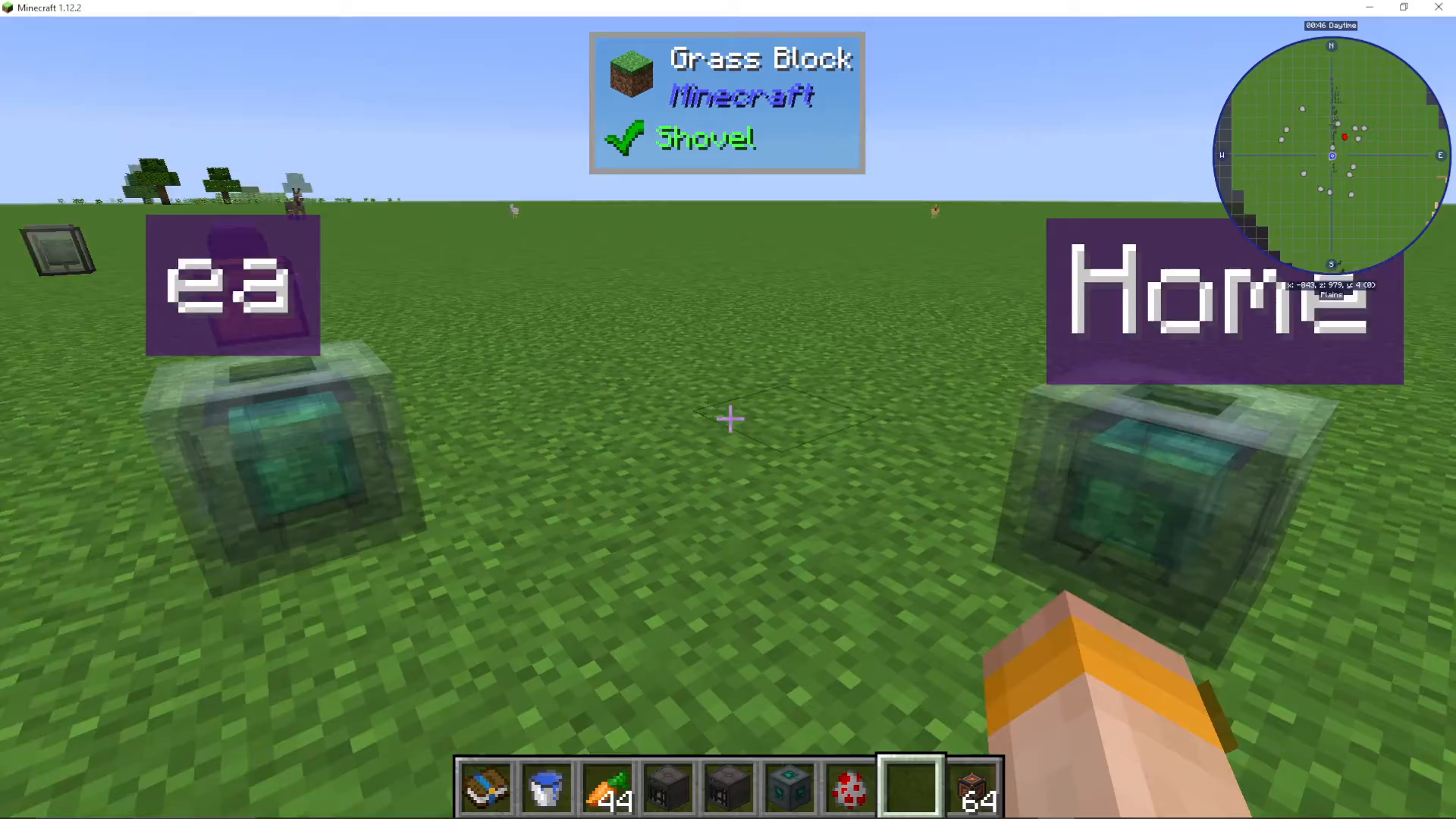
You can also name individual Travel Anchors through the right-click menu. This feature is extremely helpful for organization, especially if you have many anchors throughout your world. For example, you might name an anchor “Home” for your main base, “Basement” for your underground facility, or any other descriptive label.
When you look at named anchors while standing on another anchor, you’ll see their names displayed, making it easy to identify exactly which anchor you’re about to teleport to.
Multi-Directional Placement
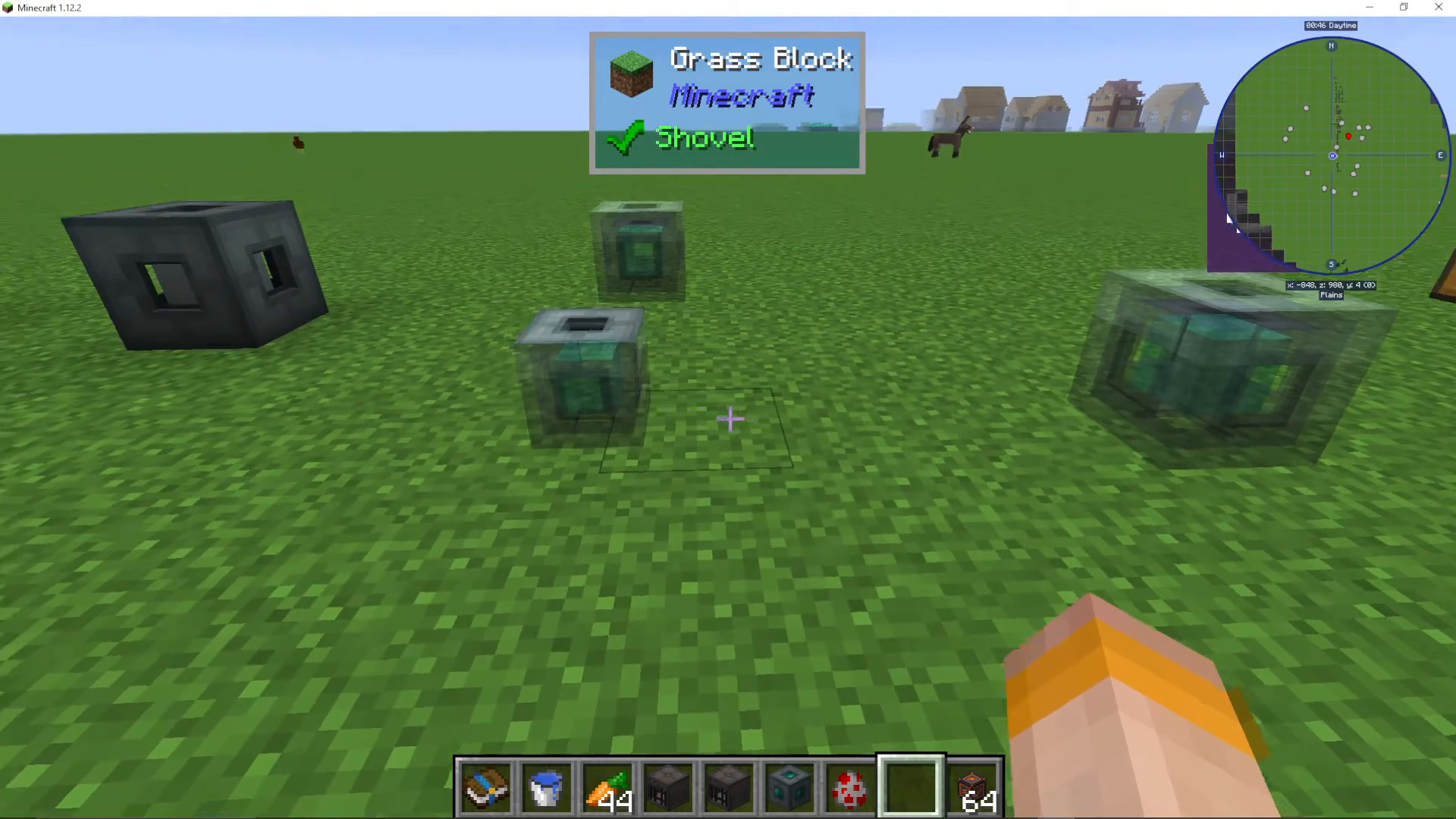
Travel Anchors can be placed in any direction – up, down, left, right, and all other directions. This flexibility allows you to create teleportation networks in three-dimensional spaces, whether you’re building vertically or horizontally throughout your world.
Summary
Travel Anchors in EnderIO provide a simple yet powerful teleportation system. Place anchors at your desired locations, stand on one to see nearby anchors, and jump to teleport. Customize each anchor with privacy settings, visibility toggles, and custom names to organize your teleportation network. Whether you’re building a massive base or just need quick access between locations, Travel Anchors are an essential EnderIO tool.
Want to Support?
If you would like to help us continue making these guides – please consider joining our patreon here – https://www.patreon.com/c/JaviHeals
Alternatively – we host a group of MC Servers you can join here – https://discord.gg/zD7Gjt6MHF



