







How To Use Transformers In IC2
How To Use Transformers In IC2
Transformers are essential components in Industrial Craft 2 (IC2) that allow you to manage and convert electrical power between different voltage levels. In this guide, we’ll walk you through how transformers work, how to set them up correctly, and how to avoid accidentally destroying your machines with incorrect voltage inputs.
Understanding Transformer Basics
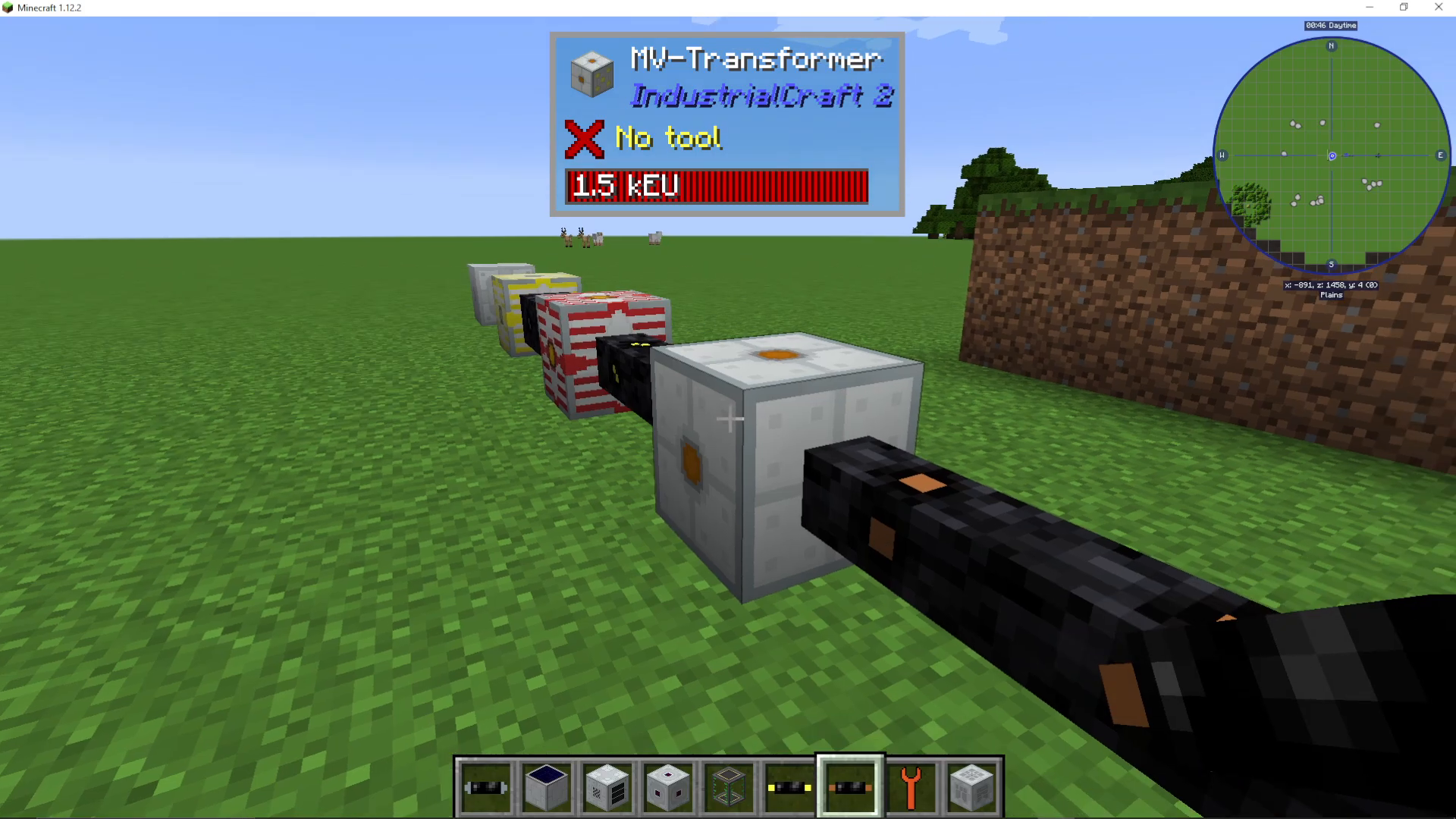
Transformers in IC2 work by converting power from higher voltage to lower voltage (or vice versa). The key to identifying which side is which lies in the visual appearance of the transformer block.
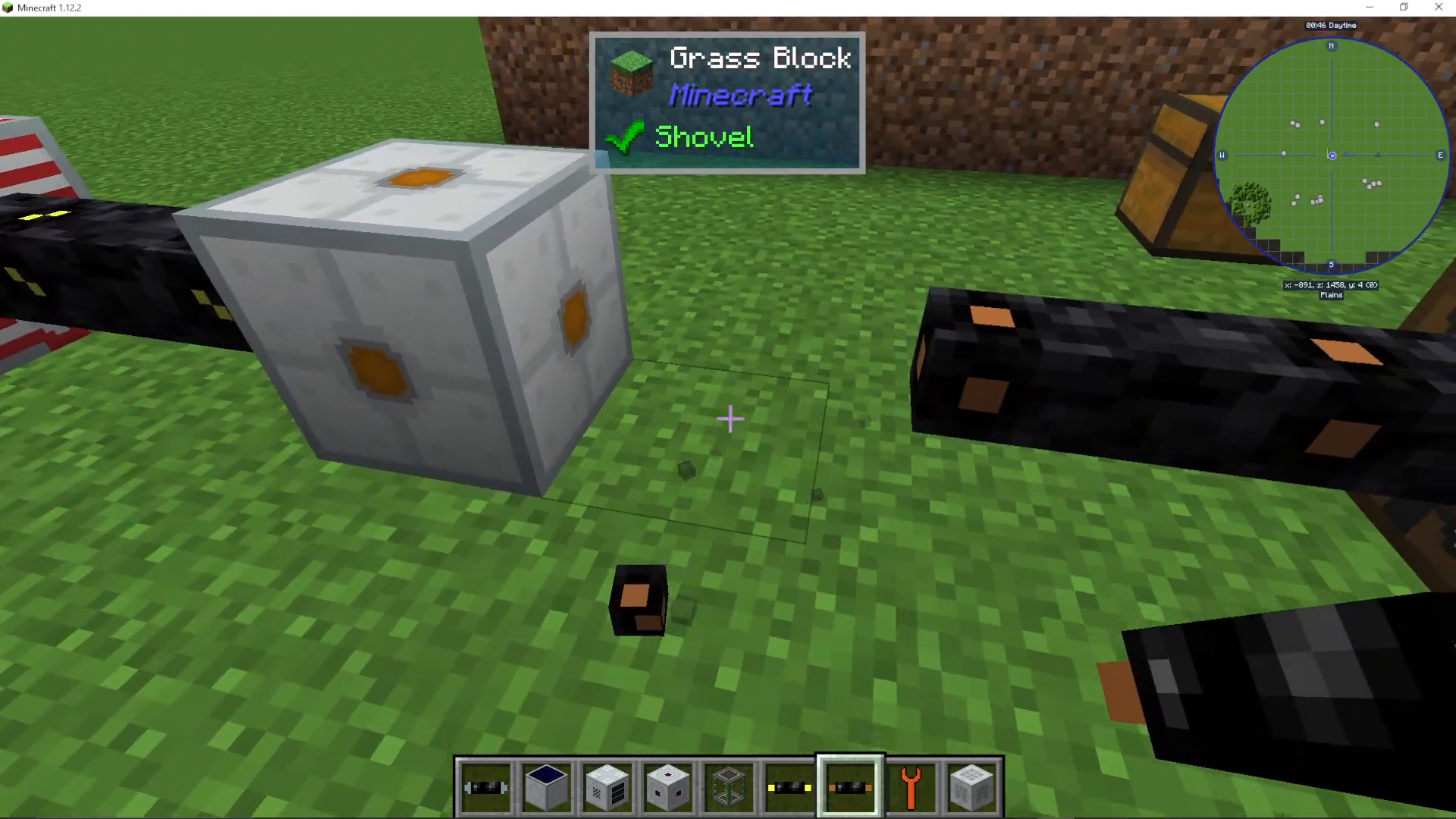
Transformers with multiple dots on one side indicate where the higher voltage power enters the block. The side without dots is where the lower voltage output emerges. For example, a Low Voltage Transformer converts medium voltage input down to low voltage output.
To set up a Low Voltage Transformer, insert your copper cable into the side with the dots—this is where your higher voltage power comes from.
Configuring Transformer Settings
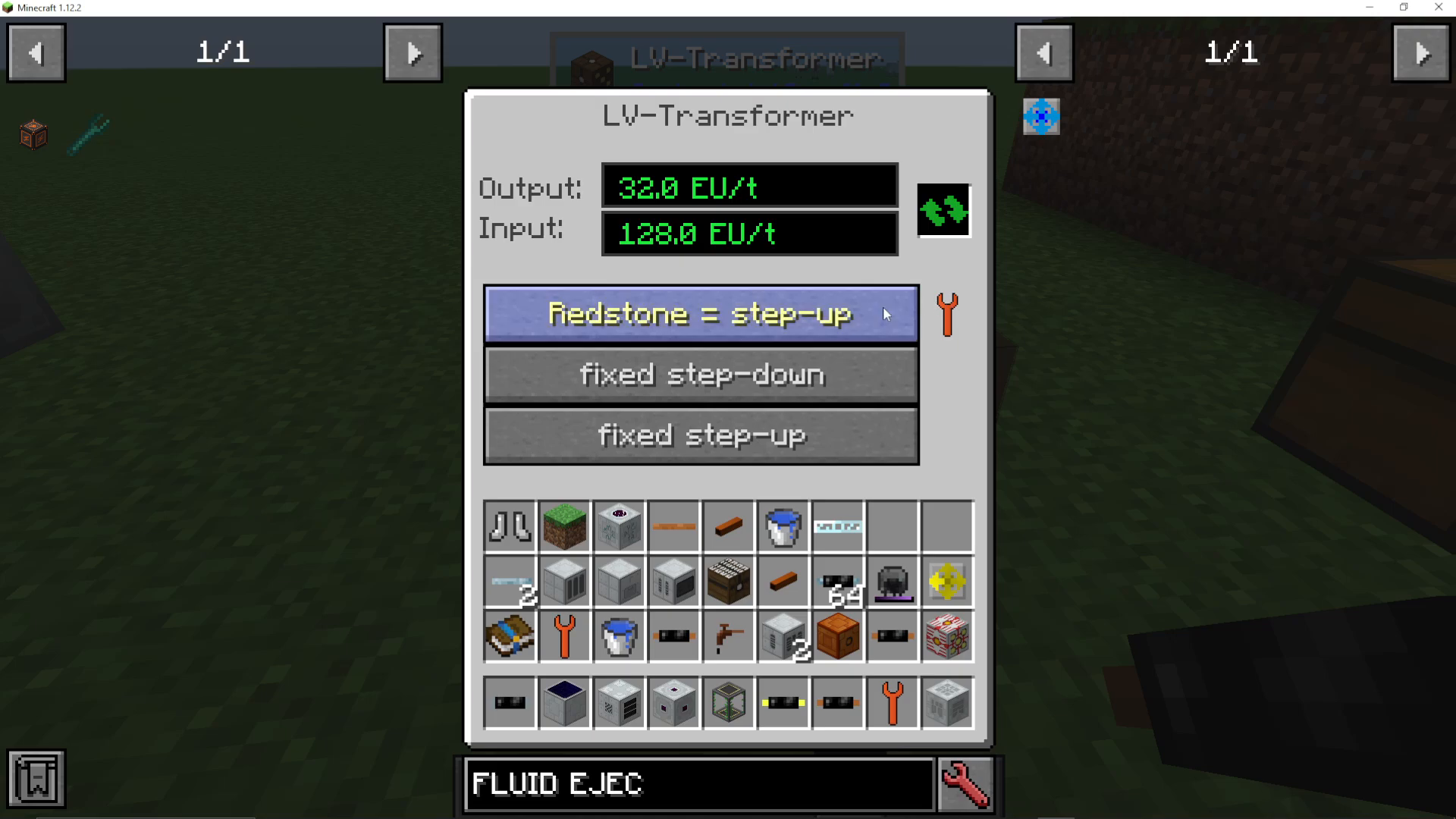
You can right-click on any transformer to access its configuration menu. Here you’ll see options to set the transformer mode, including:
Redstone equals step up
Fix step down
Fix step up
These settings allow you to change how the transformer handles input and output voltage conversion.
Voltage Tier Progression
Medium Voltage Transformer
The Medium Voltage Transformer outputs medium voltage, which can power medium voltage machines or feed into your Low Voltage Transformer. The higher voltage input side again features dots on the block face.
High Voltage (HV) Transformer
The HV Transformer steps down from high voltage and can output to medium voltage systems.
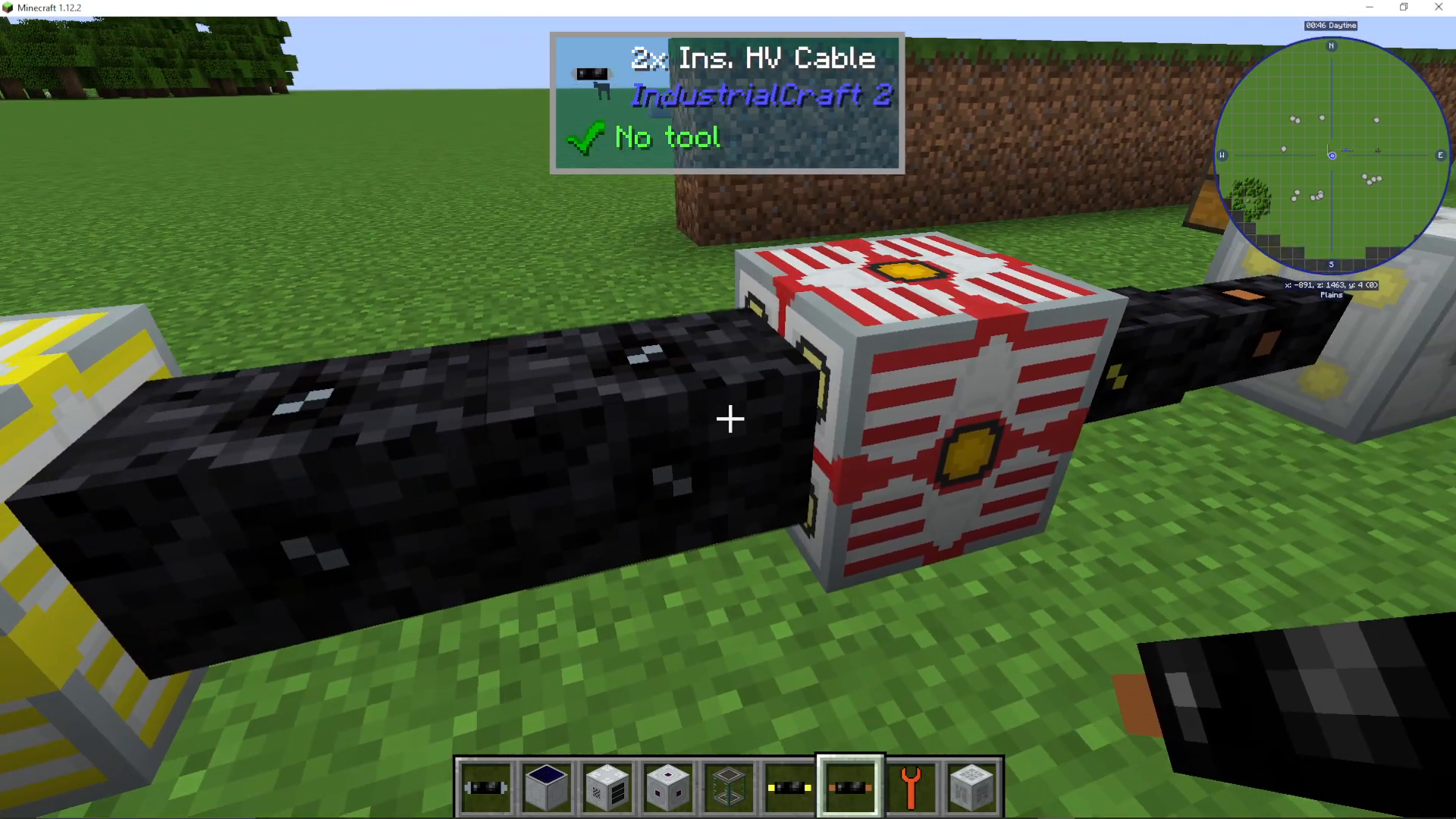
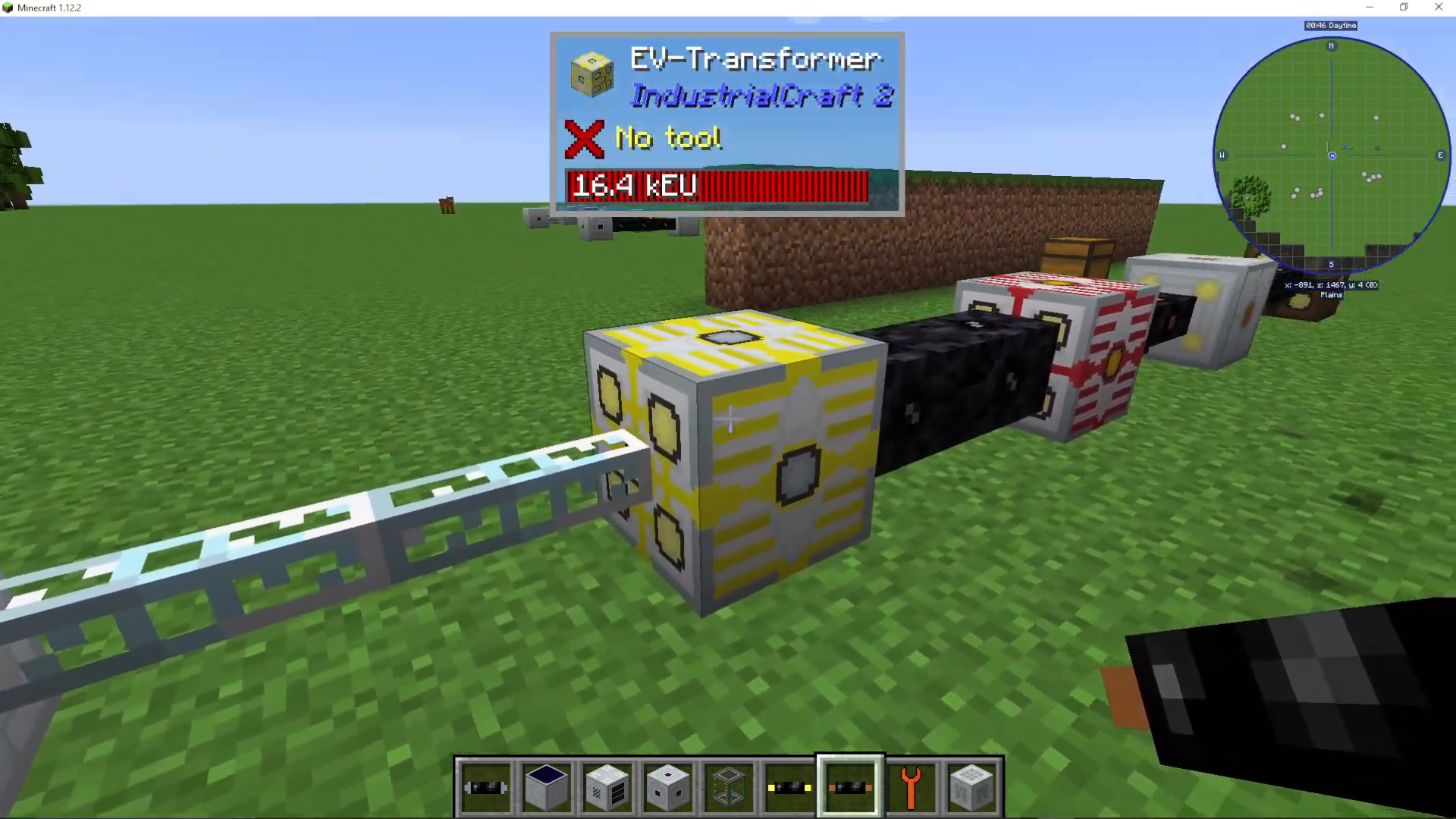
Extreme Voltage (EV) Transformer
The EV Transformer handles extreme voltage power. Note that extreme voltage does not currently have any standard machines that operate at this level.
Structuring Your Power Distribution System
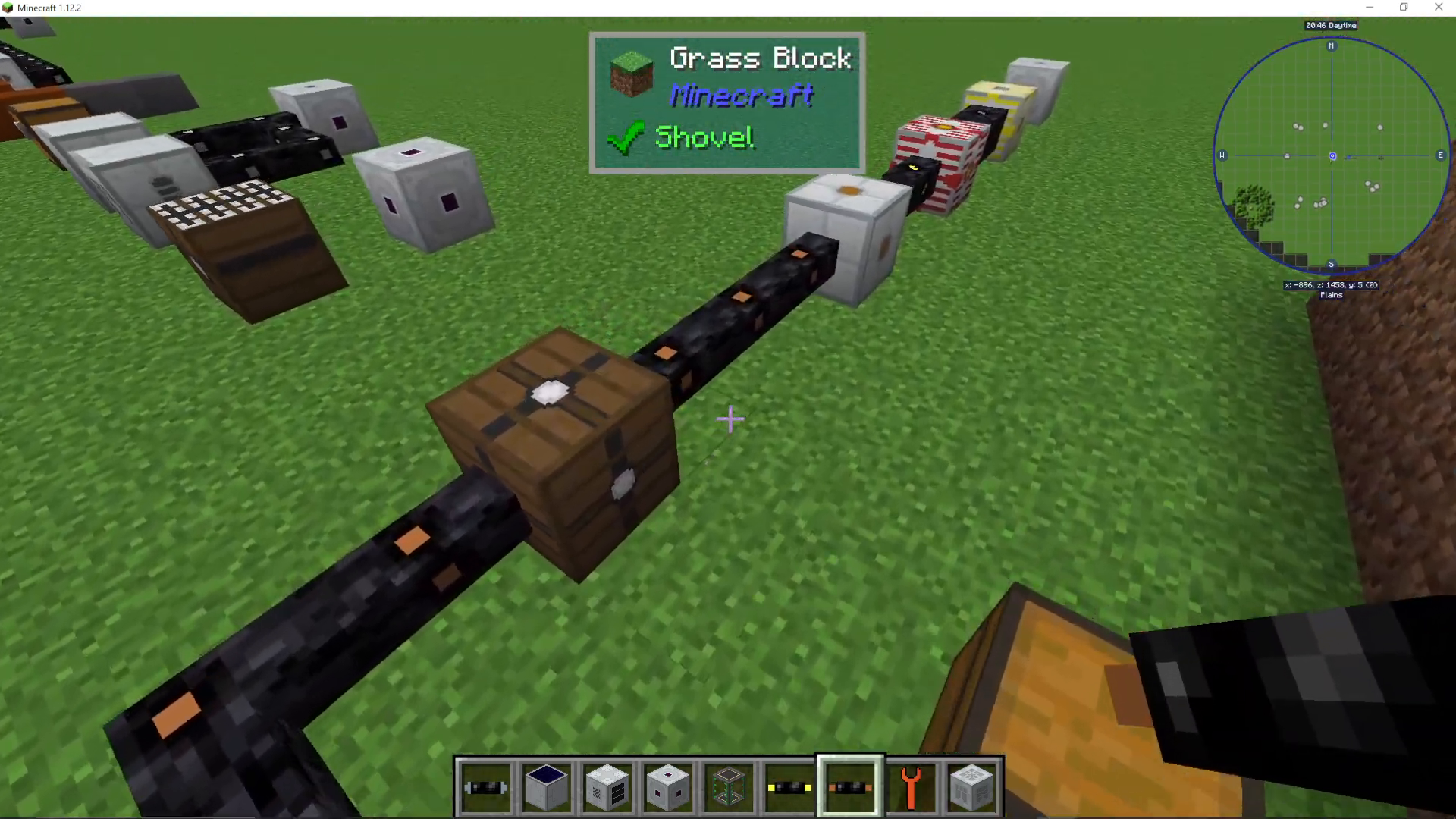
To avoid blowing up your machines, you need to properly structure your power delivery system. Here’s the recommended hierarchy:
Low voltage machines: Connect to Low Voltage Transformer output
Medium voltage input: Feed into Medium Voltage Transformer
High voltage input: Feed into HV Transformer
EV (Extreme Voltage) input: Feed into EV Transformer output
By organizing your transformers in this cascading structure, you ensure that each machine receives the correct voltage and won’t be damaged by overpowering.
Using Transformer Upgrades
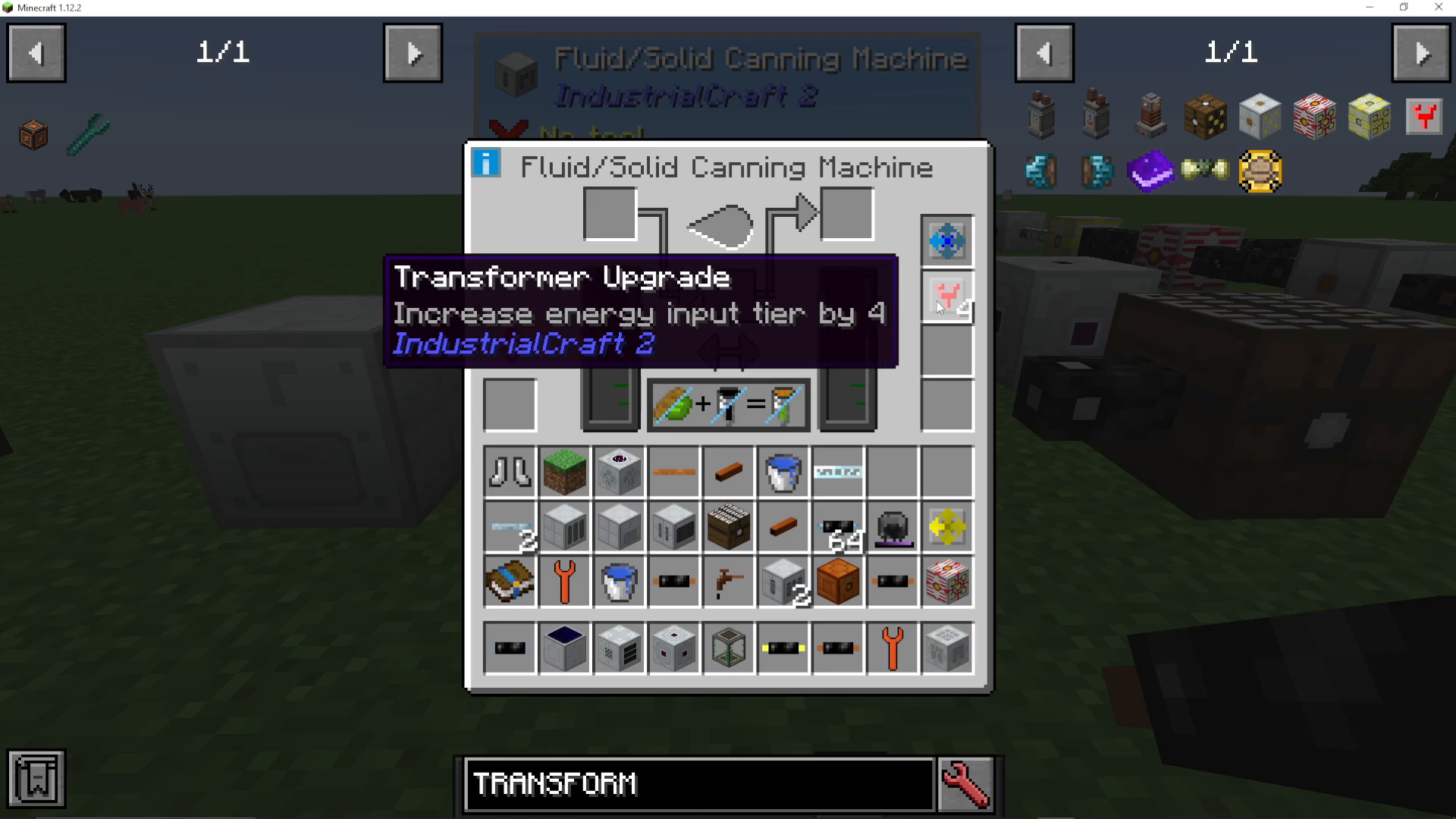
If manually managing multiple transformer tiers seems overwhelming, IC2 offers an alternative solution: Transformer Upgrades. These are items you can install directly into your machines.
By installing Transformer Upgrades into a Low Voltage machine, you can make it accept higher voltage inputs safely:
4 Transformer Upgrades: Allows medium voltage input
5 Transformer Upgrades: Allows extreme voltage input
Each machine requiring upgrades needs its own set of transformer upgrades, which can become expensive. However, if you’re in the mid to late game progression, this cost is typically negligible and provides a much simpler alternative to maintaining a complex transformer network.
Summary
Transformers in IC2 are vital for managing your power infrastructure safely. Whether you choose to build a structured transformer cascade system or upgrade individual machines with Transformer Upgrades depends on your playstyle and progression stage. The key takeaway is to always match your machine voltage requirements with appropriate power inputs to avoid costly explosions and setbacks.
Want to Support?
If you would like to help us continue making these guides – please consider joining our patreon here – https://www.patreon.com/c/JaviHeals
Alternatively – we host a group of MC Servers you can join here – https://discord.gg/zD7Gjt6MHF



