







How To Use The Pulveriser In Thermal Expansion
How To Use The Pulveriser In Thermal Expansion
The Pulveriser is one of the most useful machines in Thermal Expansion. This guide will walk you through everything you need to know about using, configuring, and upgrading the Pulveriser to maximize your ore processing efficiency.
What Does The Pulveriser Do?
The Pulveriser is a straightforward machine designed to pulverize ores and ingots into dusts. This is its main use case and one of the most valuable functions in Thermal Expansion. By converting ores into dusts, you can effectively double your ore yields — for example, one ore becomes two dusts when processed.
The machine is useful for item processing and conversion, making it essential for players looking to maximize their resource efficiency.
Power Requirements
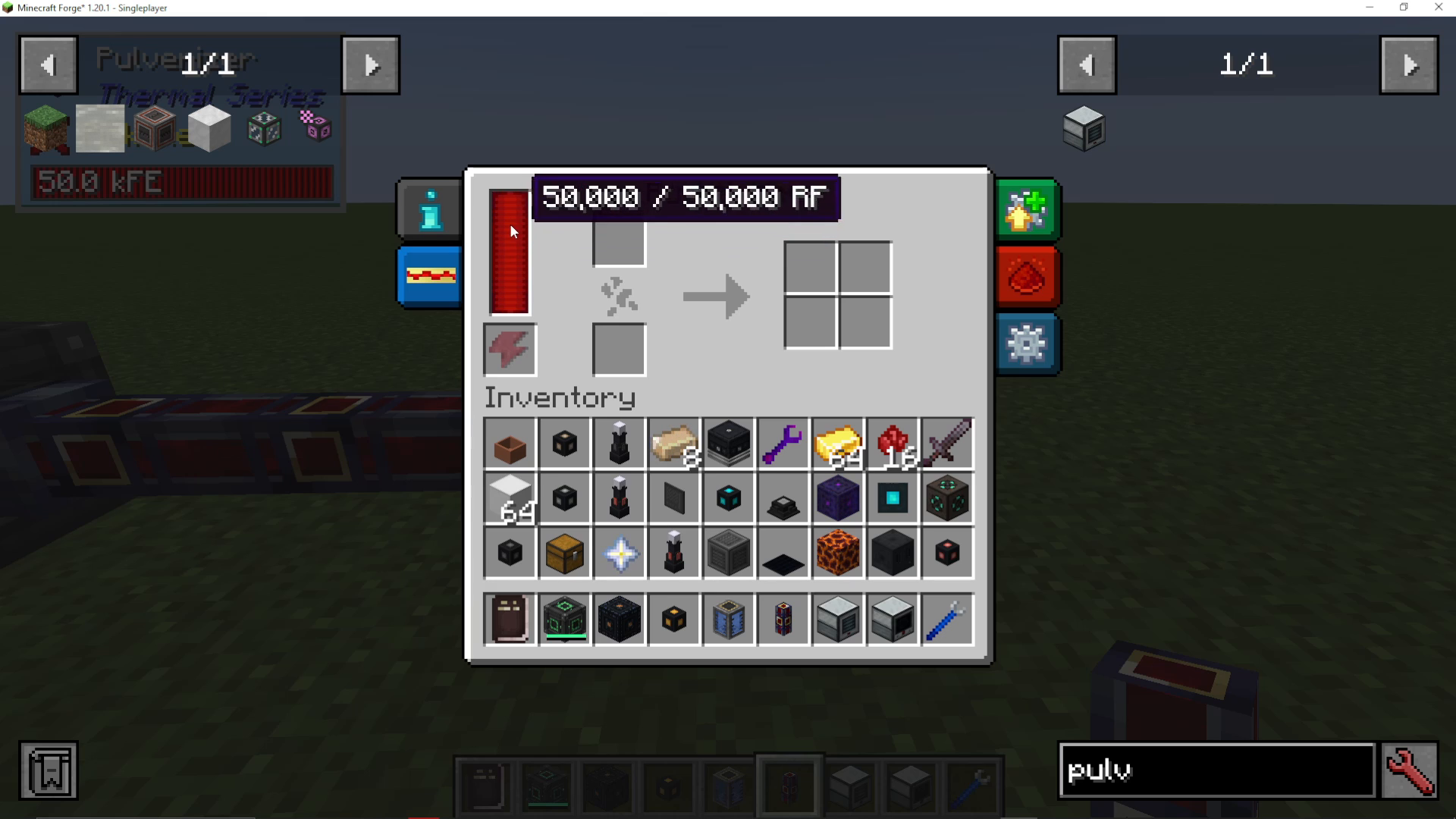
The Pulveriser accepts any type of Forge Energy. You have multiple options for powering it:
Flux Ducts (if using Thermal Expansion)
Mechanism energy
Any other Forge Energy source
Configuration And Side Setup
The Pulveriser allows you to configure which sides handle inputs and outputs. You can enable or disable redstone control and register through the augmentation menu.
Setting Up Inputs And Outputs
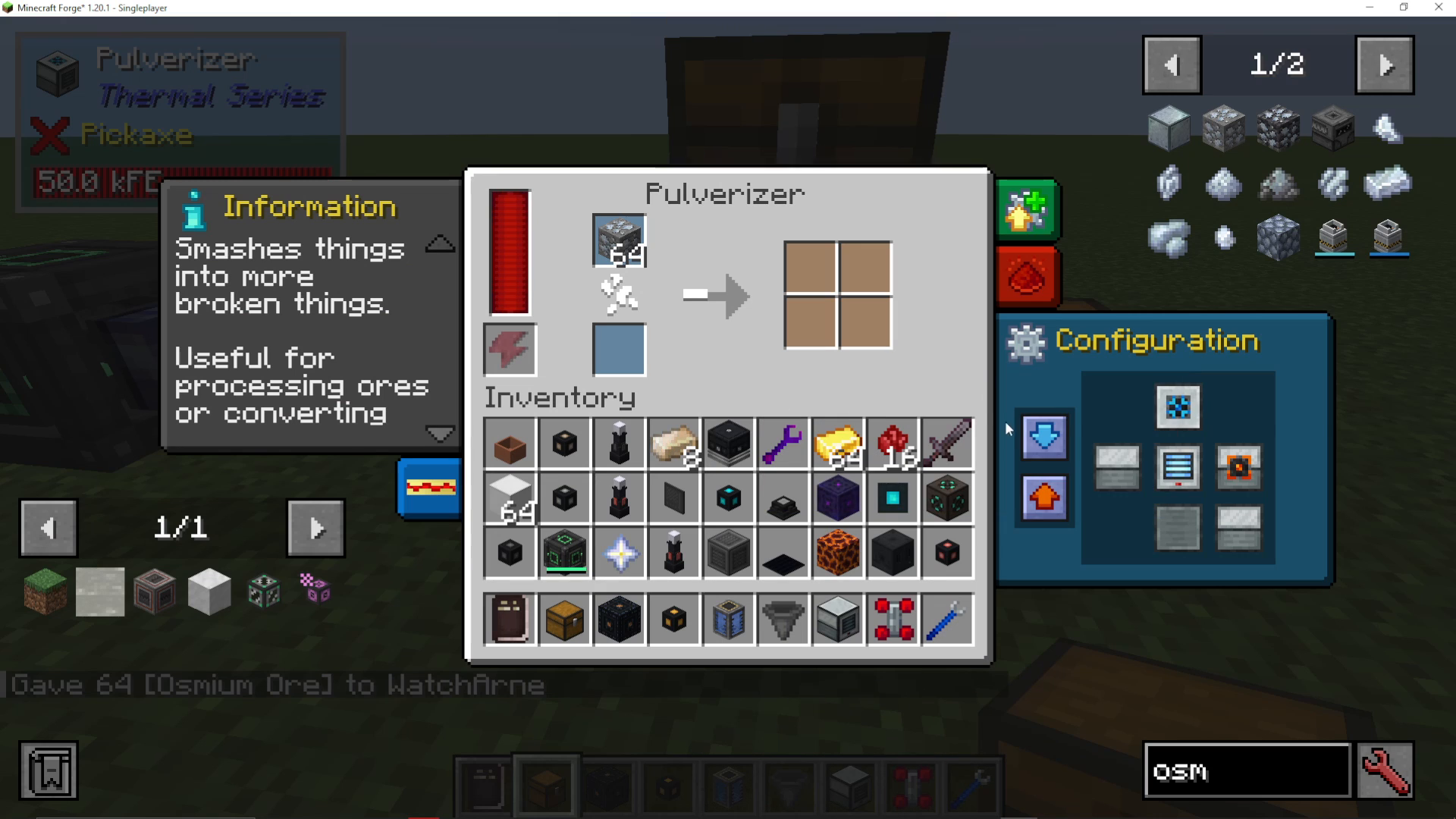
Each side of the machine can be configured as an input, output, or both. For example, you might set the top as an input (shown in blue) and the right side as an output (shown in orange).
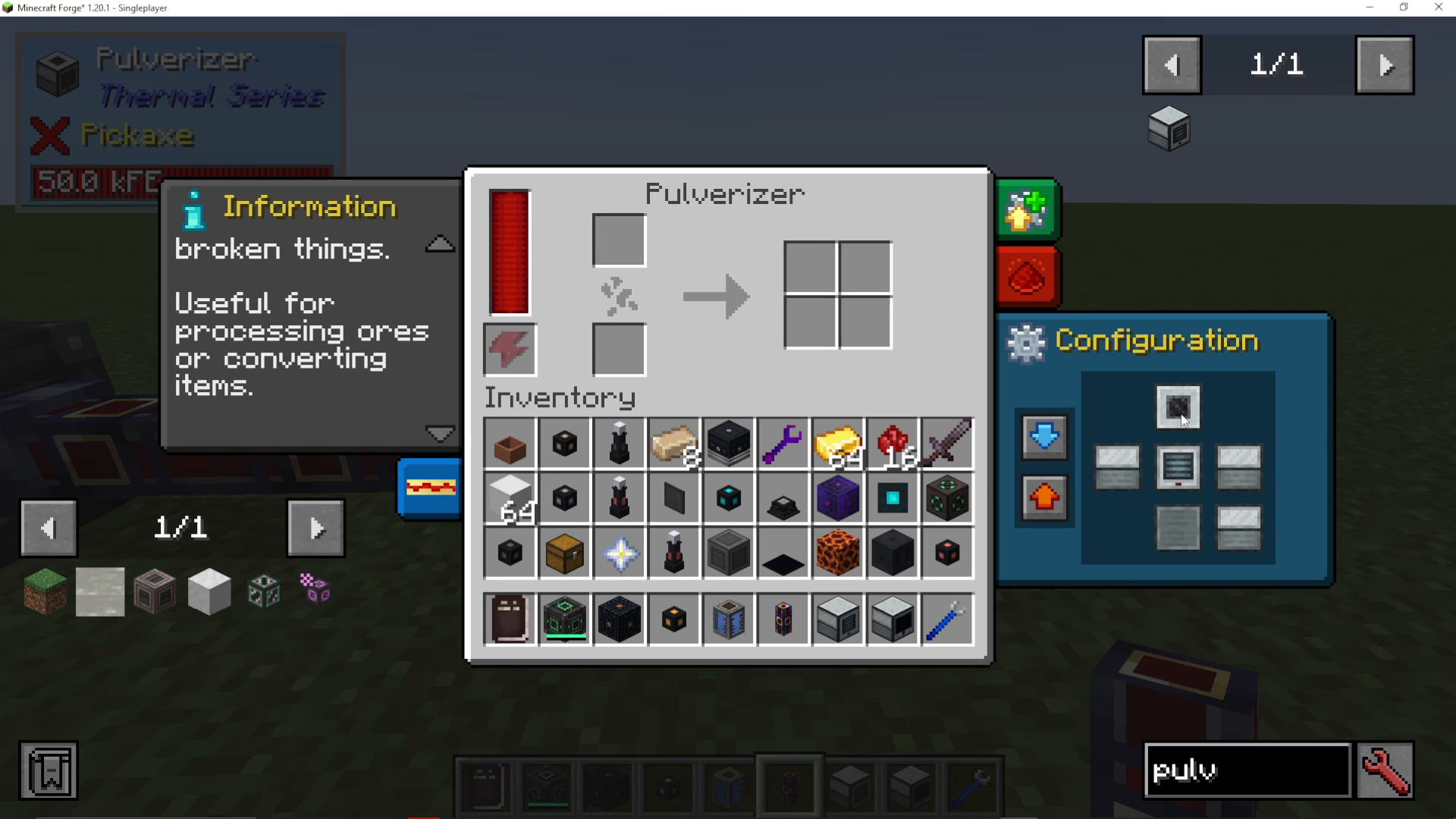
Place a chest on the input side and another on the output side to create a complete processing system. However, note that the Pulveriser cannot pull items from containers automatically like some Mechanism machines can.
Using Hoppers For Automatic Input
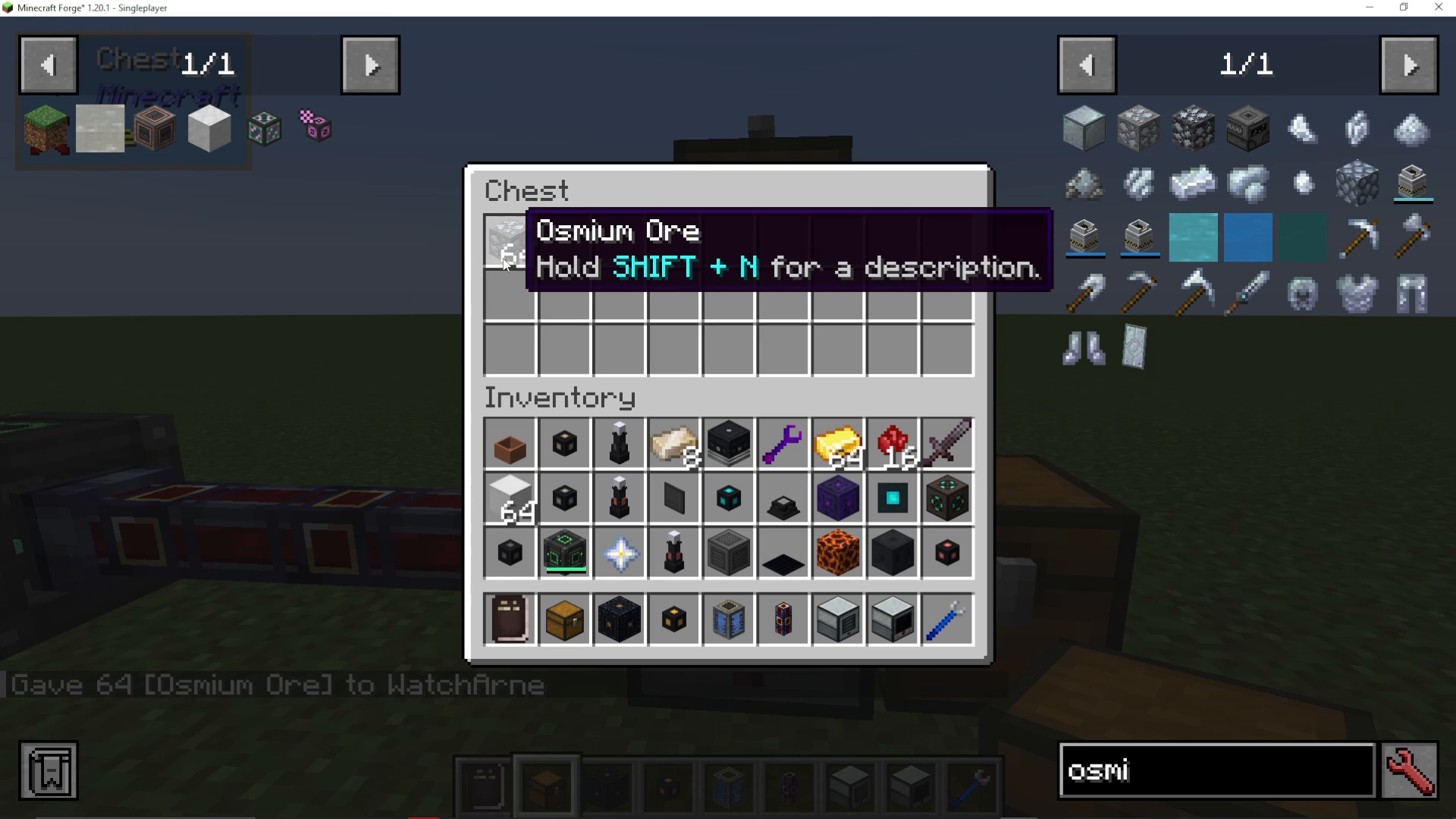
If you want items to automatically enter the Pulveriser, you’ll need to use a hopper instead of a direct chest connection. Place a hopper on the input side, add your ores (such as Osmium Ore), and the hopper will feed them into the machine automatically.
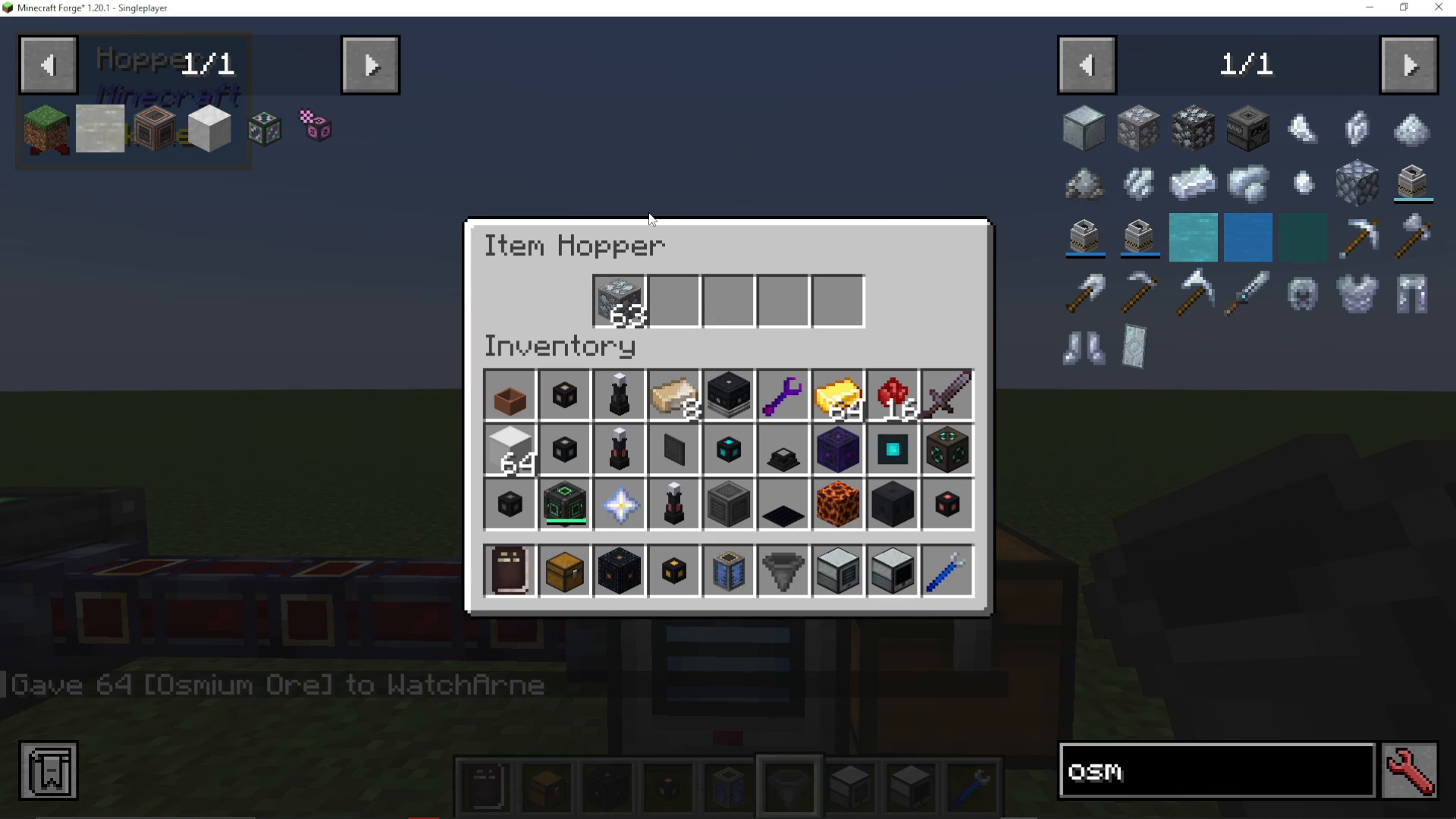
The pulverized items will automatically move to the output, where they can be collected into a chest if you’ve enabled auto-output.
Auto Input And Auto Output
In the configuration menu, you can enable auto-output to automatically push processed items into connected containers. This eliminates the need to manually extract items from the machine.
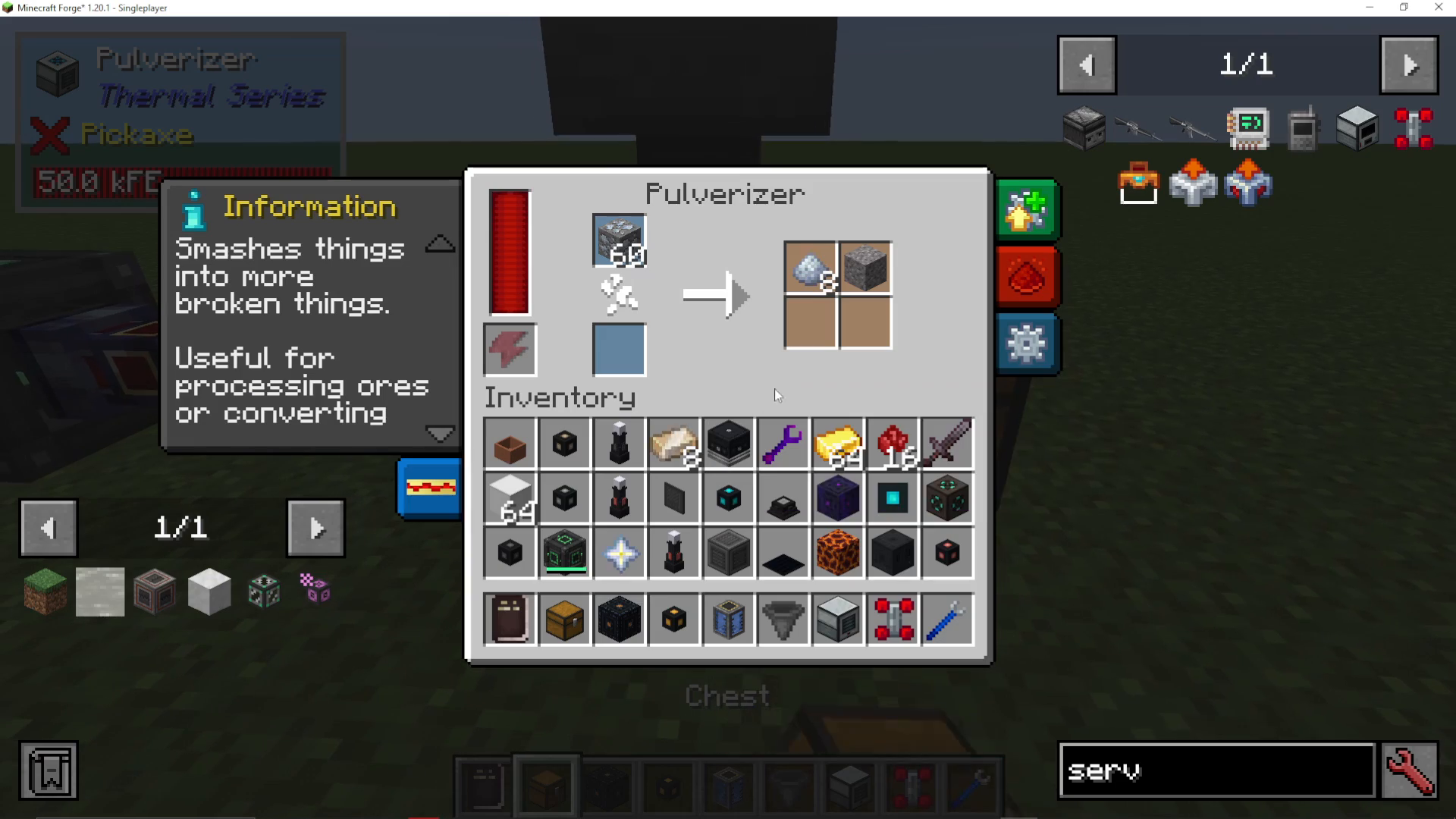
Similarly, you can enable auto-input from the top to automatically pull items from a hopper or other input source. With auto-input enabled, you’ll see the item count decrease as items are processed.
Speed And Performance Upgrades
The base Pulveriser operates at a relatively slow speed. To improve its performance, you can add augments that enhance the machine’s attributes and processing speed.
Hardened Integral Components
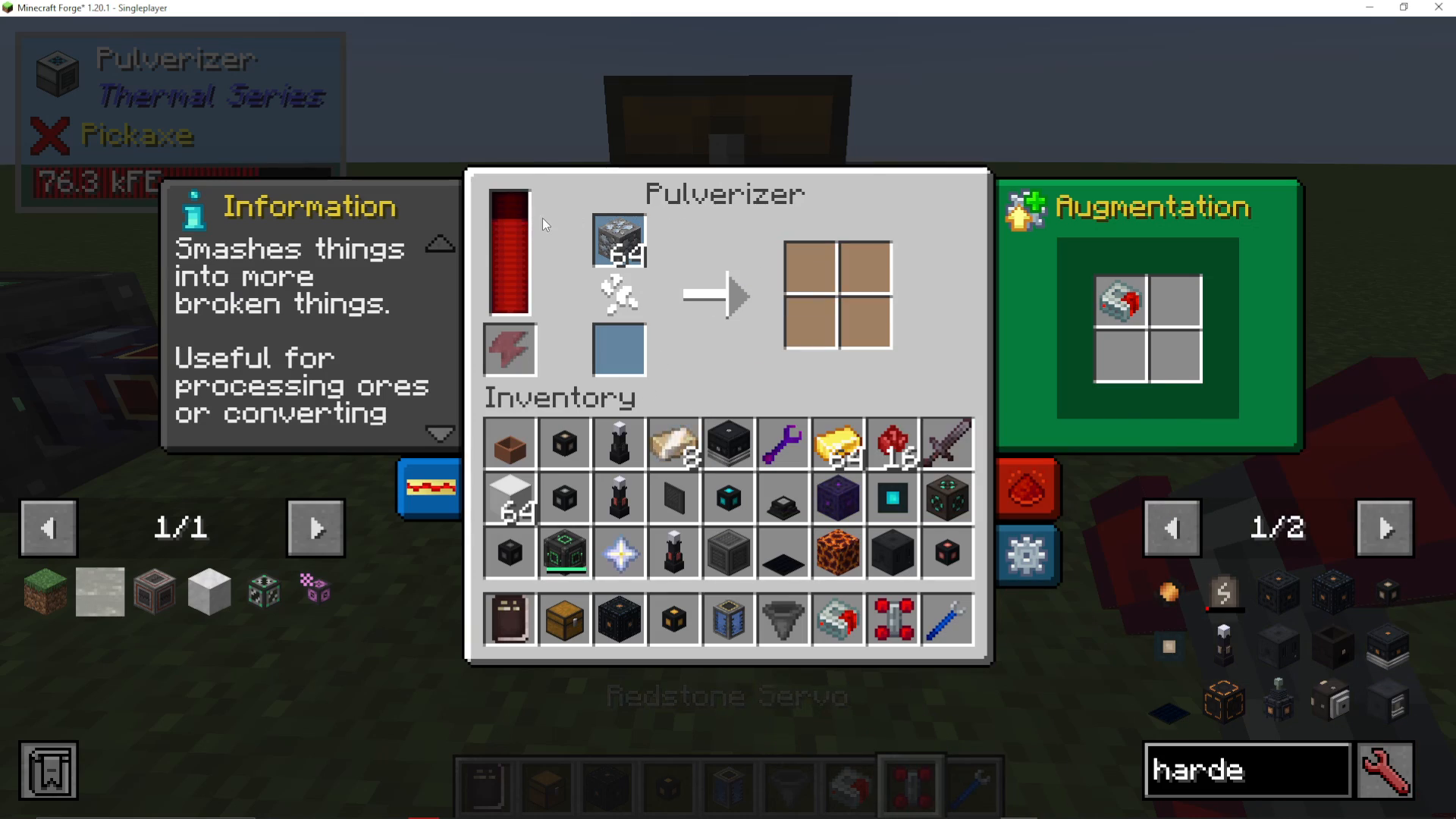
Right-click a Hardened Integral Component onto the Pulveriser to apply it as an augment. This upgrade will increase the machine’s energy consumption but significantly improve its processing speed.
Resonant Upgrades
For even faster processing, apply a Resonant augment. This upgrade will make the Pulveriser work noticeably faster than the Hardened version, further improving your ore processing throughput.
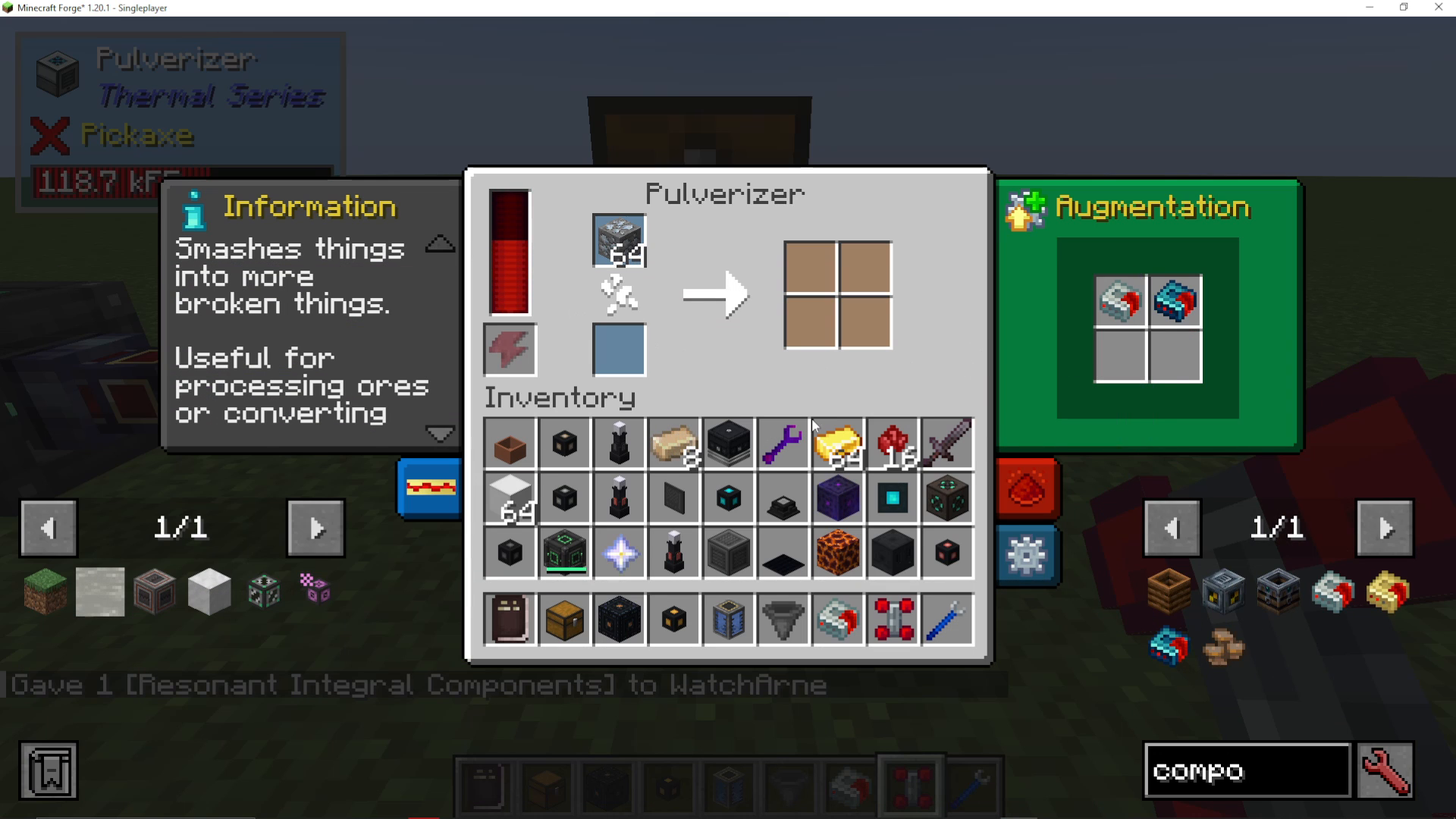
Reinforced Augments
The Reinforced augment is the ultimate upgrade for the Pulveriser, providing the fastest processing speed available. With a Reinforced augment installed, the machine will pulverize ores at an extremely fast rate, making it perfect for large-scale ore processing operations.
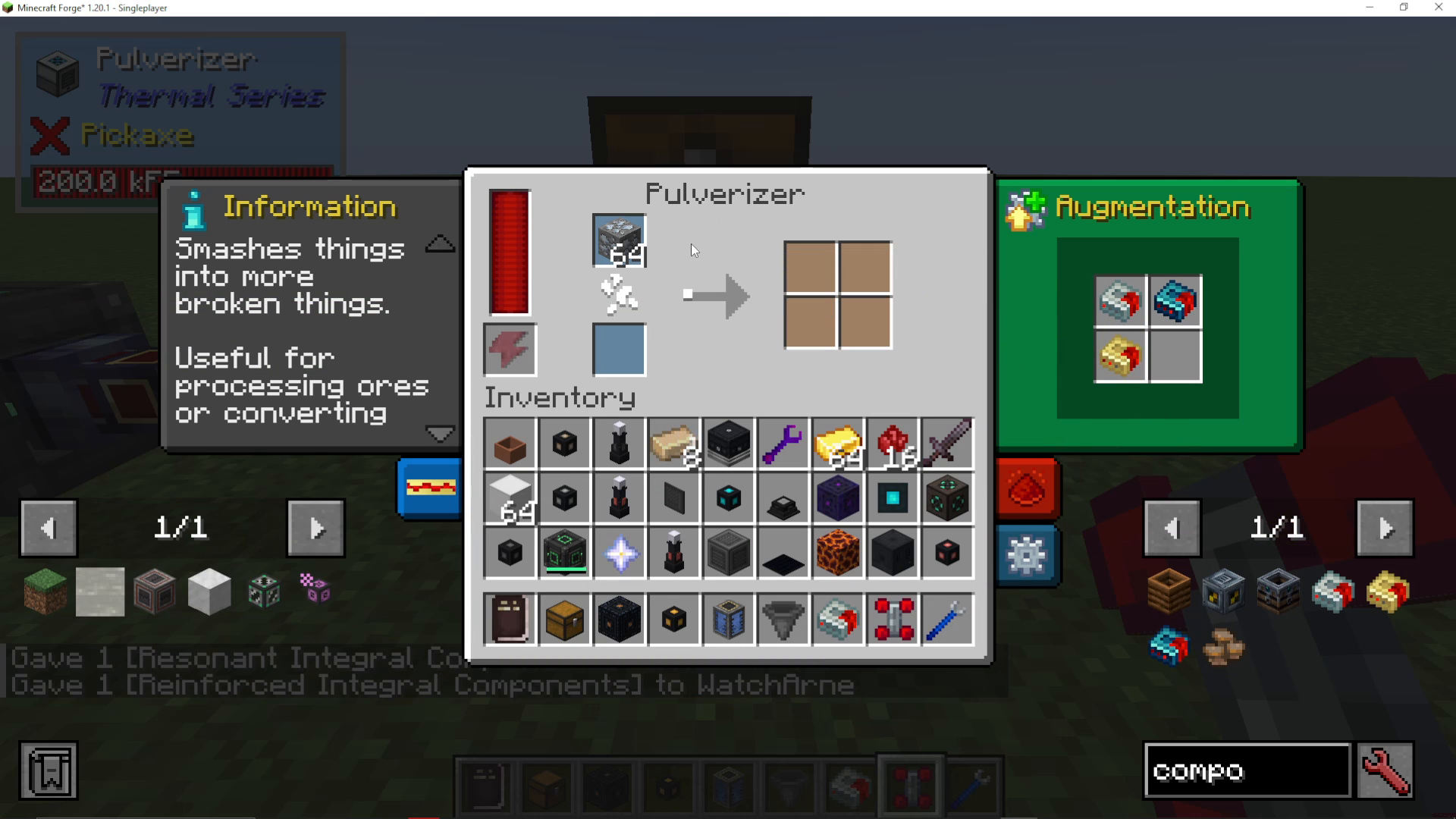
Summary
The Pulveriser is an essential machine for any Thermal Expansion setup. Start with a basic configuration using hoppers for input and chests for output, then enable auto-input and auto-output for a fully automated system. Upgrade your machine with Hardened, Resonant, and Reinforced augments to maximize processing speed and efficiency. By mastering the Pulveriser, you’ll be able to double your ore yields and take your mining operation to the next level.
Want to Support?
If you would like to help us continue making these guides – please consider joining our patreon here – https://www.patreon.com/c/JaviHeals
Alternatively – we host a group of MC Servers you can join here – https://discord.gg/zD7Gjt6MHF



