







How To Use The Flux Capacitor In Thermal Expansion
How To Use The Flux Capacitor In Thermal Expansion
The Flux Capacitor is one of the most useful and beginner-friendly tools in the Thermal Expansion mod. This guide will walk you through everything you need to know about using this versatile device to keep your items charged while adventuring.
What Is The Flux Capacitor?
The Flux Capacitor is a fantastic tool that serves as a personal battery for your Minecraft adventure. Its primary function is to store Redstone Flux (RF) energy and automatically recharge other items in your inventory and equipment. The best part? It’s fairly simple to craft and even easier to use.
Turning The Flux Capacitor On and Off
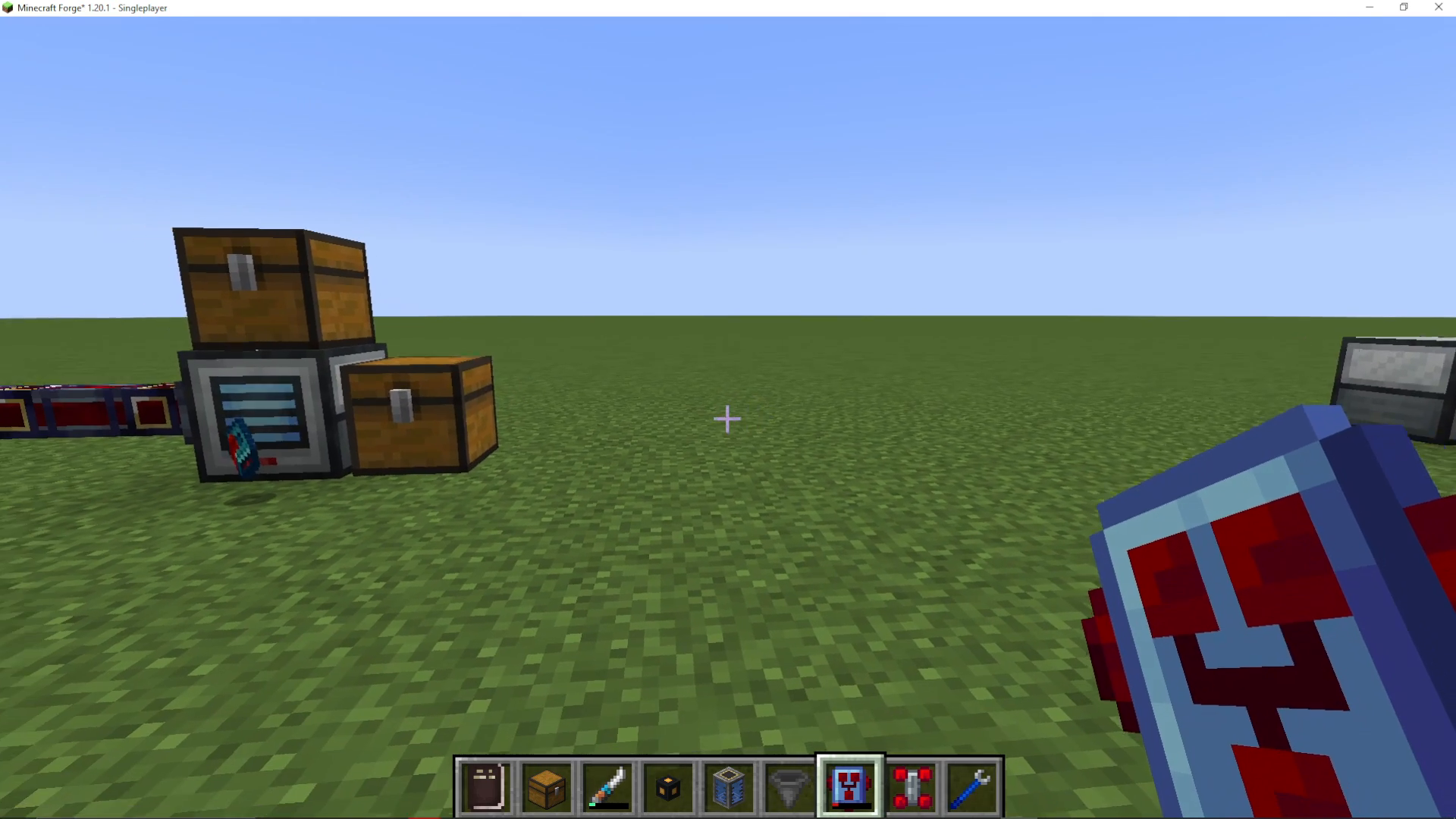
The Flux Capacitor has a simple visual indicator to show its status. When the device is brightly lit, it is actively powered on. When it appears dark, the device is turned off. To toggle the device on, simply interact with it—it will immediately begin charging your items once activated.
Changing Charging Modes
While holding the Flux Capacitor, you can switch between different charging modes by pressing either V (Victor) or B (Bravo) on your keyboard. The available modes are:
Equipment Mode – Charges only items you’re wearing
Inventory Mode – Charges only items in your inventory
All Items Mode – Charges both equipment and inventory simultaneously
Charging The Flux Capacitor
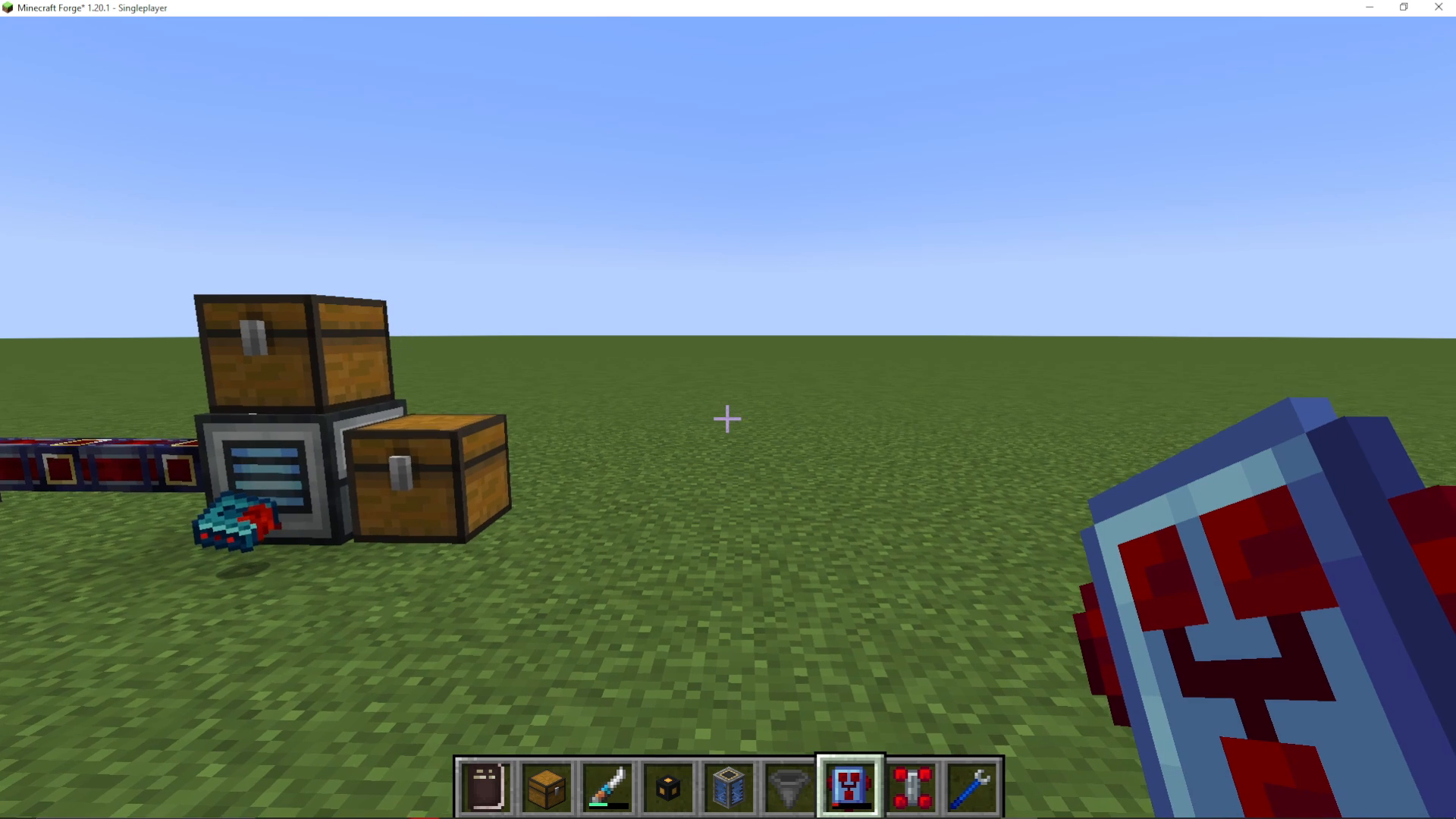
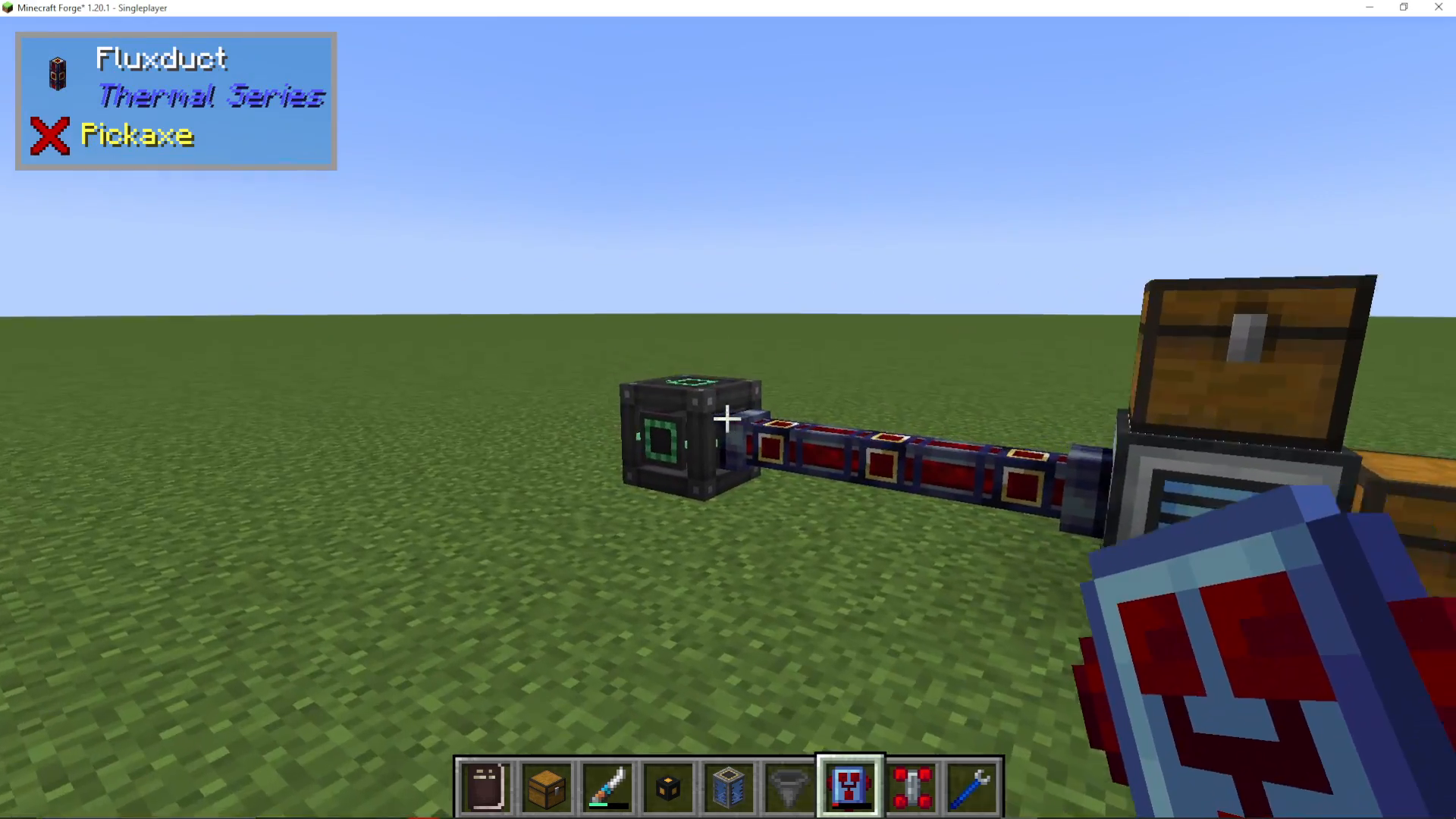
Before the Flux Capacitor can charge your items, you need to charge it first. You can place the Flux Capacitor next to any energy cell or power source. For example, you can use a Creative Energy Cube from the Mechanism mod to rapidly charge it. Simply position the Flux Capacitor adjacent to an energy cell, and you’ll see it begin accumulating Redstone Flux energy.
Charging Your Items While Adventuring
Once the Flux Capacitor is charged, you can use it to power your tools and equipment while exploring. When you need to charge an item like a Configurator, simply hold Shift and right-click with the Flux Capacitor enabled. The target item will immediately begin drawing power from the capacitor.
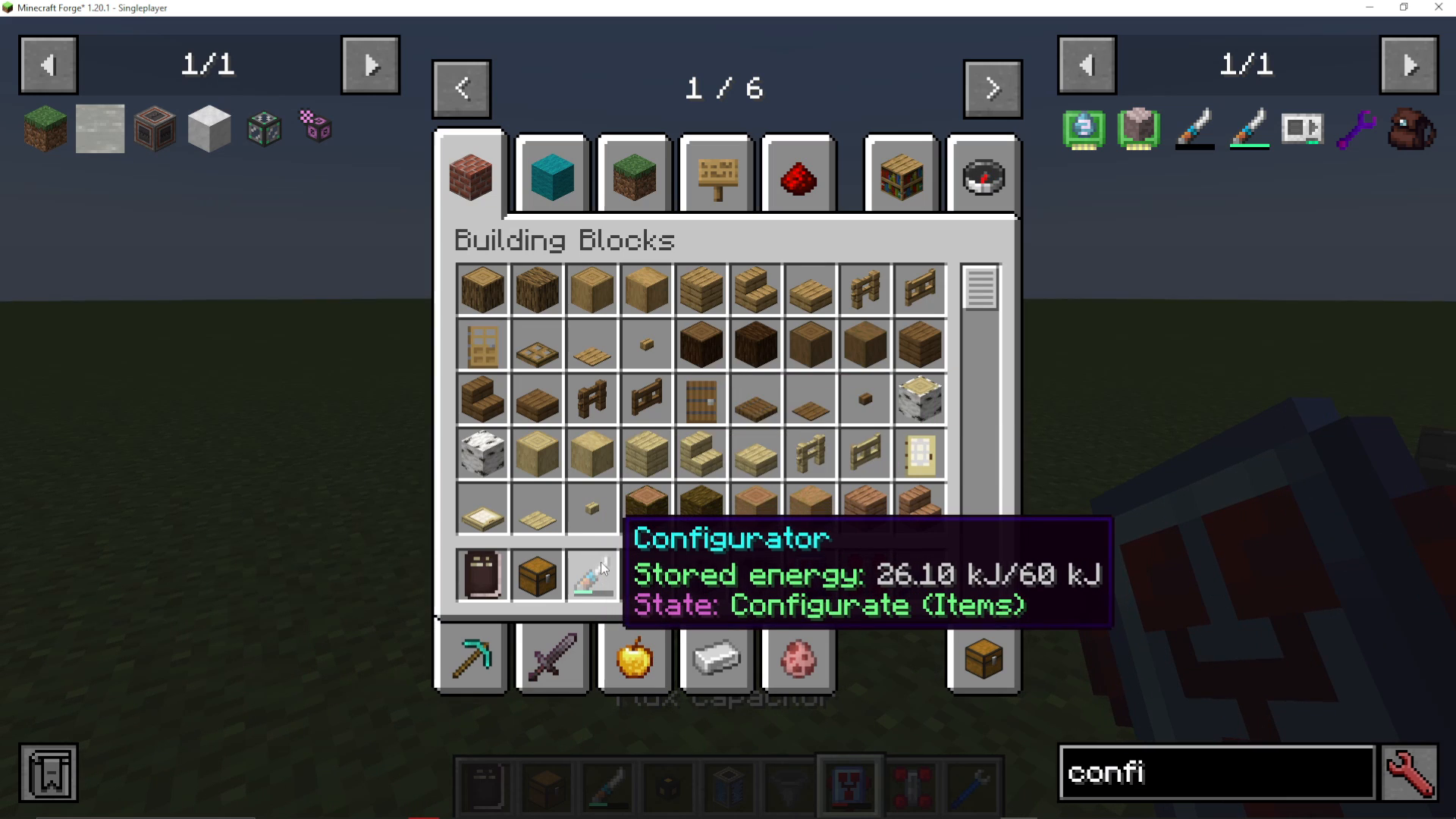
The Flux Capacitor will automatically charge every energy-using item in your inventory at the same time. This means you can keep all your tools, equipment, and devices powered simultaneously without manually switching between items. The capacitor simply drains its stored energy to keep everything topped up.

Why The Flux Capacitor Is Essential
The Flux Capacitor functions as a personal battery that works with virtually any energy-based item in your inventory. Whether you’re charging equipment you’re wearing or items stored in your inventory, this device handles it all effortlessly. It’s an incredibly convenient way to maintain power on the move, eliminating the need to return to your base or manually charge individual items one at a time.
Summary
The Flux Capacitor from Thermal Expansion is a must-have tool for any modded Minecraft player. Simply charge it at a power source, enable it, select your preferred charging mode using V or B, and let it keep all your items powered during your adventures. It’s an efficient, simple-to-use solution for managing energy on the move.
— Want to Support? —
If you would like to help us continue making these guides – please consider joining our patreon here – https://www.patreon.com/c/JaviHeals
Alternatively – we host a group of MC Servers you can join here – https://discord.gg/zD7Gjt6MHF



