Doggy Talents Next Full Tutorial
Doggy Talents Next Mod: The Complete Minecraft Tutorial
The Doggy Talents Next mod transforms ordinary Minecraft wolves into intelligent, customisable companions with unique abilities, accessories, and combat roles. Whether you want a loyal fighter, a stealthy scout, or simply the most adorable pug in a diamond chestplate, this mod delivers. This complete guide walks you through everything — from taming your first dog to equipping artifacts — so you can get the most out of every feature.
How to Get a Dog
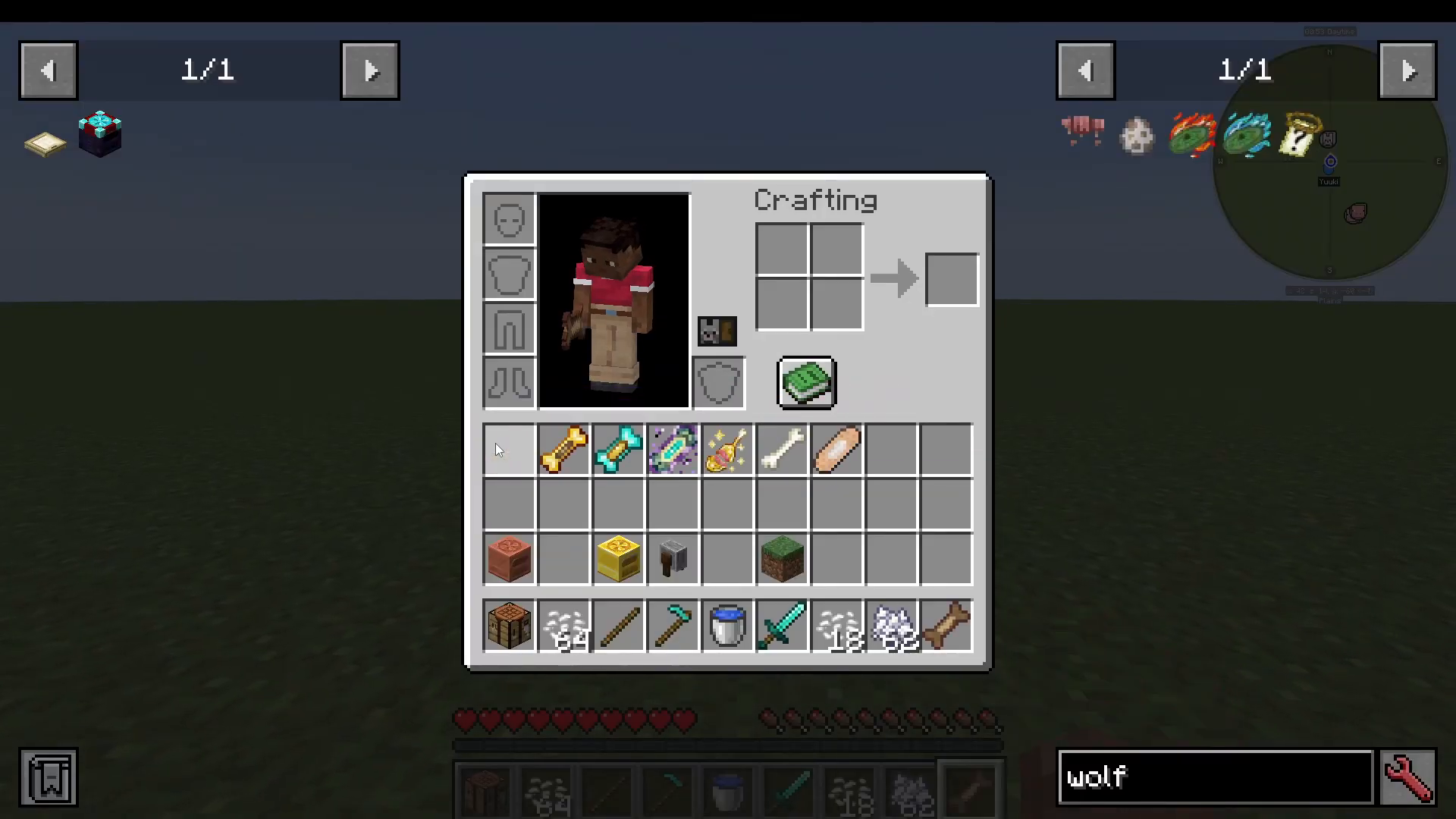
There are two ways to obtain a dog in Doggy Talents Next. The classic method is taming a wolf by feeding it bones until love hearts appear. The quicker alternative is using a Training Treat, which instantly converts a wolf into your dog.
Crafting a Training Treat
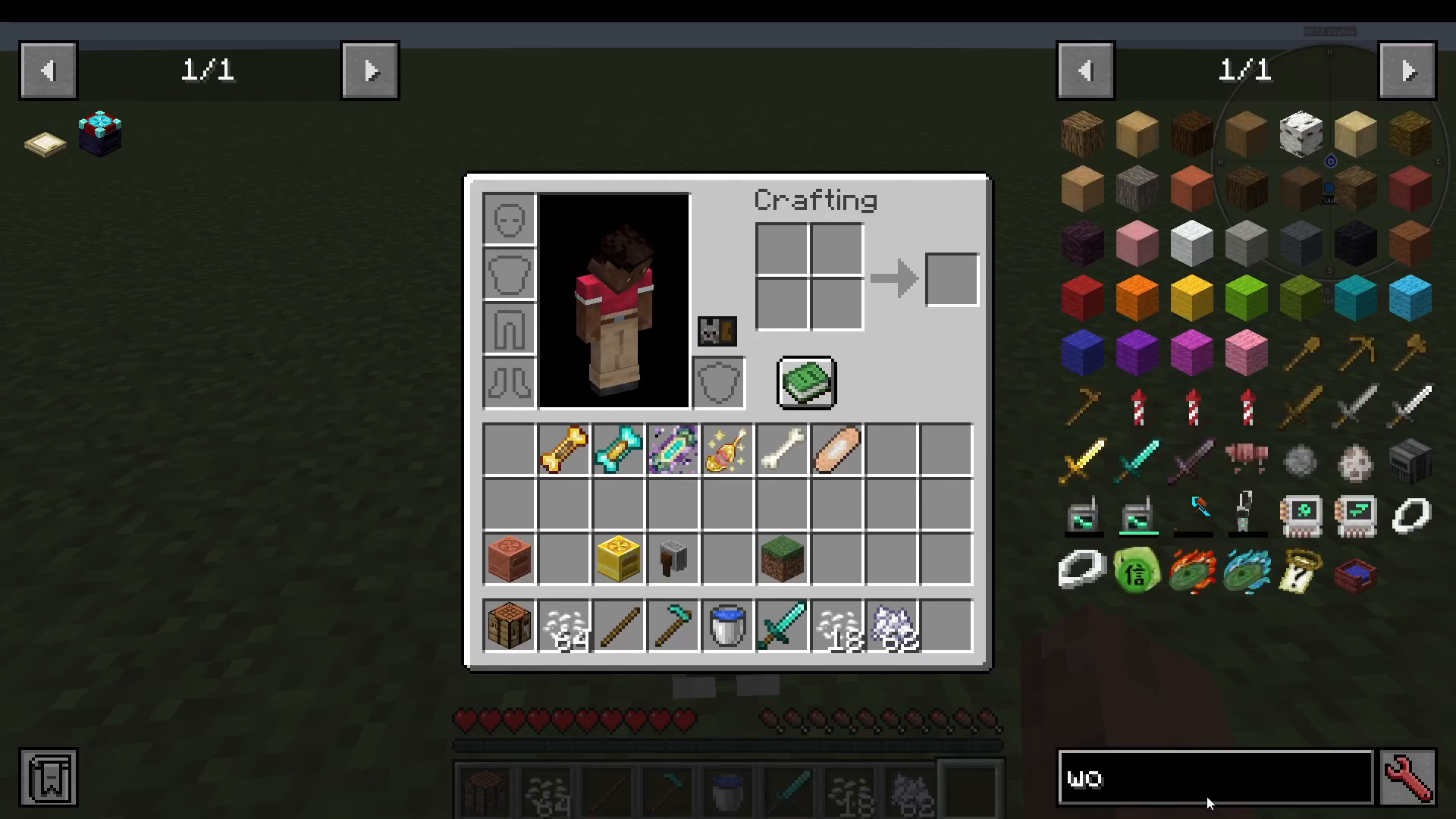
Training Treats are crafted from vanilla Minecraft materials combined with a Rice Bowl. To make a Rice Bowl, combine uncooked rice with a bowl and cook it in a furnace. Here is how to obtain rice from scratch:
Break grass until rice grains drop.
Plant the rice grains and grow them into crops.
Break the crops to collect paddy rice.
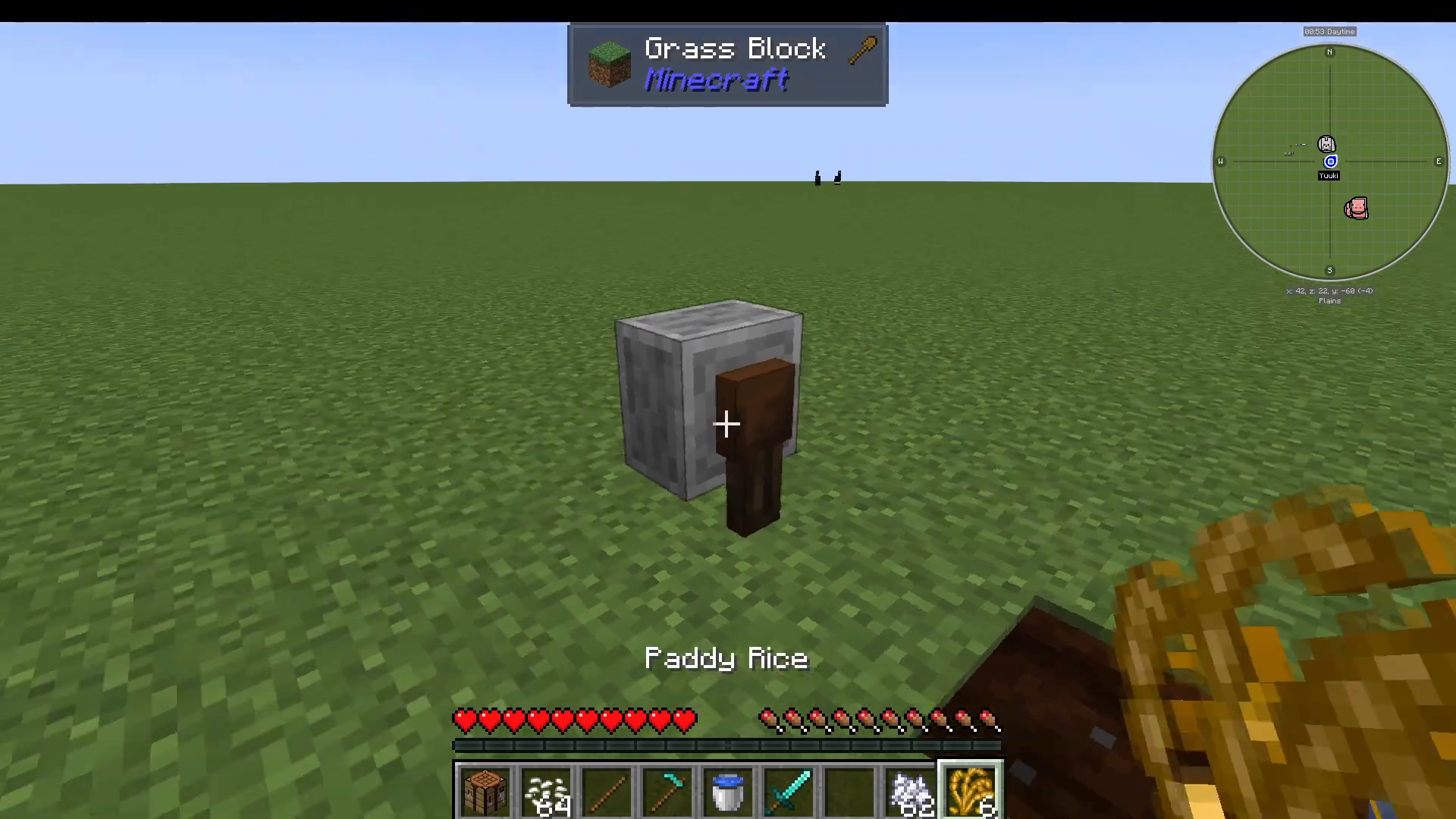
Place paddy rice in your inventory — this converts it into more rice grains.
Shift-right-click the rice grains on a grindstone to produce uncooked rice.
Cook the uncooked rice in a furnace to get usable rice.
What Is Koji and Why You Need It
When breaking rice crops, there is a small chance of also receiving Koji. It is worth combining one Koji with uncooked rice and sugar to produce three Koji. Koji is a crafting ingredient for Band-Aids, Natto, and Miso Paste. Band-Aids in particular are extremely useful for healing your pet dog.
Taming Your First Dog
Once you have a Training Treat, simply right-click a wolf with it in hand. The wolf immediately becomes your dog and you are registered as its owner.
The Dog UI: Stats and Settings
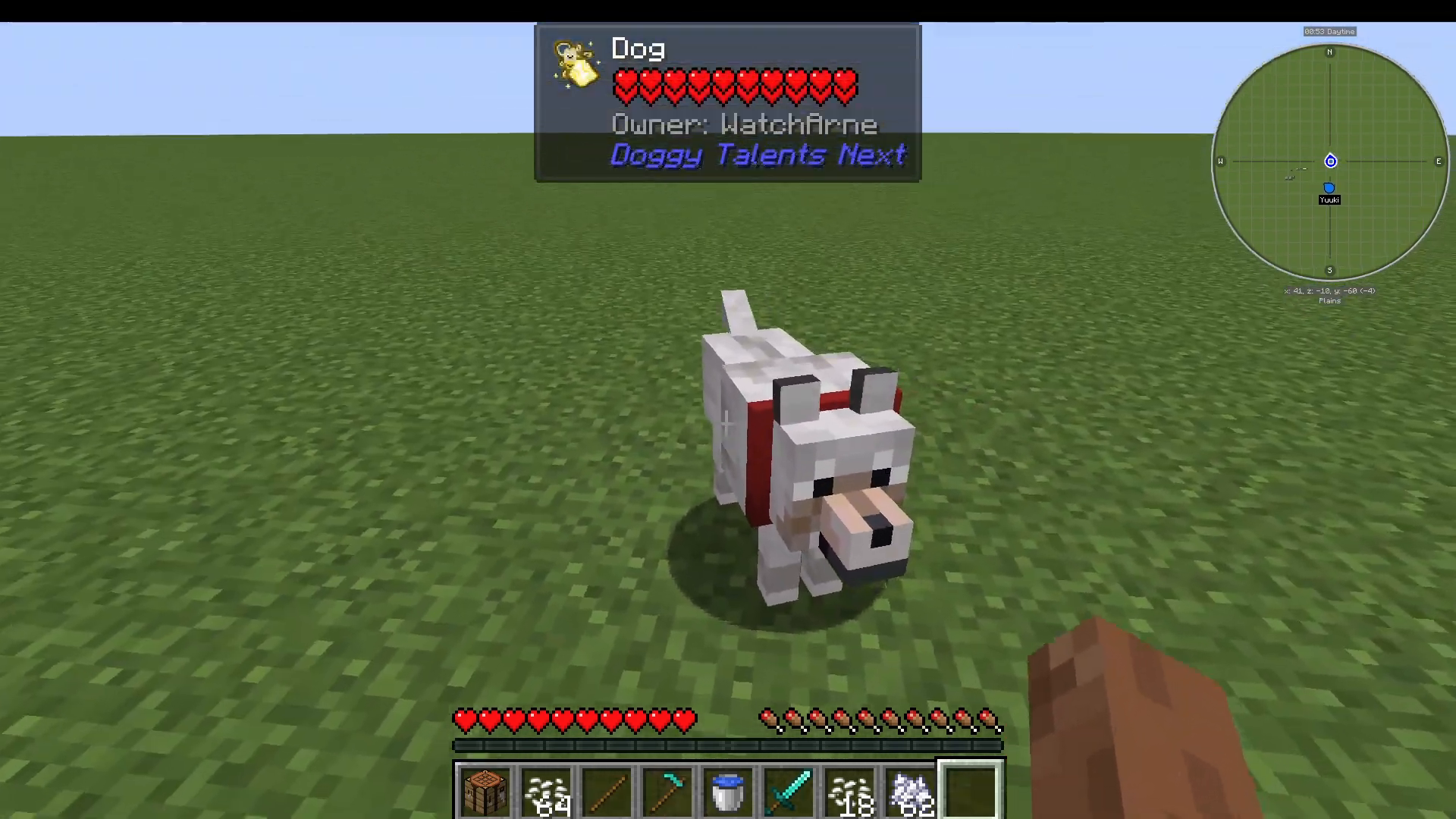
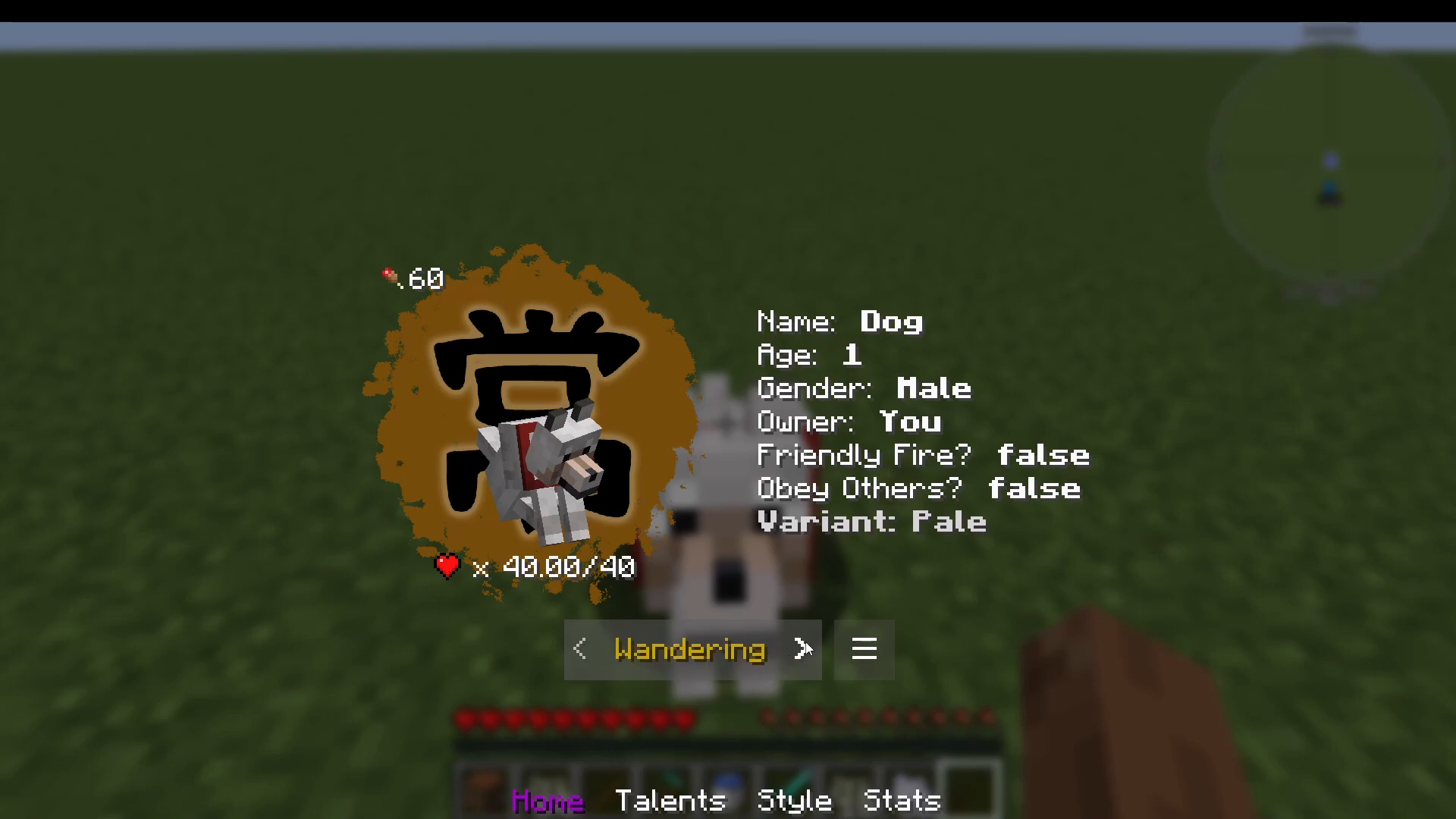
To open your dog’s interface, either use a stick to right-click your dog or shift-right-click it directly. The UI displays the following information:
Name — defaults to “Dog”
Age and Gender
Owner
Friendly Fire — on or off
Obey Others — yes or no
Variant / Level — starts at Level 1
Health — starts at 40 HP
From the UI you can also pet your dog, give it a back hug, and switch between its behaviour modes.
Behaviour Modes Explained
Your dog’s behaviour mode controls how it acts in the world. Here is a breakdown of every available mode:
Docile — Follows you but will not attack anything. Will play fetch when you throw a Throw Bone or Throw Stick.
Wandering — Stays near its food bowl and waits for your next command. Place a food bowl down and bring your dog within one block of it to set the anchor point.
Aggressive — Follows you and attacks anything that attacks you or that you attack.
Berserk — Follows you and attacks any mob that draws near or that you attack. Effectively super-aggressive.
Berserk (Be Minor) — Same as Berserk but will not attack Piglins or Endermen.
Tactical — Follows you but will not attack unless you use the Whistle and right-click a target with it in hand to issue an attack order.
Patrol — Attacks enemies within a set radius around your dog.
Guard — Follows you and attacks any mob that comes close to you.
Guard (G-Flat) — Same as Guard but ignores Piglins and Endermen.
G-Miner — Will not attack mobs, but growls to warn you when a hostile mob is nearby. Dogs with the Creeper Sweeper talent are an exception — they will only growl if the nearby mob is a Creeper.
Setting Up a Food Bowl
The Food Bowl is easy to craft. Place it down anywhere and bring your dog within one block of it before switching to Wandering mode — the bowl’s location becomes your dog’s anchor point. You can place food such as chicken directly inside the bowl to feed your dog automatically. For multiple dogs, using a Pack Puppy dog as a shared food source is the recommended approach.
Levelling Up Your Dog
Your dog levels up by being fed treats. Each treat tier raises your dog up to a specific level cap. Every level gained grants your dog one additional health point.
Treat Tiers and Level Caps
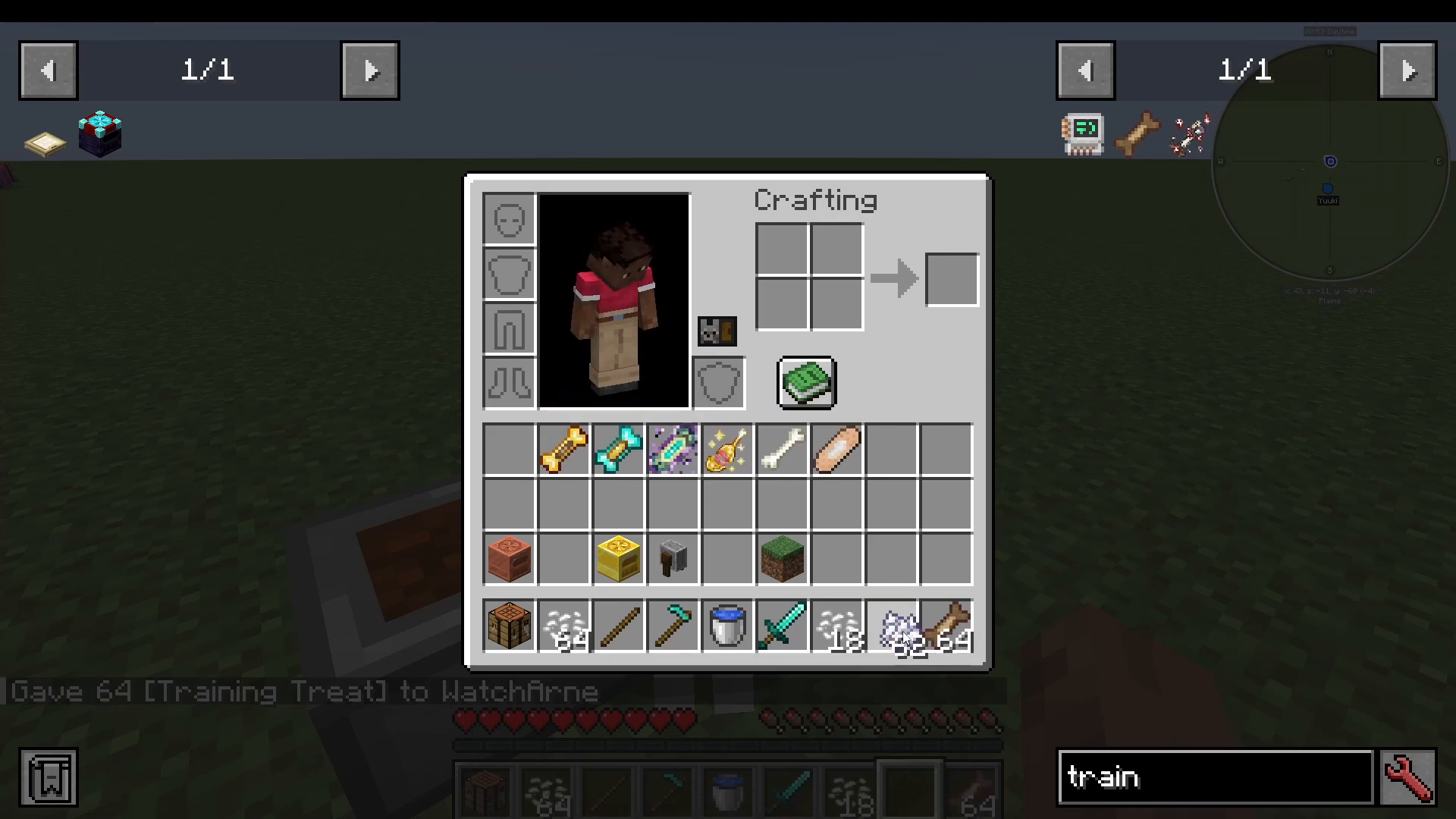
Training Treats — Level your dog up to Level 20. Crafted from rice as described above.
Super Treats — Level your dog up to Level 40. Crafted using a Golden Apple. Place five treats in and you receive five Super Treats back.
Master Treats — Level your dog up to Level 60.
Kami Treats — Take your dog beyond Level 60. Crafted from five Master Treats and one End Stone, but this recipe produces only one treat, making it extremely expensive.
Simply feed the appropriate treat to your dog repeatedly — each one grants a level up until the cap for that treat tier is reached. Once you hit the cap, move on to the next treat tier.
Talents: Unlocking Your Dog’s Abilities
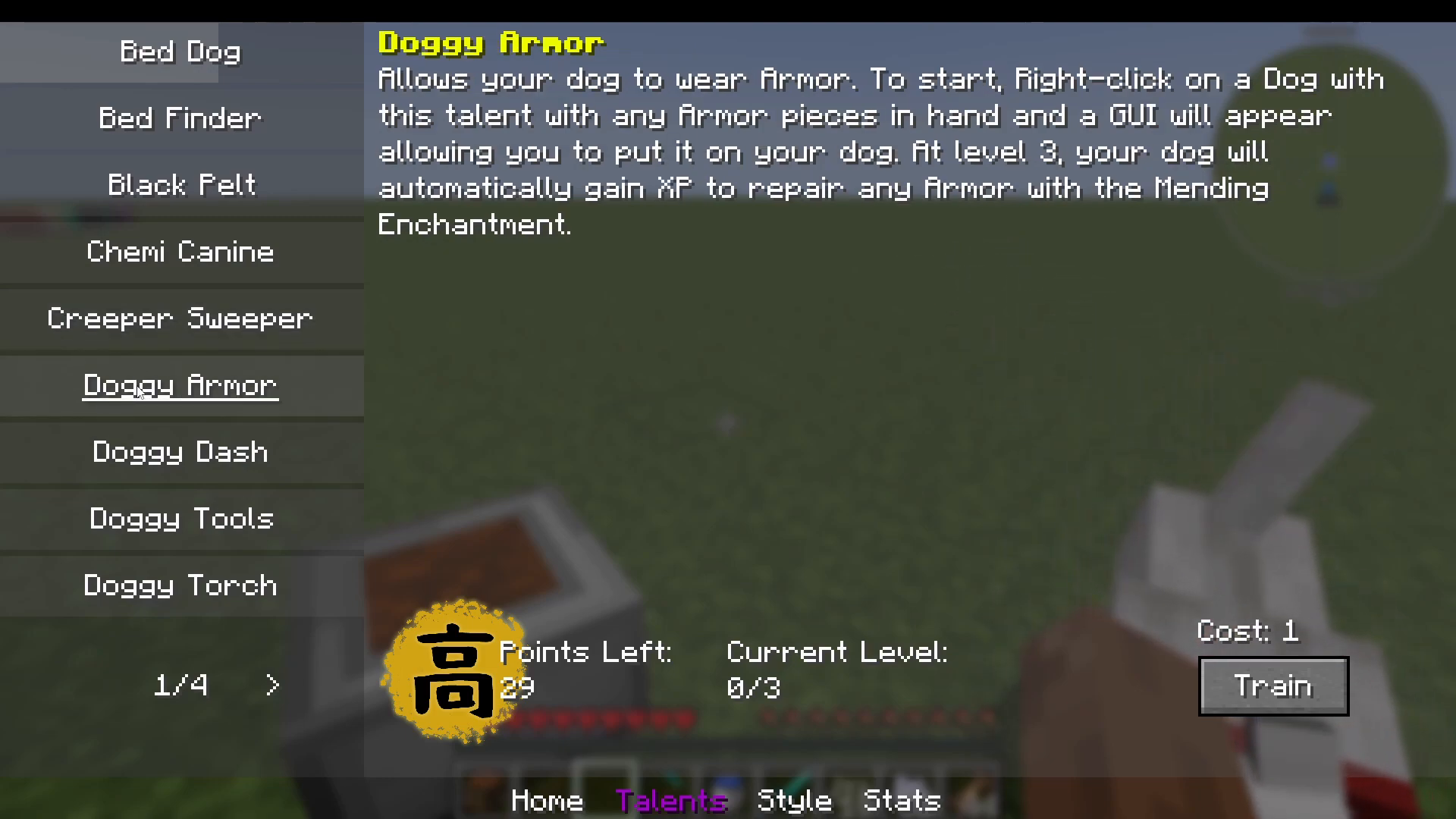
Each level your dog gains awards talent points, which you spend inside the Talents tab of the dog’s UI. There are a large number of talents available — the mod explains each one in detail with in-game tooltips. Below are some of the most notable options:
Bed Dog — Allows you to sleep on your dog using the Bed Dog Whistle. Each sleep costs nourishment points and triggers a cooldown. Both the cooldown and nourishment cost decrease with each level trained and are removed entirely at max level.
Bedfinder — Helps your dog locate a bed.
Black Belt — Increases critical hit damage by half a heart per level.
Chemi Canine — Causes your dog to absorb negative status effects.
Creeper Sweeper — Your dog sniffs out Creepers in the area and growls to warn you.
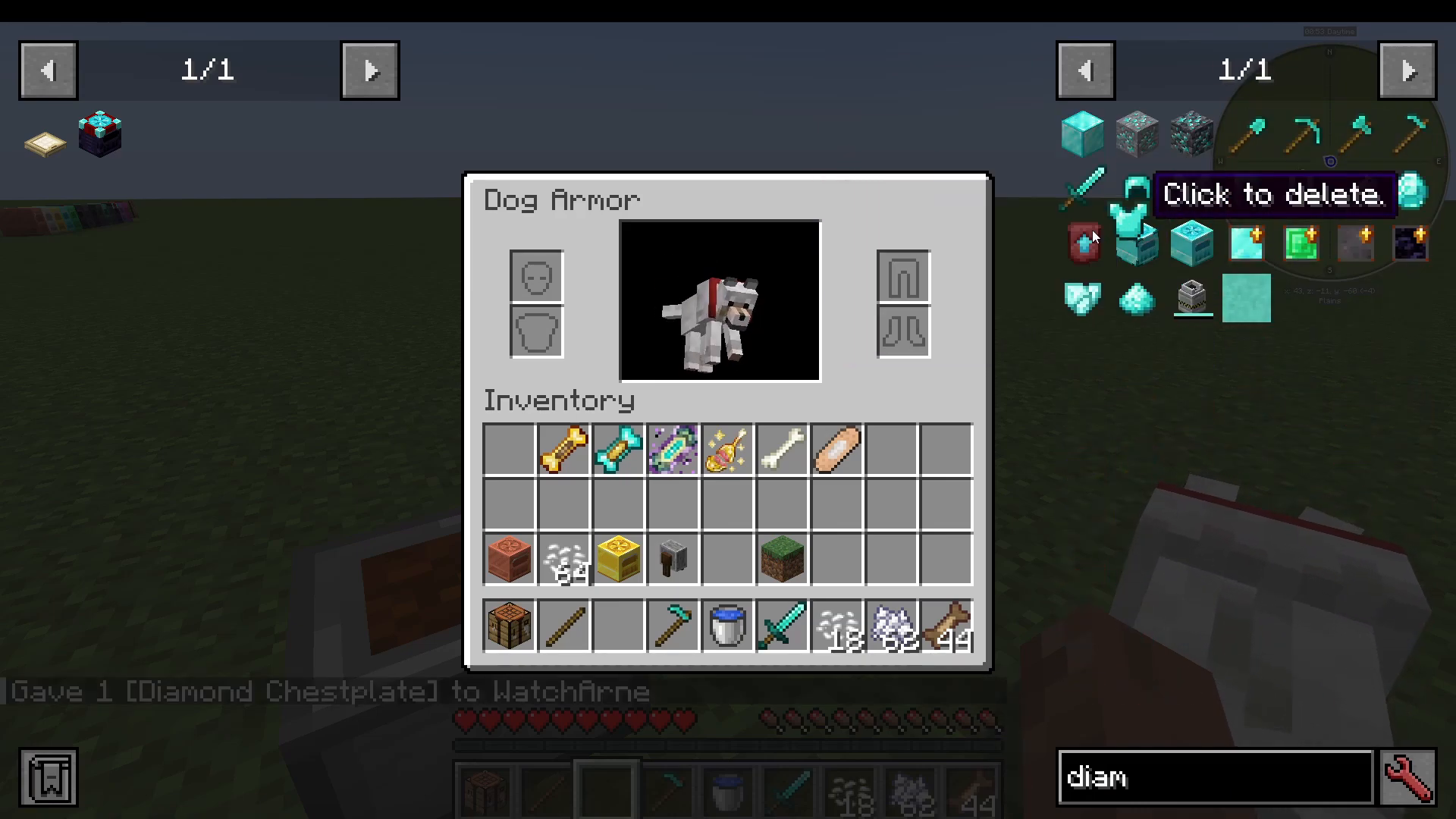
Armor (Dog Armor) — Allows your dog to wear armor pieces. With this talent active, right-click your dog while holding an armor piece to open the armor UI. You can also access it via the Talents menu using the Open Dog’s Armor button.
Doggy Dash — Increases your dog’s movement speed.
Doggy Tools — Grants your dog the ability to use tools.
Equipping Armor on Your Dog
Once you have unlocked the Armor talent, hold an armor piece in your hand and right-click your dog. The armor UI will appear. For example, equipping a diamond chestplate is as simple as dragging it into the correct slot.
Accessories, Skins, and Breeds
Adding Accessories
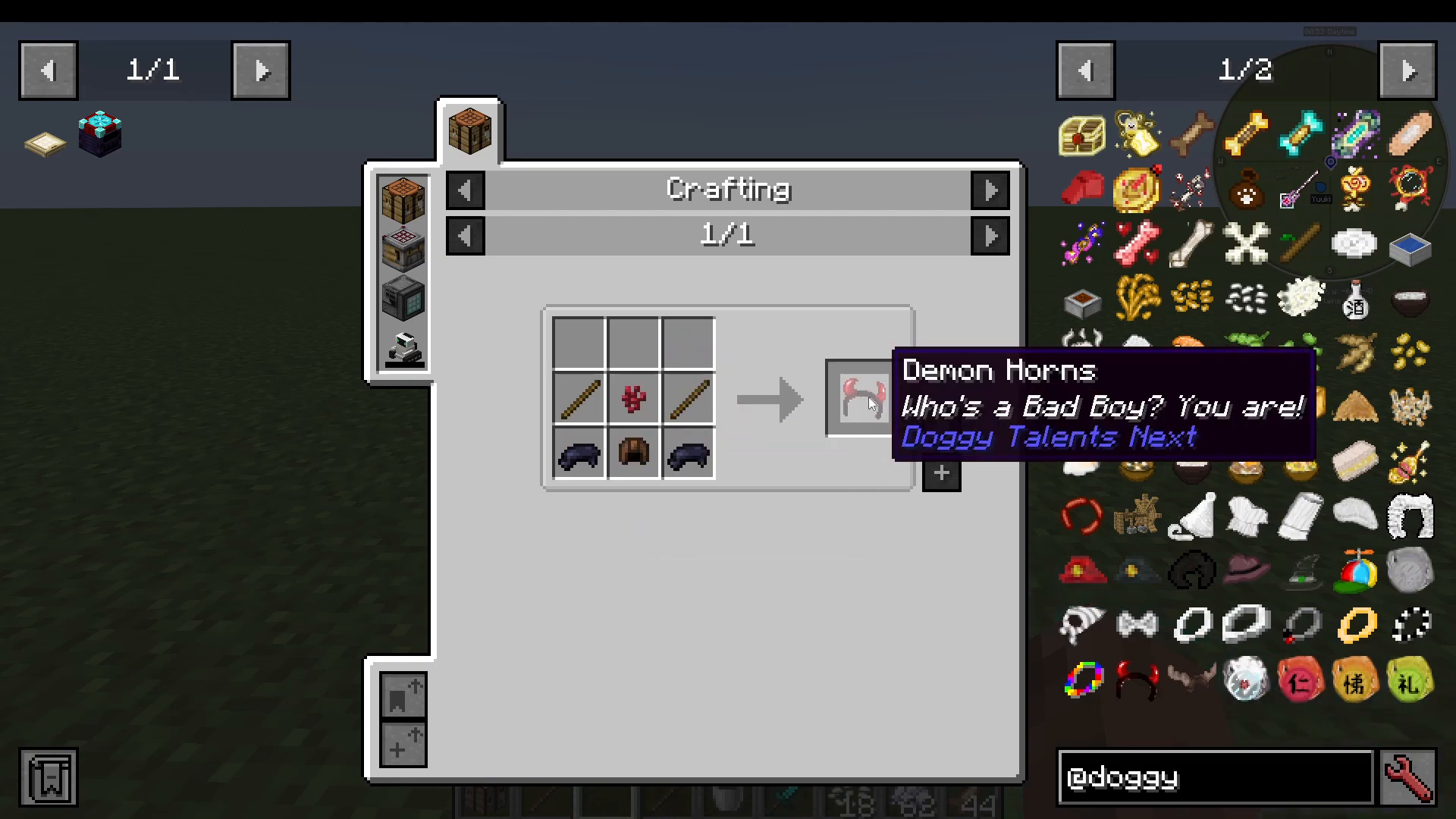
Open your dog’s UI and navigate to the Style tab to manage accessories. Items like the red collar, Demon Horns, Liver Cap, and Black Dye cosmetics can be toggled on and off. To add an accessory such as Demon Horns, craft the item and simply right-click your dog with it in hand — it will appear on the dog immediately.
Choosing a Breed / Skin
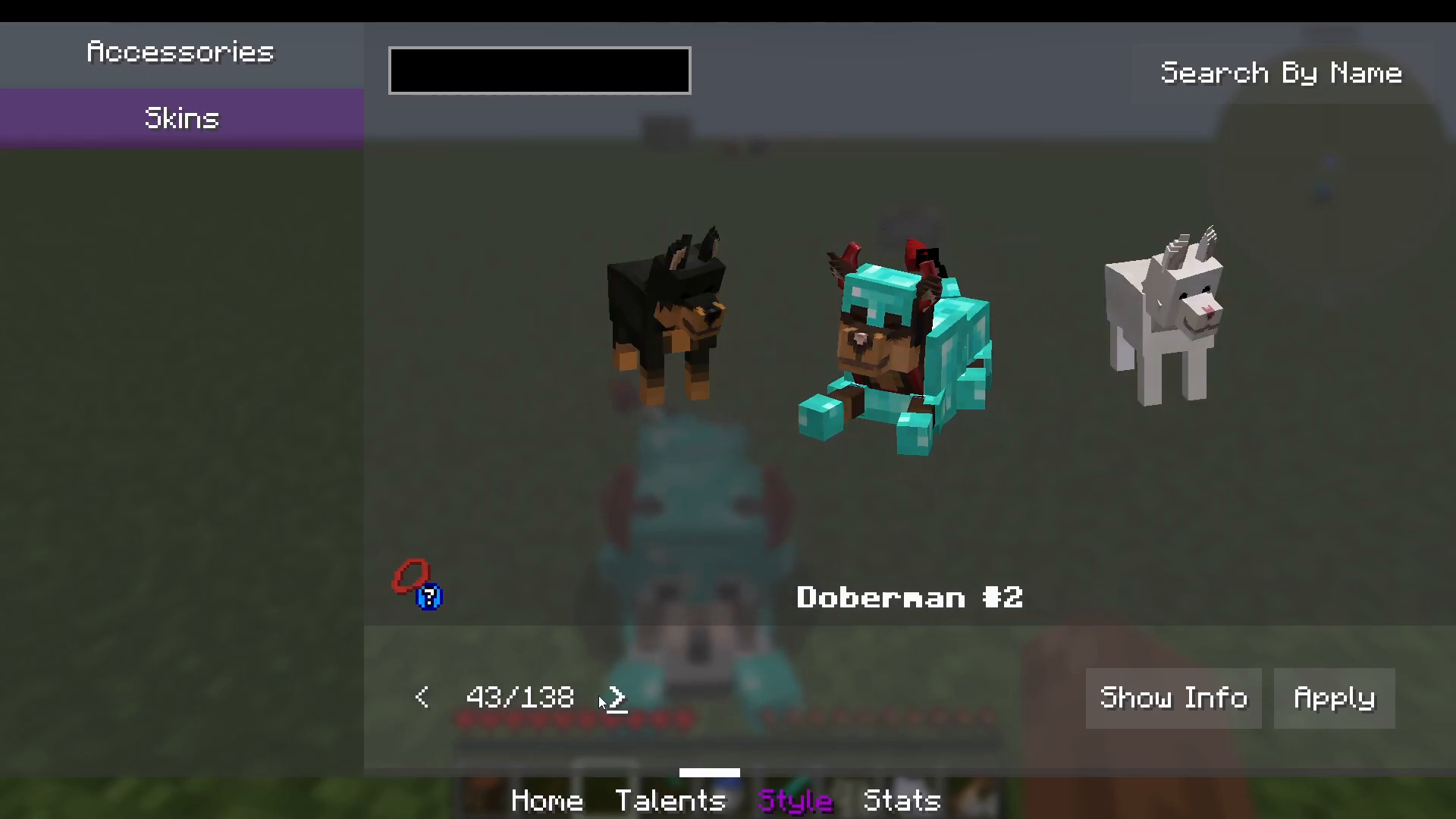
Inside the Style and Skins section of the UI, there are 138 different breeds to choose from. You can search by name or by tags. Select your chosen breed and press Apply to change your dog’s appearance instantly. Notable examples include the Pug, Samoyed, and even fictional breeds such as Amaterasu’s form from the Capcom game Ōkami by Clover Studio.
Renaming Your Dog
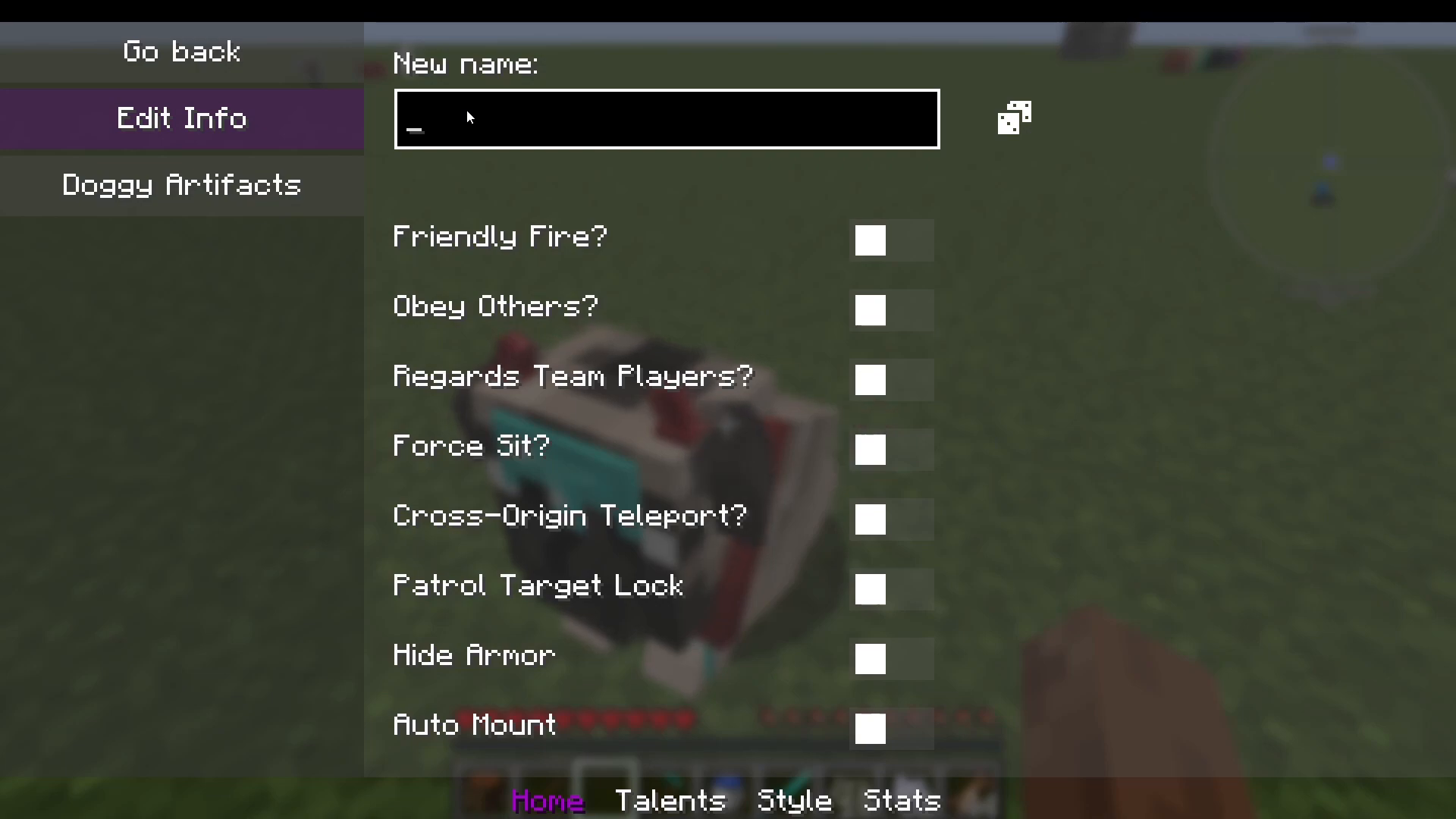
To rename your dog, click the three-dot menu inside the UI and select the rename option. Type in your chosen name and confirm.
Dog Stats Tracker
The Stats tab inside the UI tracks everything your dog has done, including mob kills, damage dealt, distance swum, distance ridden, sneaking time, and sprinting distance.
Locator Orbs
Locator Orbs are decorative tracking items that produce a visual flame or particle effect on your dog, allowing you to spot them from a distance. To craft one, combine an empty Locator Orb (made with a Radio Collar) with a dye of your choice. Available types include the Chi Orb and the Gin Orb. Right-click your dog with the orb to apply the effect.
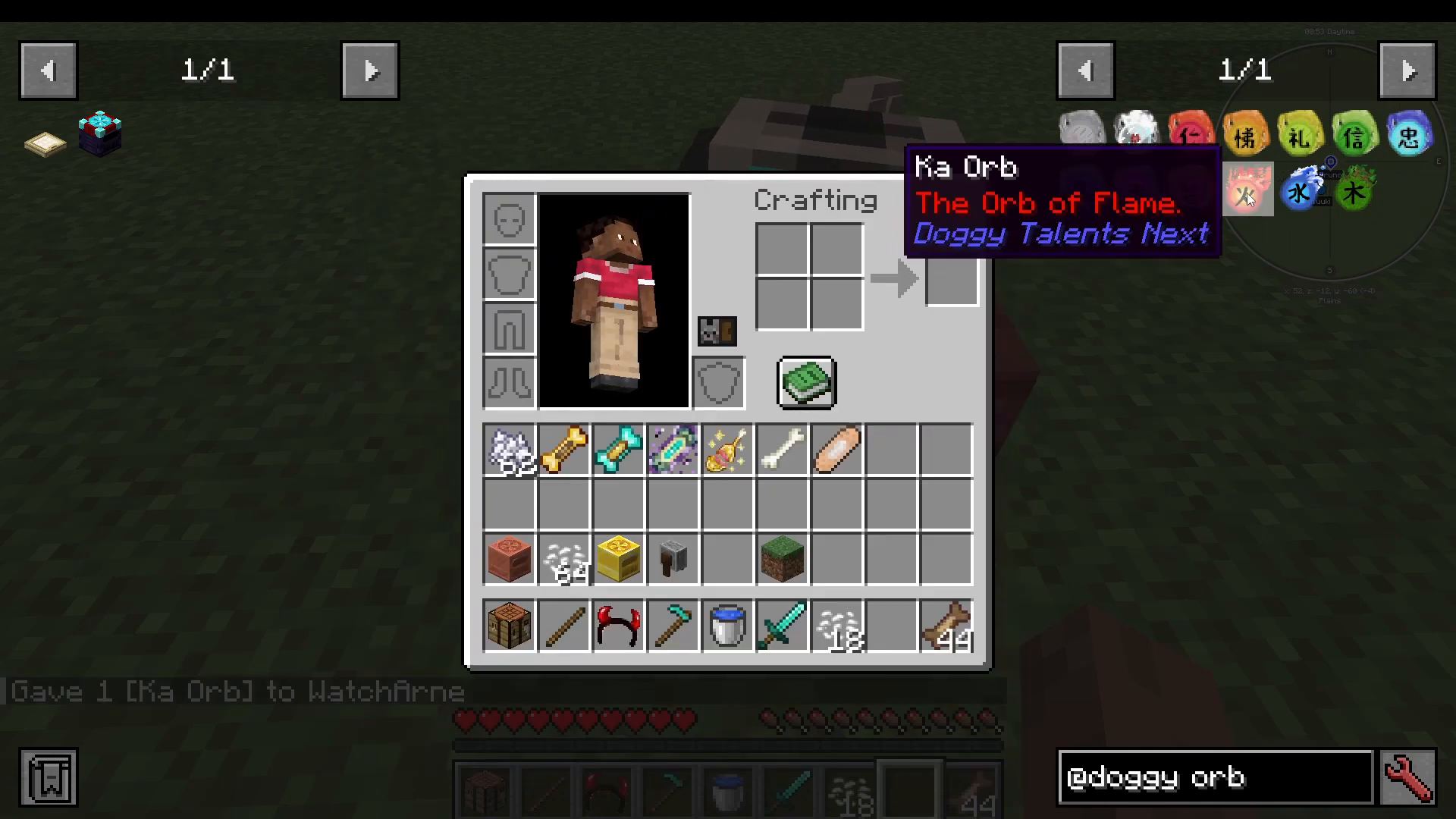
Note: Some items, such as the Creative Collar, are only obtainable in Creative Mode and cannot be crafted in survival.
Breeding, Gender, and Soy Beans
You can breed dogs using a Breeding Bone. To change a dog’s gender, craft a Gender Bone and right-click your dog with it — the gender will toggle immediately and is reflected in the dog’s UI stats.
Soy Beans are a food item added by this mod. They drop from zombies and can be farmed in a method similar to rice farming.
The Dog Bed: Respawning After Death
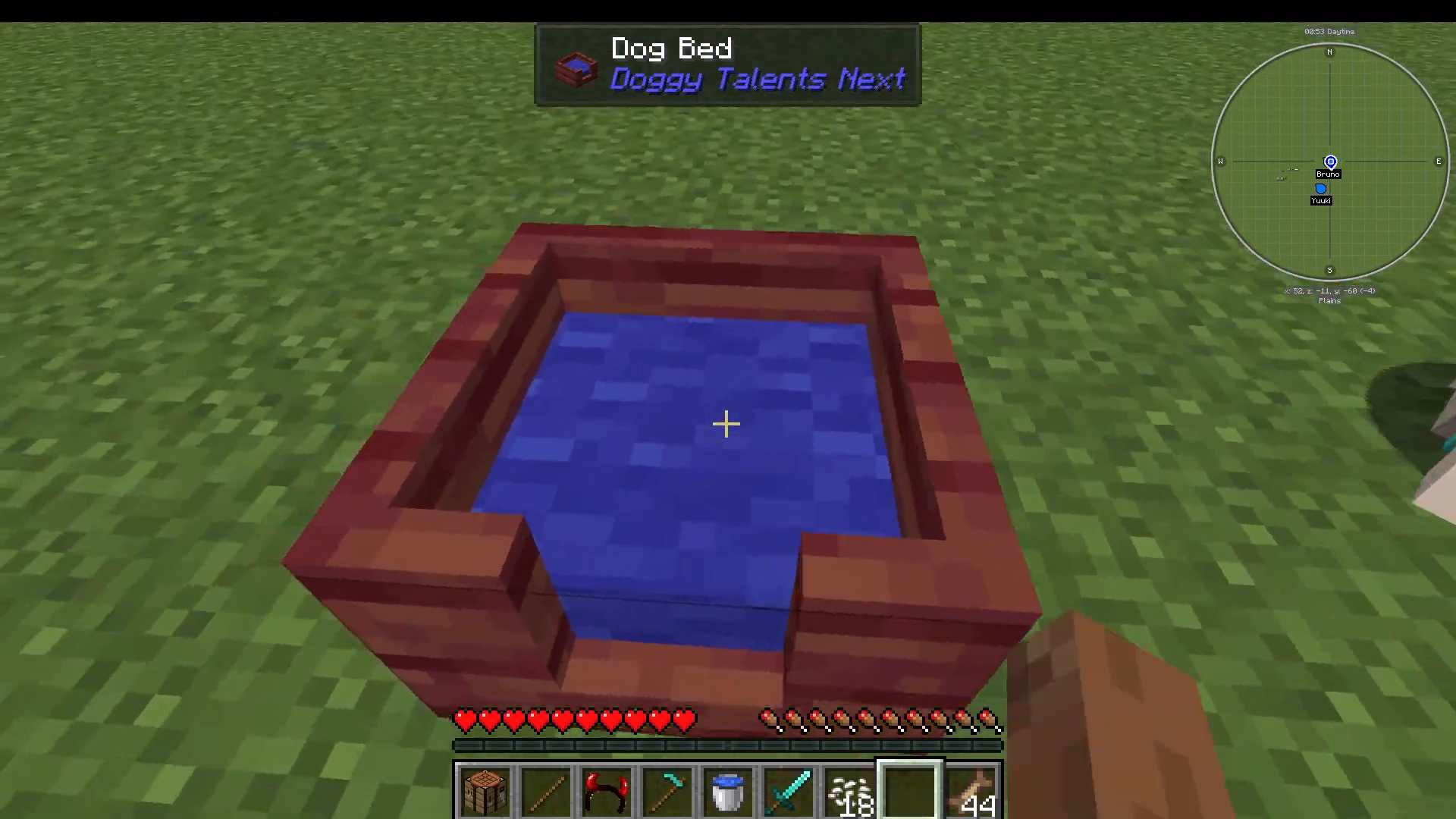
The Dog Bed is one of the most important items in the mod — it allows your dog to respawn if it dies. Here is how to use it correctly:
Craft a Dog Bed and place it down.
Make sure your dog is standing (not sitting). If your dog is sitting, right-click it to make it stand up.
Set your dog’s mode to Wandering (not Docile — Docile will prevent this from working).
Shift-right-click the Dog Bed with both hands empty. The nearest eligible standing dog will run to the bed and claim it.
If your dog passes away, right-click the bed to begin the respawn process. Your dog will need time to recuperate.
You can speed up recovery by standing next to the bed, feeding your dog treats, feeding it a Golden Apple, Wagyu Beef, or Band-Aids.
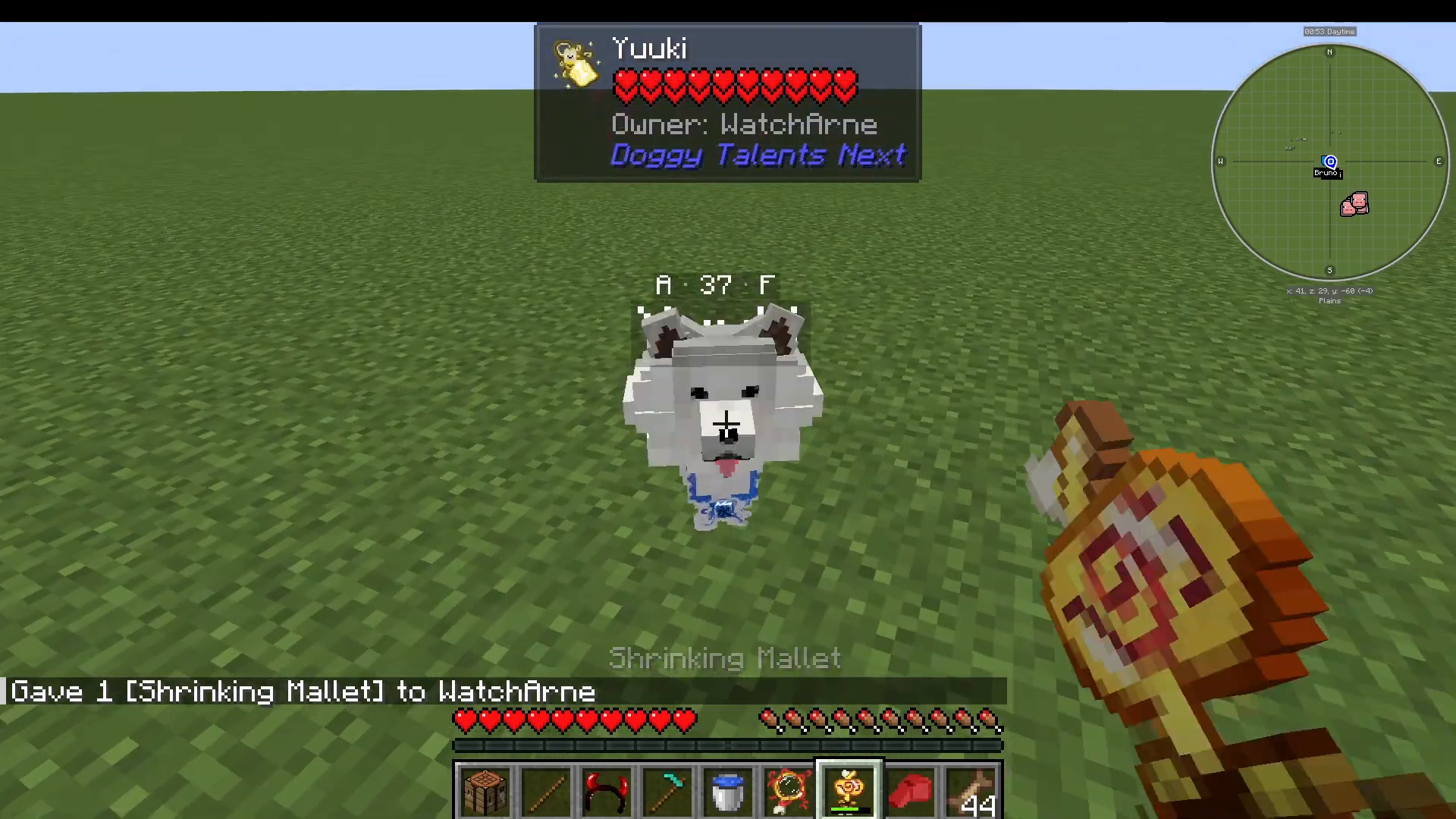
Size Changing: Magnifying Bone and Shrinking Mallet
The Shrinking Mallet shrinks your dog down to a tiny size, while the Magnifying Bone enlarges it. Simply right-click your dog with the appropriate item in hand to apply the size change.
Artifacts
Artifacts are special equippable items that grant your dog unique abilities. Examples include:
Canine Tracker — Helps you track your dog’s location.
Smarty Glasses — Grants enhanced awareness to your dog.
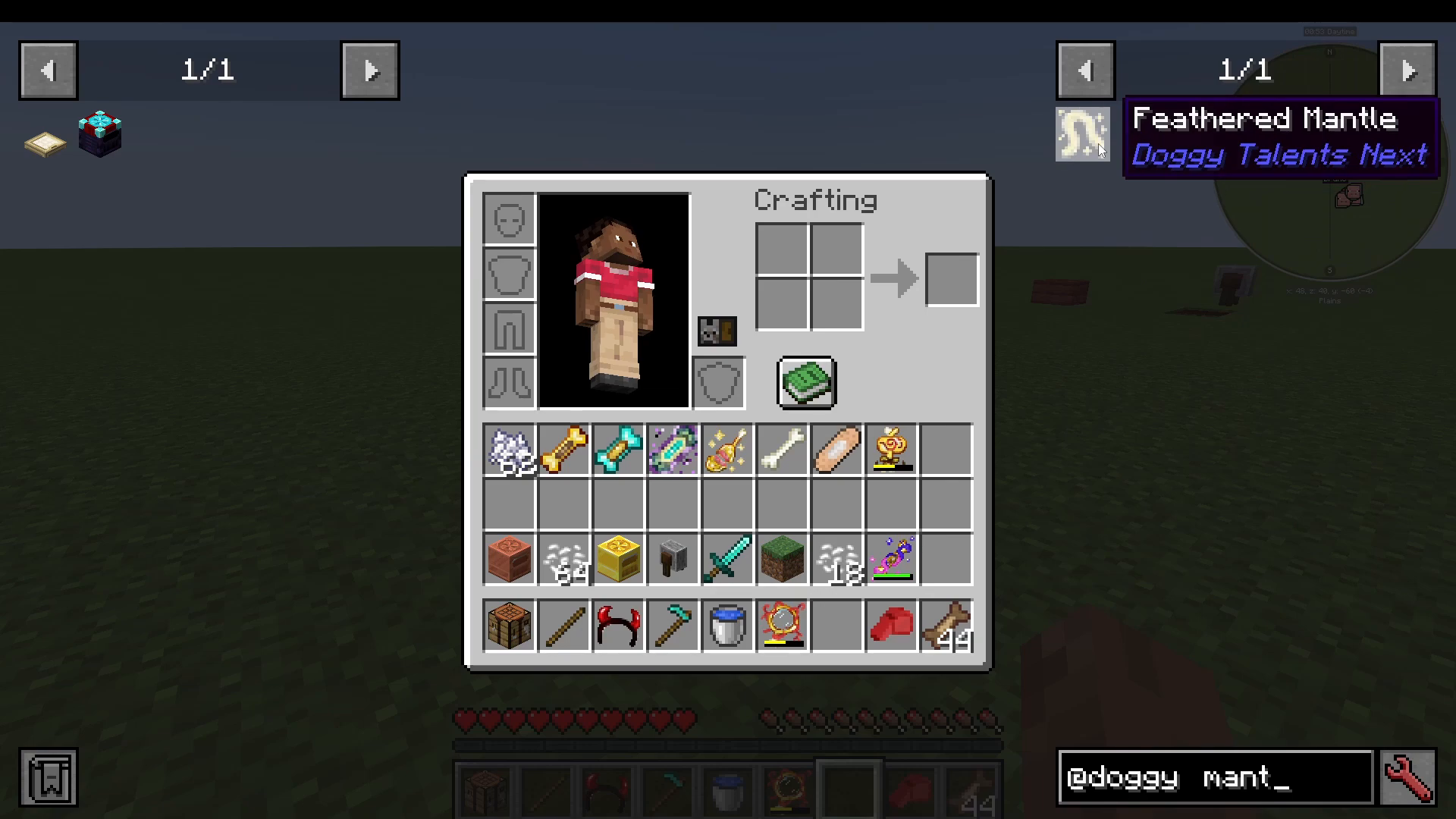
Feathered Mantle — Causes your dog to float. Other installed mods may also add their own artifacts to the pool.
To equip an artifact, click the three-dot menu in your dog’s UI and select Doggy Artifacts. Drag the artifact into the available slot from here. You can also remove artifacts from this same screen.
Whistle Commands
The Whistle is a key tool for controlling your dog in the field. Using it will command your dog to stand. You can access additional whistle modes by sneaking and right-clicking — this cycles through a range of commands, including summoning your dogs back to you. In Tactical mode, right-clicking a mob while holding the Whistle issues a targeted attack order.
Config: Starter Bundle (For Modpack Creators)
If you are building a modpack, the config file allows you to set up a Starter Bundle for new players. This bundle — which can include a Doggy Charm, Whistle, Radio Collar, and more — is not craftable in-game. Instead, it is configured so that players automatically receive it when they first join the server.
Summary
The Doggy Talents Next mod is one of the most feature-rich companion mods available for Minecraft. From taming your first wolf with a Training Treat, to unlocking powerful talents, dressing your dog in diamond armor, choosing from 138 breeds, and ensuring they can respawn safely with a Dog Bed — there is a remarkable amount of depth on offer. Work through the treat tiers to push your dog to Level 60 and beyond, experiment with the behaviour modes to find the right combat style, and use artifacts to give your companion a truly unique edge. With a little investment, your dog will become one of the most powerful and personalised assets in your entire Minecraft world.
“`