







How To Use The Extractor In IC2
How To Use The Extractor In IC2
The Extractor is one of the most useful machines in Industrial Craft 2 (IC2), especially if you’re looking to maximize your rubber production. In this guide, we’ll walk you through everything you need to know about setting up and optimizing your extractor, from basic crafting to advanced upgrade configurations.
What Is The Extractor?
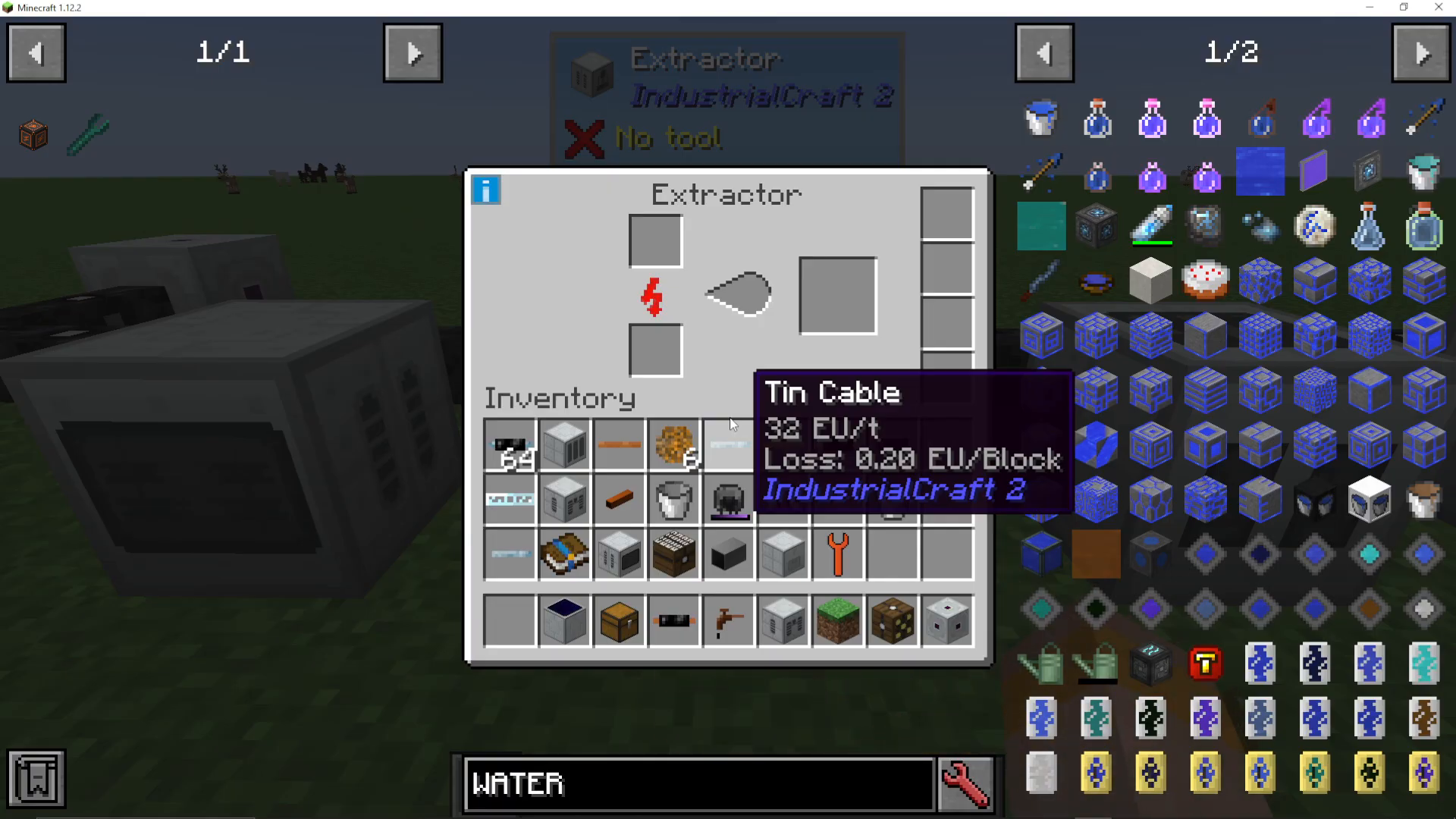
The Extractor is a low voltage machine in IC2 that requires only 32 voltage (10 cables) to operate, making it one of the more accessible machines for new players. When you interact with the machine, you’ll notice it displays a droplet sign, an input slot, and several upgrade slots on the right side.
Crafting The Extractor
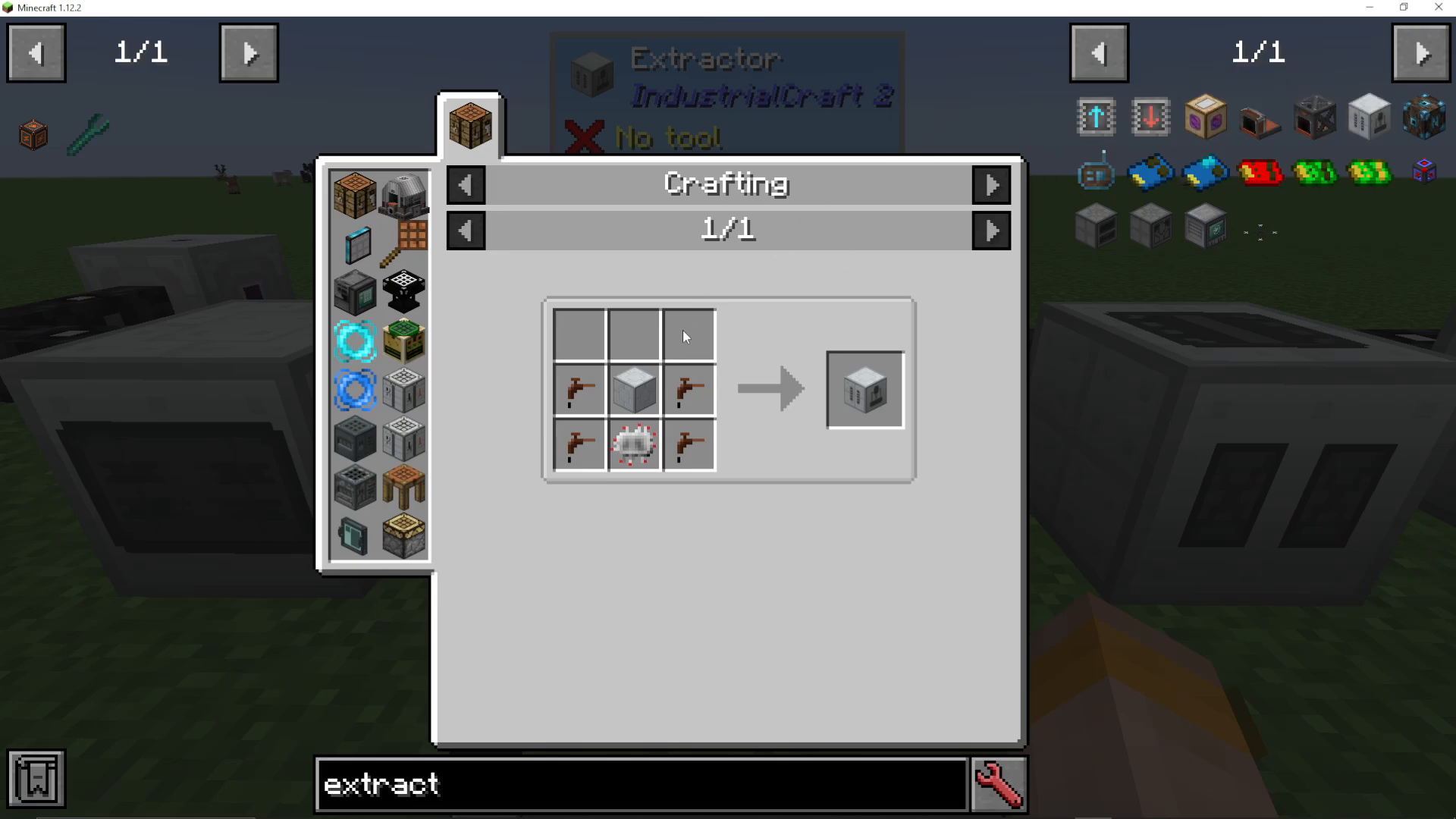
To create an Extractor, you’ll need the following materials:
Basic Machine Casing
Electronic Circuits
Tree Taps
Once crafted, you’ll have a fully functional extractor ready to begin processing materials.
Main Uses Of The Extractor
Rubber Production (Primary Use)
The primary reason most players use the Extractor is for rubber production. The machine excels at converting rubber-related materials into rubber at improved rates.
Sticky Resin To Rubber
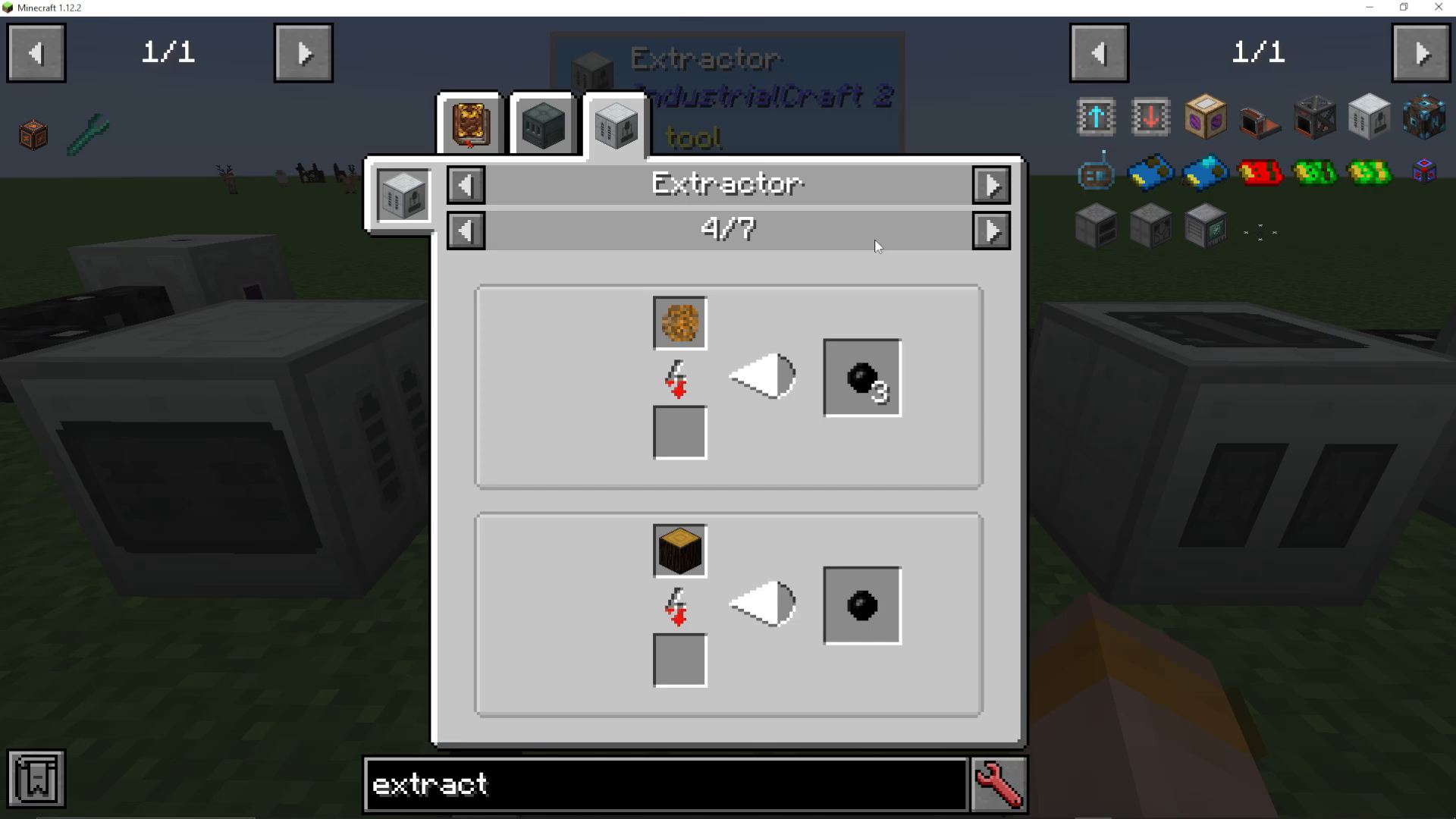
When you smelt sticky resin in a furnace, you only get one rubber. However, in the Extractor, sticky resin yields free rubber—meaning you get more output for the same input. Simply place sticky resin in the top slot and let the machine process it.
Rubber Wood Extraction
You can also extract rubber wood from rubber trees to get an extra piece of rubber. For maximum efficiency, consider setting this up with a tree farm. A large enough automated tree farm allows you to produce rubber purely from rubber wood without needing to worry about sticky resin at all.
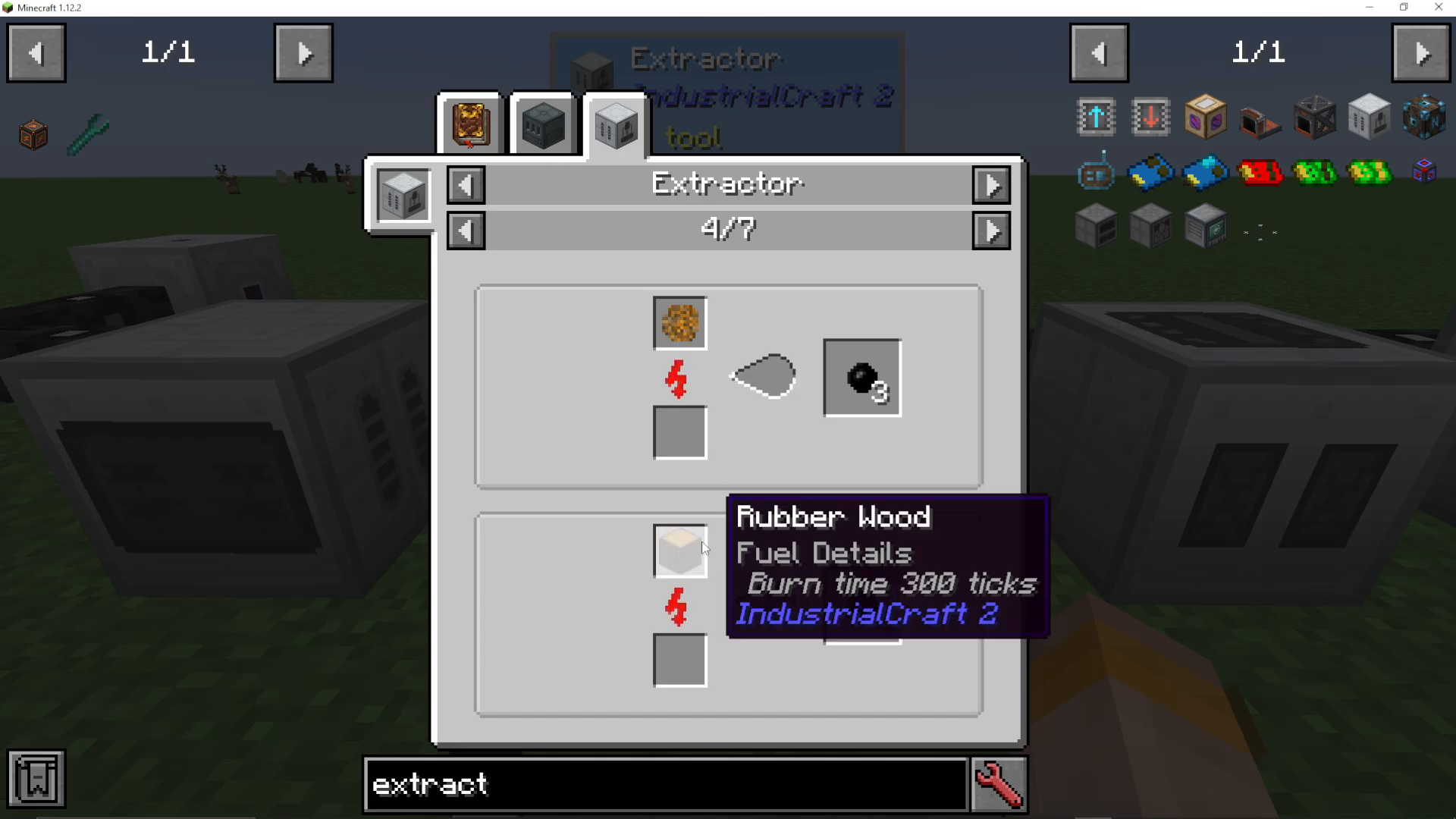
Rubber Tree Saplings
Rubber tree saplings can also be extracted directly into rubber, providing another convenient way to boost your rubber production.
Other Useful Extractions
Beyond rubber production, the Extractor has several other practical applications:
Convert different colored wool into white wool
Transform filled tin cans into normal tin cans
Extract clay into smaller clay and bricks
Basic Operation
To start using your Extractor, simply place sticky resin (or your chosen material) into the top input slot. The machine will begin processing the material and extracting the desired output.
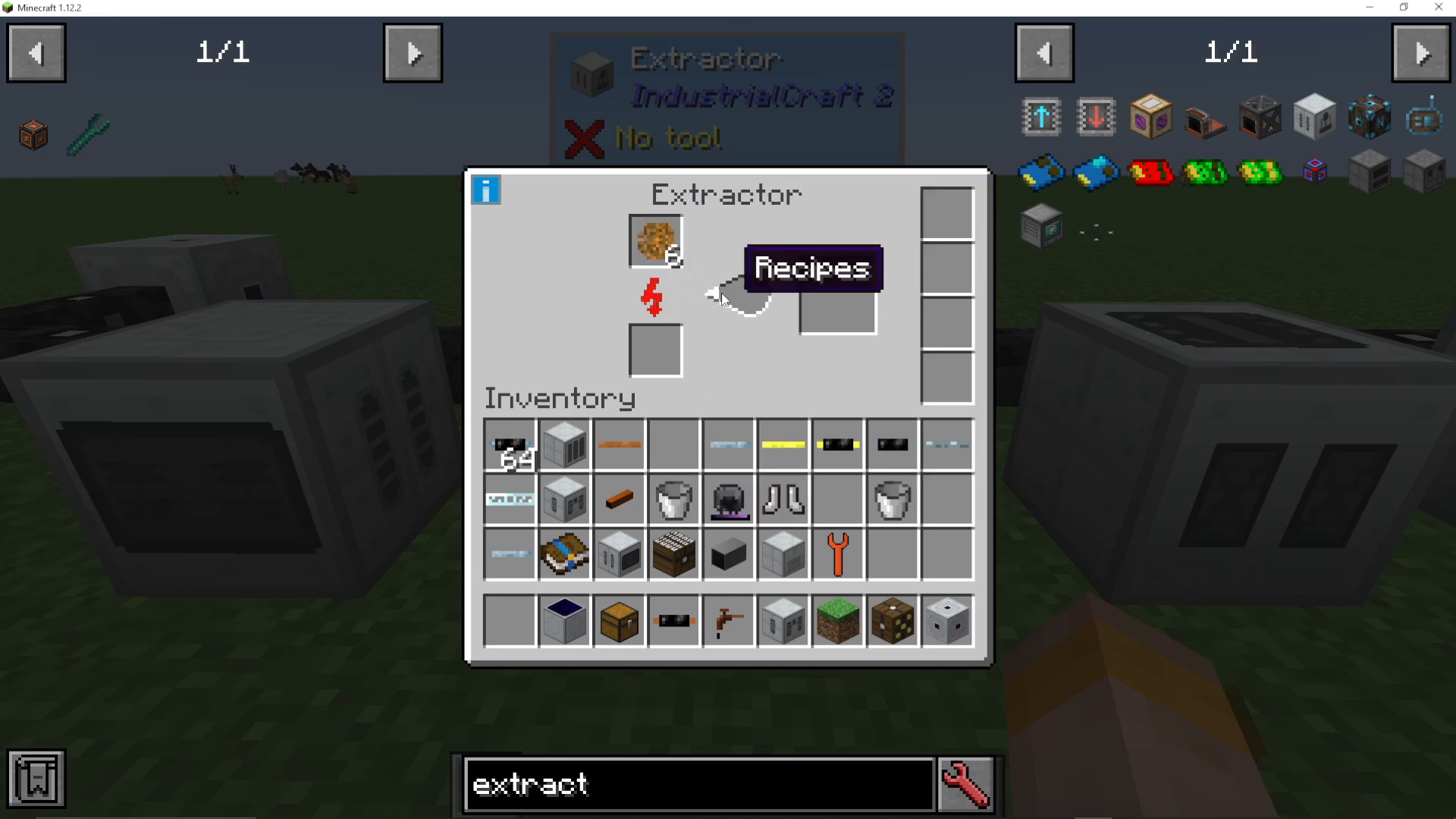
Machine Upgrades
The default Extractor operates at a moderate speed, but you can significantly improve its performance using upgrades. The Extractor has multiple upgrade slots on the right side that accept various upgrade types.
Overclocker Upgrades
Overclocker upgrades are the primary way to speed up your Extractor. Each overclocker upgrade reduces process time to 70% but increases power usage to 160%. The effects are multiplicative, meaning multiple upgrades compound with each other.
1 Overclocker: Process time reduced to 70%, power usage increased to 160%
2 Overclockers: Process time reduced to 49%, power usage increased to 256%
3 Overclockers: Process time reduced to 24%, power usage increased to 655%
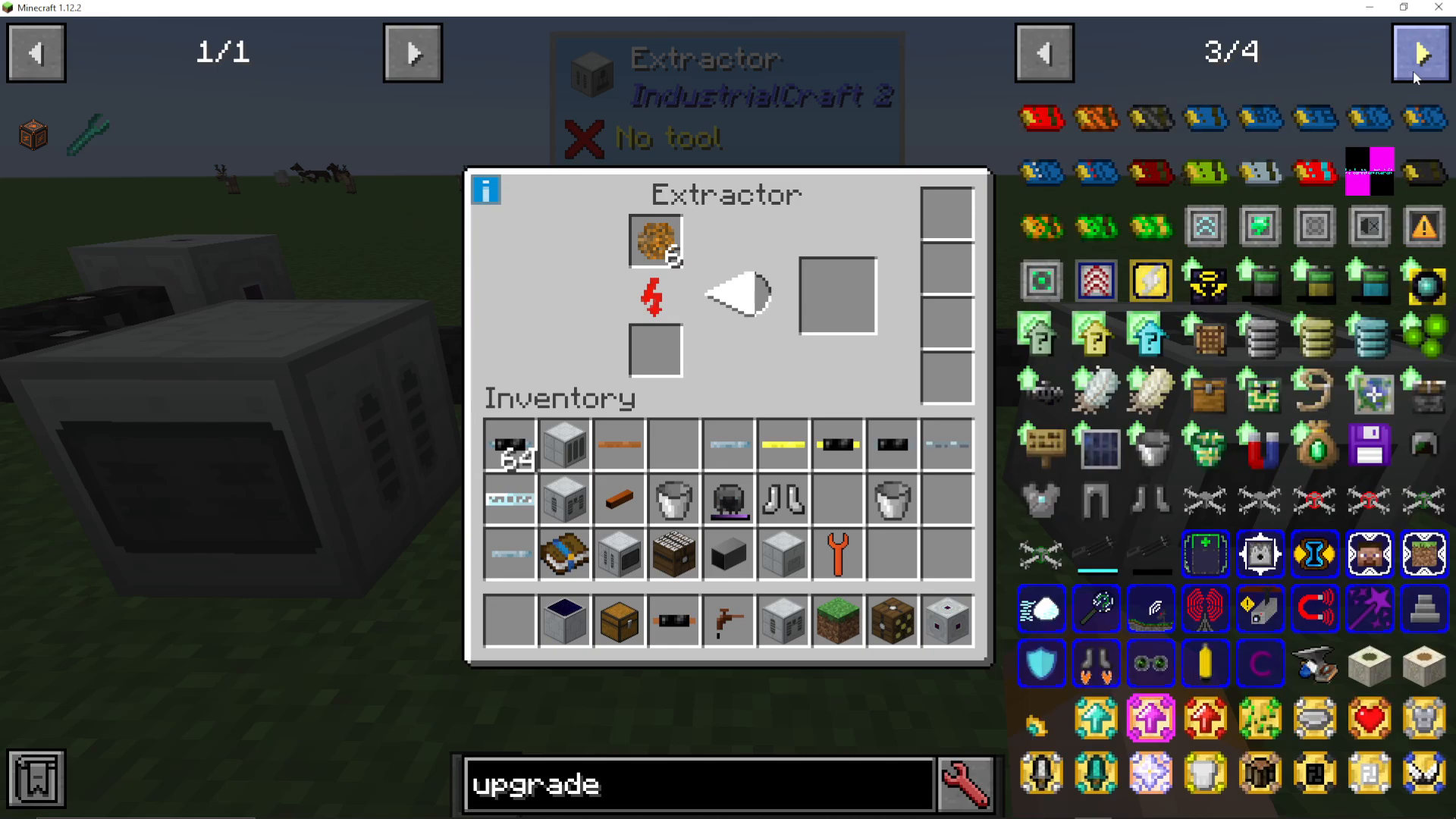
While you can theoretically add up to a full stack of overclockers, this becomes impractical due to extreme power consumption. A reasonable middle ground is 4 to 6 overclocker upgrades, which balances speed improvements with manageable power requirements. If you have access to high voltage cables, you might push to 8 overclockers maximum.
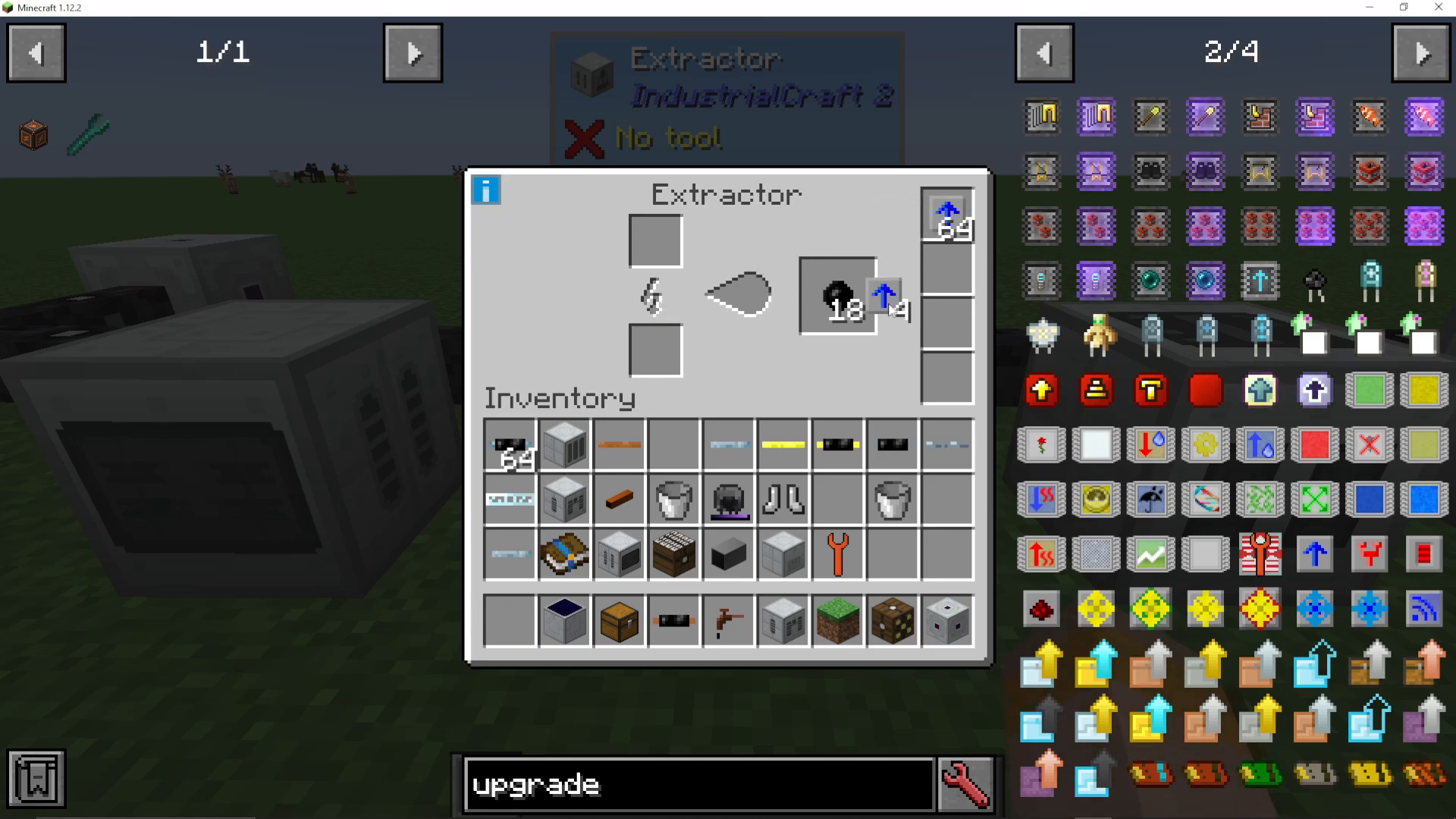
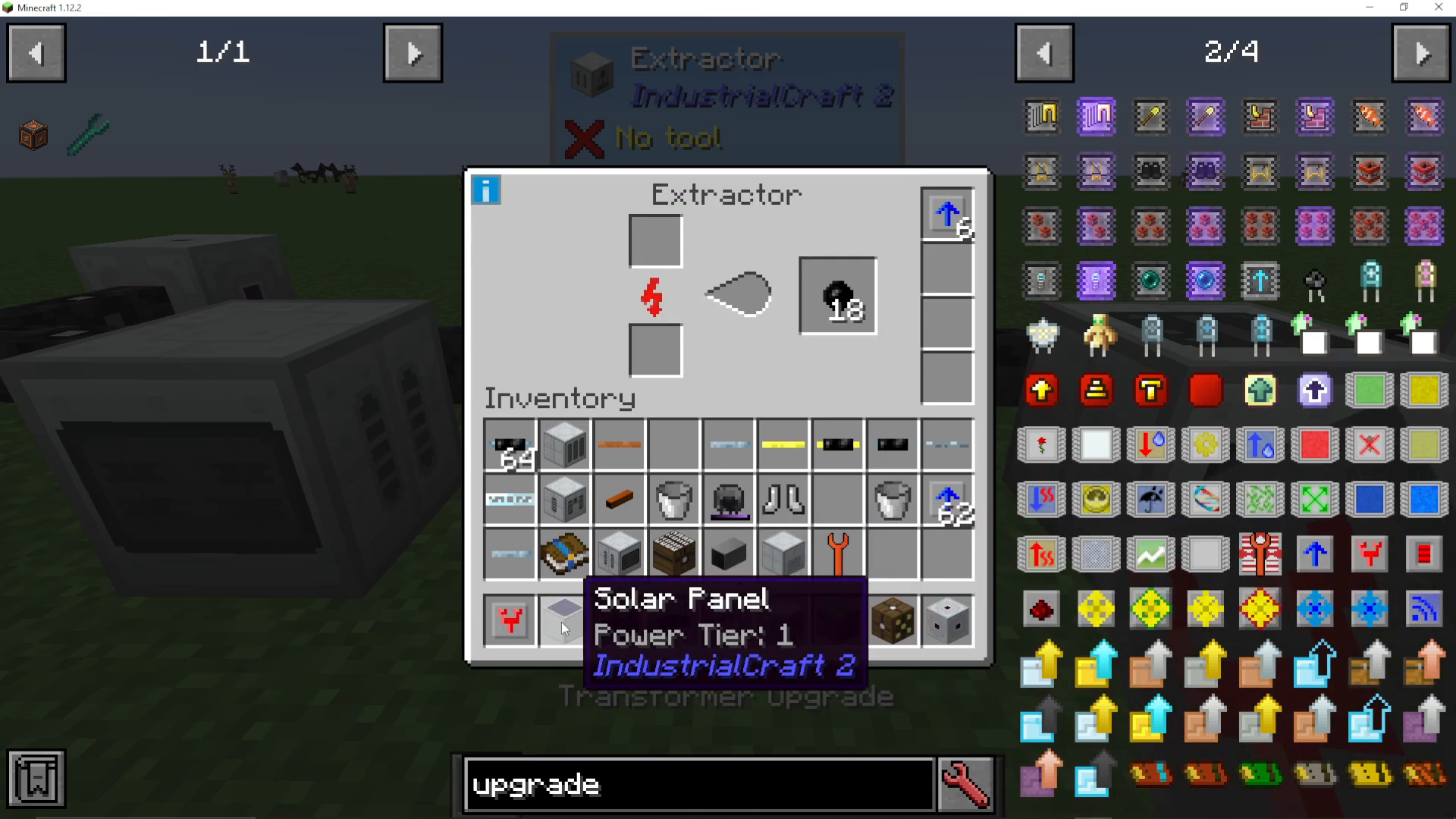
Transformer Upgrades
If you’re running high voltage cables throughout your base, Transformer upgrades allow your Extractor to accept higher voltage tiers. Each Transformer upgrade increases the input tier by one level. For example, adding two Transformer upgrades will allow the machine to accept High Voltage (HV) power instead of just Low Voltage (LV).
Energy Storage Upgrades
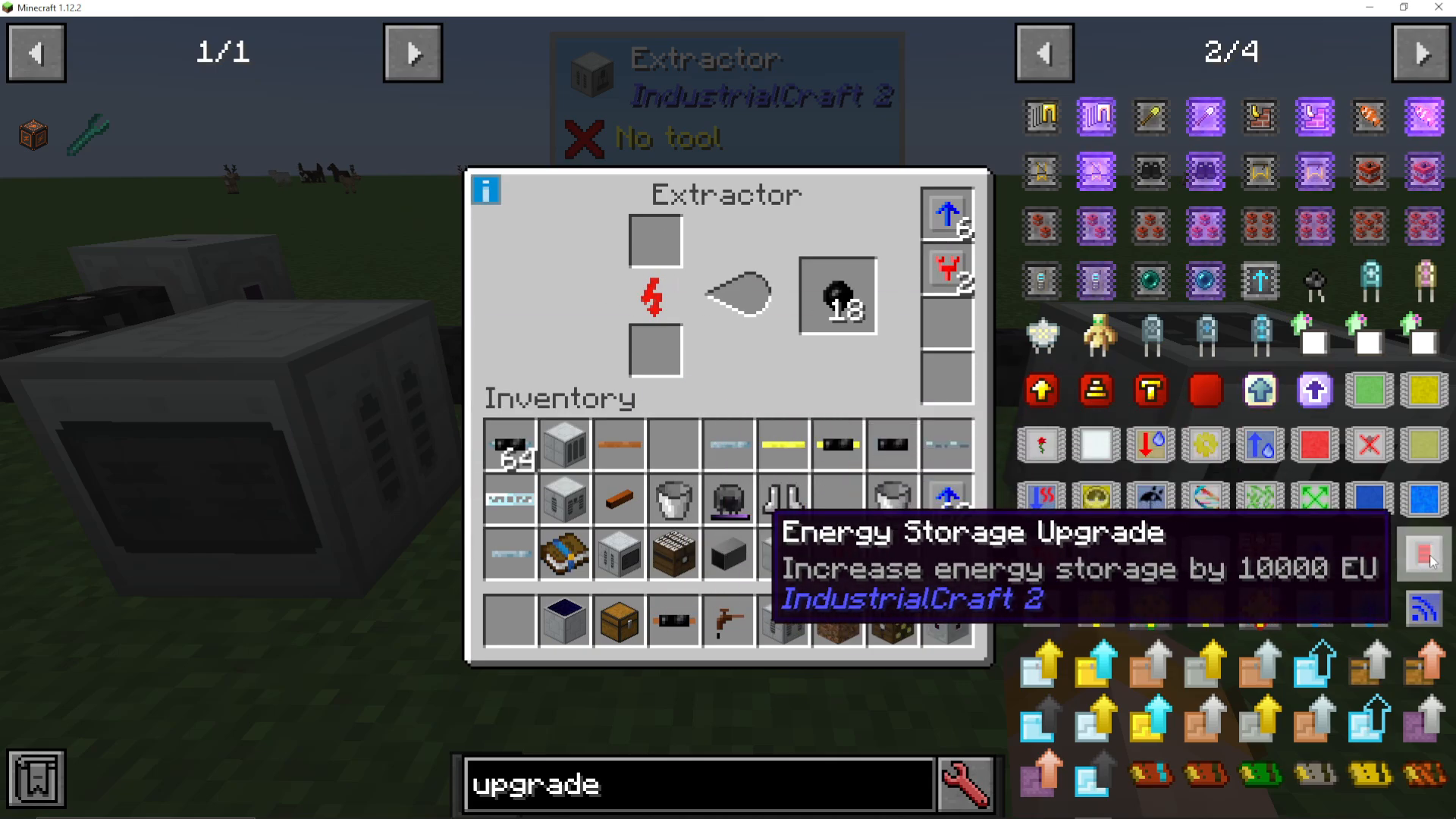
Energy Storage upgrades increase the internal power buffer of your machine. By default, the Extractor can store 1,000 EU internally. Adding an Energy Storage upgrade increases this to 11,000 EU, allowing the machine to handle power fluctuations more gracefully and operate more consistently when your power supply varies.
Summary
The Extractor is an essential machine for any IC2 setup, particularly if you’re focused on obtaining rubber efficiently. Start with the basic machine for sticky resin processing, then gradually add Overclocker upgrades to match your power generation capacity. As your infrastructure grows, consider adding Transformer upgrades for higher voltage capabilities and Energy Storage upgrades for improved stability. With proper setup and upgrades, your Extractor will become a cornerstone of your automated production chain.
— Want to Support? —
If you would like to help us continue making these guides – please consider joining our patreon here – https://www.patreon.com/c/JaviHeals
Alternatively – we host a group of MC Servers you can join here – https://discord.gg/zD7Gjt6MHF



